Category
ZBrush brushes and alphas
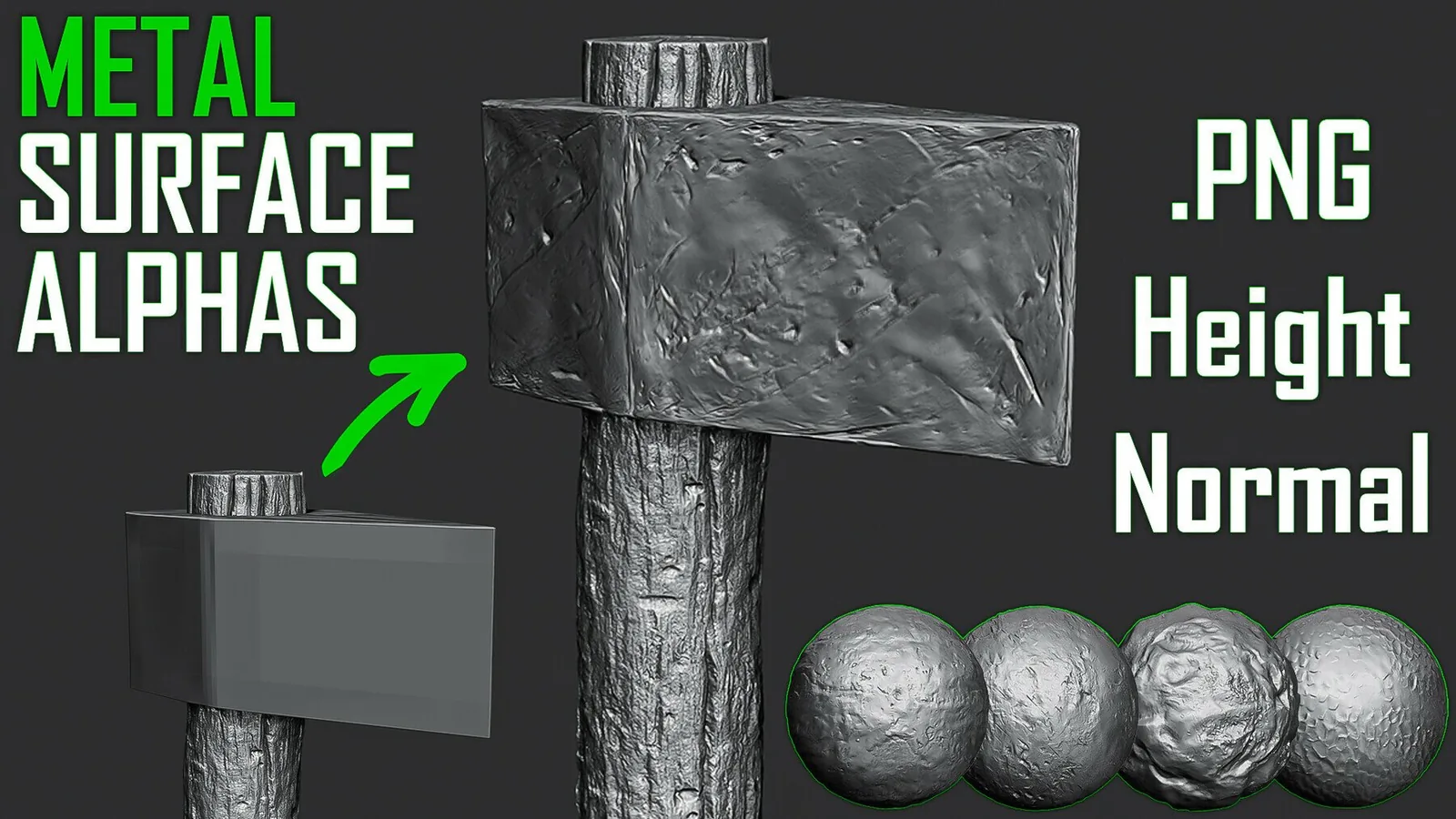
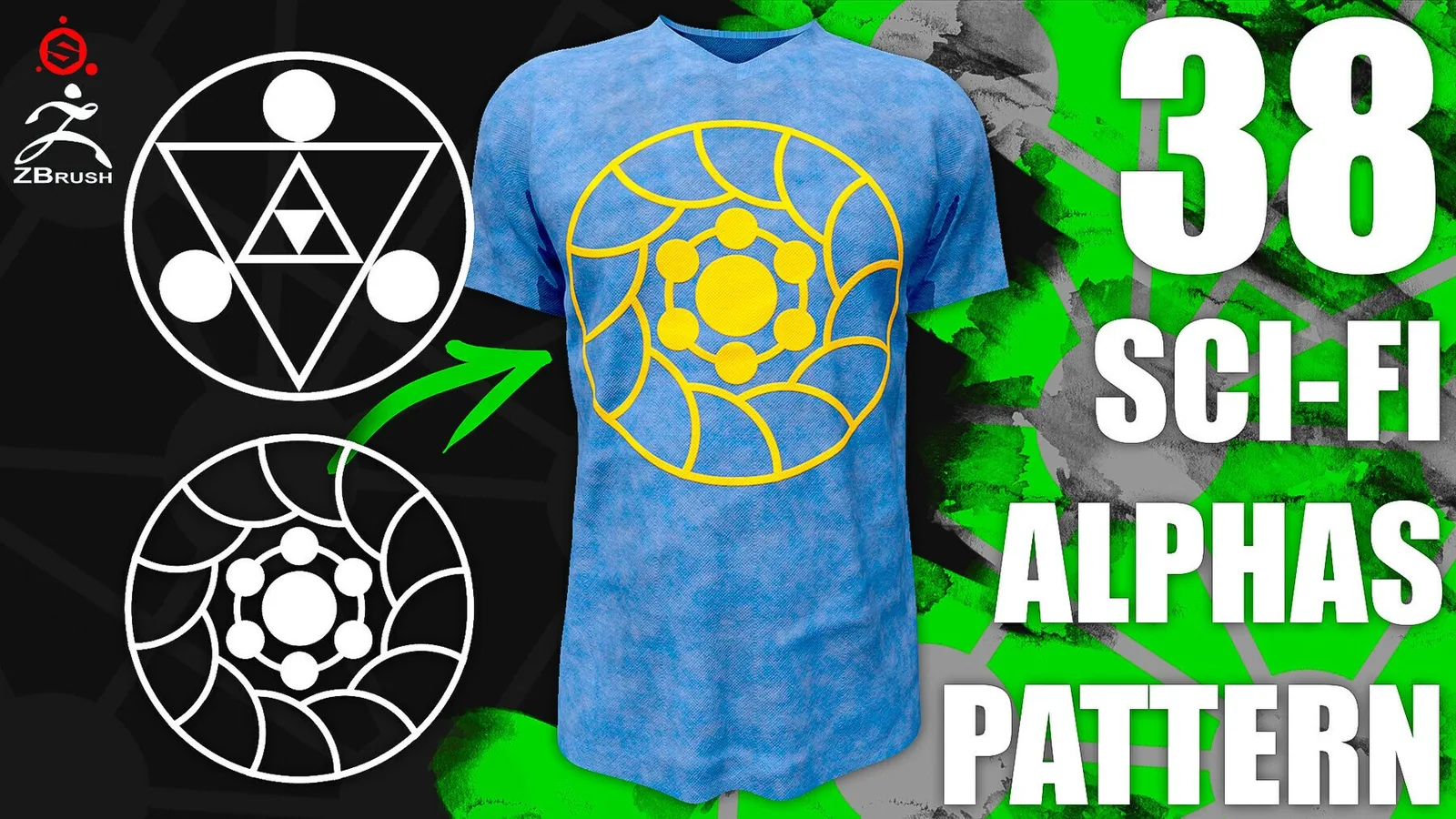
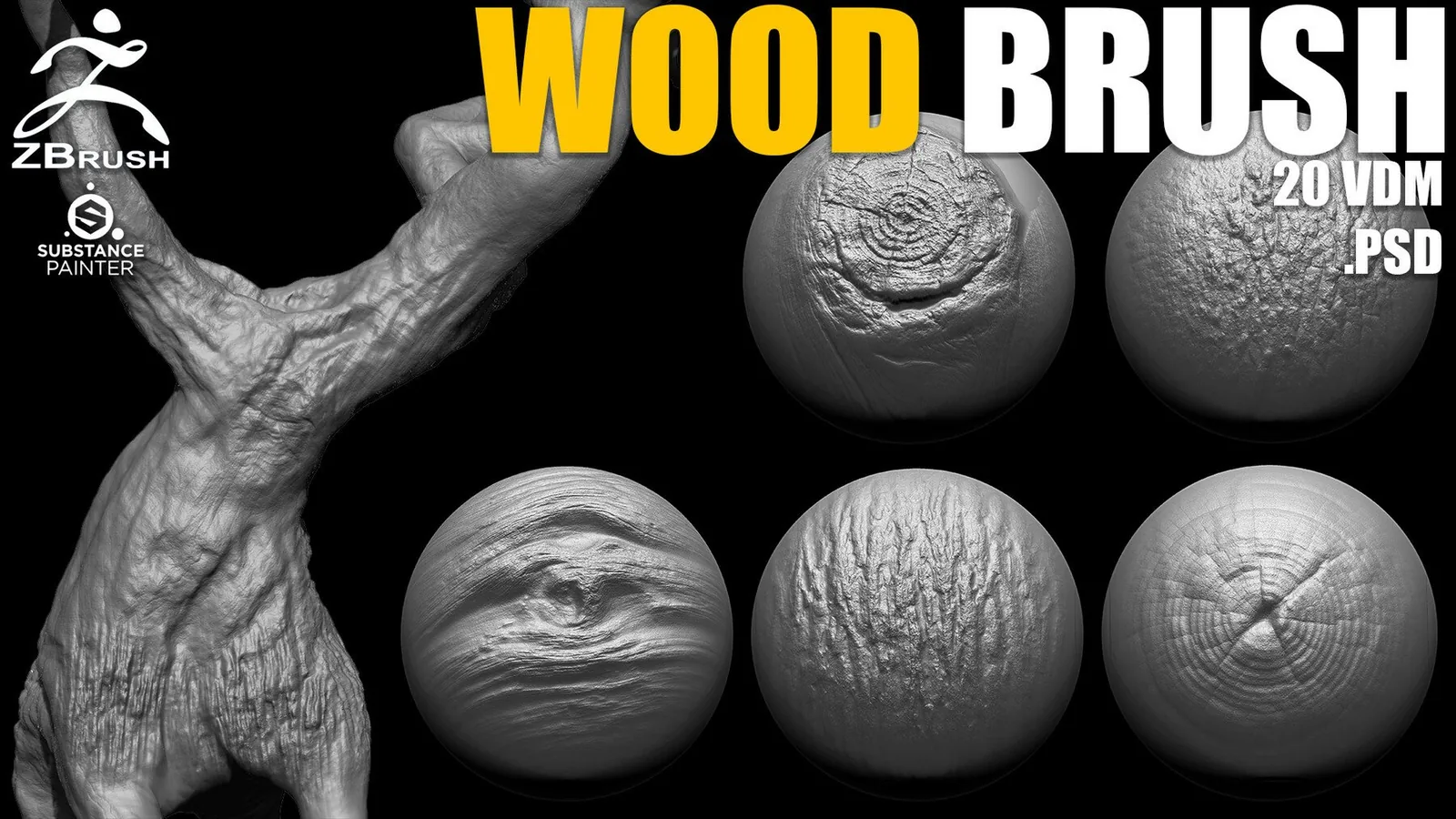
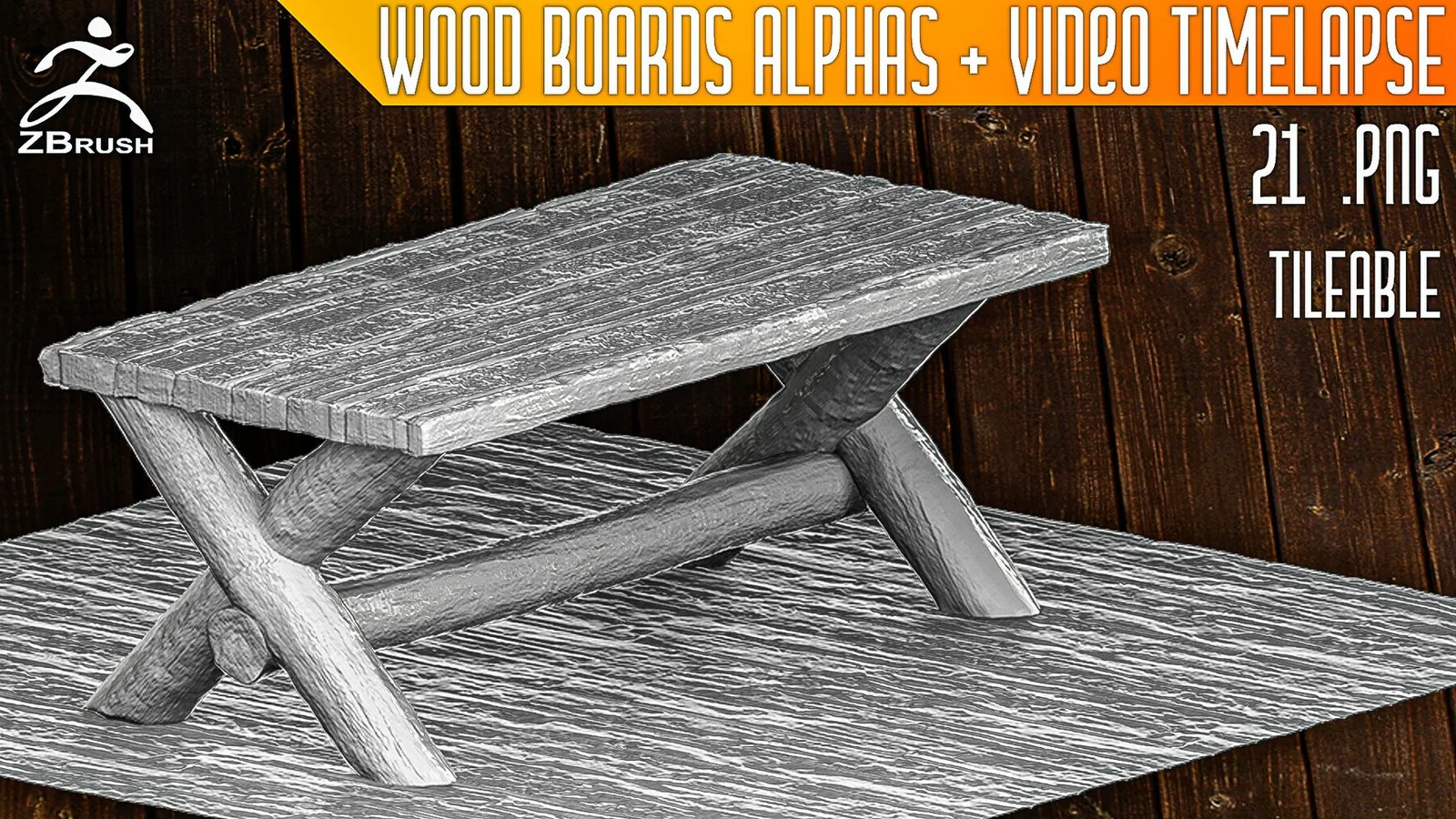
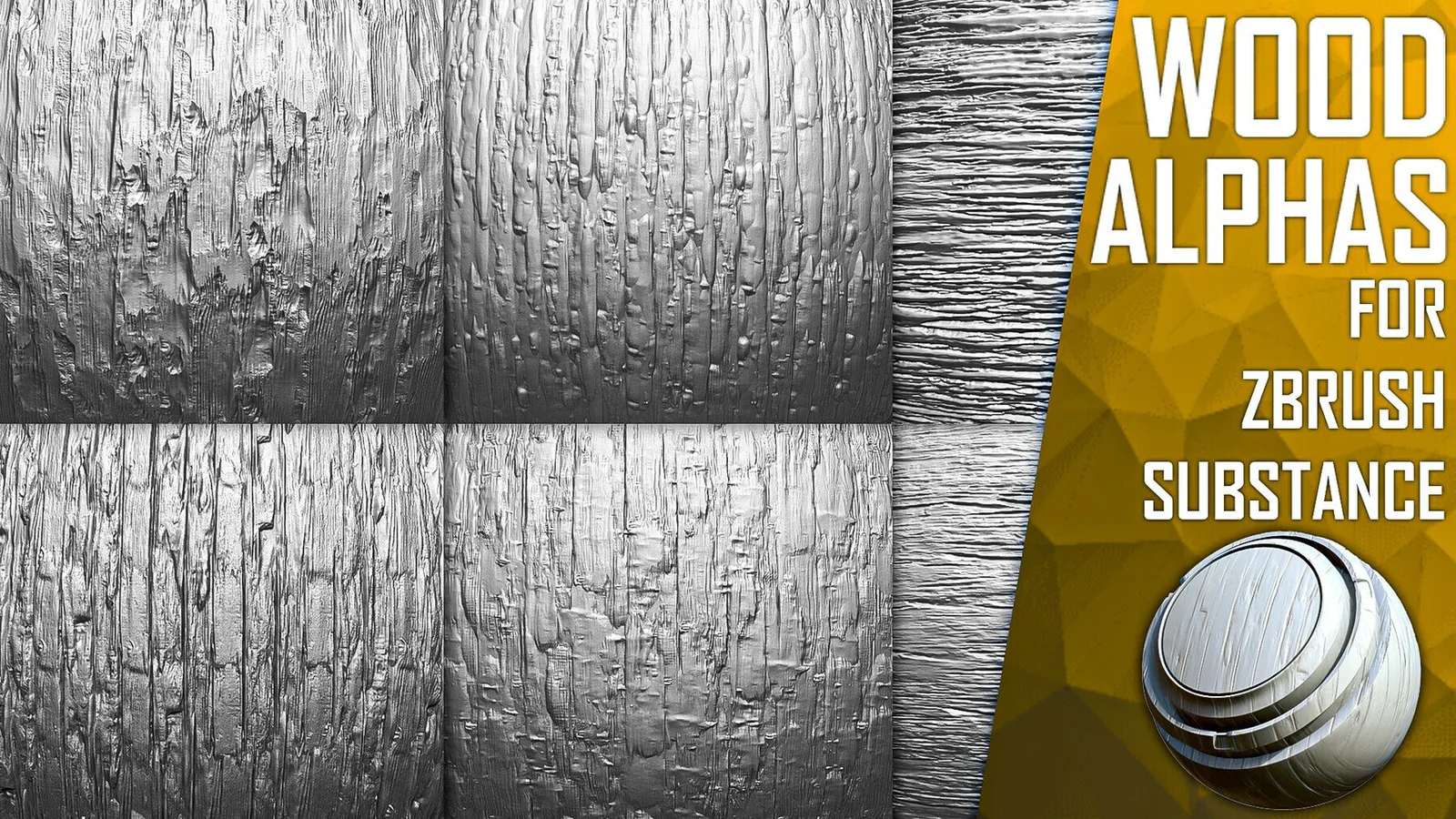
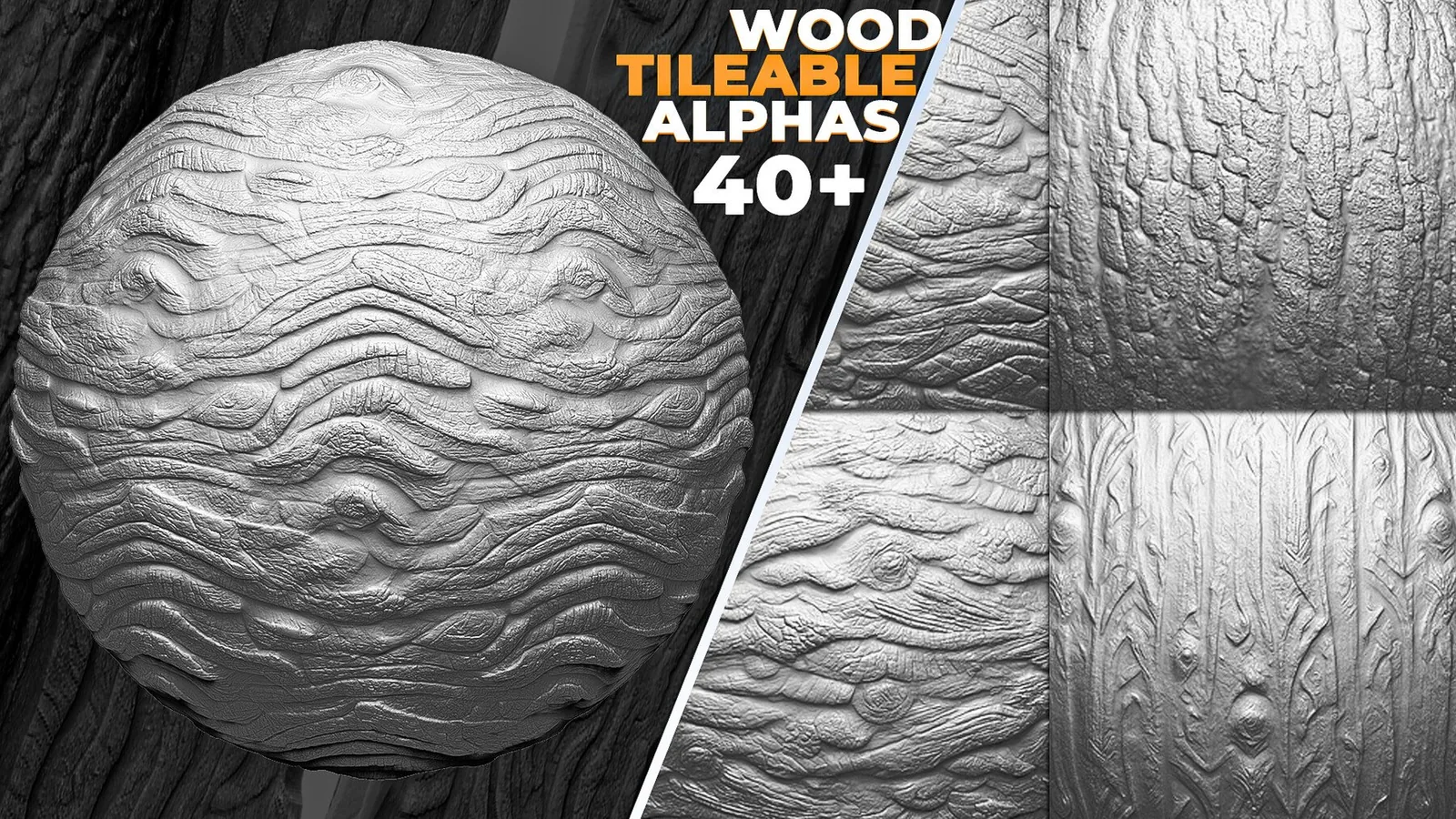
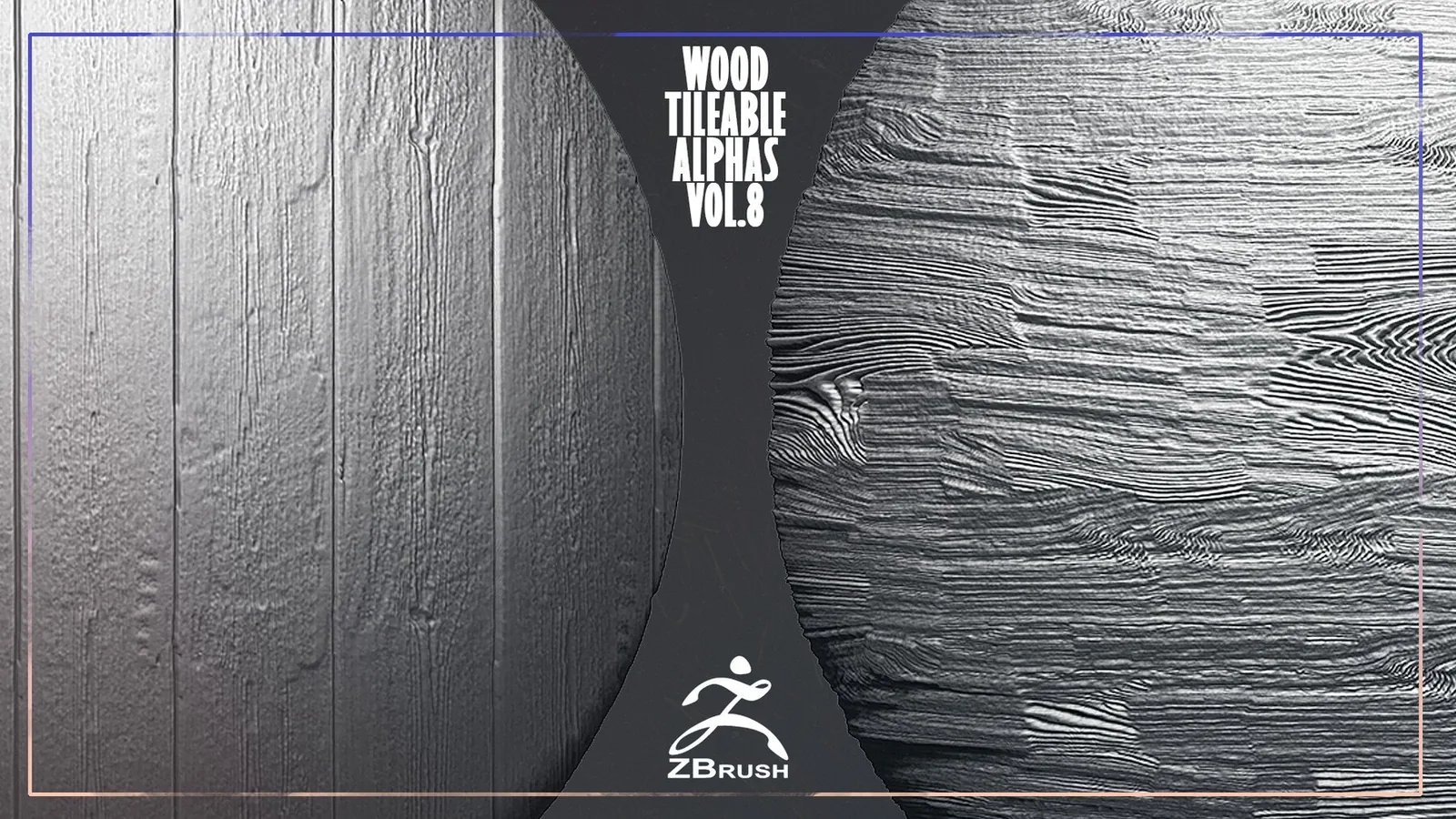
ZBrush brushes control stroke feel from primary forms to micro surface detail. This category collects VK GameDev's ZBP brush presets, IMM and VDM insert brushes, and 2K-4K alpha packs, all built for clean depth and predictable behavior across characters, creatures, and hard-surface work.
Most packs here ship as native ZBrush brushes plus universal PSD/PNG alphas, so the same detail also works in Blender, Substance Painter, and 3D Coat. New to ZBrush brushes and alphas? See the FAQ below for how VDM and IMM brushes differ from a standard alpha.
Shop ZBrush brushes by task
Best ZBrush sets
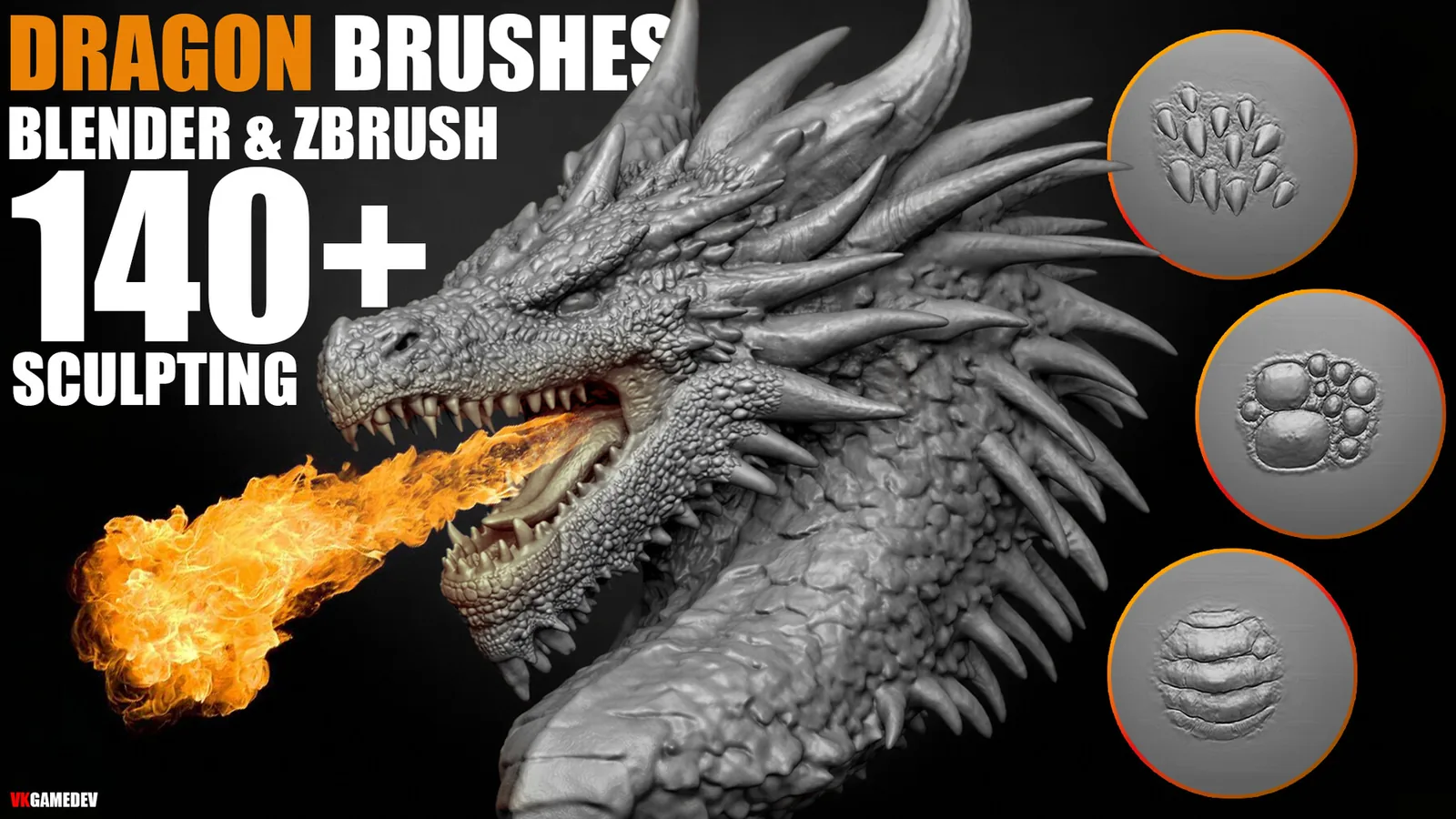
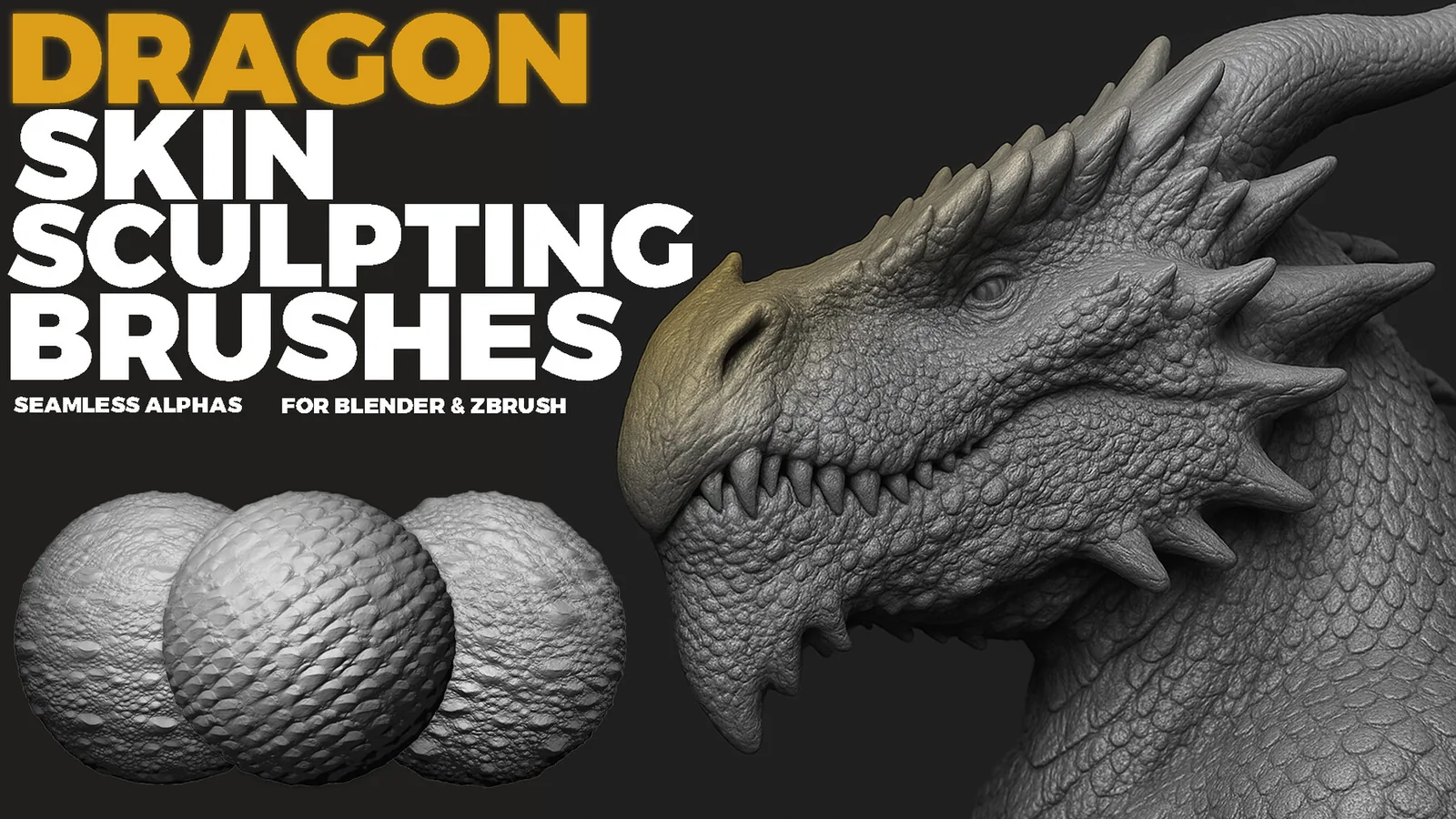
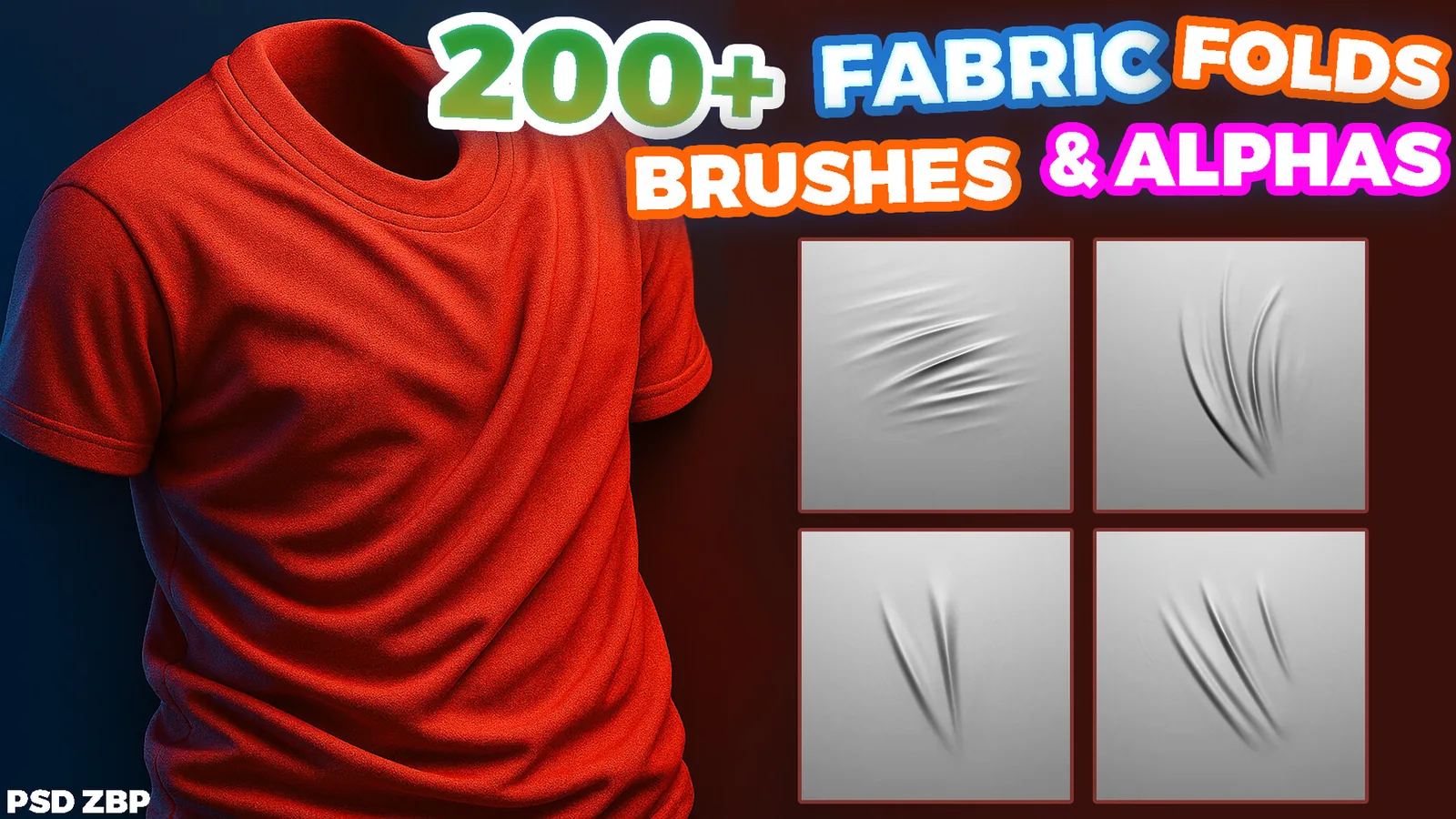
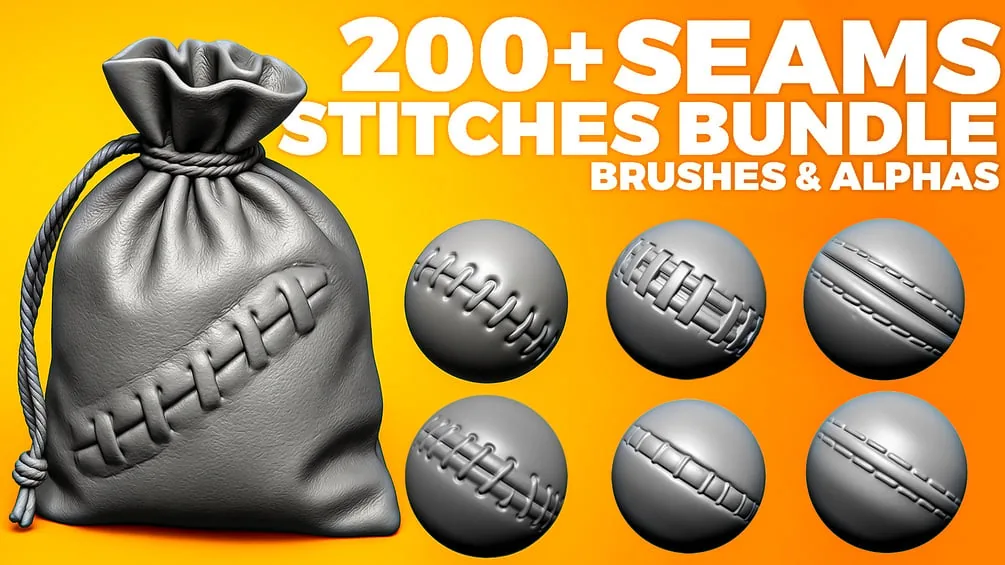
All ZBrush brushes & alphas
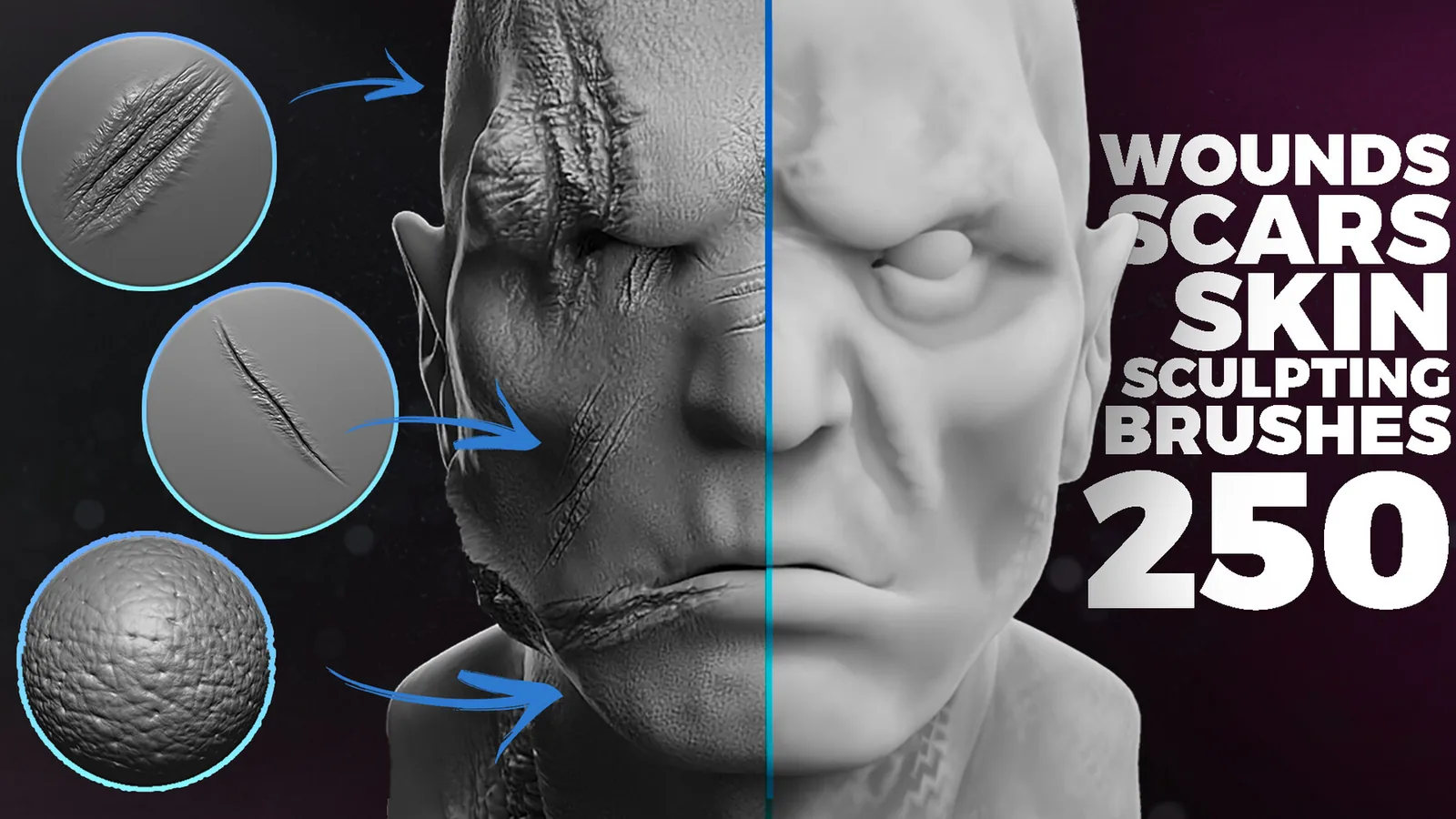
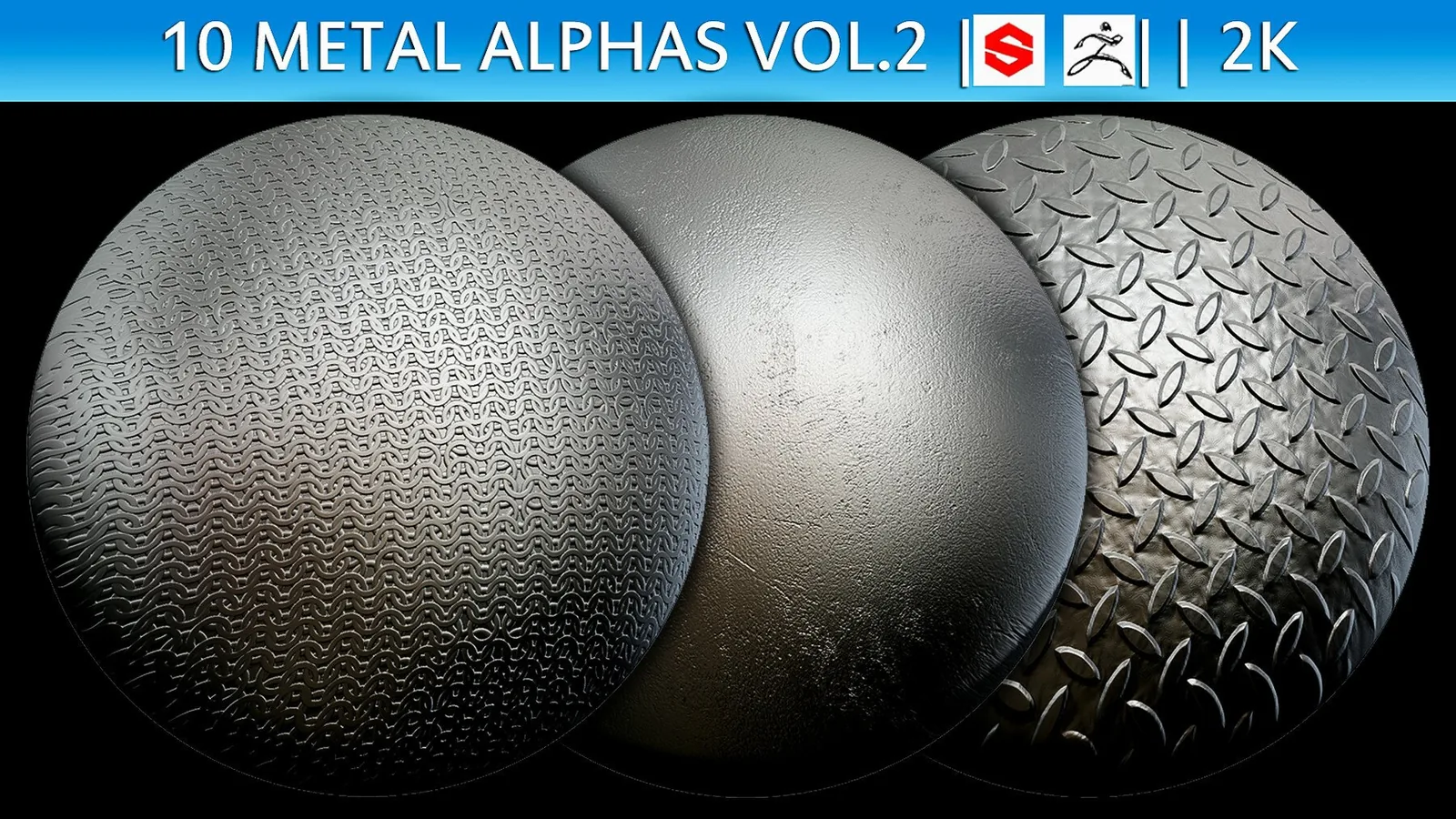
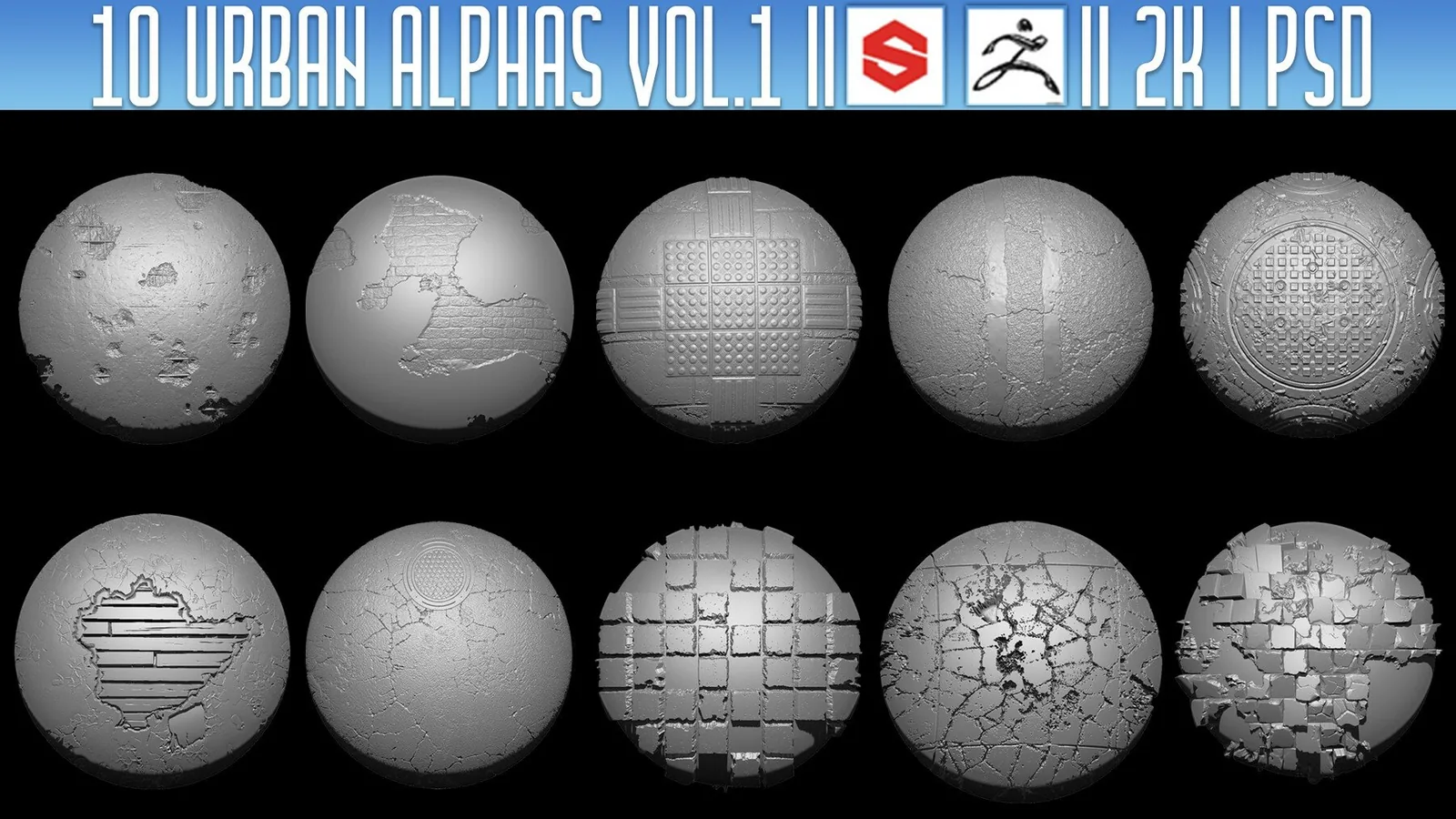
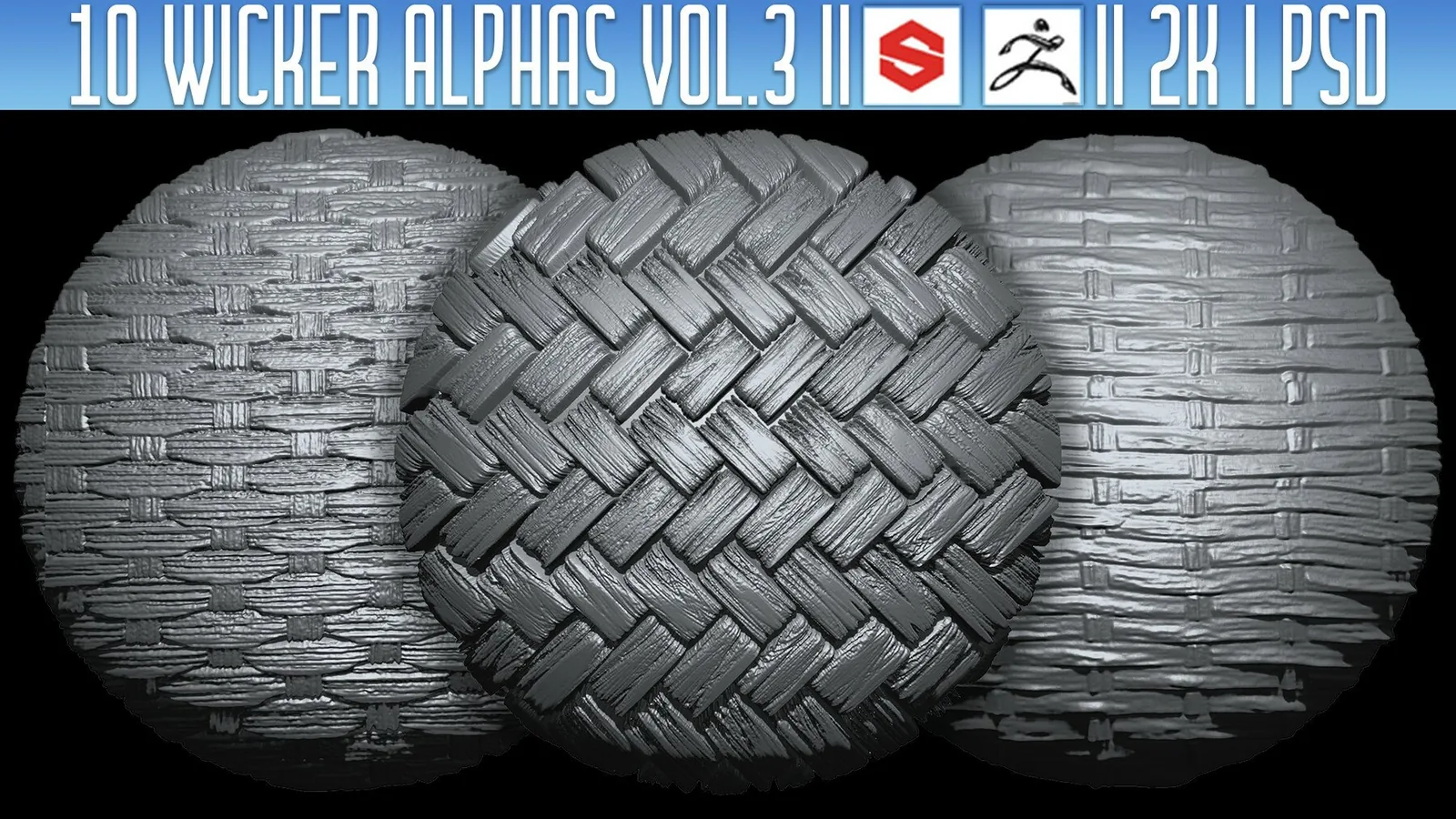
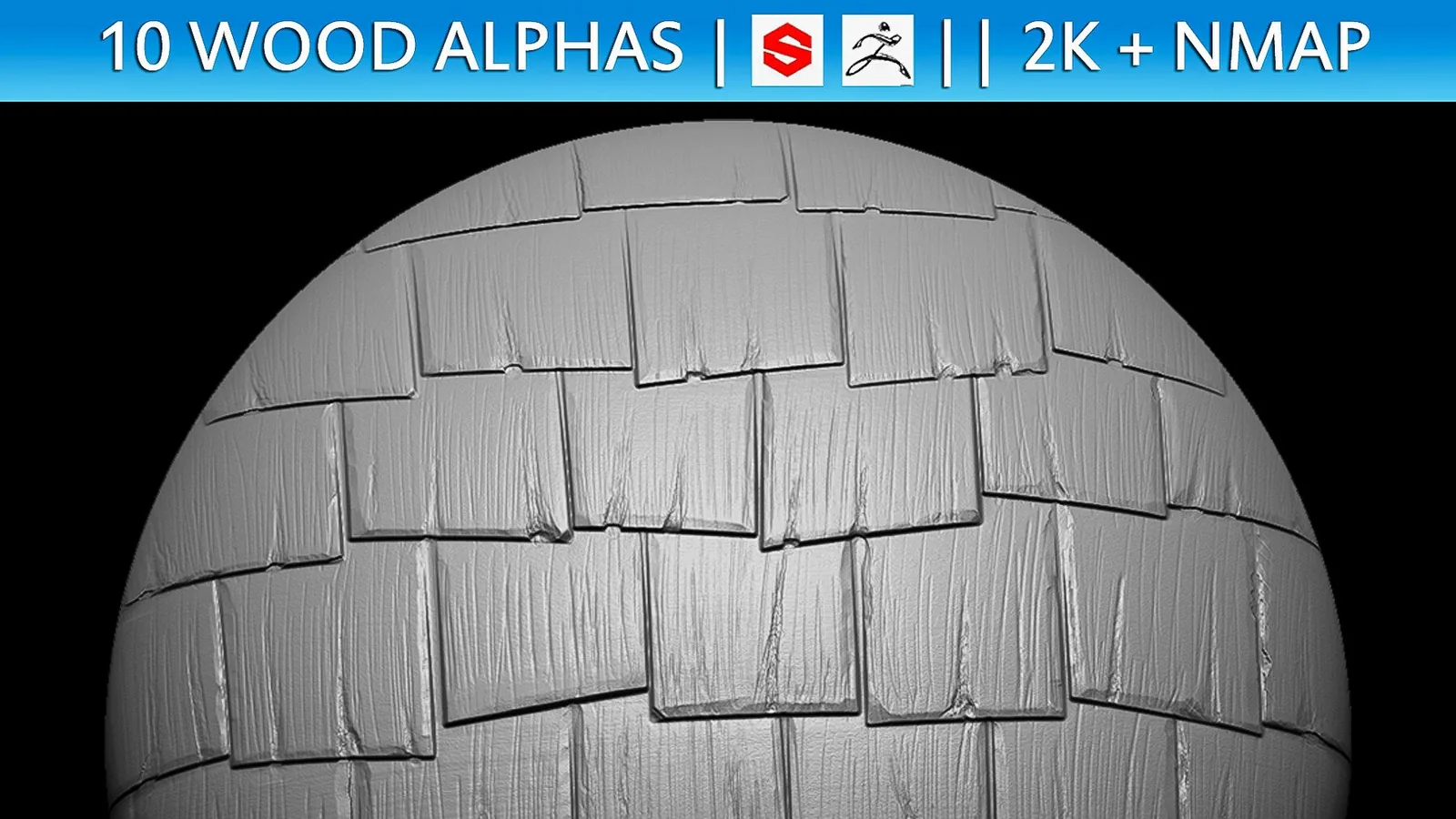
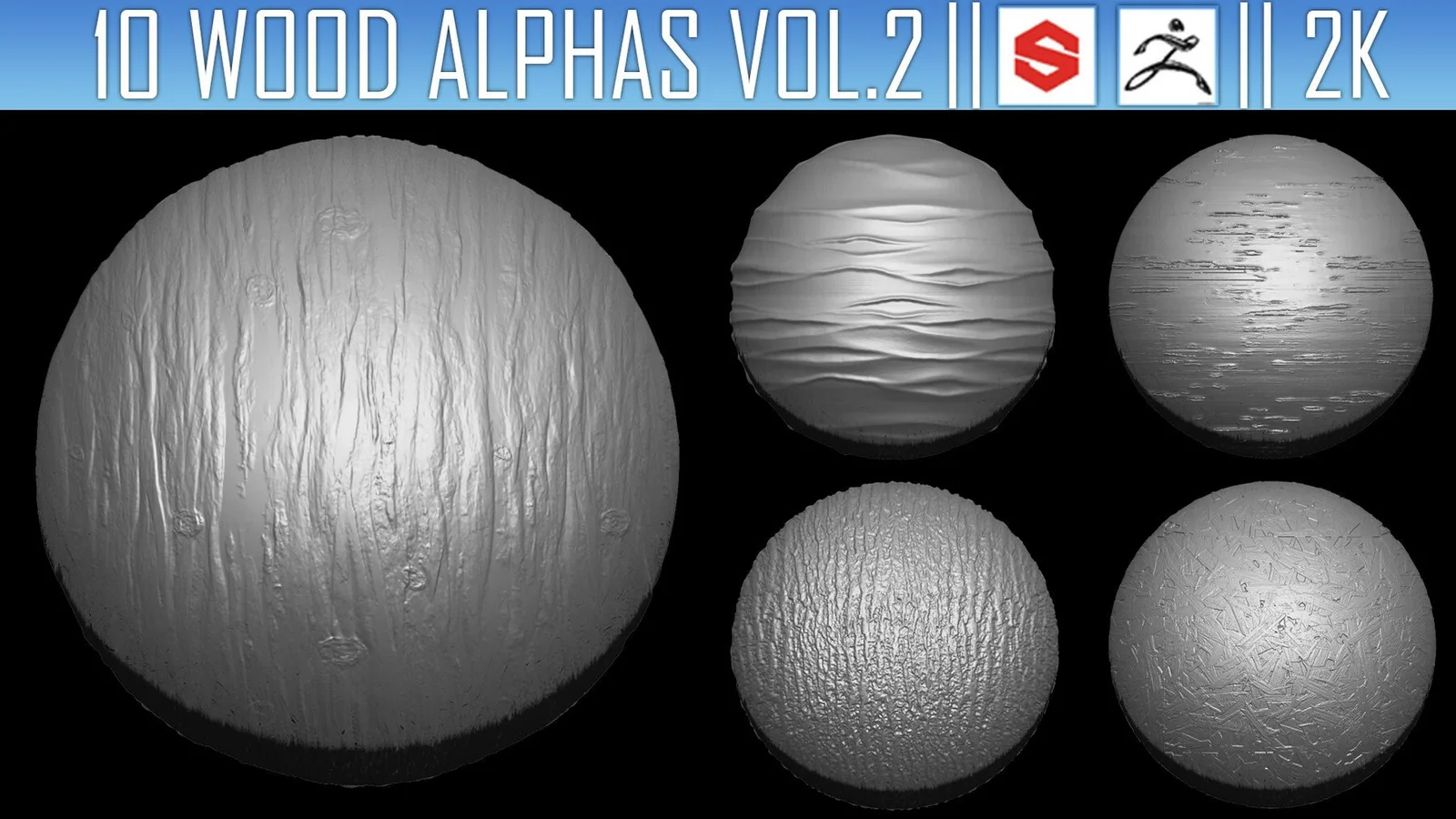
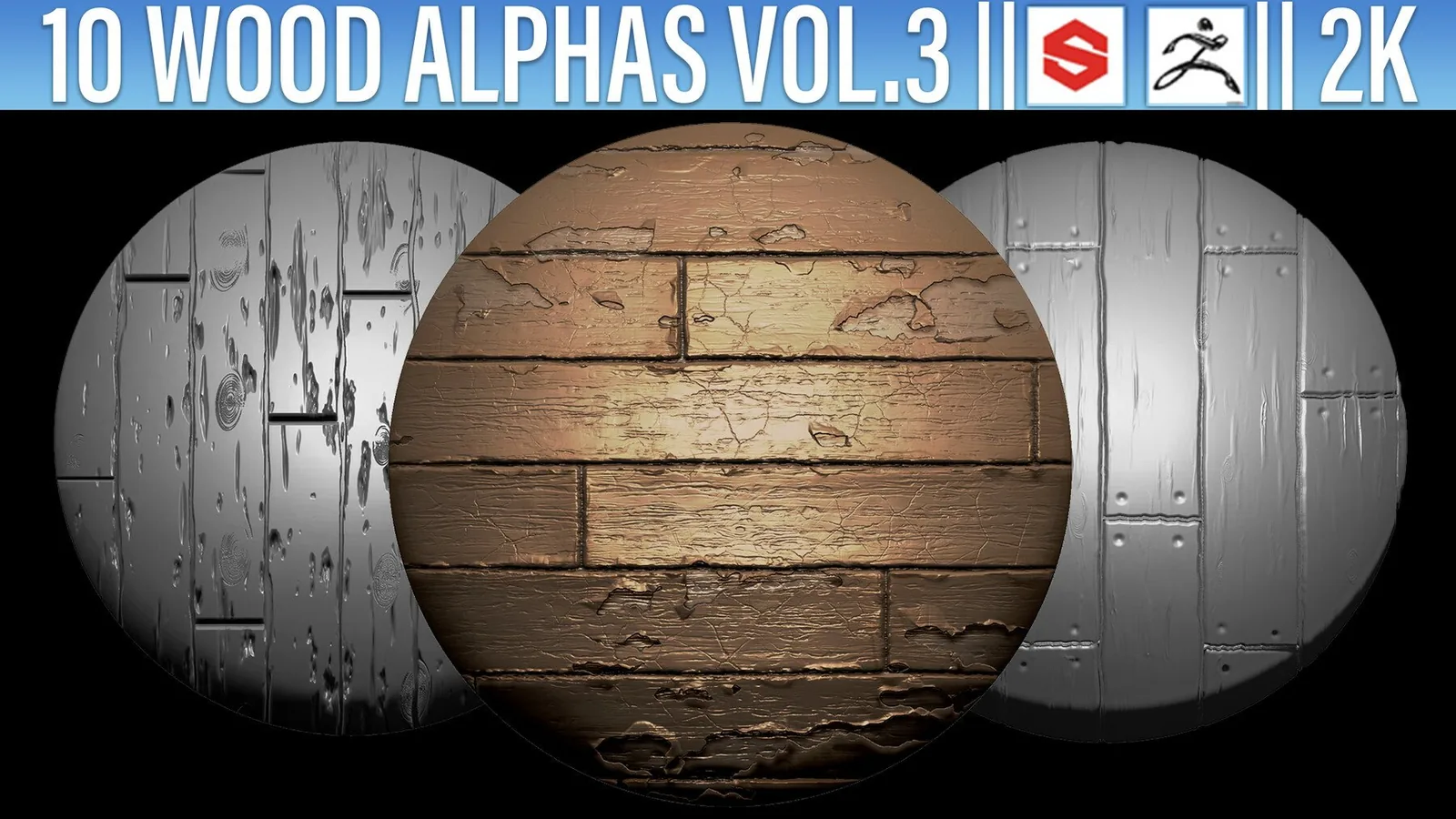
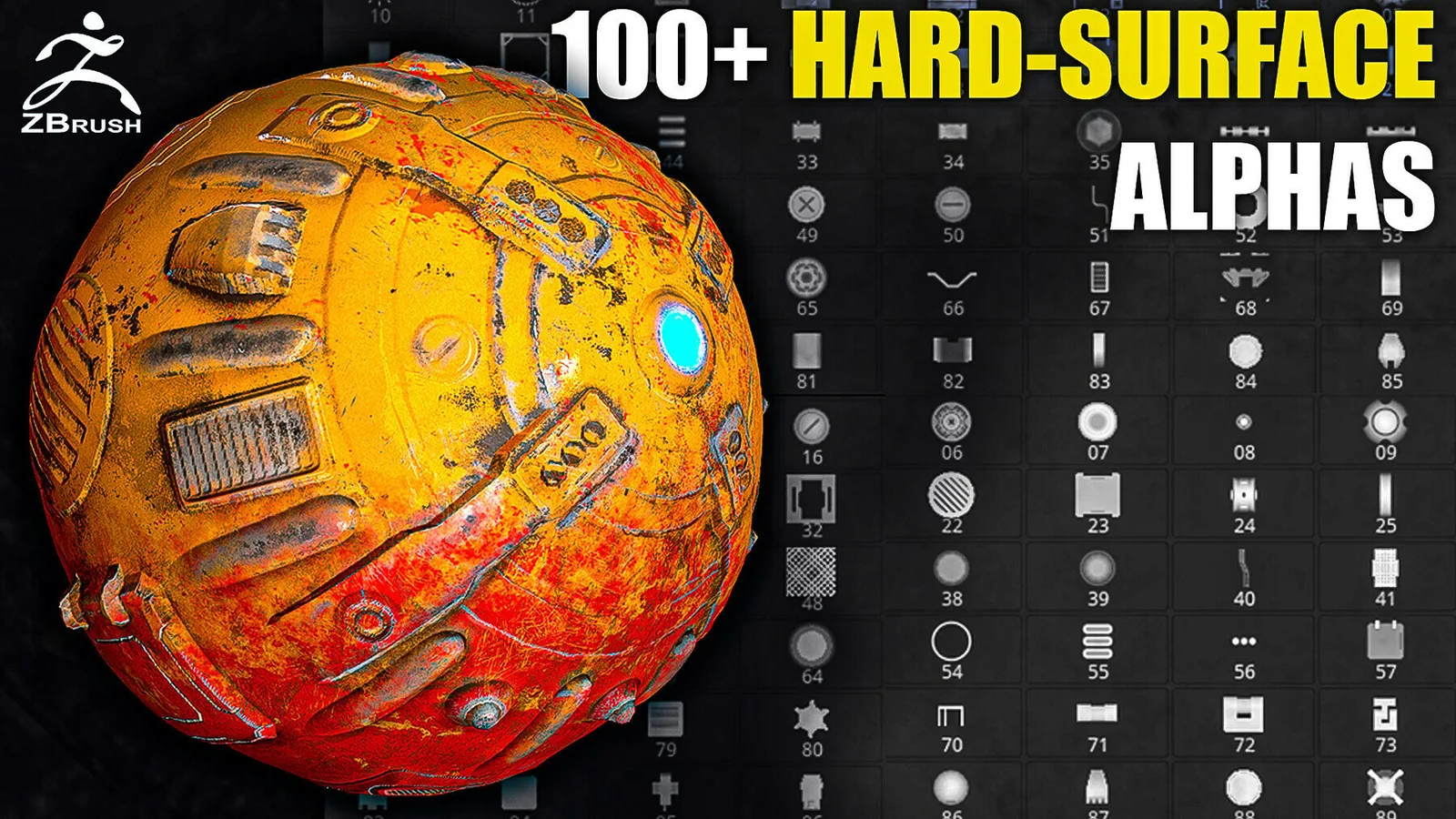
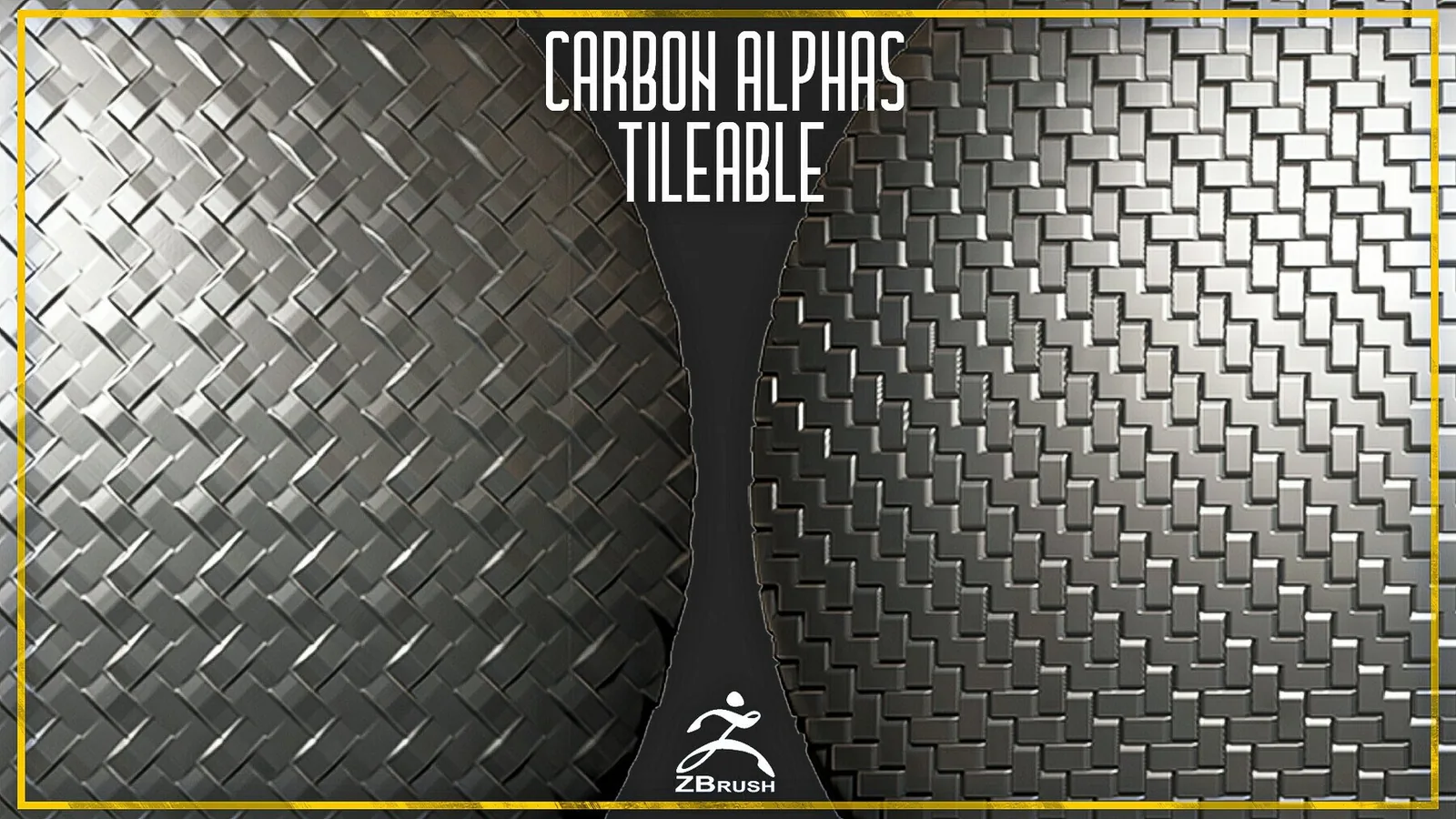
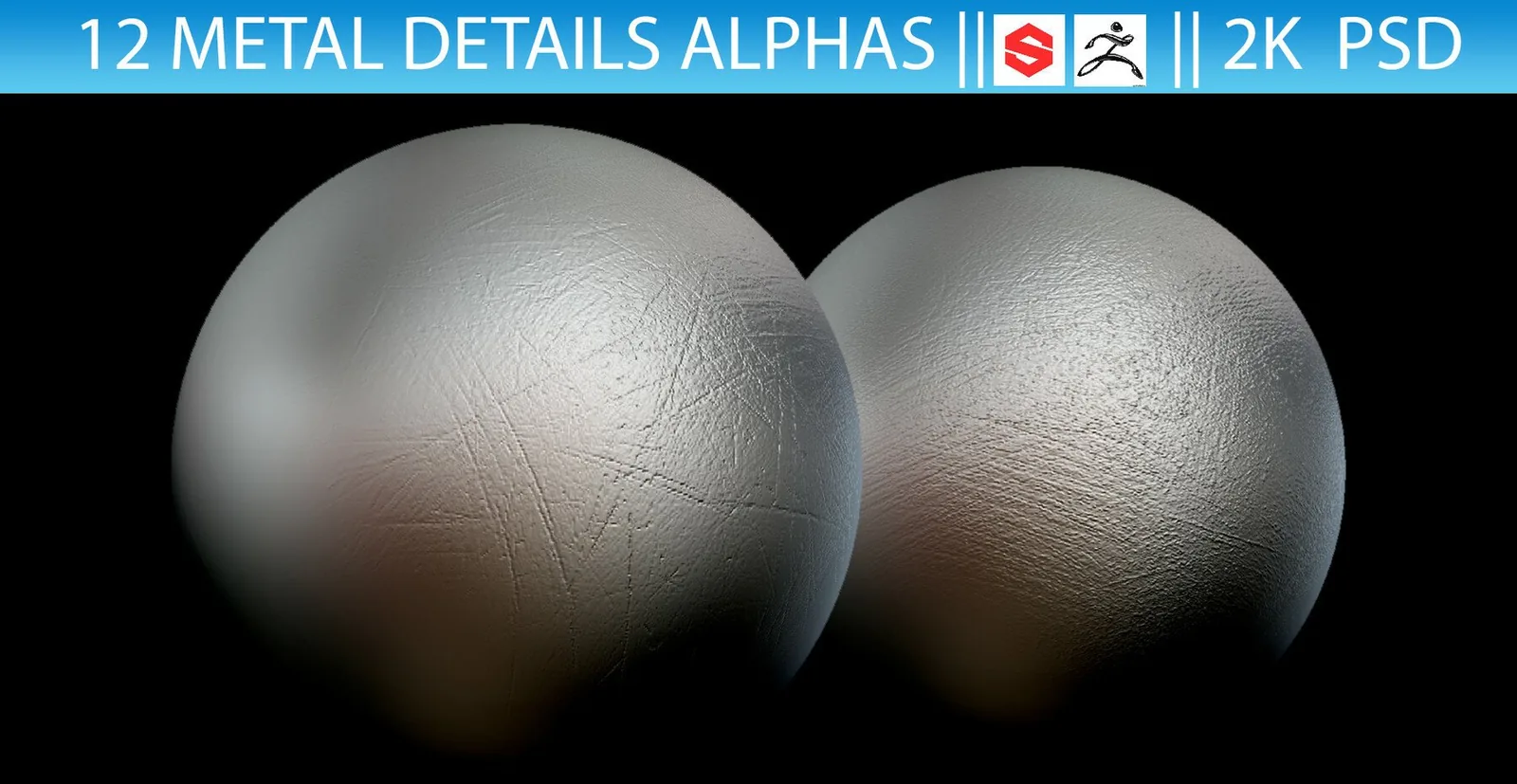
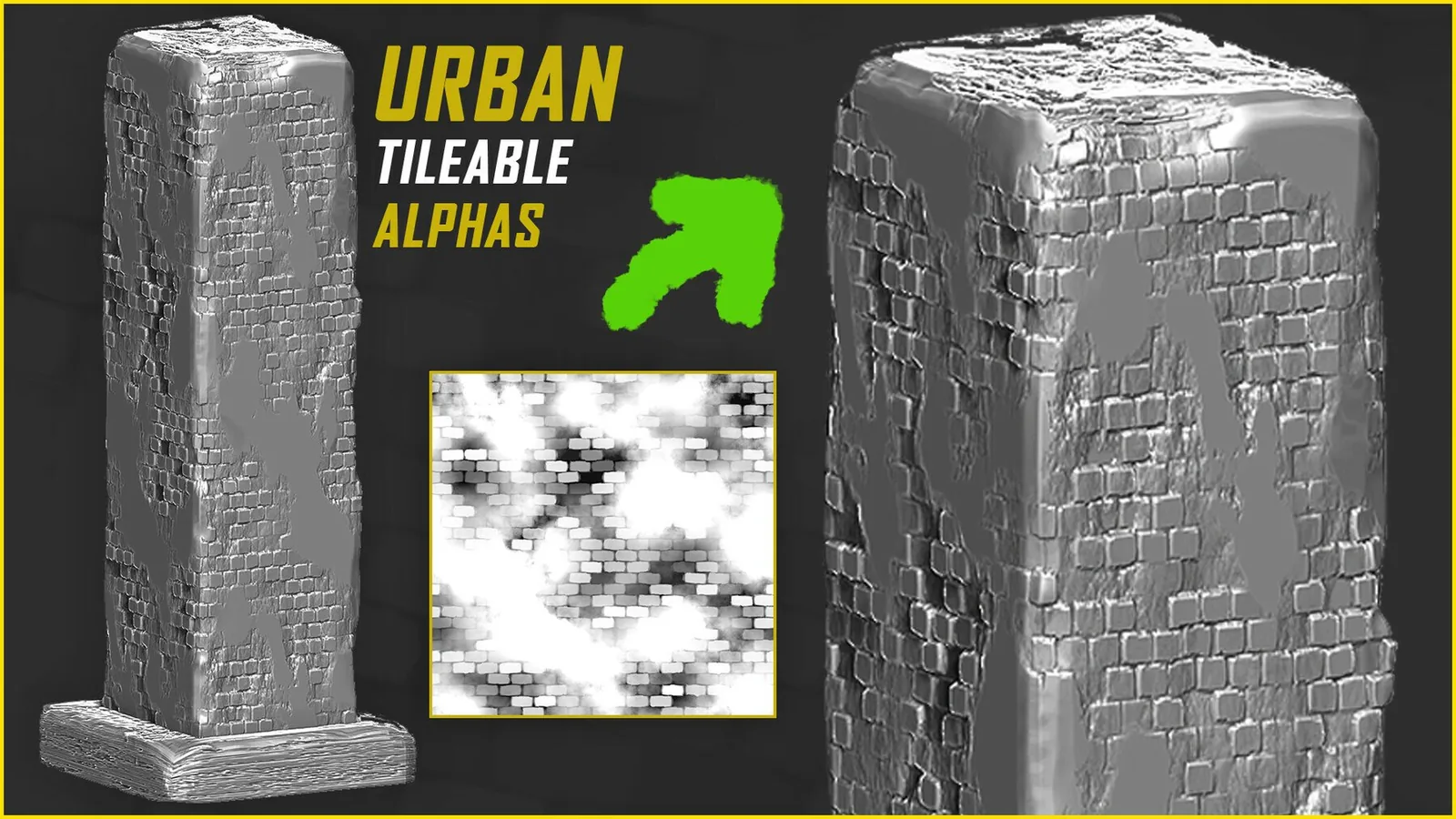
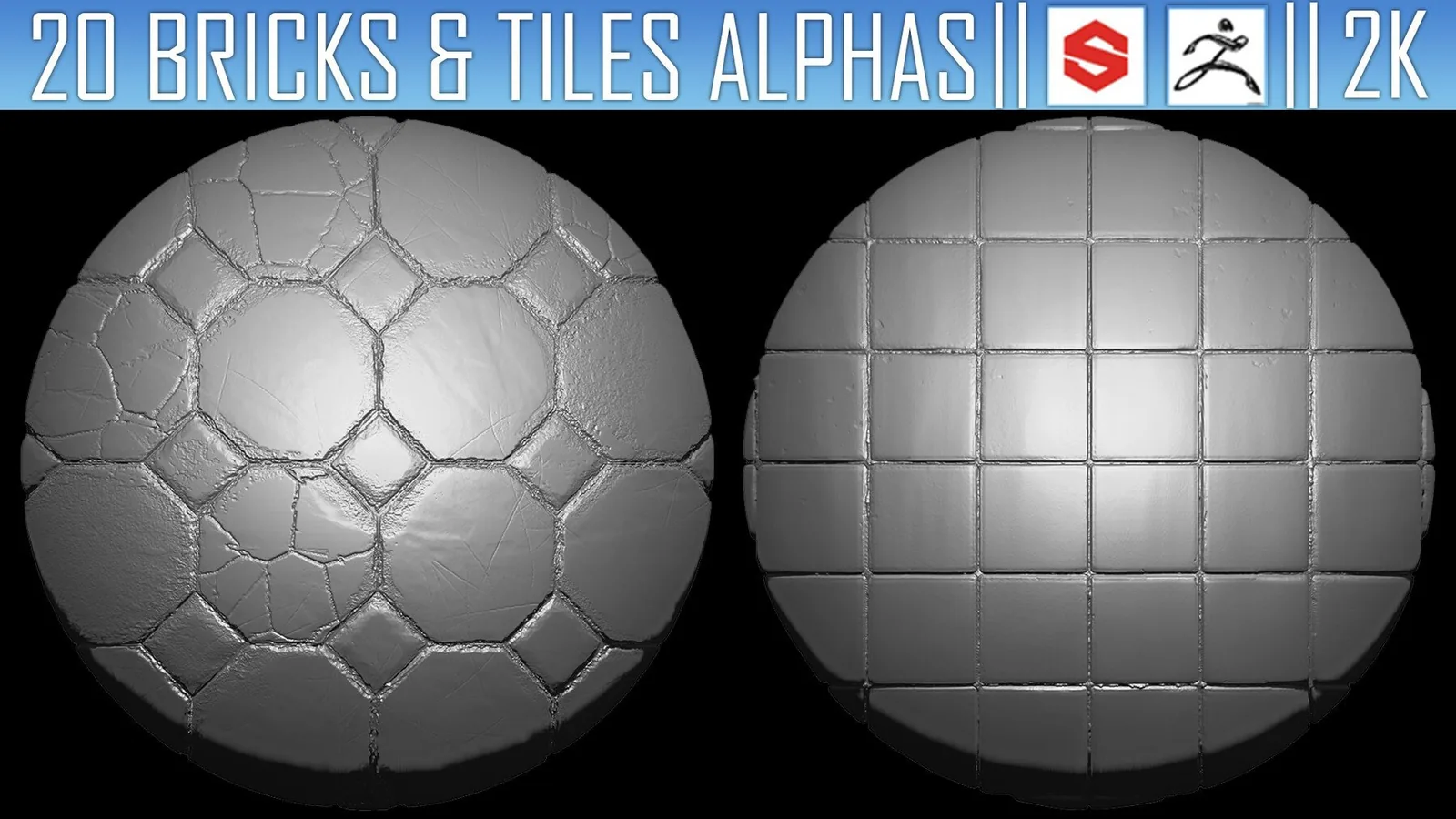
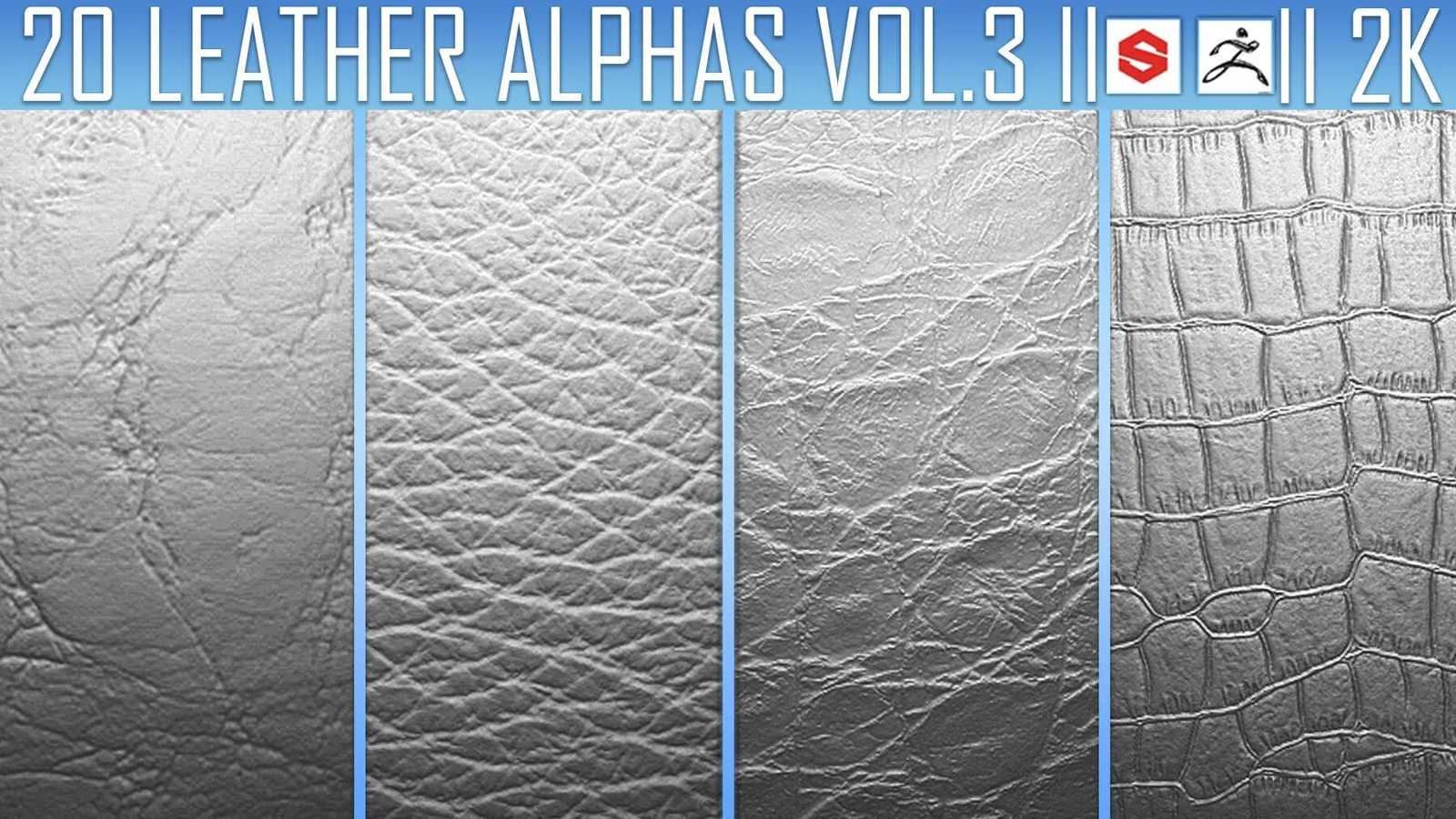
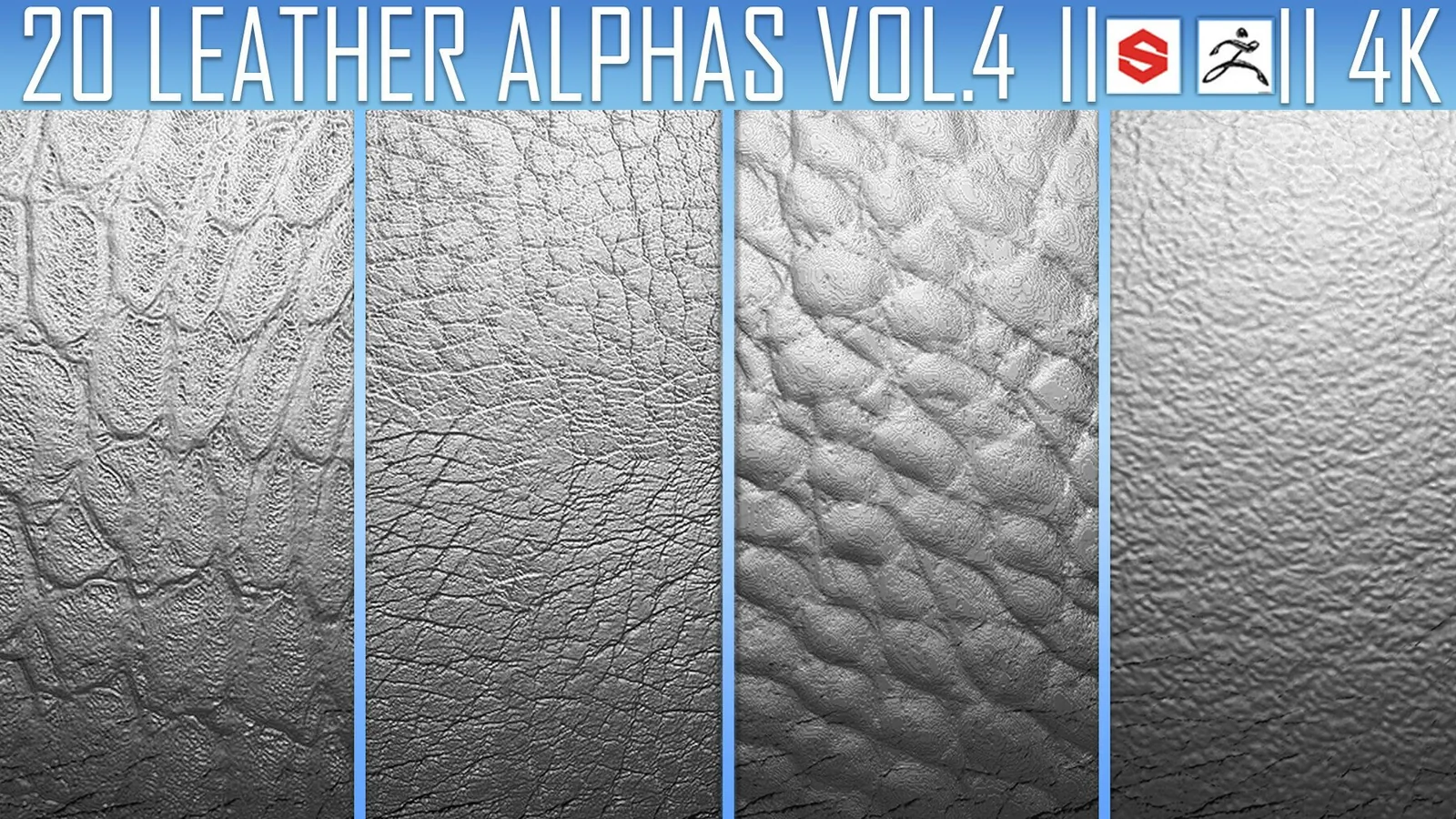
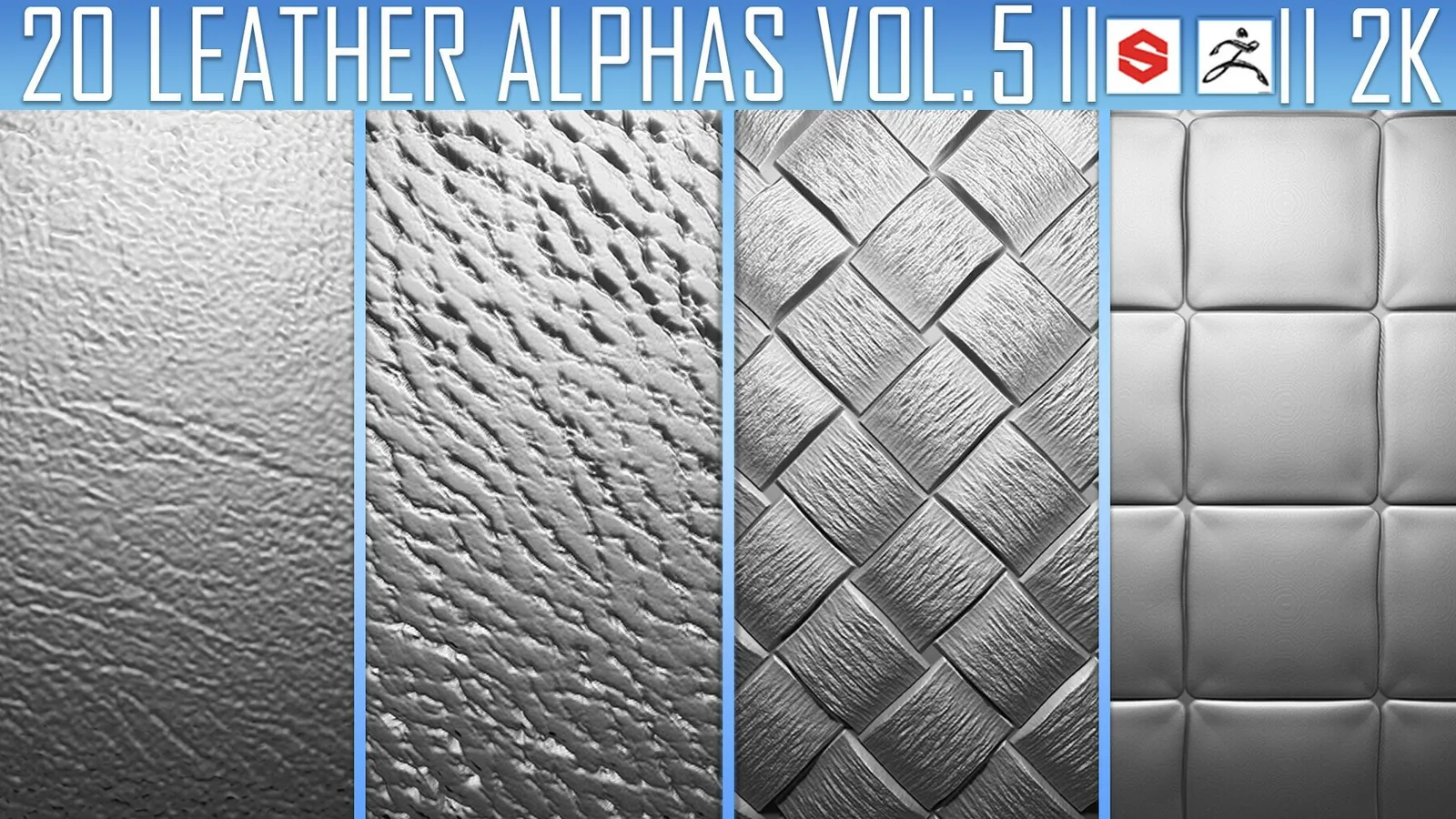
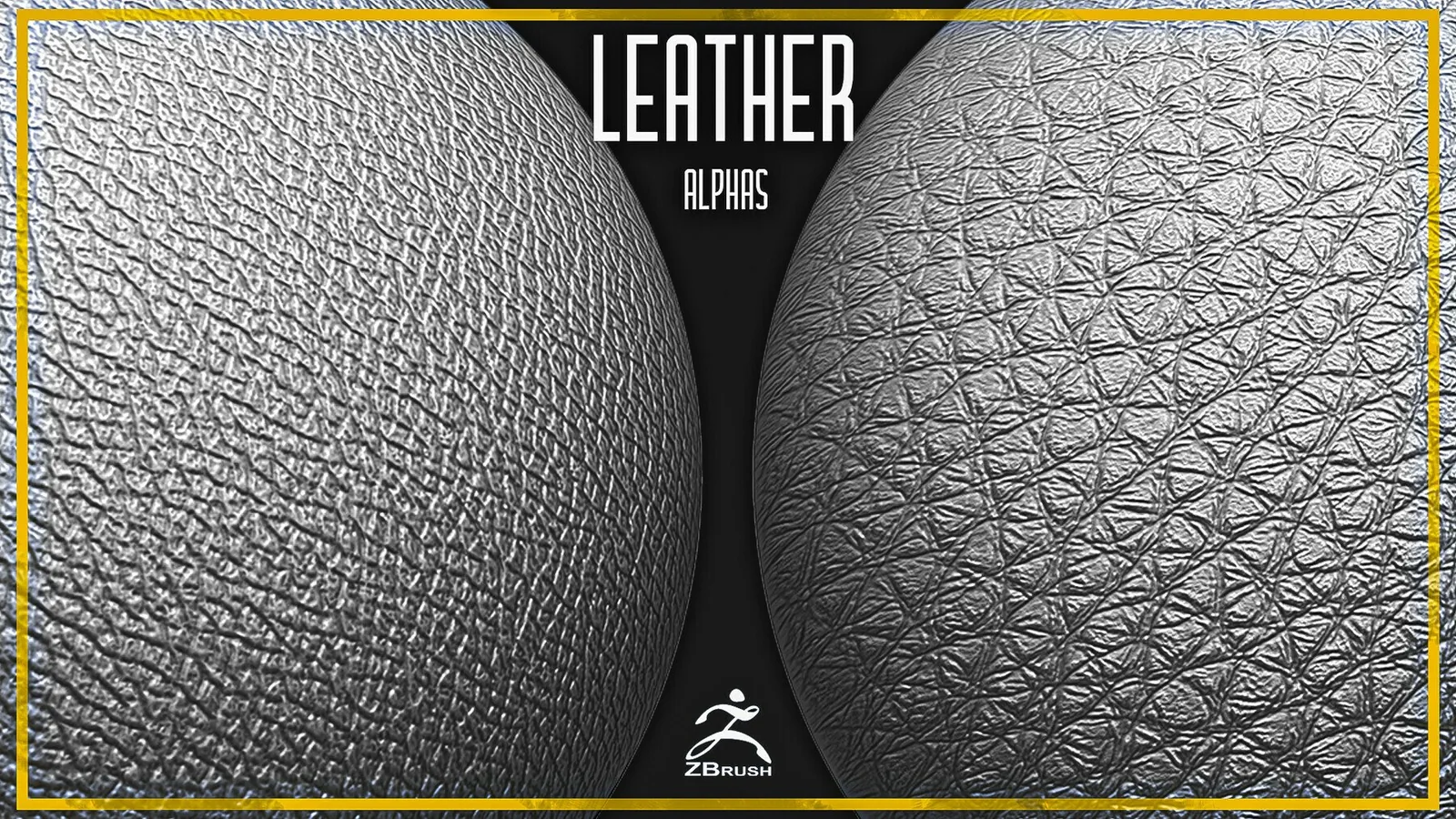
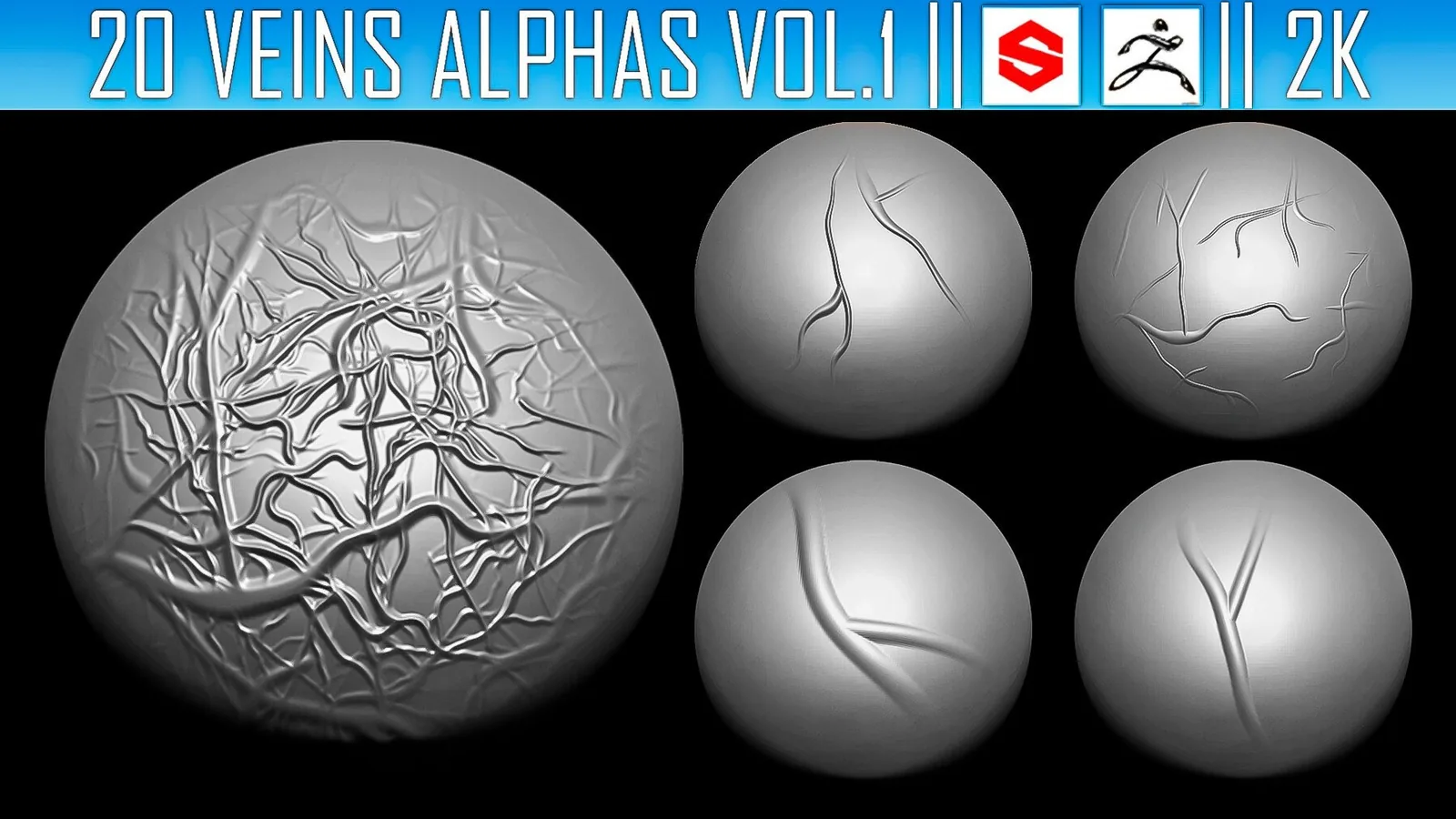
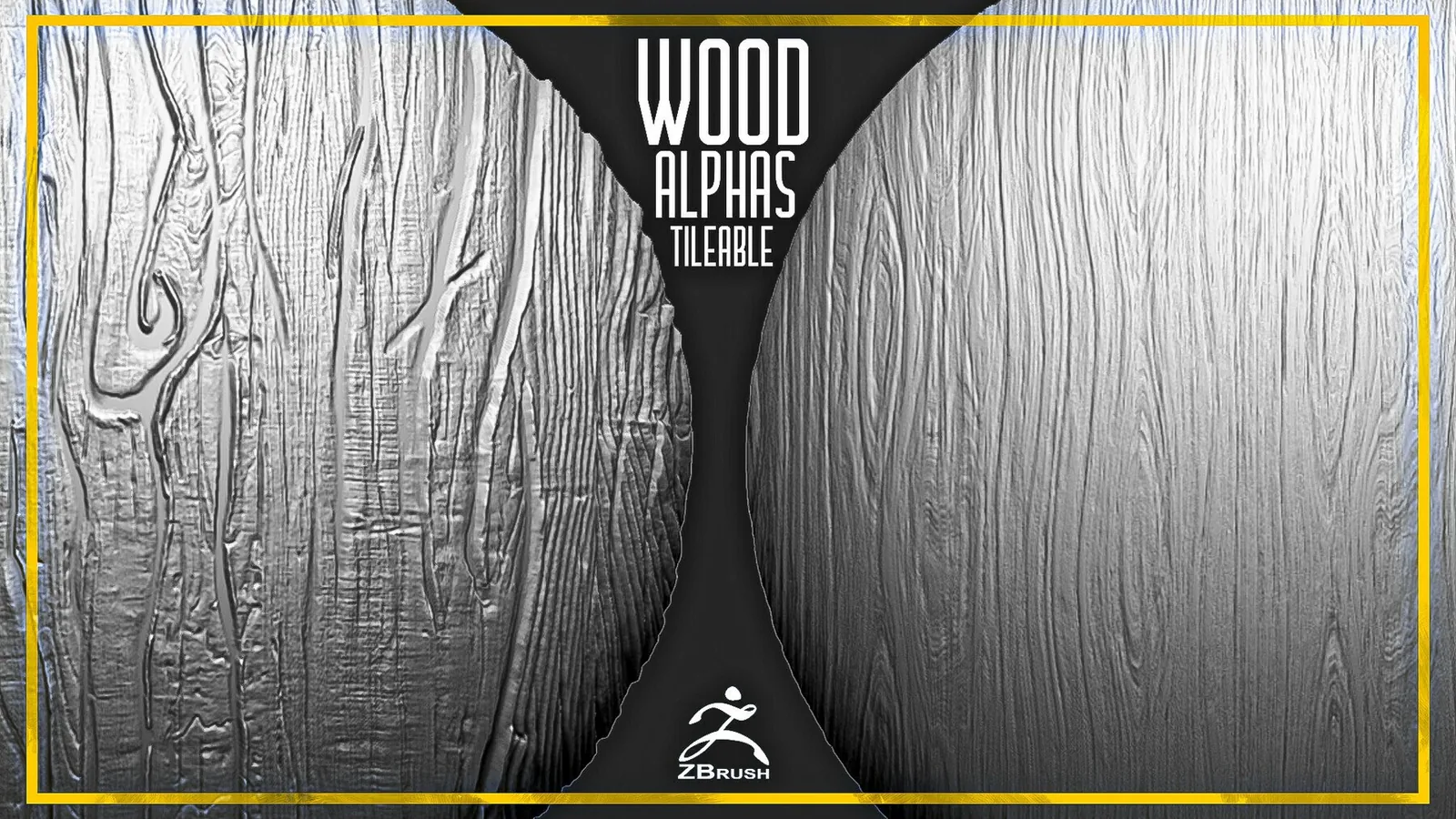
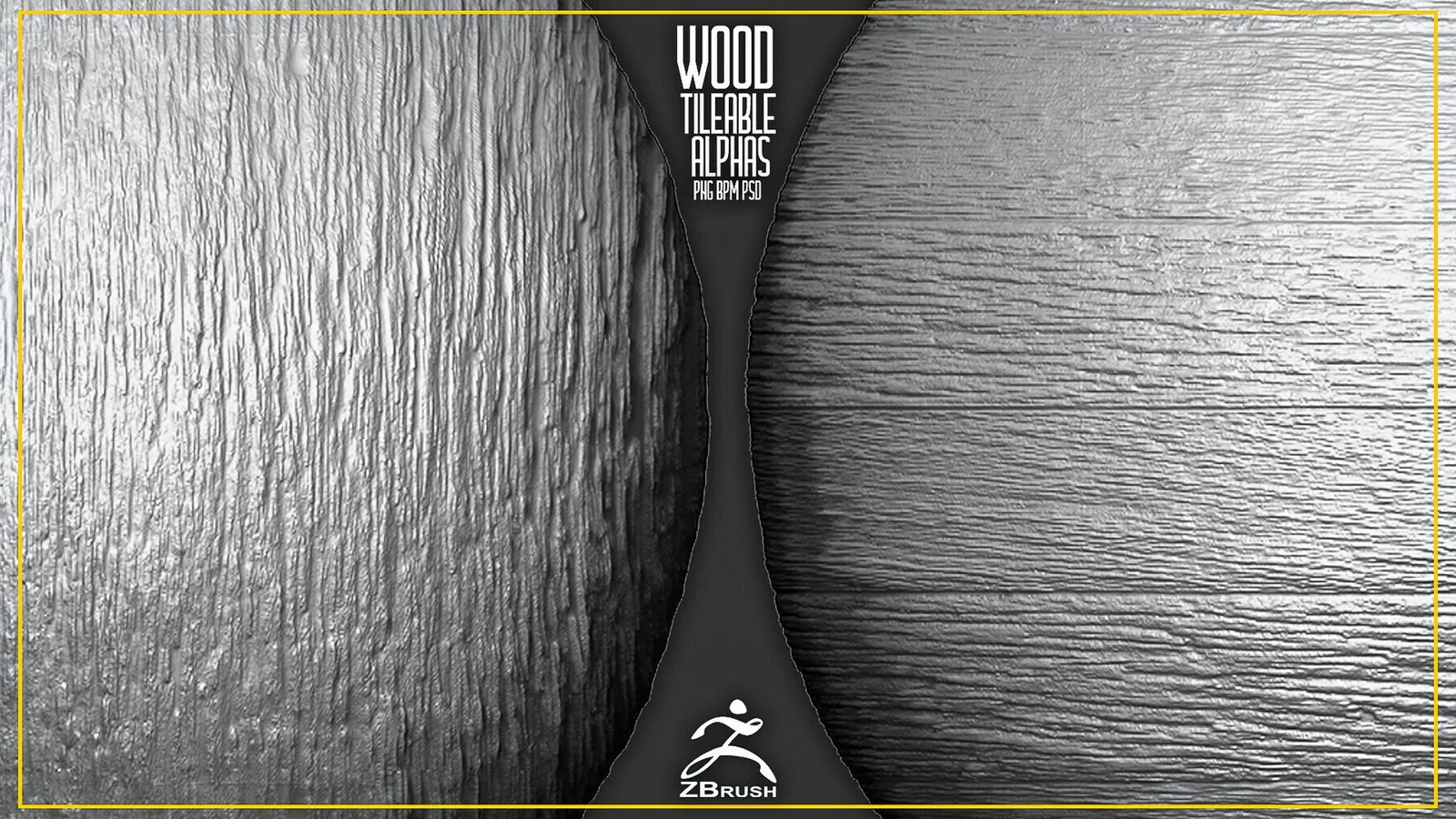
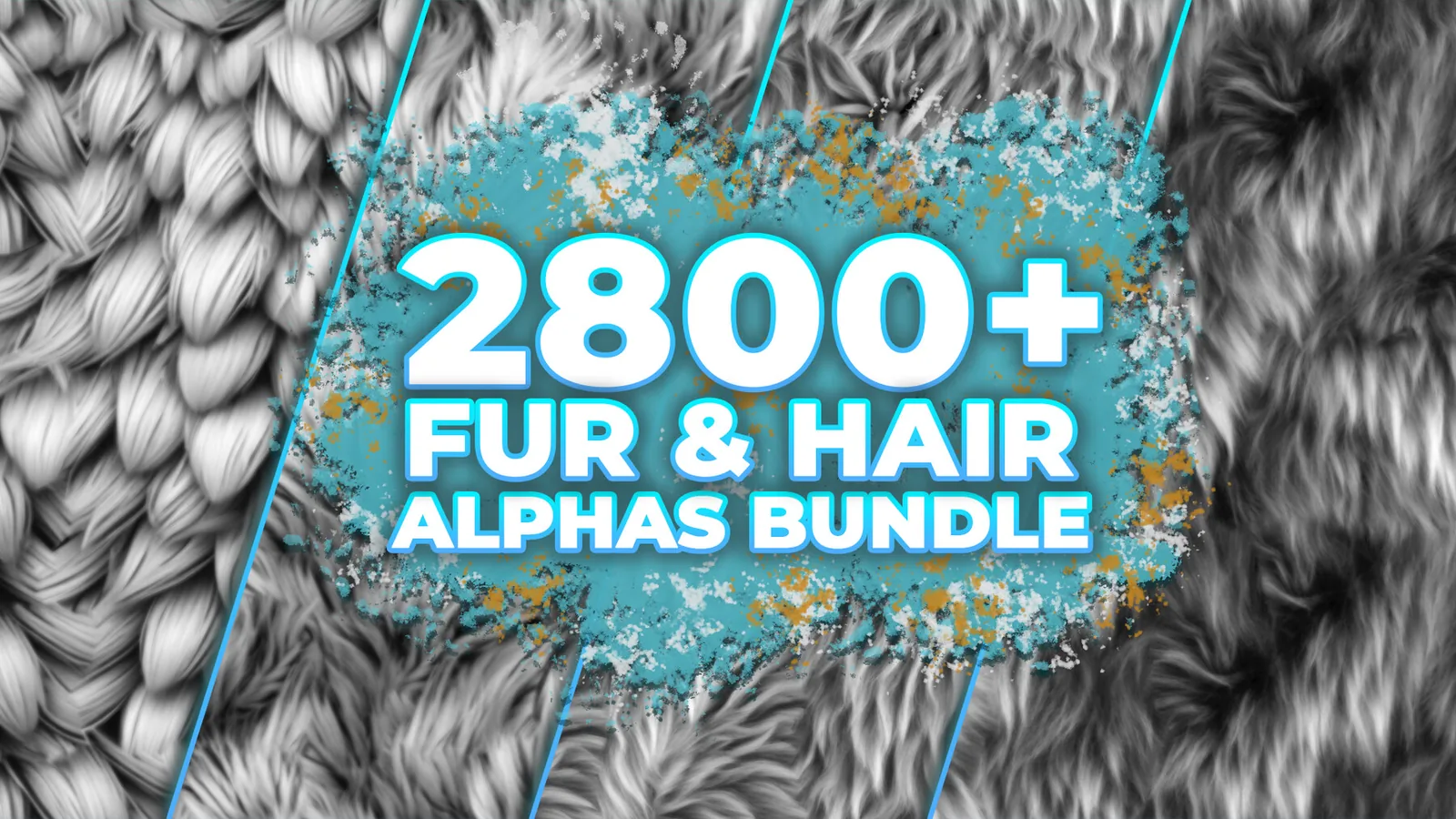
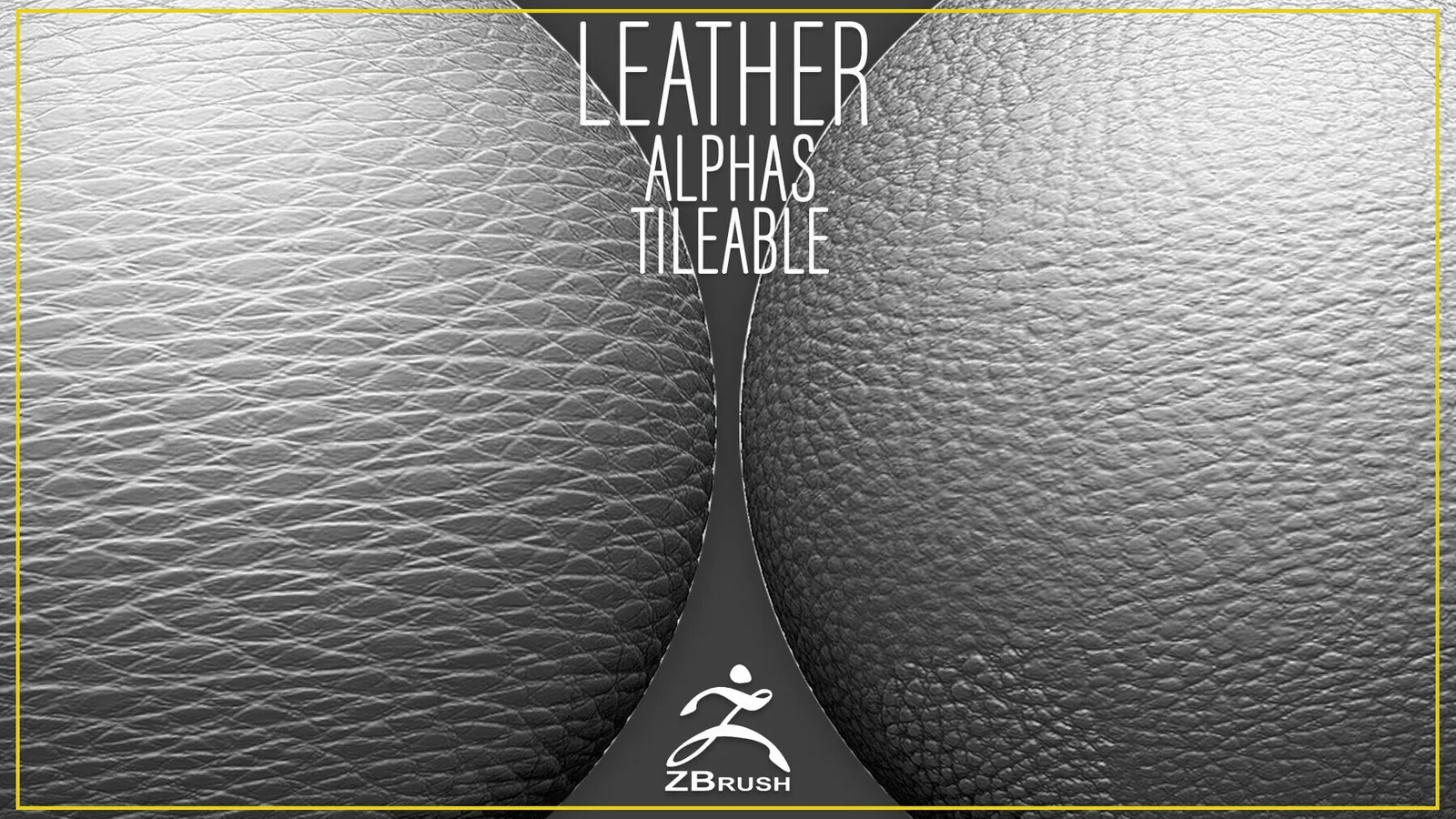
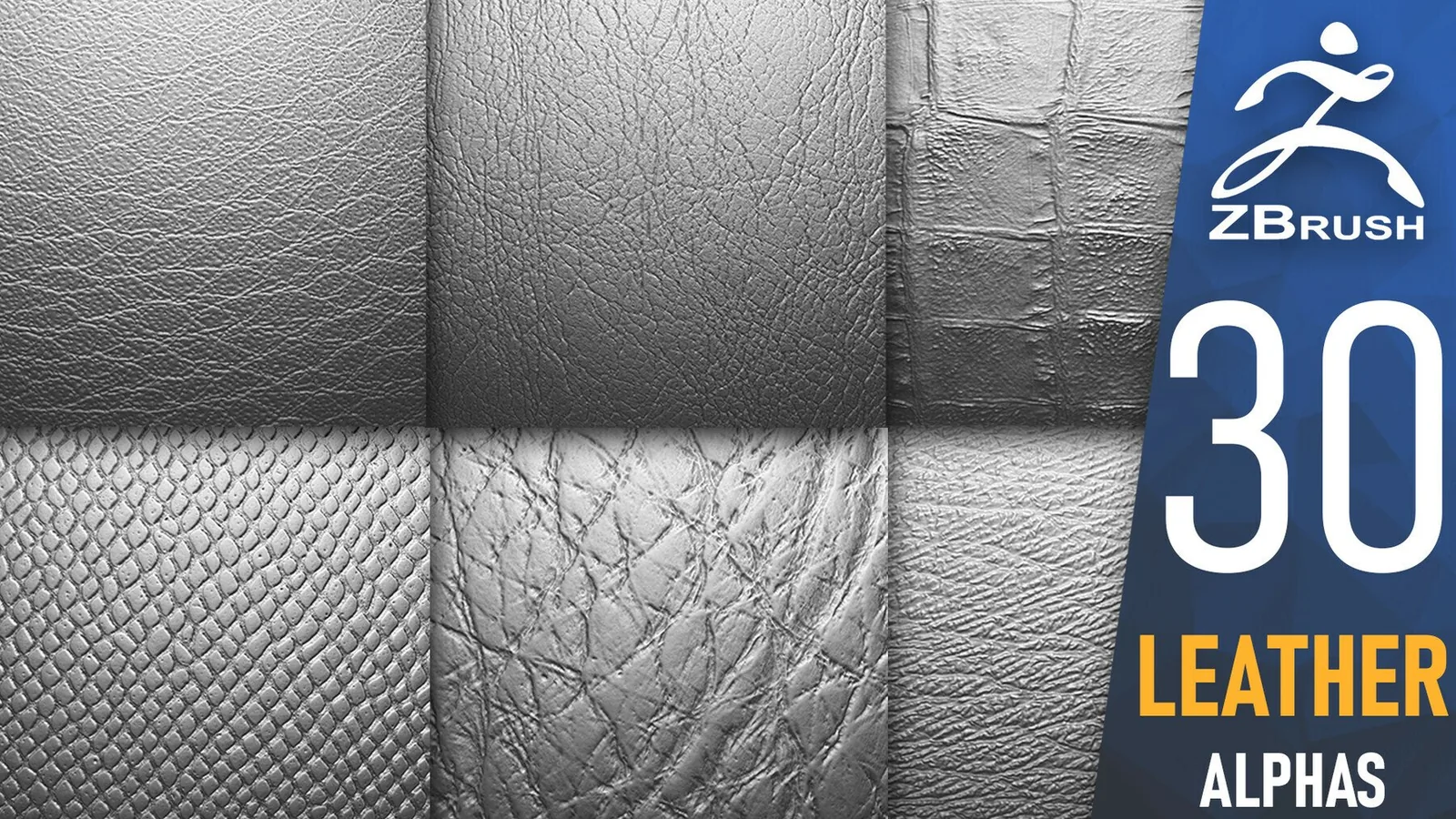
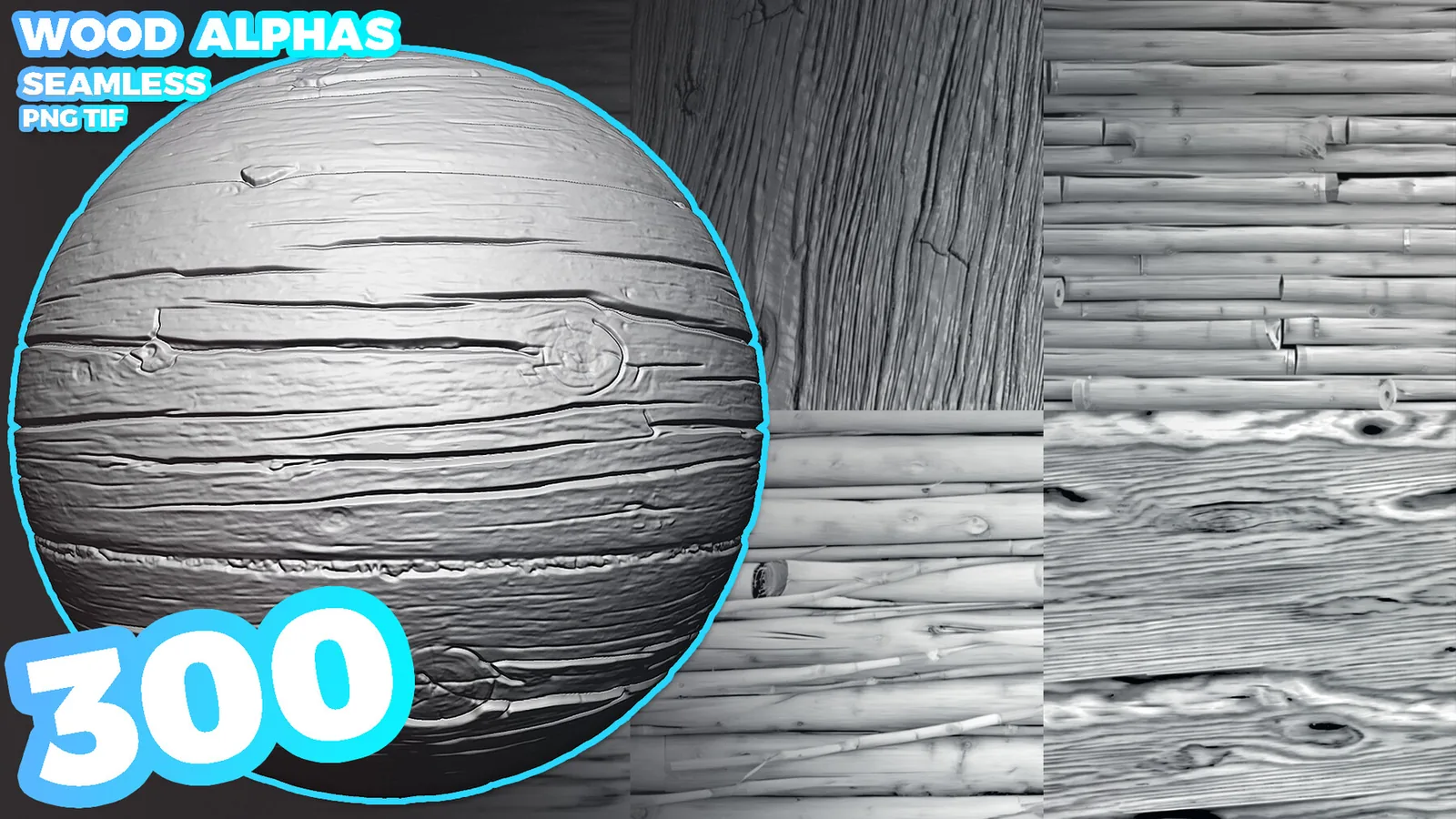
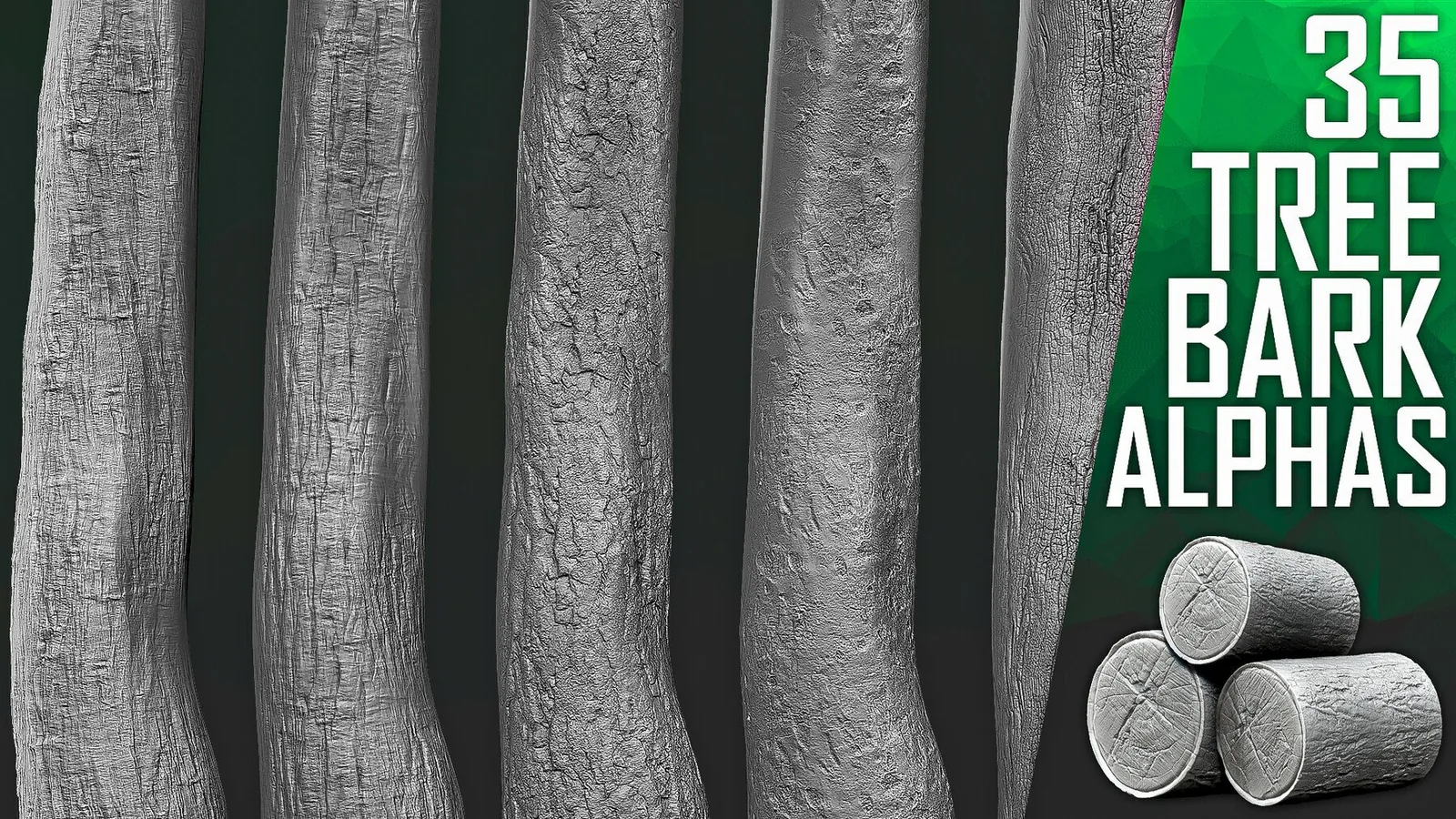
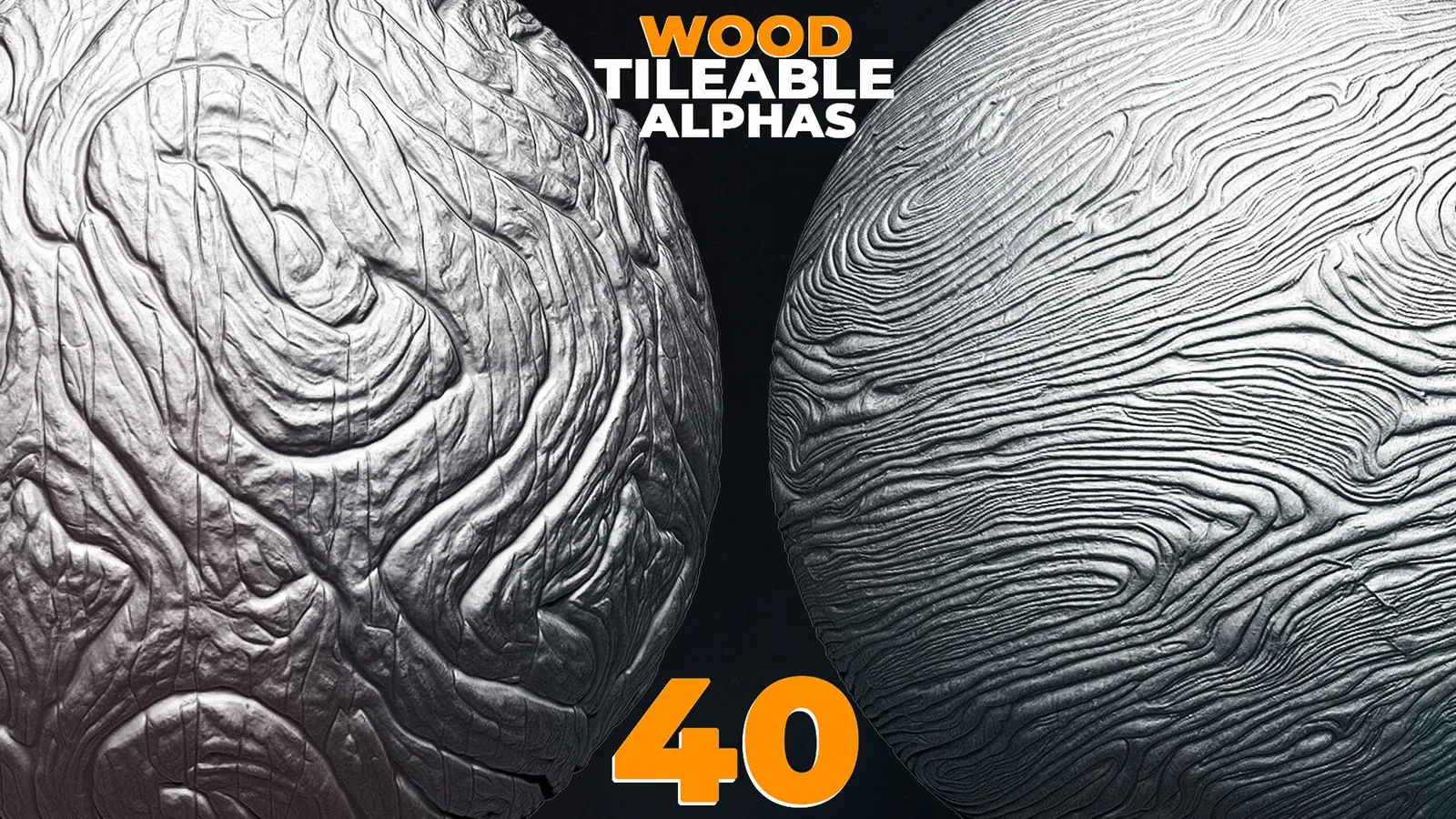
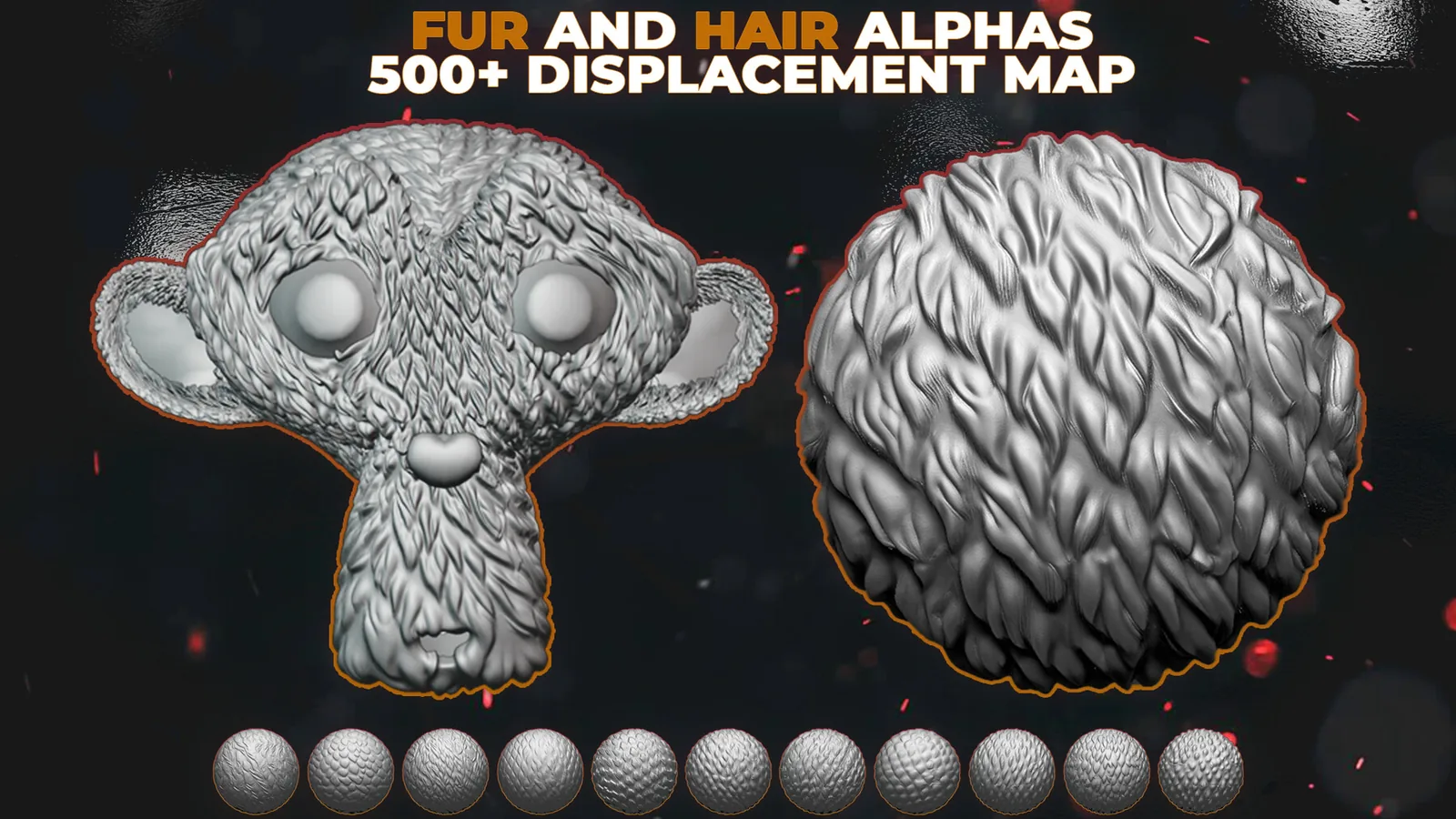
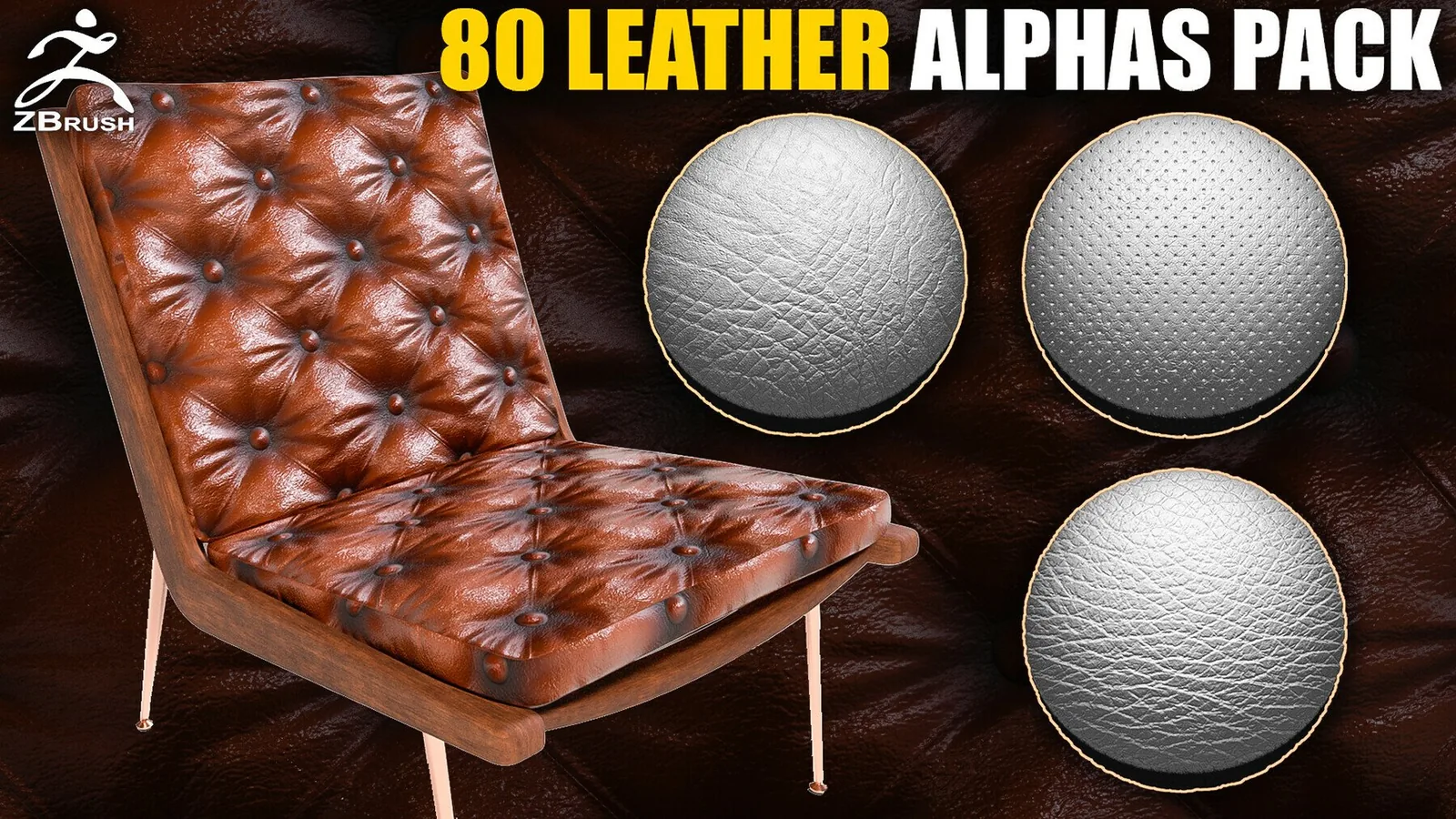
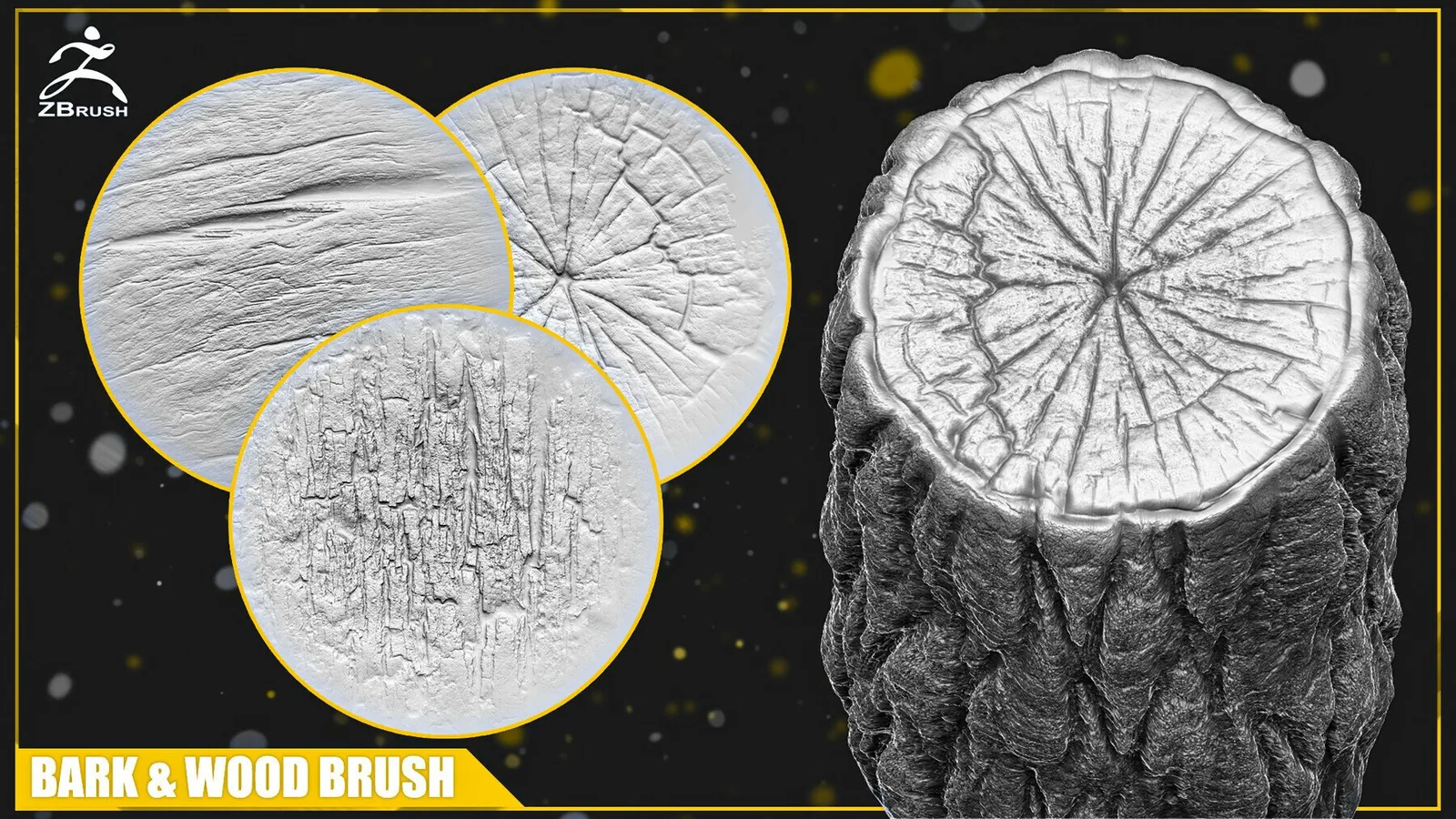
50 ZBrush products across wood, leather, metal and more. Filter by material or brush type.
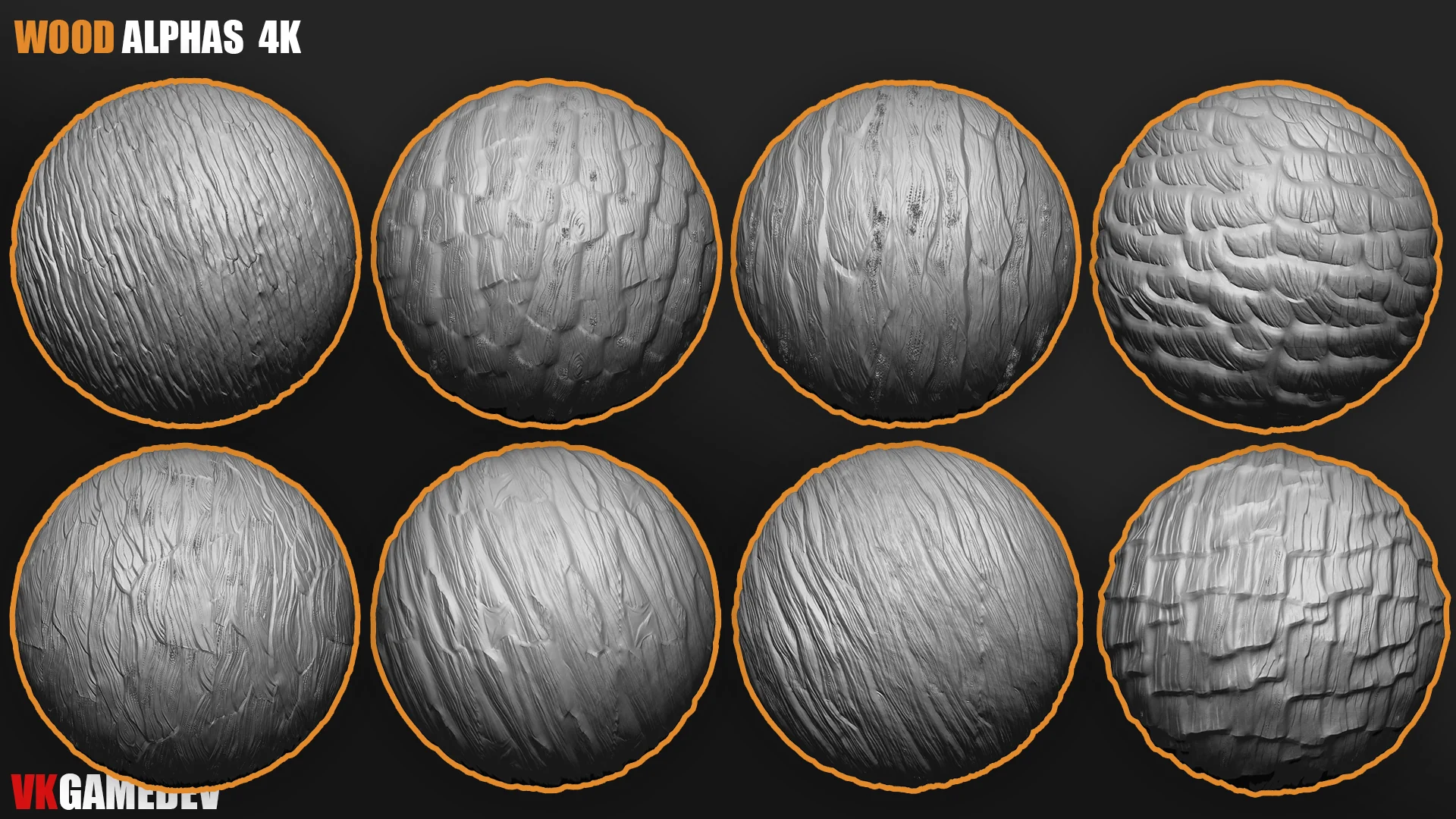
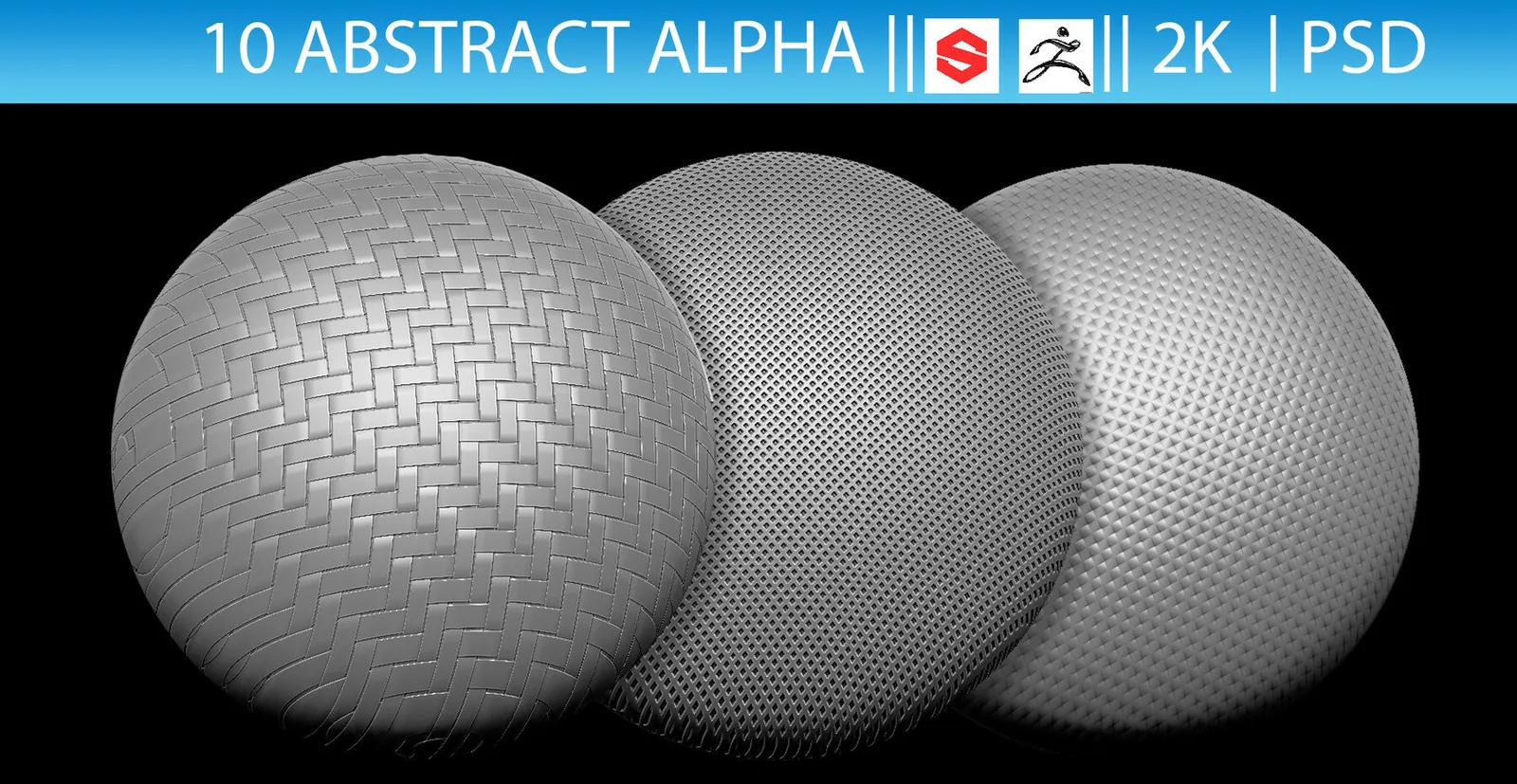
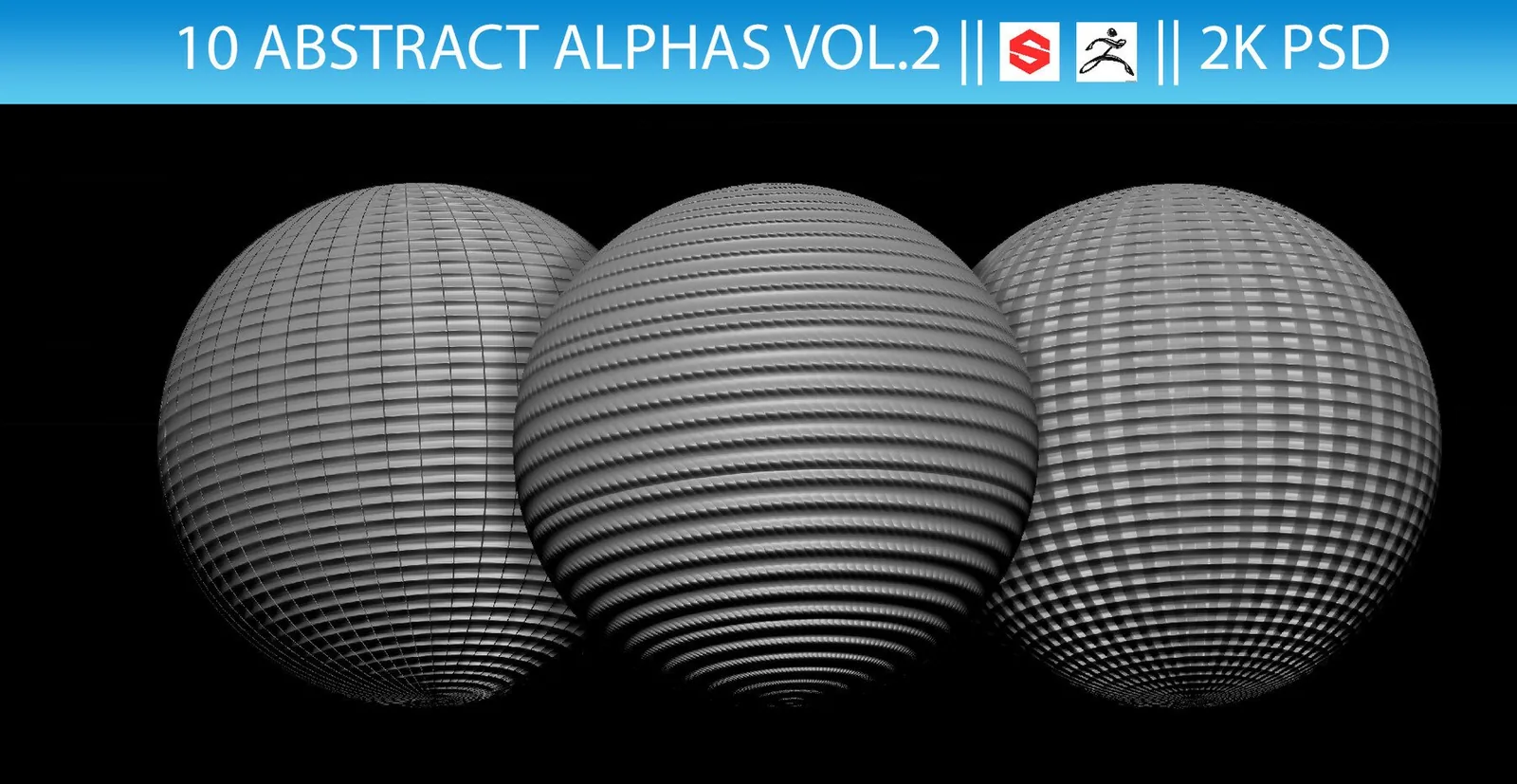
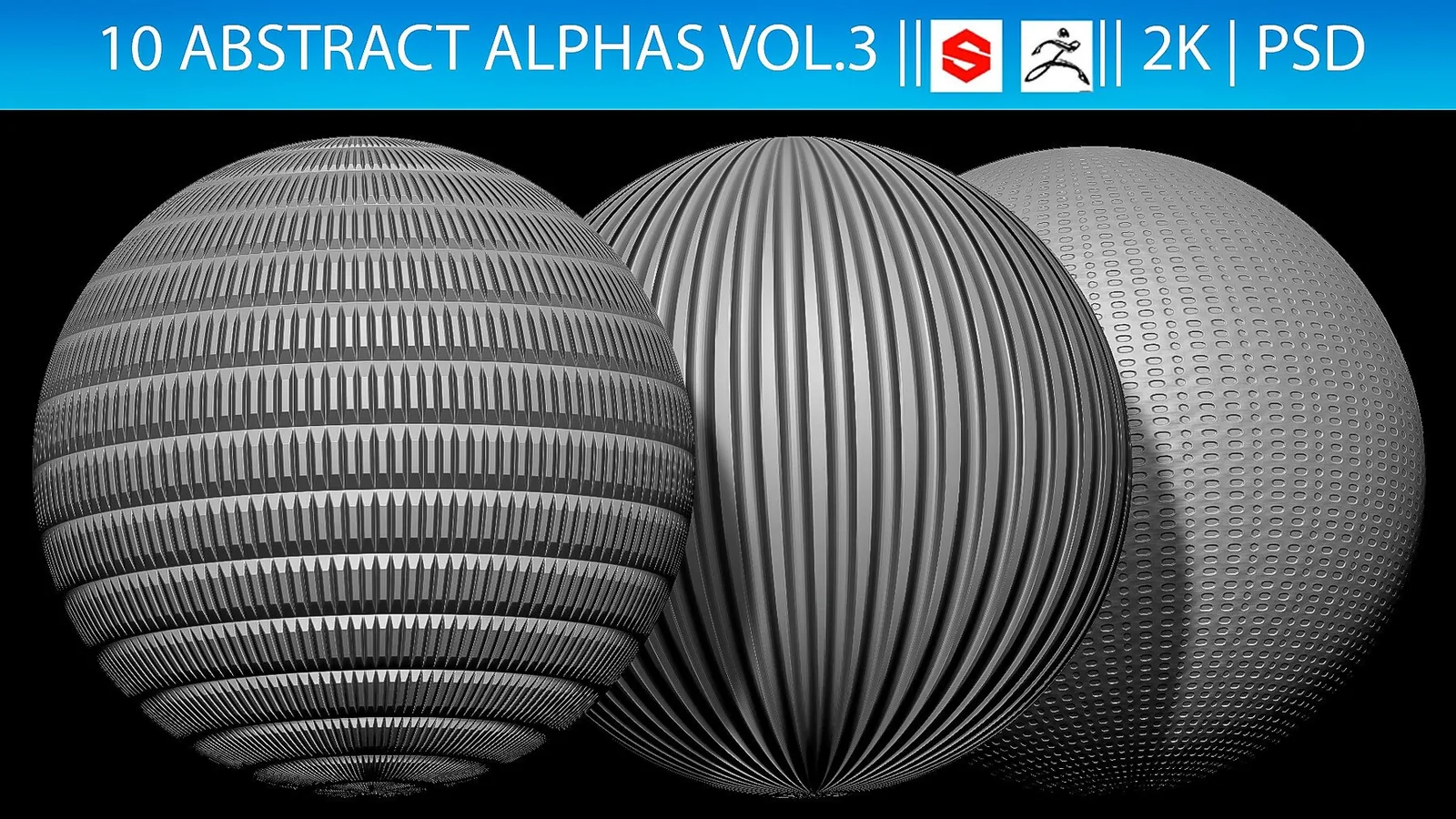
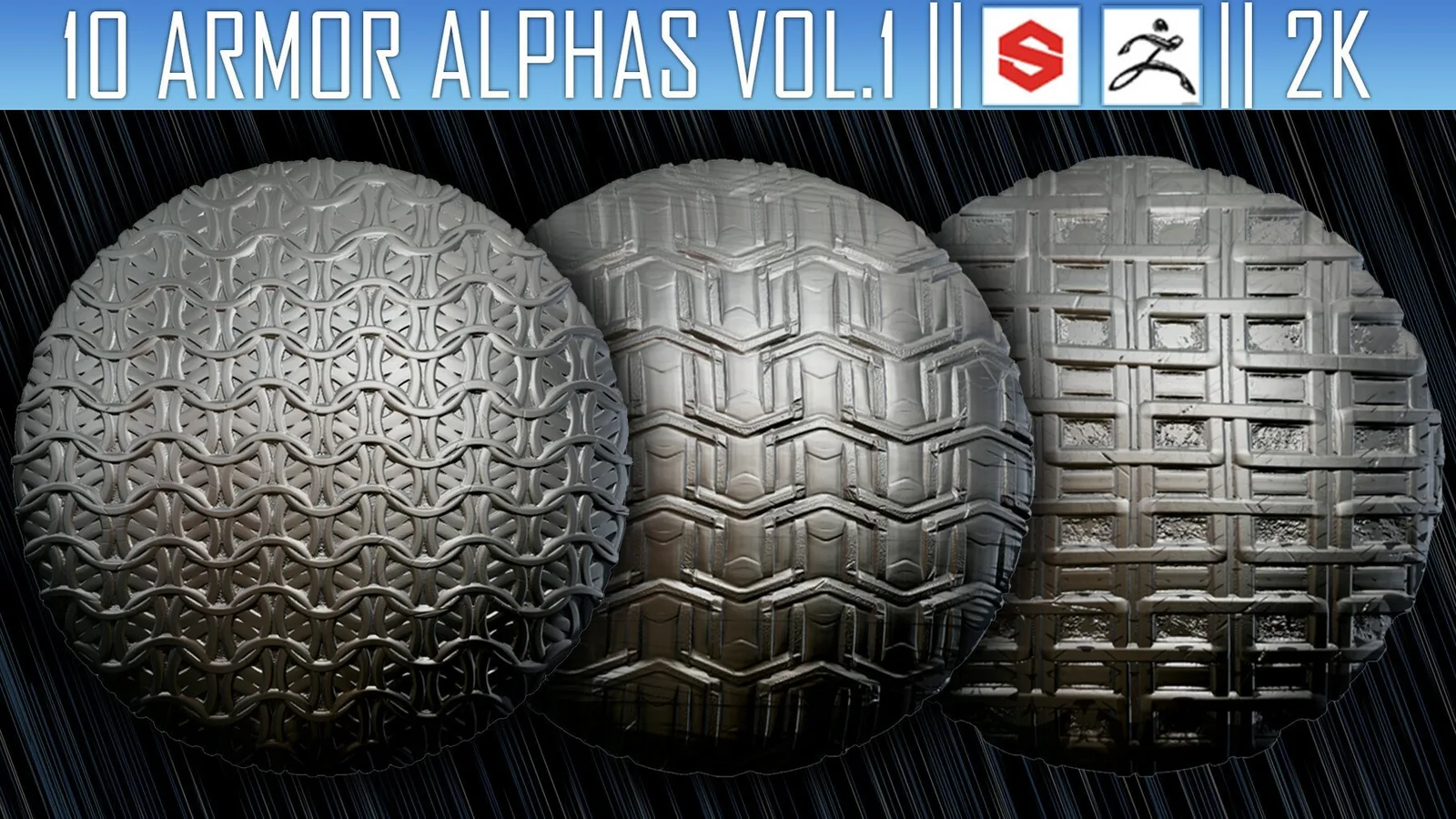
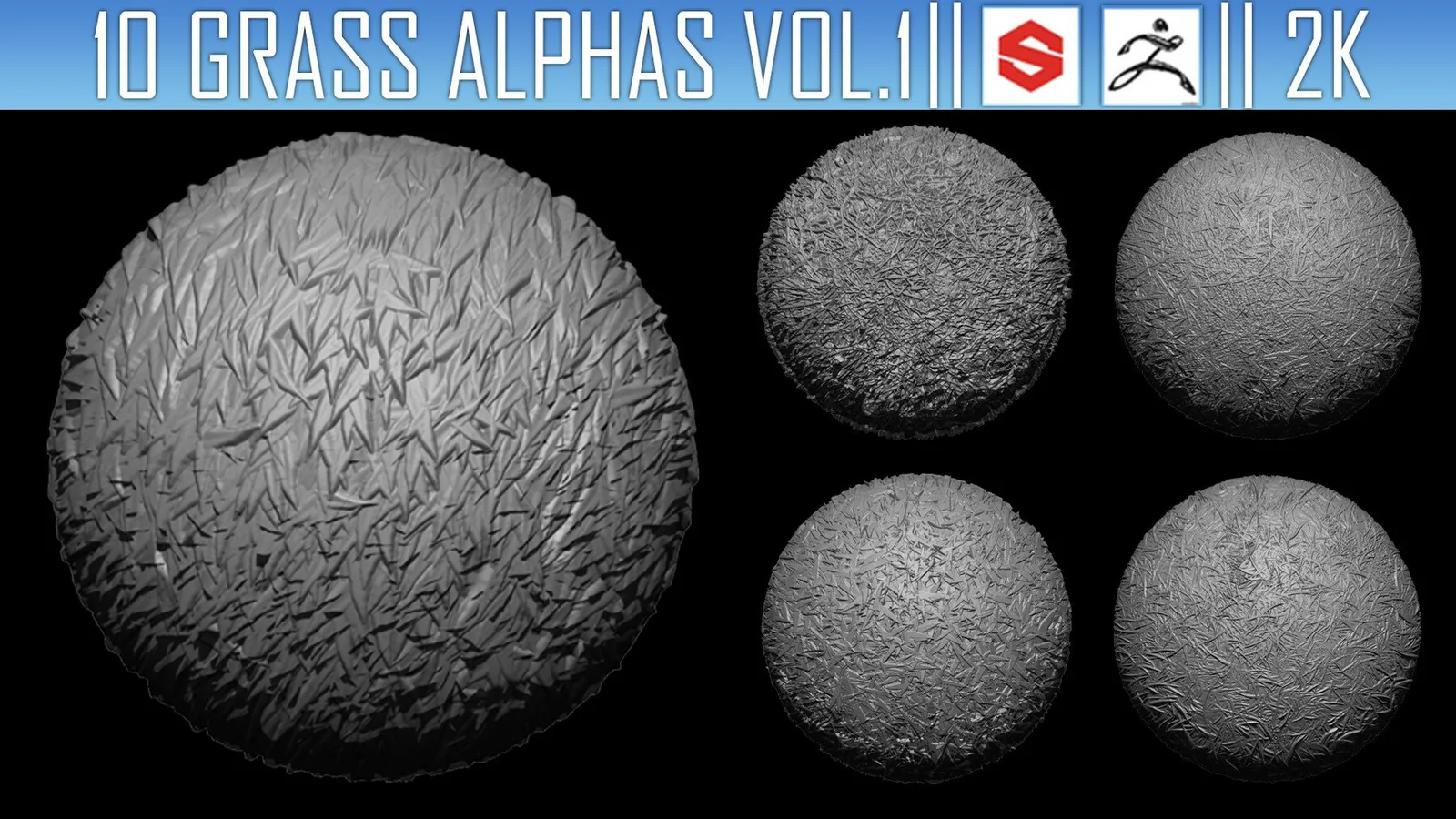
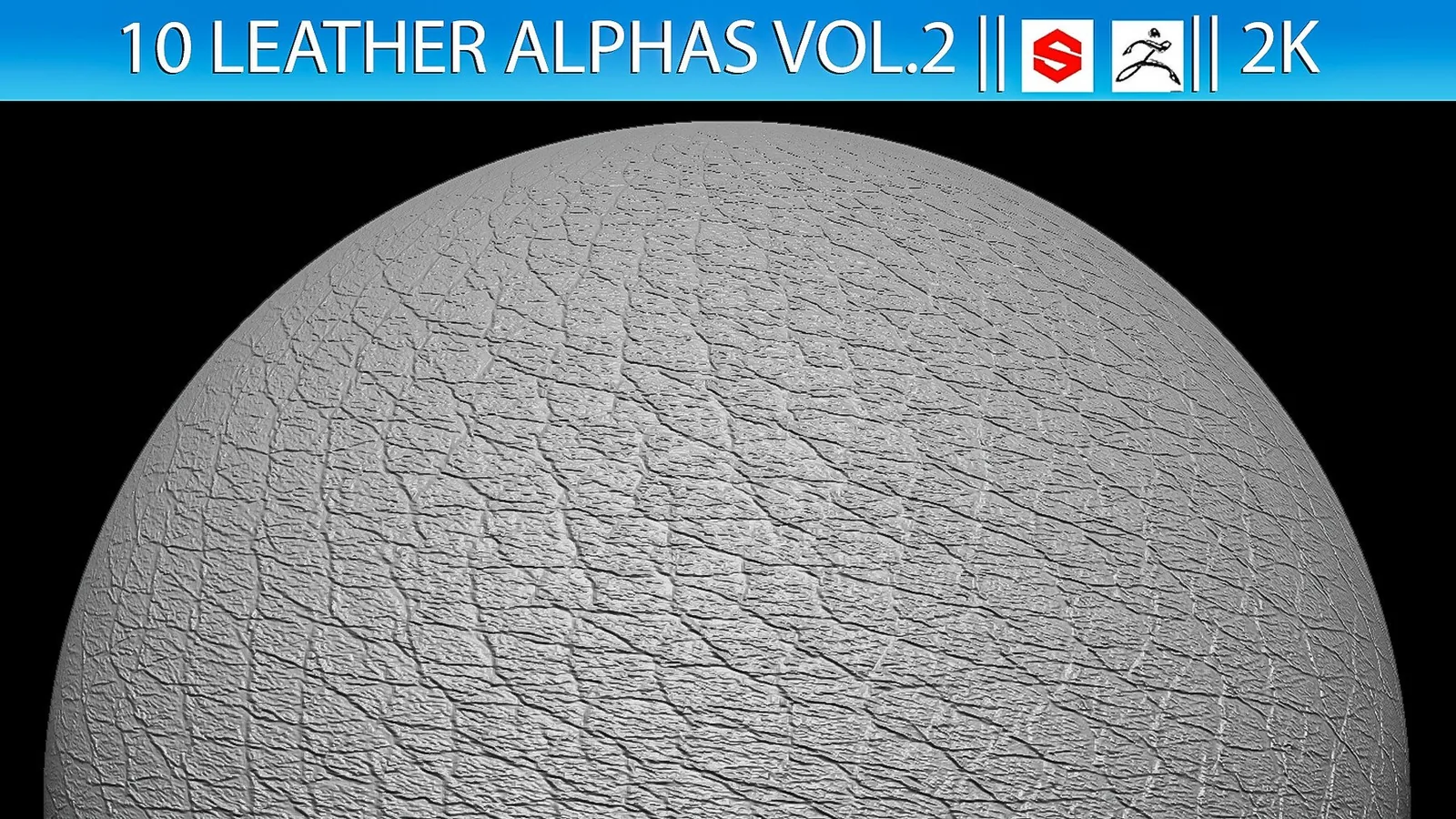
How to pick a ZBrush alpha or brush
FAQ
Are these brushes saved as ZBP presets?
Yes, ZBrush packs include ZBP presets or alpha libraries, loaded through the Brush palette or Lightbox.
What's the difference between a ZBrush alpha and a VDM brush?
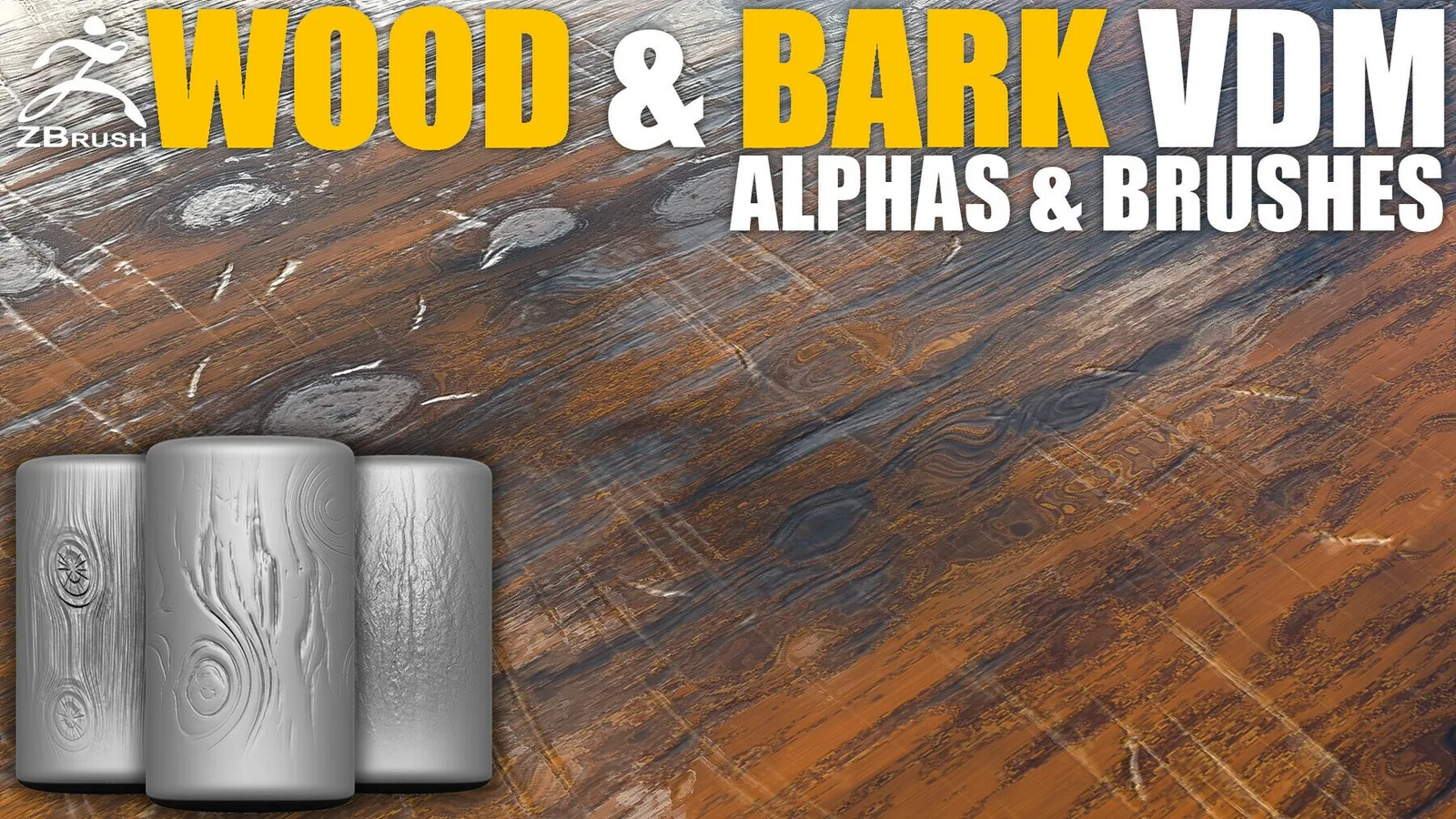
An alpha is a grayscale height map you stamp or drag across the surface. A VDM (Vector Displacement Map) brush stores full 3D geometry, so one stroke can add overhangs and undercuts an alpha alone cannot.
What is an IMM brush?
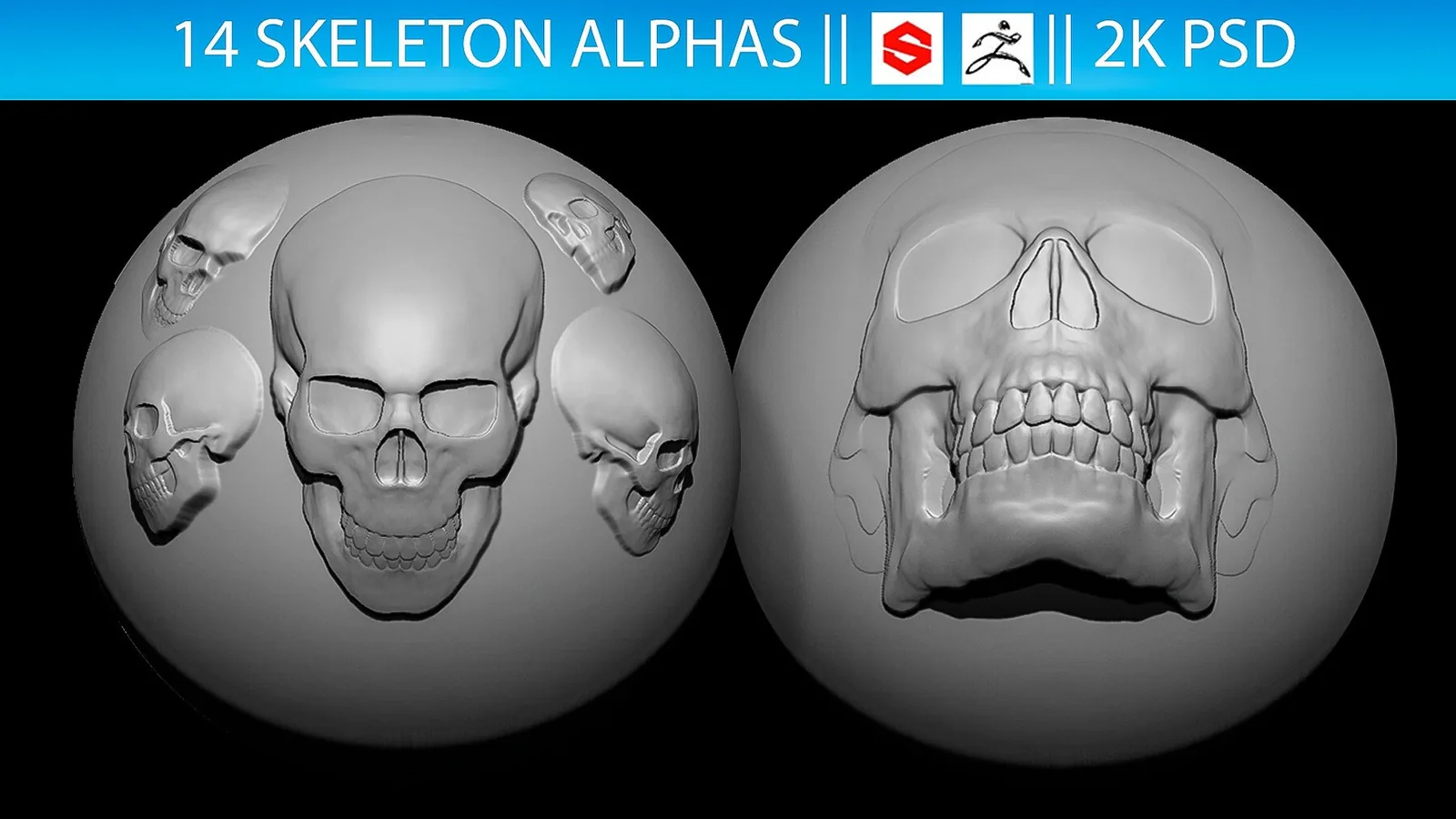
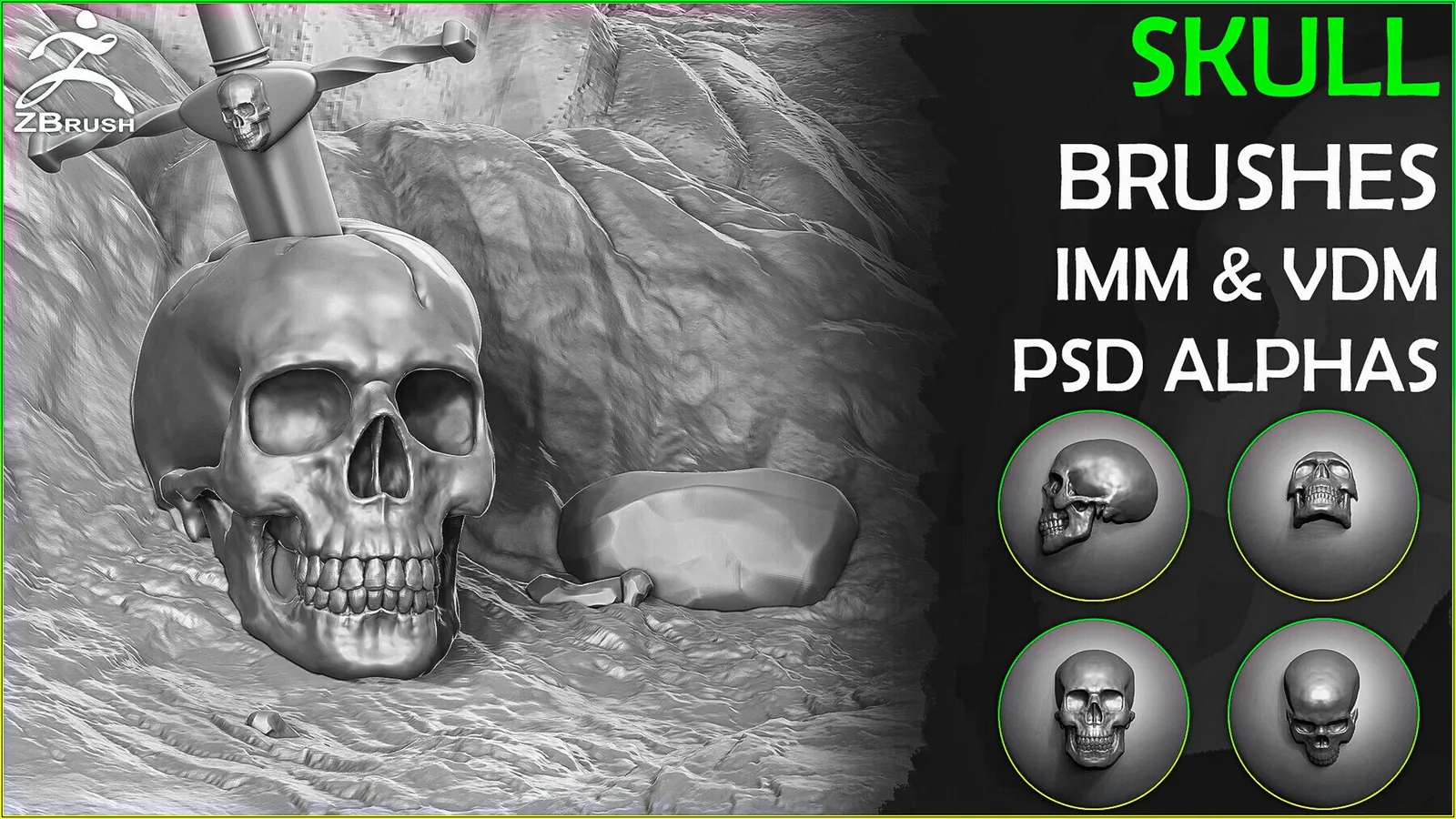
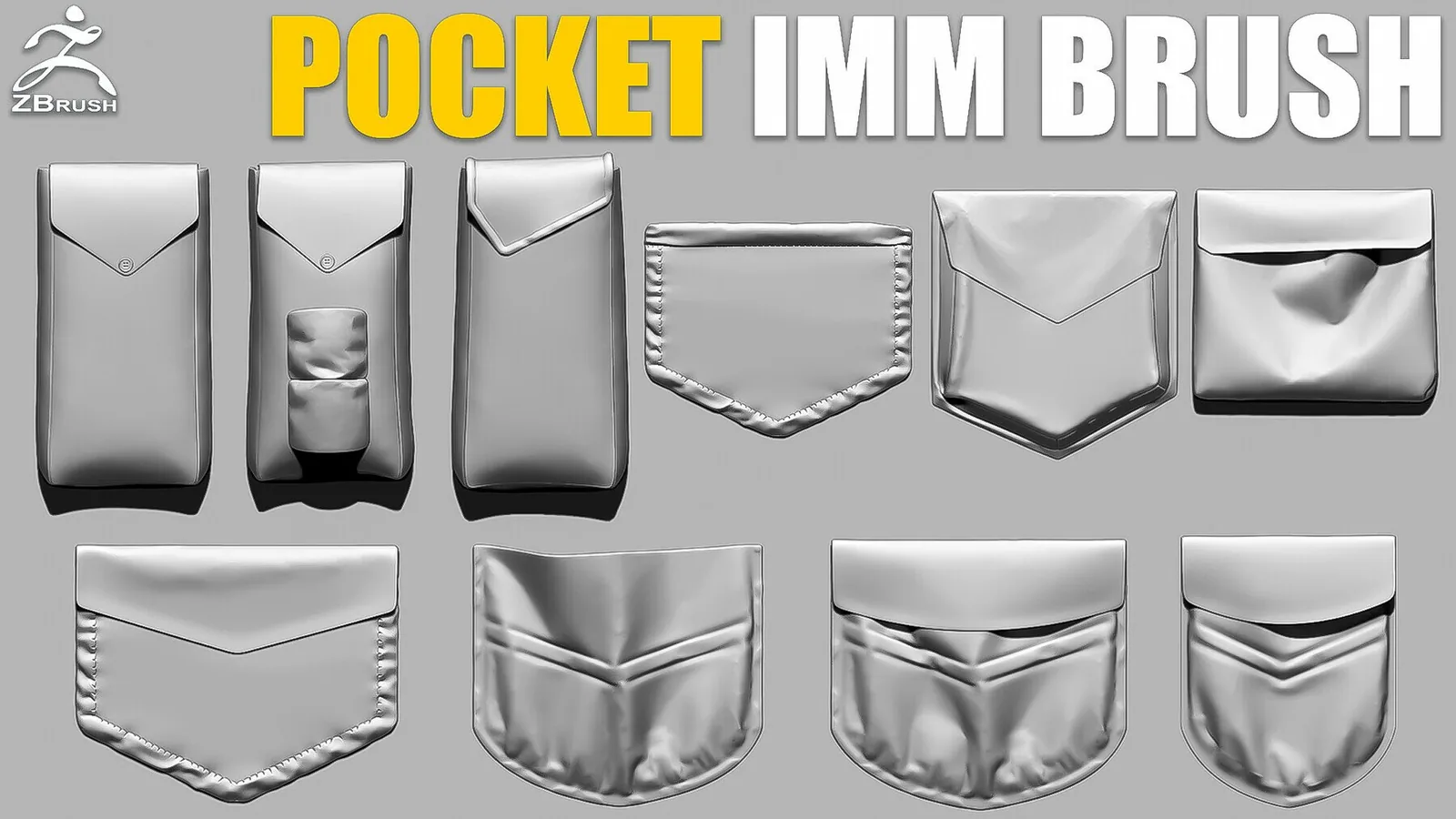
An IMM (Insert Multi Mesh) brush inserts a complete pre-built mesh, such as a skull, button, or ornament, directly onto your model with a single click or drag.
Can I use the same alphas in Blender?
Yes, most alphas work in both Blender and ZBrush, and many packs on this page ship as universal PSD or PNG alphas alongside the native ZBrush brush files.
Do the brushes support stylized work?
Yes, you can adjust depth, scale, and spacing to push any of these packs toward a stylized or a photoreal look.
How do I load packs temporarily without installing them?
Use Lightbox for a session load without a permanent install, or drag the brush file directly into an open ZBrush session.