Wood displacement alphas
Wood Seamless Alphas Displacement Maps for ZBrush & Blender
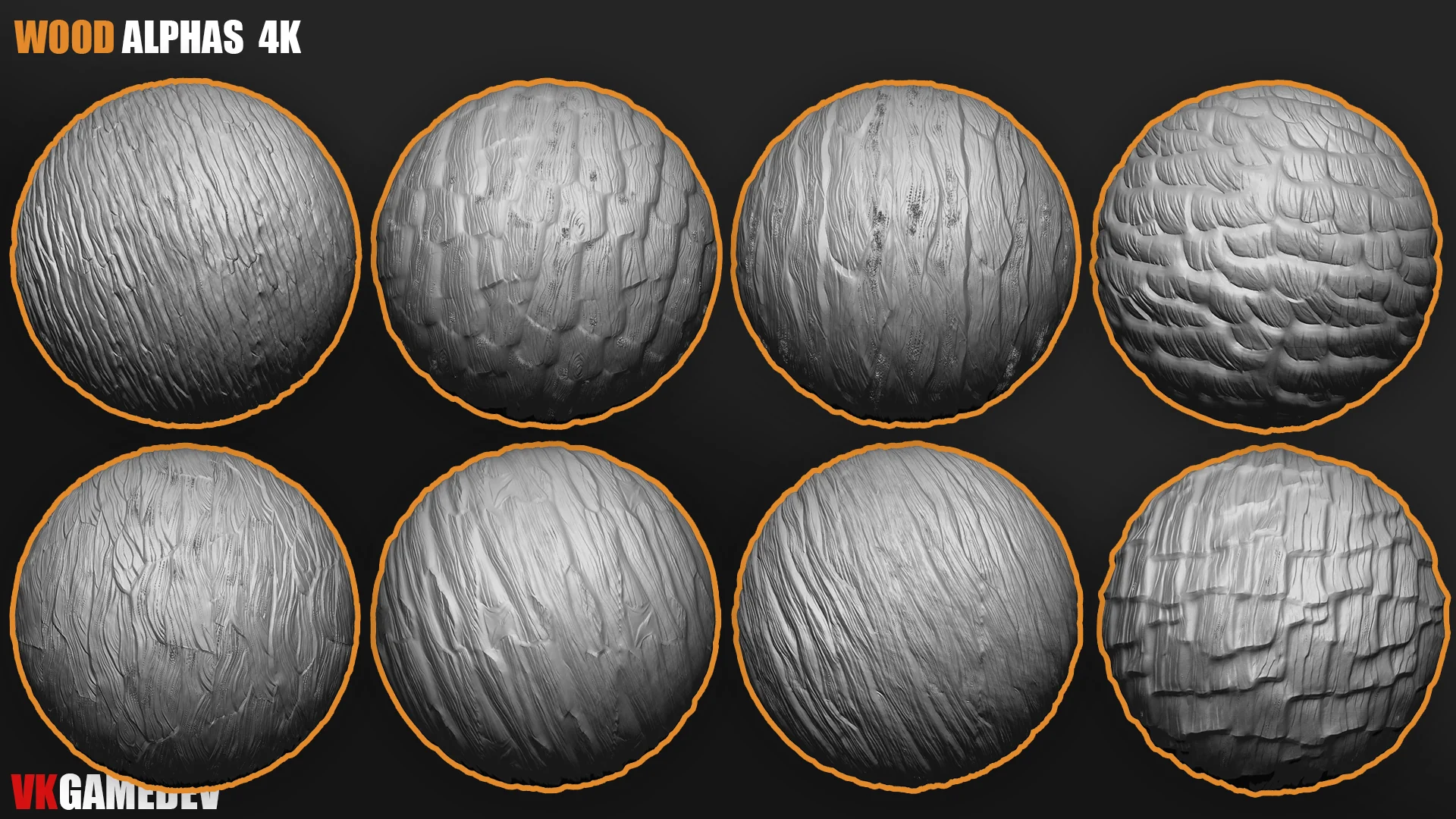
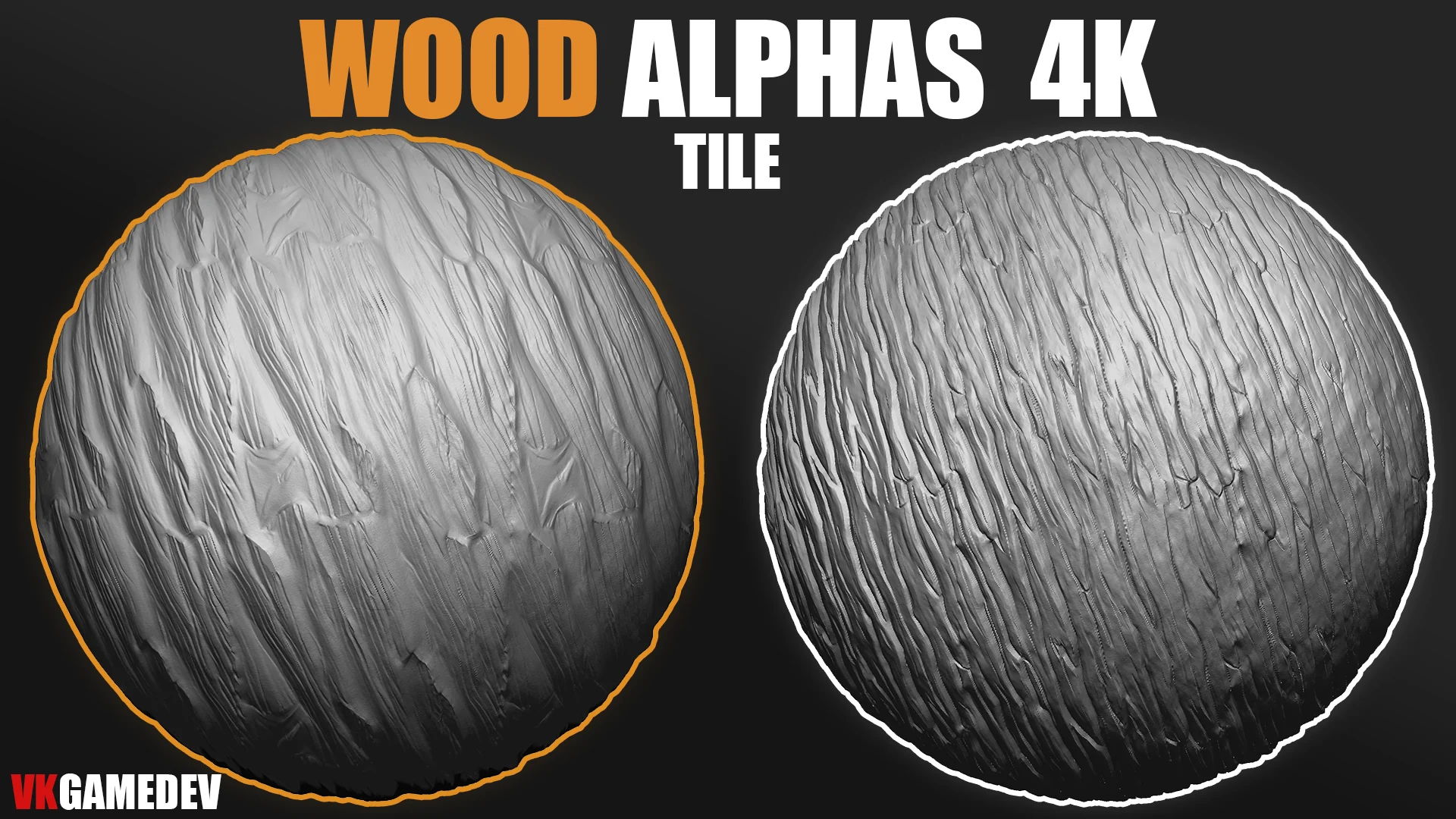
Wood seamless alphas and displacement maps for ZBrush and Blender. Add bark, grain, planks, carved wood, and tileable wooden surface detail.
Preview
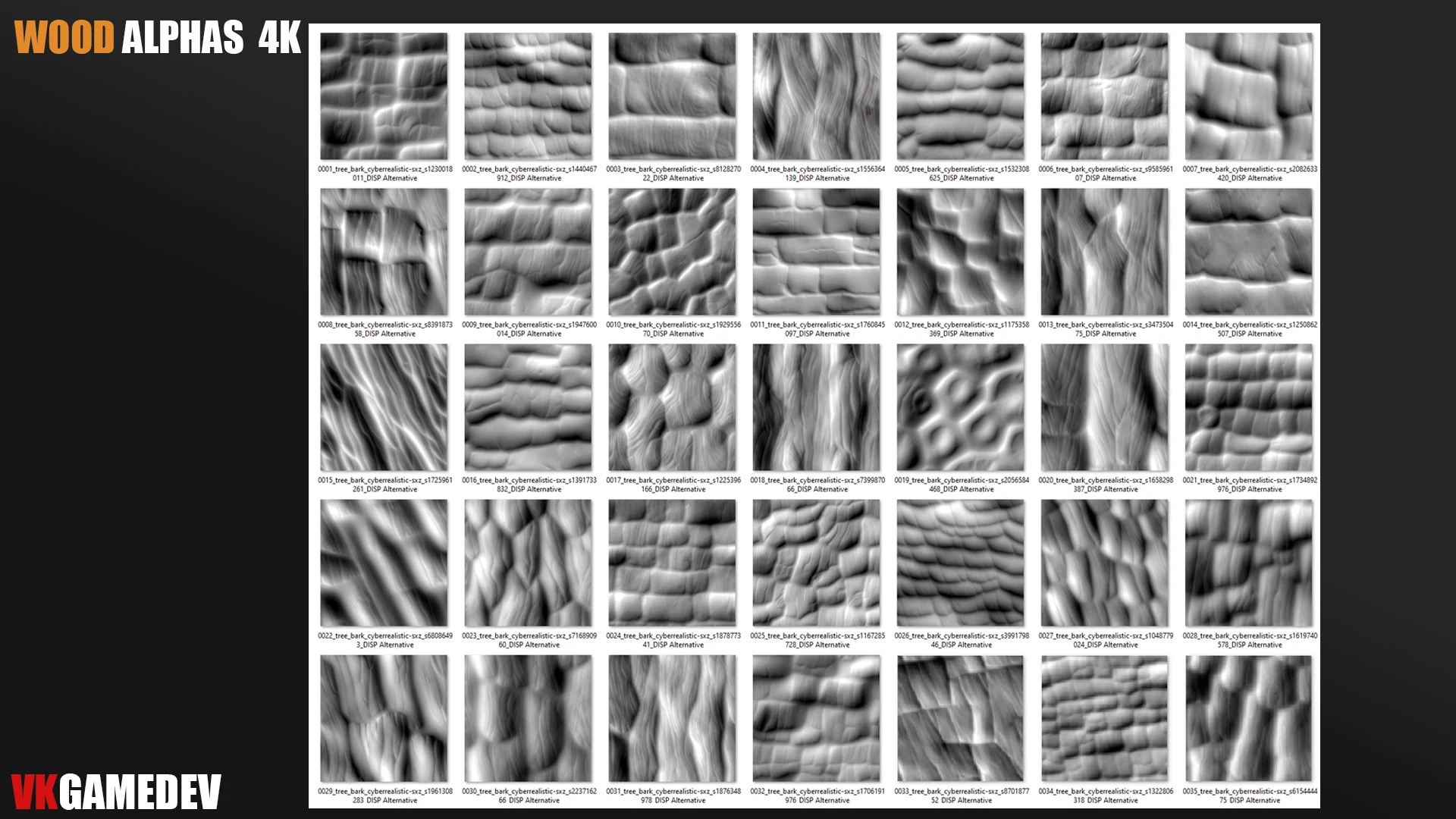
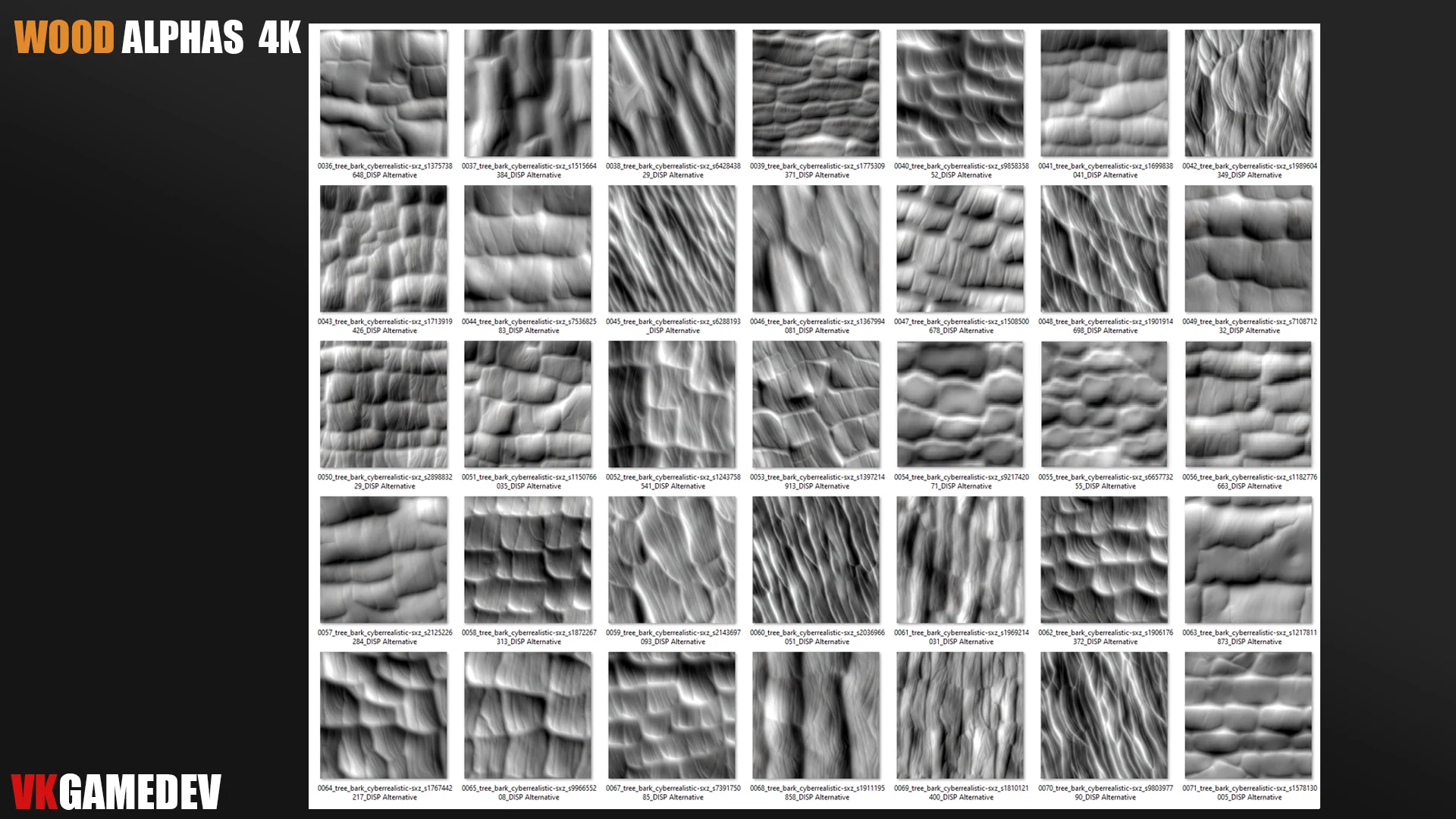
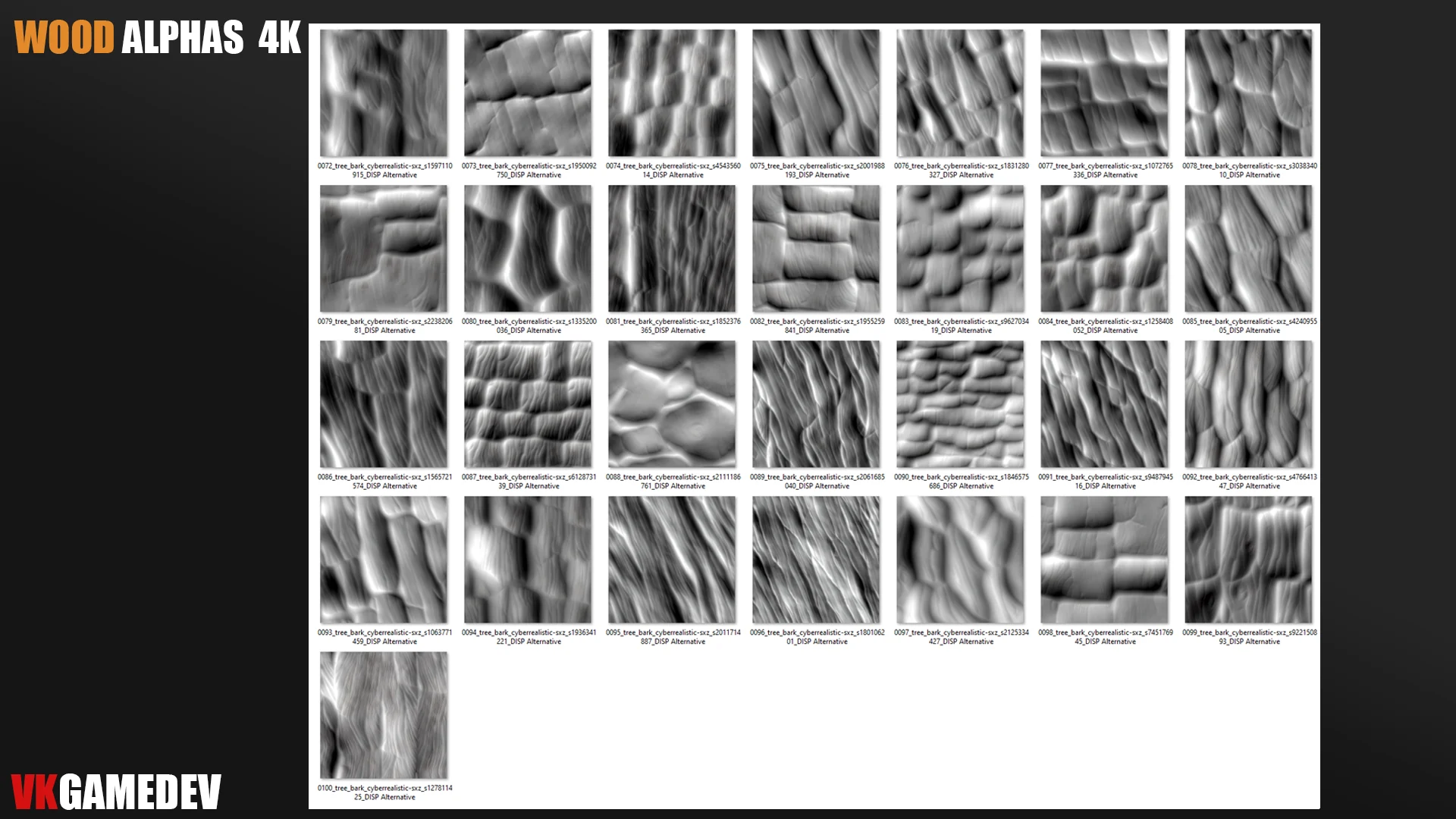
Product details
Use these seamless wood alphas for props, weapons, shields, furniture, houses, floors, tree bark, and carved surfaces.
Tileable displacement maps are useful when you need broad wood coverage without visible seams across larger assets.
Layer subtle grain first, then add stronger cracks or bark direction as a second pass for more natural results.
Workflow notes
Keep the base forms clean before adding high-frequency detail. Use these assets as a controlled detail pass, then adjust strength, scale, and rotation to avoid obvious repetition.
For Blender and ZBrush workflows, store related brushes and alphas in a named library folder so the pack is easy to find during production.