Zbrush Sculpting Brushes and Alphas
12 Pocket IMM Brushes for ZBrush + 12 OBJ Files
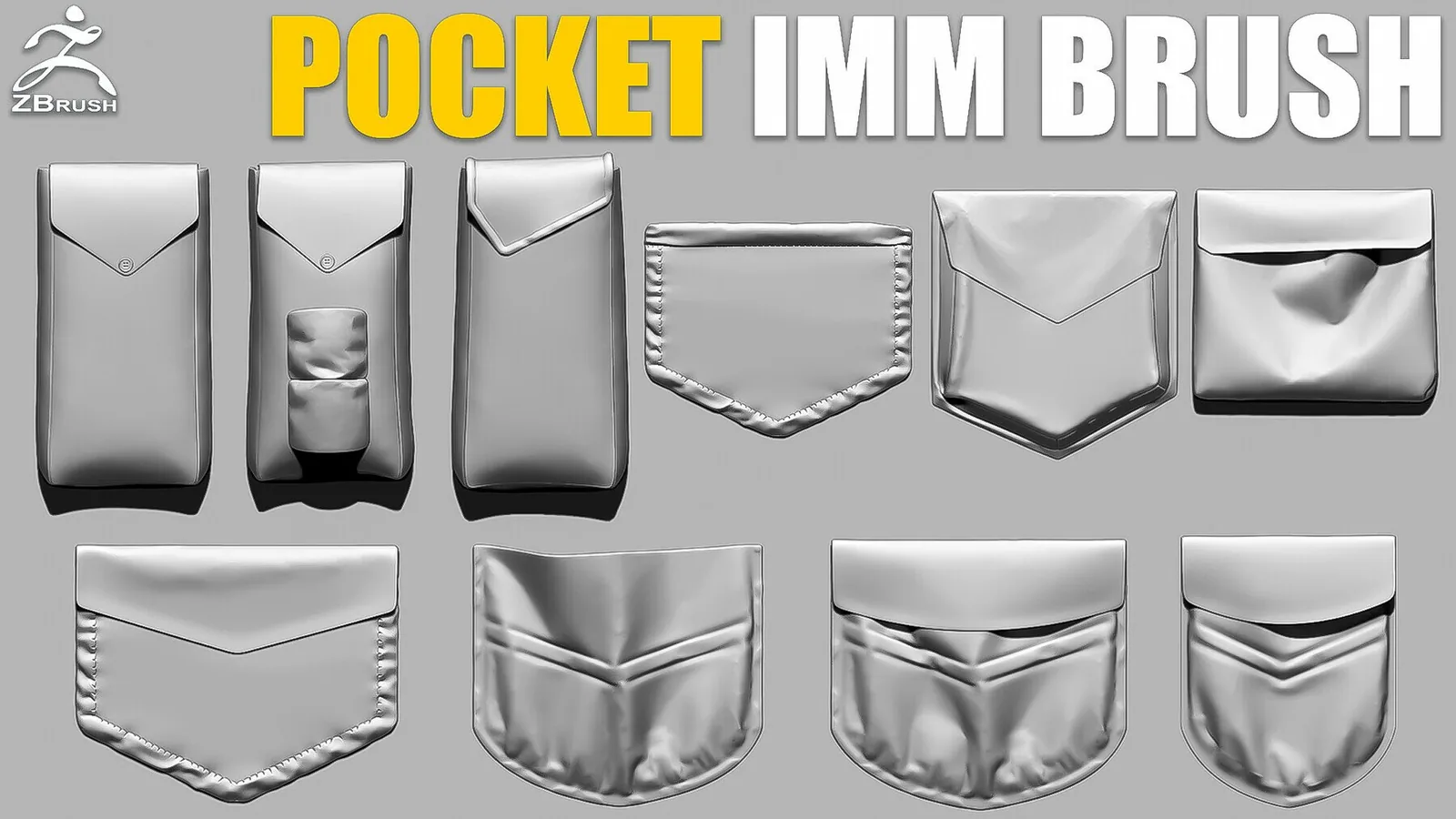
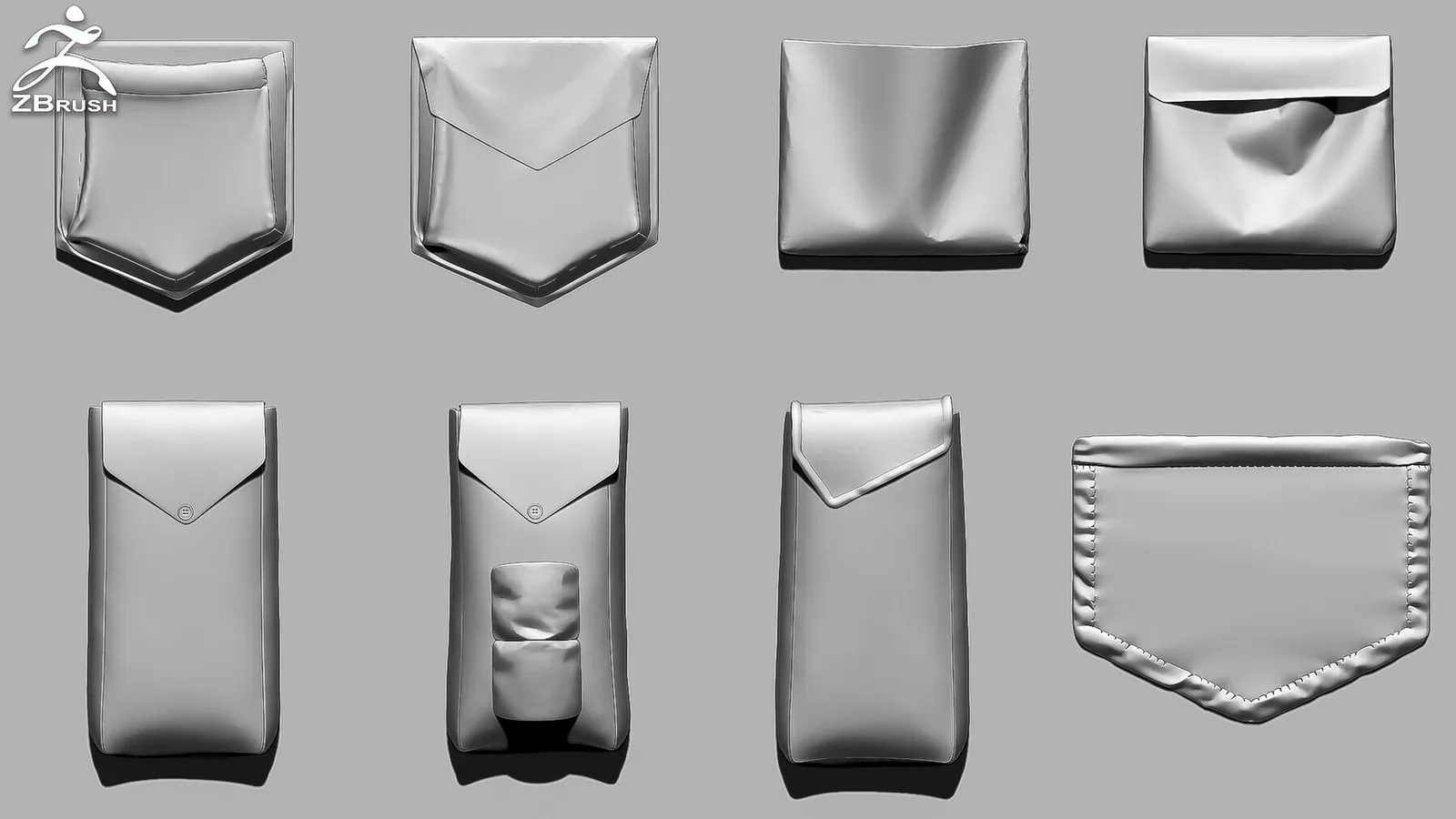
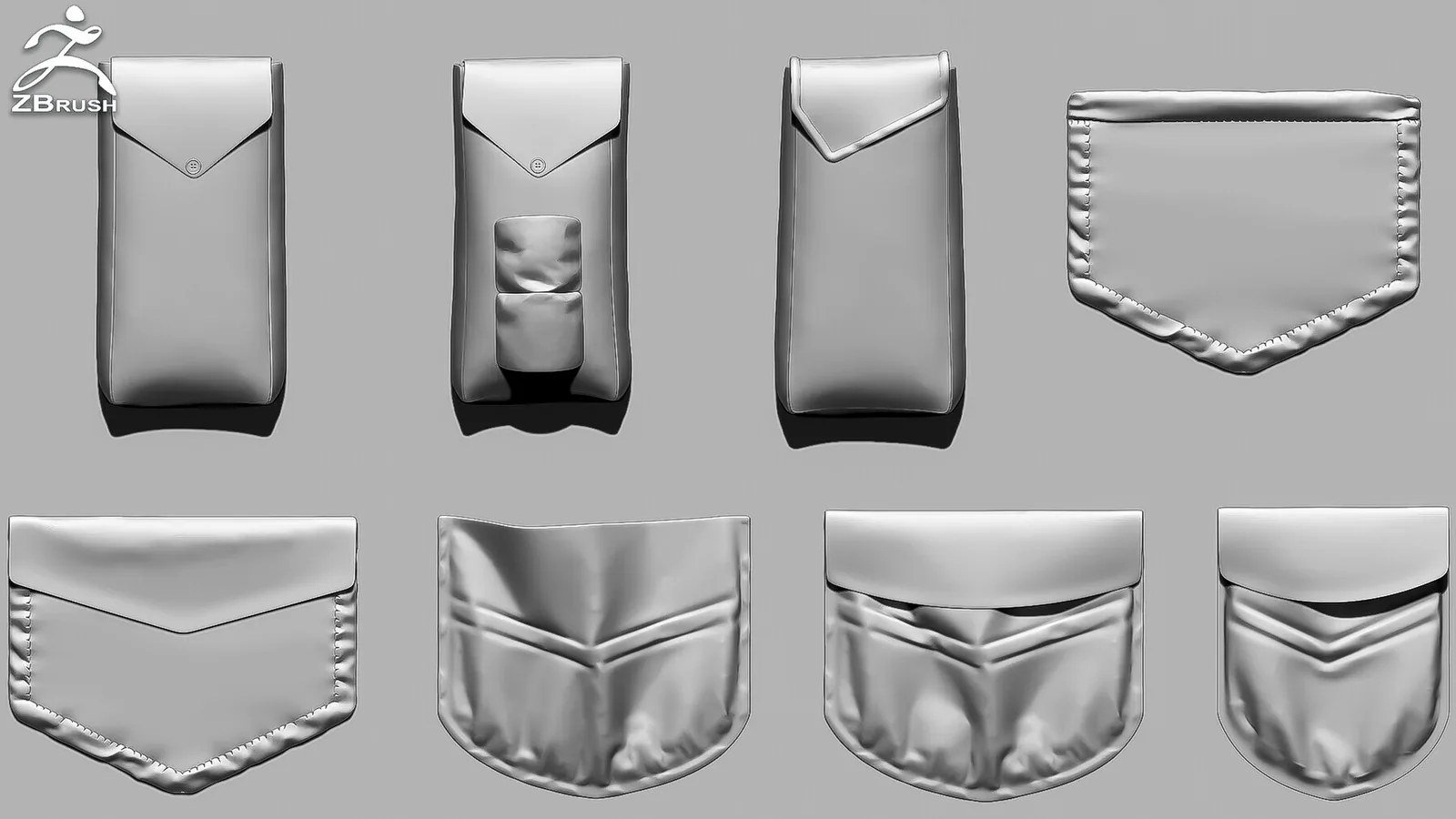
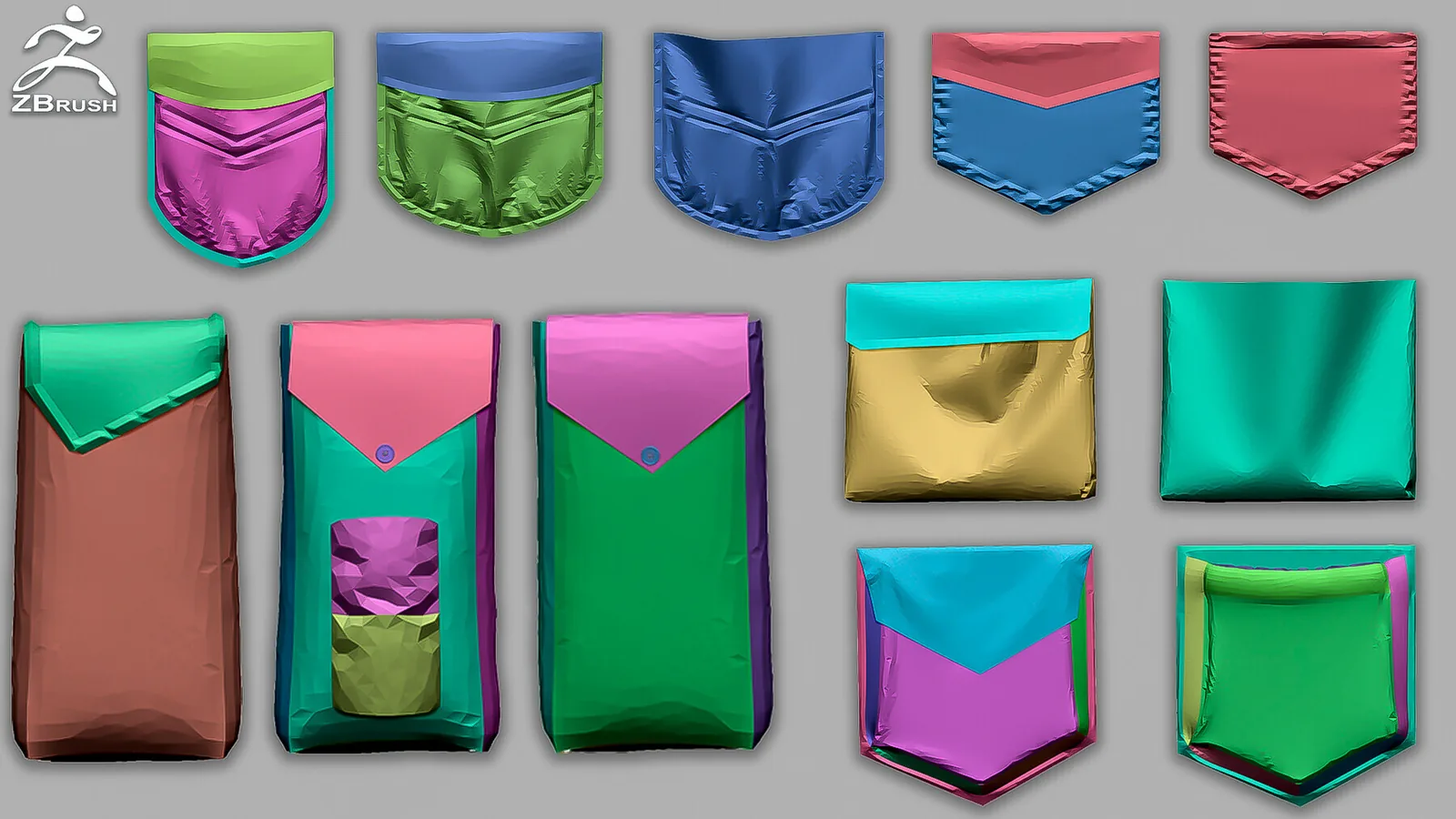
Add reusable pockets and patches to clothing, bags and tactical gear with 12 ZBrush IMM inserts. The pack also includes 12 OBJ files for workflows that need the original mesh outside the IMM brush.
Created in ZBrush 2021. Just copy the brush file into: C:\Program Files\Pixologic\ZBrush\ZBrushes.
Product Summary
The download includes 12 pocket and patch inserts in a ZBrush IMM brush plus 12 separate OBJ meshes. It was created in ZBrush 2021 and can be installed in the standard ZBrushes directory.
What Is Included in the Pocket IMM Pack
The download contains 12 pocket and patch inserts assembled as a ZBrush IMM brush, plus 12 separate OBJ meshes. Use the IMM brush for quick placement in ZBrush or the OBJ files when you need to edit and import an individual pocket separately.
Pocket IMM Workflow in ZBrush
- Choose the required pocket from the IMM brush.
- Draw it onto the garment and adjust its scale and orientation.
- Conform or edit the insert to match the underlying cloth.
- Add seams, folds and wear only after the pocket placement is final.
Combine the inserts with the 150+ Seam & Stitch Brushes for garment construction detail.
Frequently Asked Questions
How many pocket meshes are included?
The pack includes 12 pocket and patch inserts.
Are separate OBJ files included?
Yes. The download includes 12 OBJ files in addition to the ZBrush IMM brush.
Which ZBrush version was used?
The product was created in ZBrush 2021.
What can the IMM brush be used for?
It is intended for pockets and patches on garments, bags, straps and tactical gear.