Category
Blender sculpting brushes
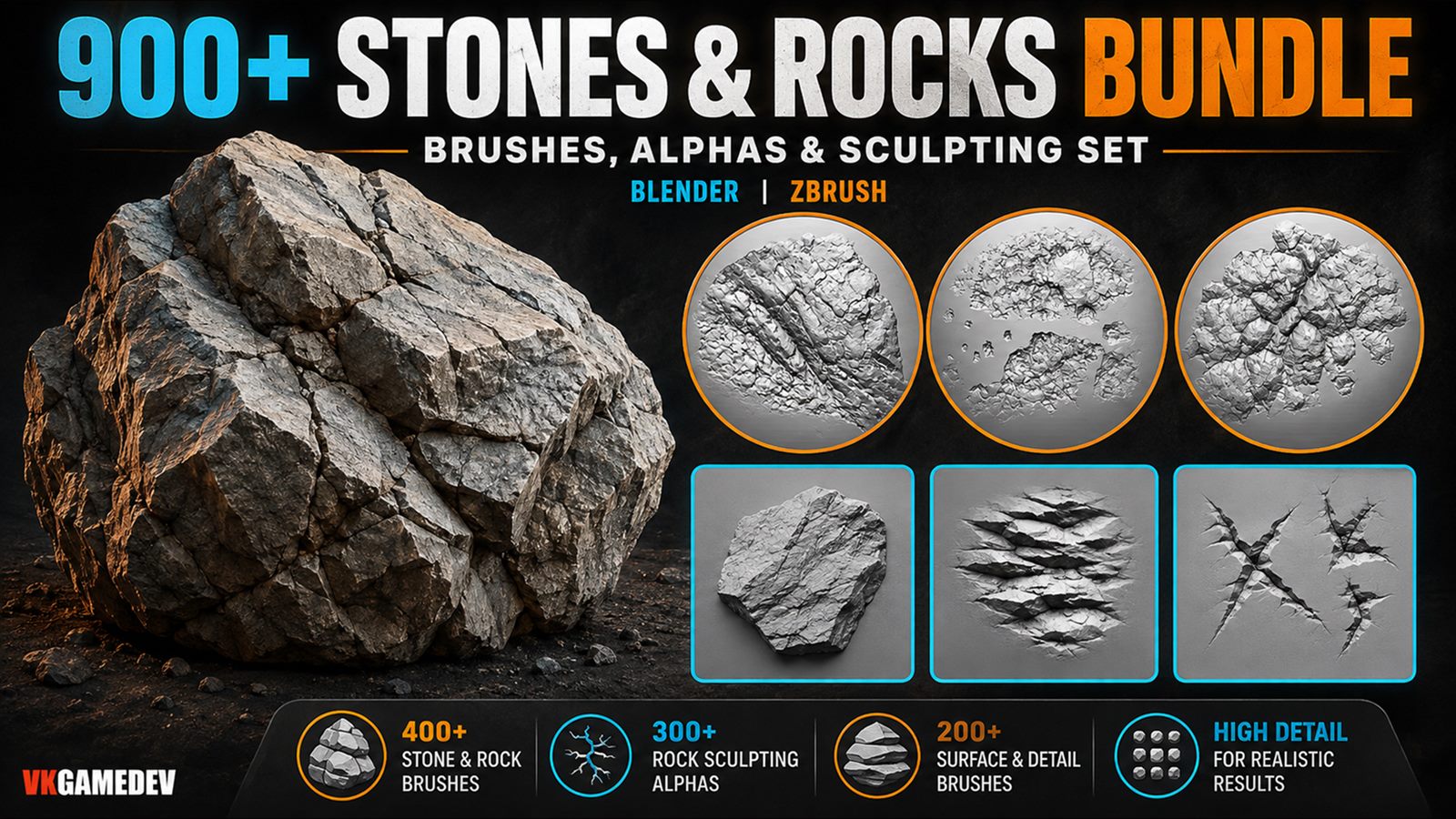
Blender sculpting brushes are the core of fast, clean detail in Sculpt Mode. This category focuses on Asset Browser-ready packs with stable strokes, consistent alpha depth, and brush families for characters, creatures, props, and hard-surface detailing.
Primary forms to micro detail
Best for Sculpt Mode workflows
Library setup via File Paths
Shop Blender sculpting brushes by material
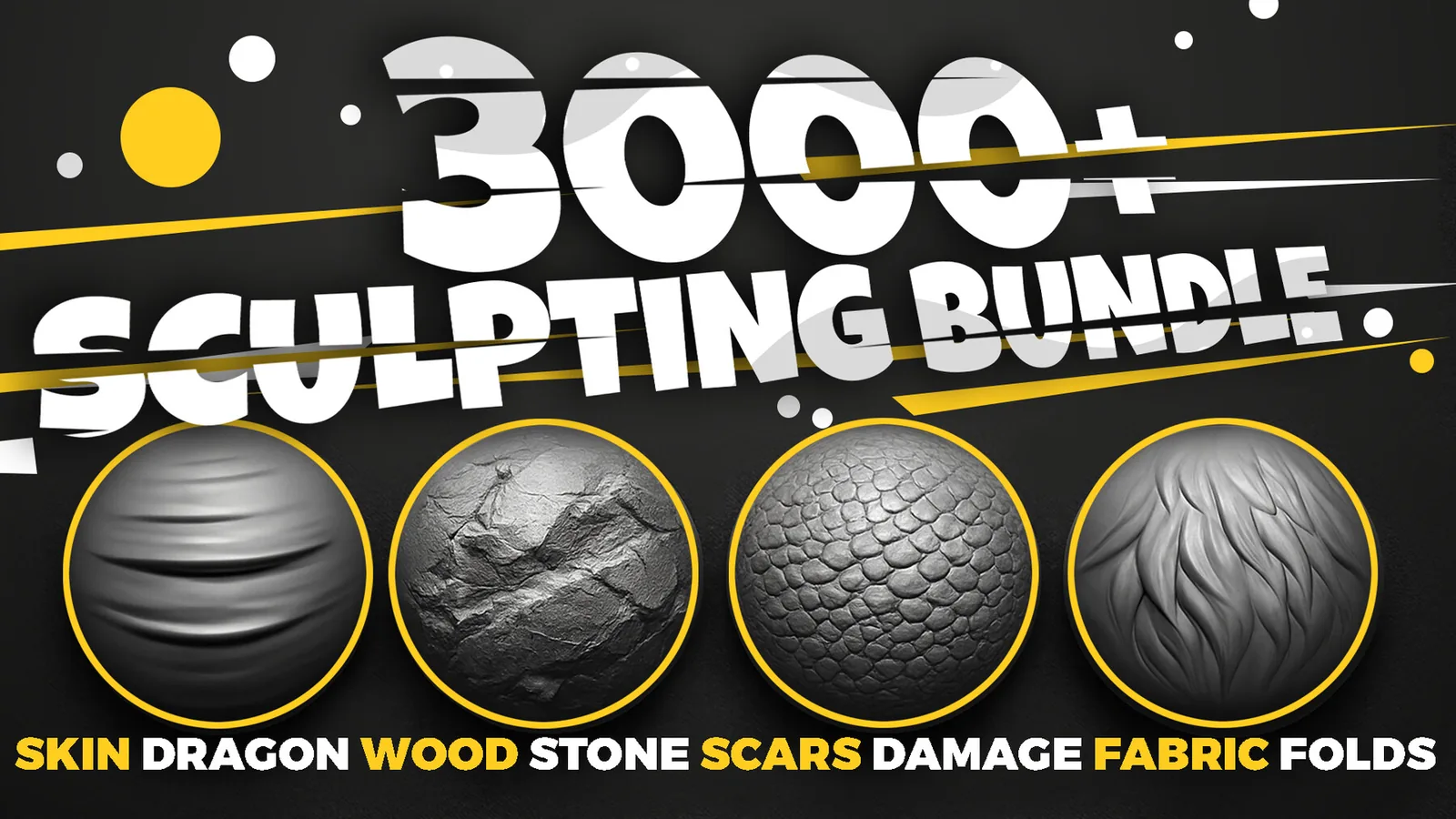
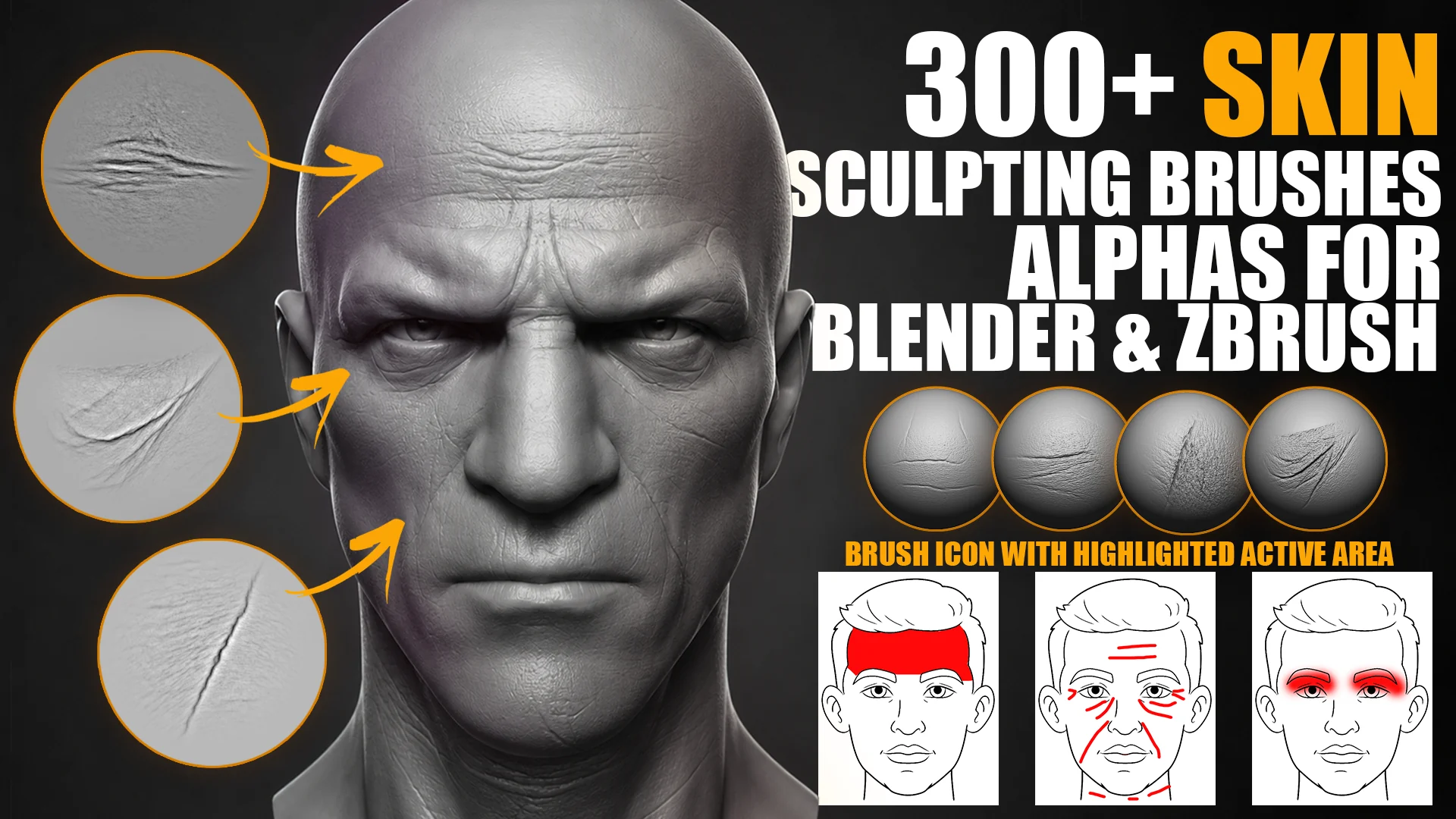
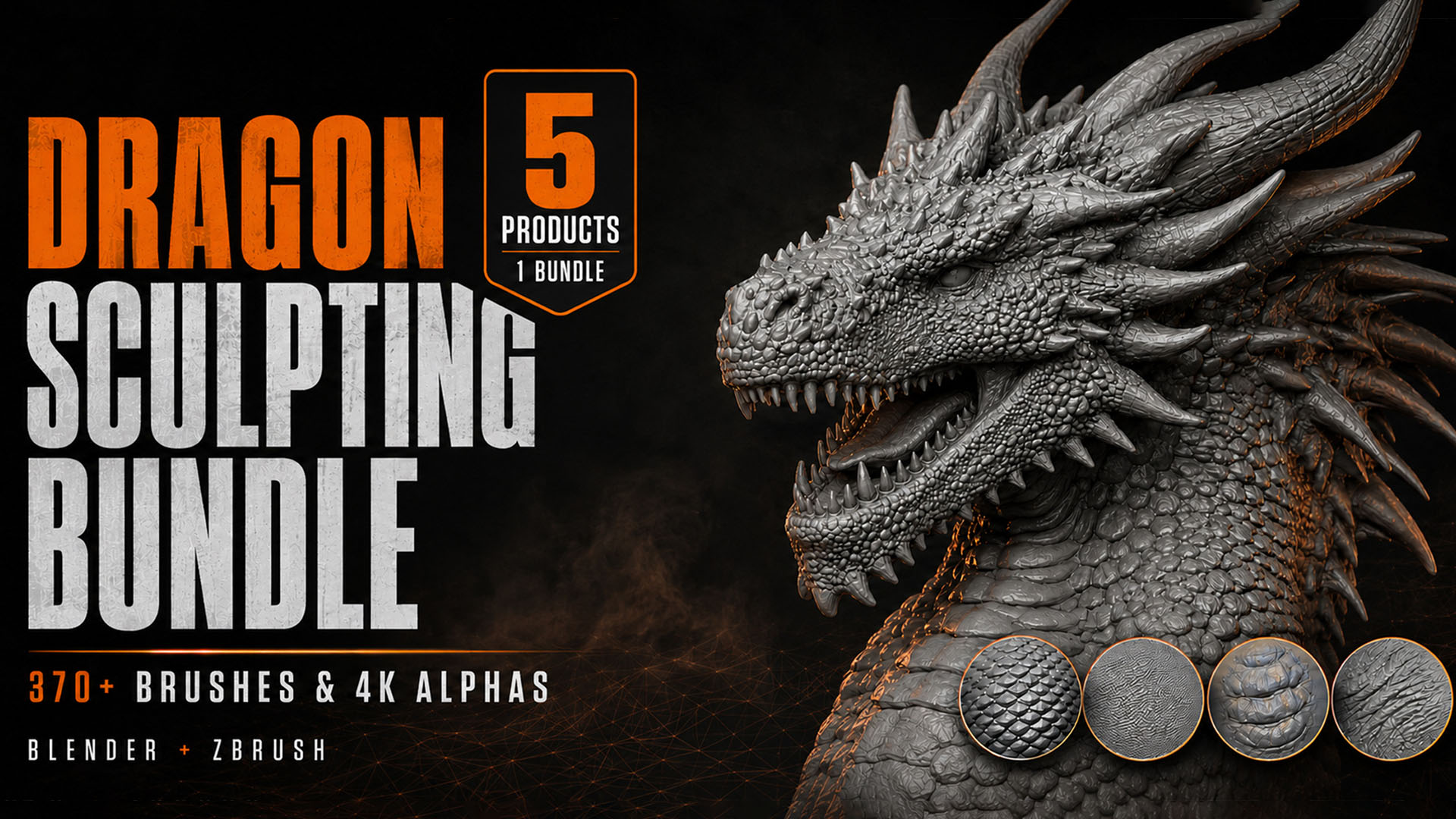
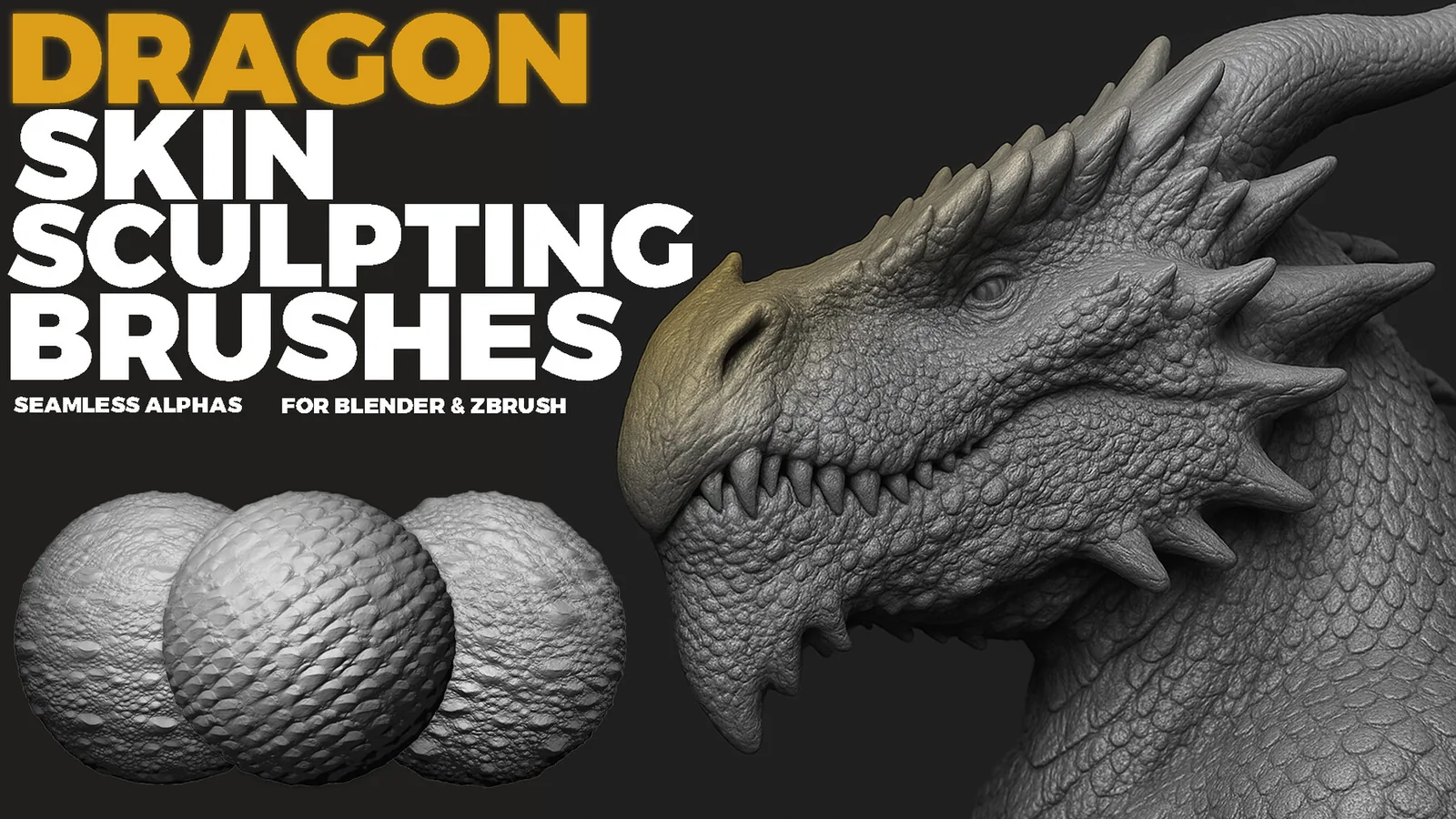
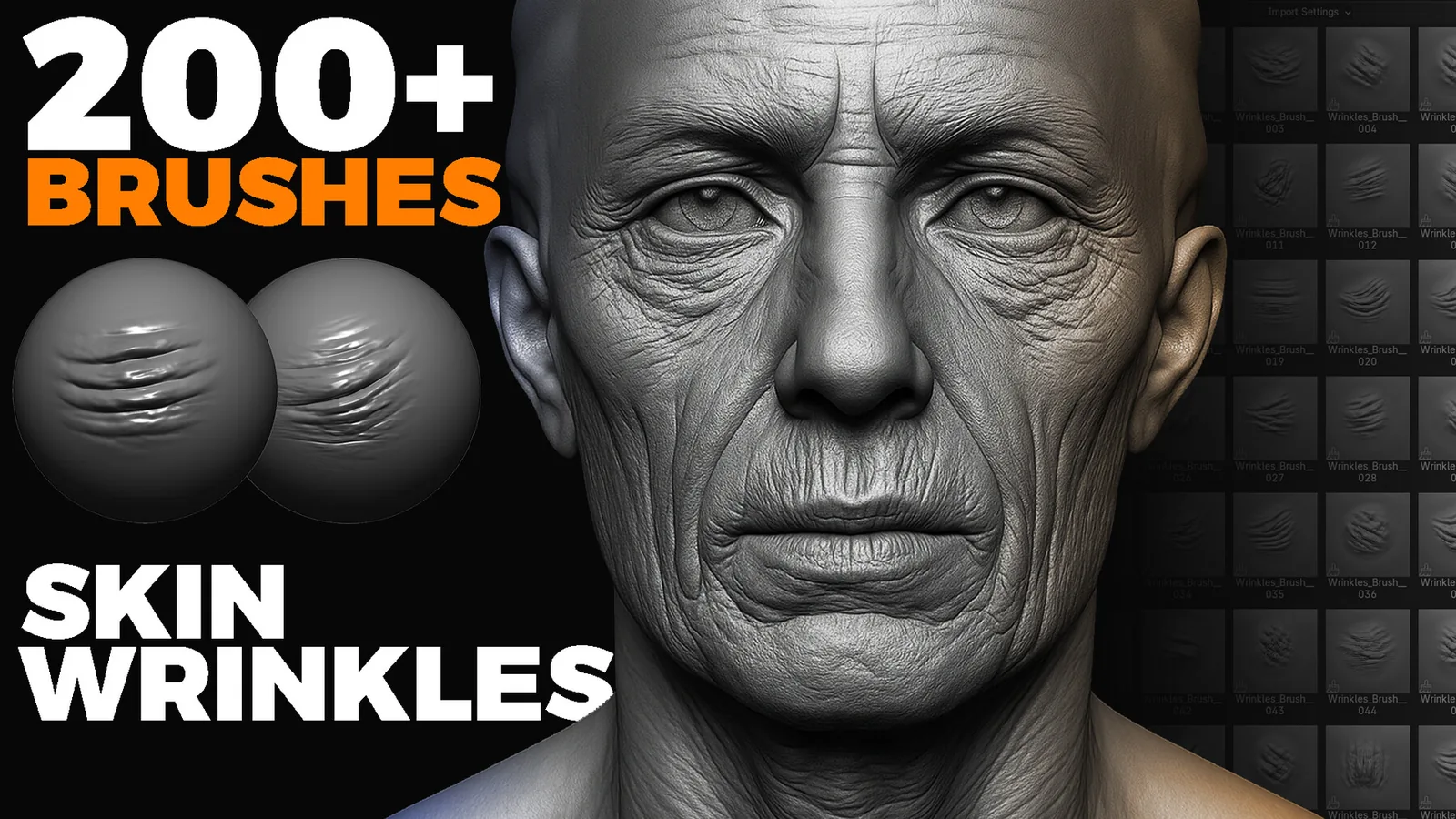
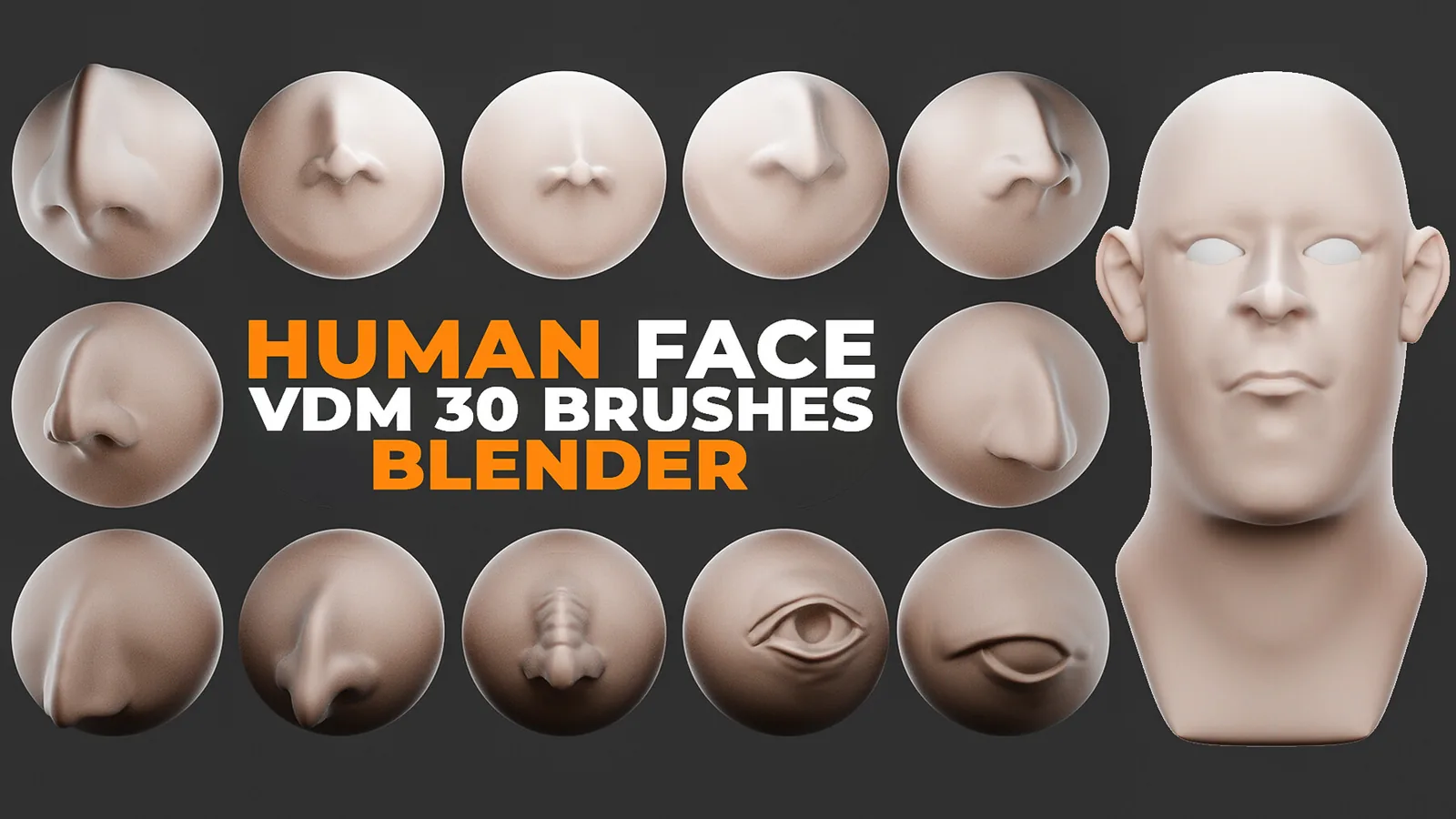
Skin & creaturePores, wrinkles, dragon and creature skin. Browse all skin brush packs.
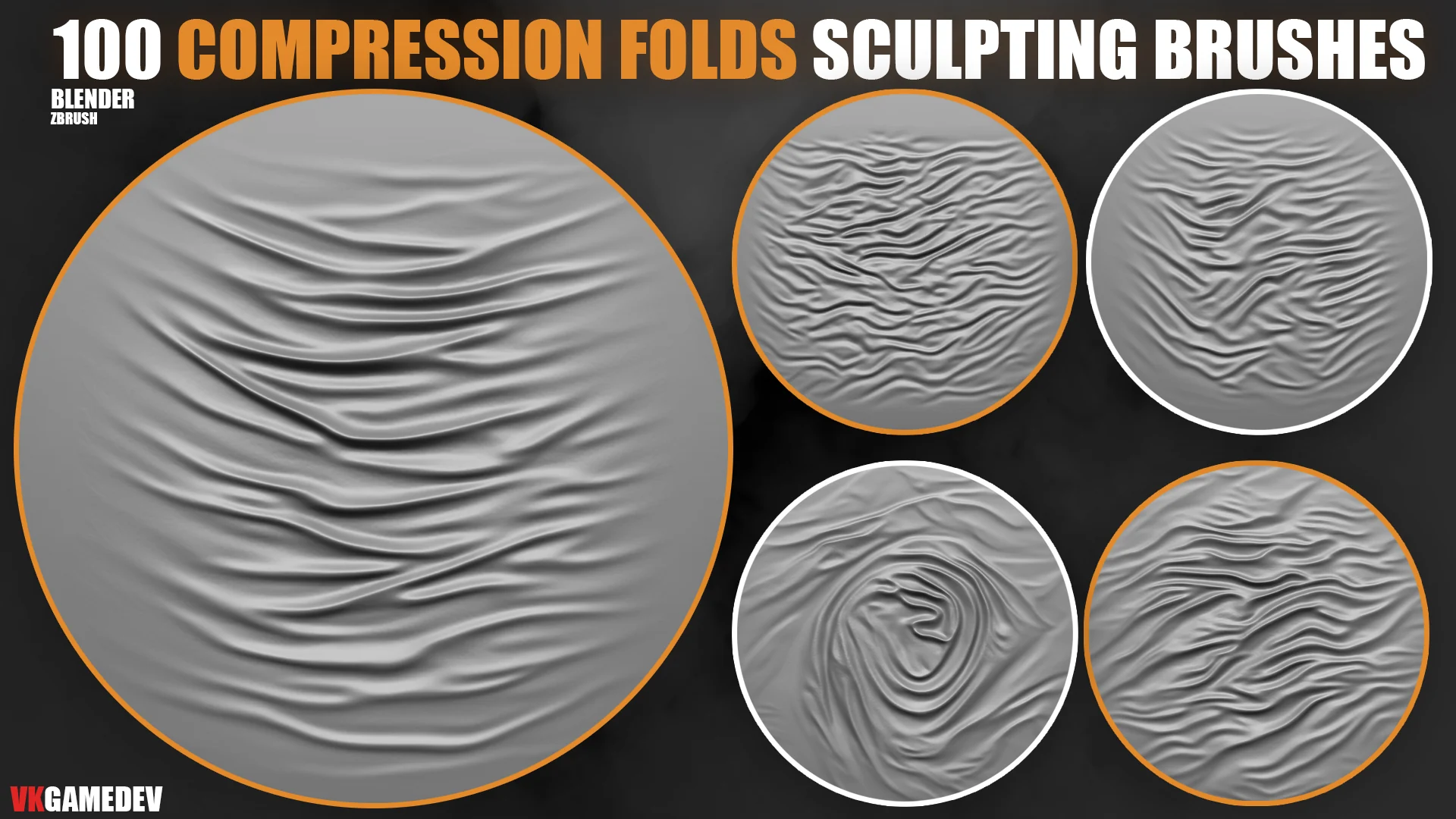
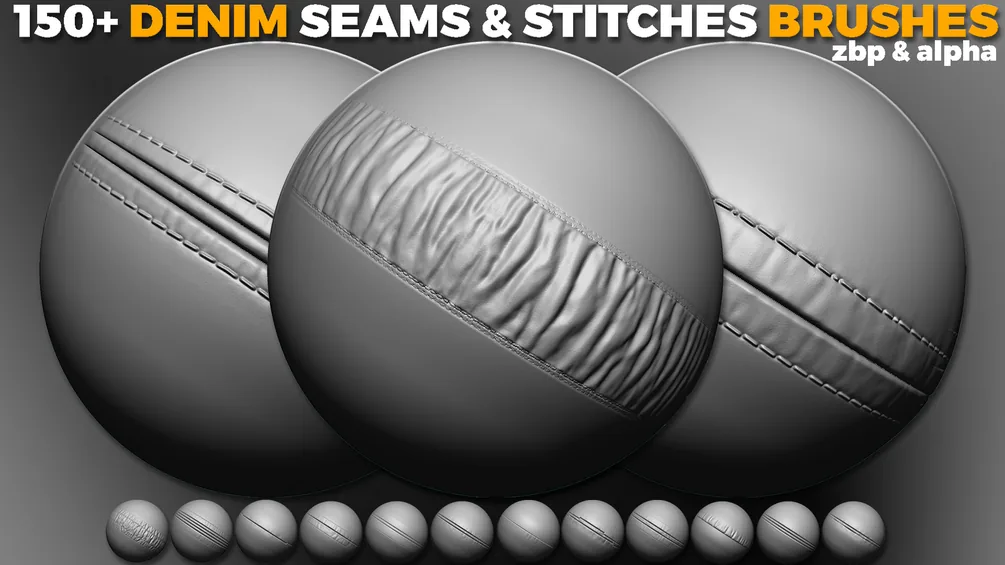
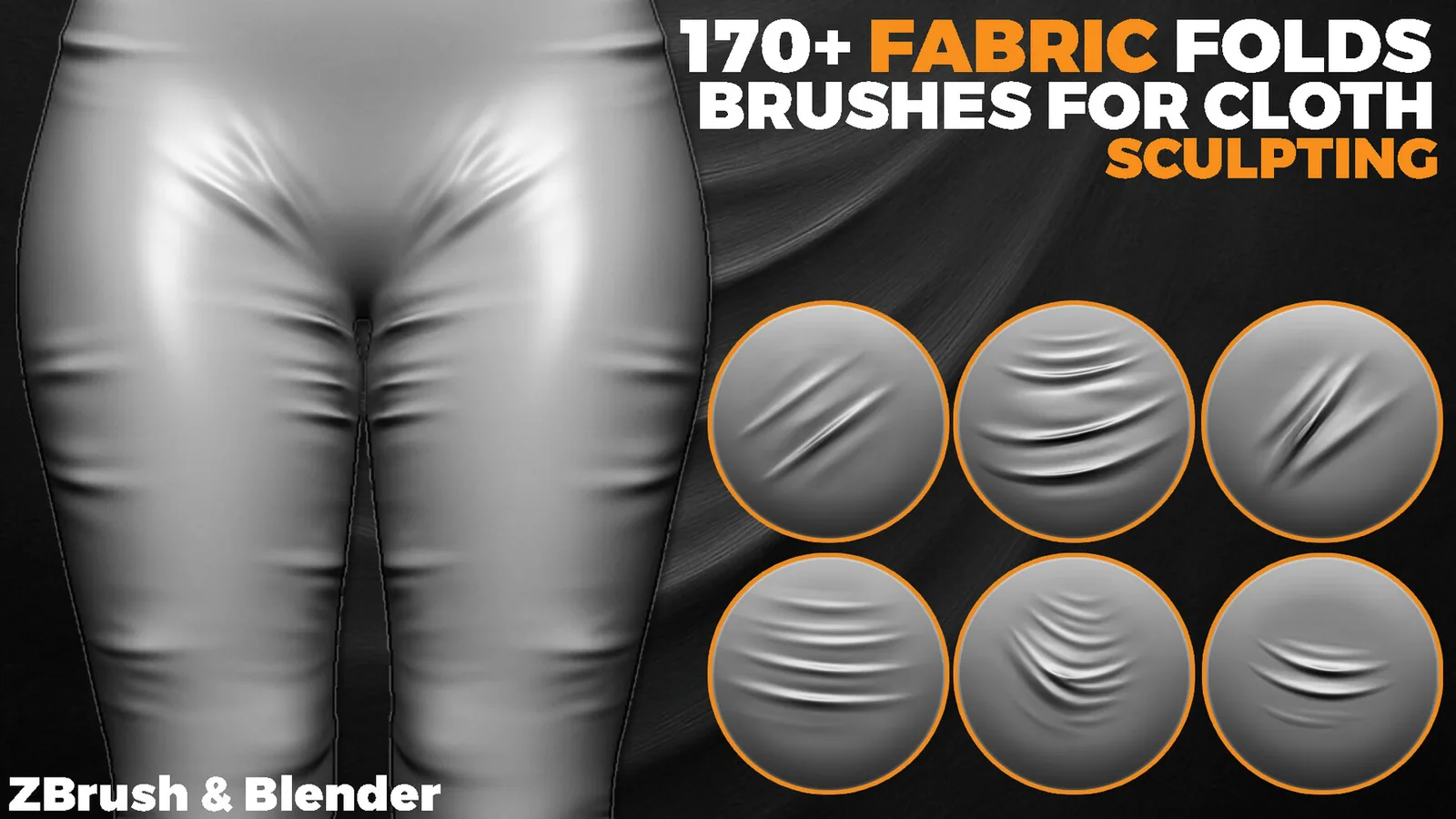
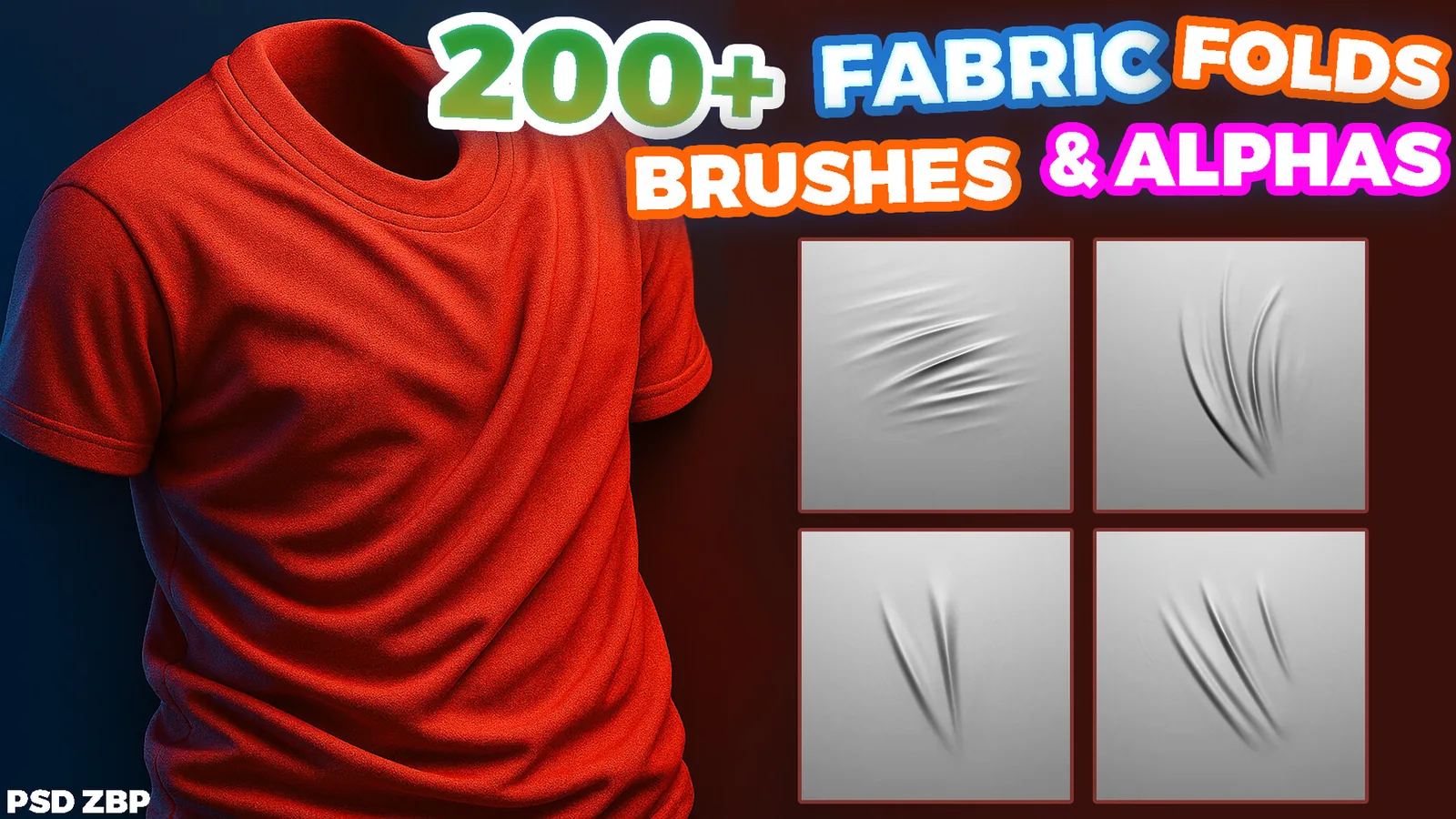
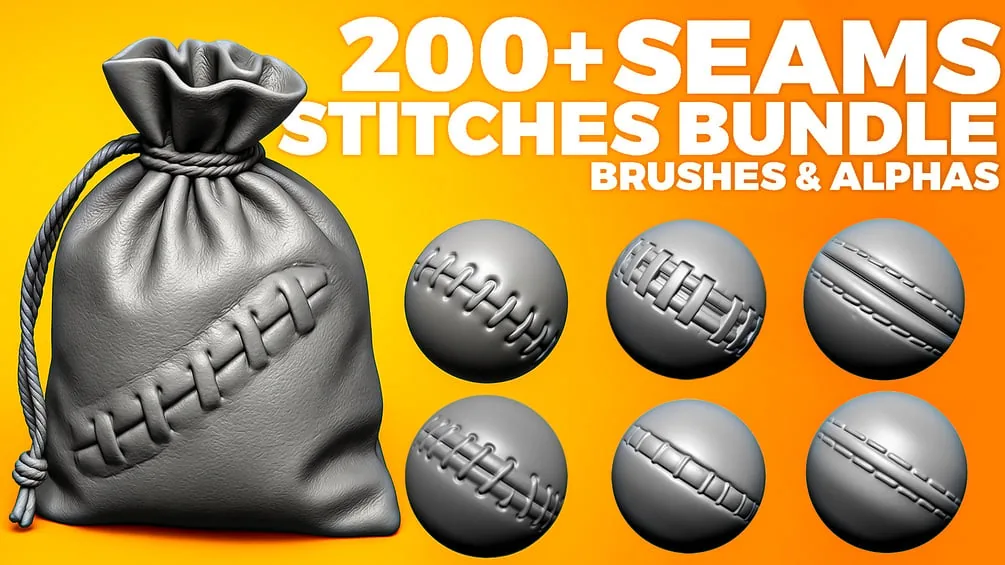
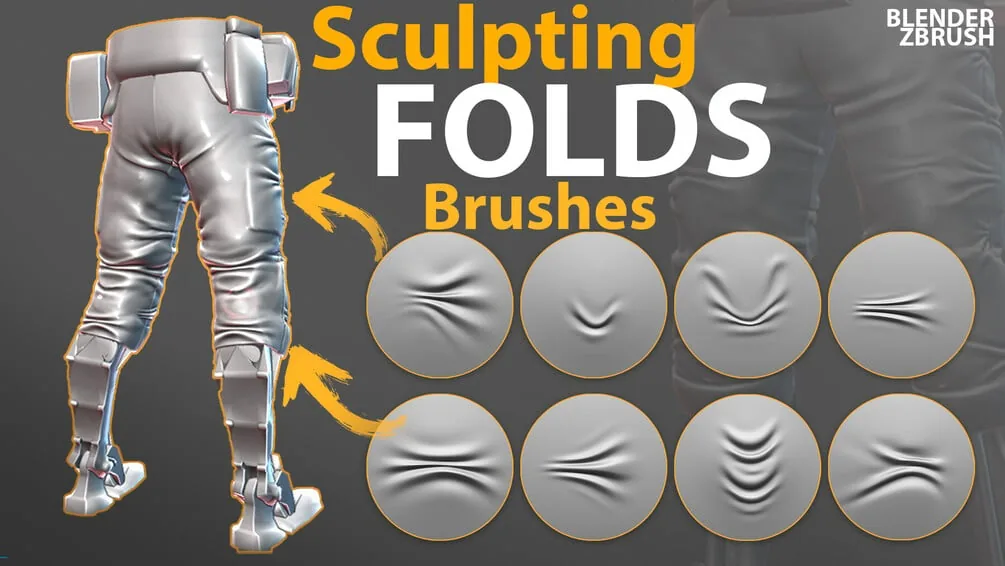
Fabric & clothFolds, seams, and compression wrinkles. Browse all fabric brush packs.
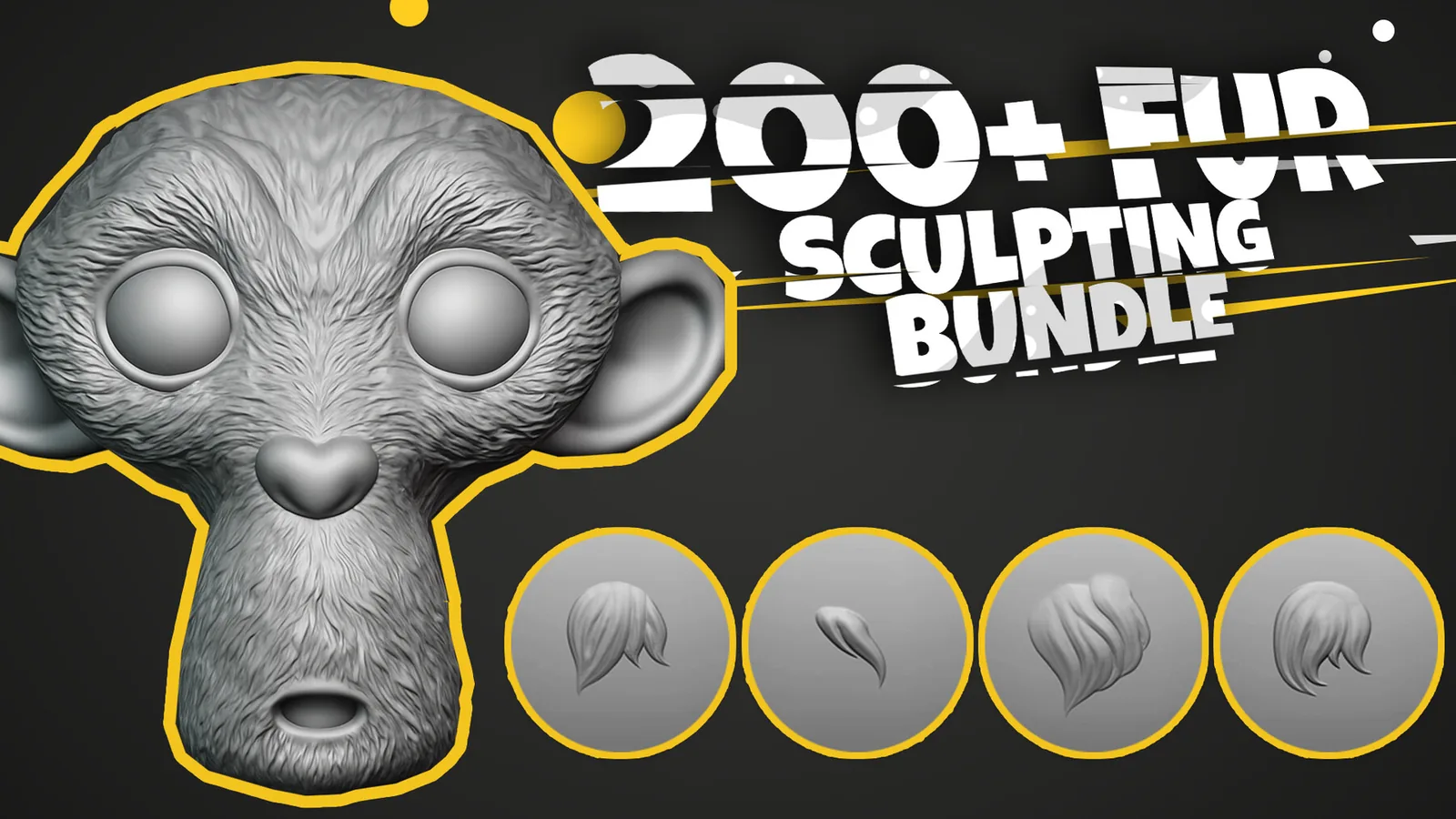
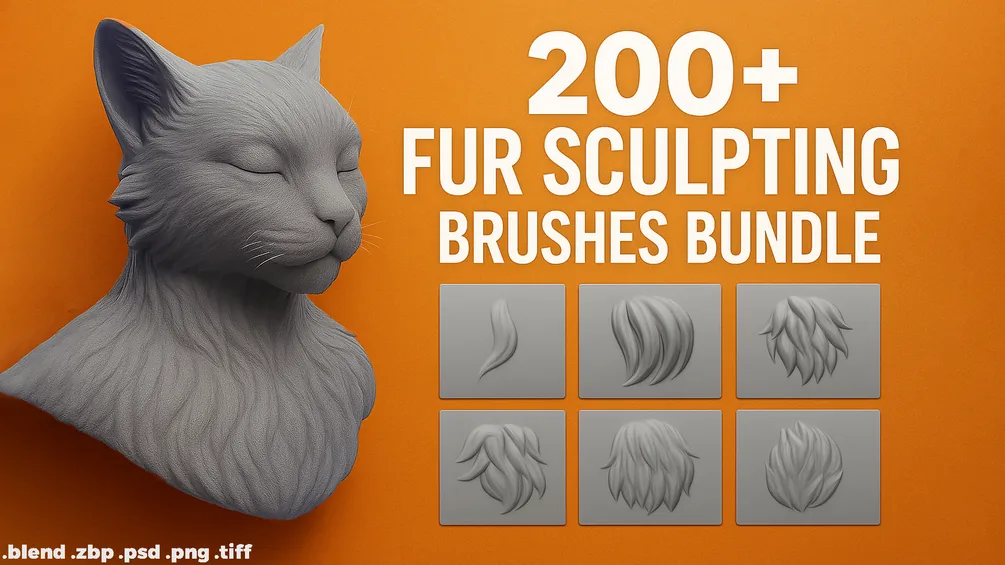
Fur & hairFlow, clump and strand brushes. Browse all fur brush packs.
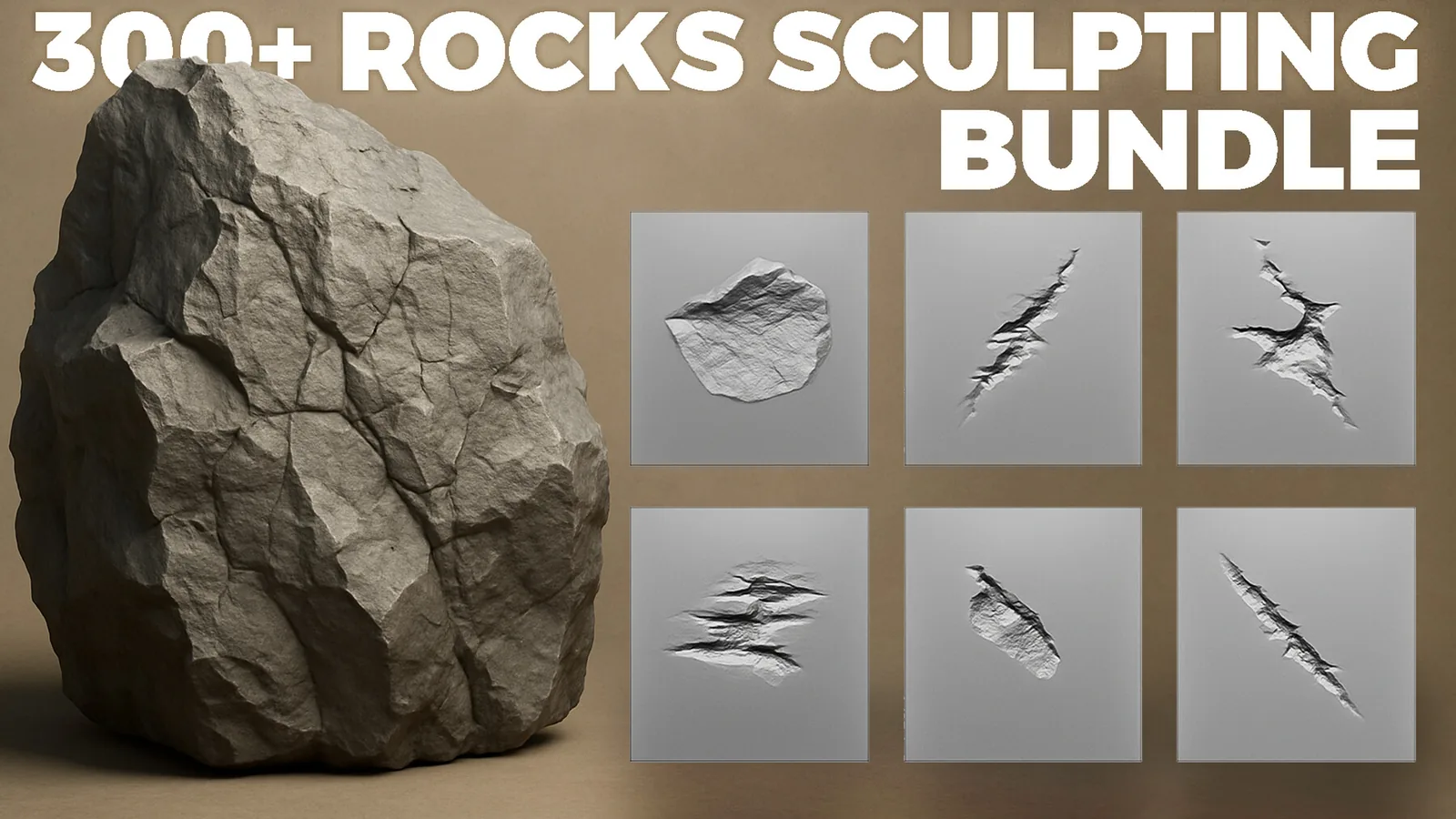
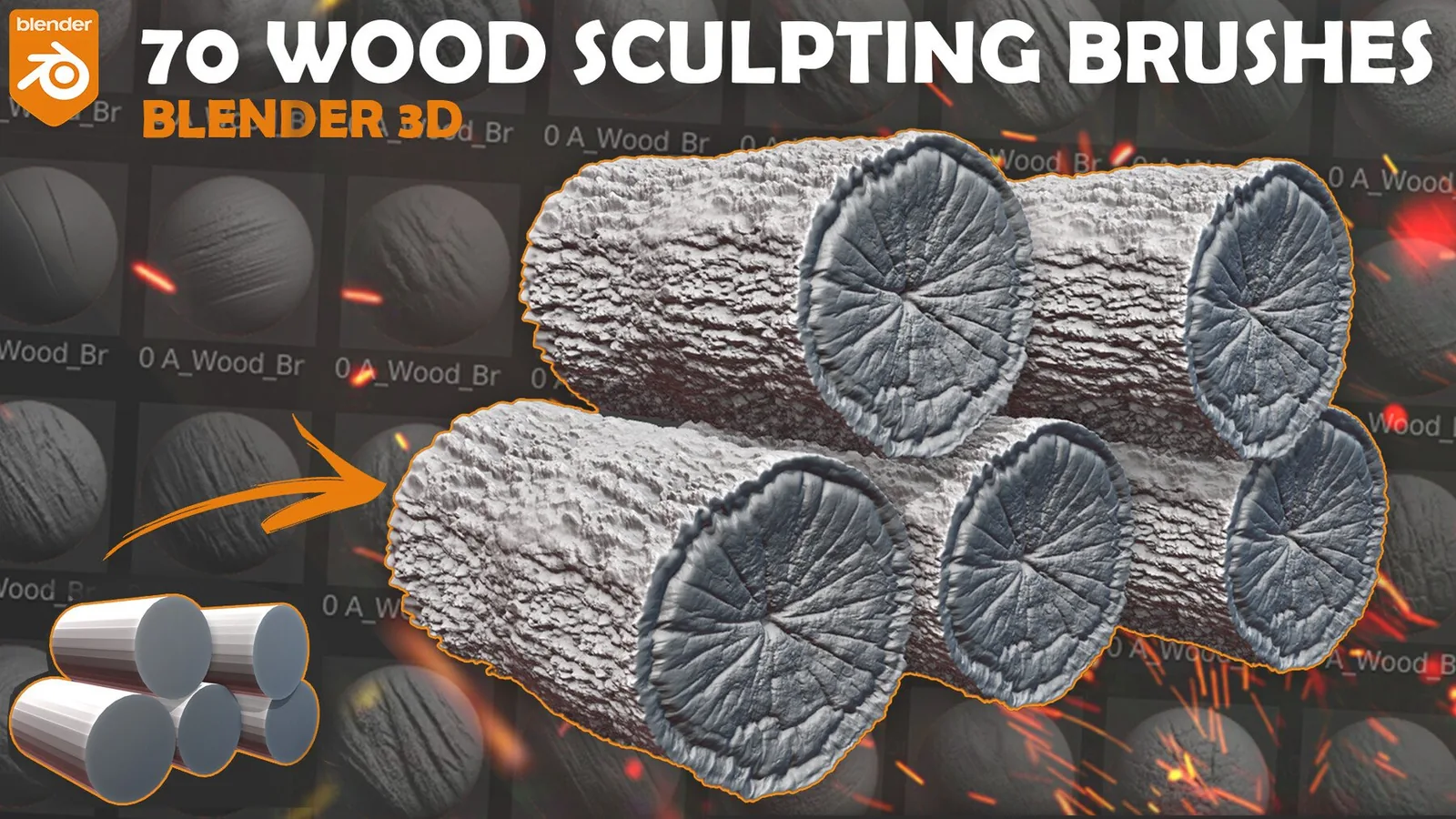
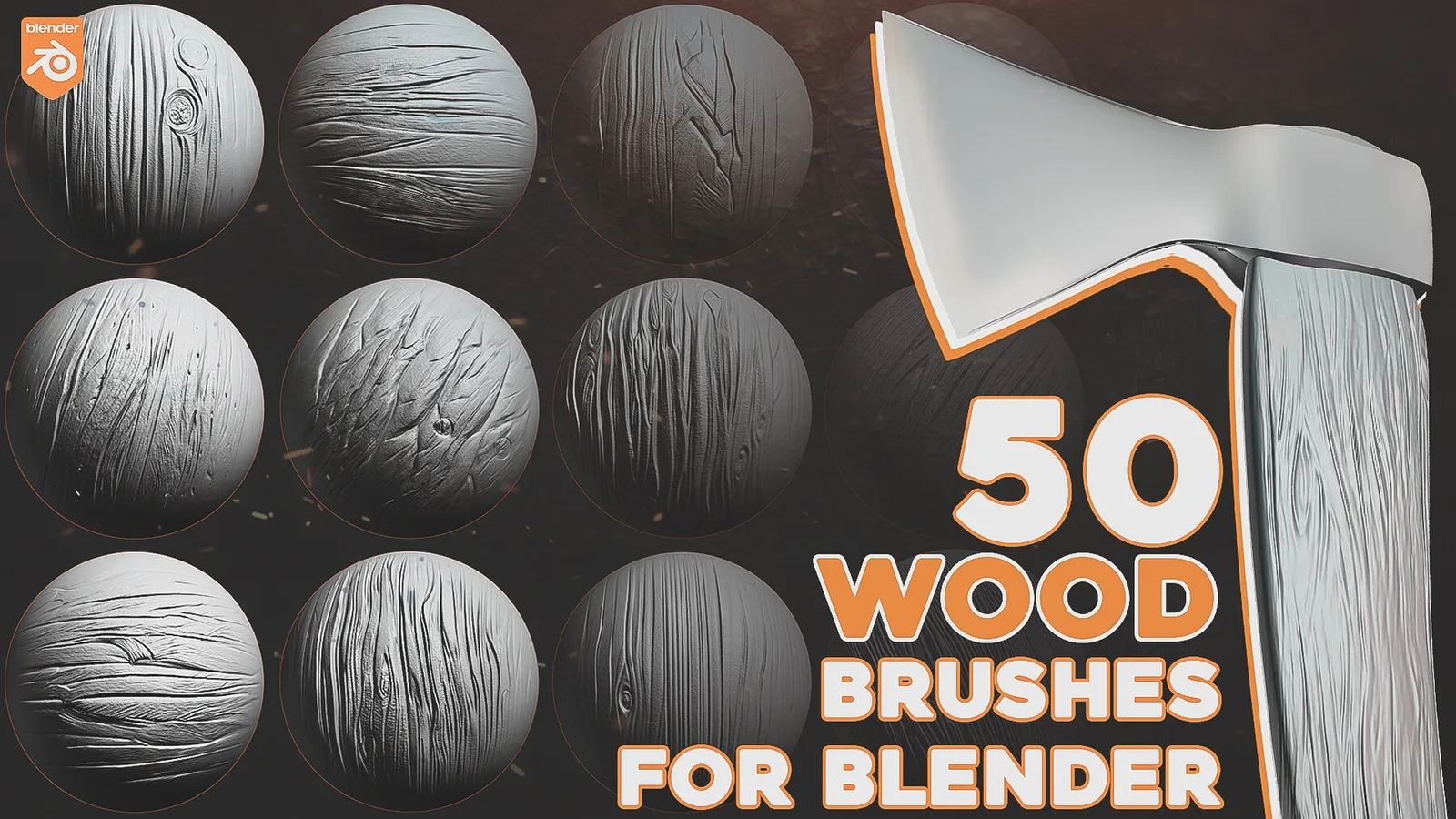
Rock & woodCliffs, terrain, bark and grain. Browse all rock & wood packs.
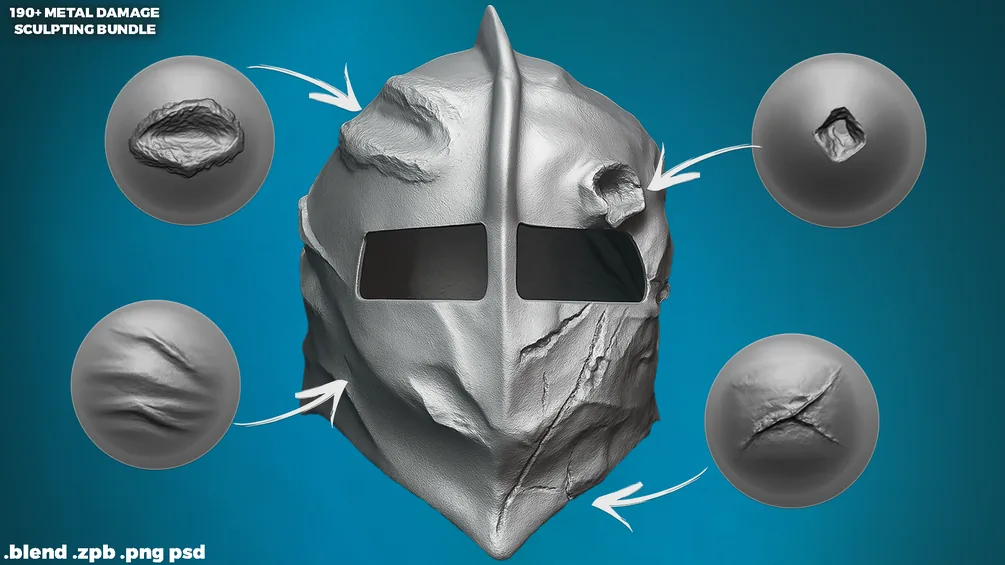
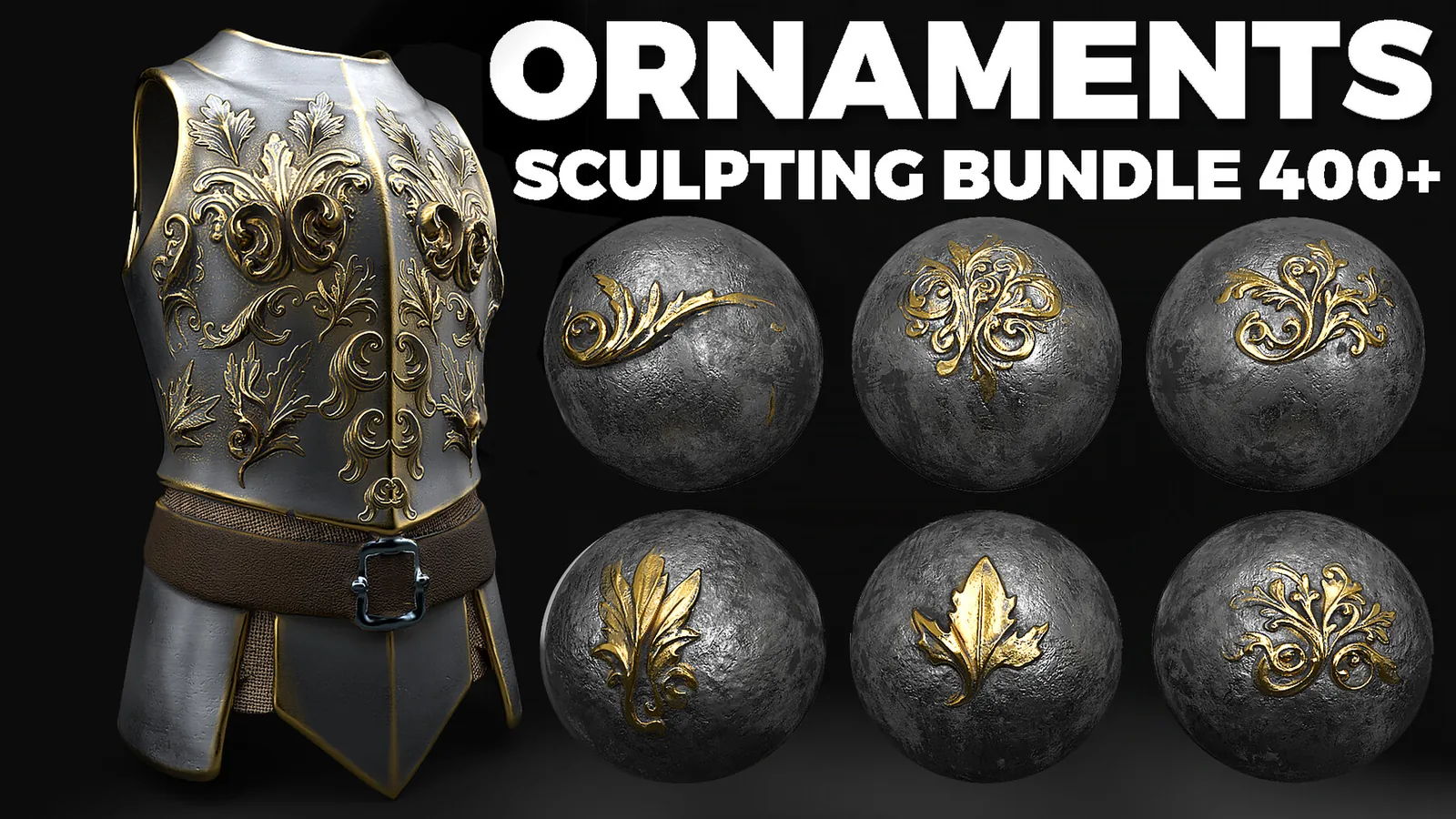
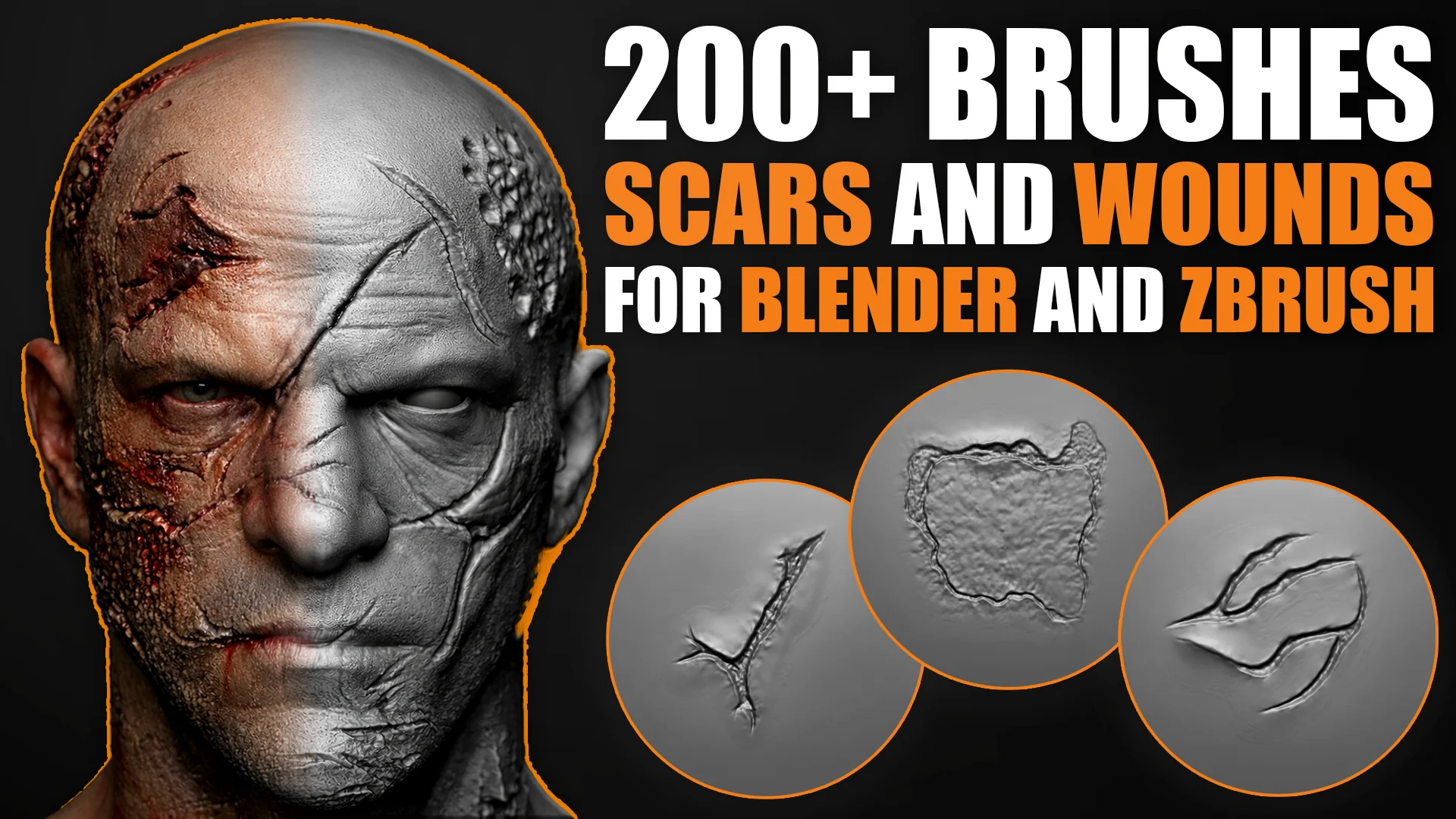
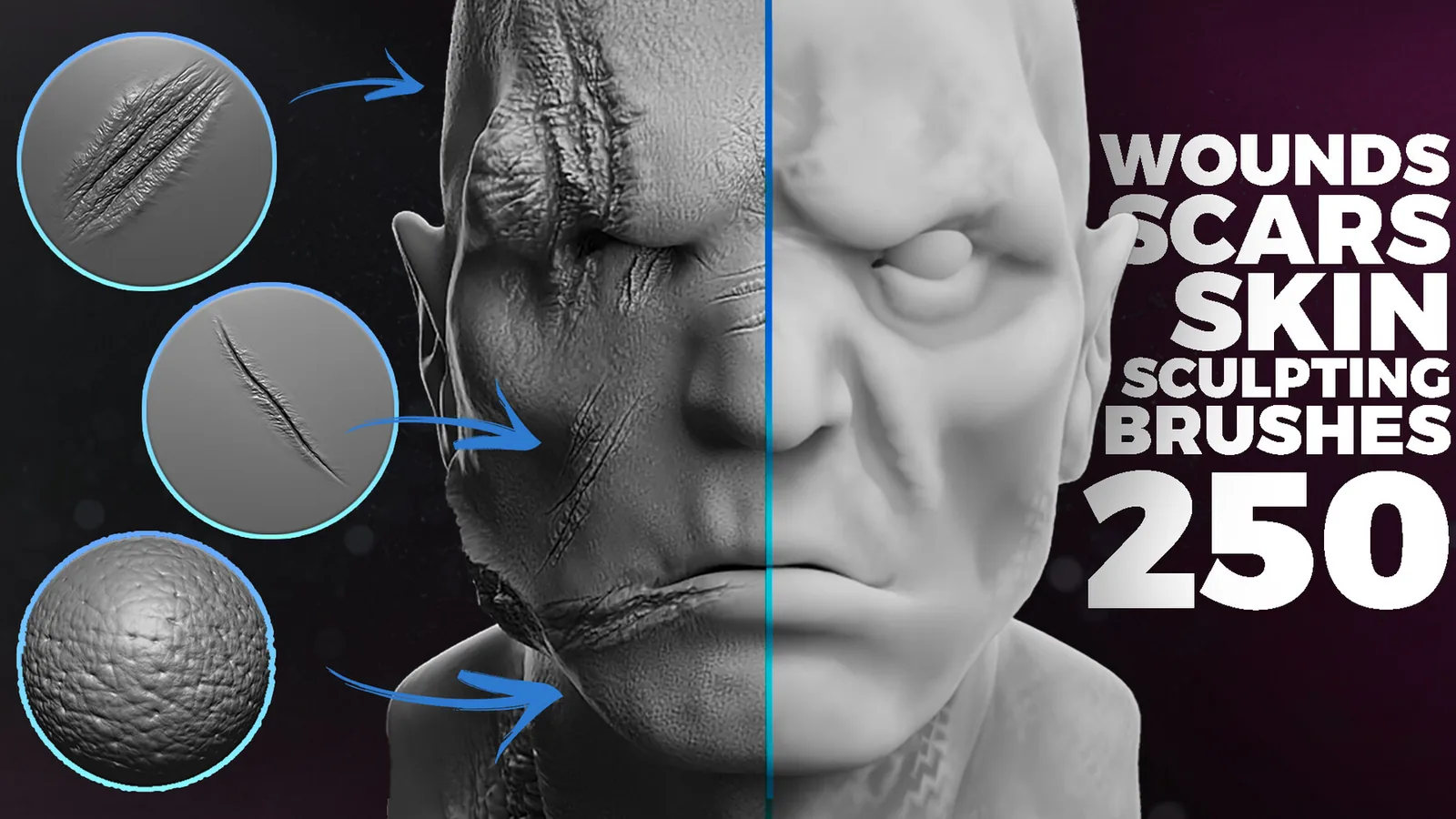
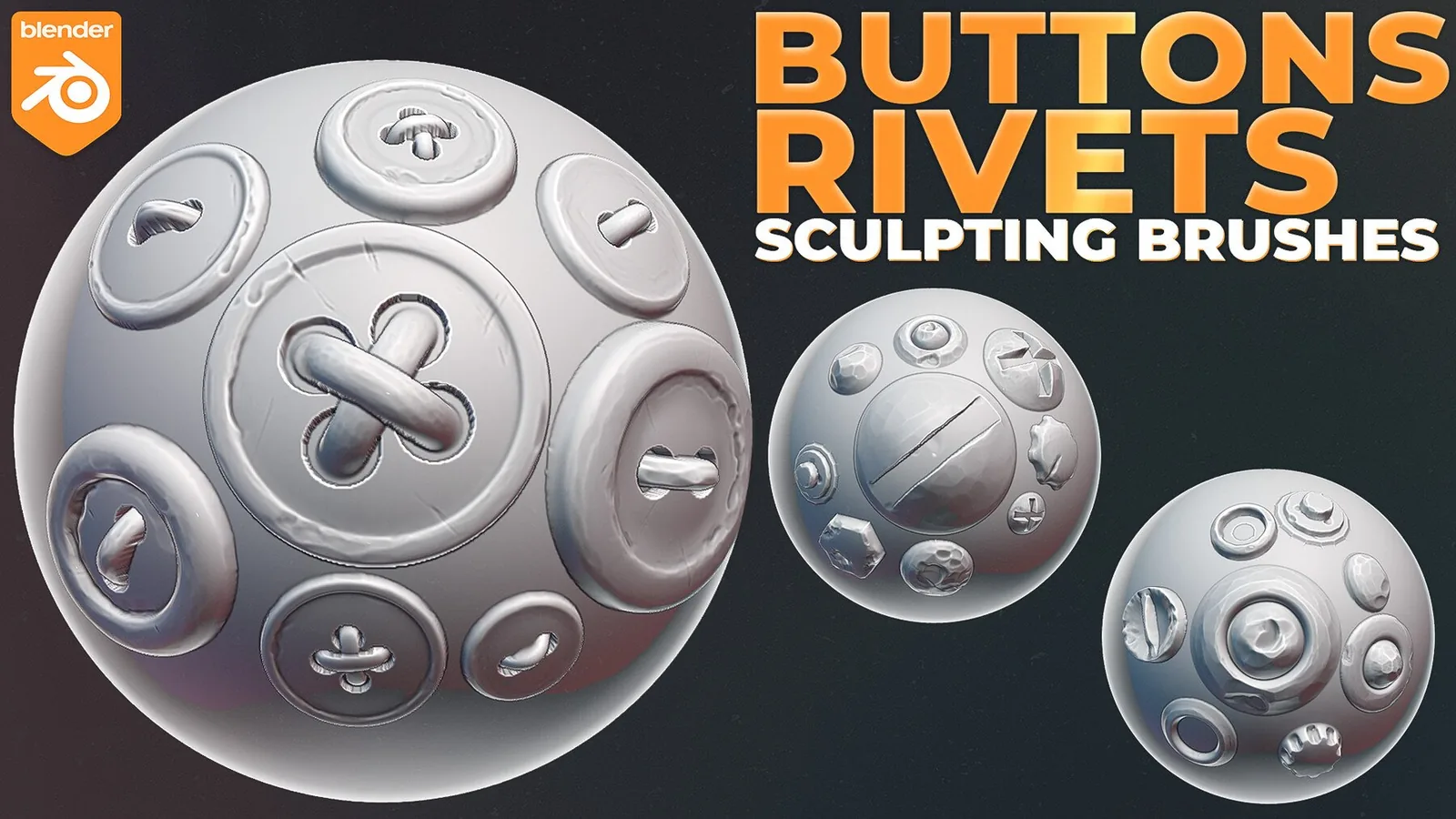
Damage & ornamentsDents, scars and decorative trims. Browse all damage & ornament packs.
Everything in one bundleThe 3000+ Sculpting Brushes Bundle covers every material above.
Best Blender brush bundles
All Blender sculpting brush packs
All Blender sculpting brush packs, one material at a time. Filter to jump straight to what you need.
How to set up a Blender brush library
1. Pick one focused pack or the full 3000+ bundle. Buy per-material packs if you only need one or two surfaces, or the full bundle if your project spans several.
2. Add each pack to Blender's Asset Libraries. Point File Paths at the pack folder so brushes appear in the Asset Browser without manual imports.
3. Keep packs in separate folders. This avoids thumbnail and naming collisions when you mix multiple packs in one library.
4. Sculpt materials in the same order as physical layering. Base form, then structural detail (folds, cracks, scales), then fine surface alphas last.
FAQ
Q: Do these brushes work in Blender 4.3 and newer? Yes, most packs are Asset Browser ready for Blender 4.3-5.x.
Q: Do I need high poly meshes? Detailed alphas look best on higher subdivision levels or multi-res.
Q: Can I mix packs in one library? Yes, keep packs in separate folders and add each to Asset Libraries.
Q: Are the brushes compatible with ZBrush? Some bundles include ZBrush presets, but this category is Blender focused.
Q: Should I buy one material pack or the full bundle? Buy a focused pack if your project only needs one or two materials. The 3000+ bundle is better value once you need three or more.
Q: Is there a free way to try these brushes first? Yes, the 170+ Fabric Fold Brushes pack is fully free, and the 3000+ bundle includes a small free sample.