Blender Sculpting Brushes
29 Button and Rivet Brushes for Blender 4.3 Asset Browser
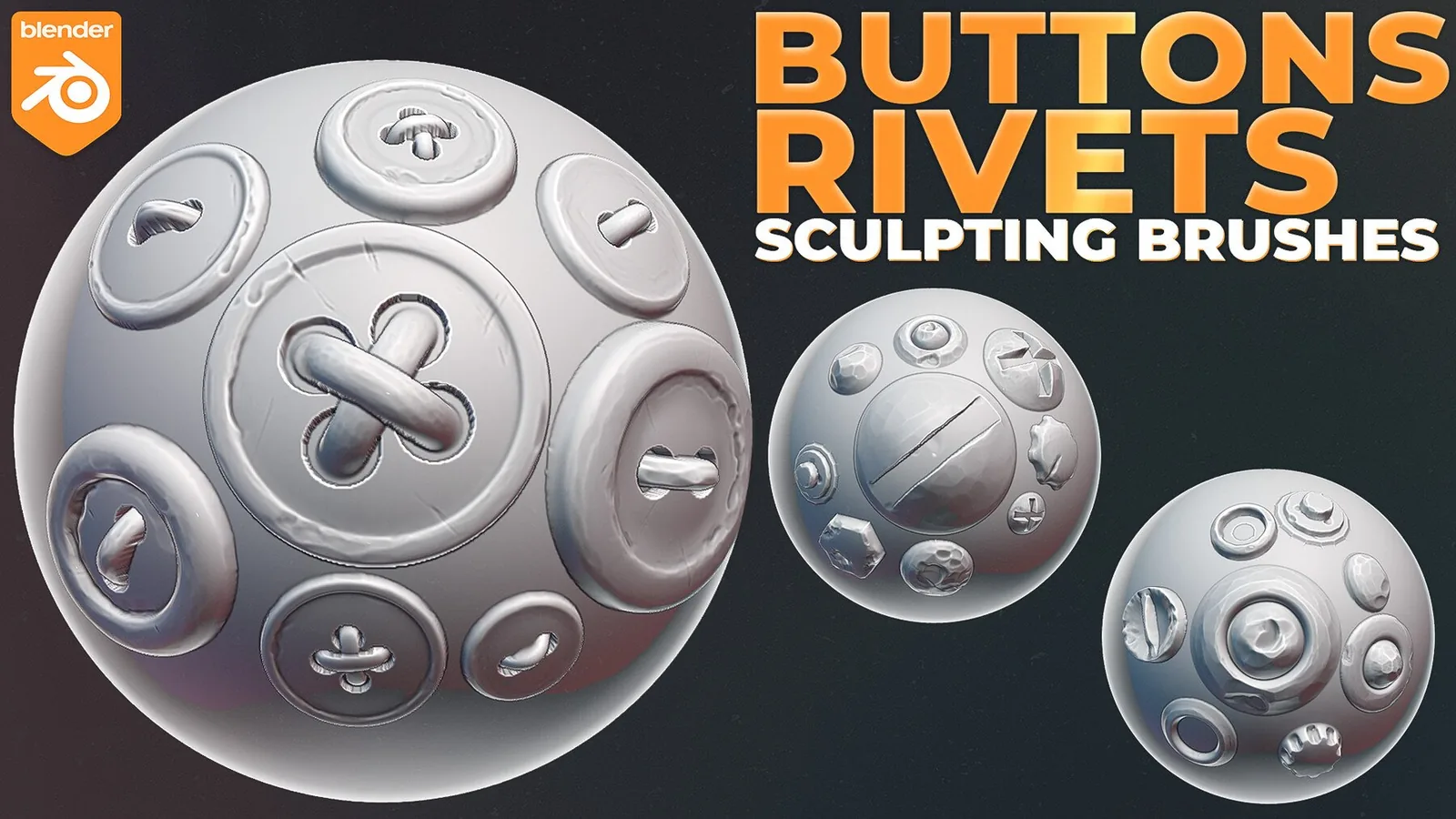
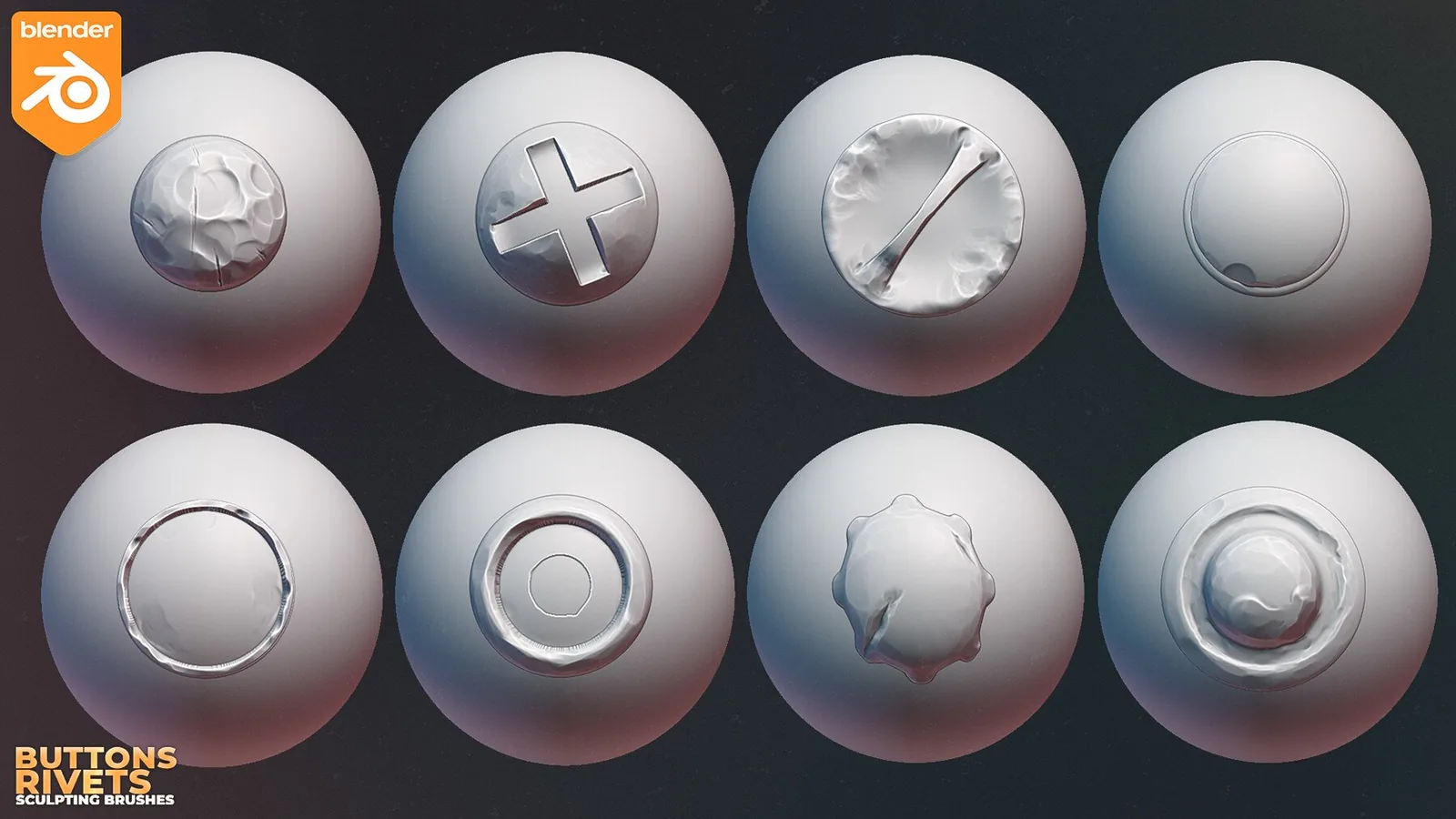
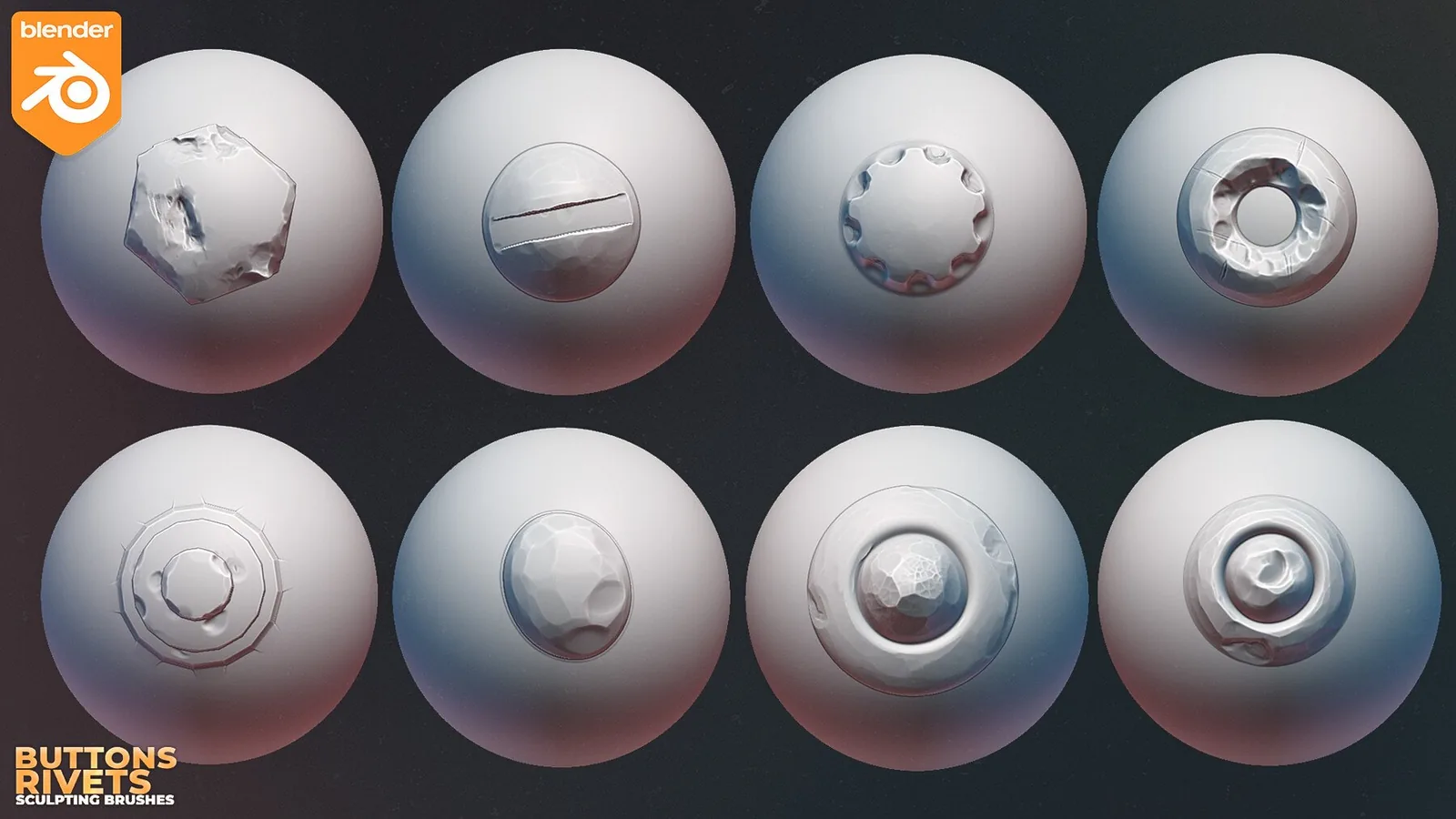
29 button and rivet sculpting brushes for Blender 4.3 with 2K textures, individual settings, thumbnails and installation instructions. The pack is updated for Blender 4.3 and includes customized brush settings, thumbnails and detailed installation instructions.
Buttons and rivets.The product is designed for both beginners and professional artists and students to simplify sculpting.Brush packs are customized with custom textures, settings and thumbnails, along with properly configured brushes st...
Description
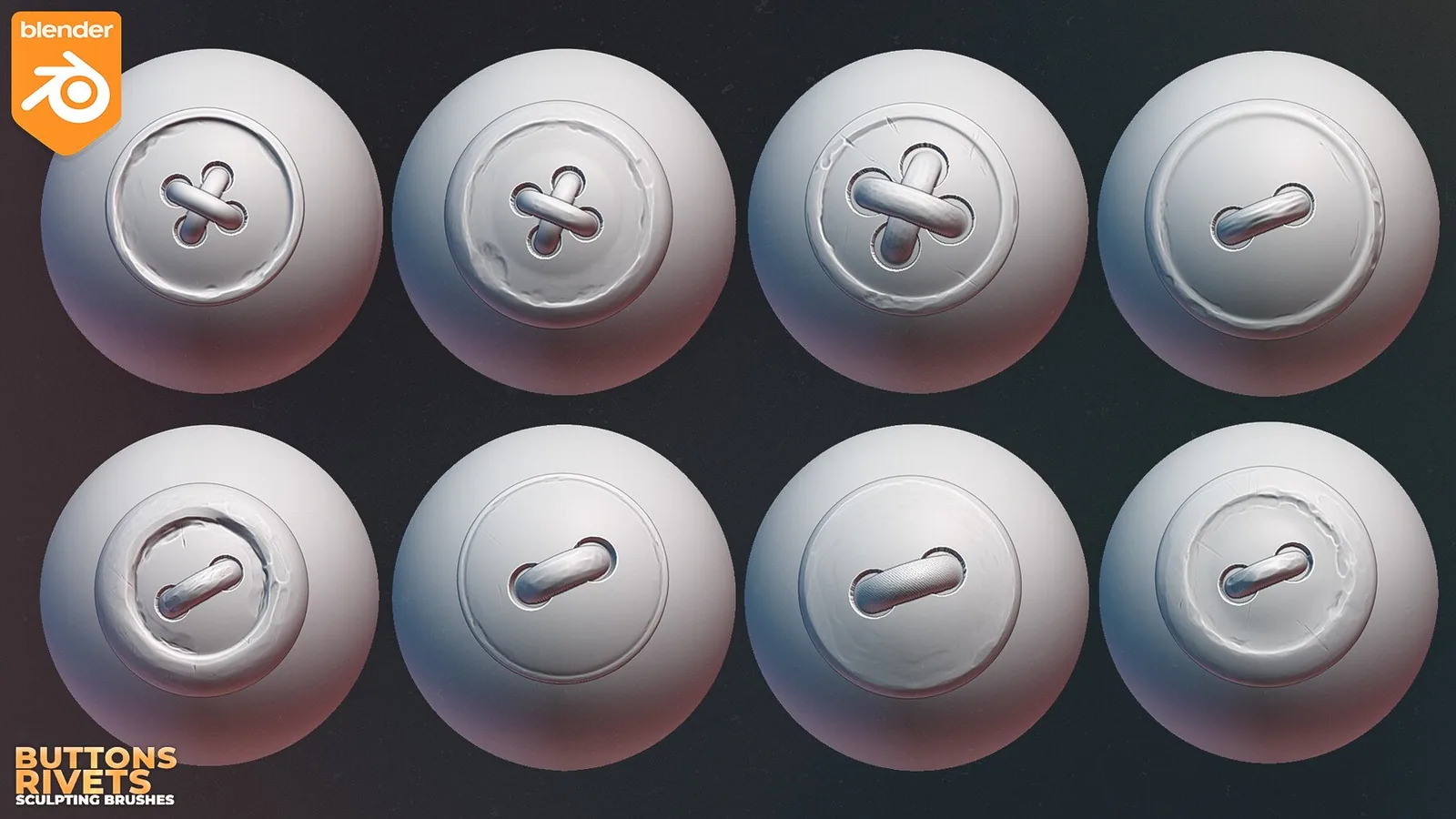
The package includes a set of 29 sculpting brushes in Blender. Buttons and rivets.
The product is designed for both beginners and professional artists and students to simplify sculpting.
Brush packs are customized with custom textures, settings and thumbnails, along with properly configured brushes stock to blender.
Textures have the resolution of 2048x2048.
Detailed installation instructions.
What the Blender Brush Pack Includes
The pack includes 29 Blender button and rivet brushes with 2048×2048 textures. It is organized for garment fasteners, rivets, armor panels and hard-surface accents. Preset settings and previews reduce repetitive setup and make it easier to compare brushes before applying them to the sculpt.
The pack is updated for Blender 4.3 and includes customized brush settings, thumbnails and detailed installation instructions.
Recommended Workflow
- Install or append the supplied brush library using the included instructions.
- Open the sculpting workspace and locate the presets in the Asset Browser or Draw-brush library.
- Test strength, radius and direction on a duplicate mesh before committing to a production sculpt.
- Use the preset for the repeated detail, then refine transitions with standard Blender brushes.
Blender library behavior can change between releases, so use the product’s stated version as the baseline and check the marketplace listing for any later compatibility update.
Frequently Asked Questions
What is included with 29 Button and Rivet Brushes for Blender 4.3 Asset Browser?
The package includes 29 Blender button and rivet brushes with 2048×2048 textures.
What is 29 Button and Rivet Brushes for Blender 4.3 Asset Browser best used for?
It is intended for garment fasteners, rivets, armor panels and hard-surface accents.
How should the detail be applied?
Start after the primary forms are established, test scale and strength on a small area, and vary placement so repeated detail does not look mechanical.
Where can I verify the current price and compatibility?
The price shown on this page is $9.99. Confirm the current price and download contents on the linked marketplace before purchase.