Rock sculpting bundle

Rock sculpting library

900+ Stones & Rocks Sculpting Bundle

Price $19.99

A complete rock and stone detailing bundle for Blender and ZBrush. Create cliffs, cracked stones, boulders, terrain, ruins, caves, erosion and production-ready environment surfaces much faster.

This bundle combines three rock-focused packs so you can move from broad stone forms to fine cracks, chipped edges and tileable surface breakup without rebuilding every mark by hand.
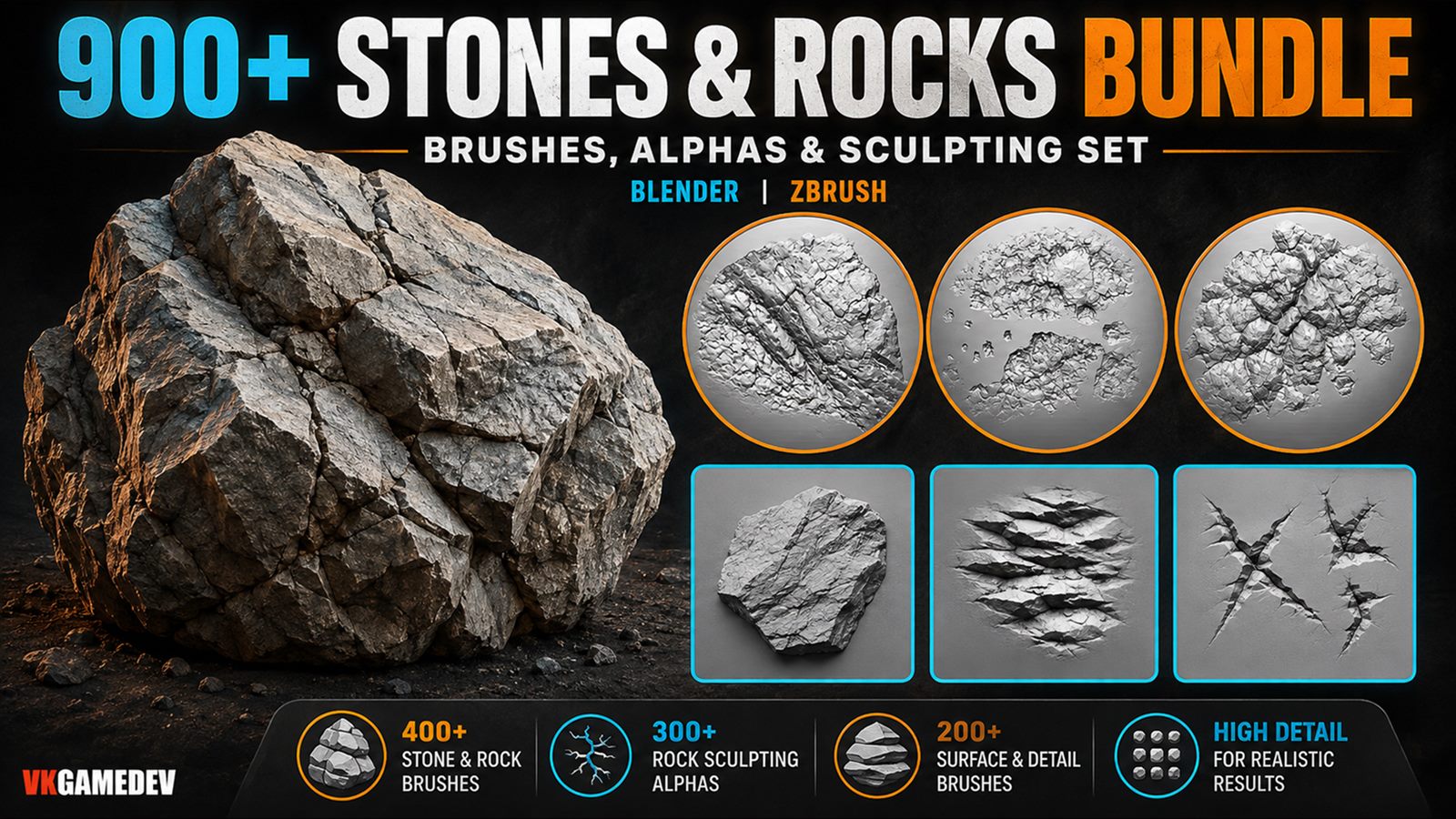
3 rock packs 900+ brushes and alphas Blender and ZBrush Environment sculpting

900 plus Stones and Rocks Sculpting Bundle preview
Main preview of the 900+ Stones and Rocks Sculpting Bundle.
900+ rock brushes and alphas Cracks, cliffs, erosion, chips 2K alpha resources

Built for environment artists

Large terrain forms: sculpt cliffs, boulders, mountains, cave walls and broken stone props faster.
Mid-scale structure: add cracks, fracture lines, chipped edges, erosion and surface breakup without manual carving on every asset.
Reusable alpha workflows: use the included alphas for displacement, bump, height, masks and custom brush setups in Blender, ZBrush and similar tools.
Realistic or stylized scenes: useful for game environments, cinematic shots, concept sculpting, VFX and 3D print surfaces.

What is included

300+ Rock Alpha Brushes Large library of seamless 16-bit PNG and PSD alpha and displacement maps for rock cracks, chips, cliffs and erosion detail. 300+ Rock Alpha Brushes preview

See the bundle in action

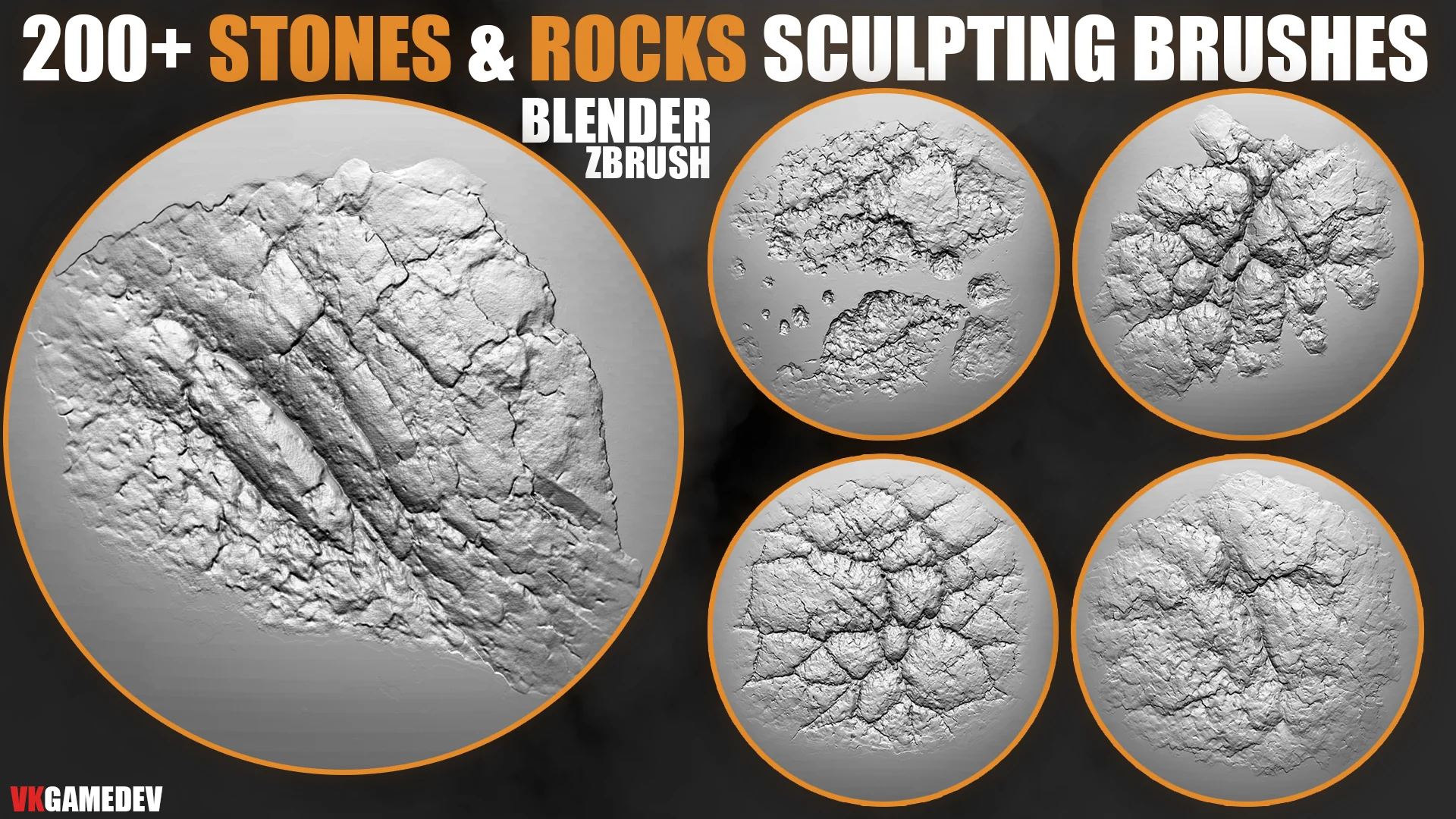
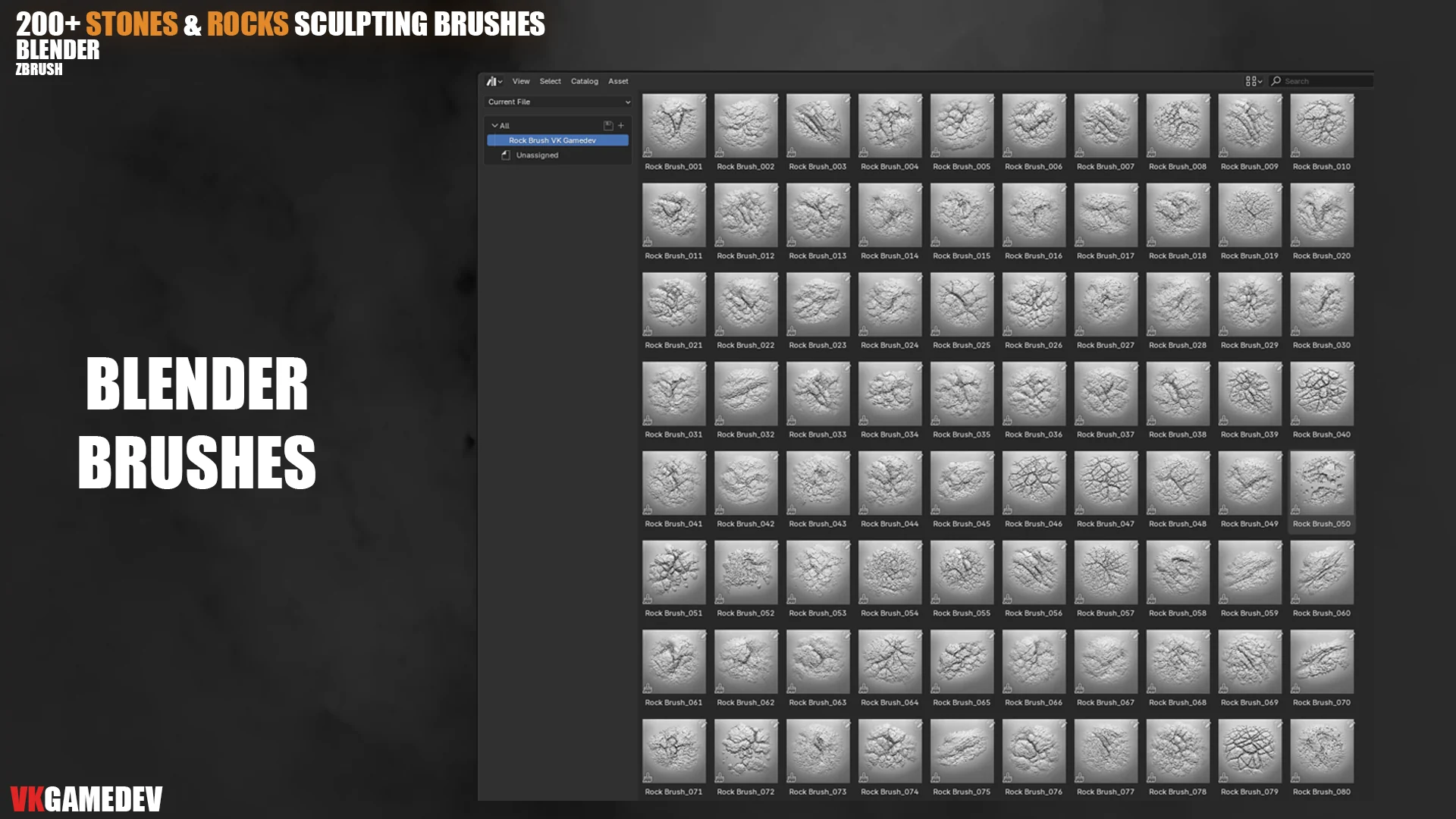
200+ Stones and Rocks Brushes

Use this pack for cliffs, boulders, rough stone breakup and broad terrain detail. It is the best starting point when the asset still needs readable primary and secondary rock forms.

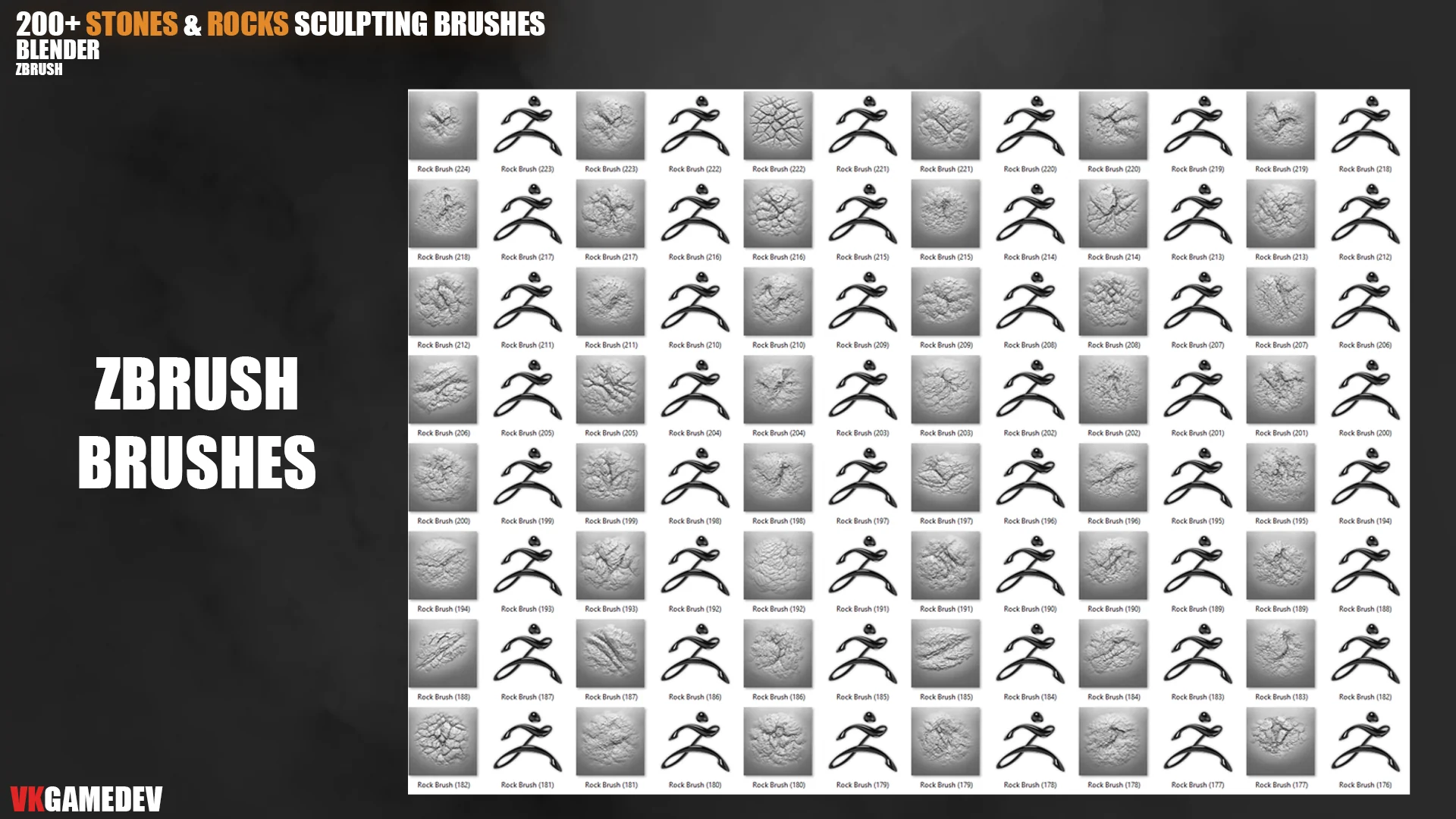
200+ Stones and Rocks Brushes product preview
Main product preview from the 200+ Stones and Rocks Brushes pack.
200+ Stones and Rocks Brushes workflow gif
Brush behavior on a rock sculpt surface during the environment detailing pass.
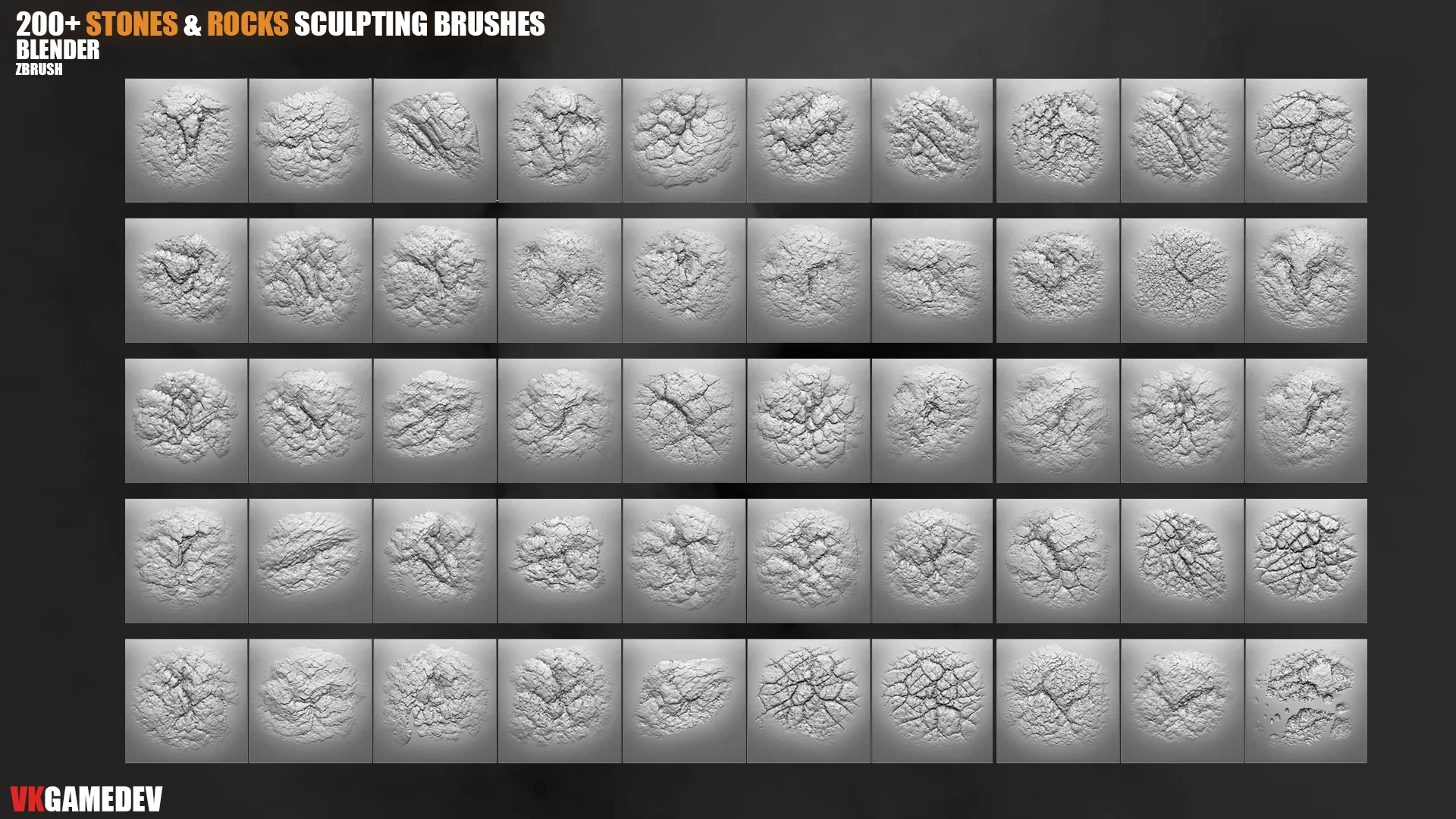
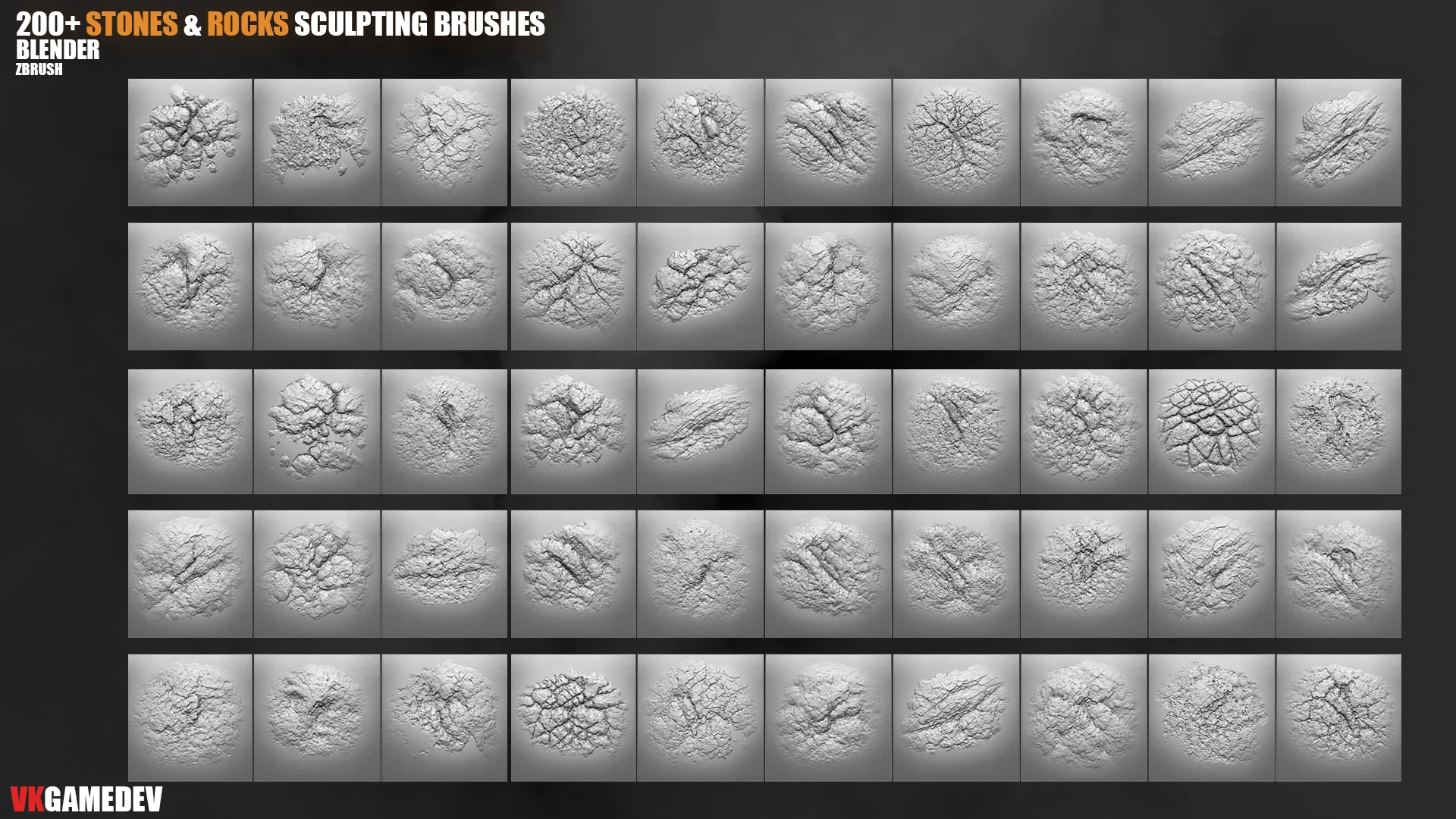
Rock brushes close-up preview 01
Broad stone breakup for terrain and cliff silhouettes.
Rock brushes close-up preview 02
Medium-scale chipped edges and fracture patterns.
Rock brushes close-up preview 03
Surface breakup for boulders, cave walls and ruins.

300+ Rock Alpha Brushes

This pack is stronger when the main rock silhouette is already solved and you need reusable crack, rake, erosion and chipped-edge patterns for displacement or alpha stamping.

300+ Rock Alpha Brushes product preview
Product preview of the 300+ Rock Alpha Brushes pack.
300+ Rock Alpha Brushes workflow gif
Tileable alpha workflow for repeated cracks, cliff edges and erosion passes.
Rock alpha brush set grid
Alpha set for cracks, erosion and layered rock damage.
Rock alpha brush examples
Reusable alpha patterns for displacement and custom stamping.

400 Stones and Rocks Sculpting Brushes

The 400-brush pack broadens the library with more variation and a faster Asset Browser workflow, which helps when one scene needs many different stone surfaces instead of one repeating family.

400 Stones and Rocks Sculpting Brushes product preview
Product preview of the 400 Stones and Rocks Sculpting Brushes pack.
400 Stones and Rocks Sculpting Brushes Asset Browser gif
Asset Browser setup for faster access while building large environment scenes.
400 rock brushes bundle cover
Large brush library for environment variation inside one pack.
400 rock brushes workflow gif
Fast rotation through multiple rock brush families during refinement.

Key features

Large rock libraryThree packs cover cliffs, terrain chunks, boulders, rock cracks, erosion and sharp chipped stone forms.
Blender and ZBrush workflowsUse Blender brush libraries, ZBrush brushes and alpha maps in one environment-focused sculpting workflow.
2K alpha maps includedGreat for displacement, bump, masks and custom detailing passes when a stock brush is not enough.
Mix and layer naturallyCombine large rock structure with finer cracks and subtle erosion to avoid obvious repeated stamps.

Perfect for

Environment assets: cliffs, caves, boulders, ruins, mountains, stone props and terrain chunks.
Production scenes: game levels, cinematic environments, concept art, VFX and print-ready rock detail.
Stylized and realistic work: tune scale, strength and layering for cleaner stylized shapes or rough realistic rock surfaces.
Fast close-up refinement: useful when the silhouette already works and the scene needs believable surface complexity.

Video previews

Installation

Blender

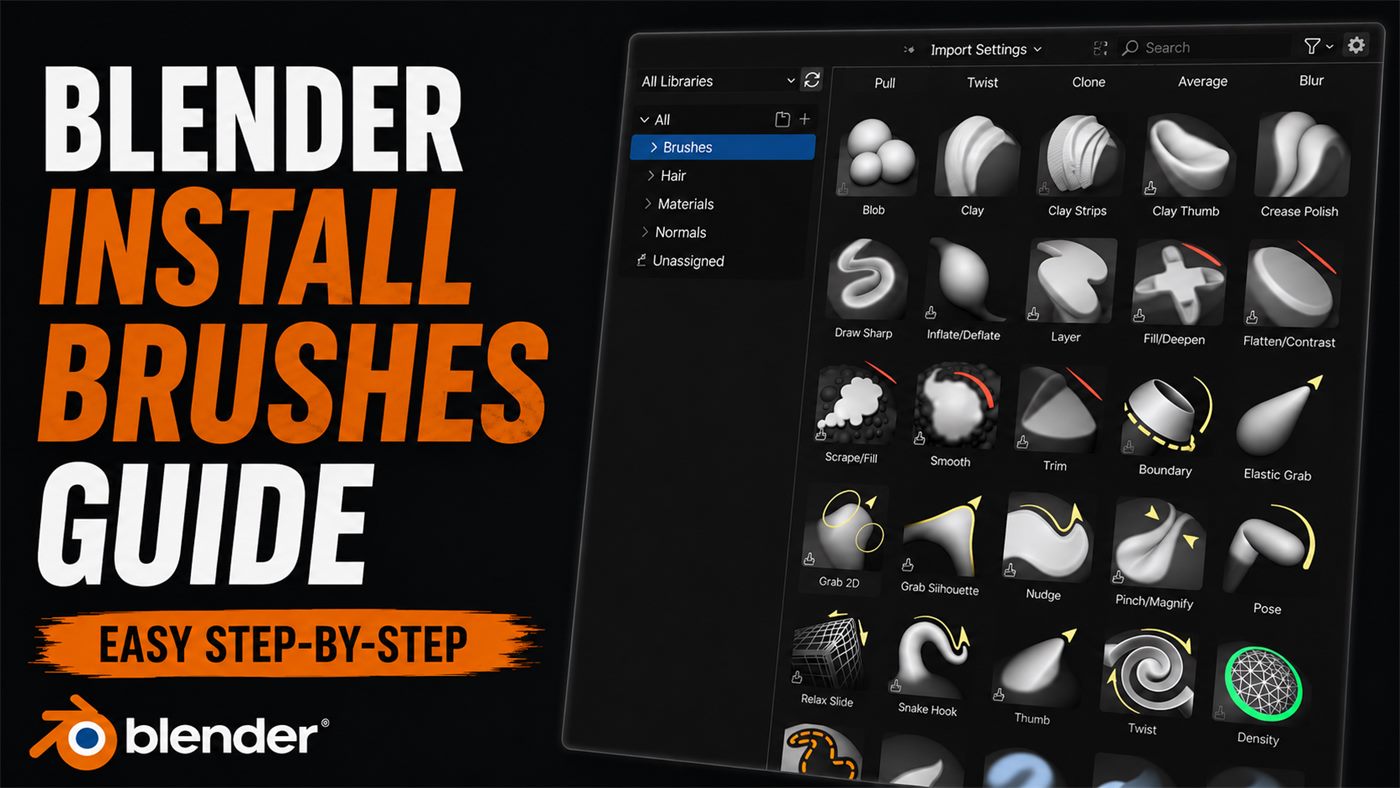
  1. Place the included Blender brush folders in a permanent location.
  2. Open Blender and go to `Edit > Preferences > File Paths`.
  3. Find the `Asset Libraries` section and add the folder with the brush library.
  4. Save preferences and load the brushes through the Asset Browser or Sculpt Mode workflow.

ZBrush

  1. Copy the included ZBrush brush files or alpha maps.
  2. Place brush files in your ZBrush brush folder or import alphas through the `Alpha` palette.
  3. For permanent alpha access, copy the alpha maps to the ZBrush startup alpha directory.
  4. Restart ZBrush if needed and load the assets from LightBox or the brush menu.

C:\Program Files\Pixologic\ZBrush 2021\ZStartup\Alphas

FAQ

Is this bundle only for Blender?

No. It is built for Blender and ZBrush workflows, with alpha maps that can also be used in other software that supports grayscale alphas.

Are alphas included?

Yes. The bundle includes high-resolution 2K alpha maps for rock, stone, cracks, erosion, displacement, bump and height workflows.

Can I use this for game and cinematic assets?

Yes. It is useful for game assets, cinematic environments, VFX, concept art and production-ready terrain detail.

Can I mix brushes from different packs?

Yes. The strongest workflow is to combine large rock forms, mid-scale cracks, tileable alphas and fine surface breakup for more natural variation.
Useful guides

Other products