VK GameDev buyer's guide
Best Rock Sculpting Brushes for Blender & ZBrush (2026)
The best rock sculpting brush pack is the one that matches the stage of your workflow: configured Blender brushes for fast daily sculpting, ZBrush VDMs for bold three-dimensional forms, or tileable alphas for cracks, erosion and repeatable surface detail. This guide compares ten VK GameDev rock and stone packs by exact contents, format, software and best use.
Quick recommendation: choose the 900+ Stones & Rocks Sculpting Bundle for the broadest Blender and ZBrush library, the 55-brush Asset Browser pack for a focused Blender workflow, or the 30 Rock VDM Brushes for large ZBrush forms.
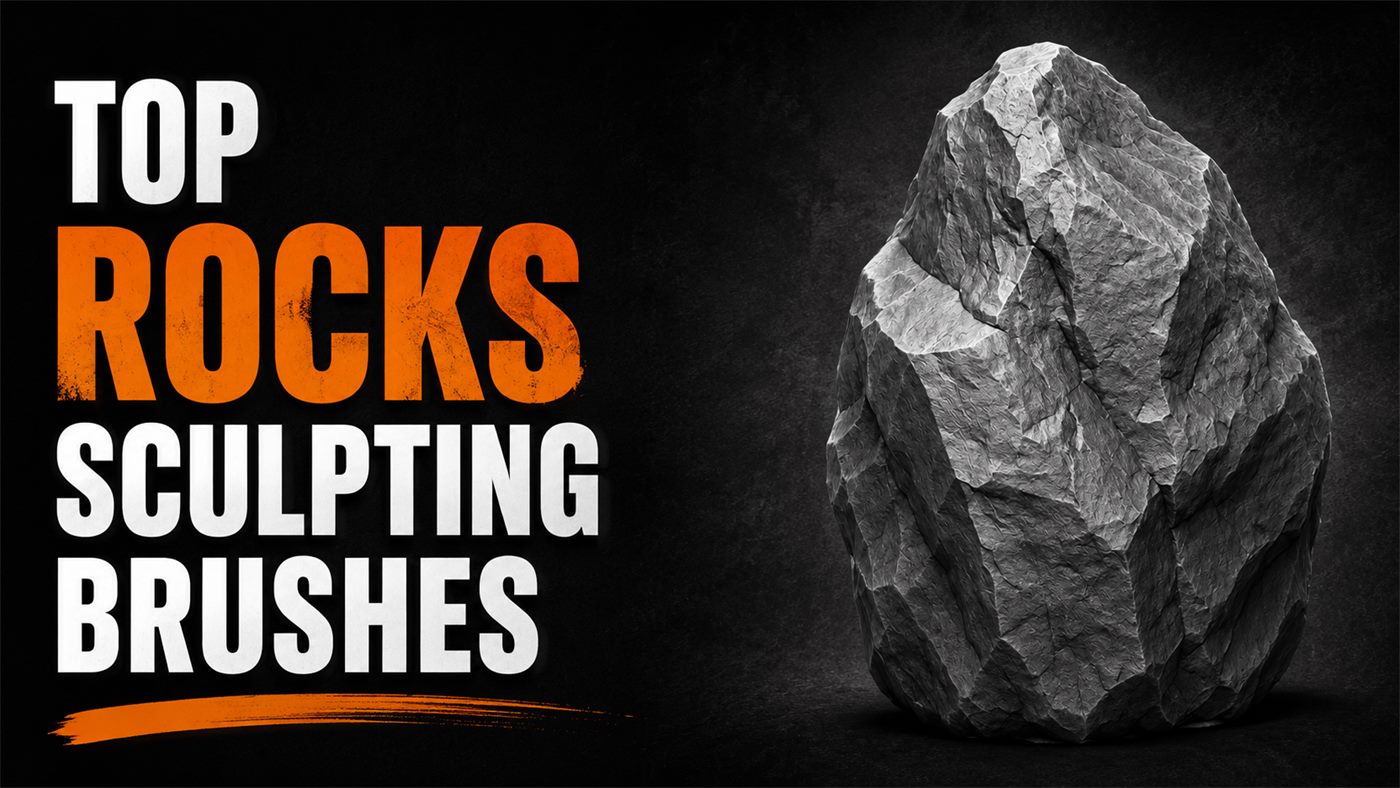
Rock brush comparison: which pack should you choose?
Start with the software and type of detail you need. A configured brush library is fastest inside Blender, VDM brushes add raised forms in ZBrush, and PNG alphas are the most portable option for ZBrush, Blender, Substance Painter and other applications that accept grayscale height maps.
| Pack | Contents | Software / format | Best for |
|---|---|---|---|
| 900+ Stones & Rocks Bundle | 900+ brushes and alphas across 3 packs | Blender, ZBrush, 2K alphas | Best all-in-one library |
| 200+ Stones & Rocks Brushes | 200+ rock and stone brushes | Blender and ZBrush | Cliffs, boulders and terrain |
| Rock & Stone Asset Browser | 55 configured brushes with previews | Blender 4.3 Asset Browser | Fast Blender brush selection |
| Rock Brushes Vol. 2 | 30 configured brushes | Blender, custom textures and settings | Focused Blender rock work |
| 30 Rock VDM Brushes | 30 vector displacement brushes | ZBrush 2019+ | Bold cliffs and raised rock forms |
| ZBrush Rock & Stone VDMs | 20 brushes and alphas | ZBrush and Substance Painter | Compact VDM and alpha set |
| Rock Brush for ZBrush | 20 rock alphas plus a custom VDM brush | ZBrush | Small props and quick surface breakup |
| 20 Rock Tileable Alphas | 20 seamless height maps | 4K PNG, ZBrush and Substance | Large seamless stone surfaces |
| 10 Rock Alphas Vol. 2 | 10 alpha maps | 2K PNG, ZBrush, Substance, Blender | Affordable secondary detail |
| 50+ Rock & Stone Tileable Alphas | 56 seamless alpha maps | 2K PNG, ZBrush, Blender, Substance | Terrain and broad displacement coverage |
Rock brushes vs VDMs vs tileable alphas
“Rock brush” can describe several different tools. Choosing the correct type prevents a sculpt from becoming uniformly noisy and makes each detail pass easier to control.
| Tool | Use it for | Apply it when |
|---|---|---|
| Configured Blender brush | Repeatable sculpt strokes with saved texture, strength and preview | You want a ready-to-use Blender library |
| VDM brush | Raised, directional or undercut three-dimensional forms | The main silhouette already reads clearly |
| Tileable alpha | Seamless cracks, grain and erosion over a broad area | You need consistent medium or fine surface detail |
| Single-stamp alpha | Localized chips, fractures and focal accents | You are breaking repetition in the final detail pass |
Maxon's documentation explains how vector displacement meshes store three-dimensional brush form and why excessive VDM resolution can slow a stroke. See ZBrush VDM General Advice.
The 10 best rock and stone sculpting brush packs
VK GameDev publishes every pack in this comparison. The recommendations below are based on the listed contents and intended workflow of each product, not on customer rankings or independent testing.
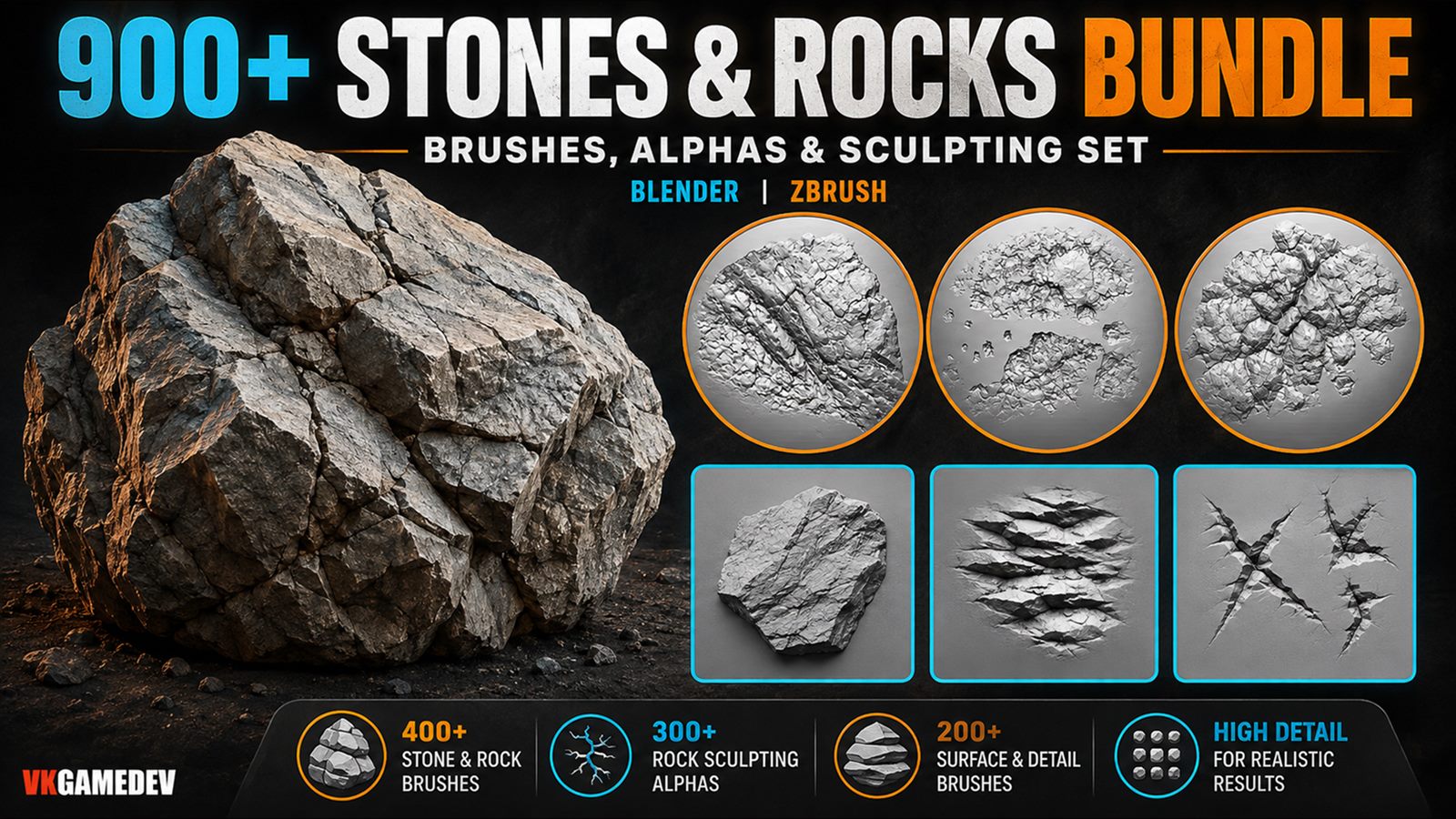
1. 900+ Stones & Rocks Sculpting Bundle — best overall
This is the broadest option: three rock-focused packs with more than 900 brushes and alphas for Blender and ZBrush. It covers large rock forms, cracks, rake patterns, erosion, chipped edges and tileable surface breakup, making it the best fit for environment artists who need variety across cliffs, caves, ruins and terrain.
Choose it when: you want one library for the full workflow instead of buying several smaller packs.
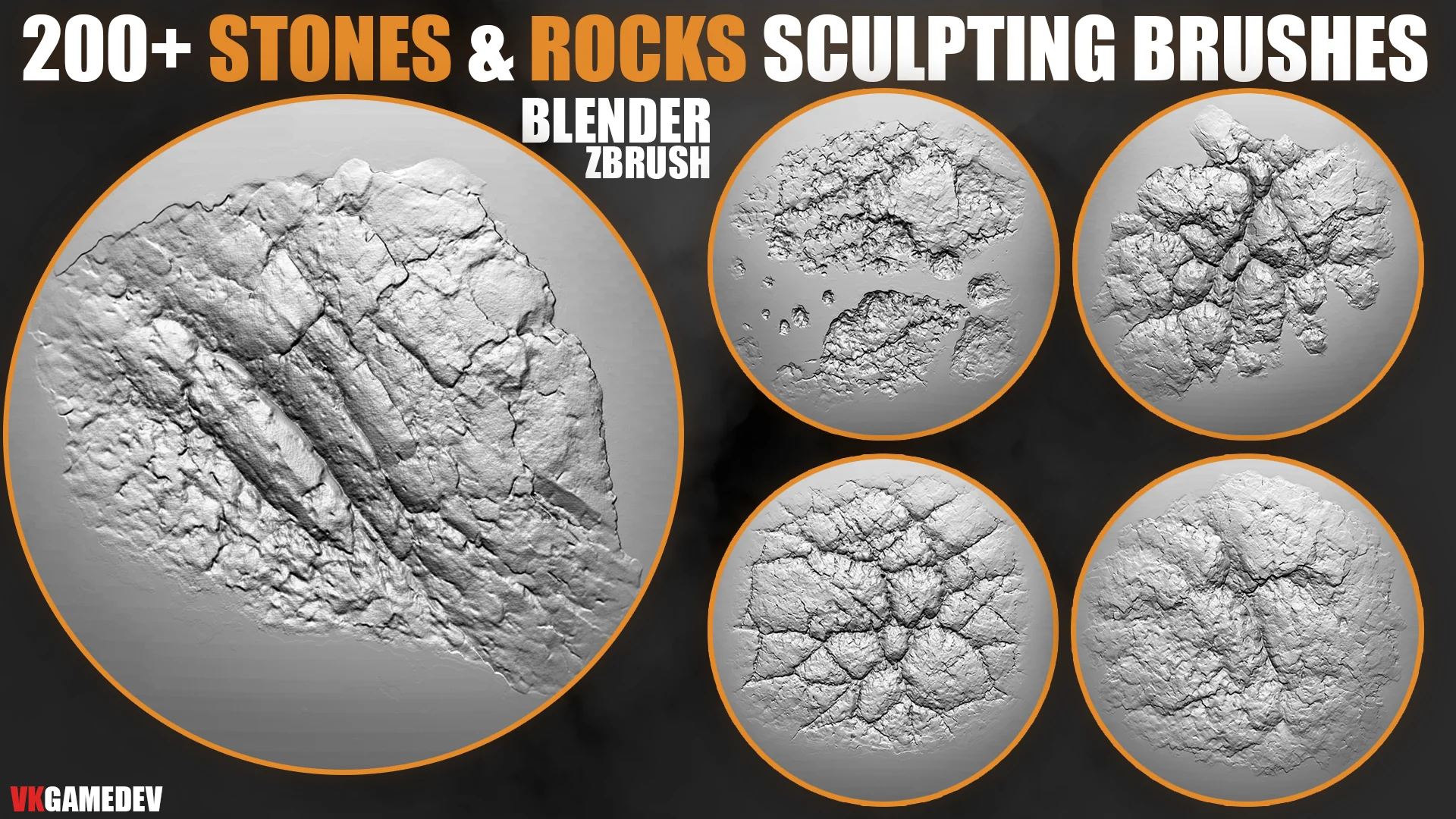
2. 200+ Stones and Rocks Brushes — best cross-application starter
The 200+ pack is a smaller starting point for Blender and ZBrush. Its focus is cliffs, boulders, terrain chunks, ruins, chipped stone and natural surface breakup. Use it after the blockout is readable, varying rotation and scale so repeated stamps do not become visible.
Choose it when: you need a substantial rock library for both Blender and ZBrush without the scale of the 900+ bundle.
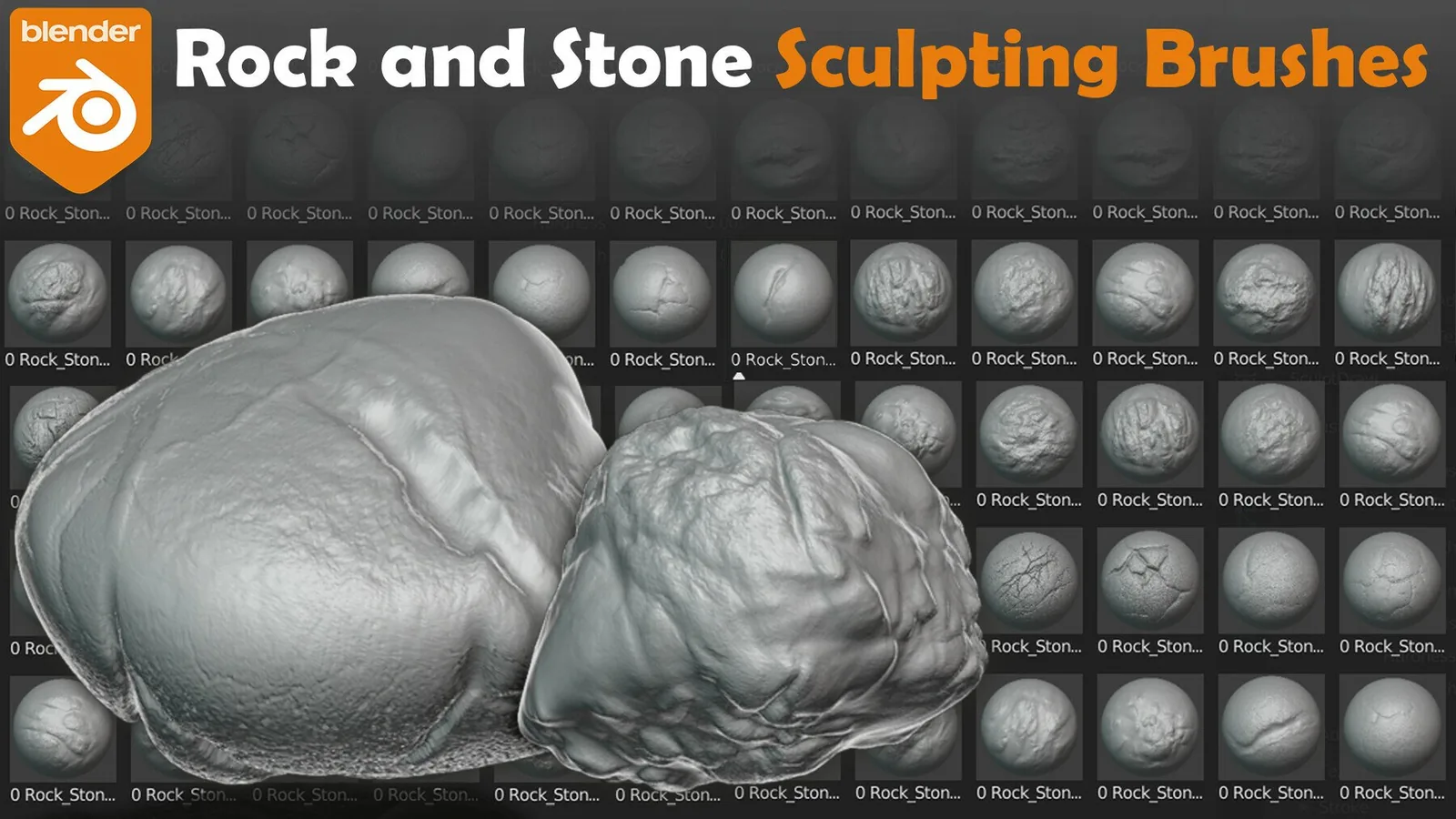
3. 55 Rock and Stone Brushes — best for Blender Asset Browser
This Blender 4.3-ready pack contains 55 configured brushes with individual settings and visual previews. The saved setup reduces the time spent rebuilding brush textures and makes it easier to browse several rock patterns during a sculpting session.
Choose it when: Blender is your primary application and quick brush selection matters more than cross-software portability.
4. 30 Rock Sculpting Brushes Vol. 2 — best focused Blender pack
Vol. 2 contains 30 configured Blender brushes with custom textures, settings, thumbnails and large previews. It is a practical compact set for rocks, boulders, cliffs, ruins and terrain when you do not need hundreds of variations.
Choose it when: you want a smaller Blender-only collection for secondary fracture and erosion detail.
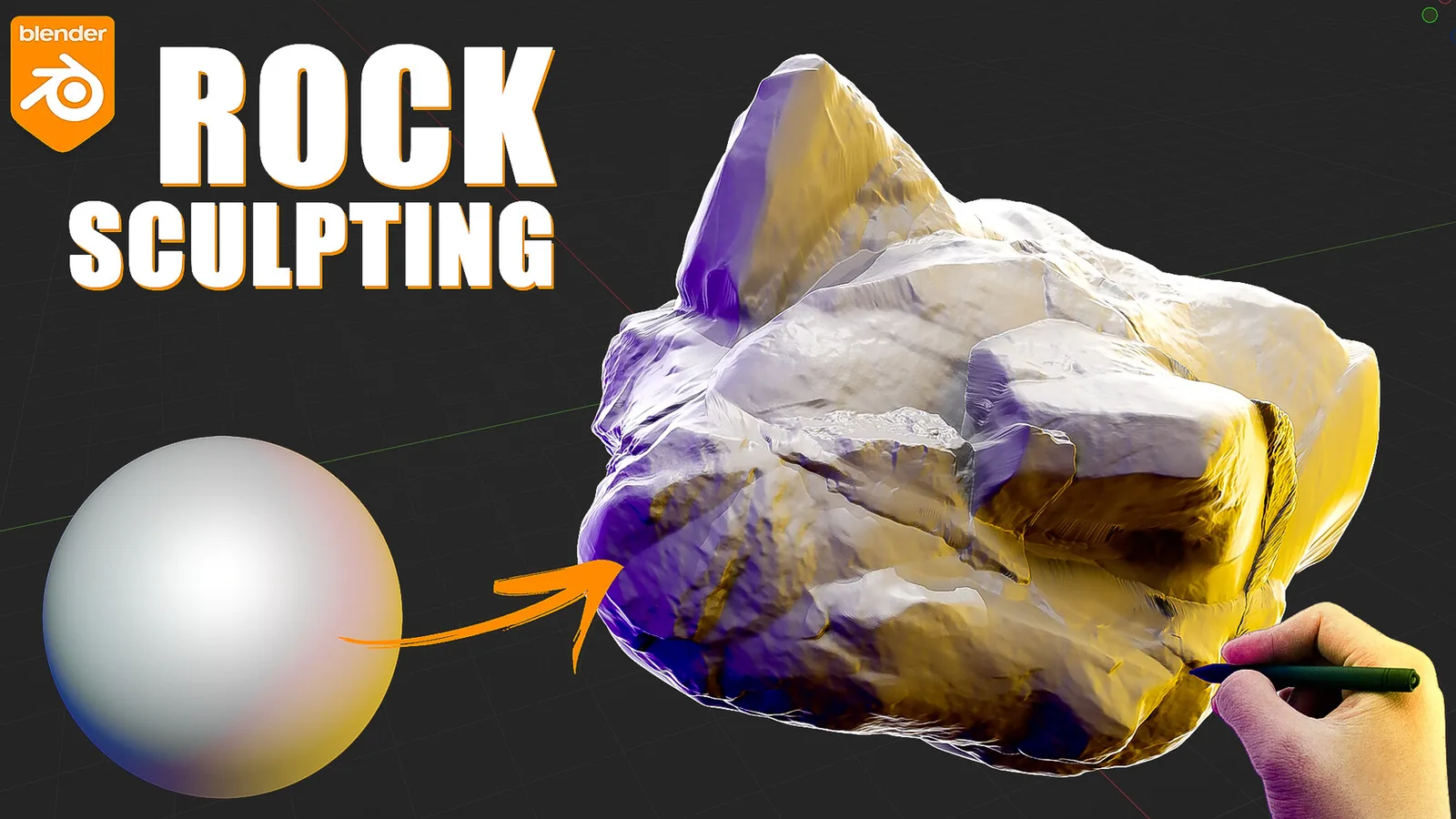
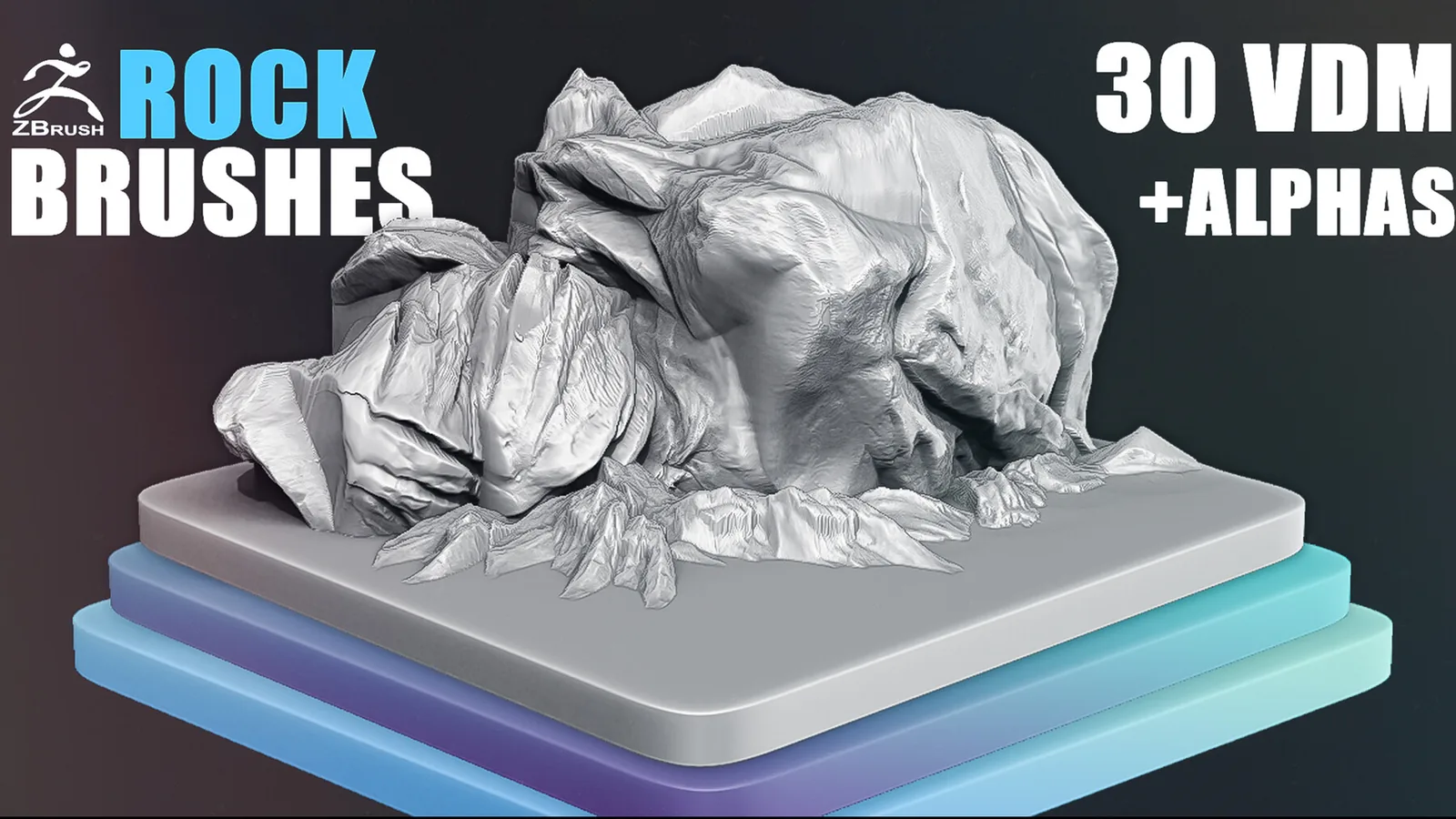
5. 30 Rock VDM Brushes — best for bold ZBrush forms
These 30 VDM brushes were created in ZBrush 2019 for stones, cliffs, mountains and layered rocky surfaces. VDMs carry three-dimensional shape, so they are useful for pronounced forms that a flat grayscale alpha cannot reproduce as directly.
Choose it when: you need strong raised forms after establishing the main silhouette.
6. 20 ZBrush Rock and Stone VDM Brushes — best compact VDM set
This smaller collection includes 20 brushes and alphas for ZBrush and Substance Painter. It is useful when you want a compact mix of direct sculpting forms and portable surface maps.
Choose it when: you want fewer VDM choices and a lower-cost entry into ZBrush rock detailing.
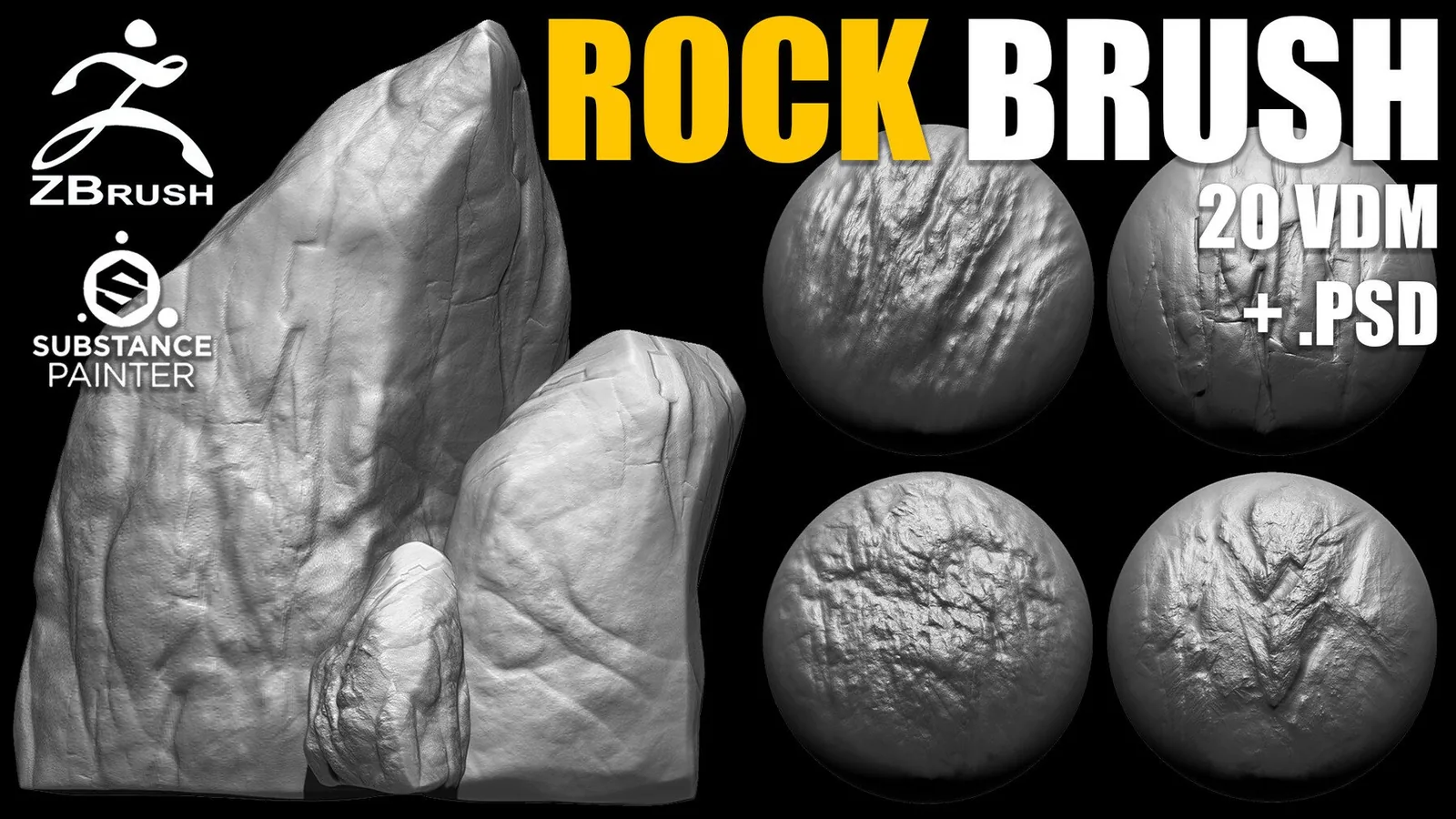
7. Rock Brush for ZBrush — best small hybrid pack
This pack combines 20 rock alphas with a ZBrush VDM brush configured for the included maps. The hybrid format gives you both localized three-dimensional form and conventional surface detail in one small download.
Choose it when: you need a compact kit for props rather than a large environment library.
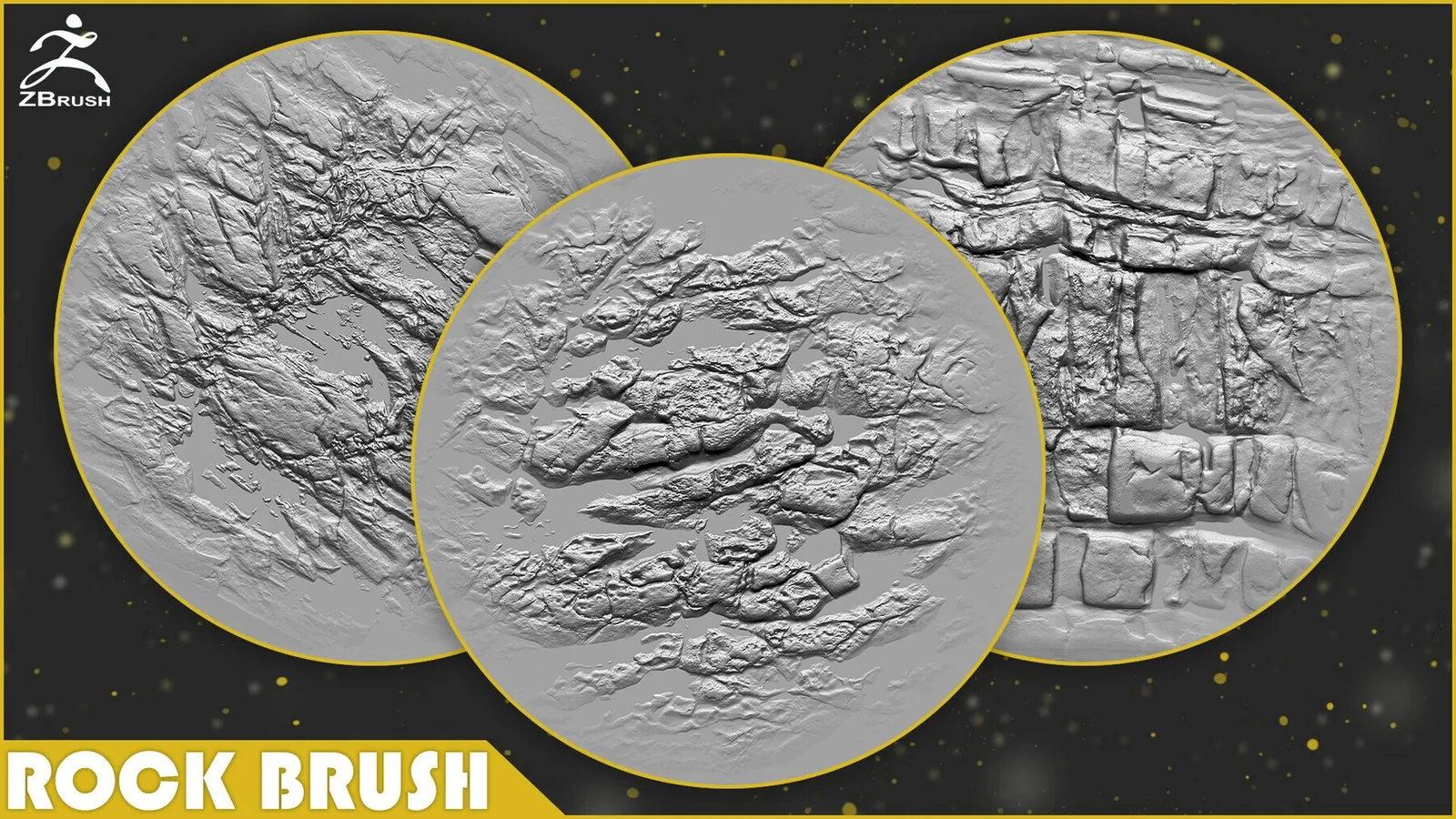
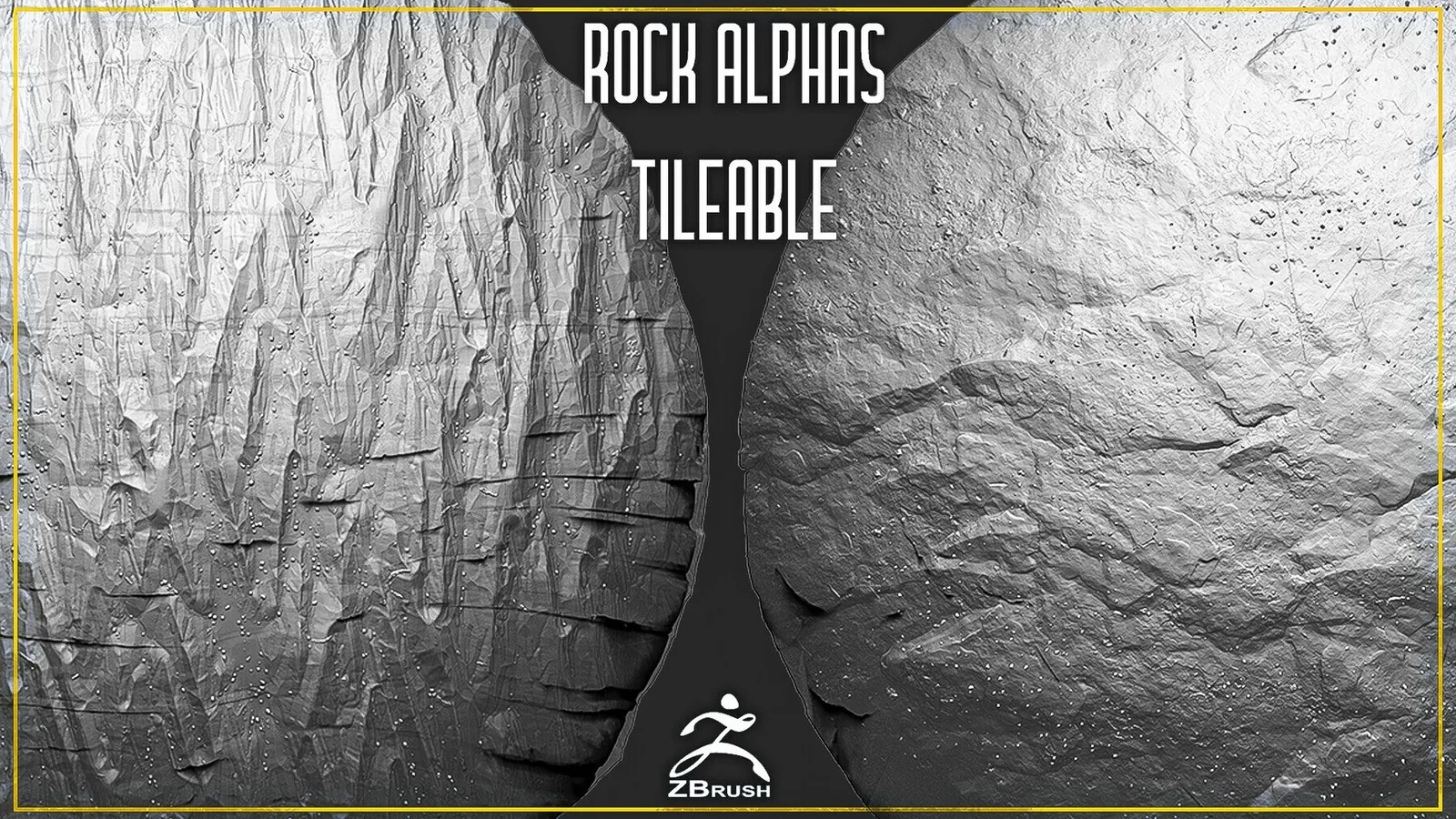
8. 20 Rock Tileable Alphas — best 4K option
The pack contains 20 seamless PNG alpha maps at 4046 × 4046 resolution. The maps are intended for ZBrush, Substance Painter and other programs that support grayscale height information.
Choose it when: a rock fills the frame or a broad surface needs higher-resolution repeatable detail.
9. 10 Rock Alphas Vol. 2 — best budget detail set
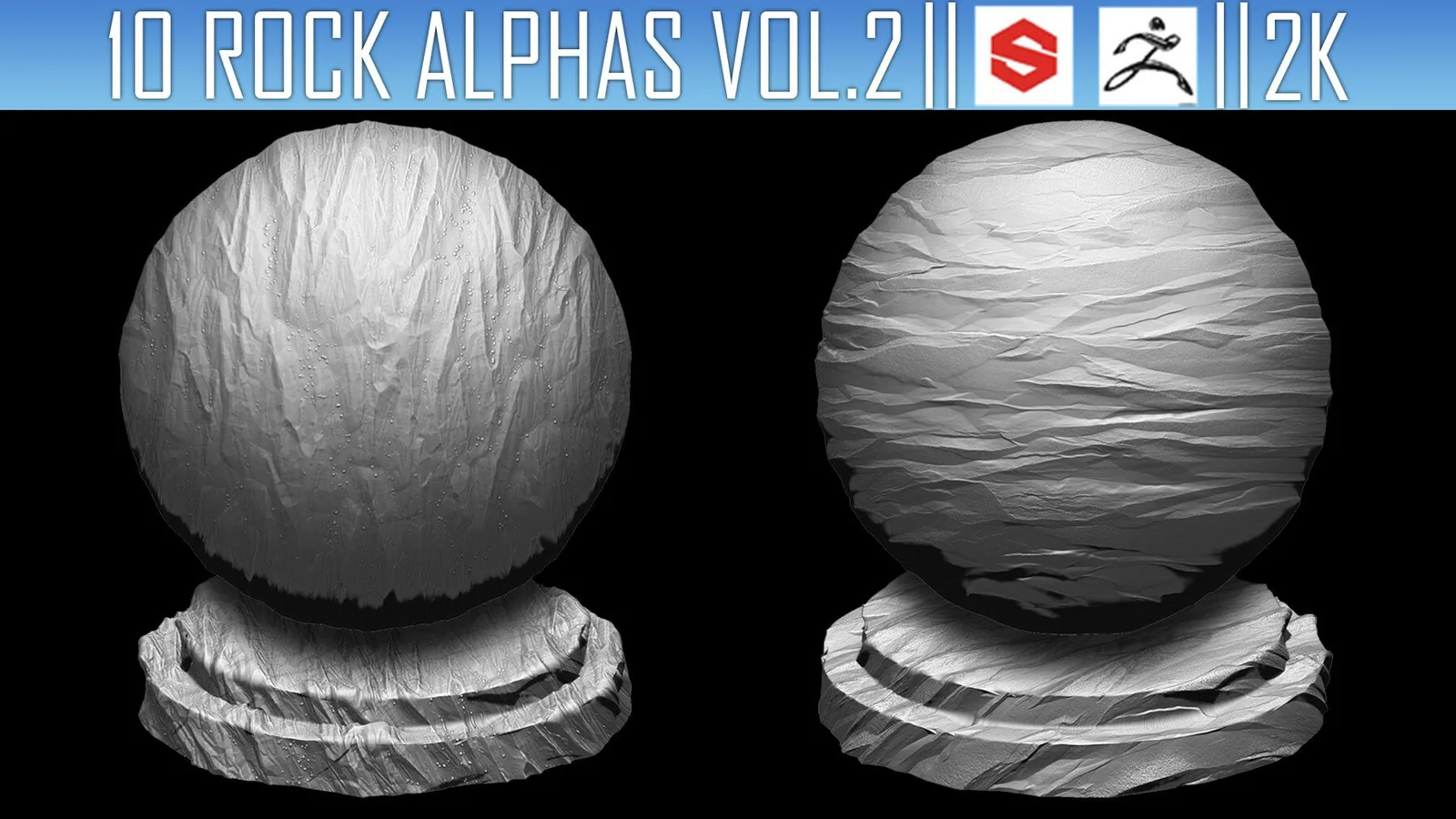
Vol. 2 contains ten 2K PNG rock alphas for ZBrush, Substance Painter, Blender and compatible tools. It adds controlled chips, layered stone texture and secondary breakup without committing to a large library.
Choose it when: you need a small, portable alpha set for occasional rock assets.
10. 56 Rock and Stone Tileable Alphas — best for terrain coverage
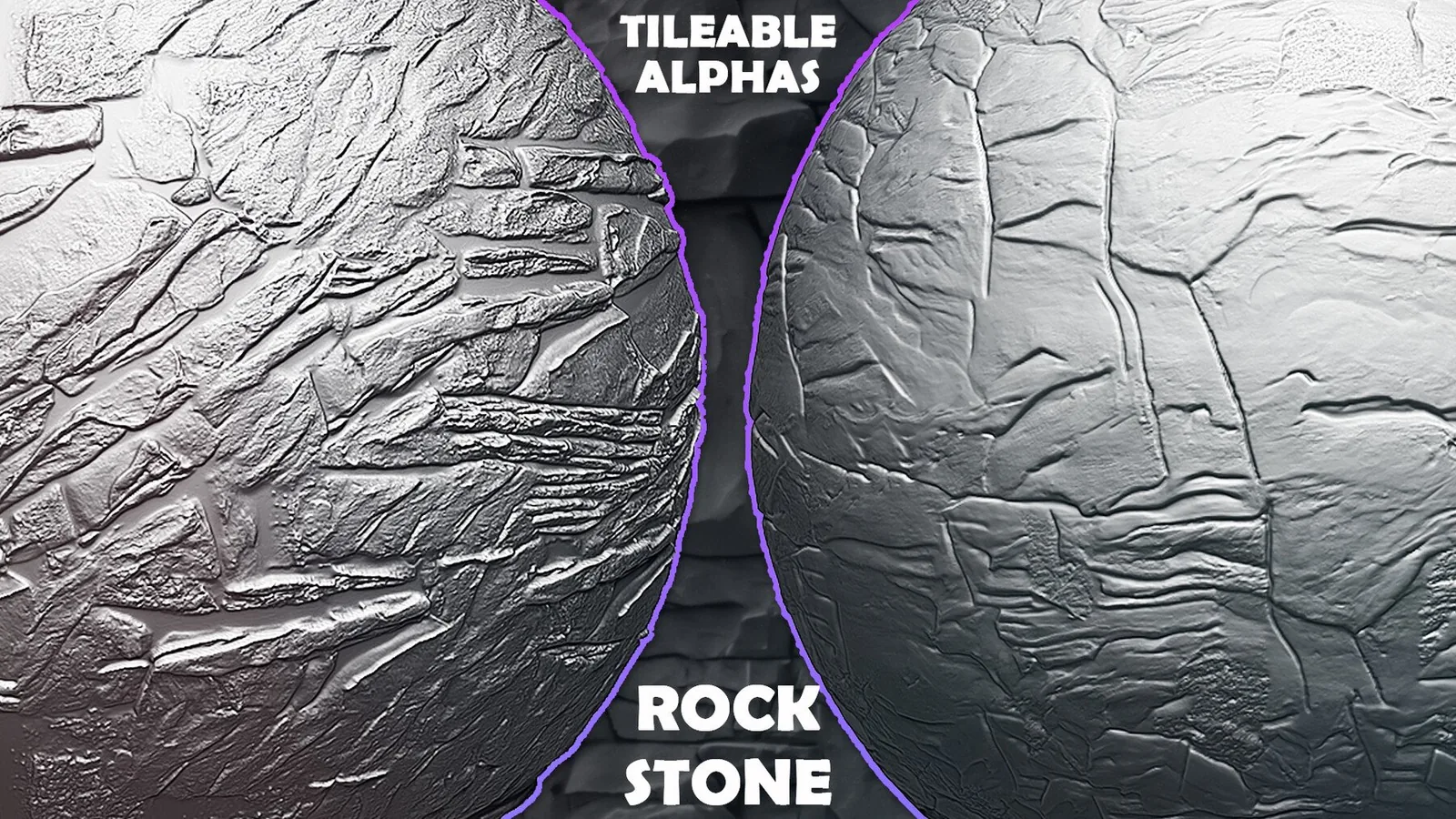
This collection contains 56 tileable 2K PNG alphas for ZBrush, Blender, Substance Painter and other compatible applications. The larger selection helps vary repeated terrain, cliff and displacement passes across a scene.
Choose it when: seamless coverage and variation matter more than deep VDM form.
Rock brush workflows in action
These previews come from the included product demonstrations. They show the difference between a direct brush pass, tileable alpha detailing and Asset Browser organization.


Rock sculpting brush video previews
Watch the brushes at full size before choosing a pack. The first video covers the 200+ library; the other two show the alpha and Asset Browser collections included in the 900+ bundle.
Free rock brush and alpha samples
Every VK GameDev rock brush and alpha product includes one free sample. You can test the brush or alpha in your own workflow before purchasing the complete pack and check its surface detail, scale and behavior on your model.
Open any product page in this comparison to find its free example. If it fits your project, the full product expands it into a larger organized library of related brushes or alphas. You can also browse all Rocks & Stones products in one place.
A practical rock sculpting workflow
Blender's documentation notes that Voxel Remesh creates a new manifold mesh from the current volume, while Dyntopo changes mesh resolution during brush strokes. For a fuller comparison, see the VK GameDev Dyntopo vs Voxel Remesh guide.
Frequently asked questions
What are the best rock brushes for Blender?
For a focused Blender library, the 55-brush Asset Browser pack is the easiest daily-use option. For a much larger collection that also supports ZBrush, choose the 900+ Stones & Rocks Sculpting Bundle.
What are the best rock brushes for ZBrush?
Use the 30 Rock VDM Brushes when you need raised three-dimensional forms for cliffs and boulders. Use tileable PNG alphas when you need repeatable surface texture, cracks and erosion.
Are there free rock brushes for Blender and ZBrush?
Yes. Every VK GameDev rock brush and alpha product includes one free sample so you can test how the brush or alpha works before purchasing the full pack. Open the relevant product page to try the included sample.
What's the difference between rock brushes, VDMs and alphas?
Configured brushes combine a texture with brush settings and previews. VDM brushes insert raised or undercut three-dimensional forms, while grayscale alphas are best for controlled surface height, cracks and tileable noise.
Should I remesh before or after adding rock detail?
Remesh during blockout, before fine surface detail. Establish the silhouette and large planes first, then use Dyntopo, VDM brushes or alphas for localized secondary and tertiary forms.
What resolution should rock alphas use?
2K alphas are suitable for many props and medium-distance assets. Choose 4K alphas when the rock fills more of the frame or when the map will cover a large surface.
Final recommendation
Choose the 900+ bundle if you build many environments in both Blender and ZBrush. Choose the 55-brush Blender Asset Browser pack for a faster focused Blender setup, or a ZBrush VDM pack when bold inserted forms matter most. Whichever pack you use, build the silhouette first, then fractures, broad surface alphas and final edge chips.
More VK GameDev products
Explore more brush packs from the catalog. Refresh the page to see a different selection.