Category
Rocks and Stones Brushes
Rock and stone sculpting focuses on erosion, stratification, and surface breakup. This category covers brush packs and alpha libraries for cliffs, boulders, terrain, and props in Blender and ZBrush, combining bold stamps with subtle noise.
Real rocks have large planes, mid chips, and micro pitting. These sets cover those scales so you can move from blockout to detail on environments, ruins, and stone props.
Block in large planes and silhouette first with broad stamps, then add mid fractures and edge chips.
Use layered or directional alphas for stratification, keeping layers uneven to avoid a uniform look.
Apply erosion in passes, rotating and scaling alphas to avoid repetition on large cliffs.
In Blender, keep rock brushes in an Asset Browser catalog and test depth on a sphere; use tileable alphas for coverage and hero stamps for focal rocks.
In ZBrush, separate large fractures and small noise on layers to control intensity for cliffs vs props.
Add secondary chips and cracks around edges and contact points, then blend lightly for weathered surfaces.
Match brush radius to asset scale using a reference object so micro noise does not overwhelm cliffs.
When baking, ensure depth reads at target distance; emphasize mid detail for games and push micro detail for cinematic closeups.
Build a small library of rock primitives with different stamp sets to avoid repeating shapes.
Use the best sets and examples below to compare erosion styles and stamp balance.
Best sets
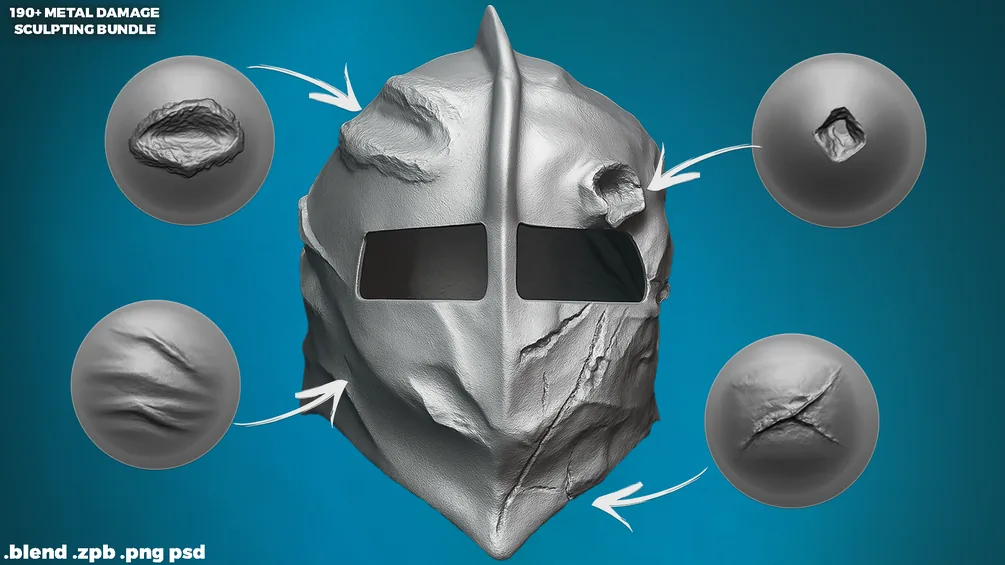
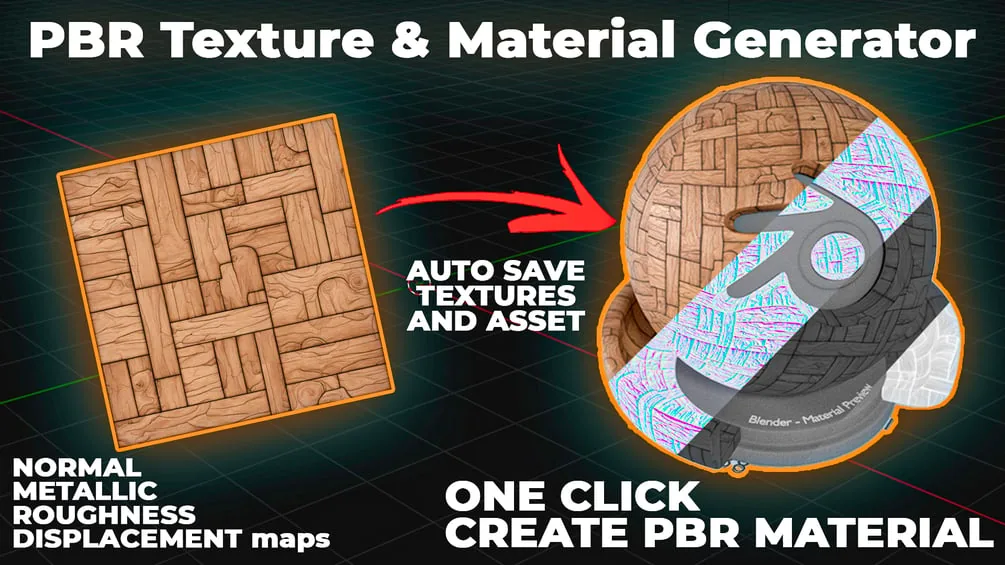
These packs are the strongest fits for rock and stone work. Each set is organized for fast browsing and includes previews so you can judge erosion depth before committing.
All products
Full catalog of products currently listed in this category.
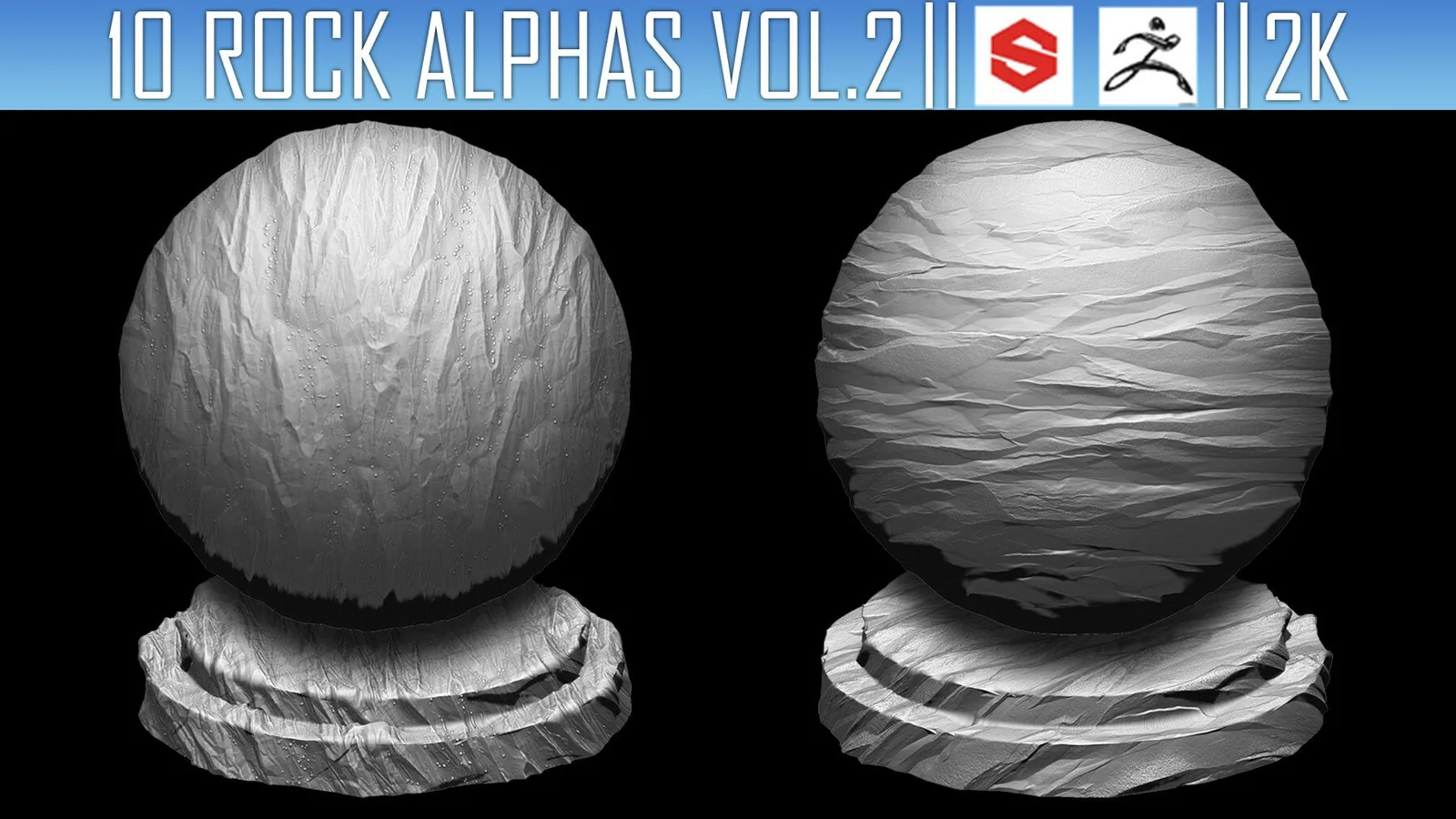
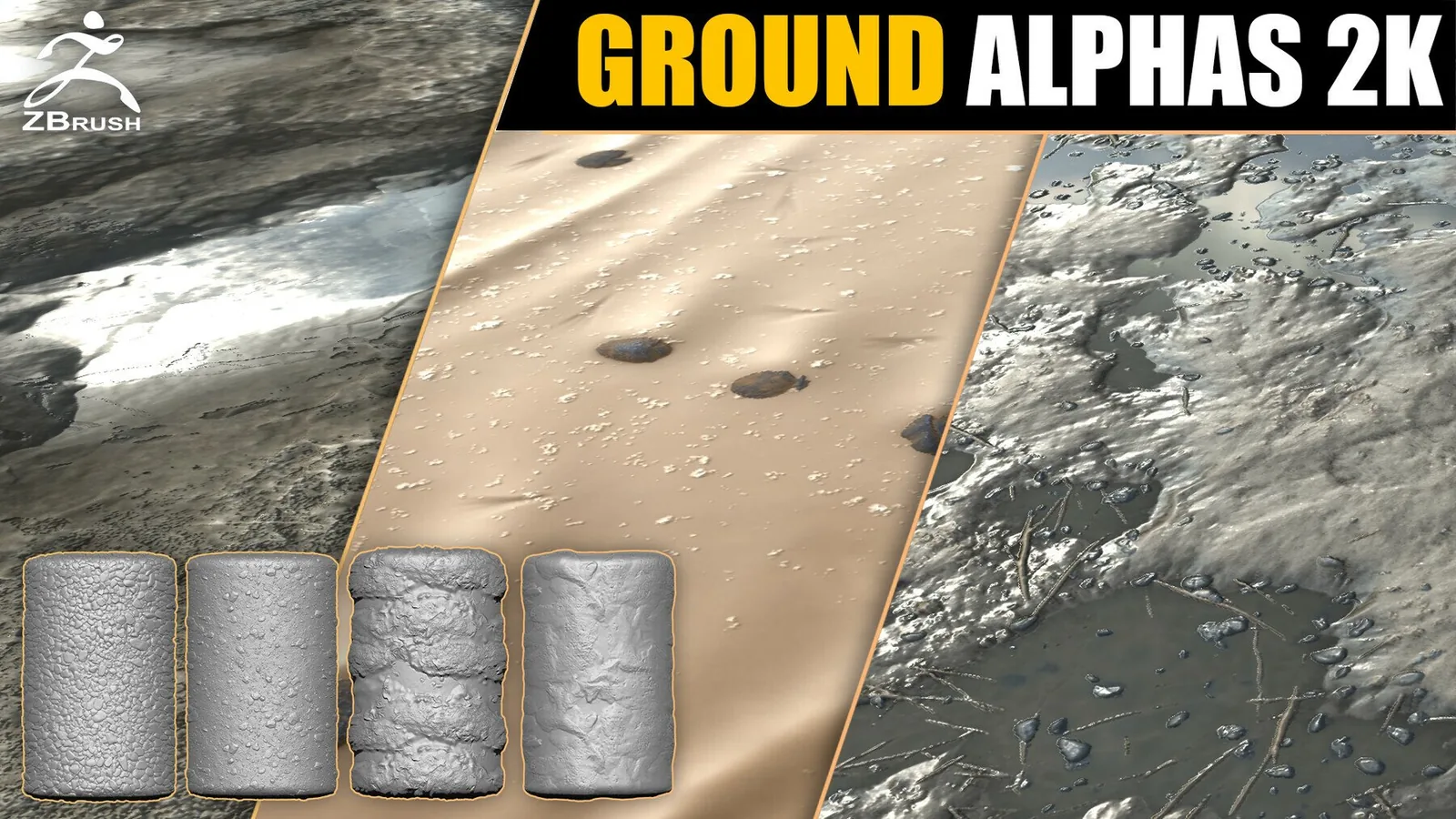
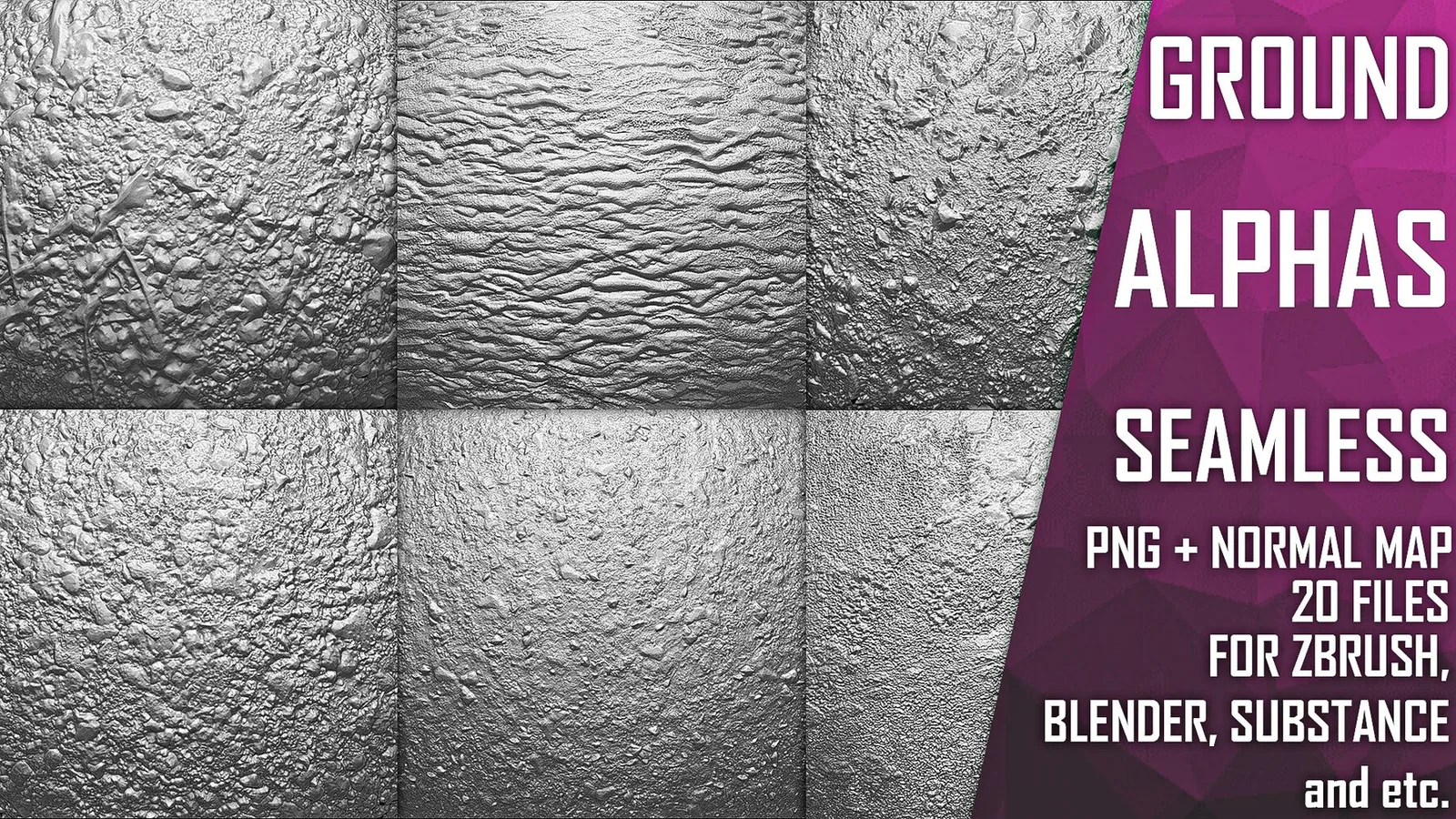
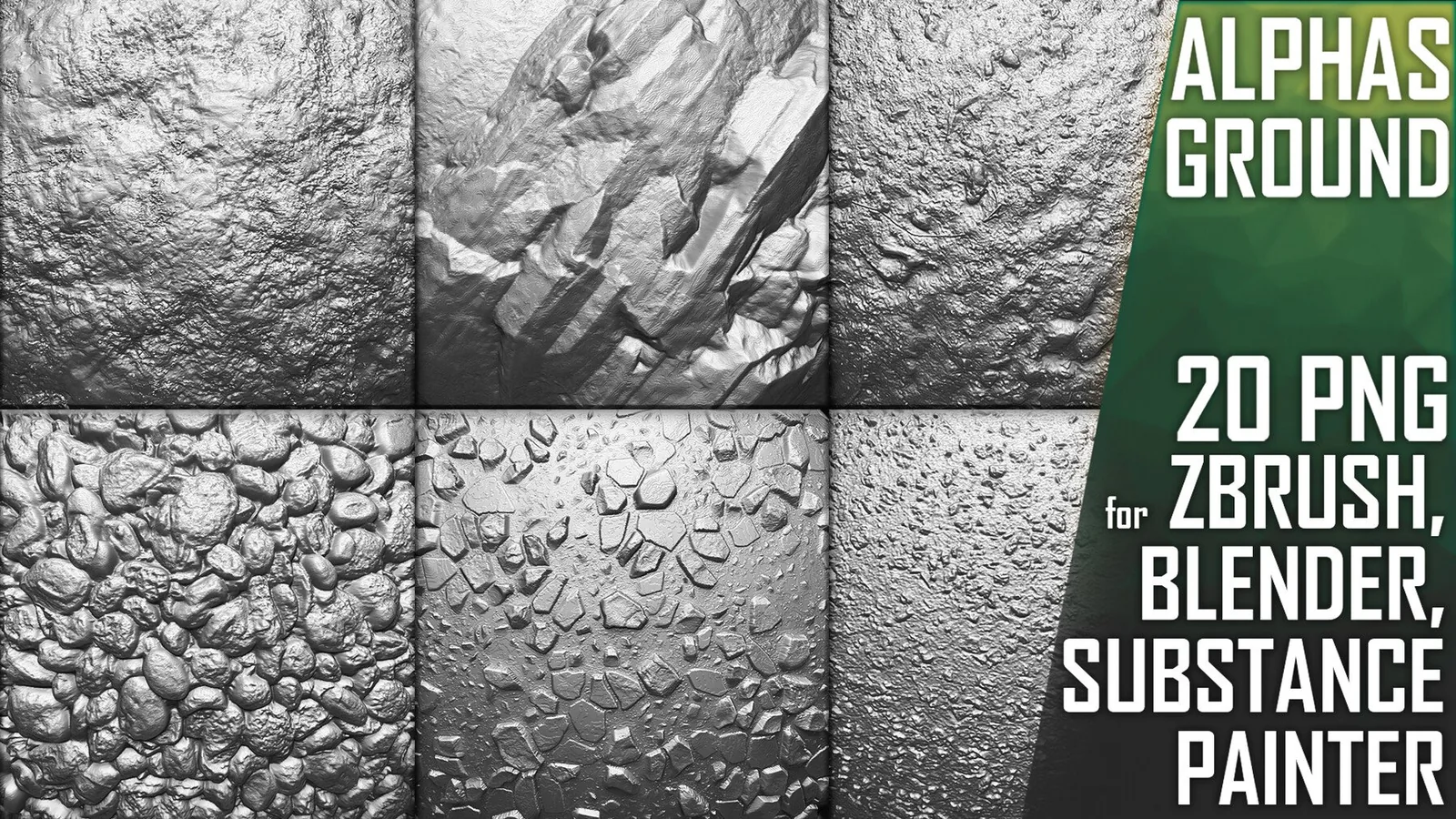
Examples
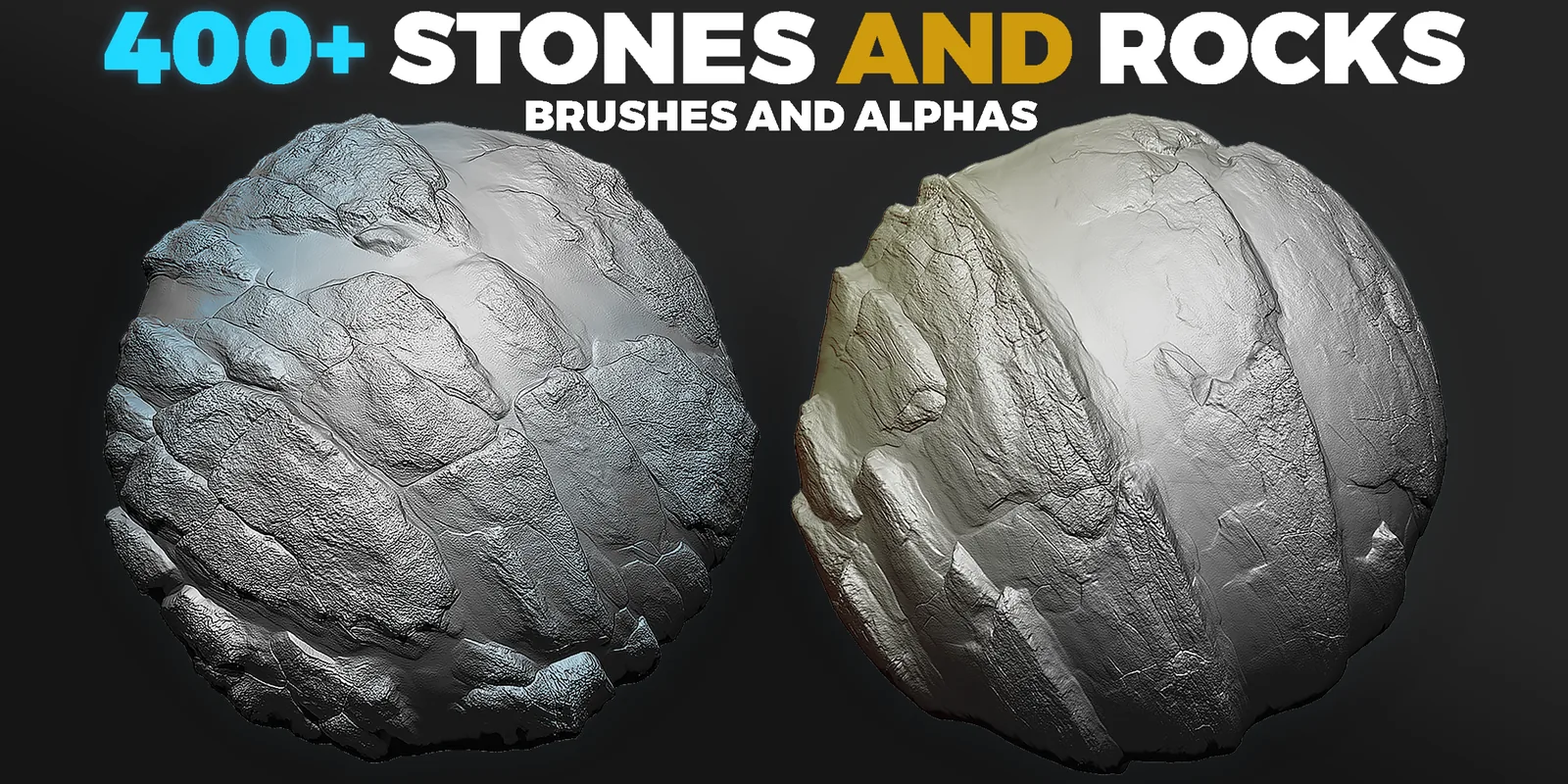
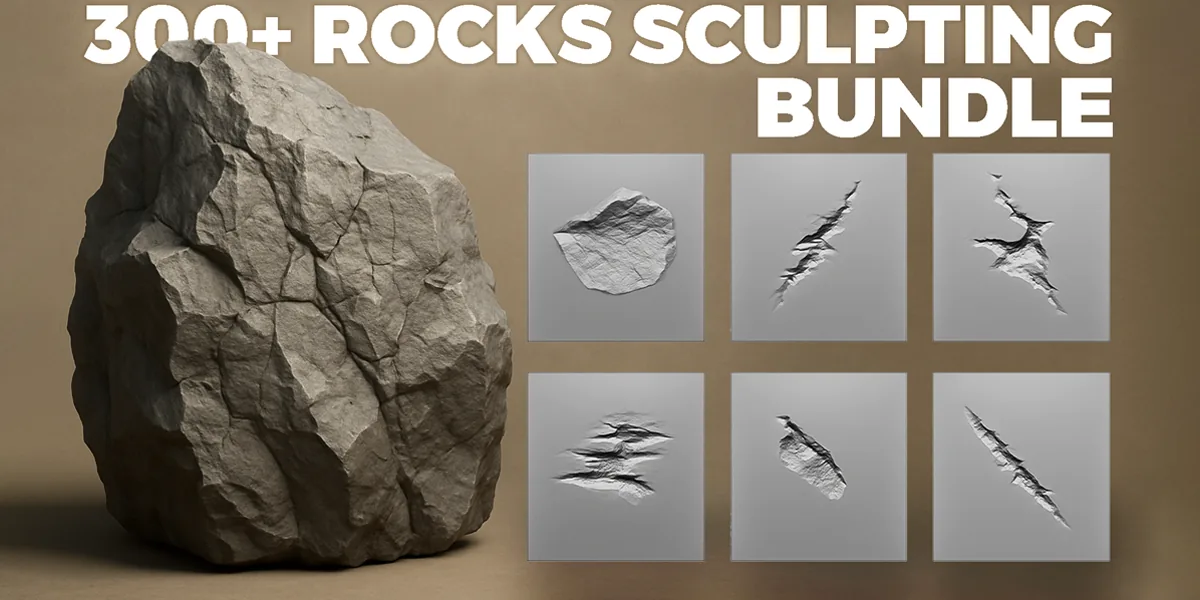
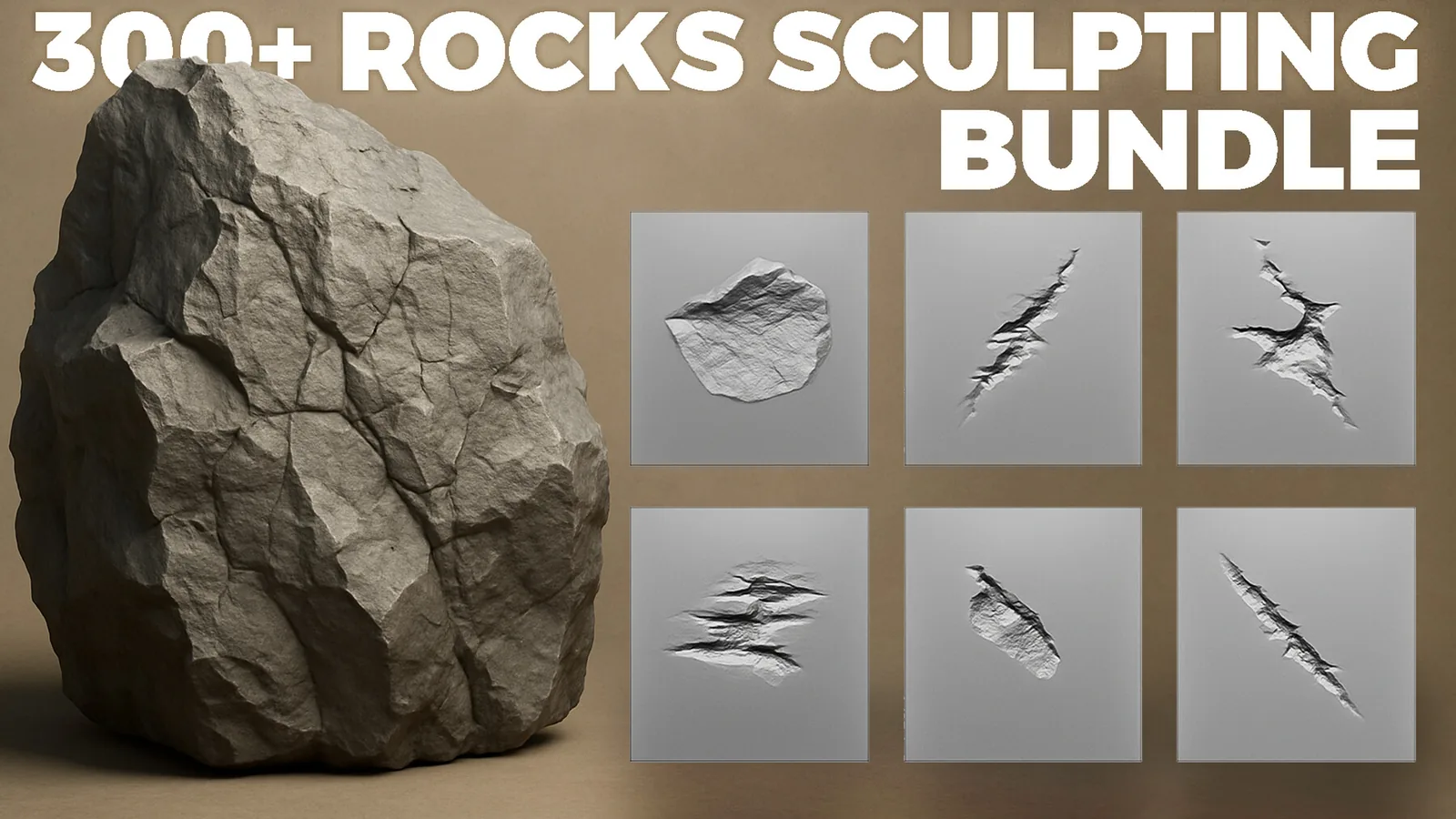
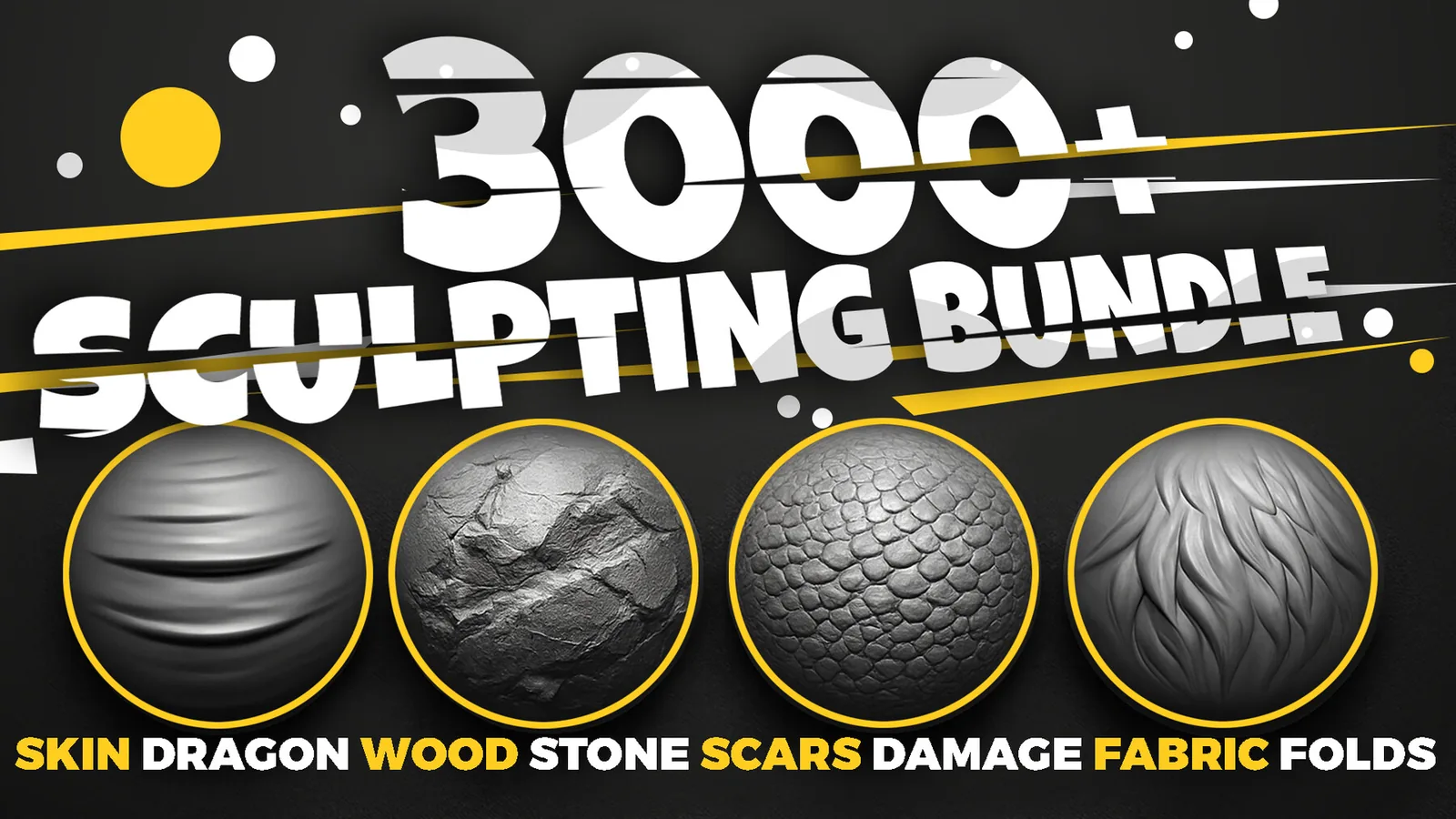
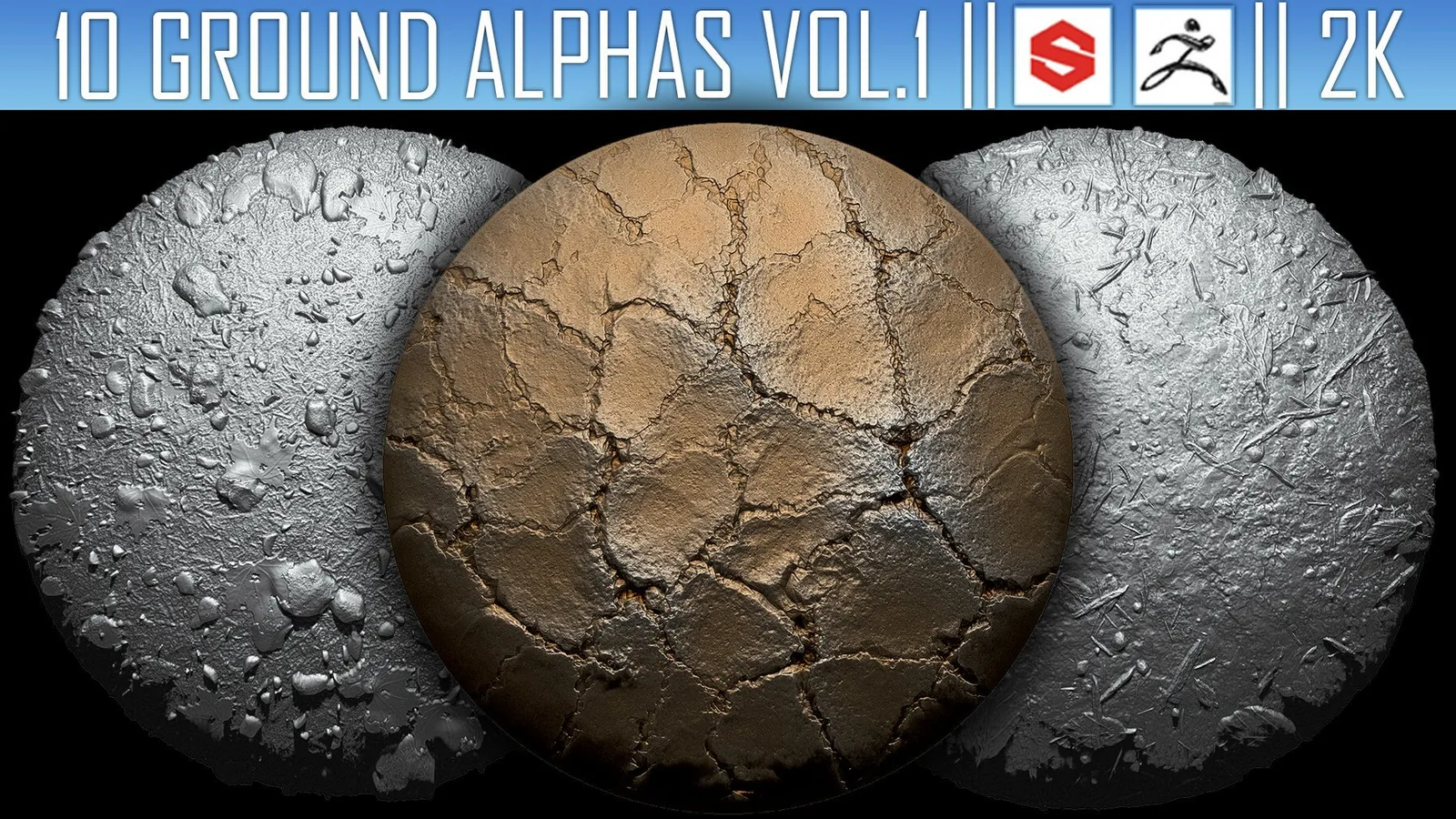
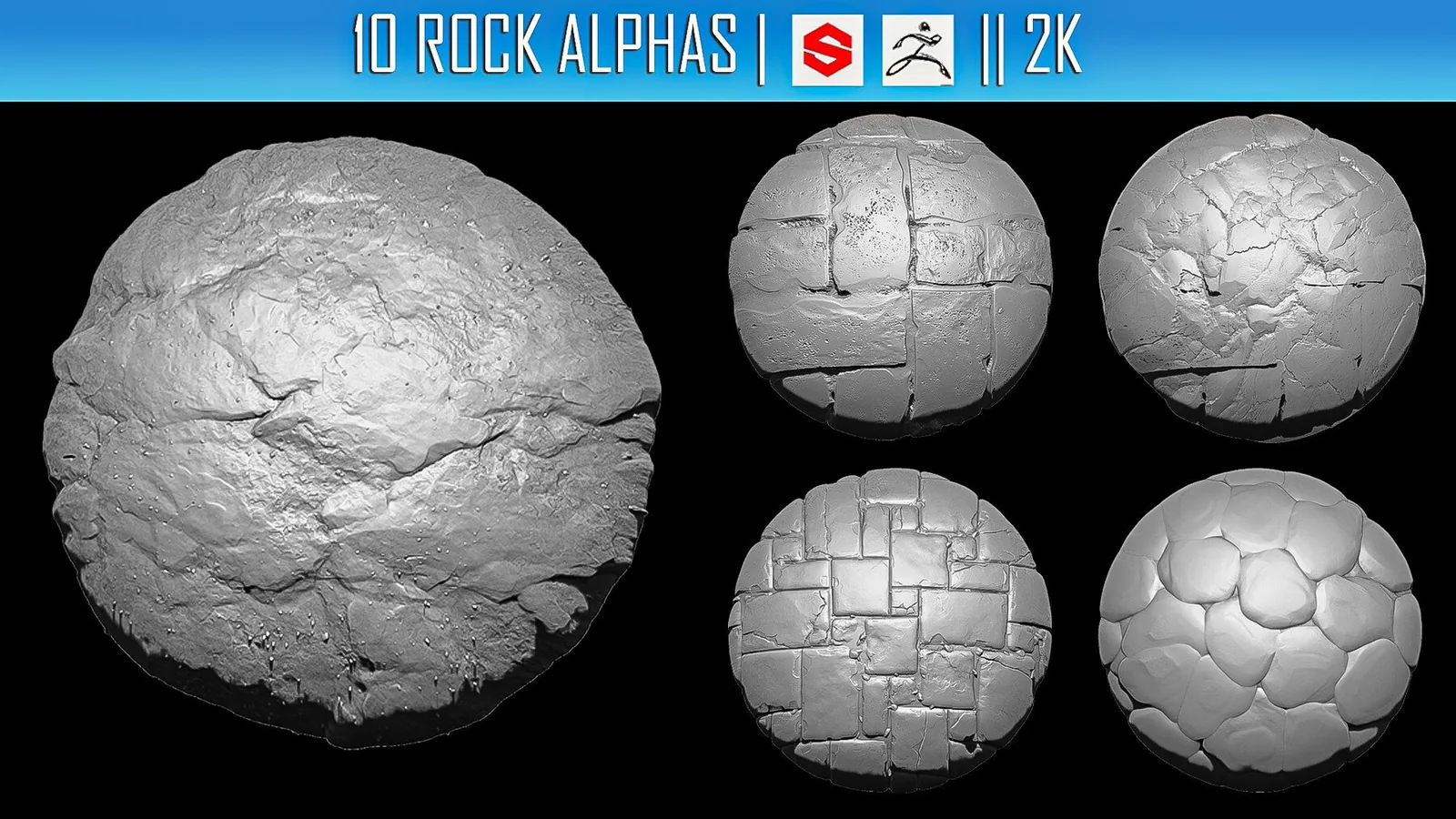
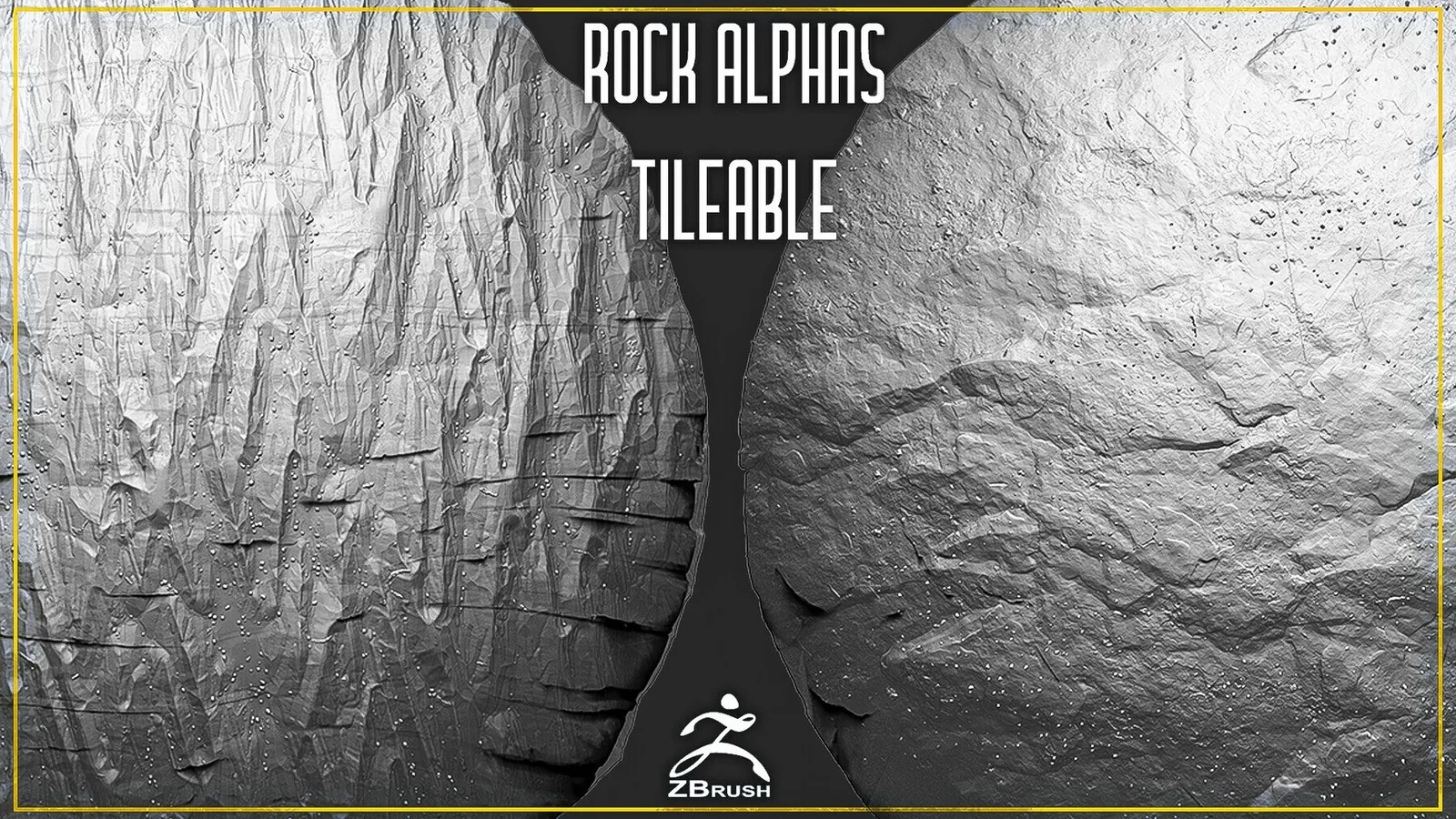
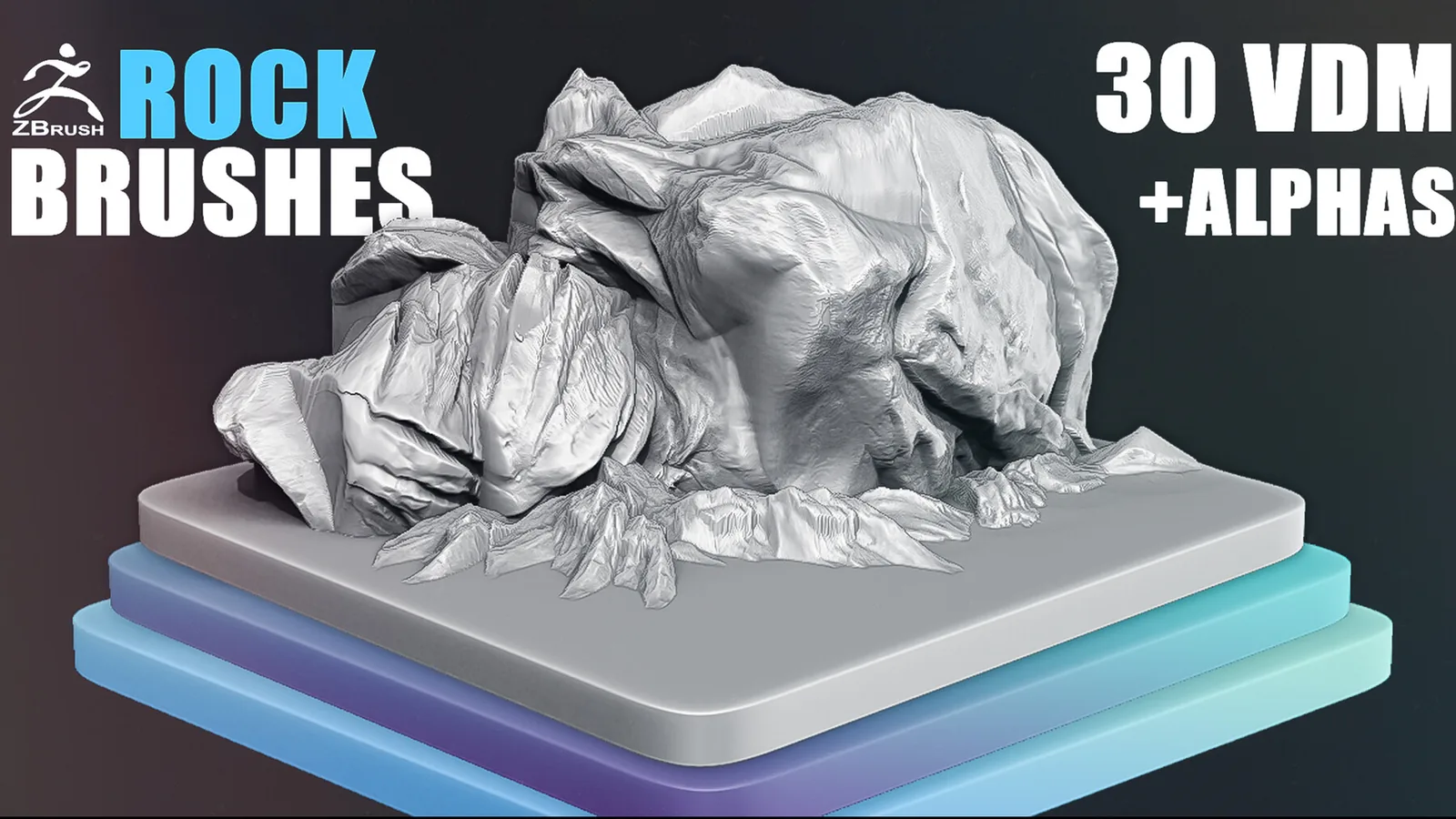
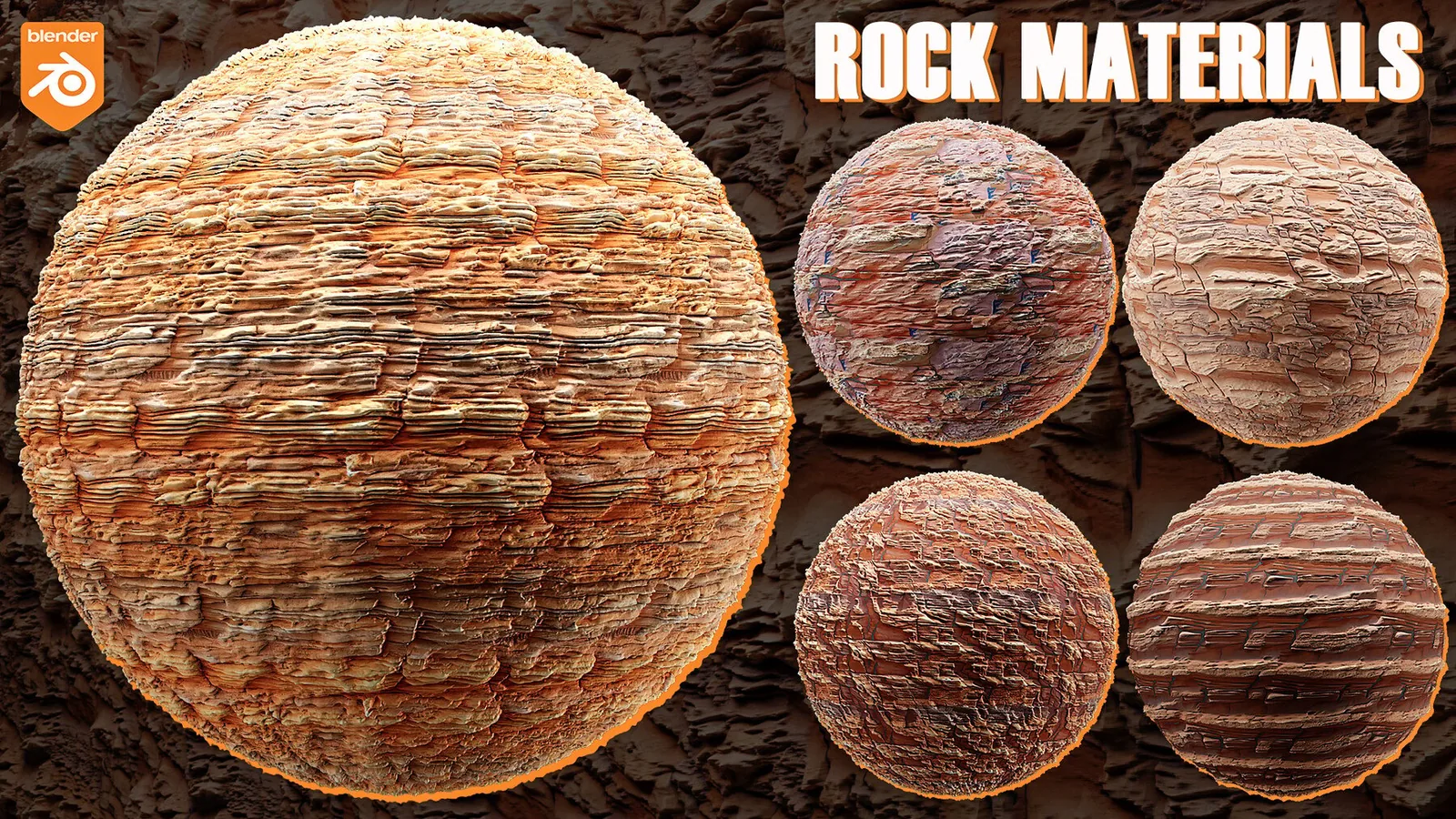
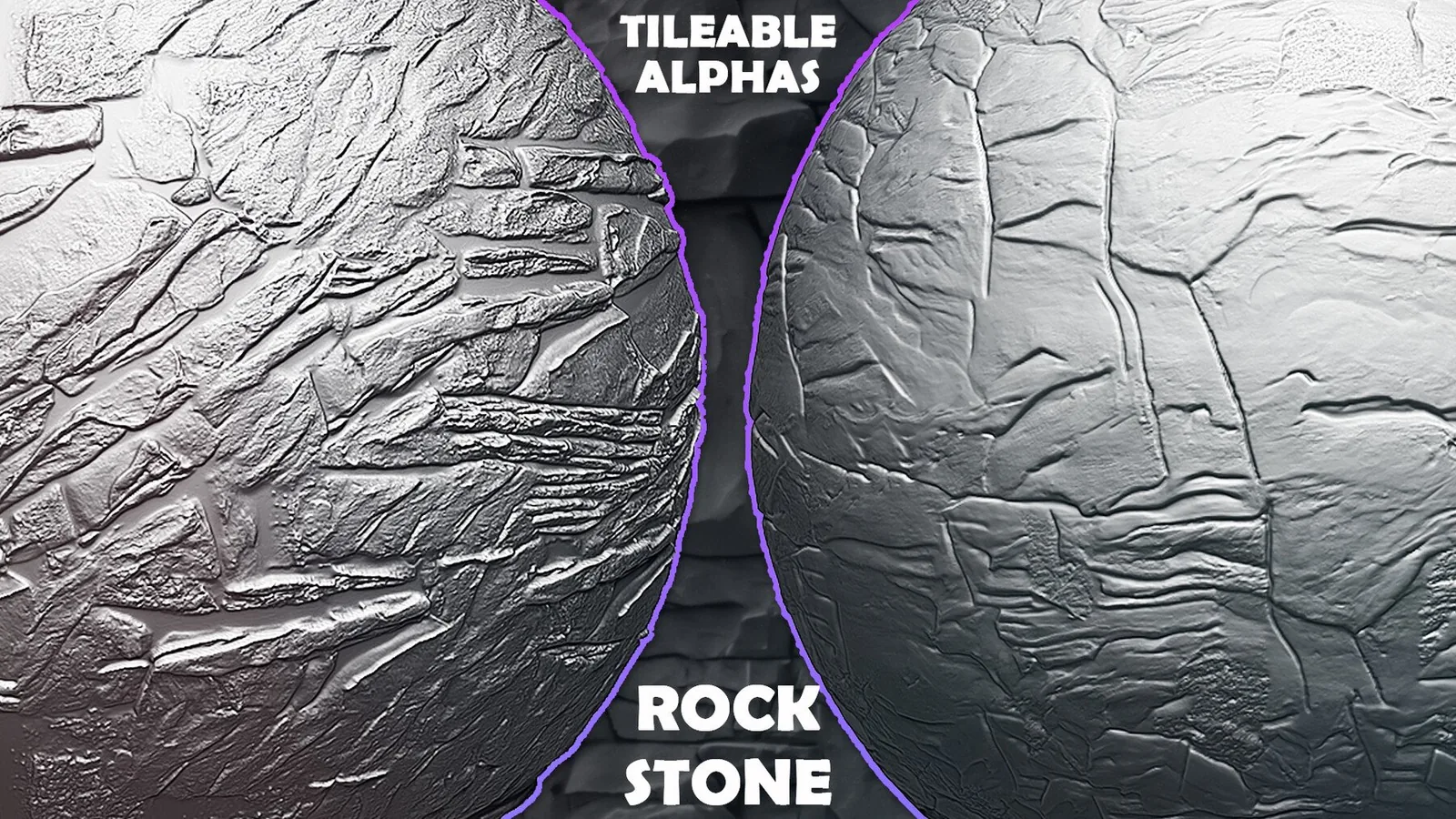
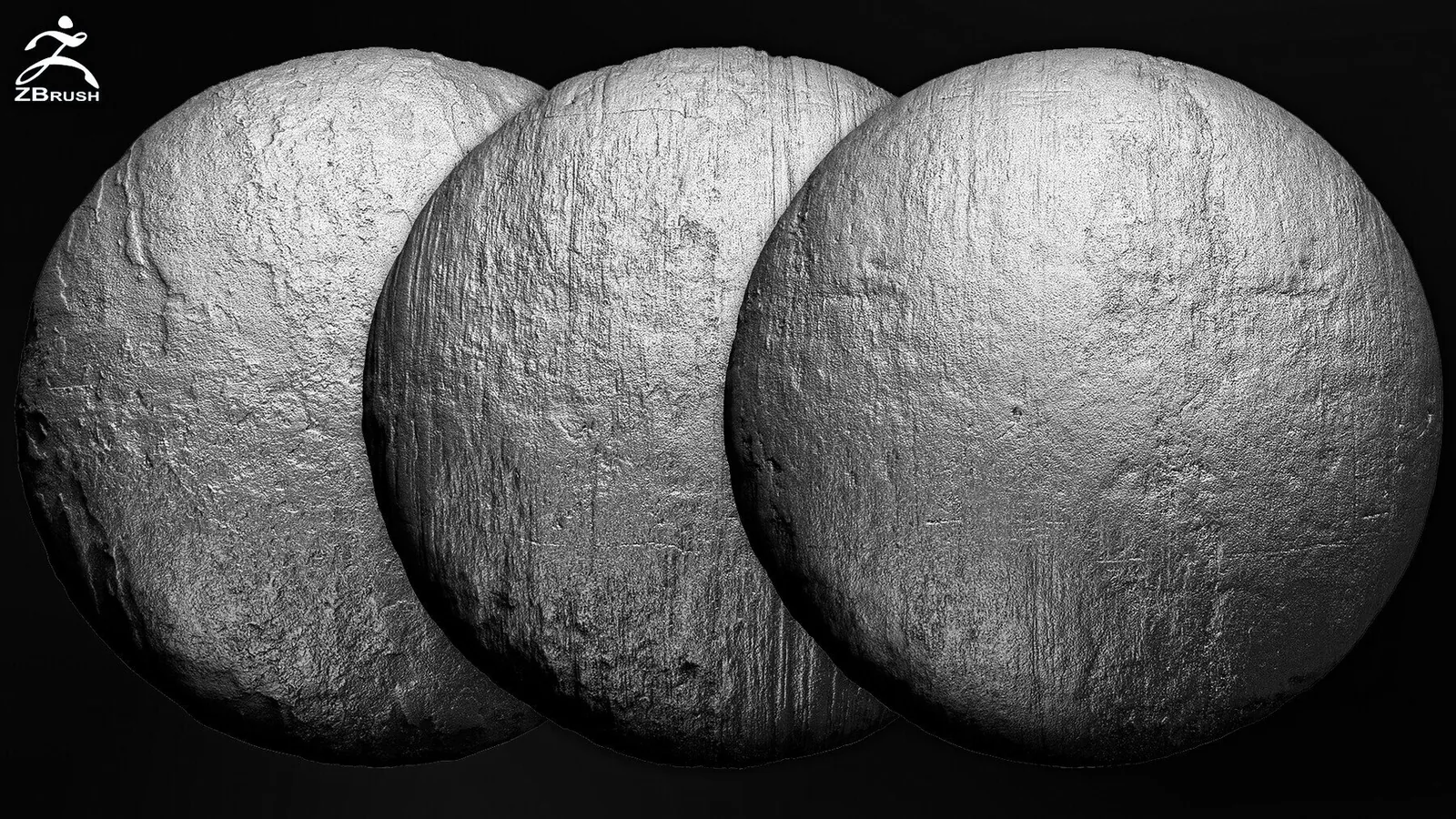
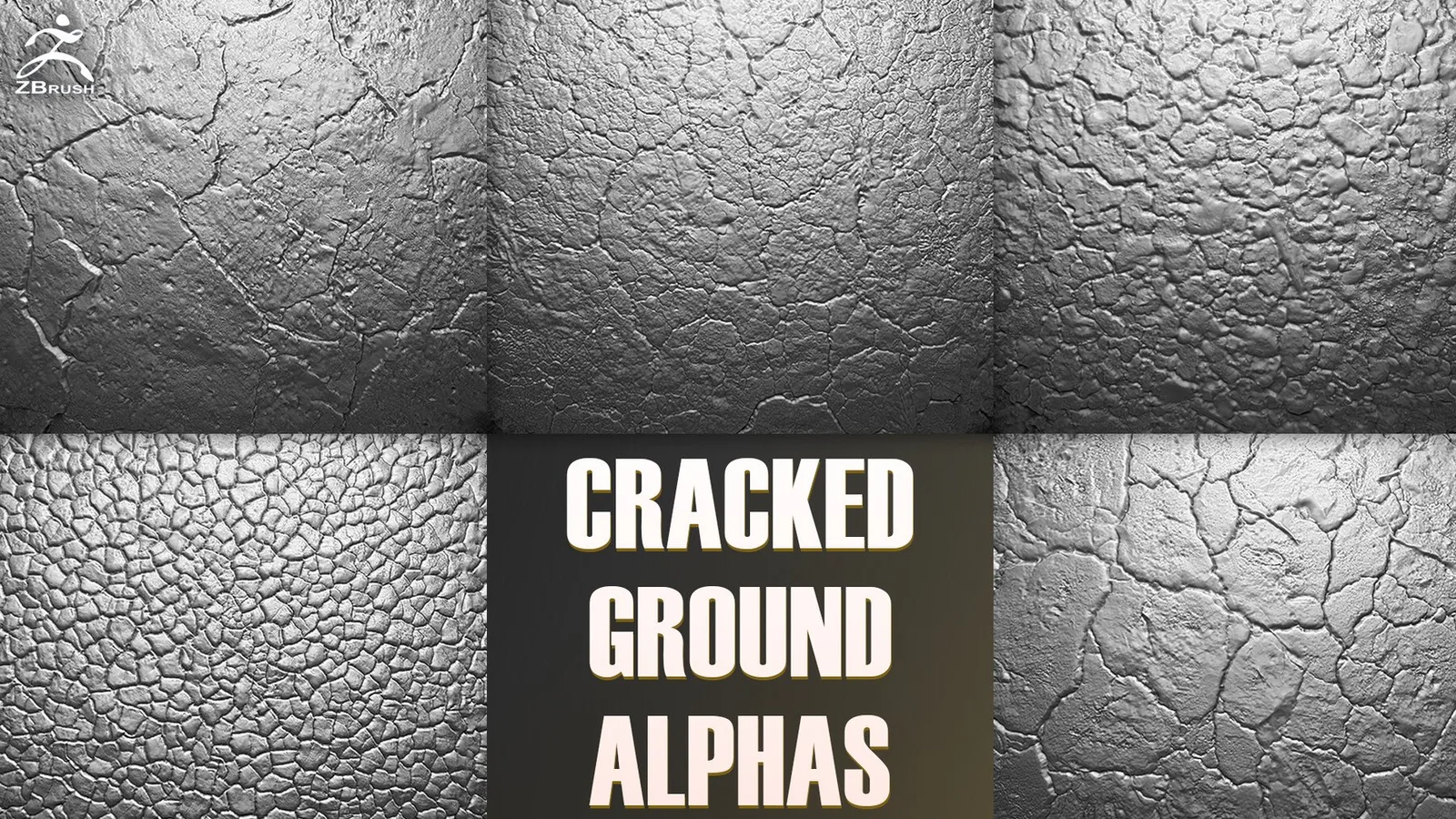
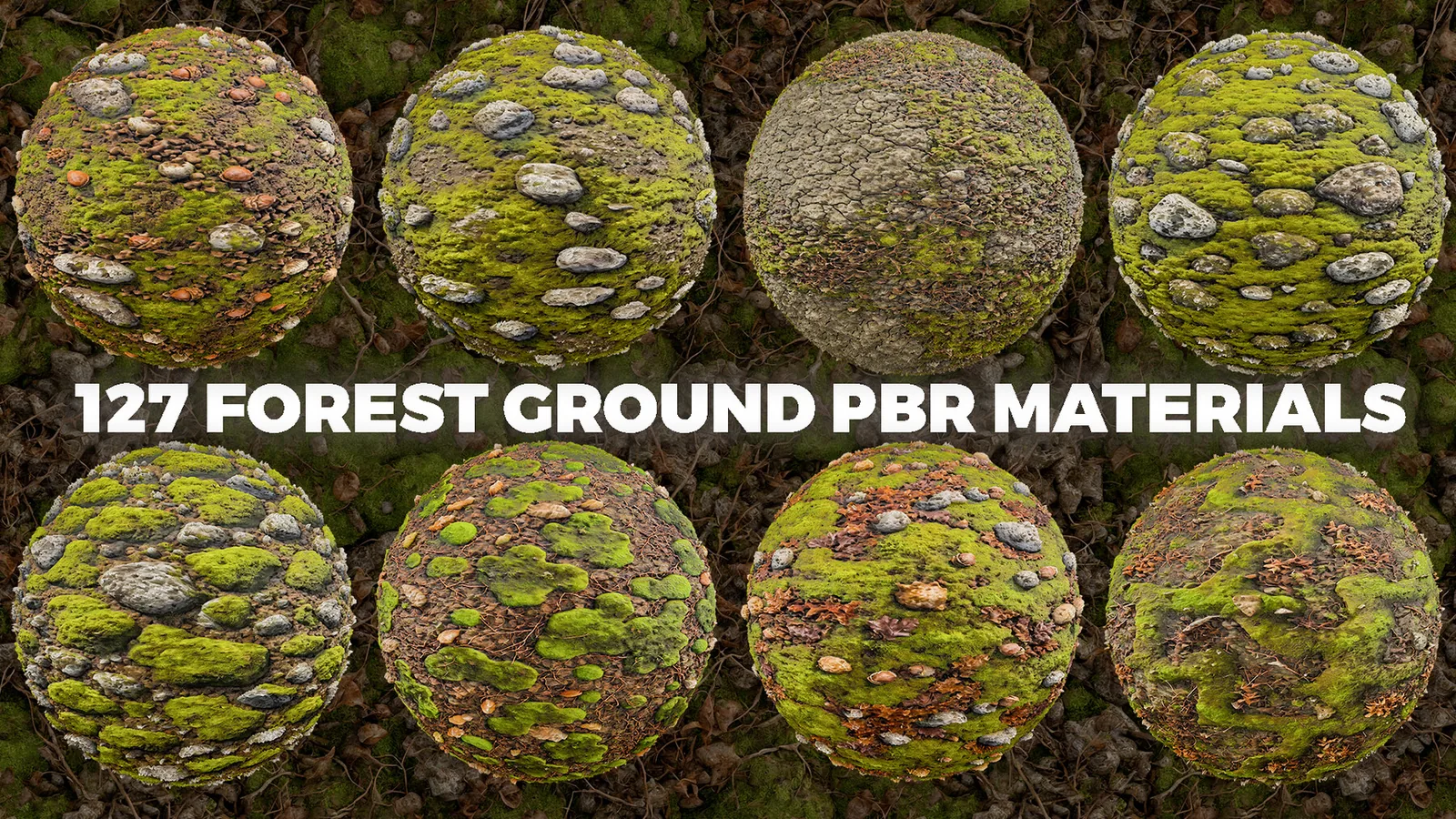
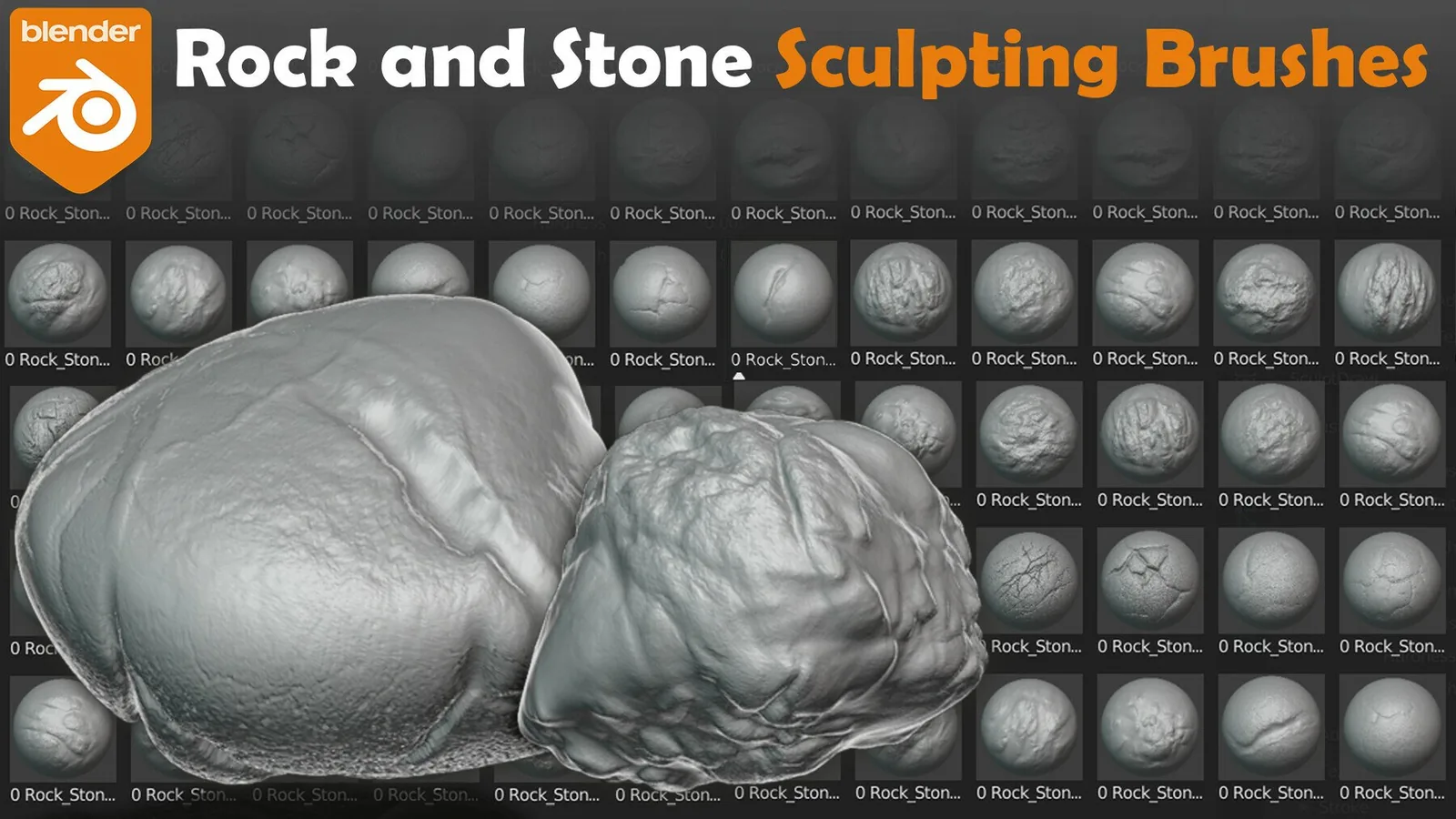
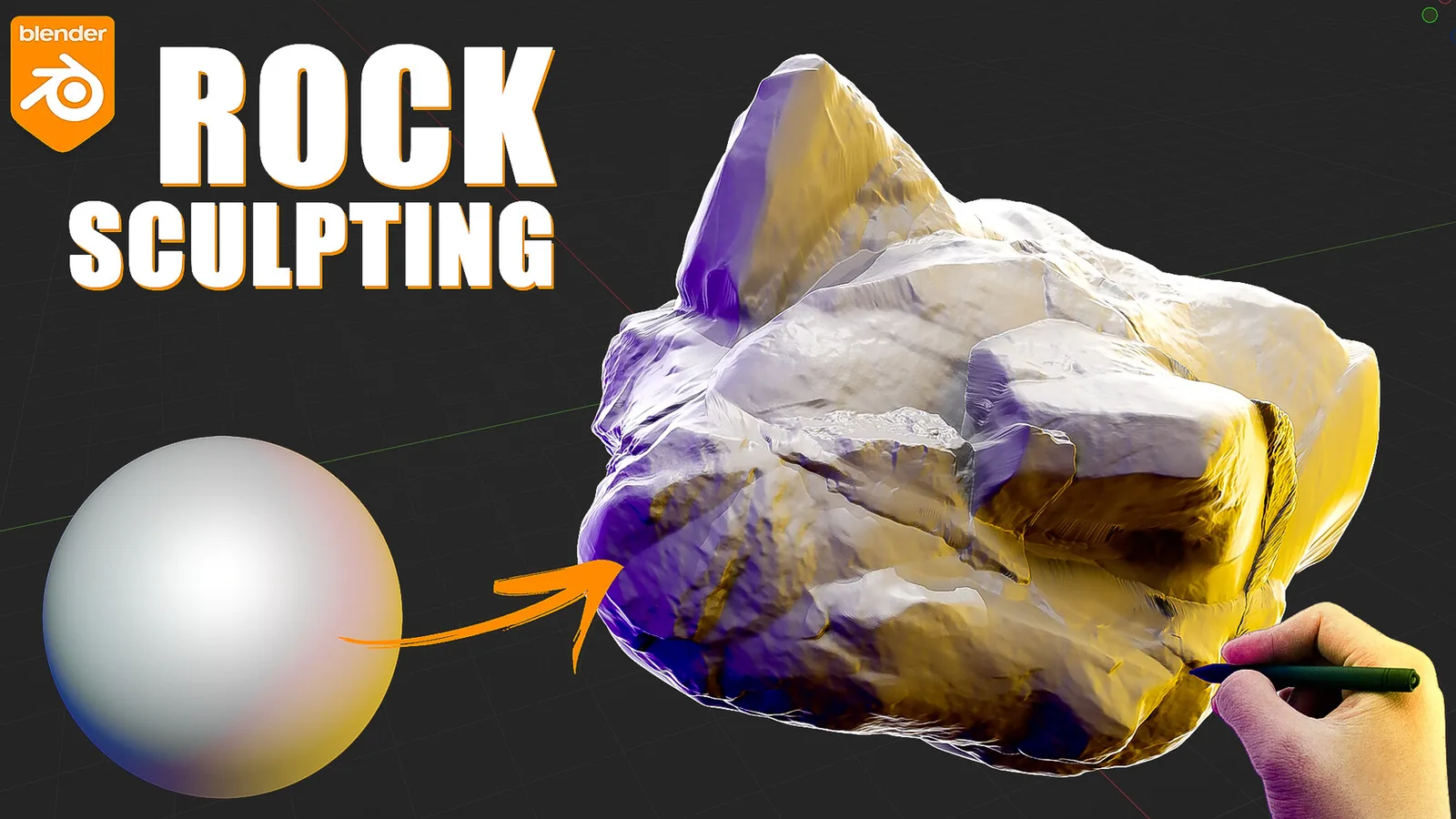
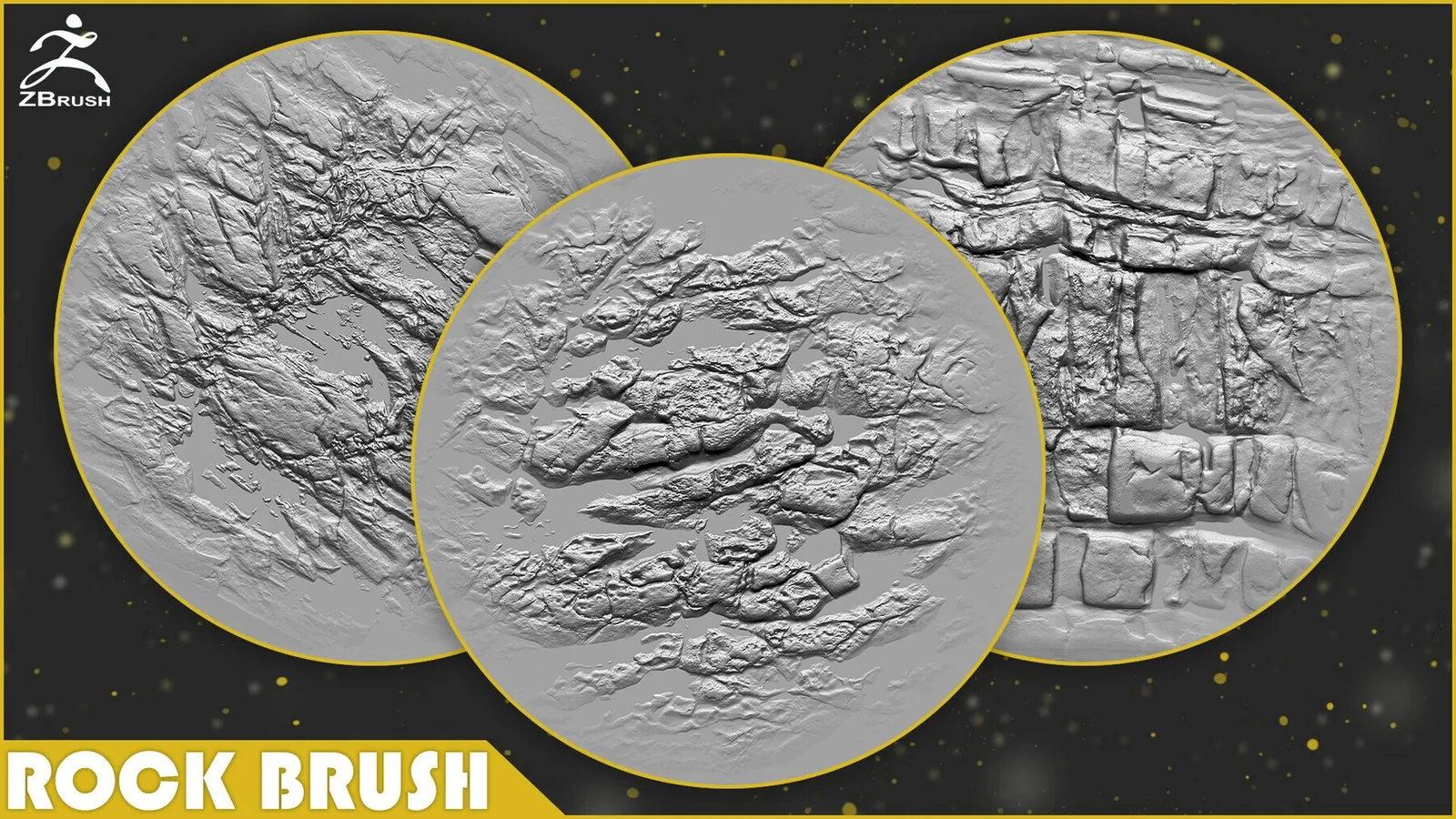
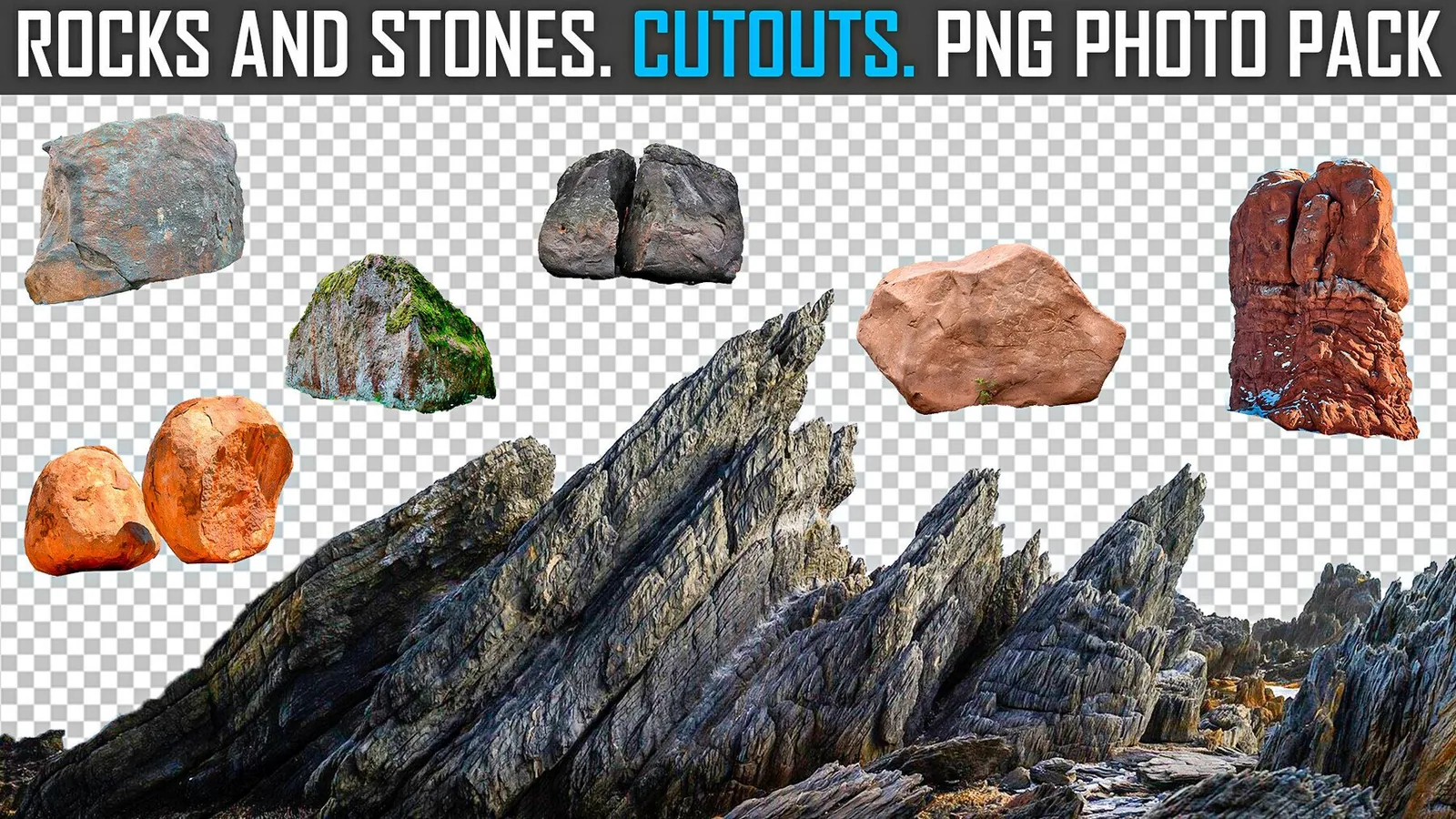
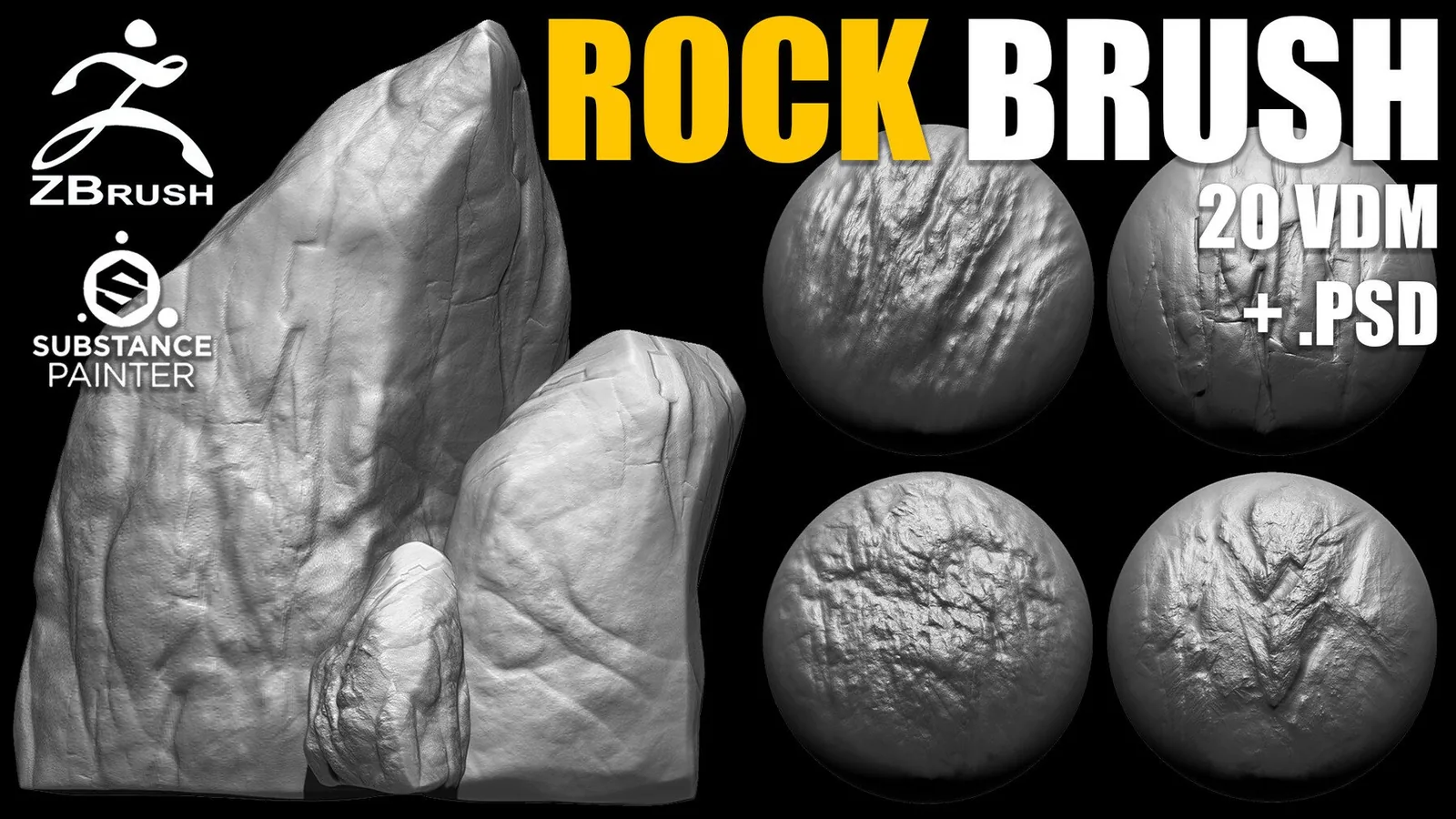
Real product previews showing how rock alphas and brushes read on cliffs, boulders, and terrain pieces.