Dragon sculpting bundle

Complete dragon sculpting library

370+ Dragon Sculpting Brushes Bundle

Price $19.99

A complete creature-detailing collection for dragon skin, reptile scales, horns, spikes, wrinkles and organic surface breakup in Blender and ZBrush.

Instead of building every scale family by hand, this bundle gives you five focused products plus a bonus alpha library so you can move from broad reptile flow to close-up creature detail much faster.
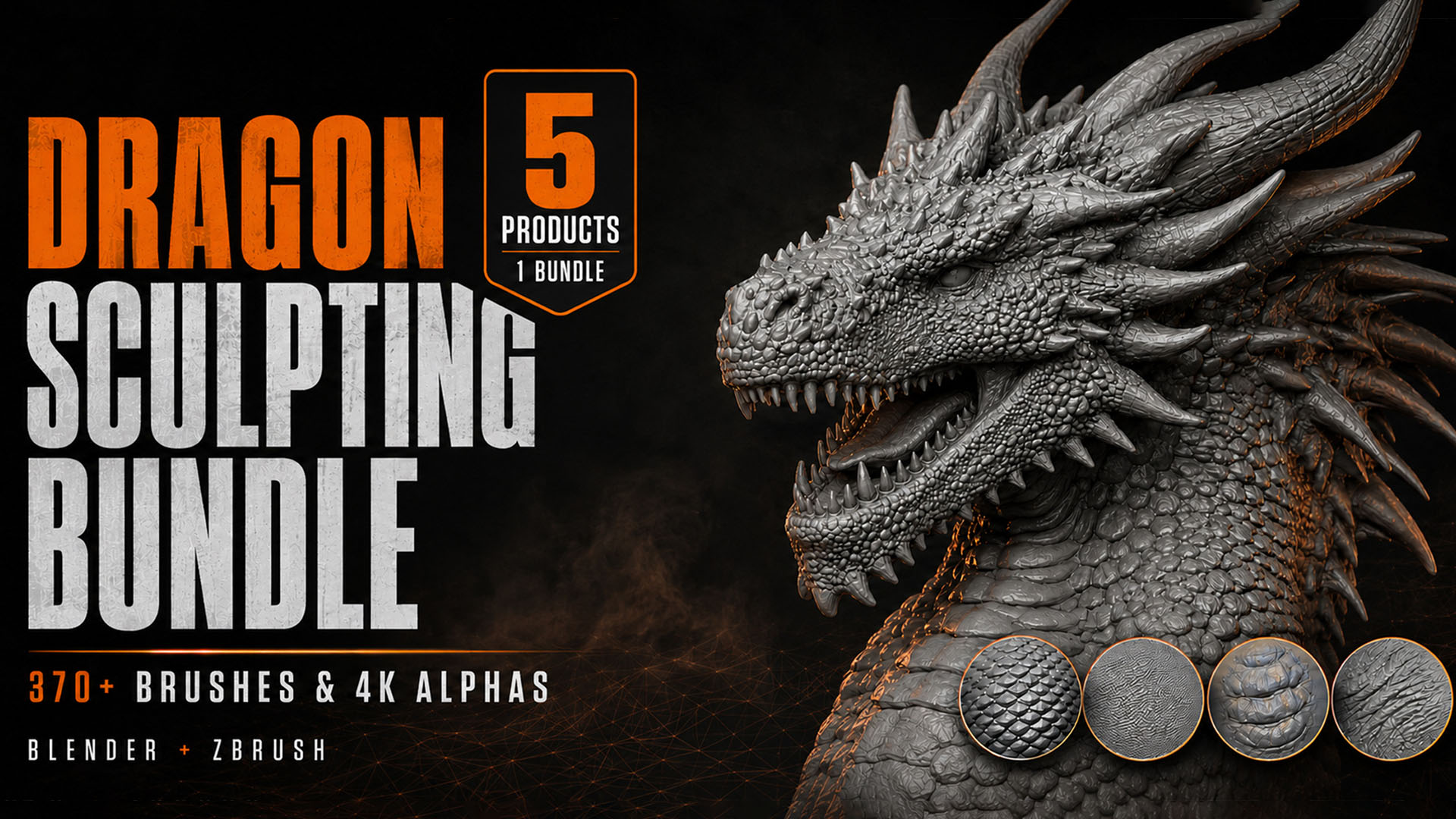
5 products 372 unique brushes 4K alphas Blender and ZBrush

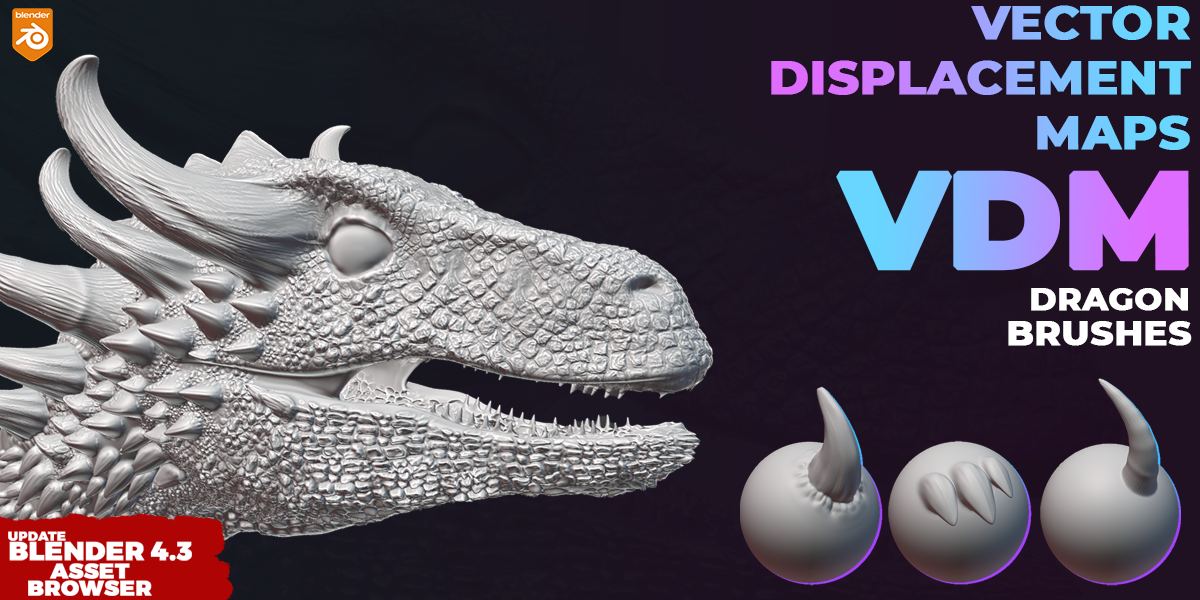
370 plus Dragon Sculpting Brushes Bundle main preview
One dragon sculpting bundle for close-up scale flow, creature skin breakup, VDM forms and seamless reptile detail.
372 unique brushes 187 bonus seamless alphas Creature, reptile and horn detail

Included in the bundle

140 Dragon Skin BrushesConfigured Blender and ZBrush brushes for dragon scales, reptile breakup, cracks and close-up creature surfaces.
102 Dragon Skin Brushes + 4K AlphasSeamless 4K height maps and alpha resources for repeatable creature skin detail and displacement workflows.
26 Blender VDM Dragon BrushesRaised horn, spike and dragon form details that are harder to build with flat alpha stamping alone.
51 Creature, Animal and Dragon BrushesOrganic skin patterns for monsters, reptiles, dinosaurs and fantasy creatures.
53 Dragon and Reptile Skin BrushesHand-painted Blender brushes for stylized and realistic creature surface variation.
Bonus 187 Seamless Dragon Skin AlphasExtra 4K-ready scale families for large body areas, custom brushes and repeatable surface breakup.

See the brushes in action

These previews come directly from the included products, so you can judge how the brushes behave on real creature sculpts before opening the pack.

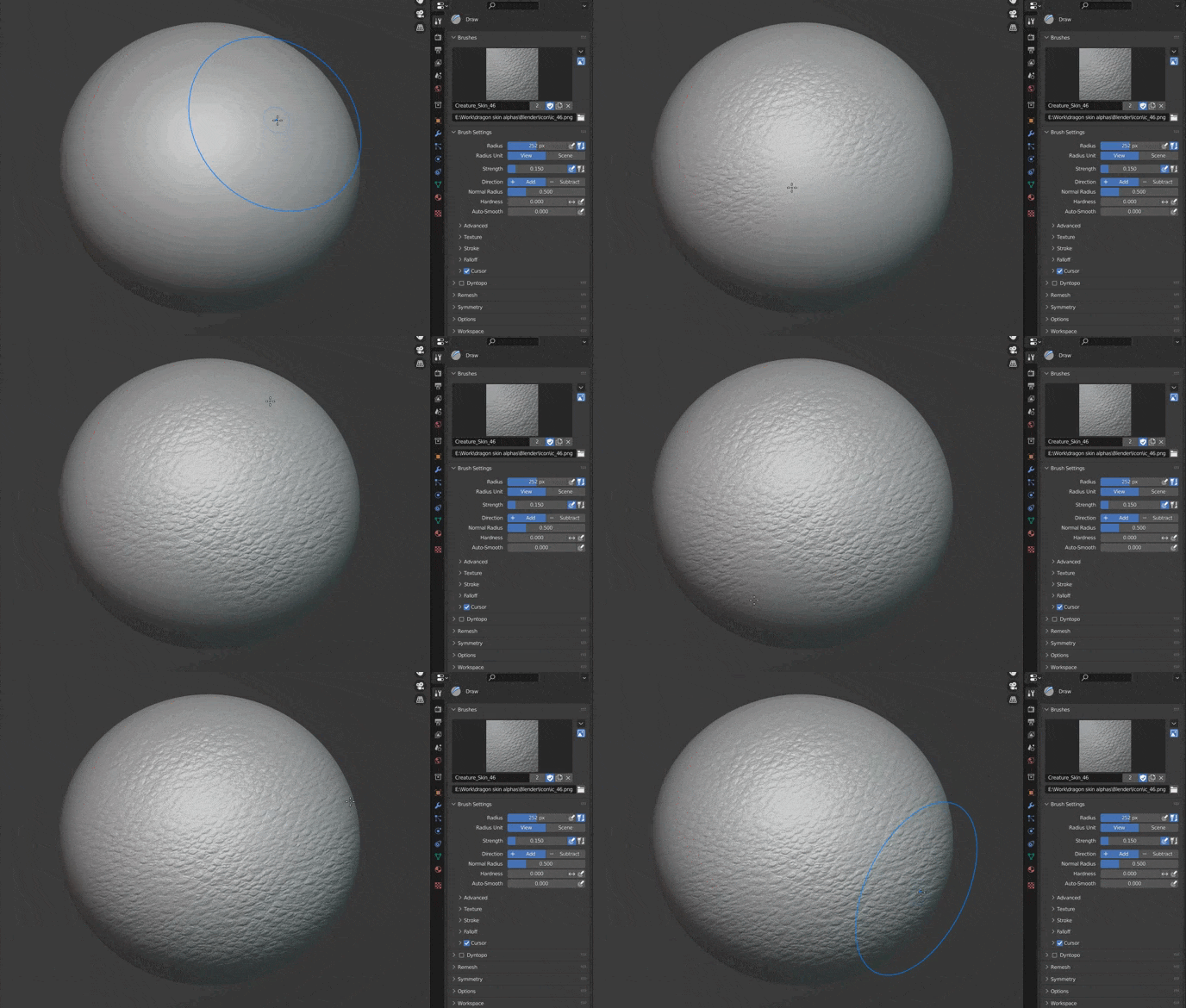
Dragon skin sculpting brush demonstration gif
4K dragon skin and scale detail for broad body surfaces.
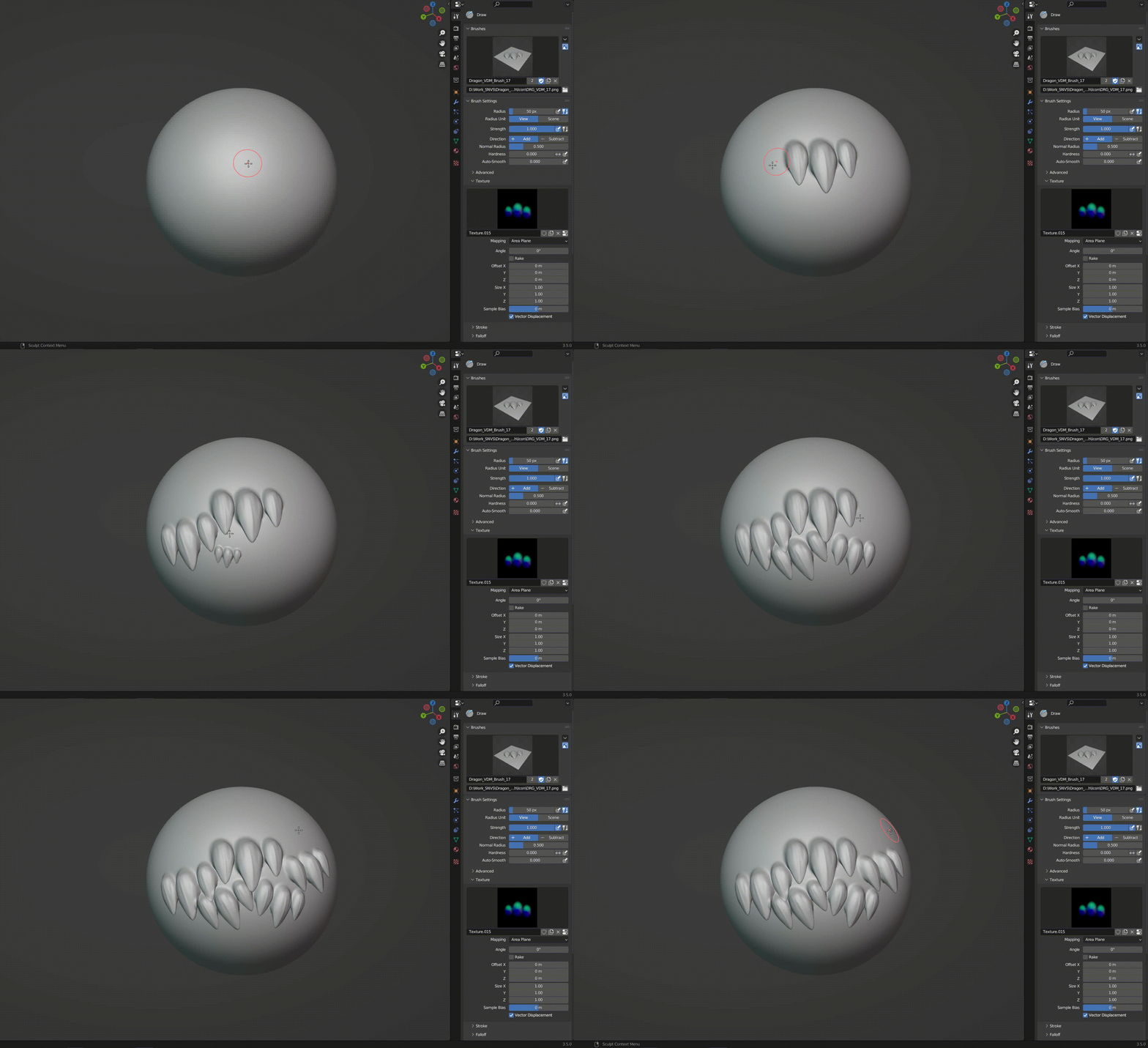
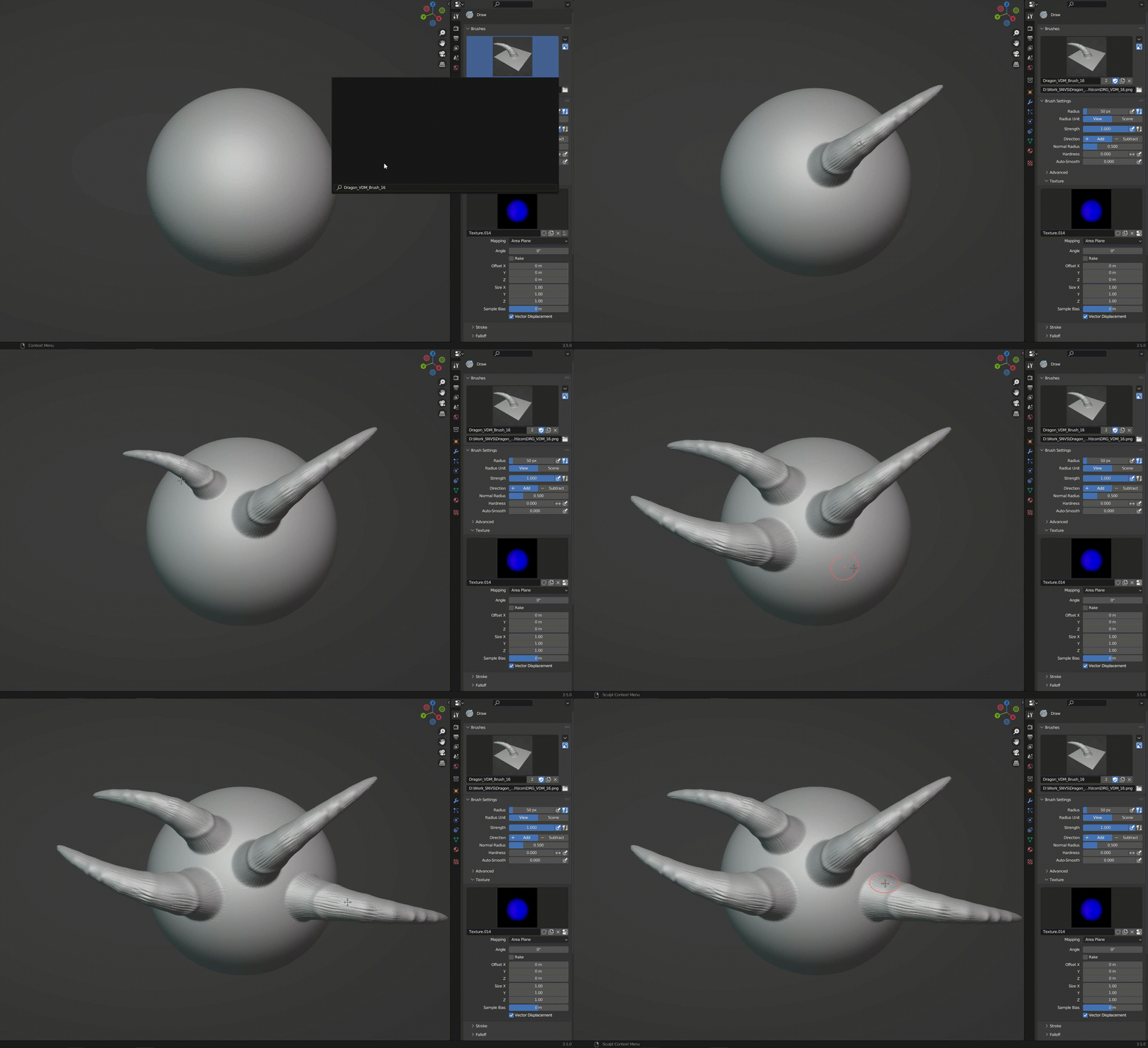
Dragon VDM brush demonstration gif
VDM dragon forms for raised shapes and sculptural detail.
Dragon horn sculpting brush demonstration gif
Horns and raised details for silhouette and secondary form.
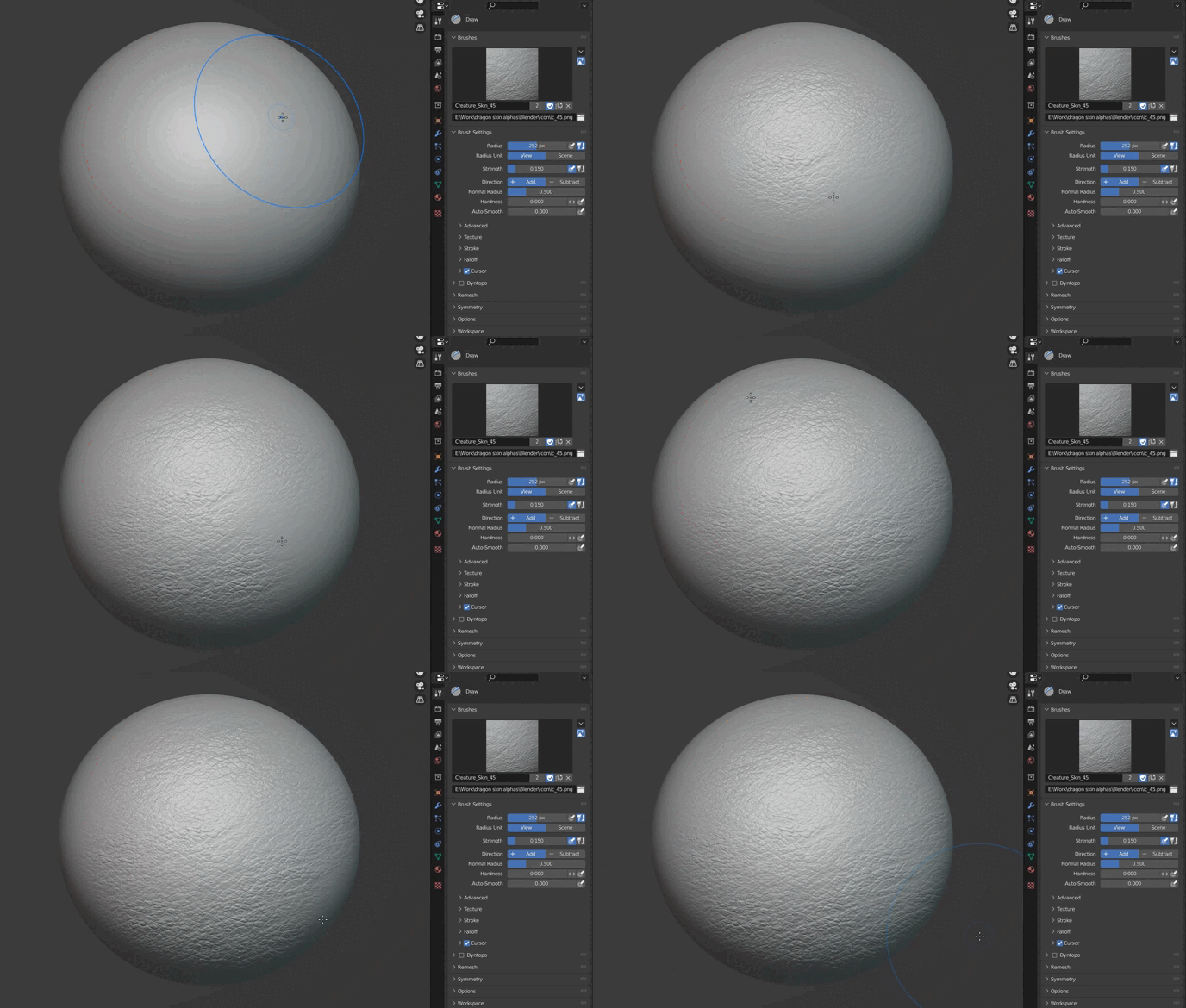
Creature skin sculpting brush demonstration gif
Creature skin detail for monsters, hybrids and animal-inspired designs.
Reptile skin sculpting brush demonstration gif
Reptile surface patterns for larger repeating scale families.
Organic surface breakup brush demonstration gif
Organic breakup to keep creature surfaces from looking too uniform.

Video demonstrations

Workflow this bundle covers

Broad body areas: start with seamless dragon skin and reptile scale families for large creature surfaces.
Secondary sculpt forms: use VDM dragon brushes for horns, spikes and raised organic structures.
Close-up refinement: layer wrinkles, cracks and smaller scale families where the camera gets close.
Custom finishing: mix the 187 bonus seamless alphas into your own Blender or ZBrush brush setup when a stock preset is not enough.

Preview library

4K dragon scale brushes preview
Seamless 4K dragon and reptile alpha families for tiled or stamped creature workflows.
Dragon and reptile skin brush examples
Different scale families help separate neck, face, body plates and softer organic transitions.
Seamless dragon skin alpha maps preview
Alpha sheets for custom displacement, masks, trims and reusable creature skin patterns.
Blender VDM Dragon Brushes preview
Raised dragon forms for spikes, ridges and stronger silhouette accents.

Why this bundle sells better than buying random single packs

One creature libraryScale flow, horns, wrinkles, creature skin and seamless alphas live in one focused bundle instead of scattered purchases.
Blender and ZBrush coverageThe main dragon packs include both Blender and ZBrush resources where the underlying product supports both workflows.
Large and small detail togetherYou are not forced to fake a whole dragon from a single alpha family. This bundle covers broad body texture and close-up surface refinement.
Good entry point before the 3000+ bundleIf your work is mostly creatures, this is the focused option. If you need wood, fabric, damage and skin too, step up later to the 3000+ library.

Installation

Blender

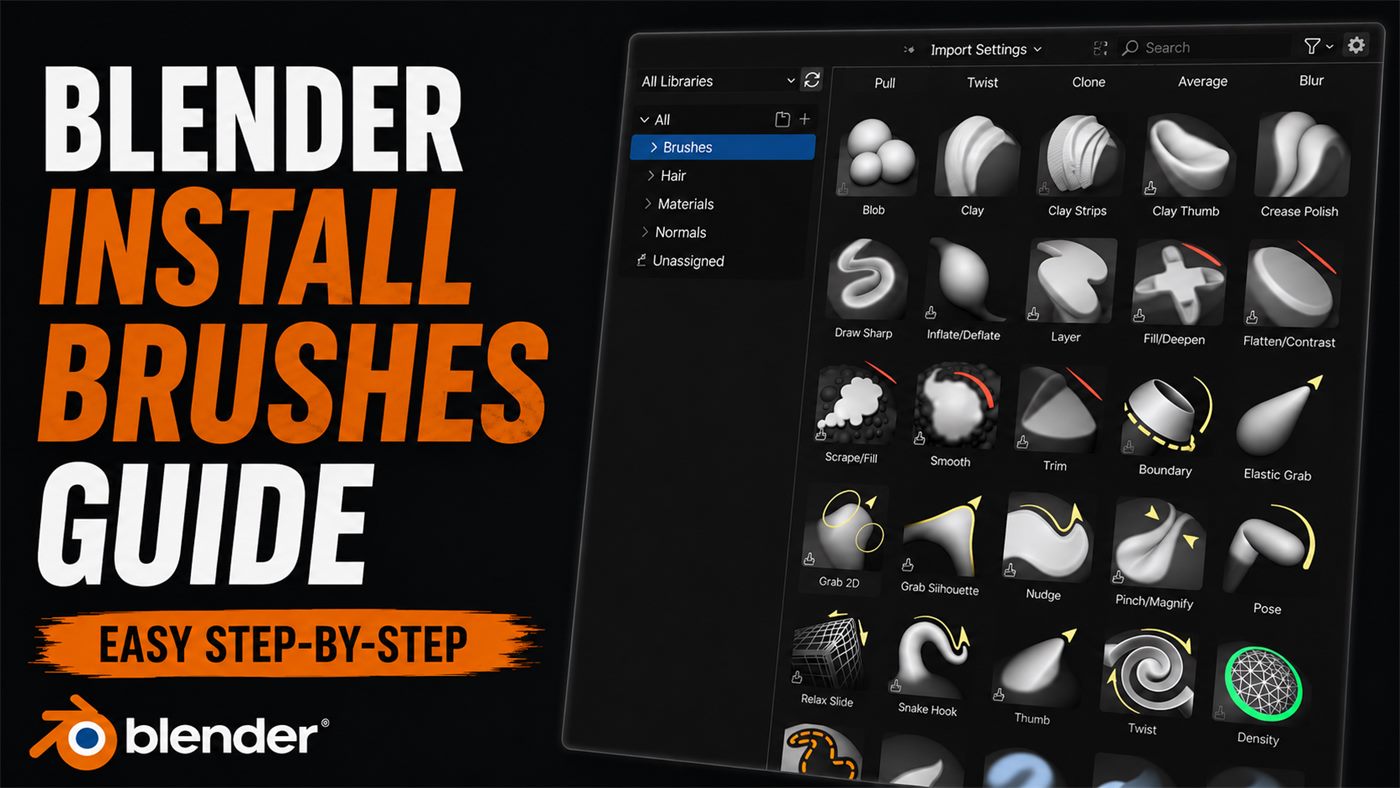
  1. Place the supplied brush `.blend` files in a permanent folder.
  2. Open Blender, then go to `Edit > Preferences > File Paths`.
  3. Add the folder that contains the brush library files.
  4. Restart Blender if needed and load the brushes through the Asset Browser or linked brush file.

ZBrush

  1. Copy the included `.ZBP` brush files from the ZBrush-supported products.
  2. Place them in your `ZBrushes` or `BrushPresets` folder.
  3. Import the PSD, PNG or TIF alphas through the `Alpha` palette.
  4. Restart ZBrush if needed and load the brushes from LightBox or the Brush menu.

Bonus alpha library

The bundle also includes 187 seamless dragon skin alphas. That matters when one creature needs multiple scale languages across the face, neck, chest, wings and larger body areas.

If you prefer building your own presets, these extra alphas are what turn the bundle from a pack collection into a full creature detailing toolkit.

FAQ

What is included in the bundle?

The bundle includes five complete dragon and creature brush products plus a bonus library of 187 seamless dragon skin alphas.

Does every product support ZBrush?

No. All products contain Blender resources. The core 140-brush and 102-brush dragon collections also include ZBrush brush files.

Are alpha maps included?

Yes. Supported products include PSD maps and seamless 4K PNG and 16-bit TIF alpha resources.

Can I use the brushes for stylized creatures?

Yes. Scale intensity, spacing and layering can be adjusted for realistic dragons, stylized reptiles, dinosaurs and sci-fi creatures.

Should I buy this or the 3000+ bundle?

Buy this bundle if your work is mainly dragons and creature surfaces. Buy the 3000+ Blender bundle if you also need skin, cloth, rocks, damage, wood, ornaments and many other brush categories.
Useful guides

Other products