300+ Skin Sculpting Brushes

Professional skin detail library for Blender & ZBrush

300+ Skin Sculpting Brushes

Price $9.99

Create realistic wrinkles, pores, eyelids, eye bags, lips, chin details and facial surface breakup faster.

High-quality facial skin brushes made for close-up character sculpting in Blender Sculpt Mode, ZBrush alpha workflows and any software that supports grayscale alpha maps.
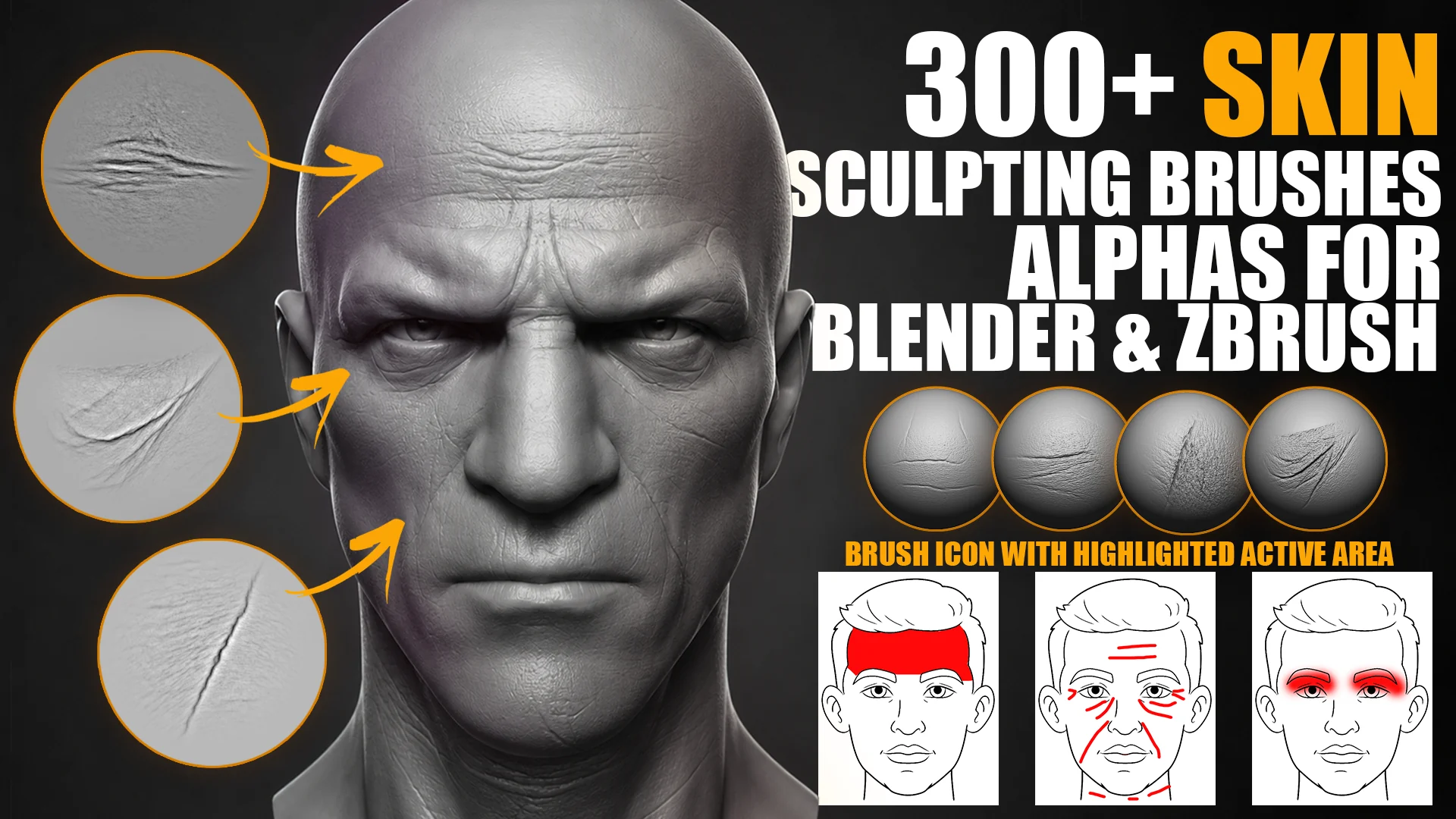
337 brushes 4K alpha maps Face-area labels Blender + ZBrush

300+ Skin Sculpting Brushes for Blender and ZBrush main preview
Skin sculpting brush library for close-up character face detail.

About the product

300+ Skin Sculpting Brushes is a professional facial detail library for character artists who need believable skin texture without sculpting every wrinkle manually. Use it to build pores, wrinkles, folds, eyelid detail, eye bags, lips, chin texture and organic face surface breakup faster.

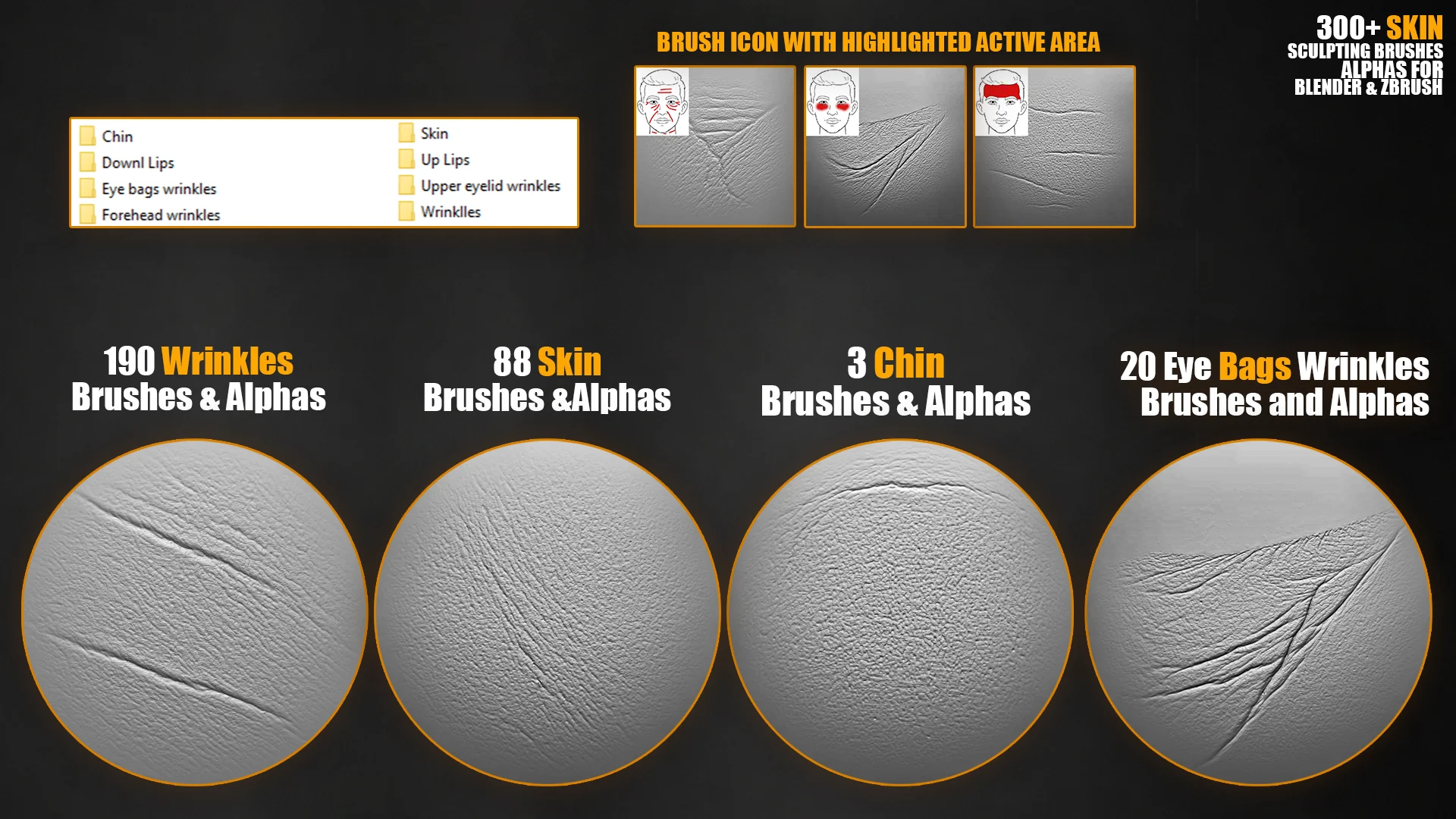
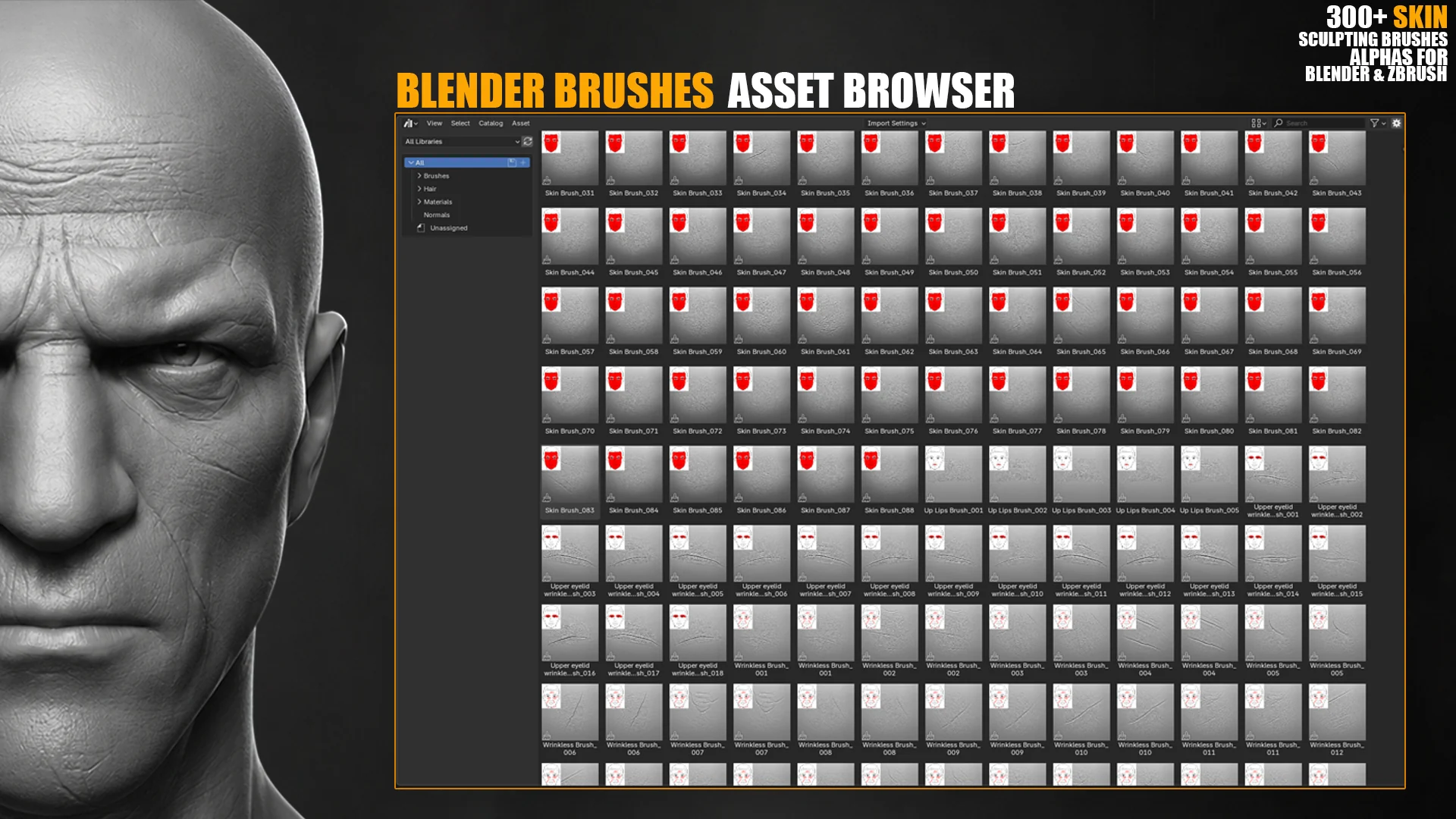
The brushes are organized by facial region, so you can quickly choose the right detail for forehead wrinkles, eyelids, eye bags, lips, chin, pores or general facial wrinkles. Each preview is marked with the face area where the brush works best.

What's included

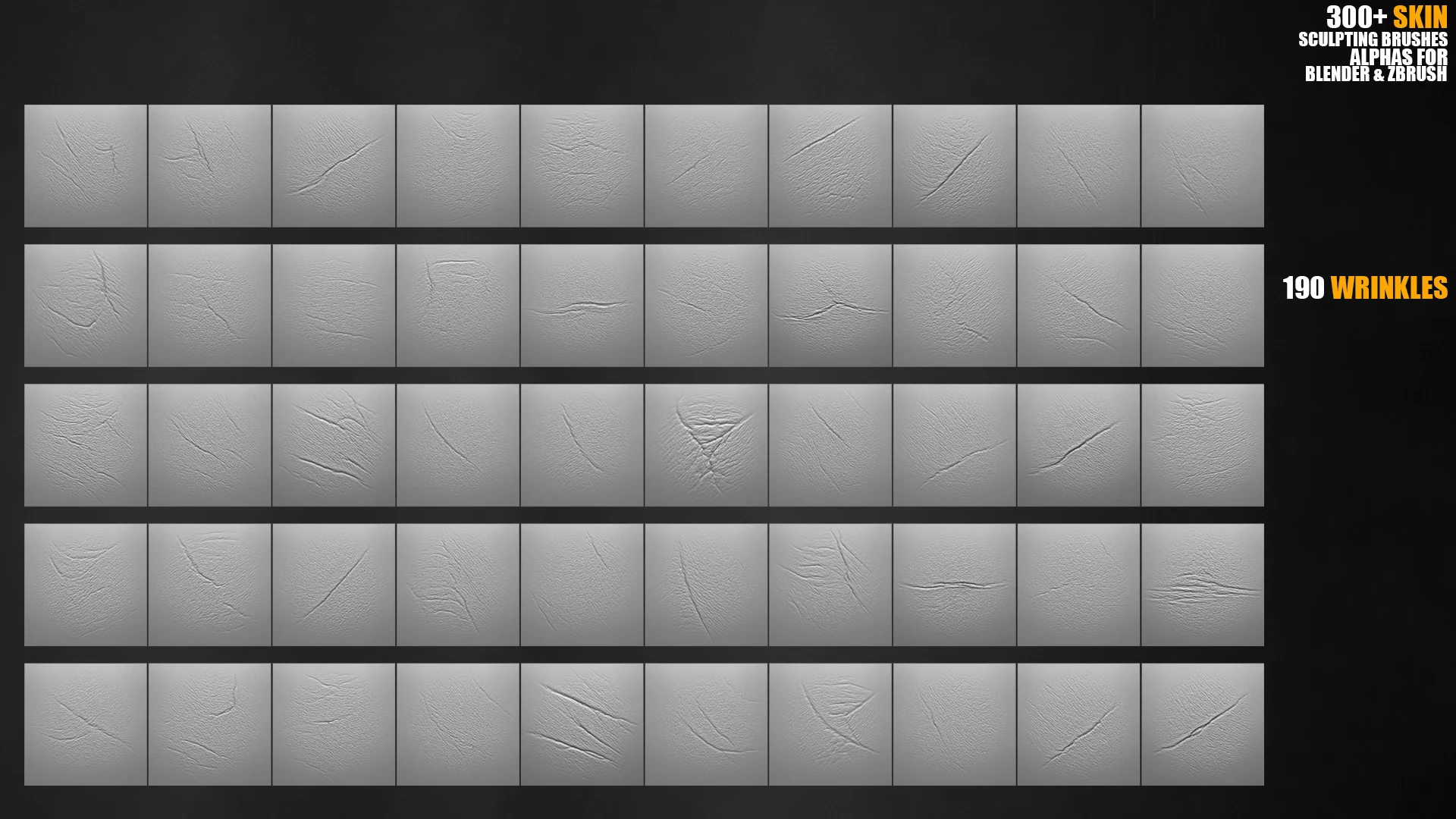
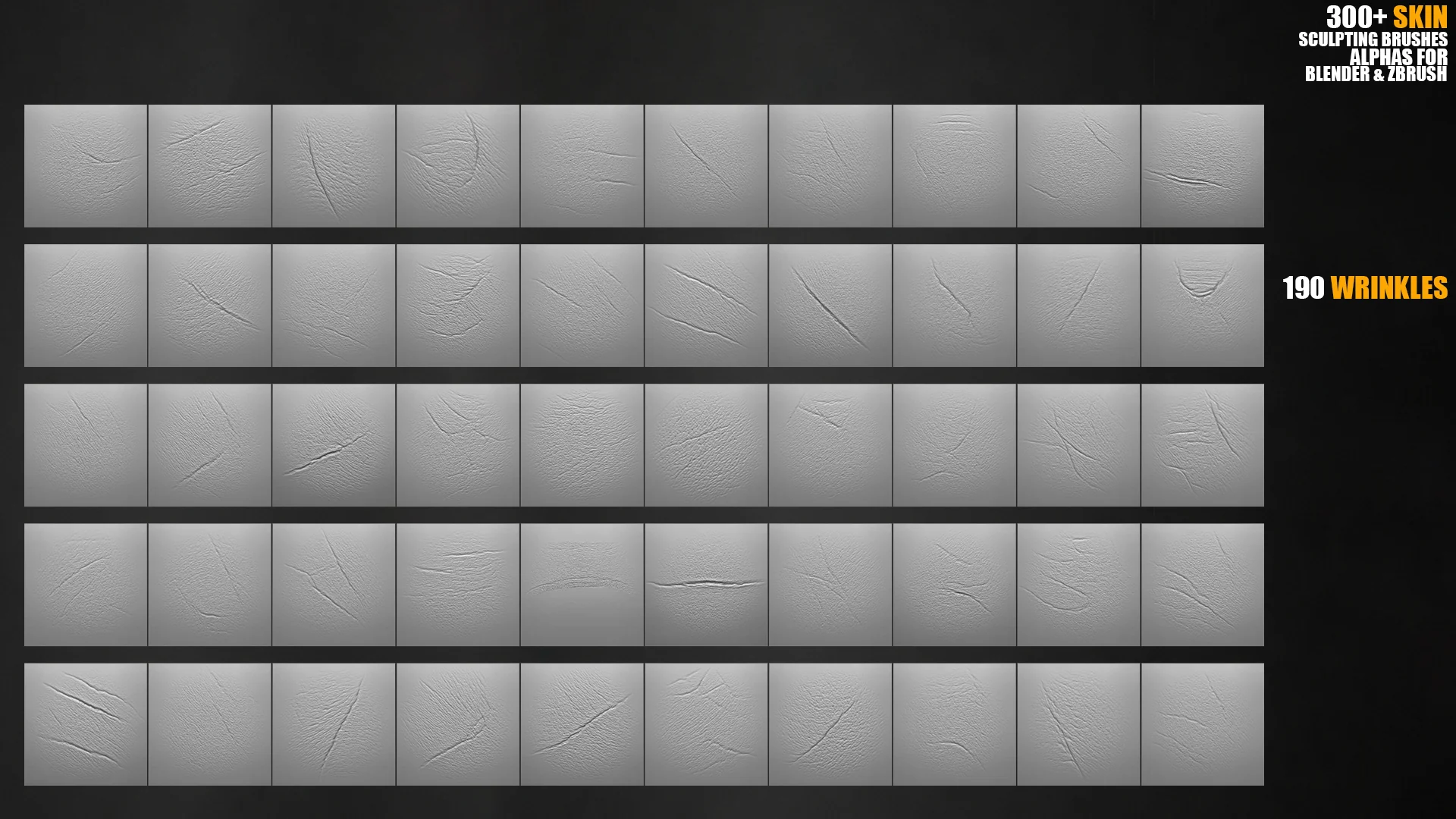
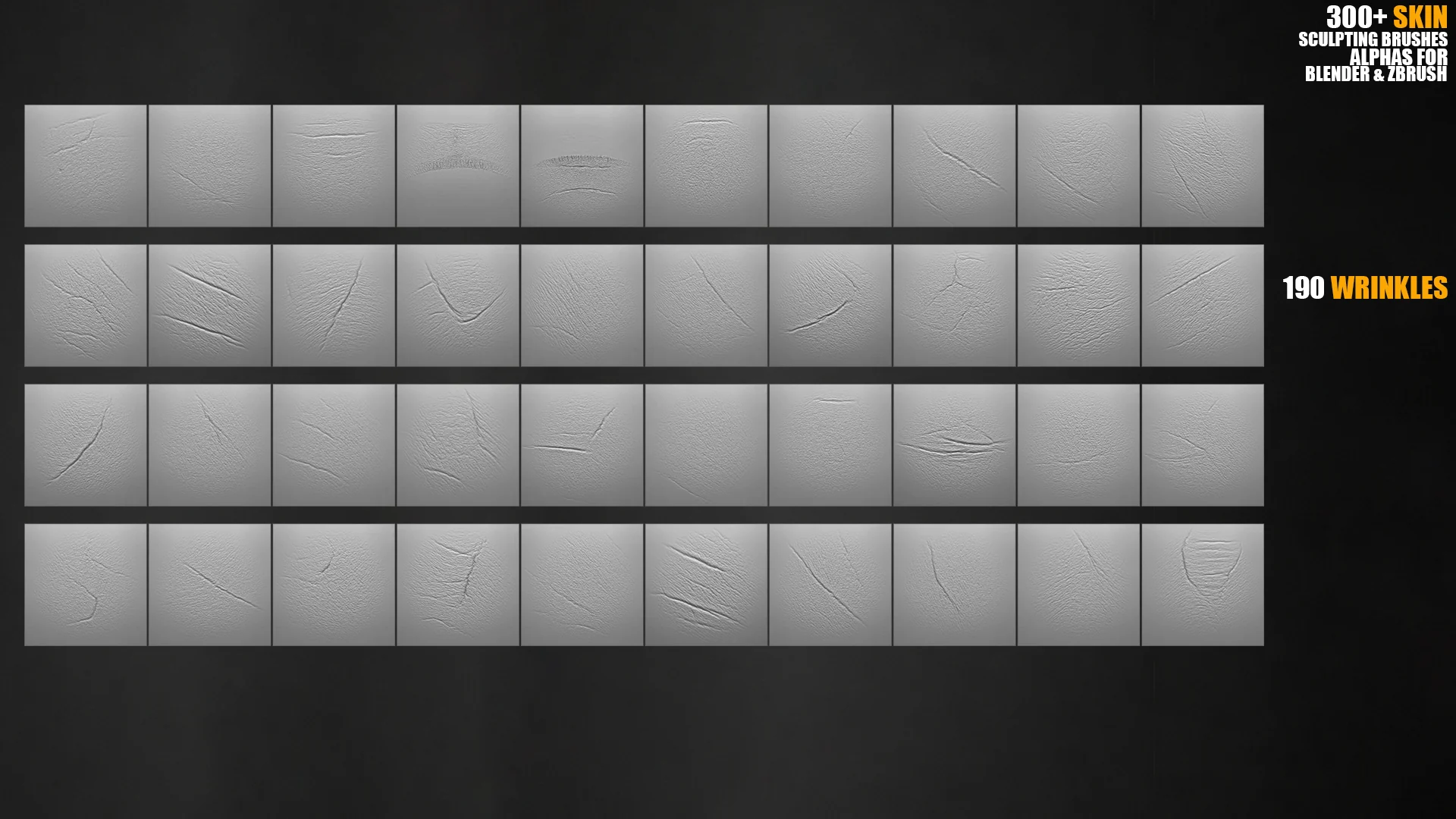
337 skin sculpting brushes / alpha textures for realistic close-up character work.
4K alpha maps for wrinkles, pores, folds and facial surface breakup.
Face-area preview labels to help pick the right brush faster.
Blender Sculpt Mode support for direct skin detailing inside Blender.
ZBrush alpha and brush workflows for production sculpting pipelines.
General alpha compatibility for software that supports masks, bump or displacement textures.

Brush and alpha categories

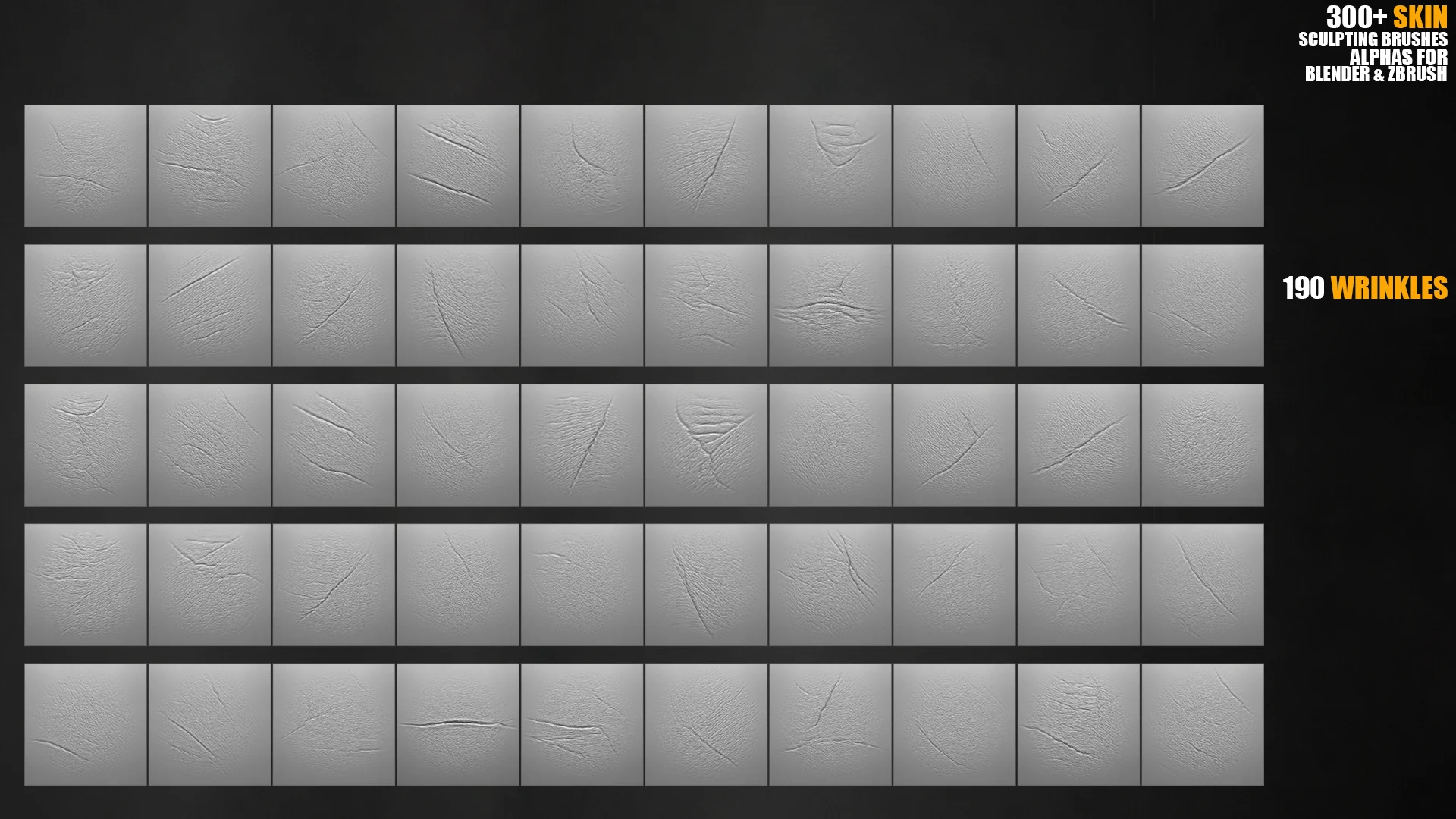
Wrinkles190 brushes for general facial wrinkles and aging passes.
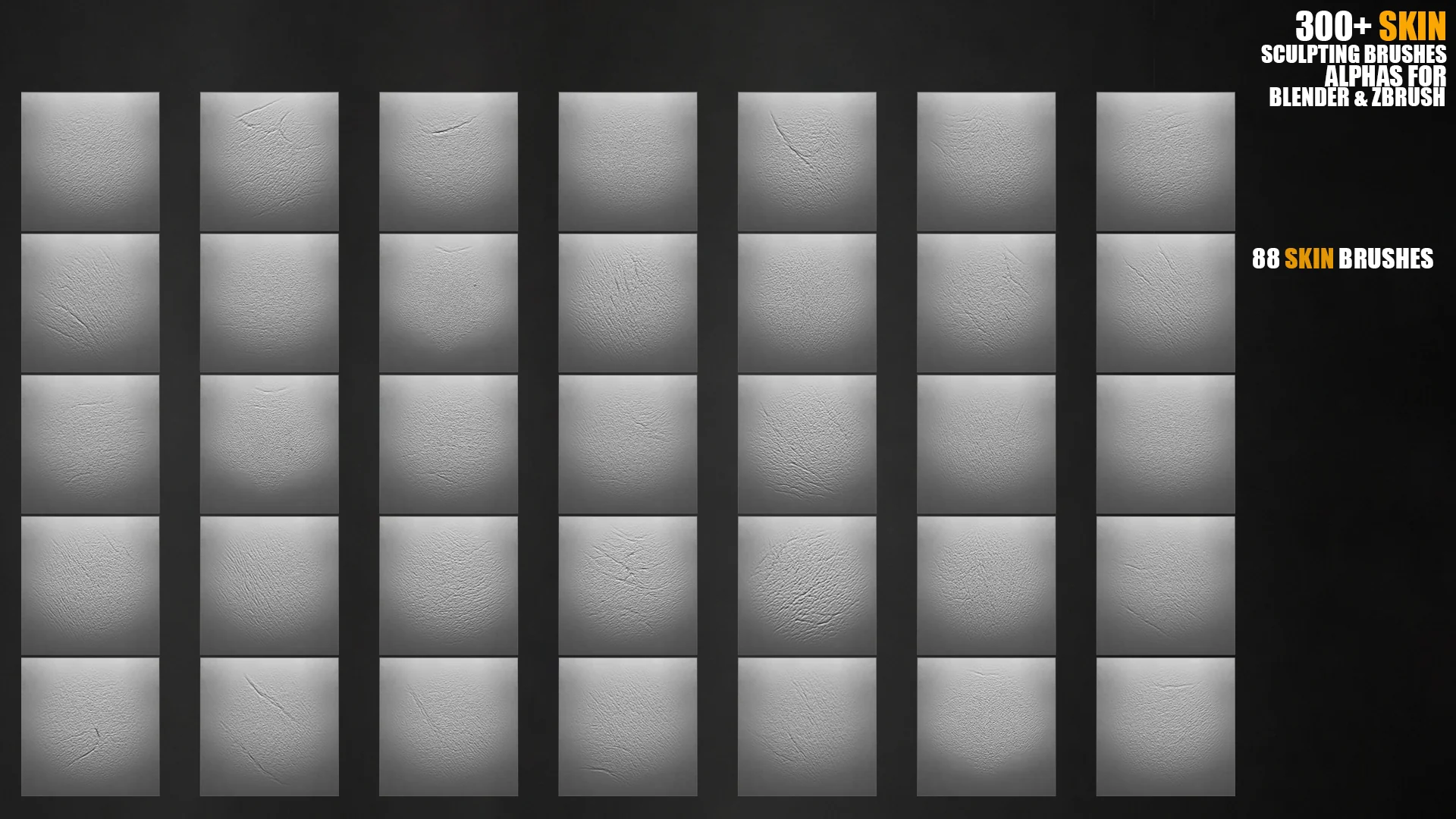
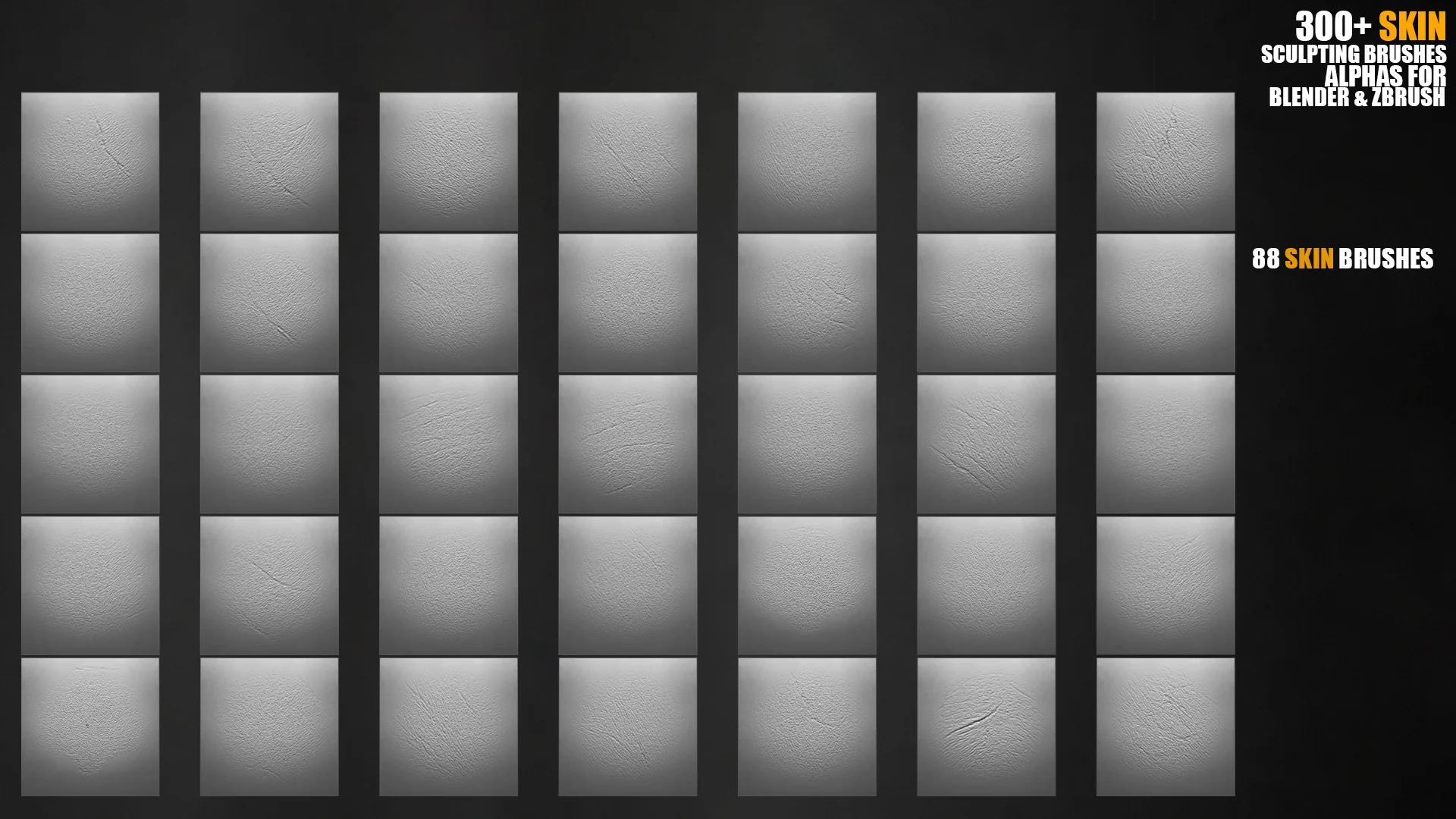
Skin, pores and surface detail89 brushes for pore breakup, skin grain and close-up texture.
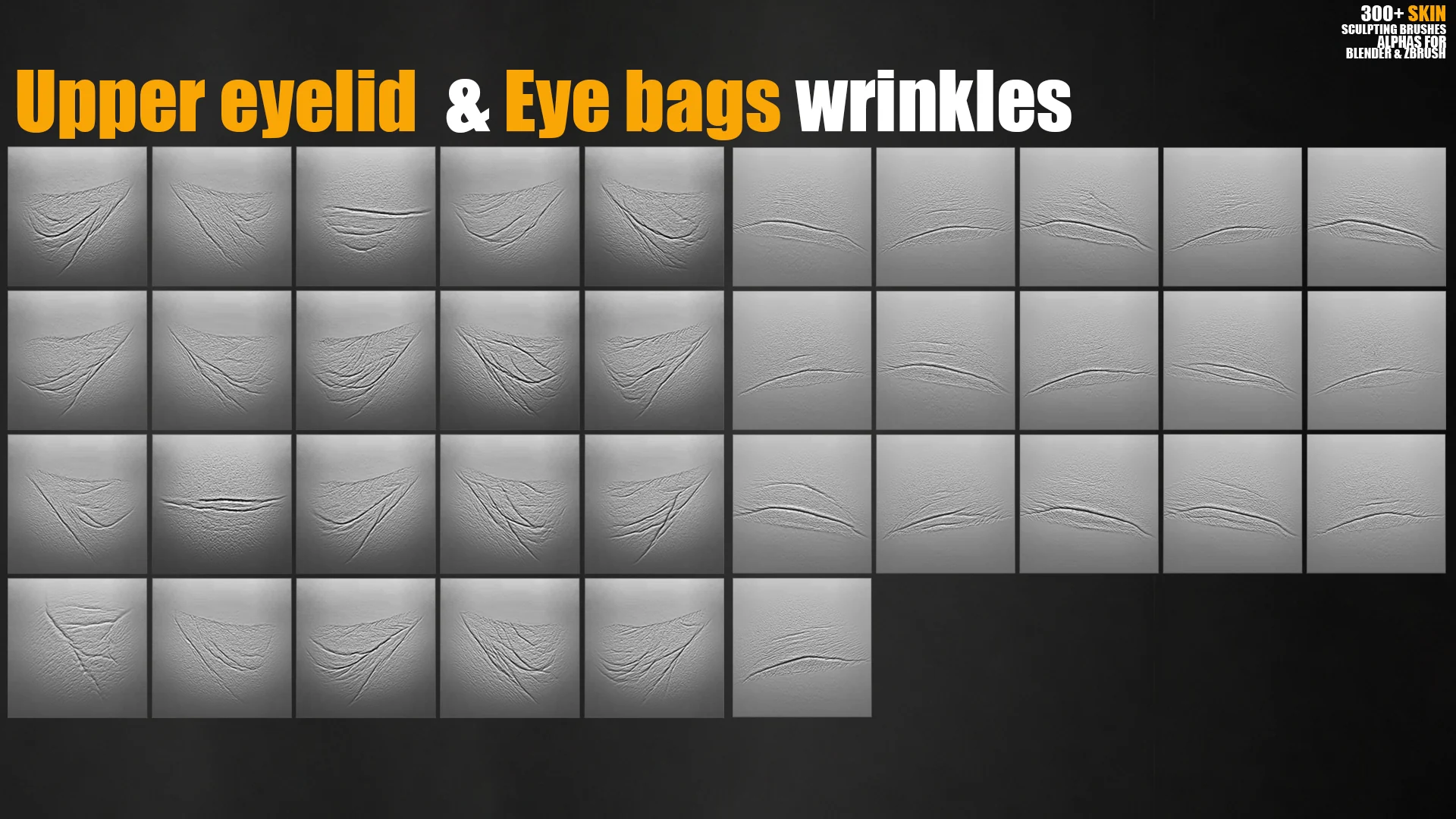
Eye bags wrinkles20 brushes for under-eye folds and tired facial detail.
Upper eyelid wrinkles18 brushes for eyelid folds and small skin creases.
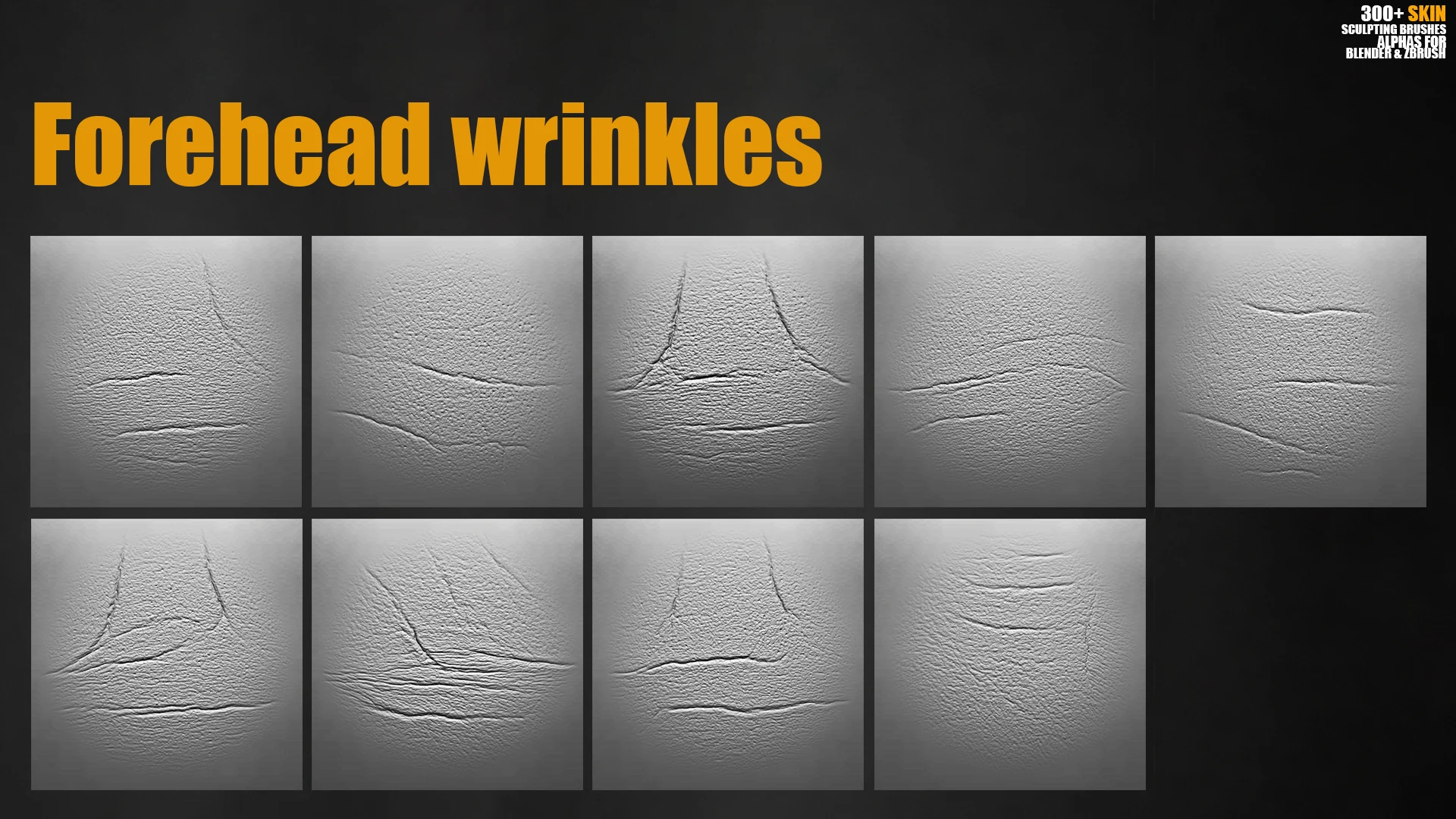
Forehead wrinkles9 brushes for forehead lines and expression detail.
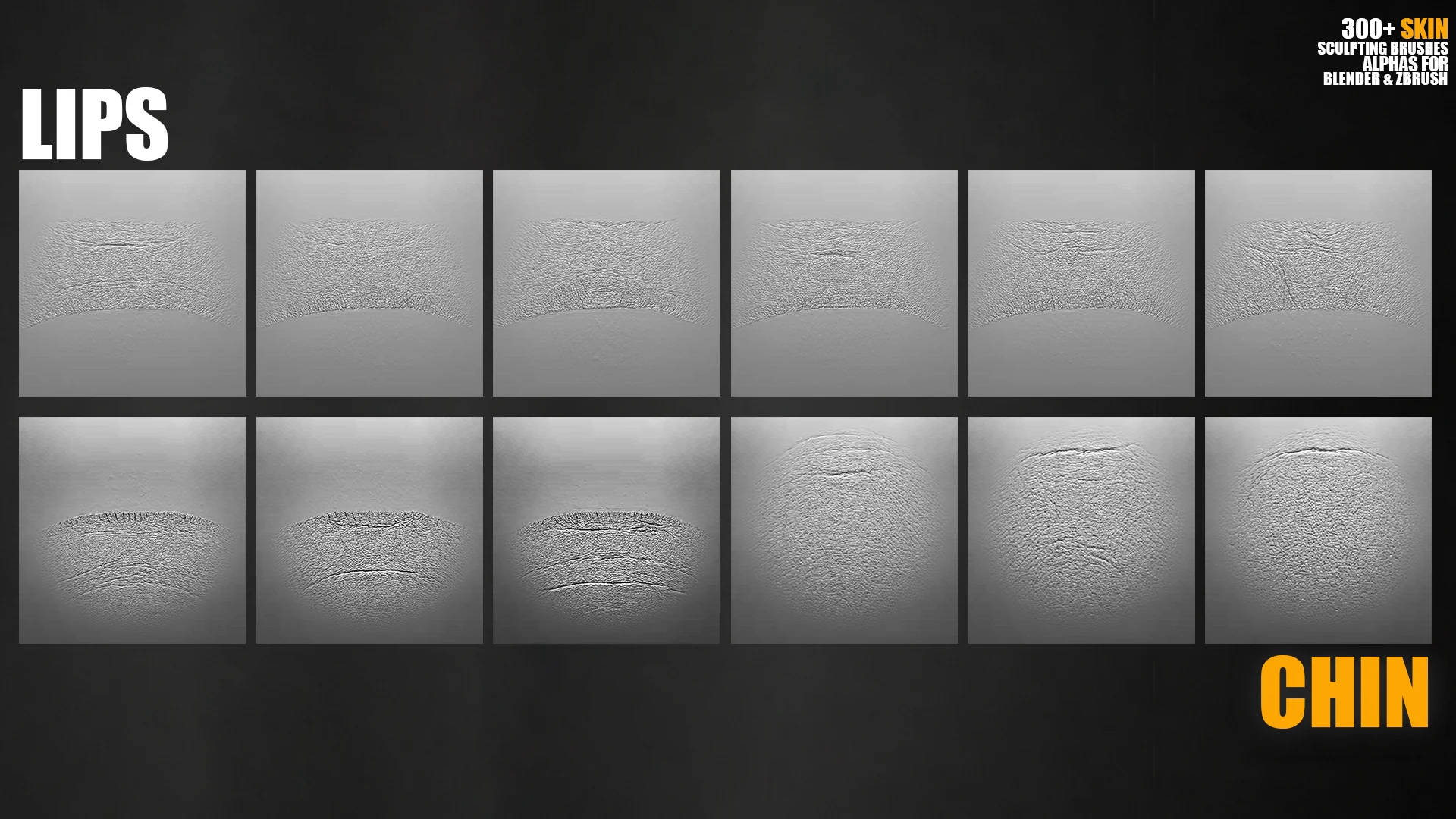
Upper lips details5 brushes for lip area breakup and small wrinkle forms.
Lower lips details3 brushes for lower lip texture and transition detail.
Chin details3 brushes for chin texture and small facial surface variation.

Workflow previews

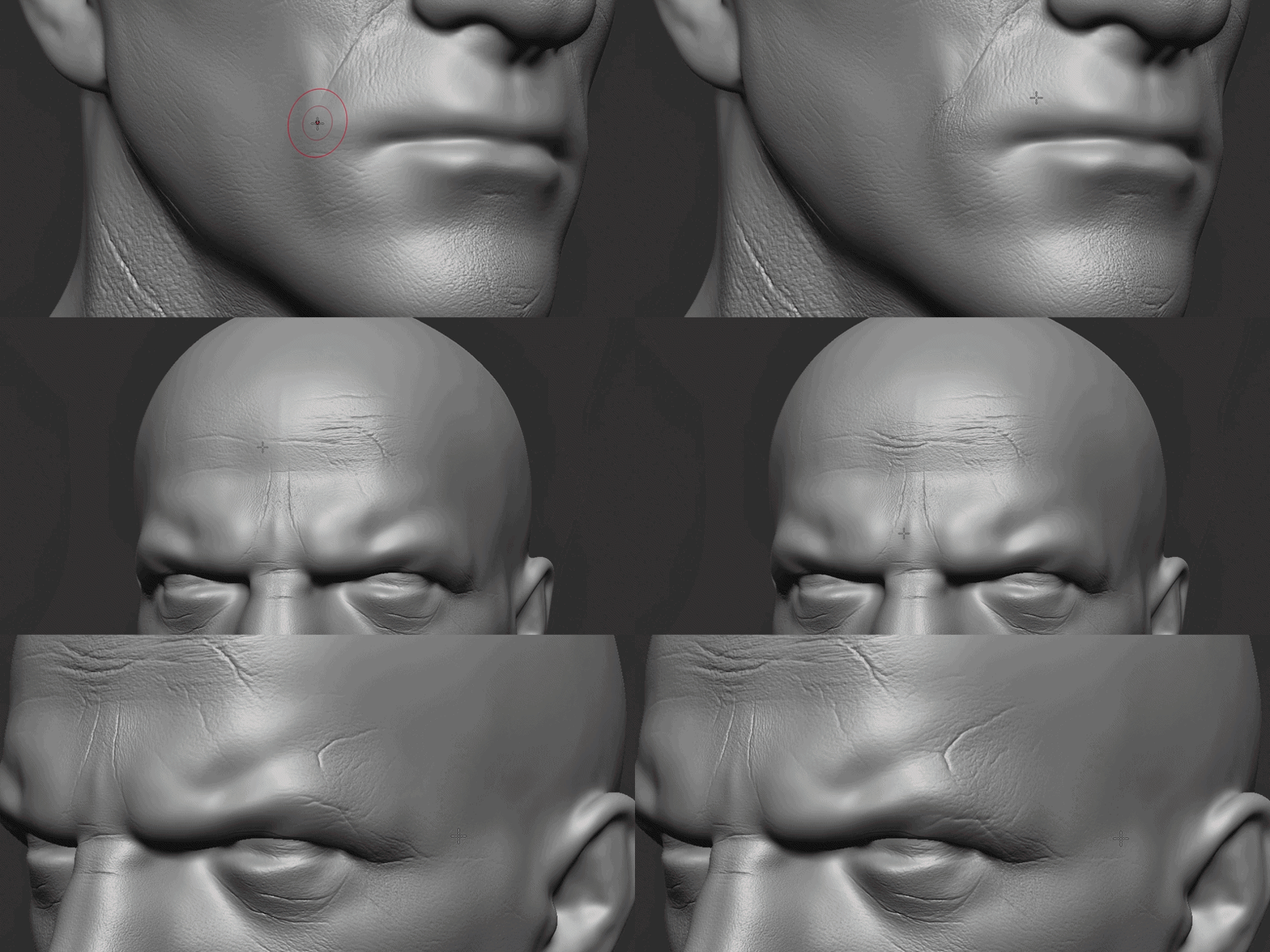
These lightweight GIF previews show how the face-area labels and alpha details help you choose the right wrinkle, pore or facial breakup brush during sculpting.
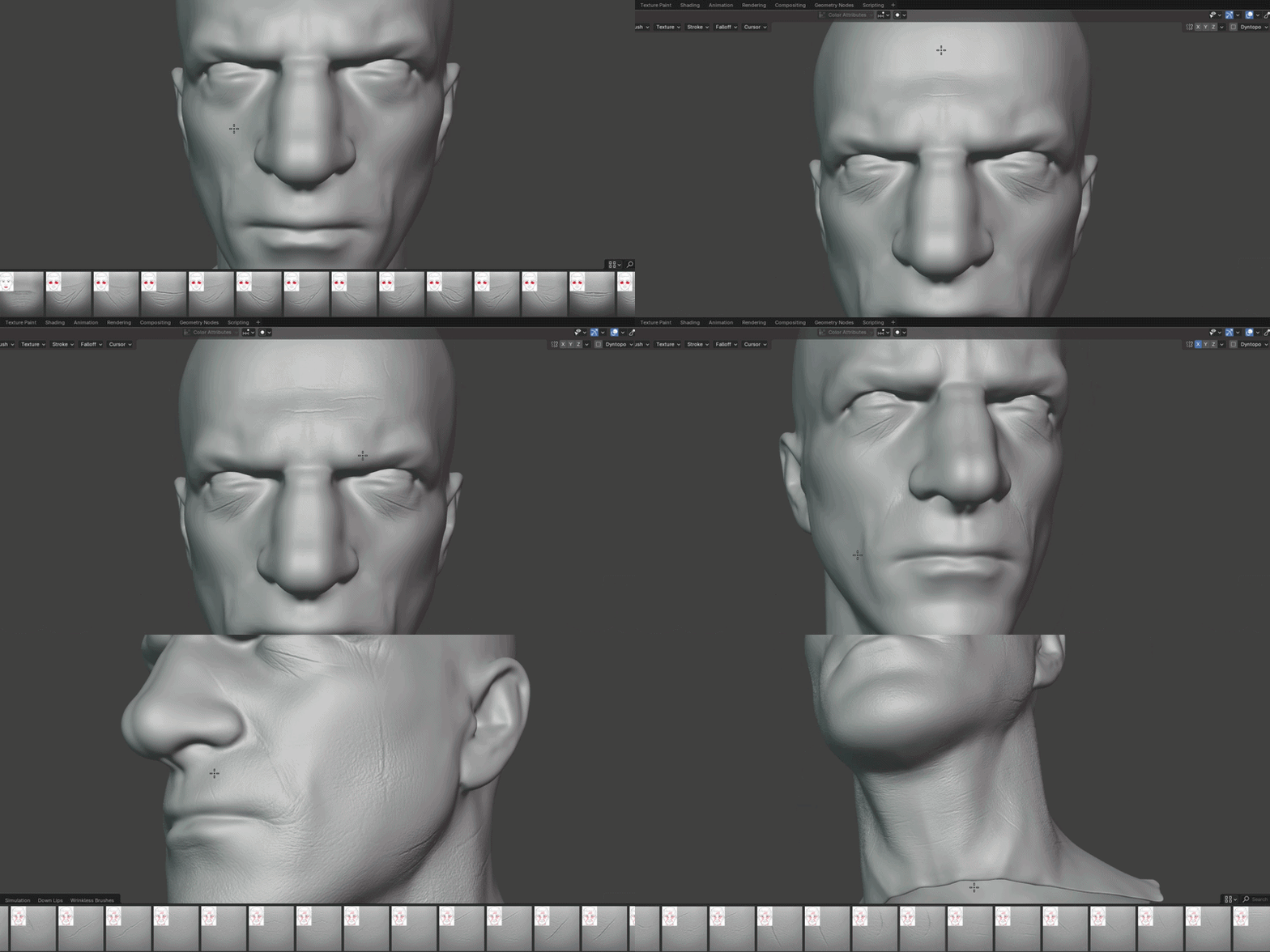
Skin sculpting brush face-area label preview for forehead, eyelids, eye bags, lips and chin
Face-area labels make it faster to choose the correct brush family.
Animated preview of 4K skin alpha maps for wrinkles, pores and facial surface detail
4K skin alpha maps for wrinkles, pores and close-up surface breakup.

Preview gallery

300+ Skin Sculpting Brushes preview 2
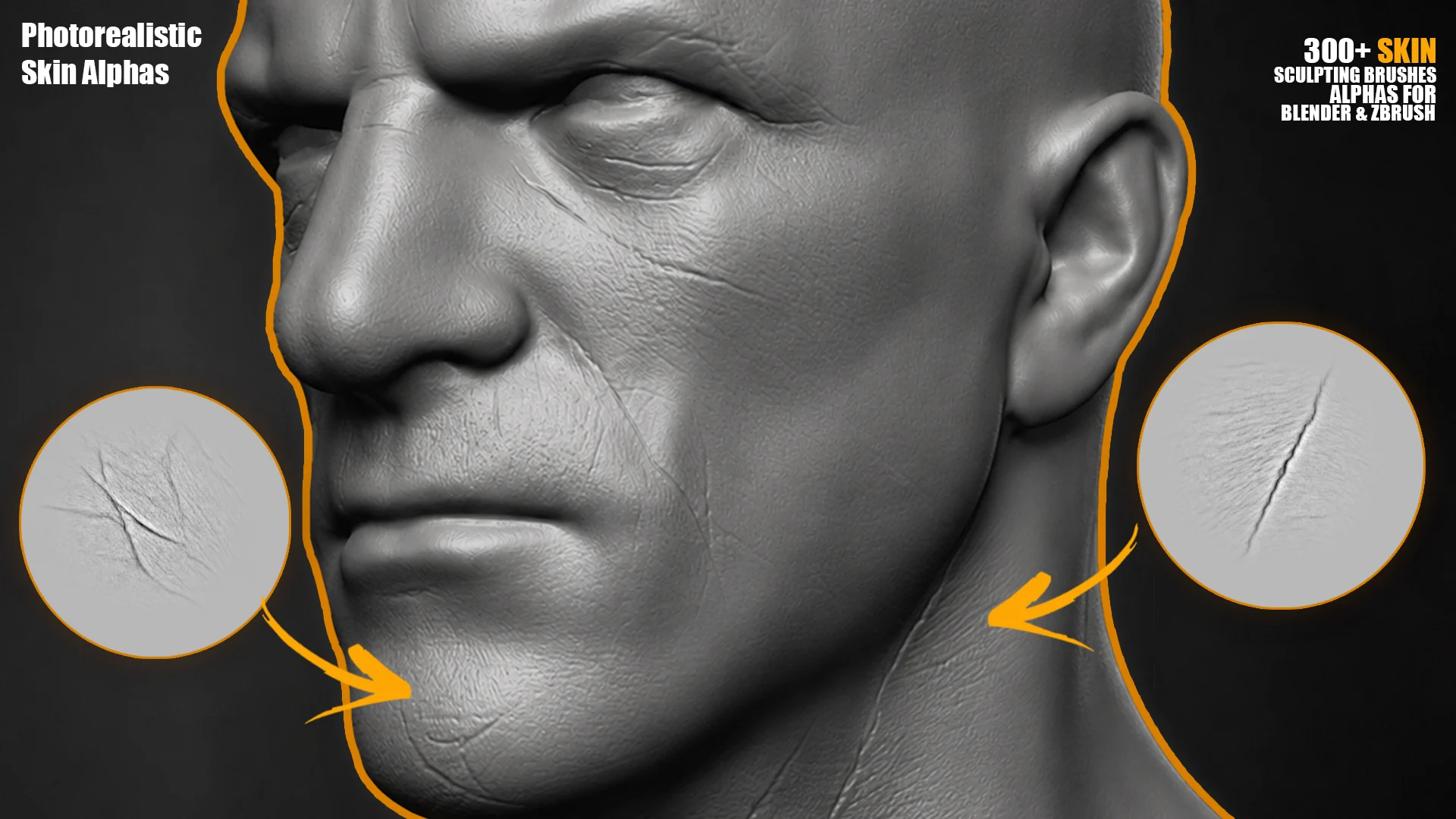
Wrinkle and pore preview
300+ Skin Sculpting Brushes preview 3
Facial skin detail preview
300+ Skin Sculpting Brushes preview 4
Face-area brush preview
300+ Skin Sculpting Brushes preview 5
Skin alpha sheet preview
300+ Skin Sculpting Brushes preview 6
Forehead and eye detail preview
300+ Skin Sculpting Brushes preview 7
Lip and chin detail preview
300+ Skin Sculpting Brushes preview 8
Wrinkle alpha preview
300+ Skin Sculpting Brushes preview 9
Pore alpha preview
300+ Skin Sculpting Brushes preview 10
Skin breakup preview
300+ Skin Sculpting Brushes preview 11
Brush set preview
300+ Skin Sculpting Brushes preview 12
Alpha texture preview
300+ Skin Sculpting Brushes preview 13
Facial region preview

Works with Blender and ZBrush workflows

Blender Sculpt ModeUse the alphas and brushes for wrinkles, pores and surface detail directly in Blender sculpting workflows.
ZBrush alpha workflowsBuild skin detail with alpha stamping, brush layering and controlled intensity passes.
Any alpha-ready softwareUse the grayscale maps for masks, bump maps, displacement textures or custom brush setup.
Close-up character sculptingBest for realistic faces, aged skin, creature faces, portrait sculpts and high-resolution character assets.

FAQ

Do I need to sculpt every wrinkle manually?

No. The brushes help you quickly stamp and build realistic skin detail, then refine the result with standard Blender or ZBrush sculpt tools.

Are alpha maps included?

Yes. 4K alpha maps are included for wrinkles, pores, skin breakup, eye bags, eyelids, lips and chin details.

Are the previews useful for choosing brushes?

Yes. The previews include face-area labels showing where each brush is best used.

Can I use this for commercial projects?

Yes, depending on the license you select on the marketplace.

Can I use the alphas outside Blender or ZBrush?

Yes. The alpha maps can be used in any software that supports grayscale alpha maps, masks, bump or displacement textures.
Videos

Useful guides

Other products