Human skin sculpting library
Human Skin Brushes for Blender and ZBrush
Human skin brushes speed up realistic pores, wrinkles, eyelid folds, lips, hands and body detail in Blender and ZBrush. This category separates human face and body tools from dragon and creature skin, so you can choose the correct brush, VDM or alpha pack without searching through unrelated scale sets.
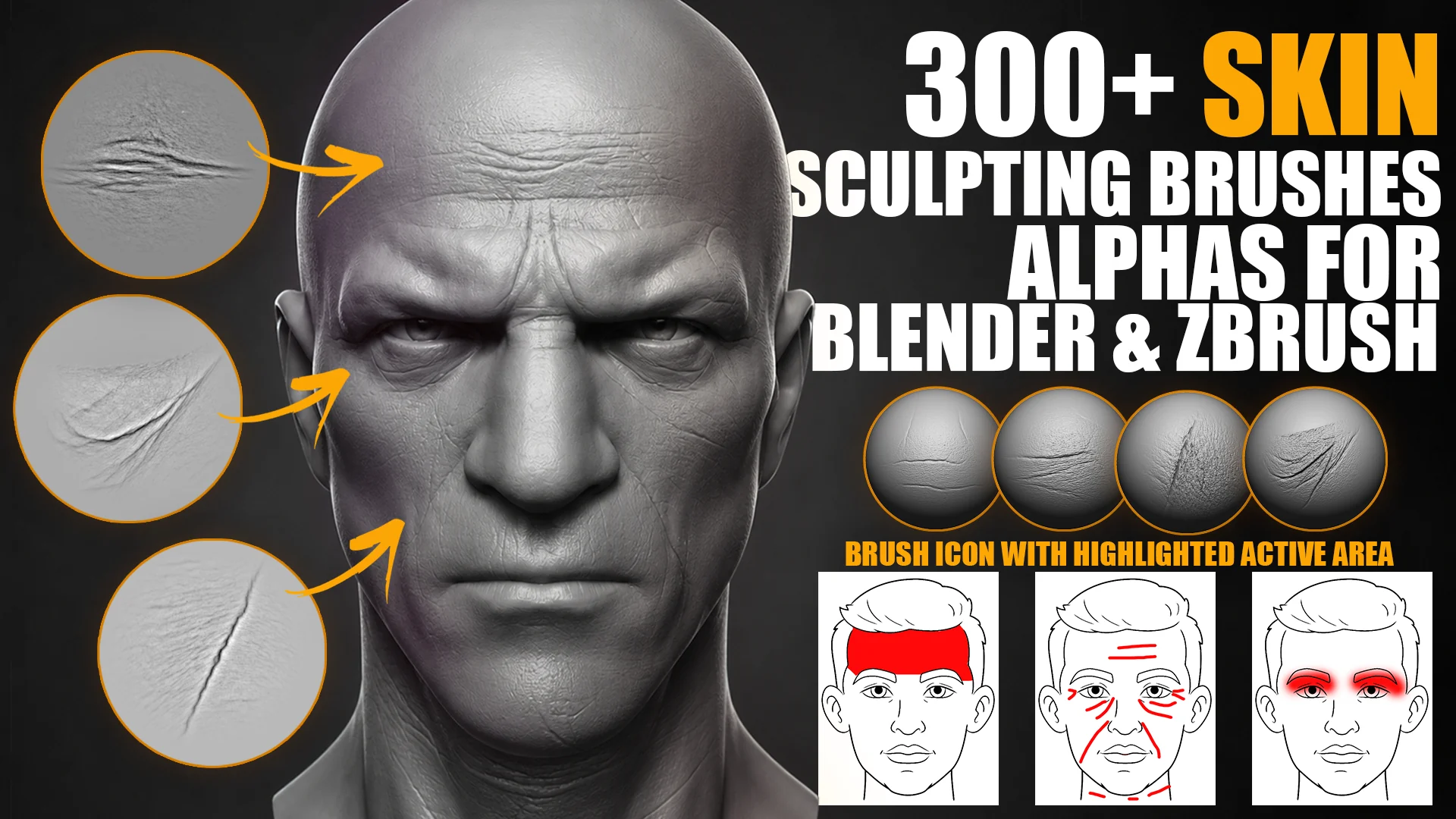
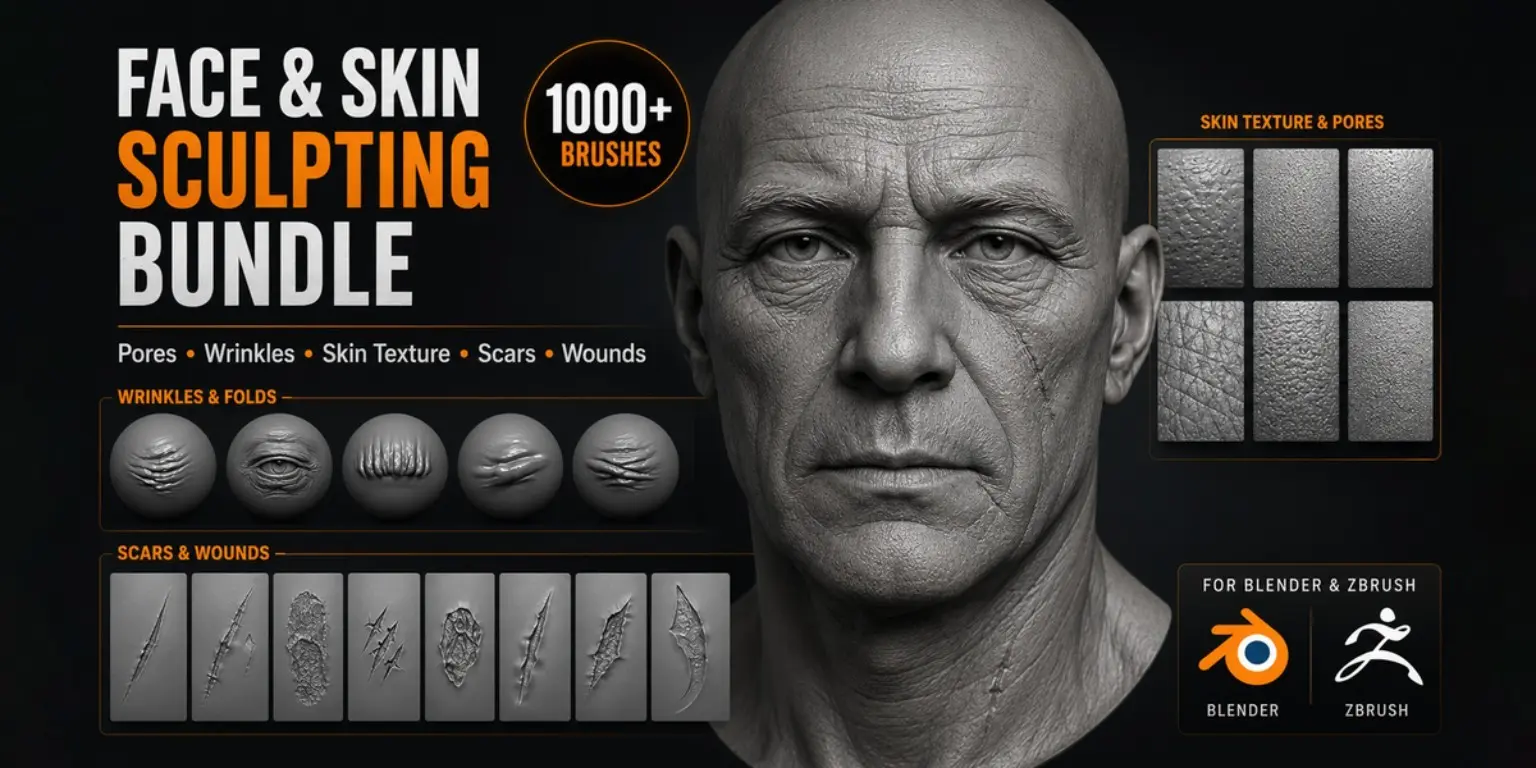
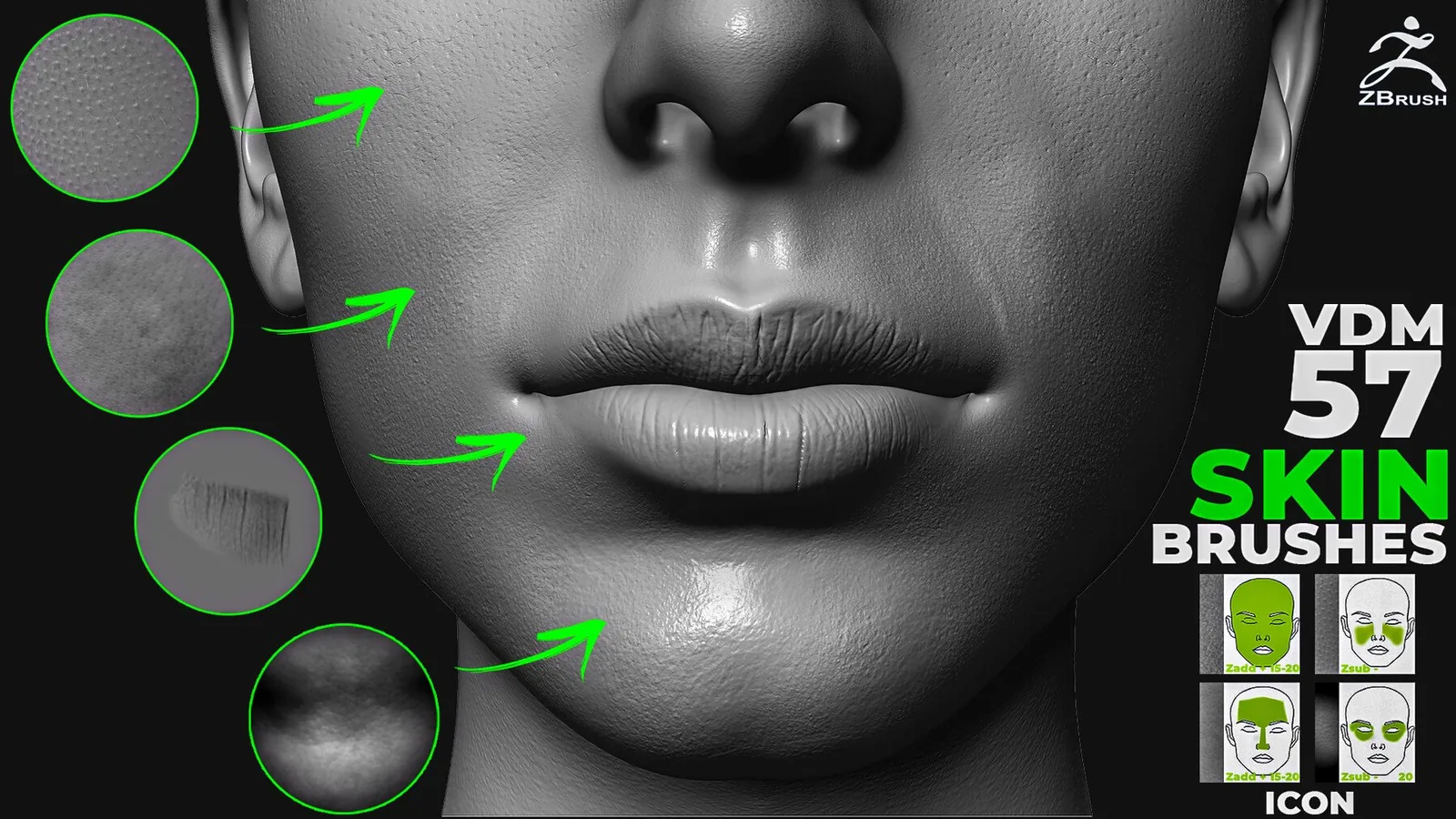
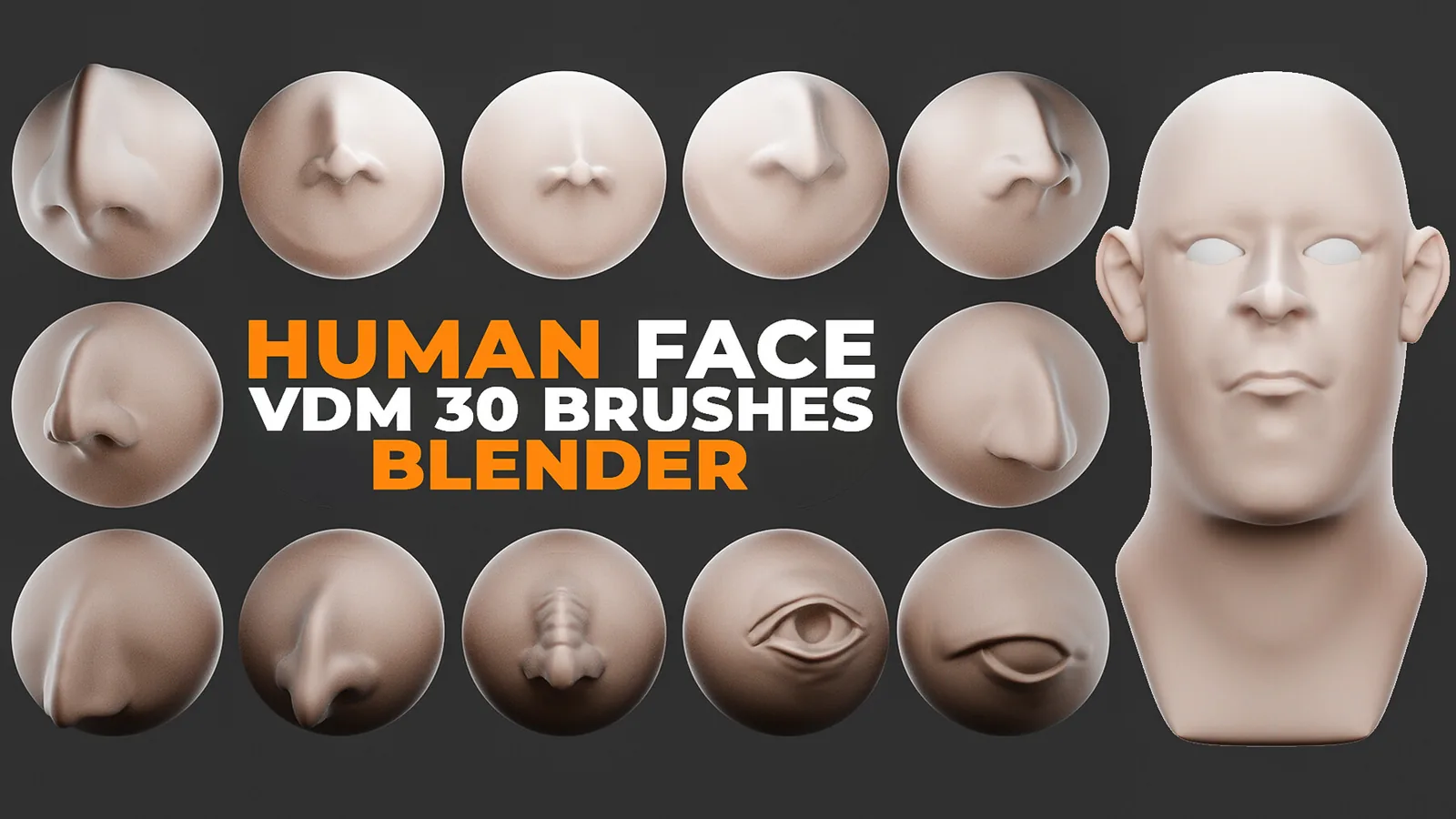
Start with the complete bundle when you need broad coverage, choose the 300+ face pack for close-up portraits, or use the 57 ZBrush VDM set when directional human-skin volume is the priority.
Choose human skin brushes by task
| Goal | Recommended pack | Why |
|---|---|---|
| Complete character-detail library | 1100+ Face & Skin Bundle | Six packs covering skin, wrinkles, wounds and scars. |
| Close-up facial skin | 300+ Face Skin Brushes | 337 brushes and 4K alphas organized by facial region. |
| ZBrush scanned skin volume | 57 Human Skin VDM Brushes | Directional VDM details for face, hands and body areas. |
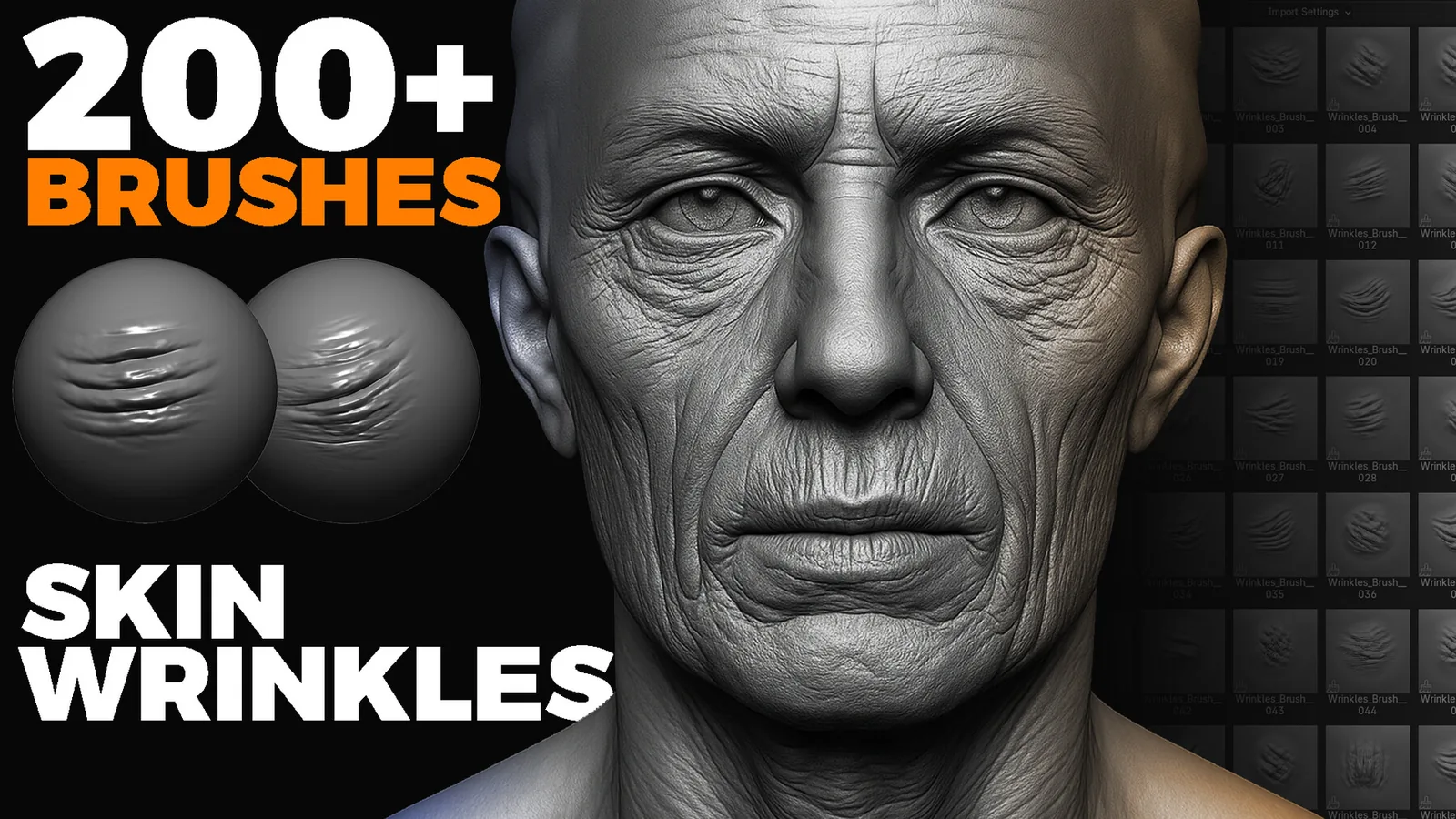
| Wrinkles and aging | 200+ Skin Wrinkle Brushes | Focused secondary forms for Blender and ZBrush. |
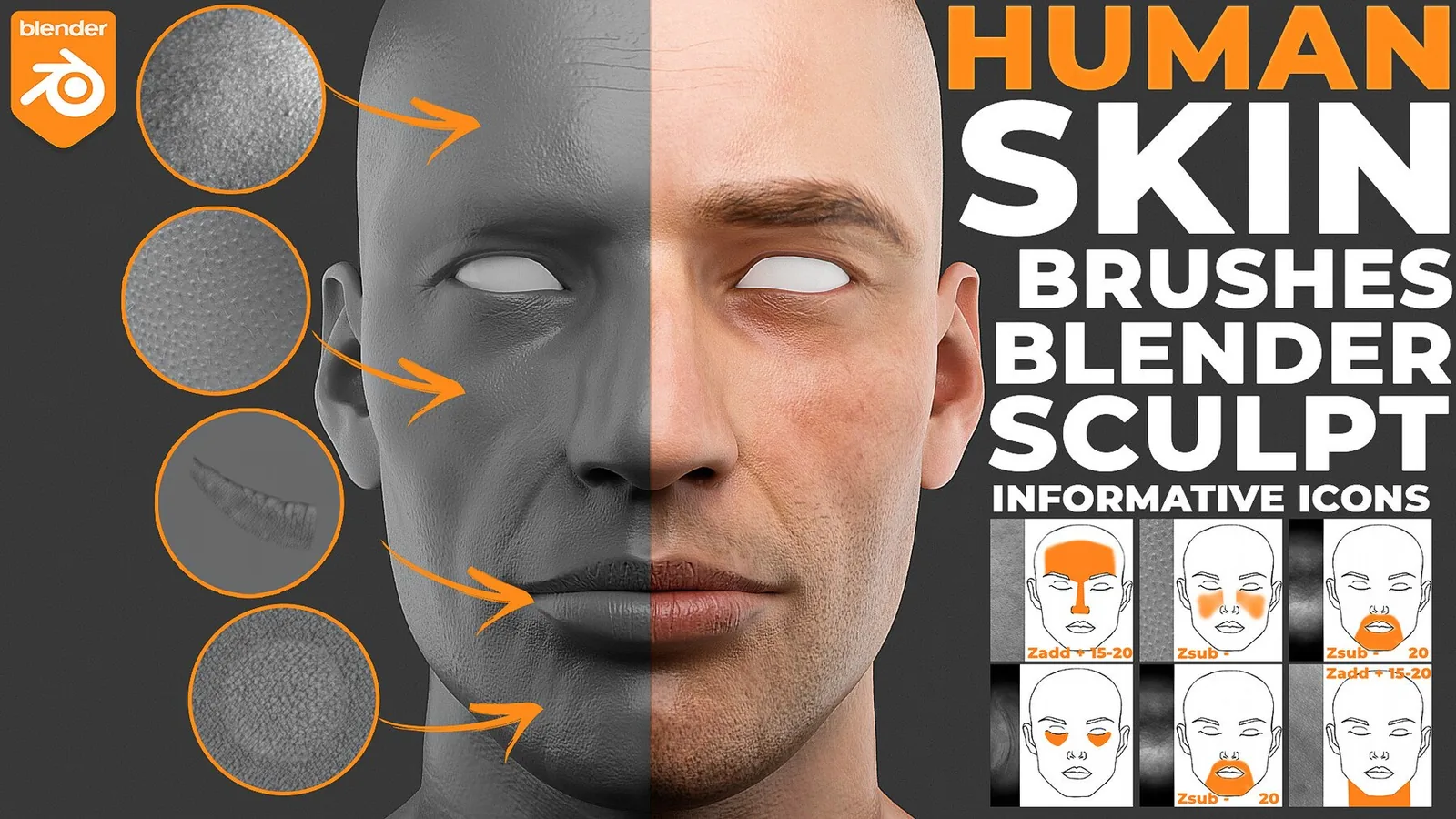
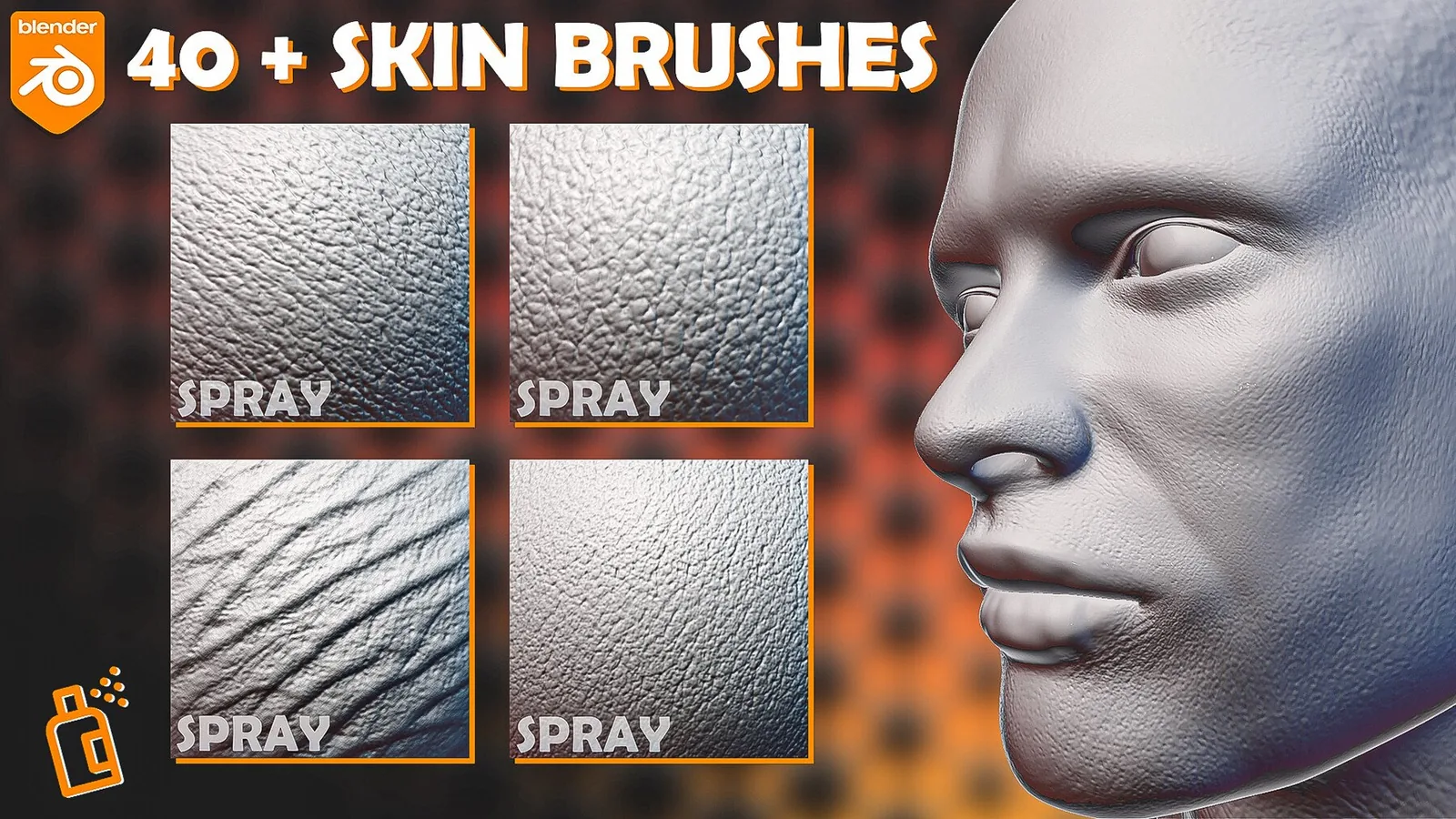
| Blender Asset Browser | Blender Human Skin Brushes | Ready-to-use Blender brush presets and previews. |
Human skin brush packs
Human skin sculpting order
For a full comparison and practical strength settings, see the best skin brushes for Blender and ZBrush.
Human skin brush FAQ
What are the best brushes for realistic human skin?
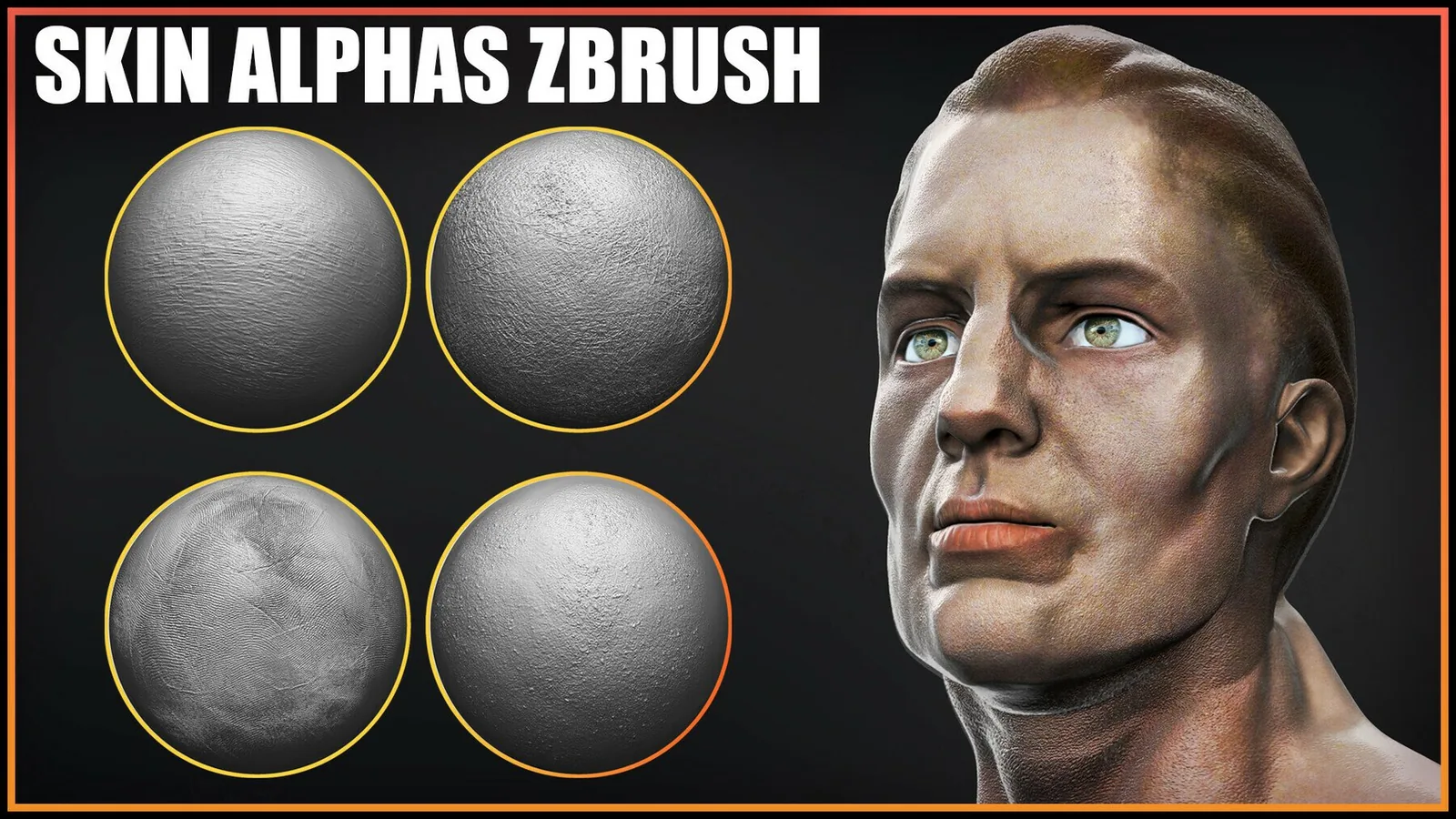
Use broad wrinkle or VDM brushes for secondary forms, then add pores and fine alpha detail at low intensity. The 1100+ bundle is the broadest option, while the 300+ face set is focused on close-up facial skin.
Do these human skin brushes work in Blender and ZBrush?
Compatibility varies by pack. Product cards and pages identify Blender brush libraries, ZBrush brushes, VDM files and universal grayscale alphas.
What is the difference between a skin alpha and a VDM brush?
A grayscale alpha is best for surface height such as pores and fine wrinkles. A VDM brush can add directional volume and undercuts, making it more suitable for pronounced folds and anatomical forms.
When should pores be added to a sculpt?
Add pores after the anatomy, primary folds and medium wrinkles are established. Apply pore detail lightly on a sufficiently dense mesh so it supports the form instead of overpowering it.
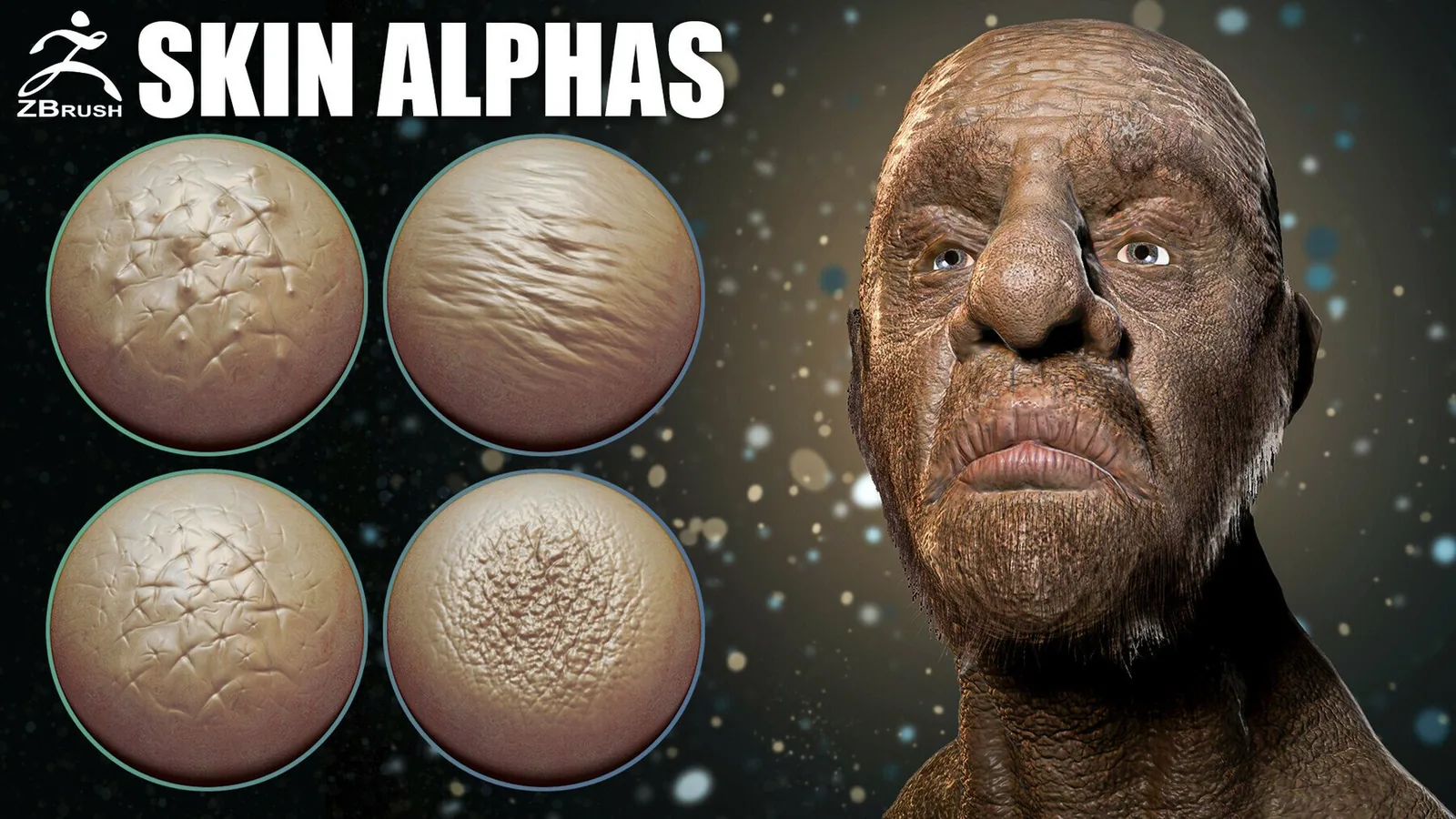
Which pack is best for ZBrush skin alphas?
The 57 Human Skin VDM Brushes page is the main VK GameDev starting point for scanned human skin detail in ZBrush, with additional focused 2K alpha packs linked for flat alpha workflows.