Blender & ZBrush - creature sculpting
102 Dragon Skin Brushes for Blender and ZBrush + 4K Alphas
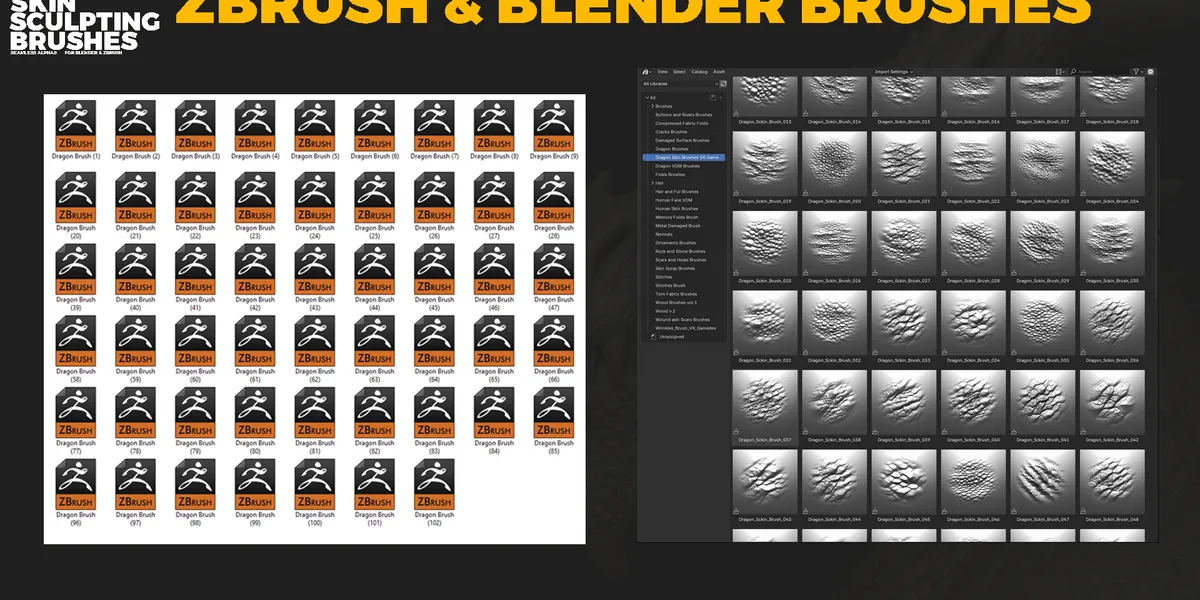
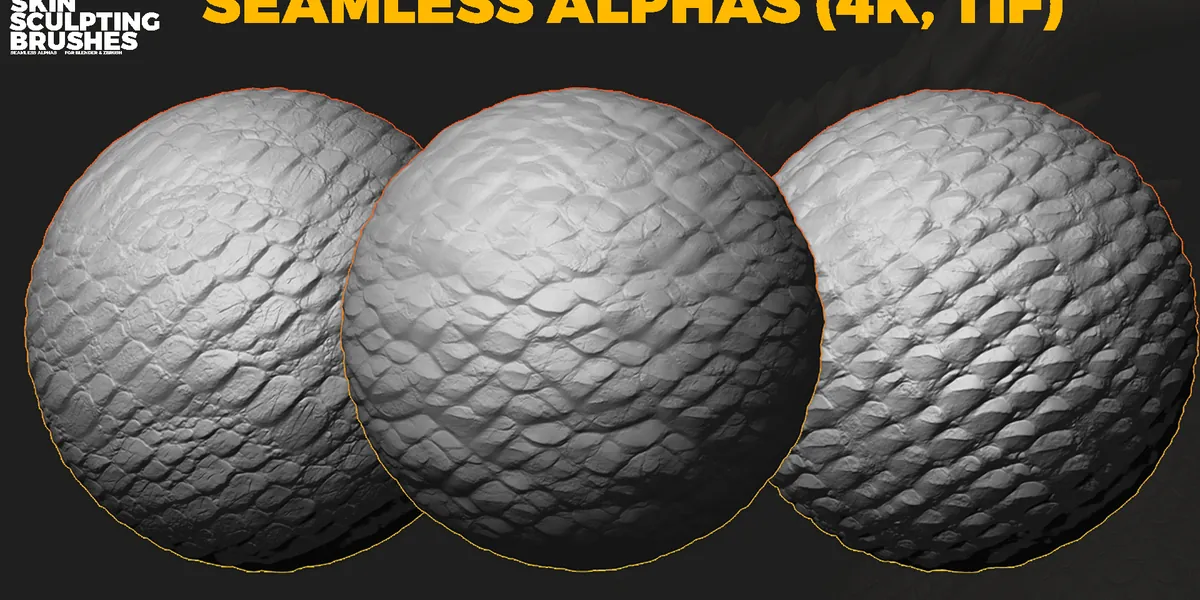
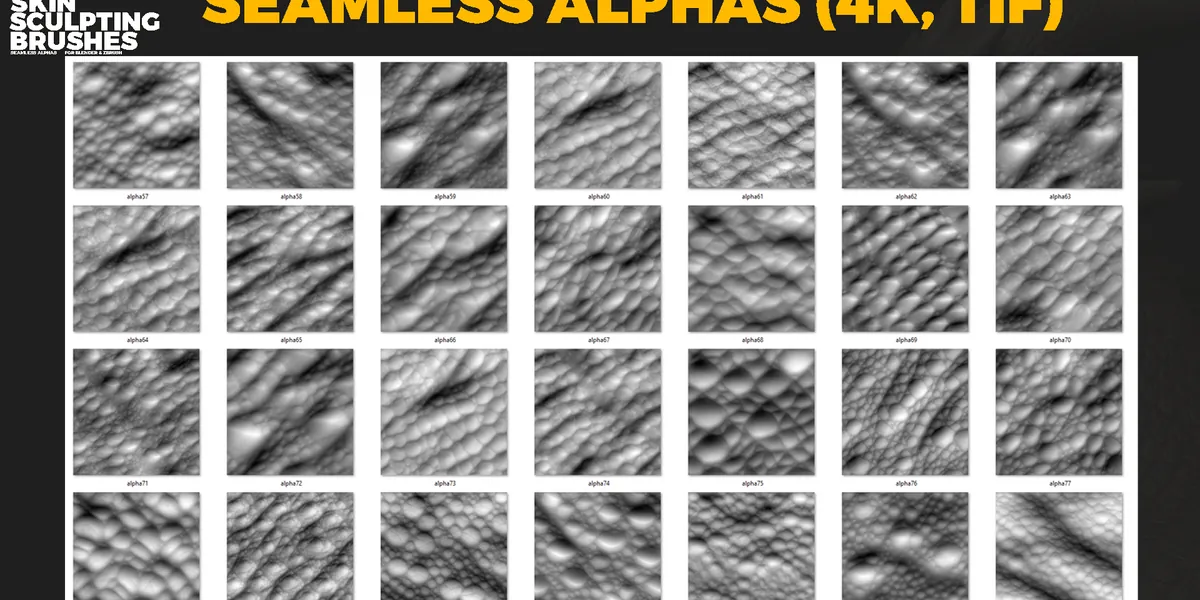
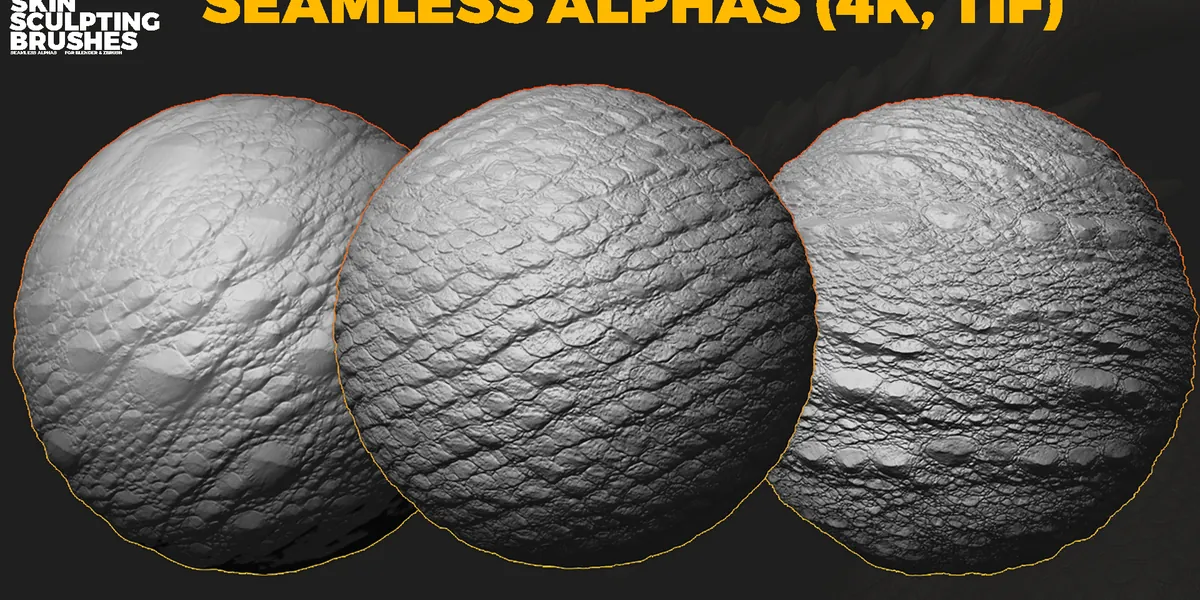
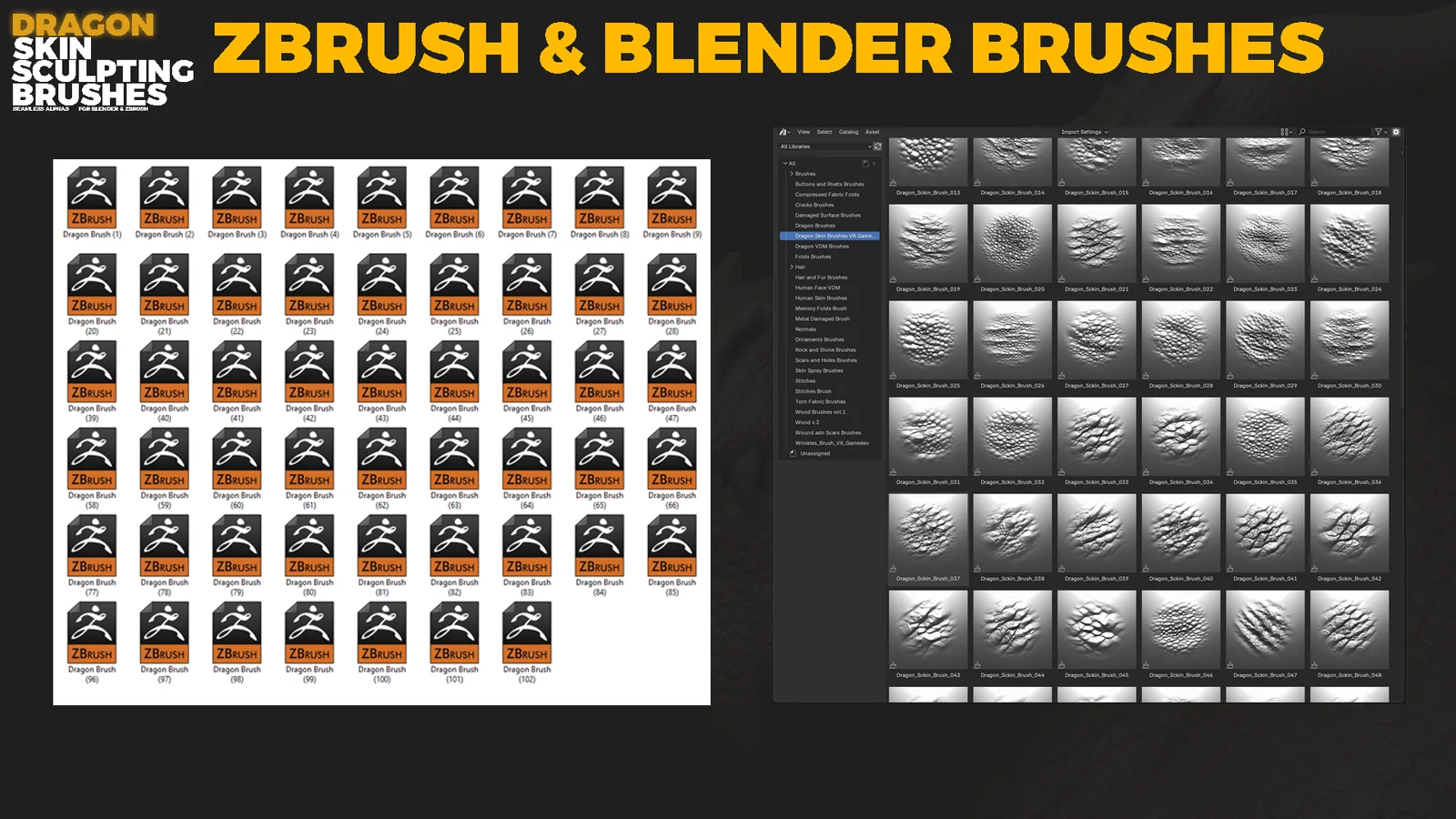
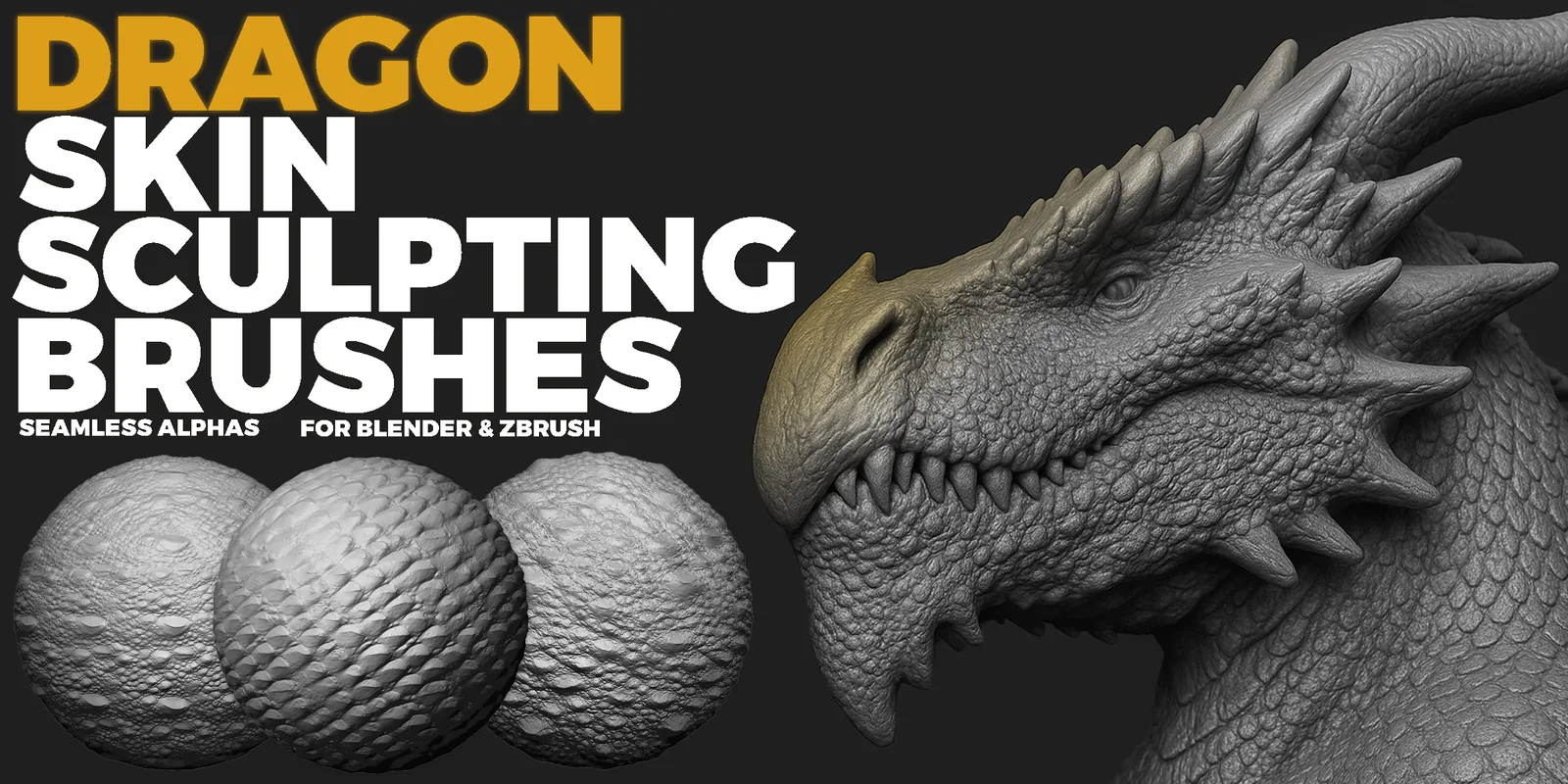
102 handcrafted dragon-skin brushes for Blender and ZBrush with seamless 4K 16-bit height maps for creature, reptile and scale detailing. The native brush files support direct sculpting, while the height maps provide a portable option for displacement and custom brush setups.
Build clean scale flow, cracks, folds, and surface breakup with 16-bit height maps and optimized brush behavior for Blender Sculpt Mode and ZBrush.
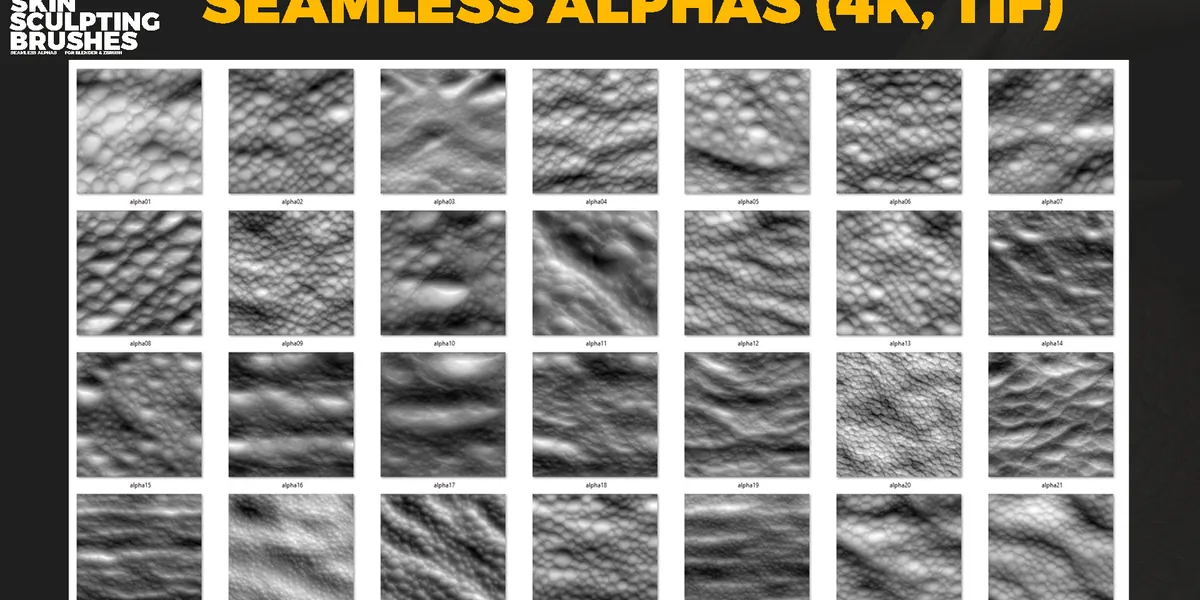
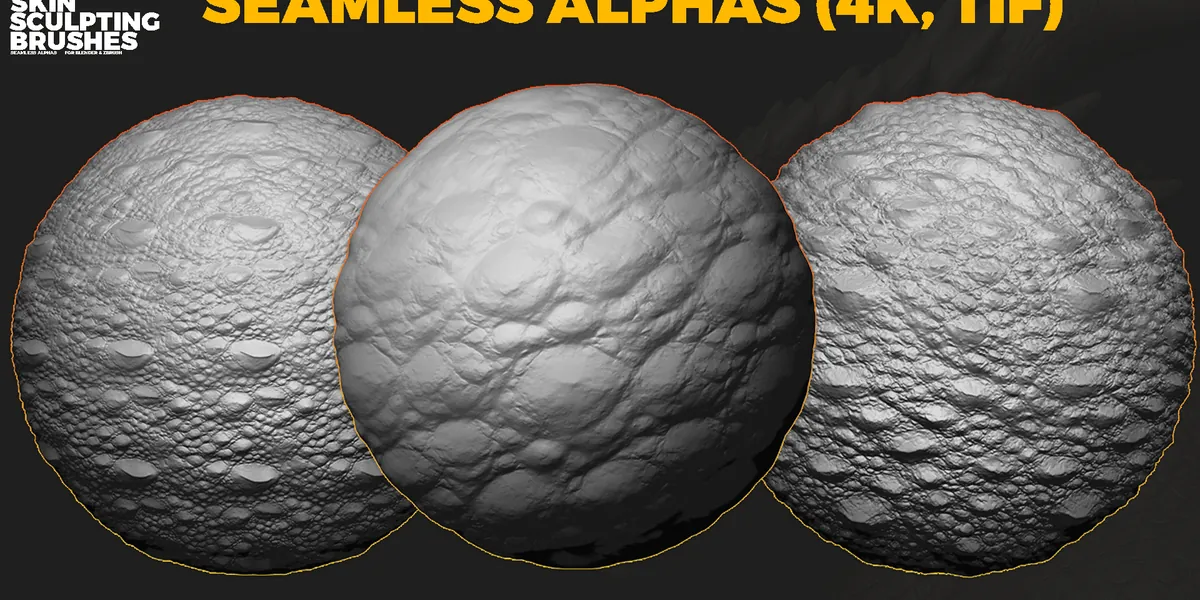
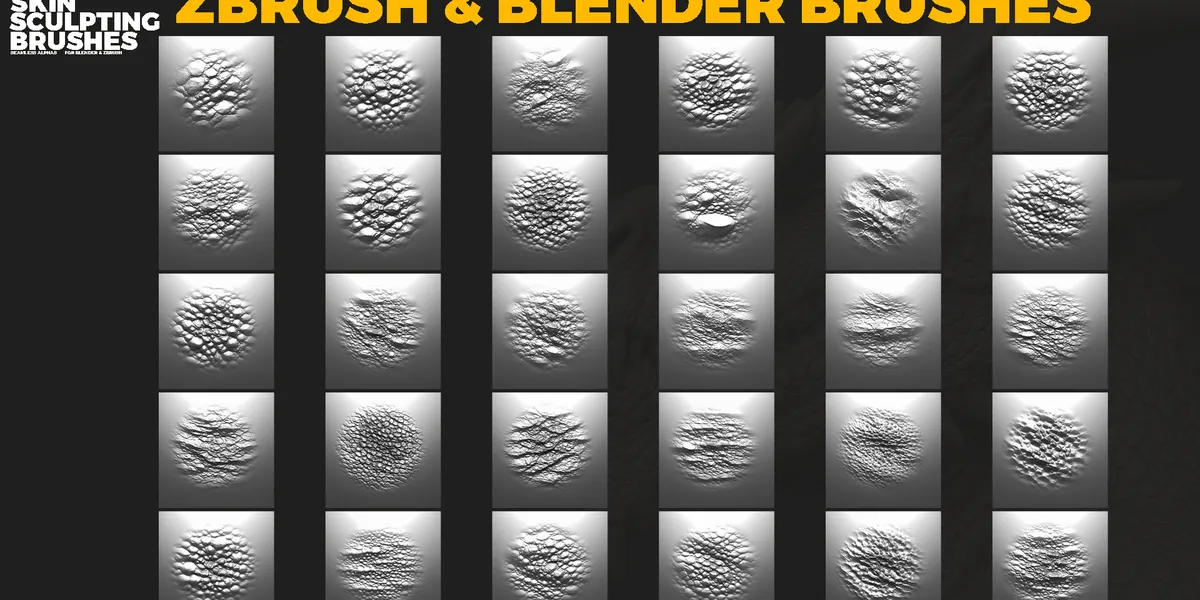
Included
Key features
Installation instructions
Blender installation
- Place the supplied .blend brush file in a permanent folder.
- Open Blender and go to Edit > Preferences > File Paths.
- Click Add and select the folder with the brush .blend file.
- Click Save Preferences.
- Blender will recognize the file as a brush library.
ZBrush installation
- Copy all .ZBP brushes.
- Paste them into the ZBrushes folder.
- Open or restart ZBrush.
- Brushes appear in Lightbox and the Brush menu.
C:\Program Files\Pixologic\ZBrush 2021\ZBrushes
File formats
Other sculpting packs
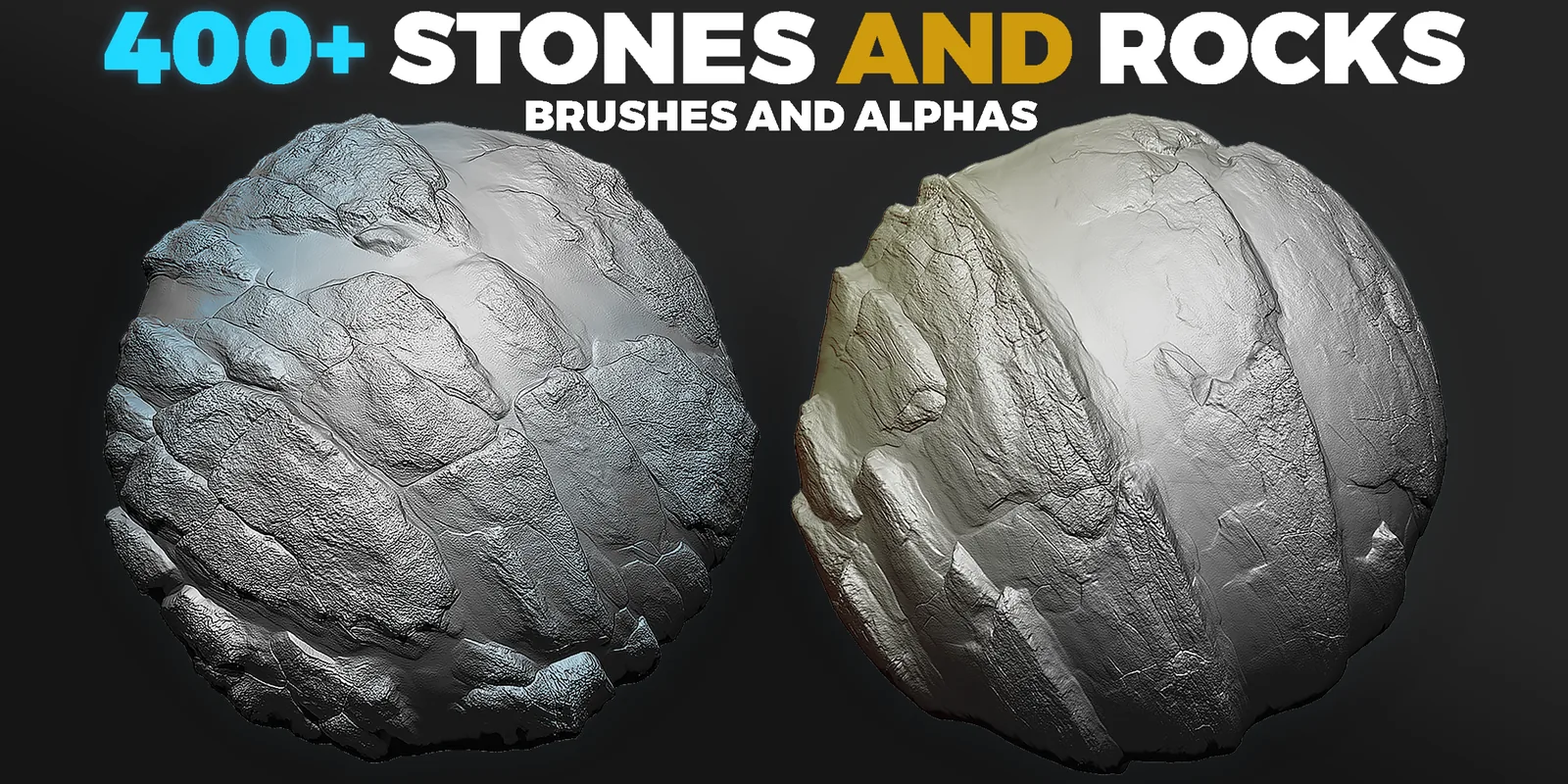
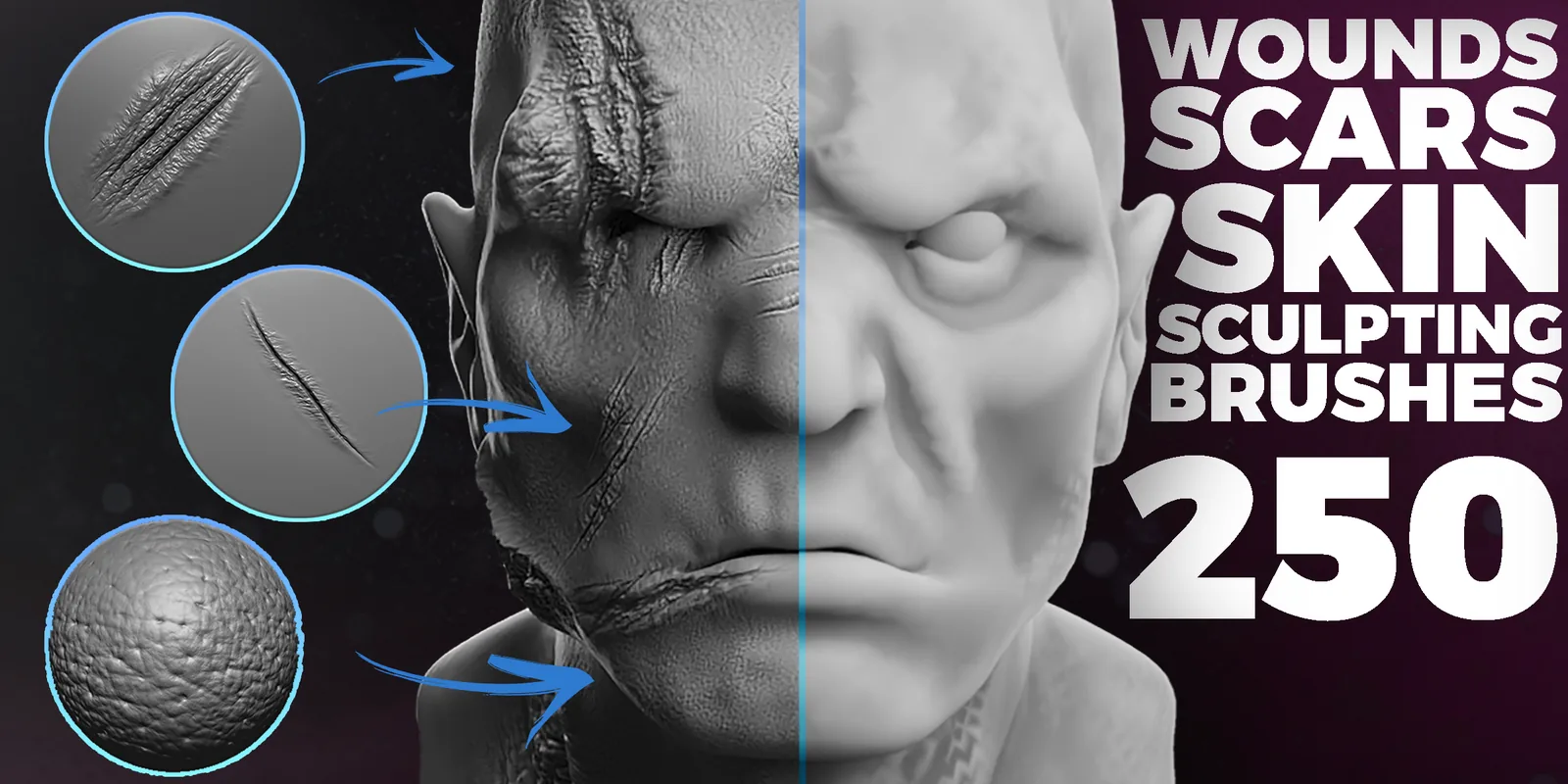
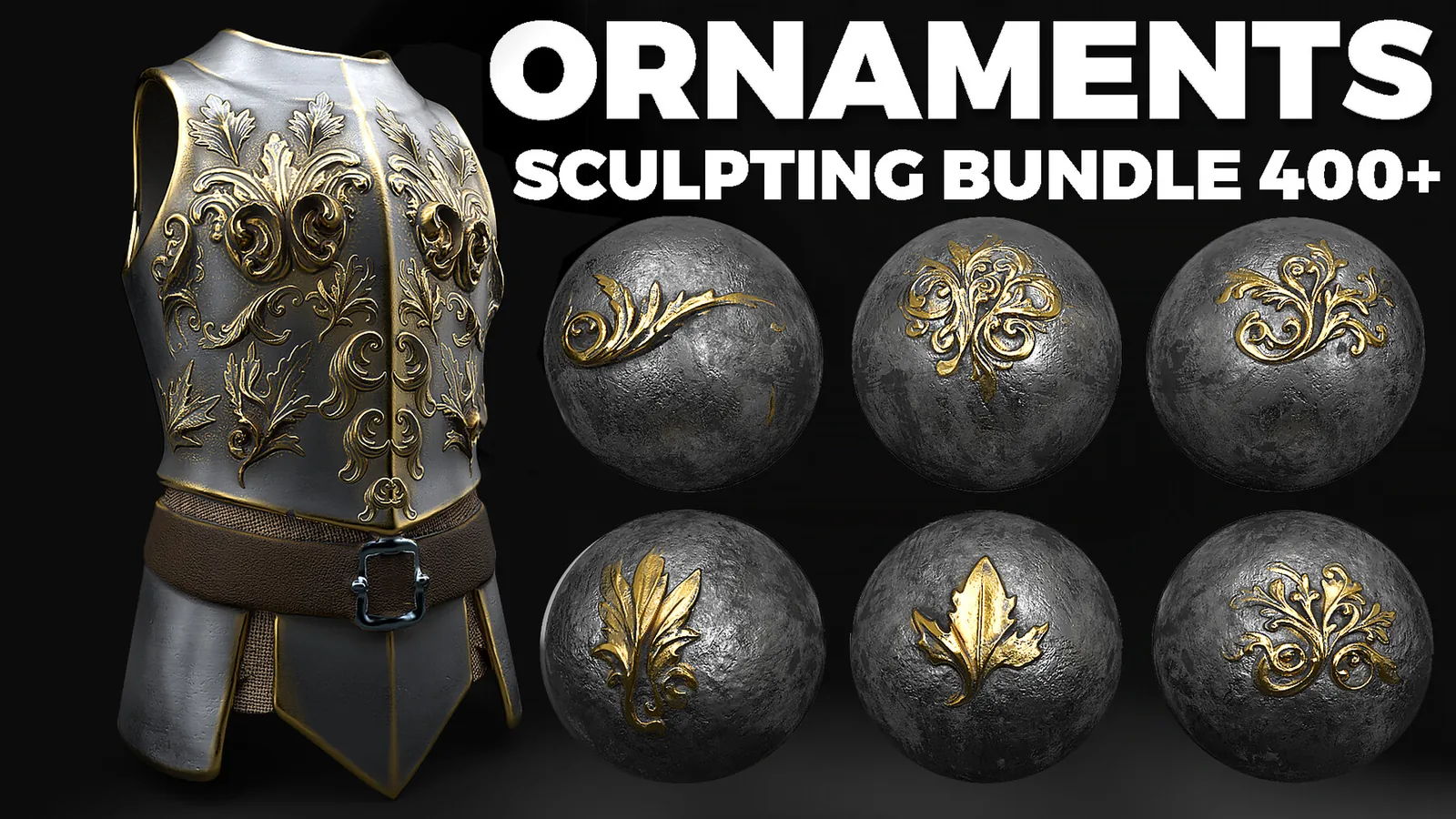
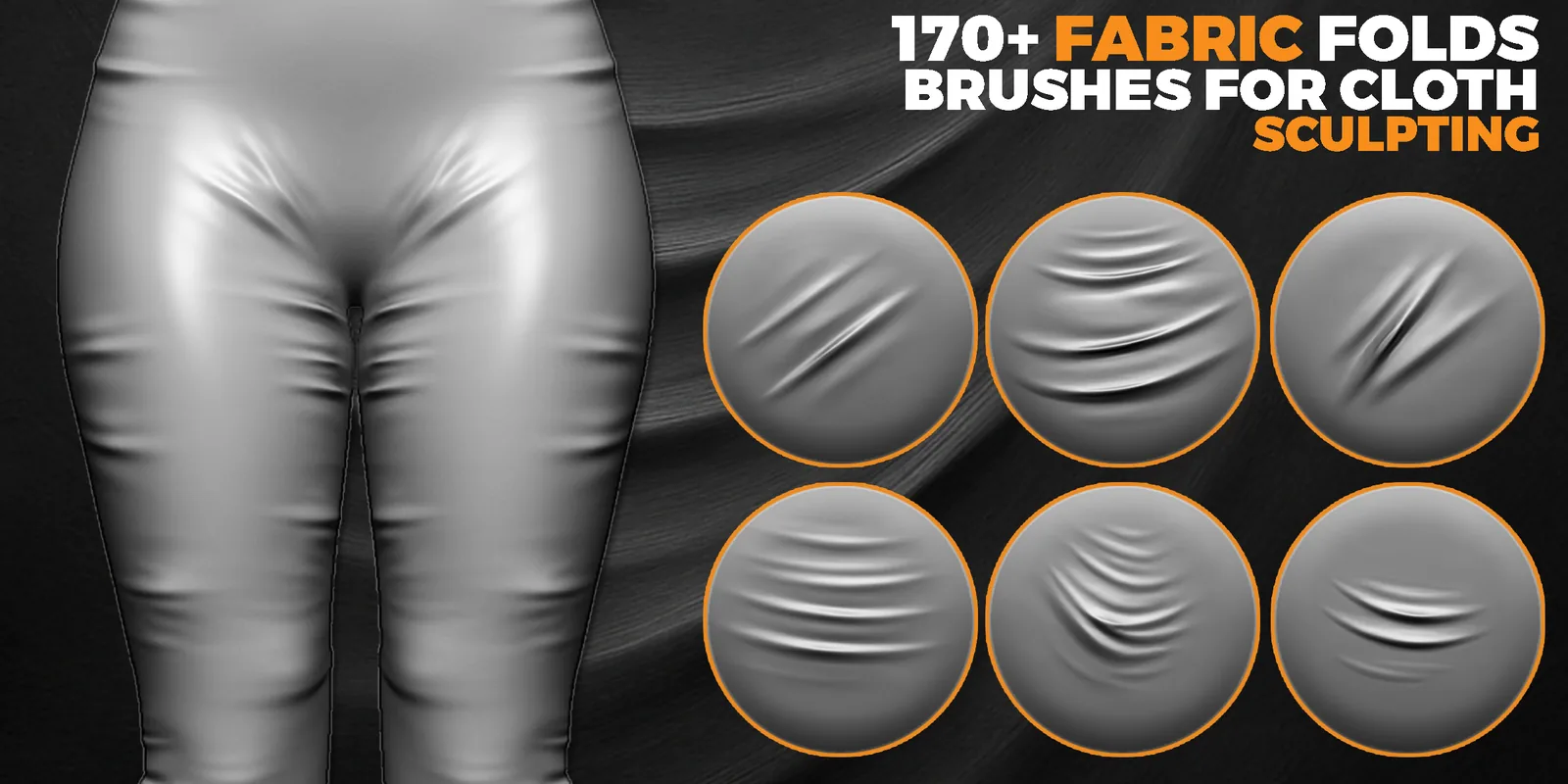
Mega Sculpting Pack
Video preview
Dragon skin brushes preview.
License
Commercial use included. Reselling, redistributing, or sharing the original files is not allowed.
Support
If you need help installing or using the brushes, feel free to contact me anytime.
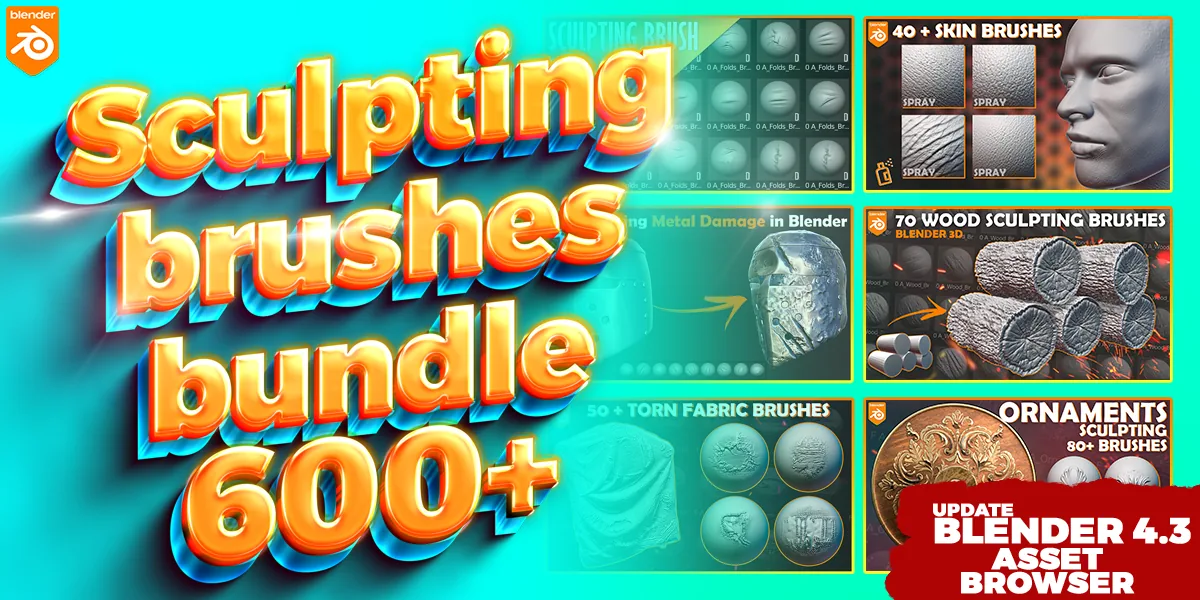
Bundle Contents and Use Cases
The collection includes 102 sculpting brushes plus seamless 4K 16-bit height maps in BLEND, ZBP, TIF and PNG formats. It is designed for dragon hide, reptile scales and professional creature-skin detailing. Keeping the resources in one focused package makes it easier to compare related options and maintain consistent surface language across an asset or scene.
The native brush files support direct sculpting, while the height maps provide a portable option for displacement and custom brush setups.
Recommended Workflow
- Choose the category or brush family that matches the current surface task.
- Test scale and depth on a duplicate or isolated area.
- Apply broad structural detail before smaller repeated accents.
- Vary placement and combine related resources so the result does not look uniformly stamped.
Use native brush presets when speed matters and portable alpha or texture files when custom settings or cross-application work are required.
Frequently Asked Questions
What is included with 102 Dragon Skin Brushes for Blender and ZBrush + 4K Alphas?
The package includes 102 sculpting brushes plus seamless 4K 16-bit height maps in BLEND, ZBP, TIF and PNG formats.
What is 102 Dragon Skin Brushes for Blender and ZBrush + 4K Alphas best used for?
It is intended for dragon hide, reptile scales and professional creature-skin detailing.
How should the detail be applied?
Start after the primary forms are established, test scale and strength on a small area, and vary placement so repeated detail does not look mechanical.
Where can I verify the current price and compatibility?
The price shown on this page is $9.99. Confirm the current price and download contents on the linked marketplace before purchase.
Useful guides
Related resources
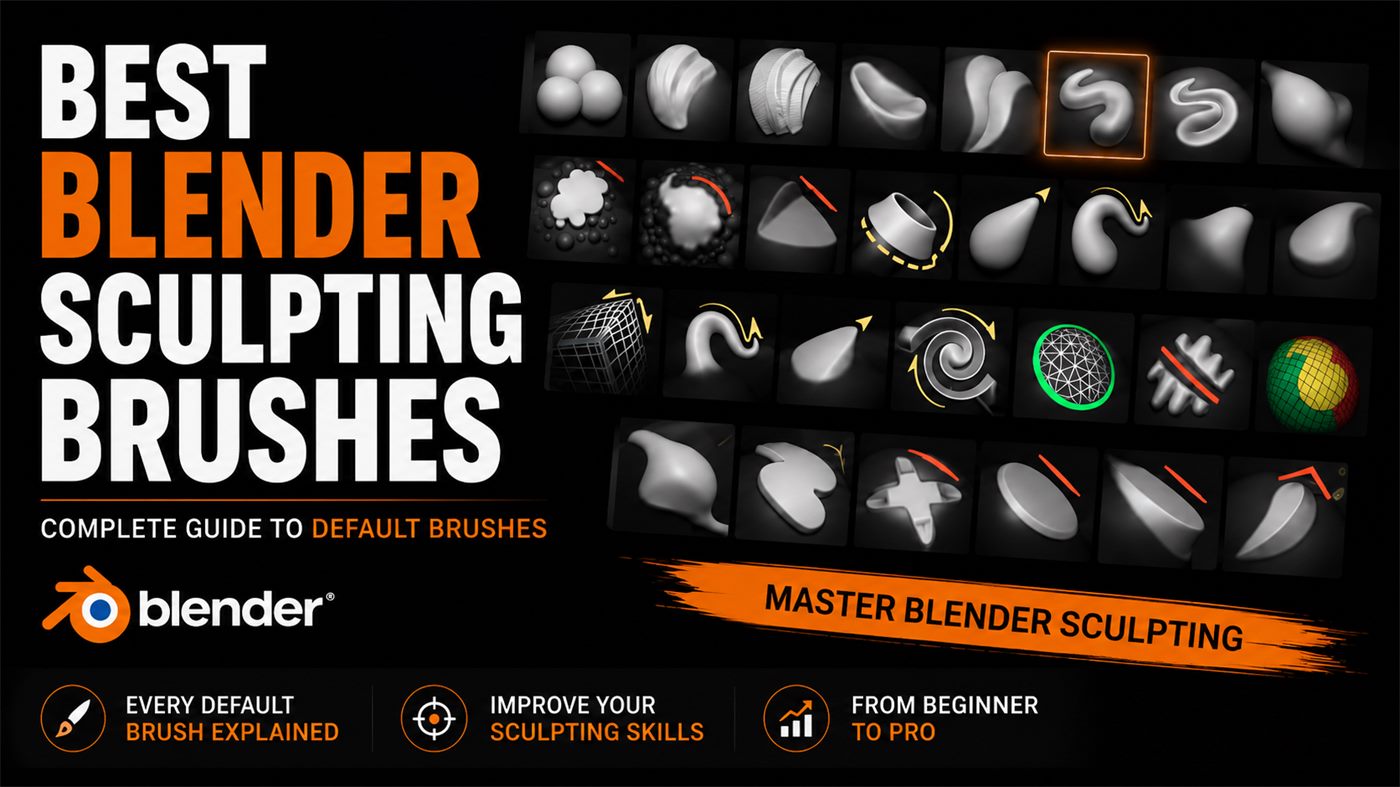
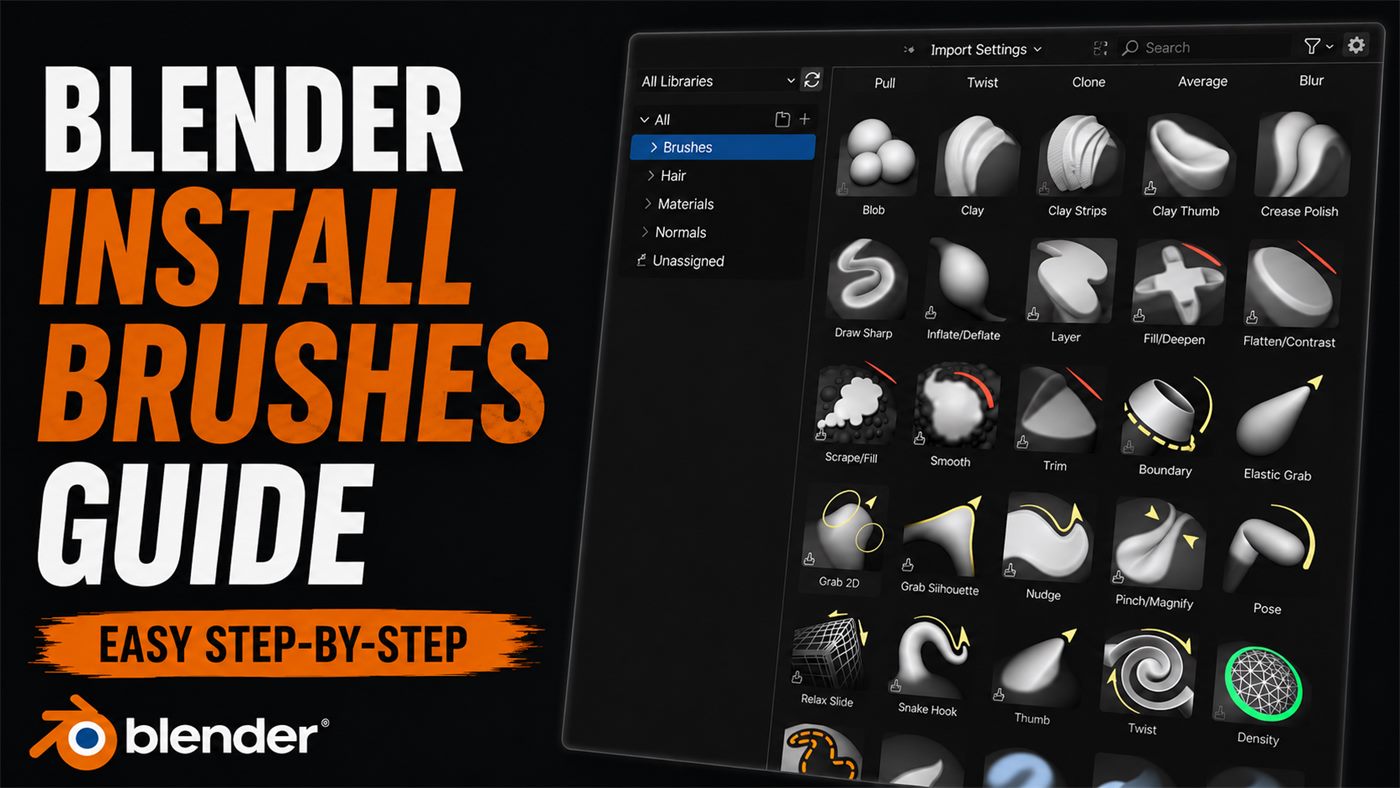
Explore related blender sculpting brushes products or read the best blender sculpting brushes.