Ornaments Alphas, Brushes for Blender & ZBrush
49 Tileable Ornament Alphas for ZBrush and Blender – Vol. 5
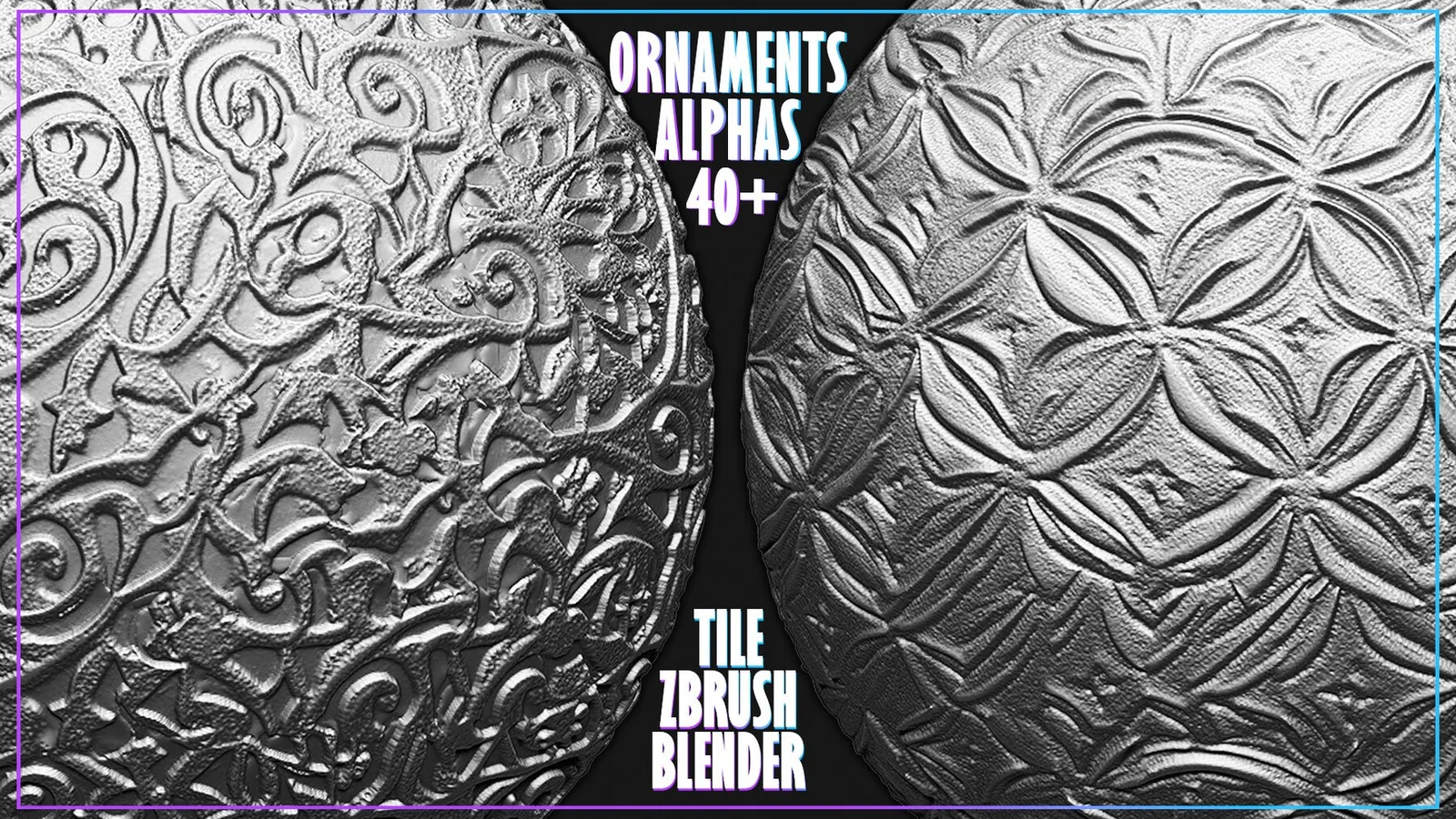
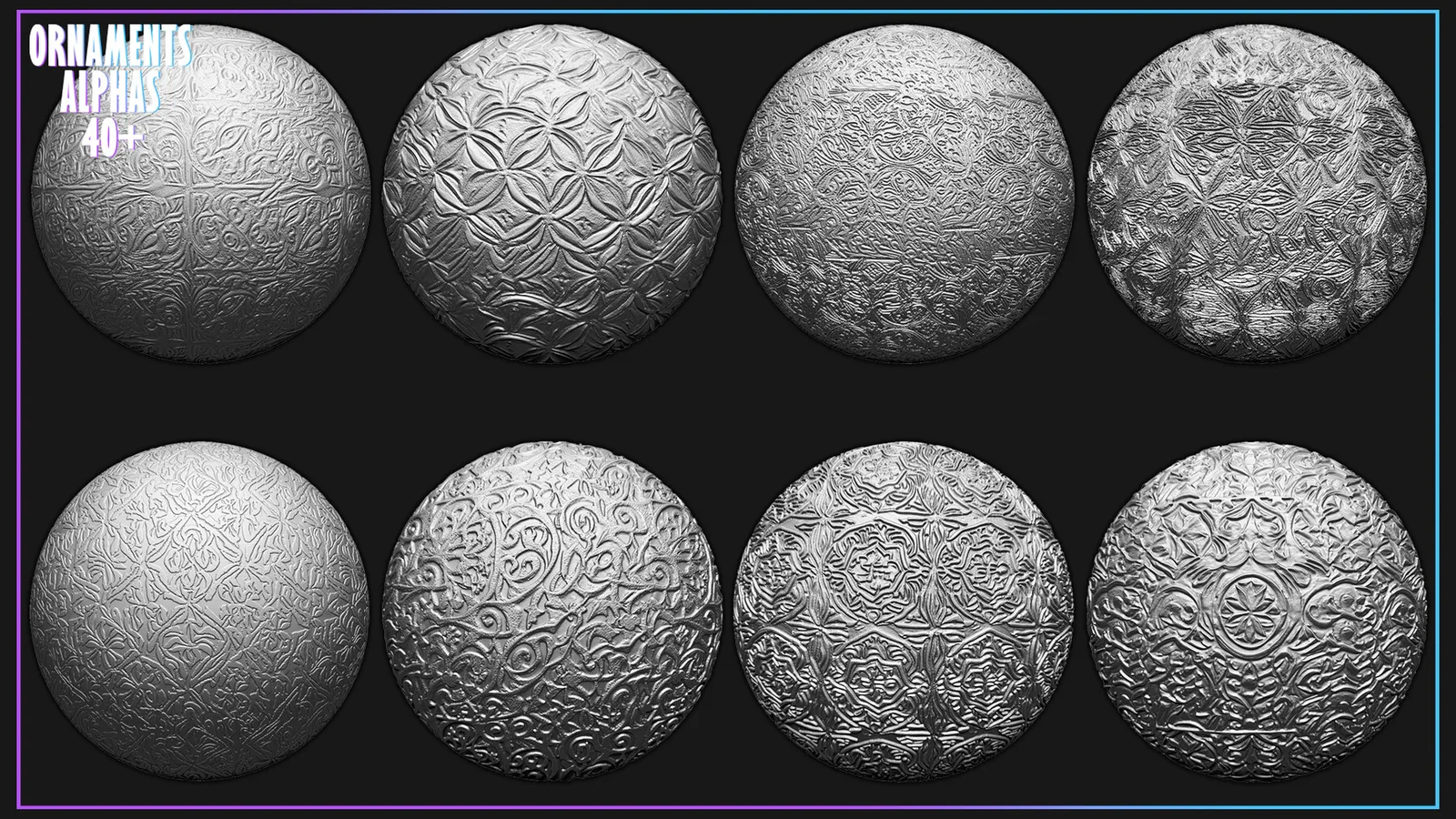
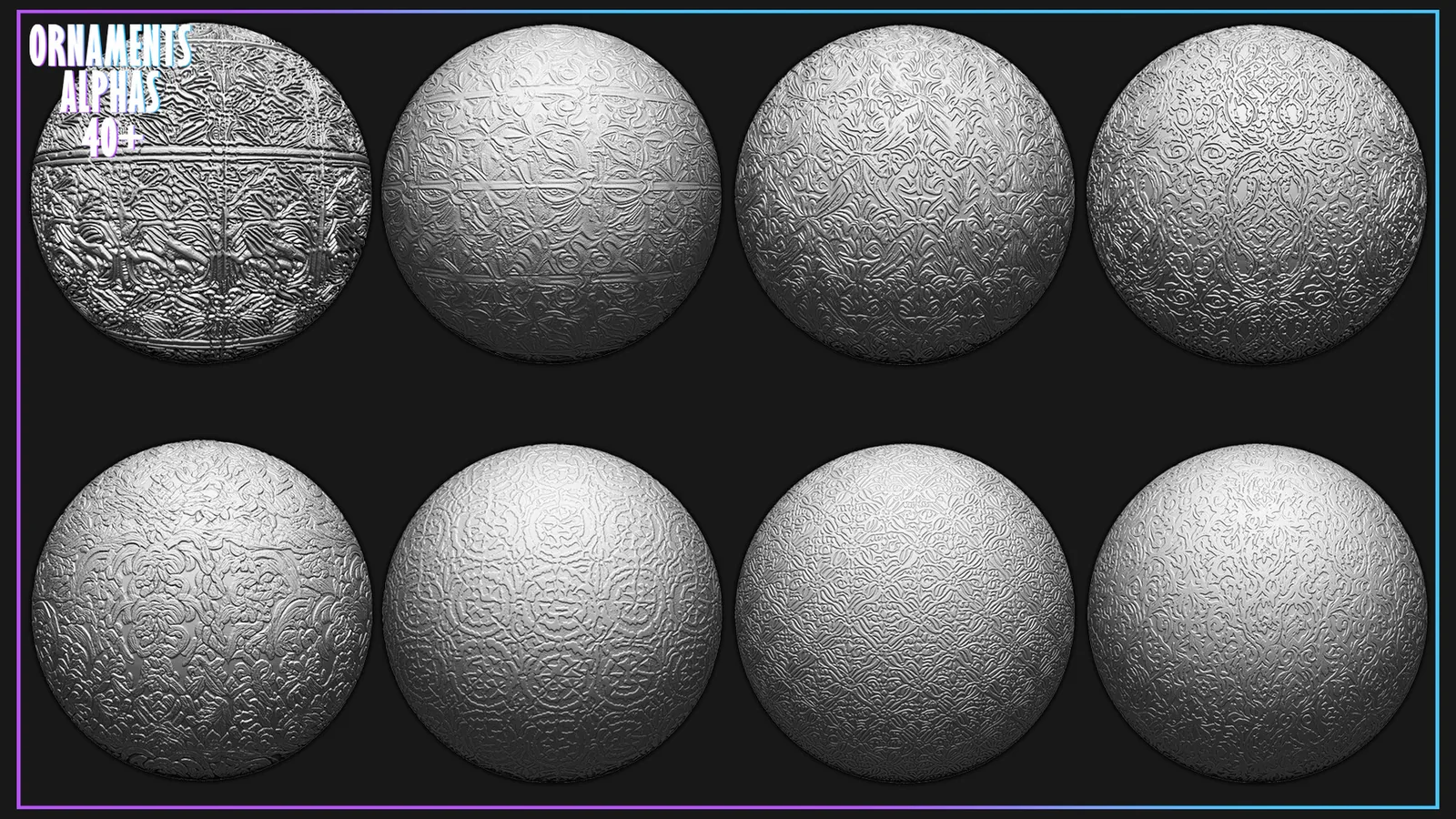
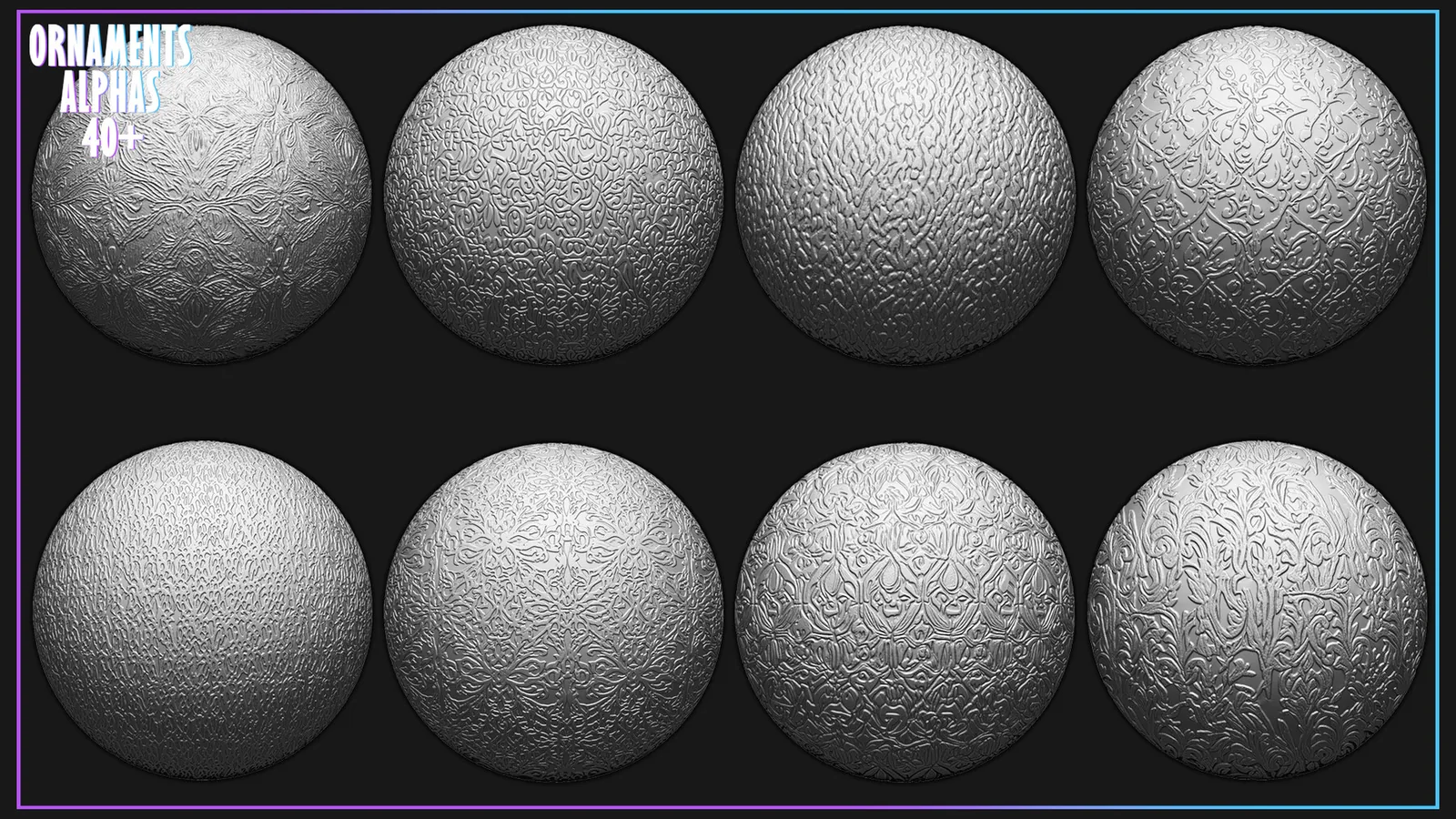
49 seamless PNG ornament displacement maps for repeating decorative patterns in ZBrush, Blender and Substance Painter workflows. The seamless files are intended for broad UV coverage and repeated sculpting patterns without obvious borders.
1200+ Alphas Bundle for ZBrush, Blender: https://artstn.co/m/yrdxD
Description
Pack contains 49 displacement maps (PNG) to add ornament patterns to your mesh in ZBrush, Substance Painter and other compatible applications.
The images are made seamless, ideal for superimposing on the UV of the model.
1200+ Alphas Bundle for ZBrush, Blender: https://artstn.co/m/yrdxD
What Is Included and Where It Fits
This pack contains 49 tileable PNG ornament displacement maps. It is intended for repeating trim, ornamental panels and continuous decorative relief. The maps provide repeatable source detail while leaving the artist in control of placement, scale, rotation and intensity.
The seamless files are intended for broad UV coverage and repeated sculpting patterns without obvious borders.
Recommended Workflow
- Establish the main silhouette and large surface forms before adding an alpha.
- Choose a map whose direction and scale match the target area.
- Apply it at moderate strength, then vary scale and rotation across neighboring strokes.
- Blend or mask the borders and finish with manual sculpting where the pattern changes direction.
For UV or displacement use, test the map on a small material area first. For sculpting, keep the detail subordinate to the primary form so the result reads naturally at both close and medium camera distances.
Frequently Asked Questions
What is included with 49 Tileable Ornament Alphas for ZBrush and Blender?
The package includes 49 tileable PNG ornament displacement maps.
What is 49 Tileable Ornament Alphas for ZBrush and Blender best used for?
It is intended for repeating trim, ornamental panels and continuous decorative relief.
How should the detail be applied?
Start after the primary forms are established, test scale and strength on a small area, and vary placement so repeated detail does not look mechanical.
Where can I verify the current price and compatibility?
The price shown on this page is $3.99. Confirm the current price and download contents on the linked marketplace before purchase.