Ornaments Alphas, Brushes for Blender & ZBrush
14 Armor Trim and Rivet Brushes for ZBrush
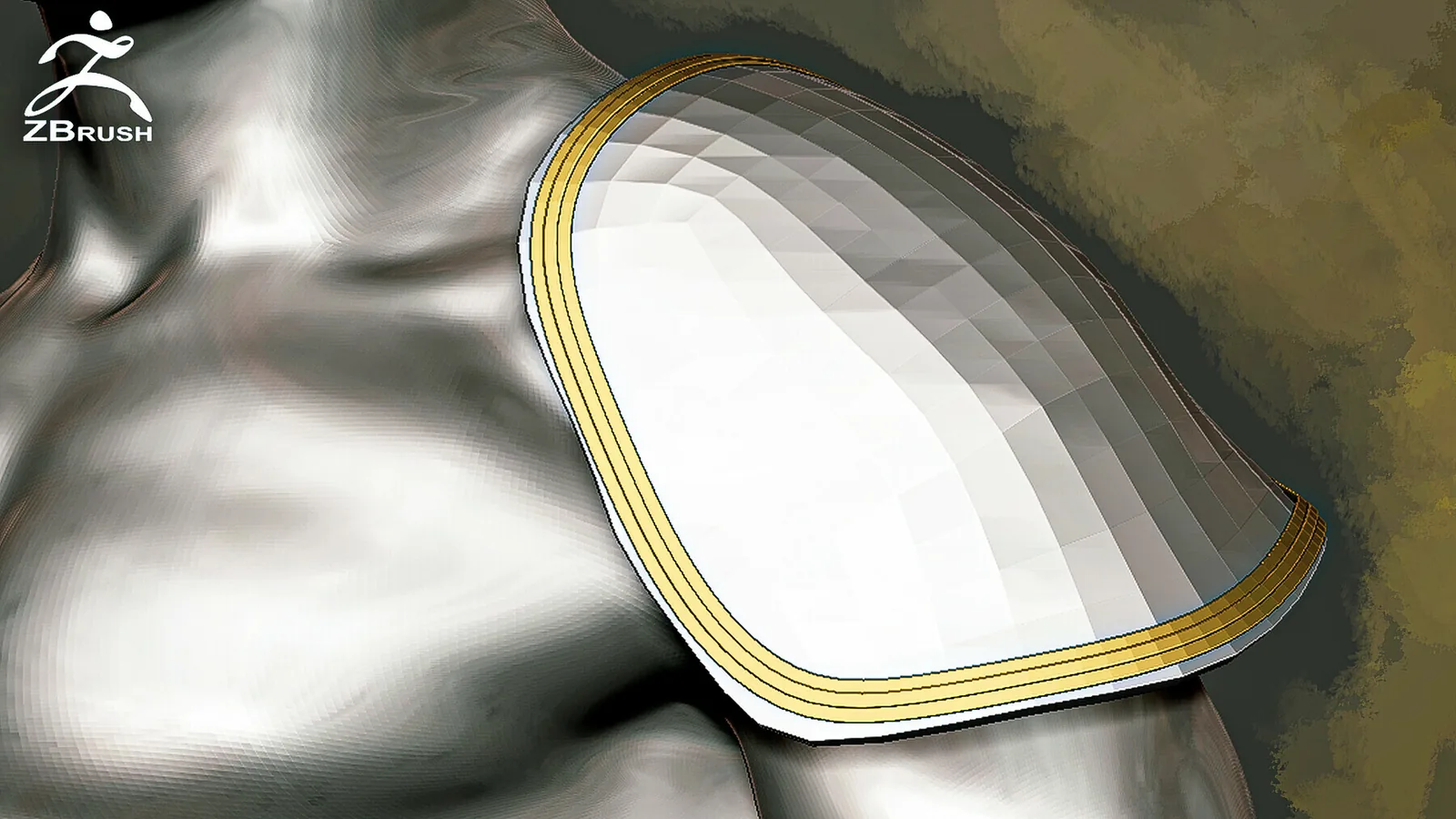
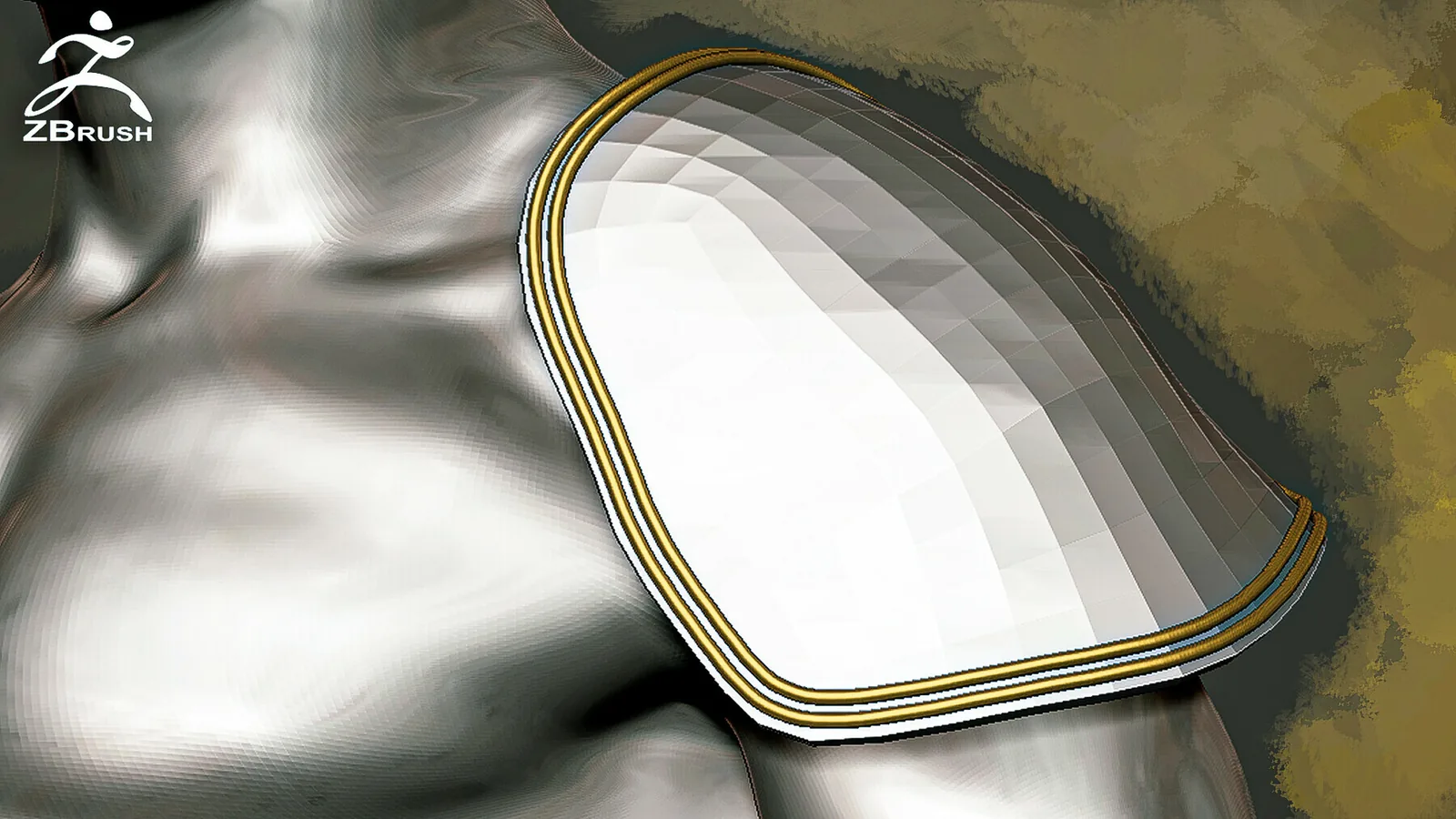
10 armor trim brushes and 4 rivet brushes for ZBrush, with curve-mode and depth guidance for armor edges, panels and hard-surface accents. Enable Curve Mode for armor trim and disable it for the rivet brushes. Adjust Brush > Depth to control how strongly the detail sits on the surface.
To adjust the brush depth, adjust the Depth parameter (Brush - Depth). Enjoy your use, if you liked the product leave a review.VIDEO PREVIEW https://www.artstation.co...
Description
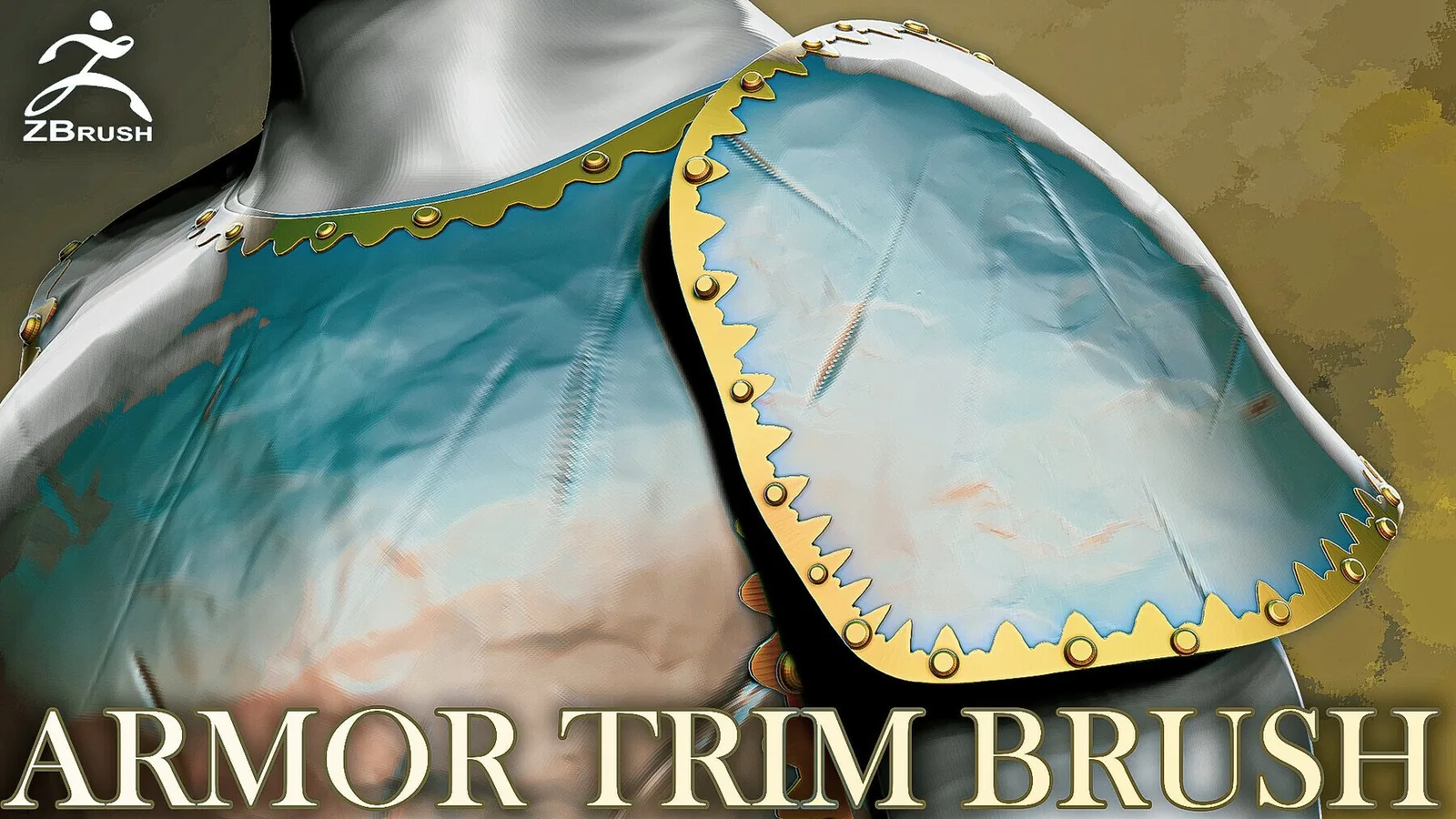
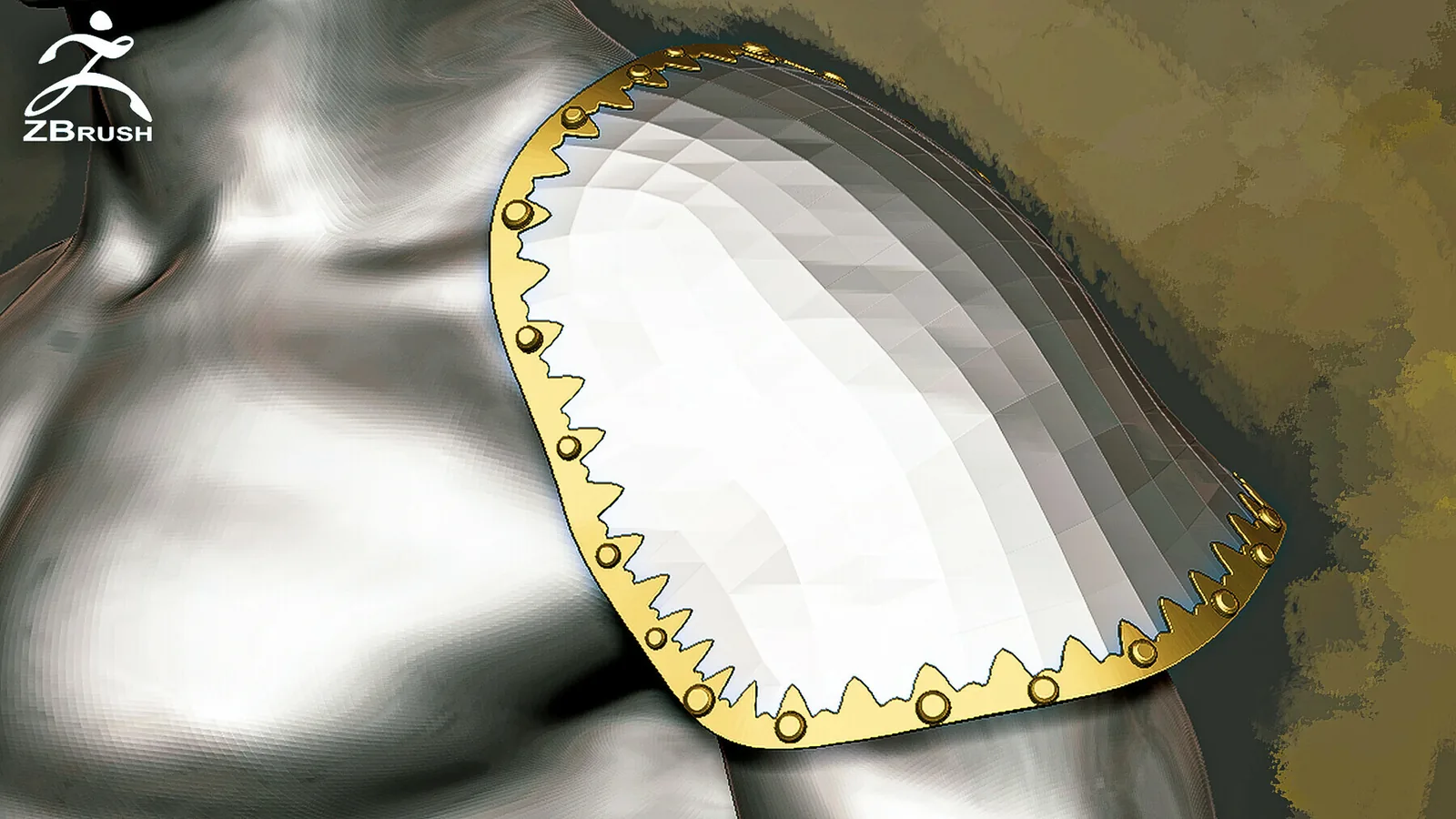
The ZBrush Armor Trim Brush kit contains 10 trim brushes and 4 rivet brushes.
To use rivets in the Stroke - Curve settings disable Curve Mode and to use the armor trim on the contrary, enable this function.
To adjust the brush depth, adjust the Depth parameter (Brush - Depth).
Enjoy your use, if you liked the product leave a review.
VIDEO PREVIEW
Brush Contents and Best Uses
The download includes 10 armor trim brushes and 4 rivet brushes for ZBrush. The tools are intended for armor borders, raised trim, panels and rivet placement. They are most effective after the main shape has been established, when inserted forms can be positioned to support the design.
Enable Curve Mode for armor trim and disable it for the rivet brushes. Adjust Brush > Depth to control how strongly the detail sits on the surface.
Recommended Workflow
- Block the primary form and confirm the silhouette.
- Select a brush that matches the local direction and scale.
- Place the detail with restrained depth, then adjust its orientation and proportions.
- Blend transitions and add smaller secondary detail only after the inserted form is working.
Keep a duplicate of the clean sculpt before applying repeated high-frequency forms. This makes it easier to compare density and prevent the surface from becoming uniformly noisy.
Frequently Asked Questions
What is included with 14 Armor Trim and Rivet Brushes for ZBrush?
The package includes 10 armor trim brushes and 4 rivet brushes for ZBrush.
What is 14 Armor Trim and Rivet Brushes for ZBrush best used for?
It is intended for armor borders, raised trim, panels and rivet placement.
How should the detail be applied?
Start after the primary forms are established, test scale and strength on a small area, and vary placement so repeated detail does not look mechanical.
Where can I verify the current price and compatibility?
The price shown on this page is $1.99. Confirm the current price and download contents on the linked marketplace before purchase.