Fabric (Cloth) Alphas, Brushes for Blender & Zbrush
10 Fabric Alphas for ZBrush & Substance Painter
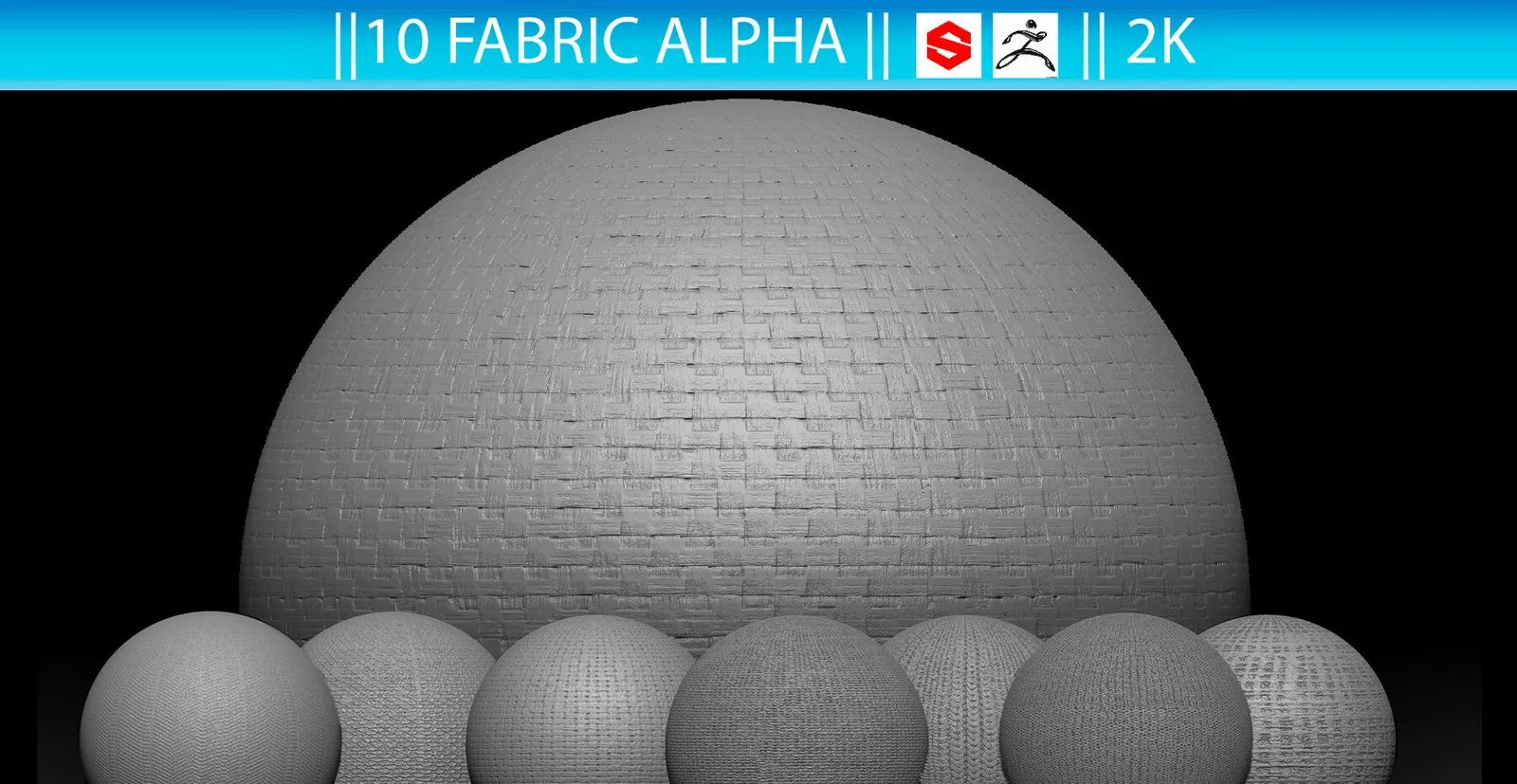
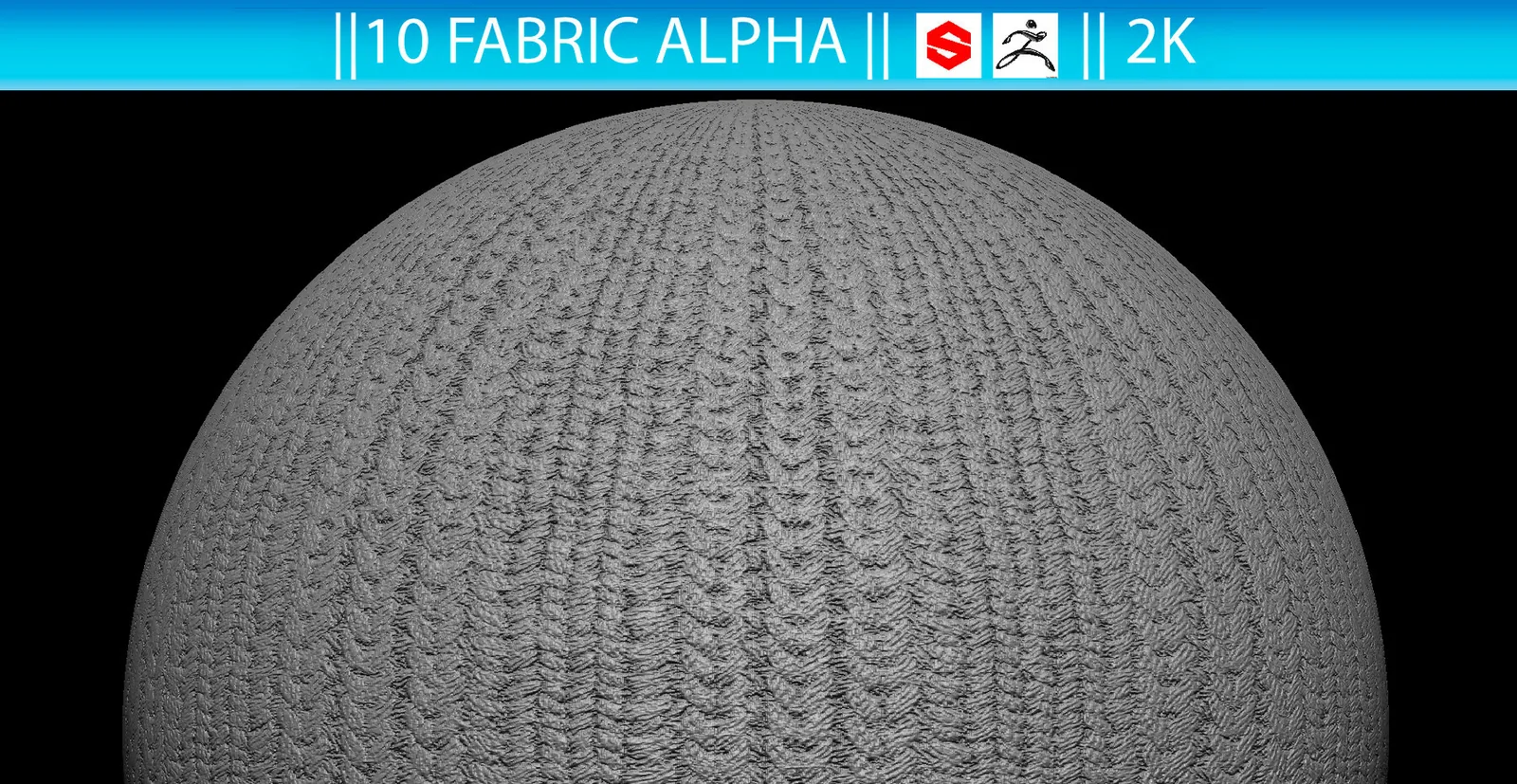
Add woven cloth microdetail without sculpting every fiber by hand. This compact pack contains 10 fabric alpha maps in 2048×2048 PSD format for ZBrush and Substance Painter.
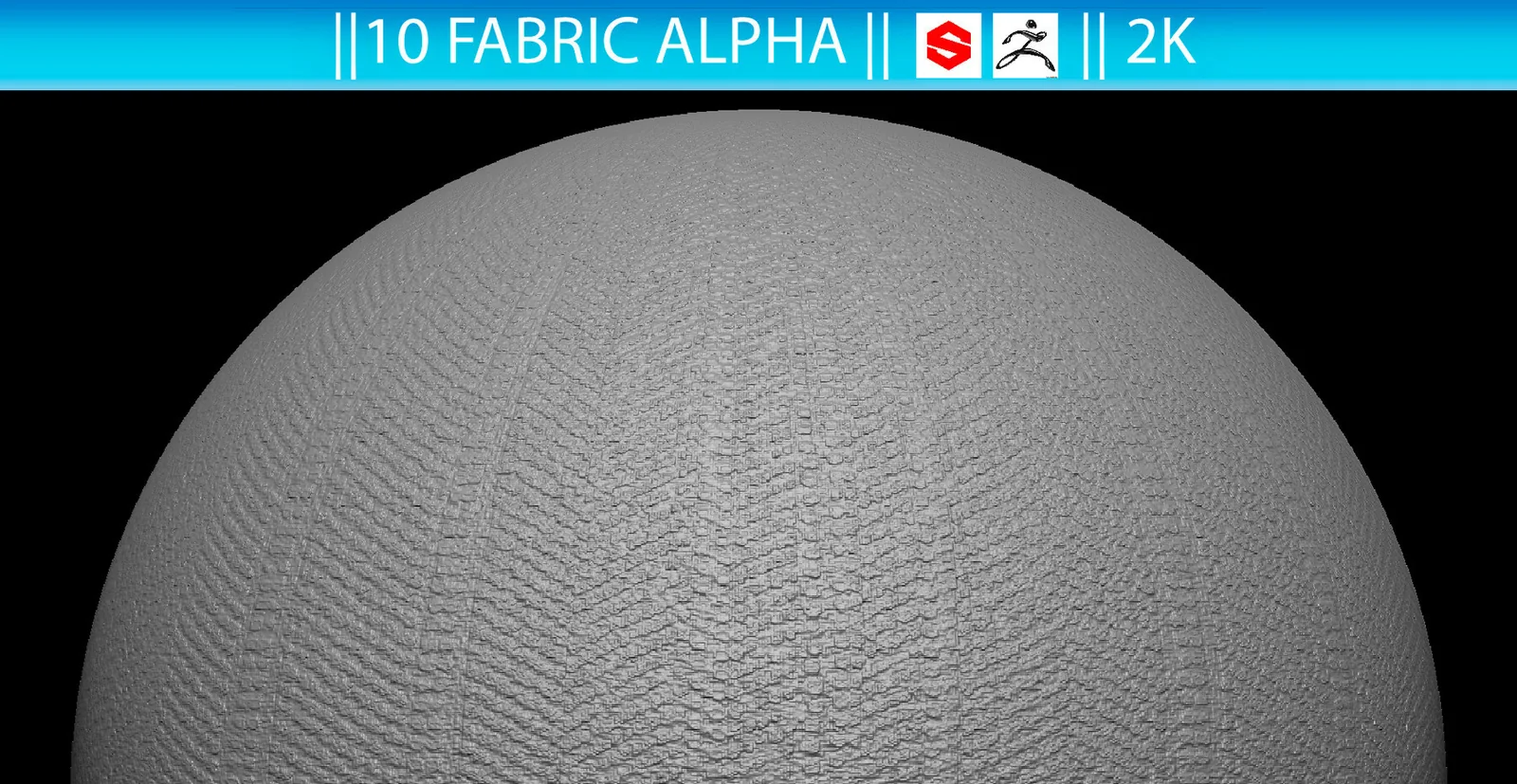
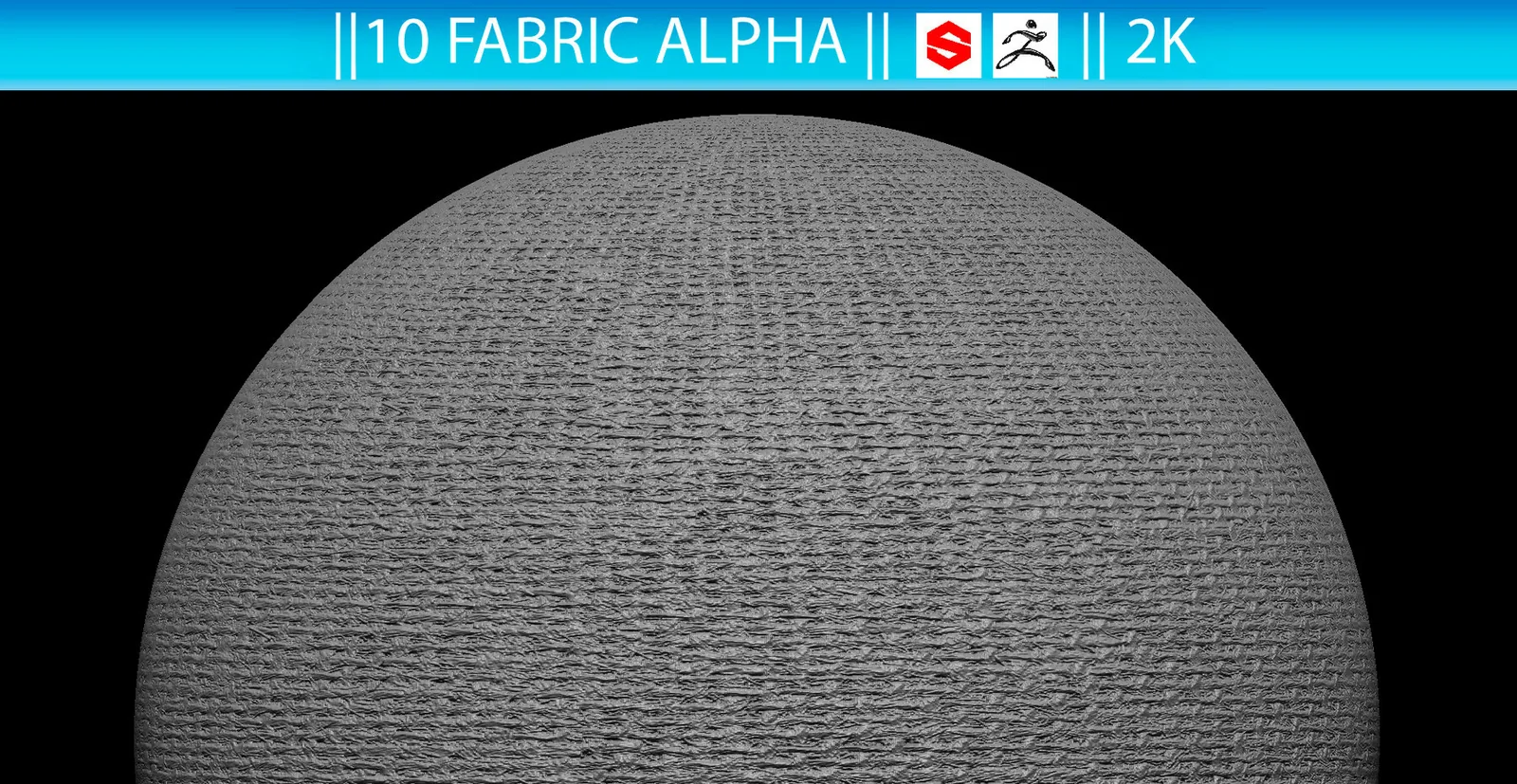
Product Summary
This compact pack provides 10 fabric alpha maps in 2048×2048 PSD format for adding controlled woven microdetail in ZBrush and Substance Painter.
What Is Included in the 10 Fabric Alpha Pack
You receive 10 grayscale fabric patterns in layered-friendly PSD format. Use them to add fine woven structure after the large folds and seams are already established.
- 10 fabric alpha maps.
- 2048×2048 resolution.
- PSD format.
- Suitable for cloth microdetail in ZBrush and Substance Painter.
How to Use Fabric Alphas
In ZBrush, import an alpha and apply it at low intensity after the primary and secondary folds are complete. In Substance Painter, use the PSD pattern as an alpha or height mask and keep the scale consistent with the garment. Avoid covering the entire surface with equal intensity.
For ready-made fold presets rather than surface maps, see the 200 Fabric Fold Brushes & Alphas. Browse more options in the Fabric collection.
Frequently Asked Questions
What files are included?
The pack includes 10 PSD fabric alpha maps at 2048 by 2048 pixels.
Do the fabric alphas work in ZBrush?
Yes. Import a PSD alpha into ZBrush and use it with a suitable sculpting brush.
Can I use them in Substance Painter?
Yes. They can be used as alpha or height-mask inputs in Substance Painter.
Are these brush presets?
No. These are alpha maps rather than application-specific brush preset files.