Damage & Scars Alphas, Brushes for Blender & Zbrush
26 Metal Surface Alphas for ZBrush, Blender & Substance Painter
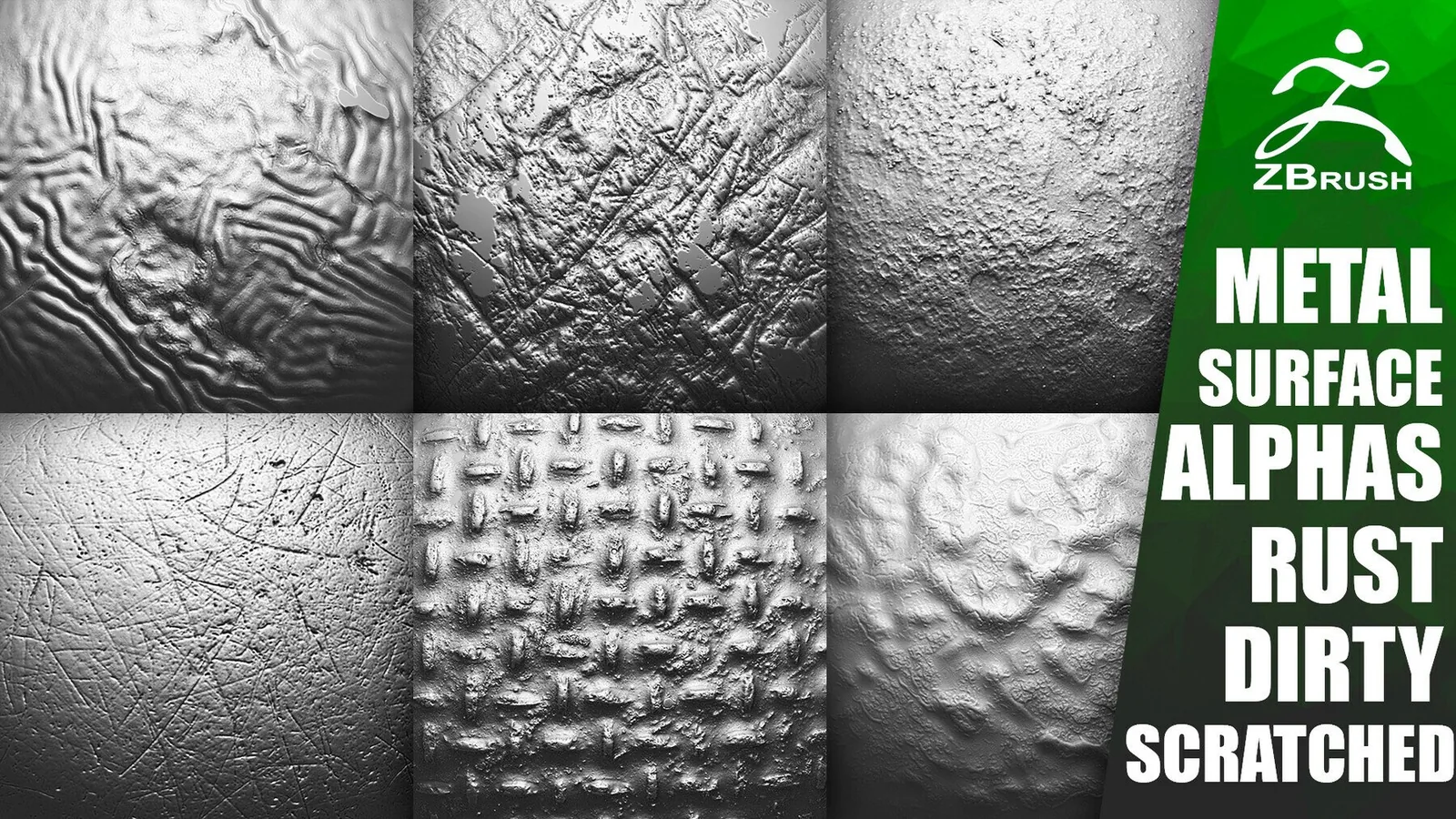
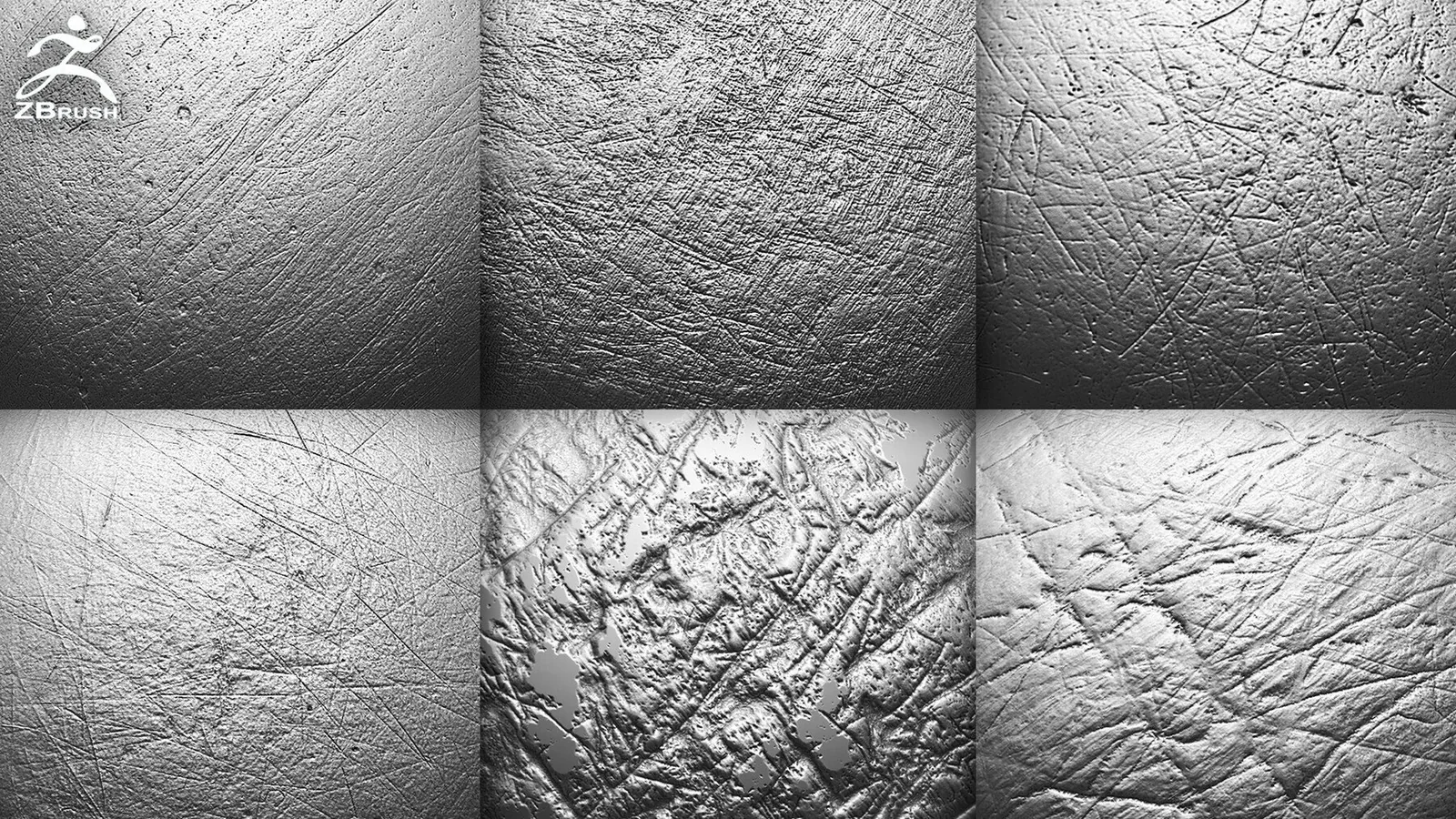
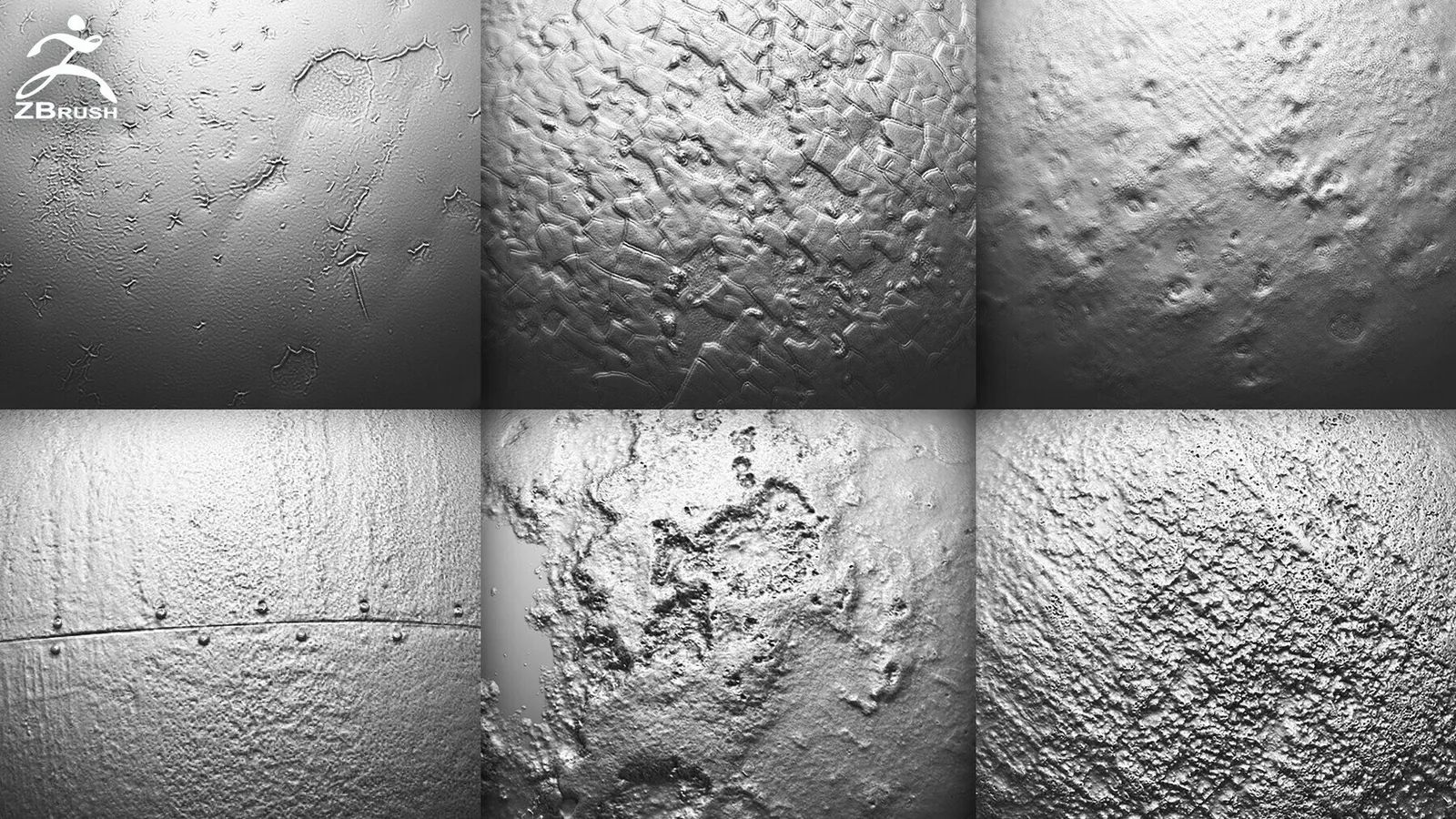
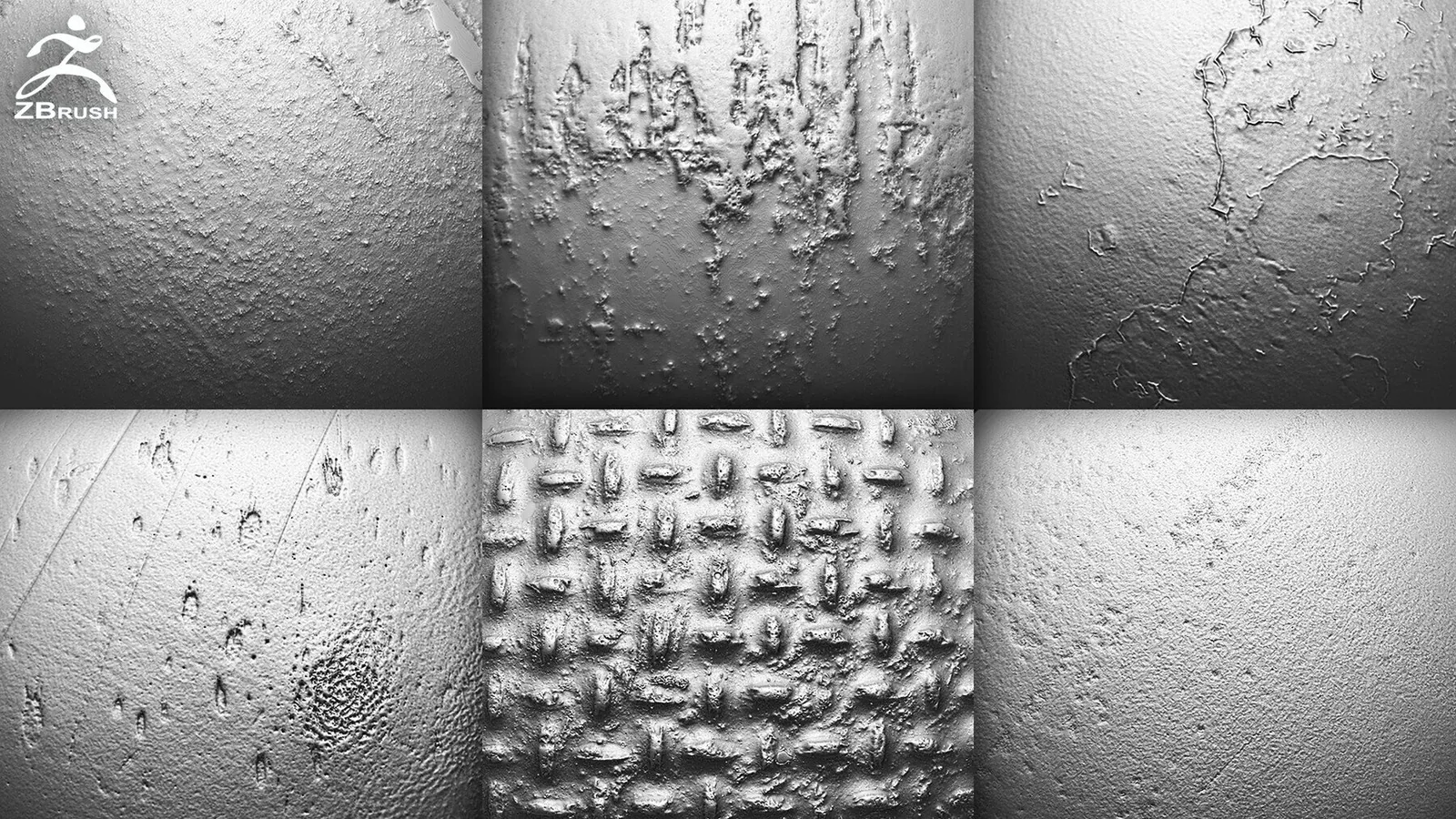
Add realistic rust, scratches, pitting, chipped surfaces and worn-metal breakup without sculpting every mark by hand. This pack includes 26 PNG metal surface alphas for detailing armor, weapons, machinery, vehicles and damaged hard-surface models in ZBrush, Blender, Substance Painter and other applications that support grayscale alphas.
What Is Included in the 26 Metal Surface Alphas Pack
You receive 26 reusable PNG alpha maps covering several kinds of metal damage. Load them into a compatible sculpting or texturing brush to add controlled surface variation while keeping the underlying hard-surface form intact.
- Files: 26 PNG alpha maps.
- Detail types: scratches, rust and corrosion, pitting, chipped surfaces, dirt and irregular worn-metal breakup.
- Compatible software: ZBrush, Blender, Substance Painter, 3D-Coat and other tools that accept grayscale alpha maps.
- Best for: armor, weapons, machinery, vehicles, sci-fi panels, industrial props and ruins.
How to Use Metal Surface Alphas
ZBrush
Import a PNG through the Alpha palette, choose a sculpting brush and apply the pattern with DragRect or another suitable stroke. Use ZAdd for raised corrosion and rough buildup, or ZSub for engraved scratches and recessed pits. Keep the intensity low and layer several patterns for a less repetitive result.
Blender
Use an alpha as a sculpt-brush texture, displacement texture or mask. Establish the major damage at medium scale first, then add smaller scratches and pitting only where the object would naturally receive wear.
Substance Painter and 3D-Coat
Import the PNG as an alpha or grayscale mask. Apply it through a paint or fill-layer workflow so height, roughness and color can respond together. This works especially well for localized corrosion, chipped coatings and dirty industrial surfaces.
When to Choose This Pack
Choose these metal alphas when you want portable PNG maps that can move between several applications. If you need ready-made Blender and ZBrush brush presets with a larger damage library, compare the Metal Damage Sculpting Brushes Bundle. You can also browse the full Damage & Scars collection or the alpha and displacement map library.
Frequently Asked Questions
Can these metal alphas be used in Blender?
Yes. Import the PNG files as brush textures, displacement textures or masks in Blender.
Do the metal surface alphas work in Substance Painter?
Yes. Import them as alphas and use them with paint or fill layers for coordinated height, roughness and color damage.
Are these brushes or alpha maps?
The pack contains 26 PNG alpha maps. They can be loaded into compatible brushes, but they are not application-specific brush preset files.
Can I use the alphas with ZAdd and ZSub in ZBrush?
Yes. ZAdd creates raised buildup, while ZSub cuts scratches and pits into the surface.