Topology workflow
Multires Modifier for Sculpting in Blender
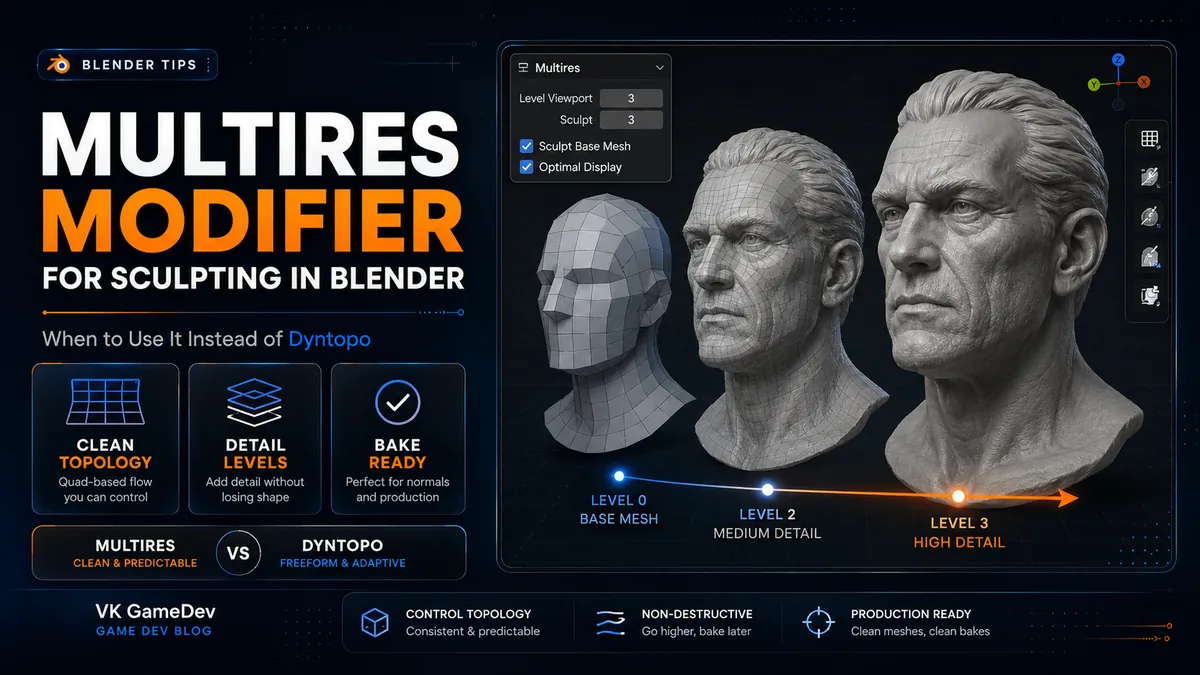
If Dyntopo is the tool for free-form blocking, Multires is the tool for controlled detail on top of topology that already matters. It is the cleaner answer when the sculpt is heading toward a game engine, baking workflow, rig or print-ready asset.
Quick answer
Use Multires when you already have a clean base mesh and want to add detail without destroying topology. Use Dyntopo earlier, when the silhouette and proportions are still changing.
A common production workflow is simple: block with Dyntopo, retopologize, add Multires, then stamp high-frequency detail with controlled brush libraries such as the 3000+ Sculpting Brushes Bundle.
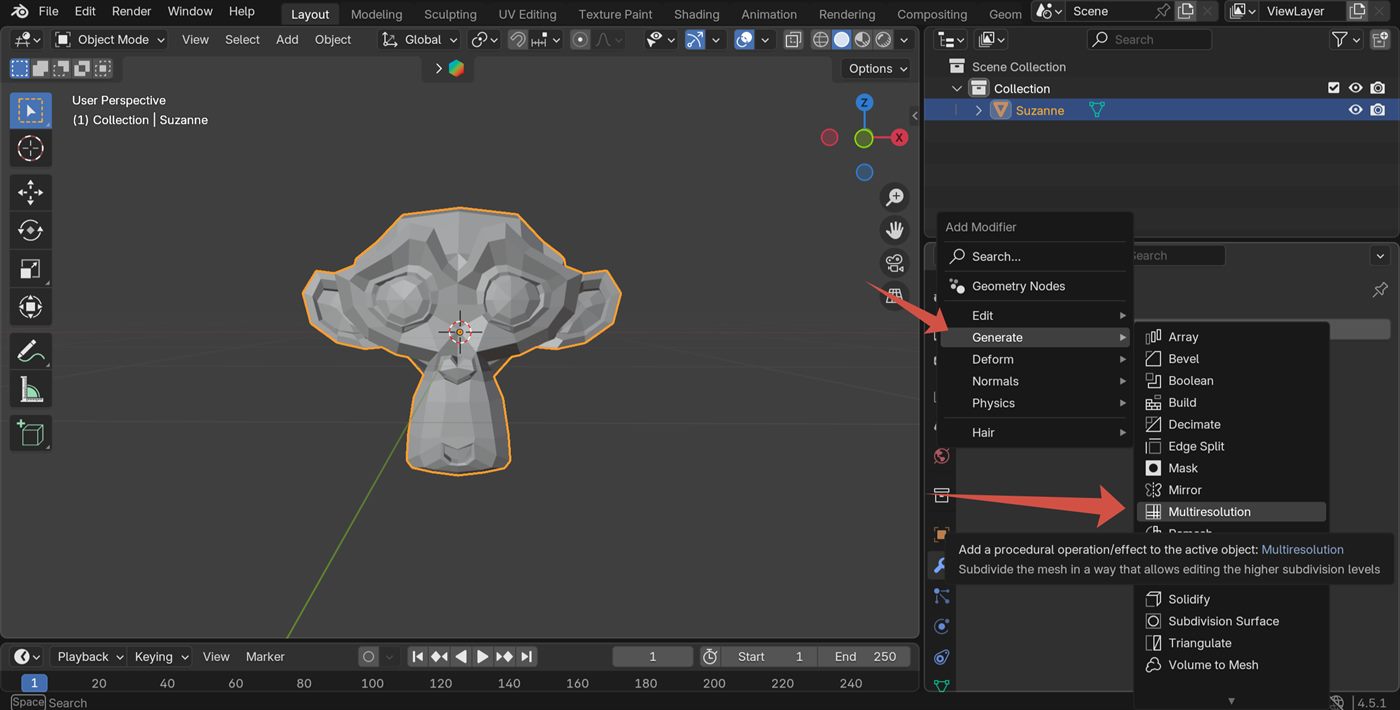
When Multires is the better tool
Dyntopo first, Multires second
1. Block the sculpt freely
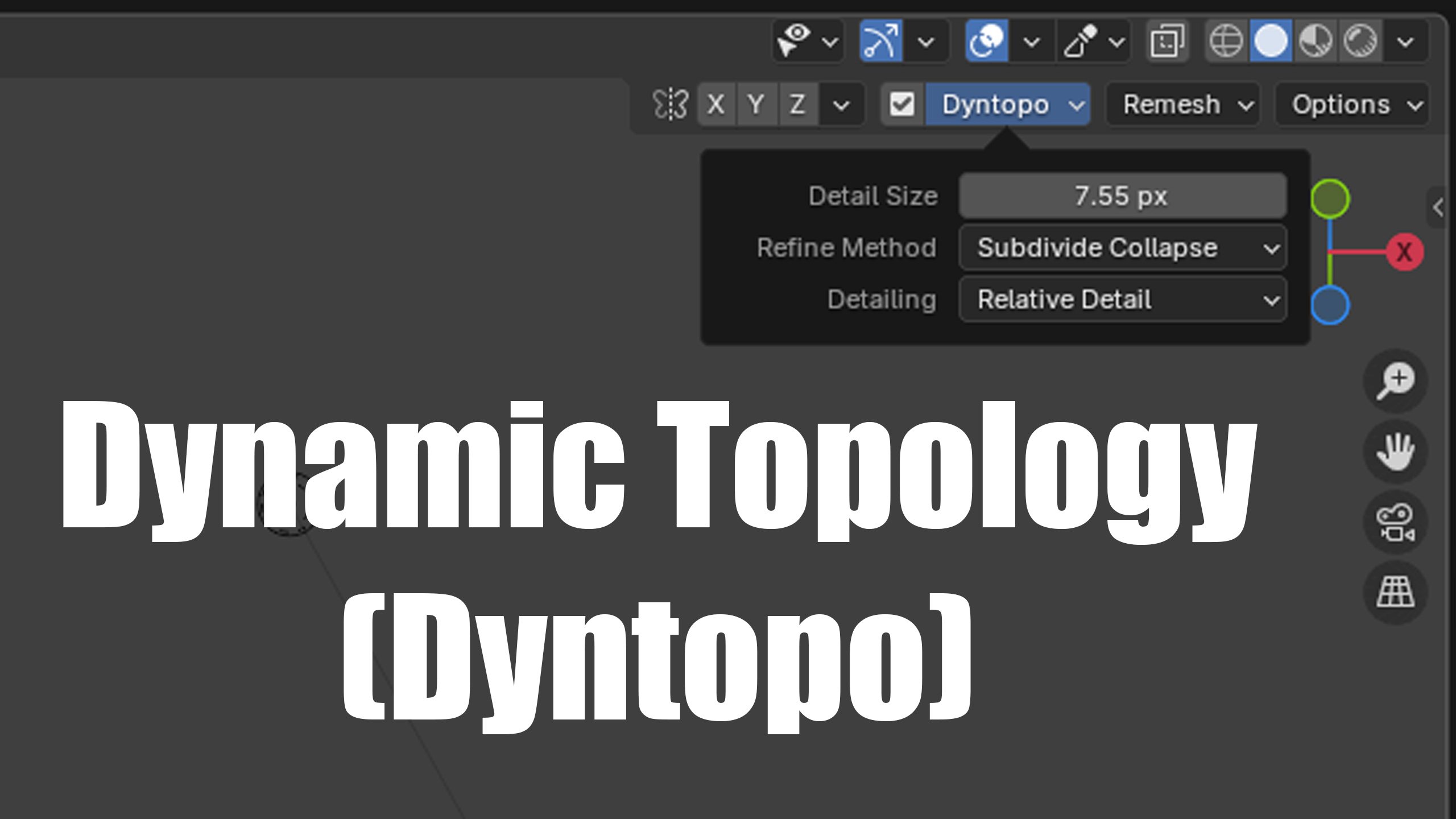
Dyntopo is still the right tool when you are pushing silhouette, using Snake Hook, merging forms, or searching for the design. Do not force Multires into that early stage.
2. Retopologize or rebuild a clean base mesh
Once the form is approved, rebuild the base with even topology. This is the real prerequisite for Multires. The modifier will preserve whatever topology you feed it, good or bad.
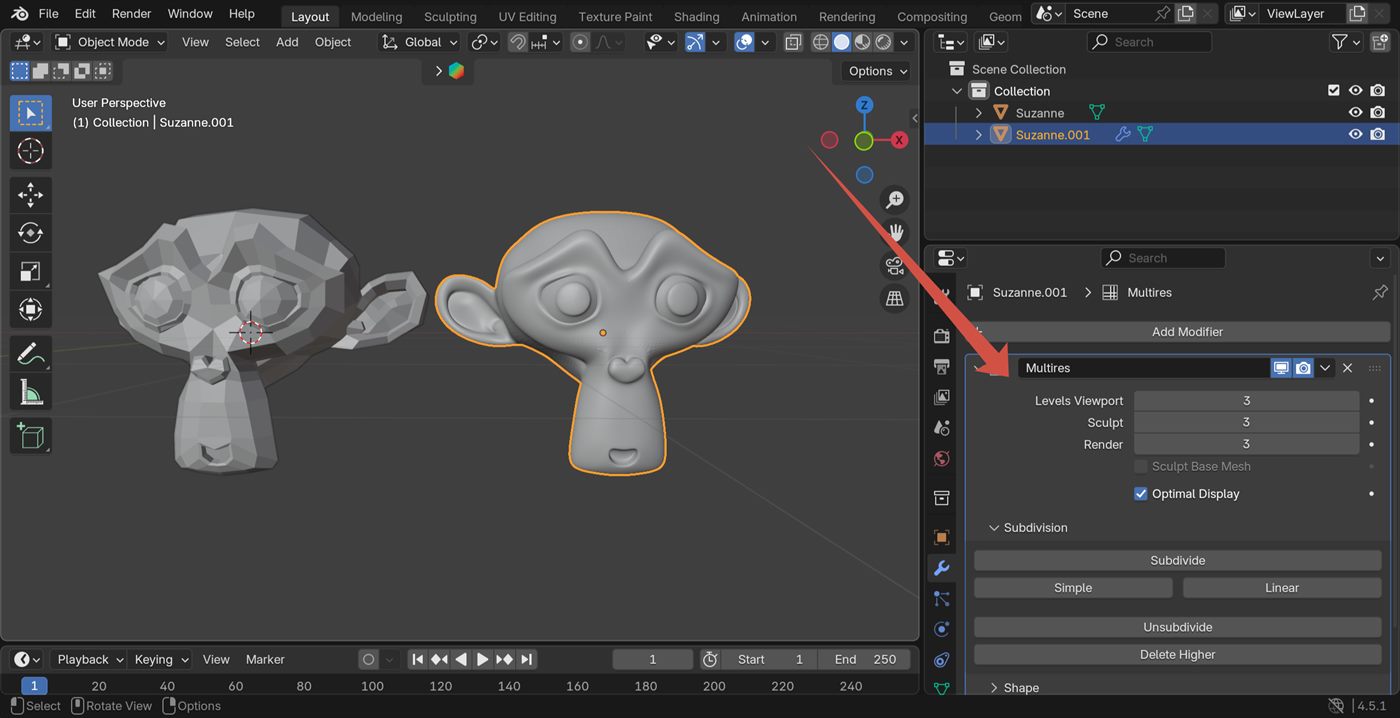
3. Add Multires for the detail pass
Subdivide one level at a time. Stay at the lowest level that still lets you read the detail. This is where fabric folds, pores, wood grain, ornamental trims or dragon scales become efficient instead of destructive.
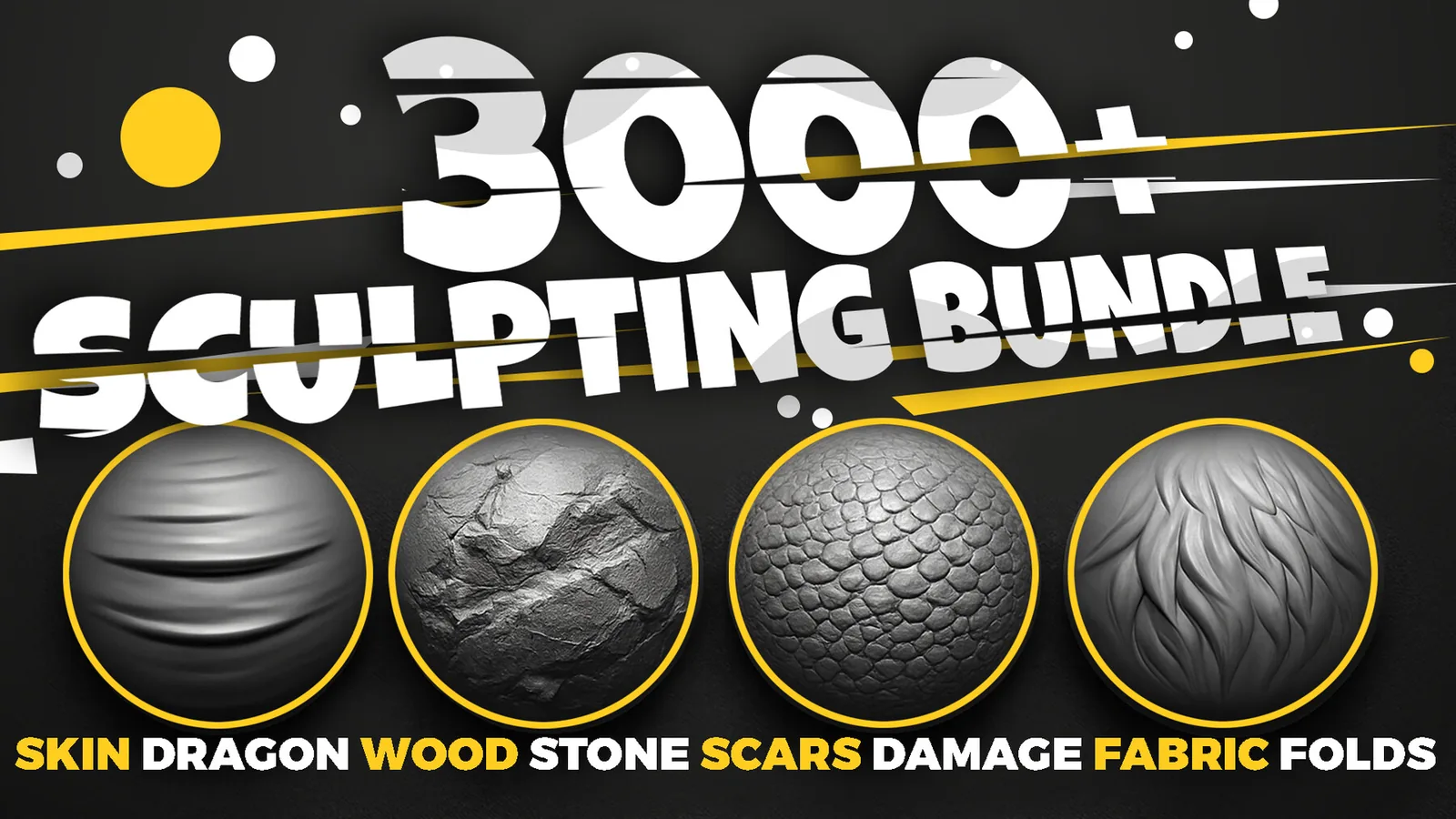
Brushes that make Multires worth it
Common mistakes
Useful links
FAQ
Can I use Multires for game assets?
Yes. That is one of its best use cases, especially when you need to bake detail to a lower-resolution mesh.
Should I replace Dyntopo completely?
No. Dyntopo is still better for the early exploratory stage.
When do brush packs matter most in this workflow?
After the main form is locked and the Multires detail pass begins. That is when category-specific alpha and brush libraries save the most time.