VK GameDev Review
11 Best Wood Brushes for Blender & ZBrush
The best wood ZBrush brushes combine broad grain alphas with deeper VDM forms for bark, knots and roots. For Blender, organized brush presets and grayscale alphas provide the same layered workflow. This guide compares 11 wood brush and alpha packs for sculpting grain, bark, planks, cracks and carved details in ZBrush and Blender.
Quick answer: choose the ZBrush Wood Bundle for the broadest ZBrush library, a Blender Asset Browser pack for ready-made Blender presets, or a focused tileable alpha set when you mainly need repeatable grain across large surfaces. Every recommendation below links to a page with real product previews and exact contents.
Wood grain, bark, cracks, and carved wood
Wood detail breaks into four types, and mixing them in the right order is what sells a convincing surface instead of a repeated texture.
| Type | What it does | When to use it |
|---|---|---|
| Grain alphas | Fine, directional lines that follow the wood's growth direction | Applied broadly, early, at low strength |
| Bark brushes / VDMs | Rugged, high-relief surface breakup for tree trunks and branches | Primary form pass on organic wood surfaces |
| Crack alphas | Splits and checking across planks or aged wood | Secondary detail, after grain is established |
| Carved wood brushes | Deliberate tool marks: chisel cuts, notches, worked edges | Man-made props, furniture, and worked timber only |
Alphas vs VDM brushes for wood: a wood alpha is a grayscale height map you stamp or drag, great for repeatable grain and plank patterns. A VDM brush stores real 3D geometry, so one stroke can add the overhangs and undercuts of rough bark that a flat alpha can't reproduce. Use alphas for coverage and VDMs for the handful of hero details that need real depth.
Quick lesson: sculpting a wood surface
Best wood ZBrush brushes and alphas
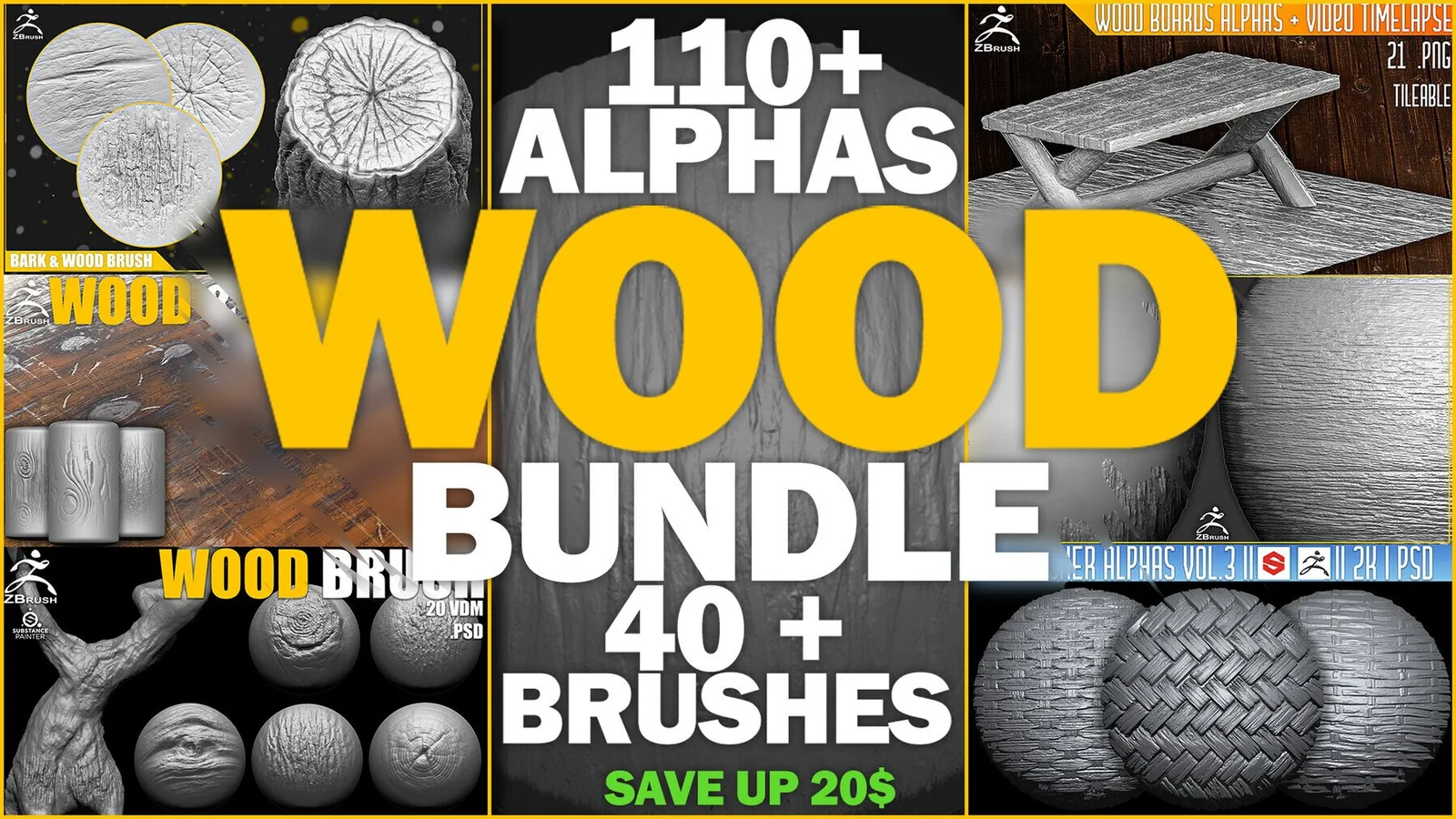
For an all-in-one ZBrush wood workflow, the ZBrush Wood Bundle is the best overall choice in this list. It combines 110+ alpha maps for grain, planks and surface breakup with 40+ VDM brushes for raised bark, knots and organic tree forms.
Choose Wood & Bark Brushes when trunks and rough bark are the priority. Choose Wood Boards Alphas for floorboards, crates, furniture and architectural timber. These focused packs are smaller, but they are faster to browse when the project has one clear surface type.
How to use wood brushes in ZBrush
ZBrush alphas control the shape and depth of a brush stroke and can also be used as displacement maps. See the official ZBrush Alpha palette documentation for import, adjustment and seamless controls.
Top wood sculpting brush packs
These packs cover wood workflows from broad bark depth to fine grain detail. Combine one brush set with a tileable alpha pack to keep your surface consistent while still adding variation.
ZBrush Wood Bundle (110+ Alphas, 40+ Brushes)
Best overall wood ZBrush brushes collection. This bundle combines seven focused packs into one library for grain, tileable boards, bark, tree forms, knots and carved wood.
Use the alphas for repeatable surface coverage and switch to the VDM brushes when hero areas need deeper bark ridges or organic tree shapes.
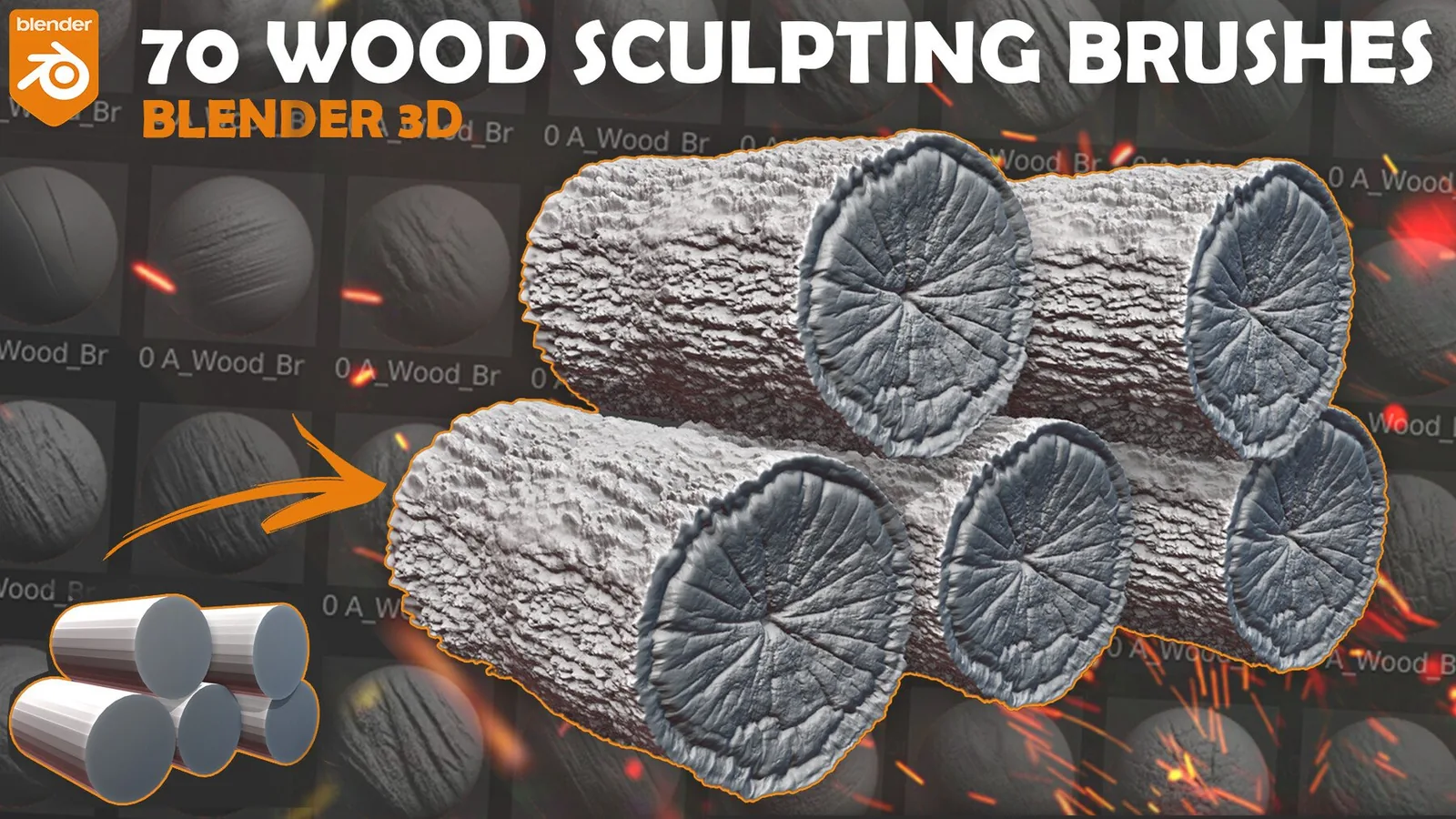
Blender Wood Sculpting Brushes vol.2. Asset Browser.
A Blender Asset Browser set focused on wood sculpting with quick access to grain, cracks, and plank breakup. It is ideal for daily use when you need a reliable wood kit inside Blender.
Use it to block broad grain flow and then refine edges with smaller brushes. The Asset Browser format keeps presets organized and ready for production work.
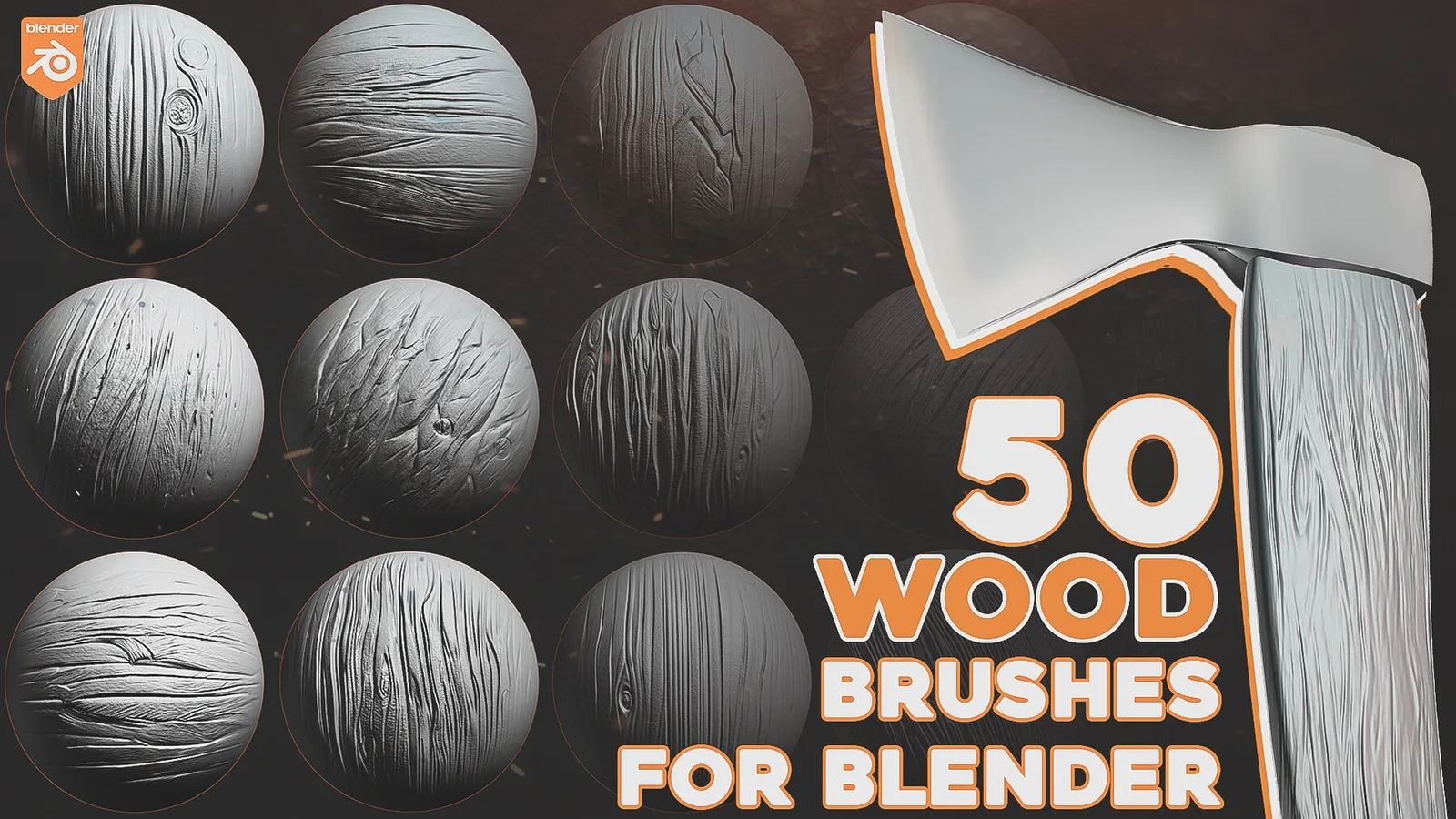
Blender Wood Sculpting Brushes
A focused Blender brush pack with strong wood grain direction and surface breakup. It works well for props, beams, and carved wood elements.
Use this set when you want a compact brush library with clean results. Pair it with tileable alphas to extend detail across larger surfaces.
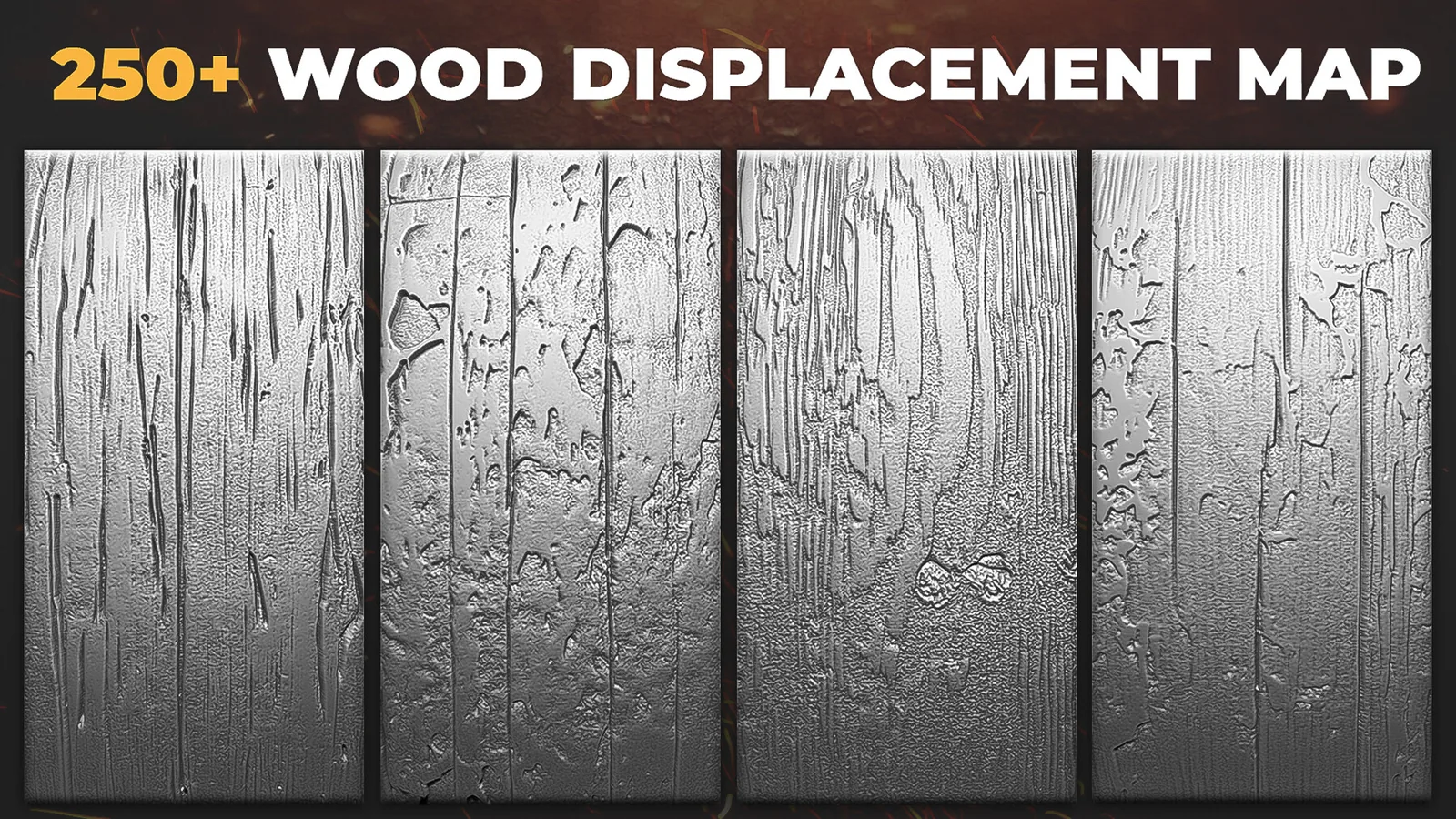
Wood Displacement Map Alphas For ZBrush Blender Vol
A displacement alpha set for consistent wood grain and surface depth. It is designed for quick stamping or displacement use in both Blender and ZBrush.
Apply these alphas on large surfaces to establish grain direction, then overlay smaller brushes for cracks and worn edges.
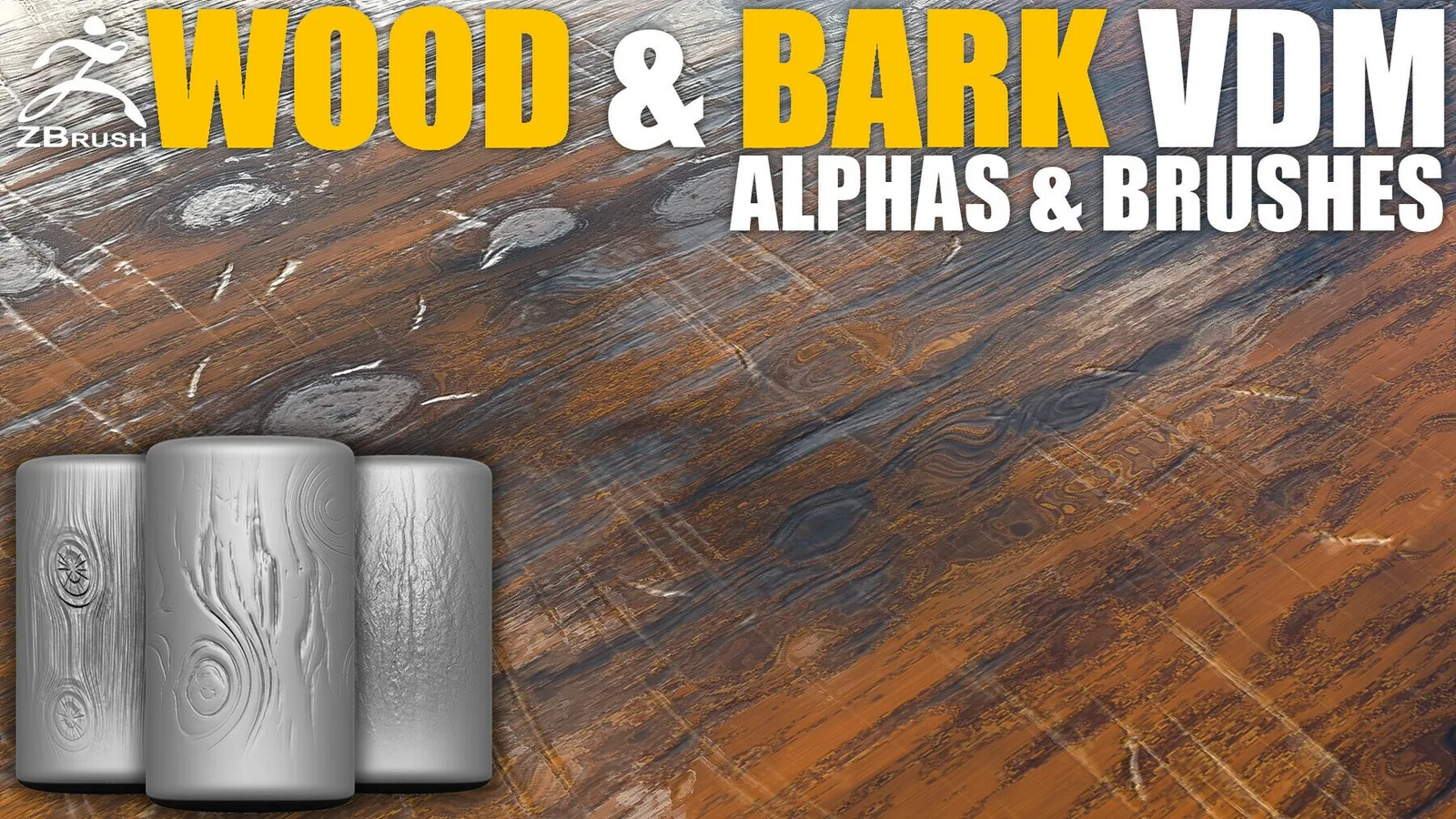
Wood & Bark Brushes for ZBrush (24 VDM + Alphas)
A ZBrush kit mixing VDM forms and bark alphas for bold depth and rugged tree surfaces. It is built for heavy bark sculpting and thick relief.
Use VDMs for large bark ridges and then add alphas for fine fissures. Great for tree trunks, roots, and forest props.
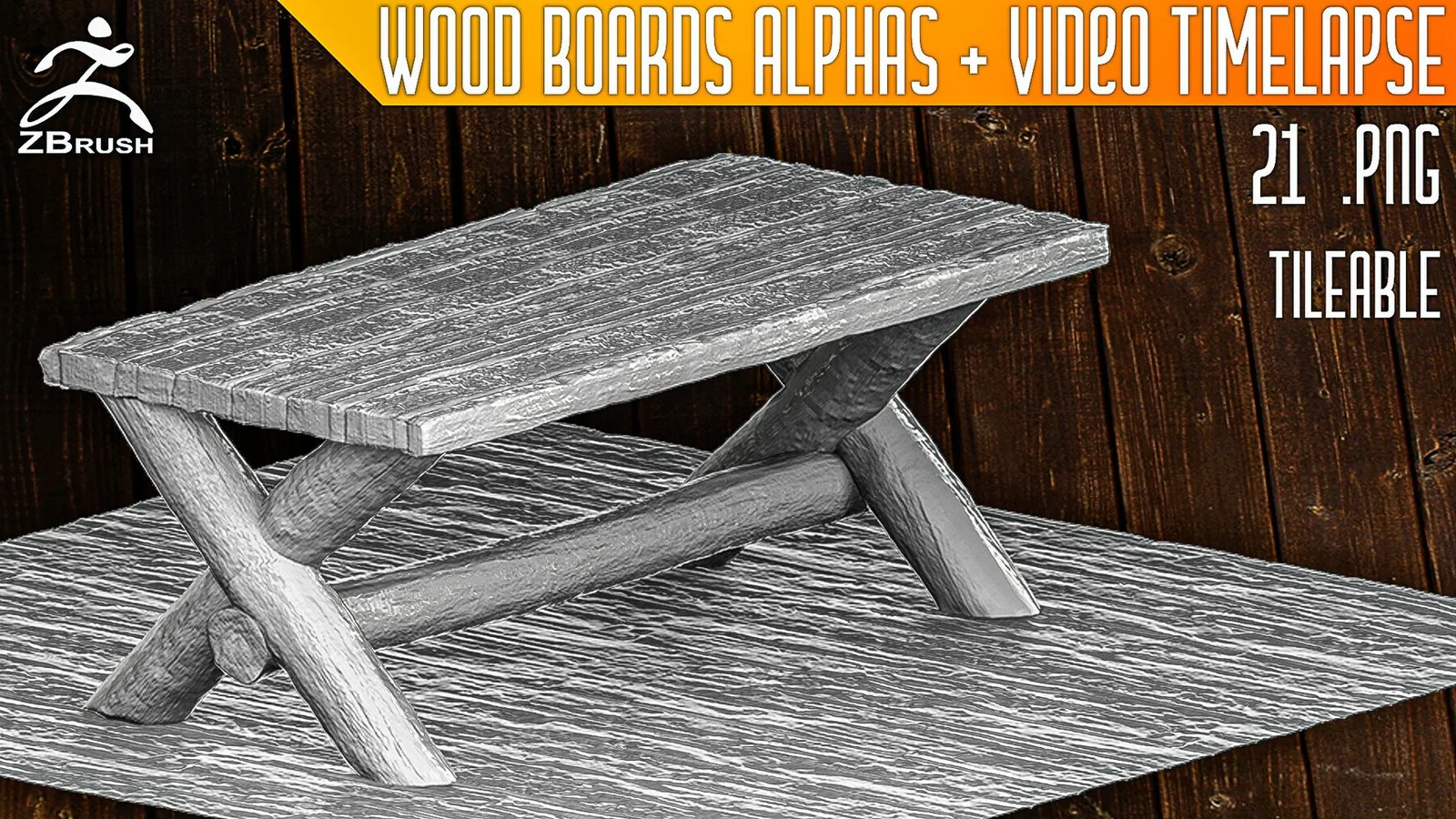
Wood Boards Alphas for ZBrush (Tileable)
A tileable alpha pack focused on board and plank surfaces. It is ideal for floorboards, crates, and architectural wood.
Use these alphas to cover large planar surfaces with consistent plank spacing, then add unique cracks manually for variation.
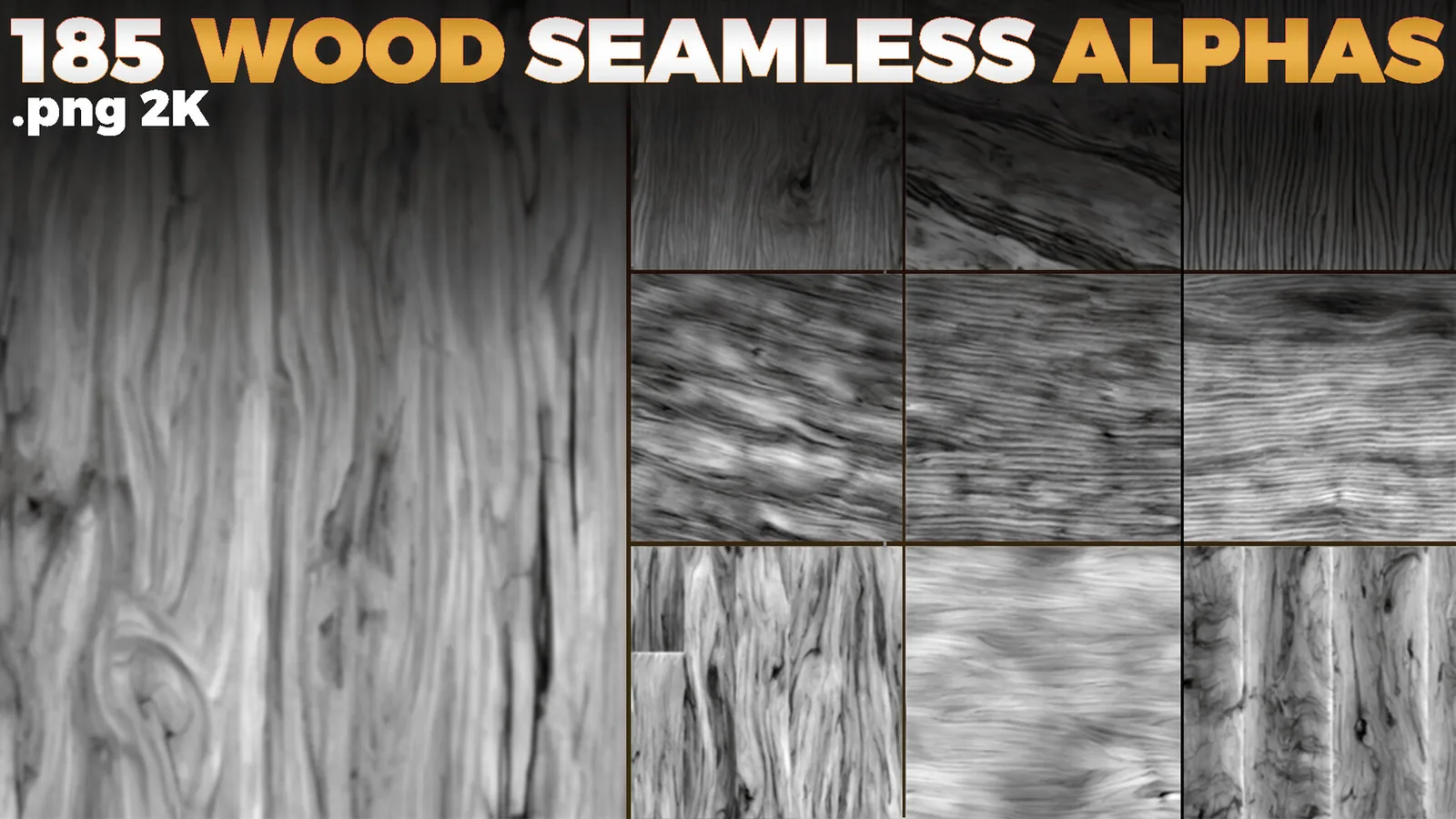
Wood Seamless Alphas Displacement Map For ZBrush Blender Vol
Seamless displacement alphas for wood grain and fiber detail. The maps tile cleanly and are built for repeatable coverage.
Use these alphas on large props or architectural elements, then blend in custom cracks and edge wear.
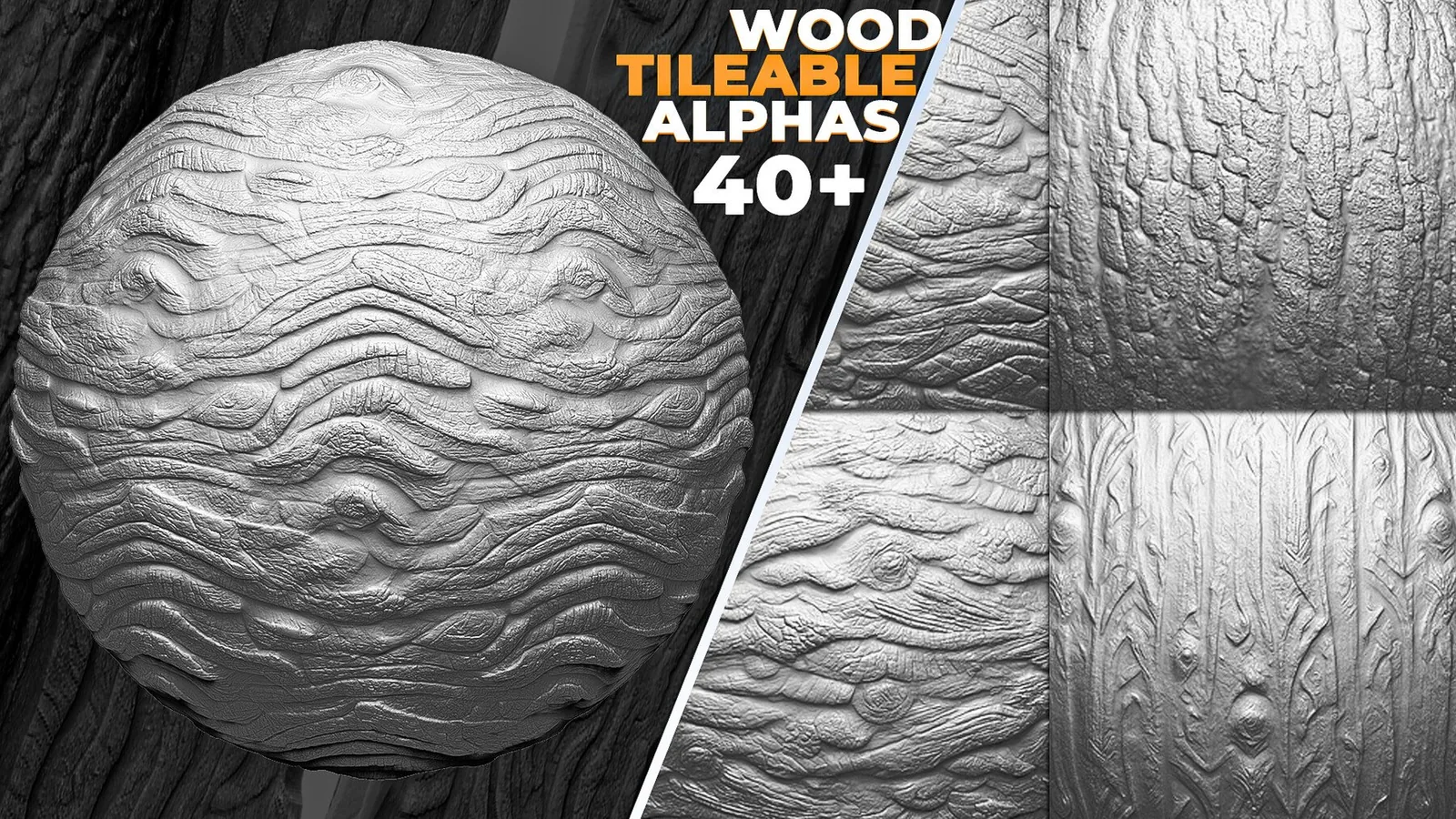
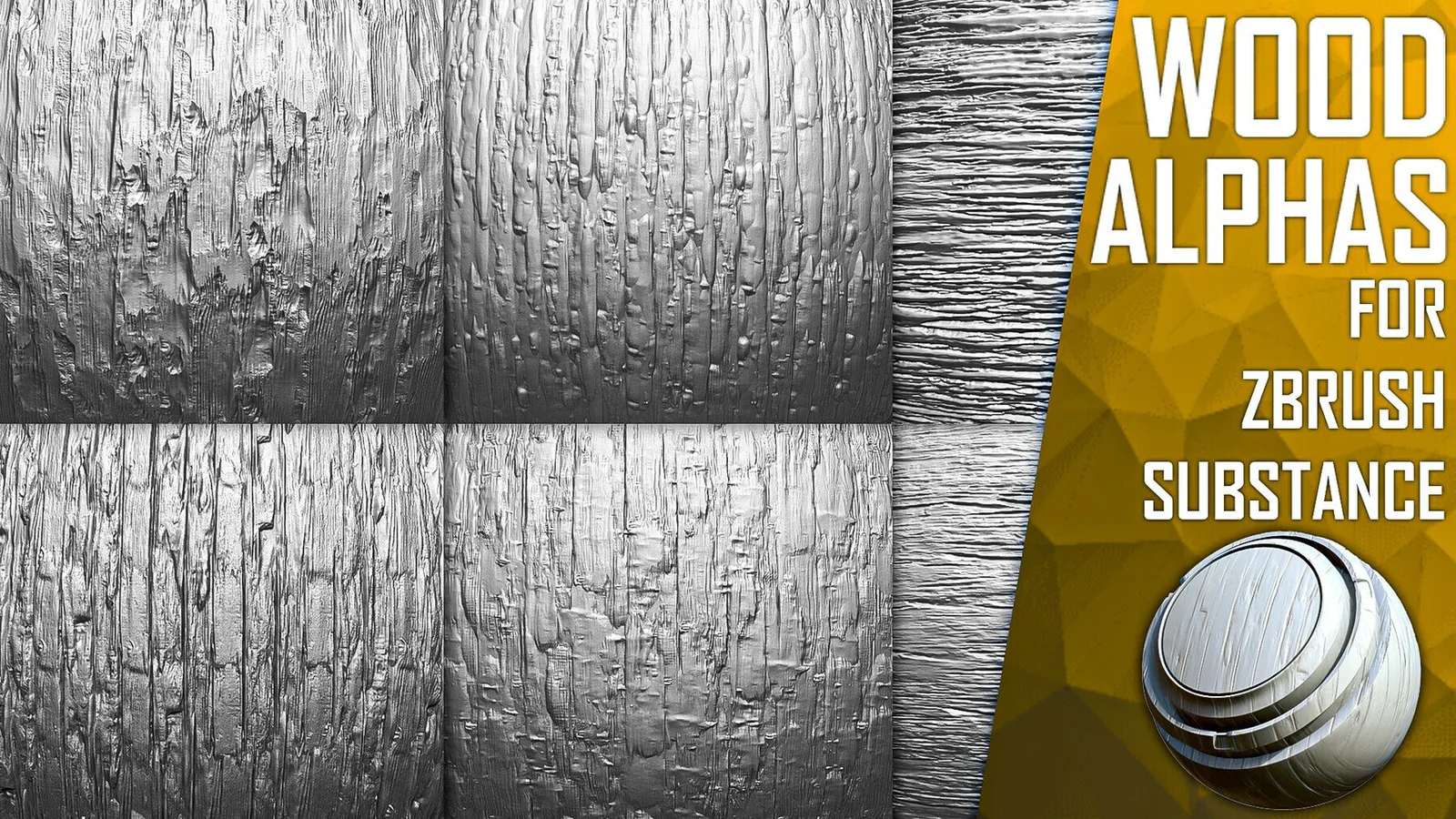
Wood Tileable Alphas Vol.7 (ZBrush, Substance)
A tileable alpha volume with clean grain and plank patterns. It is well suited for ZBrush and Substance workflows that need consistent tiling.
Use it to create repeatable wood surfaces, then mask and rotate patches to keep the surface natural.
Wood Tileable Alphas Vol.6 (ZBrush, Substance)
A complementary tileable alpha set with alternate grain and plank motifs. It helps diversify wood surfaces across multiple assets.
Mix it with other volumes to avoid repeating grain patterns in large scenes or modular kits.
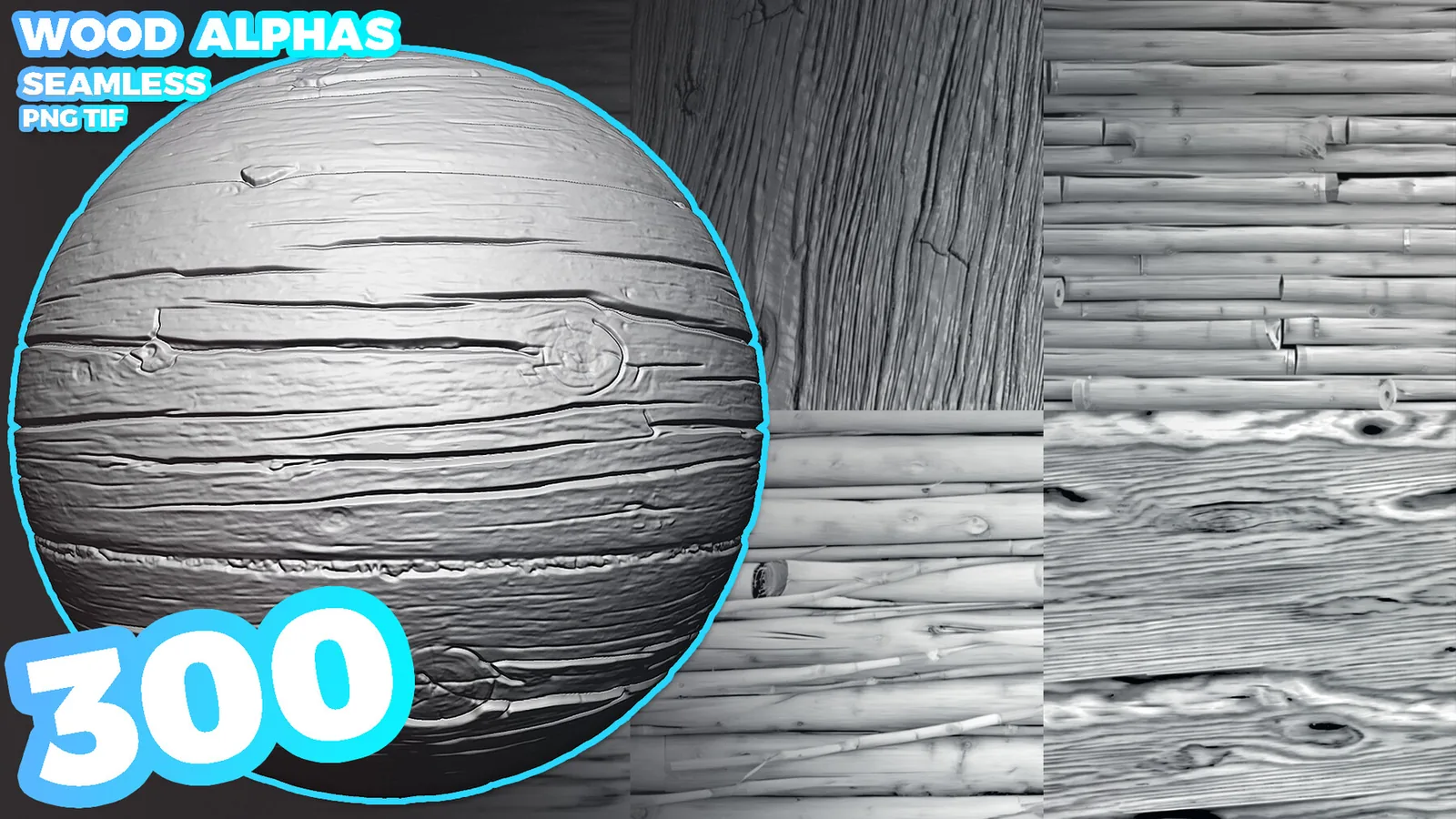
300 Wood Seamless Alphas (Displacement Map) for ZBrush, Blender vol.13
A large alpha library with 300 seamless wood maps for detailed sculpting. It is great for high variation and large-scale projects.
Use this volume when you need multiple wood styles in one project, from tight grain to deep plank grooves.
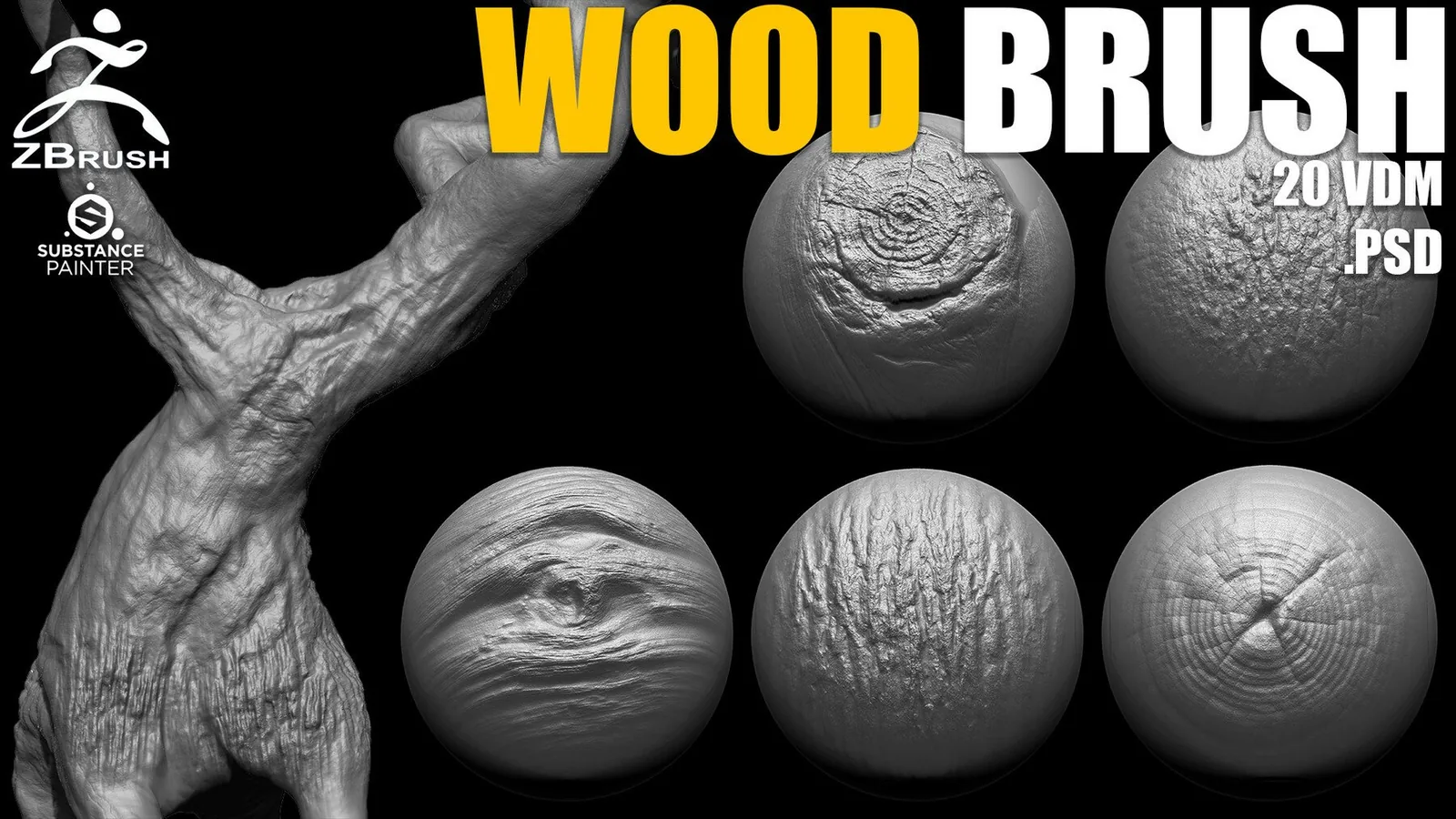
Wood & Tree Brushes for ZBrush (20 VDM + Alphas PSD)
A focused set of VDM tree forms with PSD alphas for customization. It is ideal for bark ridges, knots, and irregular wood breakup.
Use VDMs for bold surface depth and then adjust the PSD alphas to match your specific tree species or stylized look.
Wood sculpting workflow tips
Wood reads best when the grain follows a clear direction and the depth stacks gradually. Start with broad forms, add grain, then finish with cracks and edge damage. This keeps surfaces readable without overloading the sculpt with noise.
Pack notes and best use cases
Each pack below targets a different part of the wood sculpting pipeline. Use these notes to decide which set matches your current project.
Wood brush FAQ
What are the best wood brushes for ZBrush?
For a complete library, the ZBrush Wood Bundle is the strongest overall choice because it combines more than 110 wood alphas with more than 40 VDM brushes. For a narrower task, use Bark & Wood Brushes for trunks and rough bark, or Wood Boards Alphas for planks and furniture.
How do I use a wood alpha in ZBrush?
Import the grayscale map through the Alpha palette, choose a suitable sculpting brush and apply the alpha along the grain direction at controlled intensity. Build detail in layers instead of stamping every crack at full strength.
Should I use wood alphas or VDM brushes?
Use alphas for repeatable grain and plank coverage across large areas, and VDM brushes for hero details such as rough bark, knots and roots that need deeper three-dimensional relief.
What order should I sculpt wood detail in?
Block the base form first, add bark or directional grain, place cracks along the grain, and finish with carved marks or wear only where the object would realistically receive damage.
Do wood alphas work in both Blender and ZBrush?
Most displacement and tileable alpha packs work in both applications because they use standard grayscale image maps. Native ZBrush VDM brushes require ZBrush, while Blender brush presets are provided separately.
Final take
For ZBrush, start with the complete Wood Bundle when you need both surface coverage and deep VDM forms. For Blender, begin with an Asset Browser wood brush set, add a tileable alpha pack for consistent grain, and finish with bark or edge damage only where the form needs it. That layered workflow keeps wood surfaces readable at distance and detailed up close.
More VK GameDev products
Explore more brush packs picked at random from the catalog. Refresh the page to see a different mix.