Character sculpting
Skin Brushes for Blender
Realistic skin detail comes from controlled layers: broad facial forms, wrinkle direction, pores, region-specific breakup and subtle smoothing.
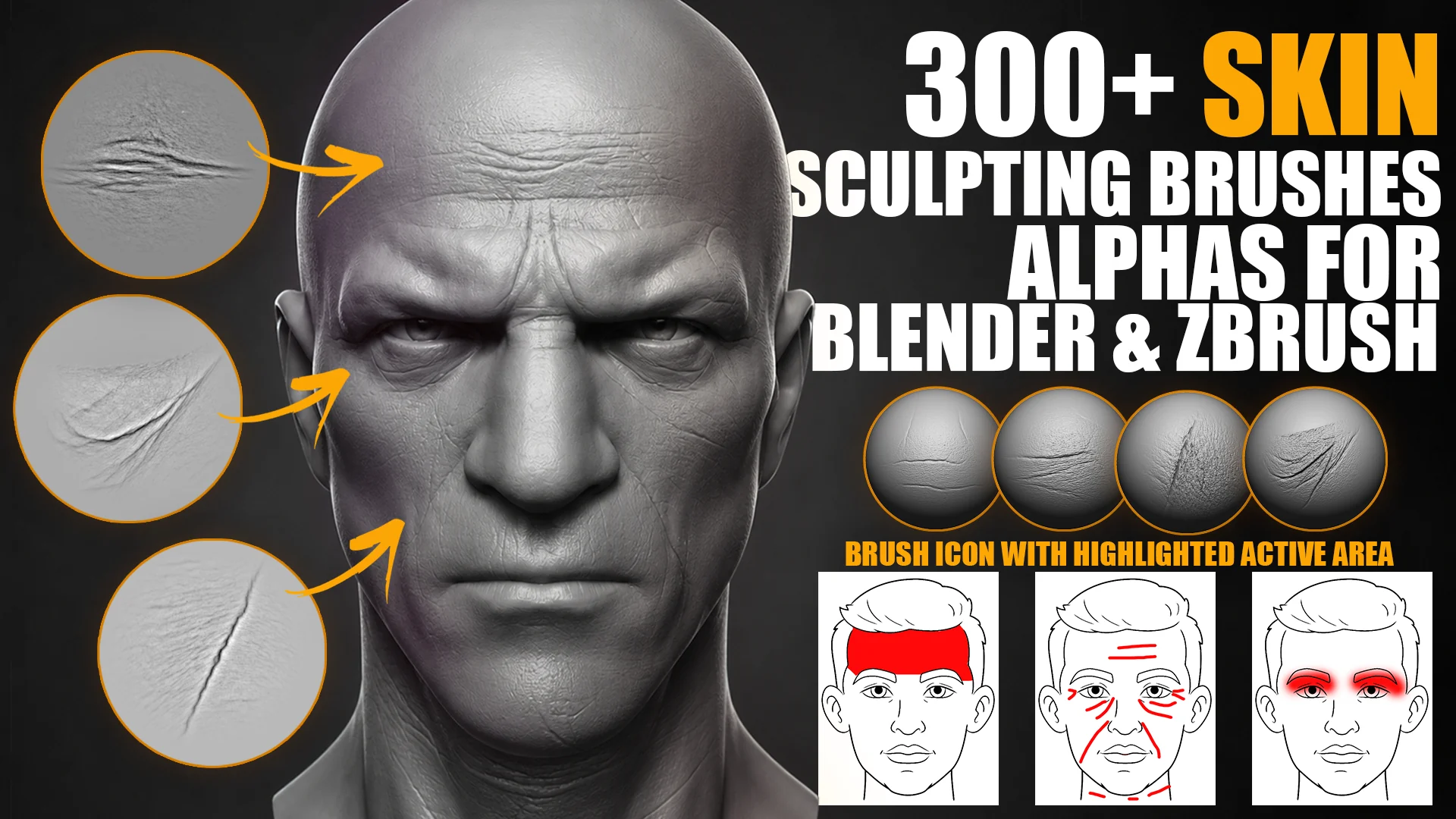
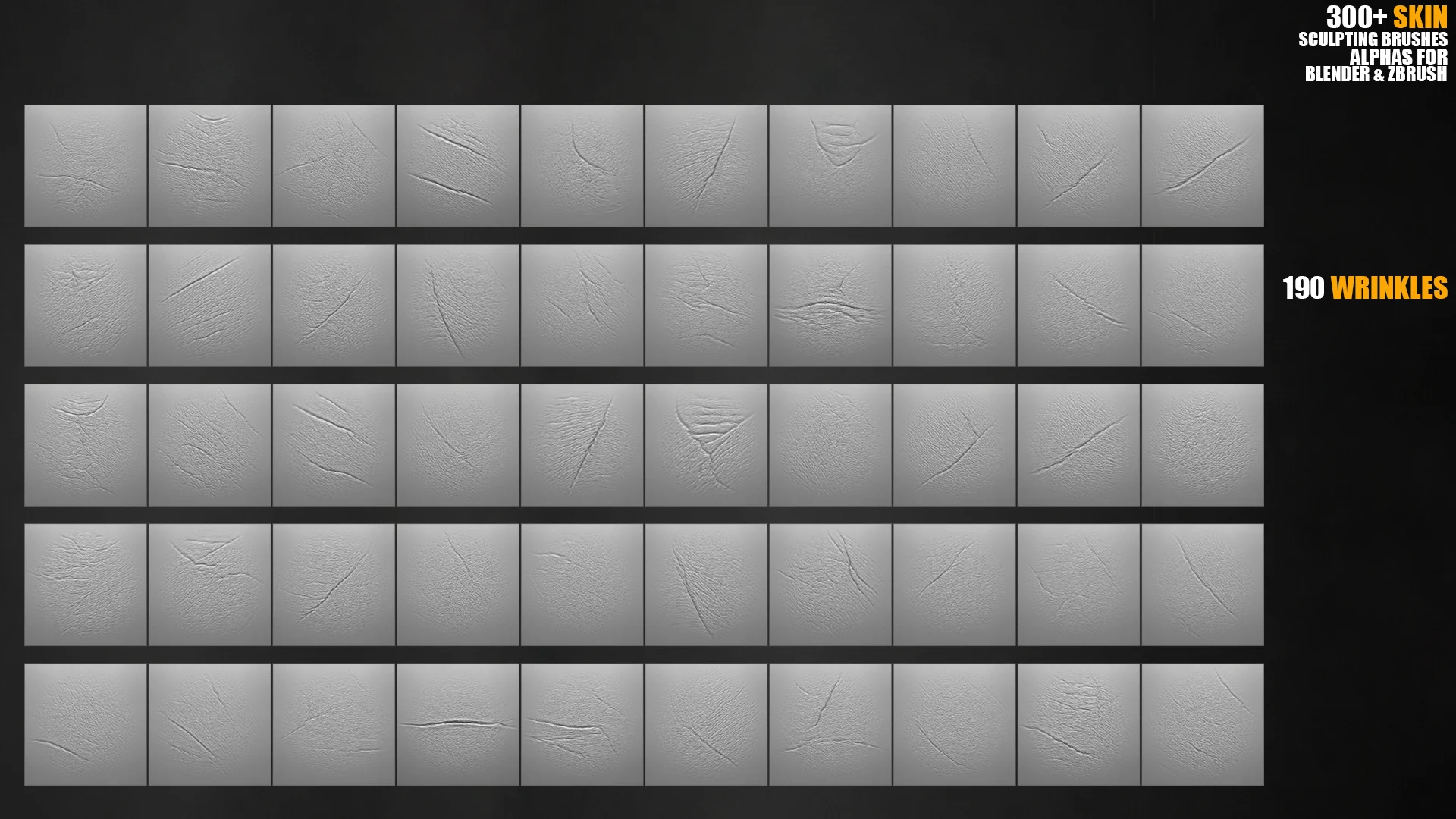
Skin brush previews
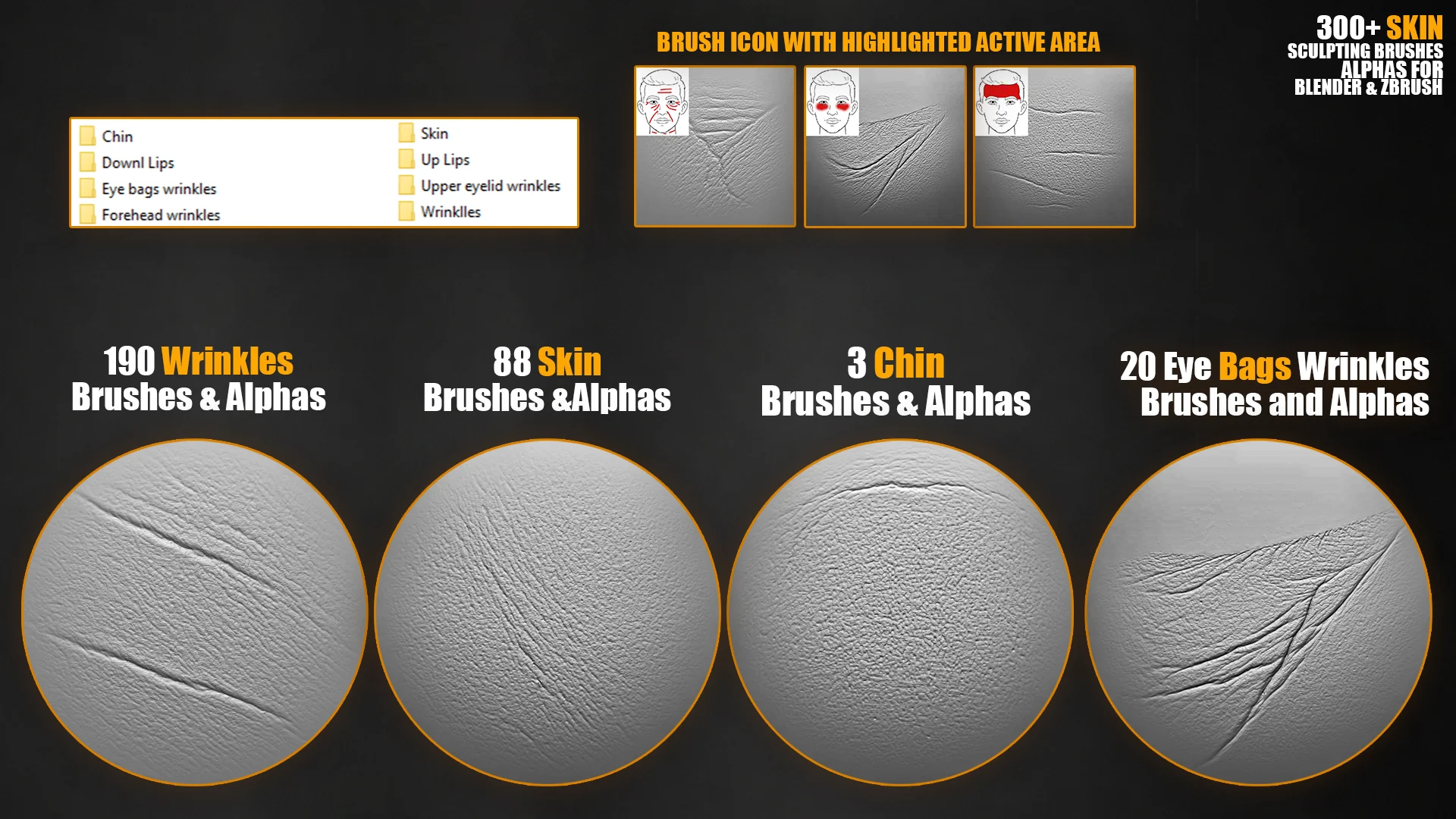
Skin detail is easier to understand visually: face-area labels help artists pick the right brush for forehead wrinkles, eyelids, eye bags, lips, chin and pores.
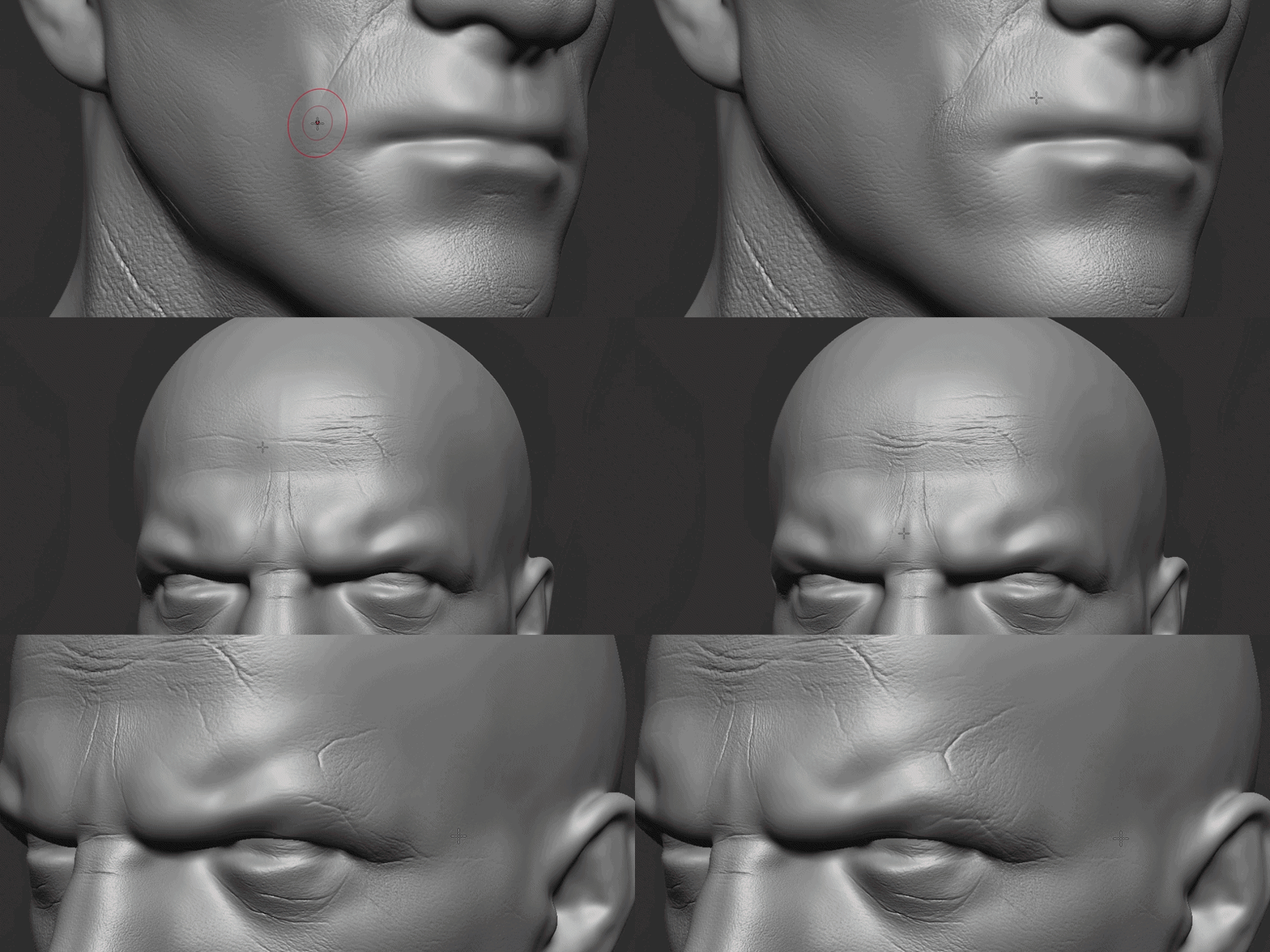
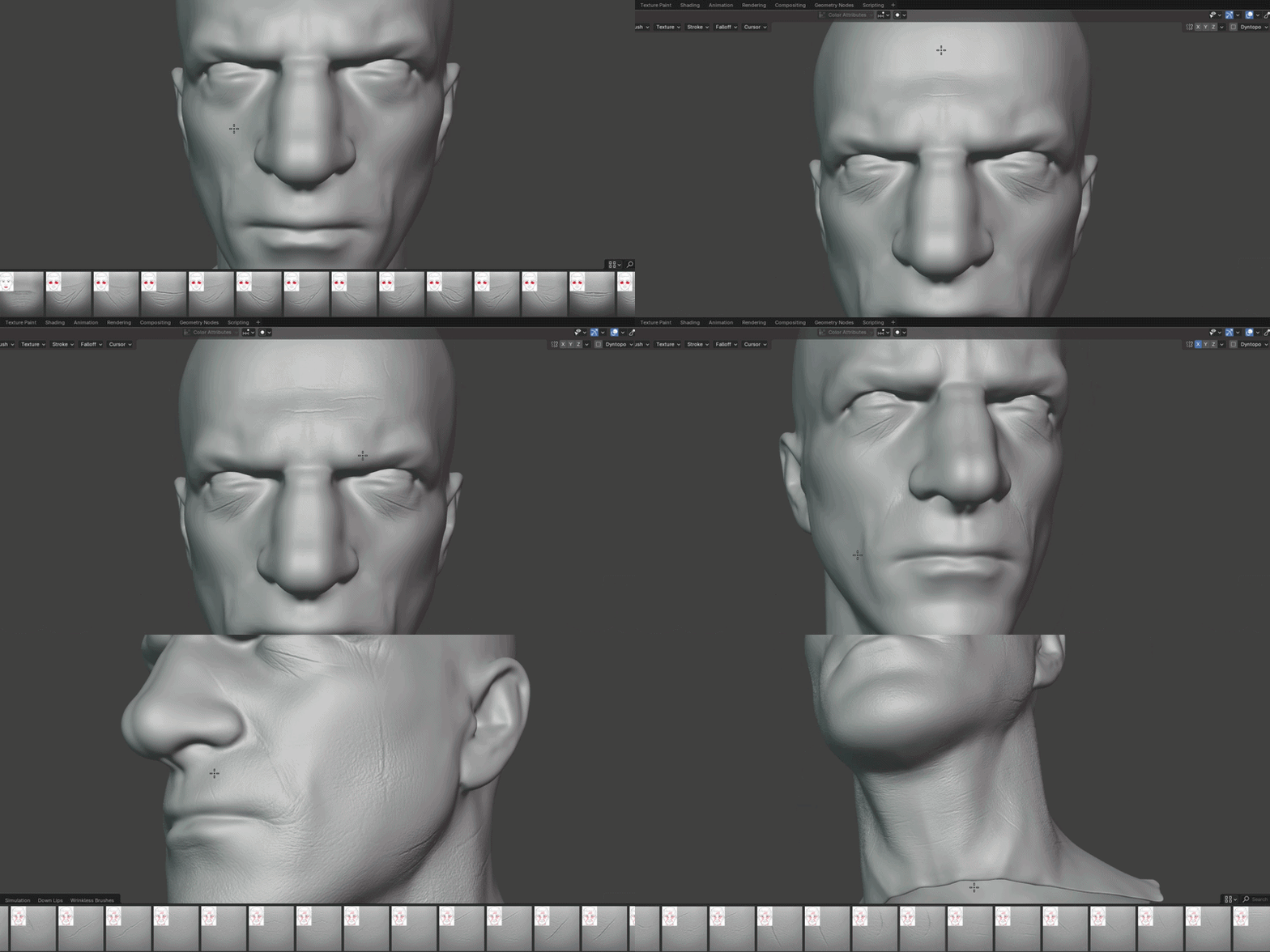
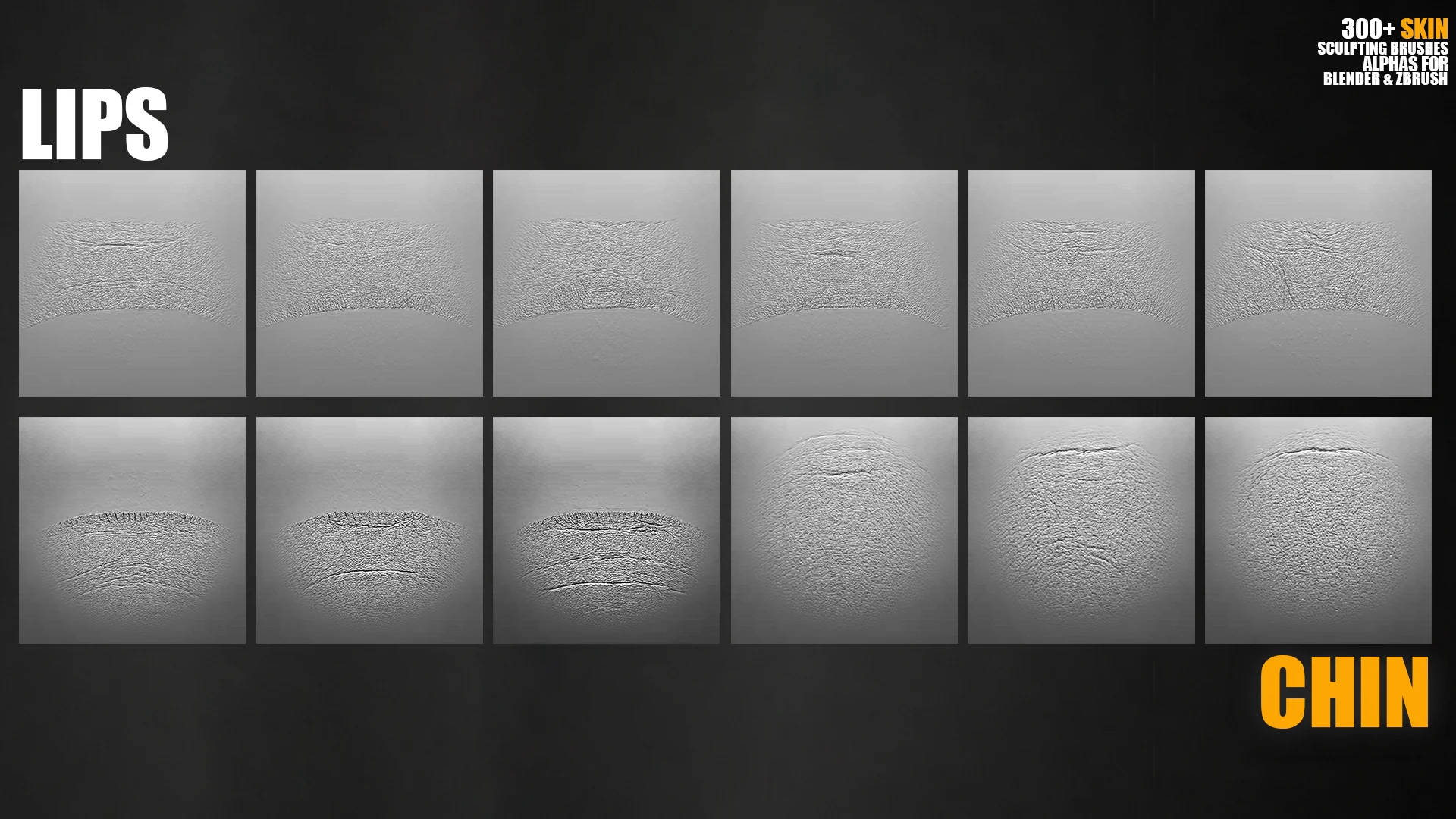
Quick answer
If your goal is close-up facial skin, start with 300+ Face Skin Sculpting Brushes for Blender and ZBrush. It is focused on pores, wrinkles, eye bags, eyelids, lips, chin and facial surface breakup.
If you sculpt full characters, monsters or game assets, the 3000+ Sculpting Brushes Bundle is the bigger commercial library because it includes skin-related detail together with wounds, scars, fabric, fur, dragon scales and environment brushes.
Skin brush workflow
Best products for skin detail
FAQ
Can I use these skin brushes in Blender Sculpt Mode?
Yes. The face skin product is built for Blender and ZBrush workflows.
Are alpha maps included?
Yes, the face skin product includes 4K alpha maps for skin details.
What should I buy if I need skin and fabric?
Use the 3000+ bundle if the project needs skin pores, clothing folds, scars, fur, rocks, wood and other detail families in one library.