Alphas & Displacement for ZBrush & Blender
4500+ Alpha Maps Bundle and Blender Surface Add-on
More than 4,500 categorized alpha maps for ZBrush, Blender and Substance Painter, plus a Blender surface add-on for browsing a broad detail library. The collection is presented as a continually updated bundle. Files are separated by category so artists can locate a surface family without searching one oversized folder.
All alphas that are in the store are included in one package.Now more than 4 500 alphas for ZBrush, Blender, Substance and other compatible applications. All alphas are placed in separate folders by category. A constantly updated product, we will be ad...
Description
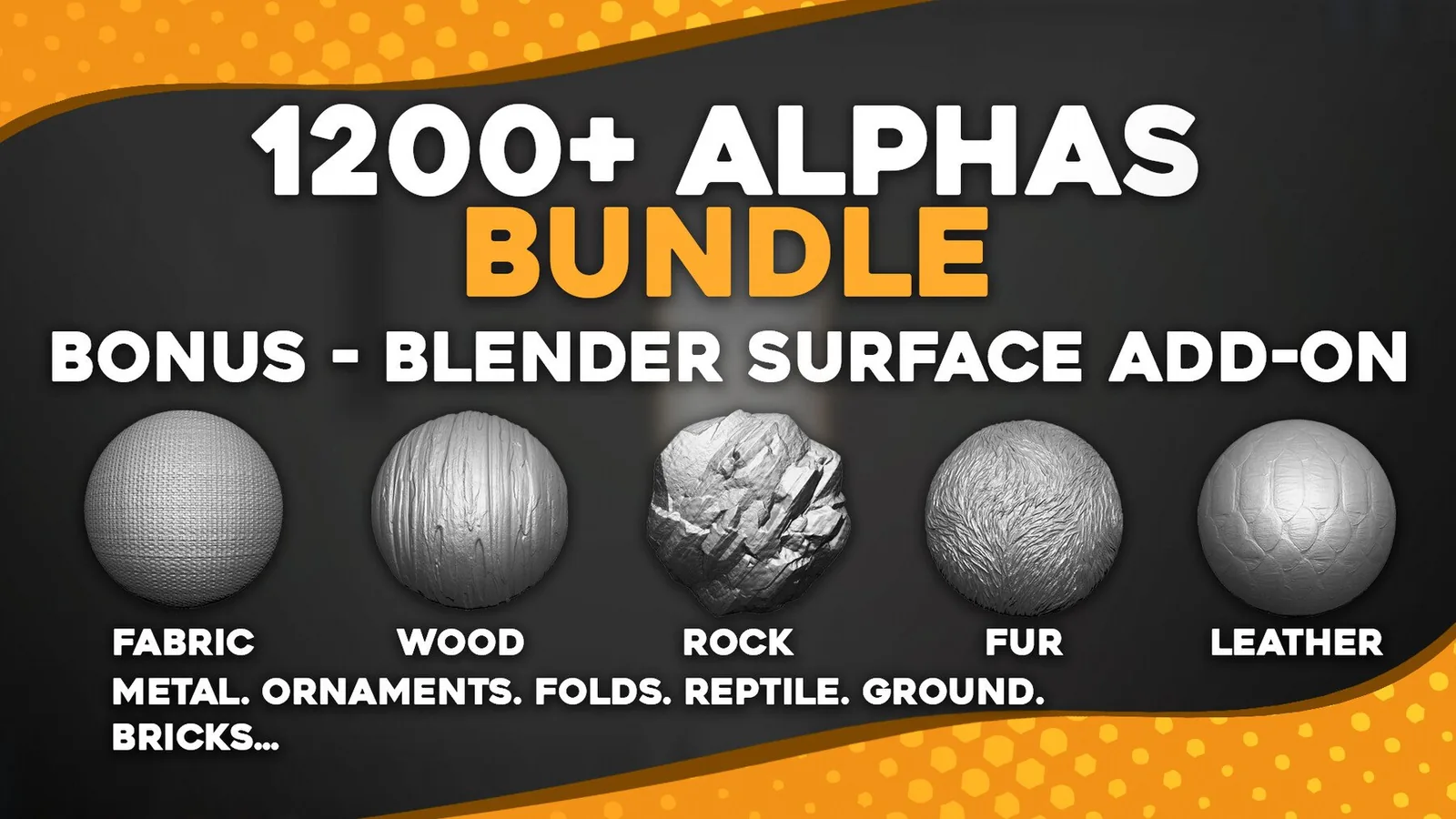
Mega Alphas Bundle for ZBrush and Blender. All alphas that are in the store are included in one package.
Now more than 4 500 alphas for ZBrush, Blender, Substance and other compatible applications. All alphas are placed in separate folders by category.
A constantly updated product, we will be adding new alphas.
24 categories of alphas:
1. Rock and Stone - 40 alphas.
2. Human Skin - 30 alphas.
3. Ground - 90 alphas.
4.Grass - 10 alphas.
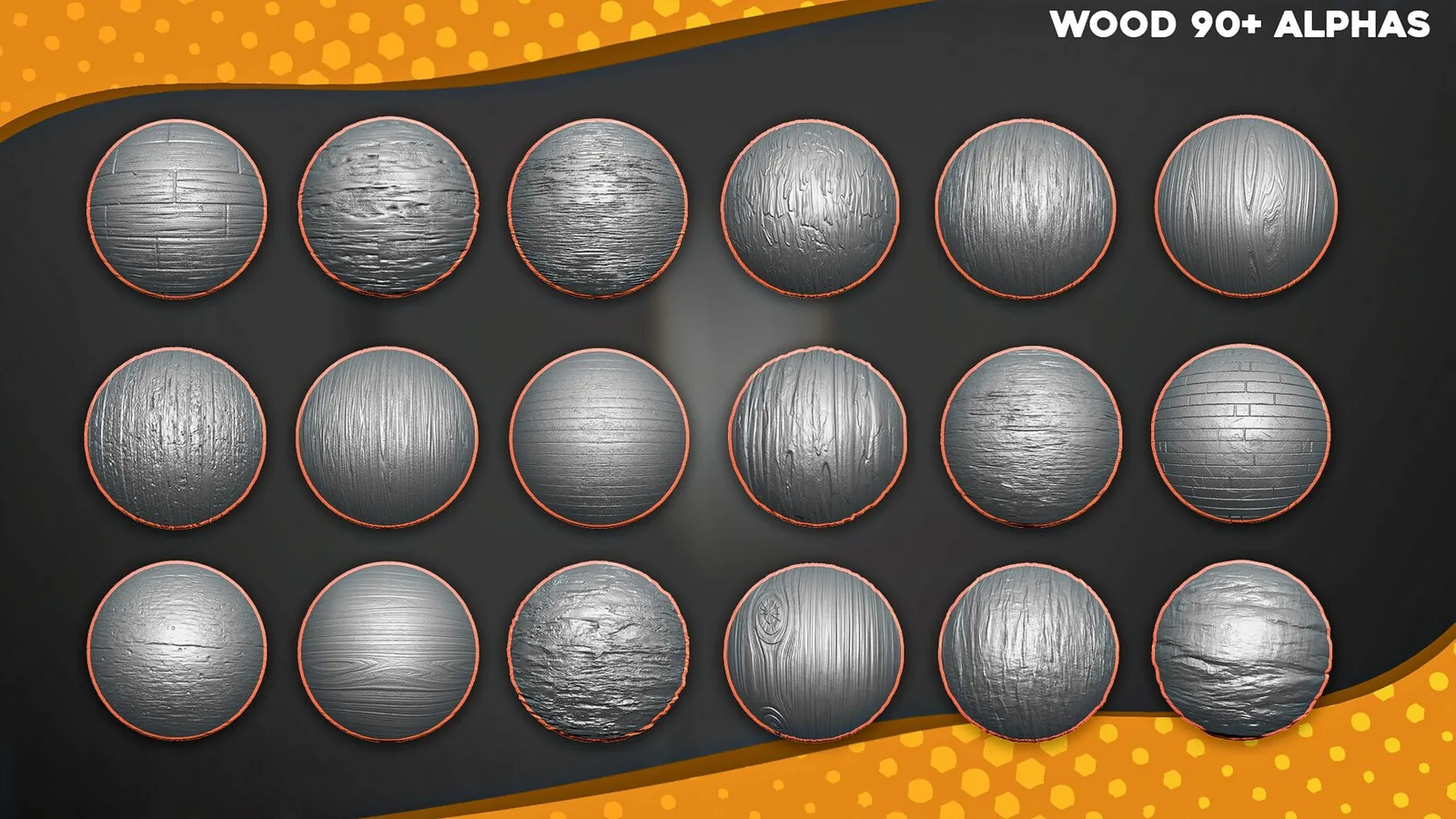
5. Wood - 710 alphas.
6. Wicker - 10 alphas.
7. Armor - 10 alphas.
8. Metal - 73 alphas.
9. Damaged - 75 alphas.
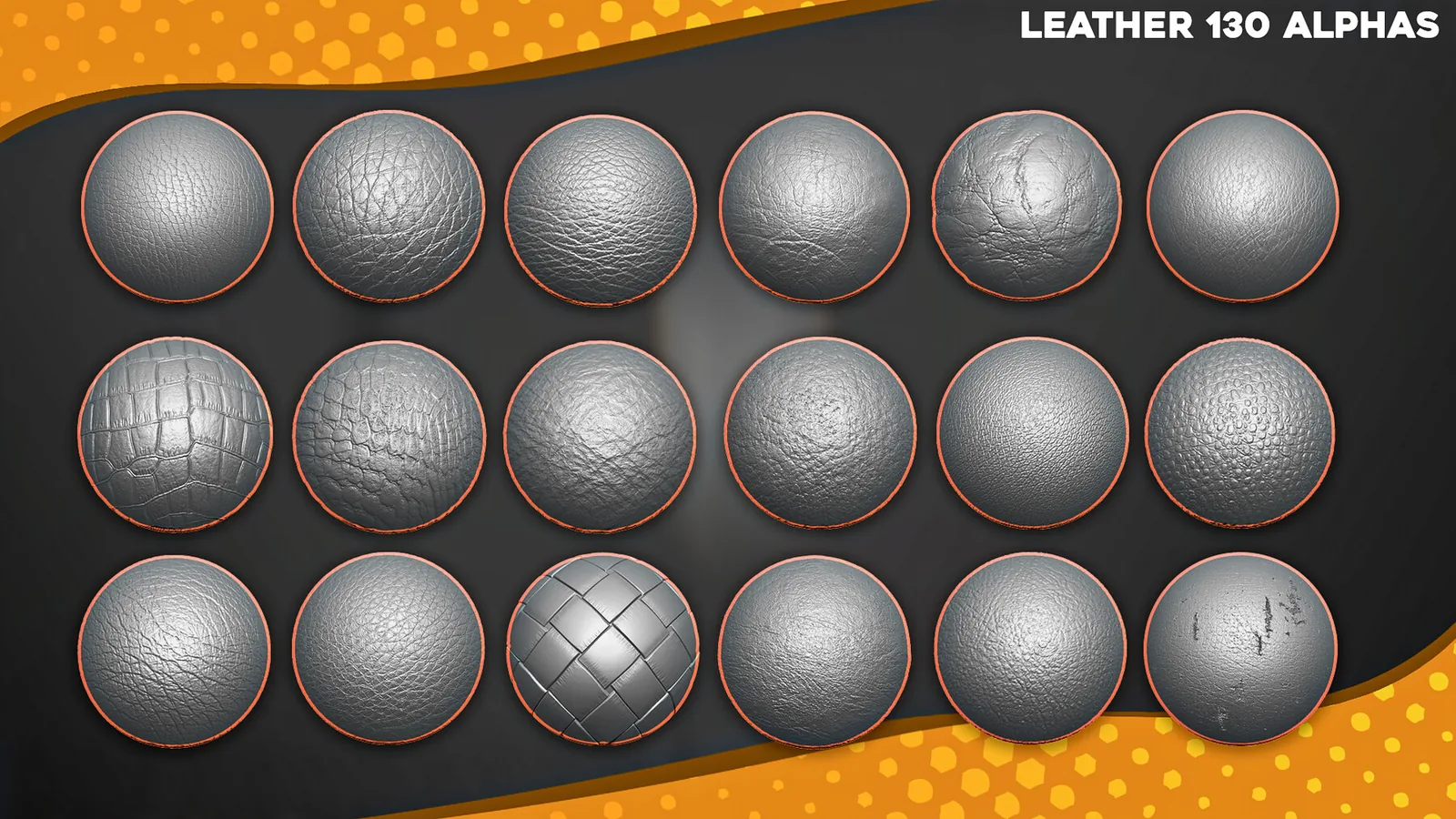
10. Leather - 130 alphas.
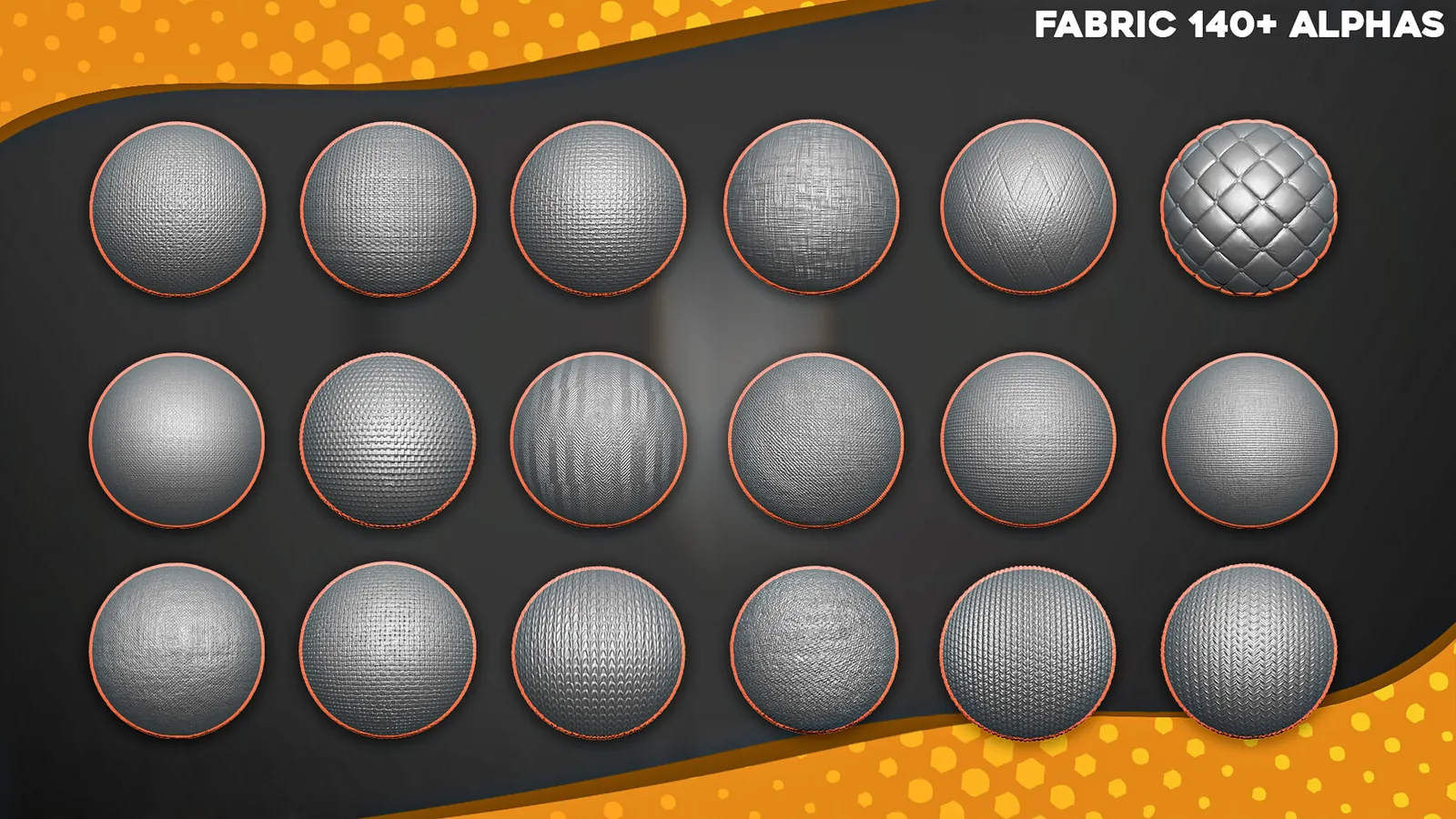
11. Fabric - 271 alphas.
12. Bricks - 56 alphas.
13. Cracked - 75 alphas.
14. Fabric Folds - 91 alphas.
15. Veins - 20 alphas.
16. Ornaments - 1371 alphas.
17. Broken Glass - 38 alphas.
18. Carbon - 10 alphas.
19. Skeleton - 14 alphas.
20. Abstract - 30 alphas.
21. Reptile Dragon Skin - 1494 alphas.
22. Seams Stitch Fabric Alphas - 69 alphas.
23. Fur Hair - 165 alphas.
24. Urban - 10 alphas.
Blender Surface Add-on
Blender Surface Addon is an add-on for Blender3d that allows you to create different surfaces on a 3d model in a couple of clicks using alphas. The addon uses two modifiers, Displace and Subdivision. Individual settings of these modifiers allow you to achieve a cool result)
Instructions for working with the addon are included.
Bundle Contents and Use Cases
The collection includes more than 4,500 alpha maps organized into 24 surface categories. It is designed for wood, fabric, skin, rock, metal, damage, ornaments and other production surfaces. Keeping the resources in one focused package makes it easier to compare related options and maintain consistent surface language across an asset or scene.
The collection is presented as a continually updated bundle. Files are separated by category so artists can locate a surface family without searching one oversized folder.
Recommended Workflow
- Choose the category or brush family that matches the current surface task.
- Test scale and depth on a duplicate or isolated area.
- Apply broad structural detail before smaller repeated accents.
- Vary placement and combine related resources so the result does not look uniformly stamped.
Use native brush presets when speed matters and portable alpha or texture files when custom settings or cross-application work are required.
Frequently Asked Questions
What is included with 4500+ Alpha Maps Bundle and Blender Surface Add-on?
The package includes more than 4,500 alpha maps organized into 24 surface categories.
What is 4500+ Alpha Maps Bundle and Blender Surface Add-on best used for?
It is intended for wood, fabric, skin, rock, metal, damage, ornaments and other production surfaces.
How should the detail be applied?
Start after the primary forms are established, test scale and strength on a small area, and vary placement so repeated detail does not look mechanical.
Where can I verify the current price and compatibility?
The price shown on this page is $29.99. Confirm the current price and download contents on the linked marketplace before purchase.