Category
ZBrush Brushes
ZBrush brushes control stroke feel from primary forms to micro surface detail. This category focuses on ZBP presets and alpha packs with clean depth and predictable behavior for characters, creatures, and hard-surface work.
In ZBrush, setup matters as much as the alpha: spacing, LazyMouse, and depth define the result. These packs are organized for quick access and often pair well with Blender when you need cross-app consistency.
Start with broad forms at low subdivision, then add tertiary detail as density rises. Vary size and rotation for reptile skin or armor, and align seams to edge flow.
Keep alpha depth consistent by stacking lighter passes instead of one heavy stroke. Use higher-contrast alphas for stylized work and layered low-intensity alphas for realism.
Keep detail clean for baking when exporting to Blender or other tools, and load brushes via Lightbox or a startup palette. Large bundles are a fast starting point when you need range.
Test brushes on a sphere, then save custom presets so focal shift and LazyMouse settings stay consistent.
Maintain a shared folder of ZBP presets and alphas to move favorites between machines or teammates.
Use an intensity ladder and layers for control: light noise, mid creases, strong hero marks.
Mix surface noise with curated alphas so detail feels designed, not procedural.
Keep a lightweight startup file with your preferred shelves to reduce setup time.
Use the best sets list below, then review examples and FAQs for workflow tips.
Best sets
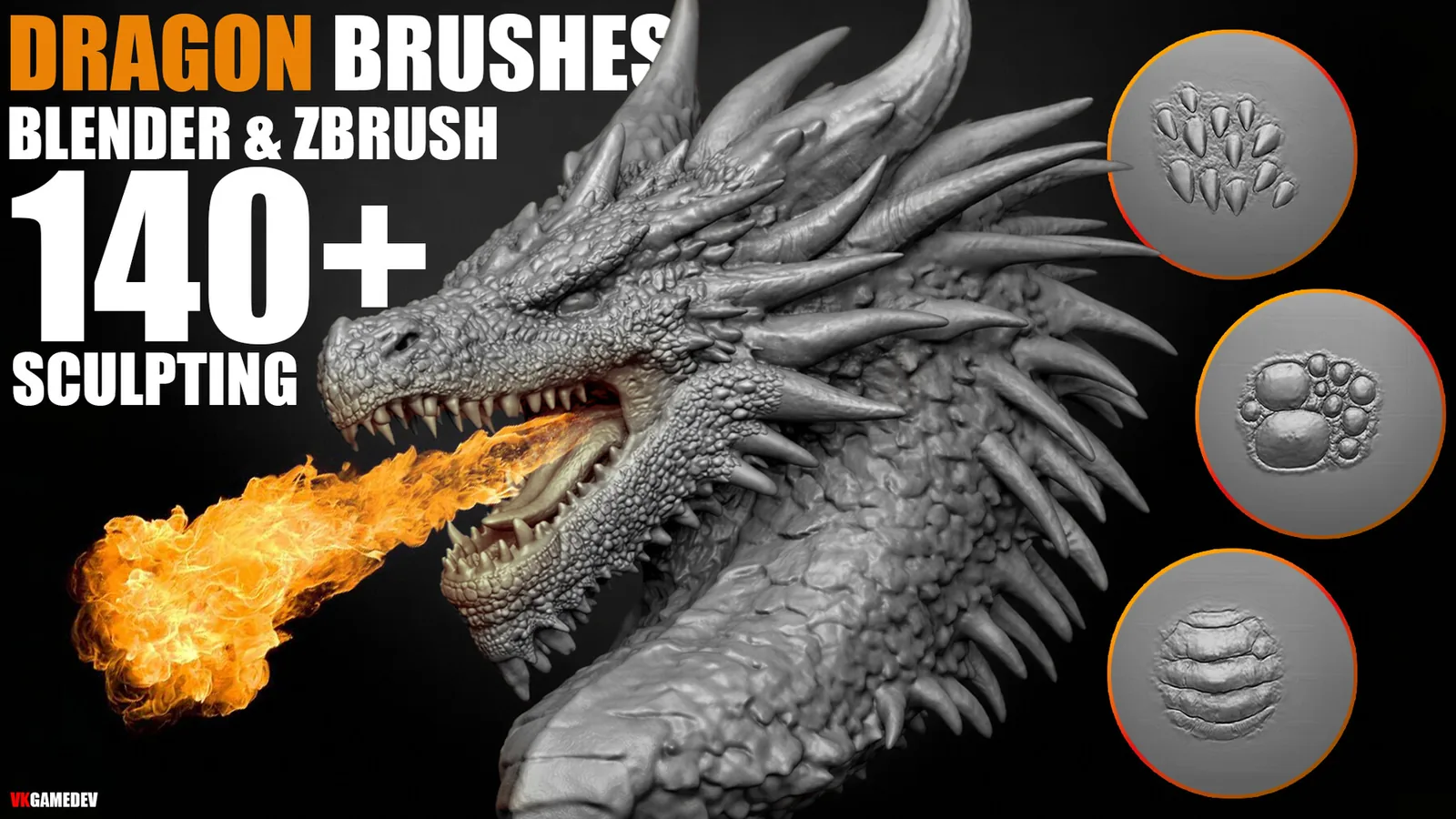
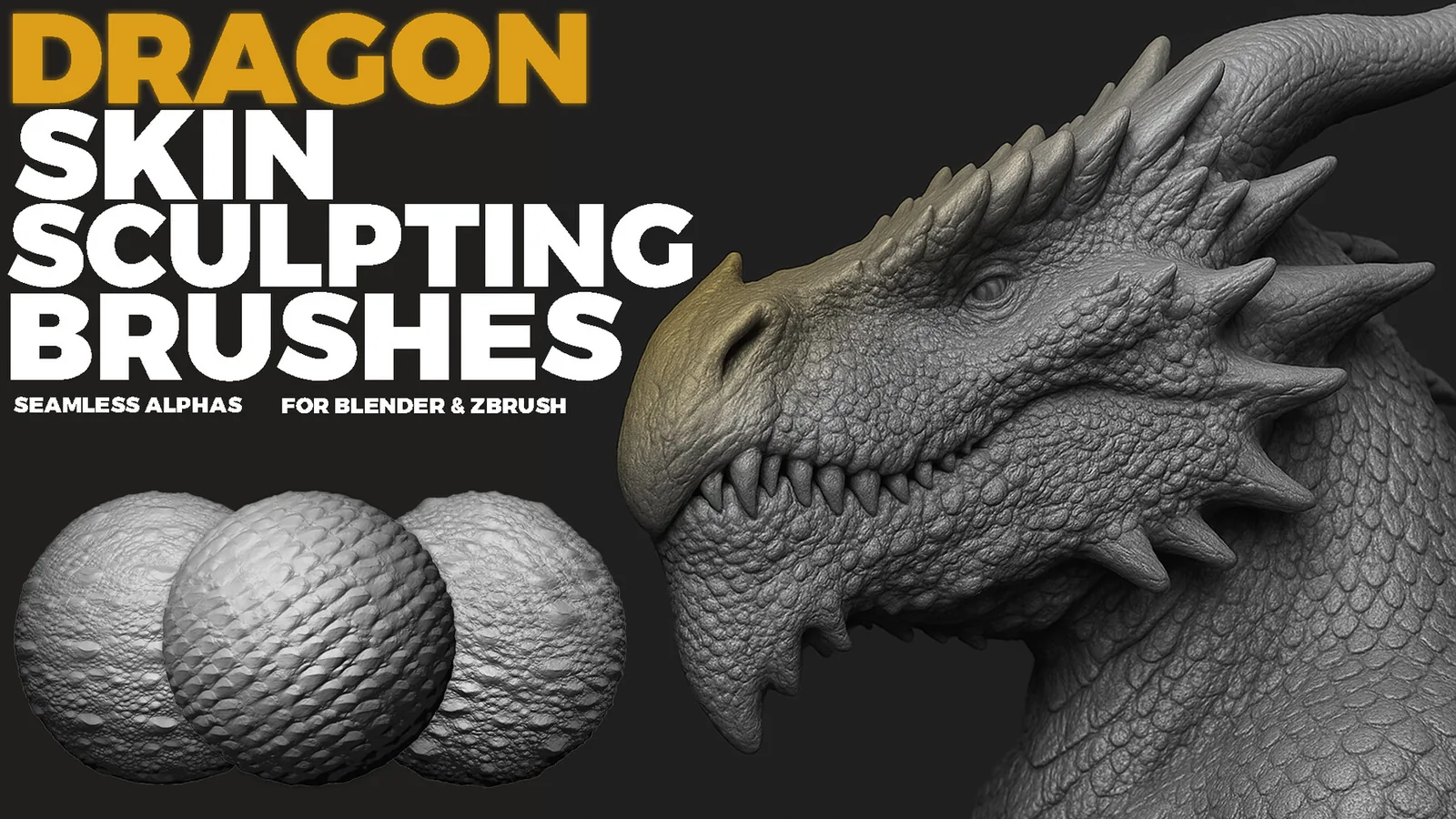
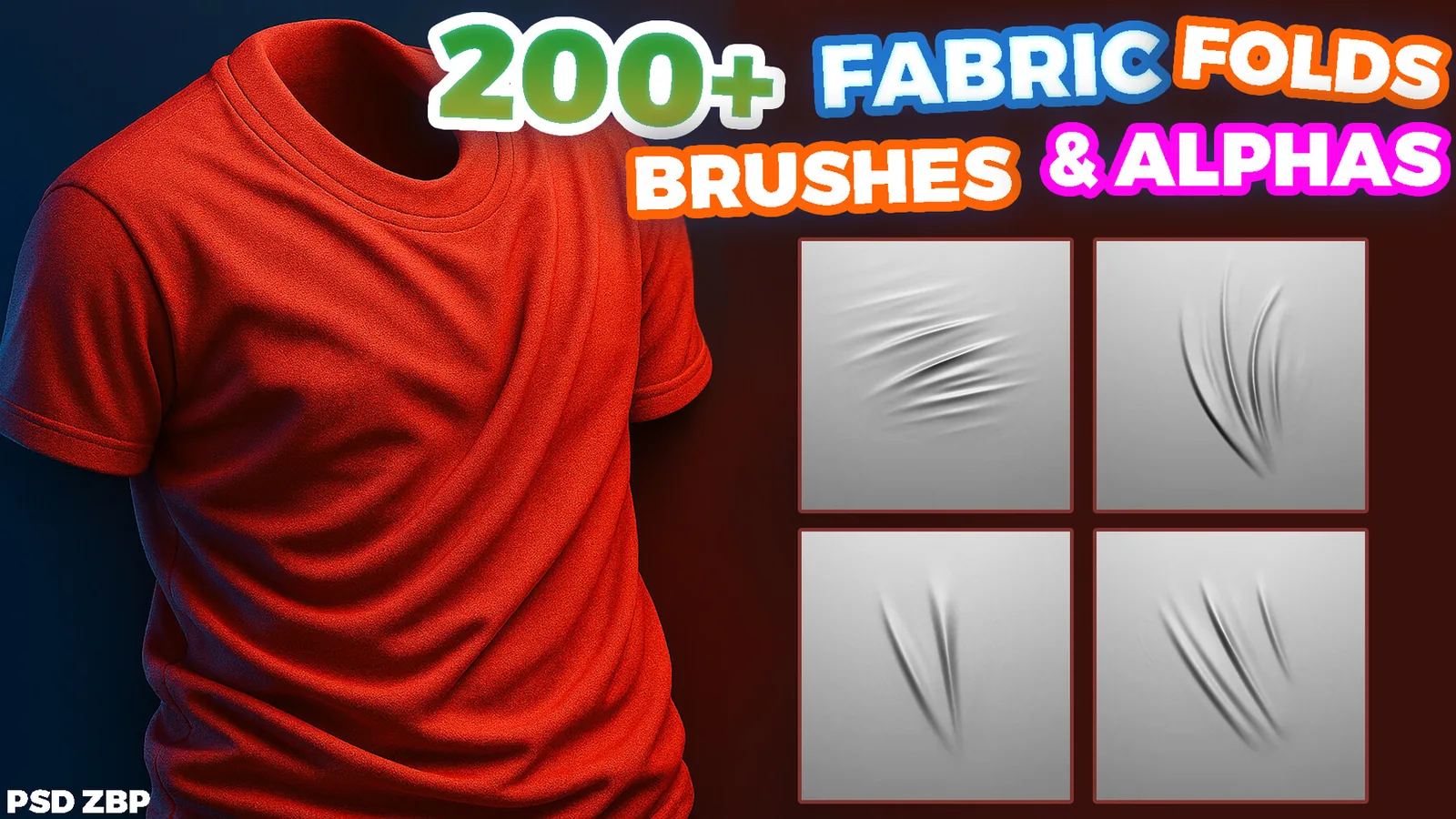
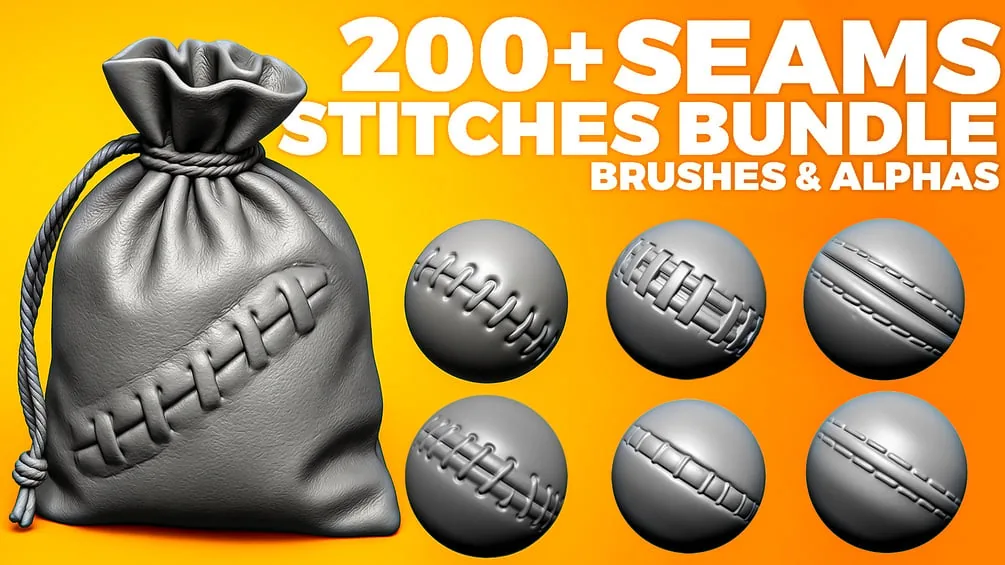
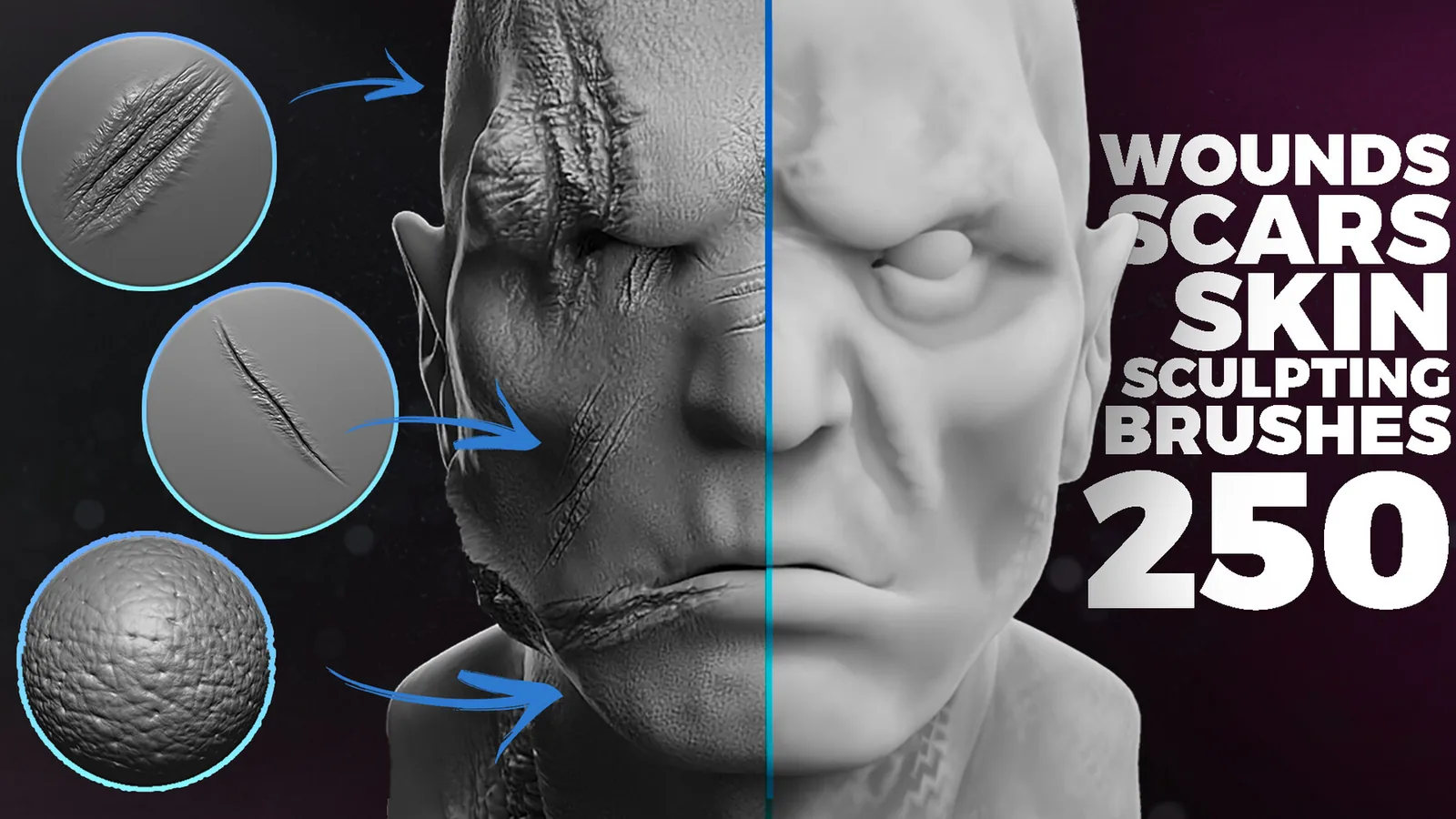
These packs are the strongest fits for this category. Each set is already organized for fast browsing and has previews so you can judge the stroke quality before committing.
All products
Full catalog of products currently listed in this category.
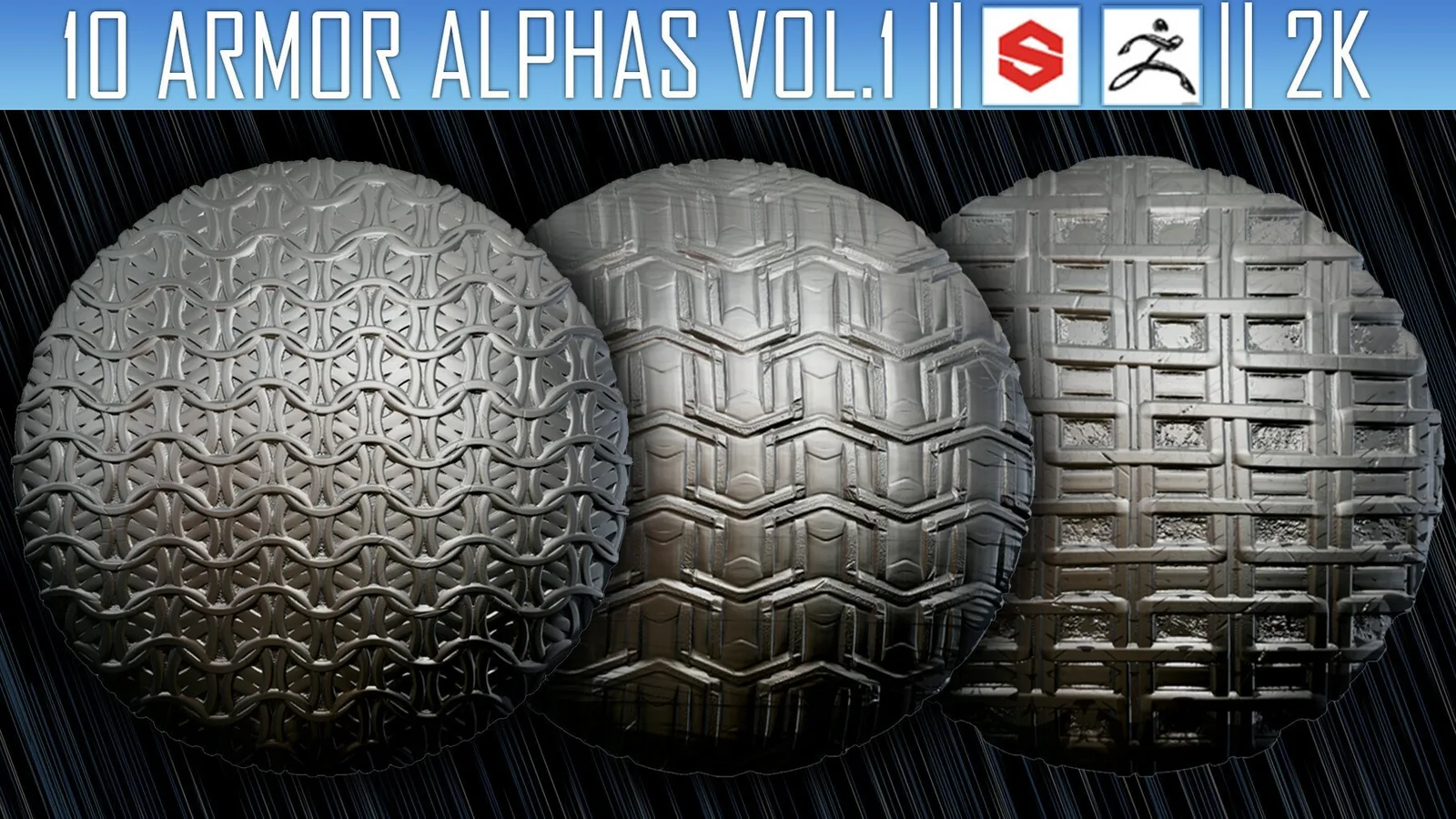
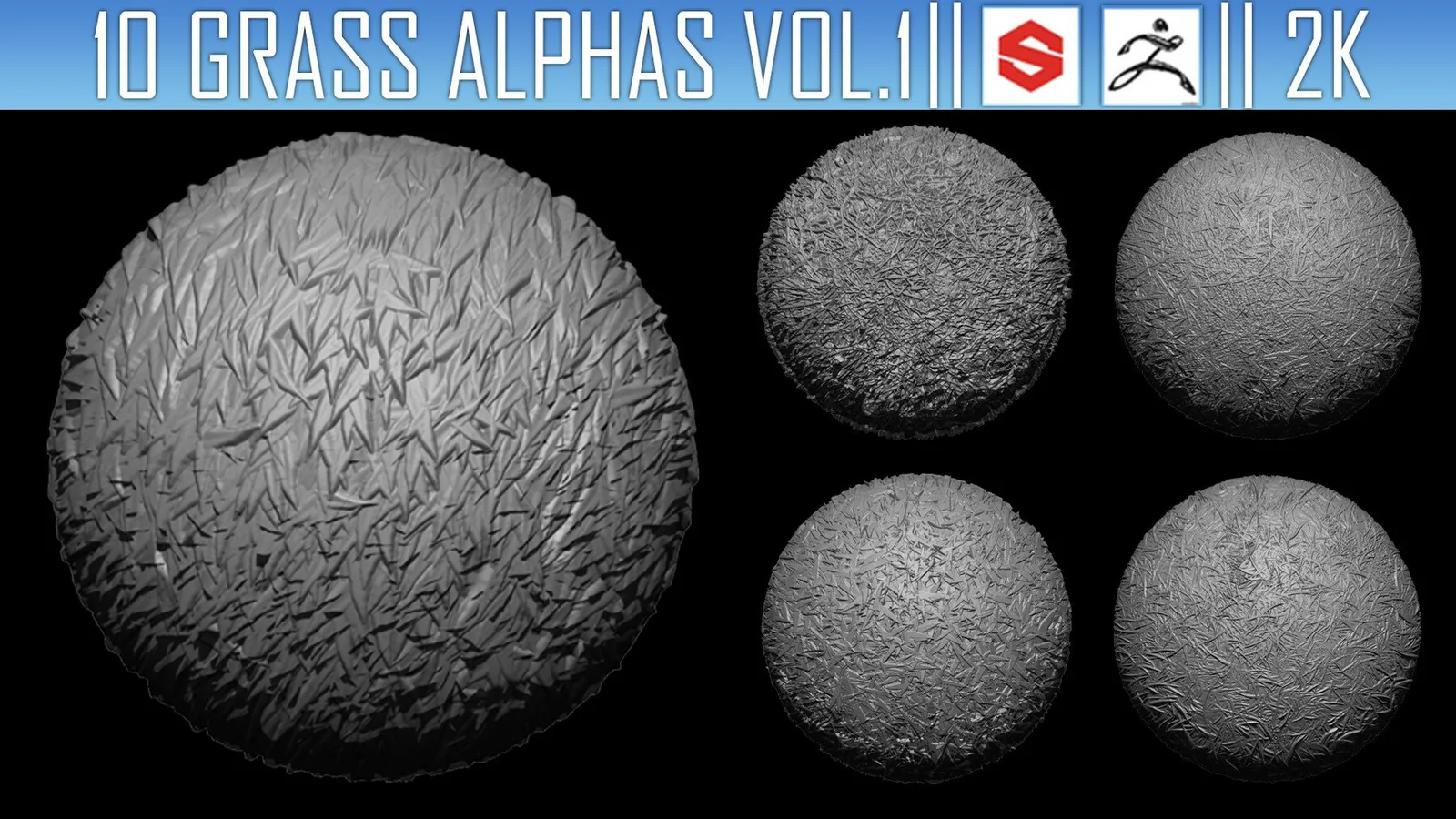
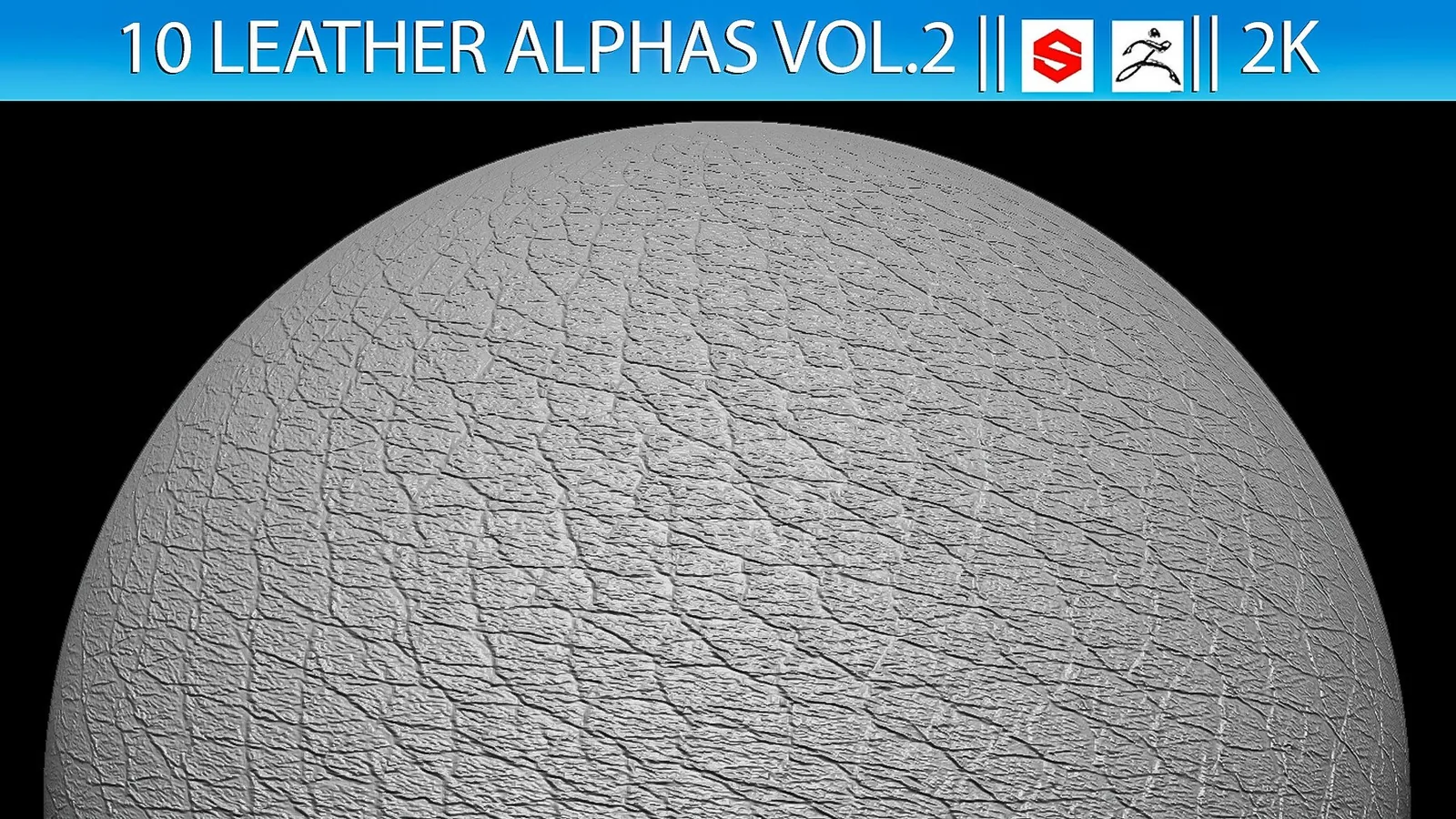
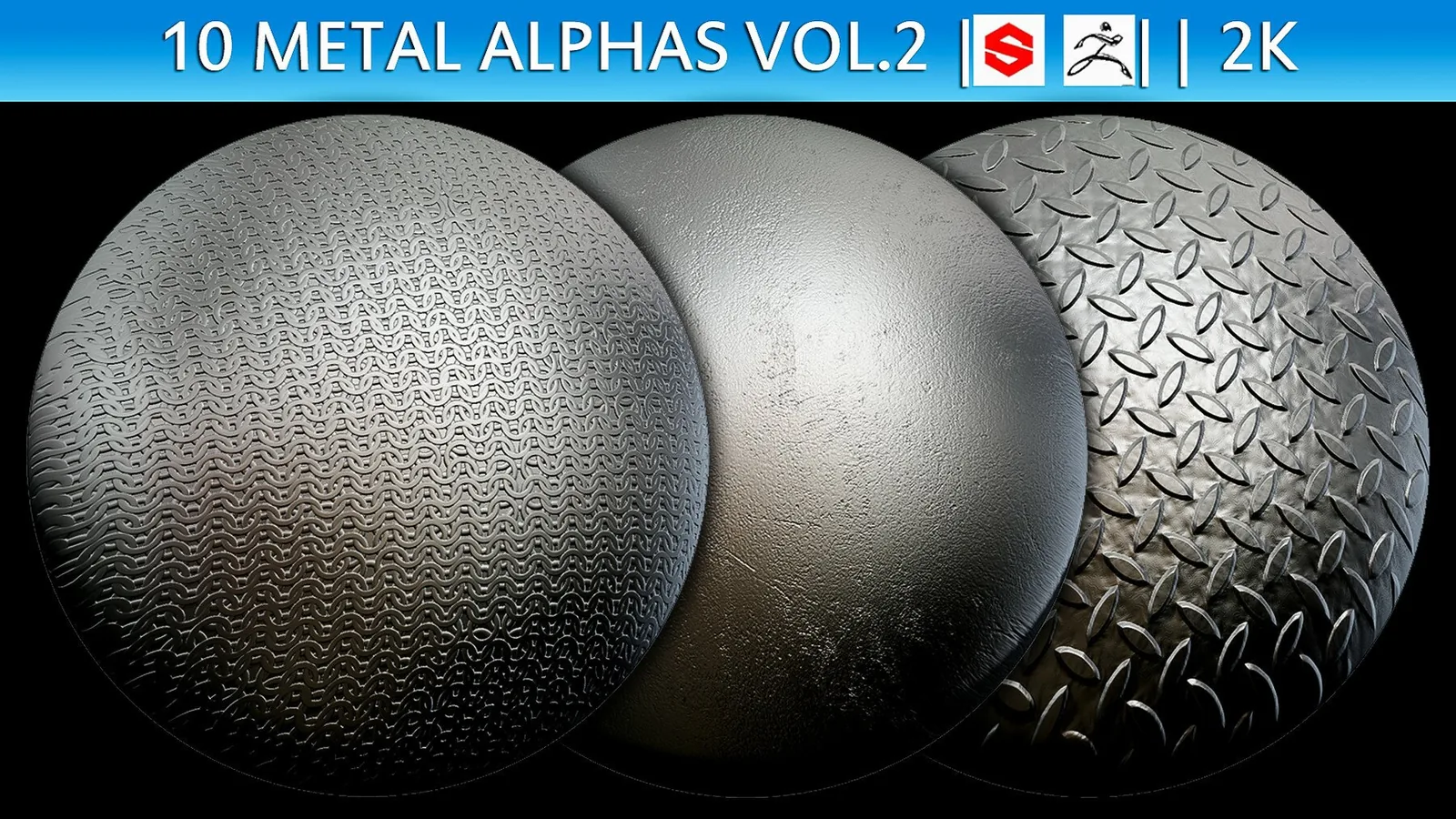
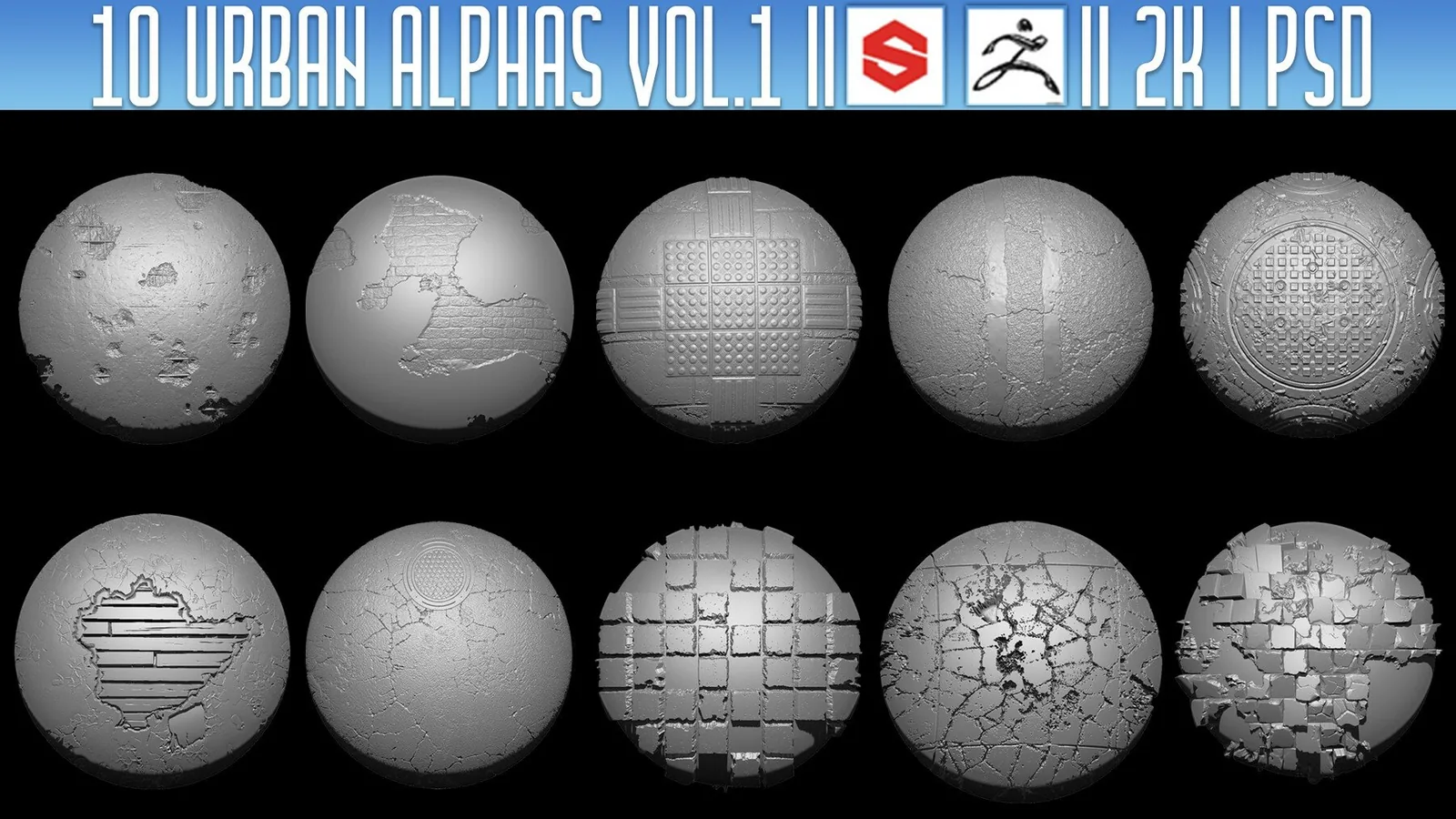
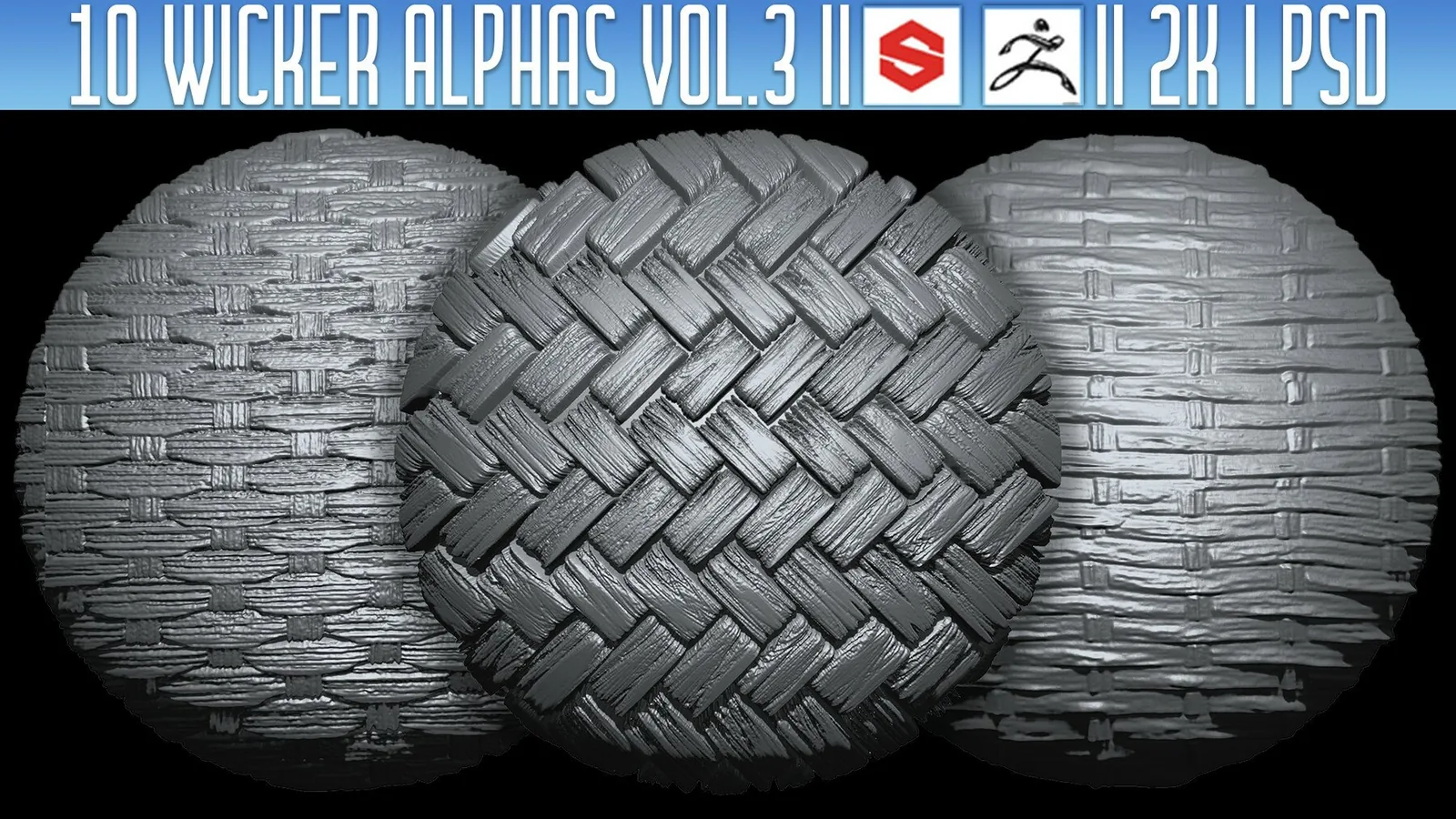
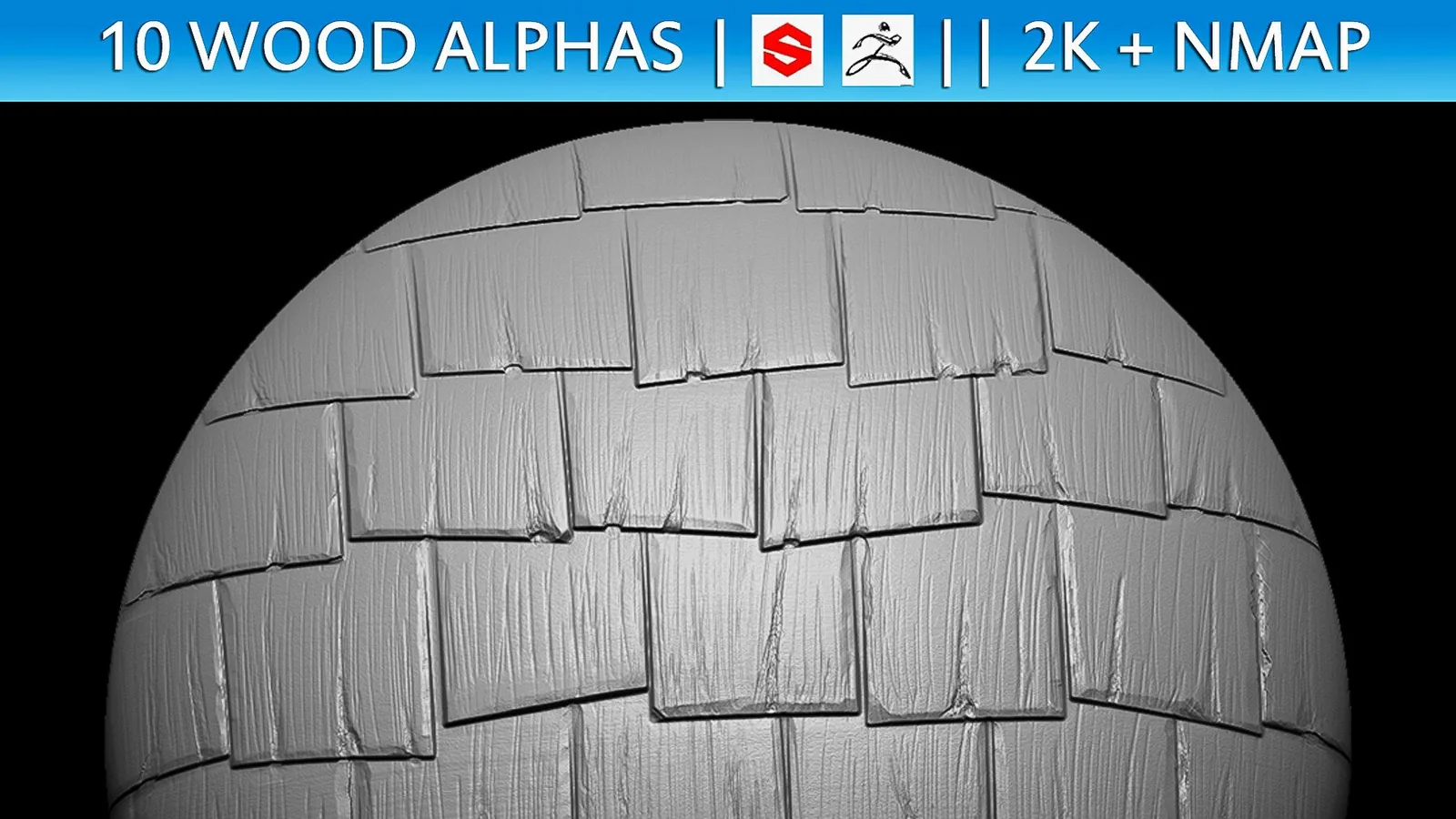
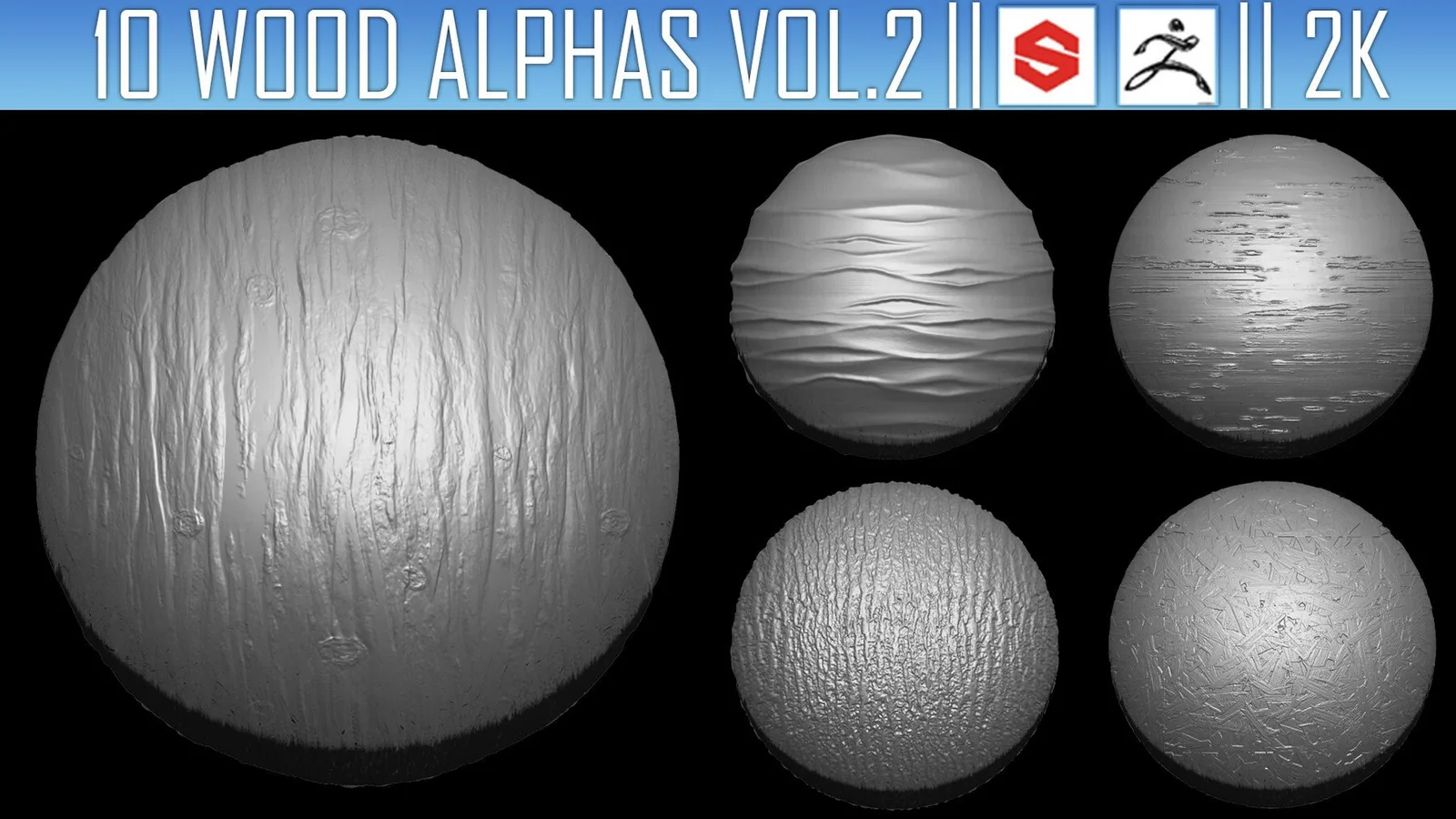
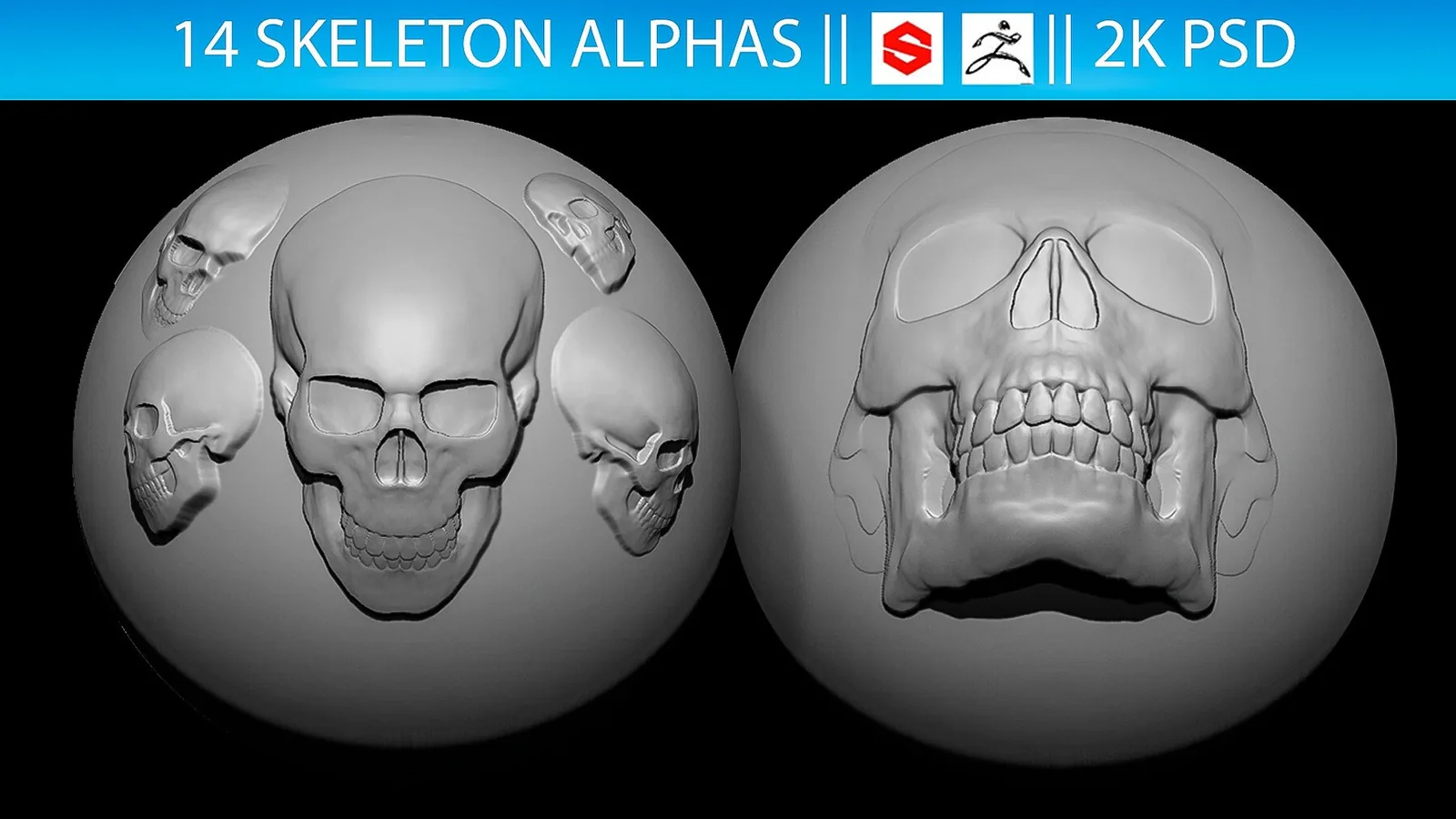
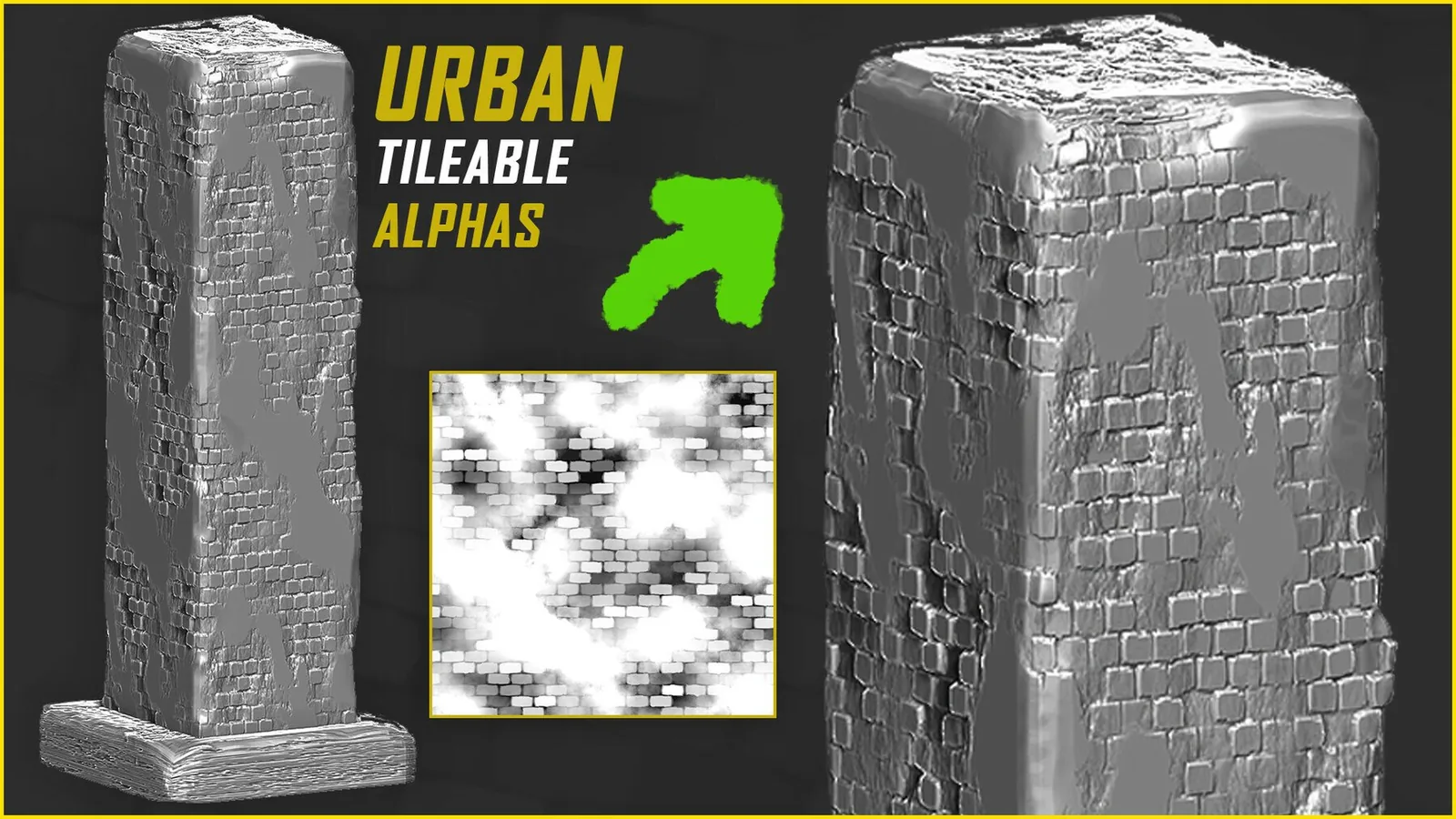
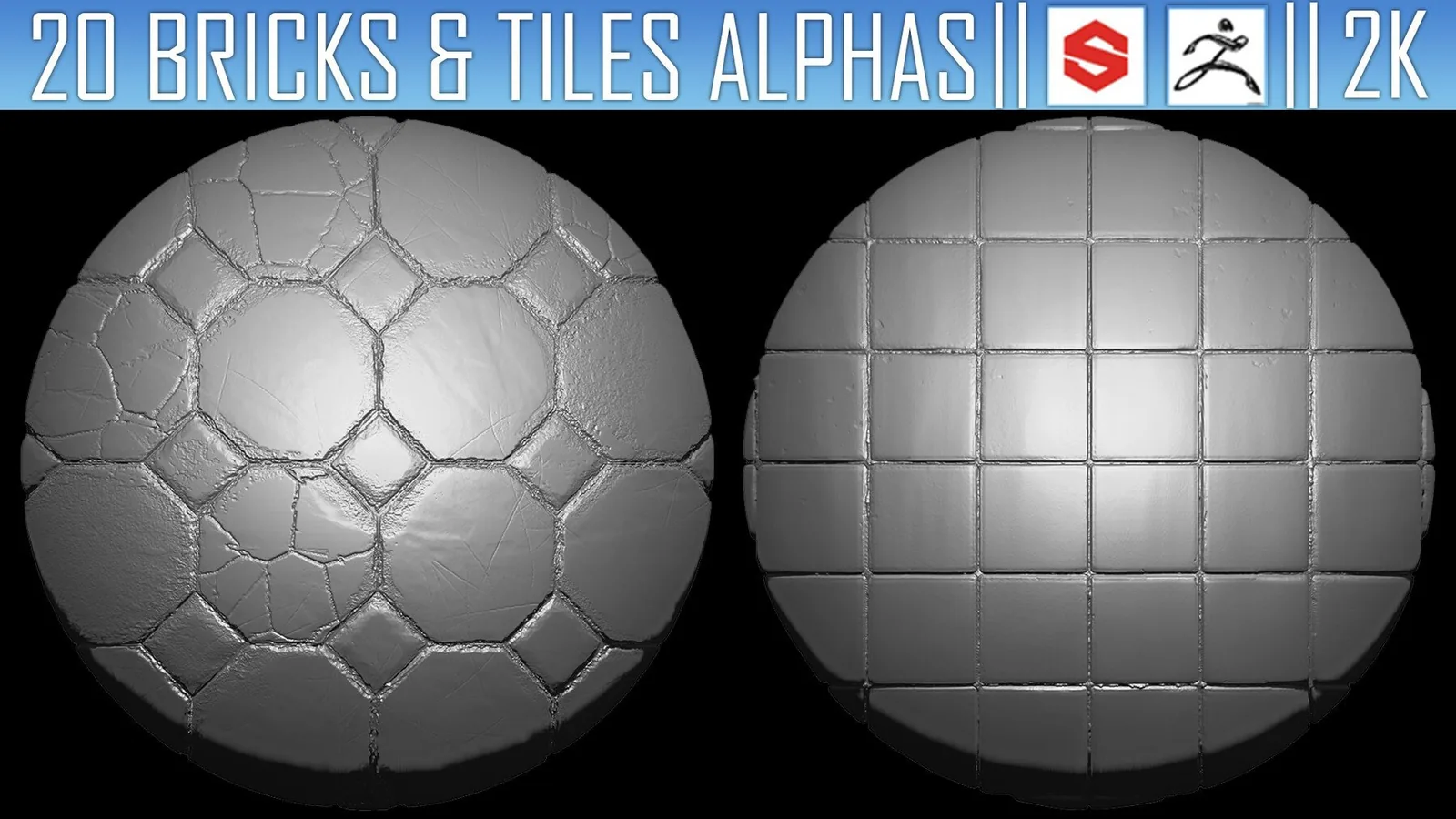
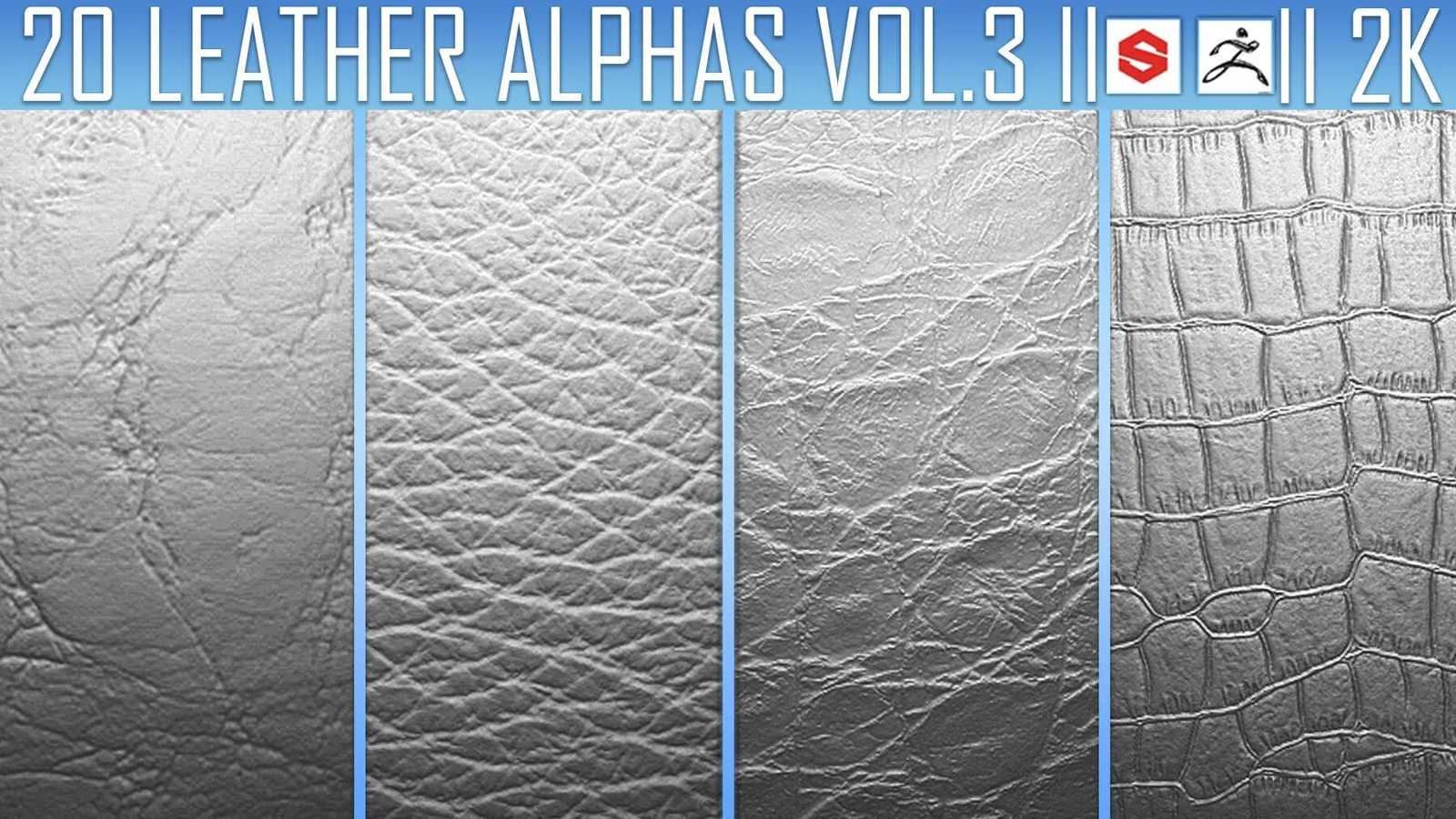
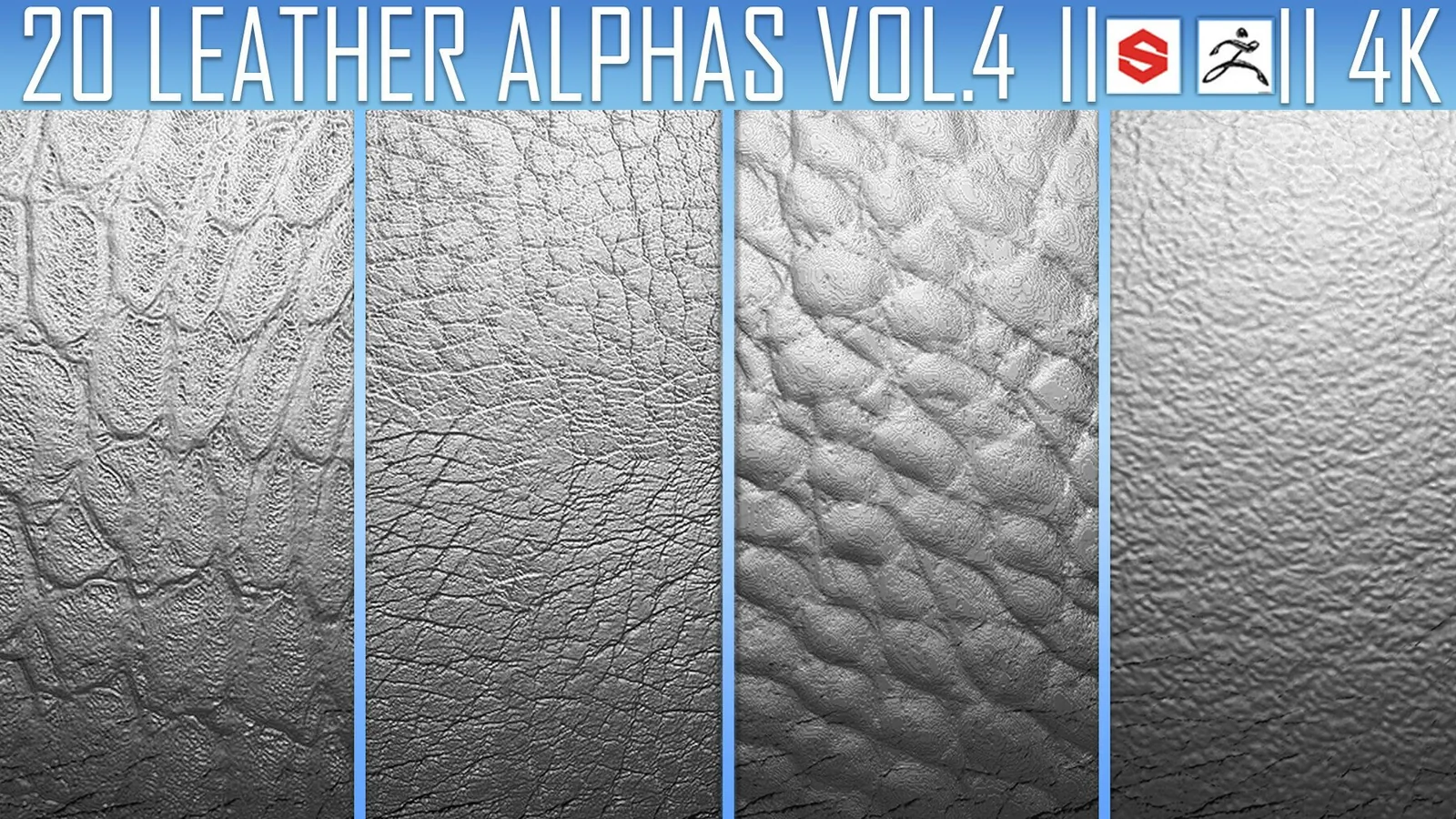
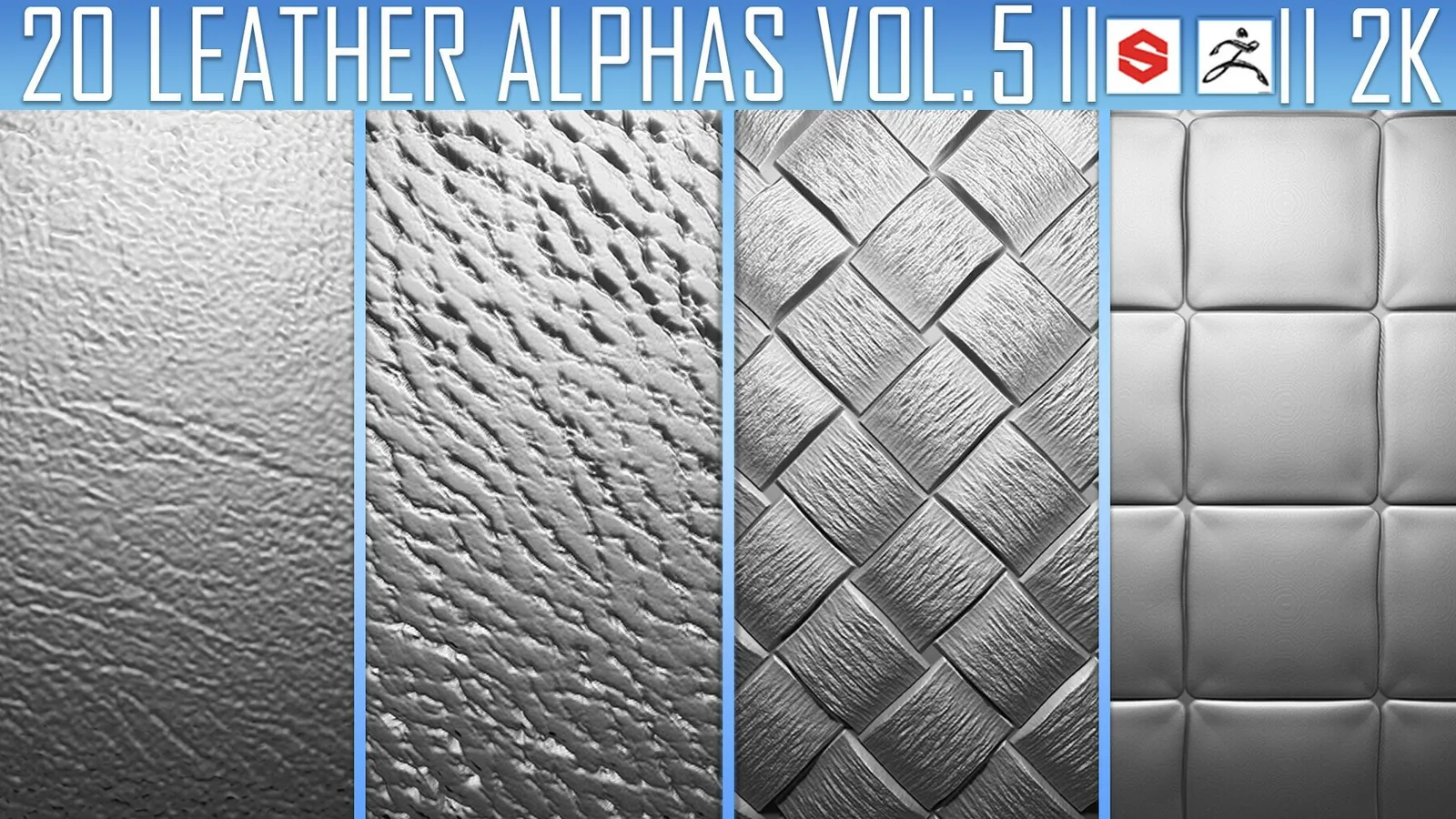
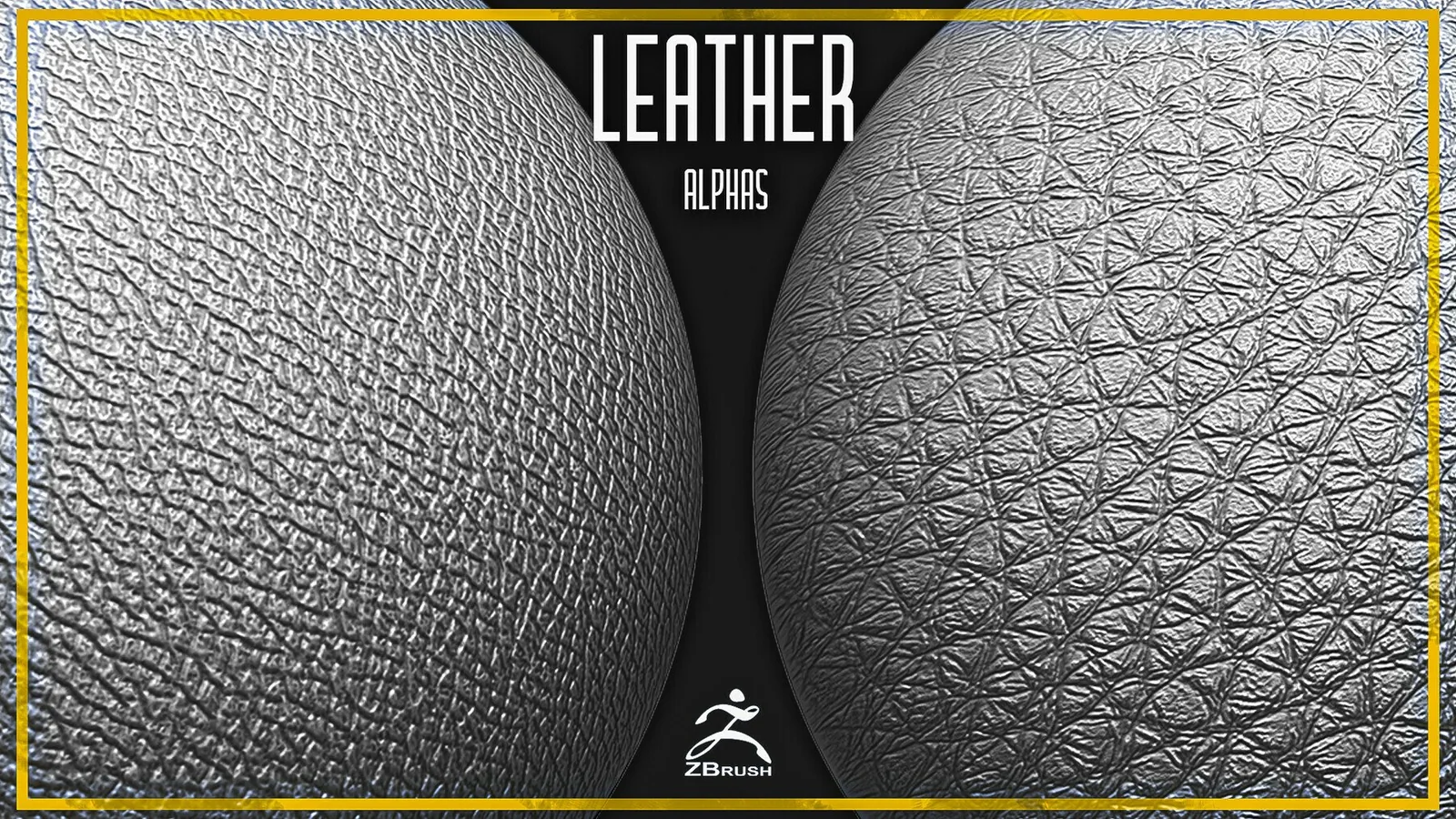
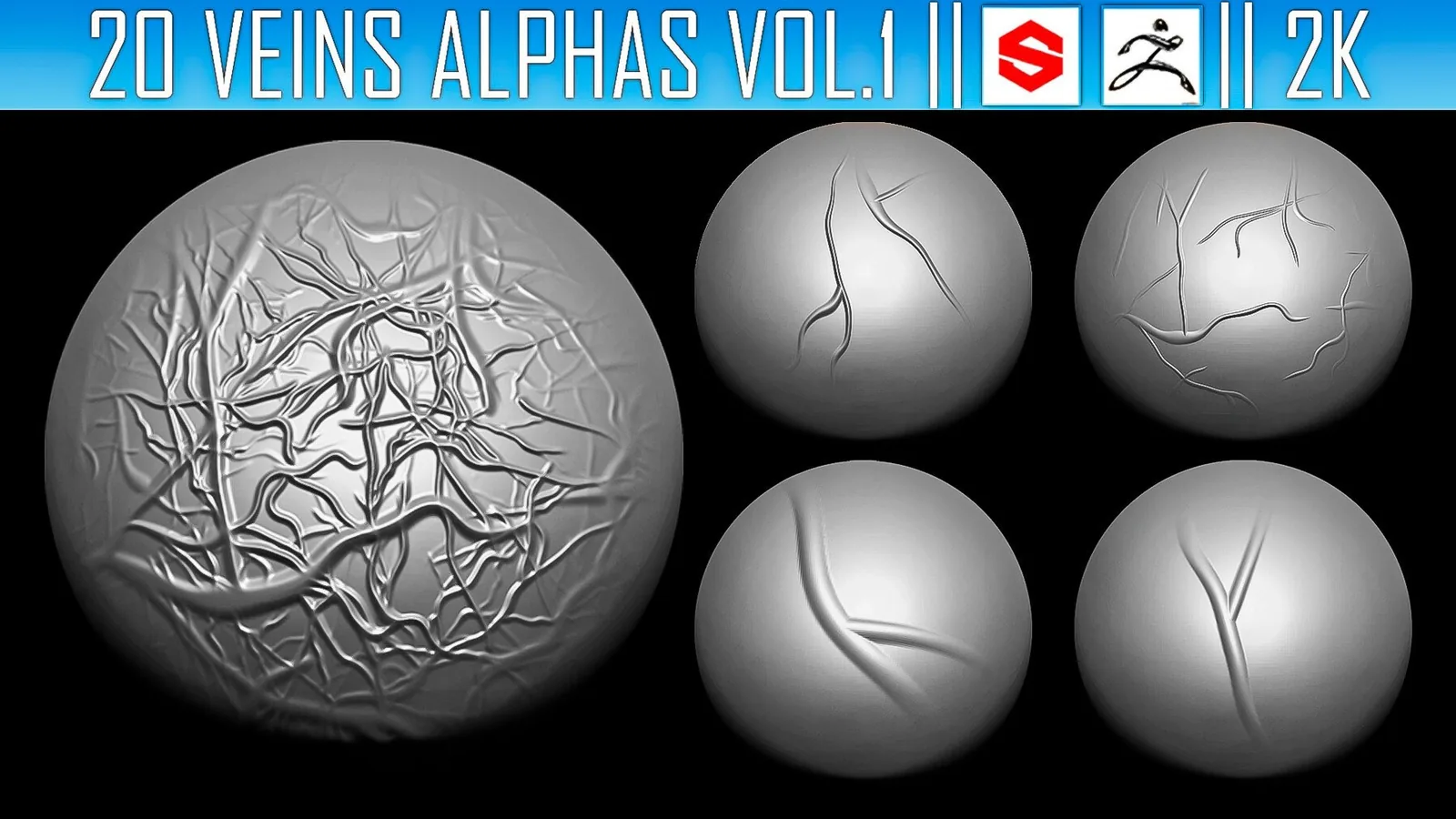
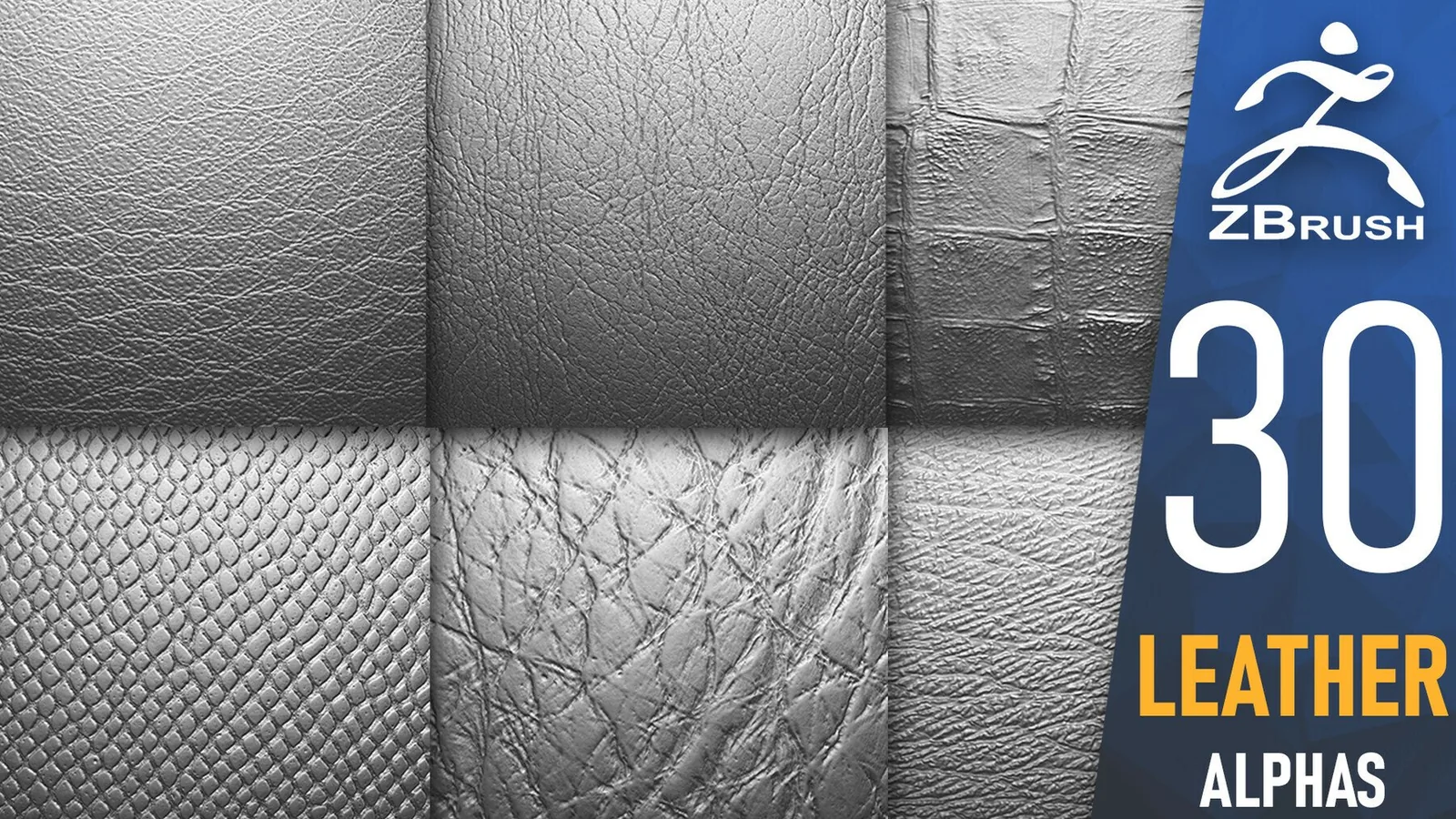
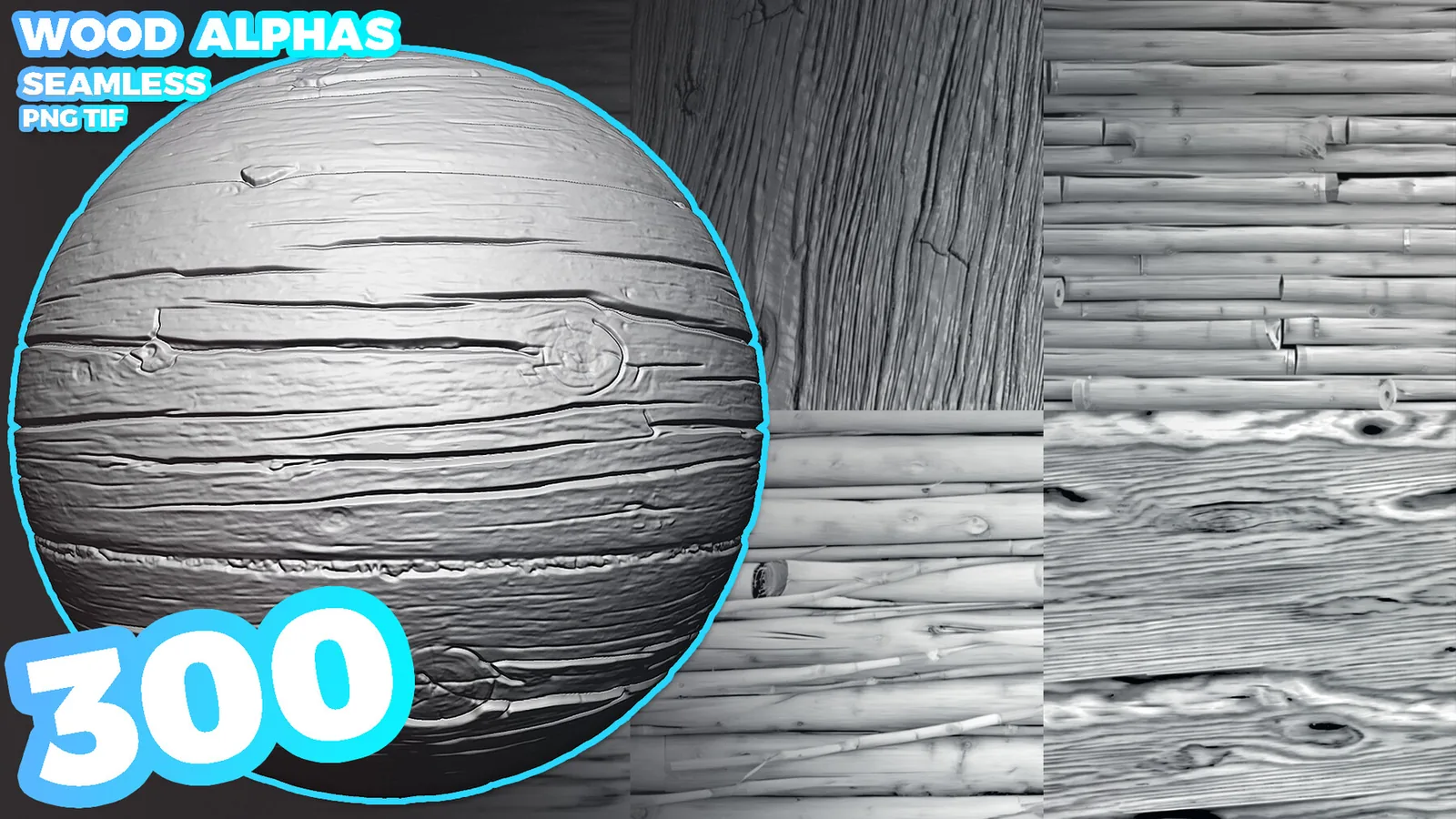
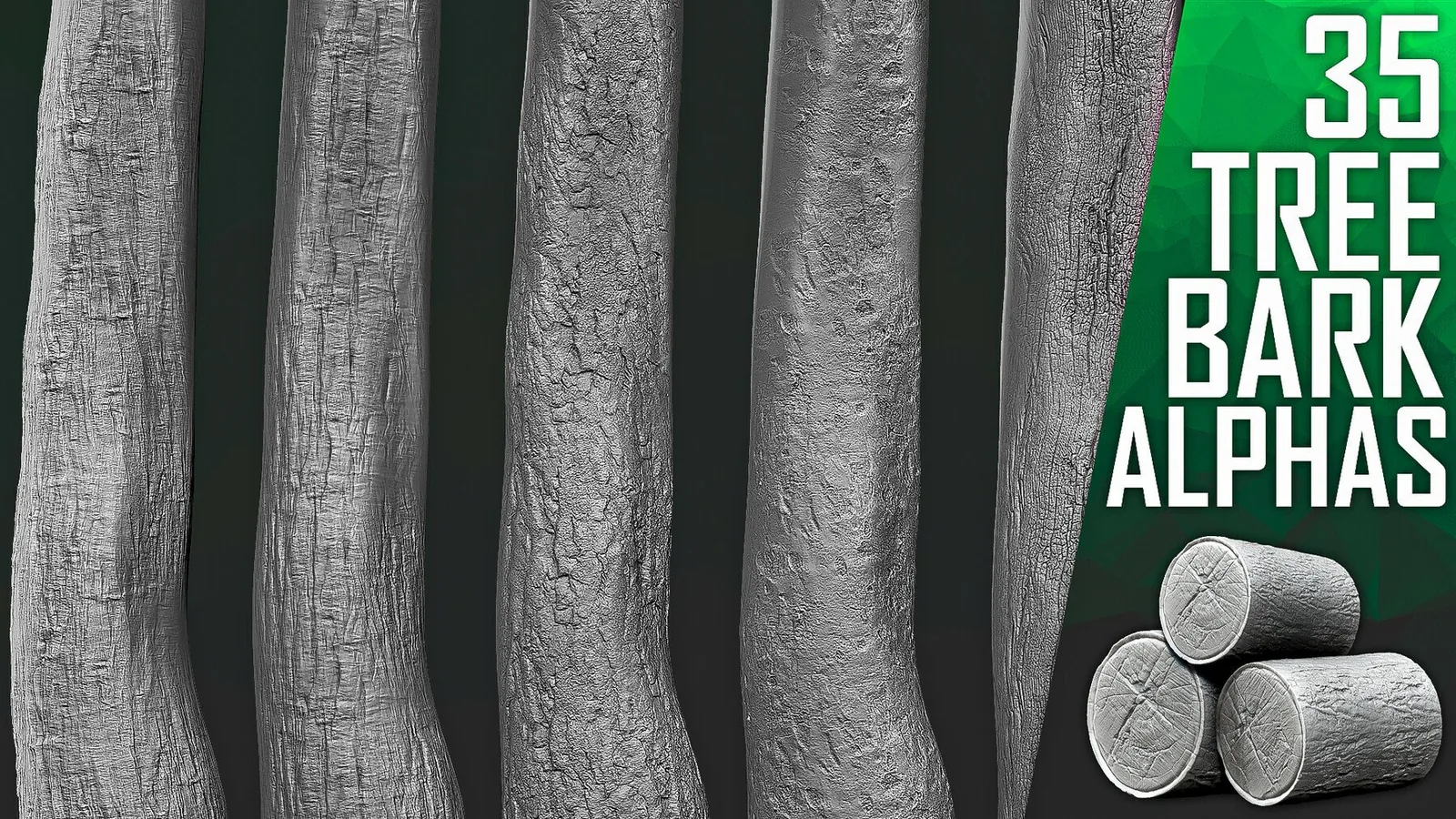
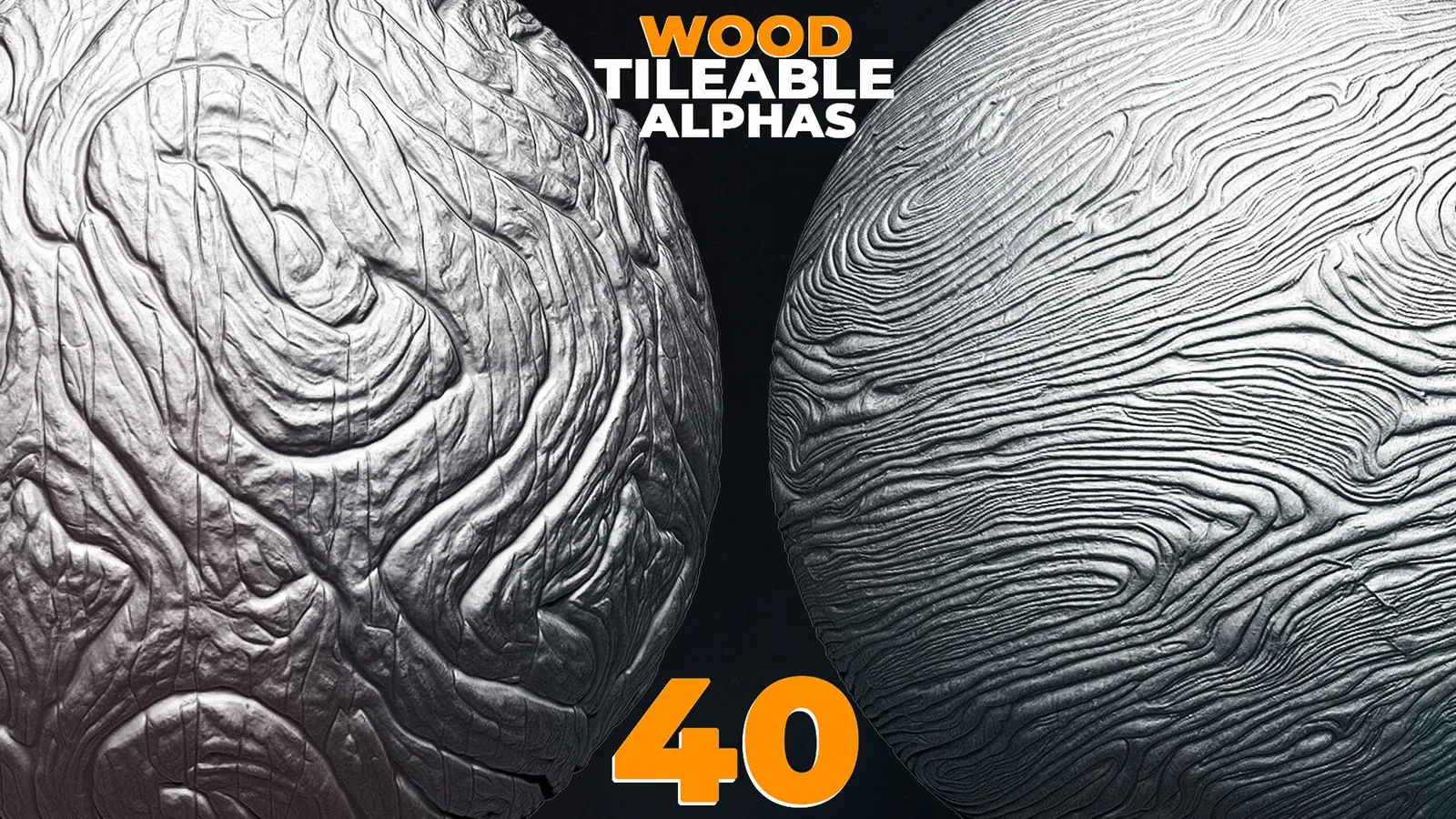
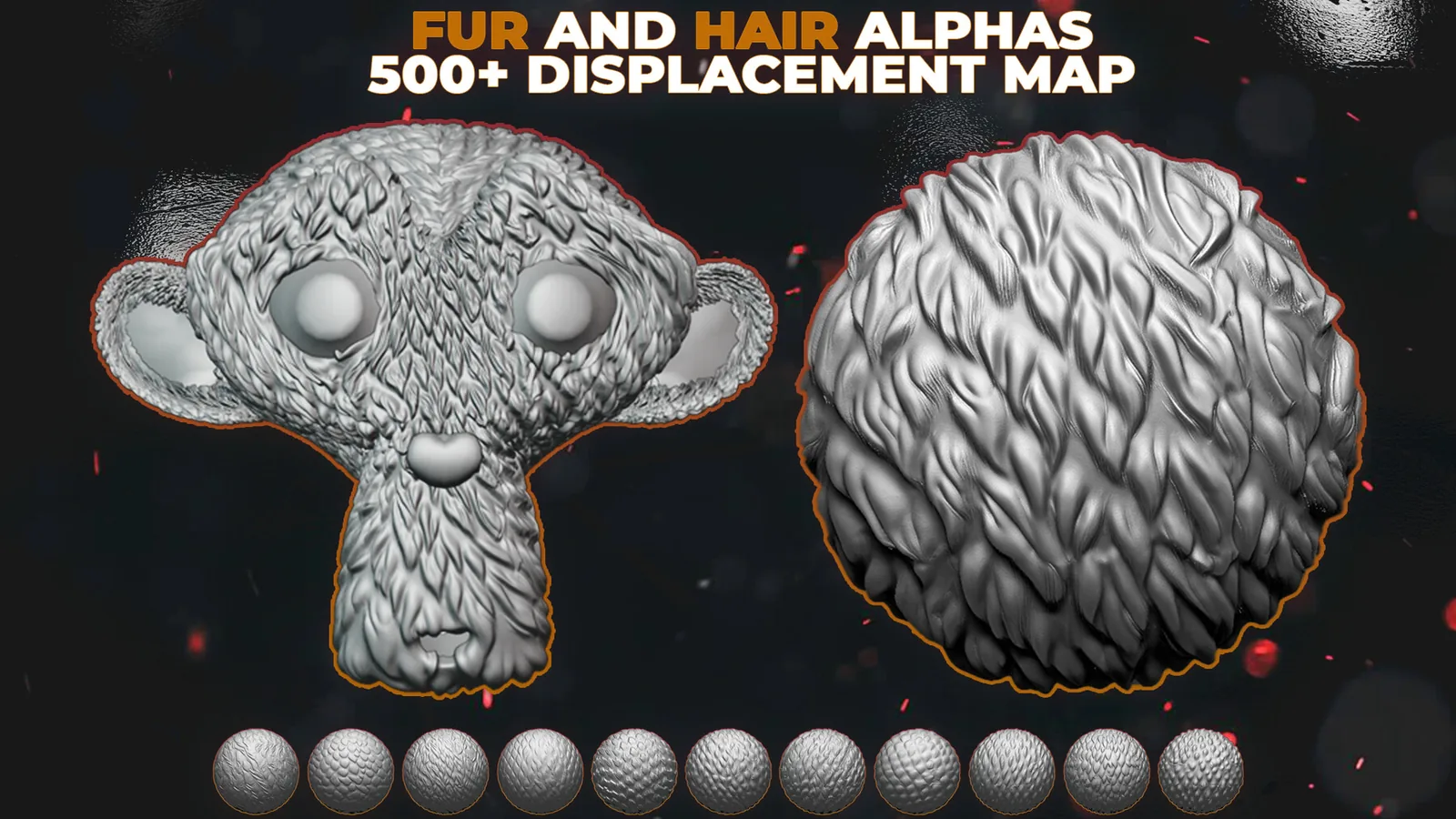
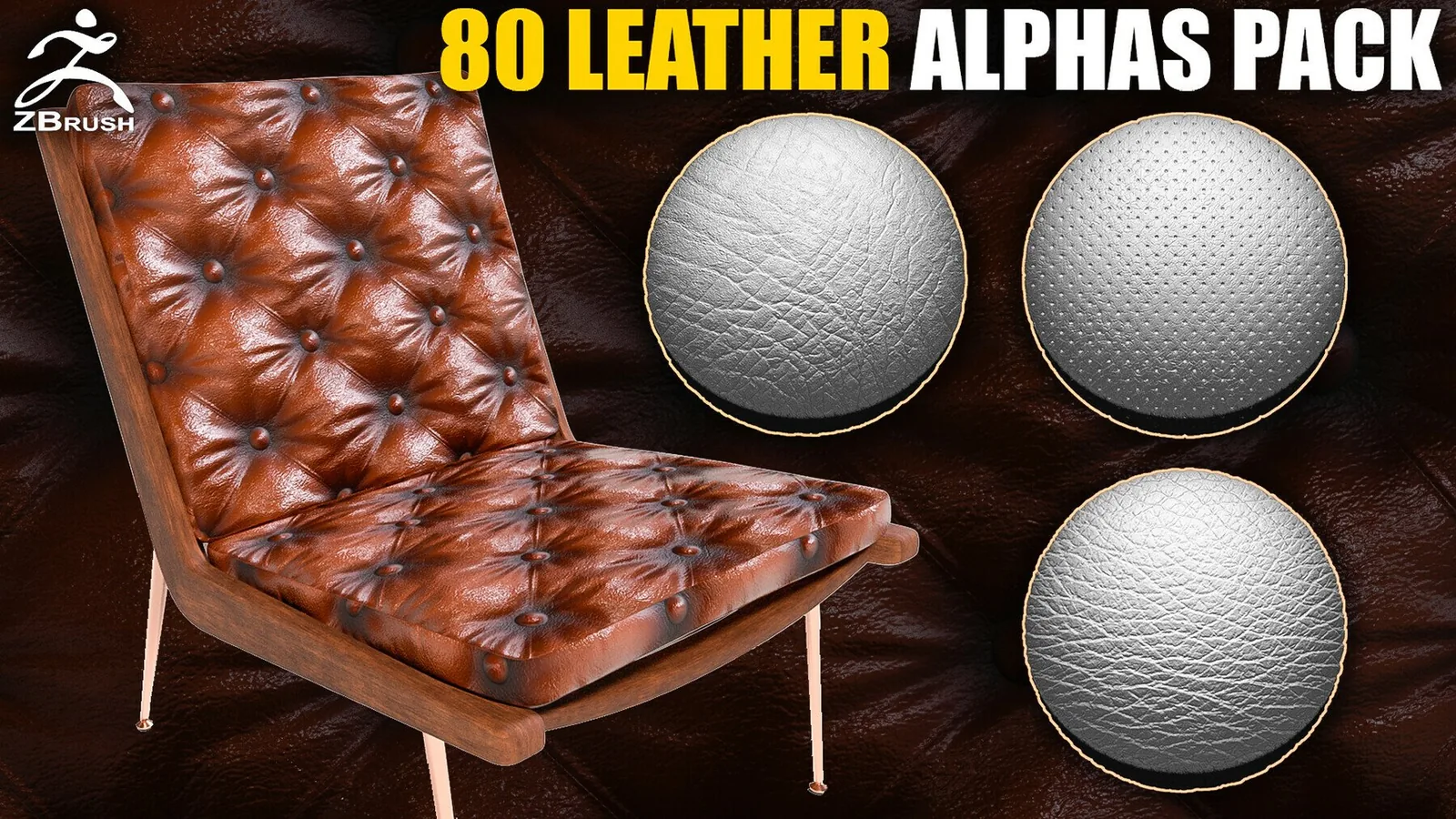
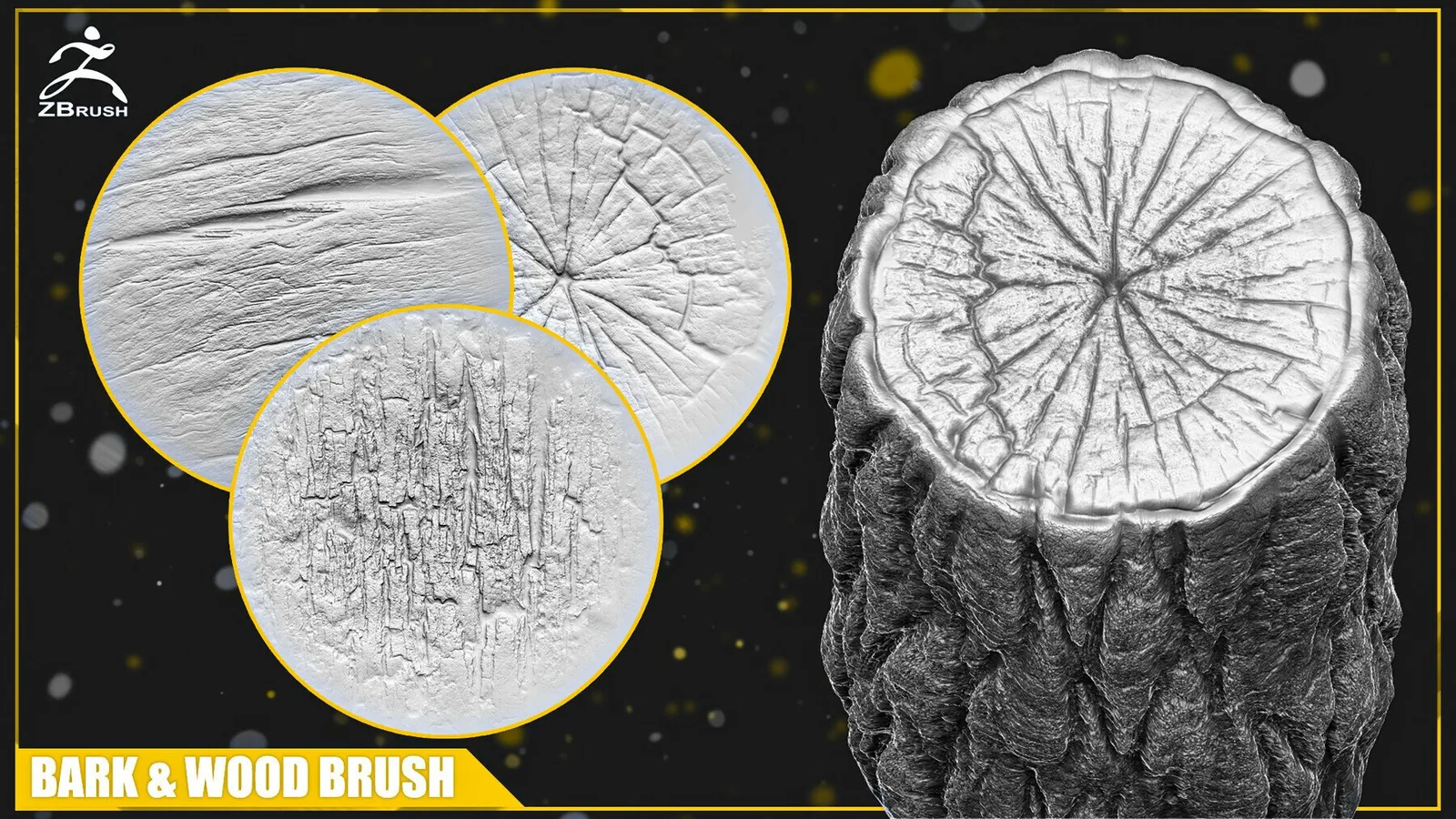
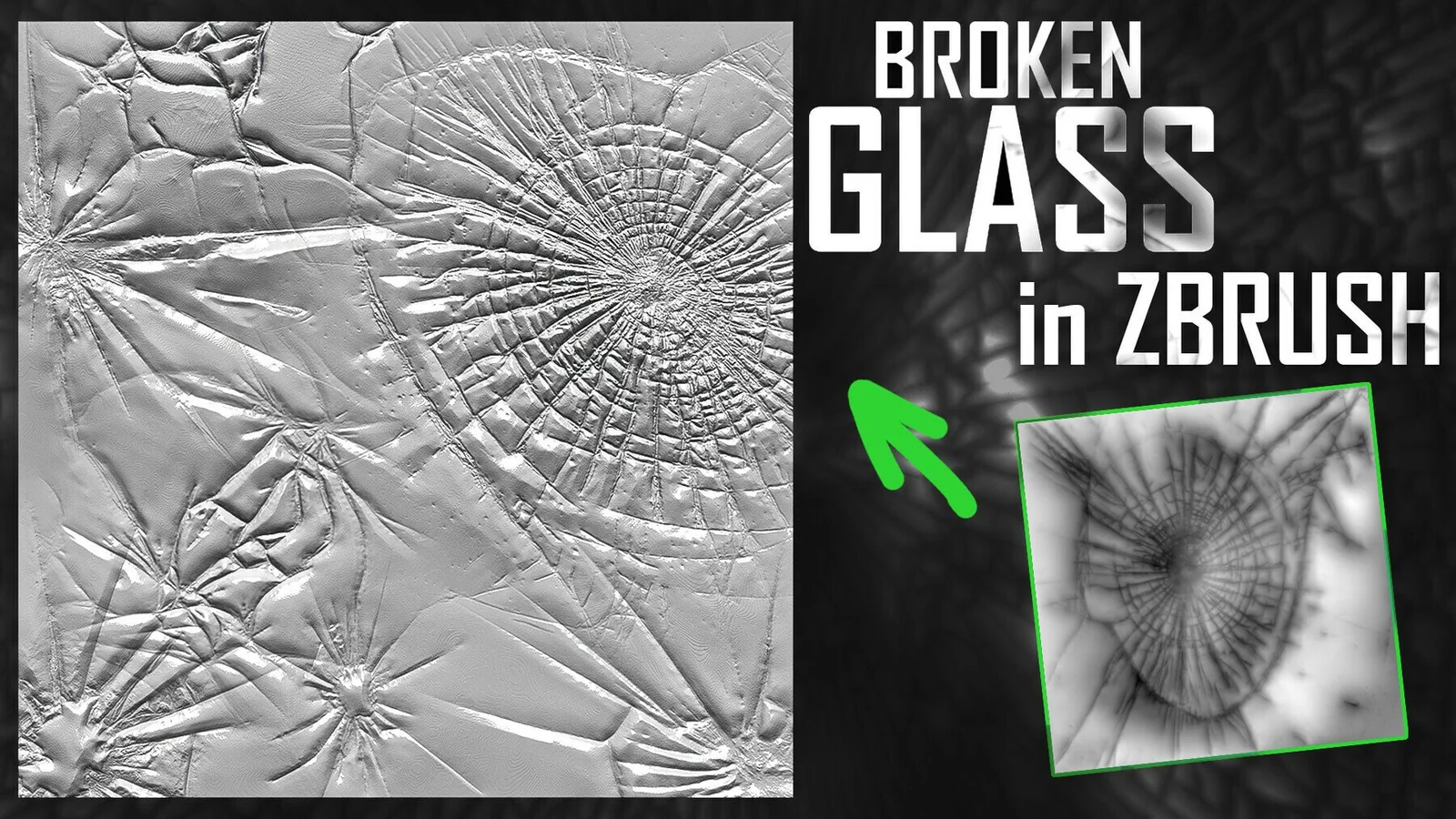
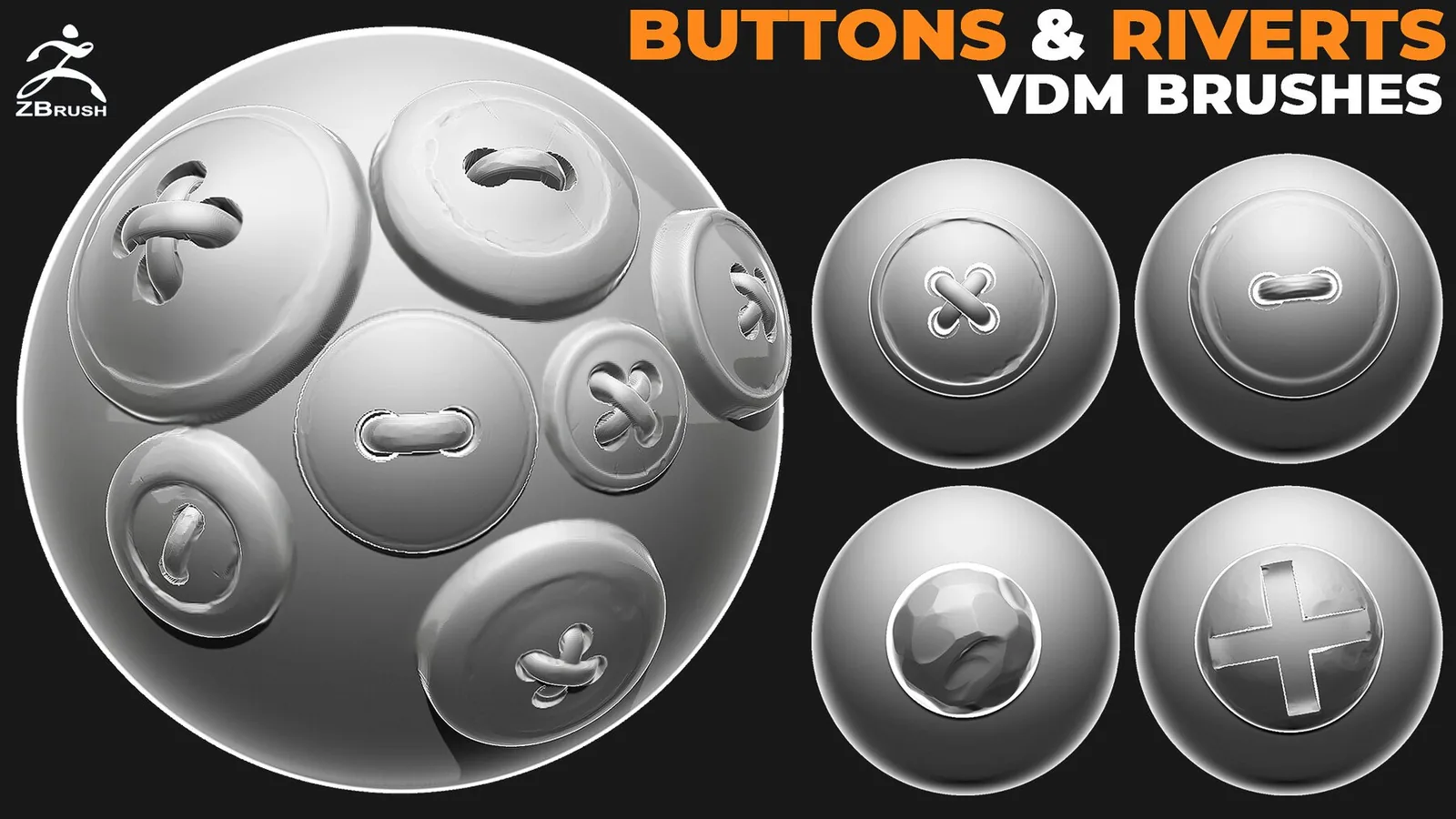
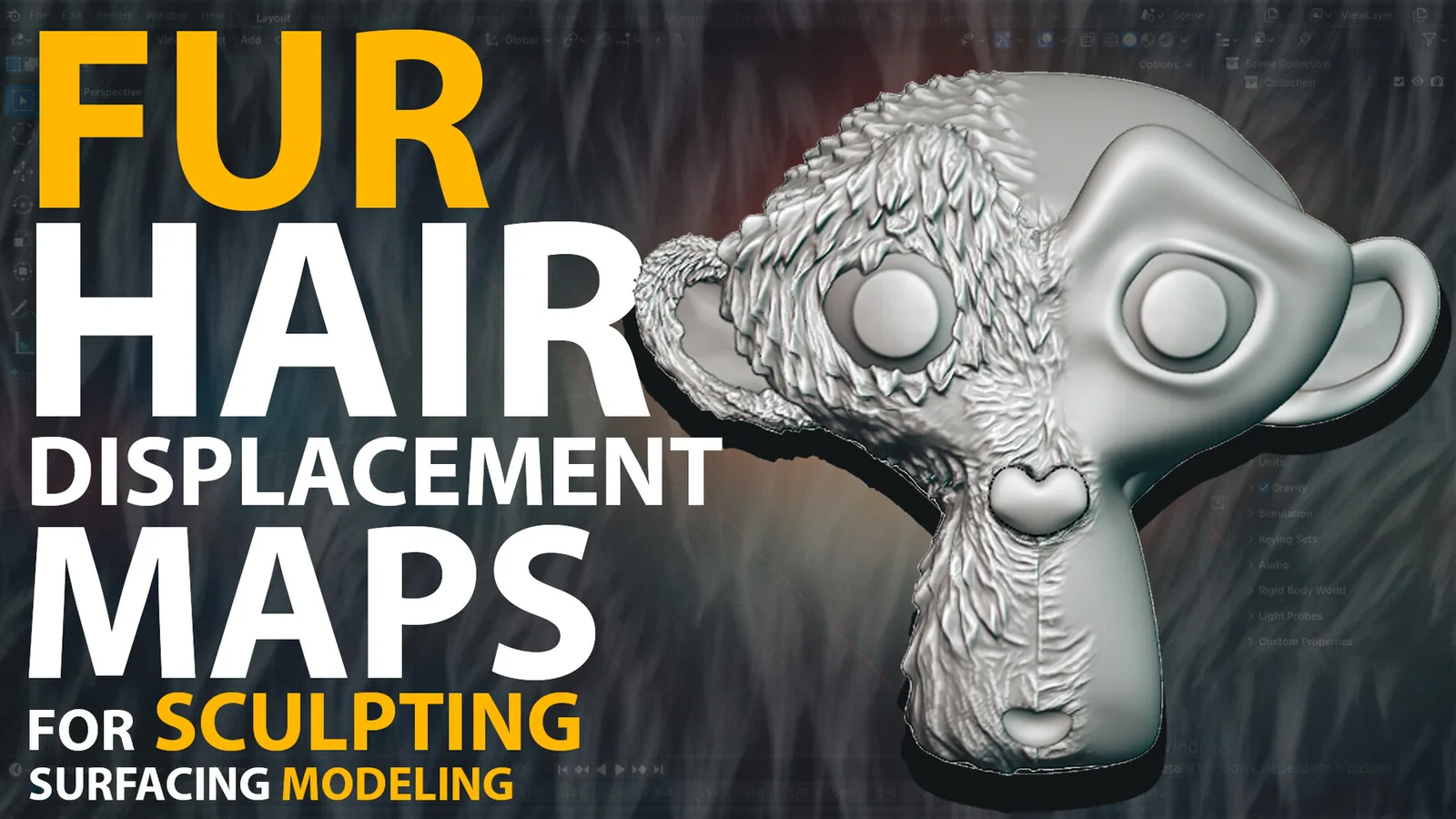
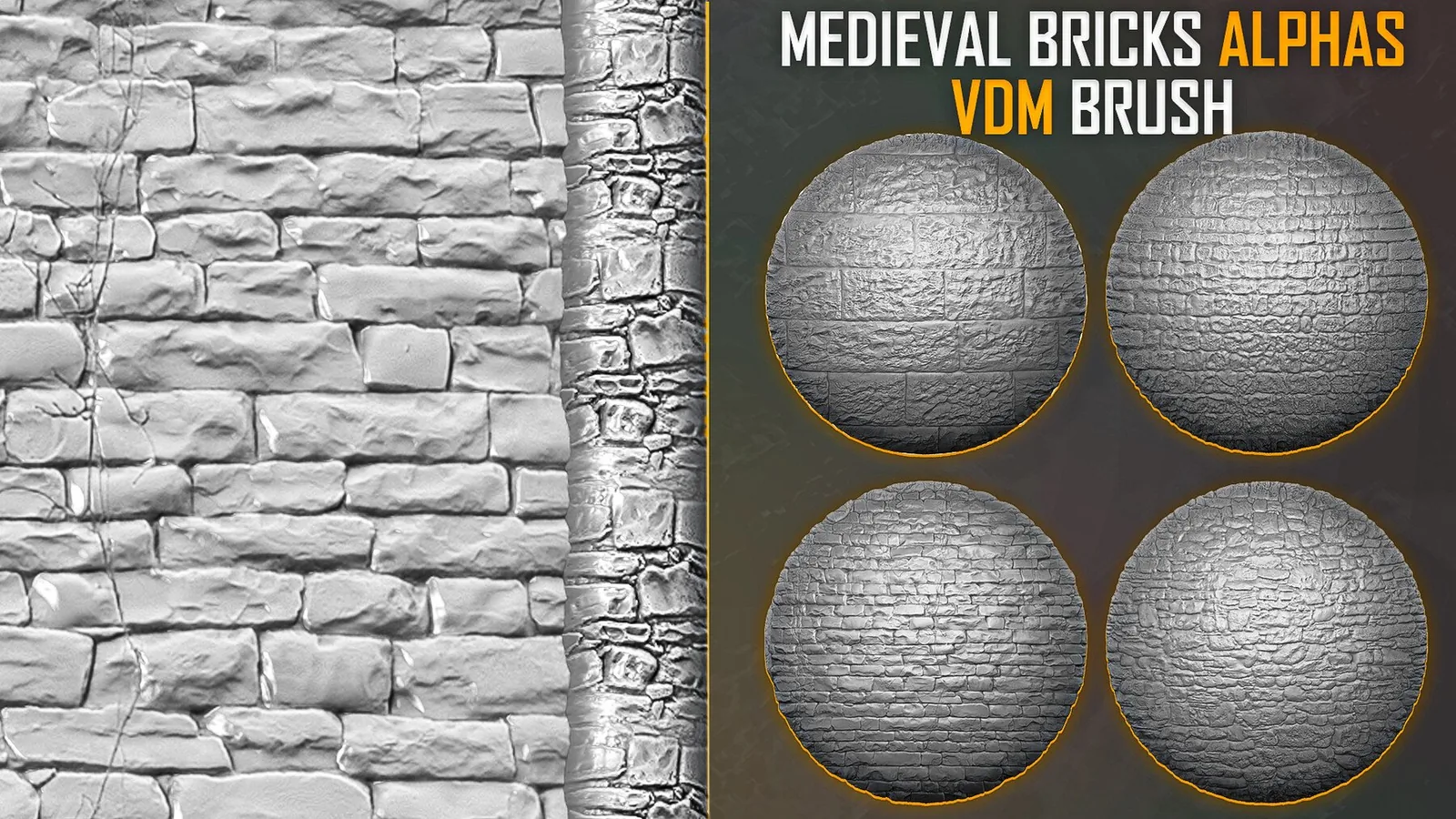
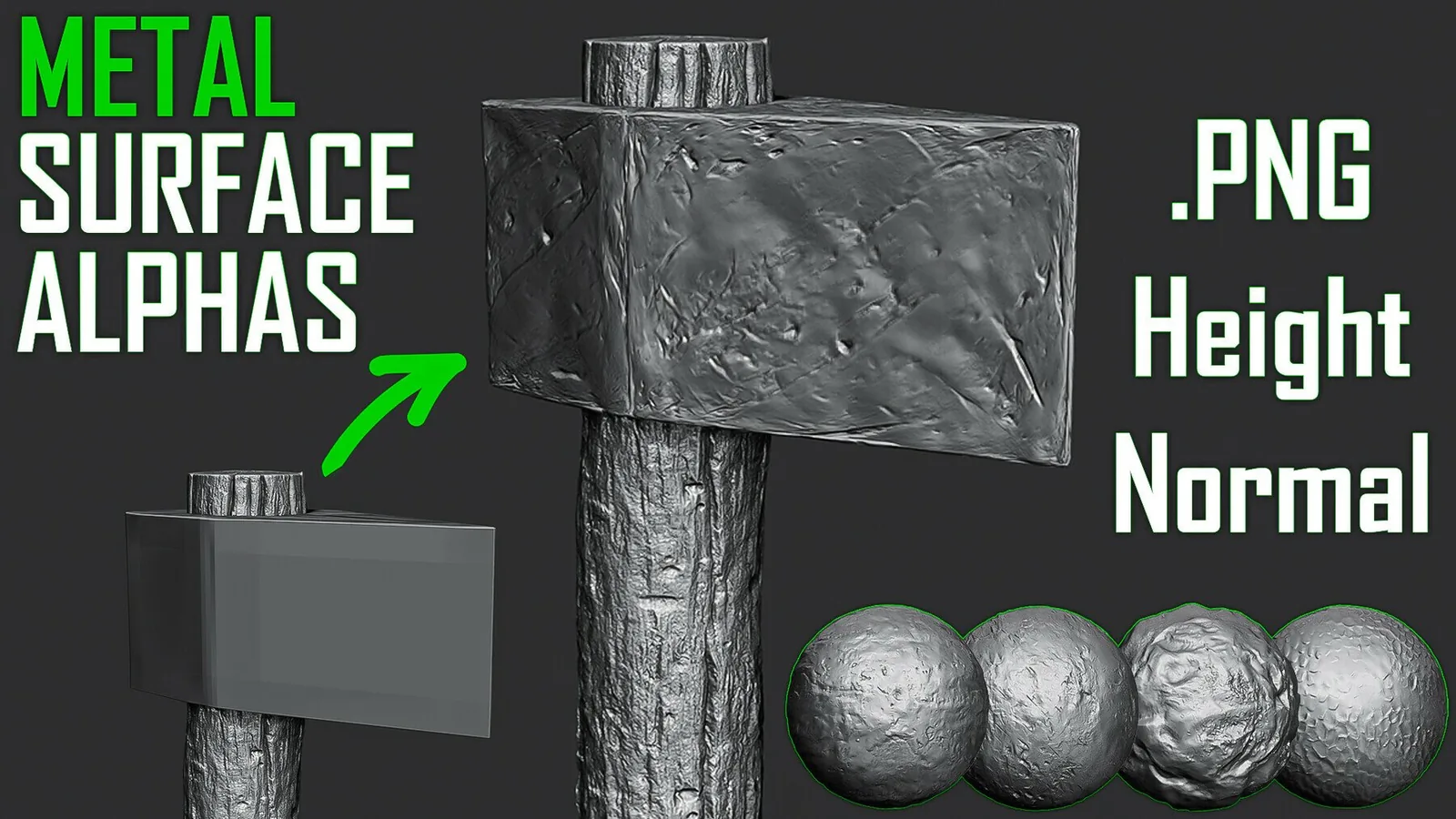
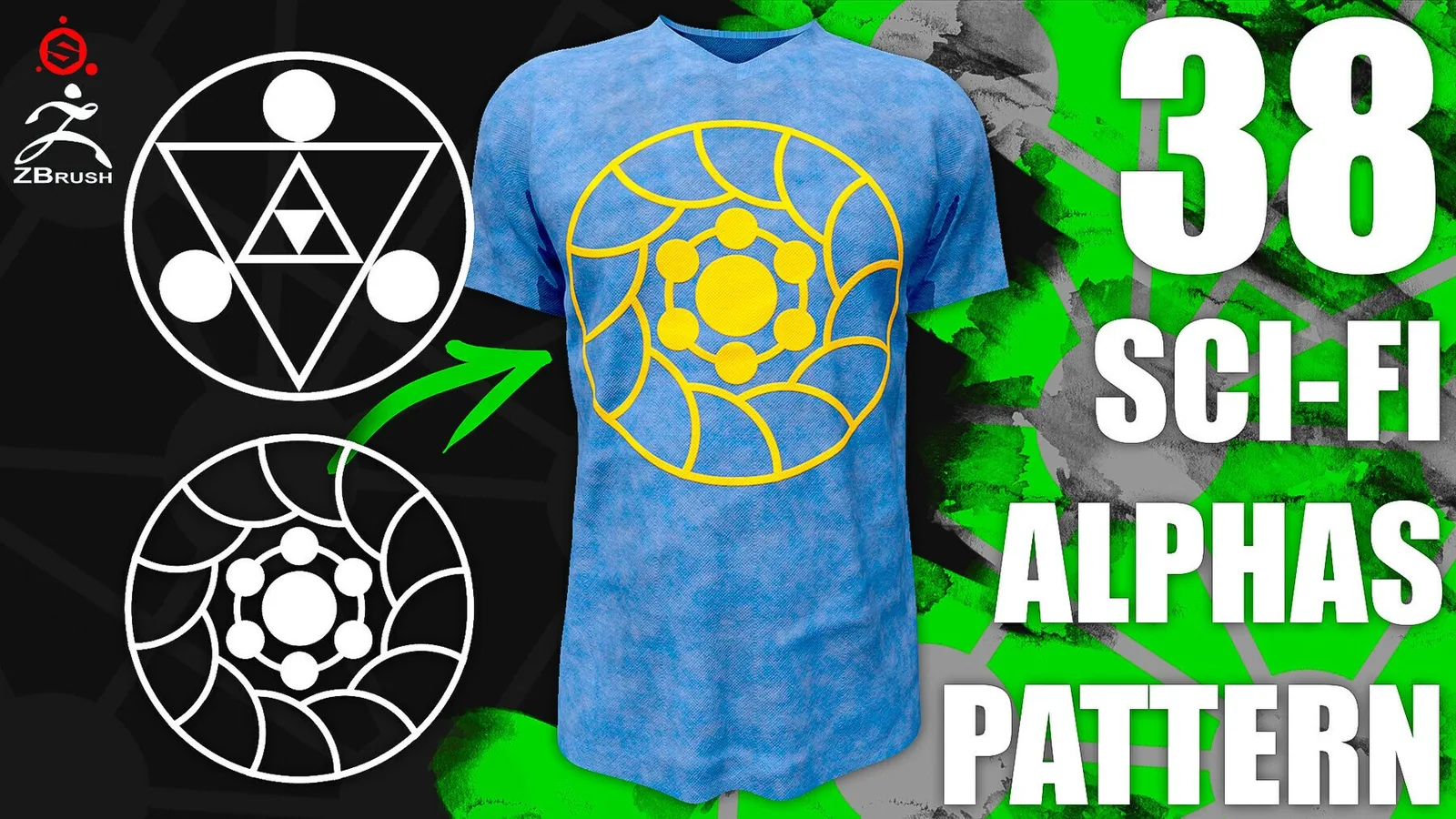
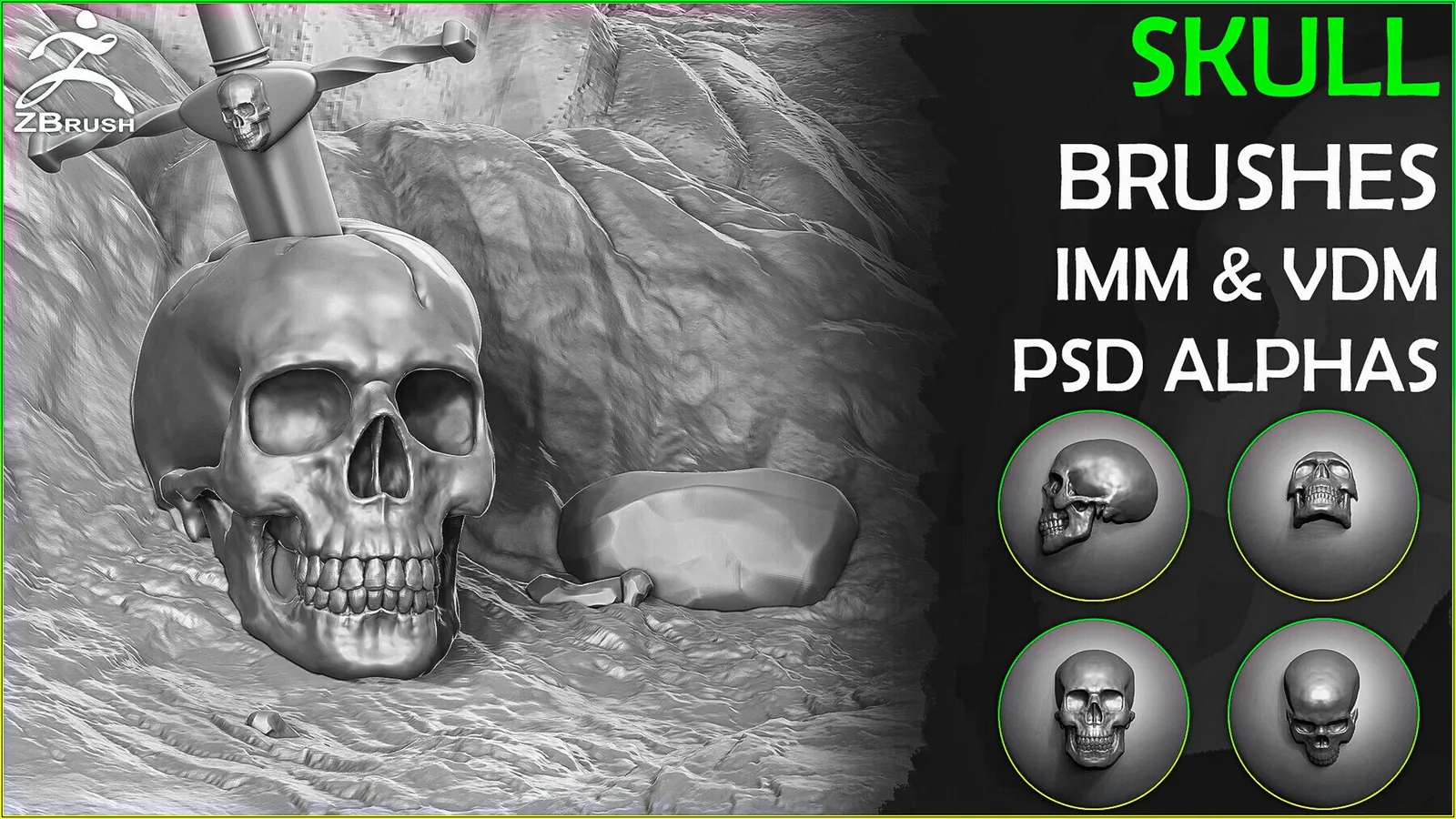
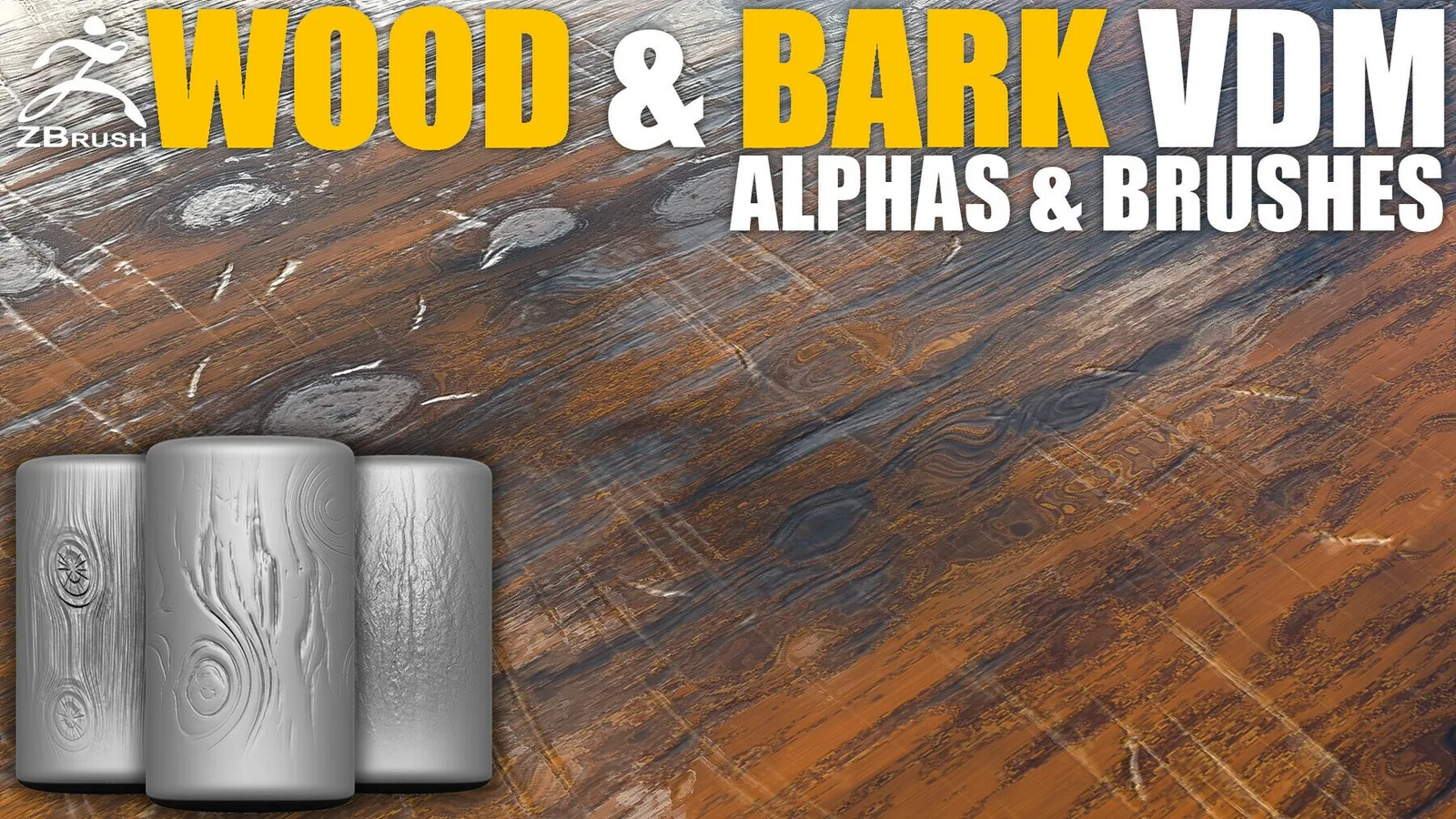
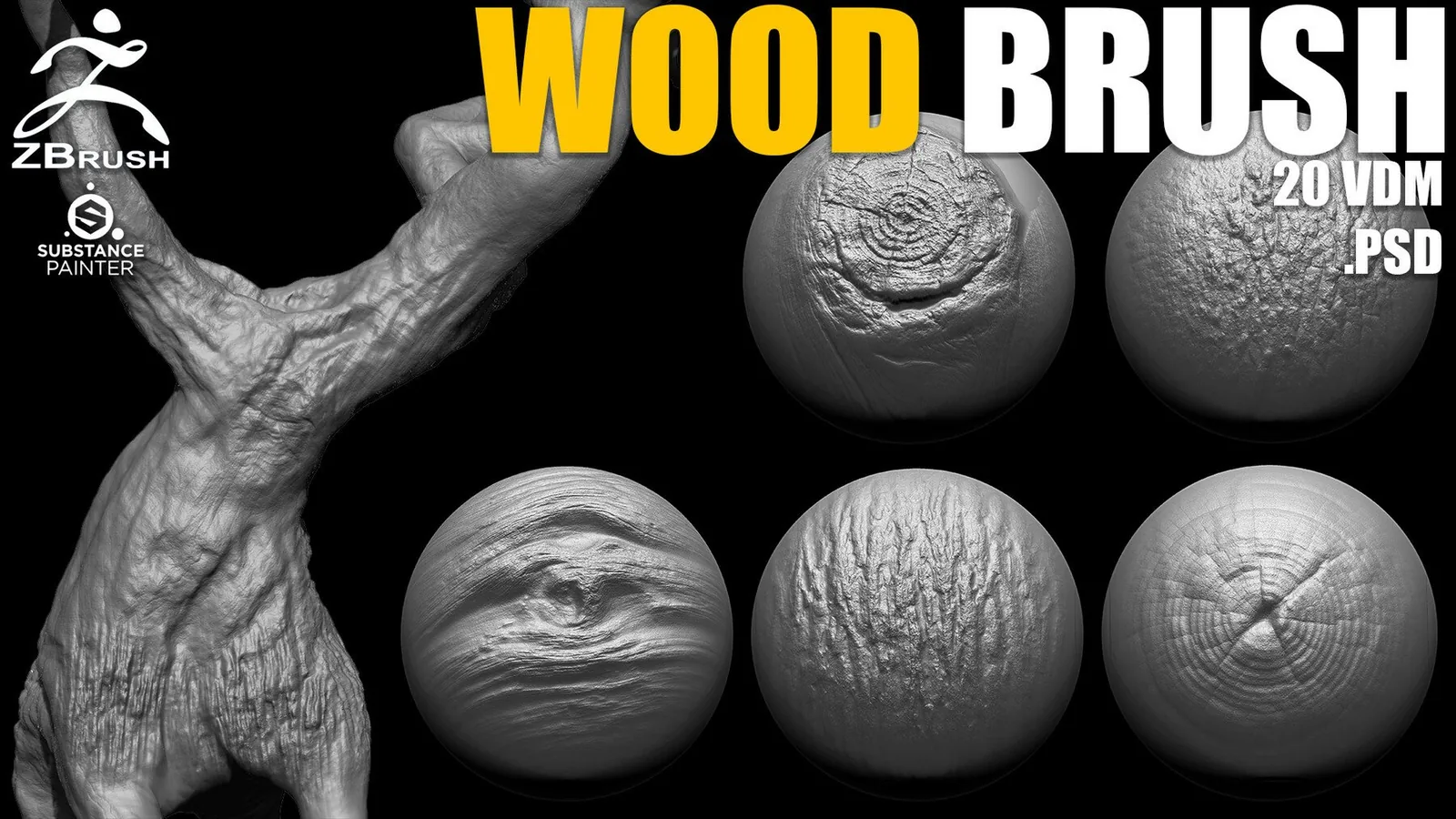
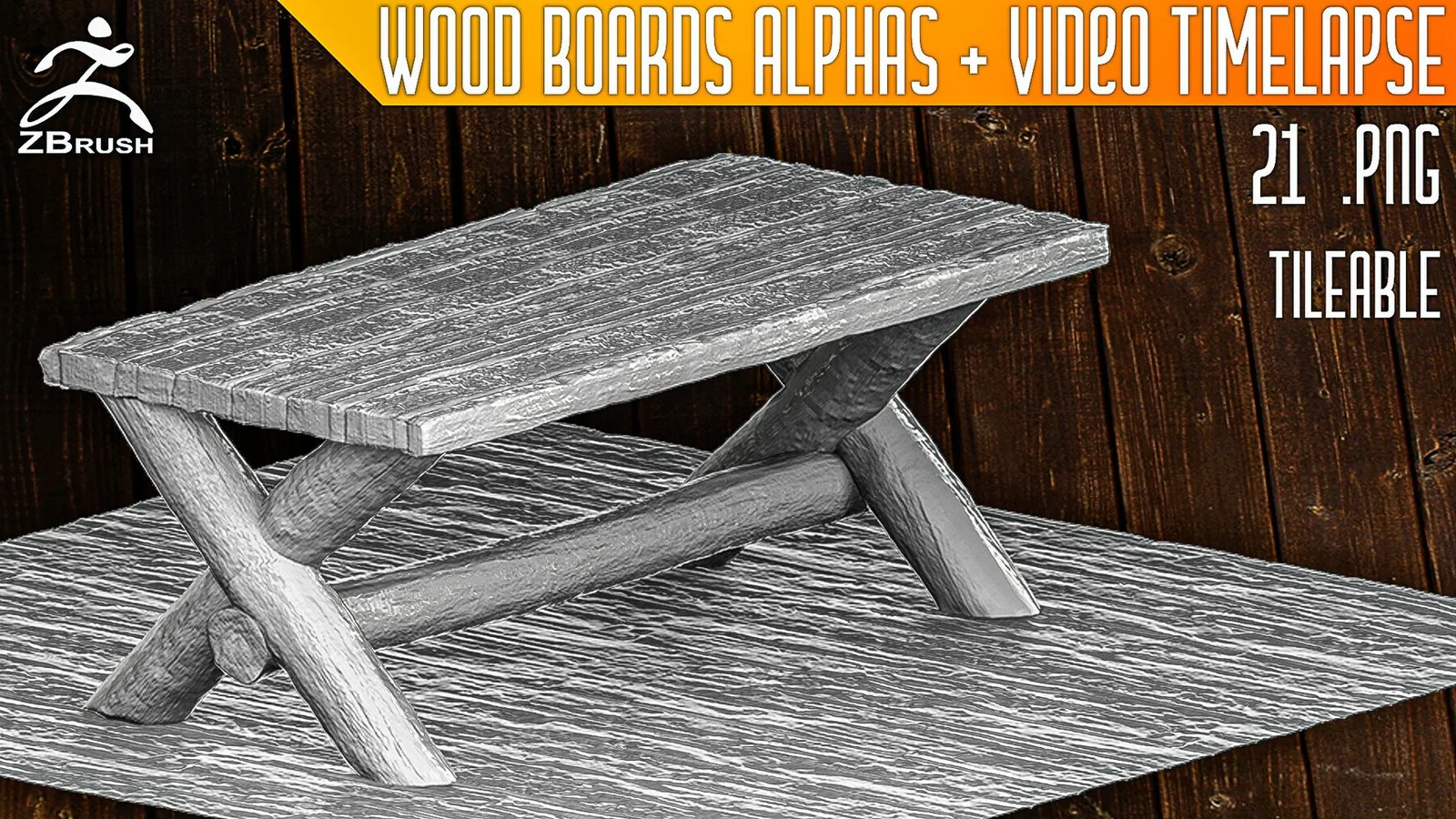
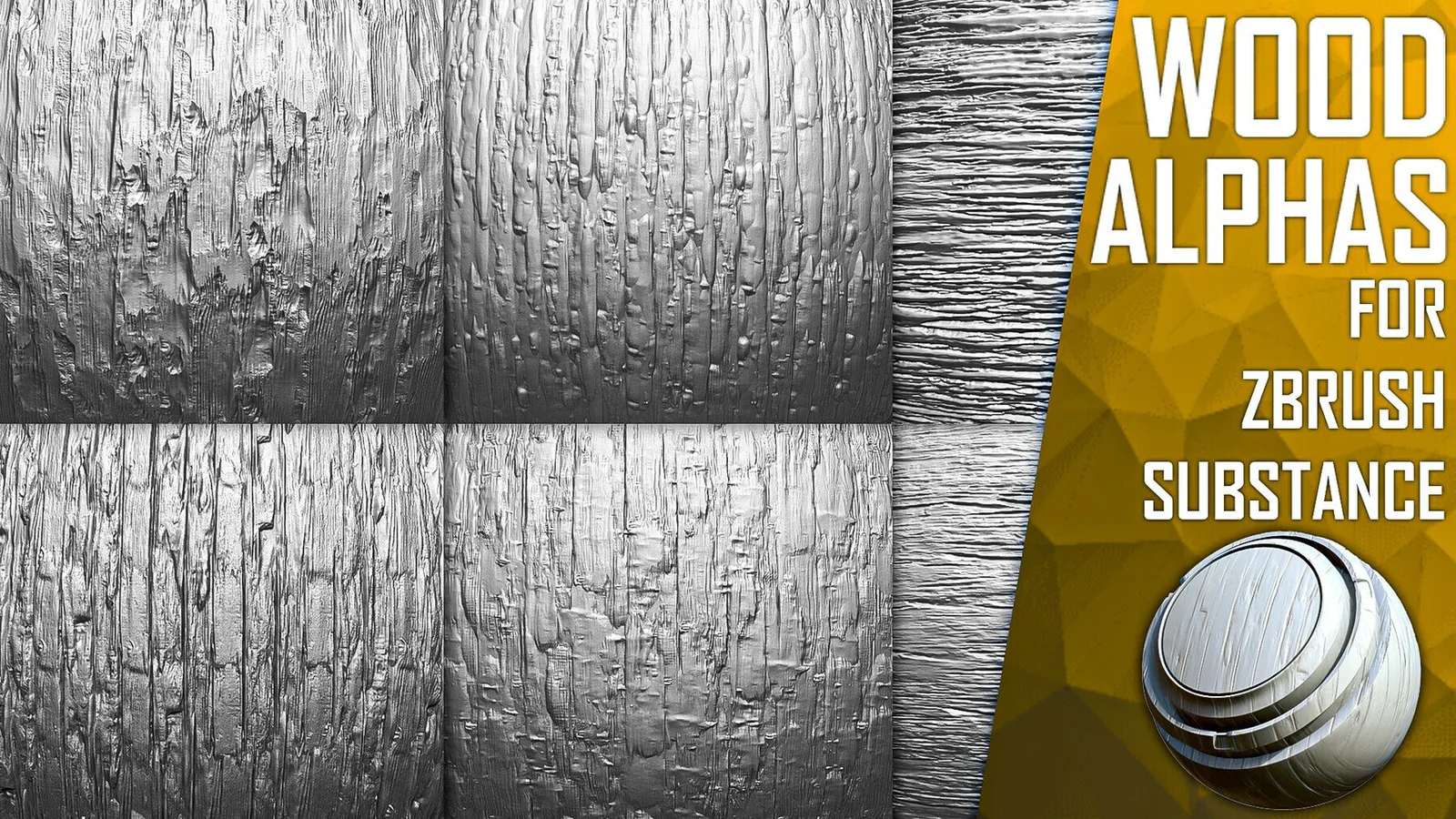
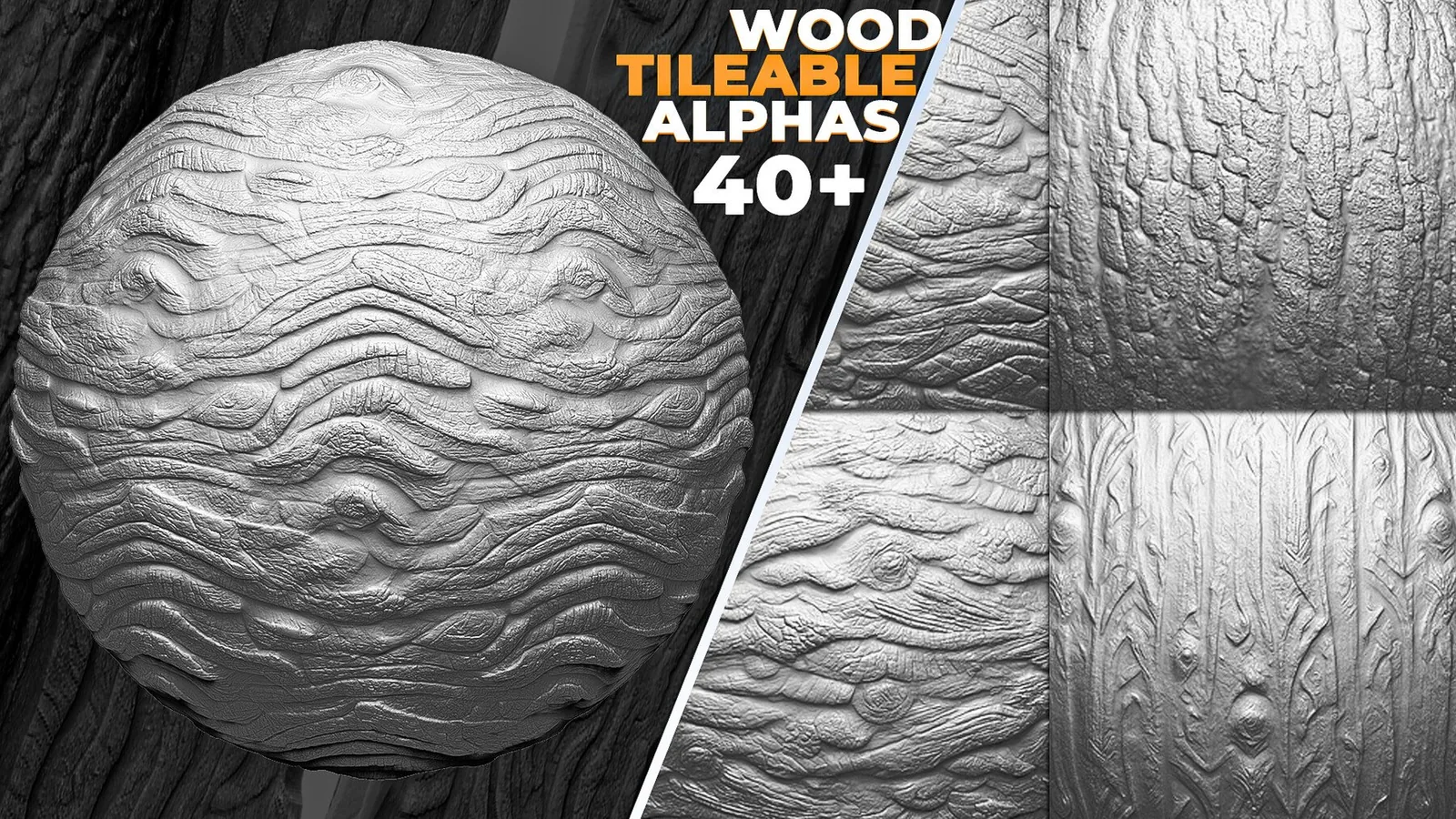
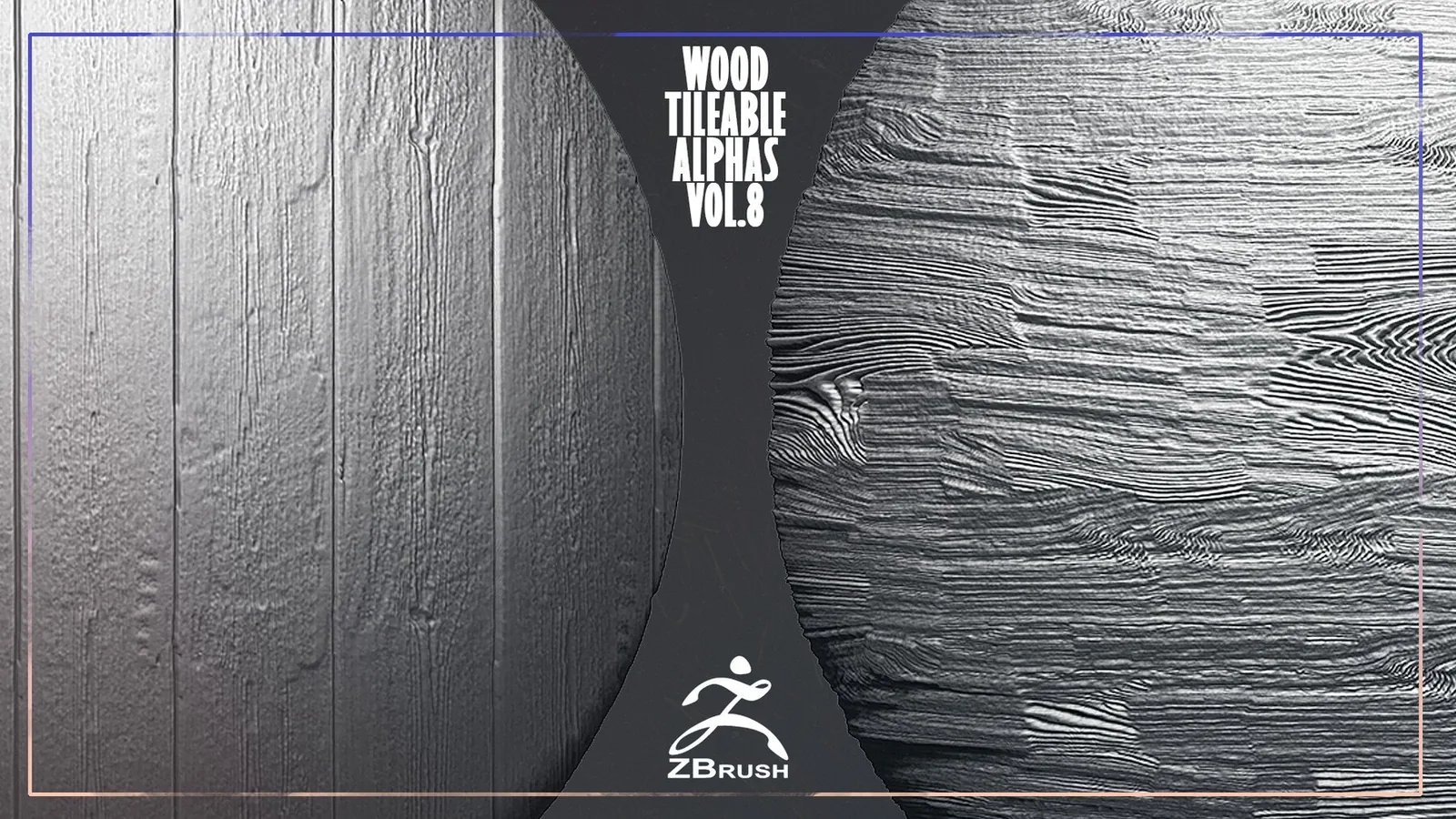
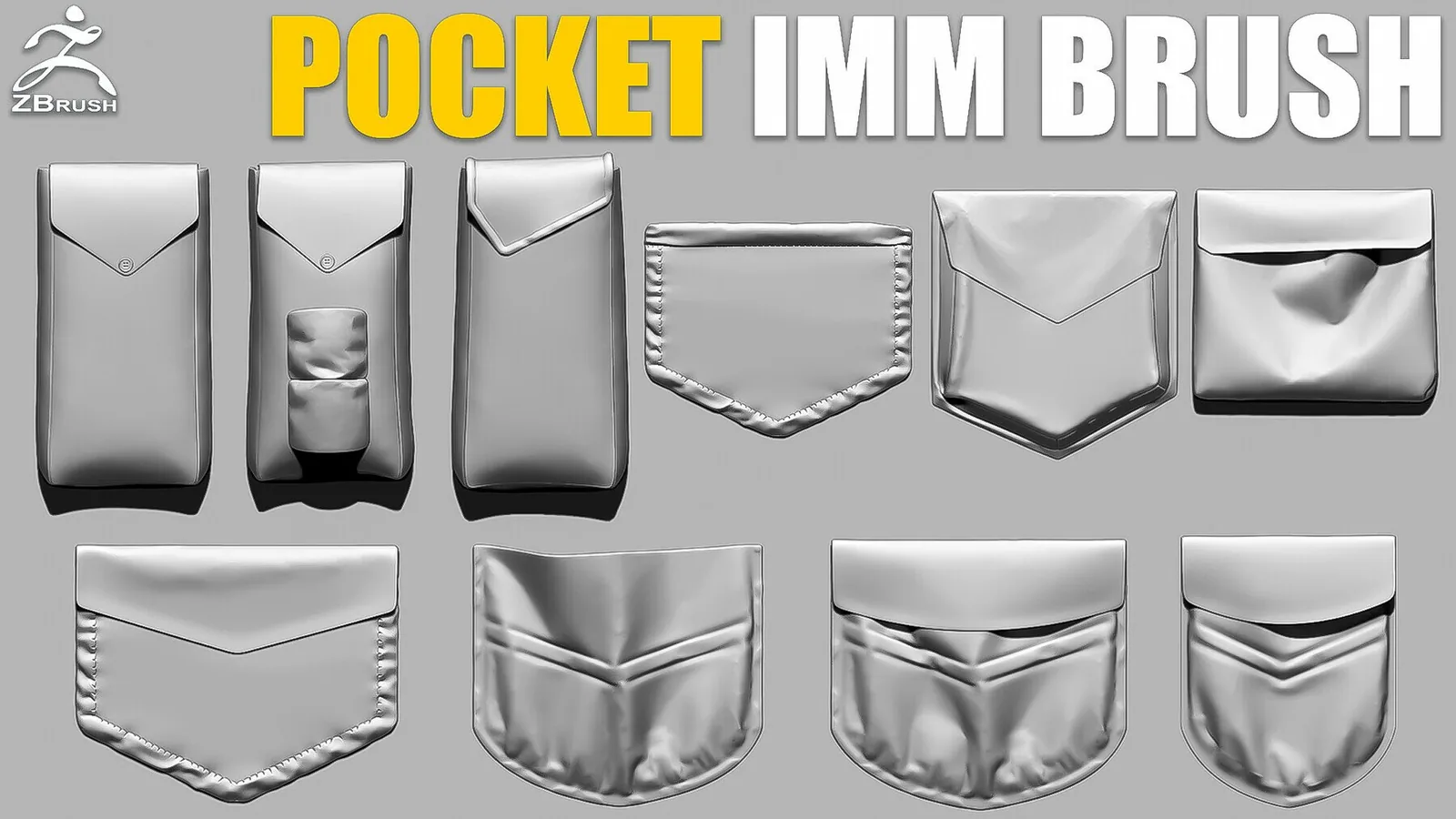
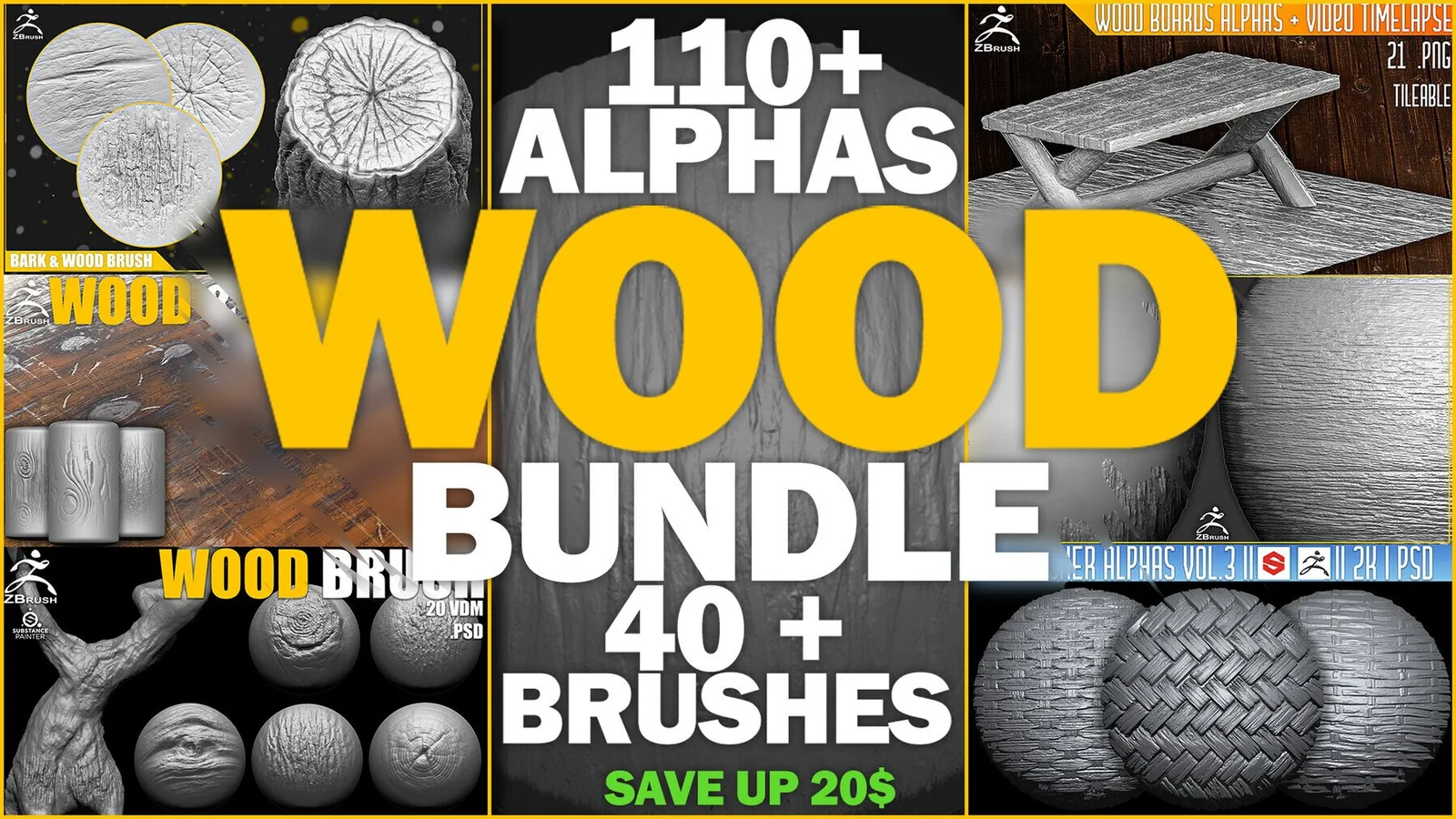
Examples
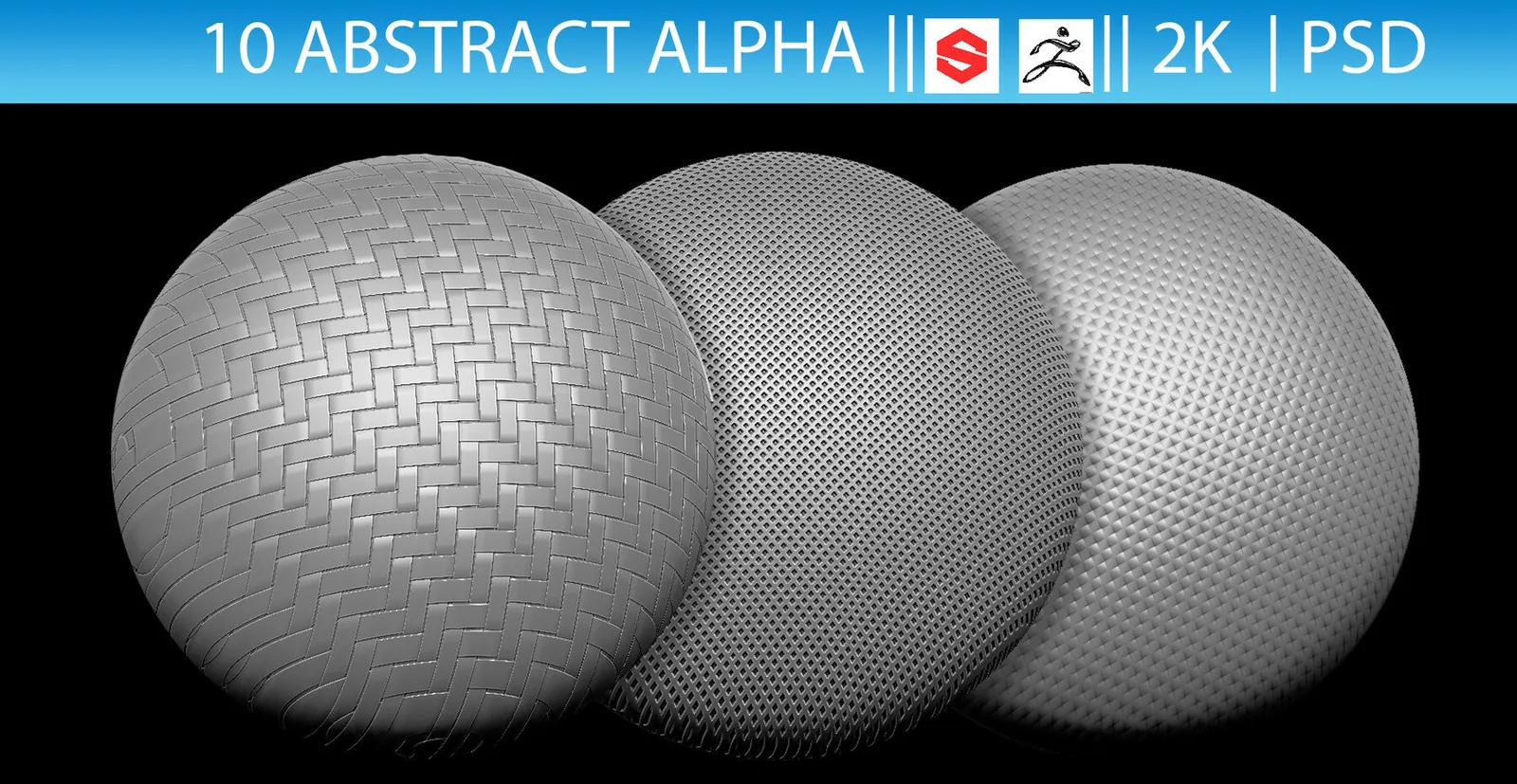
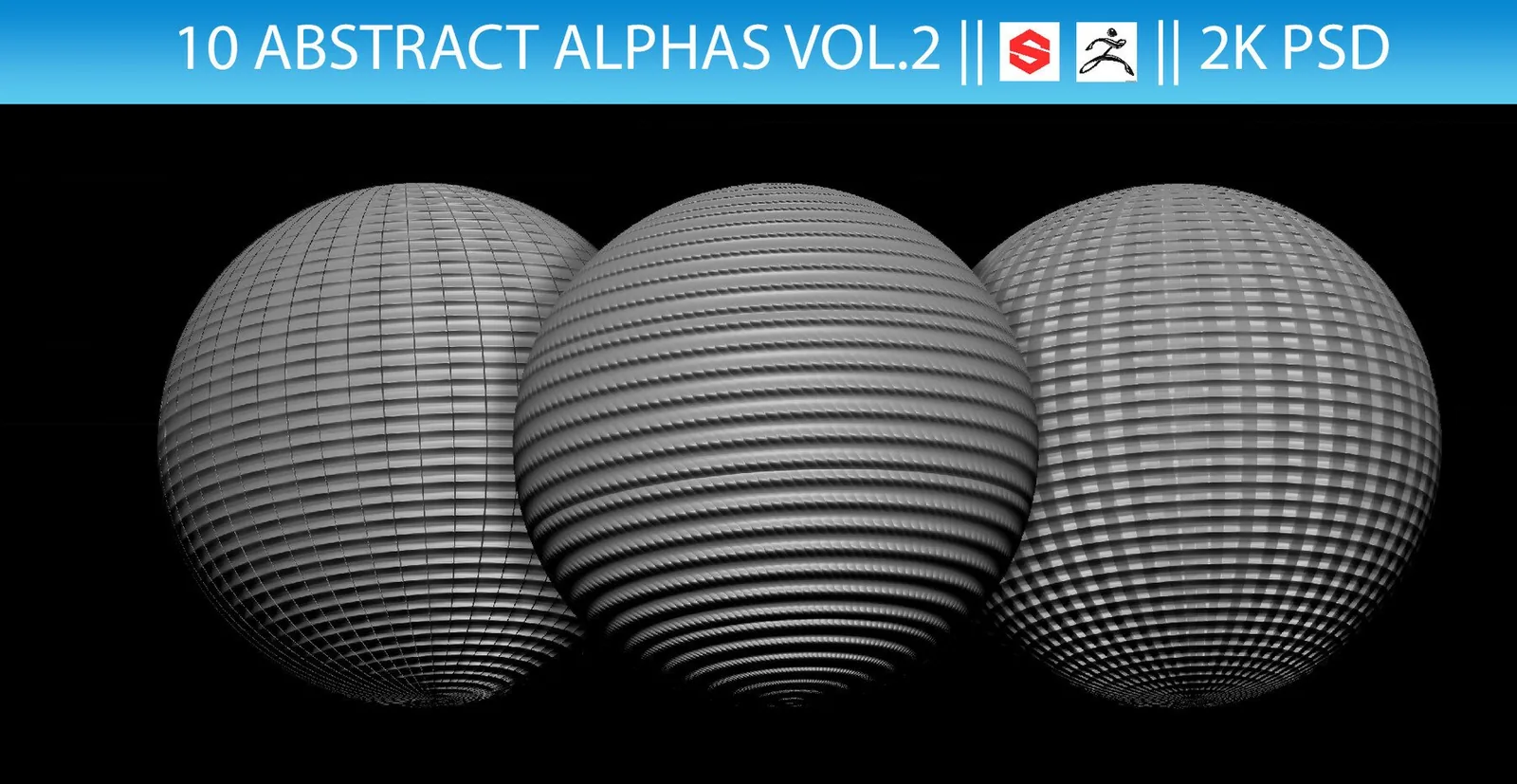
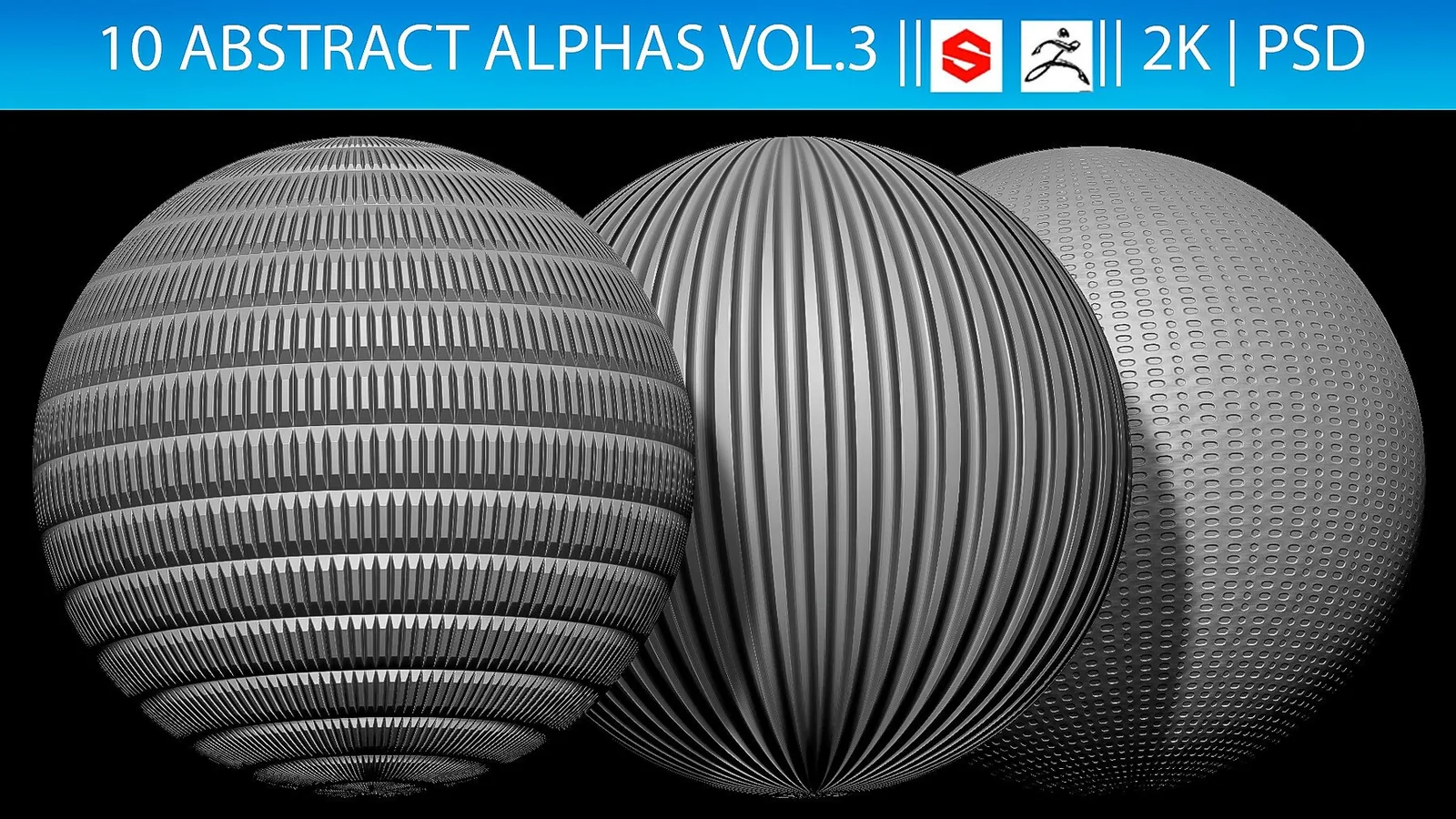
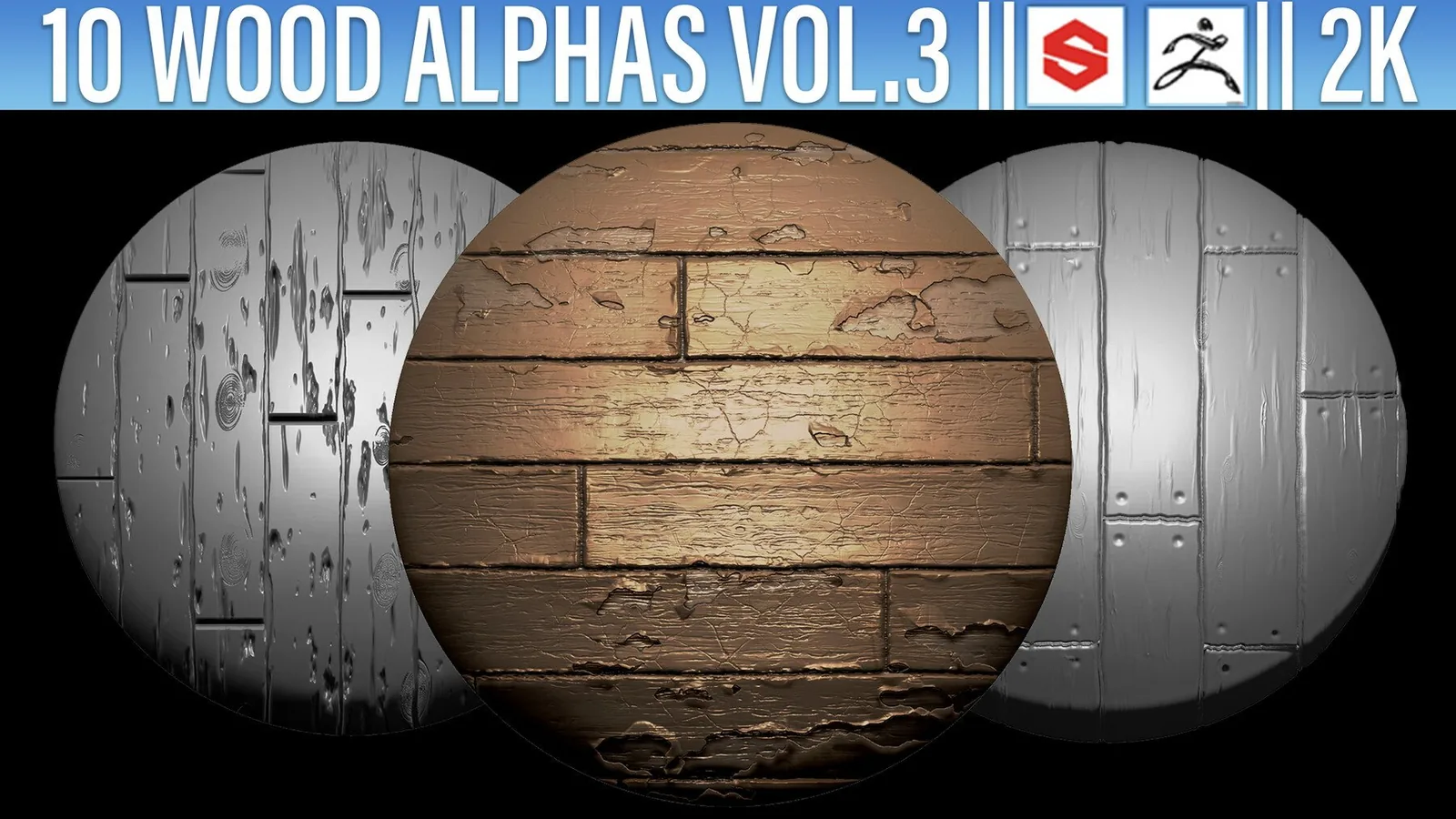
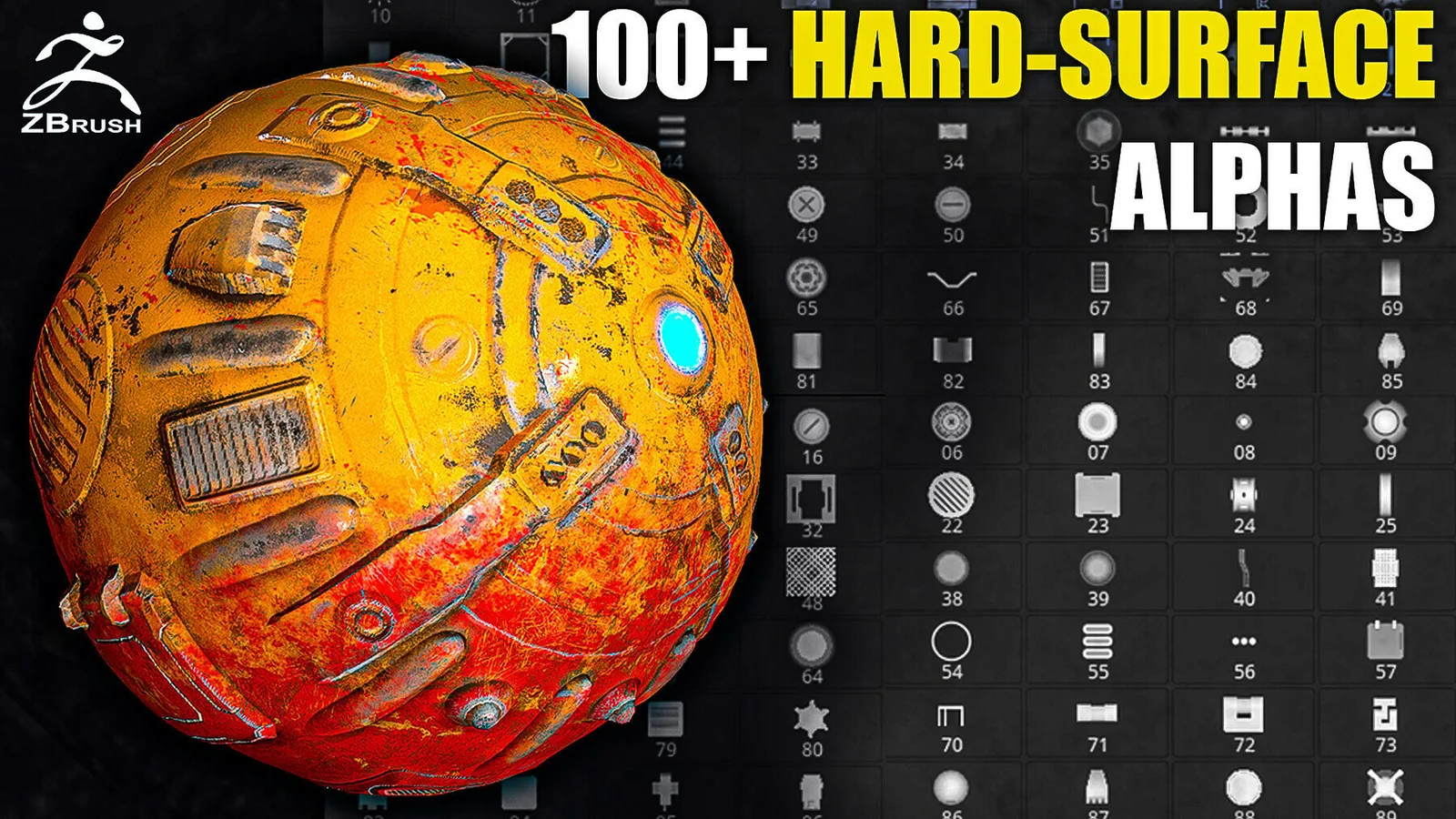
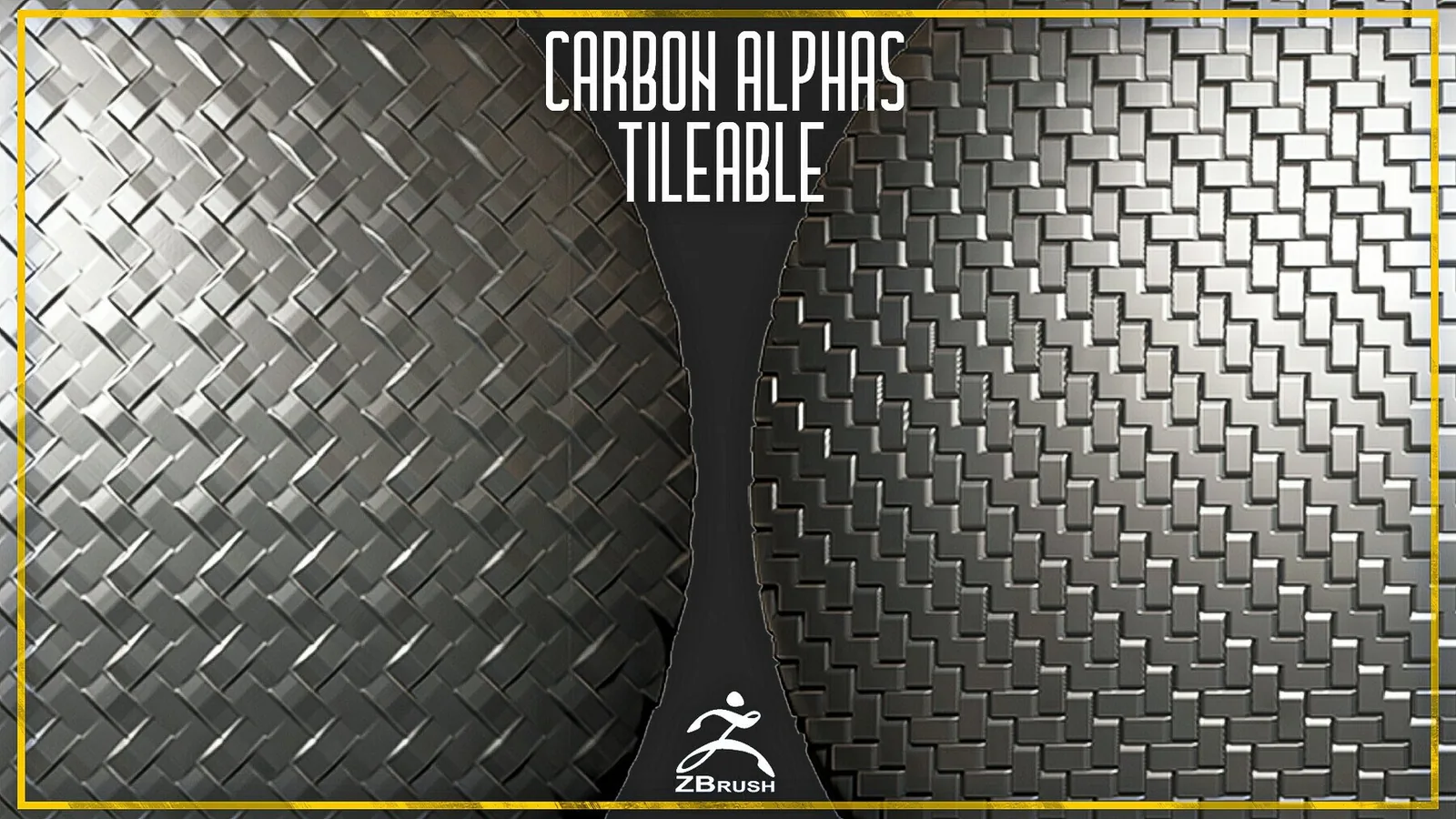
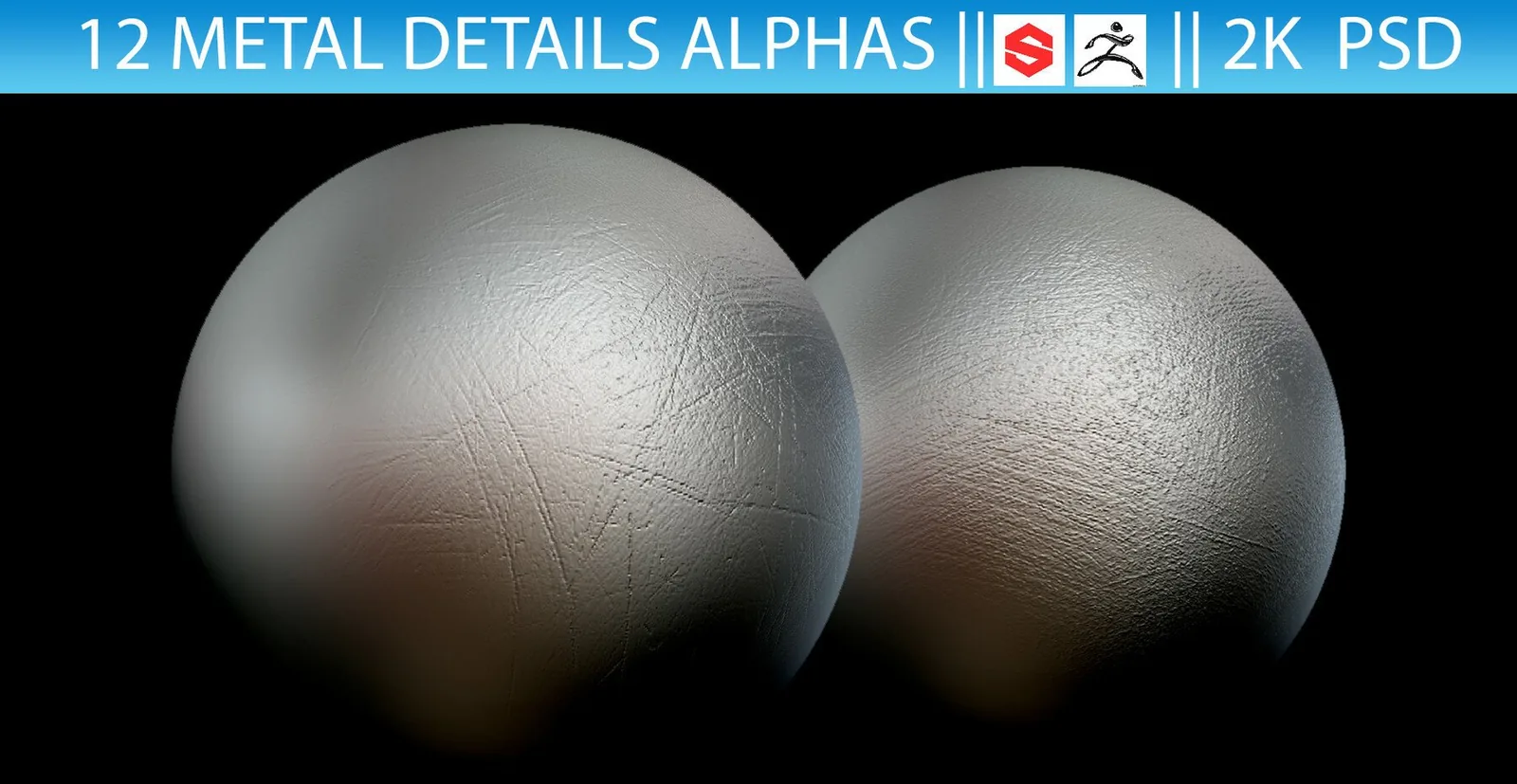
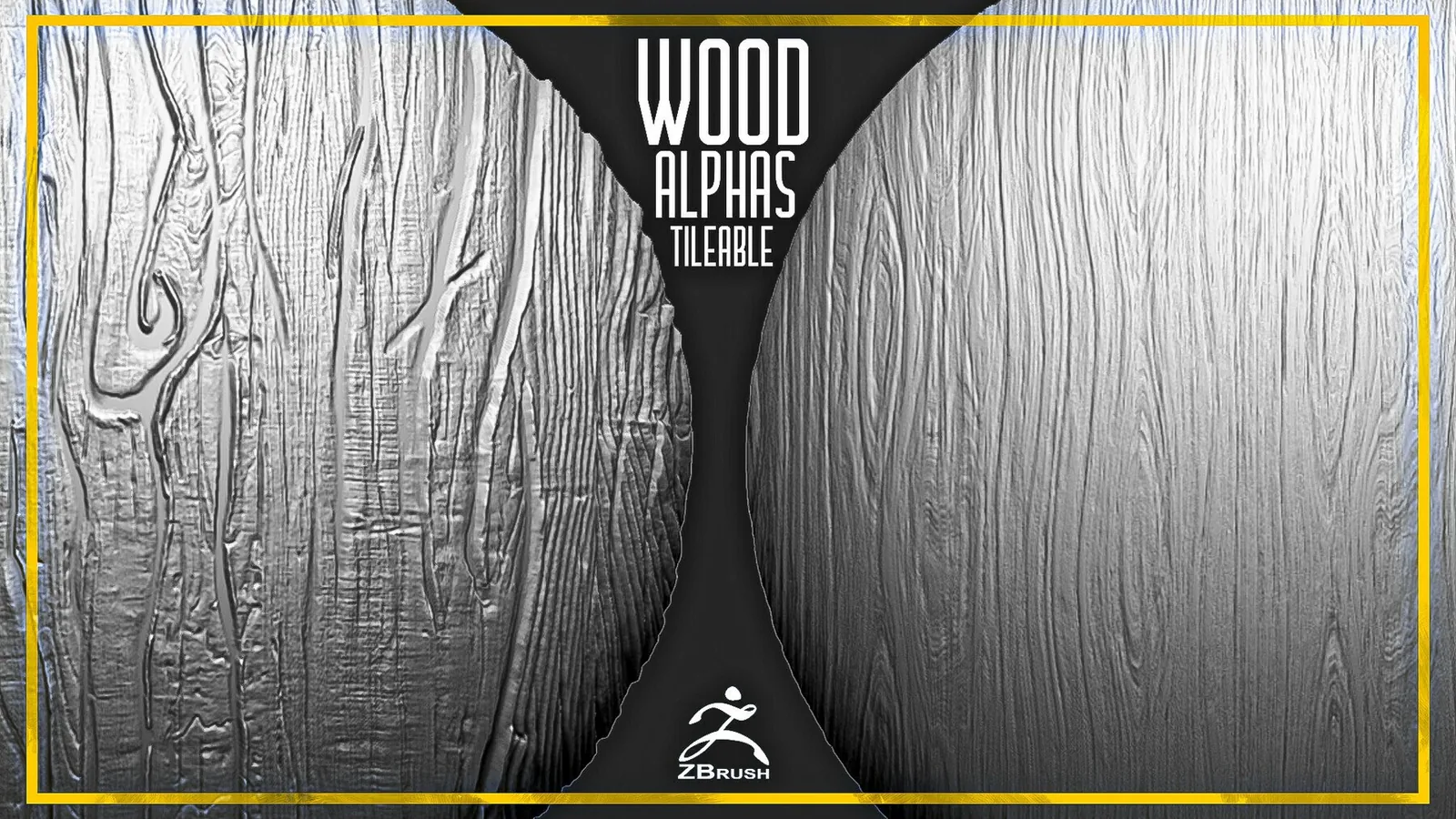
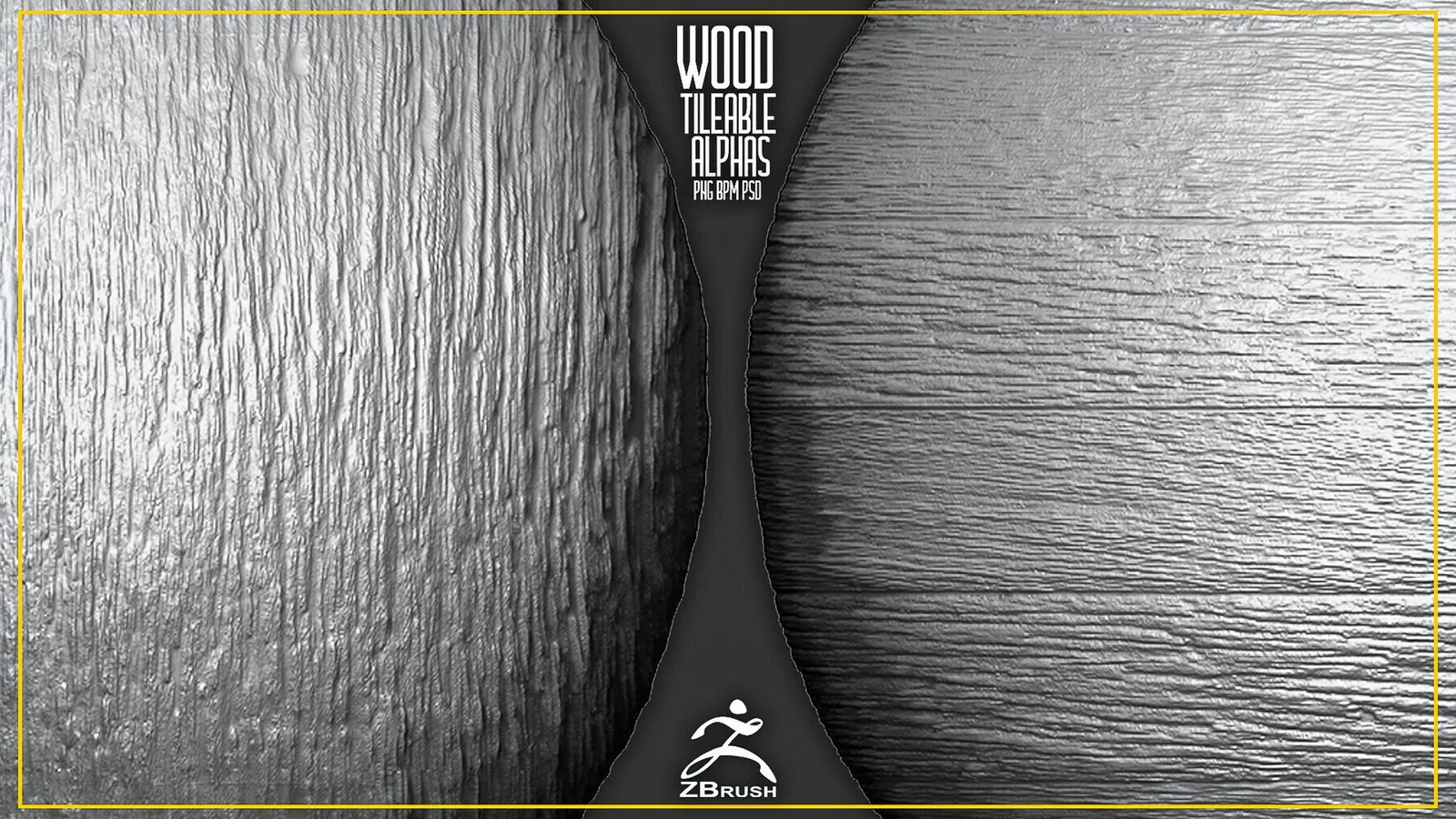
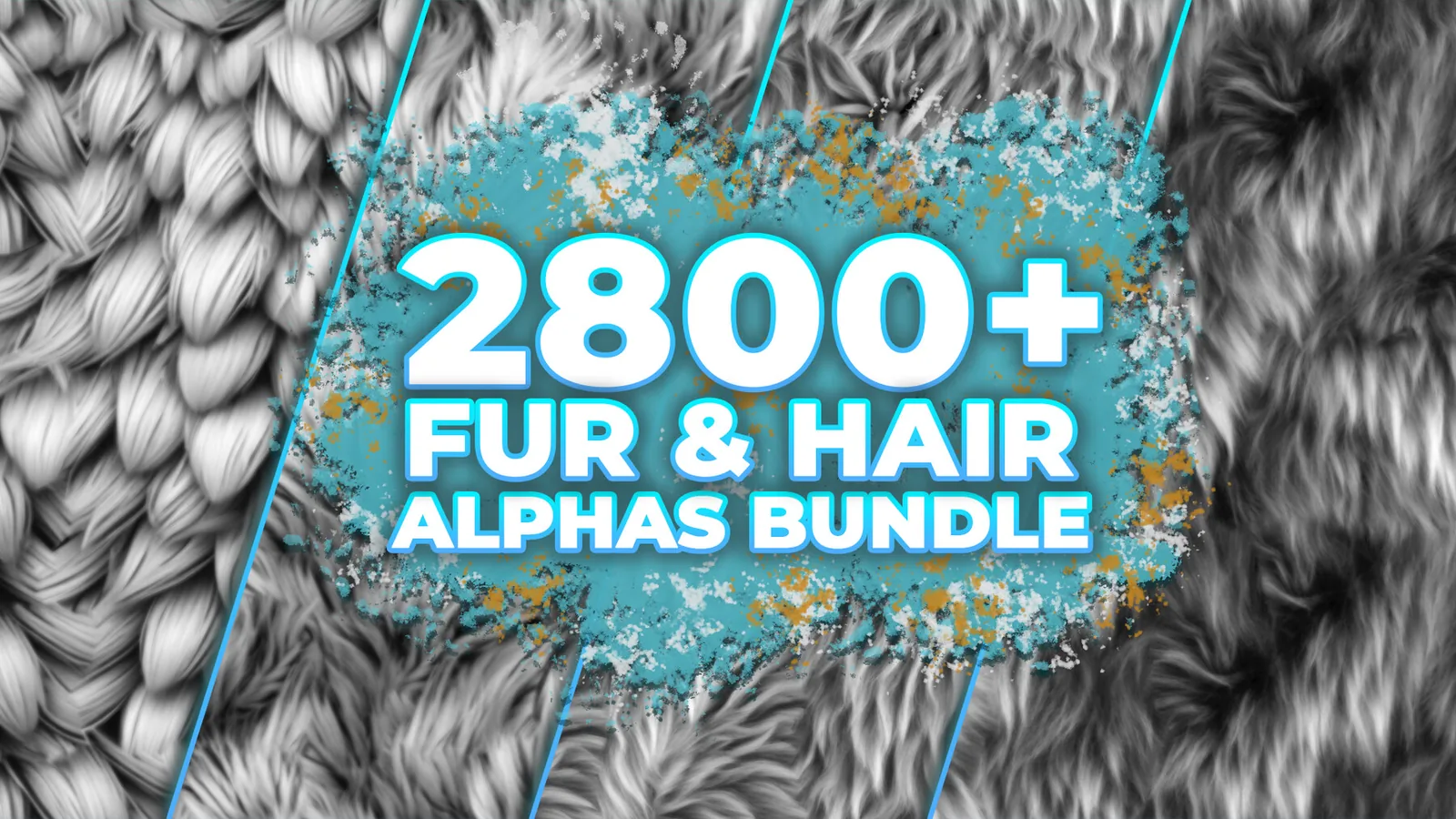
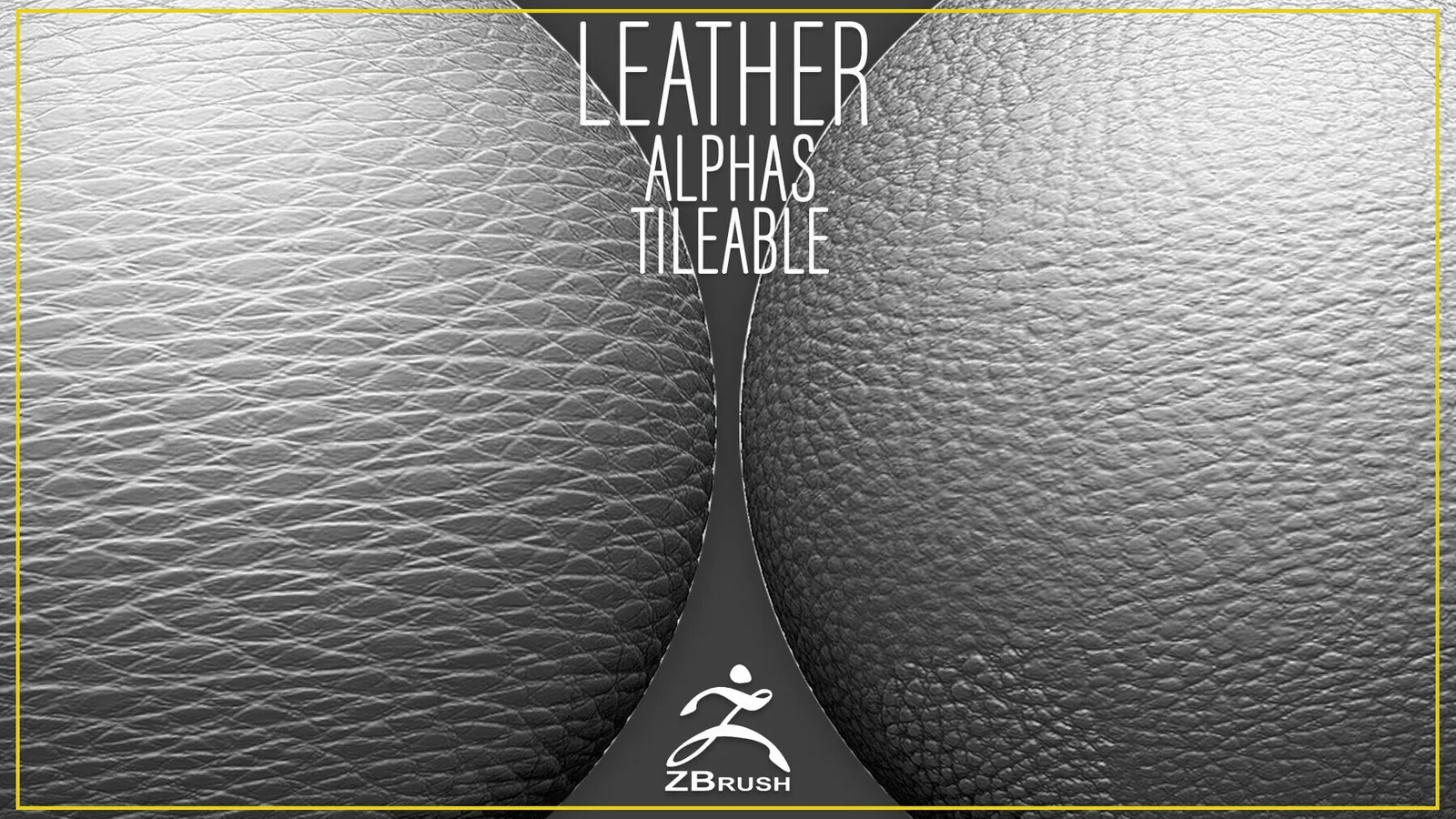
Real product previews showing how the brushes and alphas read on different materials and scales.