Category
Alphas and Displacement
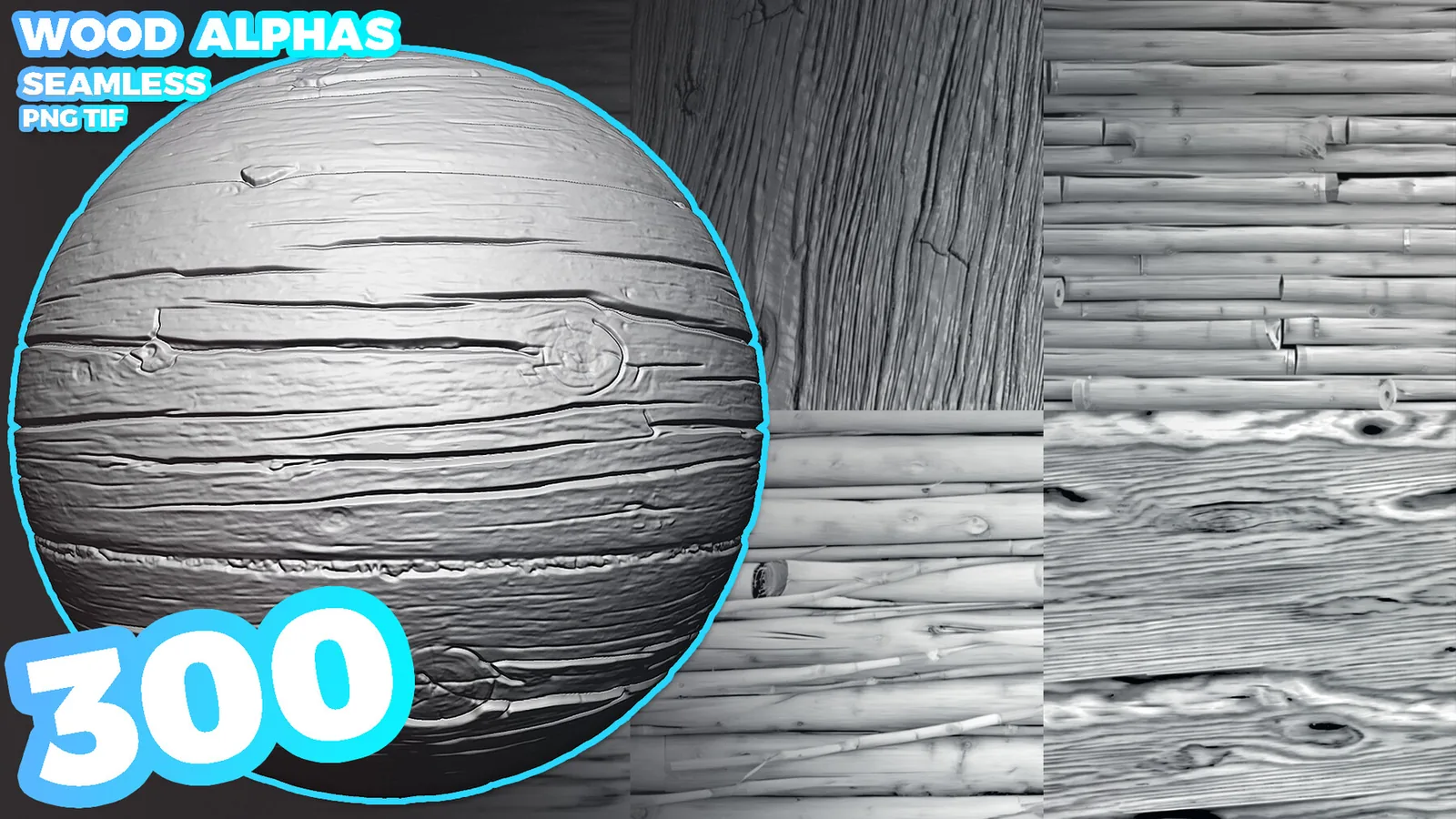
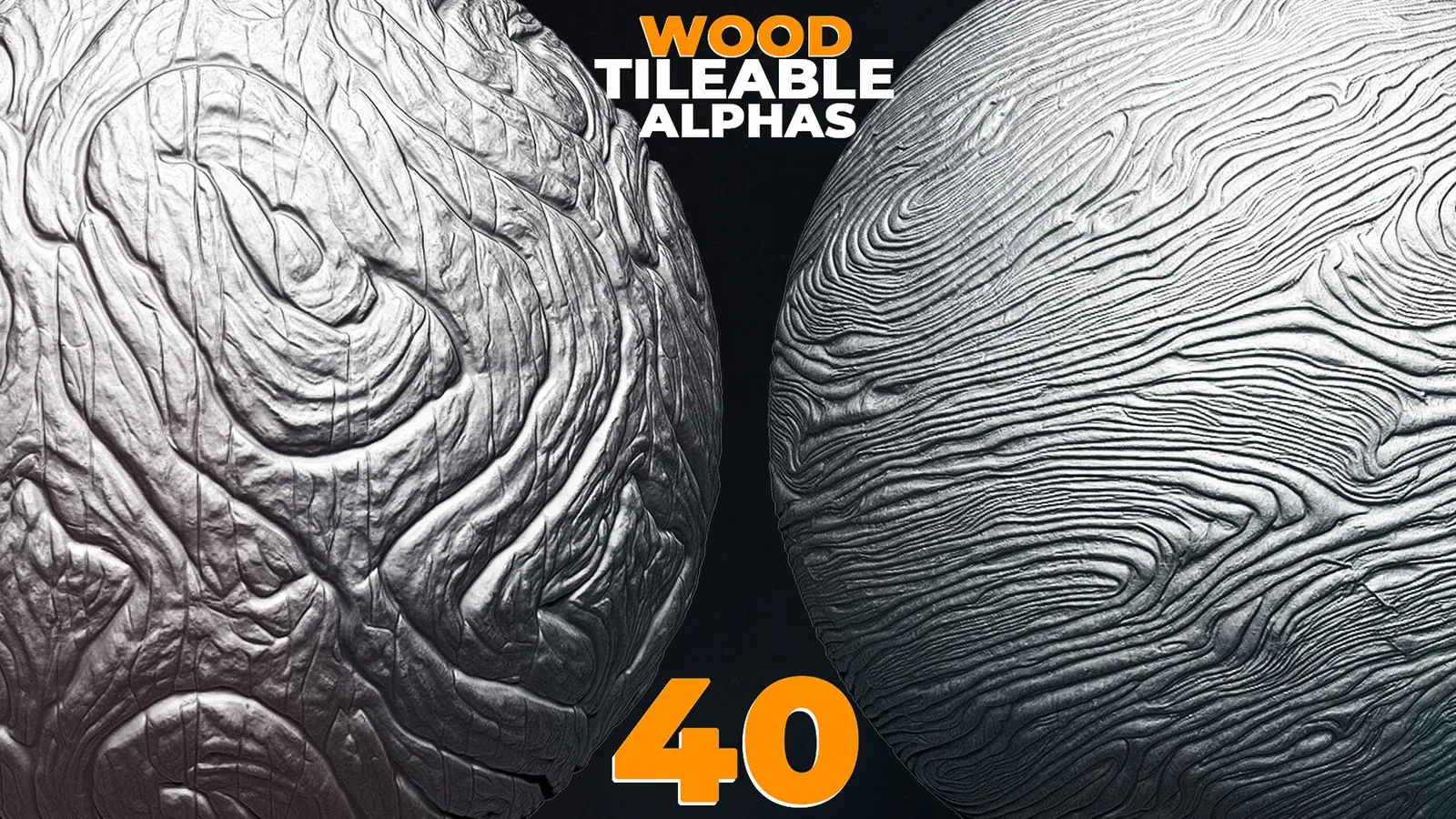
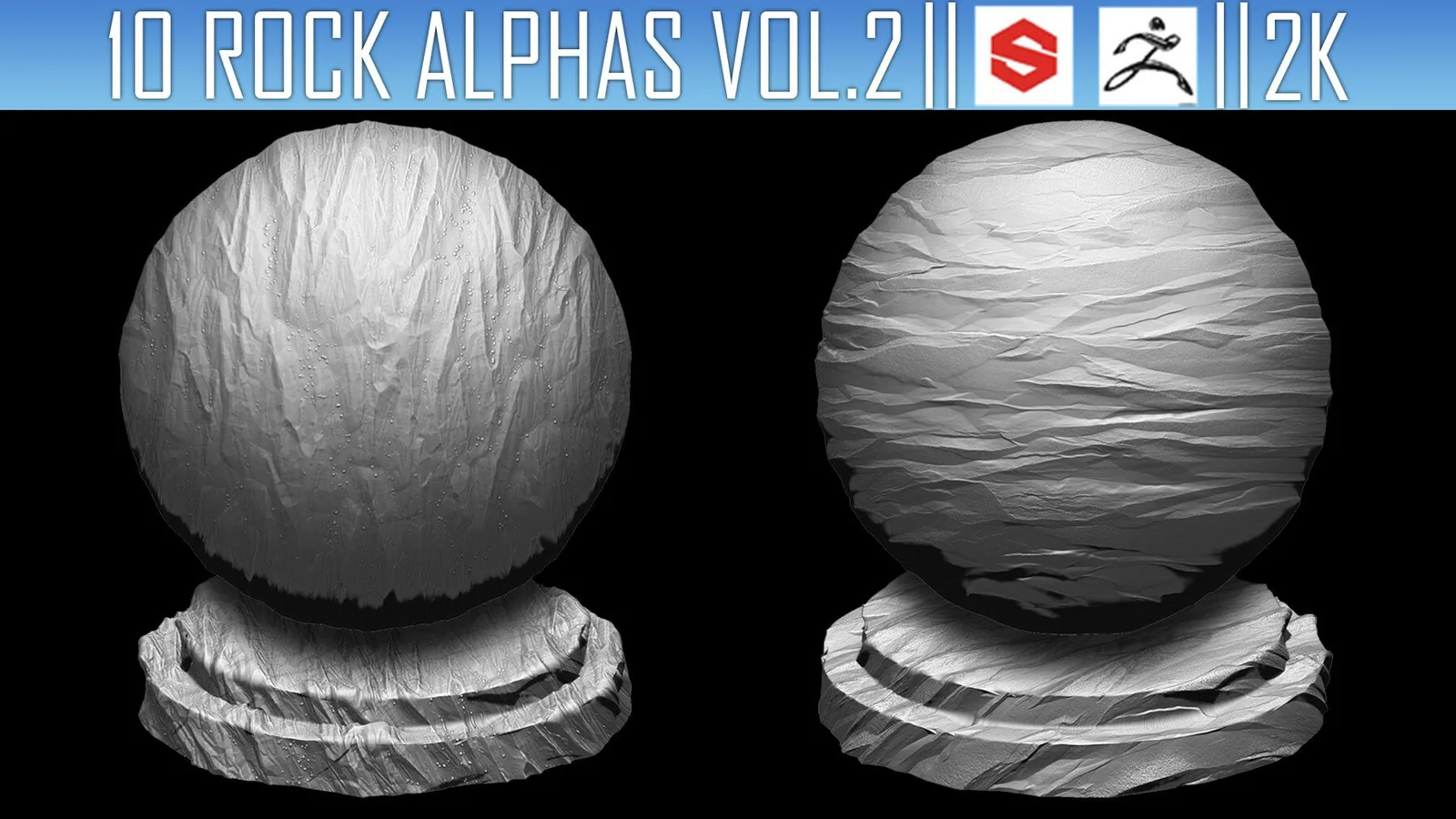
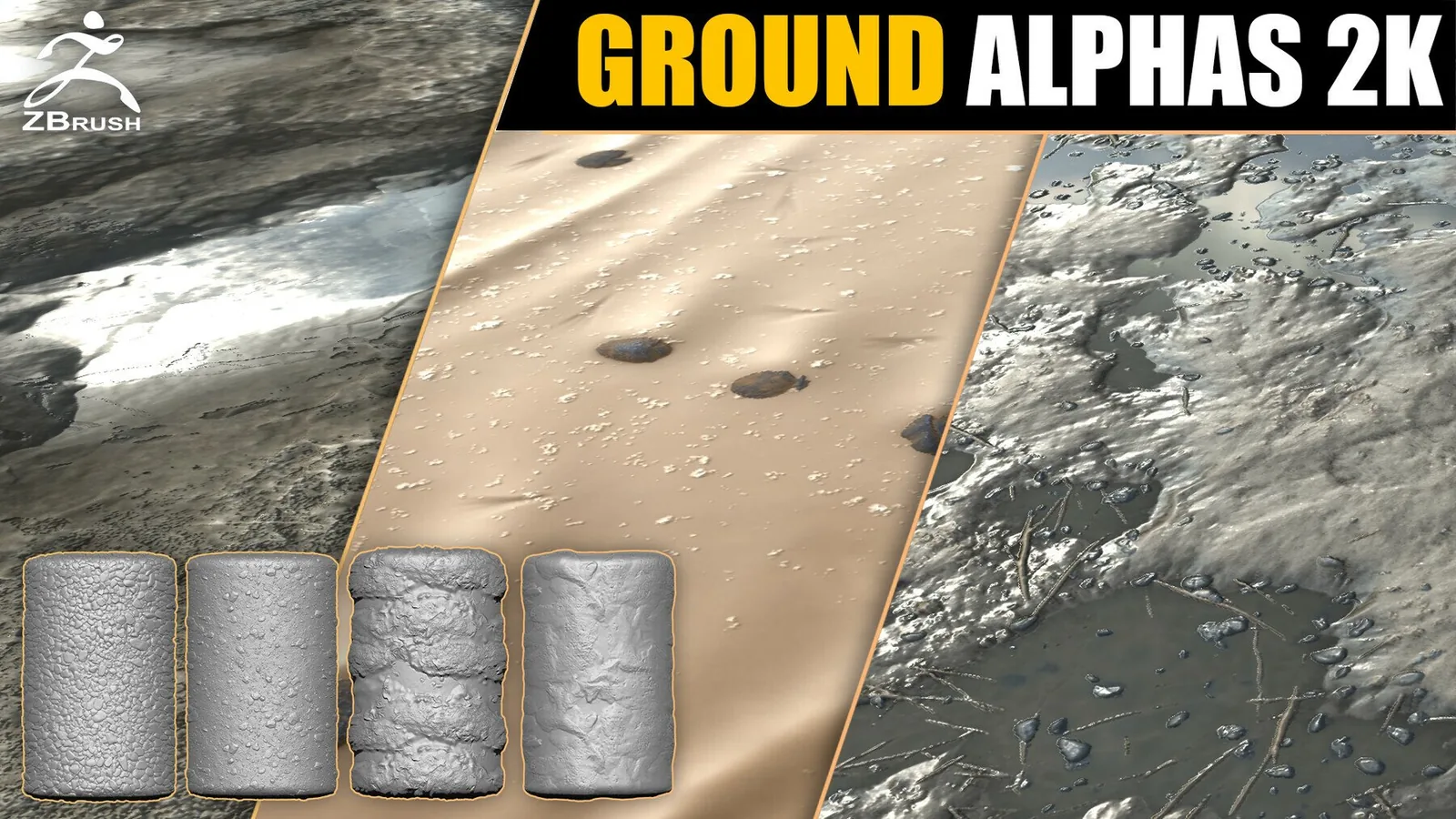
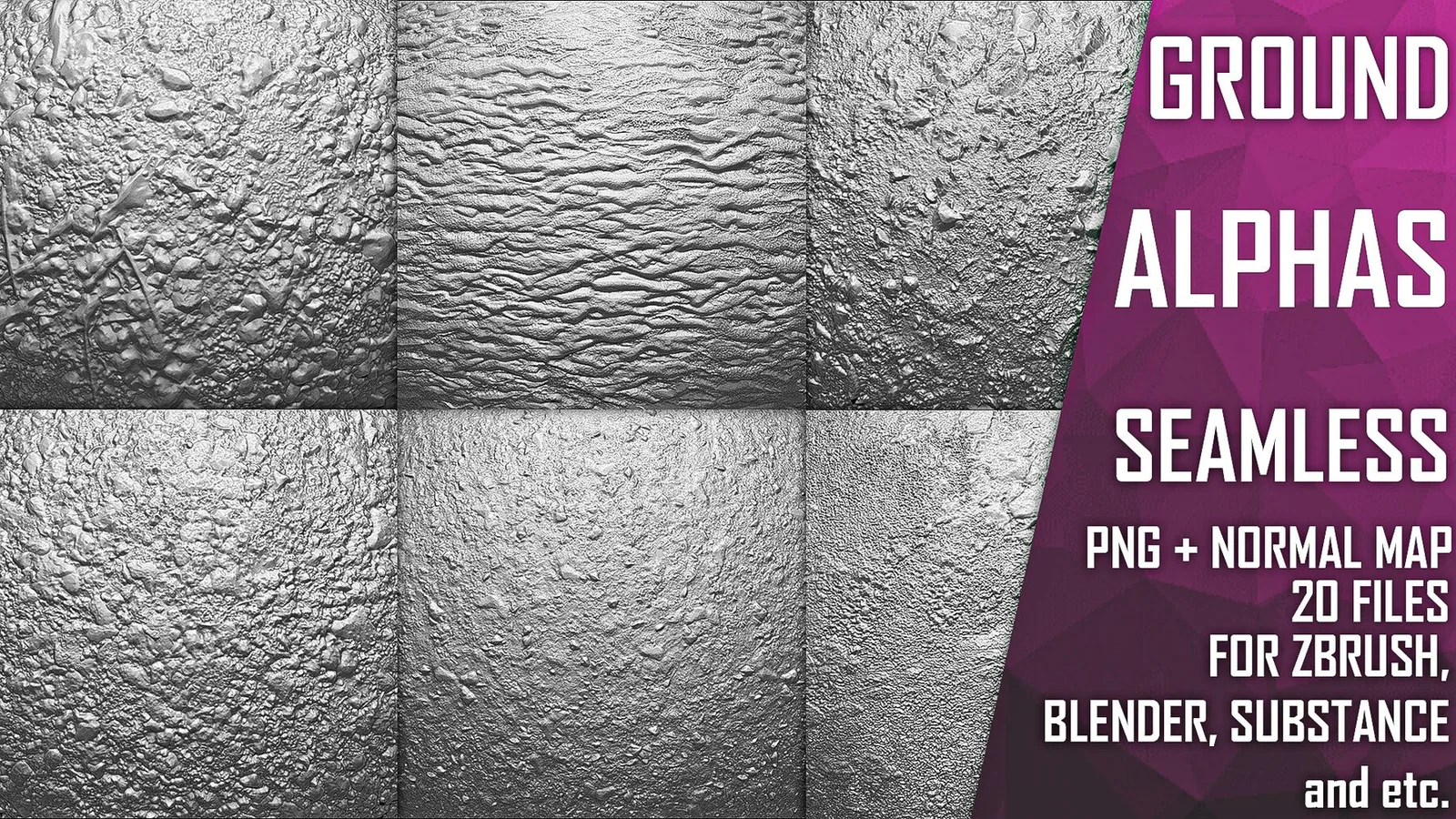
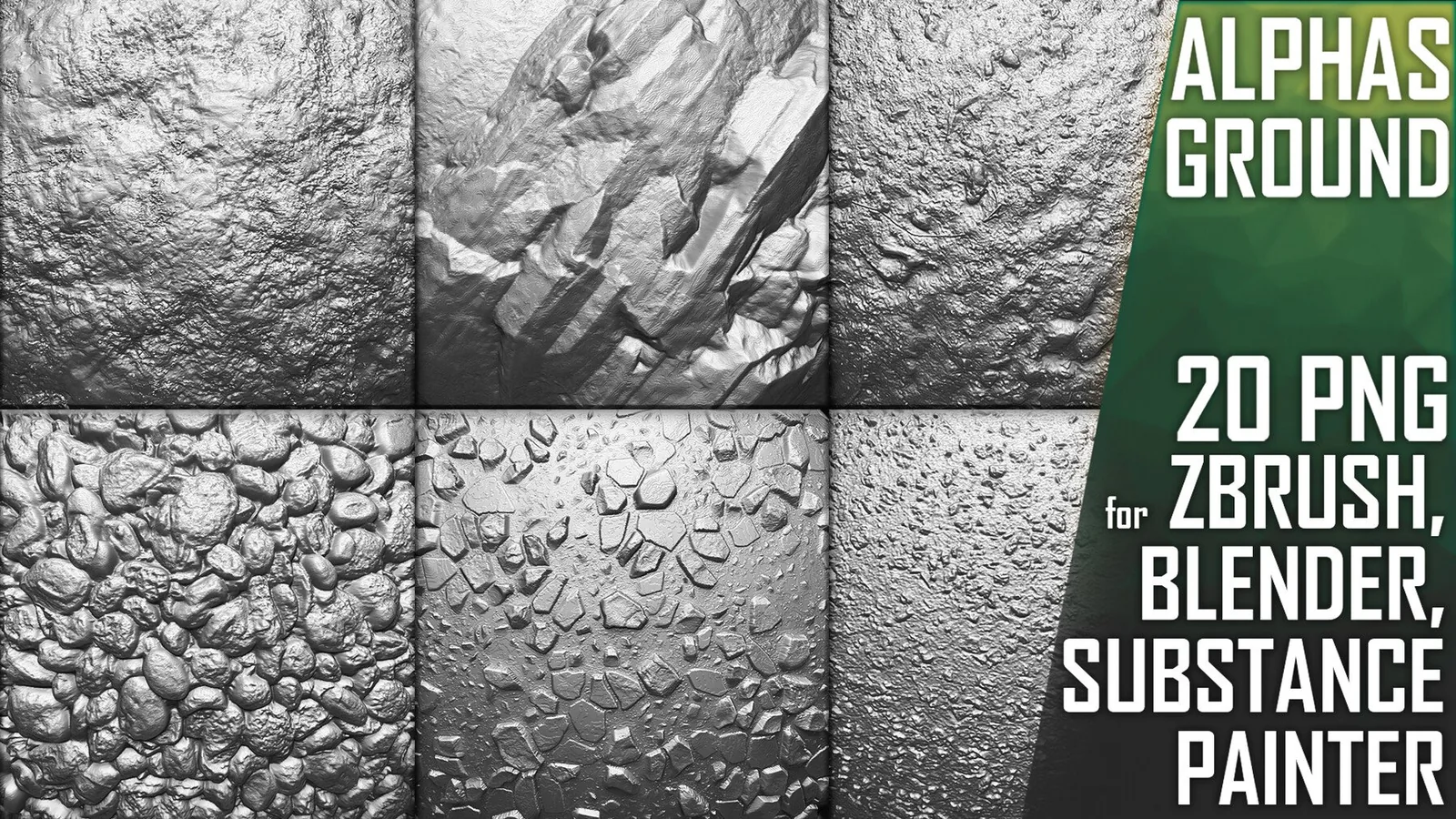
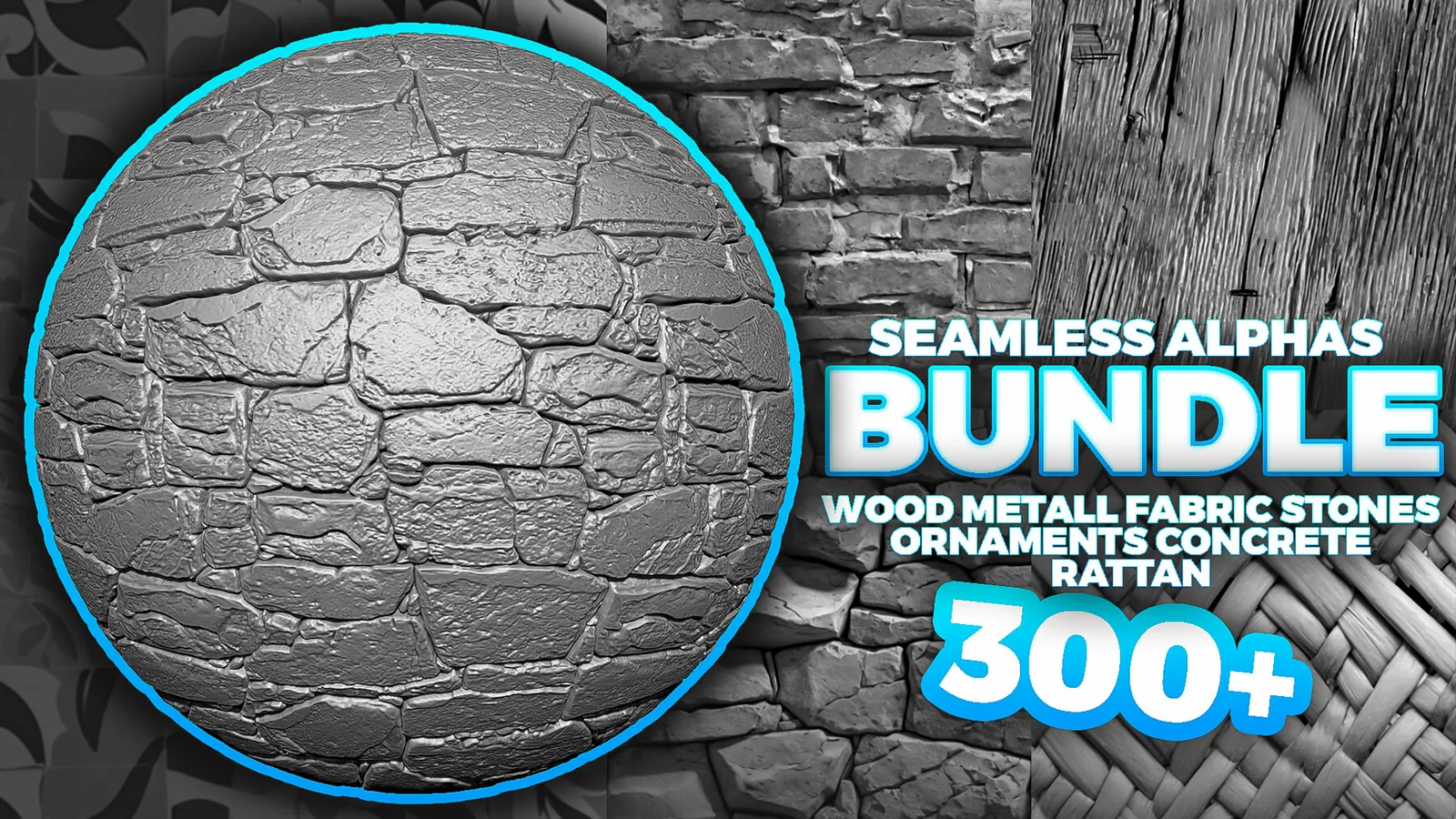
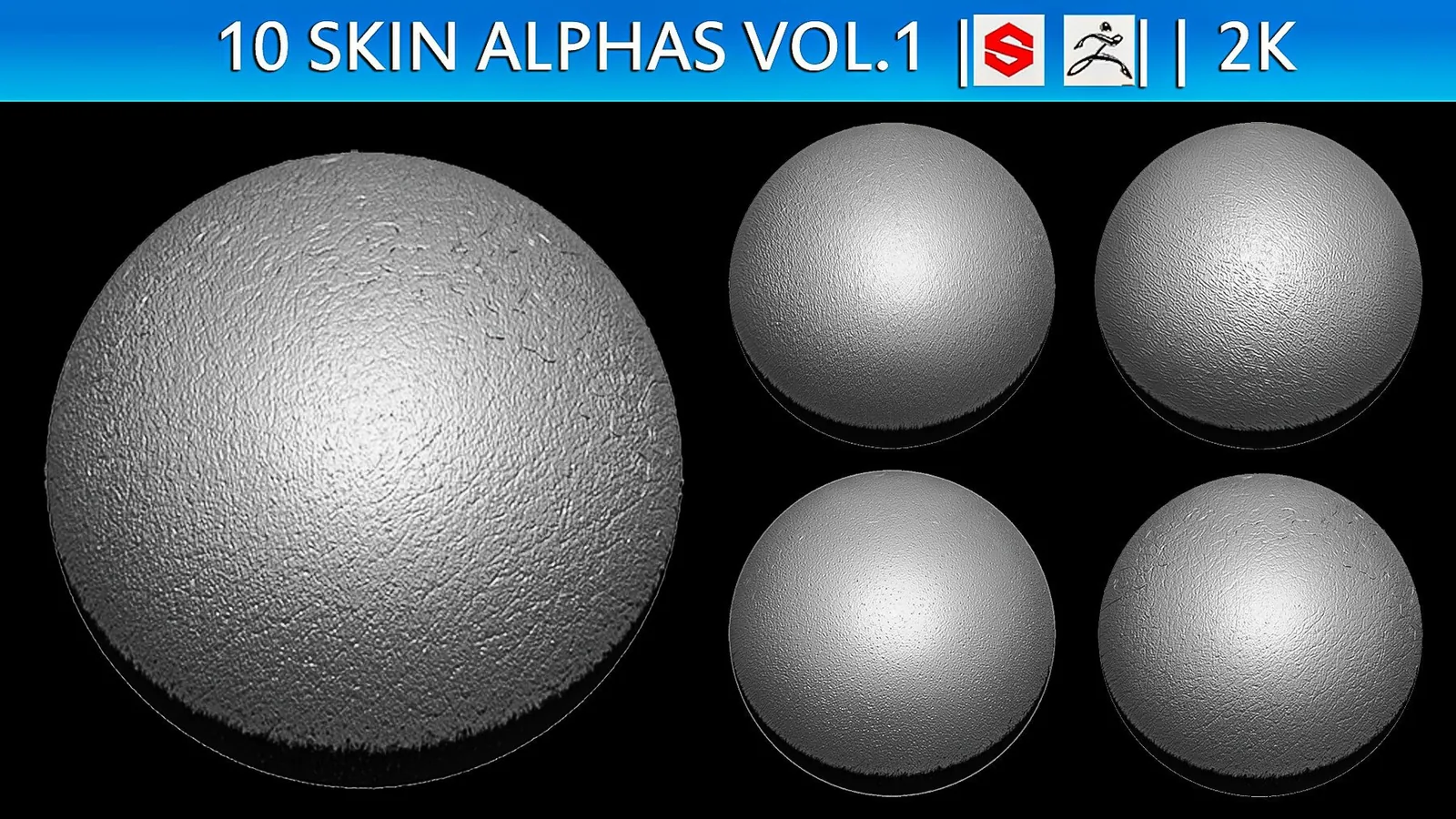
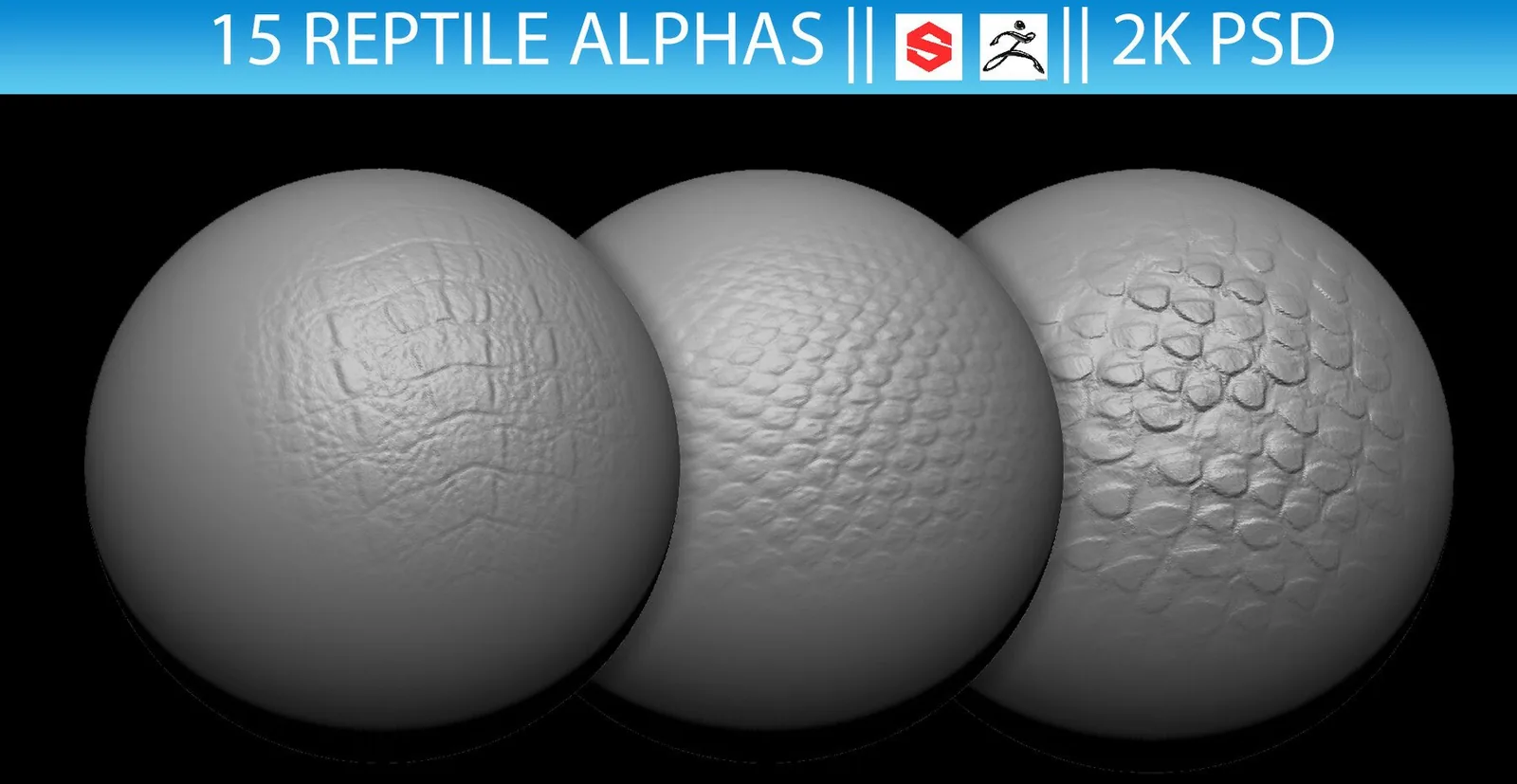
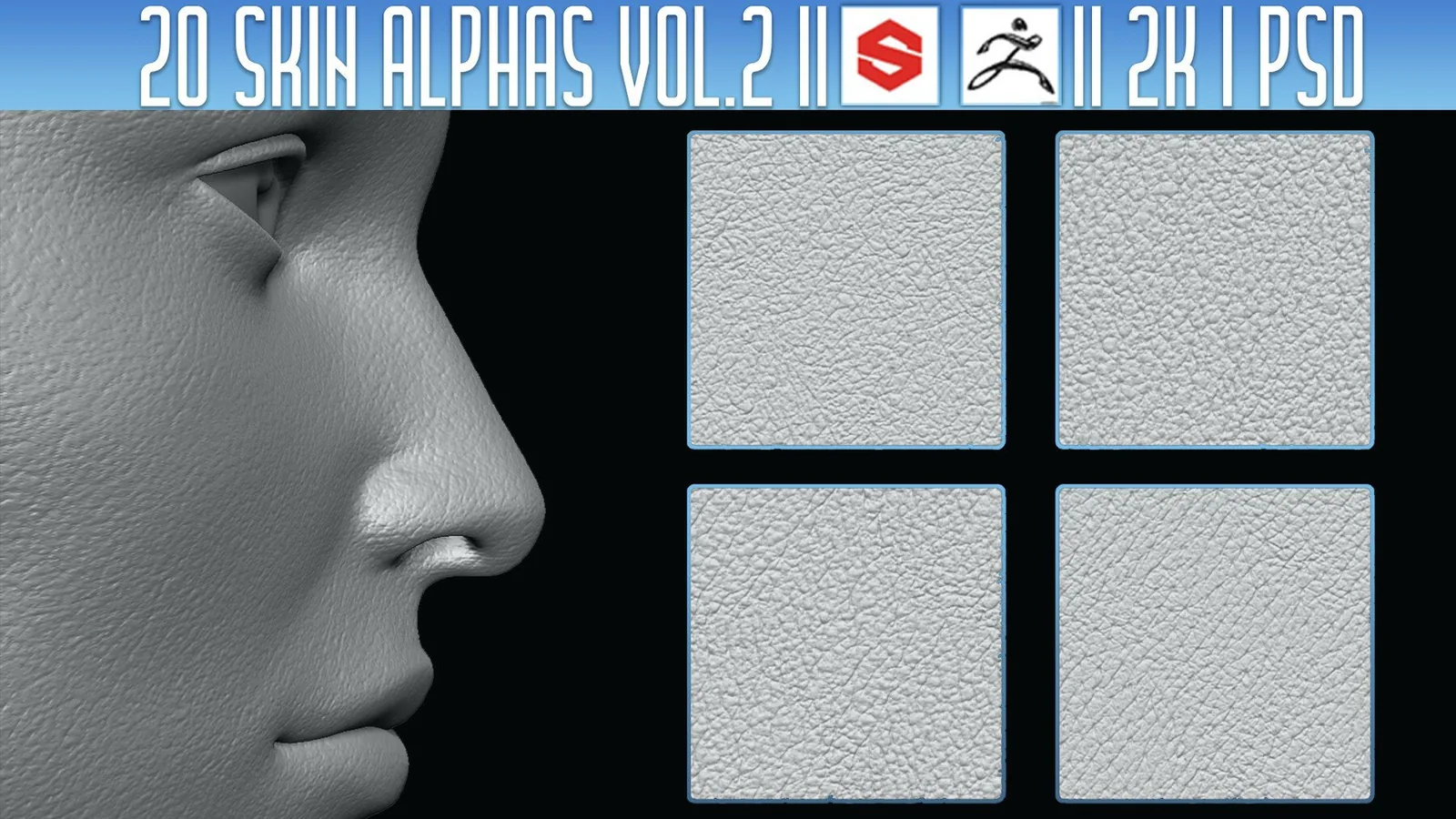
Alphas and displacement maps add believable surface detail fast. This category focuses on tileable 4K and 2K maps, 16-bit depth, and clean edges for Blender and ZBrush, covering wood, fabric, rock, fur, and surface scratches.
Quality matters: clean, seamless maps with usable depth. Use tileable alphas for large coverage and hero stamps for focal detail; in Blender use sculpt brushes, texture painting, or displacement modifiers, and in ZBrush load them in the Alpha palette and adjust intensity.
Use 16-bit sources and enough mesh density to avoid banding and stretching. Rotate and scale alphas to prevent repetition, and blend multiple low-intensity stamps for long surfaces.
Bake high poly alphas to normal, height, and curvature maps for consistent texturing across tools and game assets.
Test on a plane to dial in scale and depth before committing to the final sculpt. Keep a few non-tileable stamps for hero areas.
Organize libraries by material and resolution with consistent naming so you can swap wood, rock, or fabric fast.
Alphas work well for trim-sheet workflows: stamp a clean high poly, bake it, and reuse across props.
Use a reference shader with consistent displacement strength to compare depth between packs.
Preview under strong directional light and cavity shading to catch seams, banding, or stretching early.
Keep a neutral noise set plus bold hero stamps to avoid uniformly stamped surfaces.
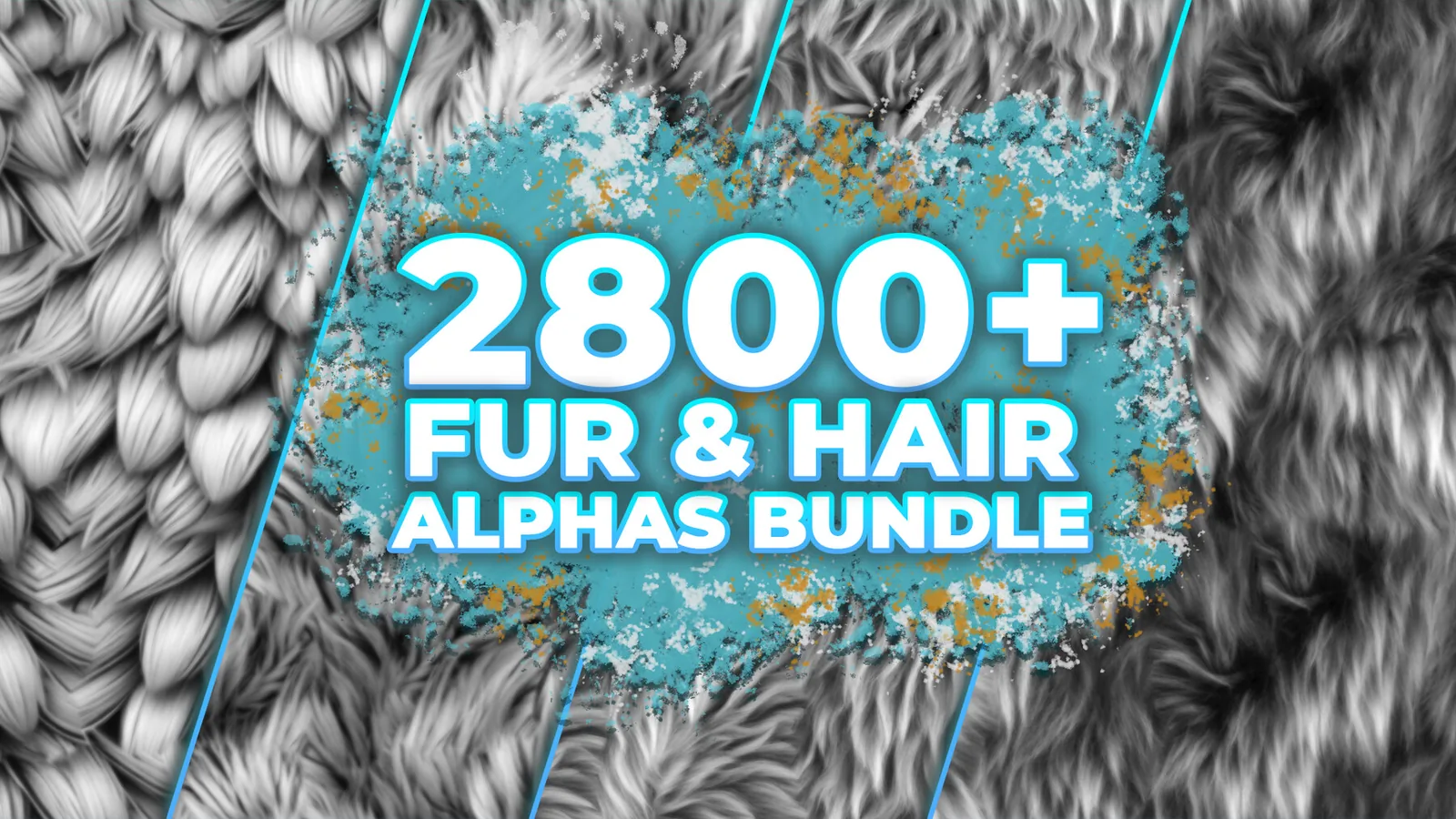
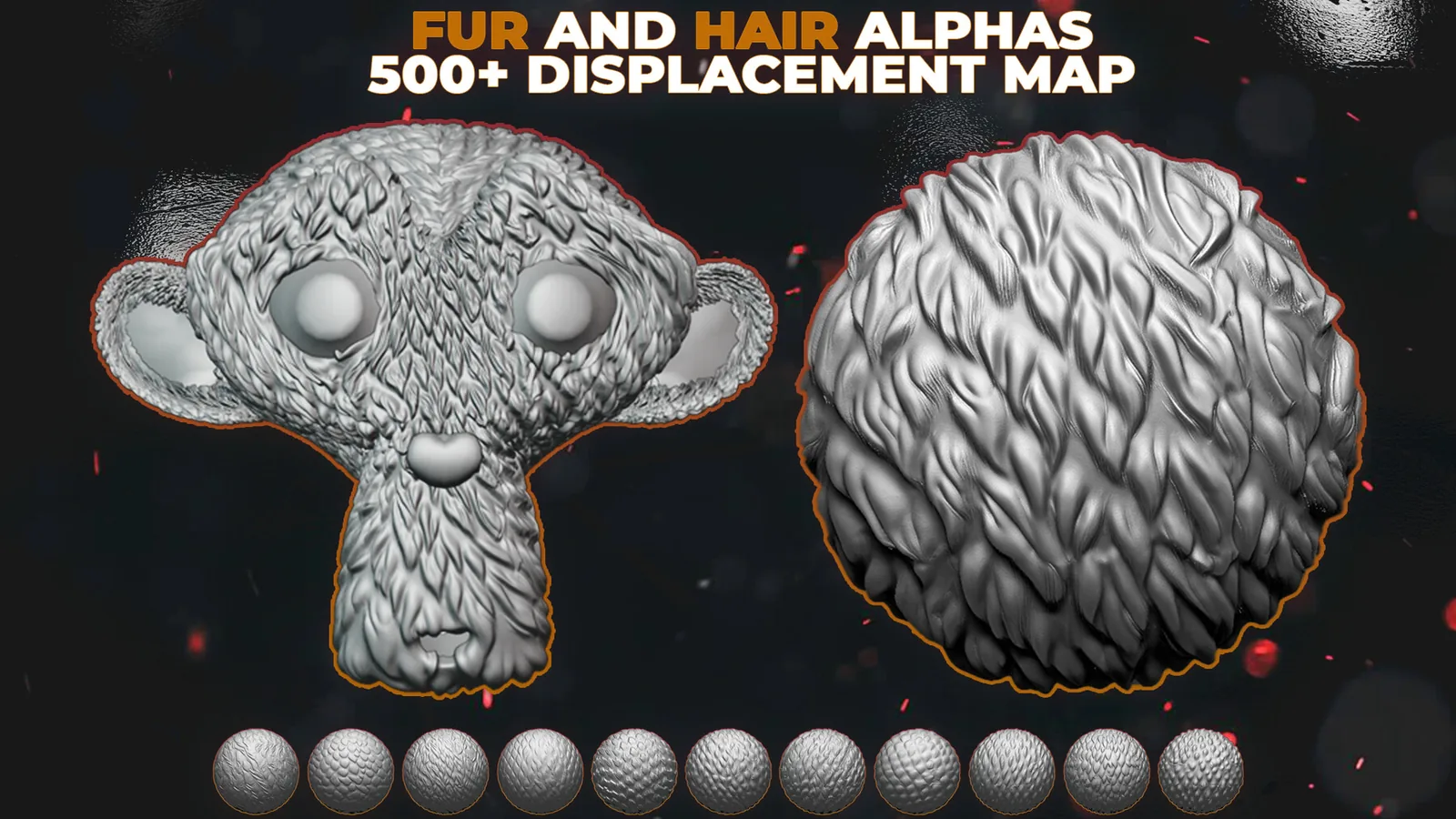
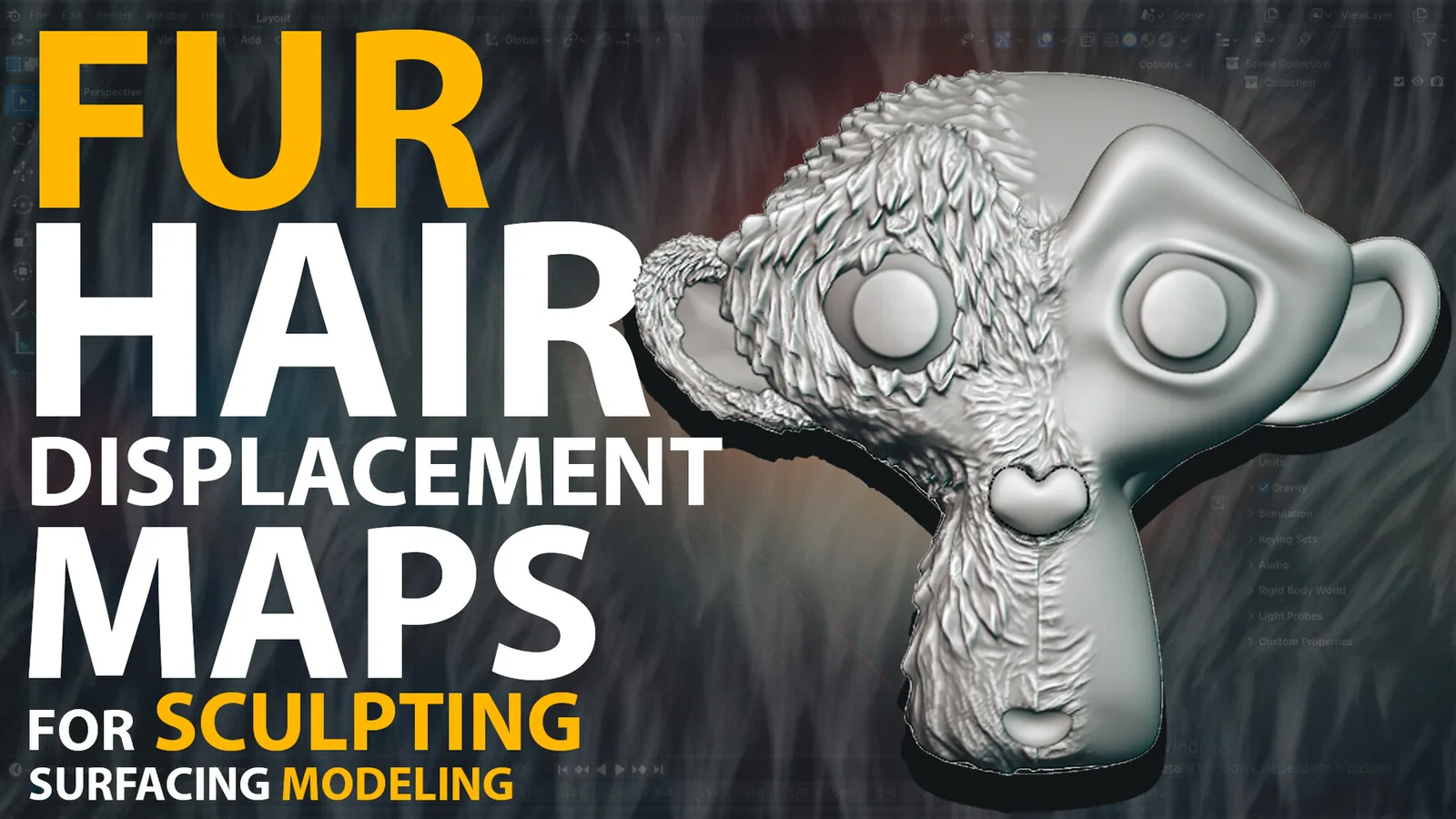
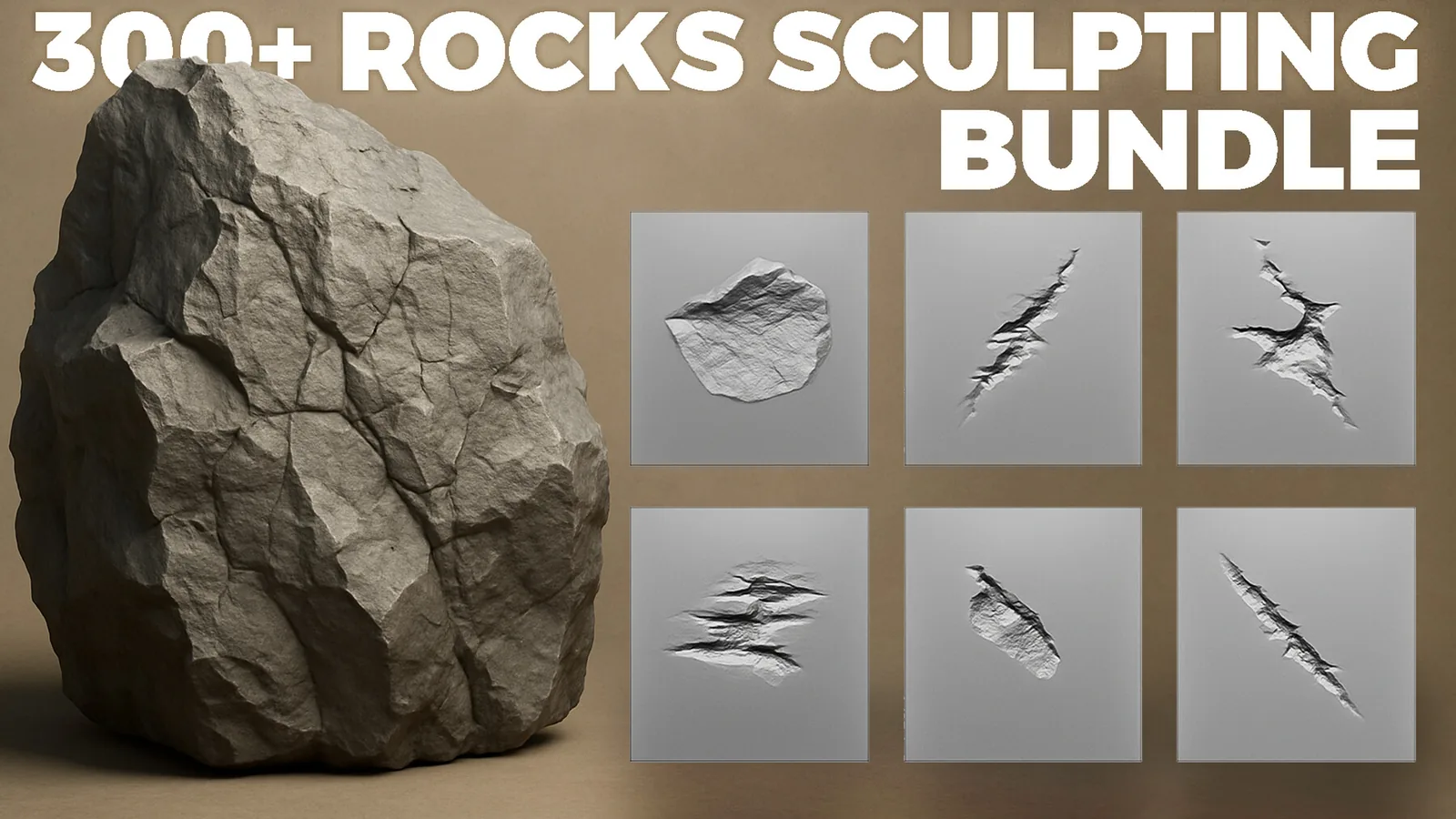
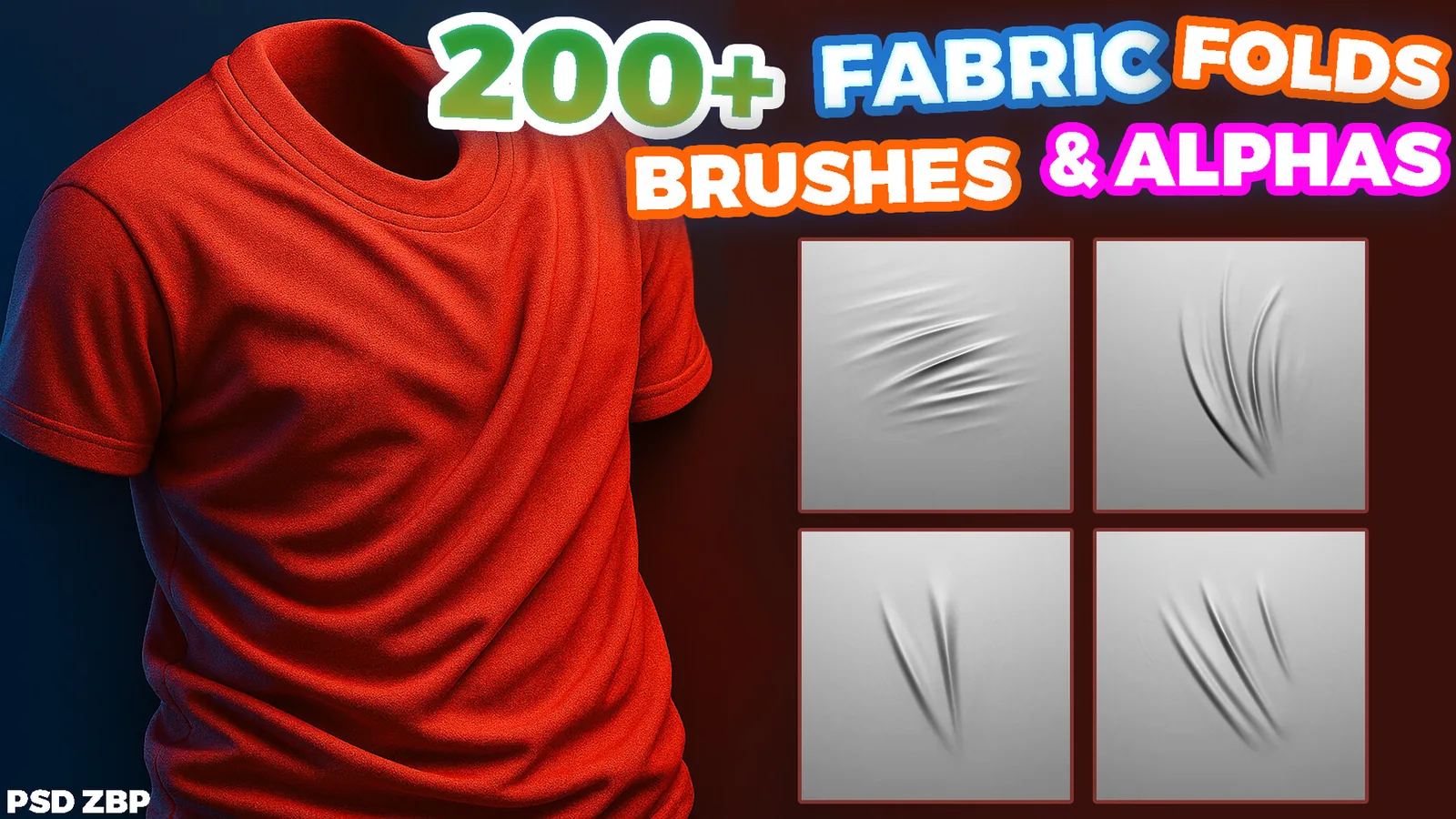
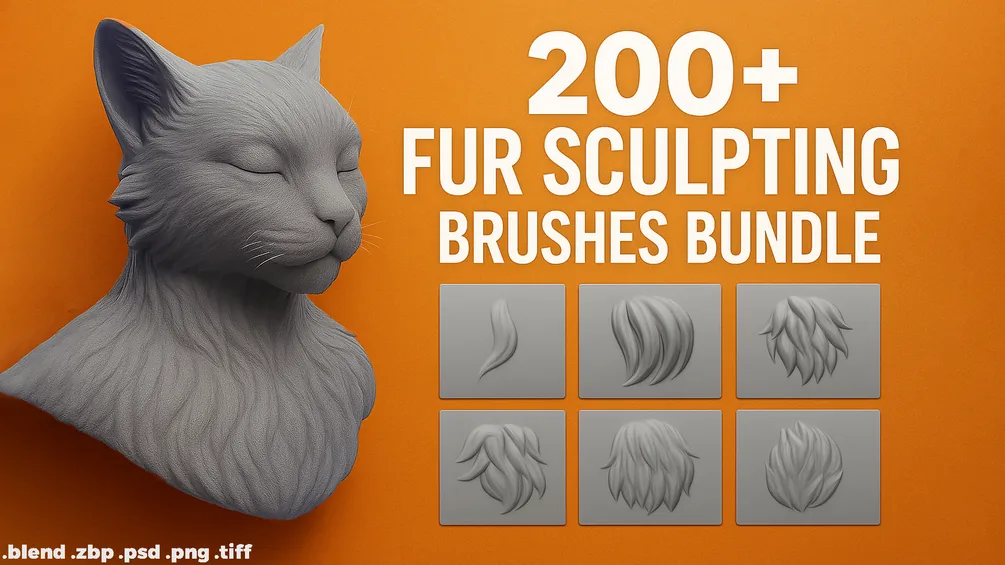
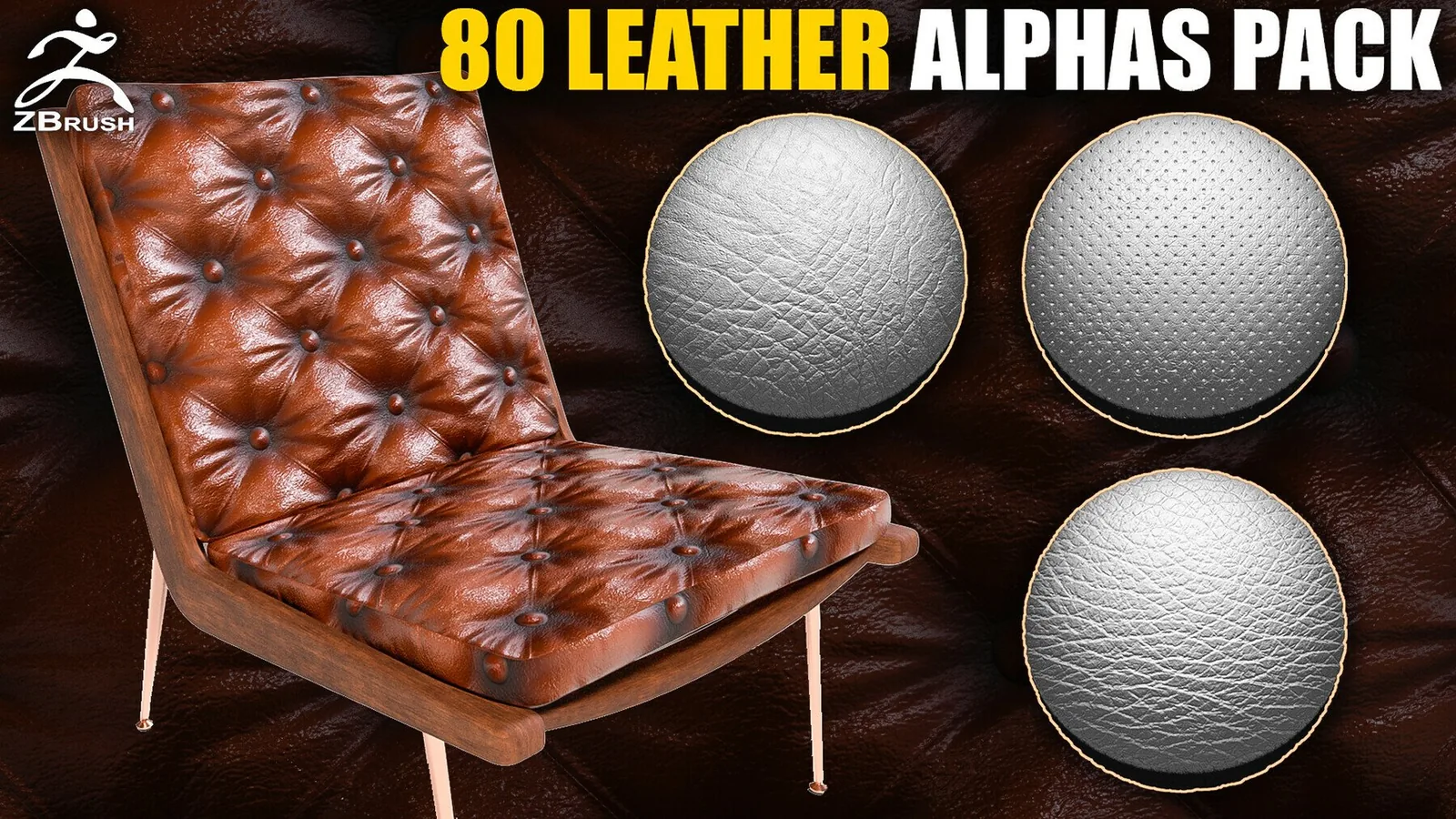
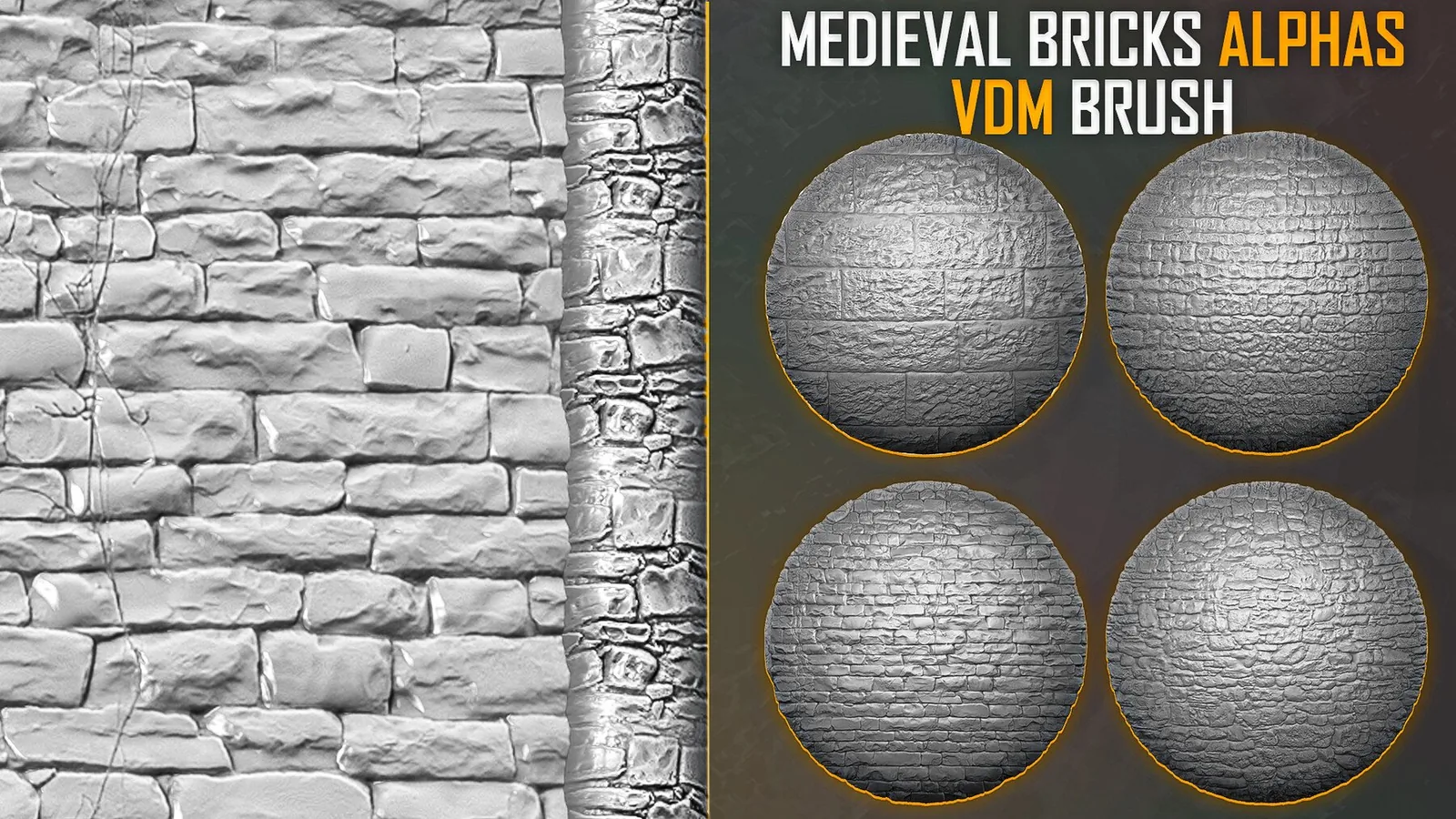
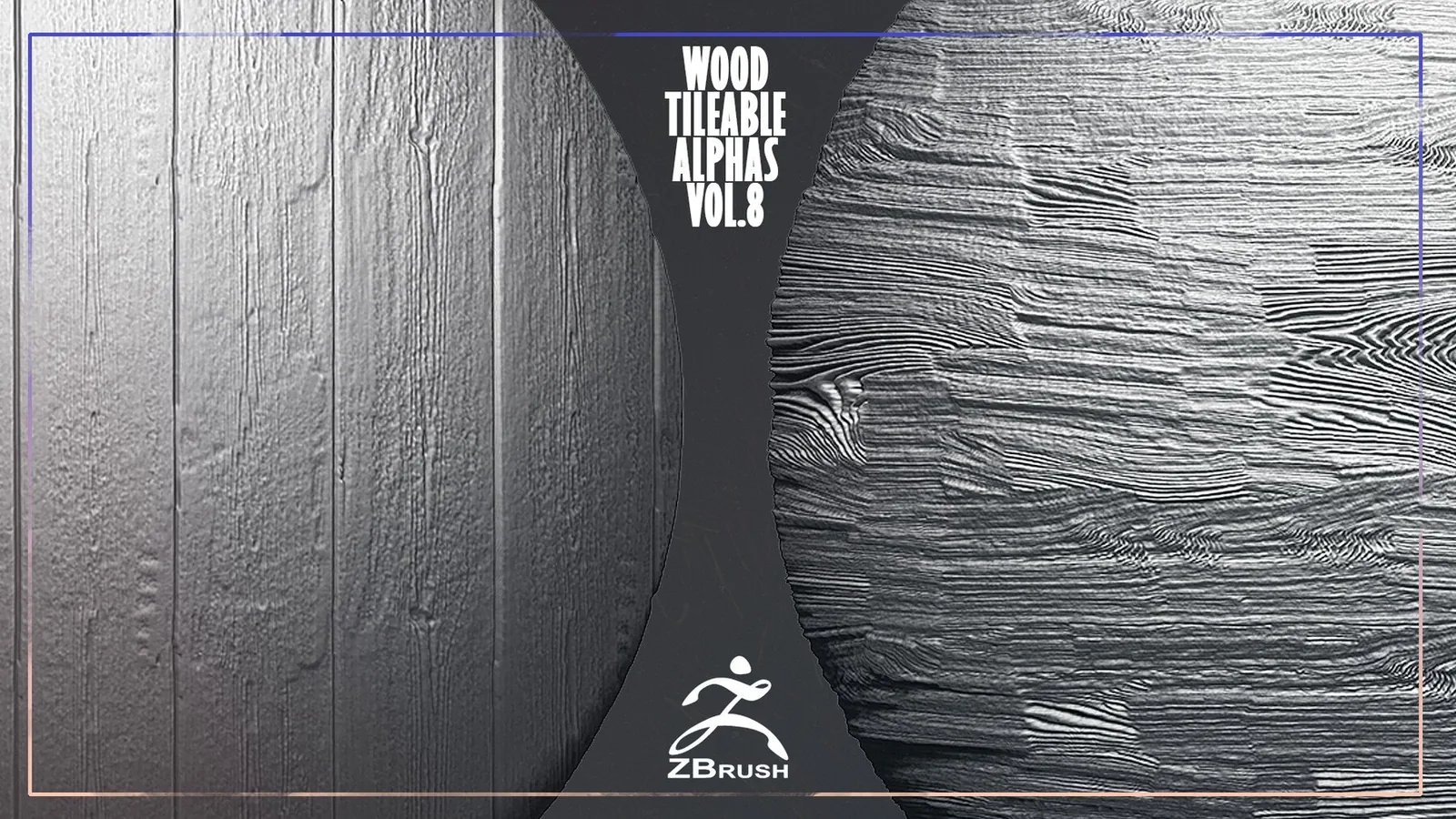
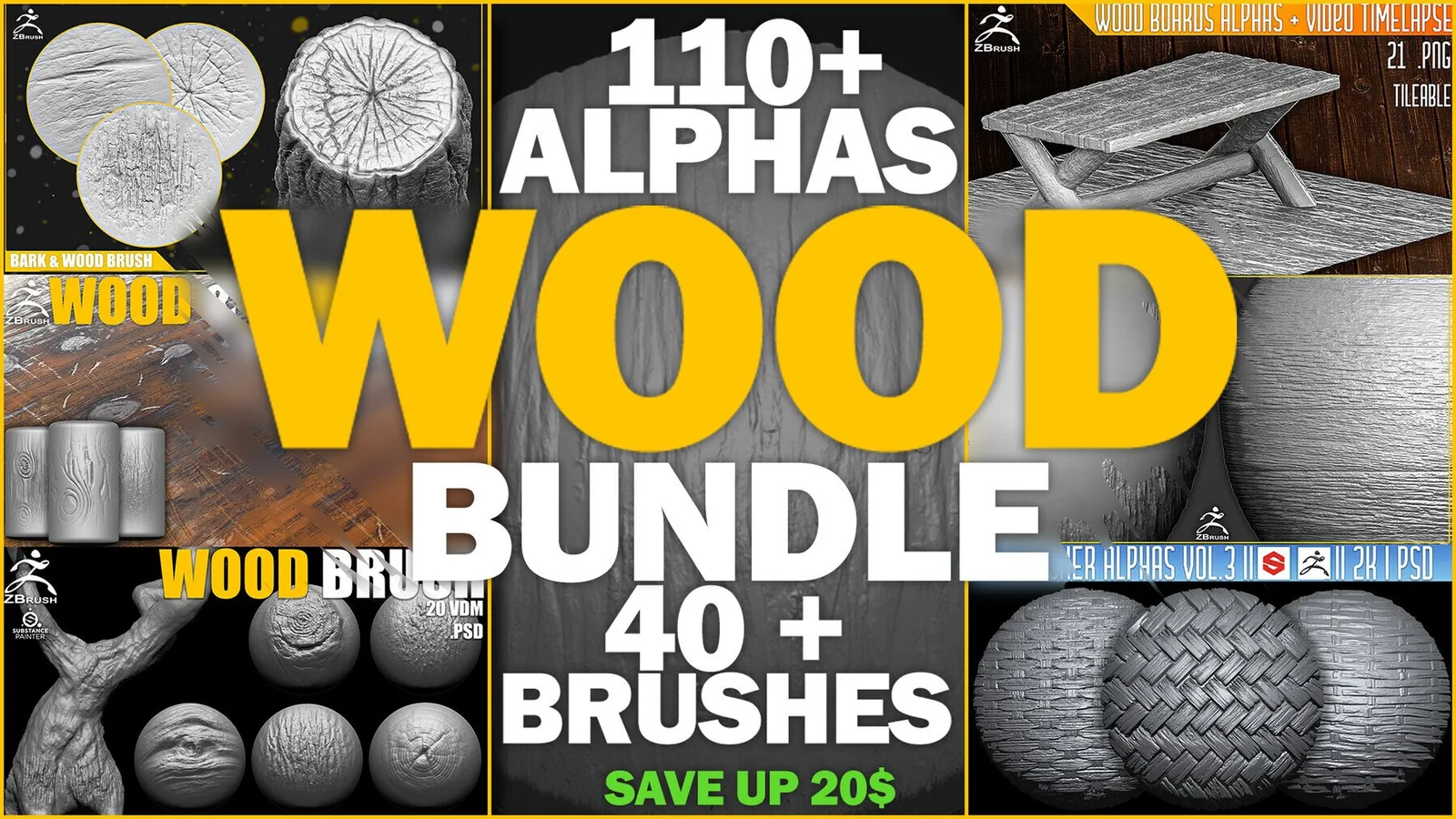
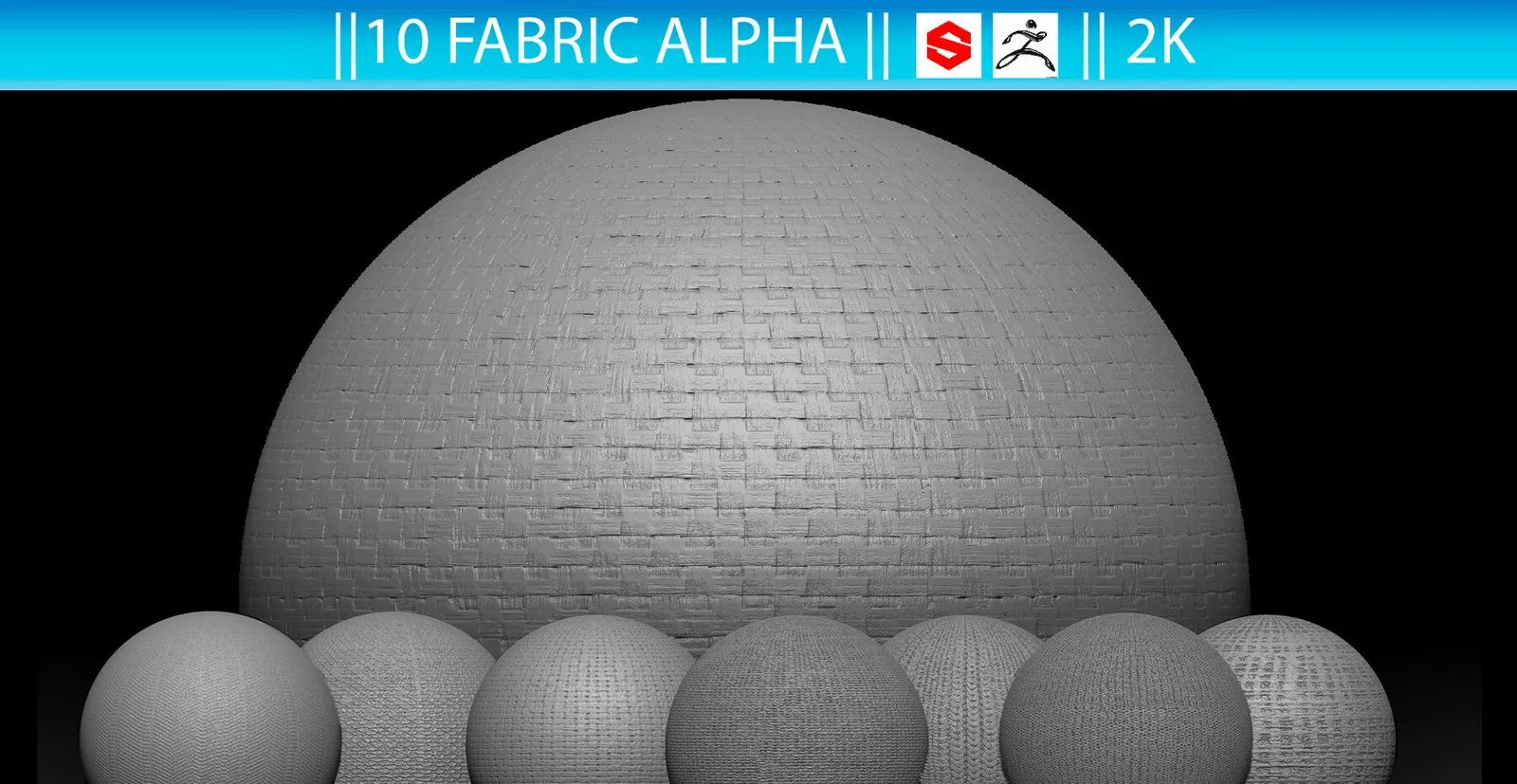
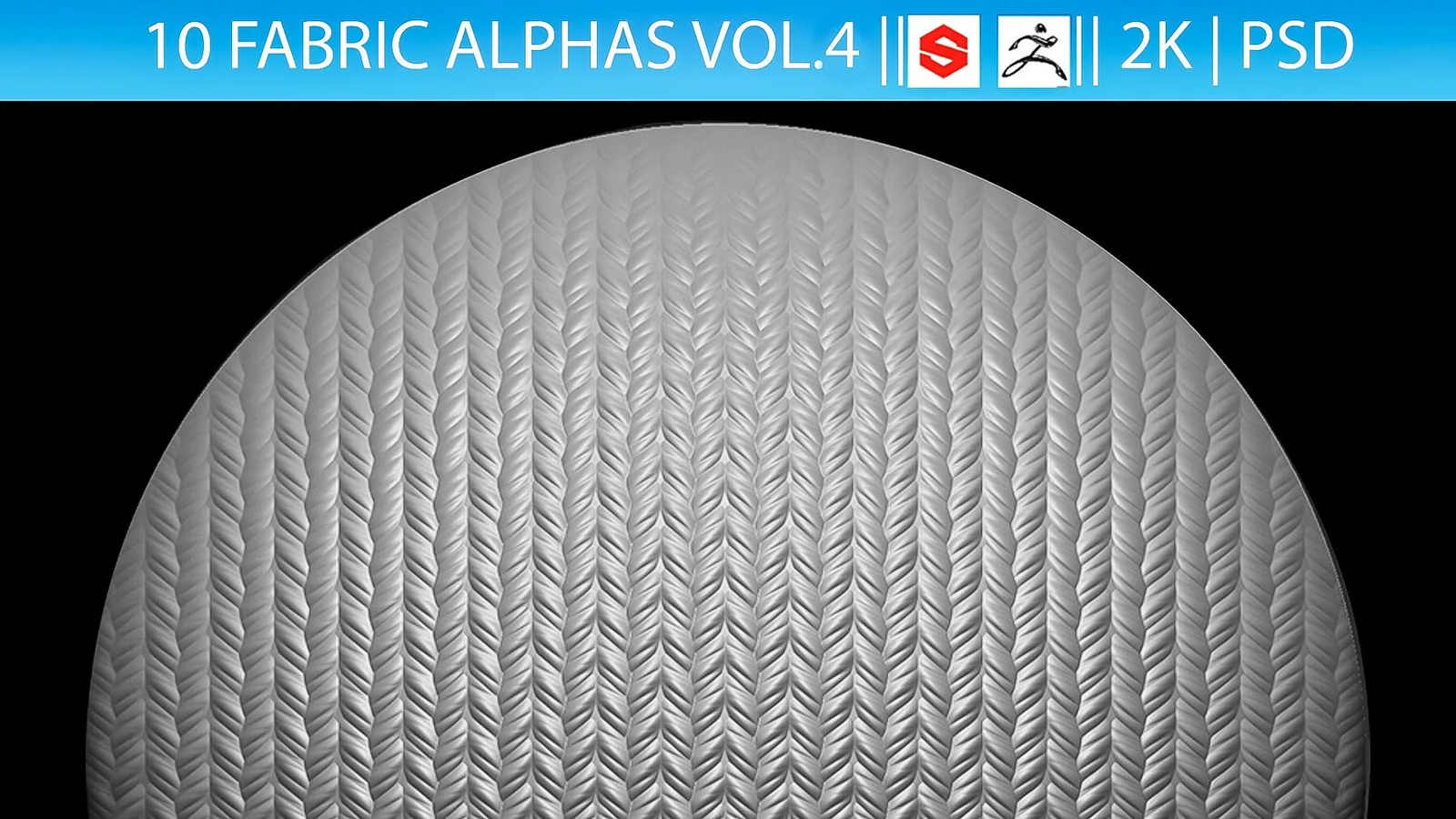
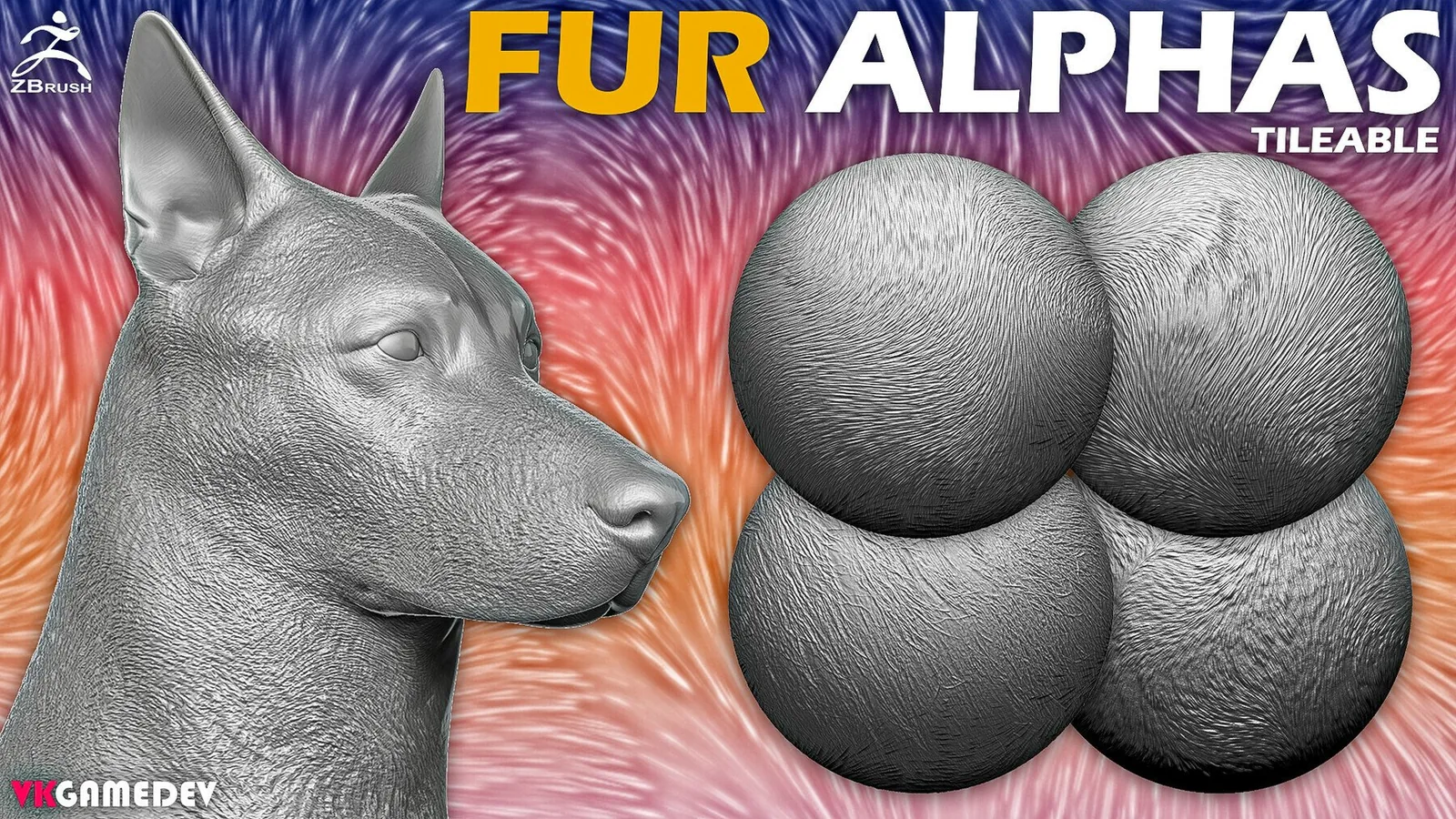
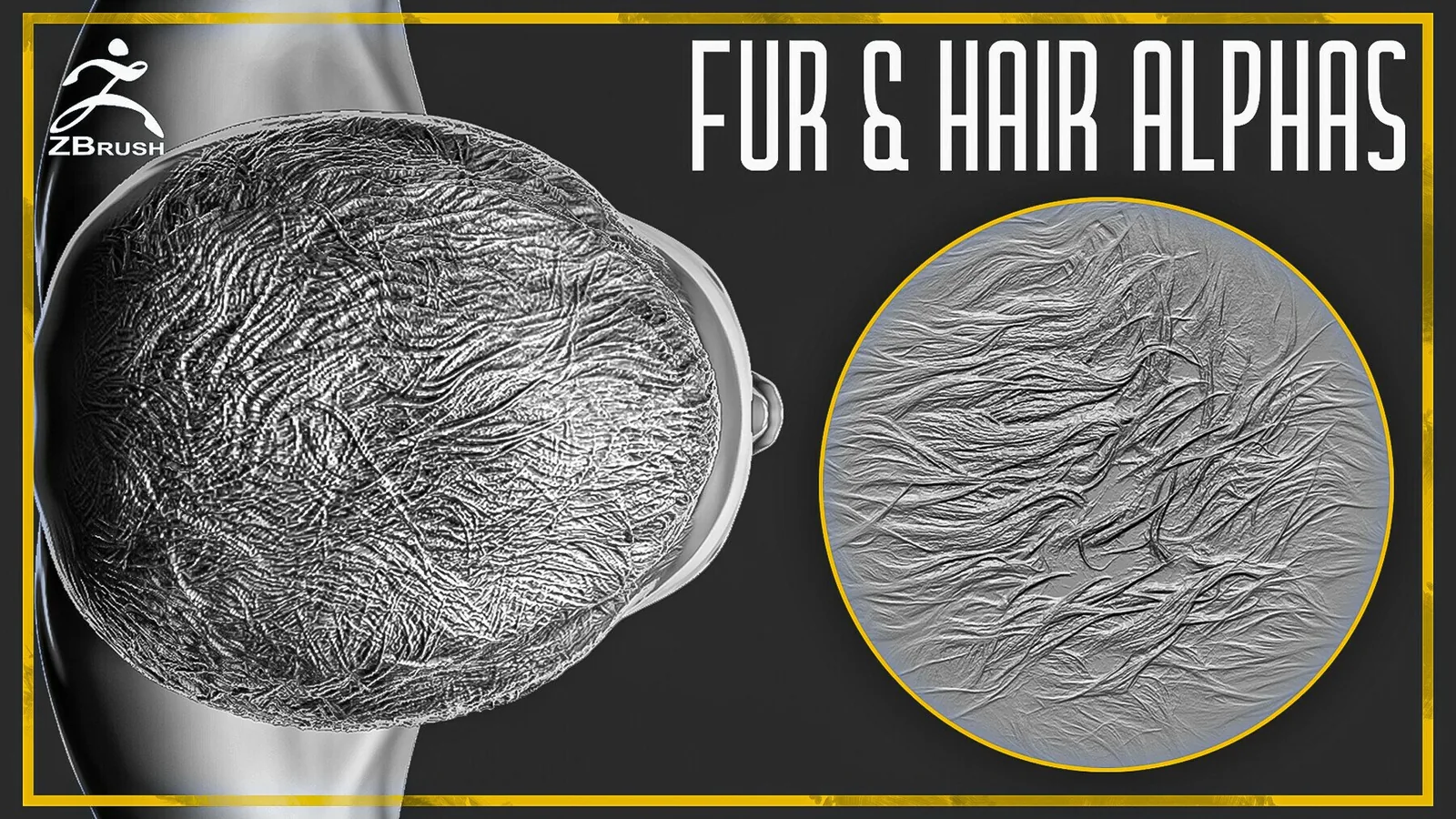
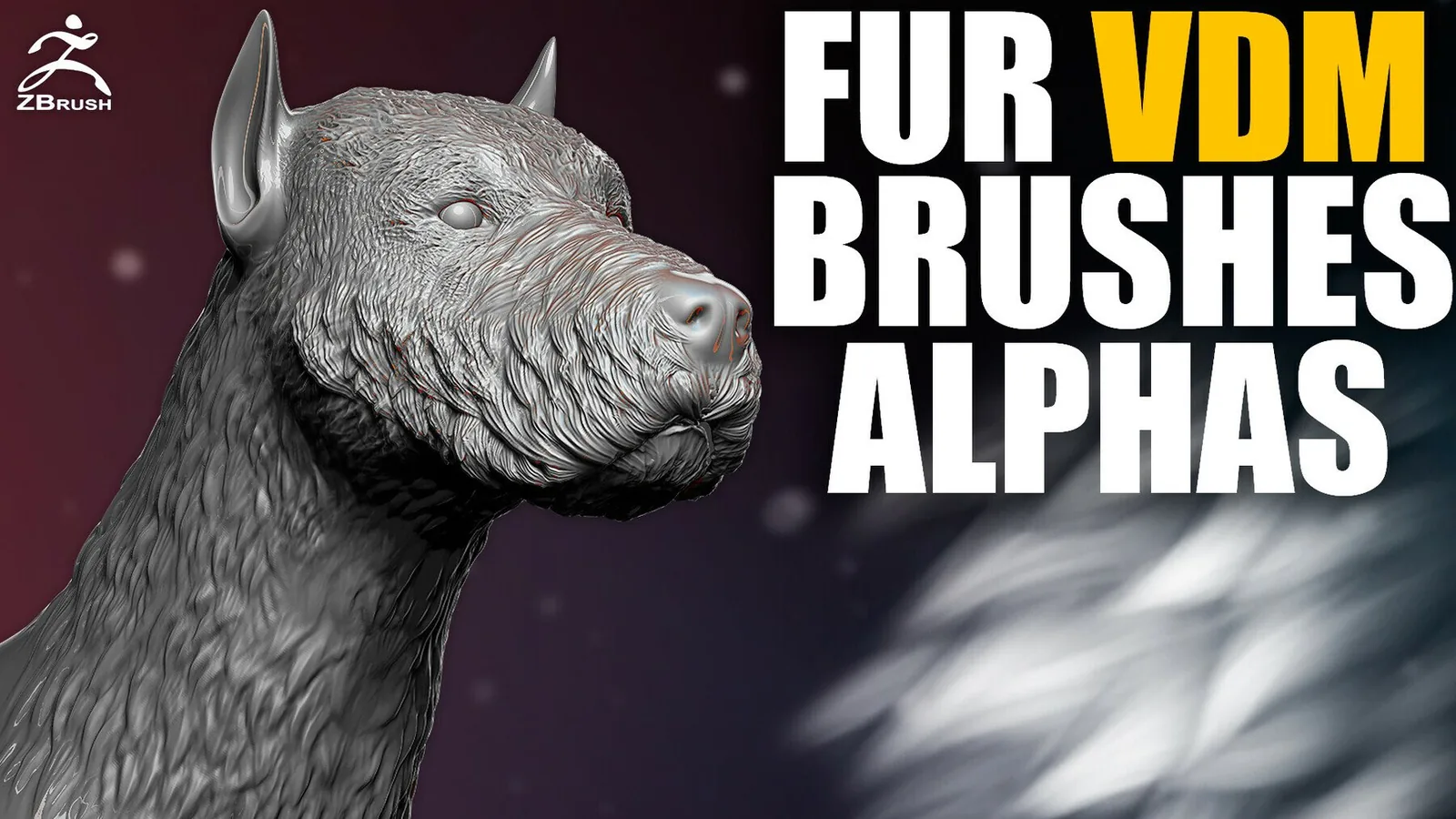
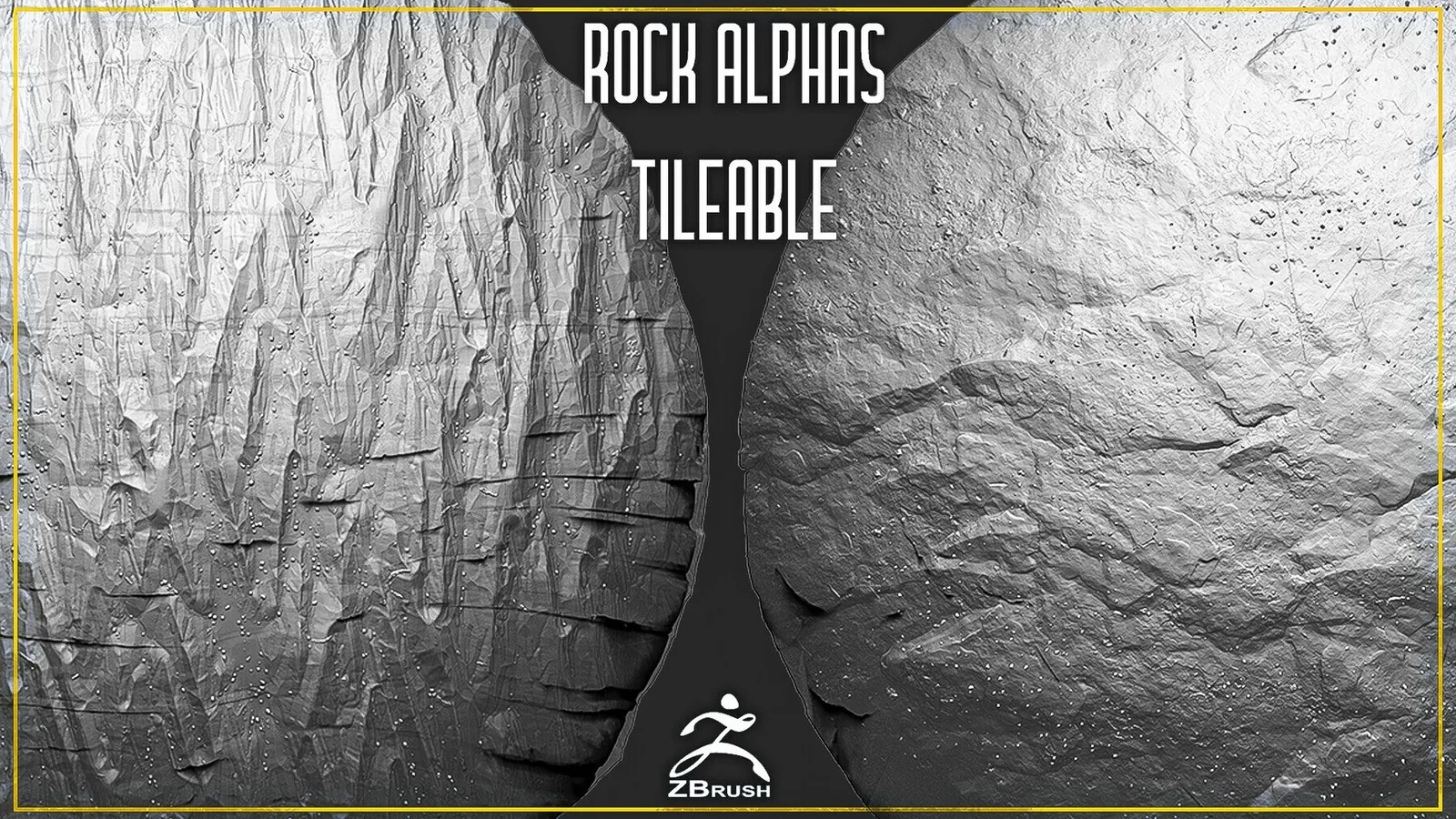
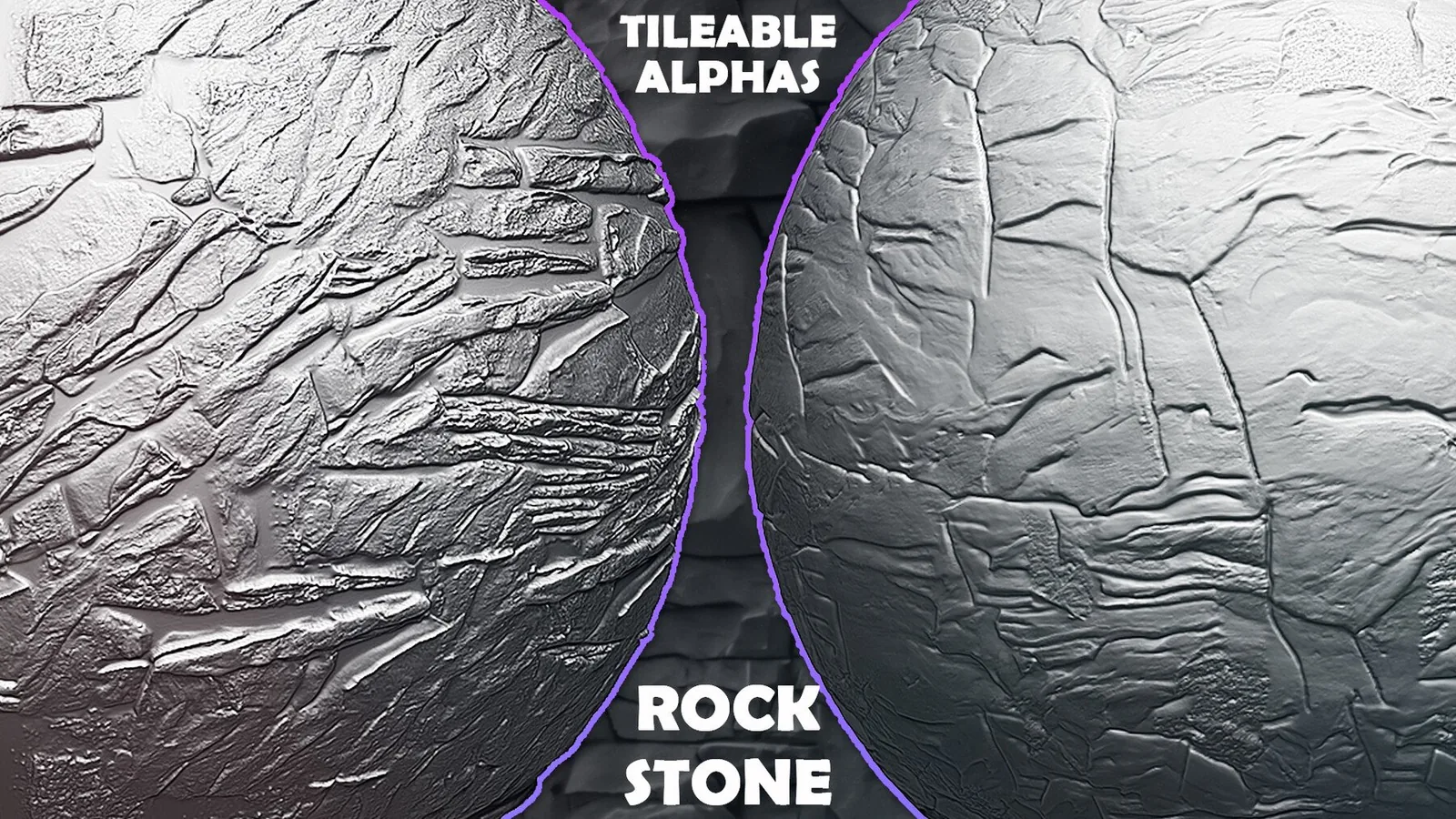
This category includes fur and hair, wood and rock, and fabric displacement. Use the best sets list and examples to choose the right material library.
Focus on clarity, depth range, and tile quality when comparing packs.
Best sets
These packs are the strongest fits for this category. Each set is already organized for fast browsing and has previews so you can judge the stroke quality before committing.
All products
Full catalog of products currently listed in this category.
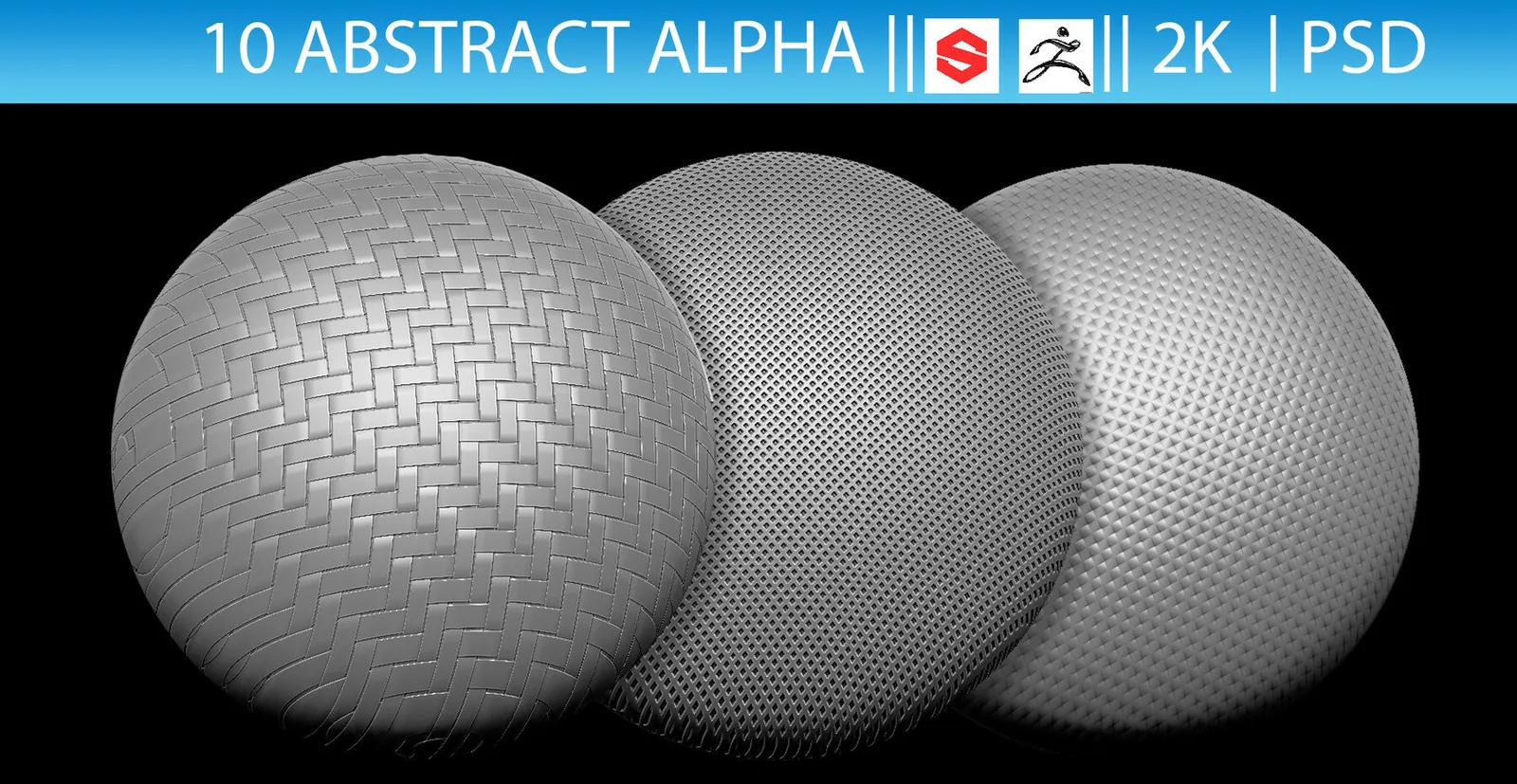
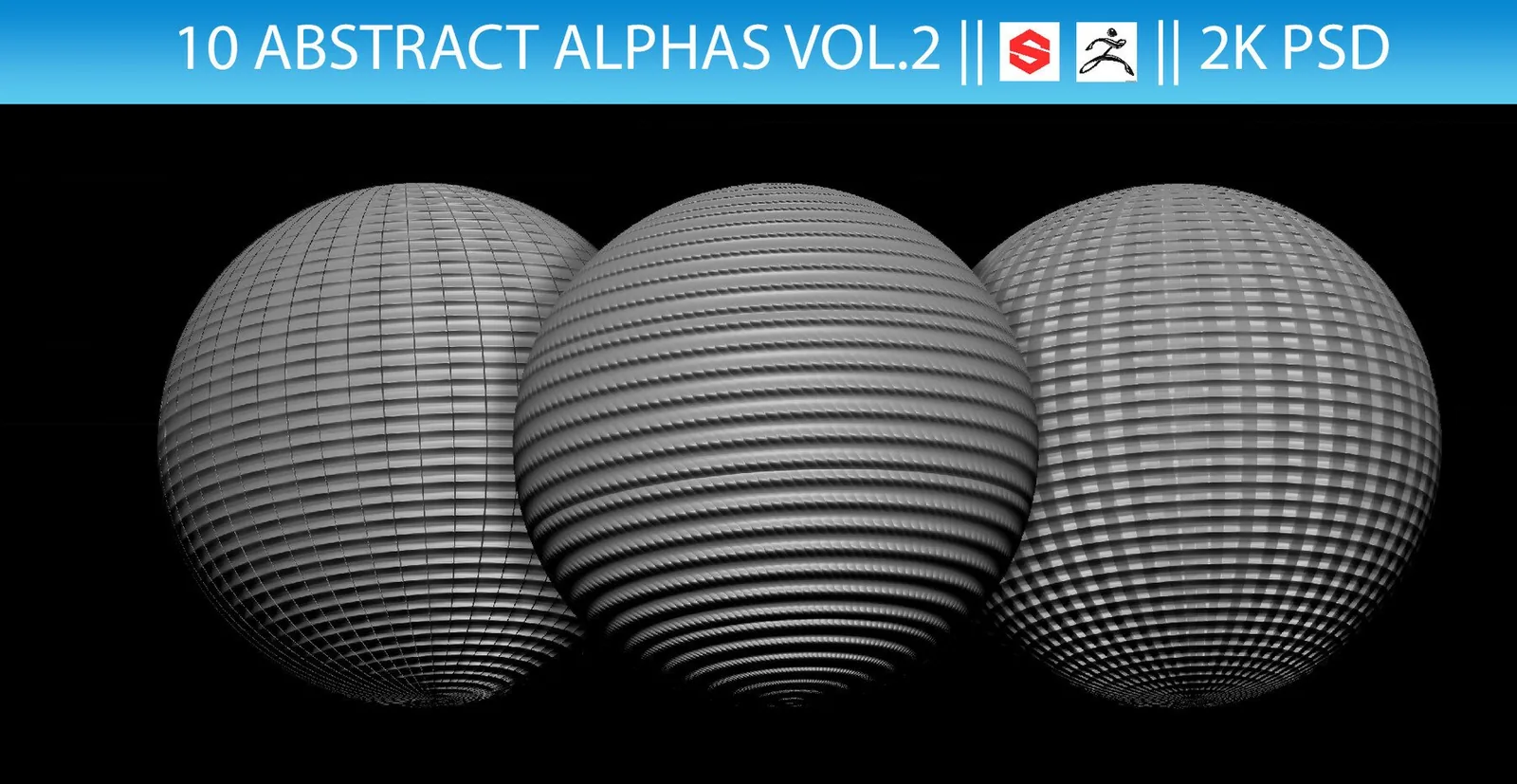
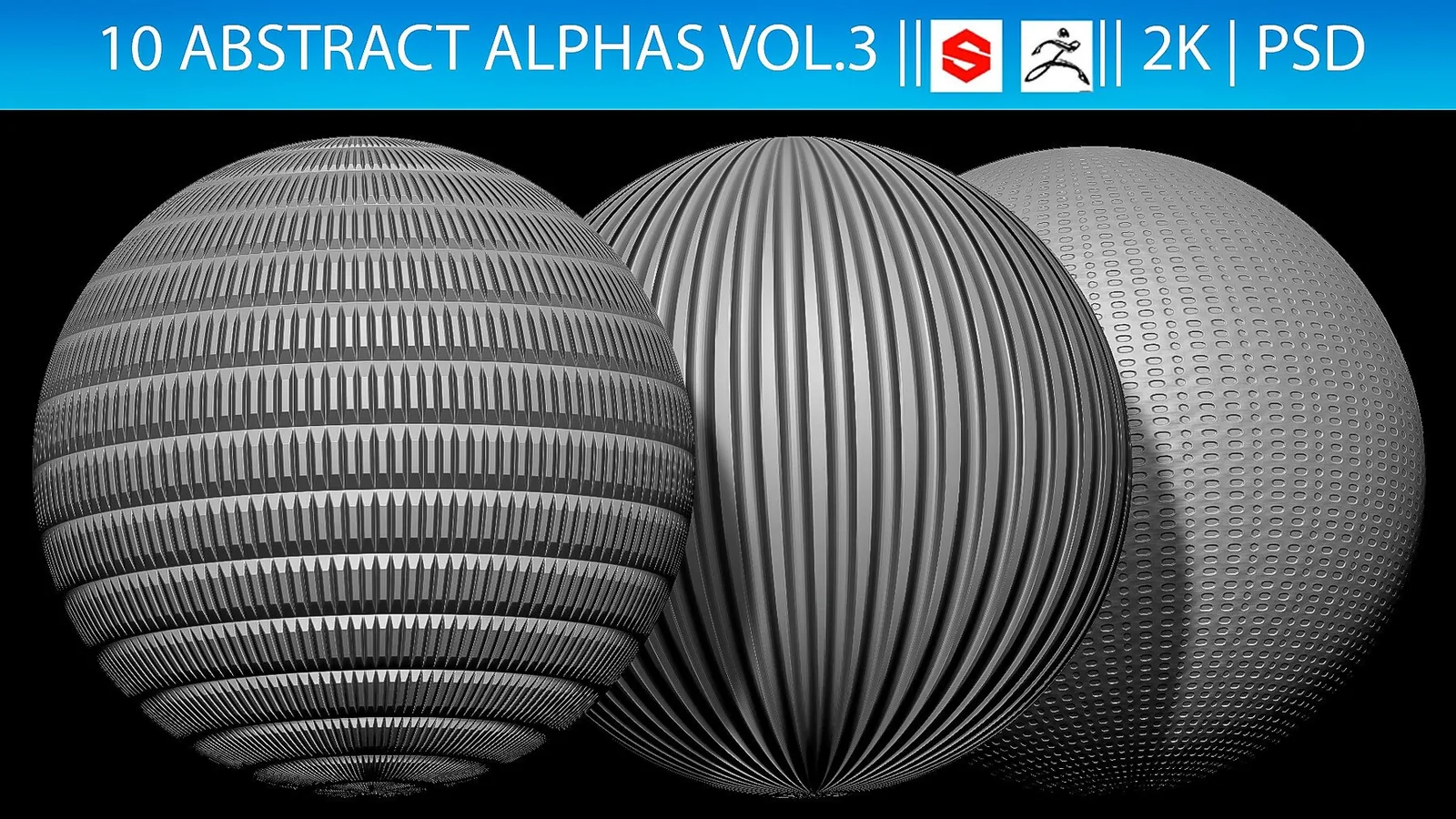
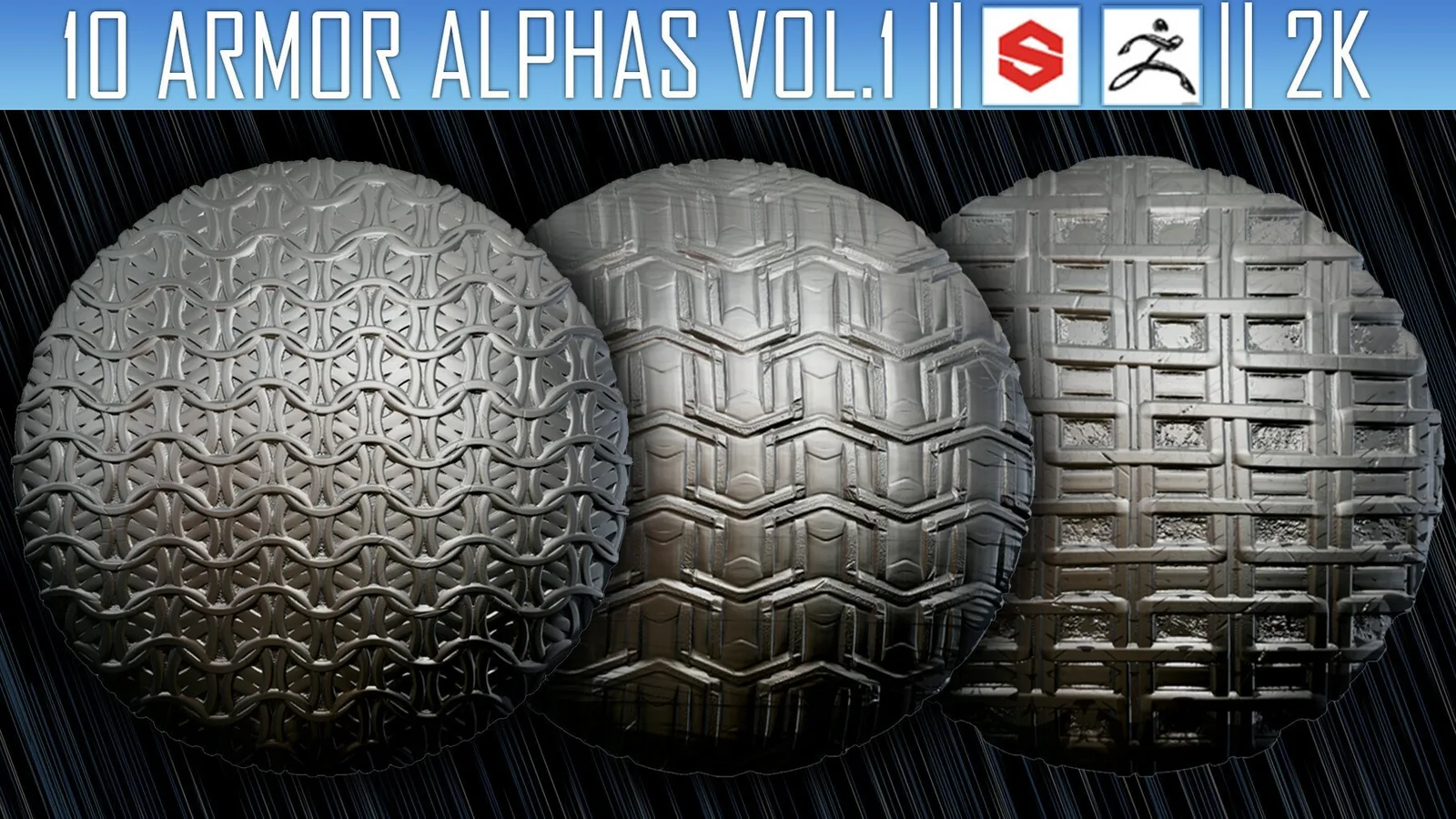
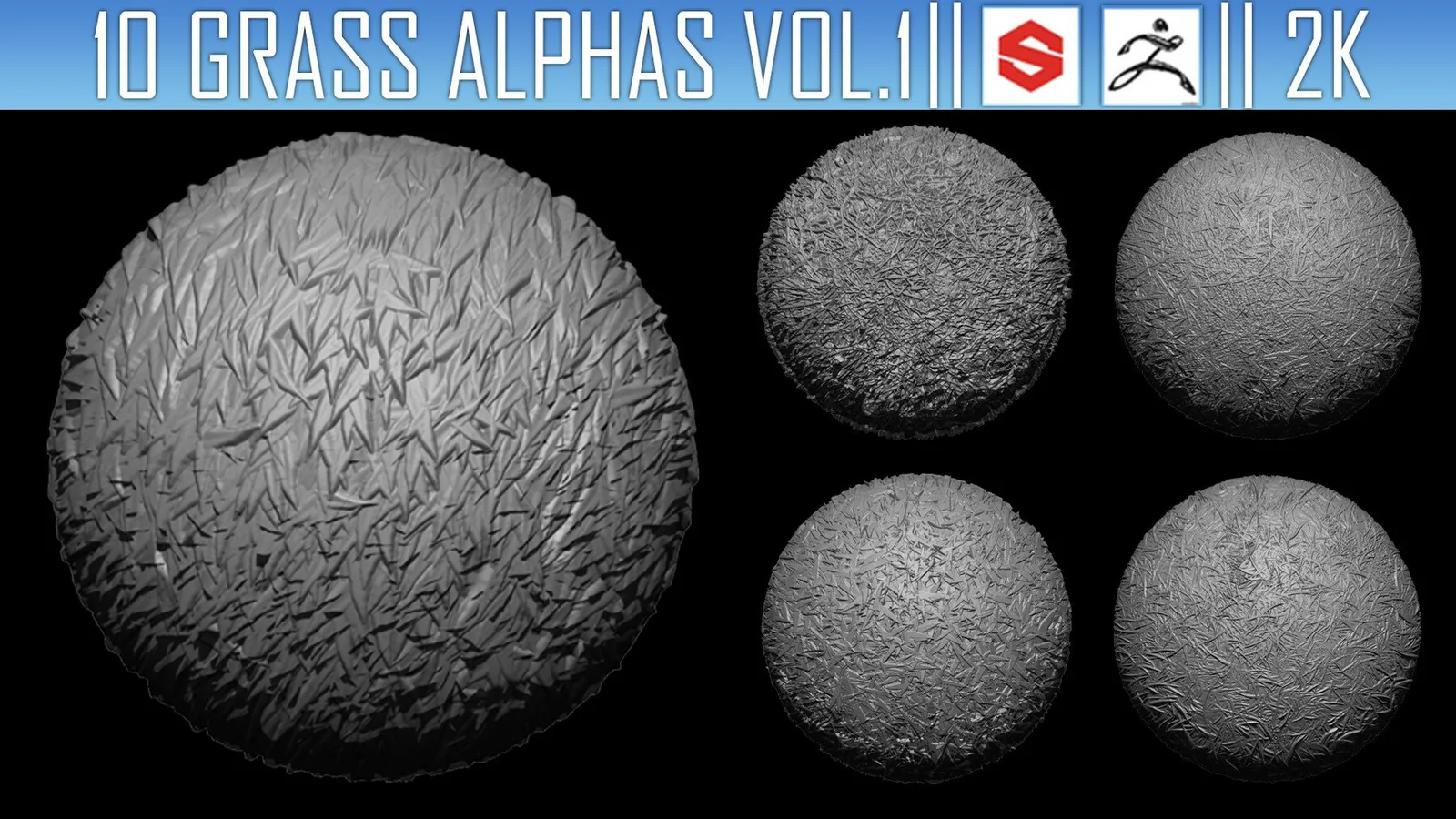
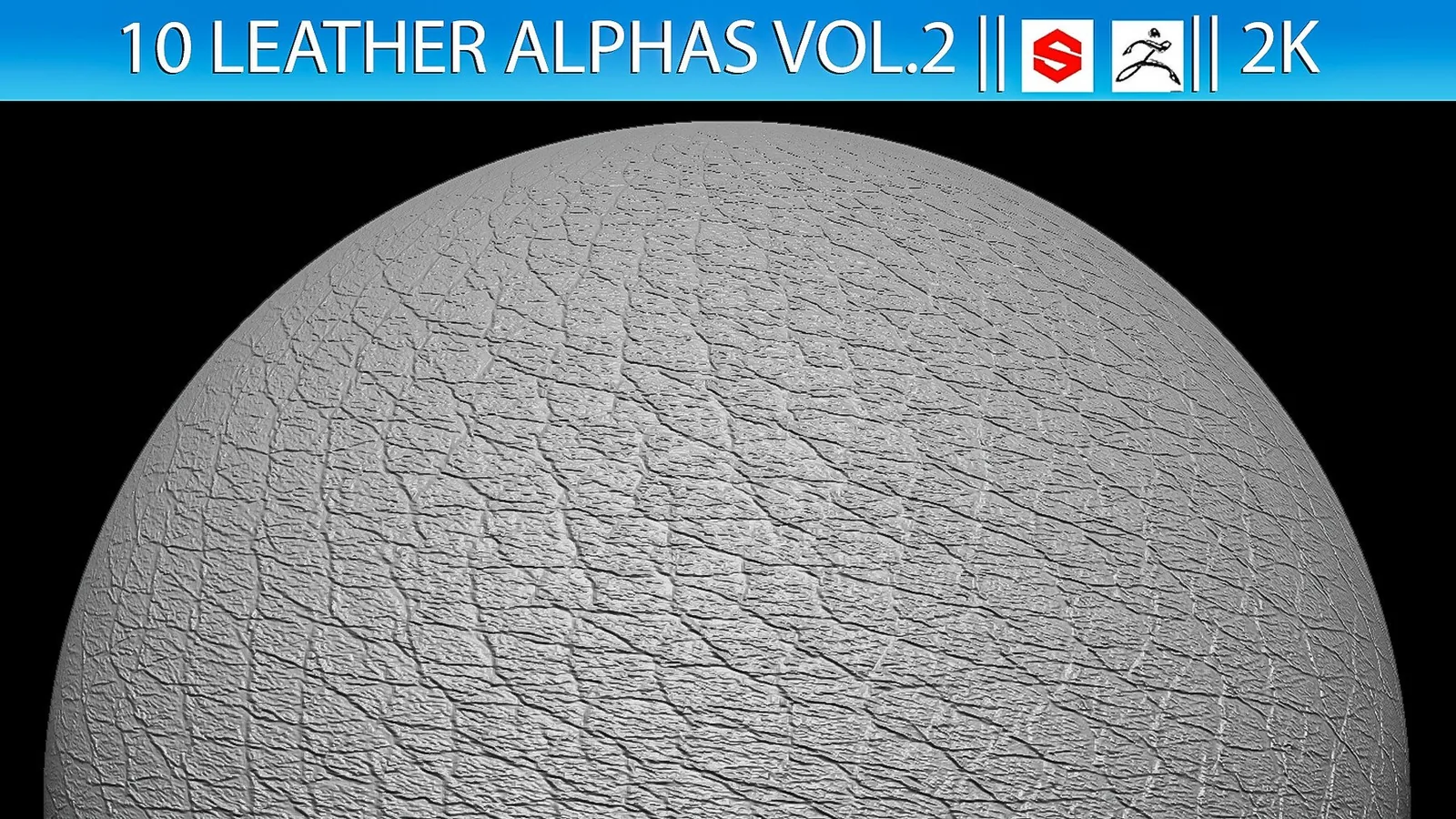
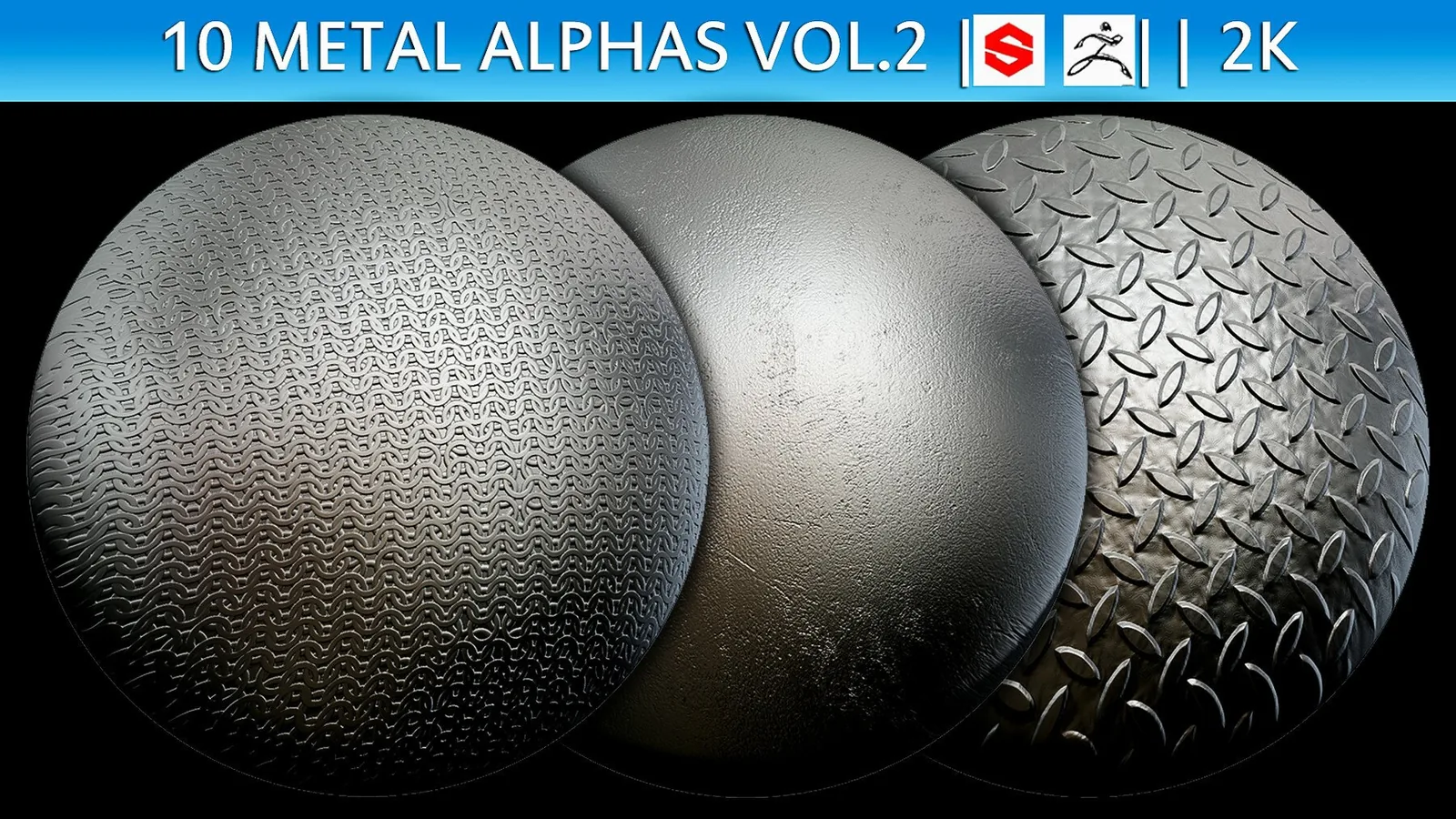
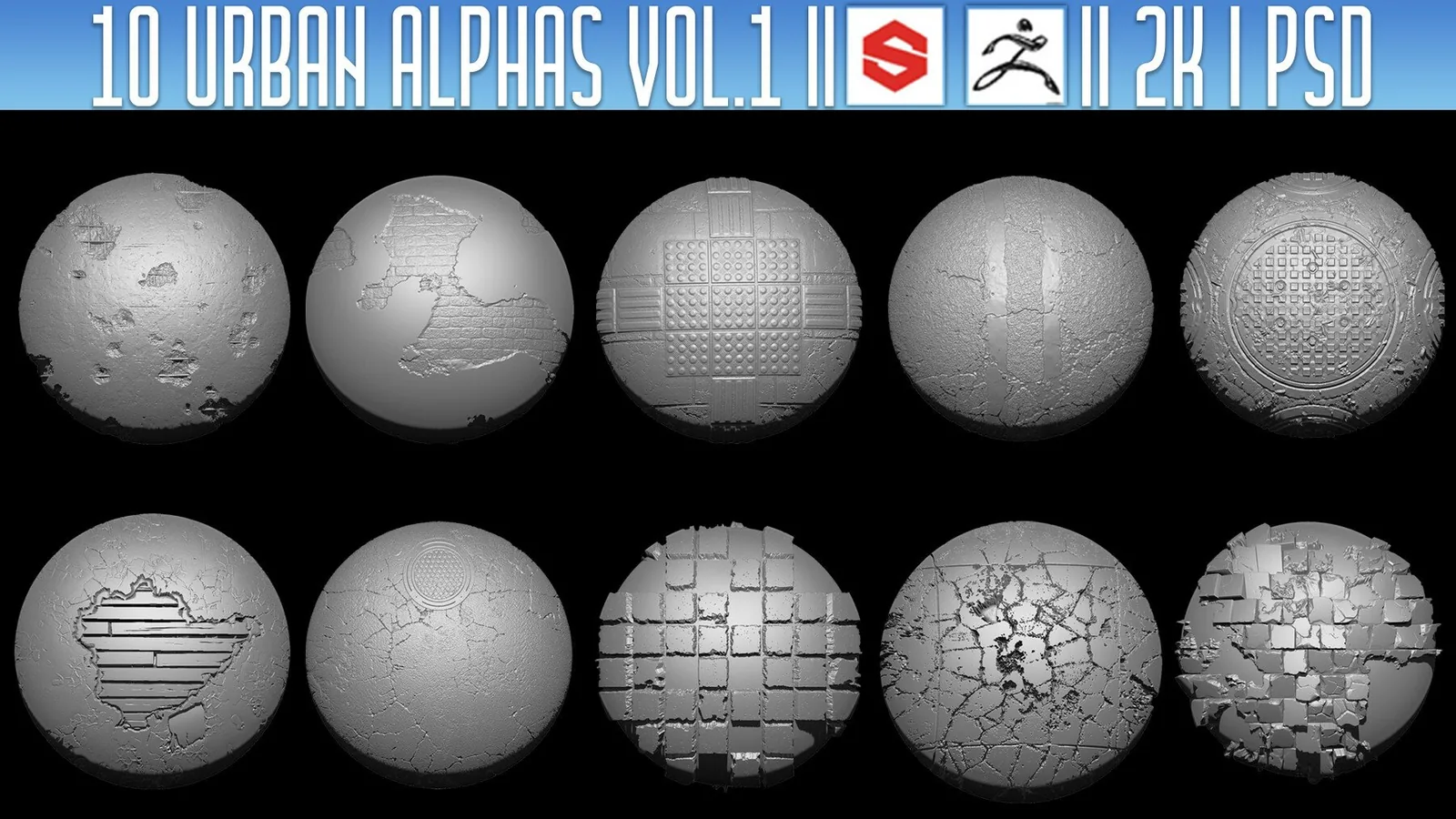
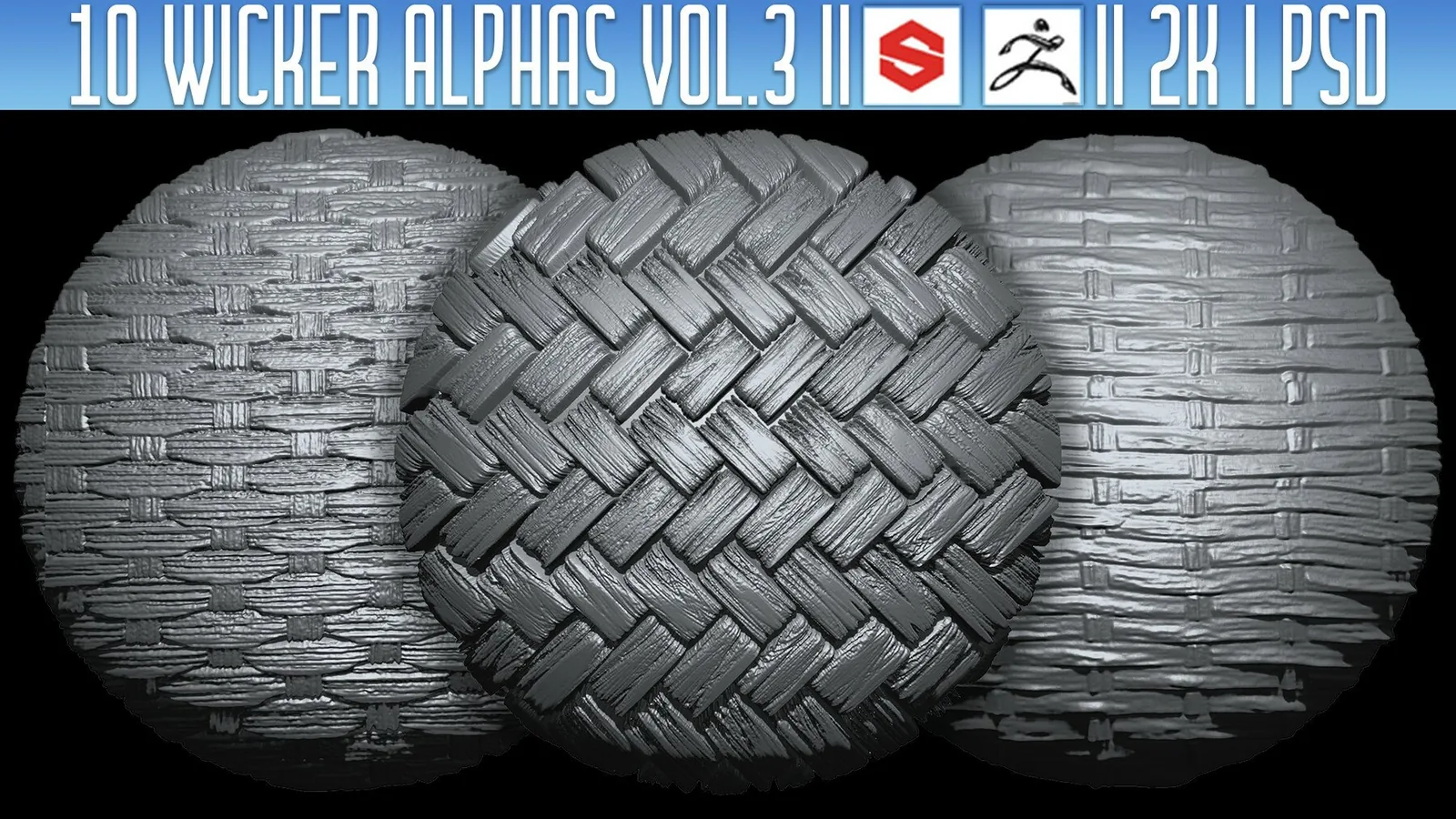
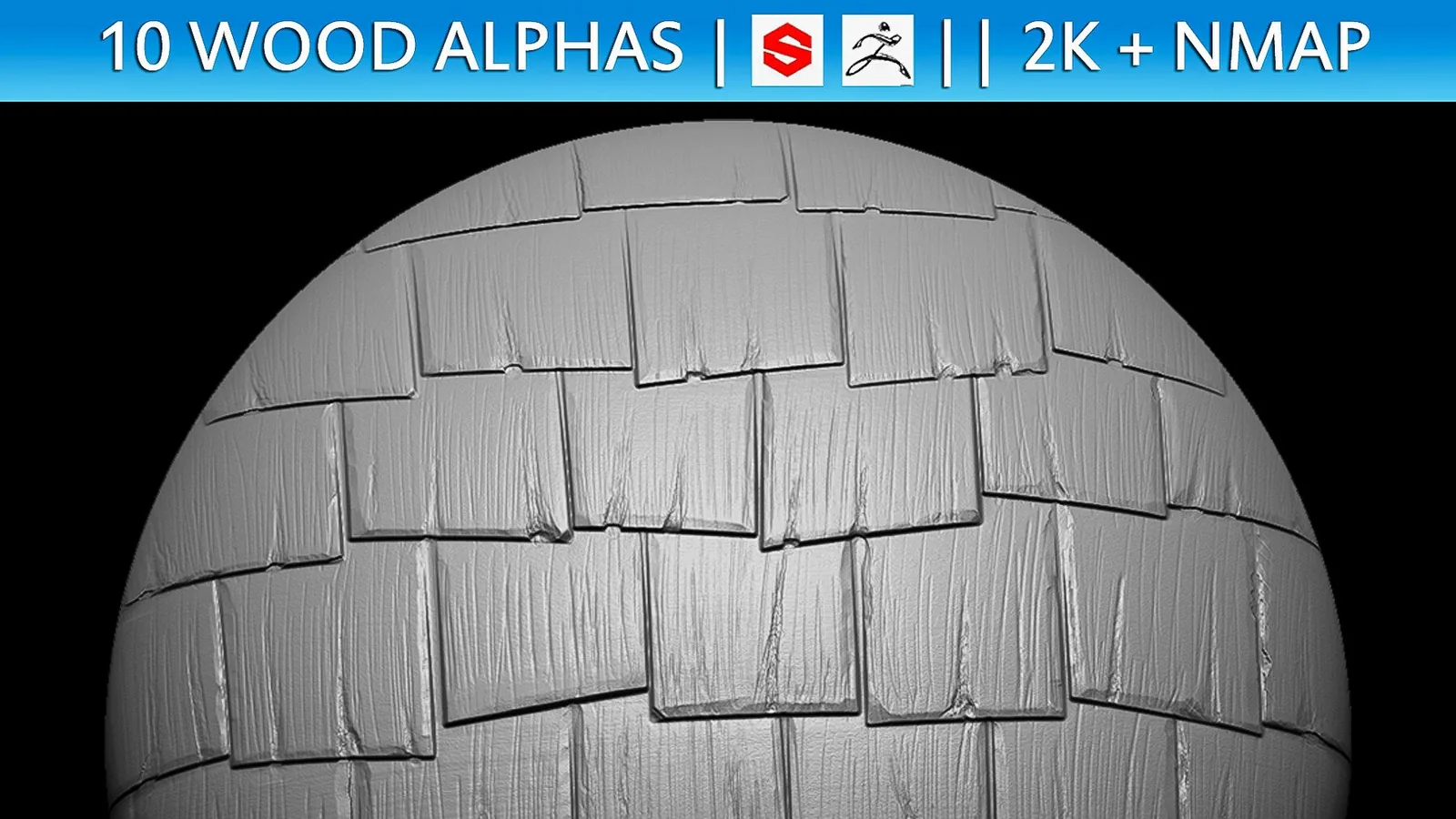
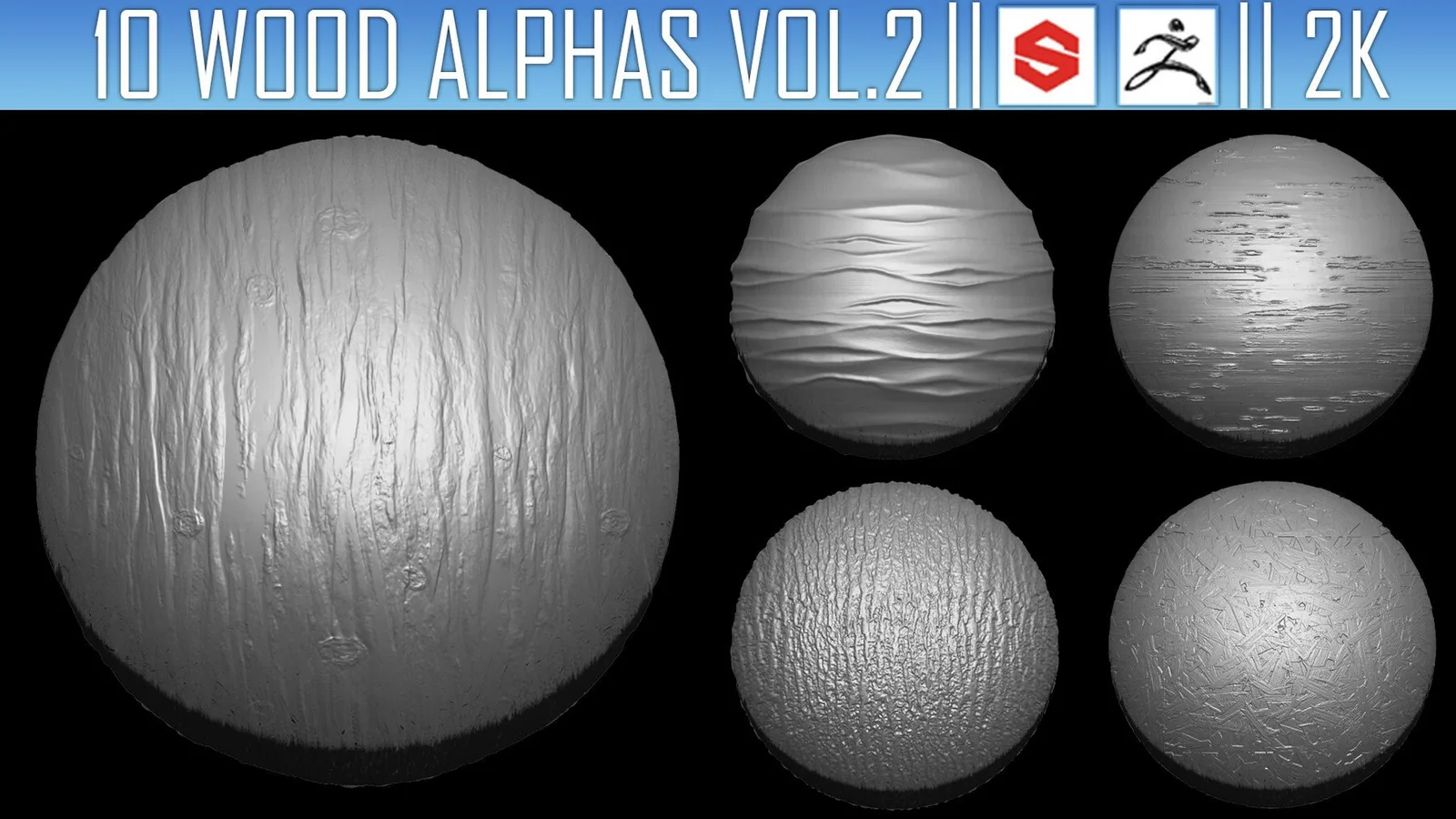
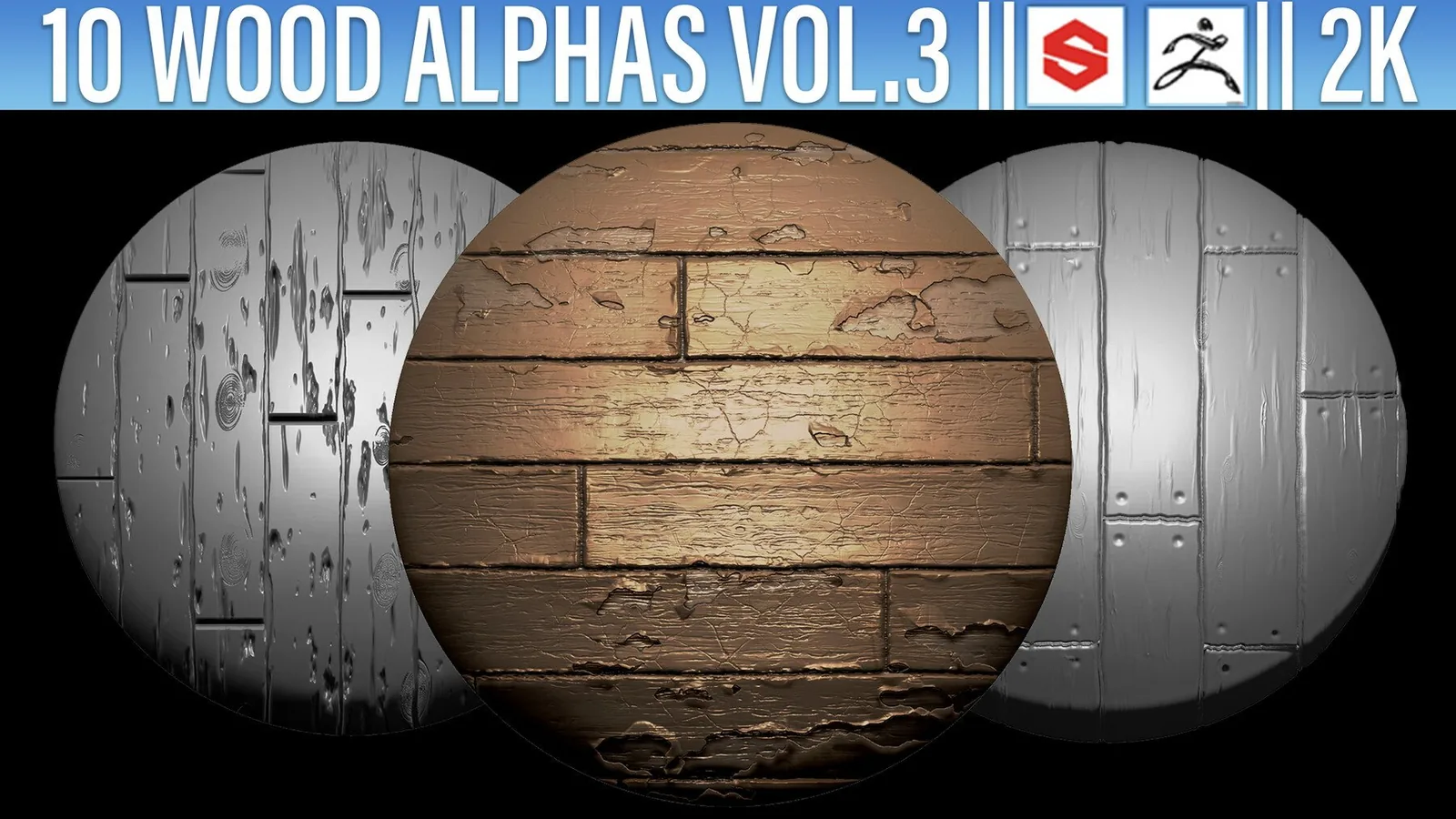
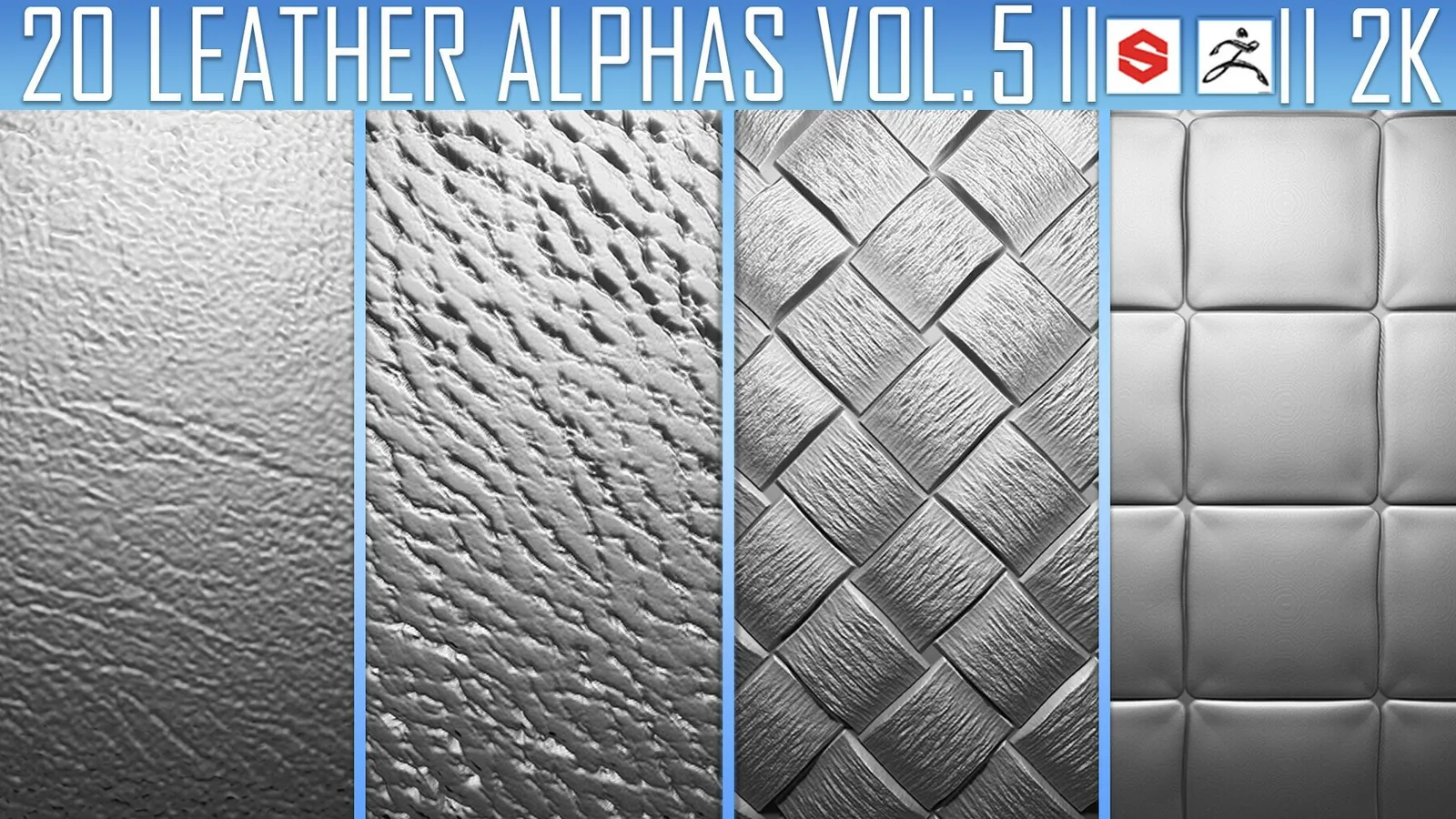
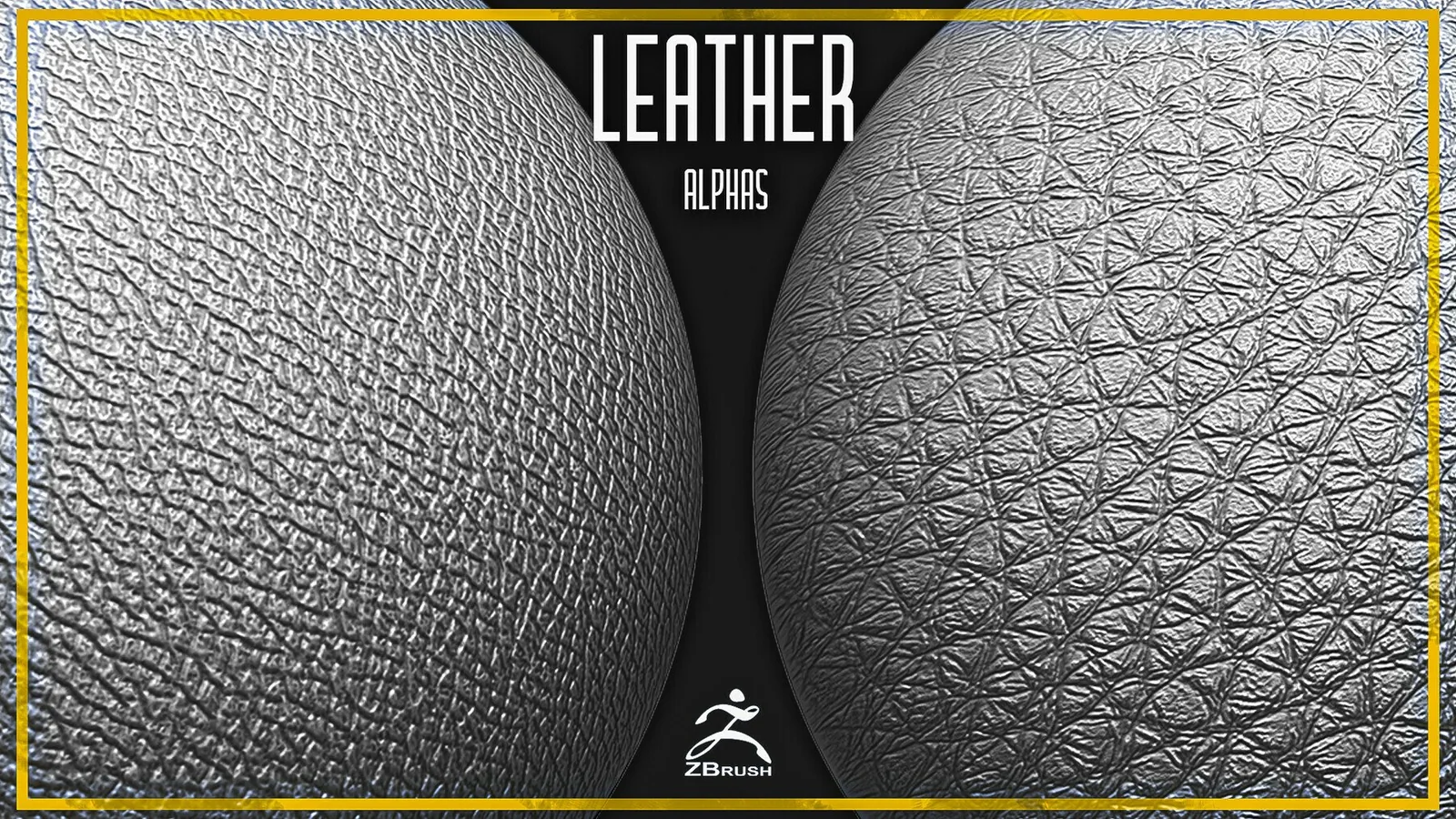
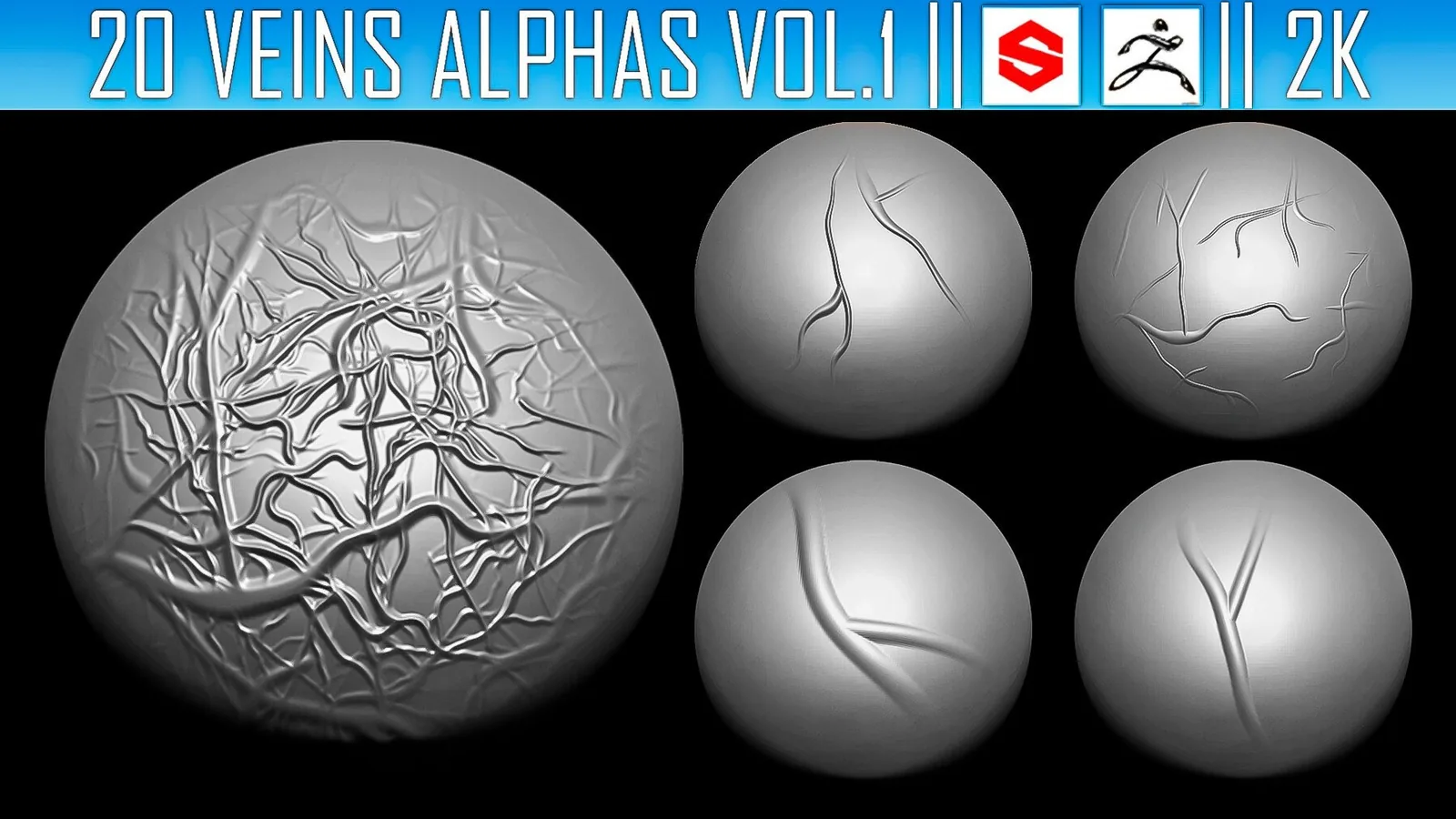
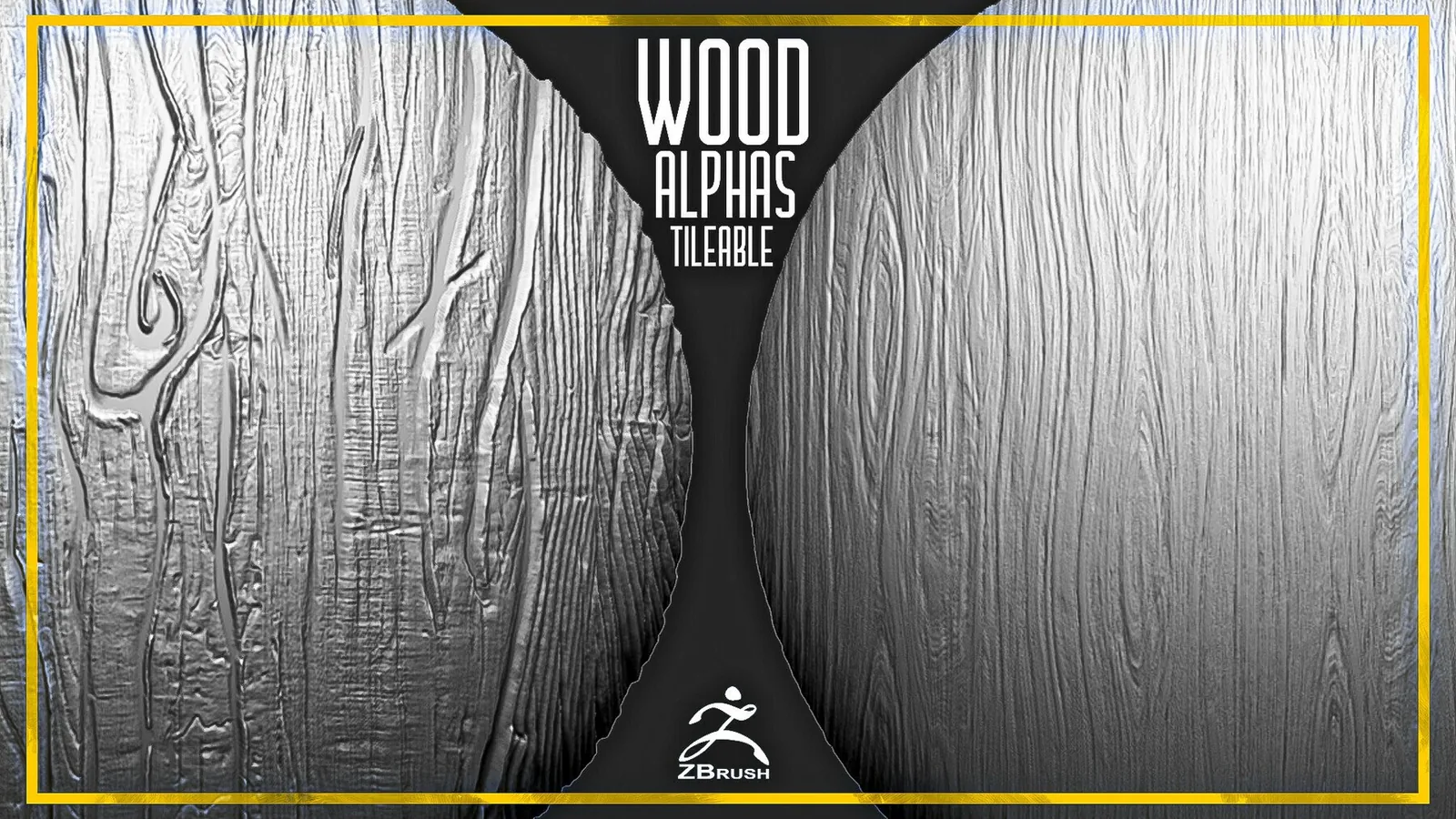
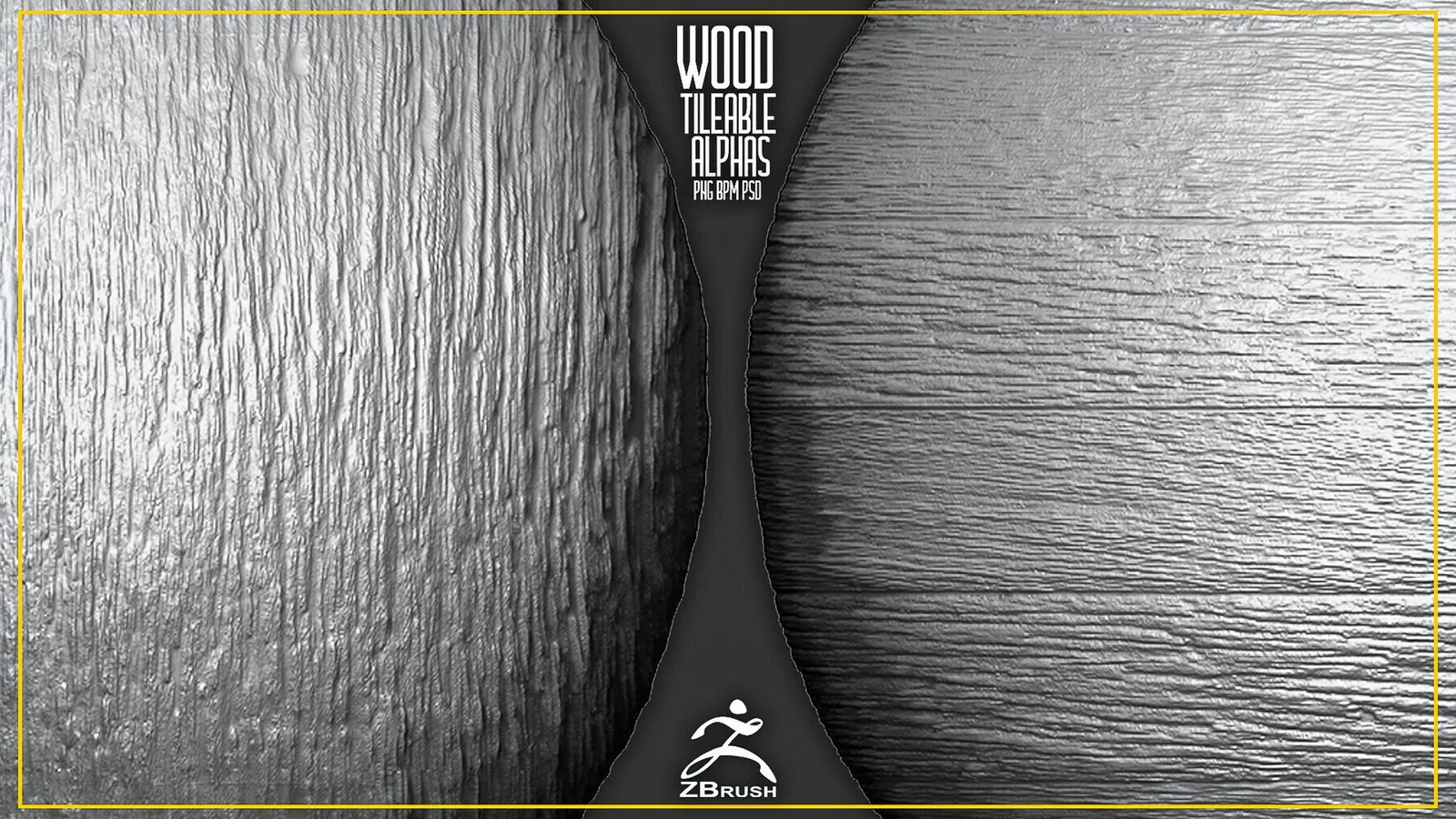
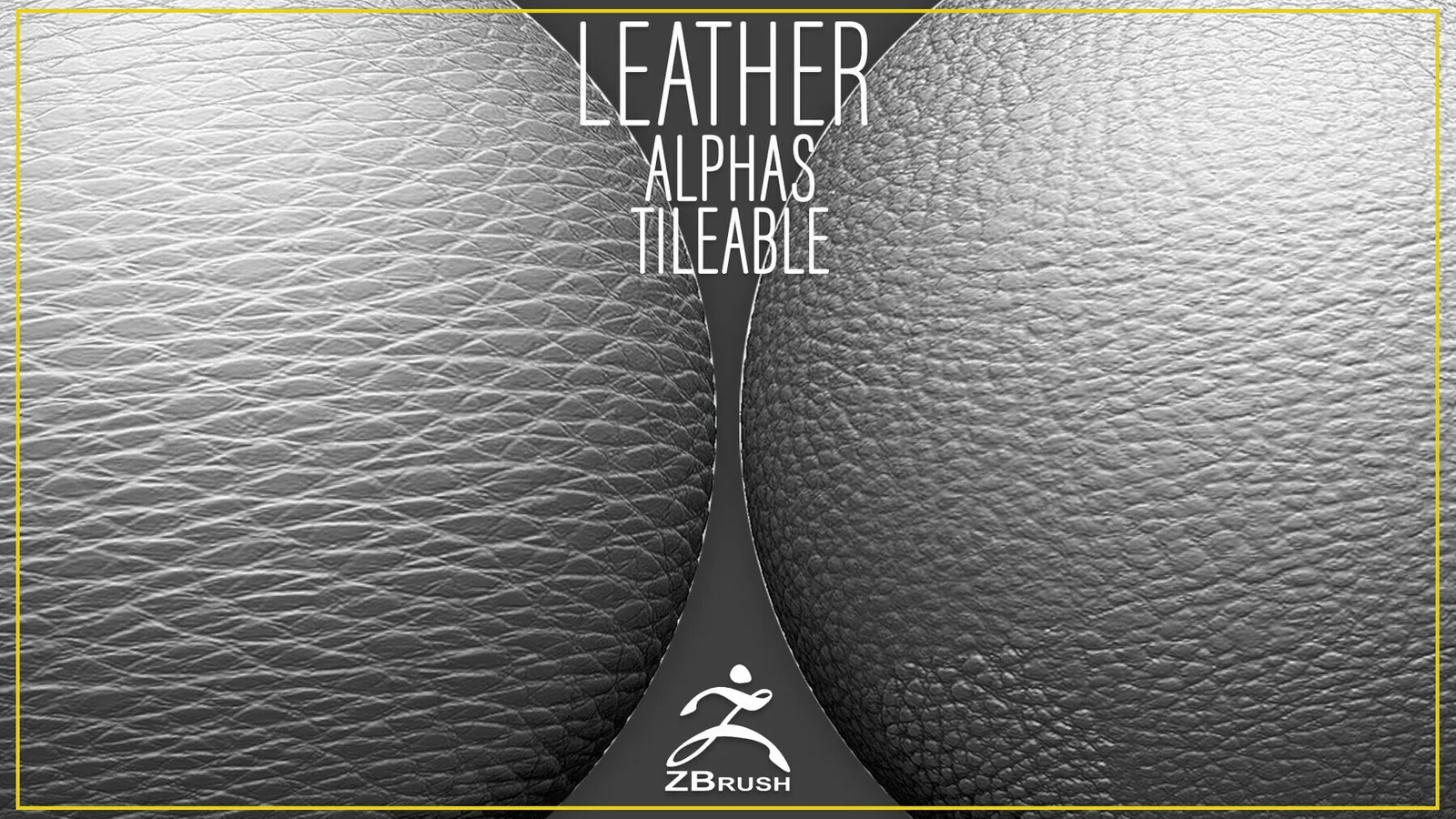
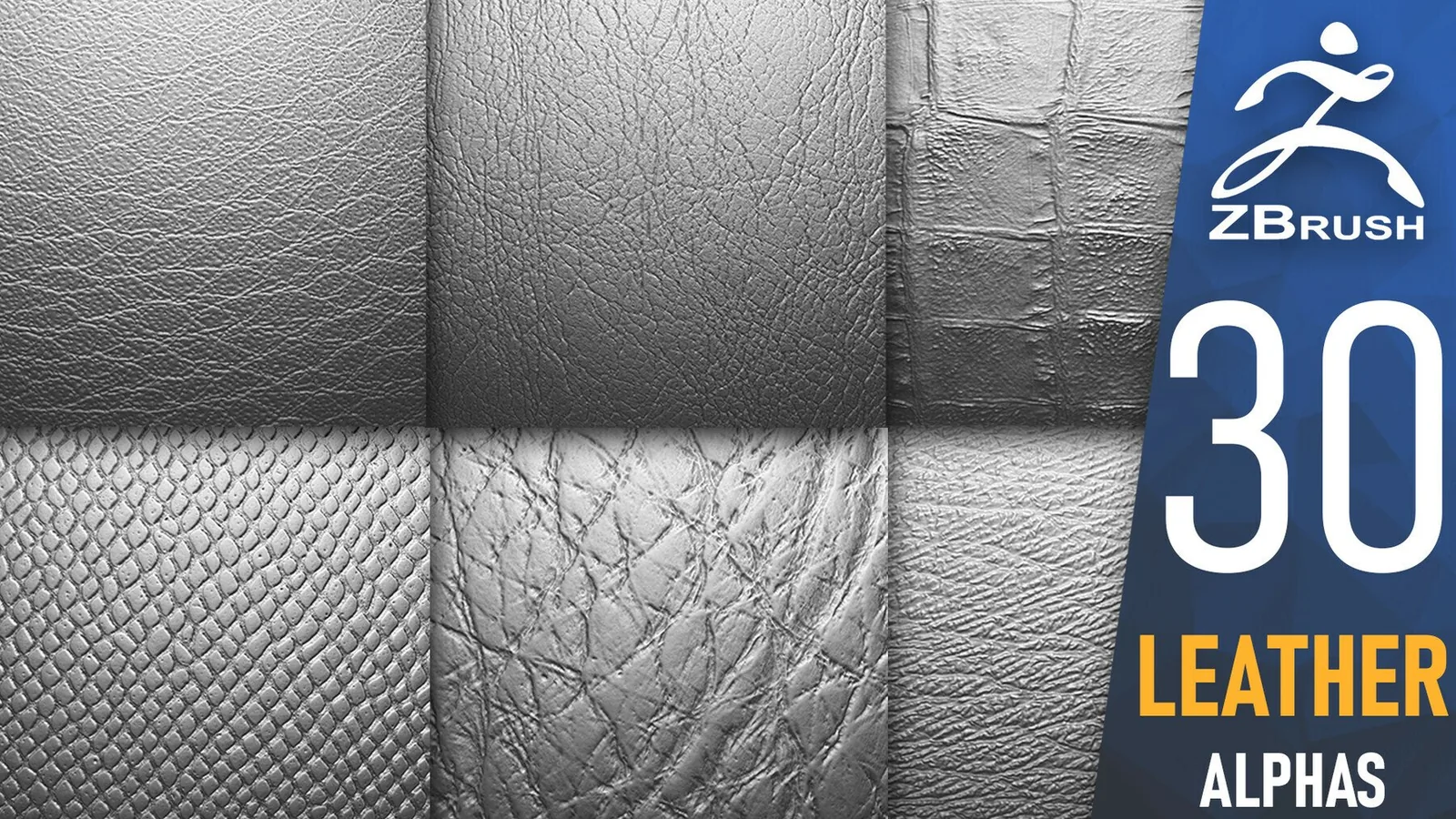
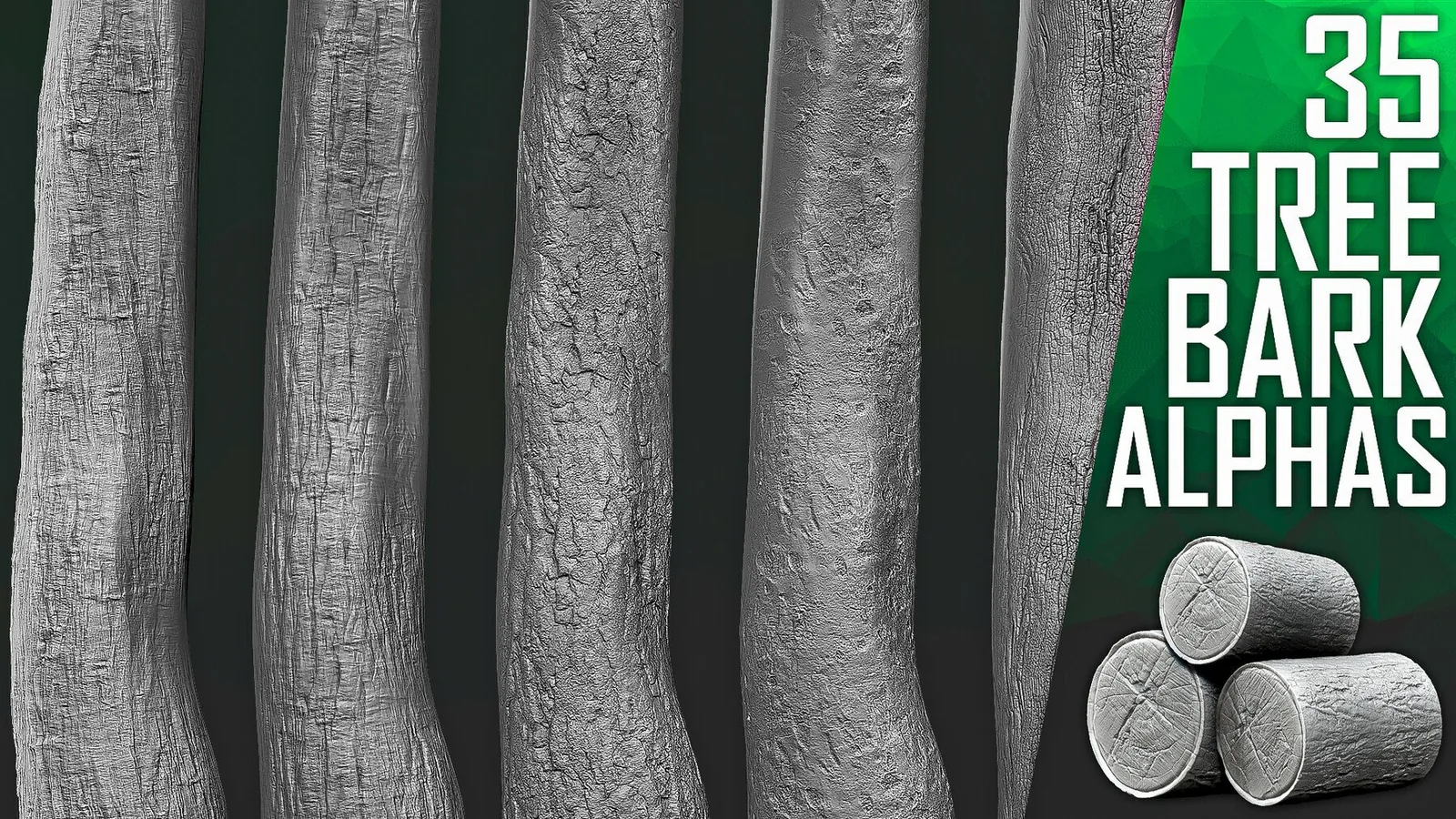
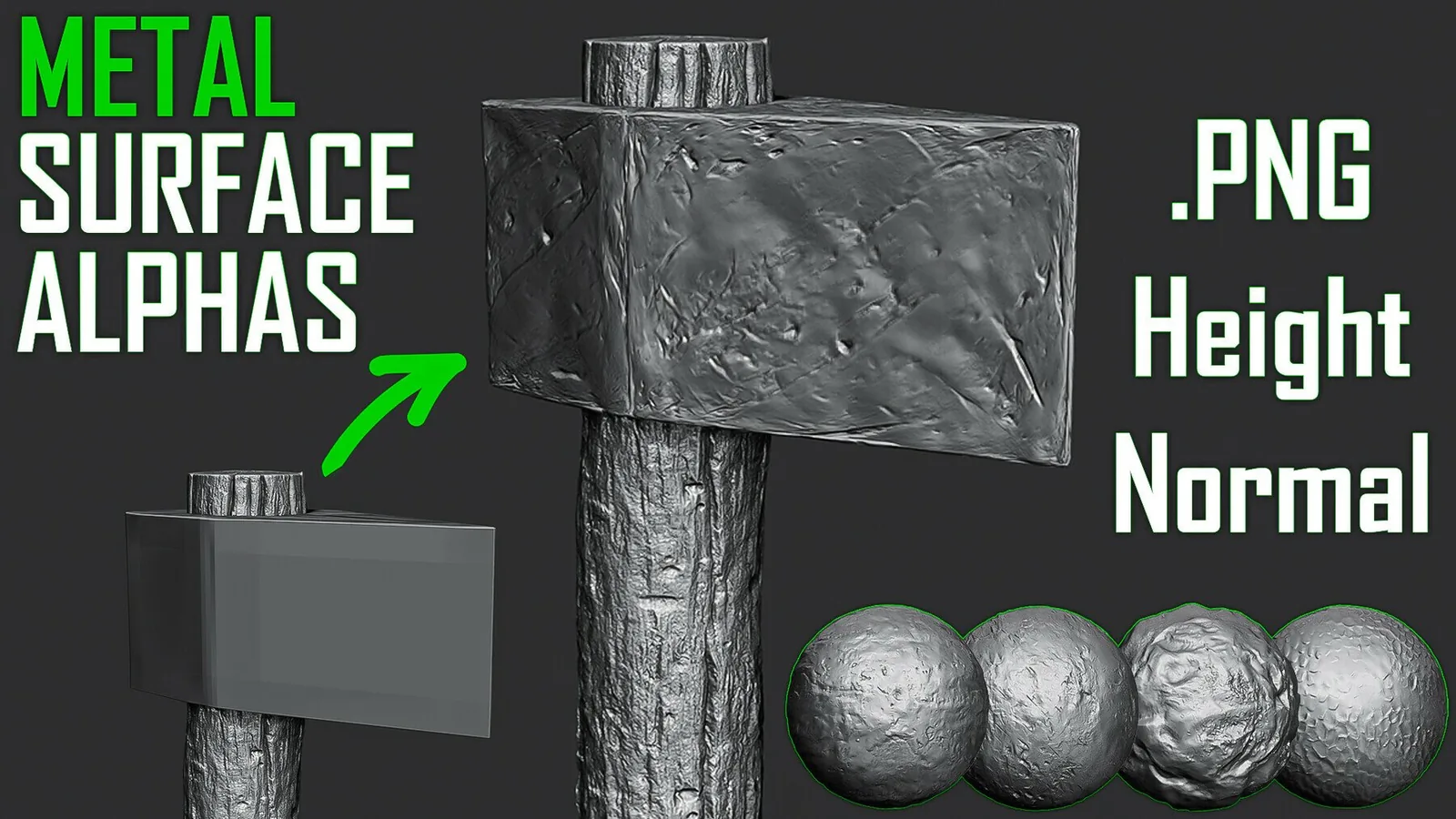
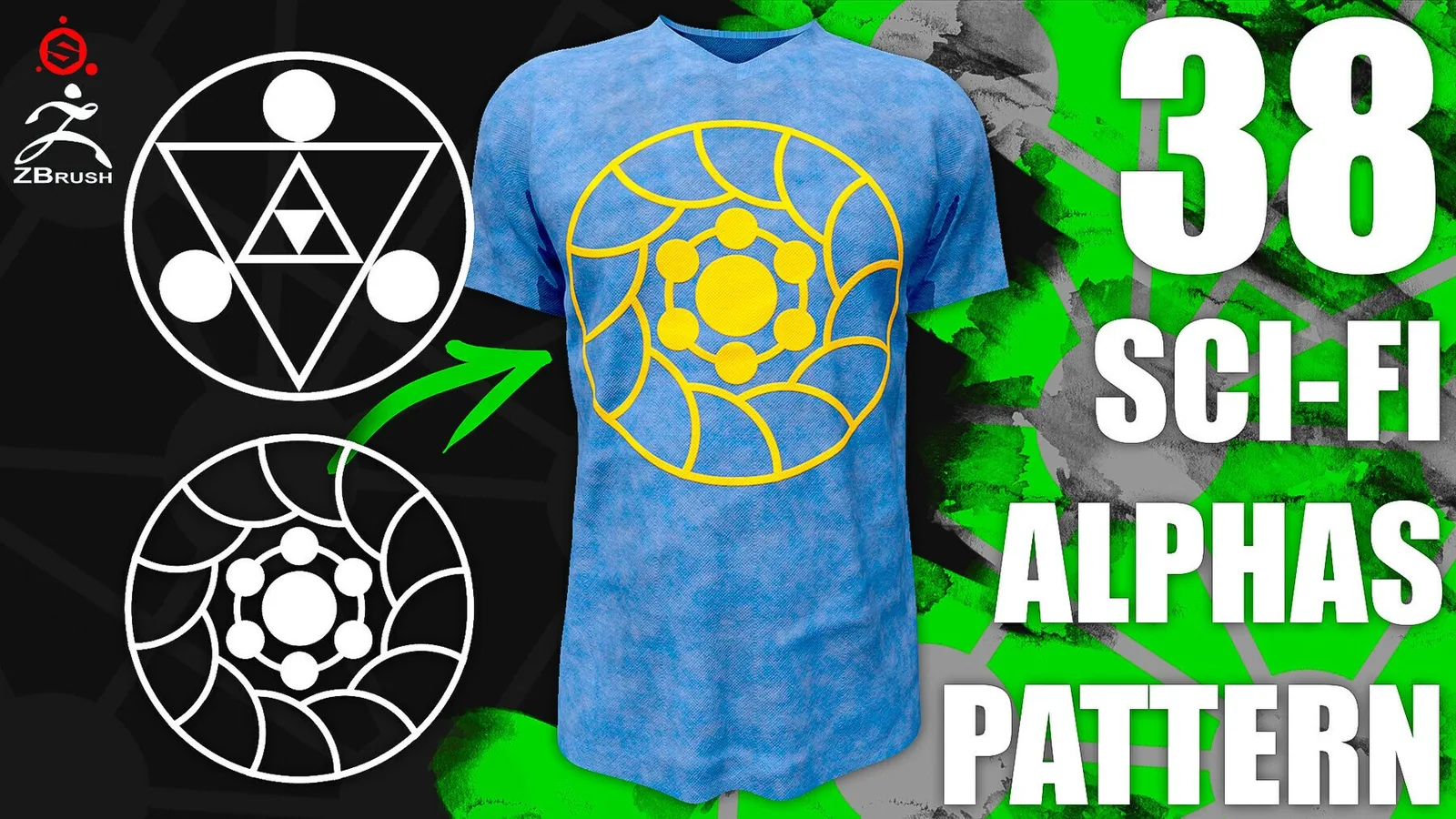
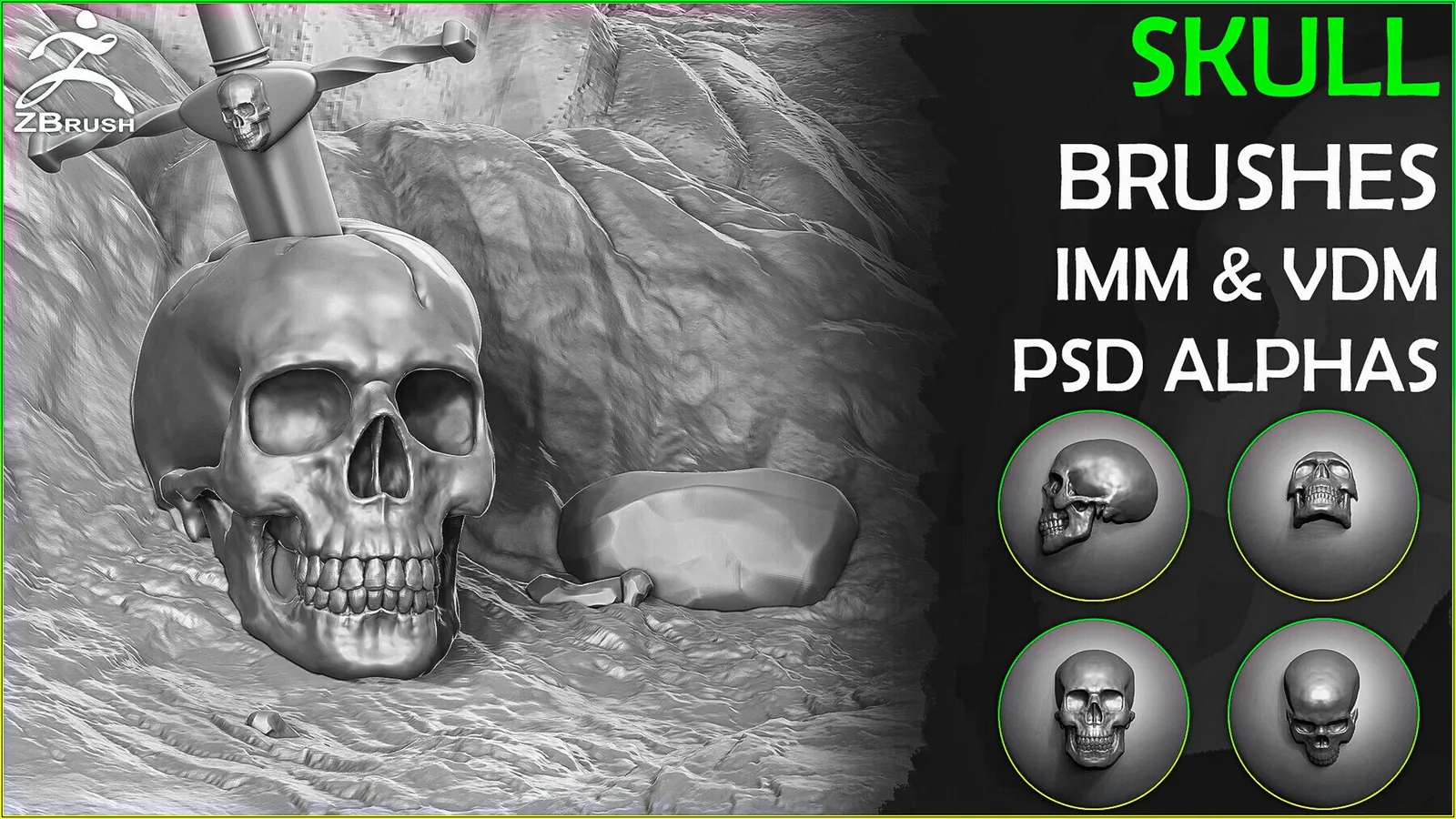
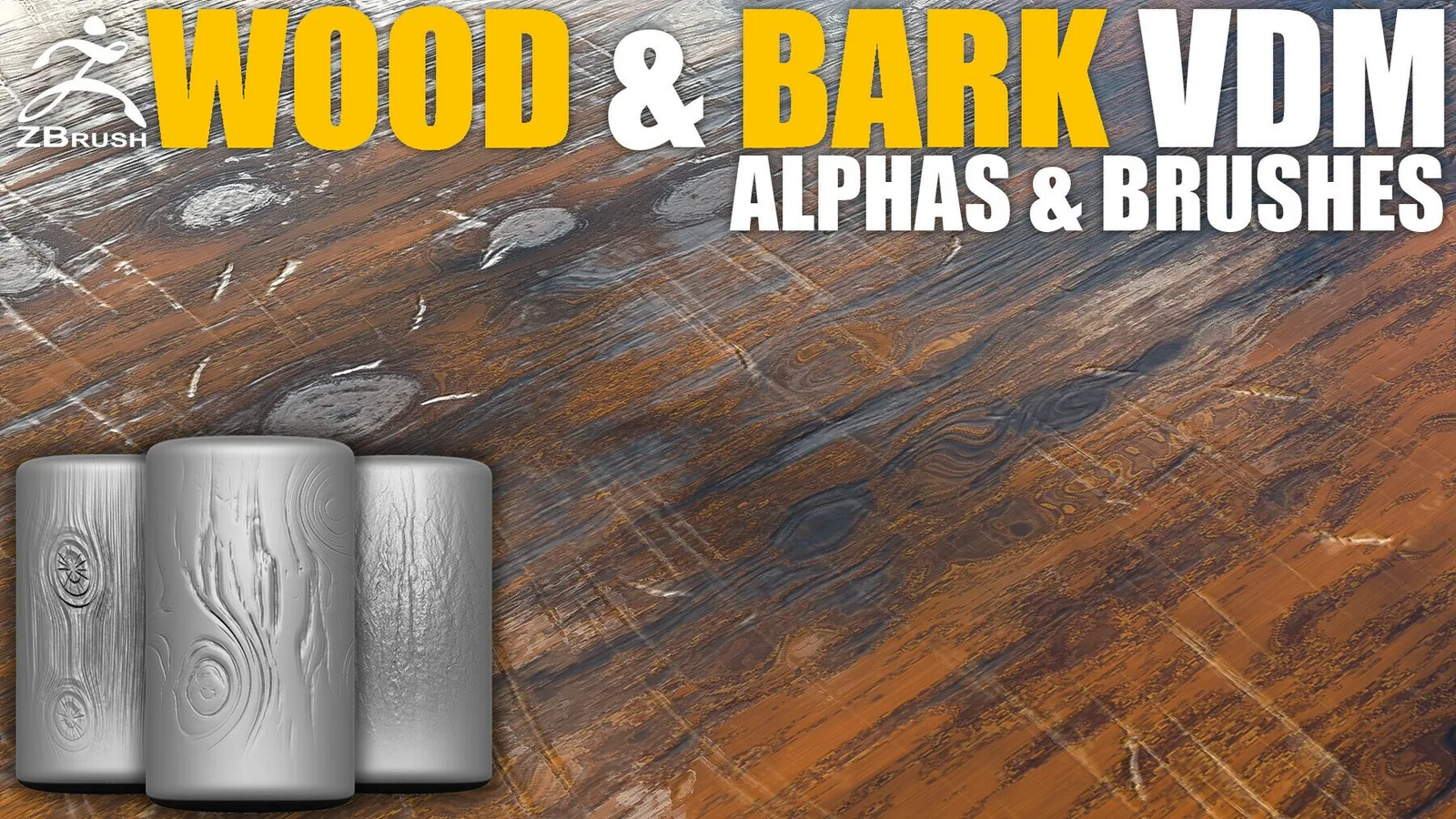
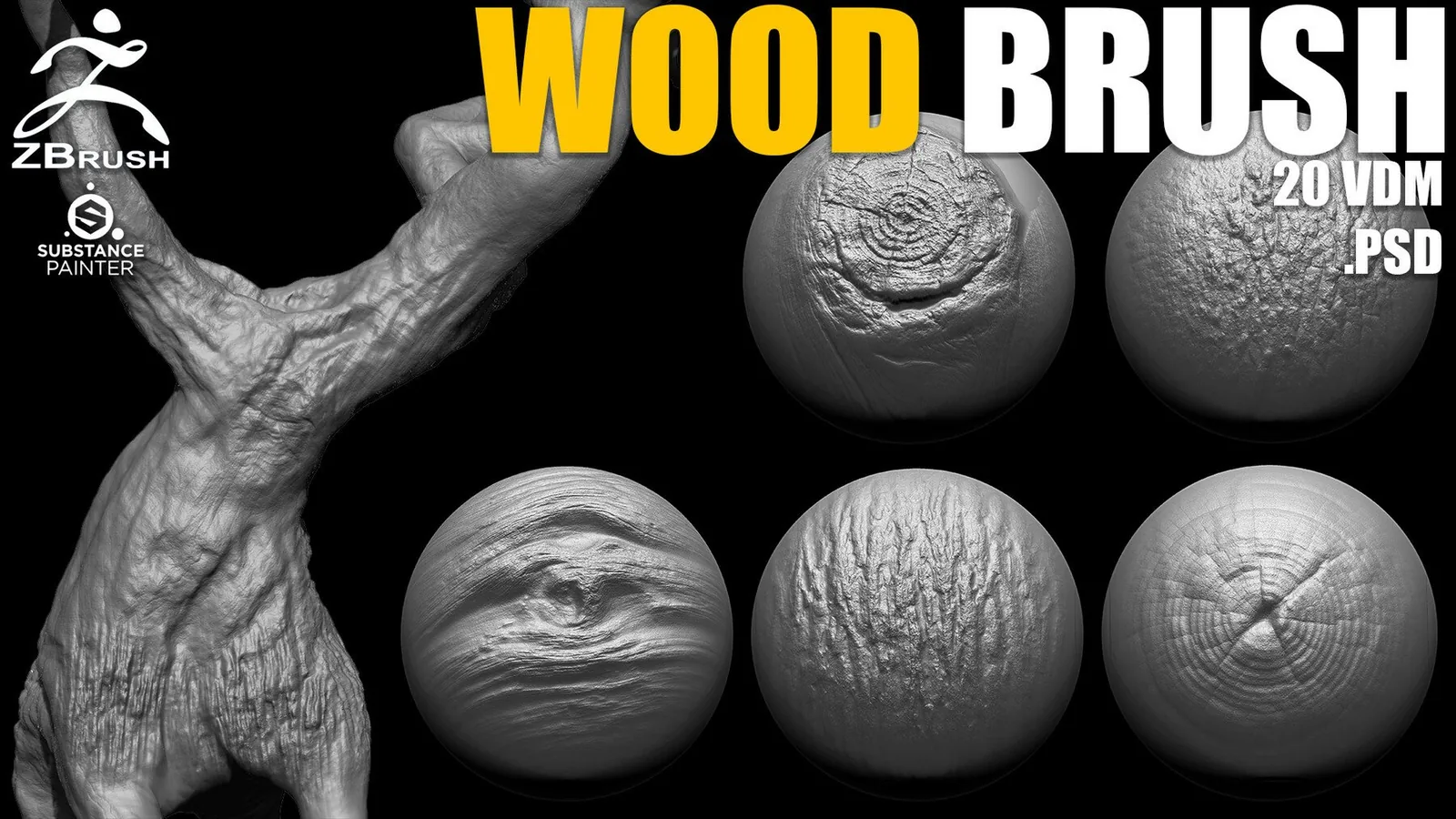
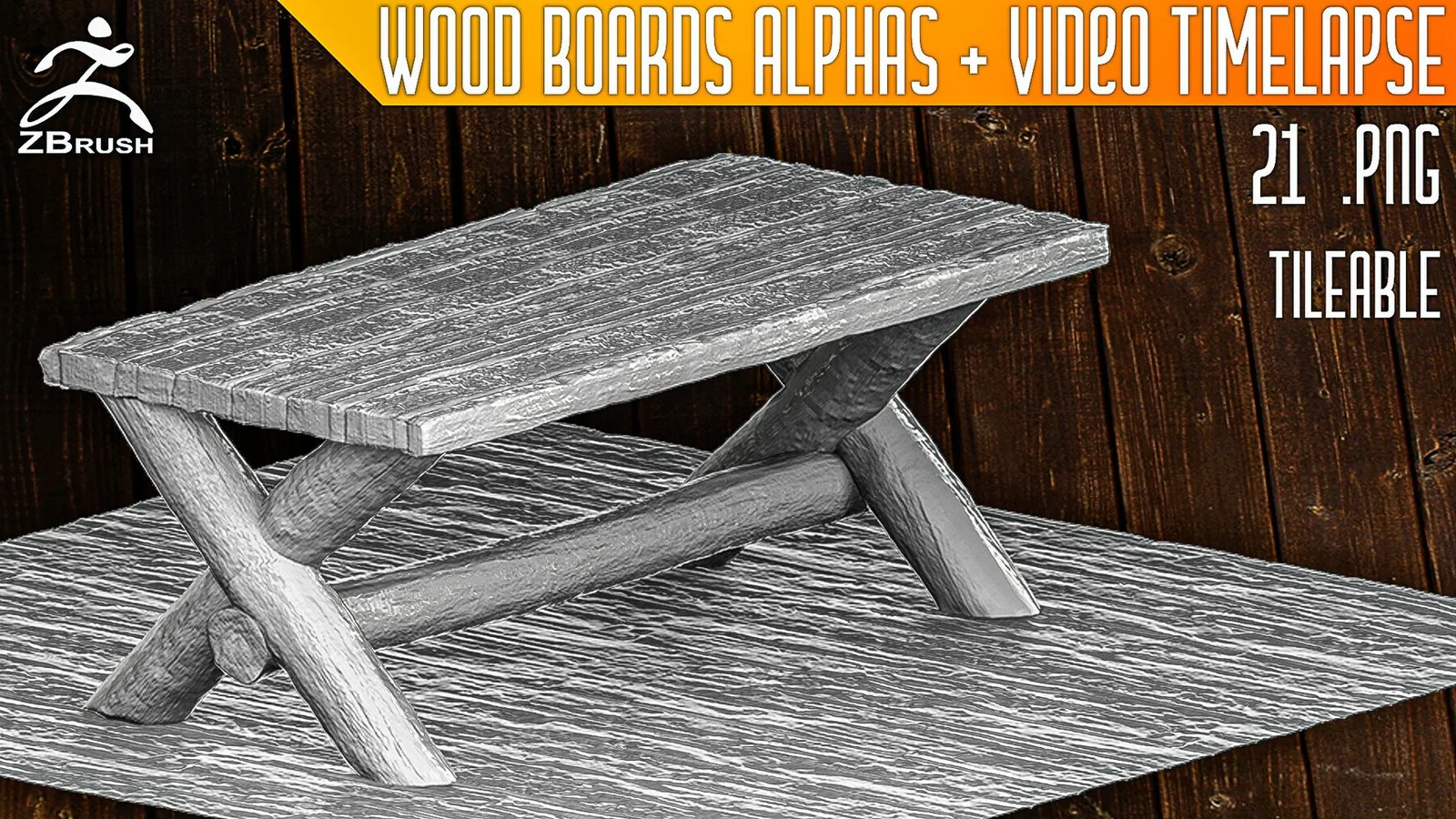
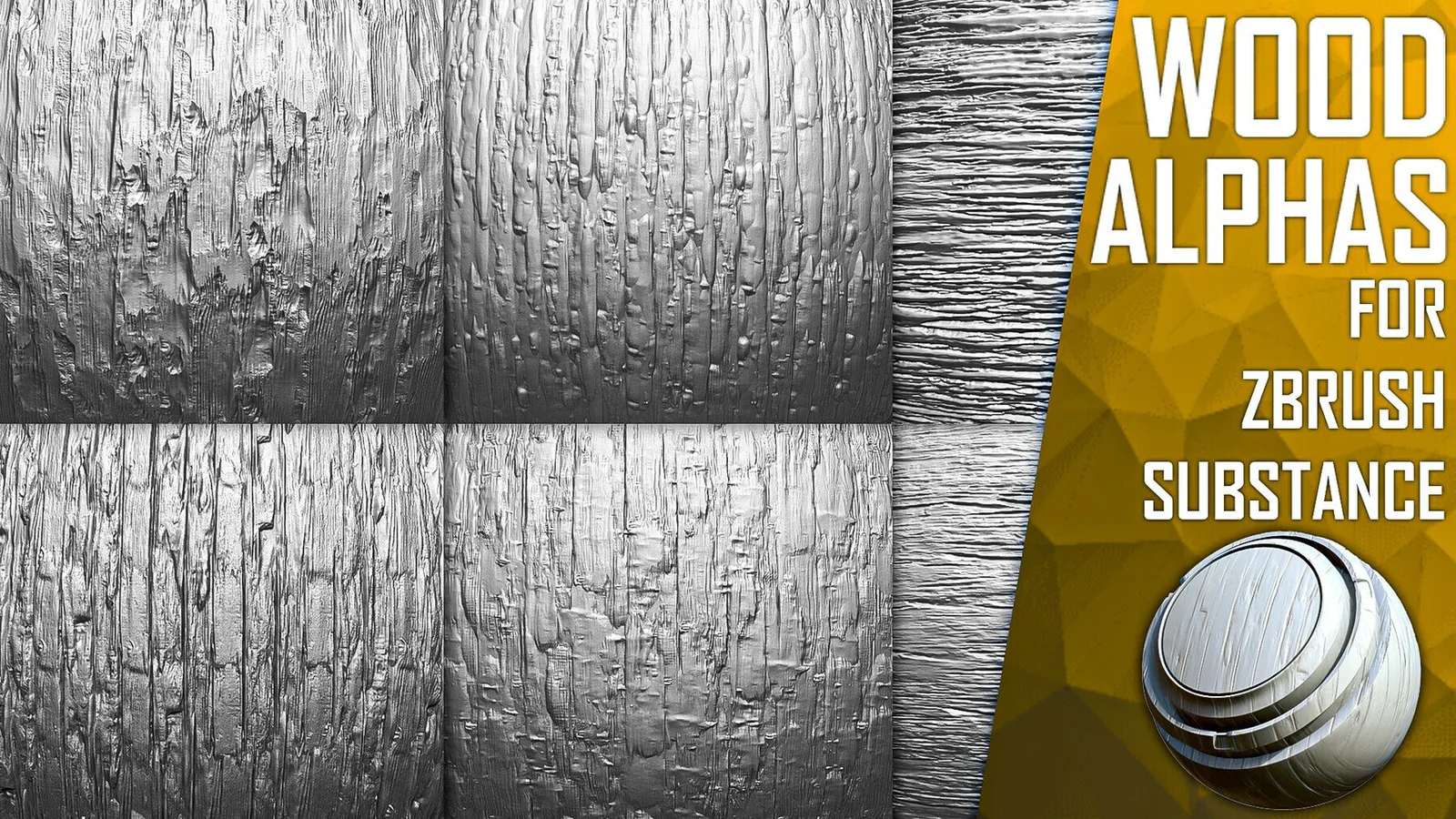
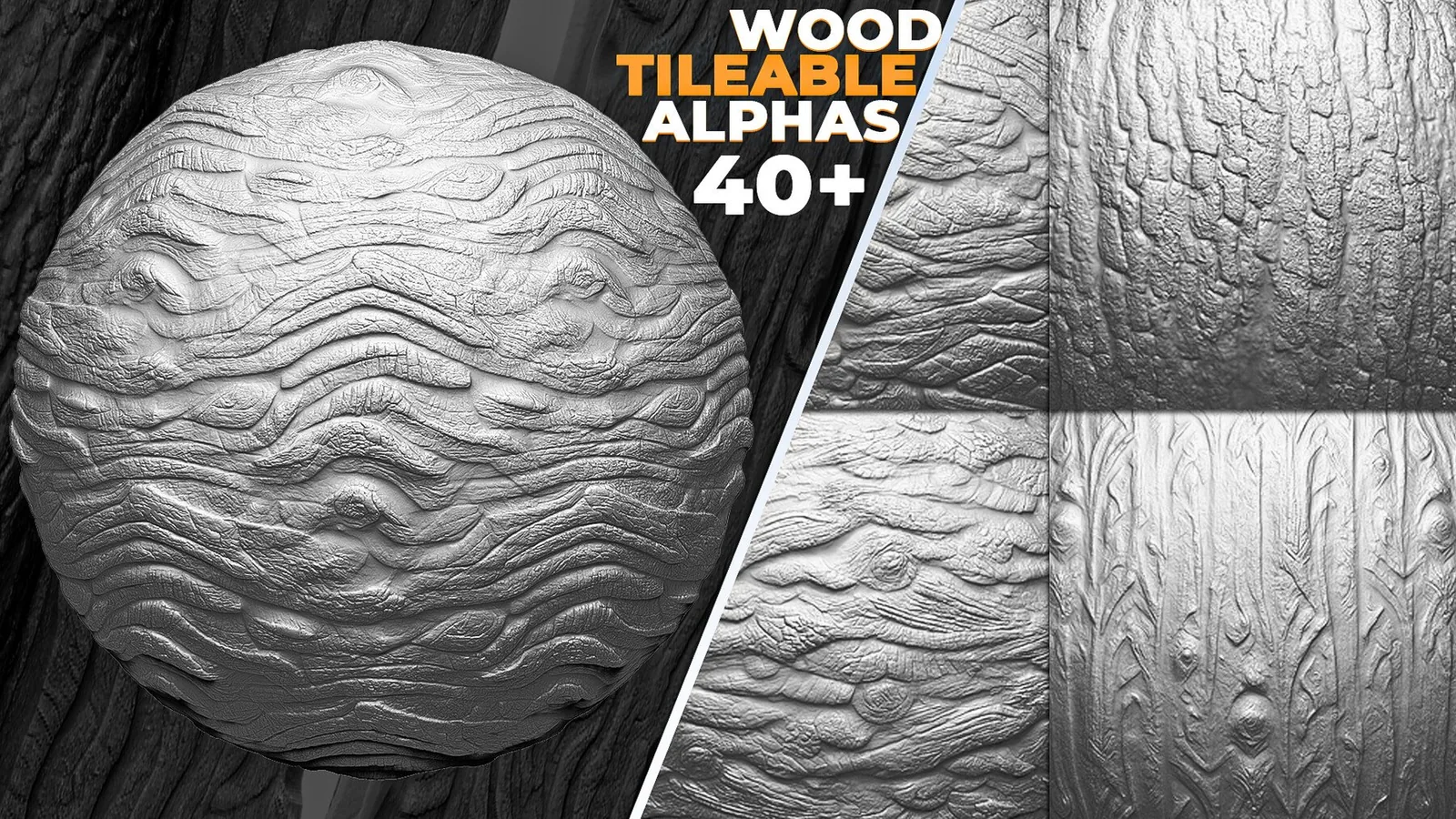
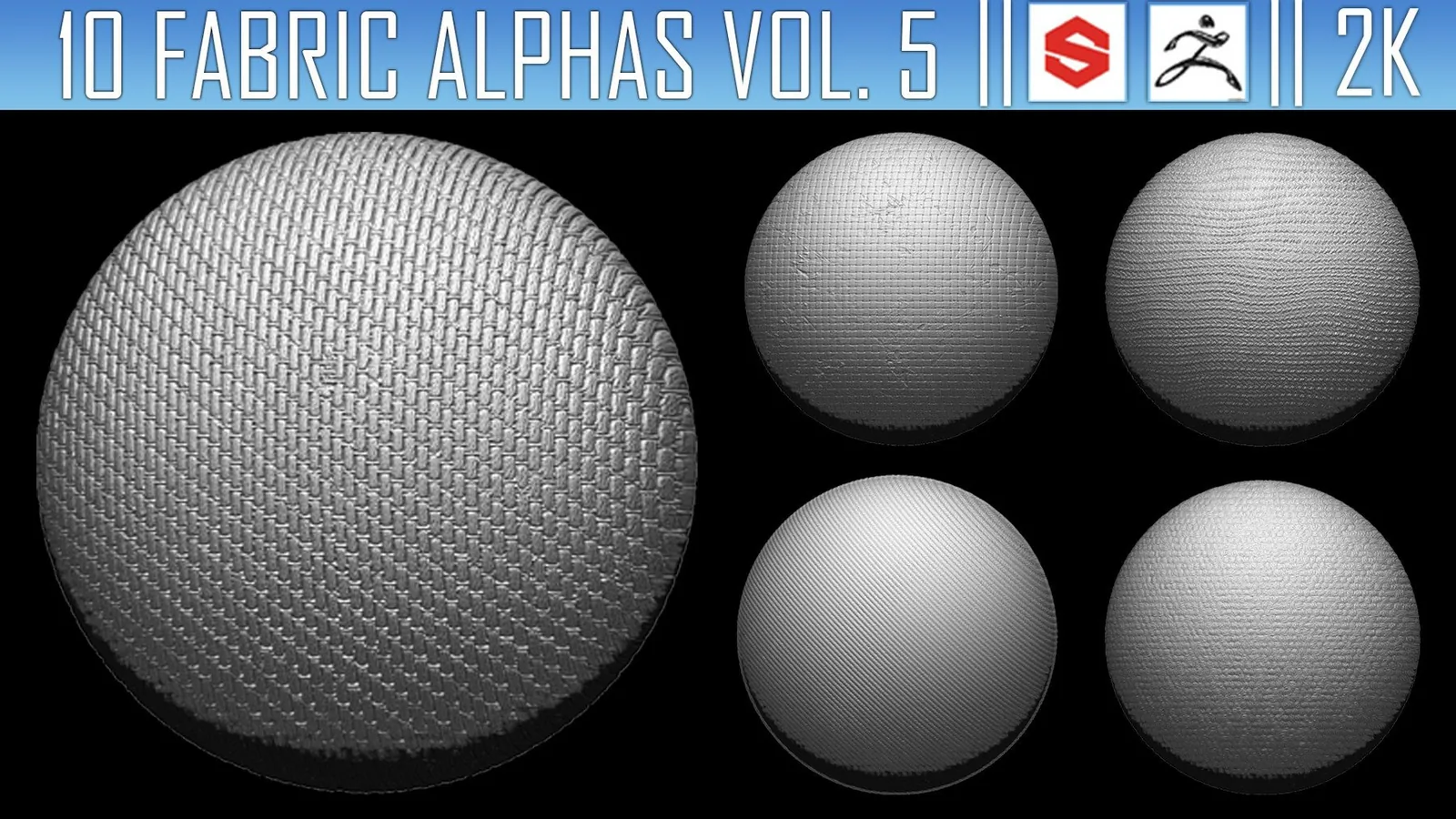
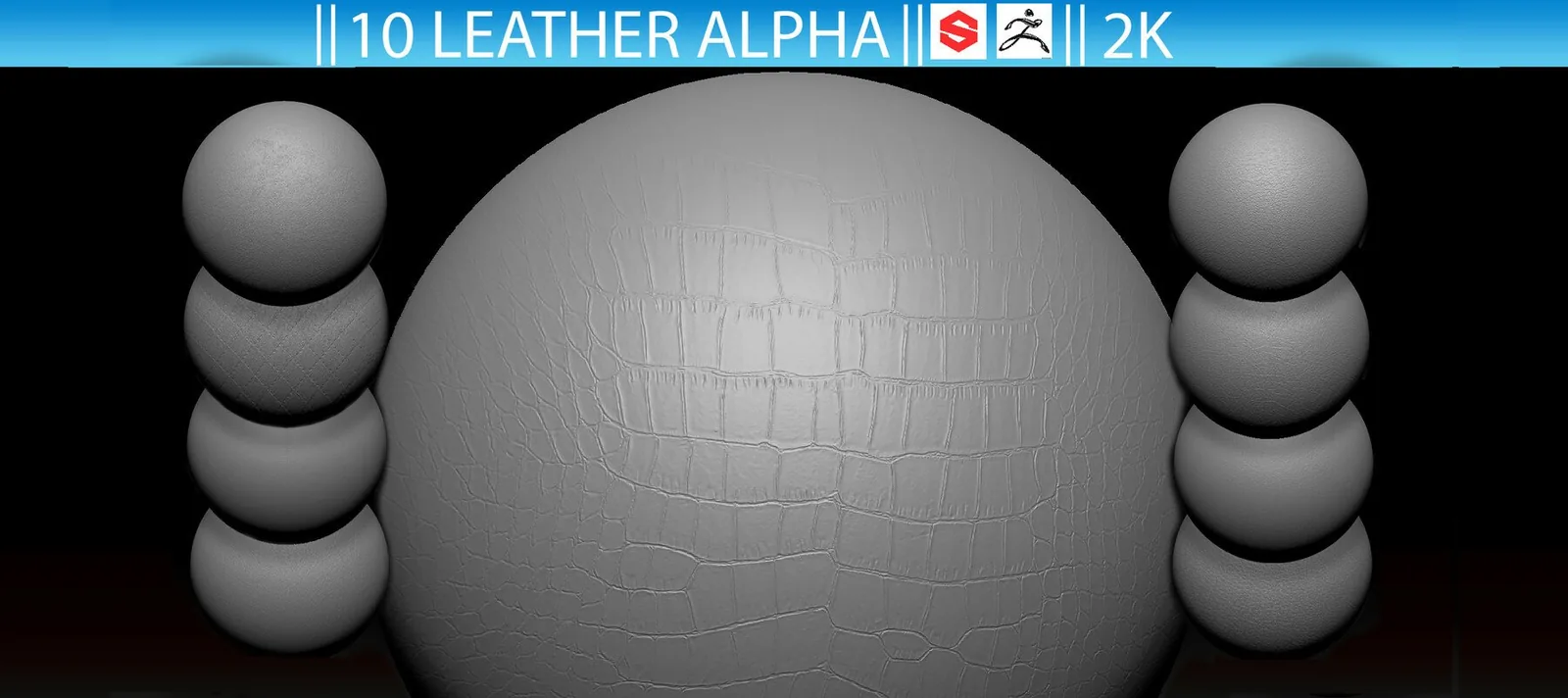
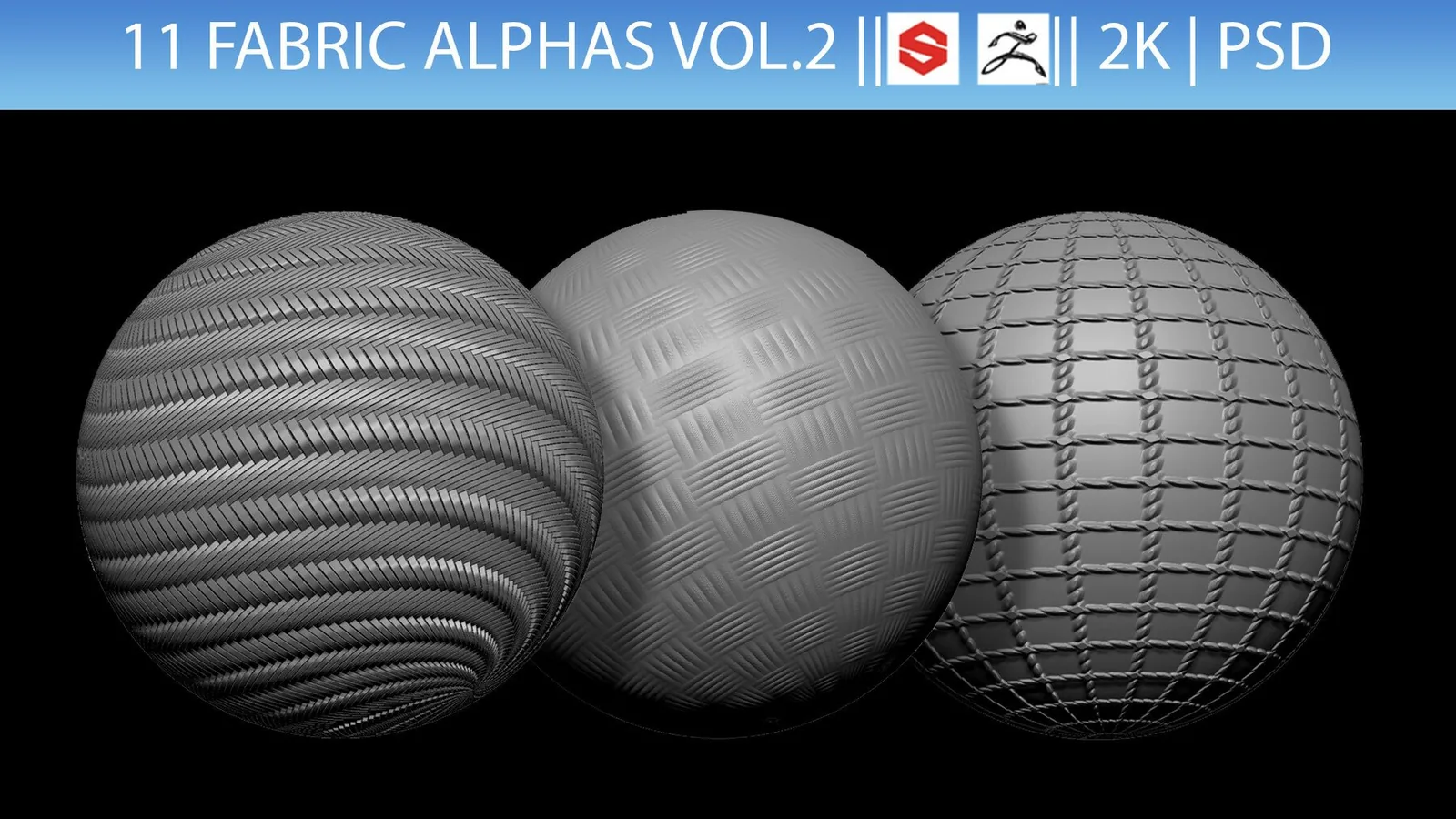
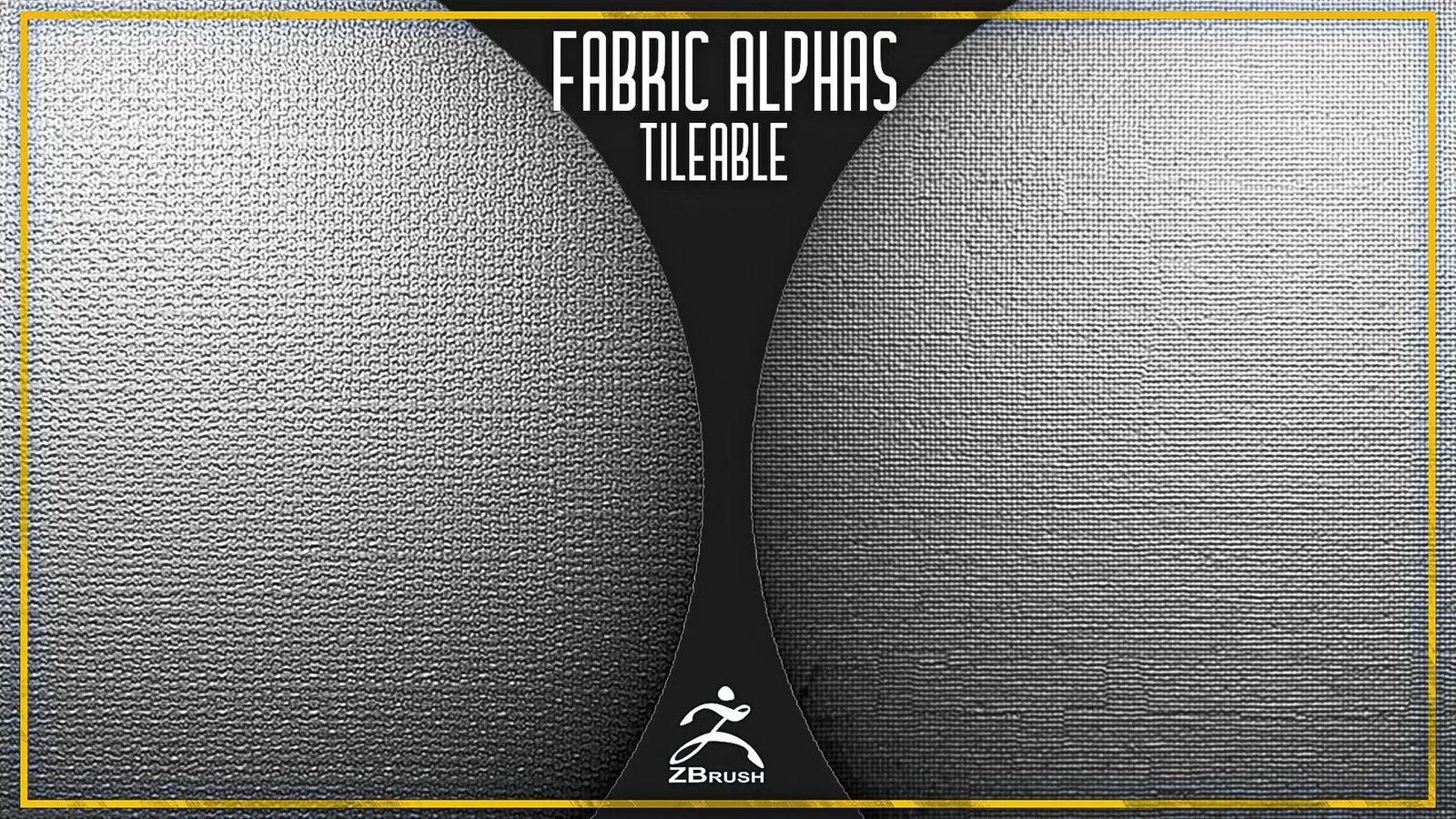
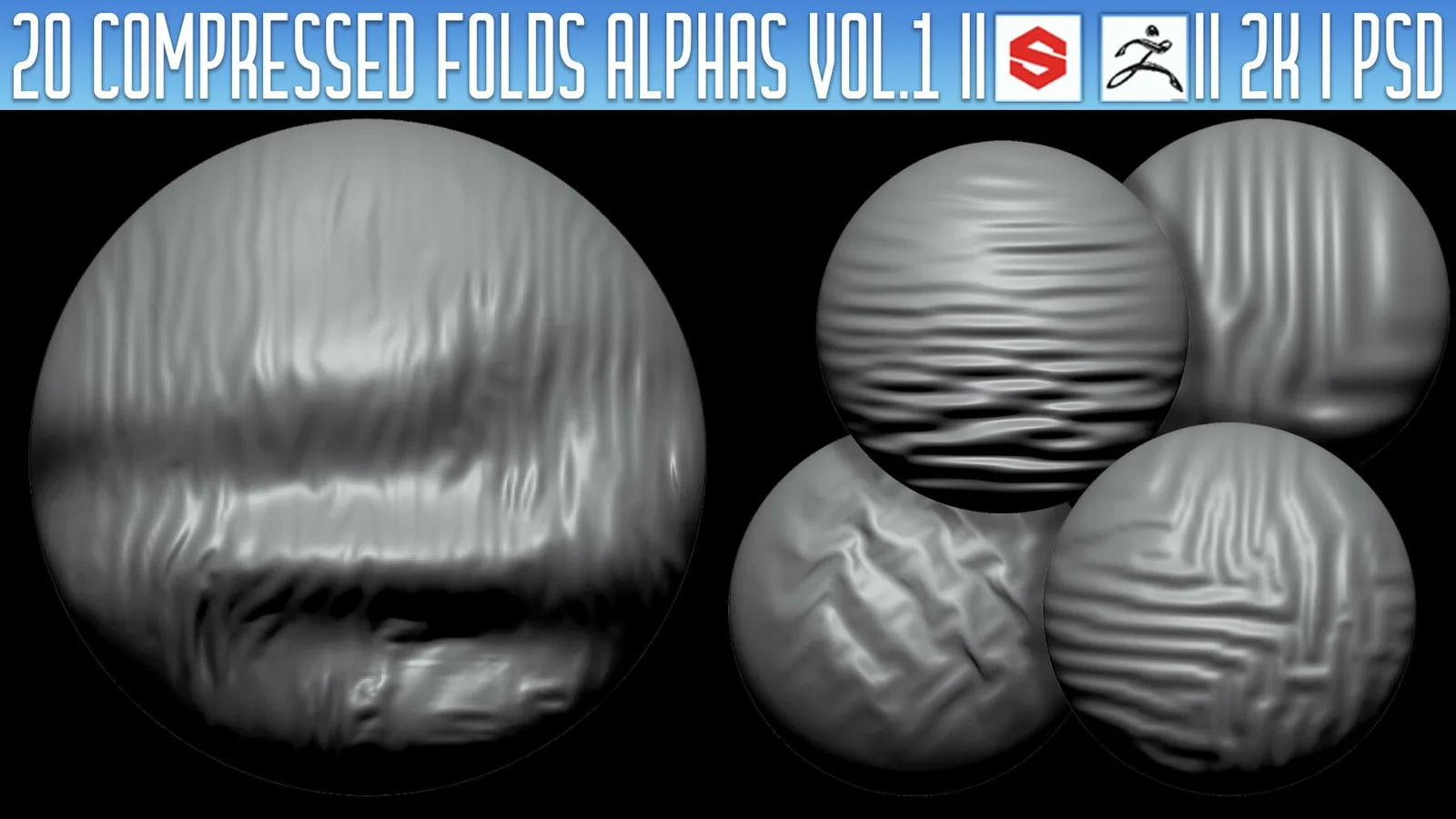
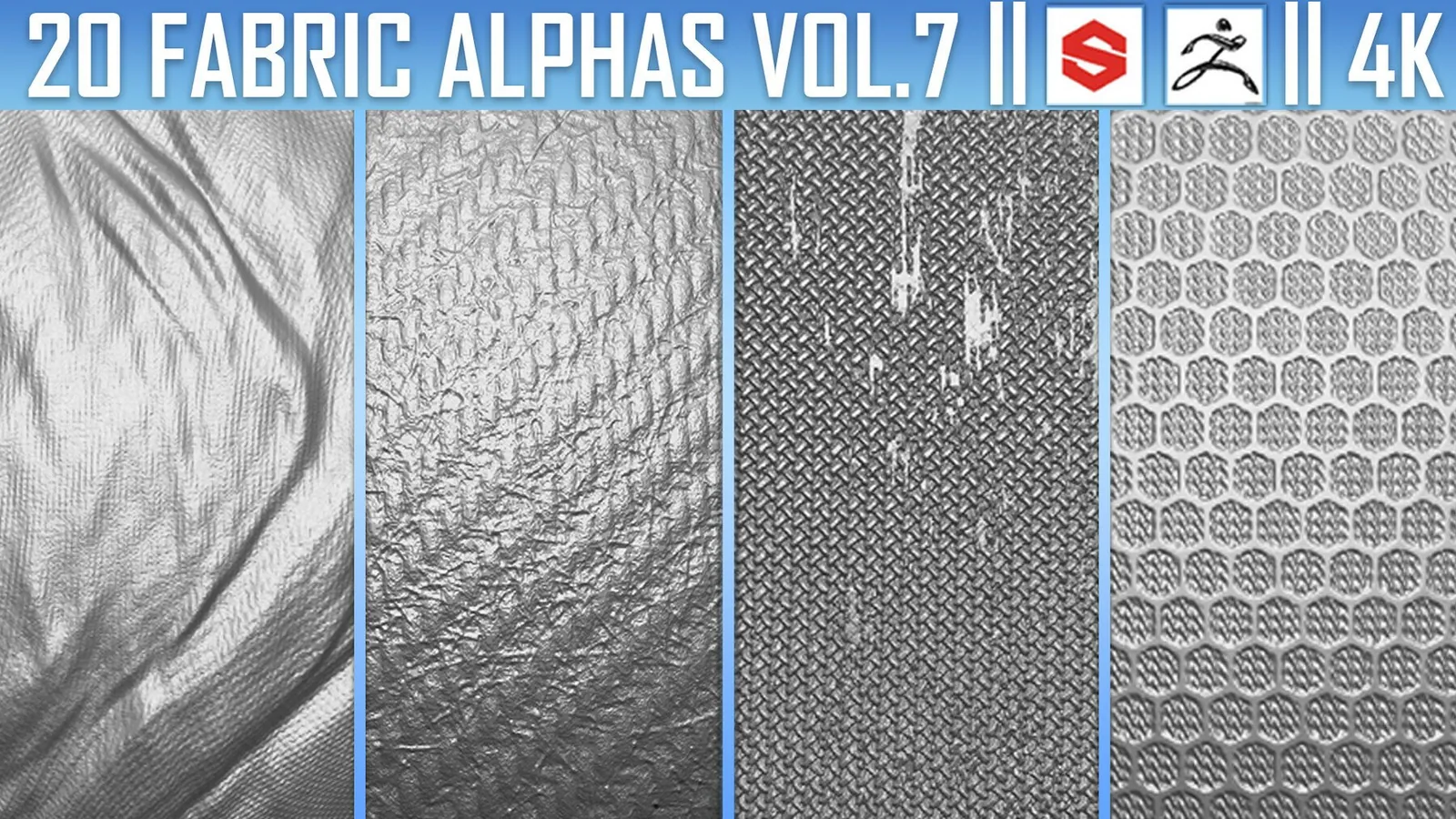
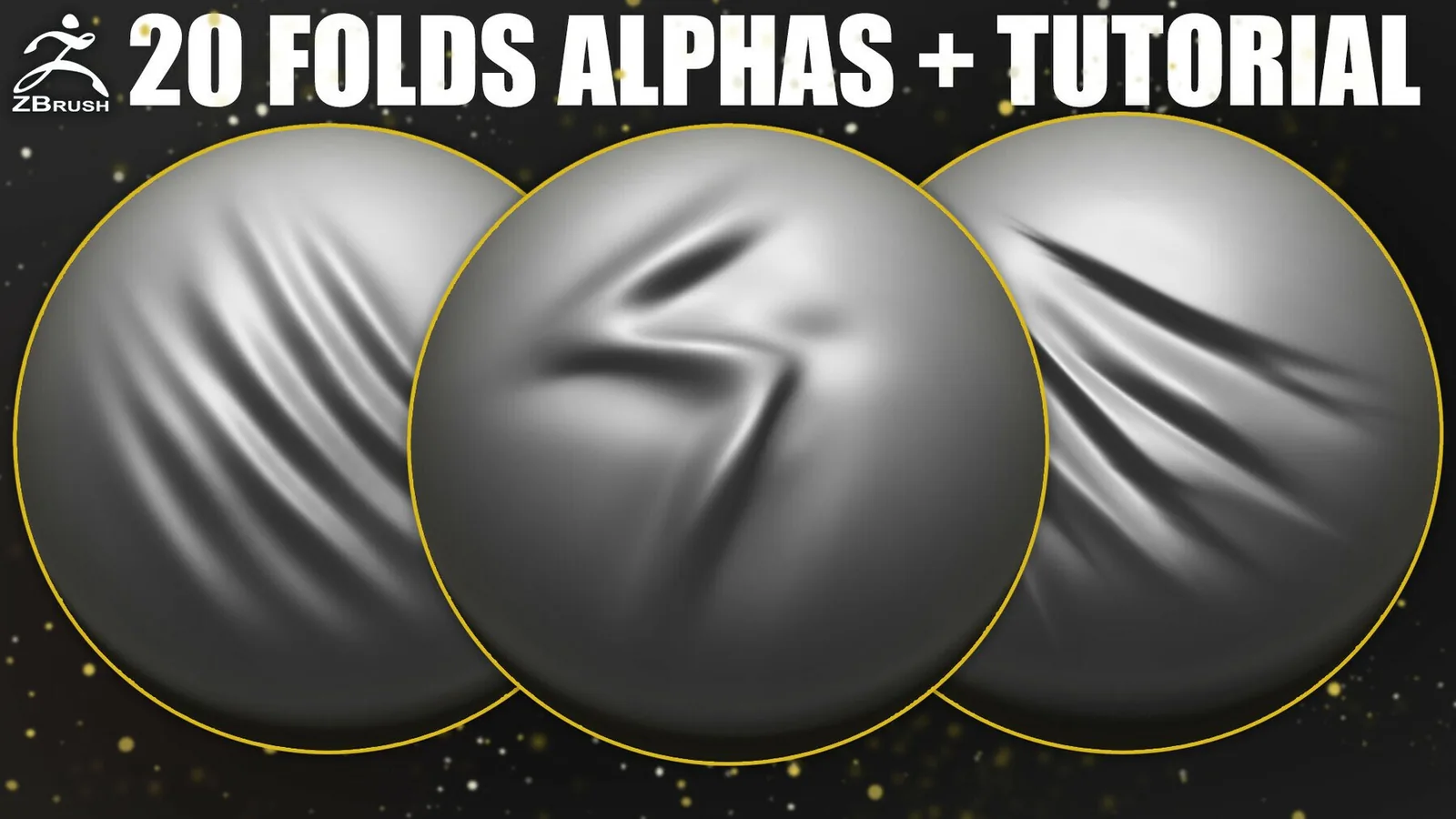
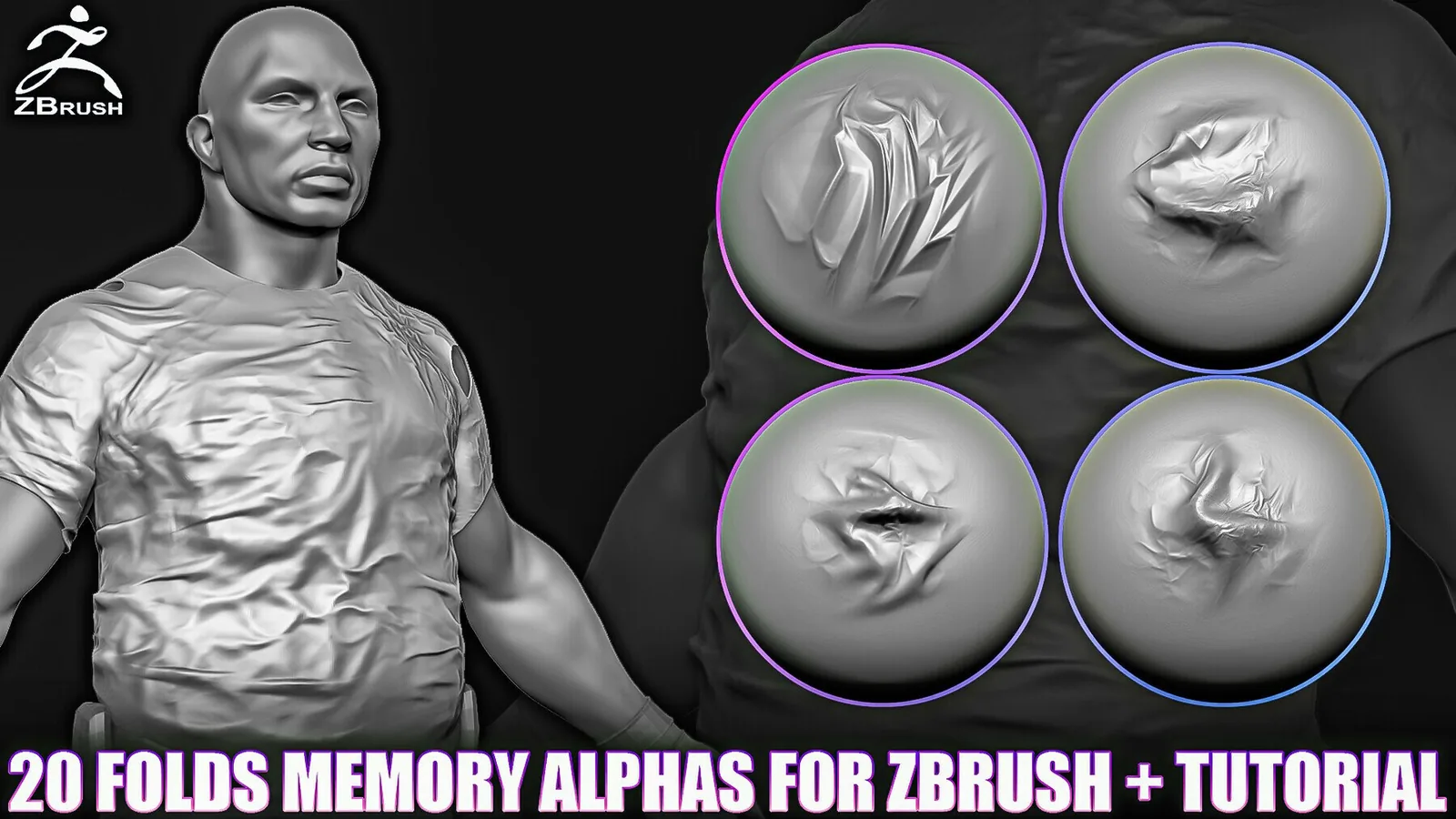
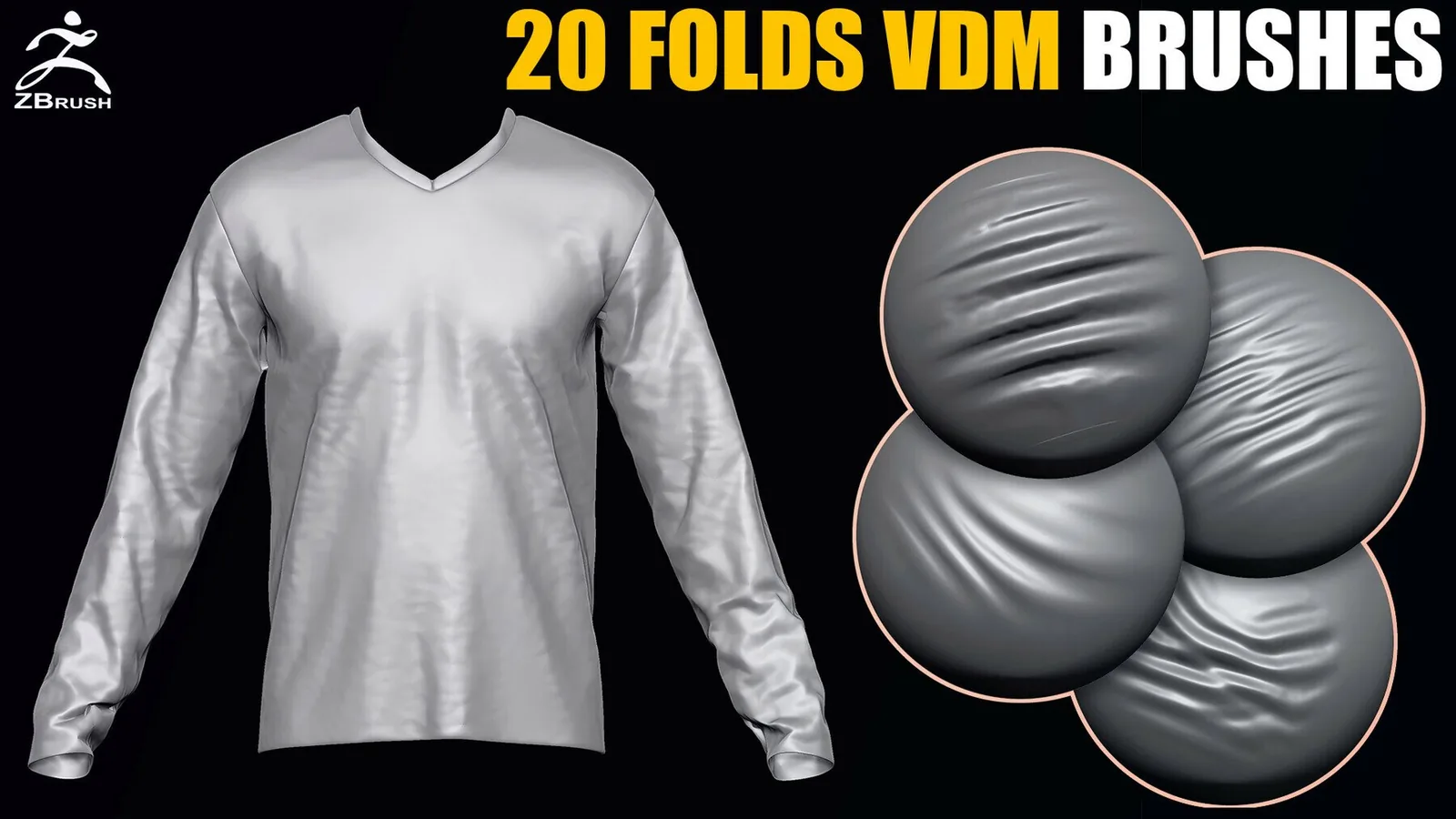
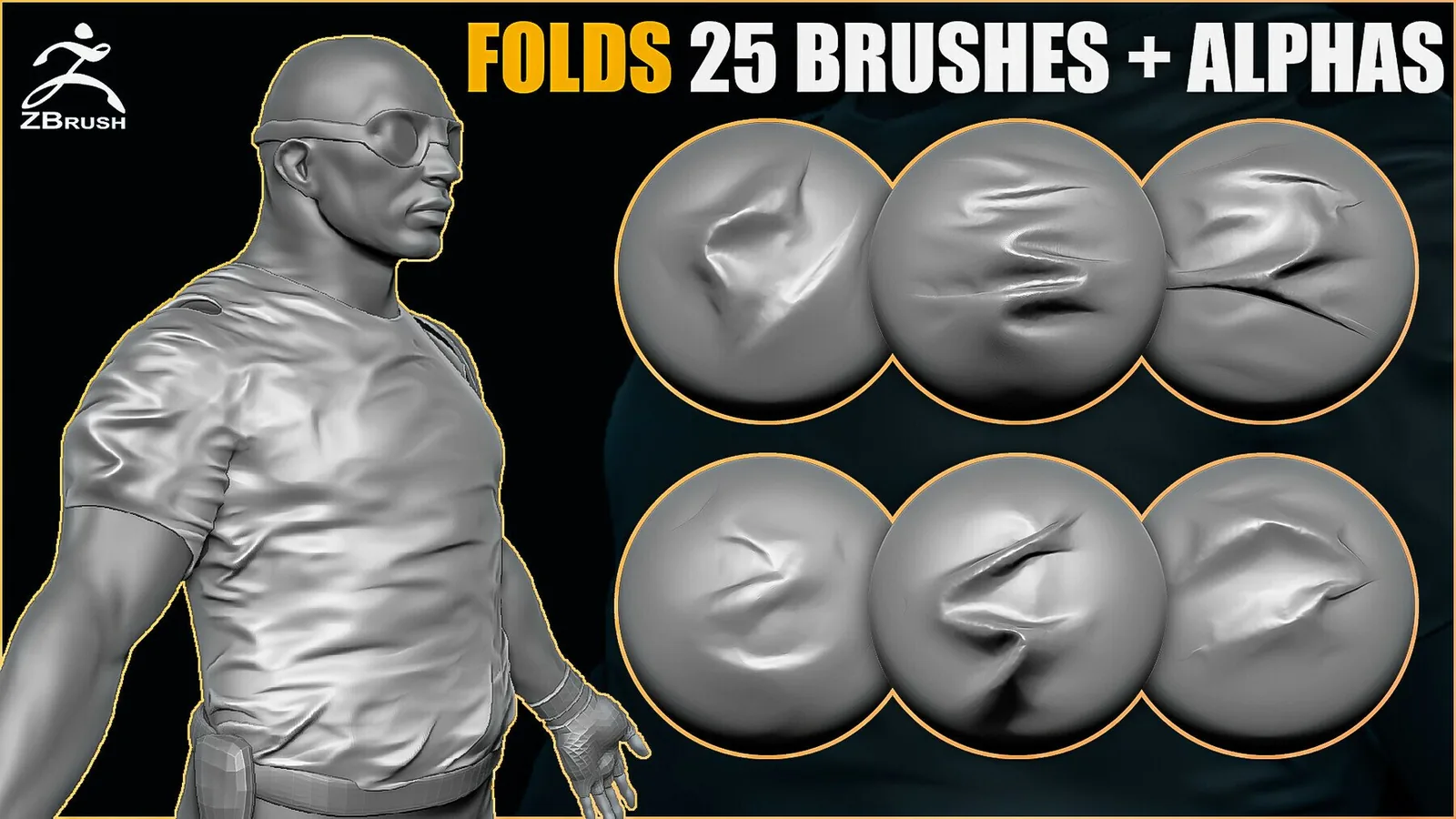
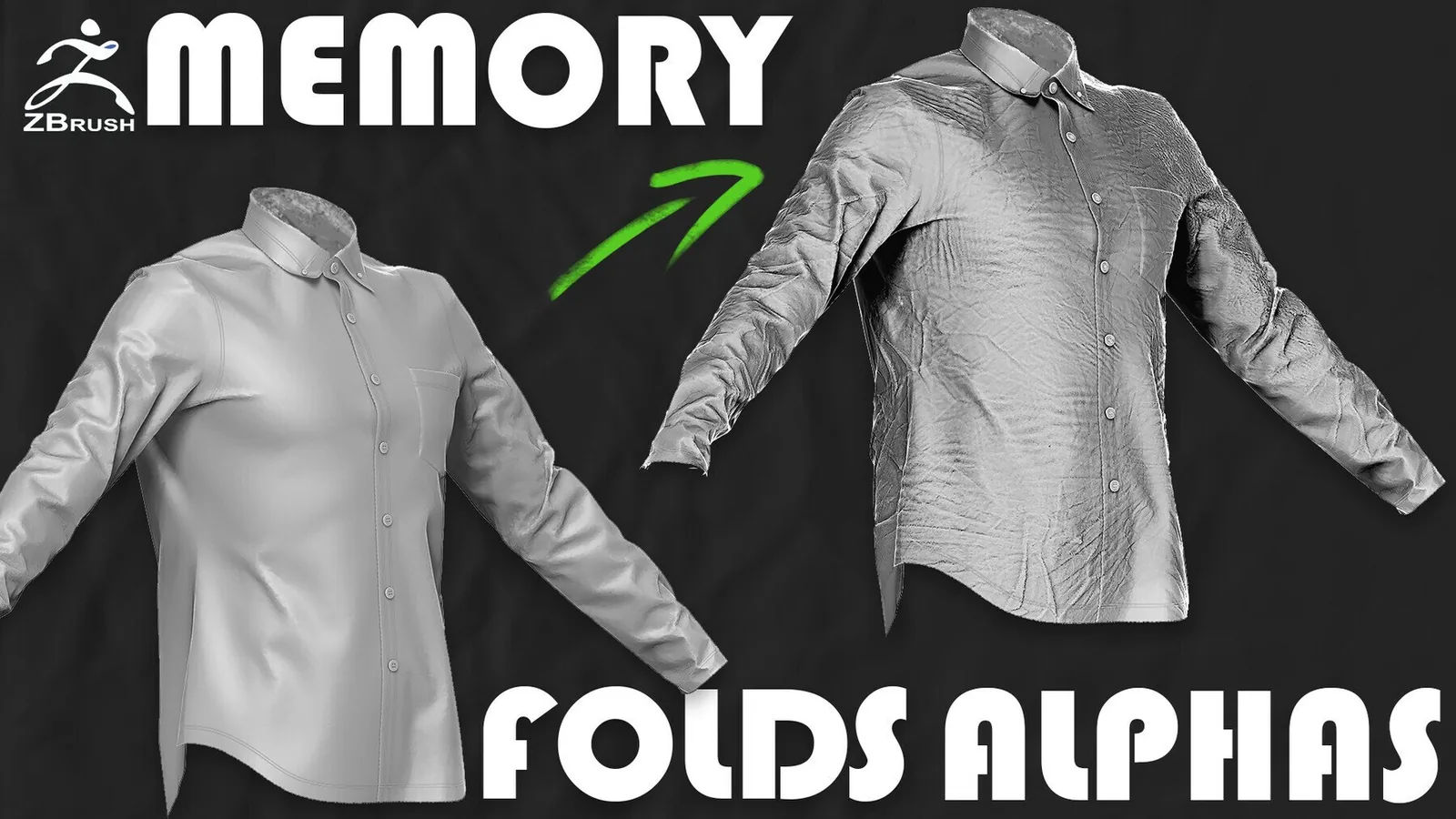
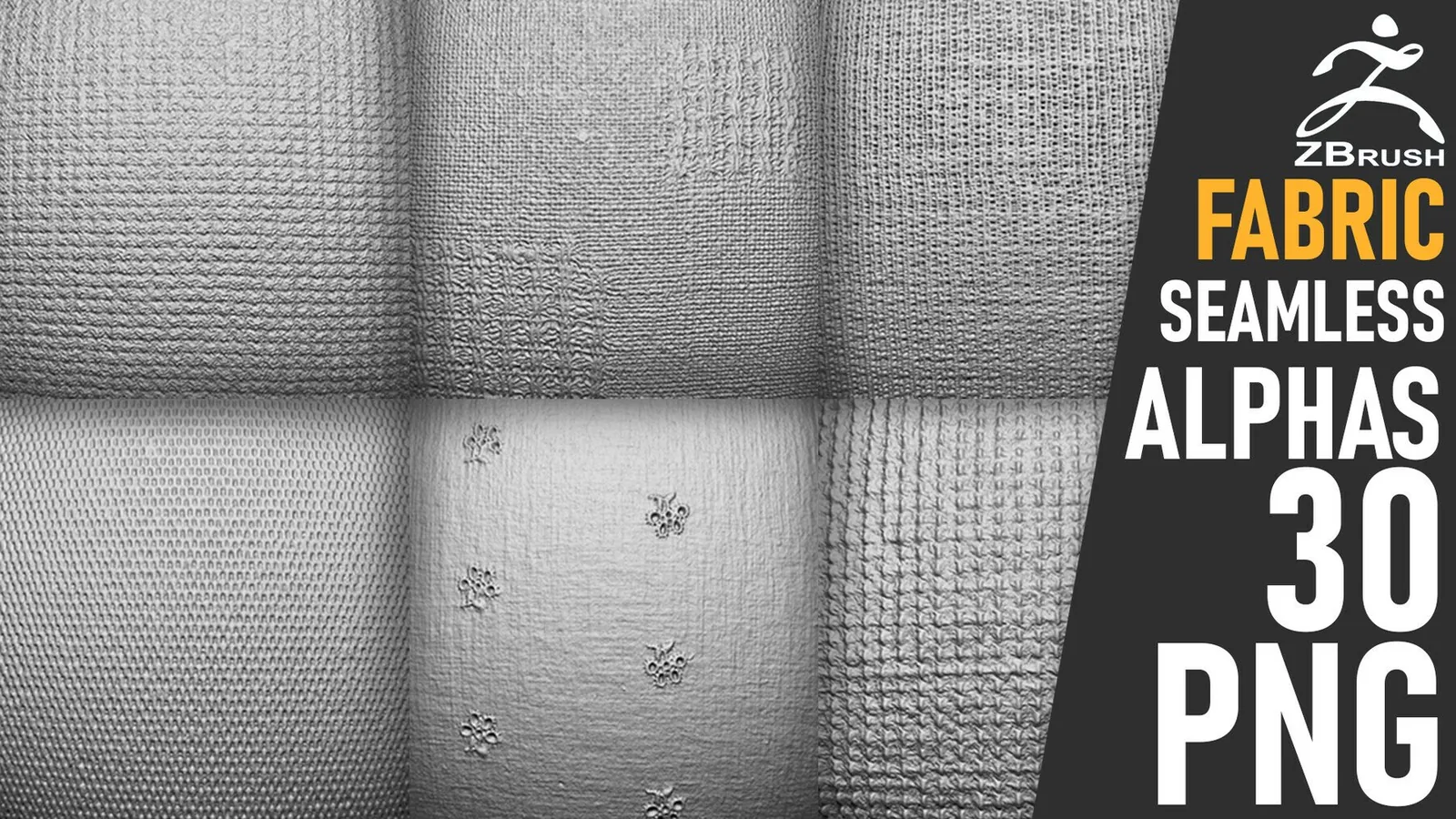
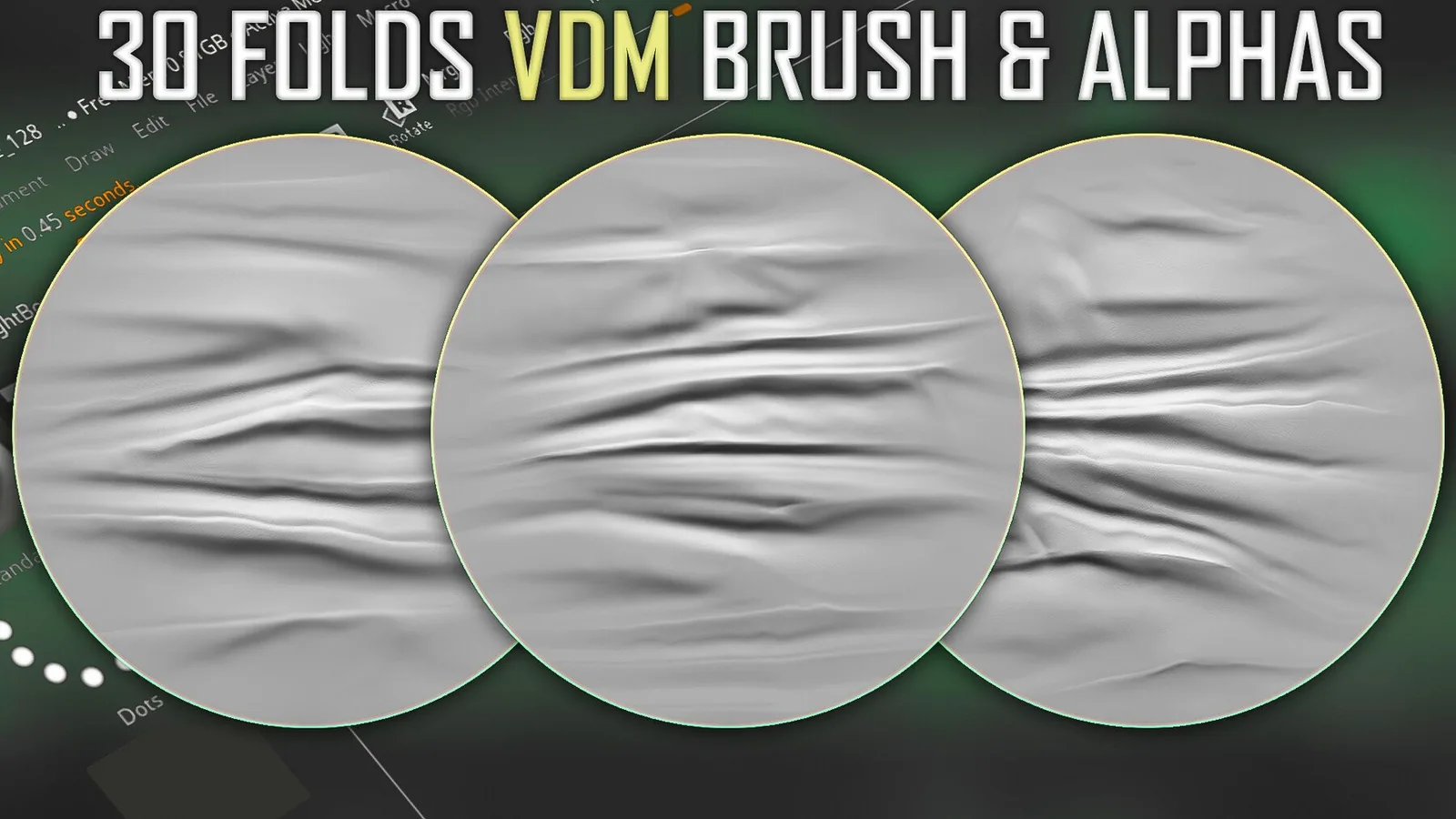
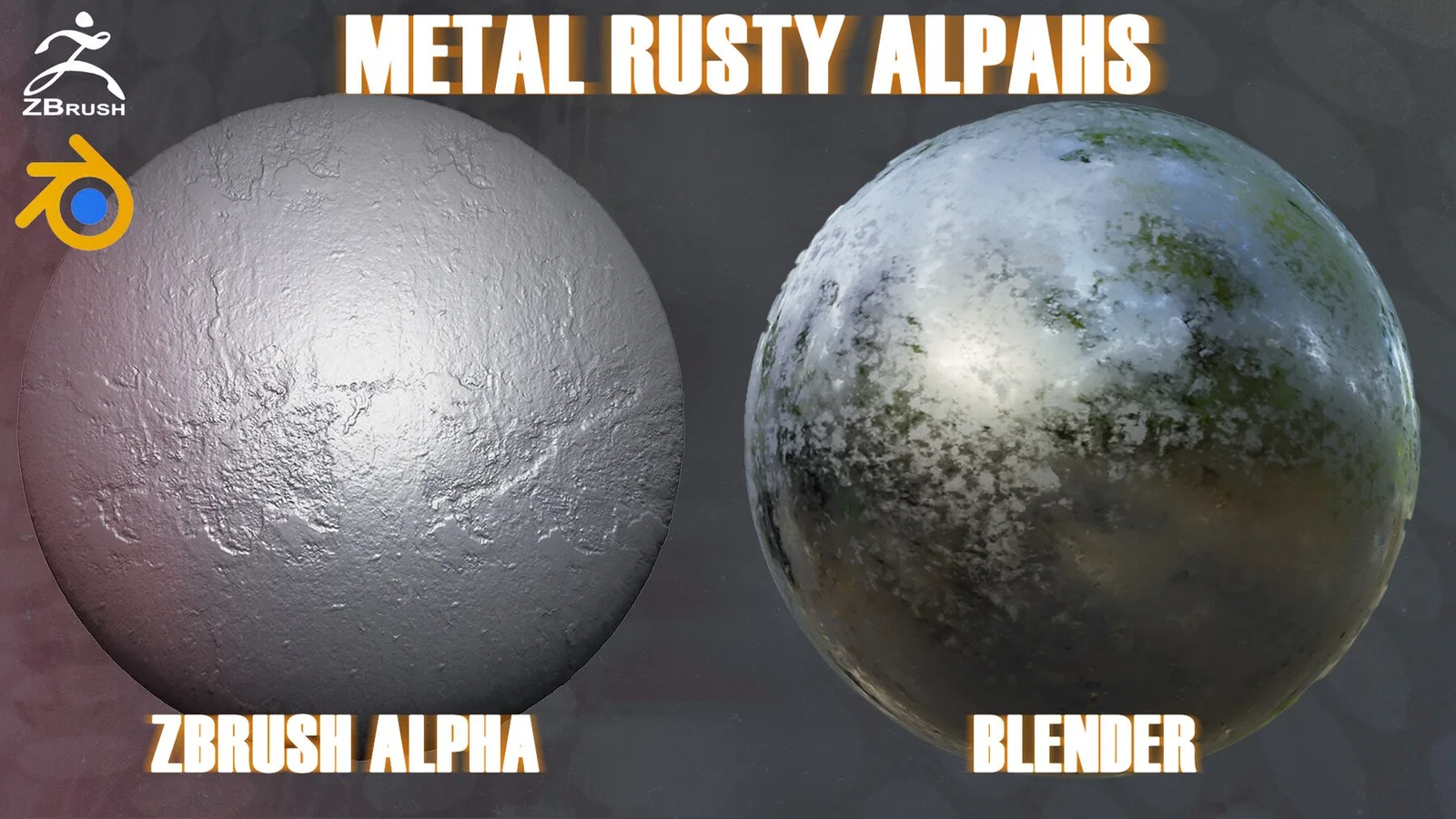
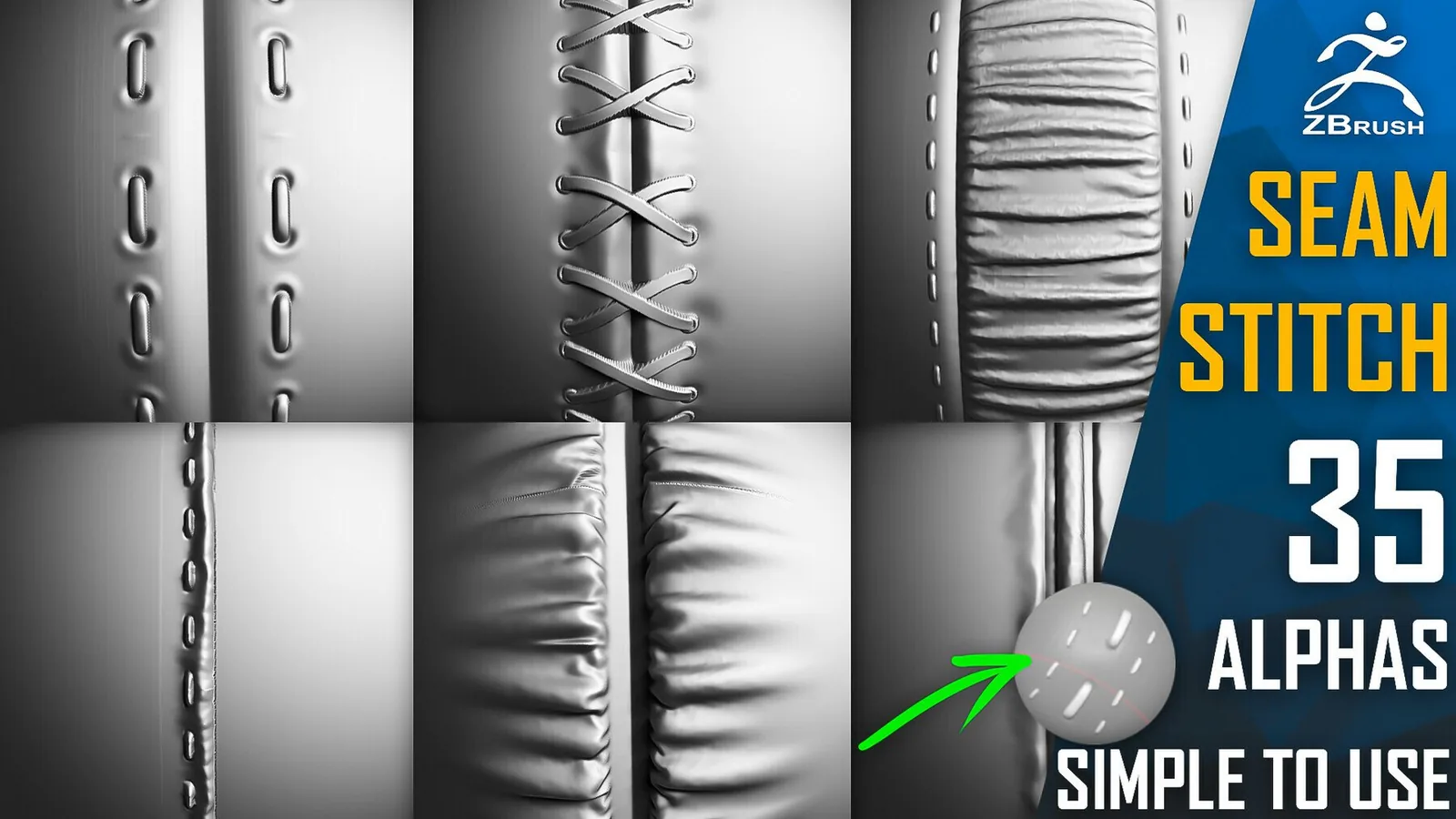
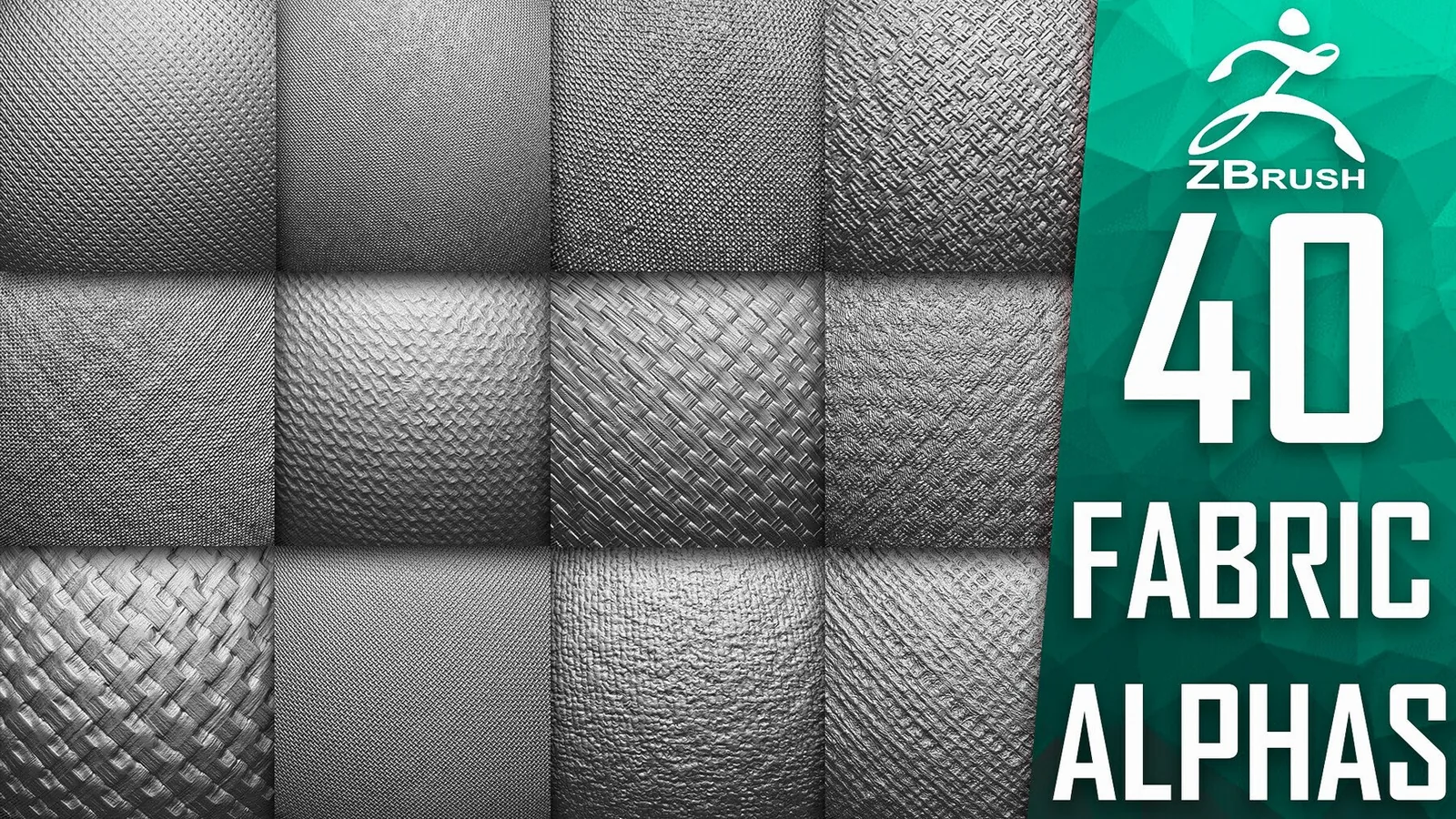
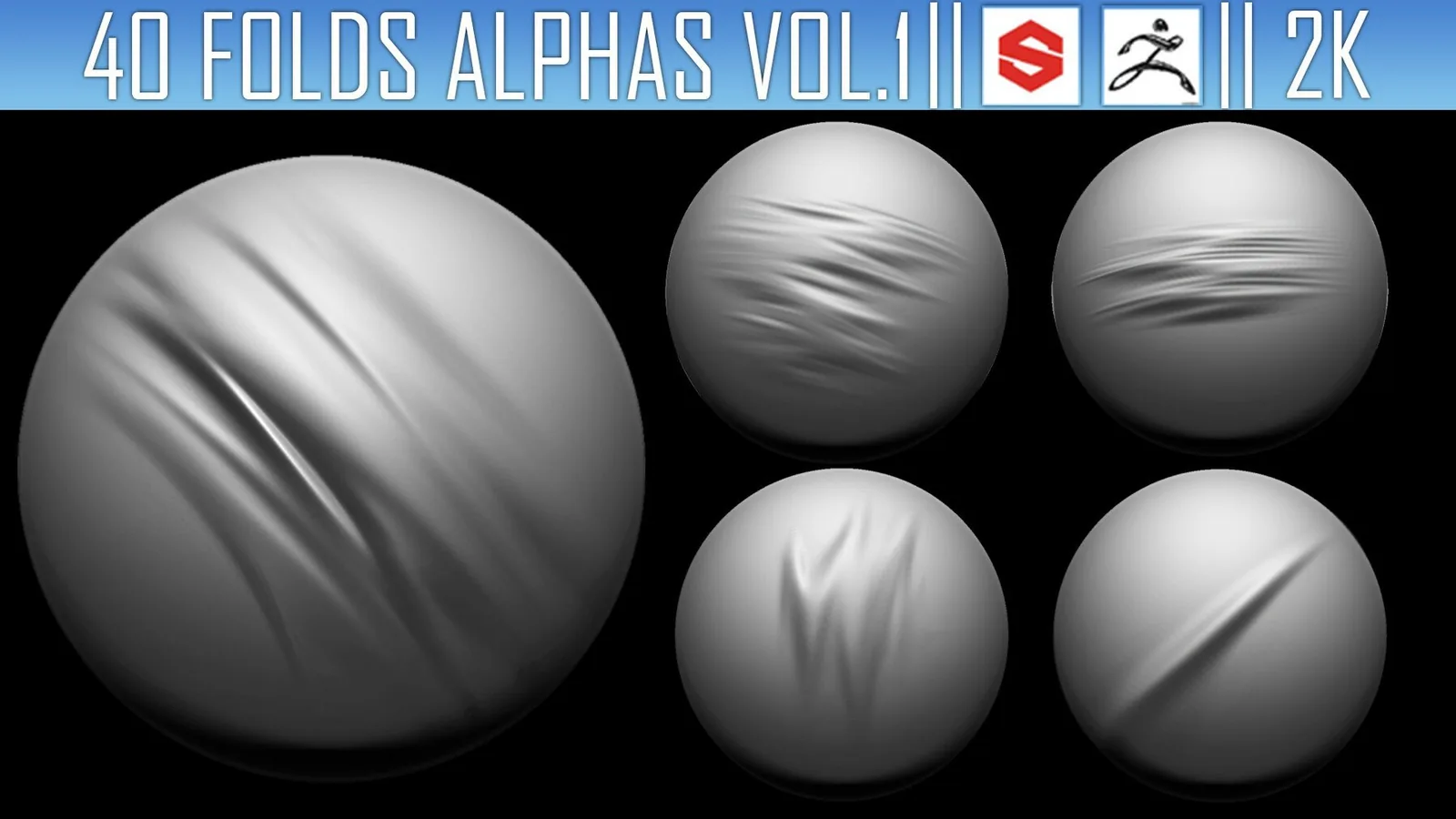
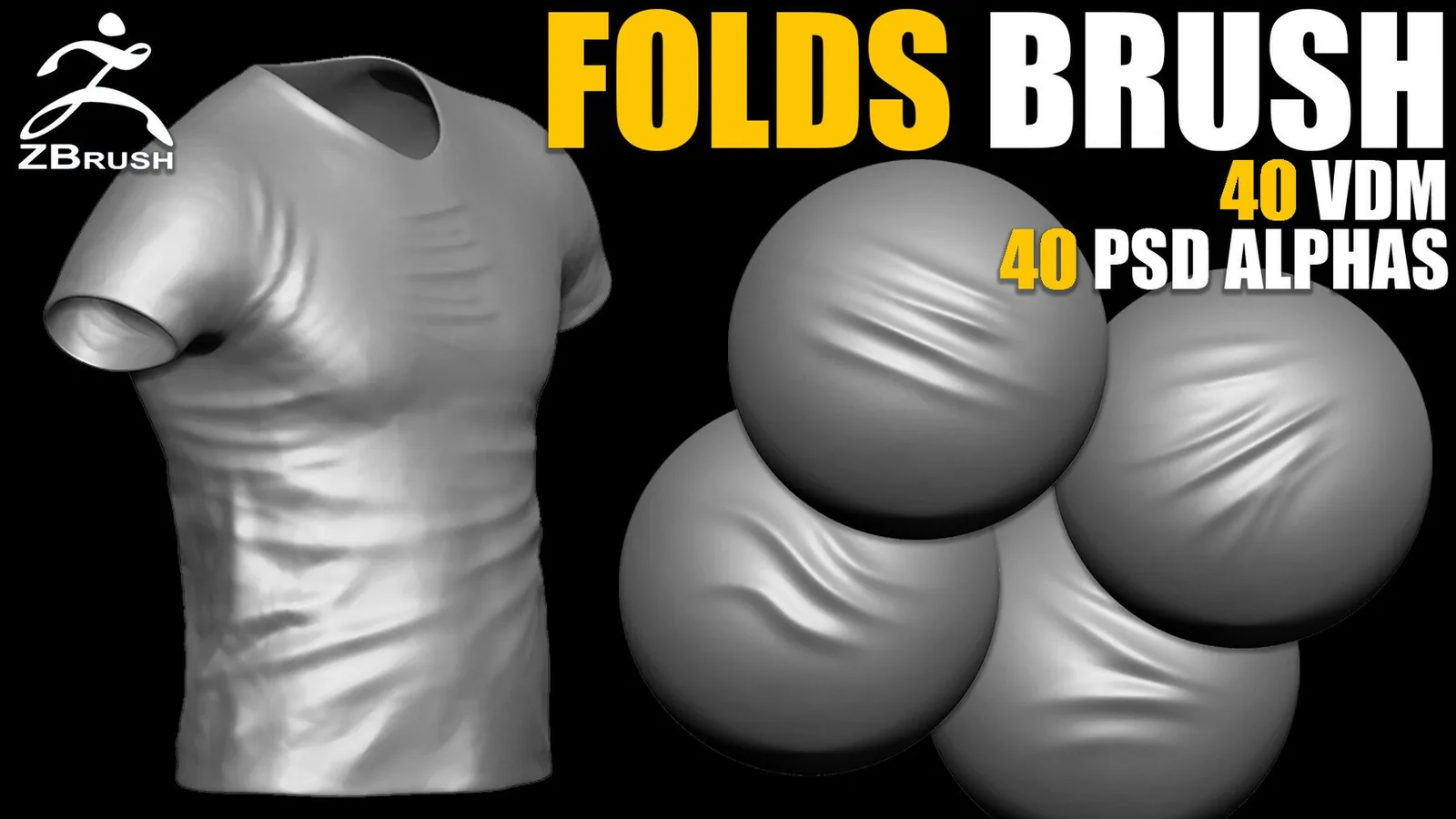
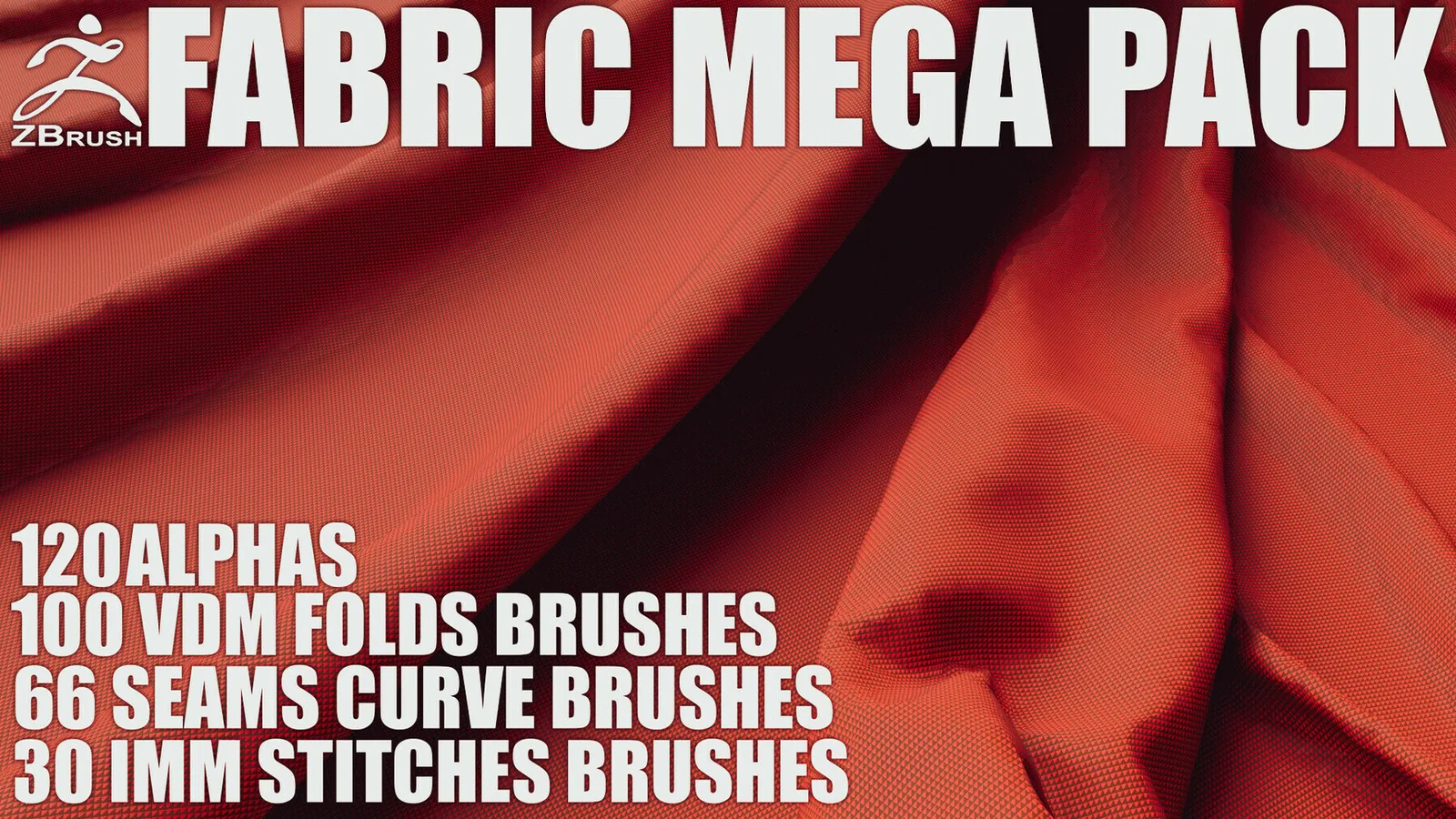
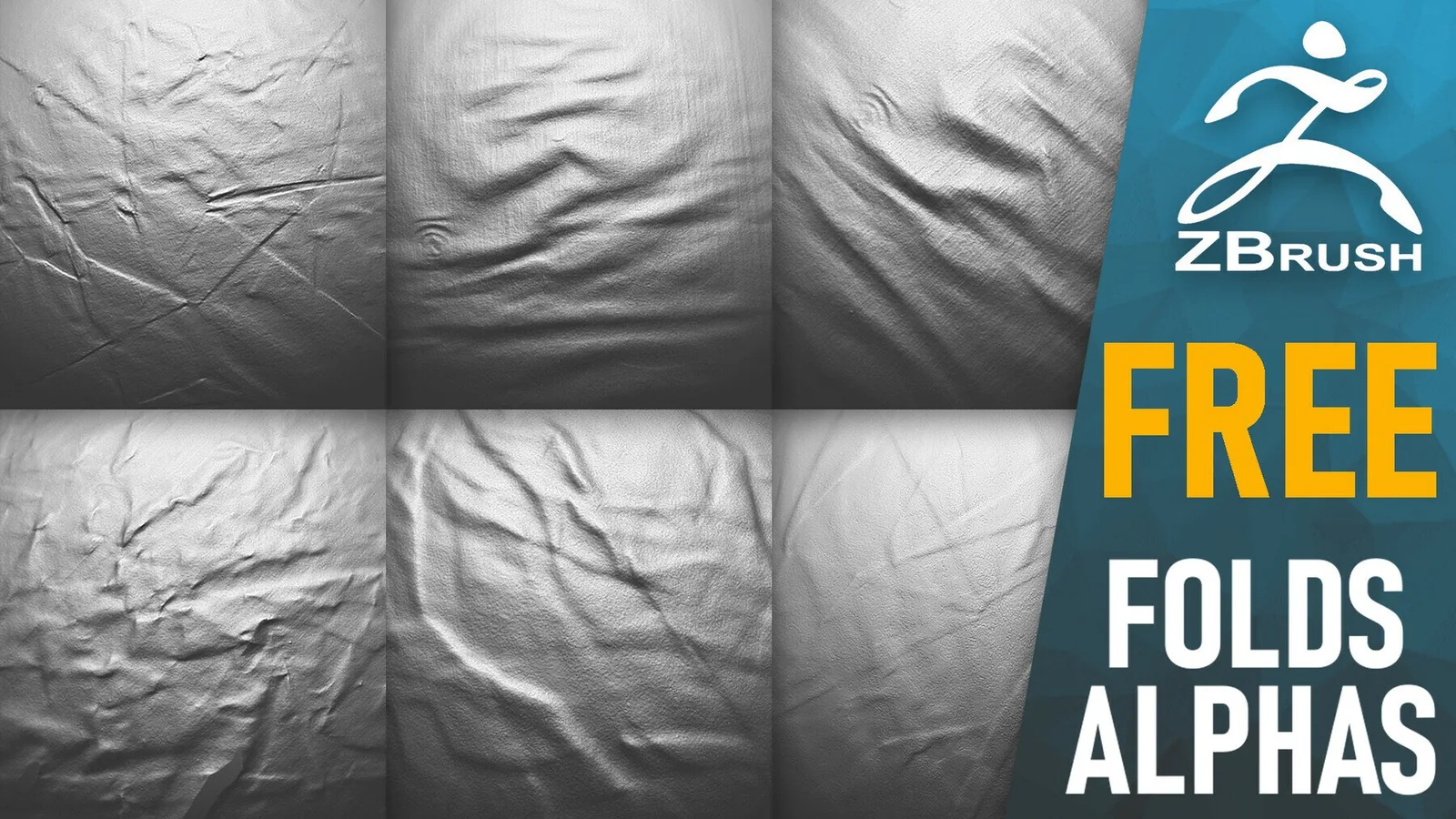
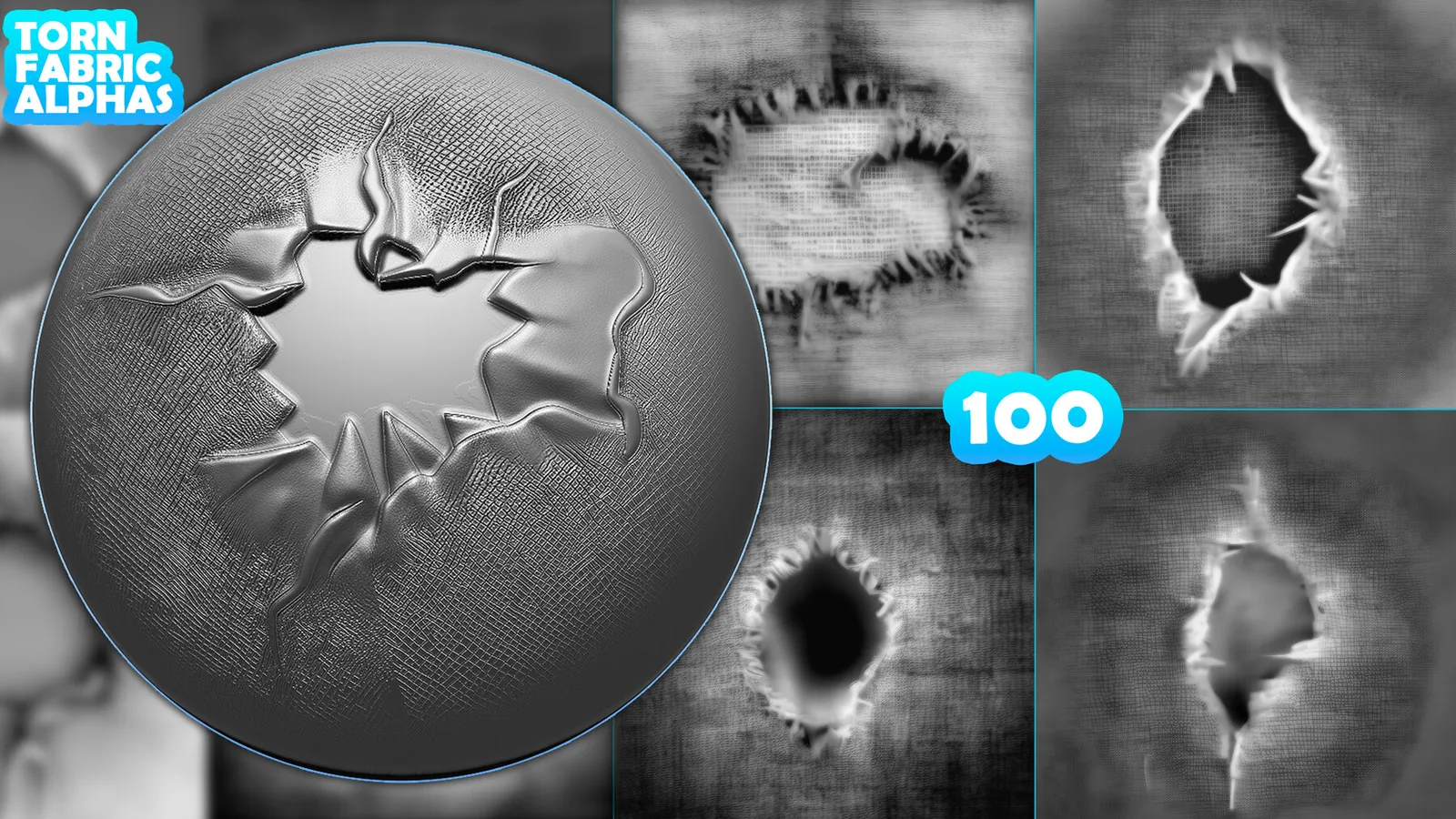
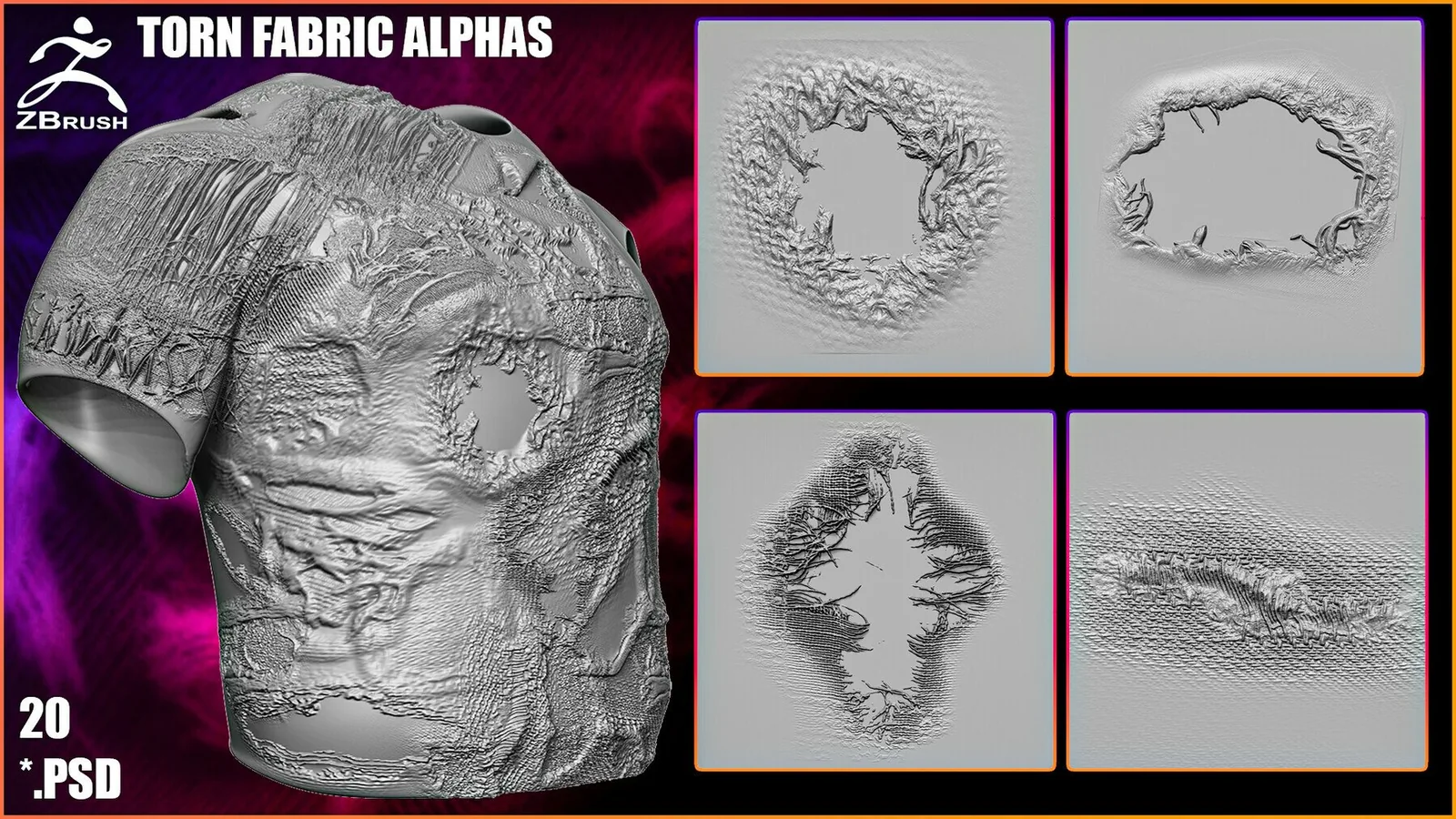
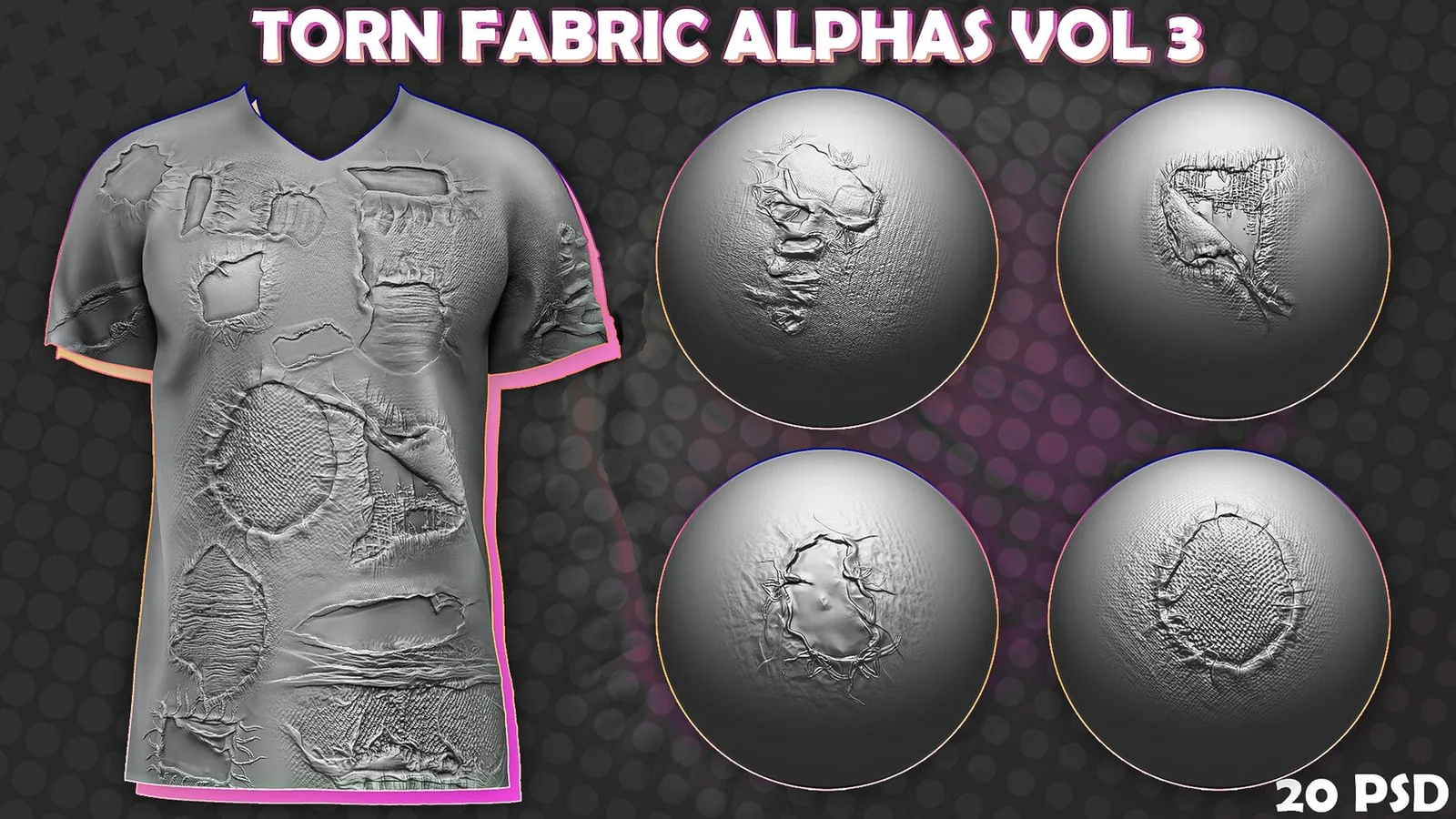
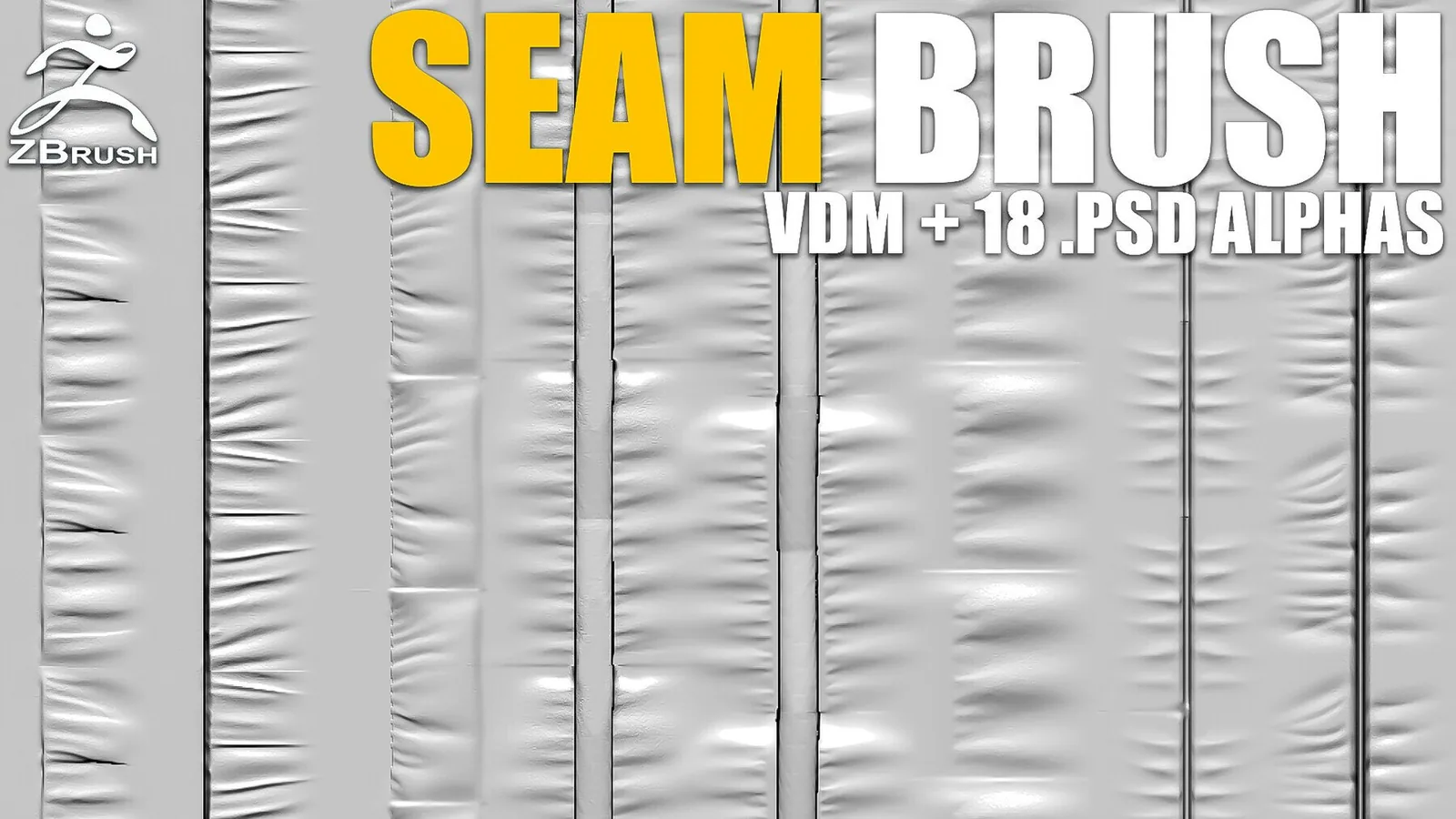
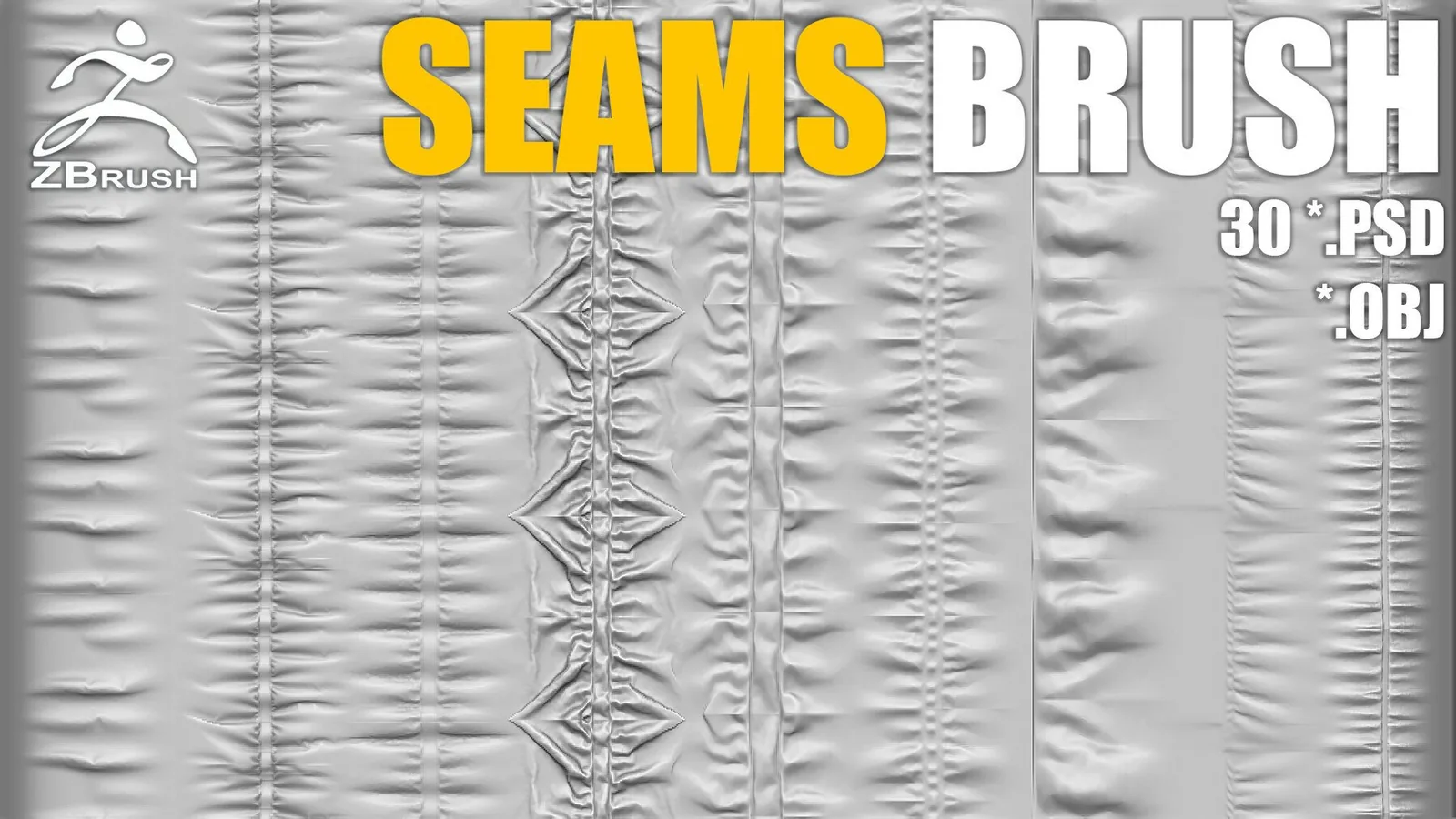
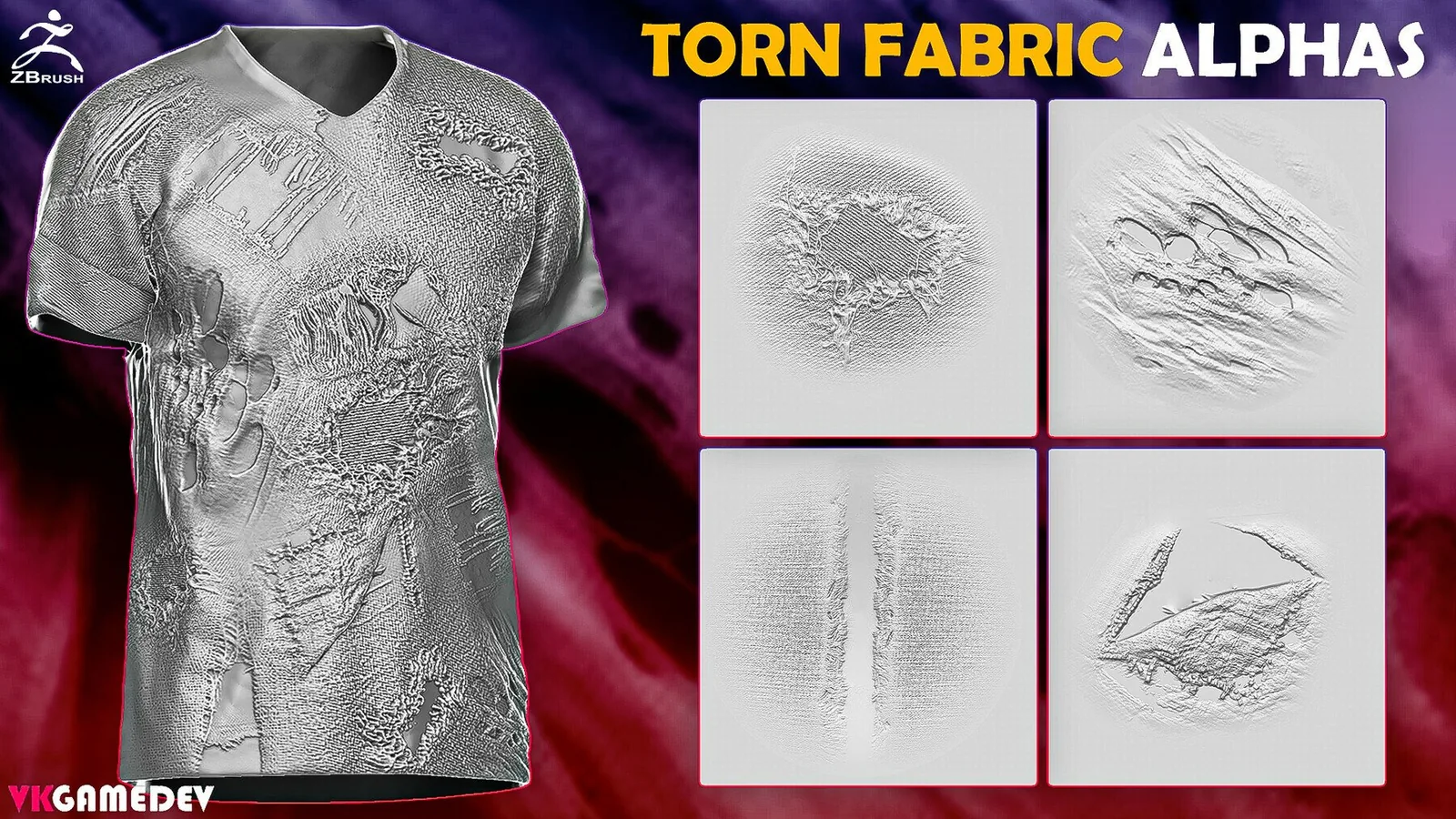
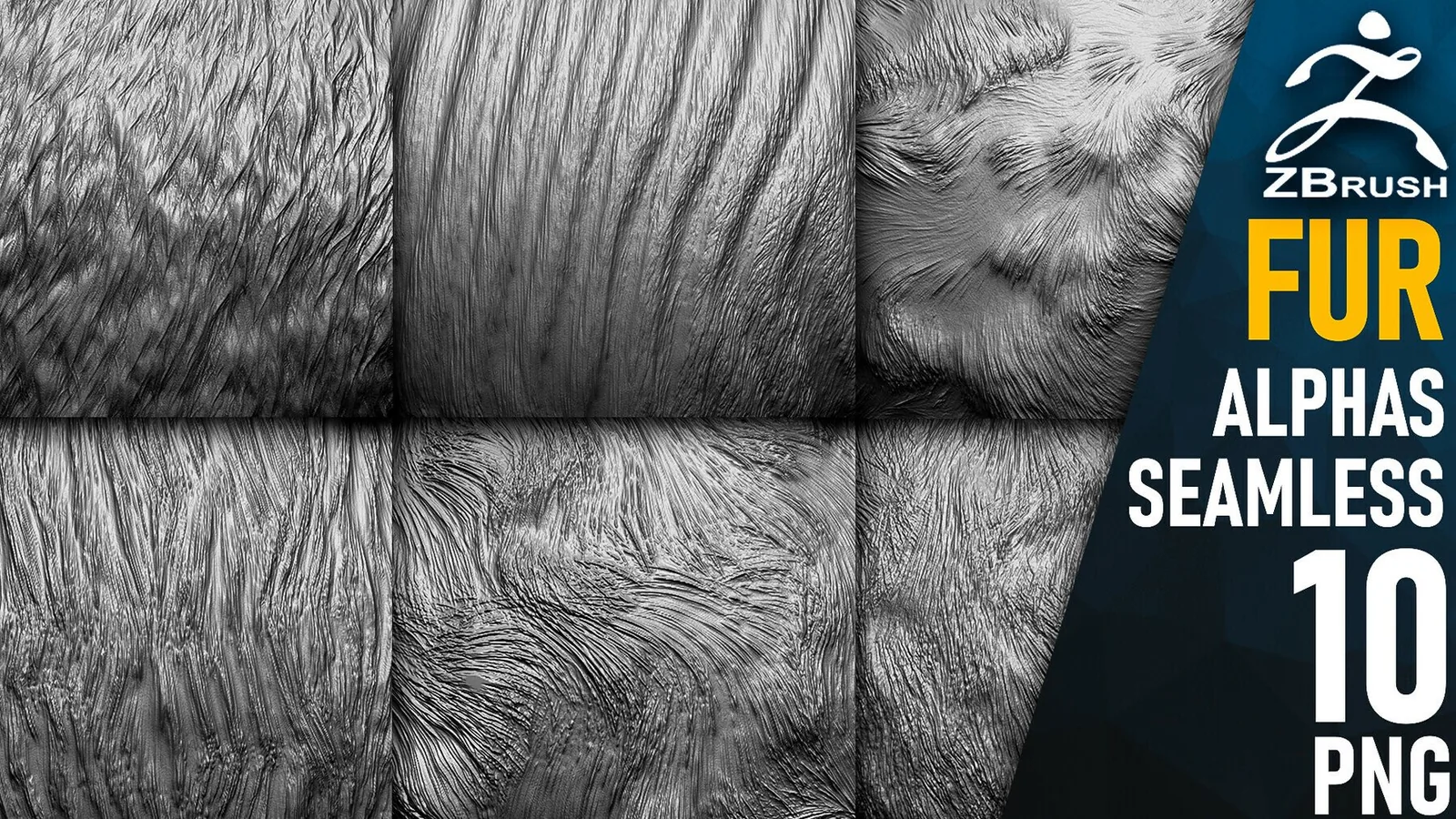
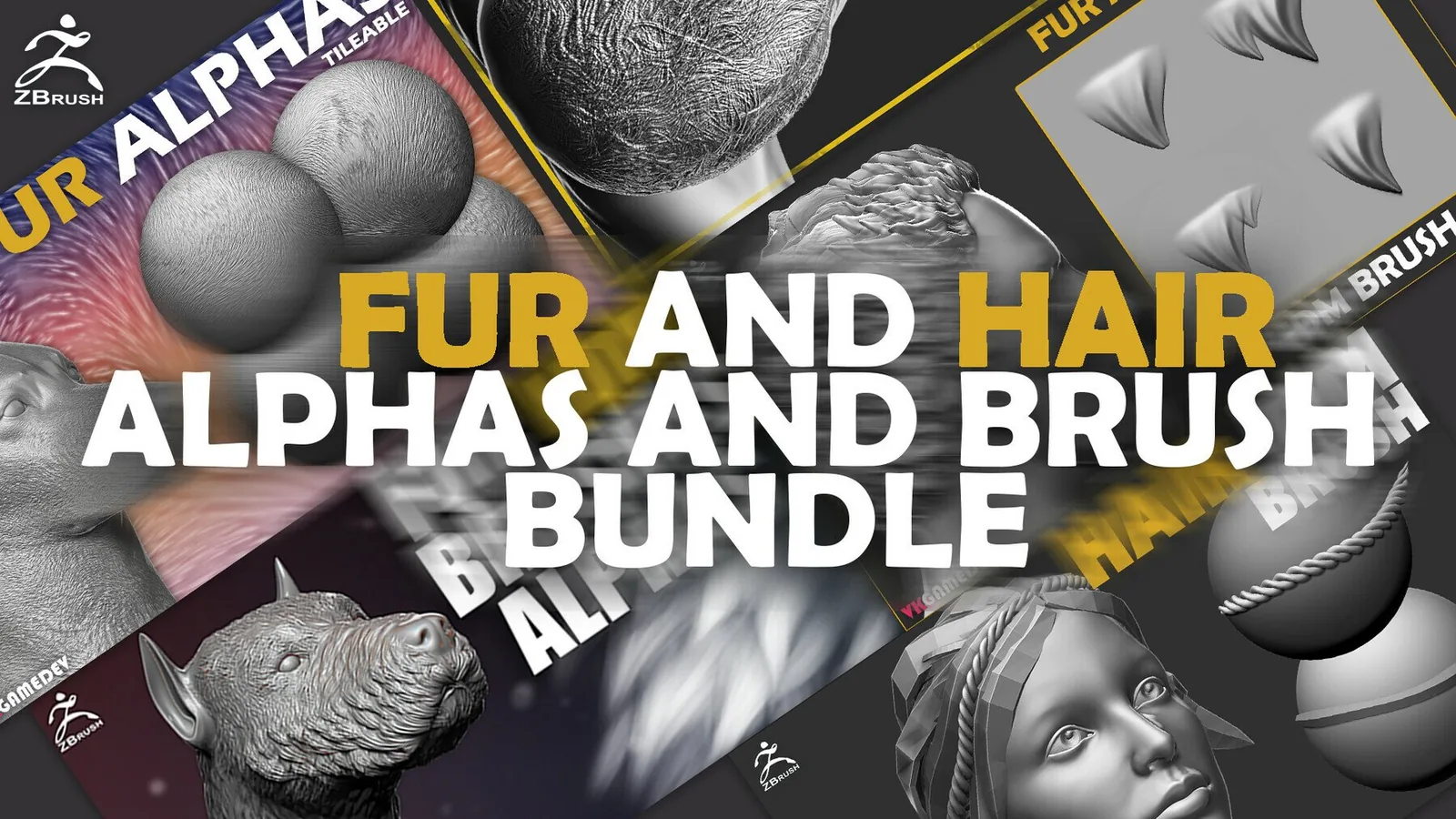
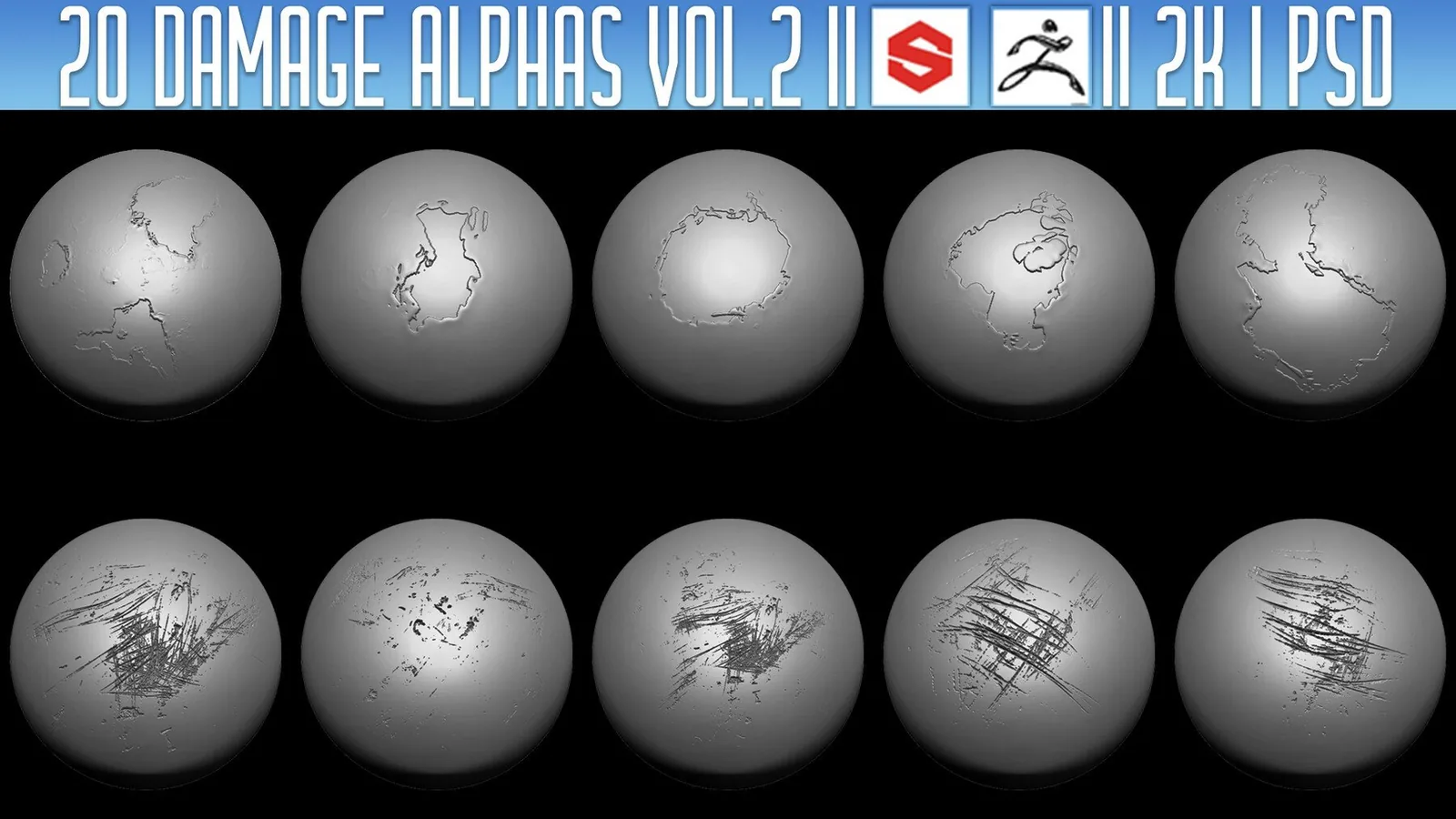
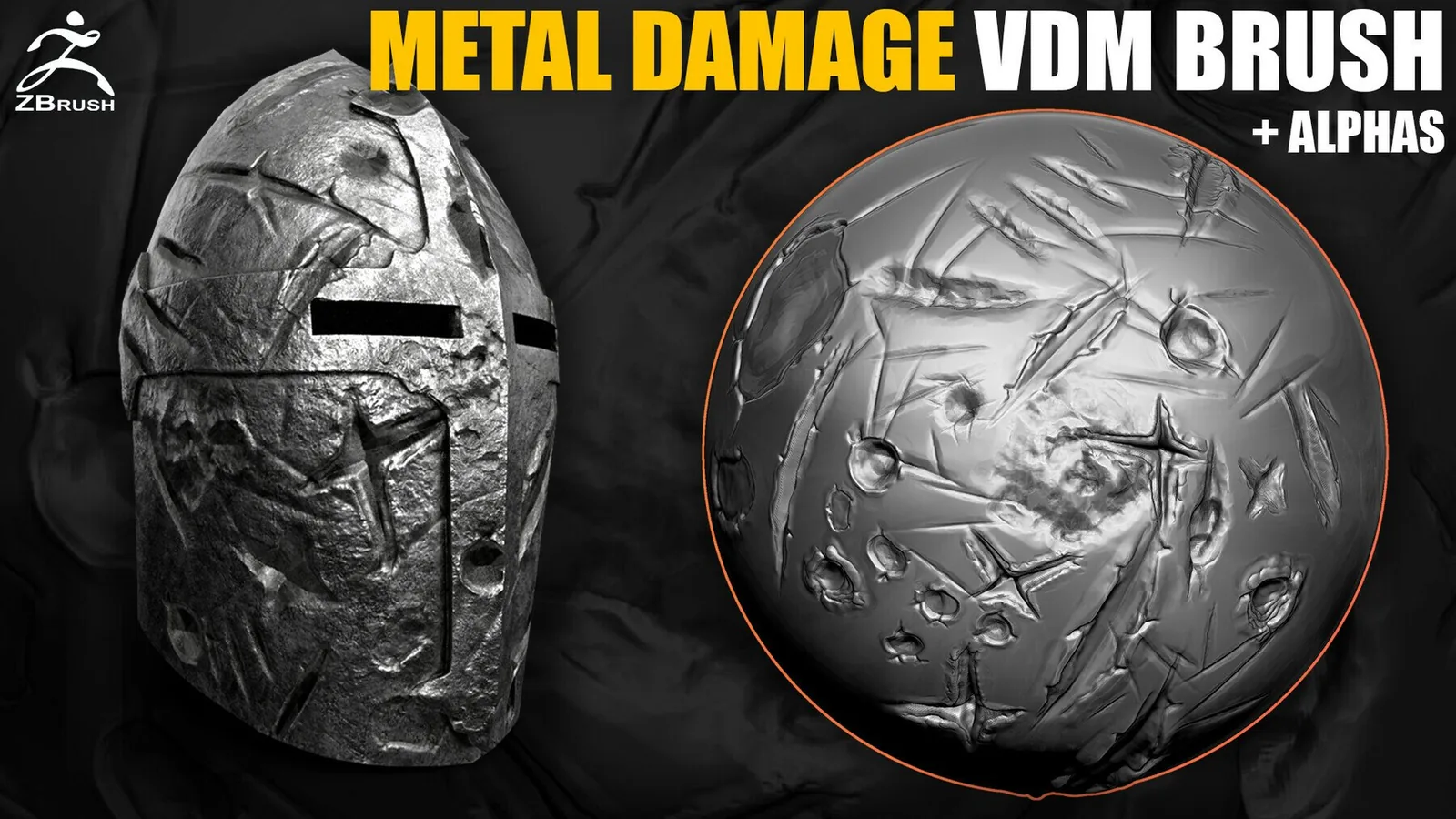
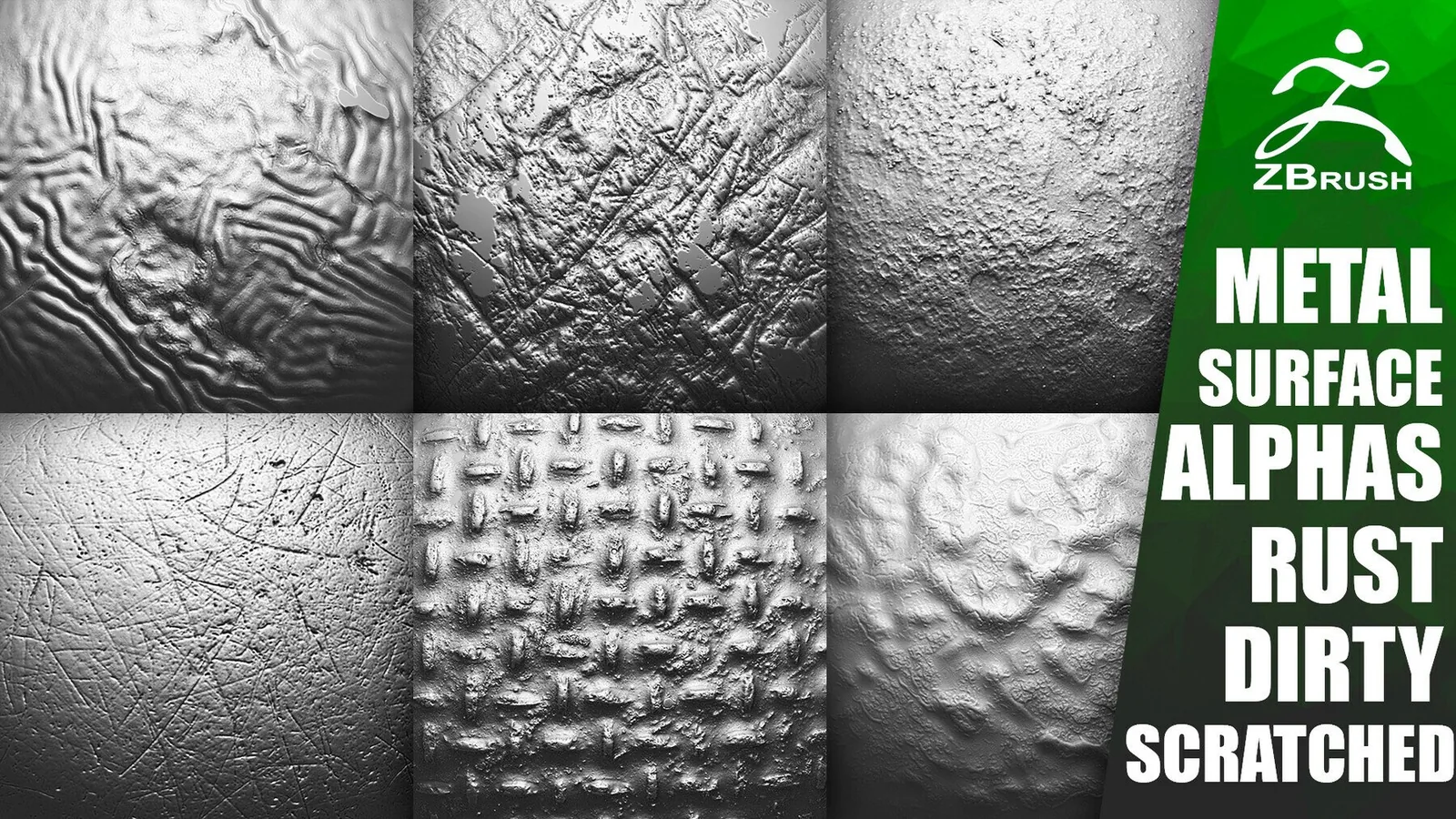
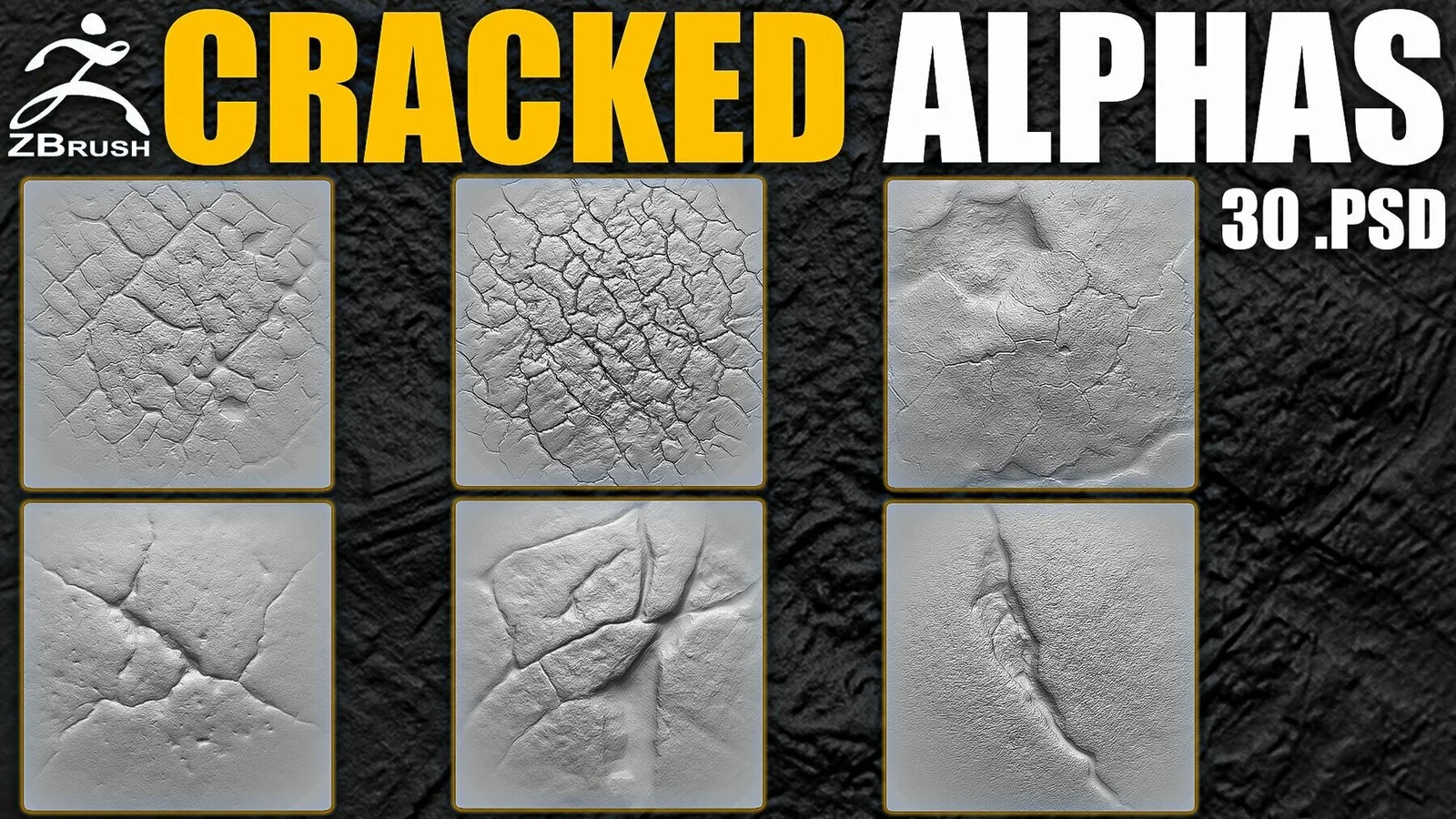
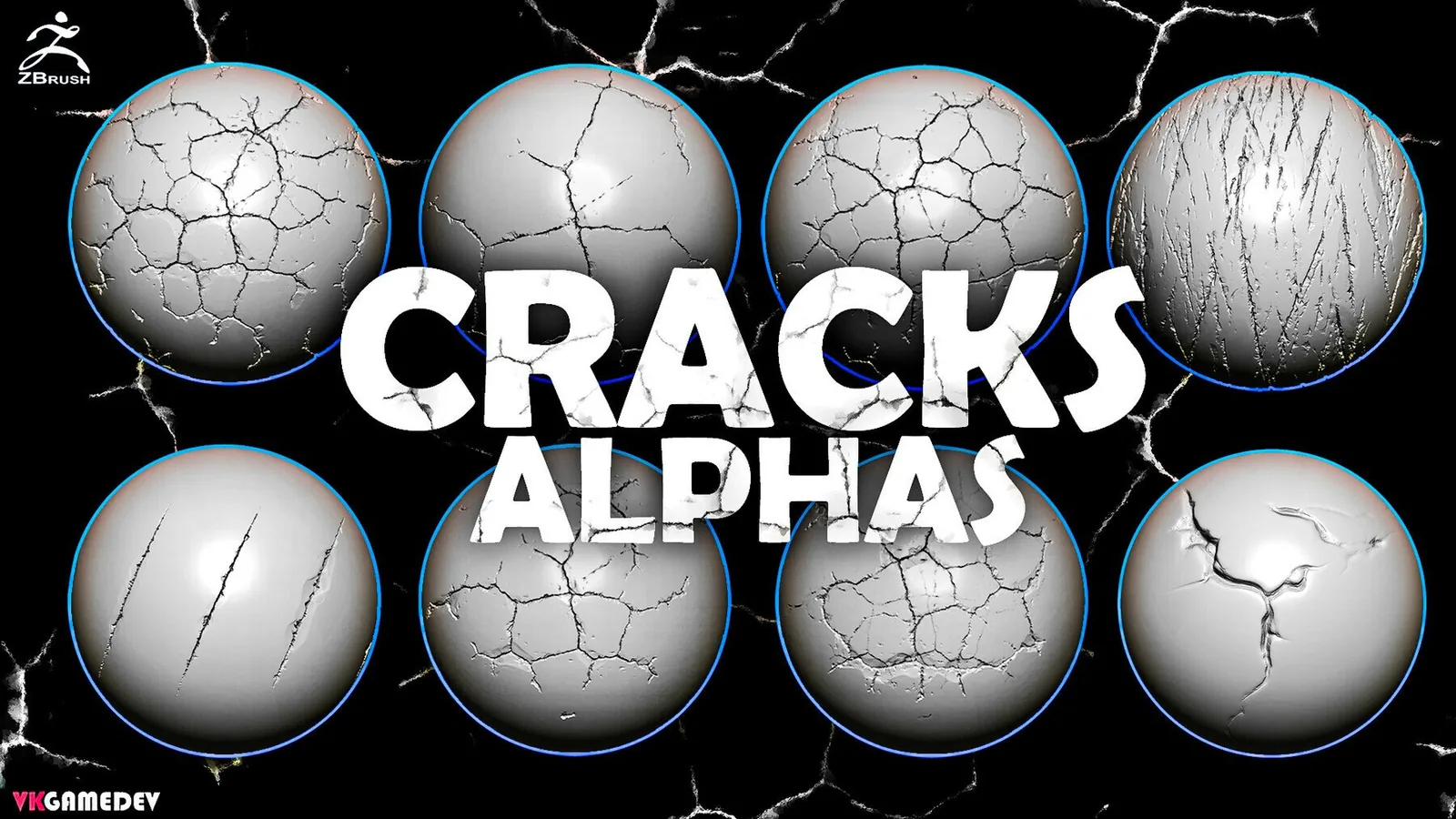
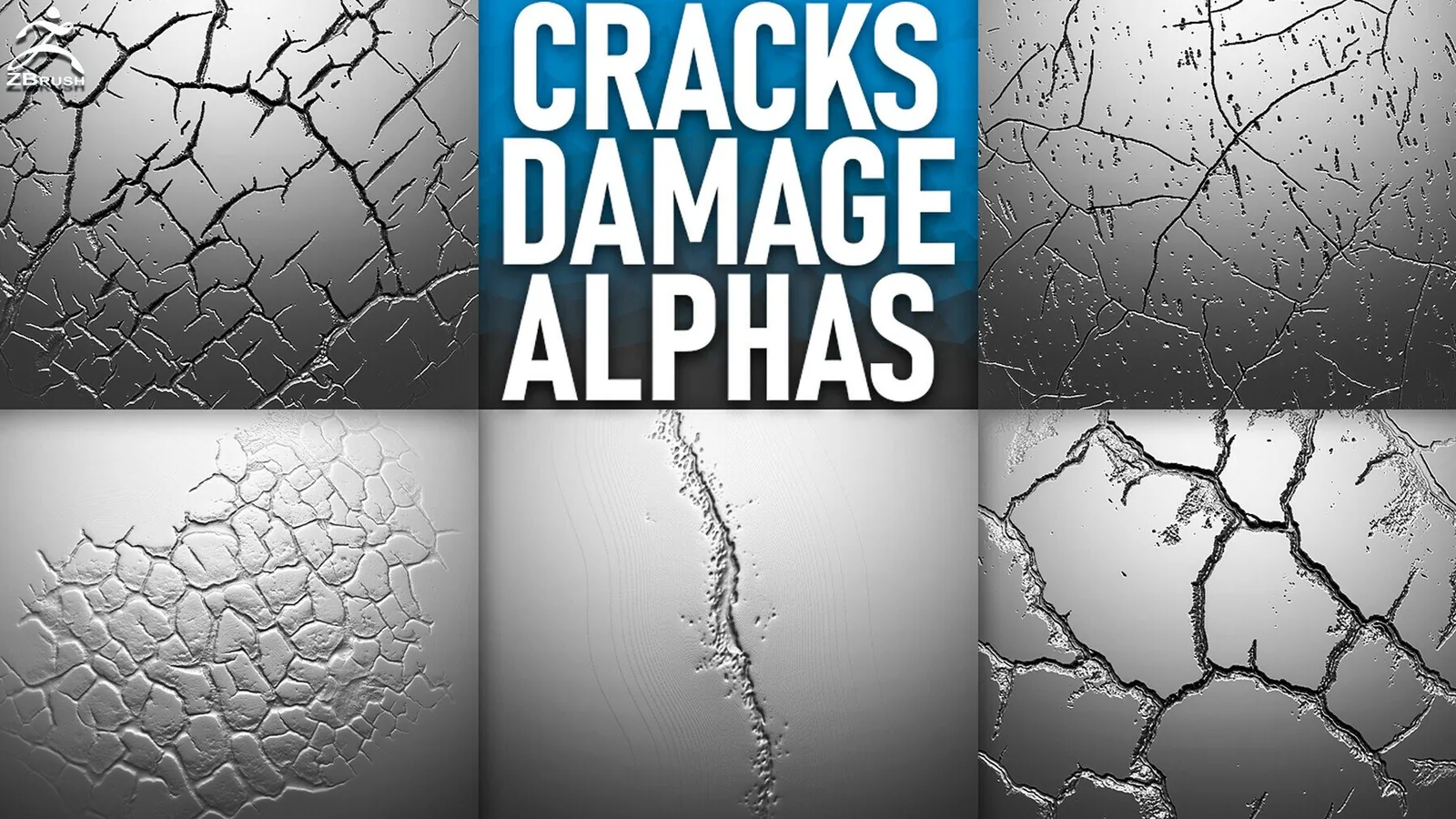
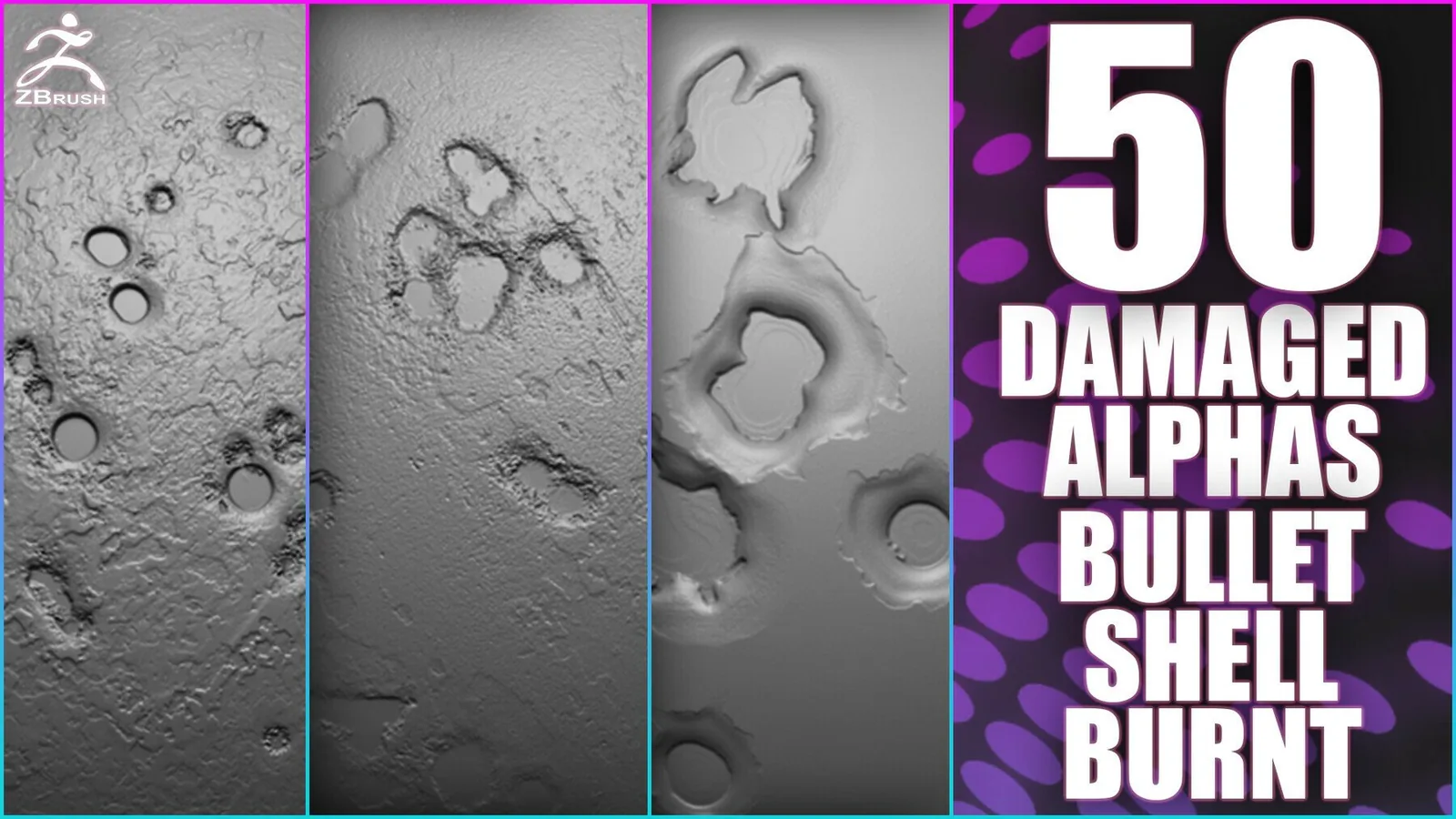
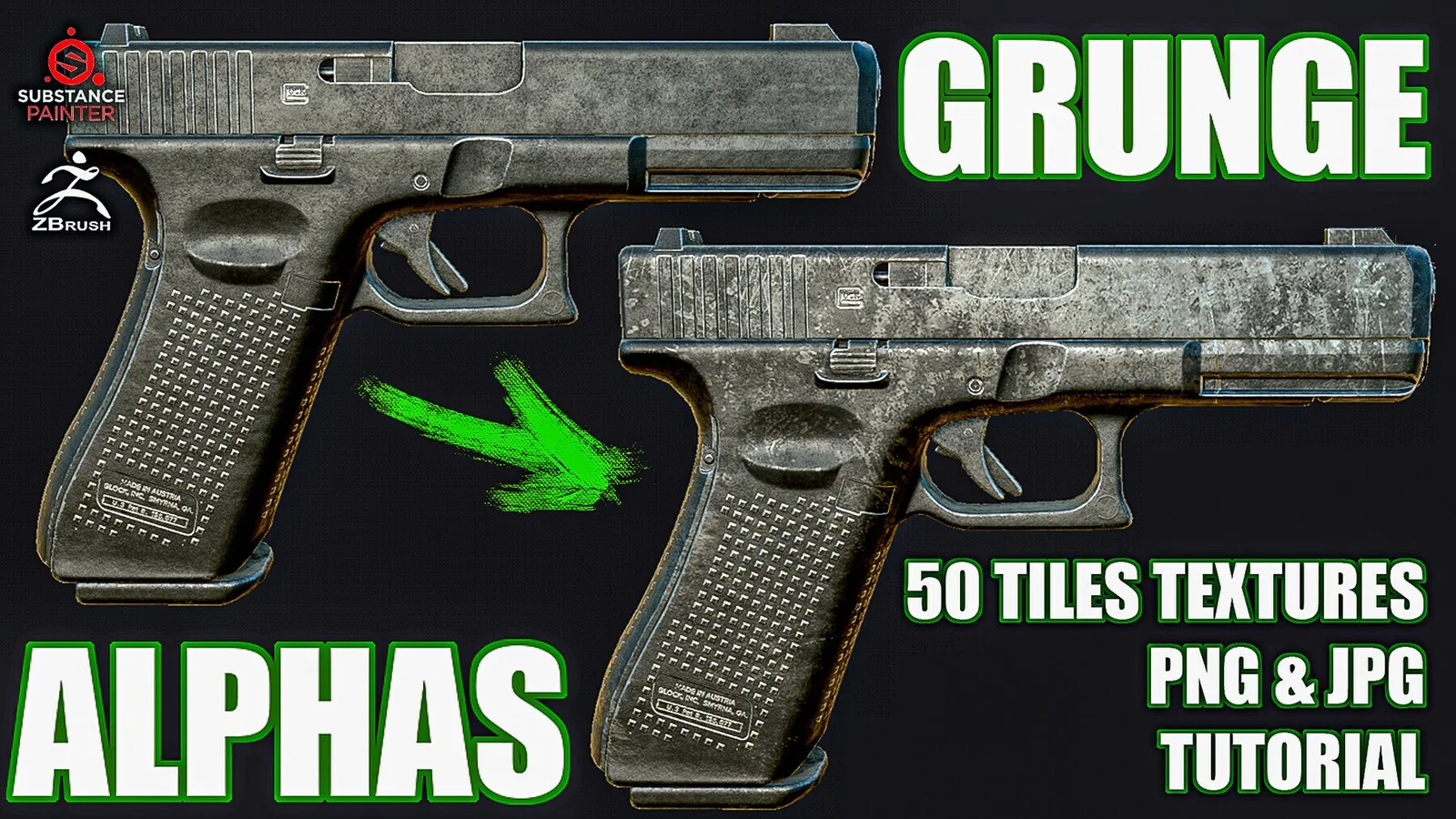
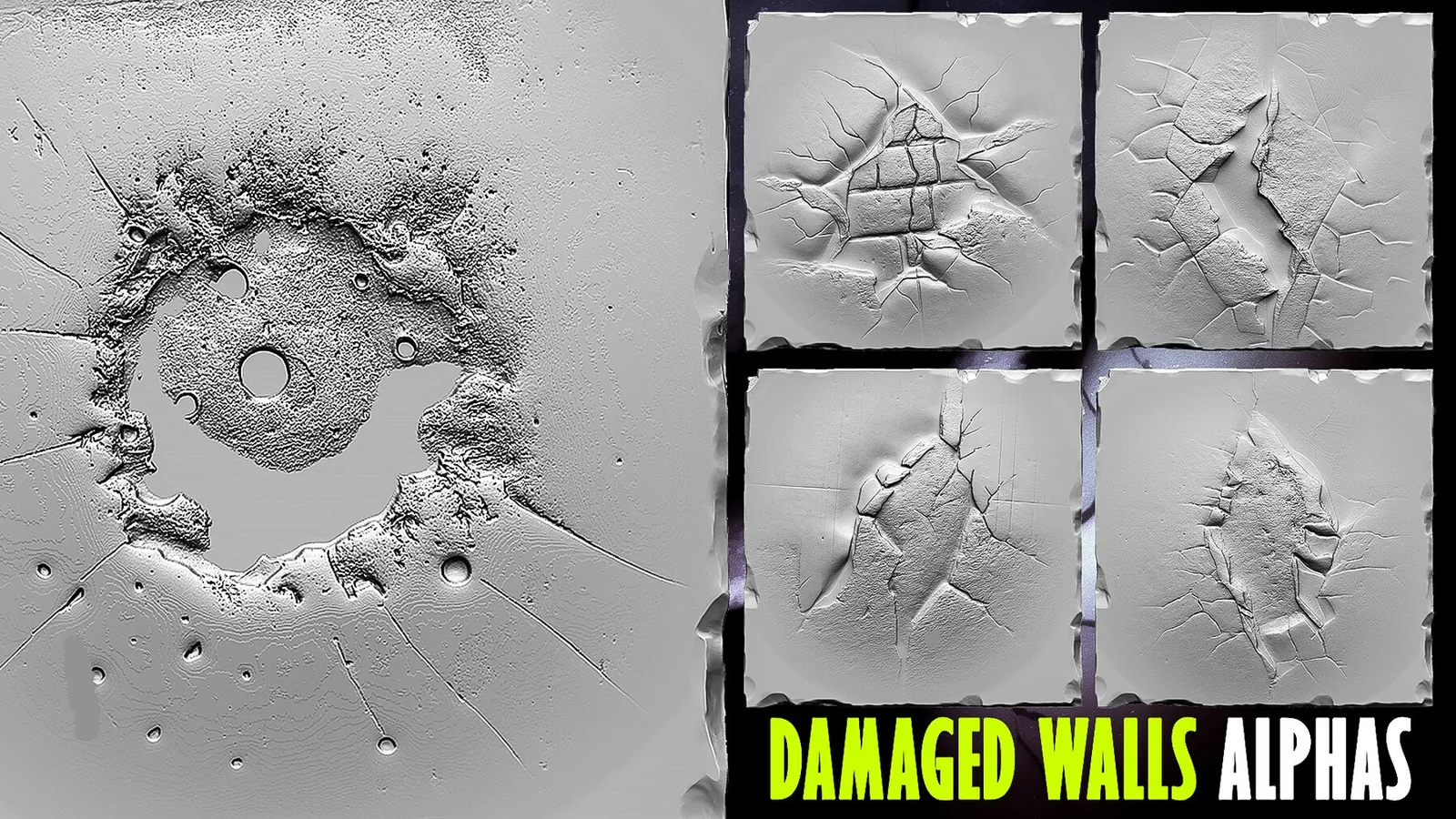
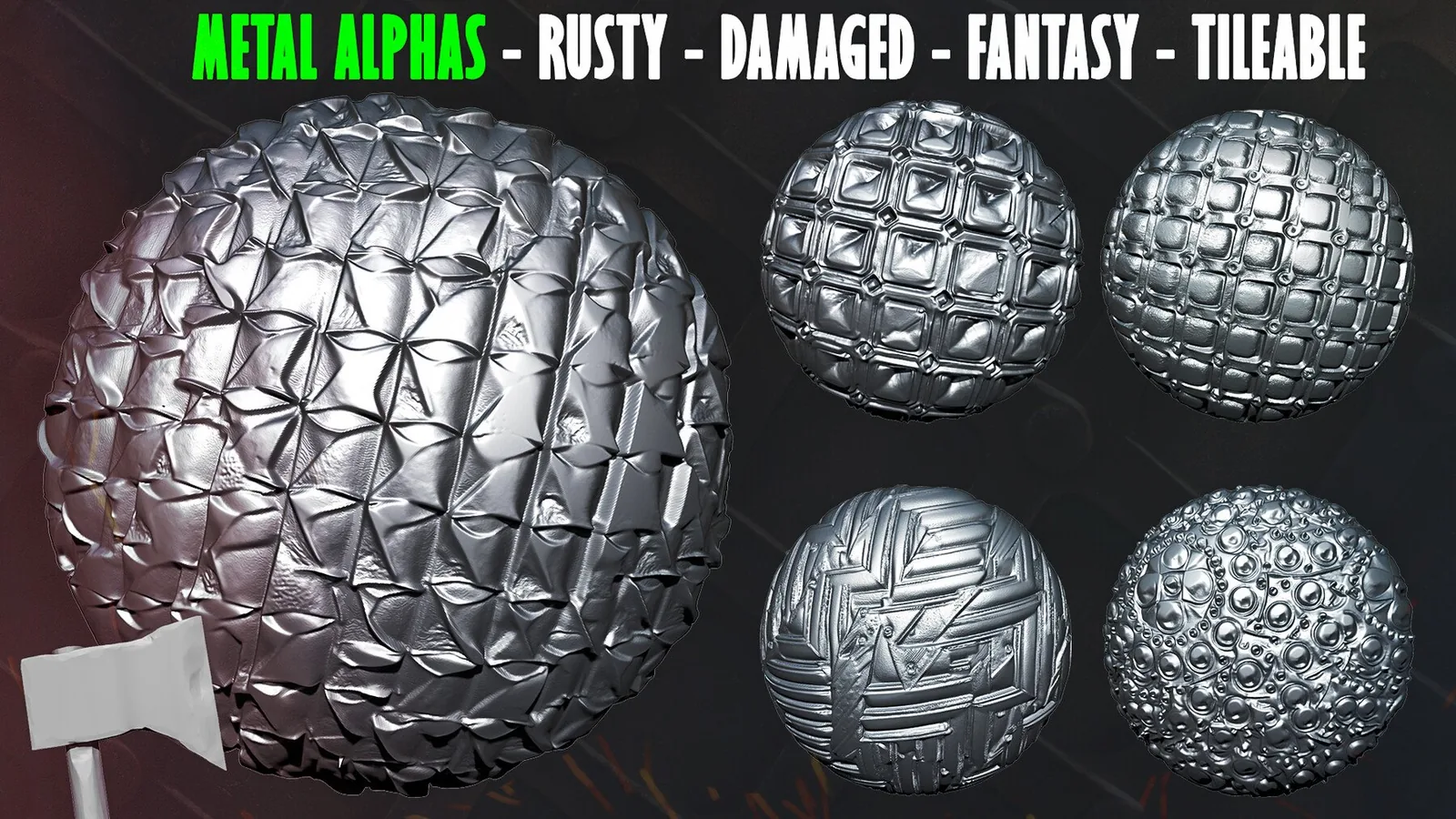
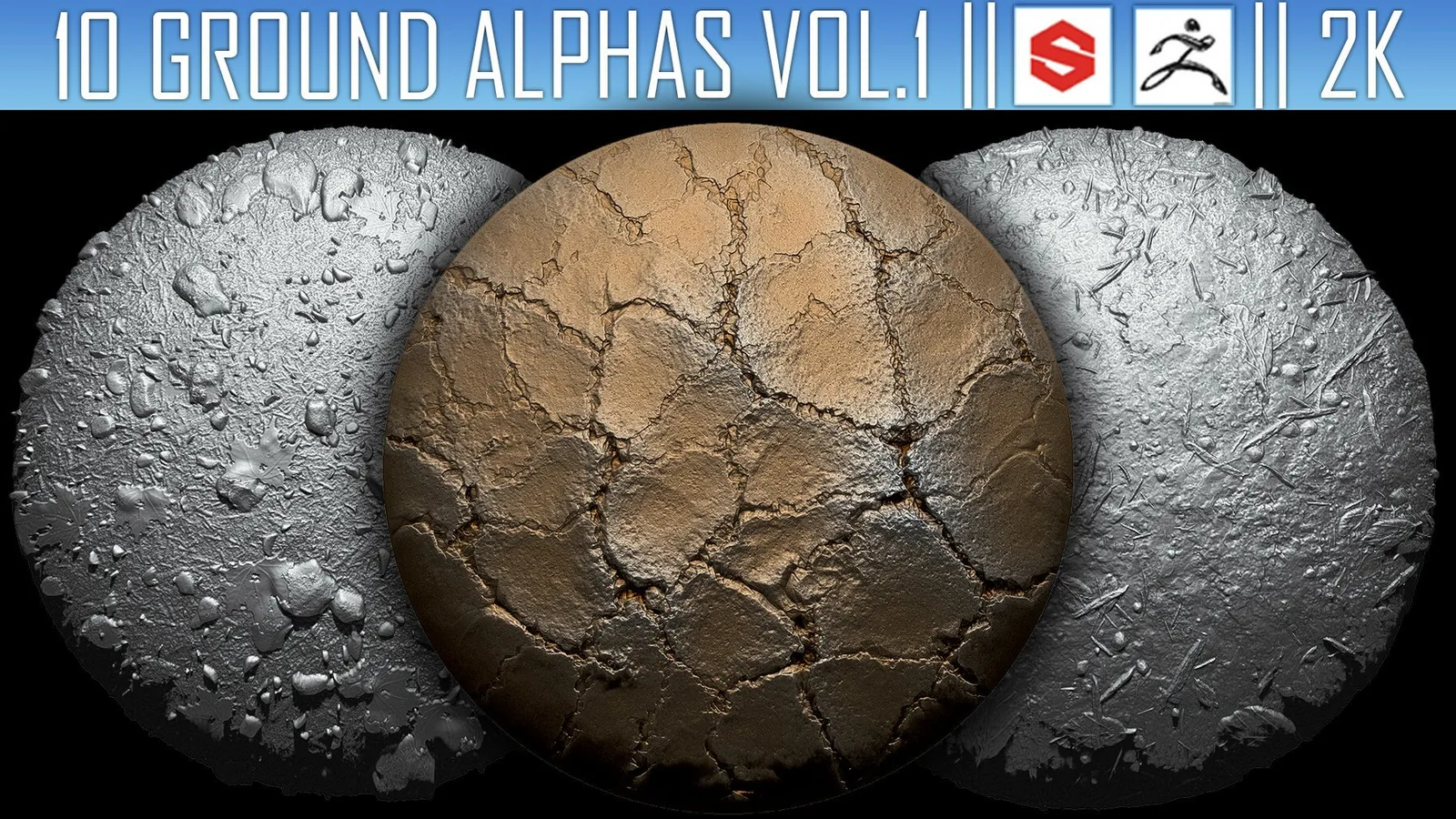
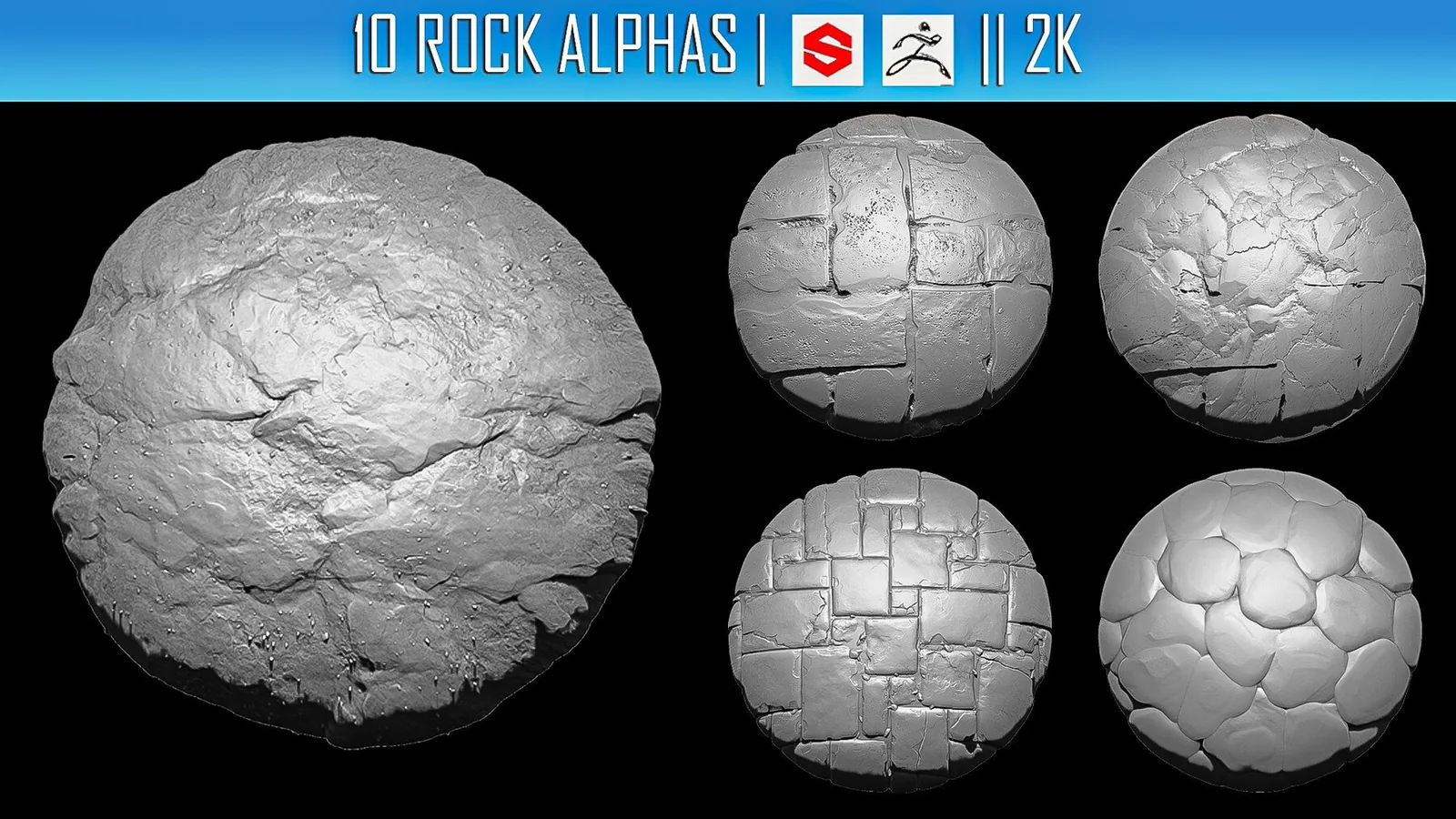
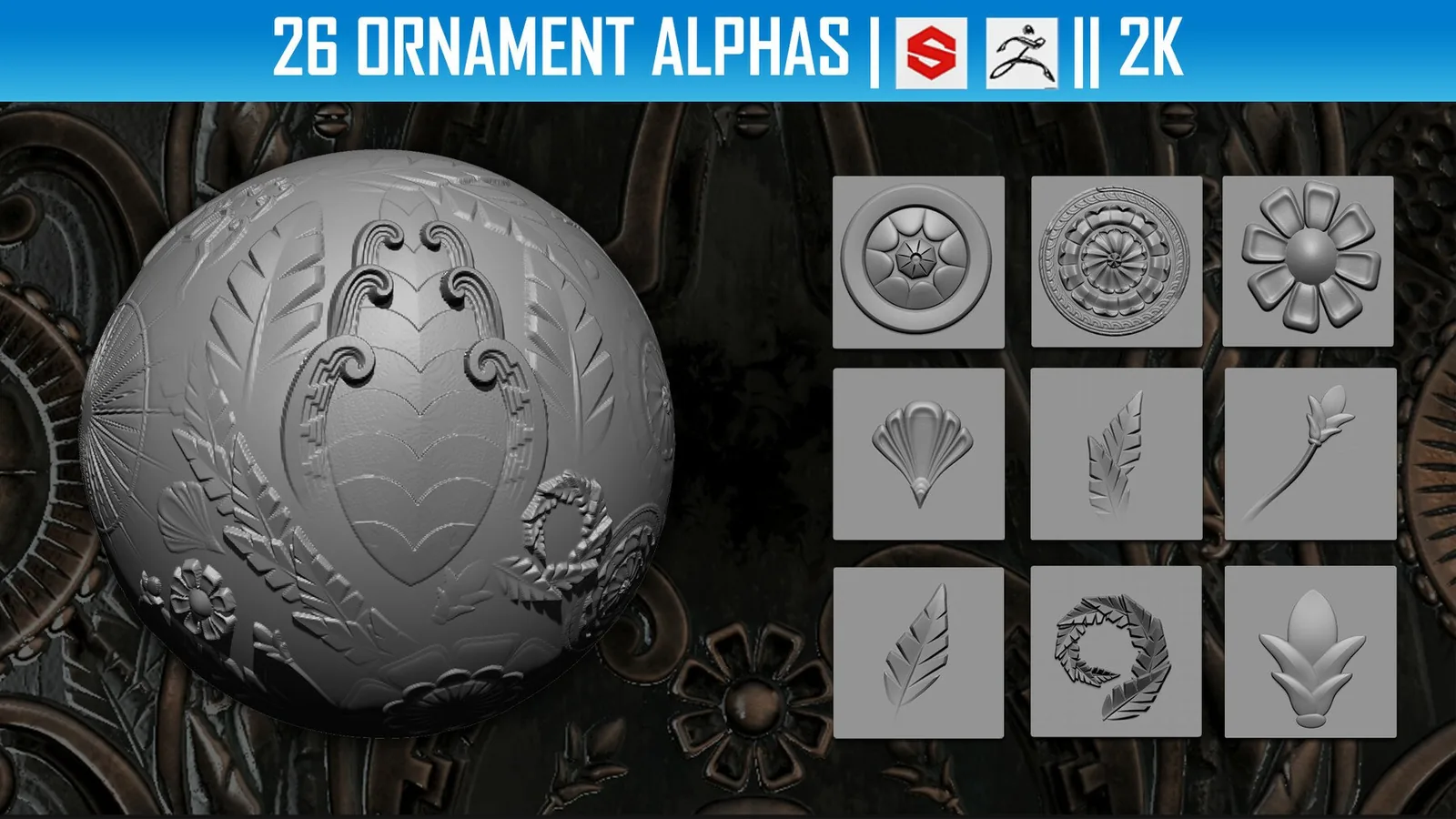
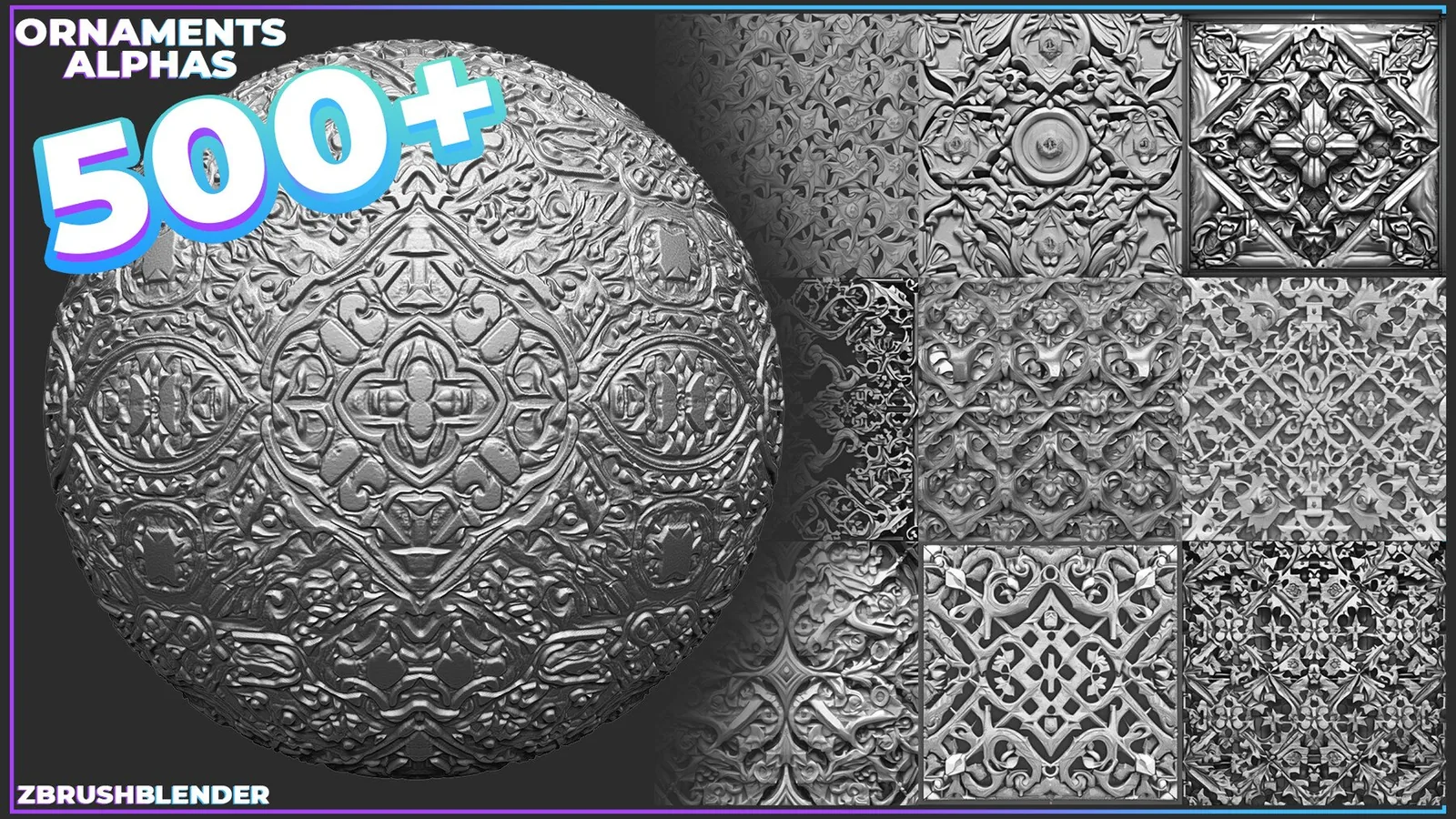
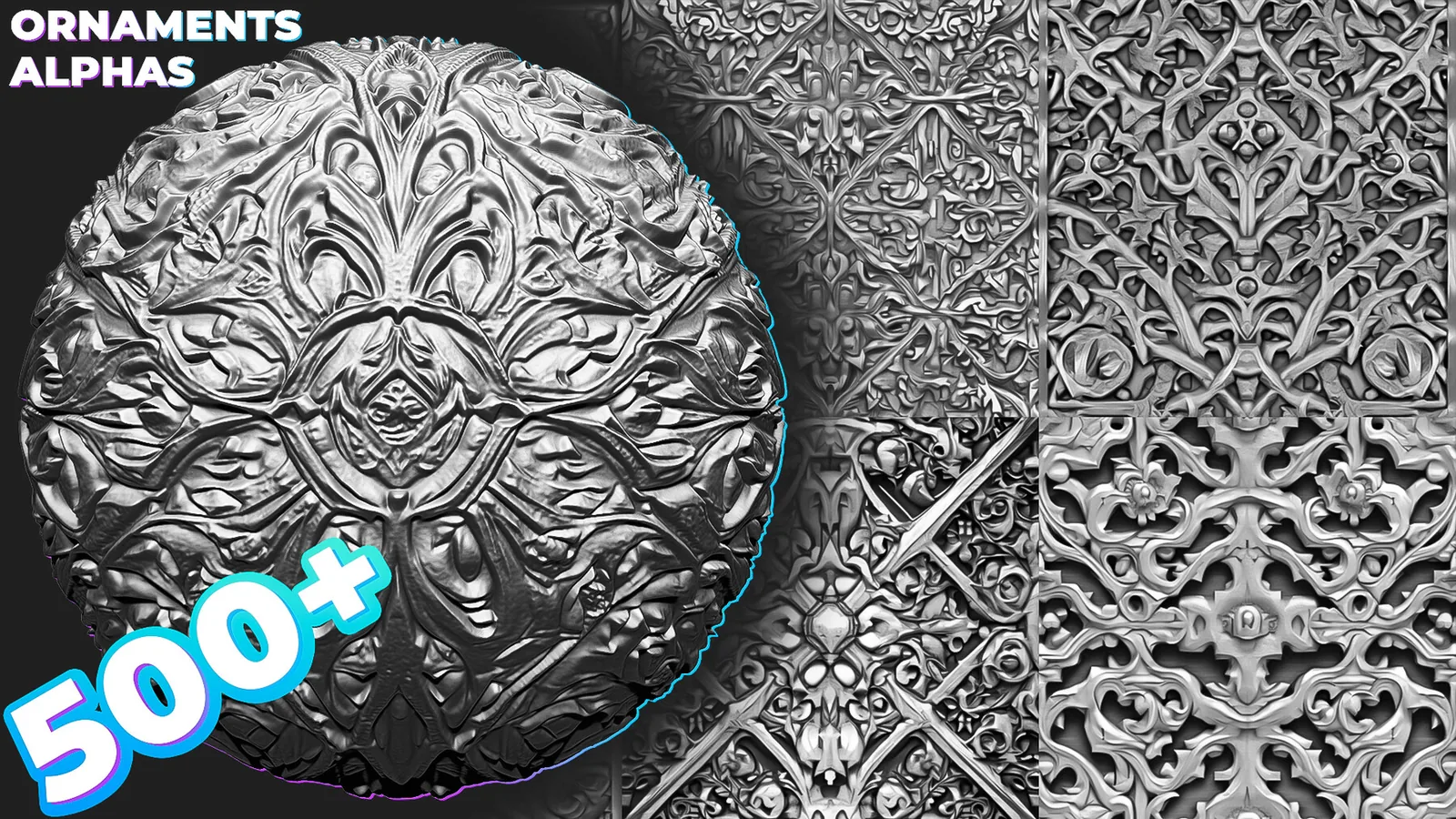
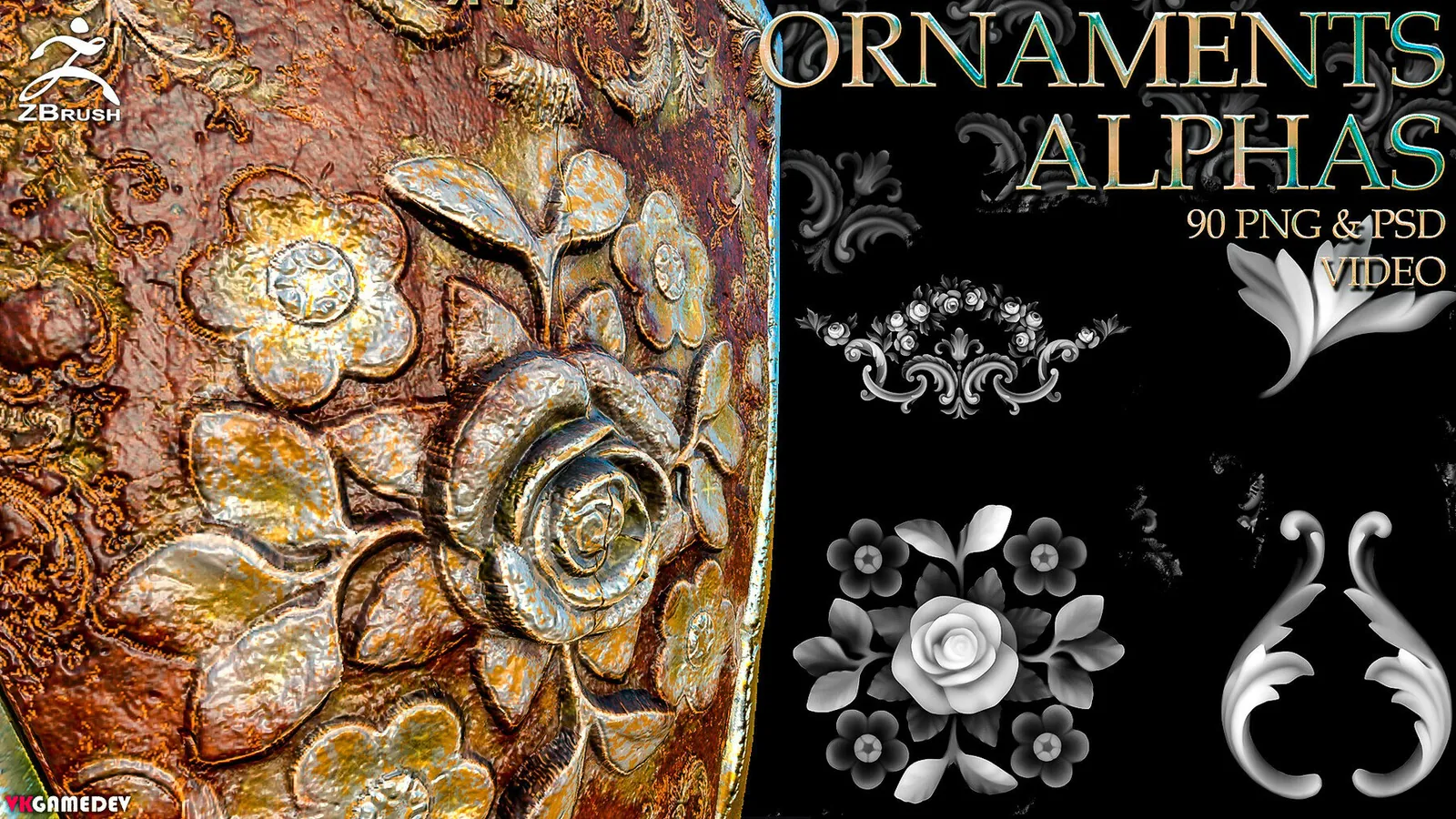
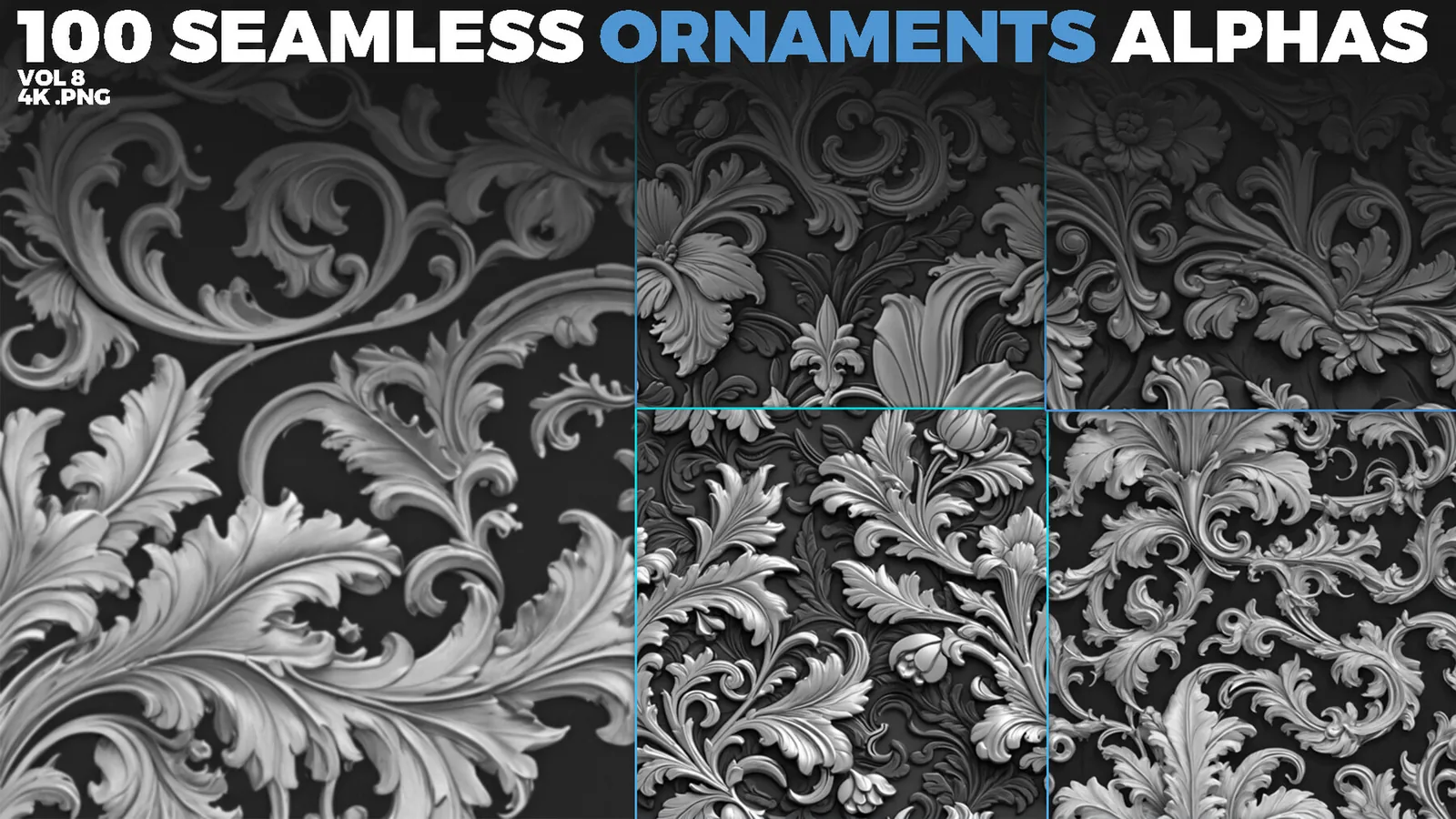
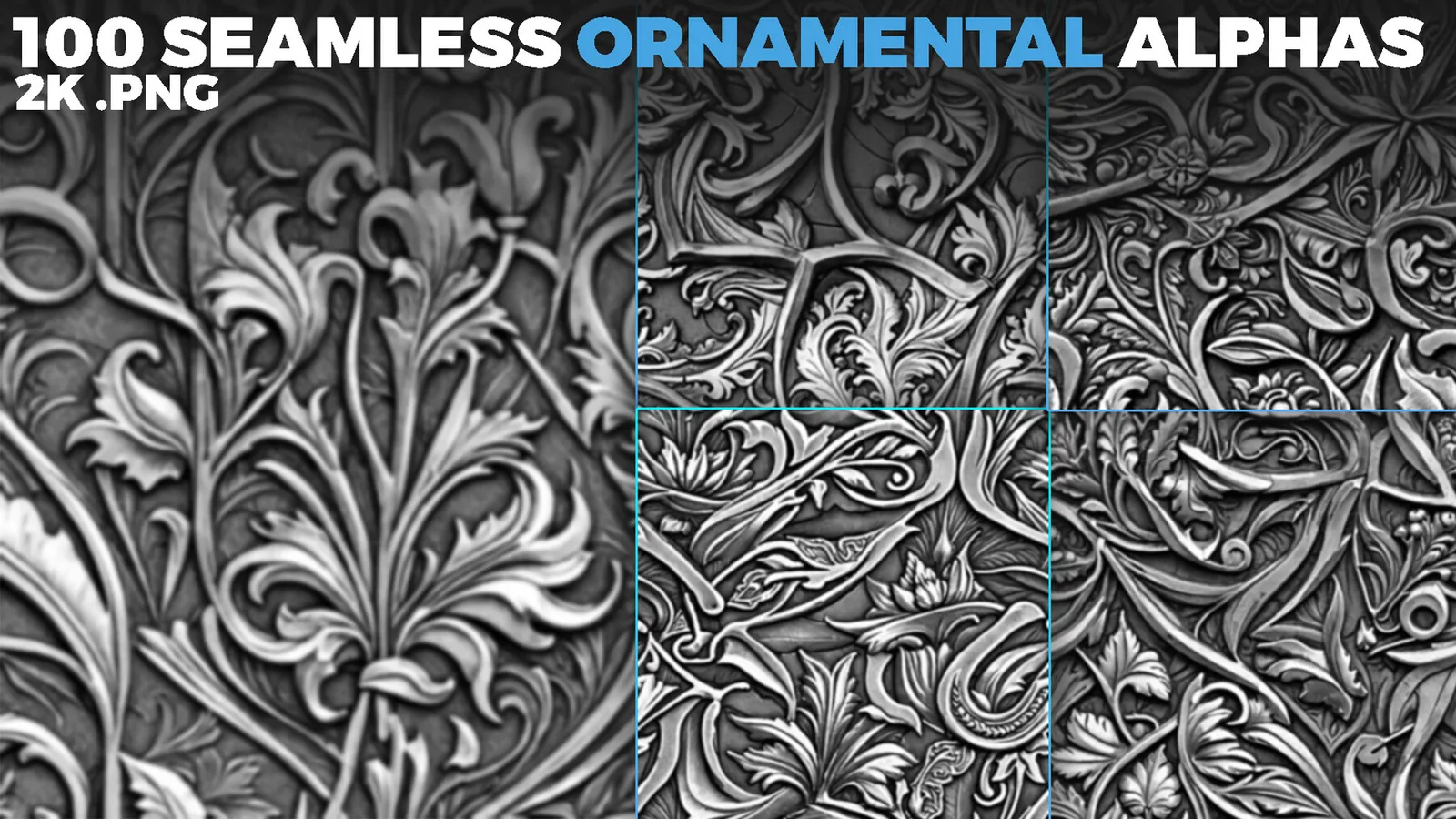
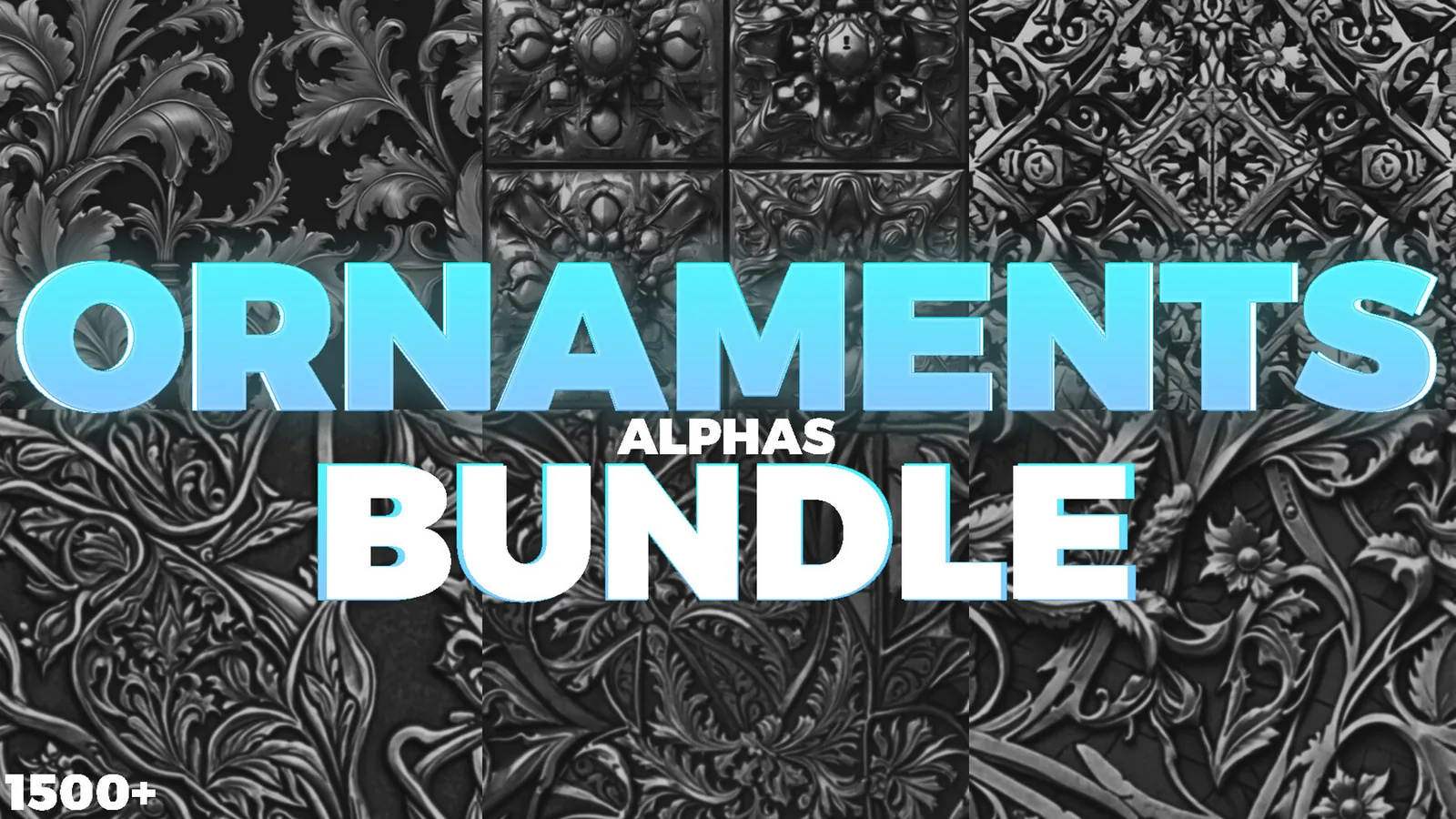
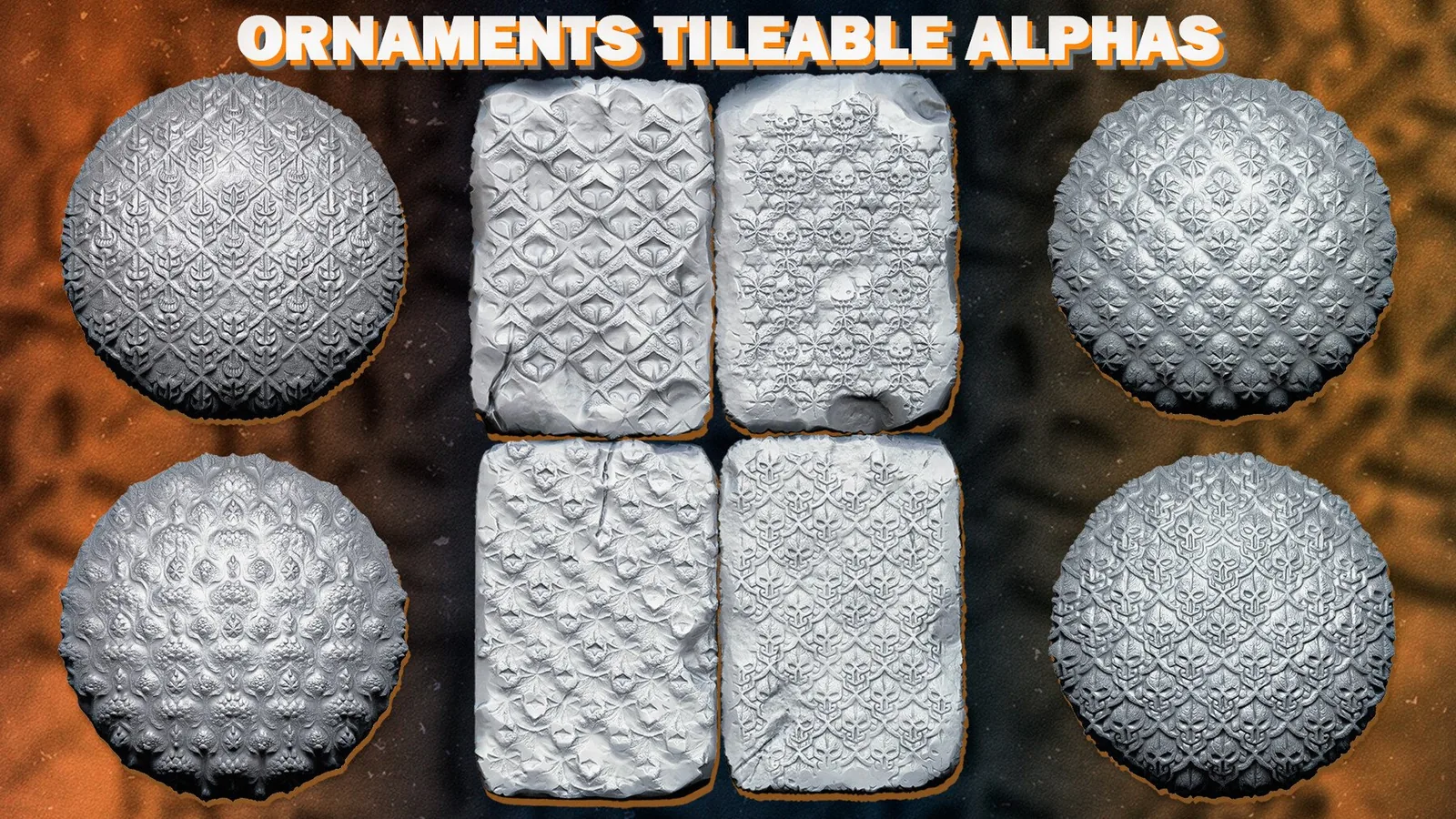
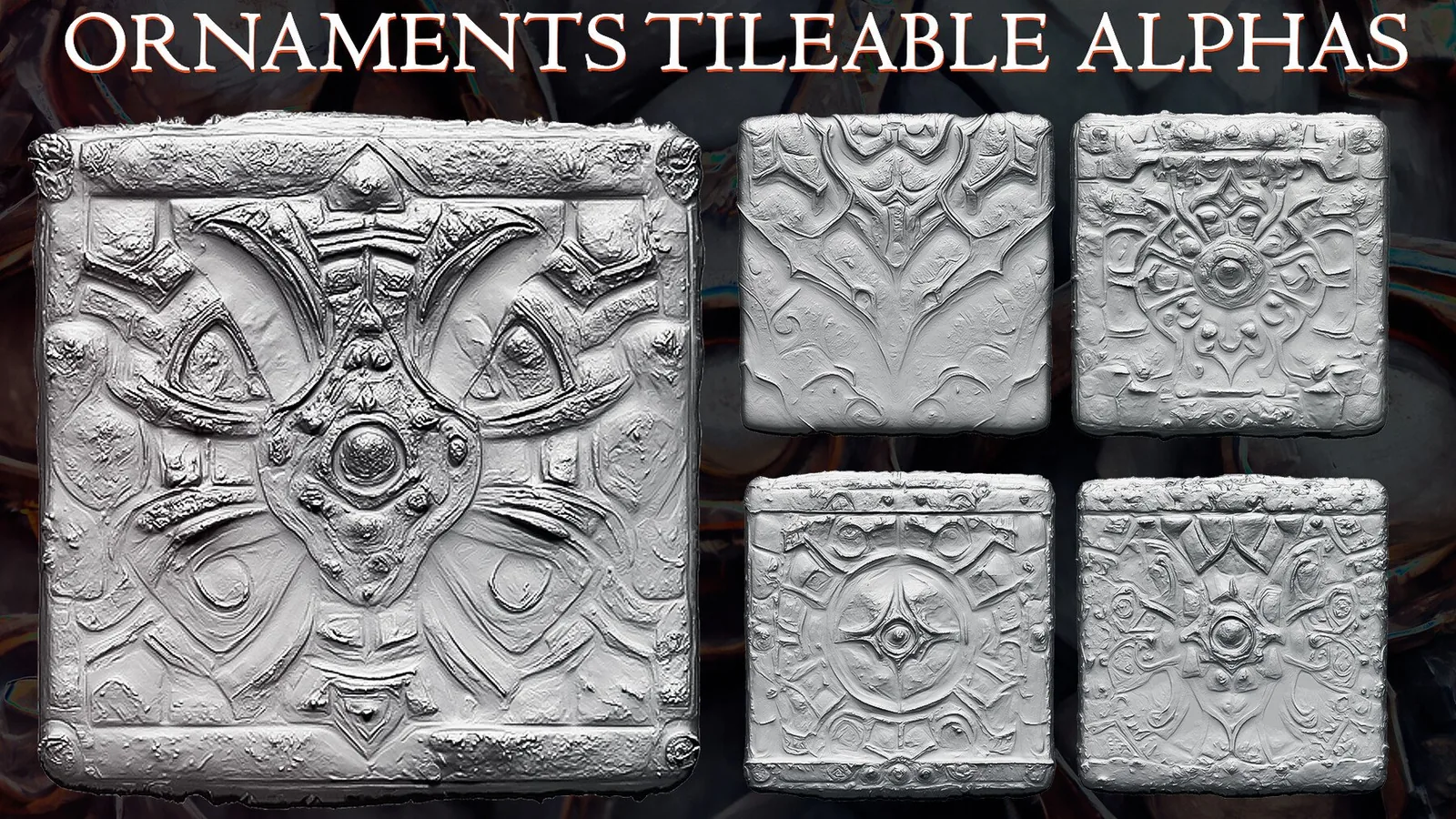
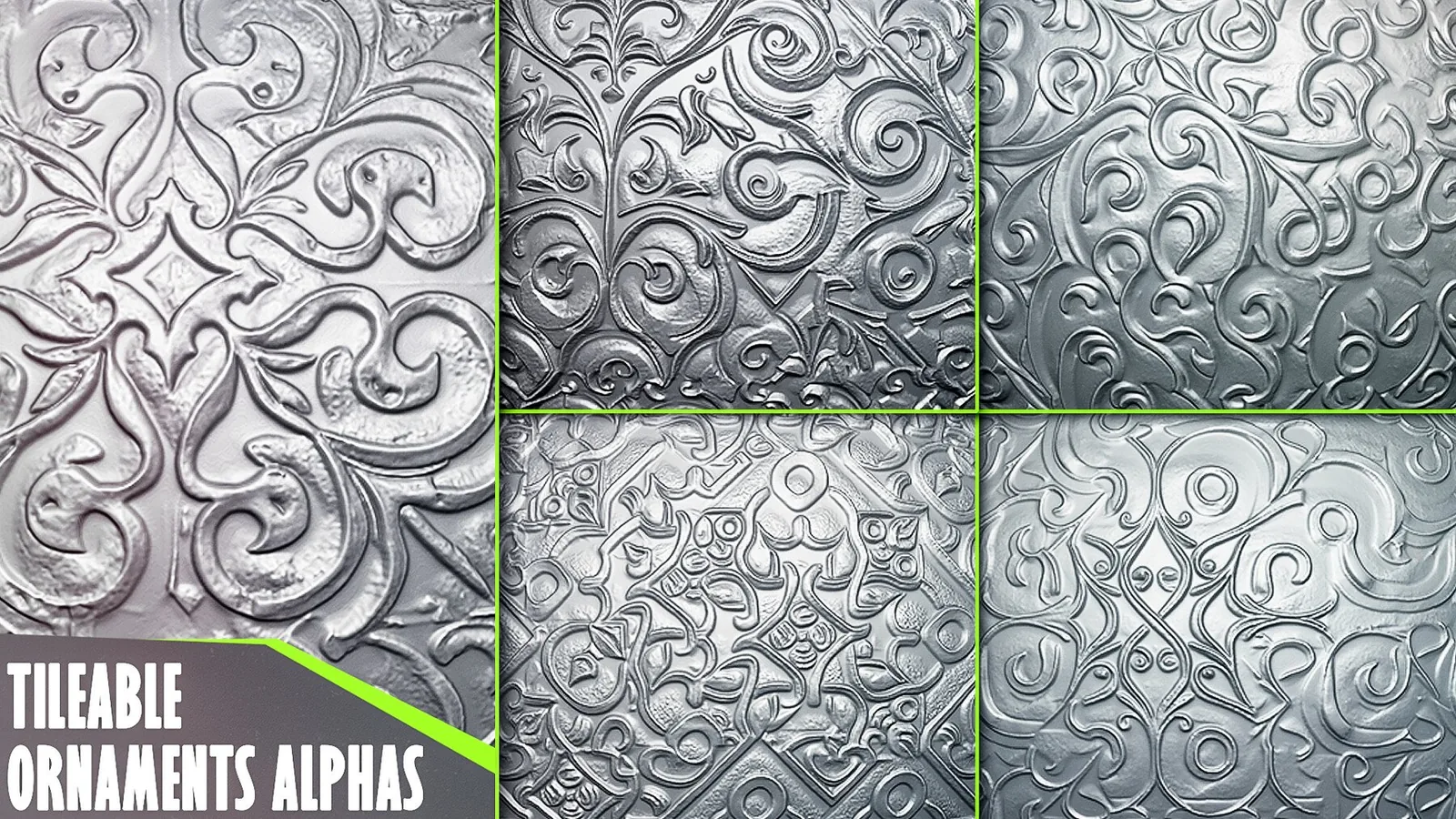
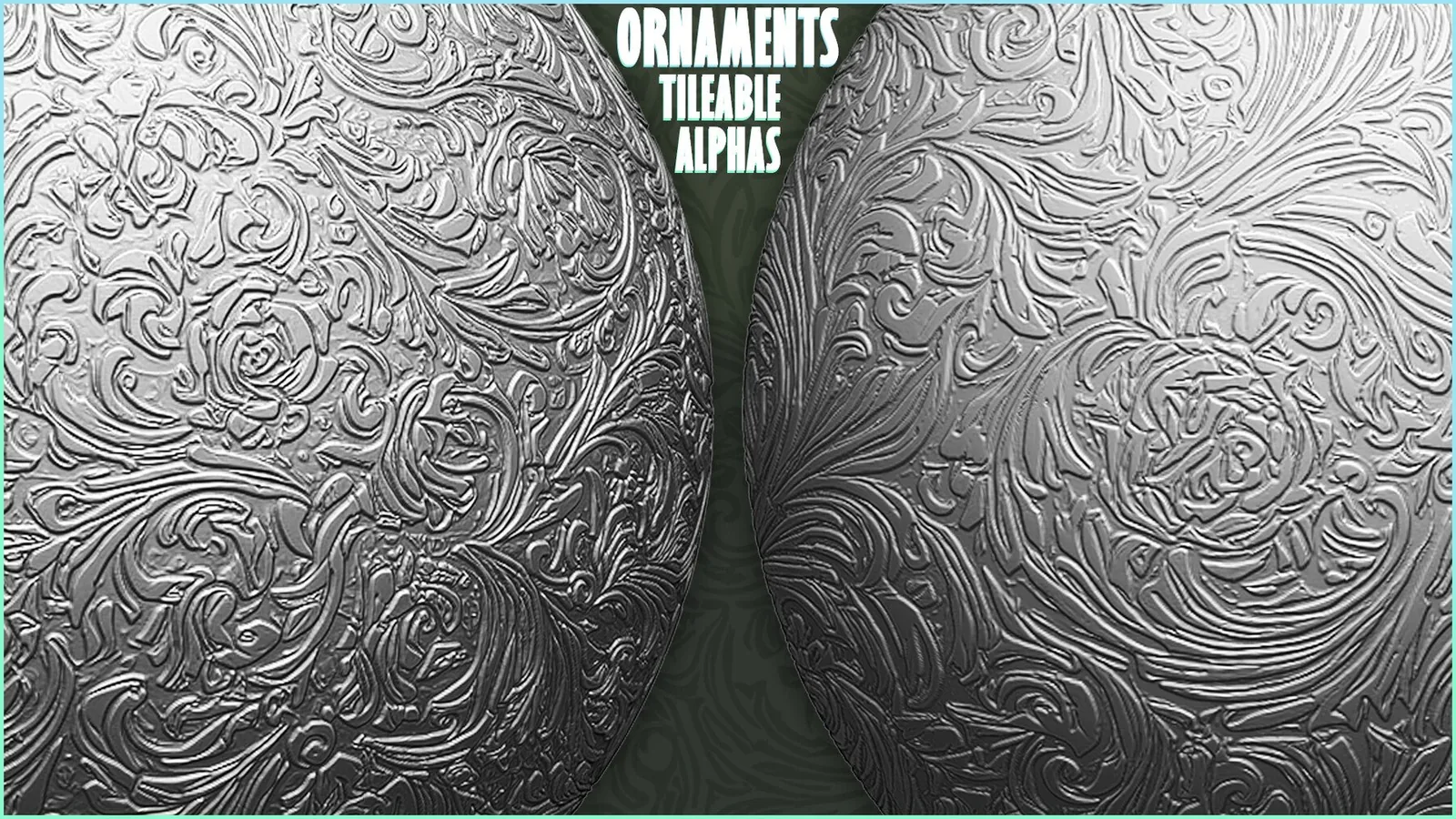
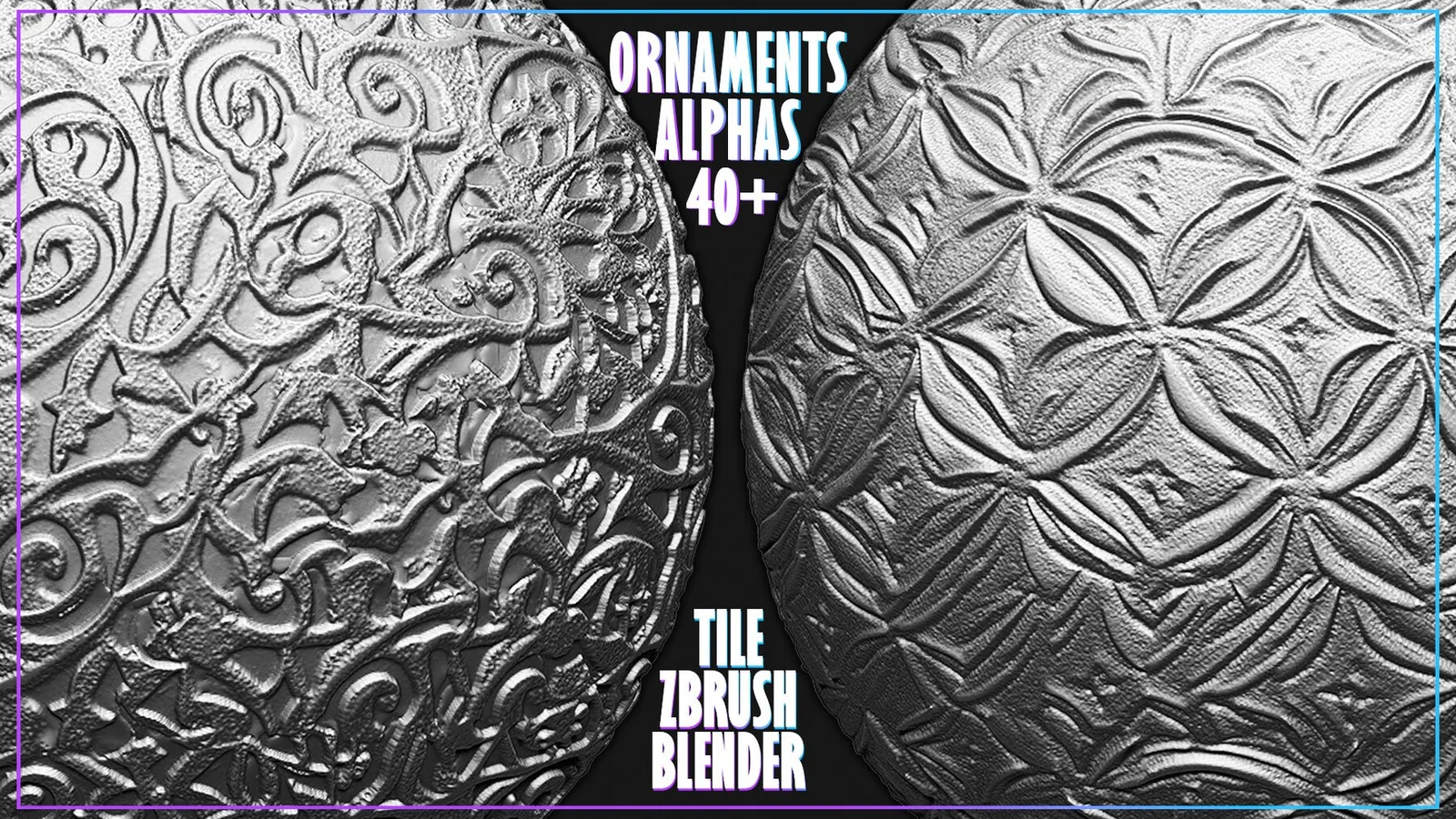
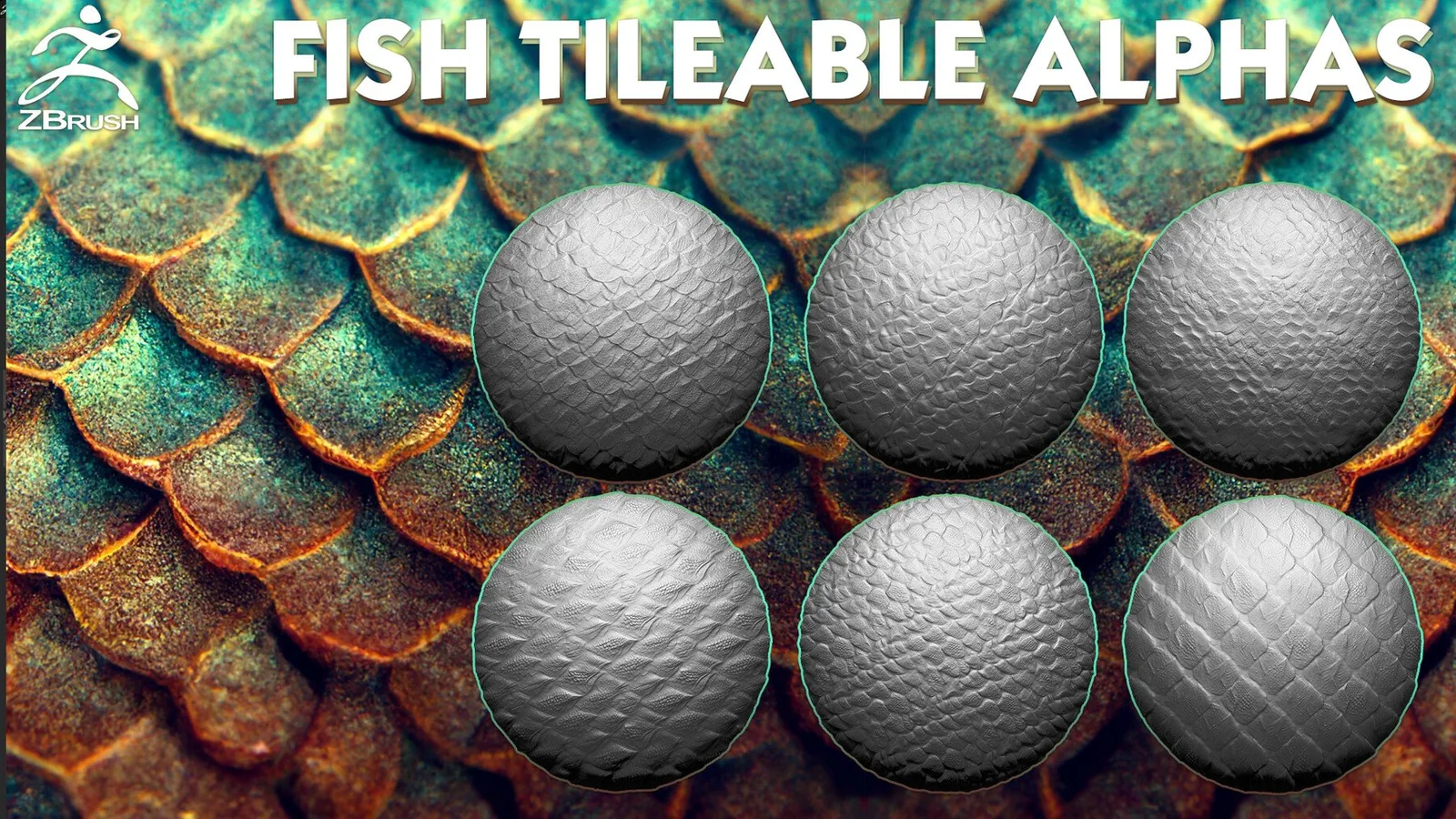

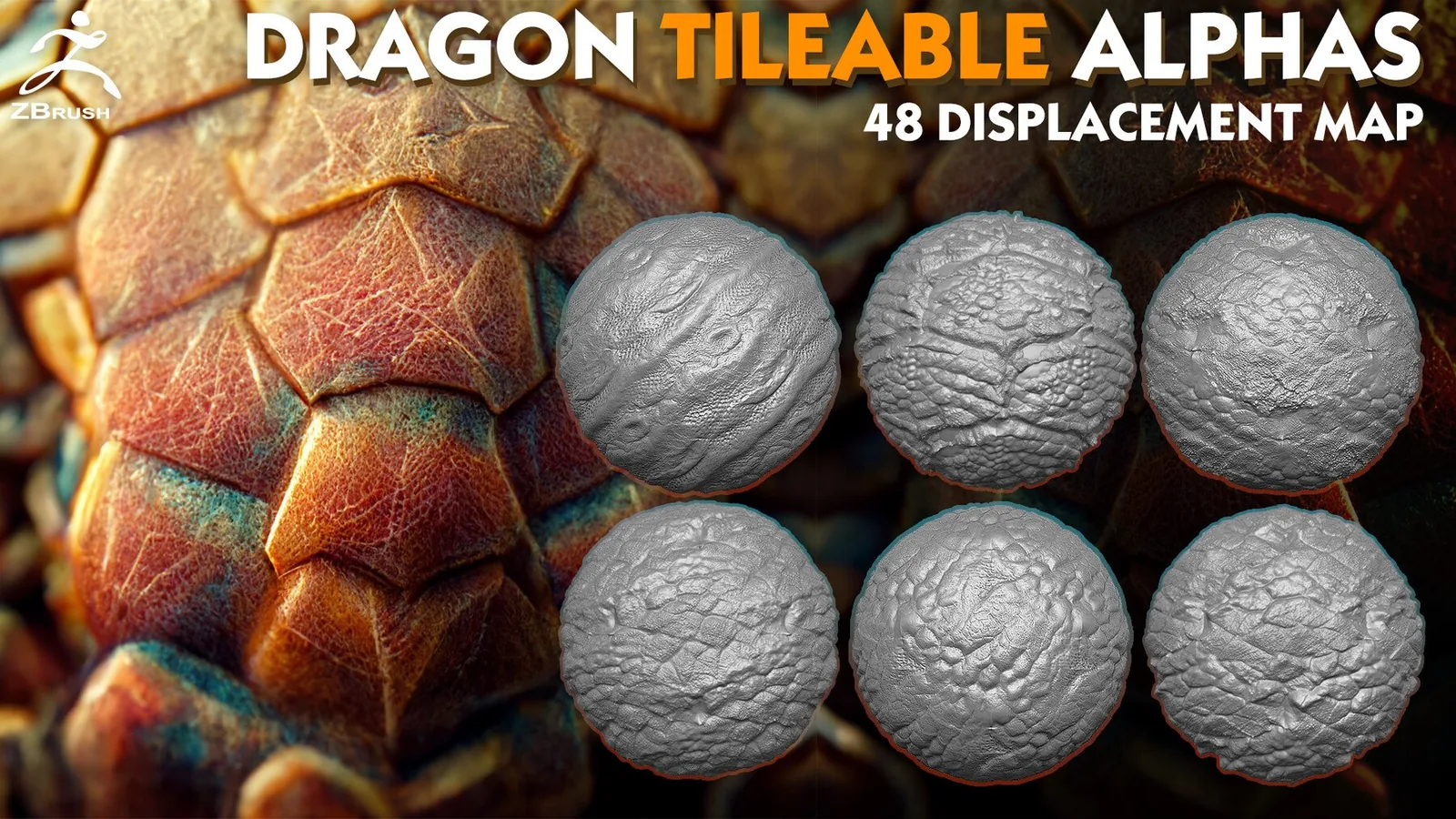
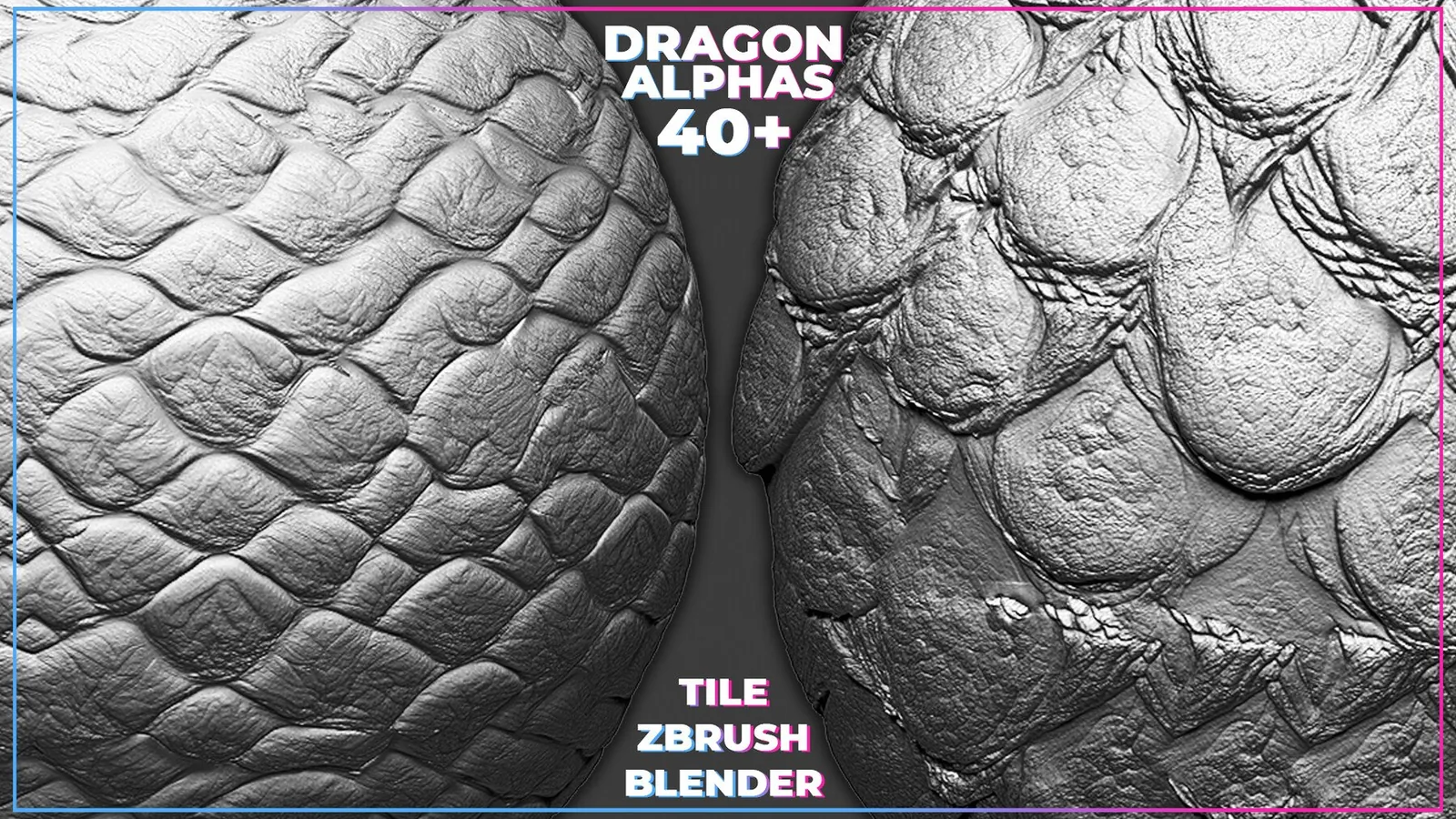
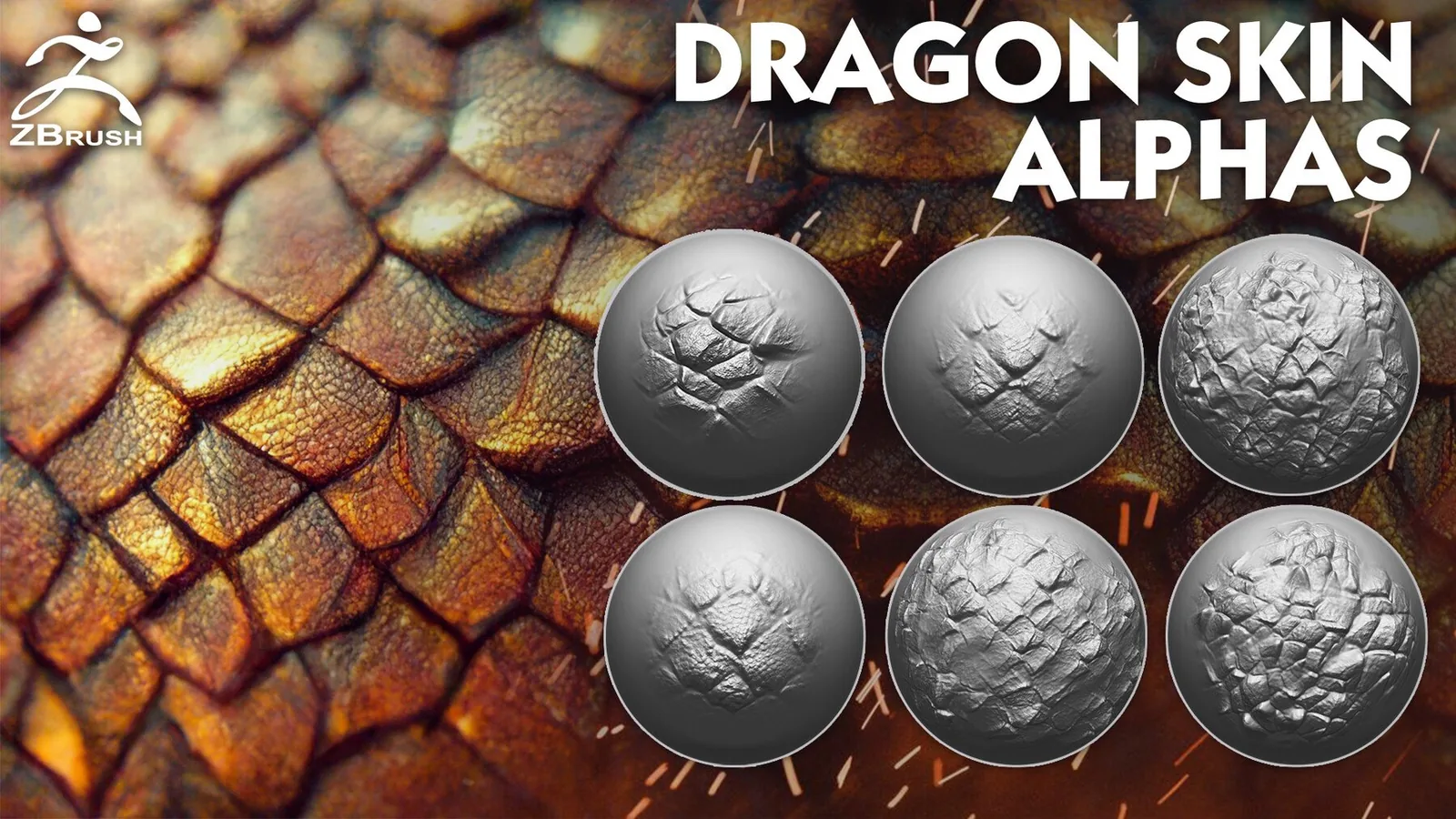
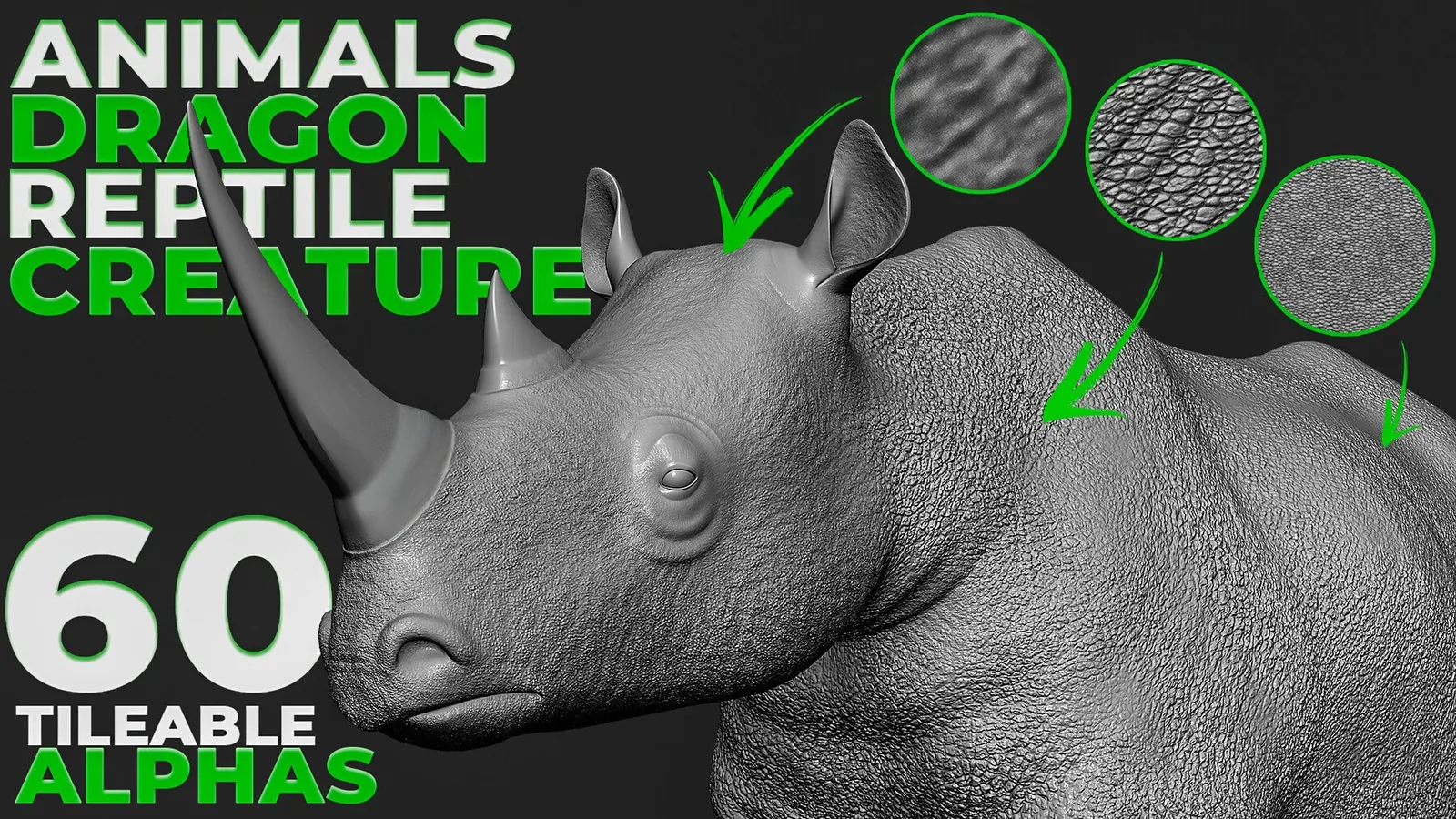
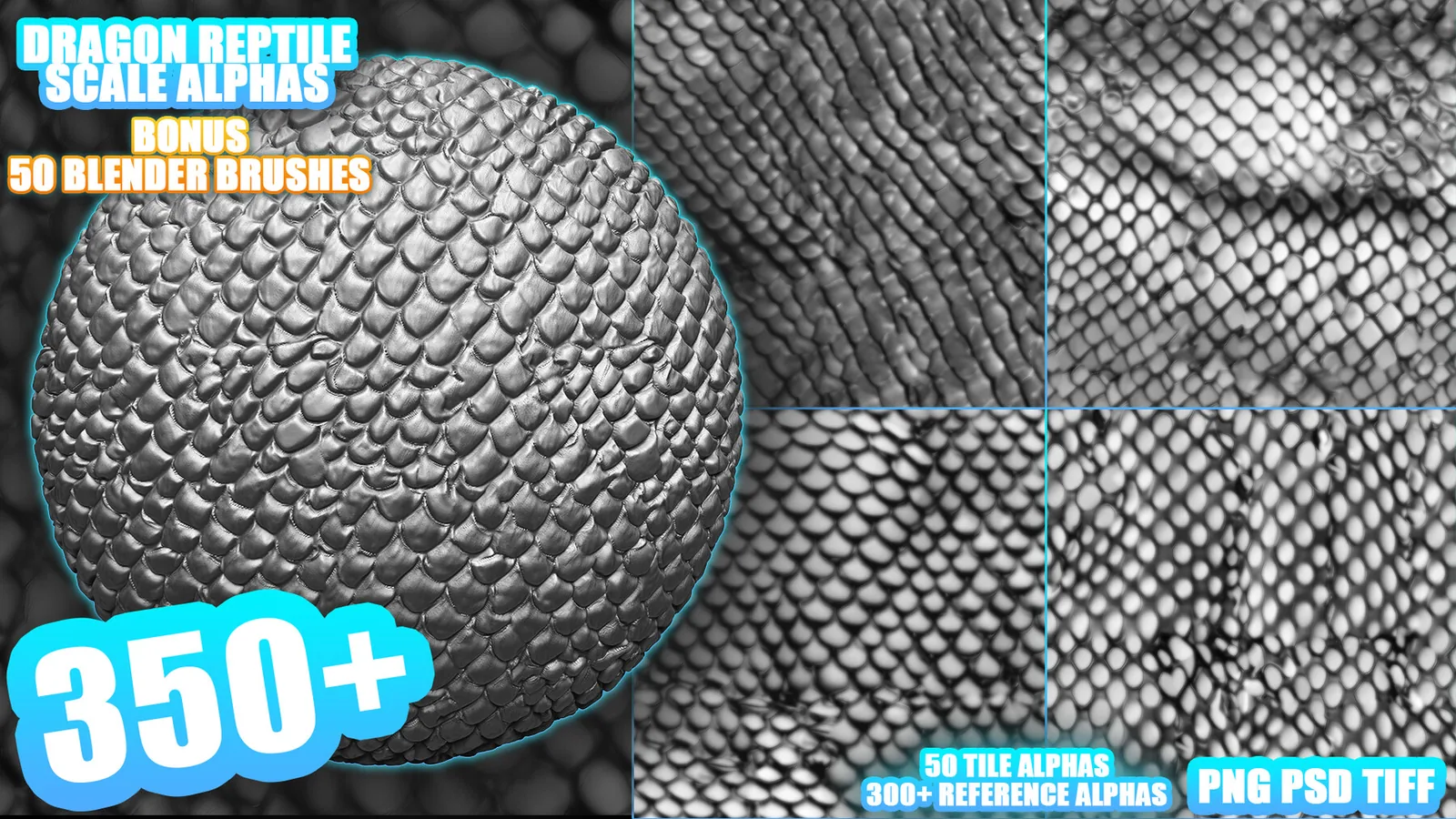
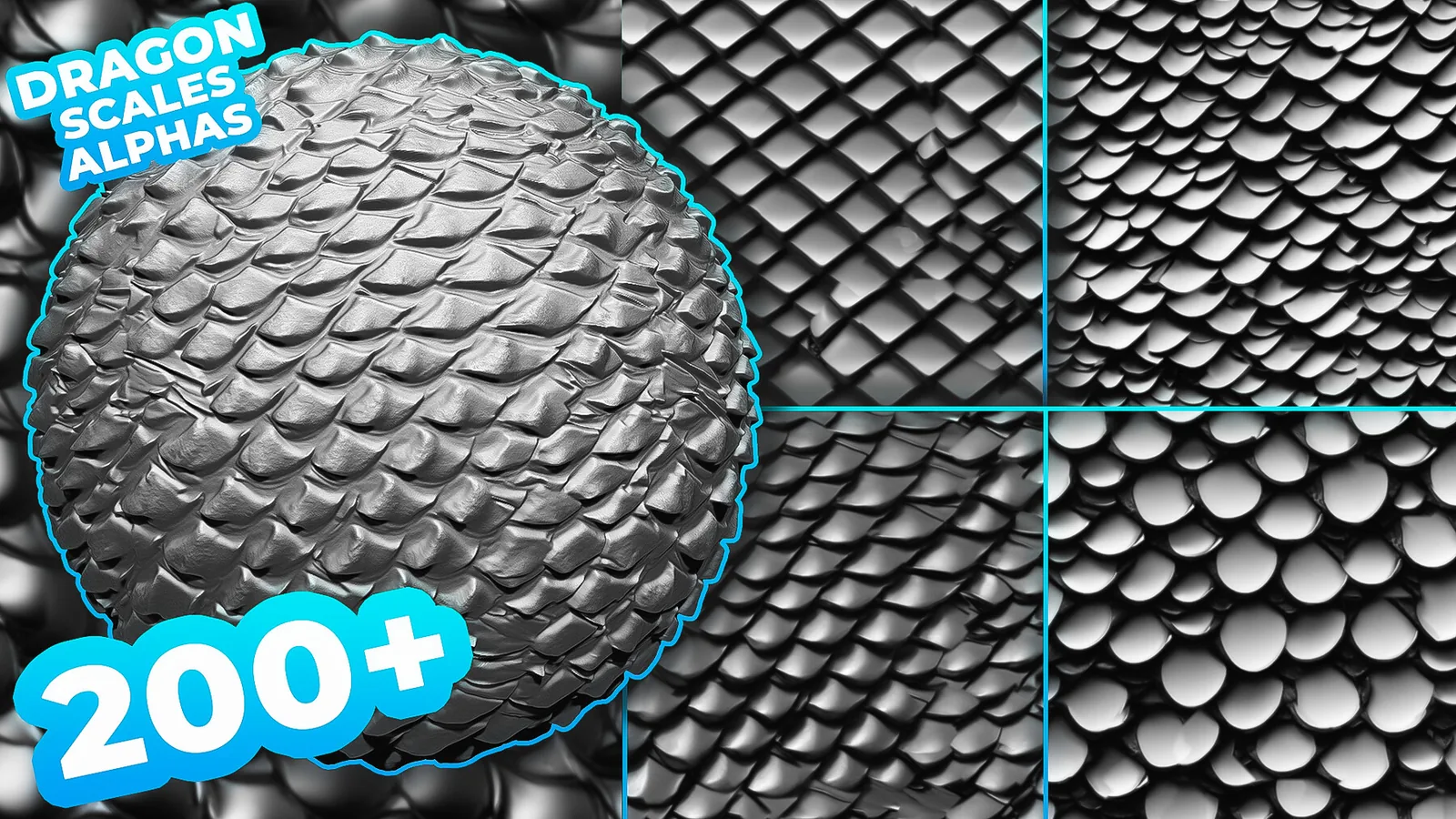
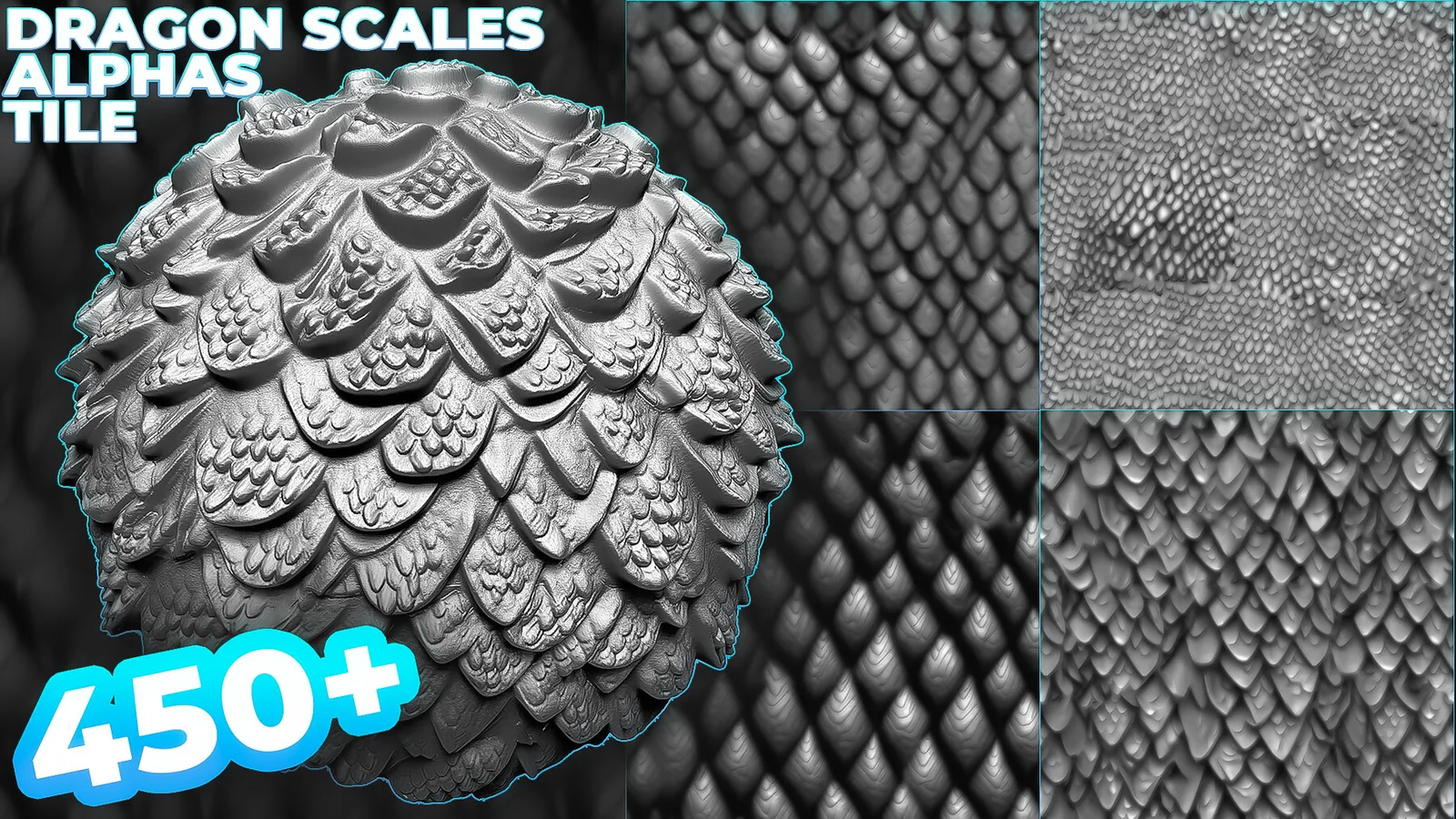
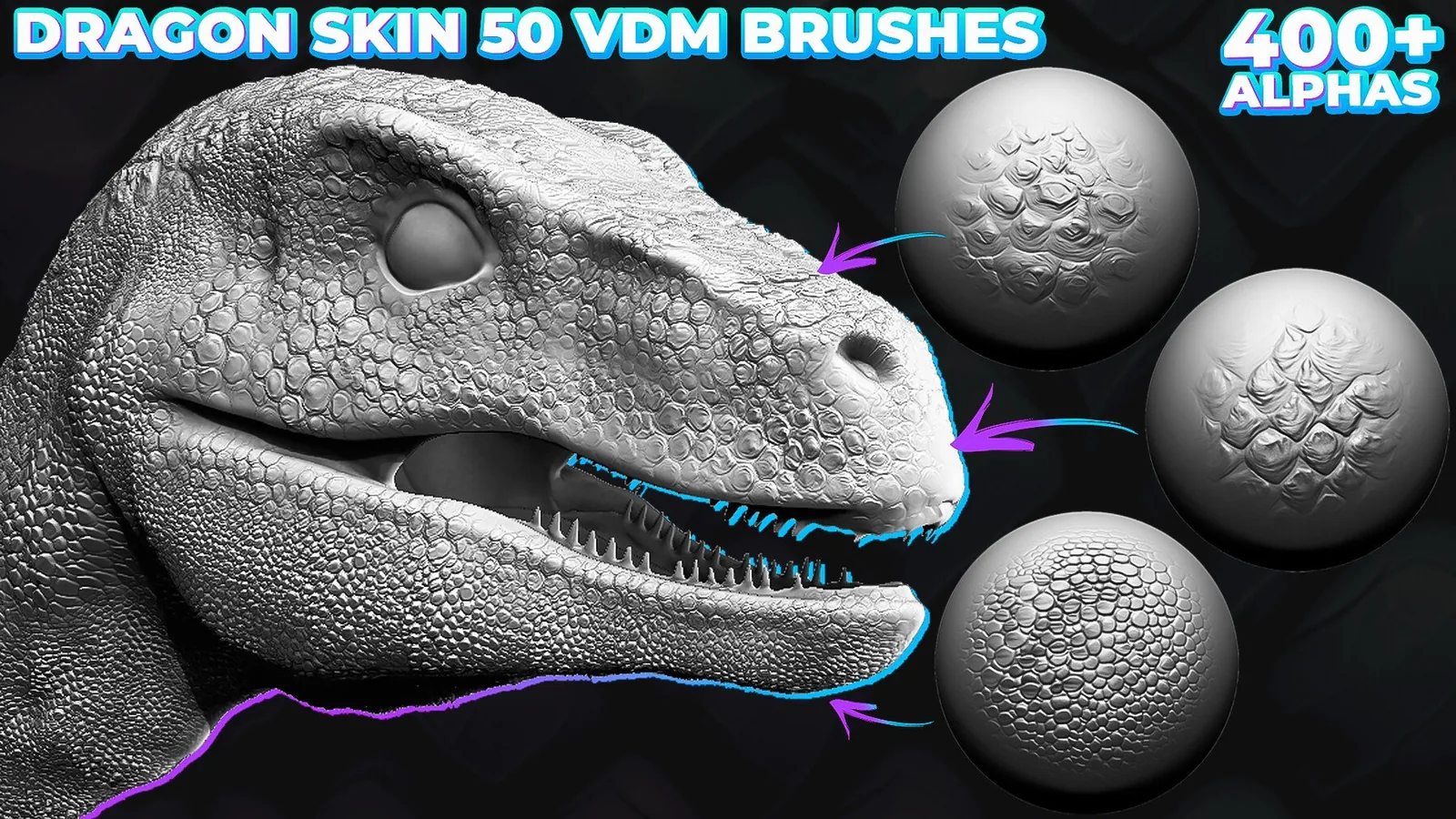
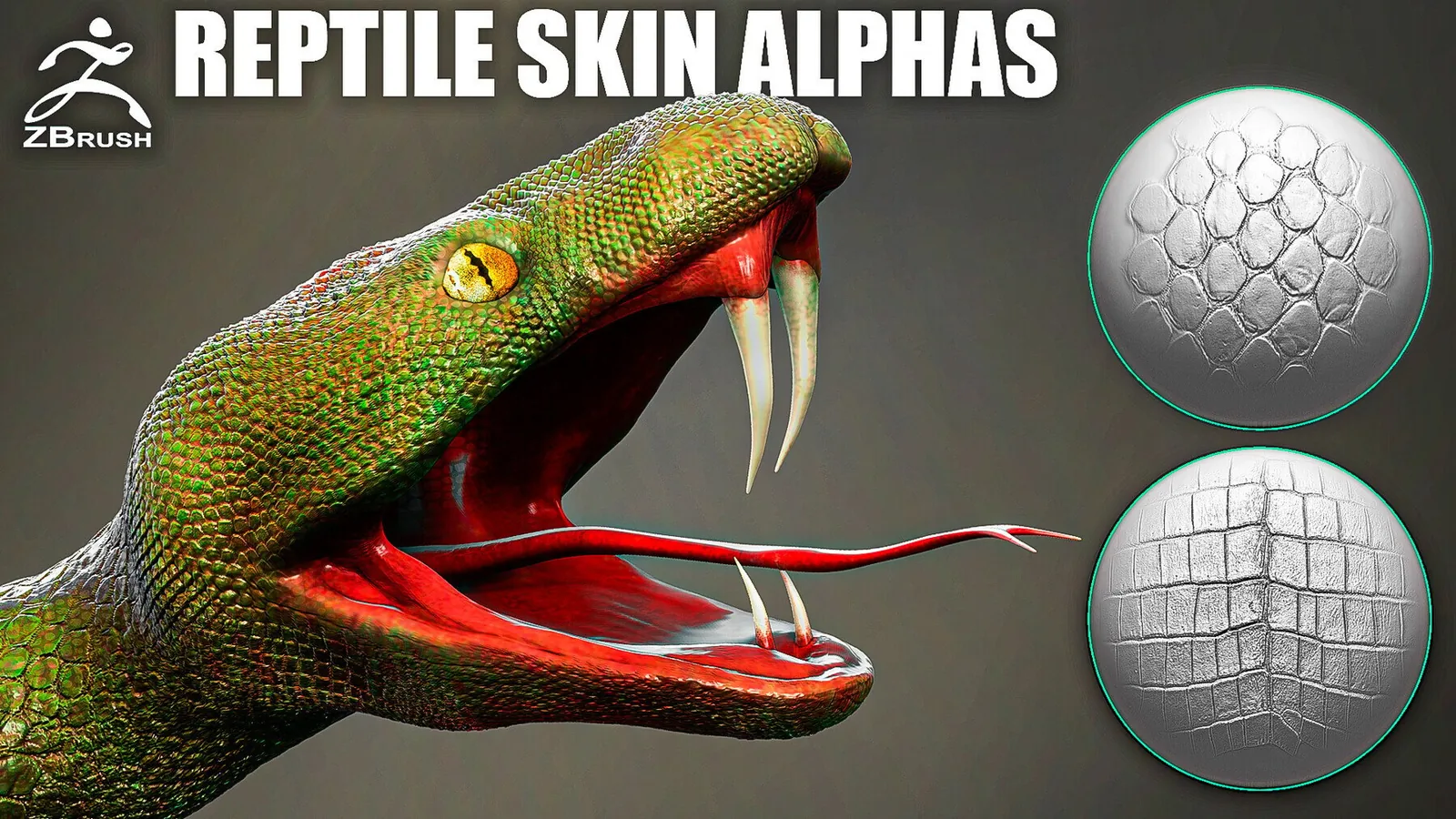
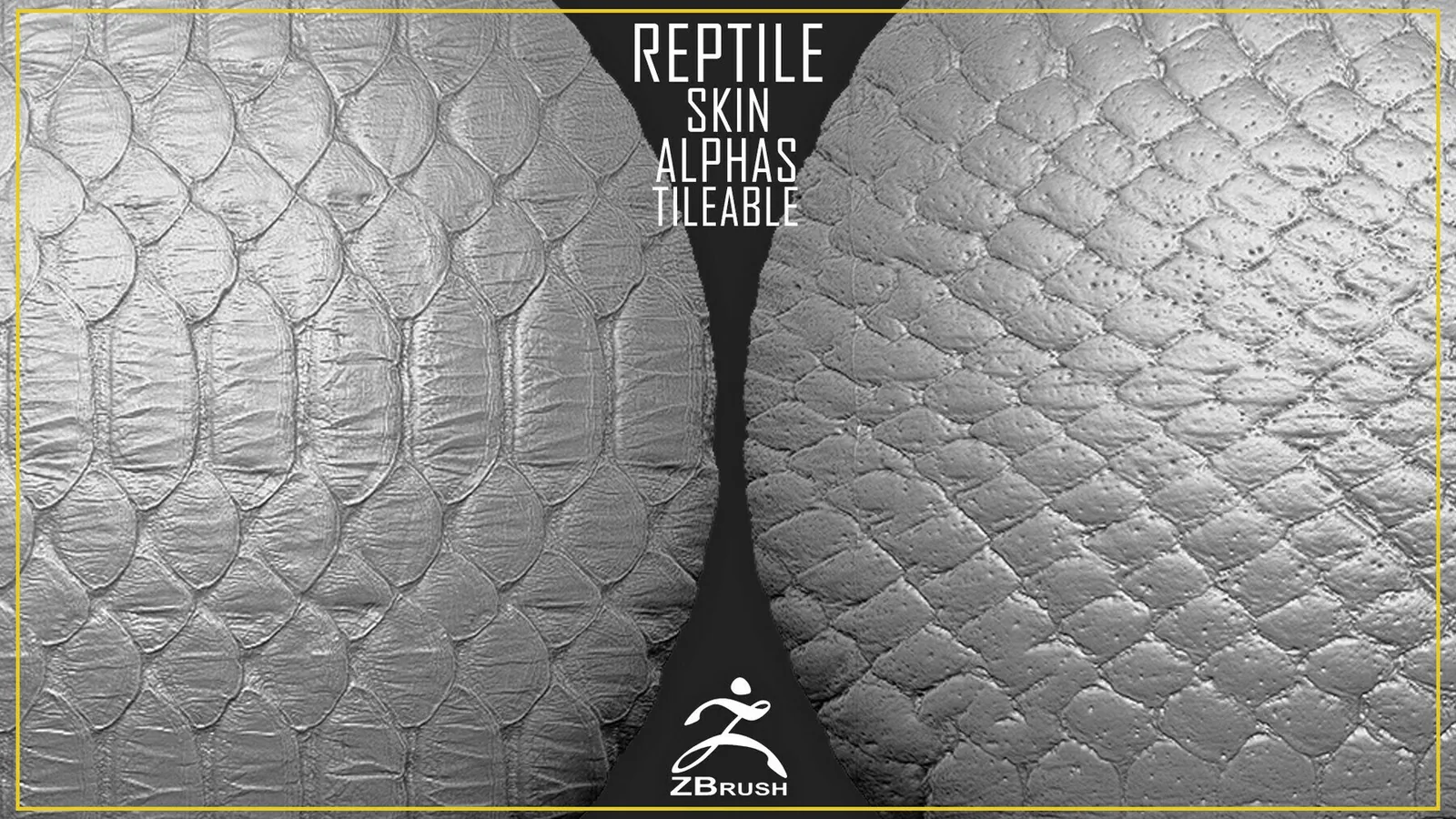
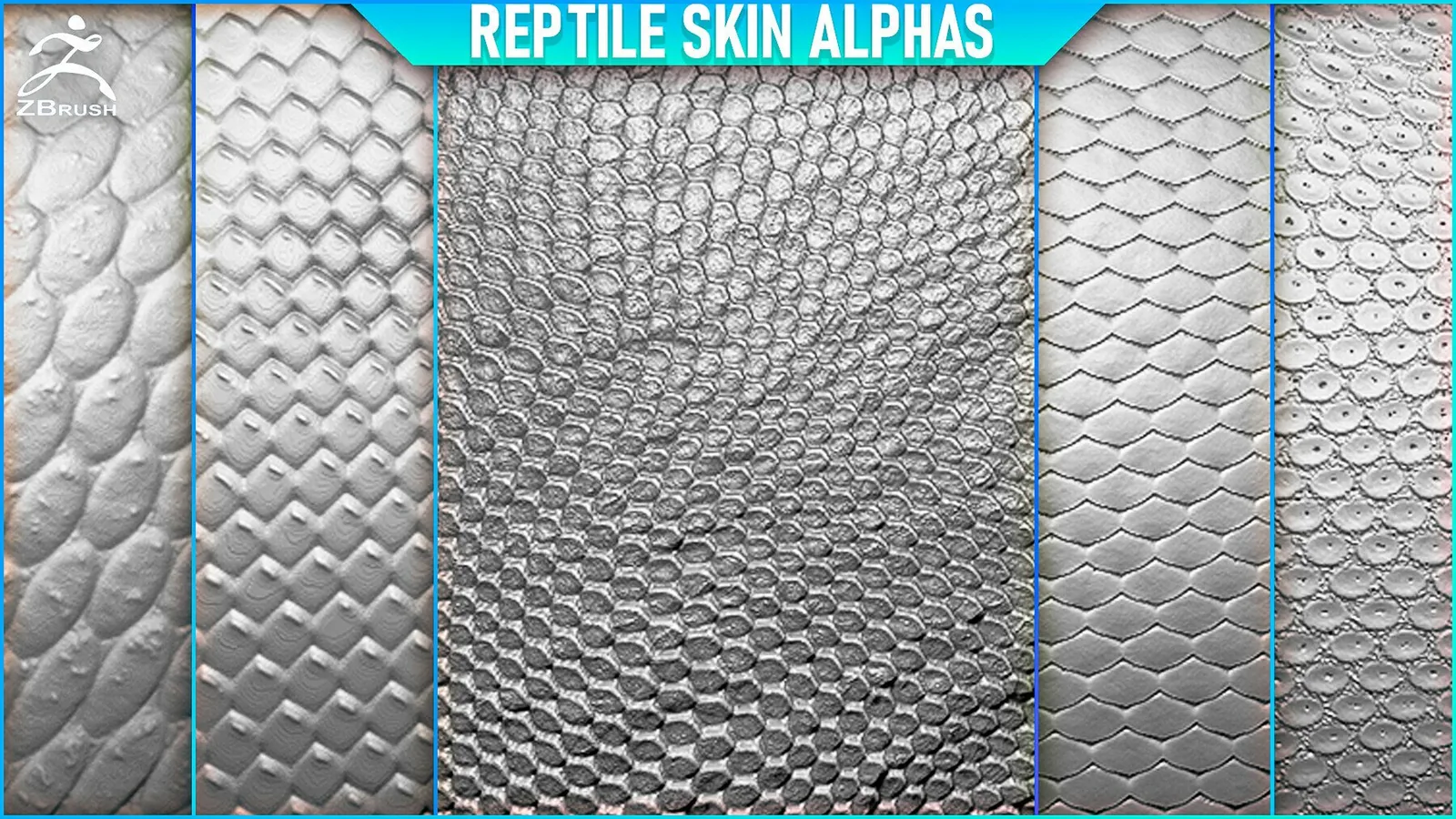
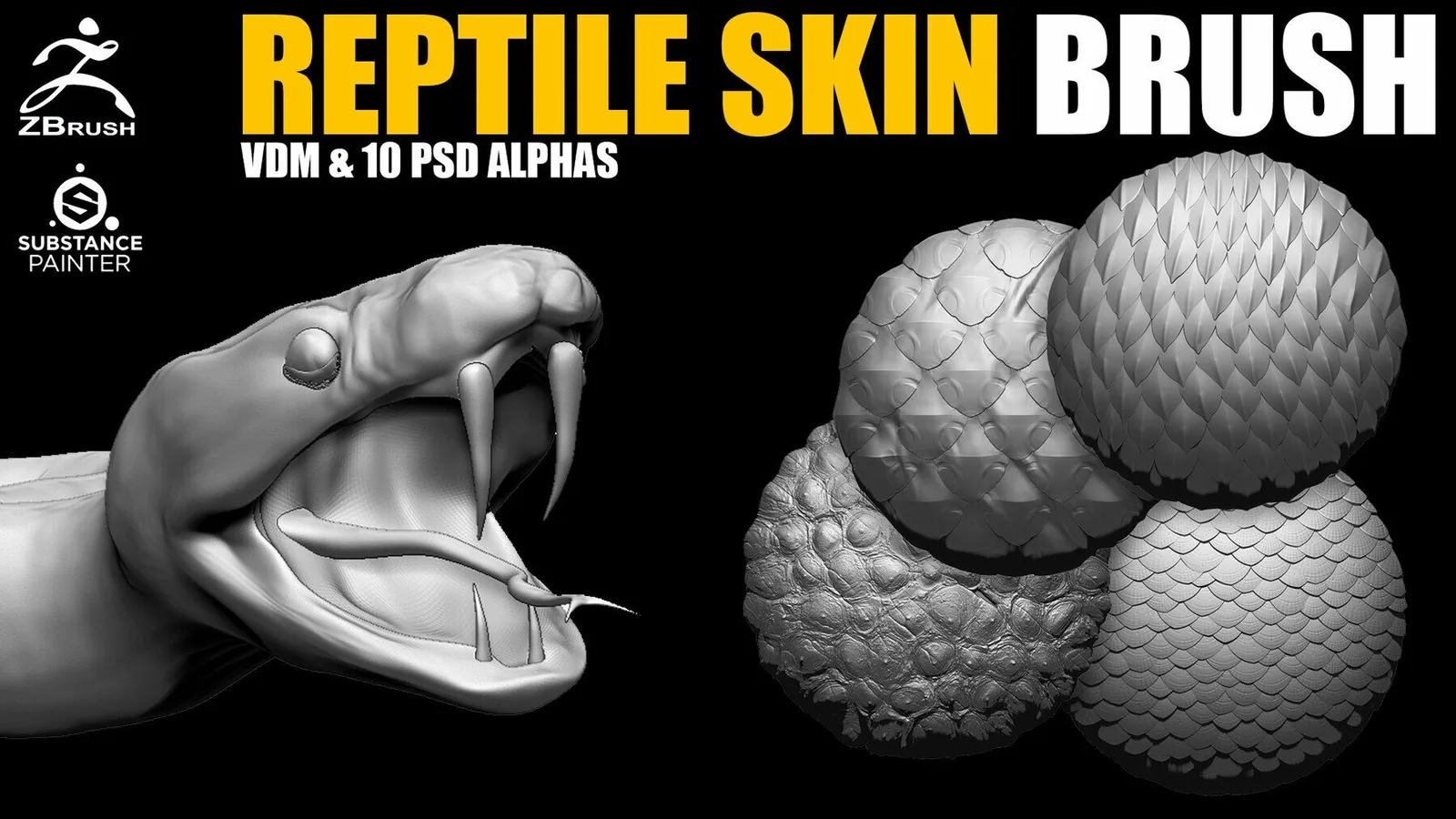
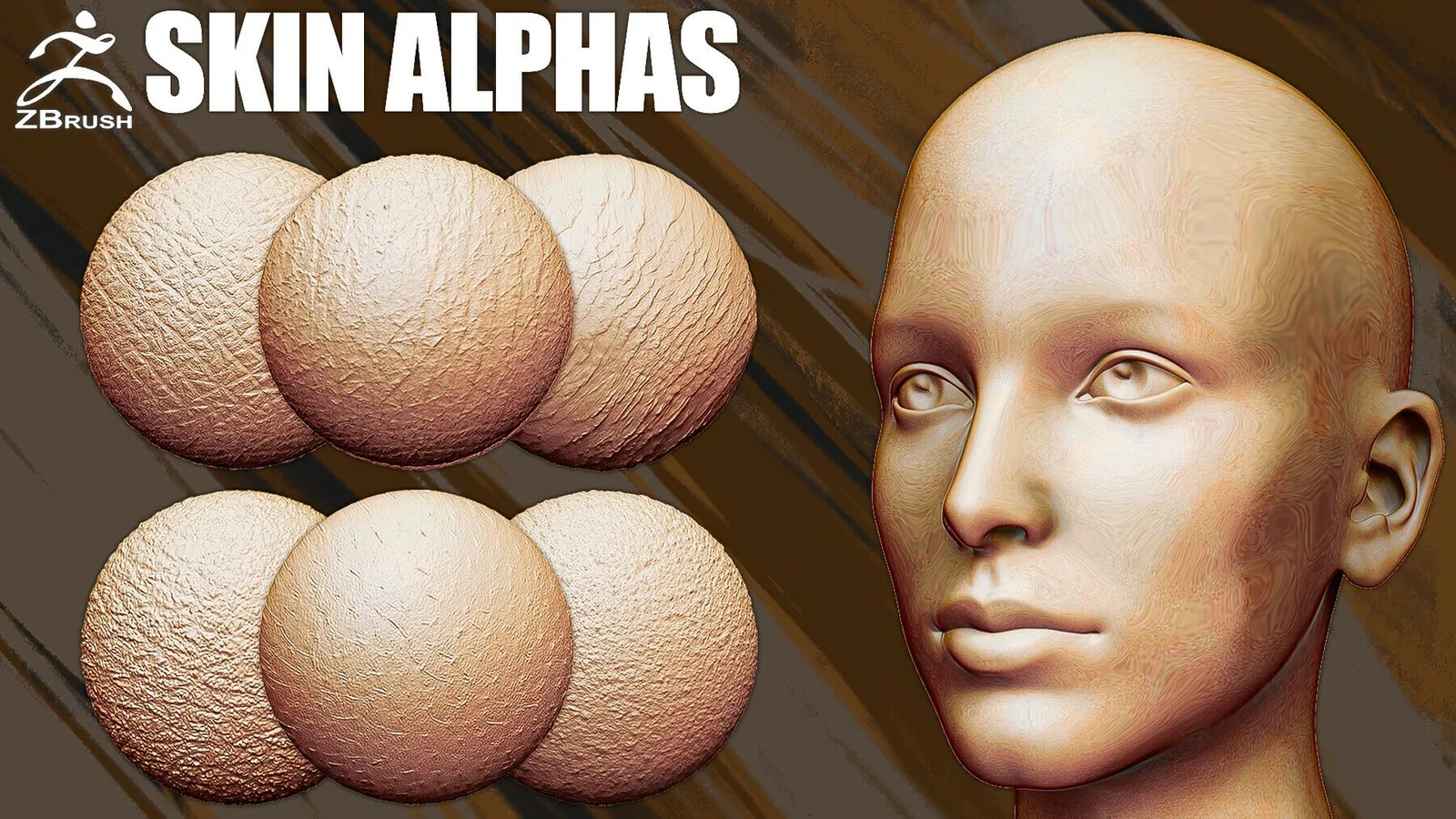
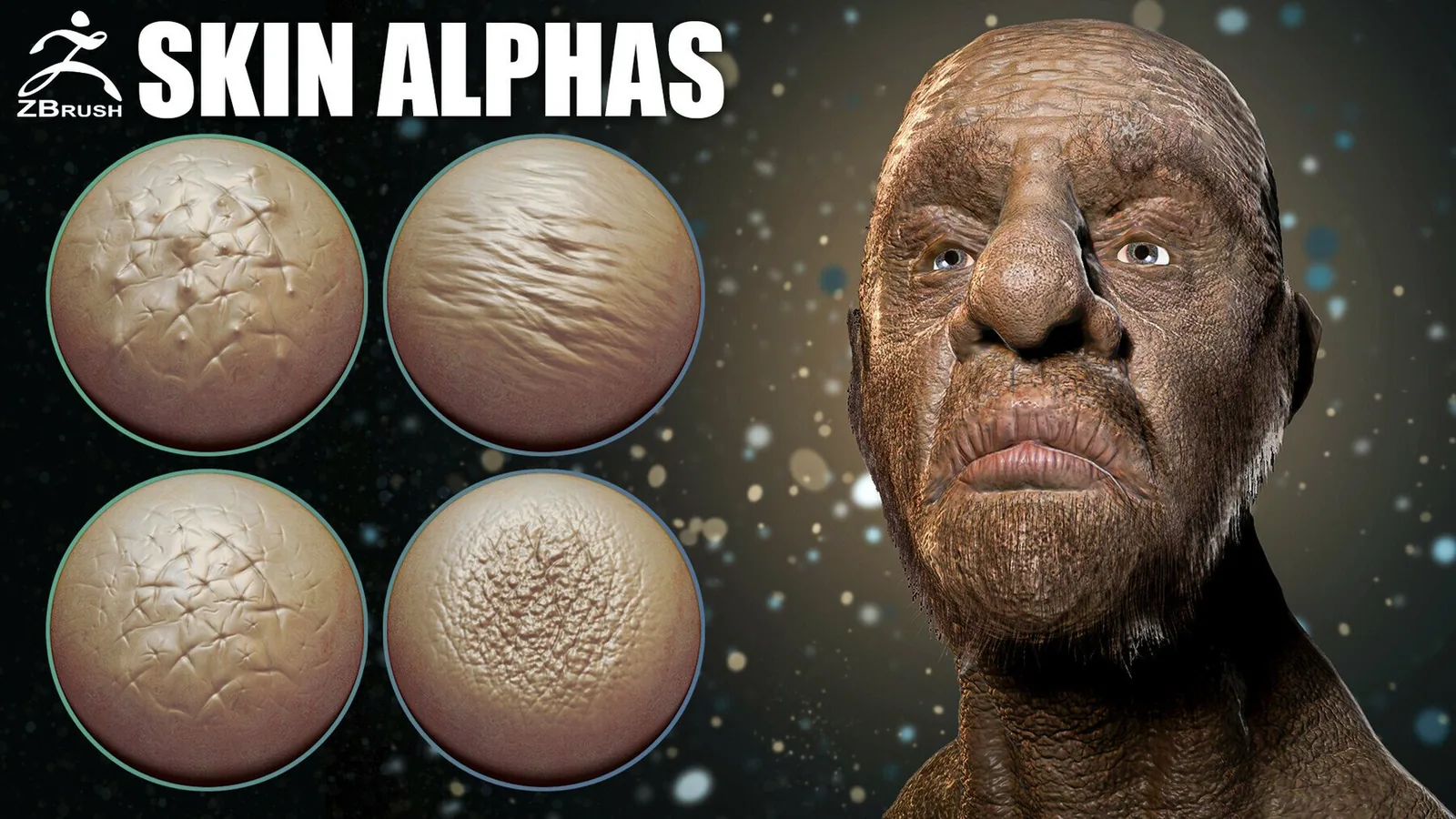
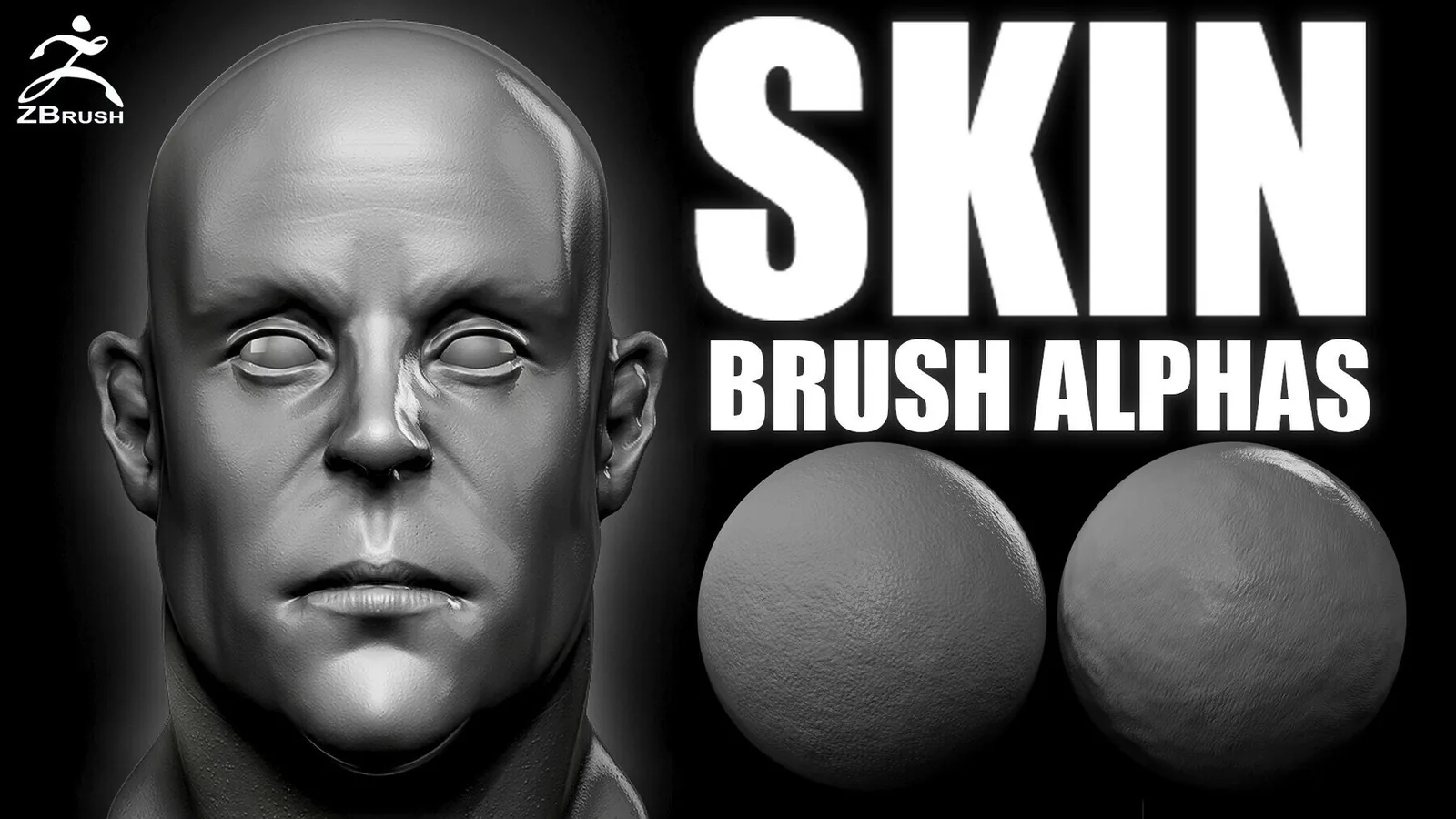
Examples
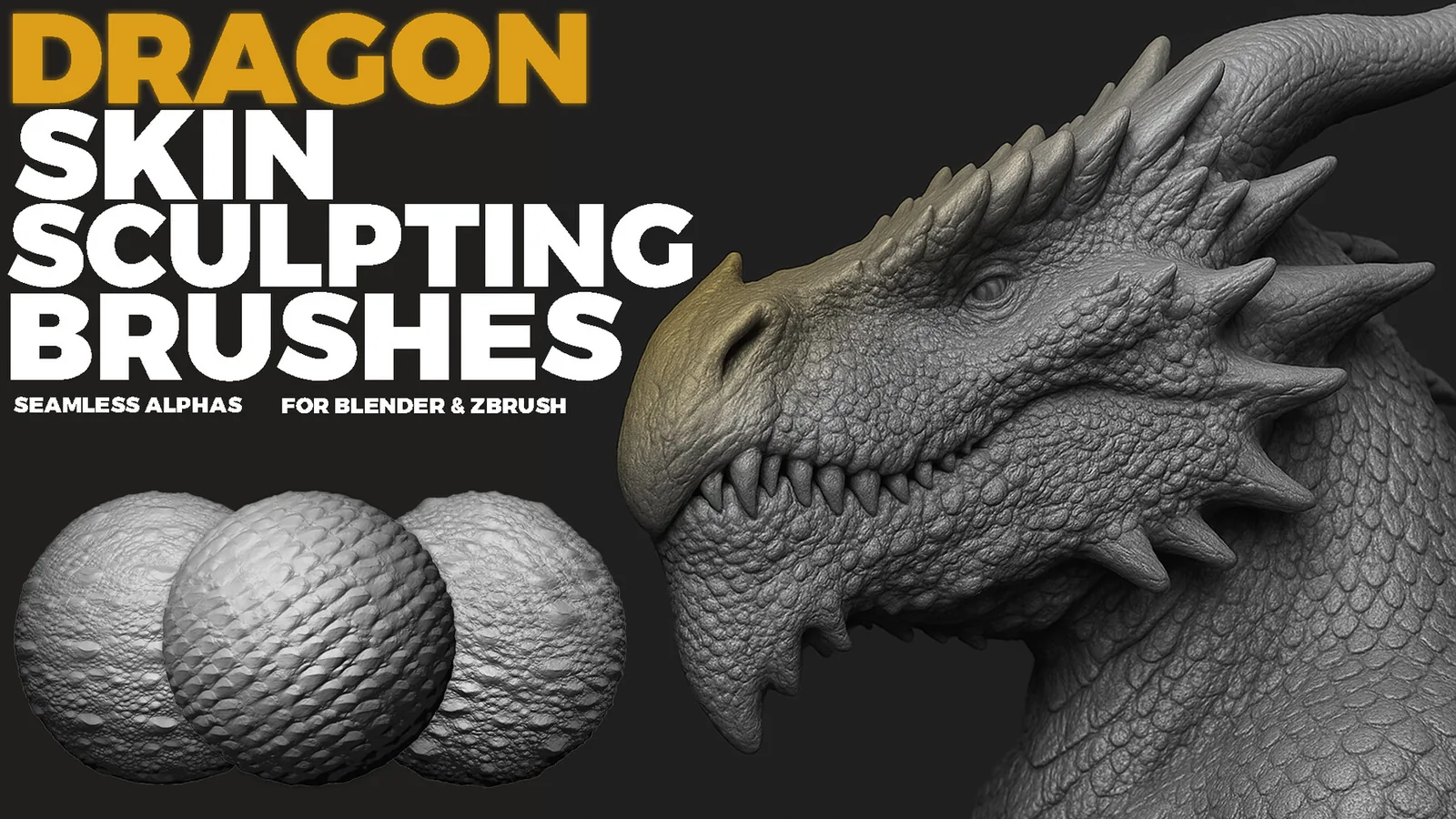
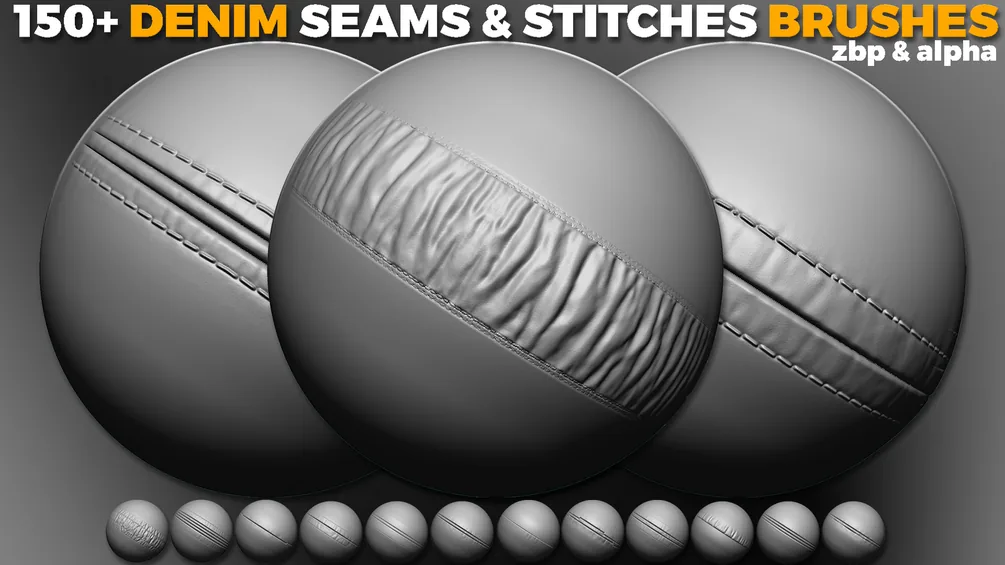
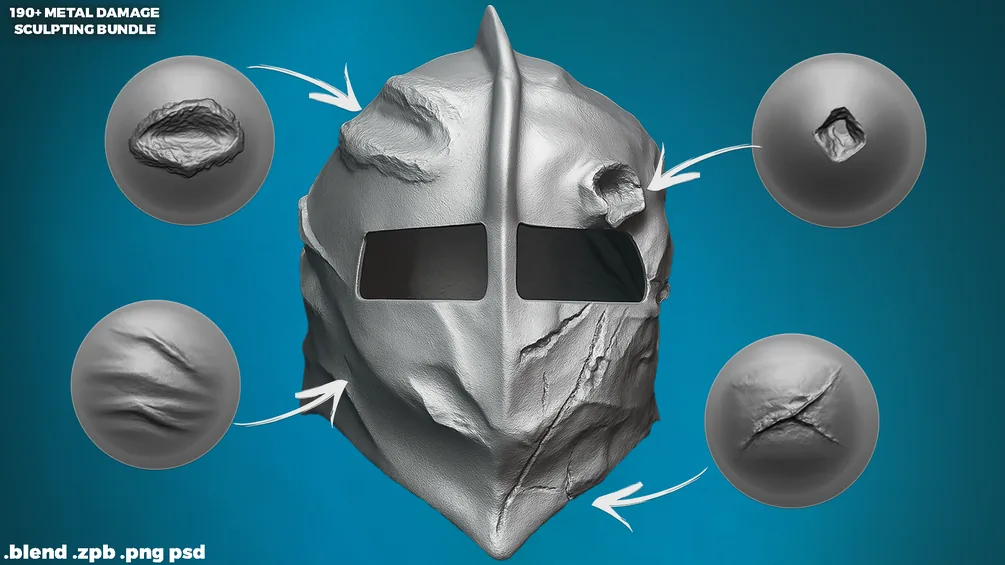
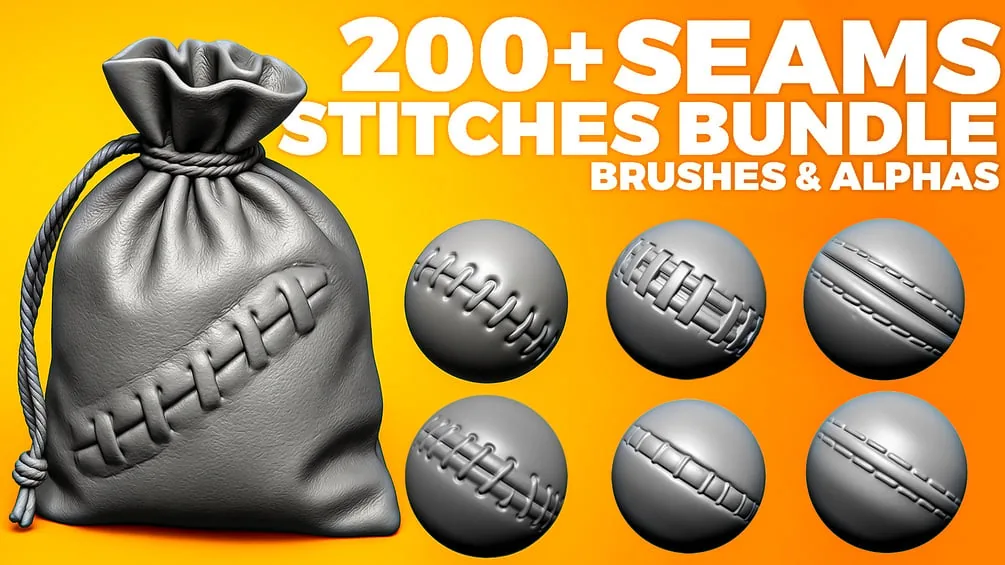
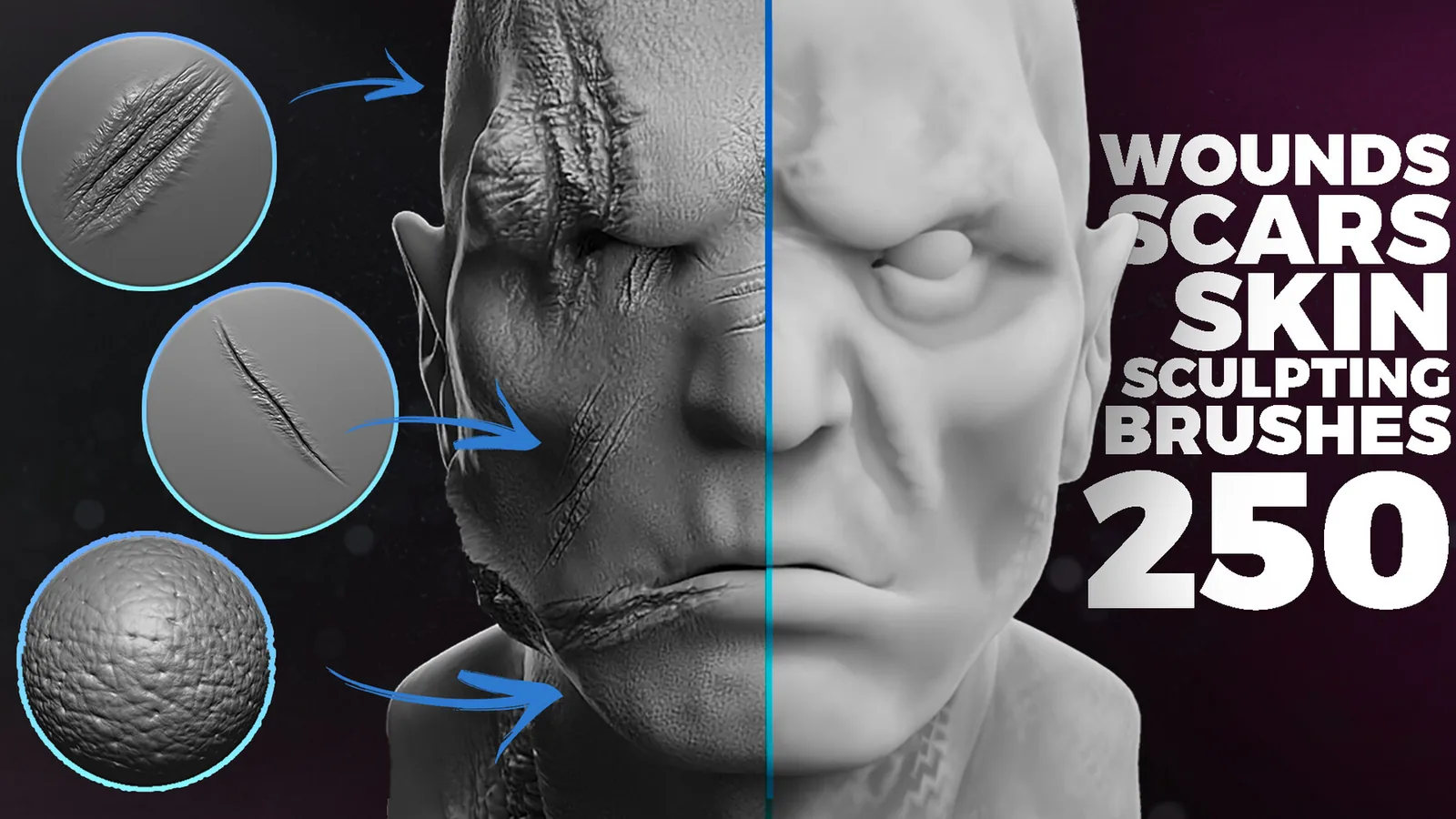
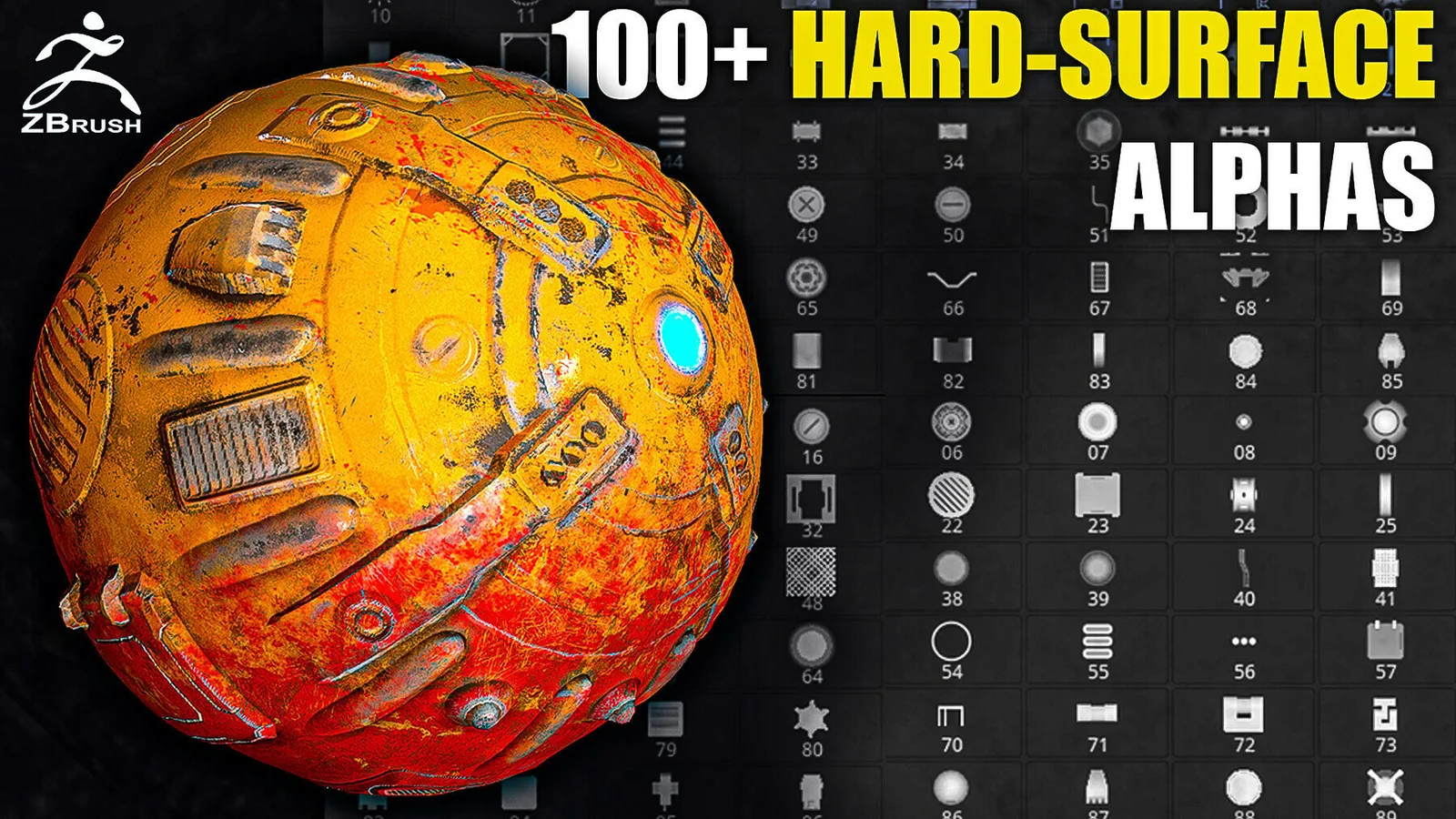
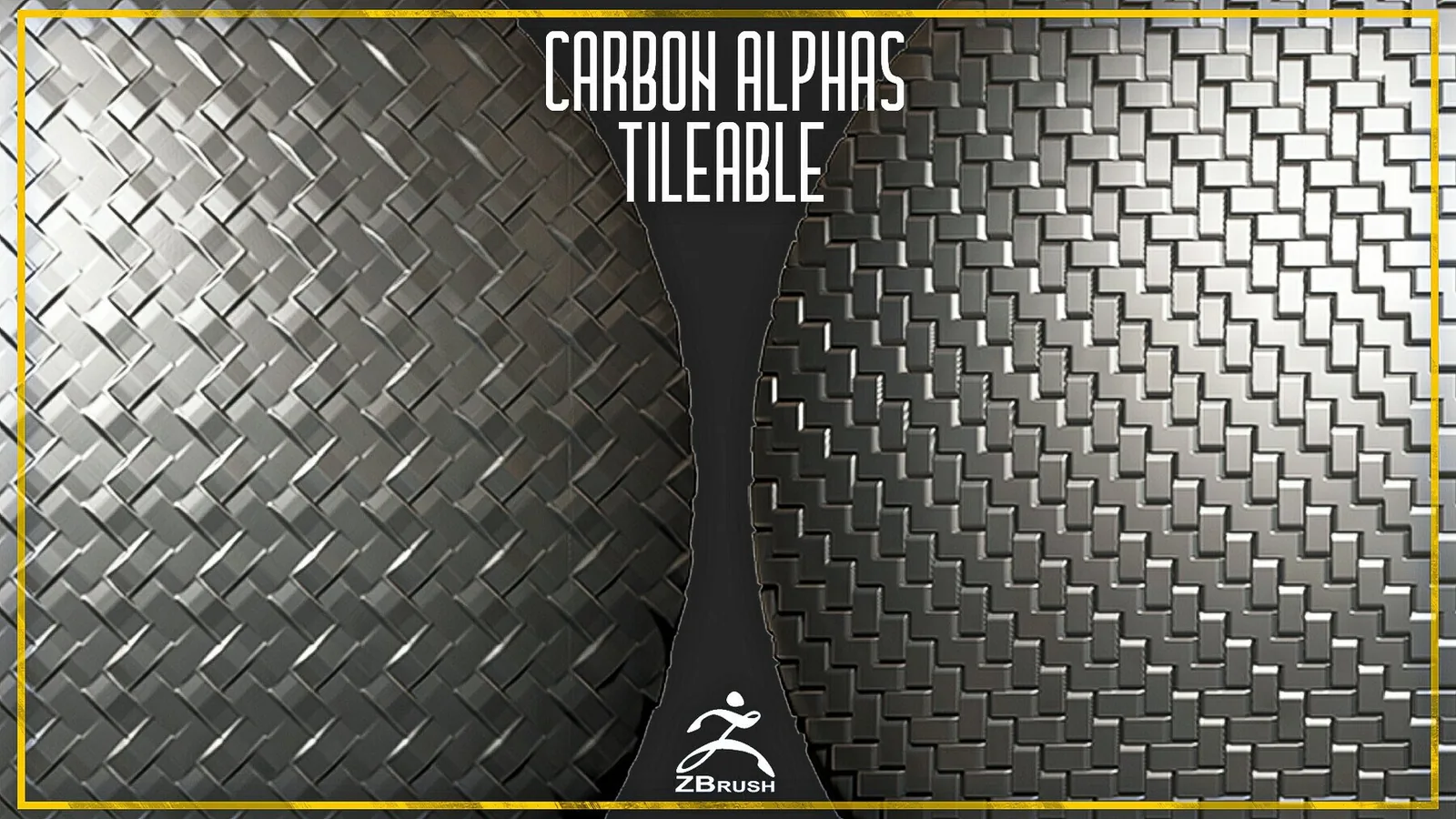
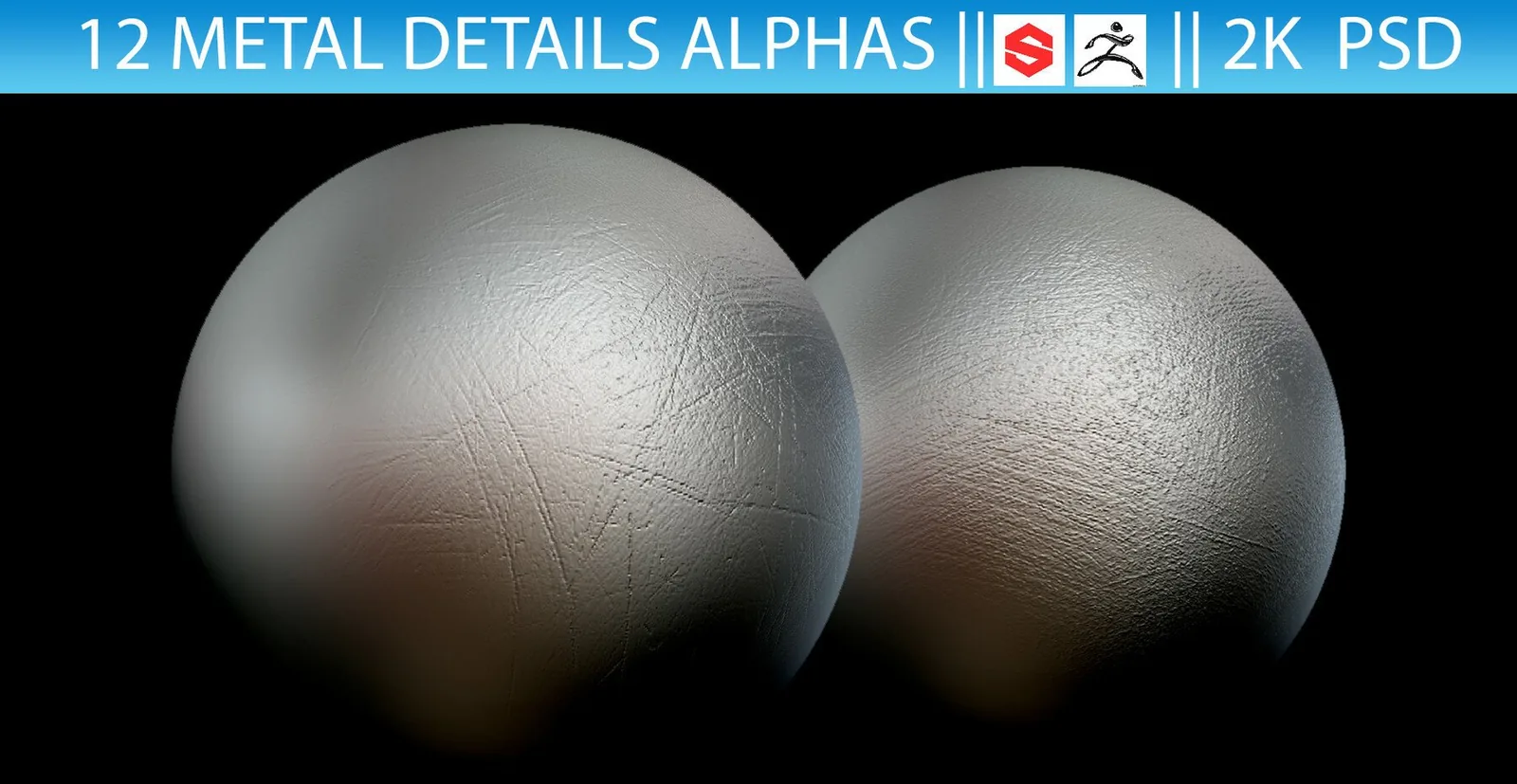
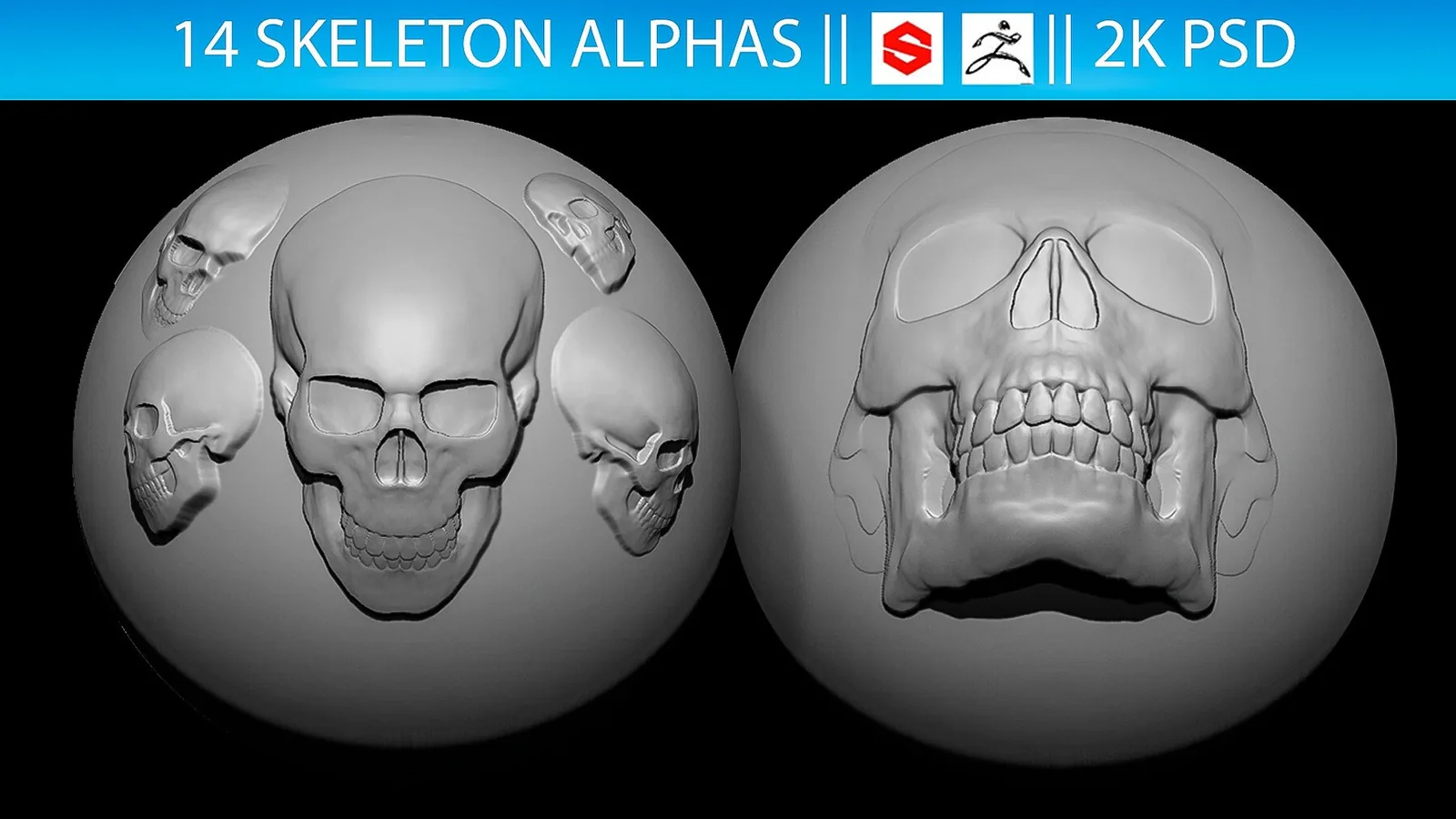
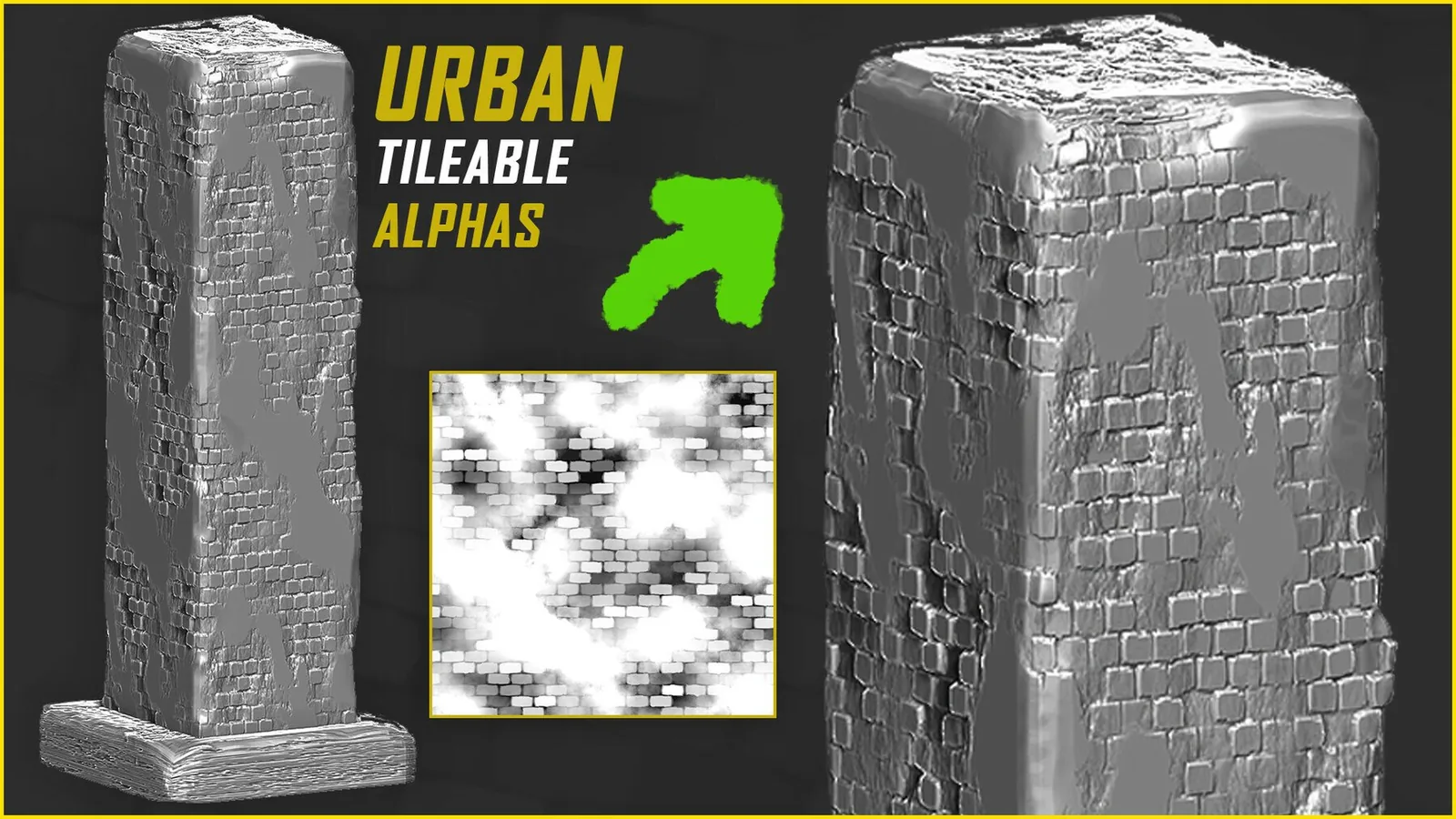
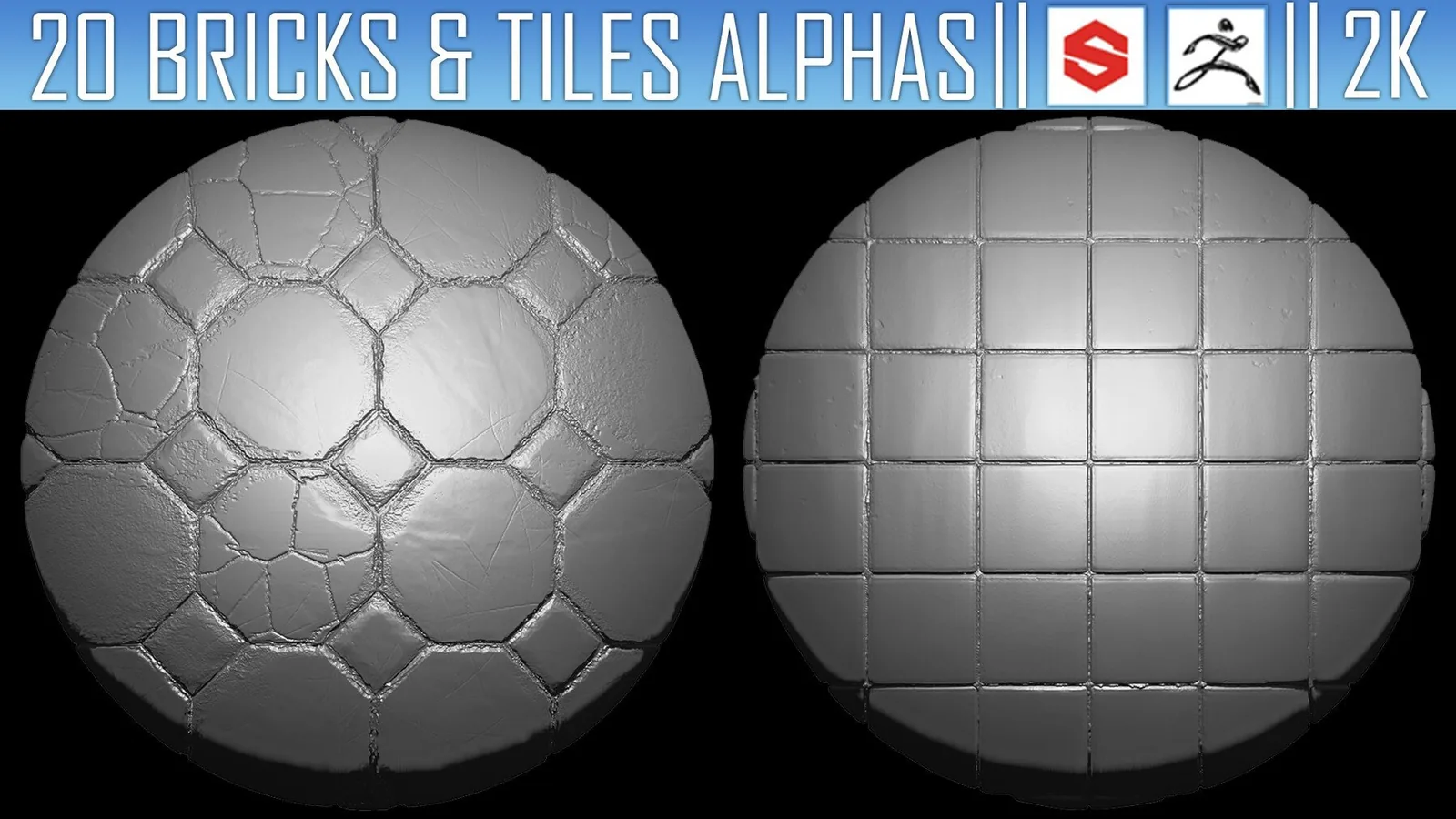
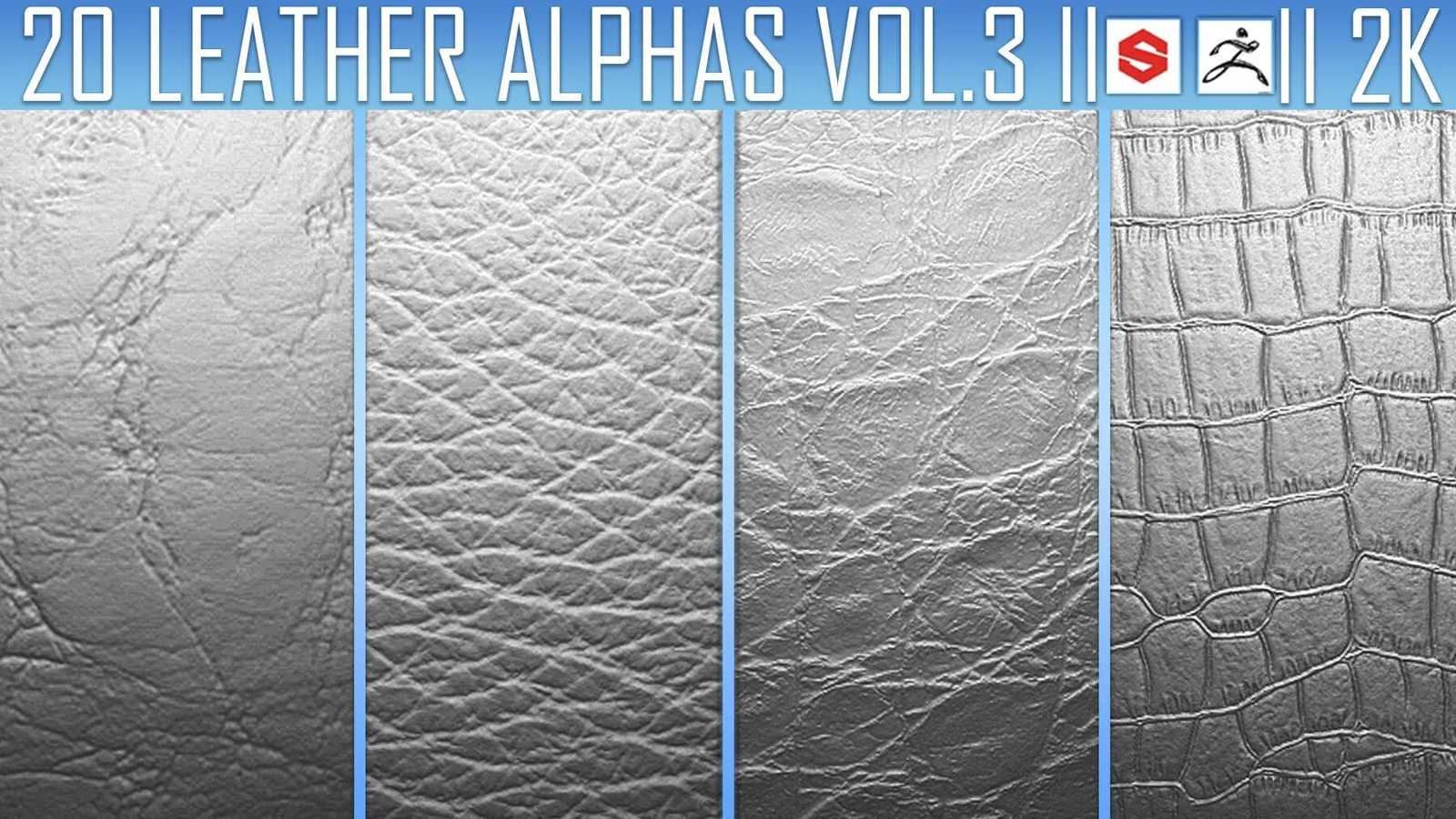
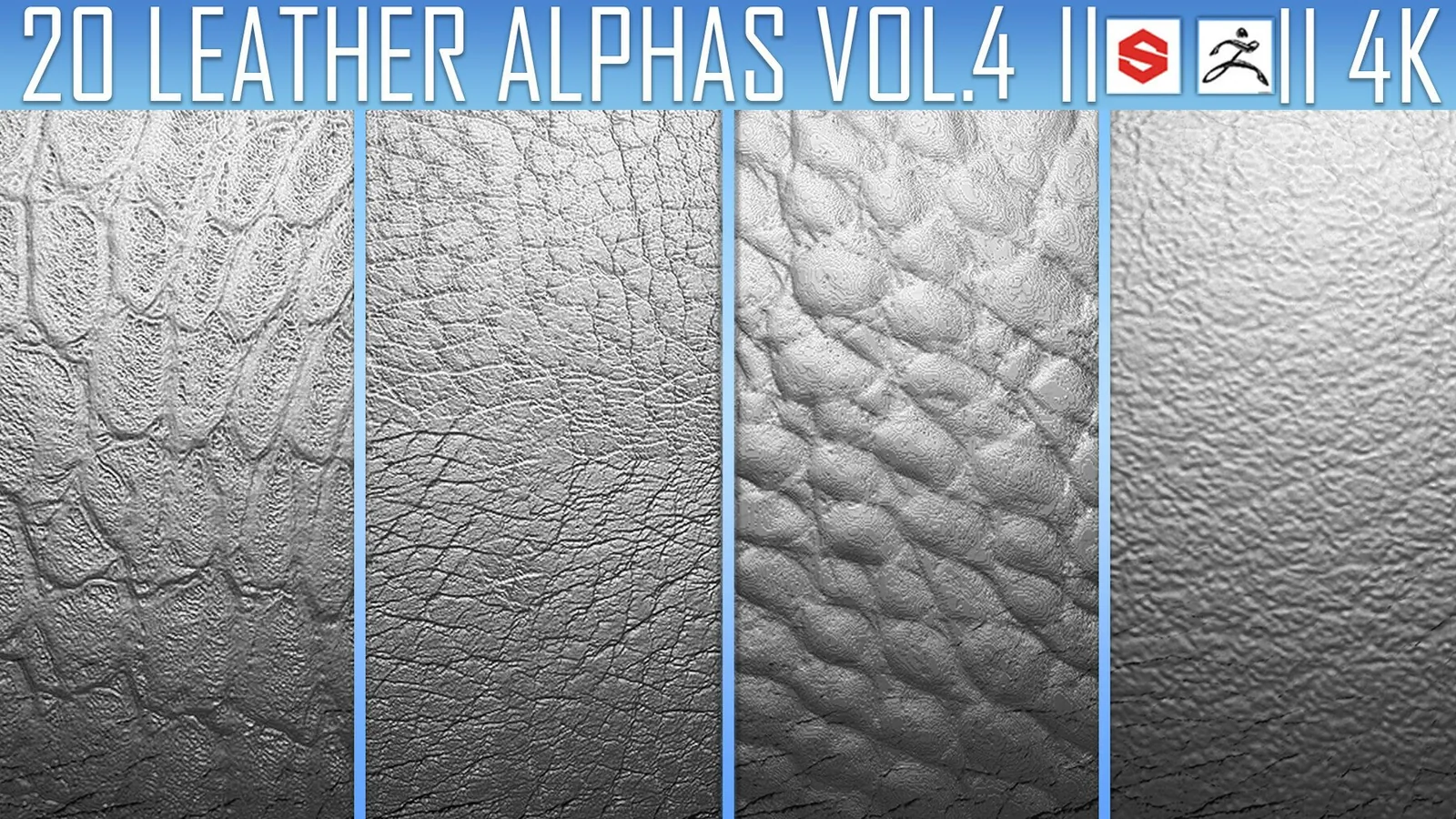
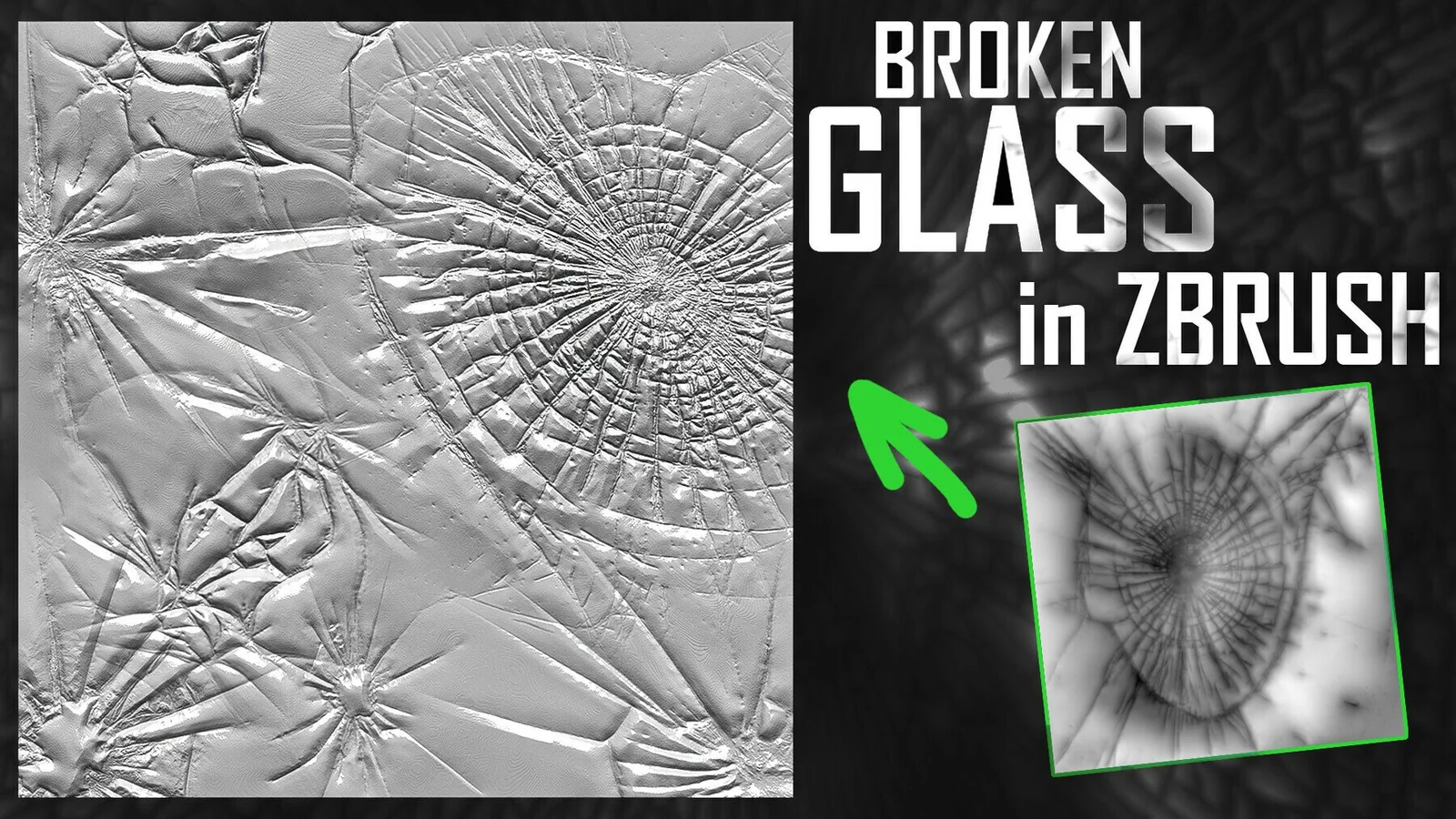
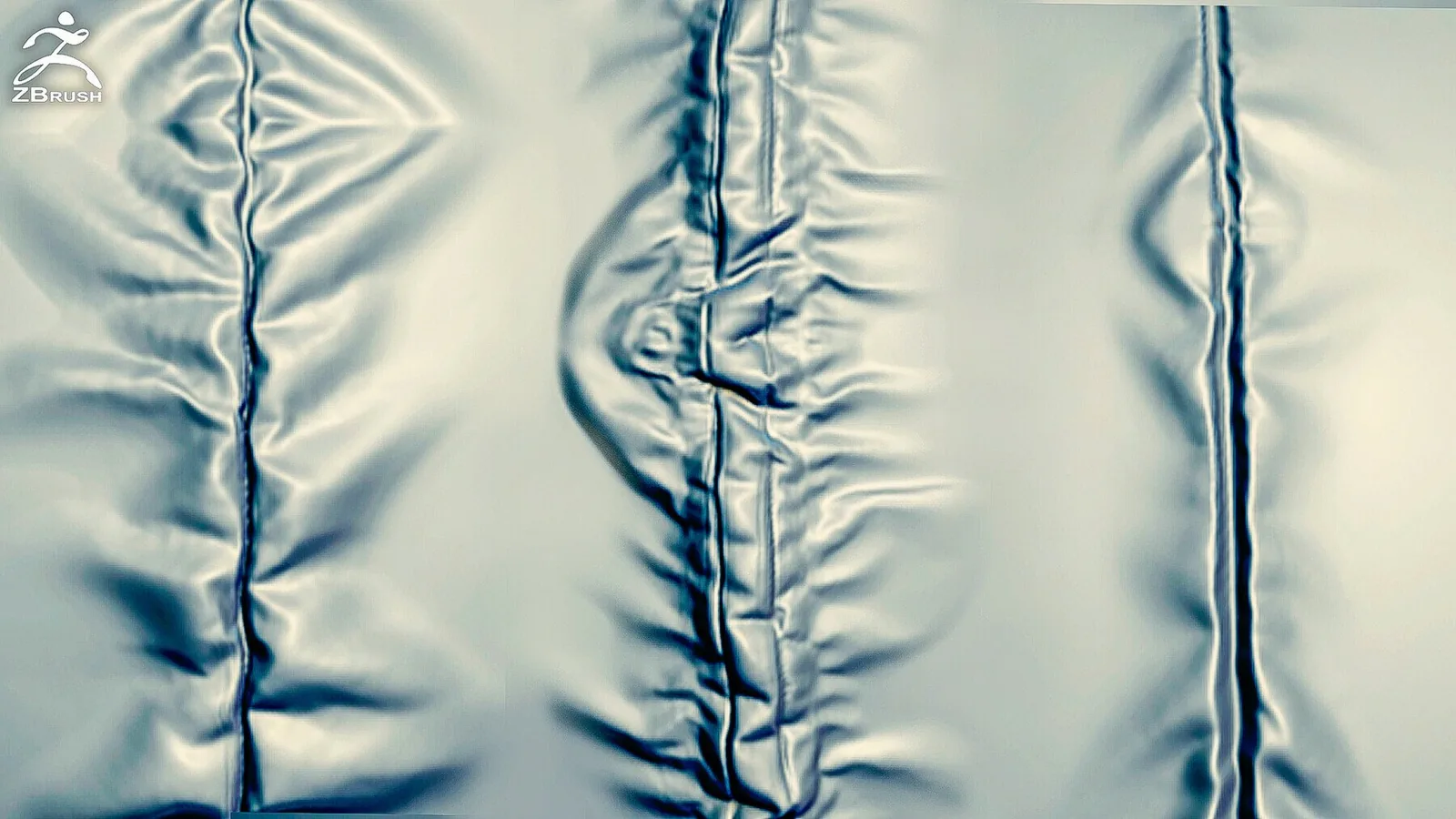
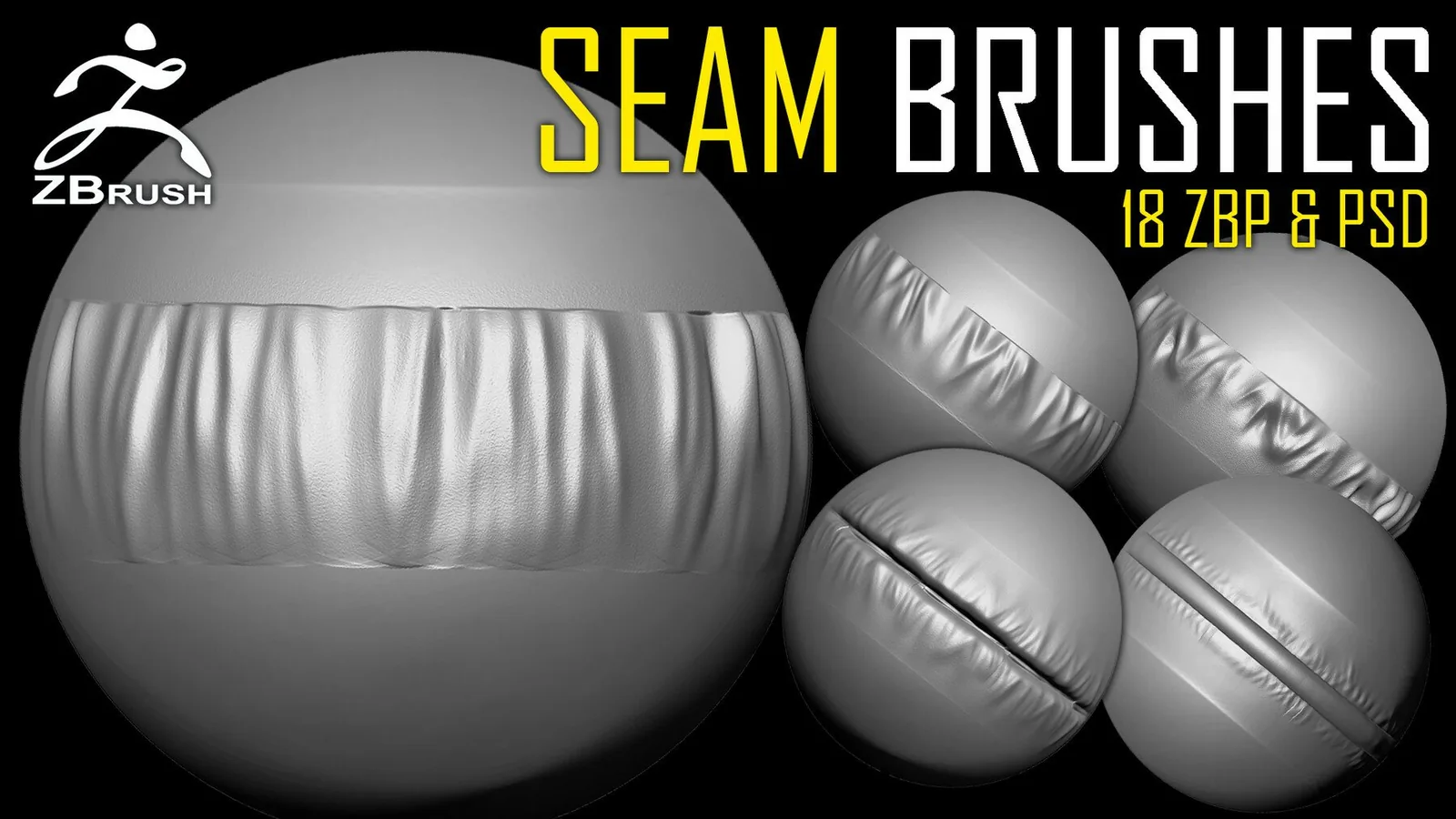
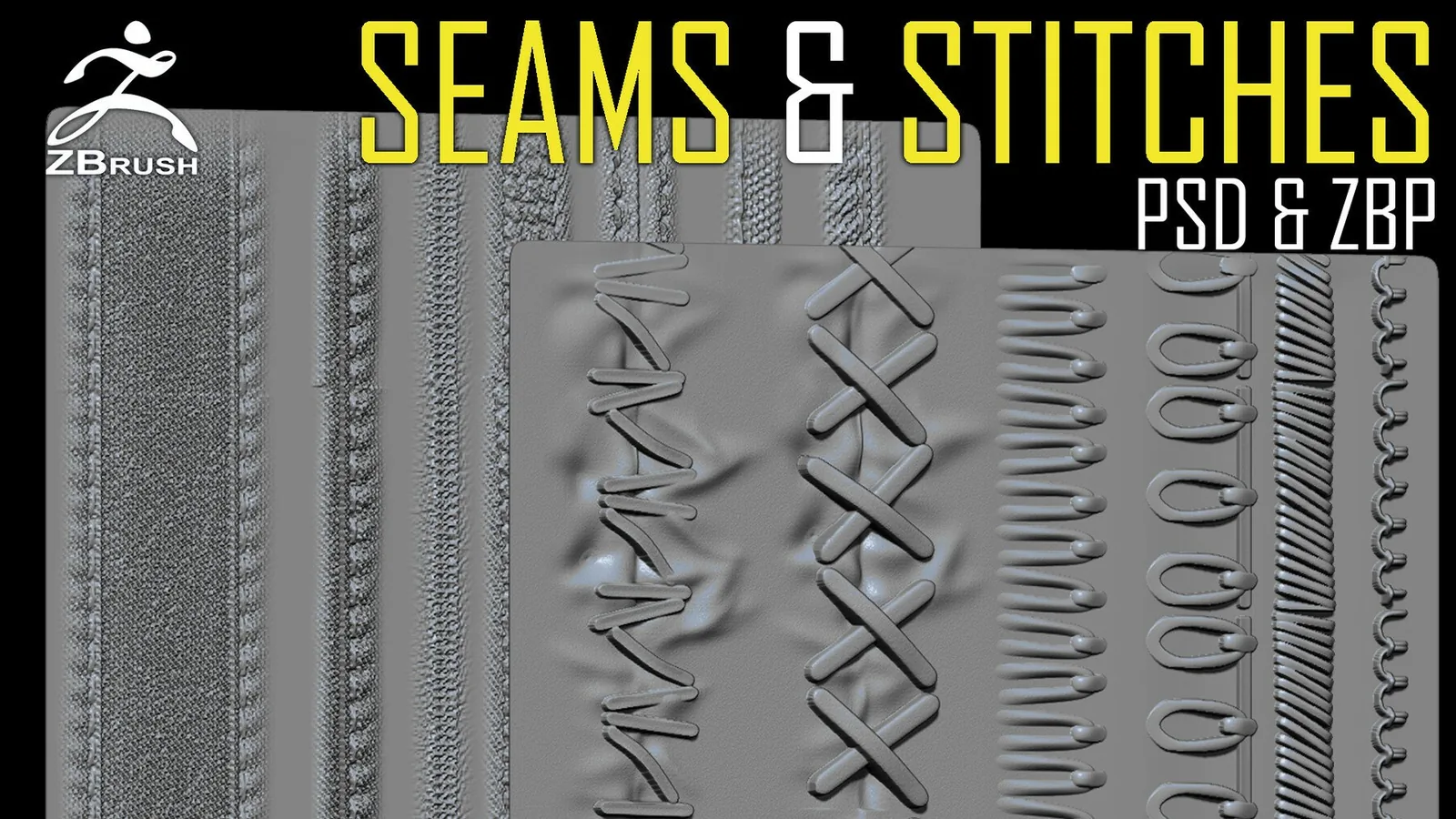
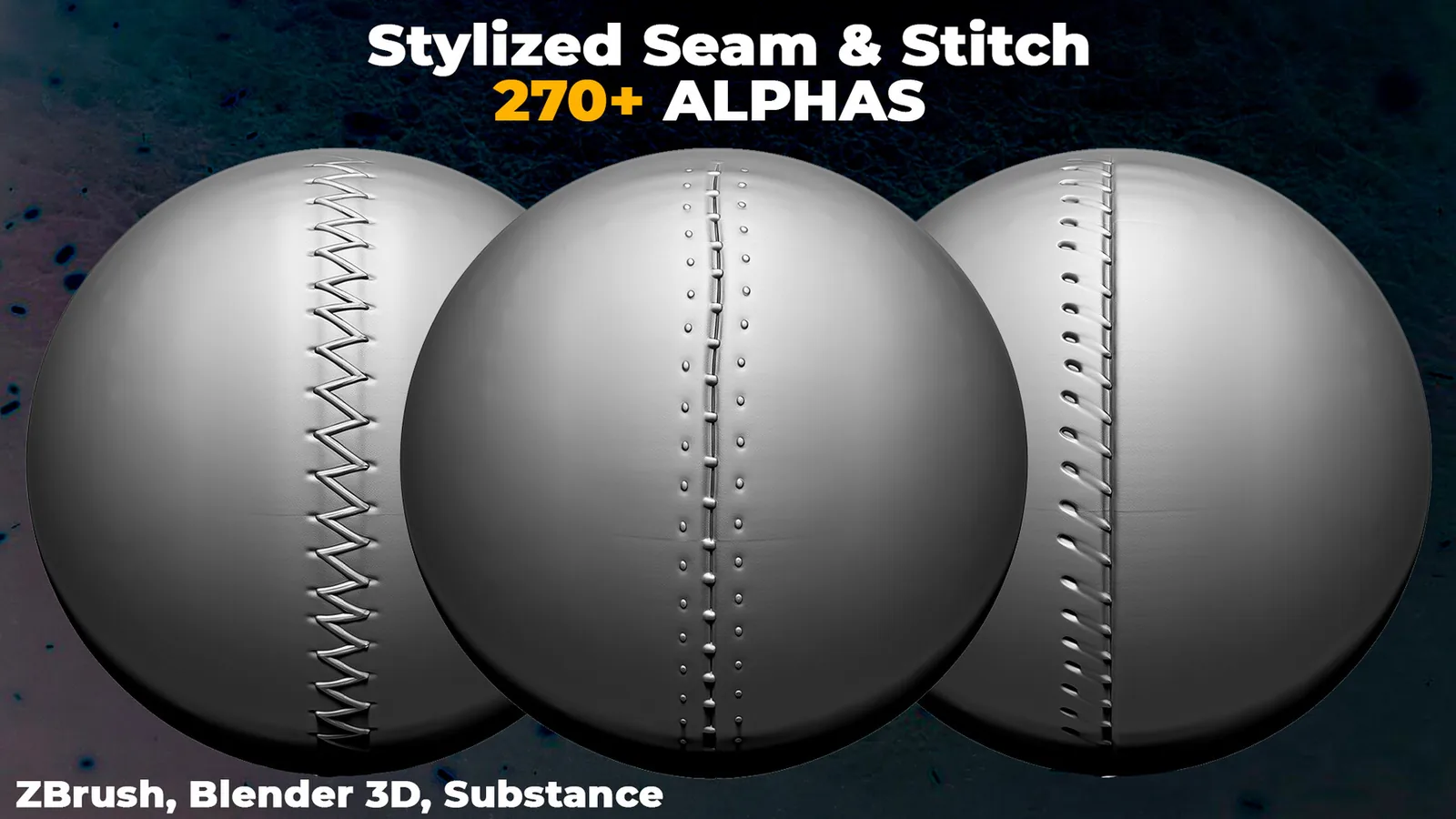
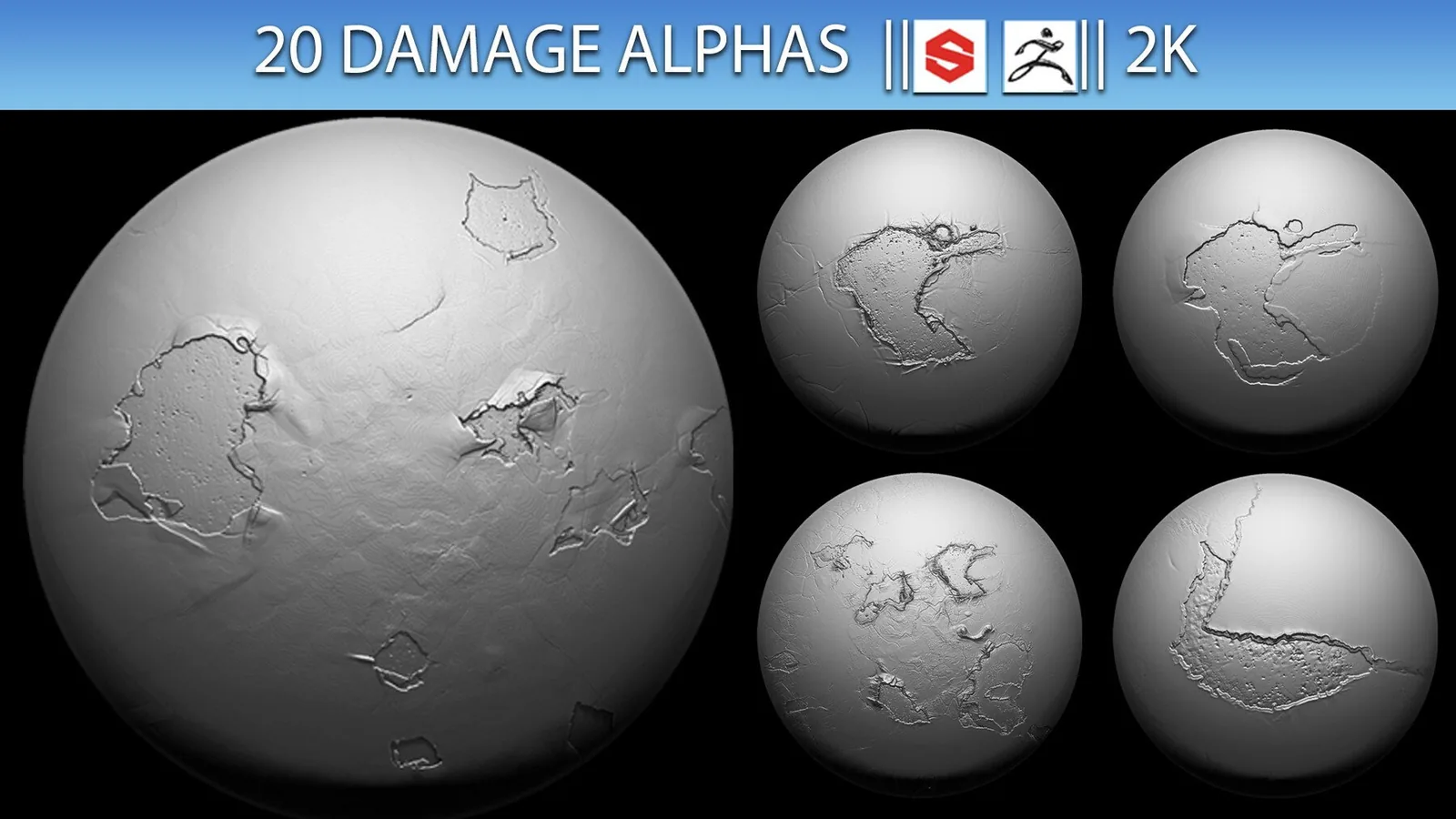
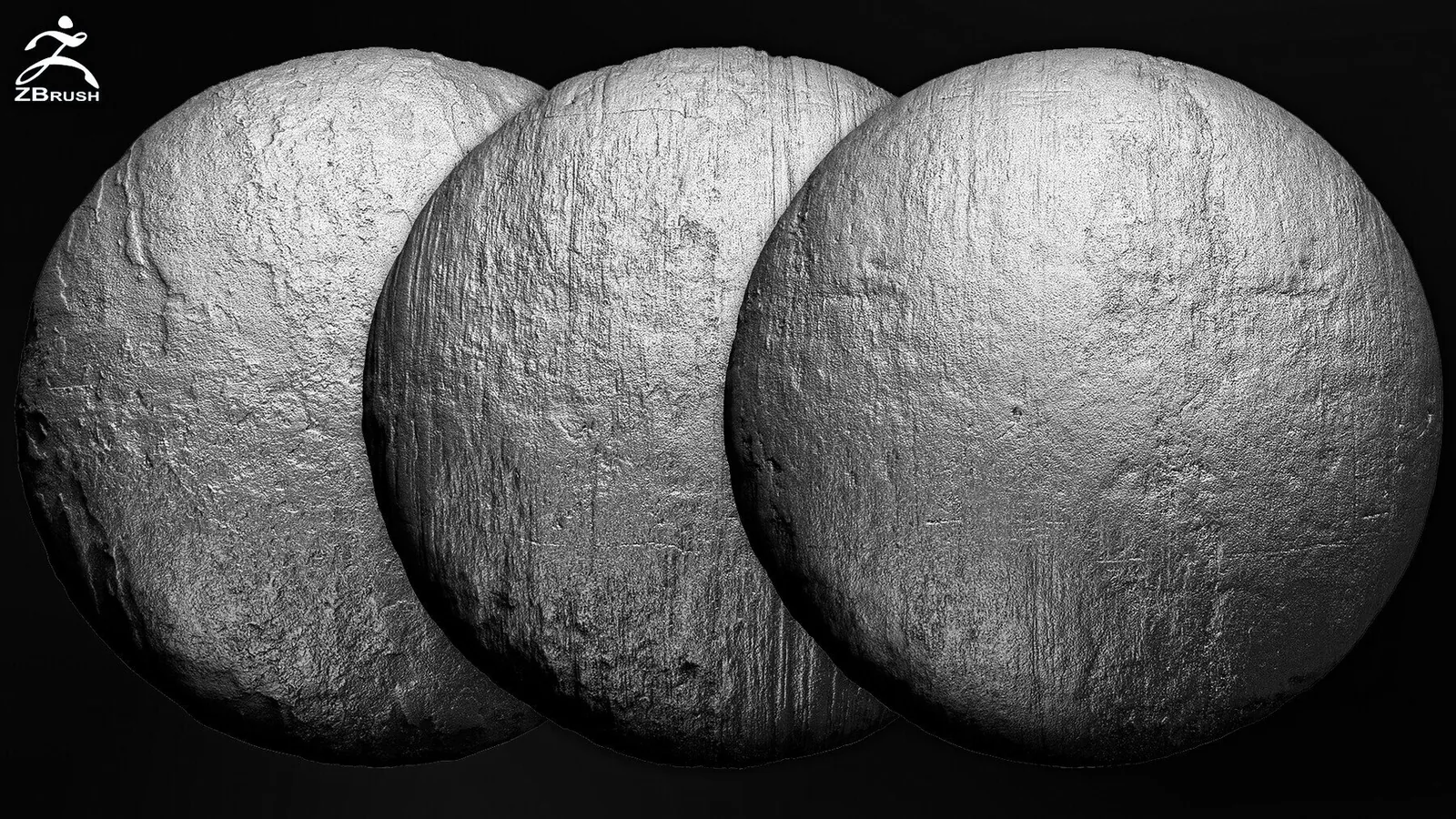
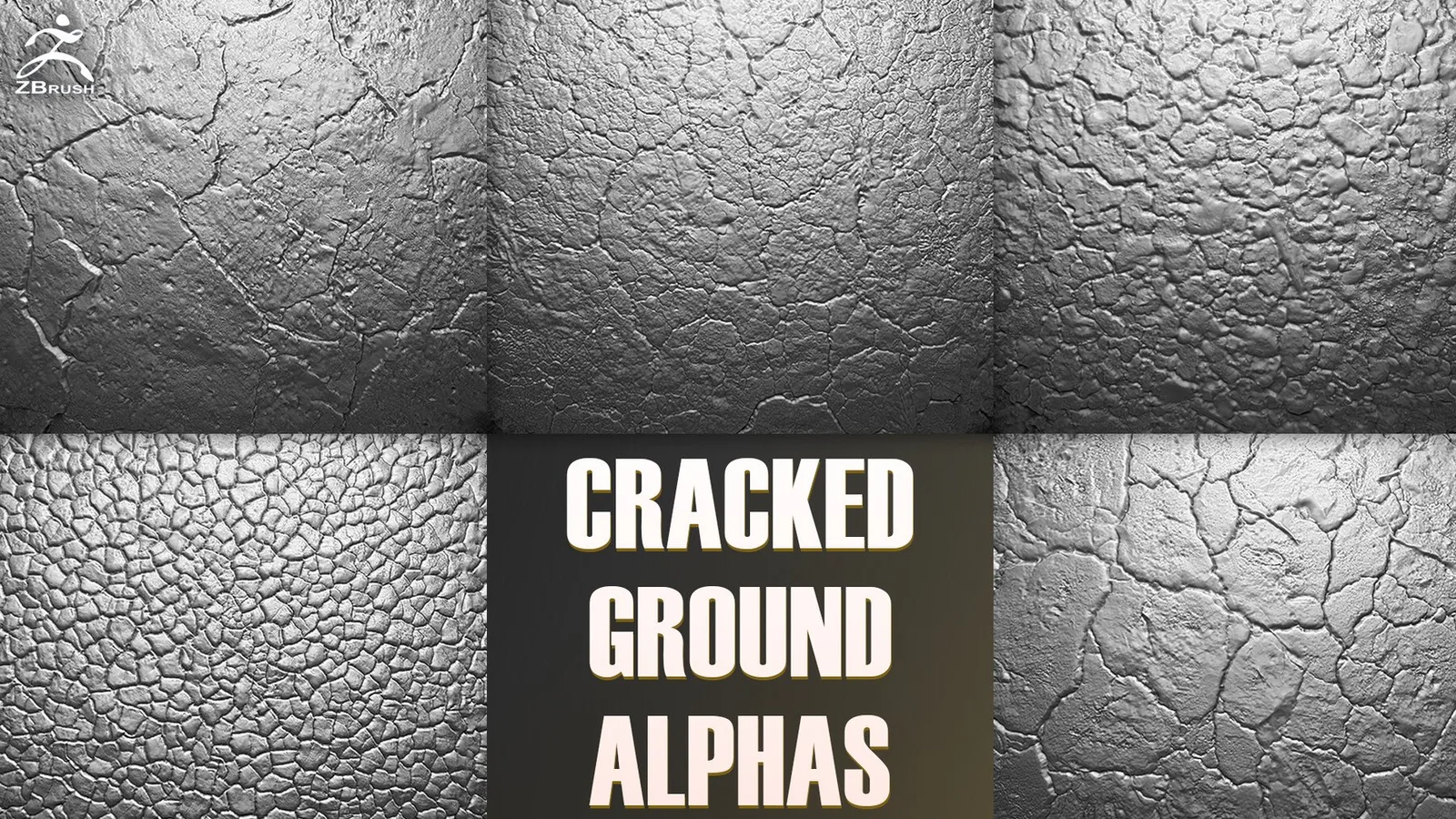
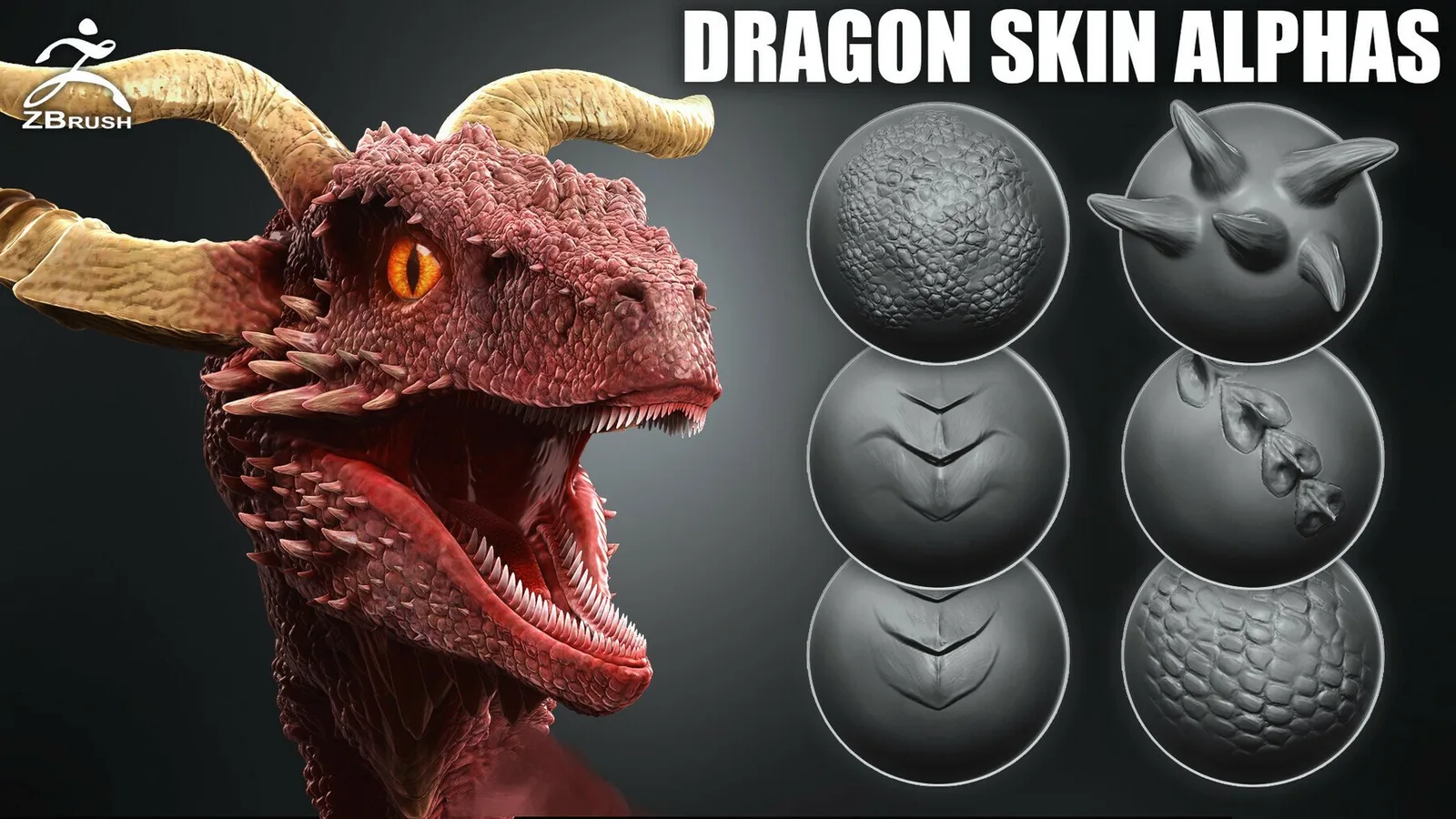
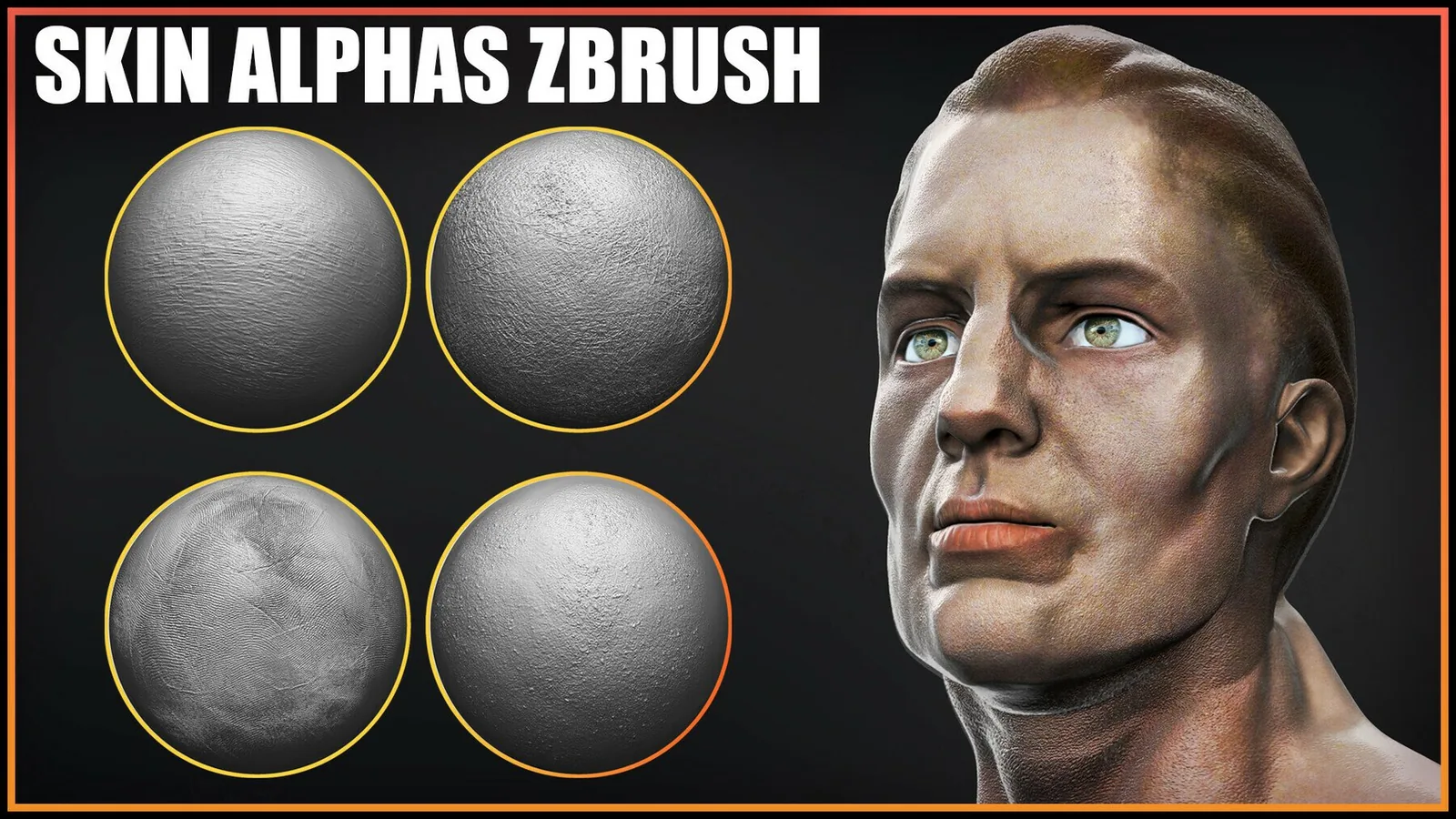
Real product previews showing how the brushes and alphas read on different materials and scales.