Skin Sculpting Brushes

Category

Skin Sculpting Brushes

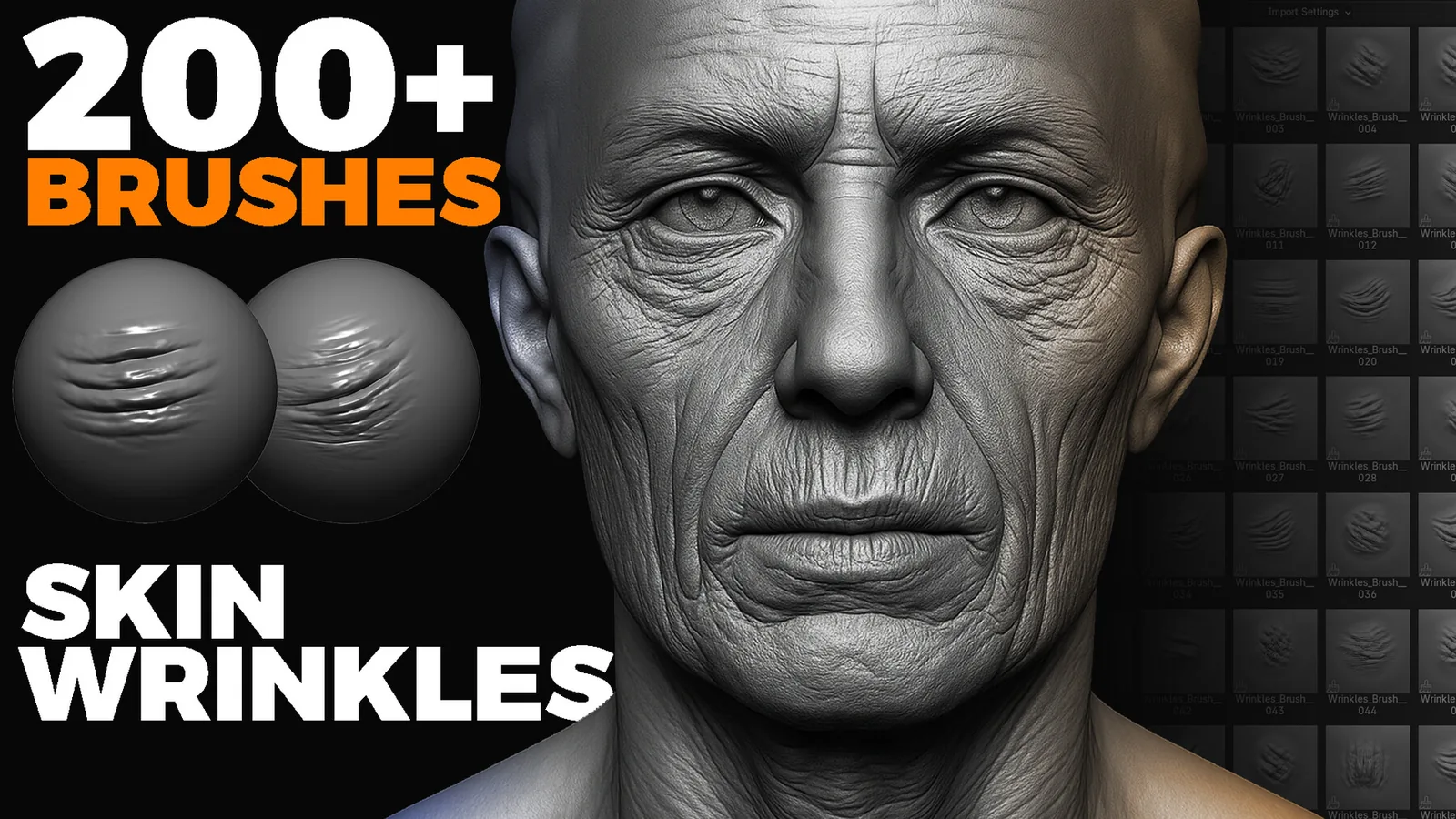
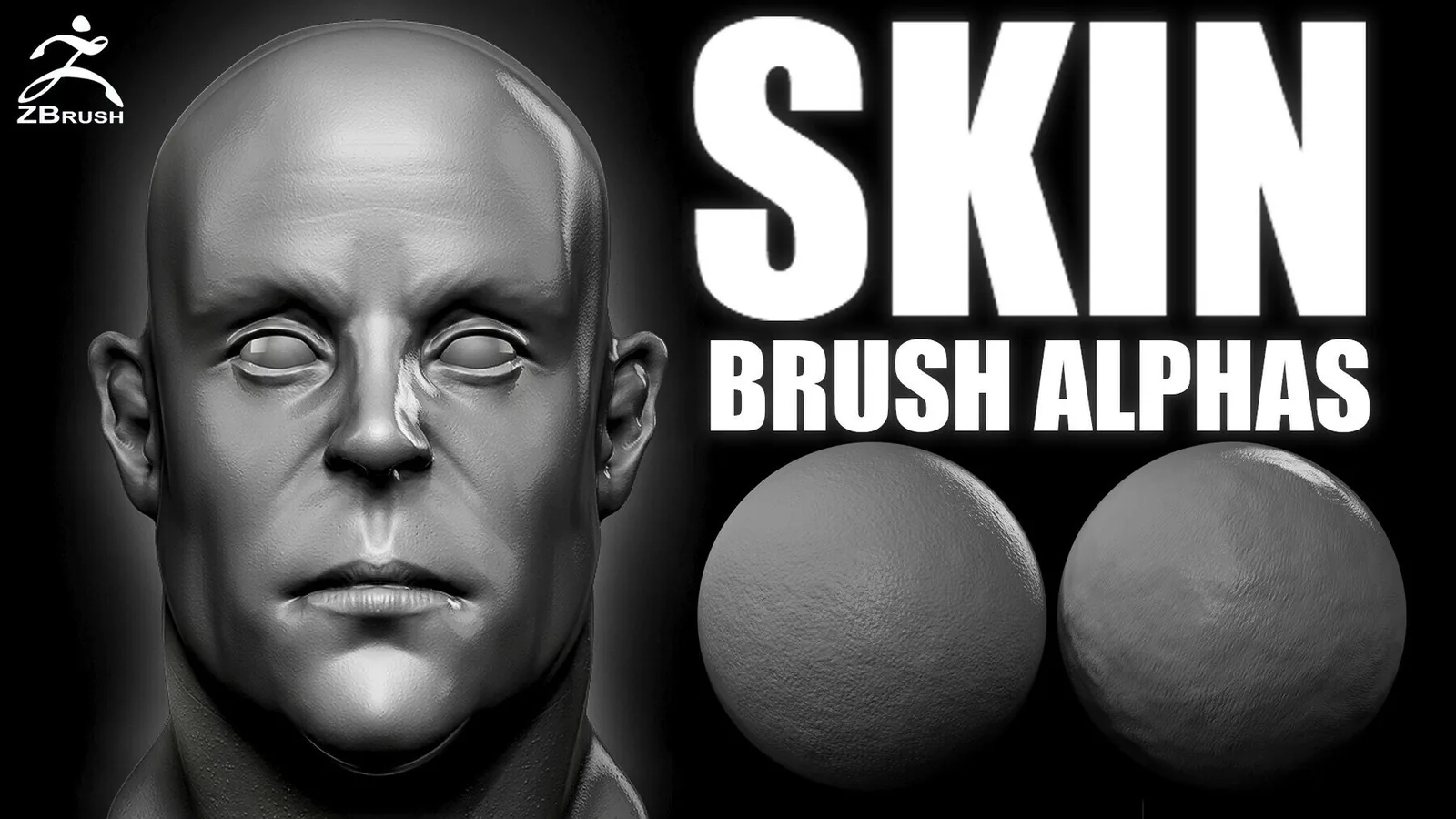
Skin detail is one of the hardest materials to sculpt because it must feel alive without looking noisy. This category focuses on brush packs and alpha libraries for wrinkles, pores, folds, scars, and creature skin. Whether you are sculpting humans, dragons, or stylized monsters, these tools help you control depth and scale so the surface reads well in closeups and still holds up when baked down to textures.

Great skin is built in layers. Primary forms describe anatomy, secondary forms define wrinkles and folds, and tertiary detail adds pores or scale texture. The packs in this category are organized around those layers, with brushes for clean wrinkle flow, skin breakup, and scale direction. Use them to build believable surfaces without overworking the mesh.

Pores and wrinkles Creature scales Layered skin detail Blender and ZBrush

Anatomy aware skin detail Clean alphas and stamps For characters and creatures

Before applying any skin brush, lock the anatomy and overall planes. If the underlying forms are weak, the detail will read as noise. Use a low intensity and build wrinkle depth gradually. This keeps the surface natural and prevents the sculpt from looking like a stamped texture. The best results come from several subtle passes, not one heavy stamp.

Wrinkle brushes are most effective when they follow muscle flow. For example, forehead lines should arc with the brow, and neck wrinkles should wrap around the sternocleidomastoid. Study reference and align each stamp with the underlying anatomy. When the wrinkles follow the body, the surface reads as skin instead of generic noise.

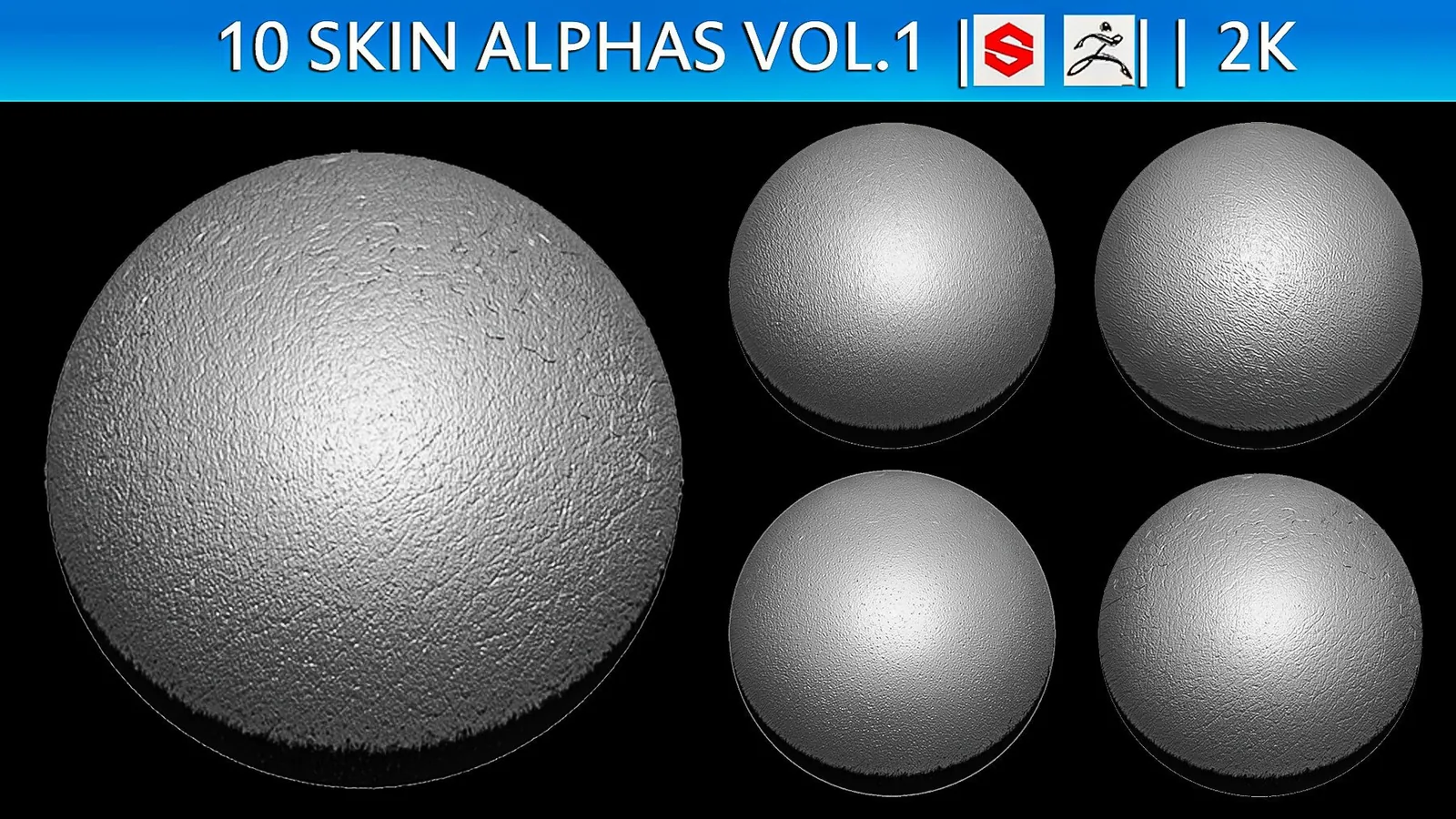
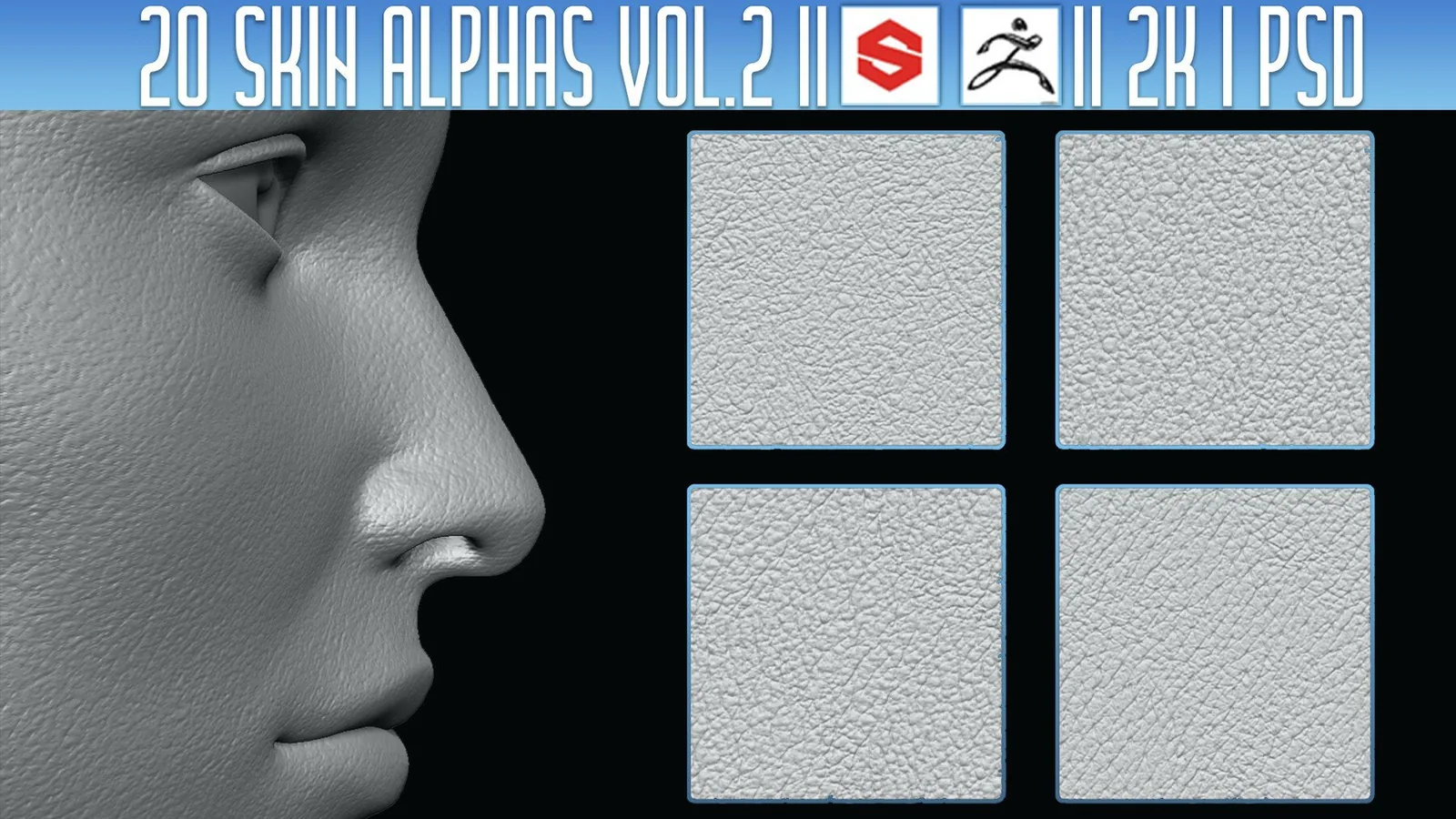
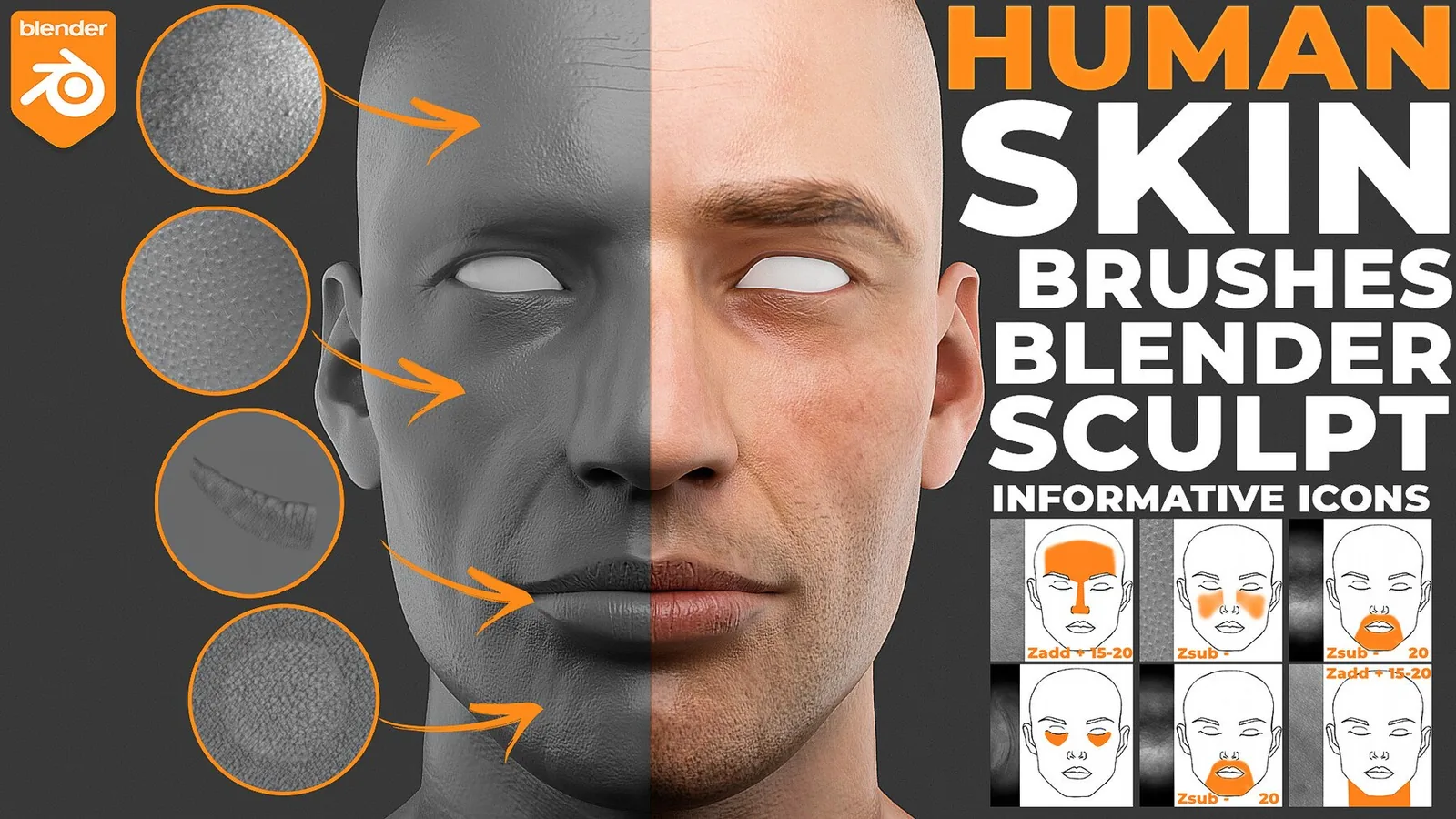
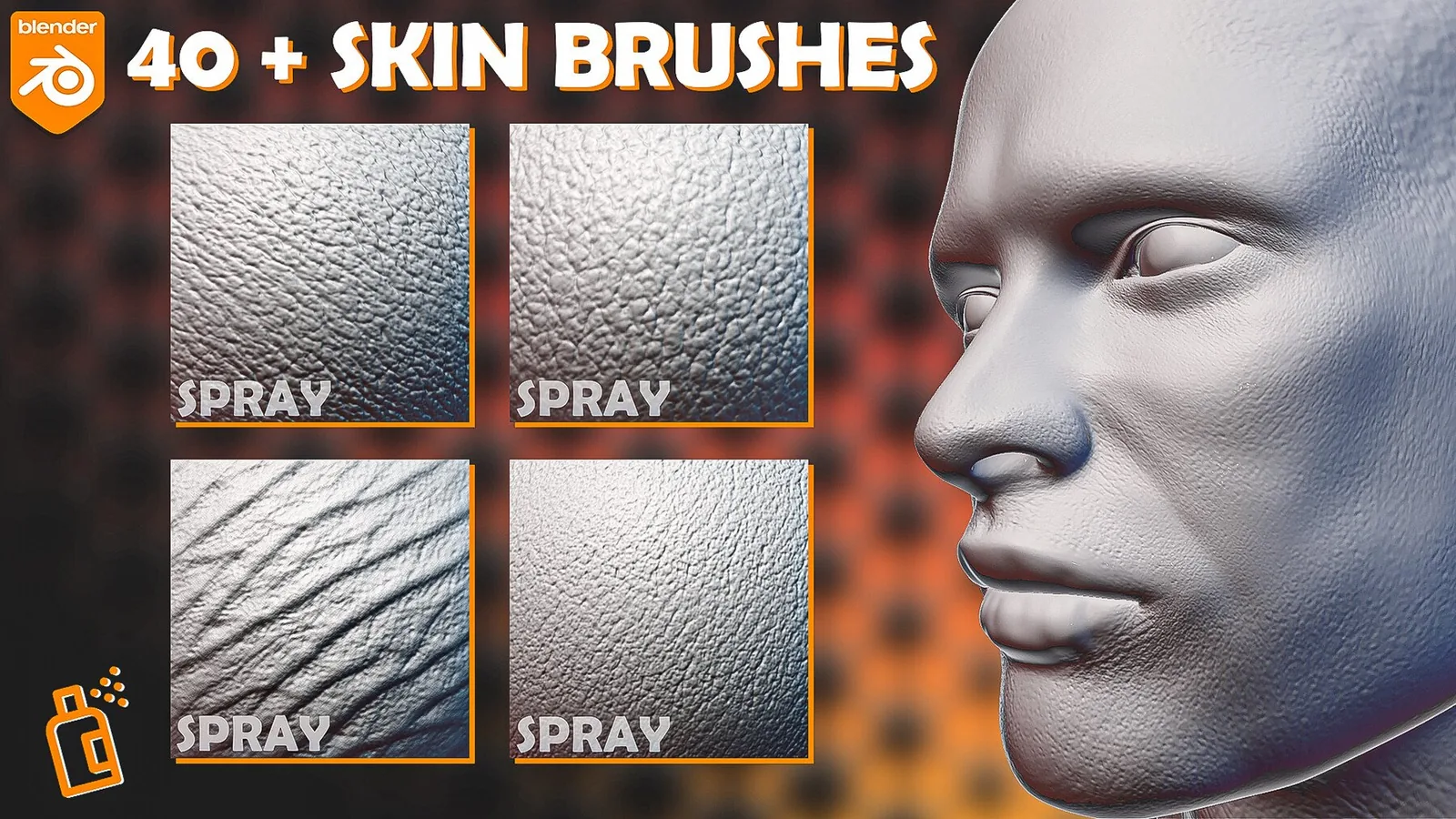
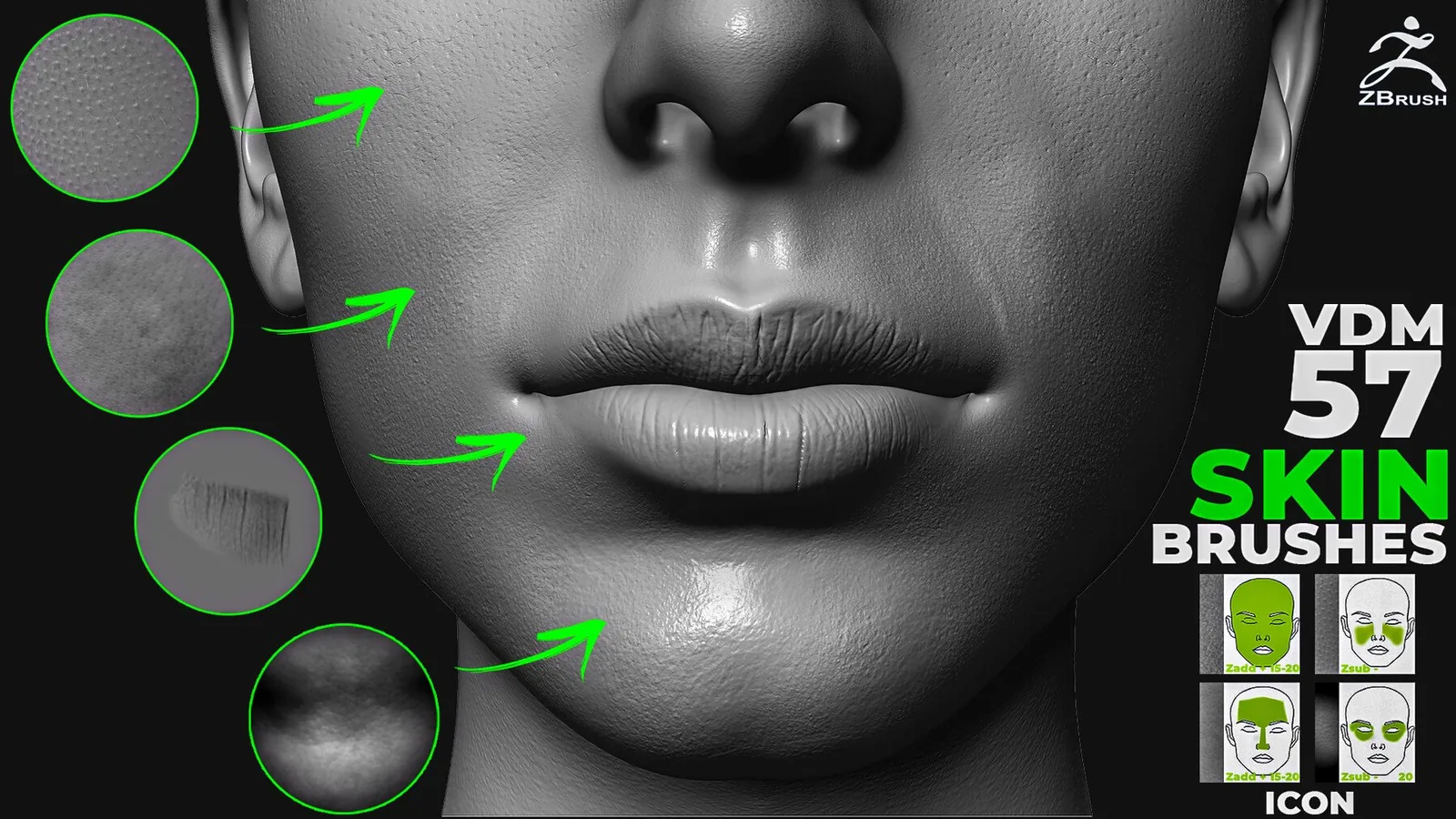
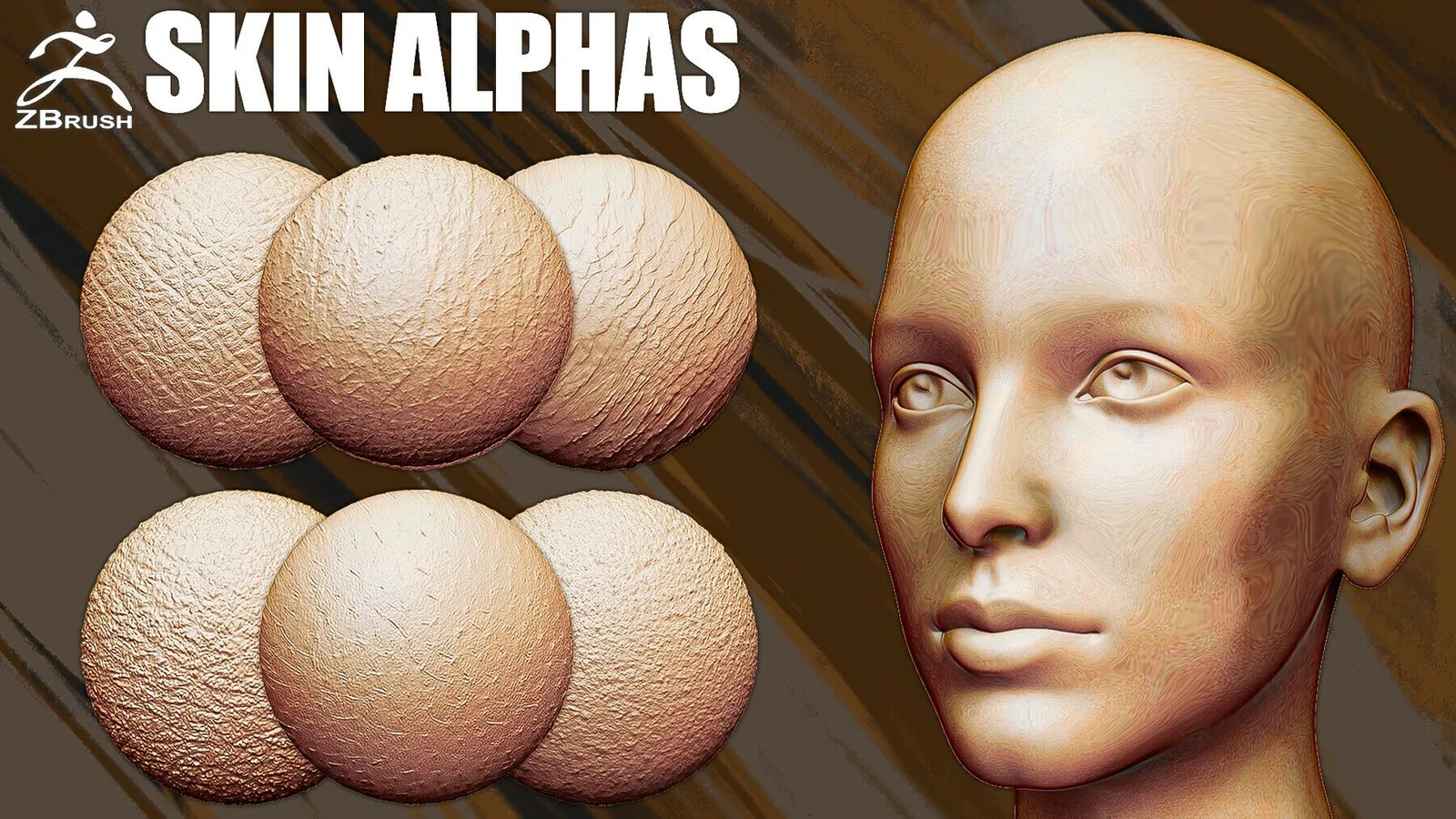
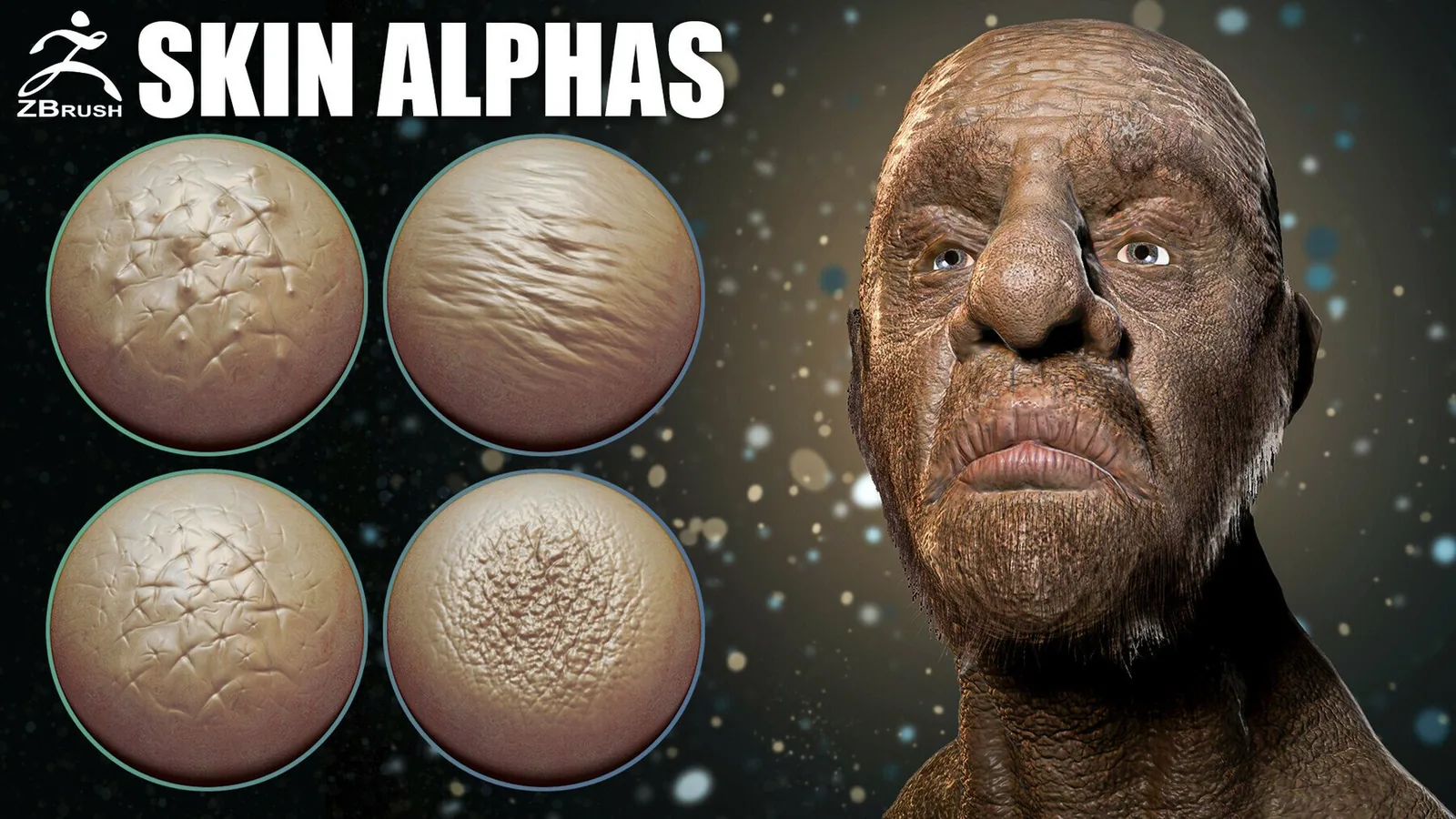
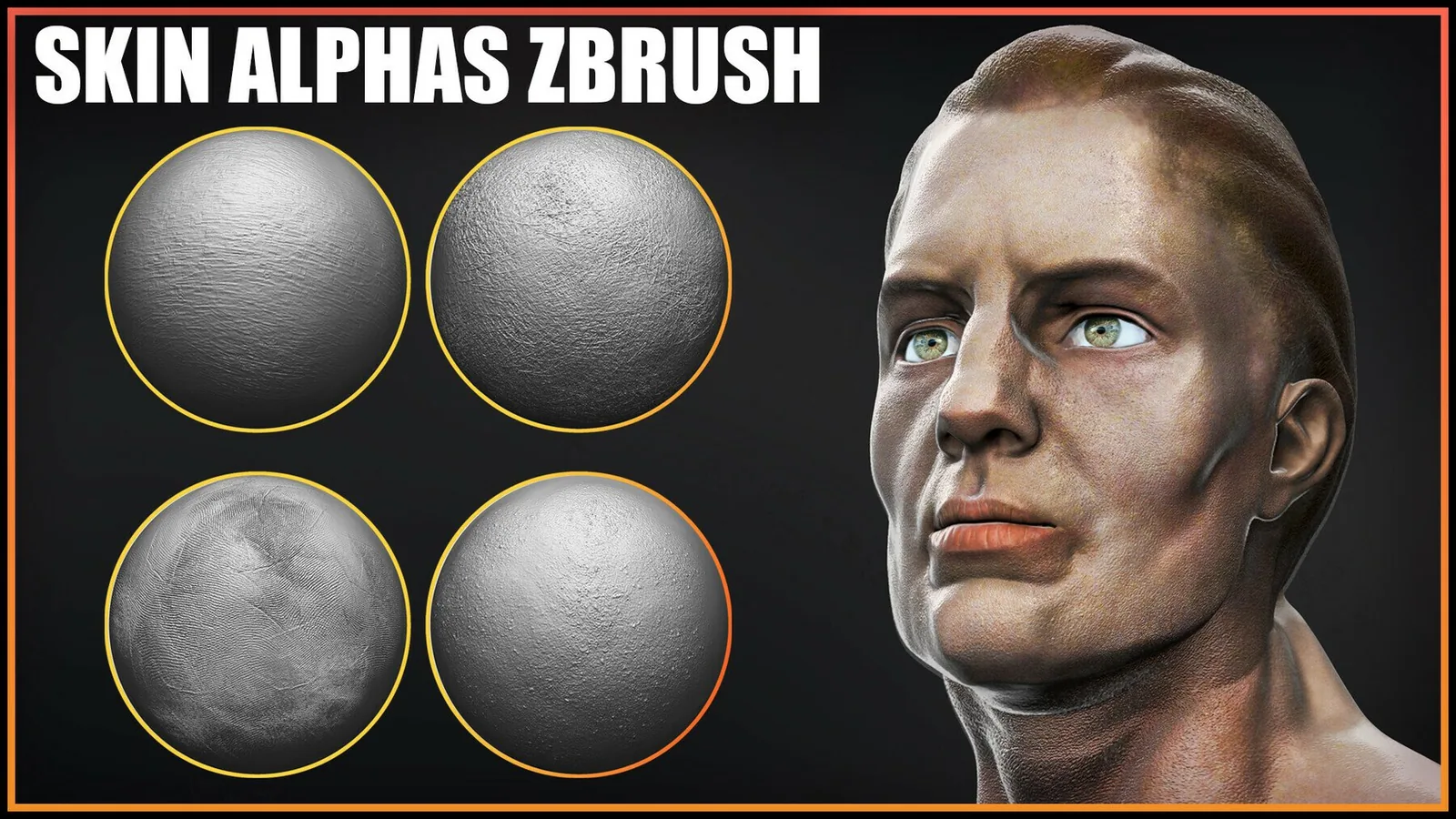
Pores and micro detail should never compete with the primary wrinkles. Use large pores only in areas like the nose or cheeks and reduce the depth on forehead or eyelids. A simple rule is to keep micro detail lower than any medium wrinkle so the eye reads form before texture. This is even more important for cinematic closeups.

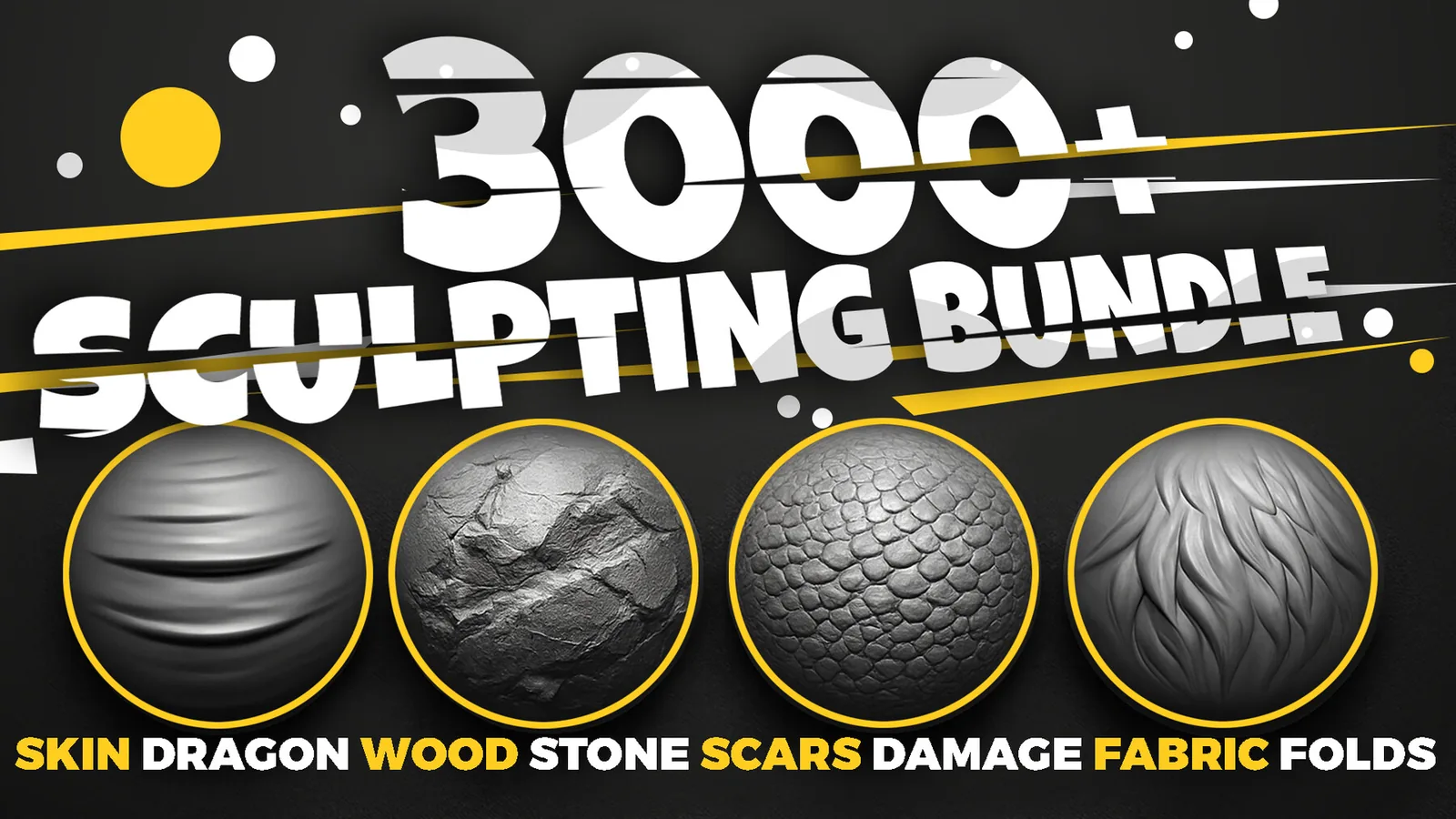
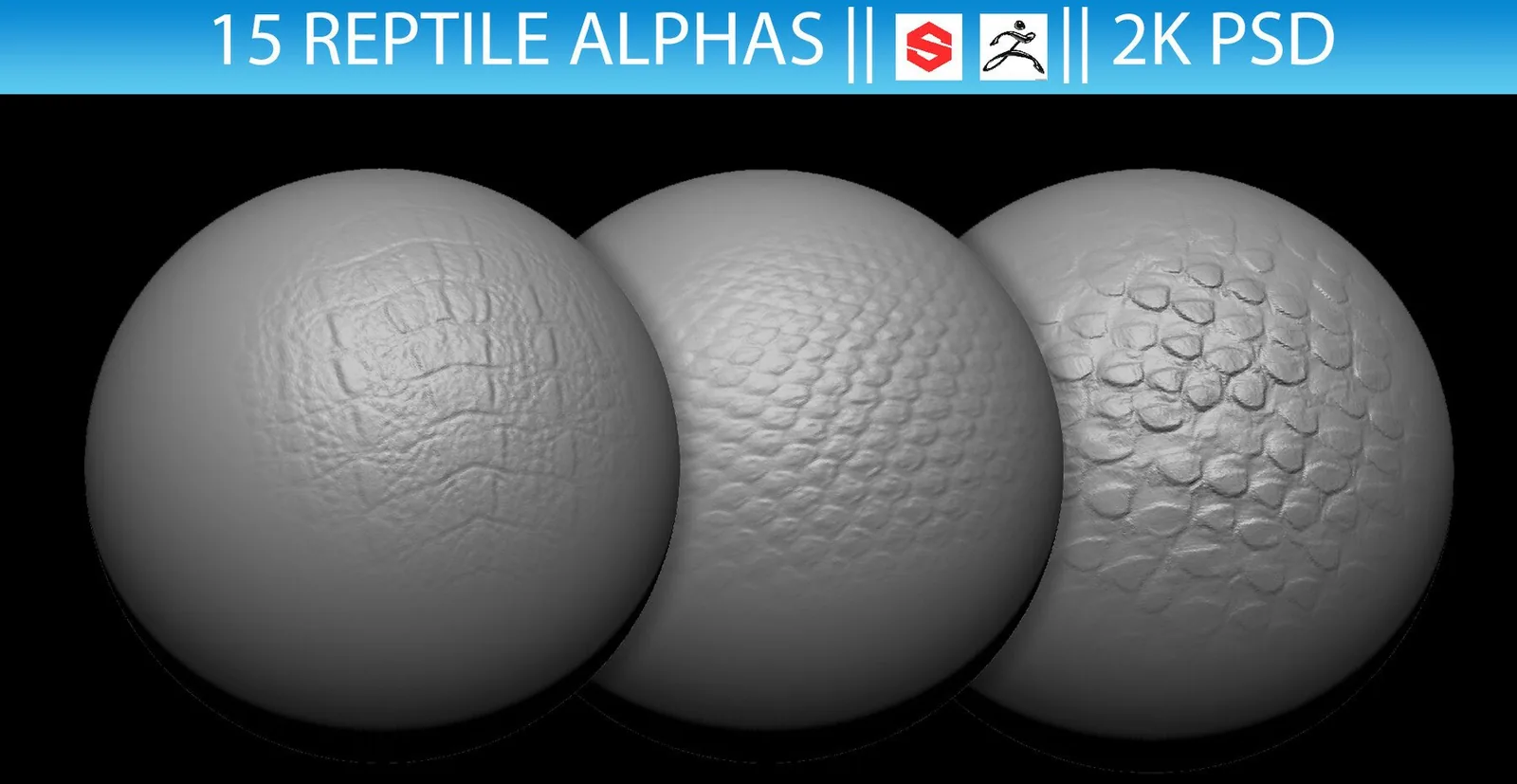
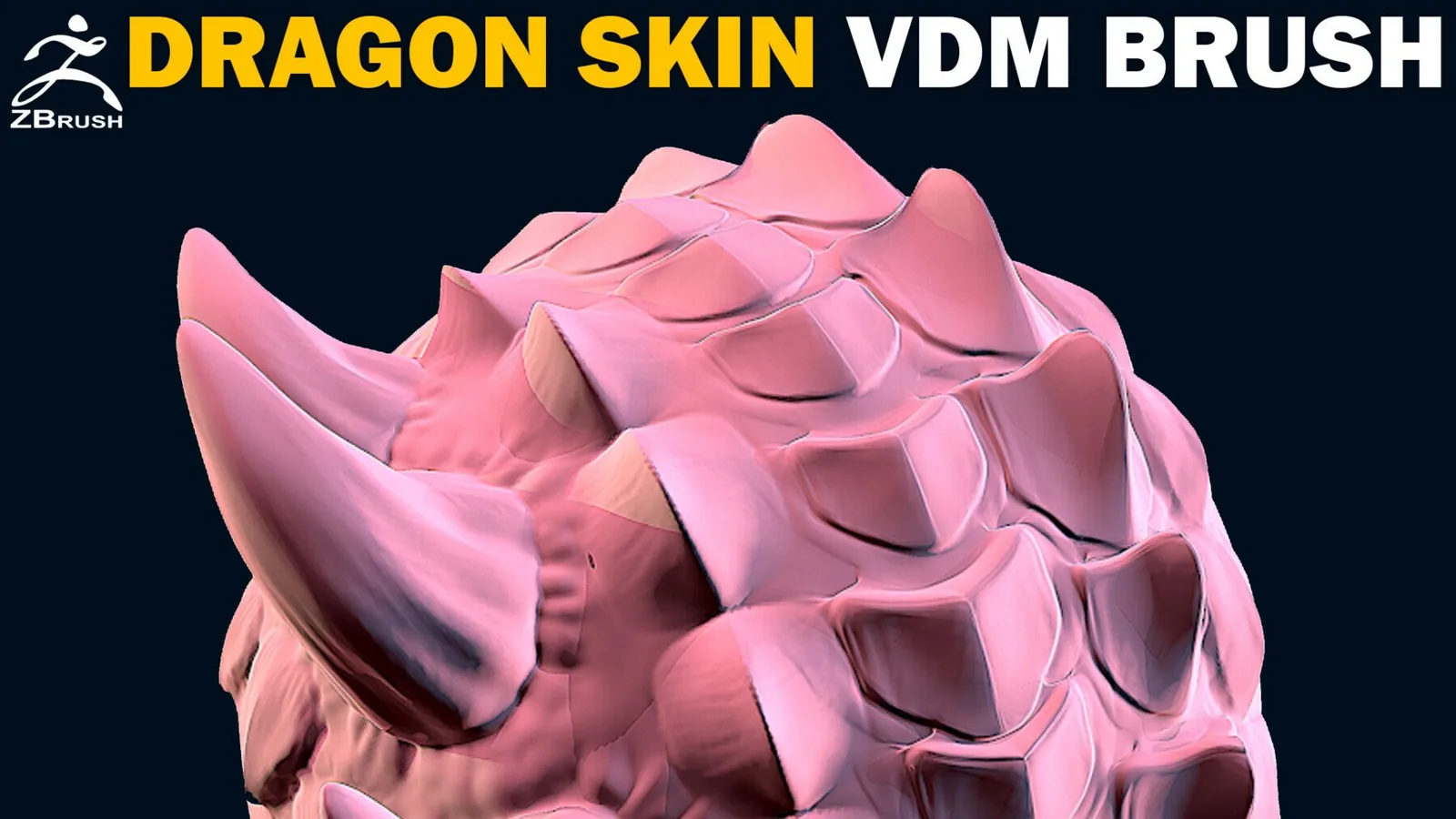
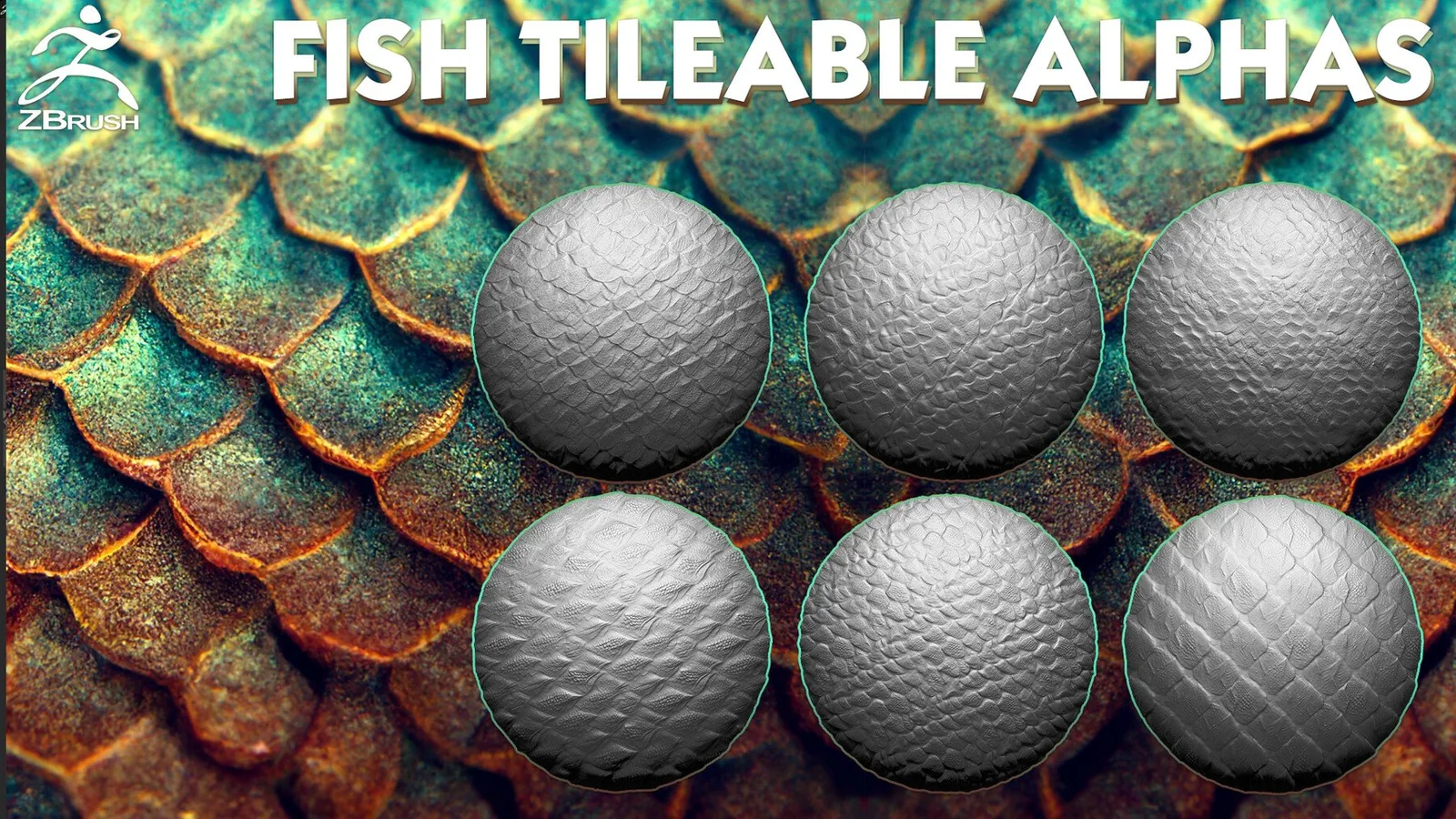
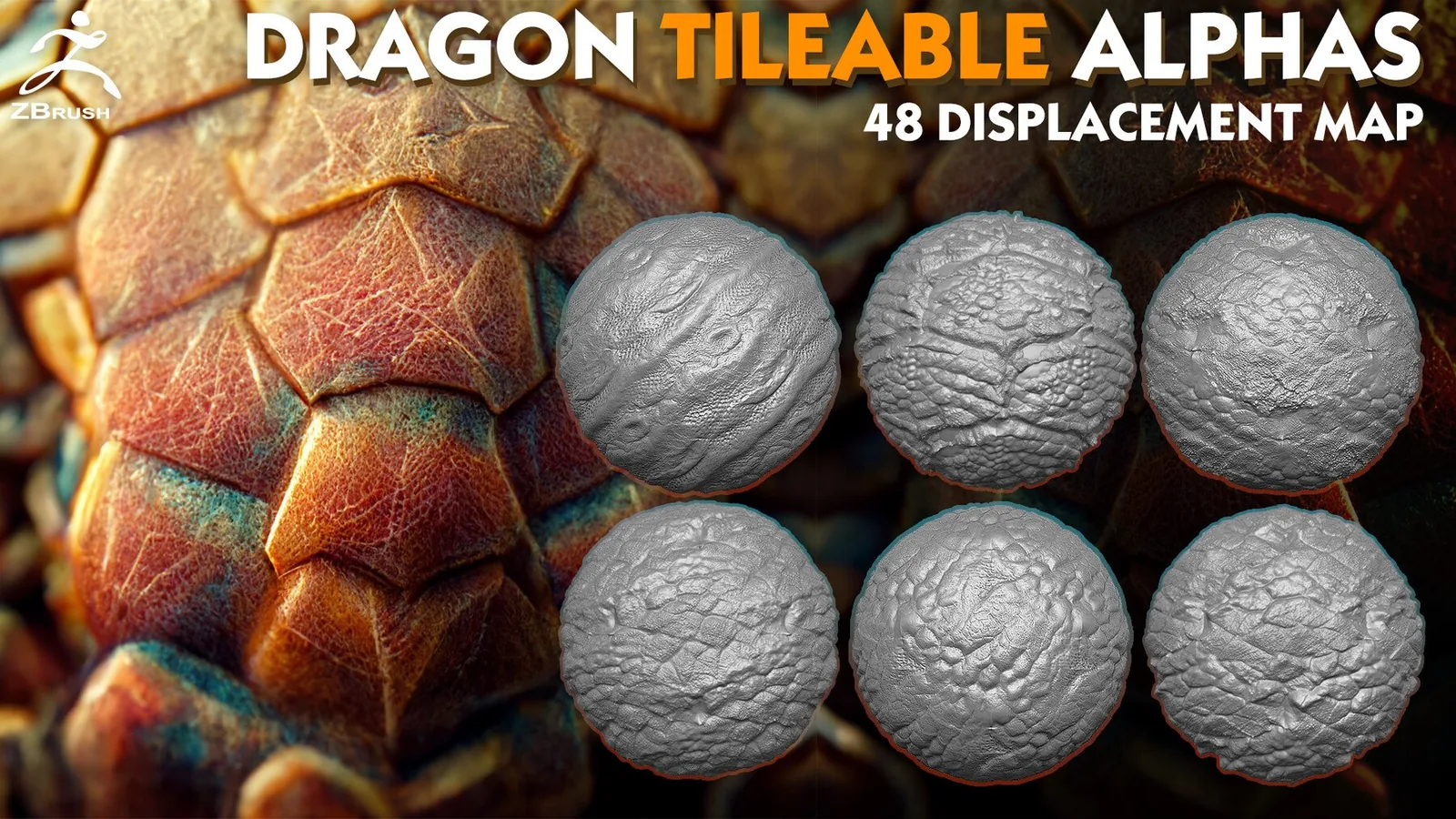
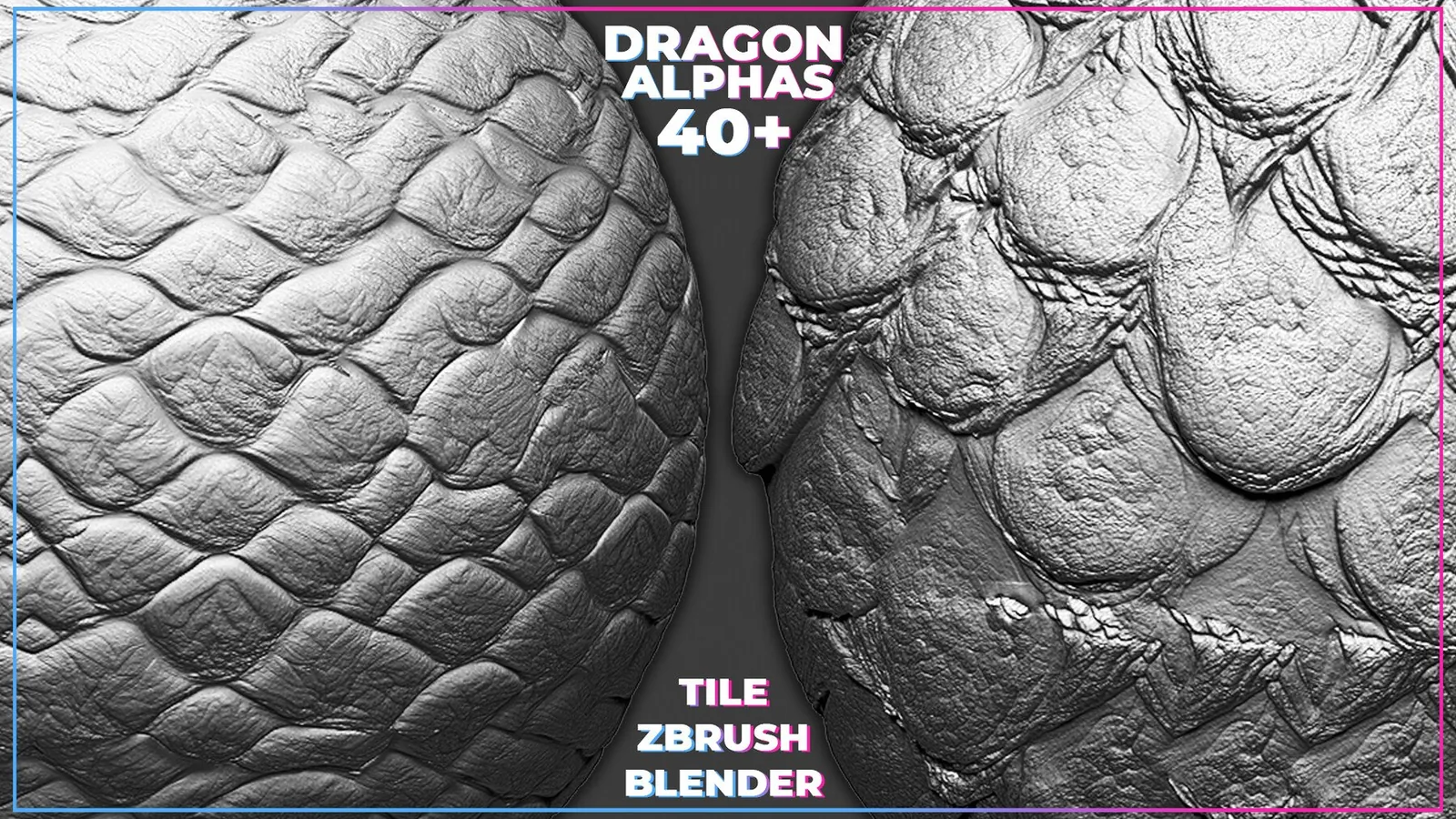
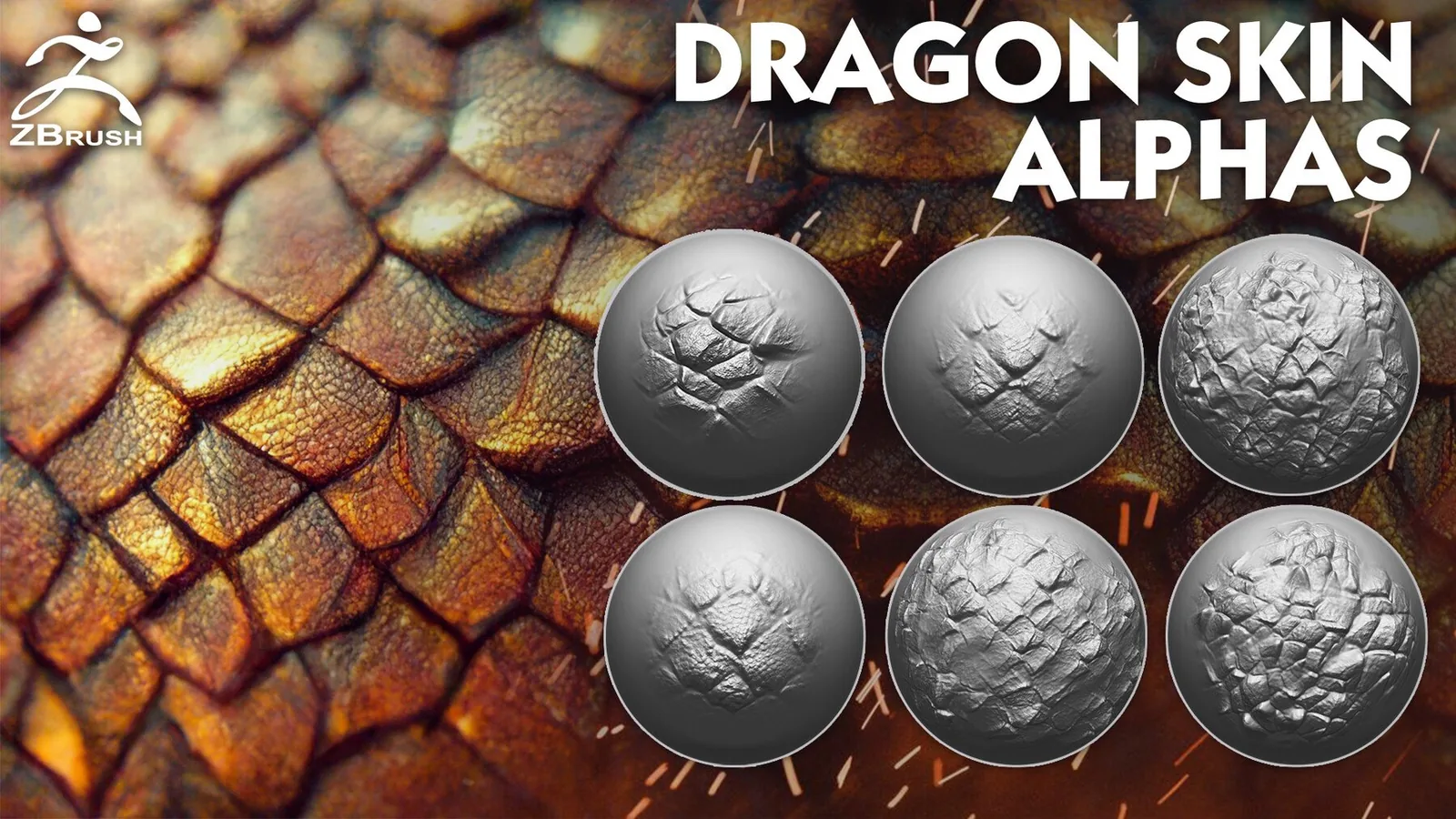
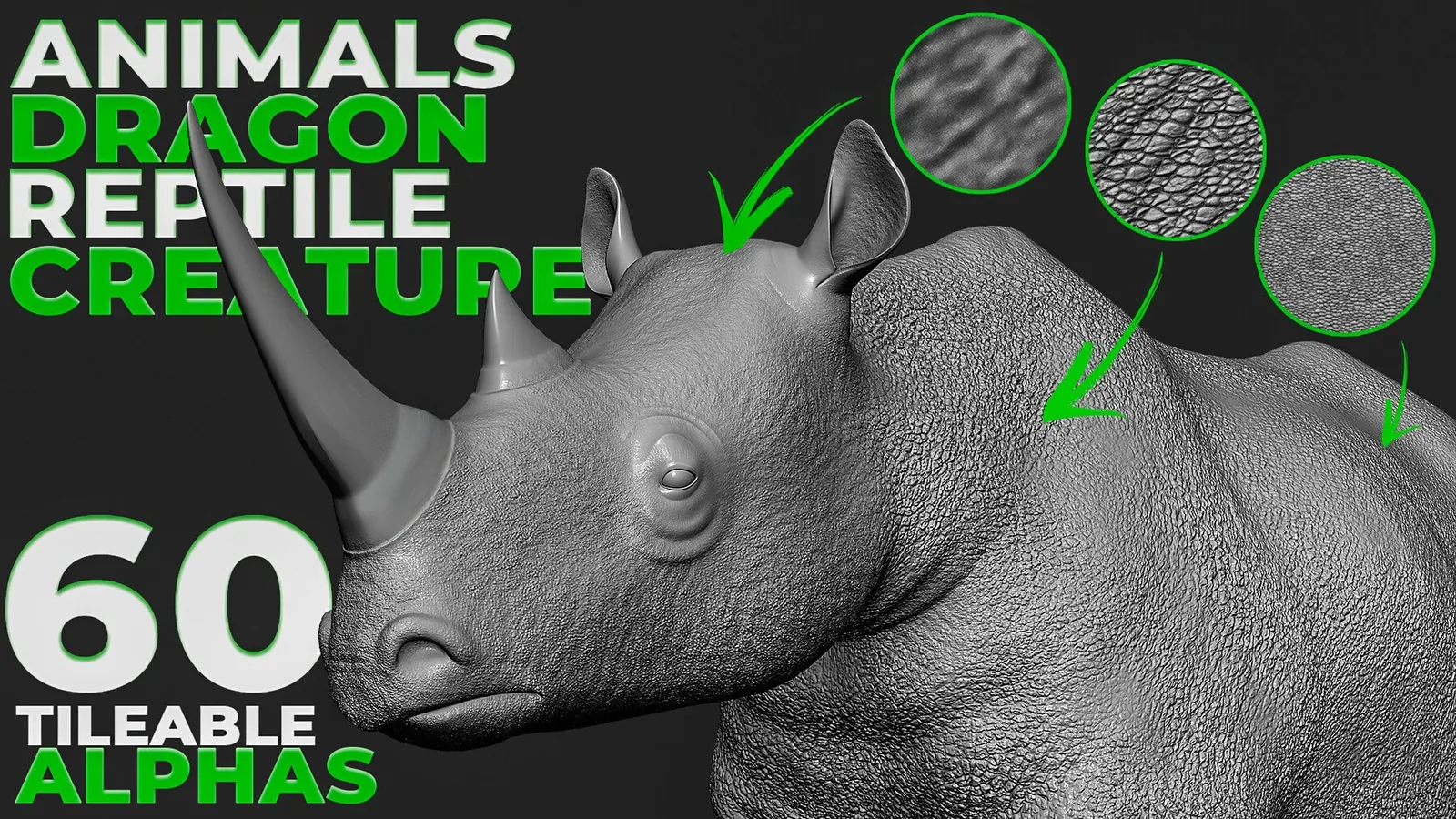
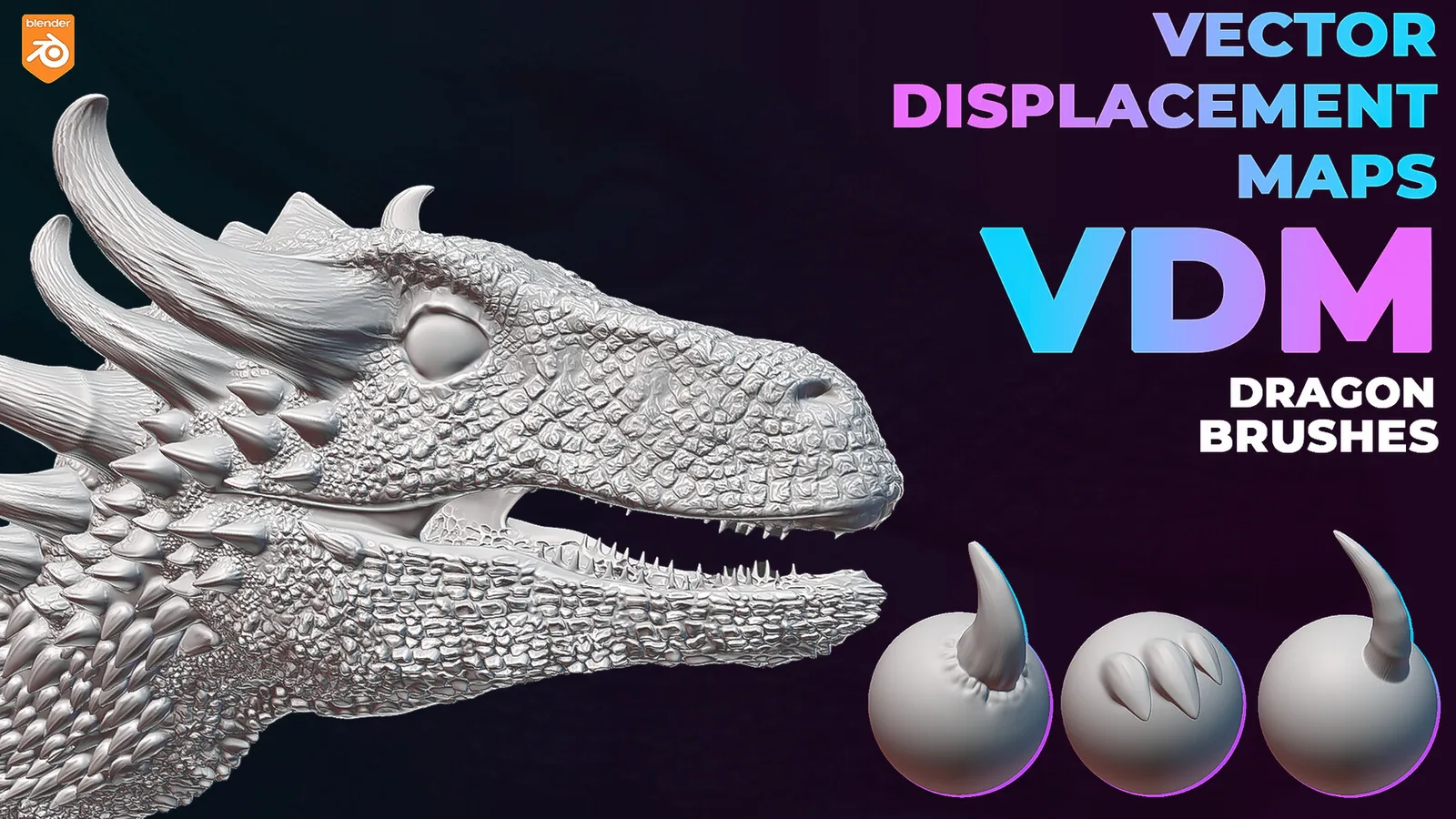
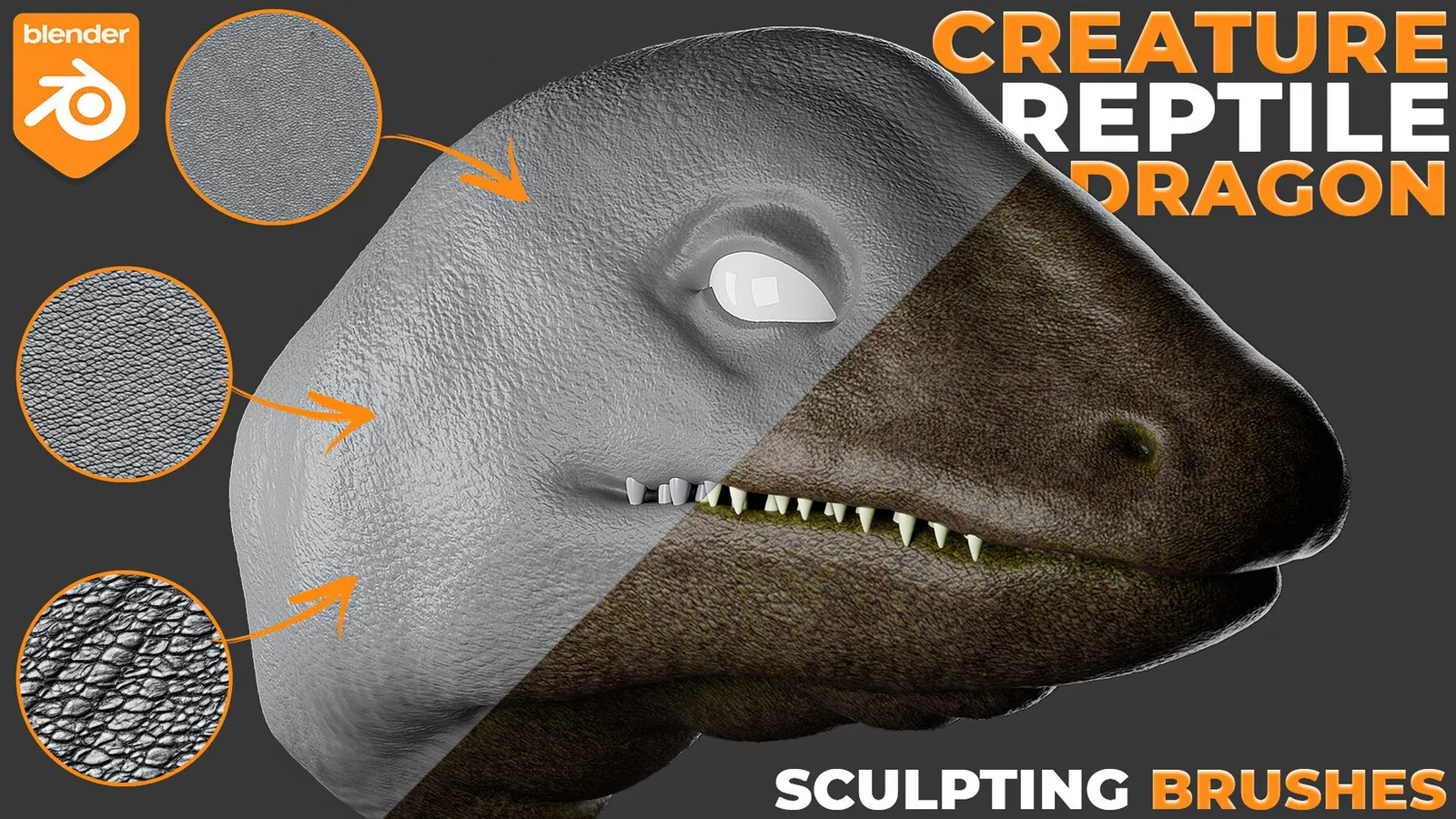
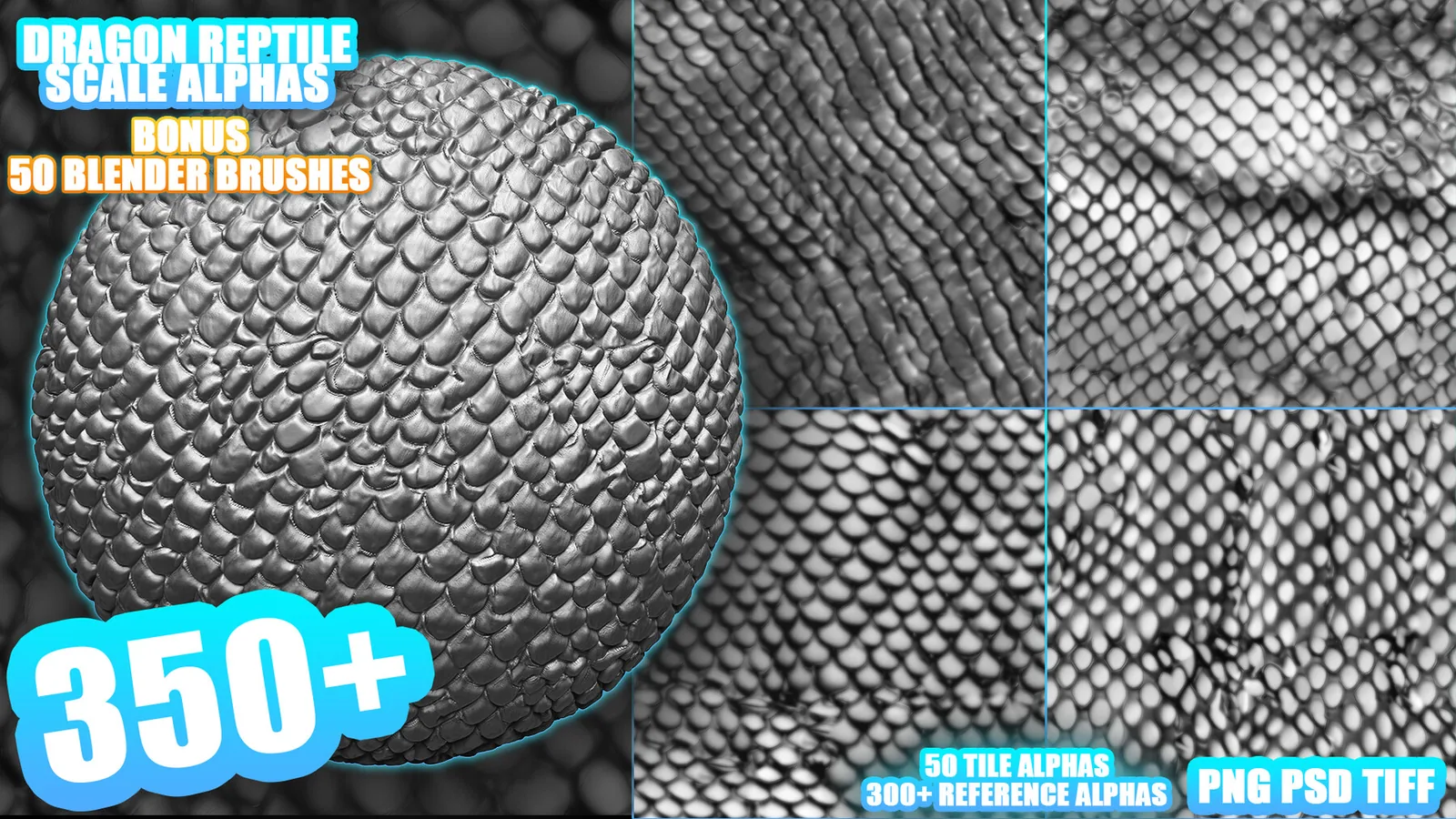
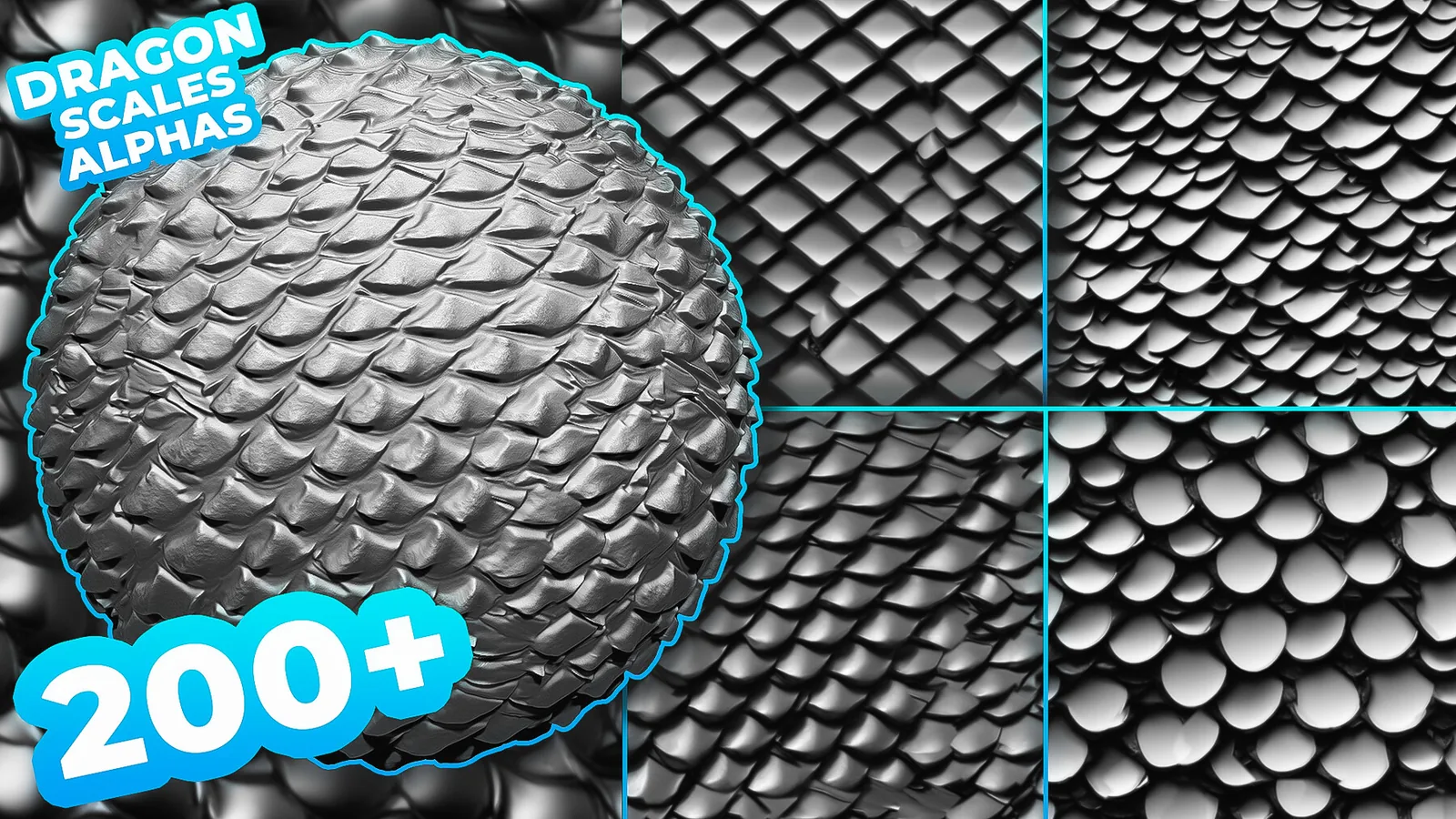
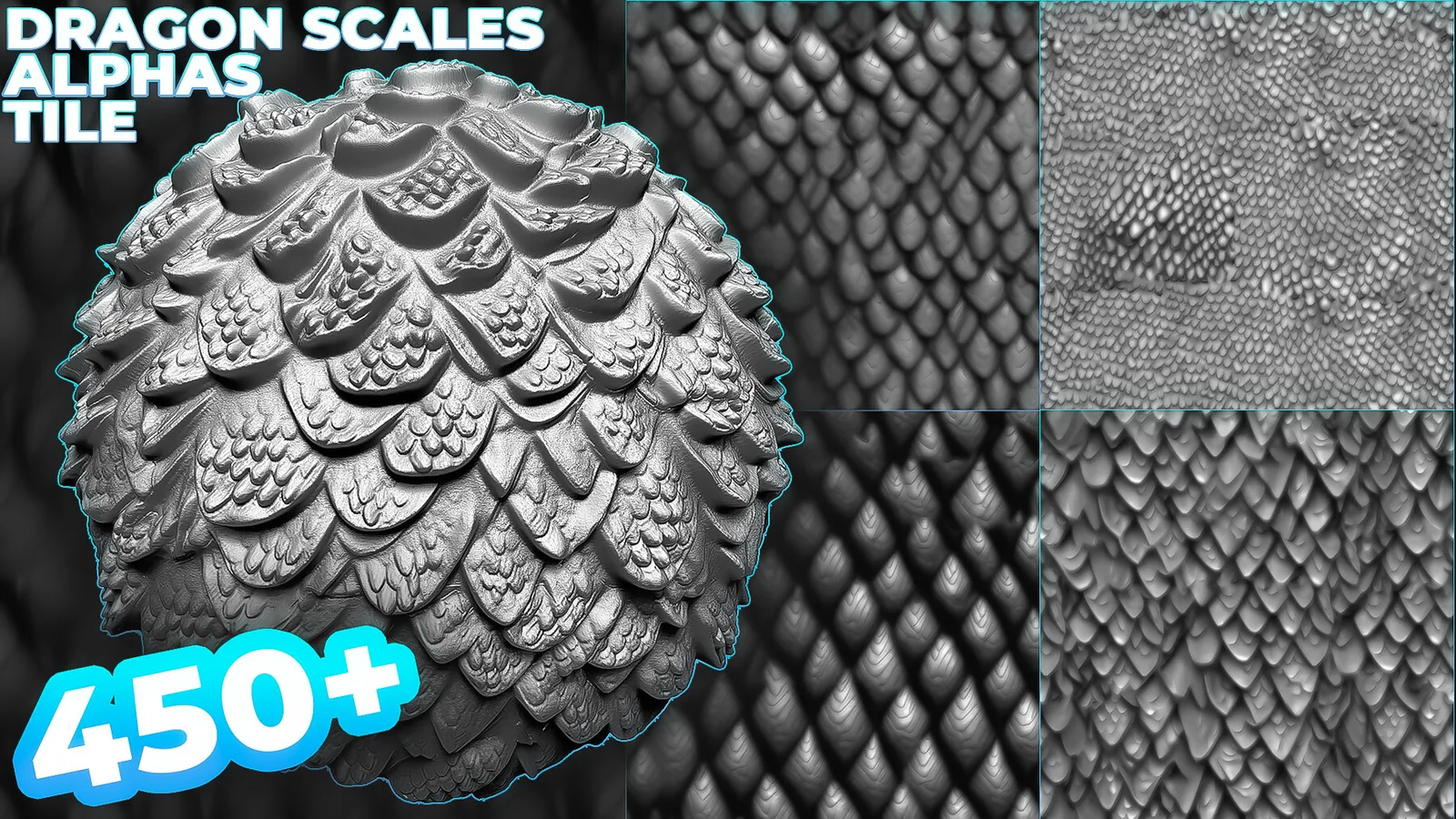
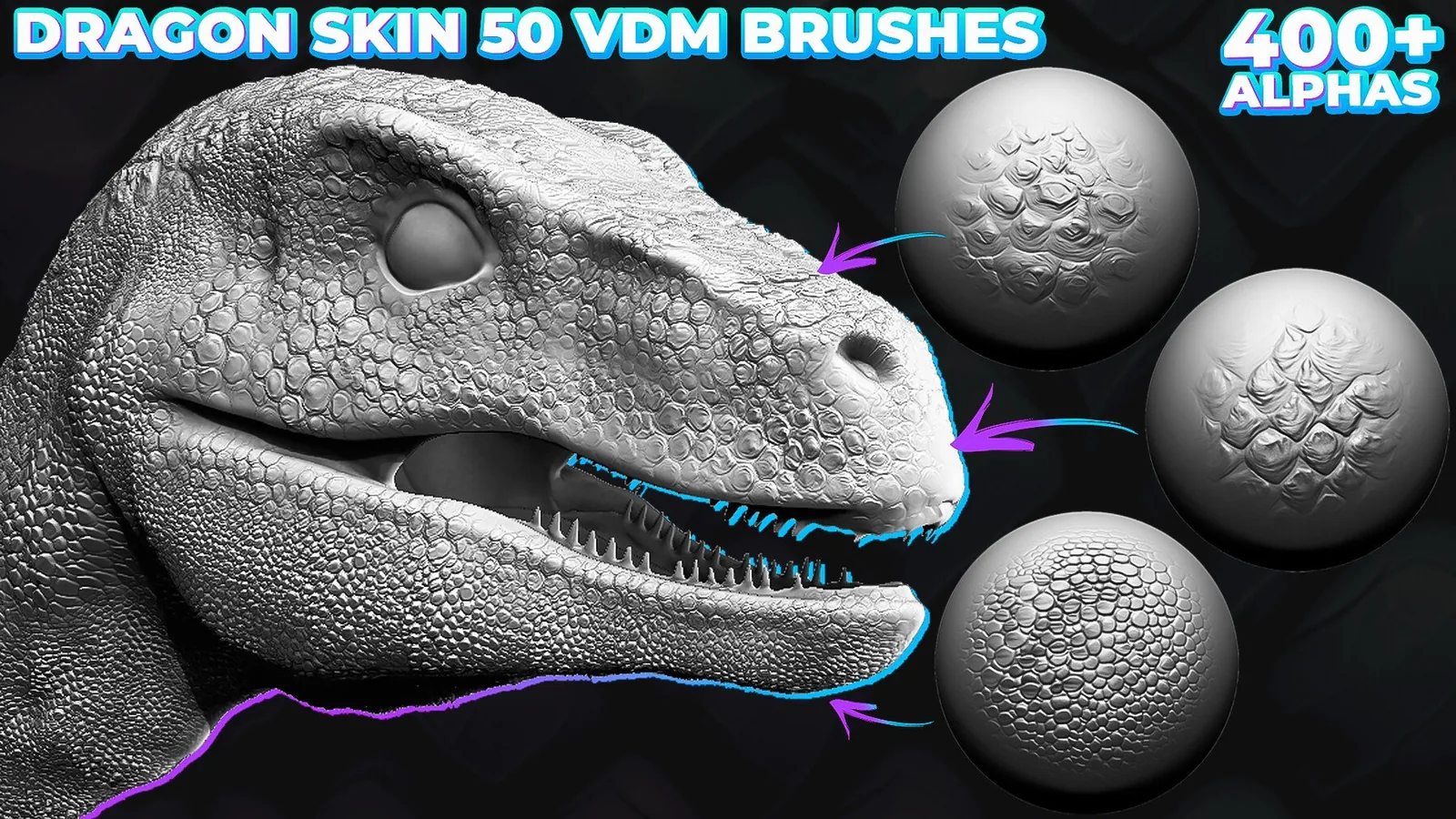
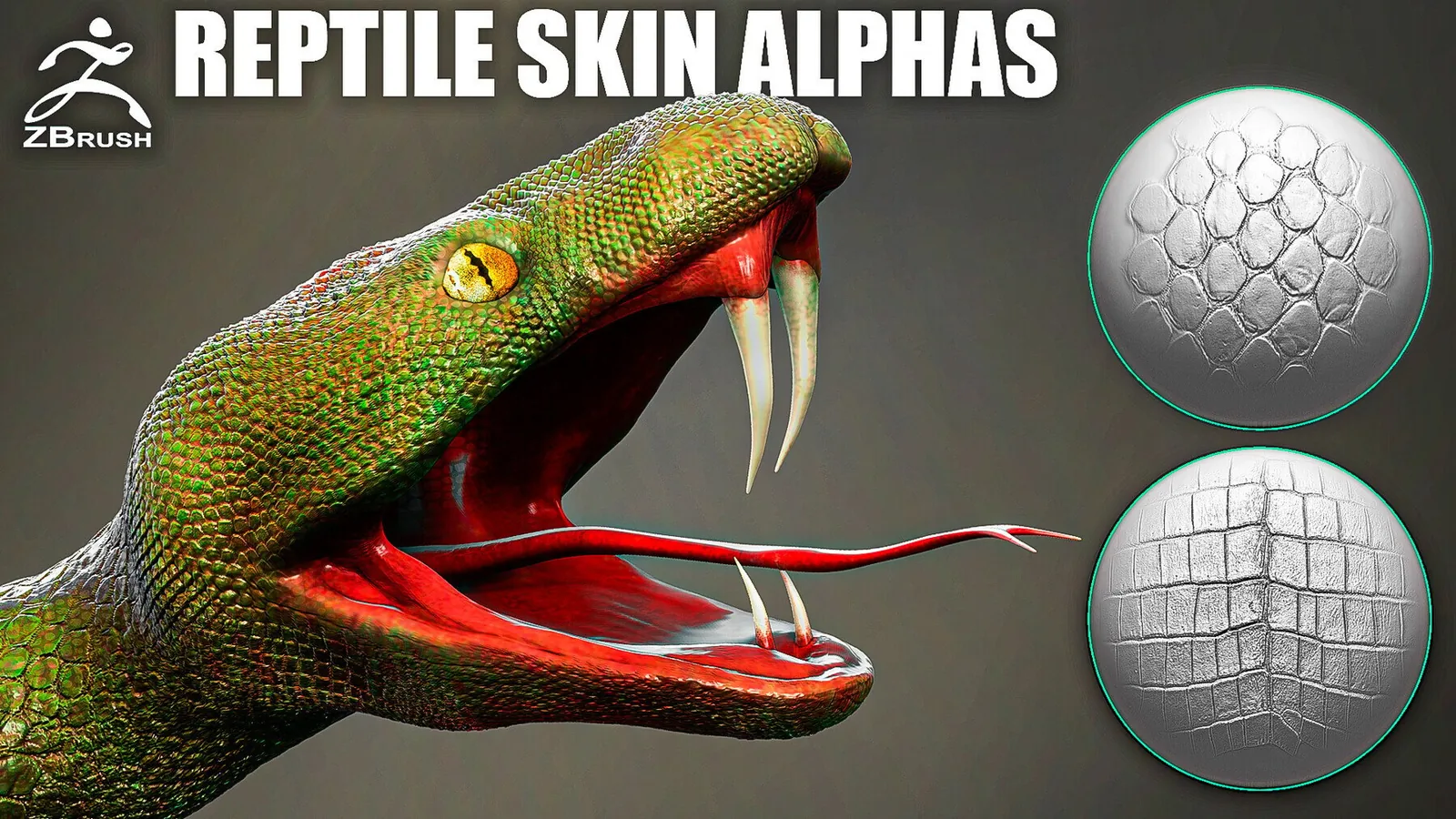
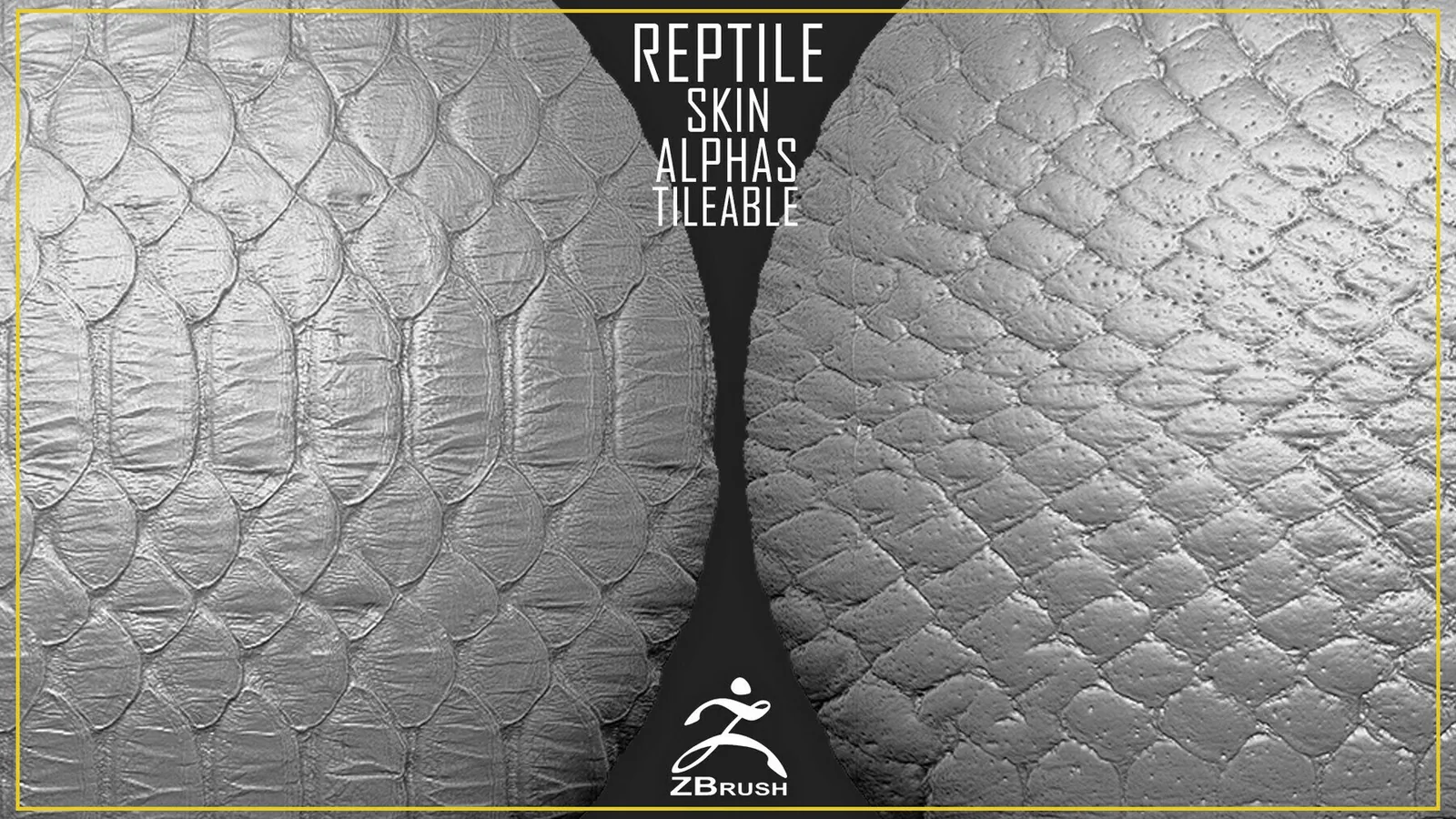
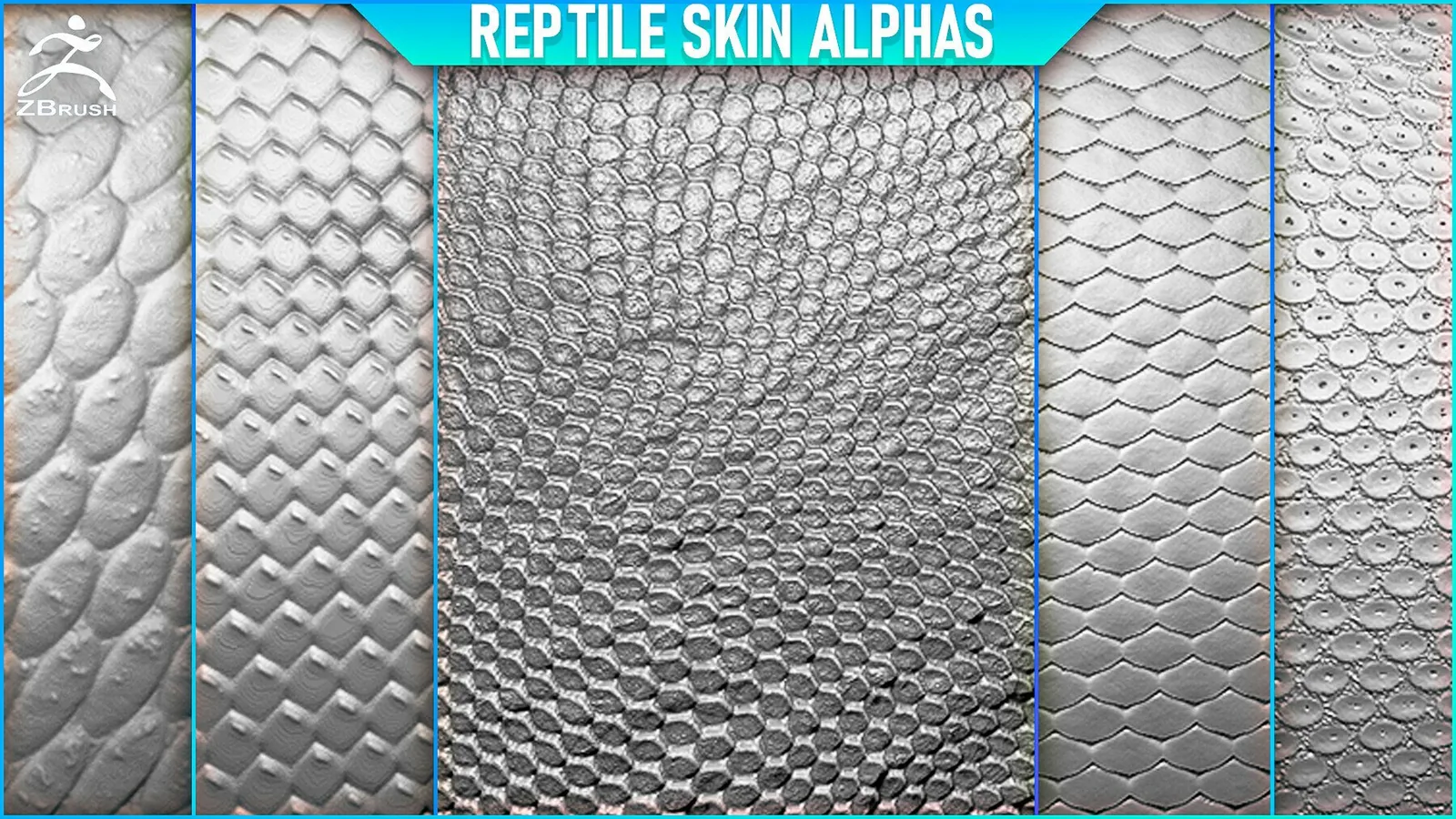
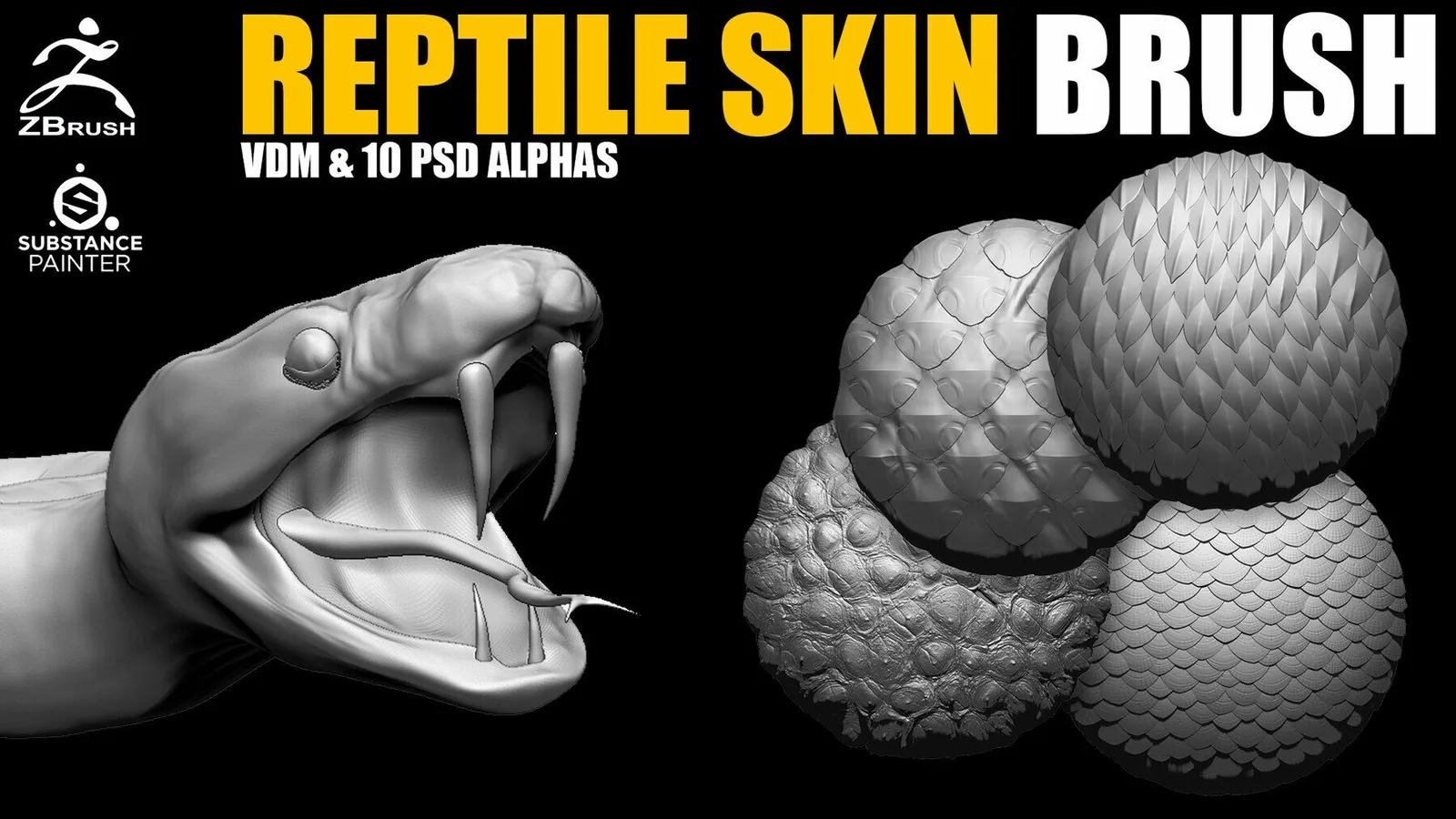
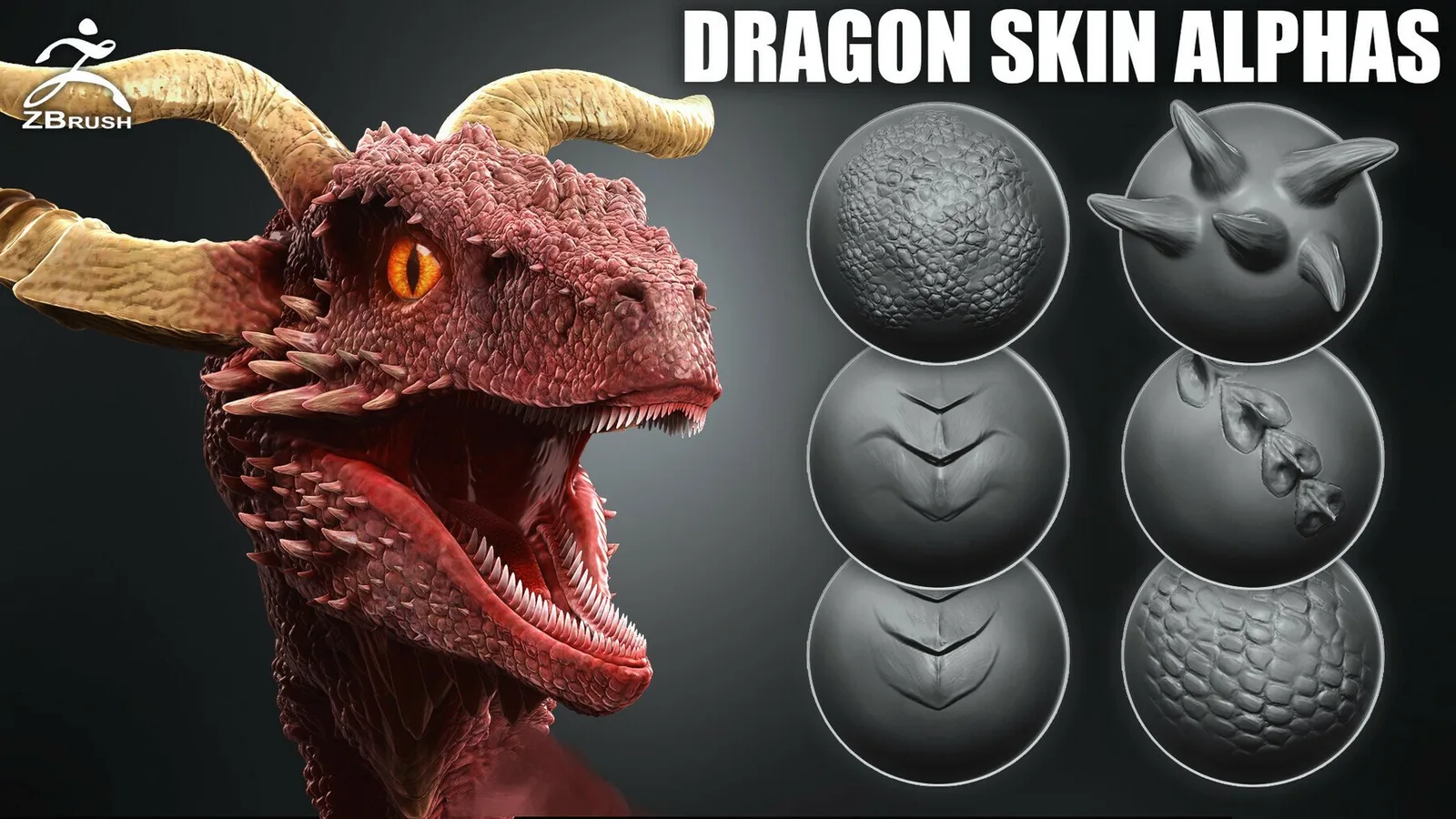
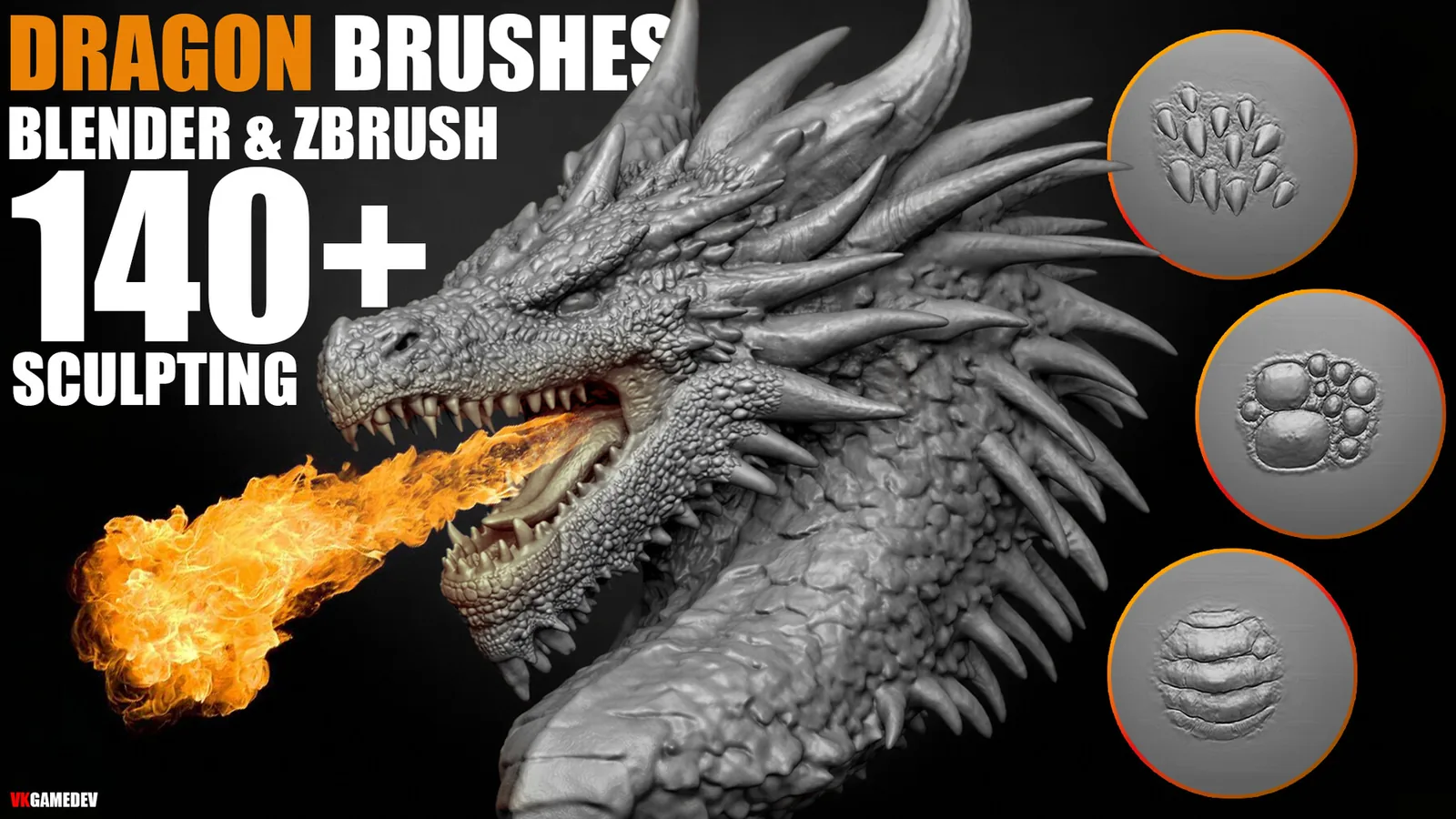
For creature skin, scale direction and variation matter more than raw density. Use directional brushes that follow the flow of the body, then break up repetition with a second pass of scattered stamps. Rotate alphas and vary scale to avoid visible tiling. This approach makes dragon scales feel organic rather than patterned.

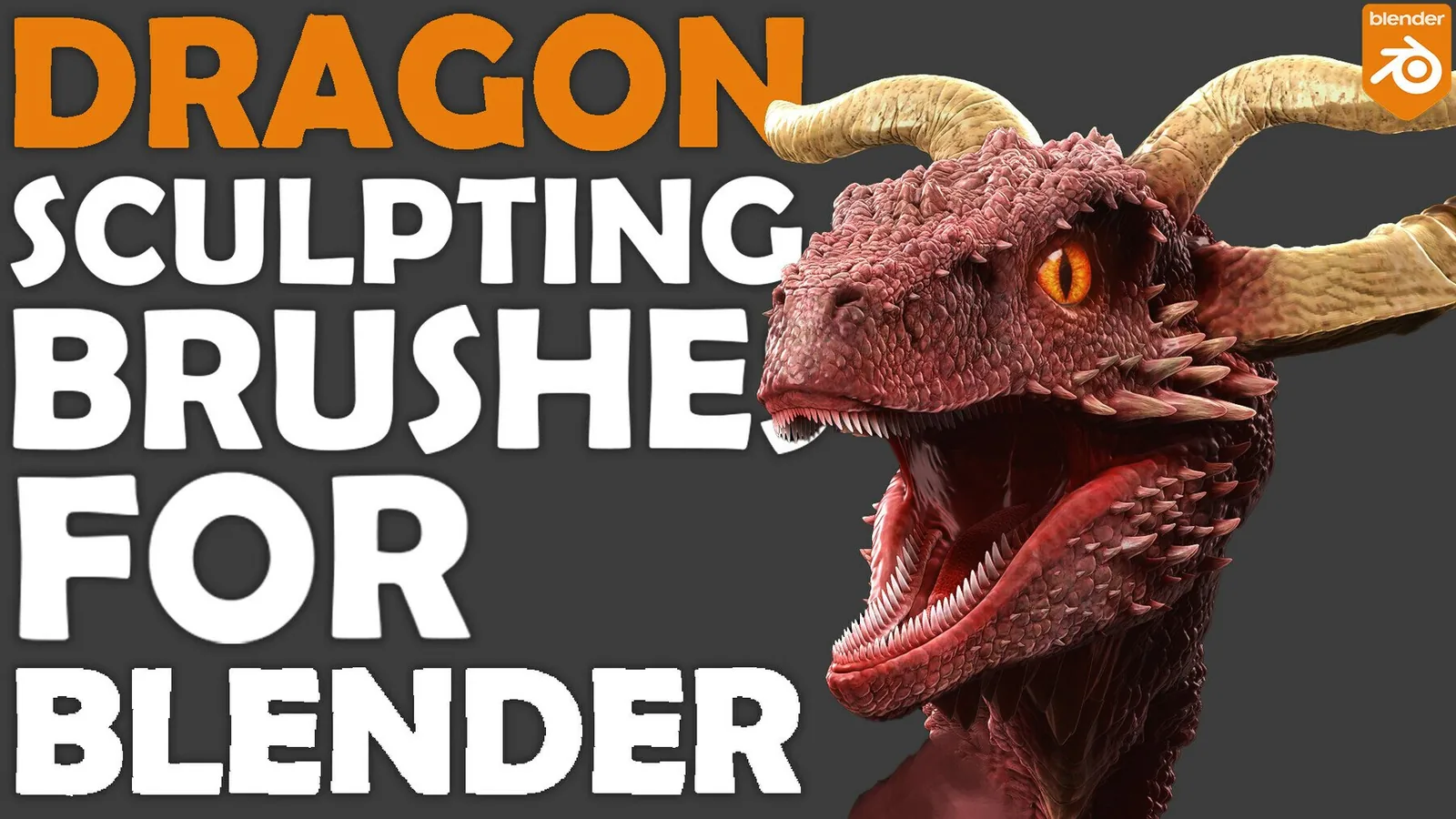
In Blender, use multi-res or subdivision to support fine skin detail. Stamping on a low density mesh will blur the pores and flatten the result. In ZBrush, use layers so you can dial the intensity down for different skin types. If you need to compare multiple looks, store each option on a separate layer and mix them.

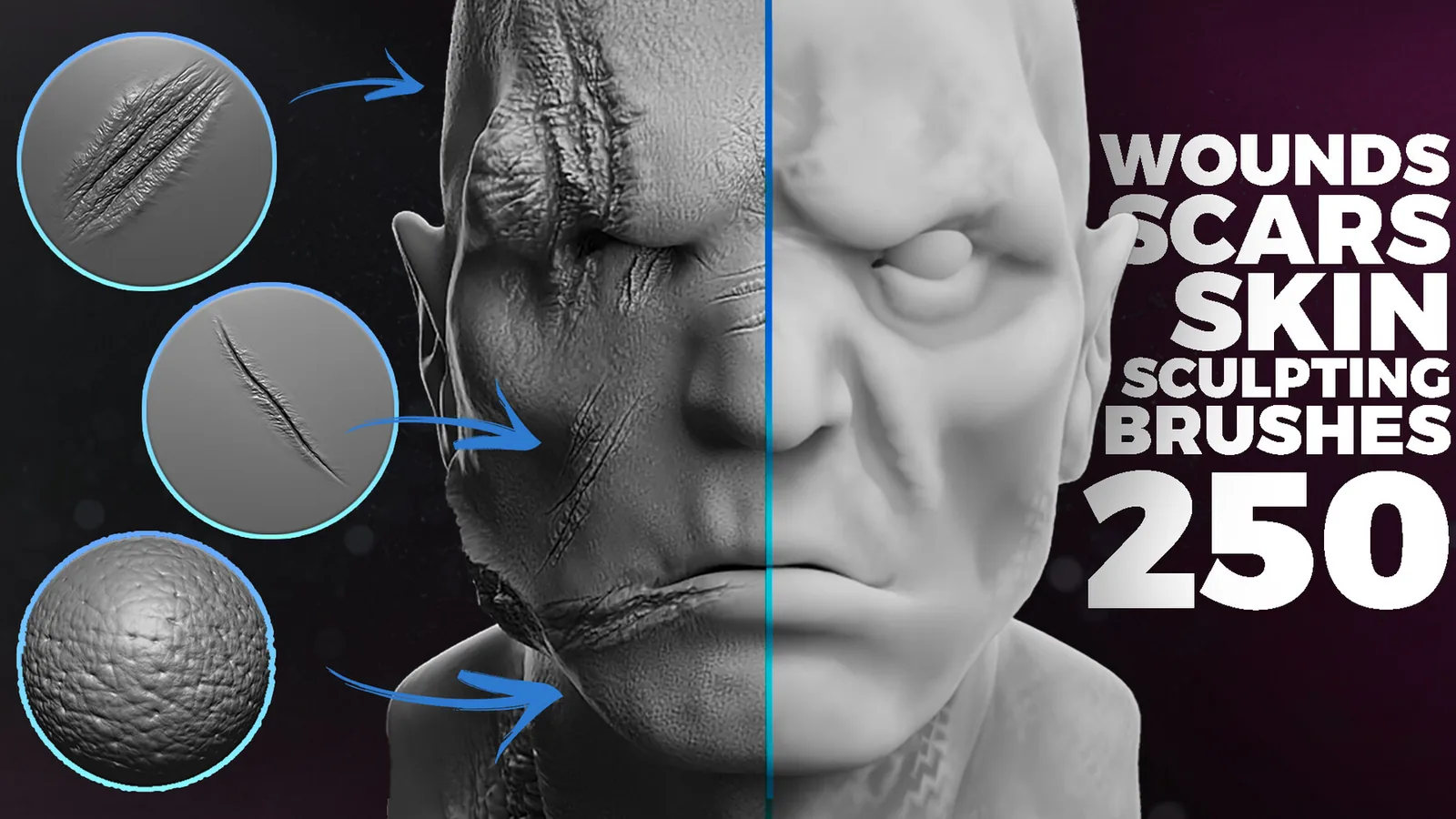
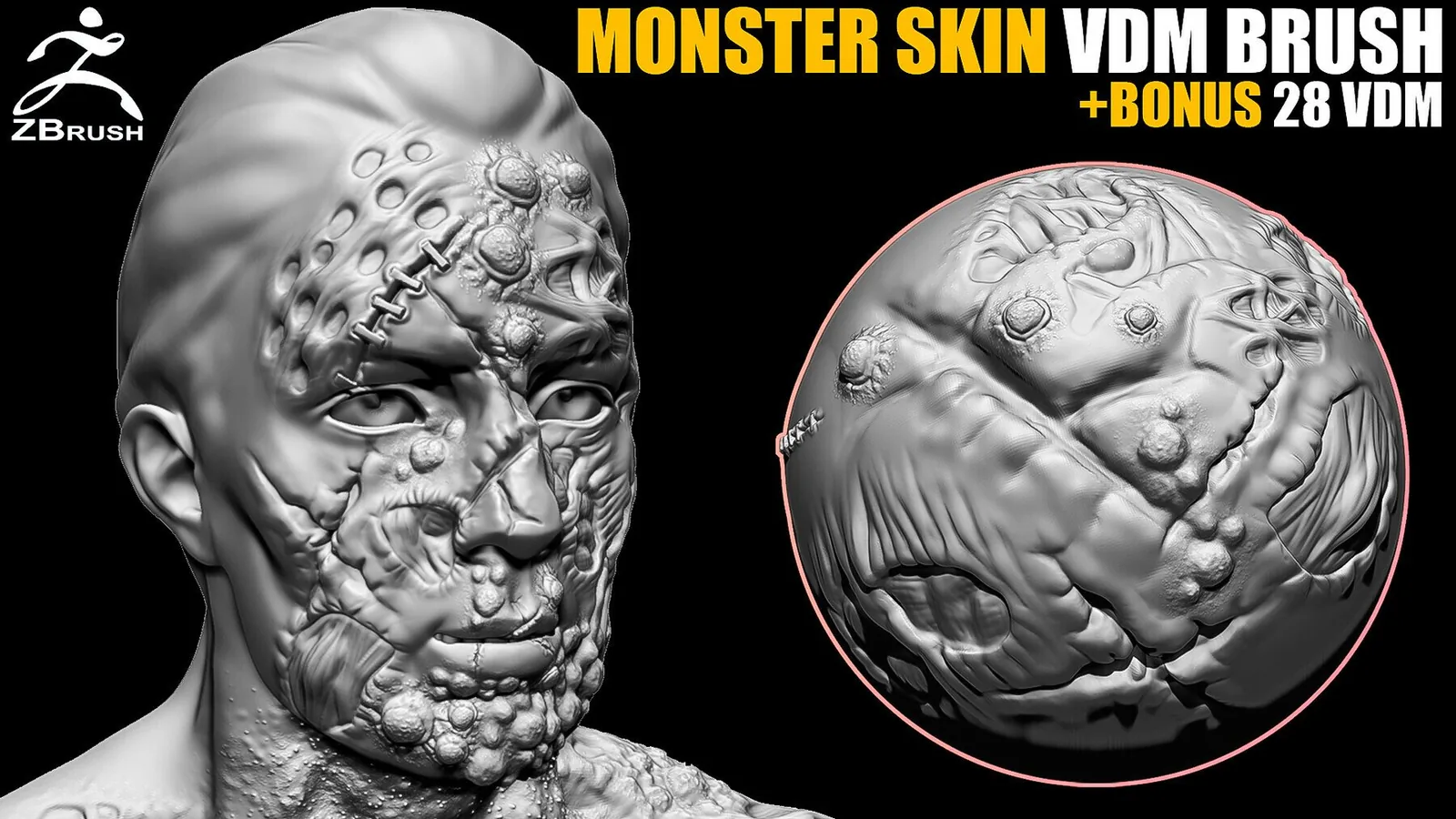
Scars and damage are part of the skin story. Use scar brushes sparingly and make sure they follow tension lines. A scar that ignores anatomy feels fake. Combine subtle indentation with a raised edge to suggest healing, and keep the surrounding pores softer so the scar stands out without looking carved.

When you bake skin detail to textures, preview it under different lighting. Cavity shading can exaggerate pores, while soft lighting can hide them. Adjust the depth of your alphas based on the final render environment. This is especially useful for game assets where you need detail that reads at mid distance.

For stylized characters, simplify the pore layer and emphasize clean wrinkle shapes. Many stylized designs use larger, graphic folds and minimal micro detail. These packs include both realistic and stylized options, so you can match the surface language of your project.

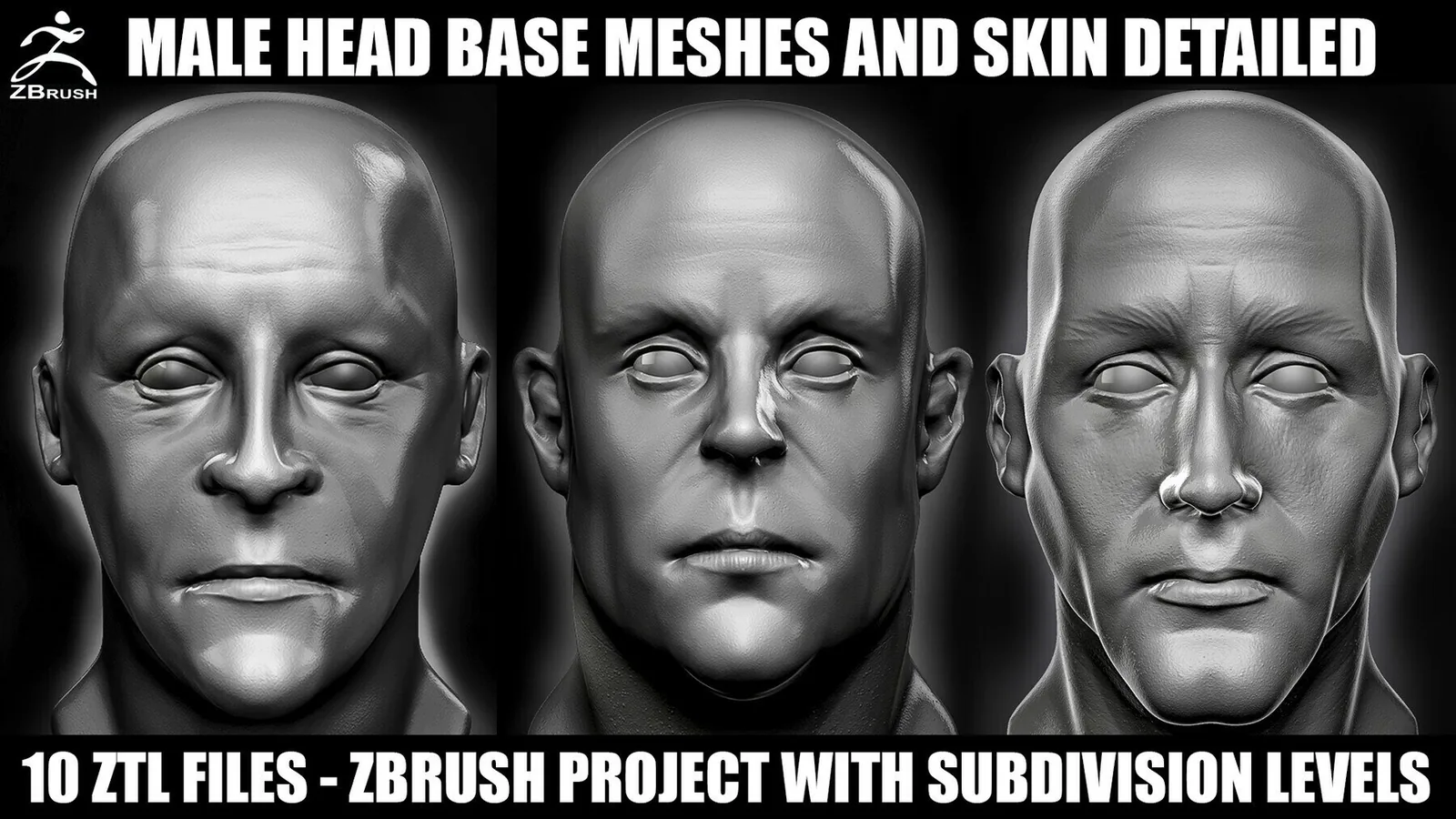
Keep a small skin test bust in your scene. Apply every brush on the same mesh to compare scale and spacing. This makes it easier to choose the right brush set for a production run and keeps your characters consistent across a project.

The best sets below cover both human and creature skin. Pick a core pack for wrinkles and pores, then add a creature scale set or scar pack when you need more character. The examples section shows how these brush families read in real product previews.

Best sets

These packs are the strongest fits for skin detail. Each set is organized for fast browsing and includes previews so you can judge pore depth and wrinkle flow before committing.
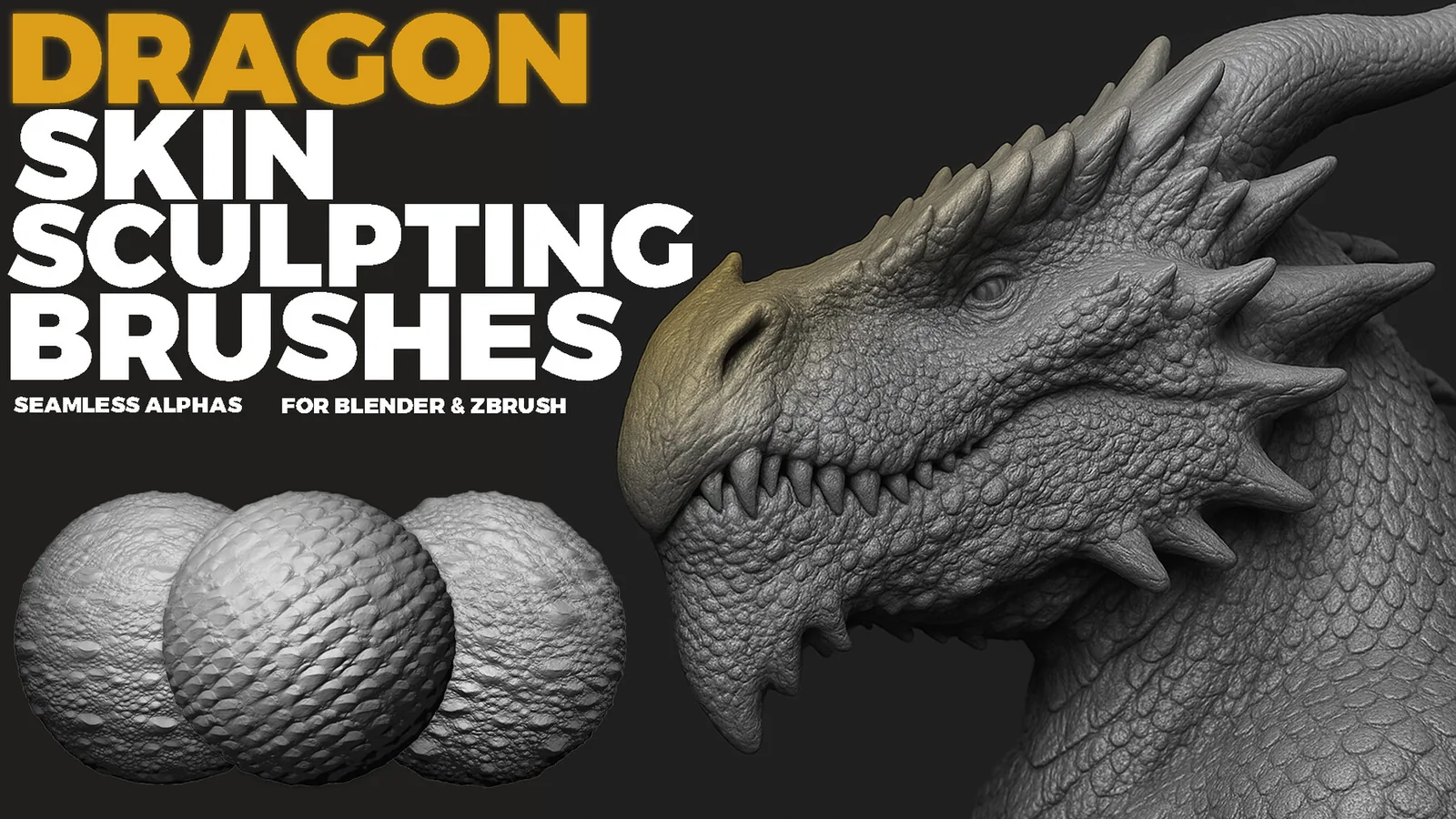
Examples

Real product previews showing how skin detail reads on different characters and creature types.
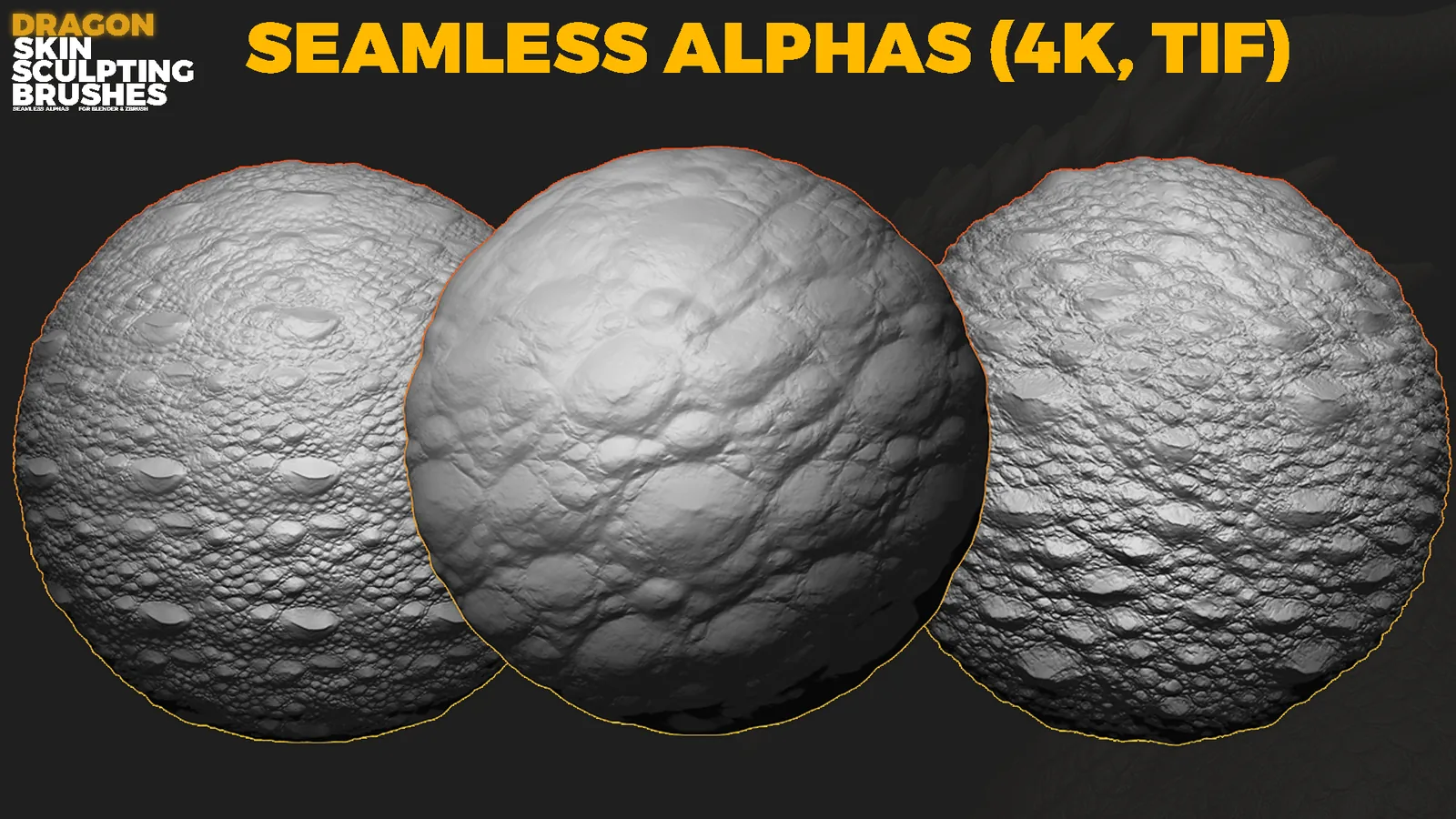
Dragon scale brush preview with layered skin detail.
Creature skin breakdown with scale variation.
Wrinkle and pore brush preview for characters.

FAQ

Q: Do I need different brushes for human and creature skin? Yes, creature skin uses more directional scales while human skin needs softer pores.
Q: Should I sculpt pores at full resolution? Yes, pores need enough mesh density to avoid blur.
Q: Can I mix wrinkle and scale brushes? Yes, layer them at low intensity for natural variation.
Q: Are these packs compatible with both Blender and ZBrush? Many sets include Blender and ZBrush versions plus alphas.