Sculpting library
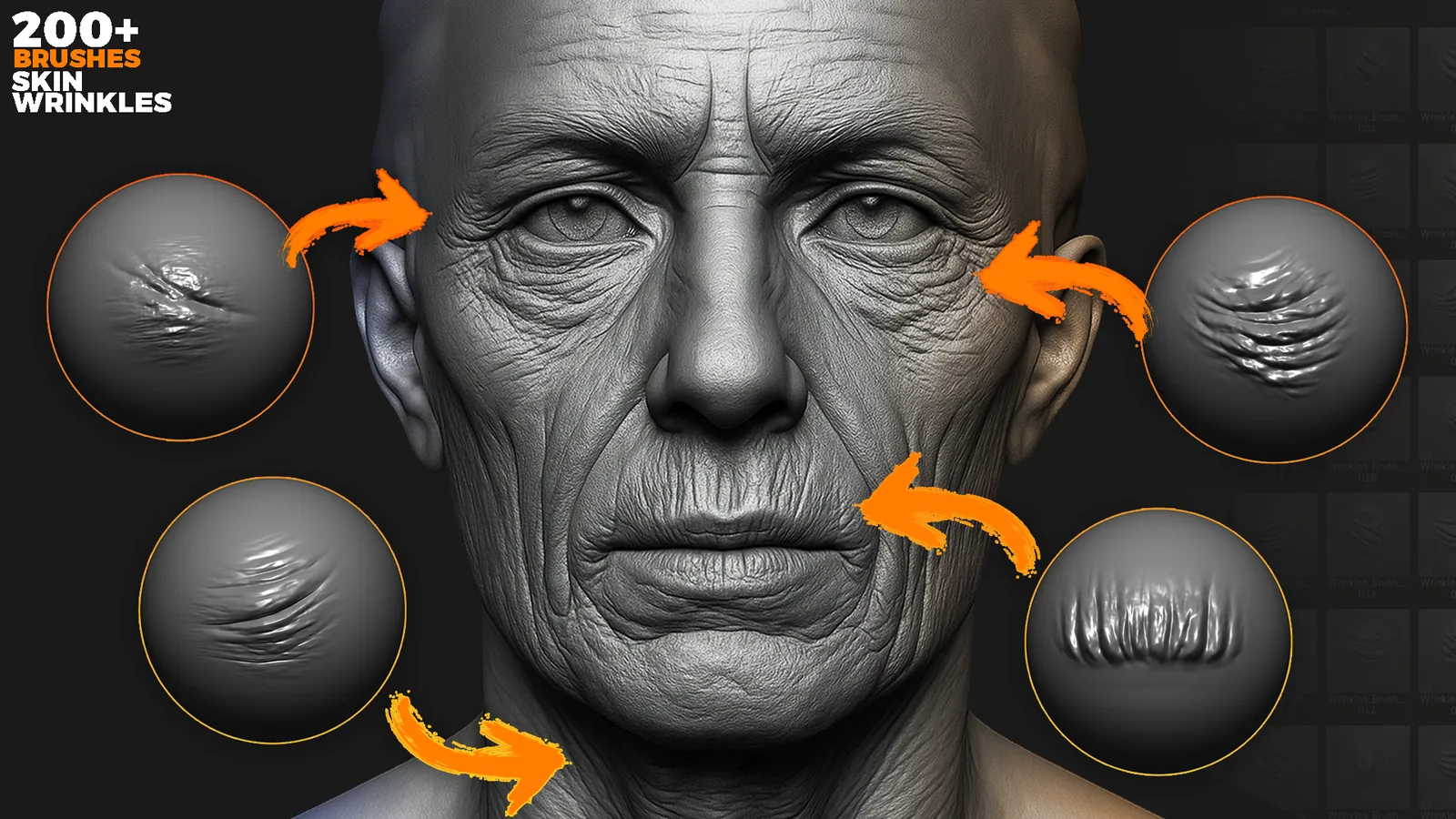
200+ Skin Wrinkles Sculpting Brushes For Blender & Zbrush
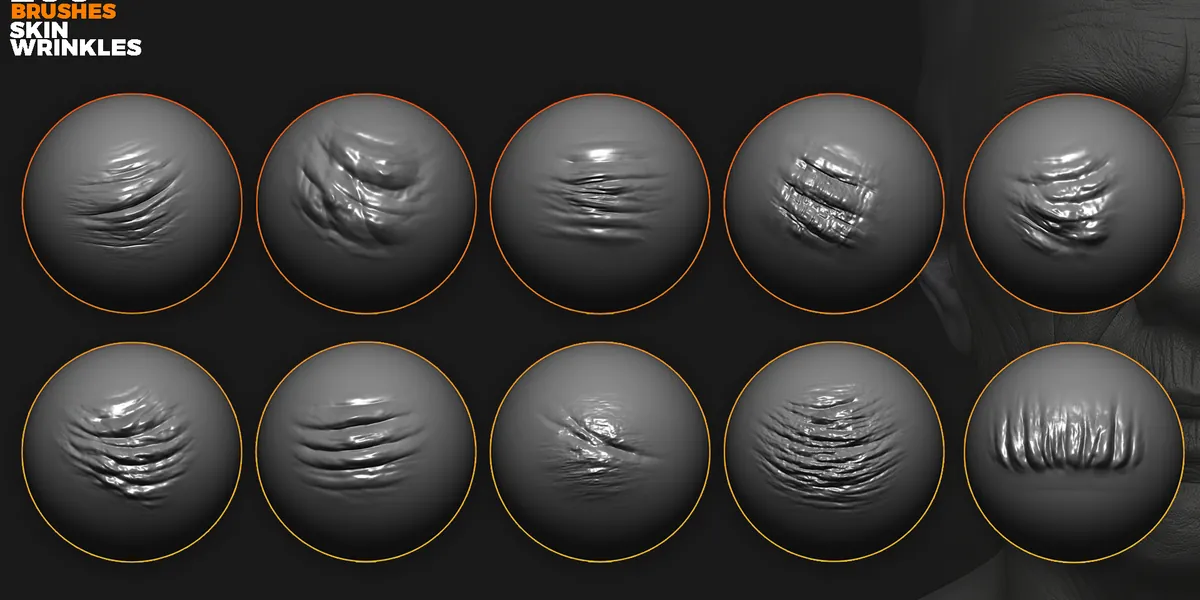
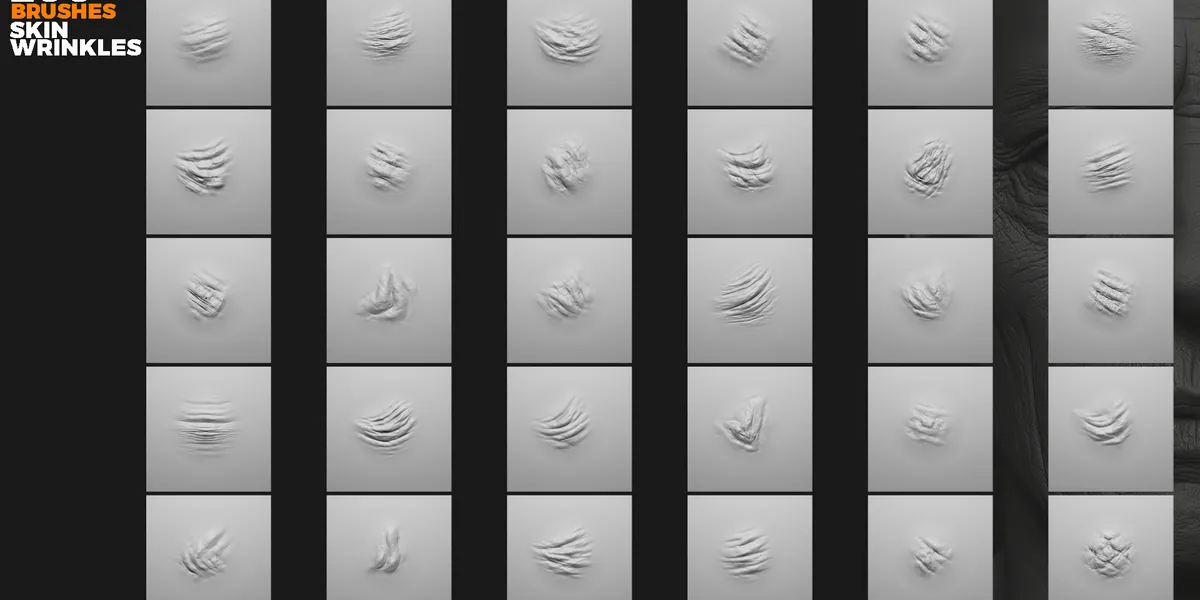
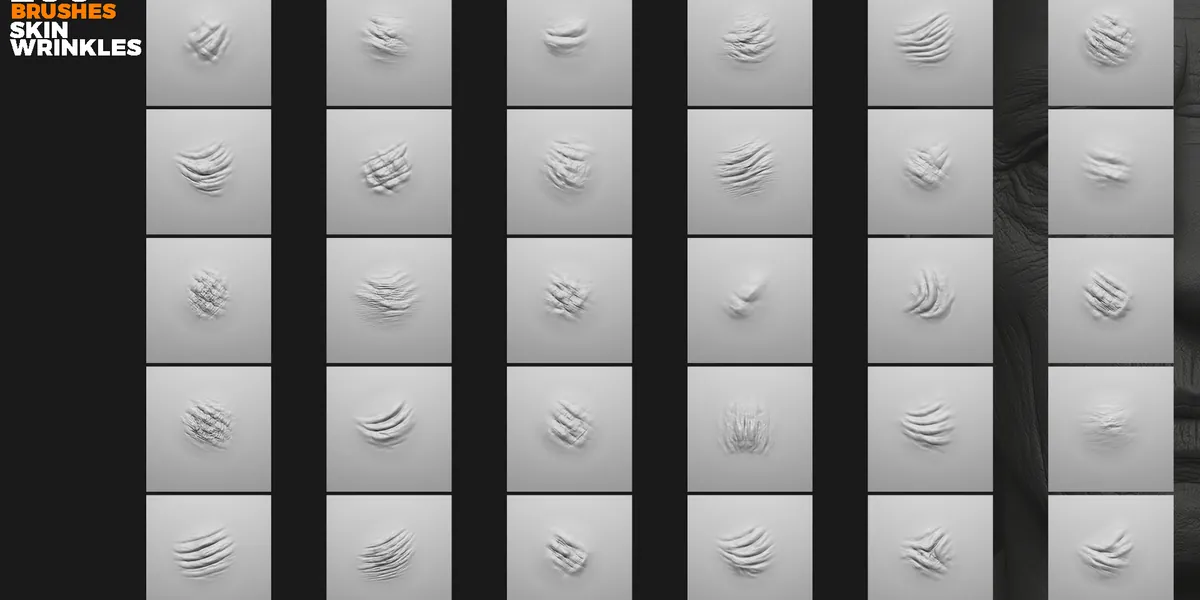
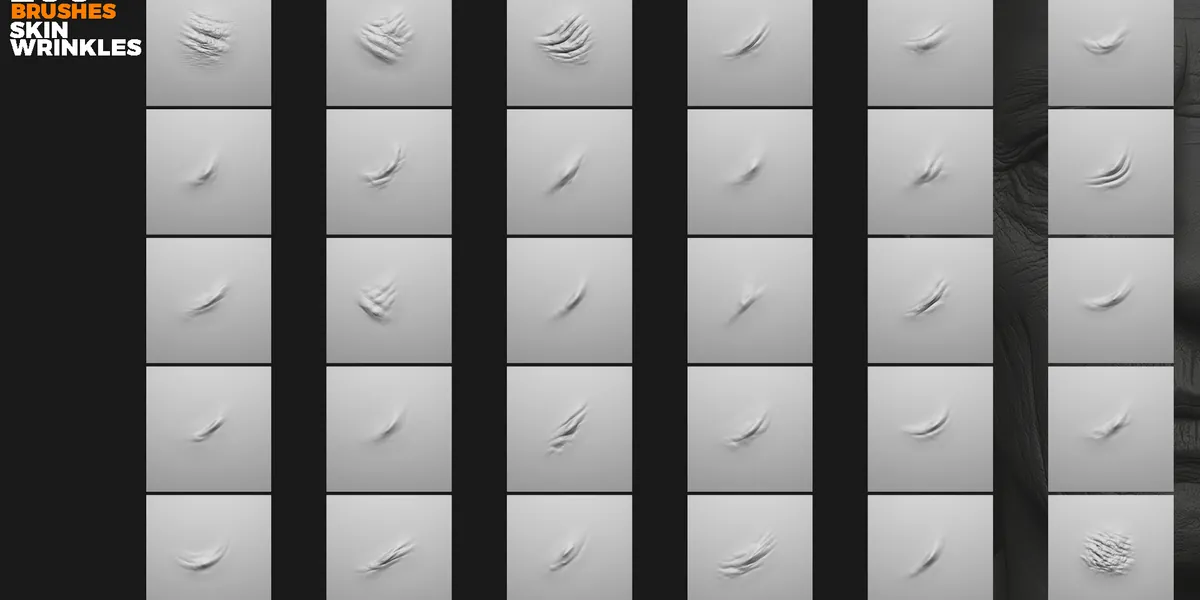
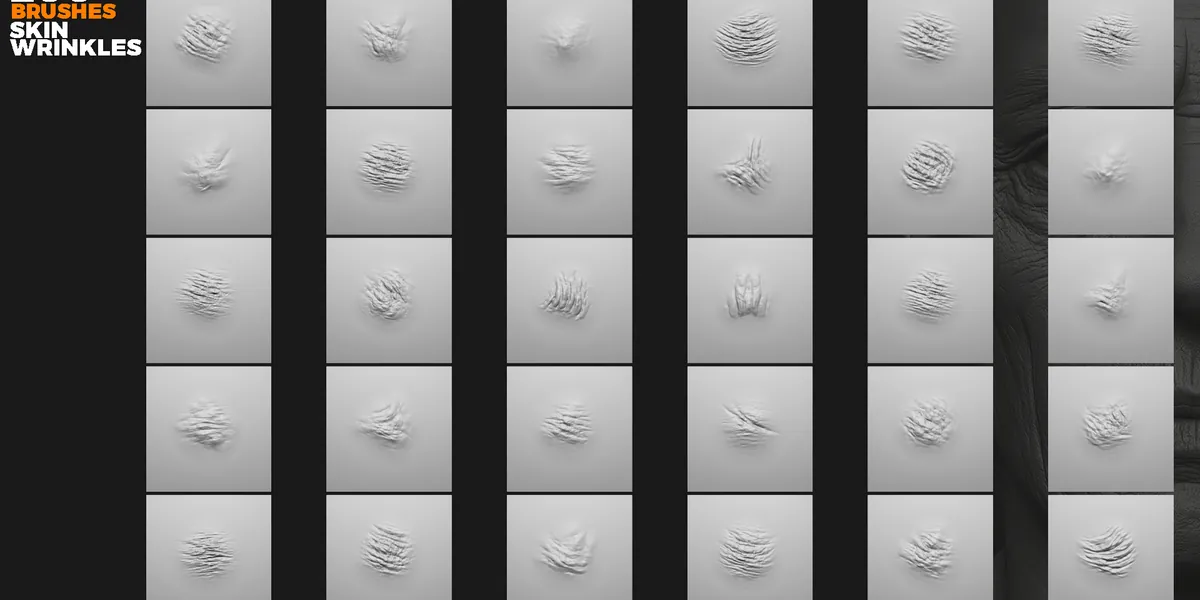
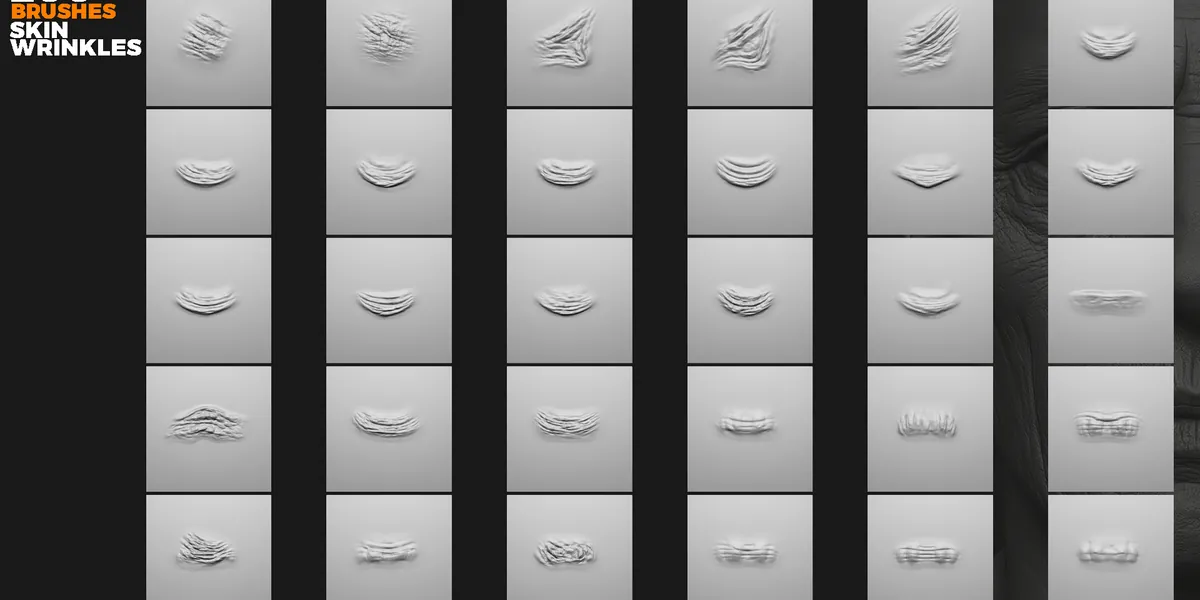
200+ Skin Wrinkles Sculpting Brushes for Blender & ZBrush A professional collection of over 200 sculpting brushes for realistic wrinkles, folds and micro-details.
Included 245 Blender Sculpt Brushes 245 ZBrush Brushes (.ZBP) Wrinkle categories: Fine micro-wrinkles Medium organic folds Deep directional wrinkles Forehead & brow lines Crows feet Nasolabial folds Neck & body creases Key Features Hyper-realistic wrinkle detailing Natural anatomical wrinkle flow Clean & sharp sculpting behaviour (no alphas required) Optimized for Blender Sculpt Mode & ZBrush Perfect for realistic characters, aging, anatomy and creatures Ideal for close-up cinematic renders Installation Instructions Blender Installation Place the provided .blend brush file in a permanent folder.
Open Blender Edit Preferences File Paths .
Description
A professional collection of over 200 sculpting brushes for realistic wrinkles, folds, and micro detail. Brushes only - no alphas included.
Included
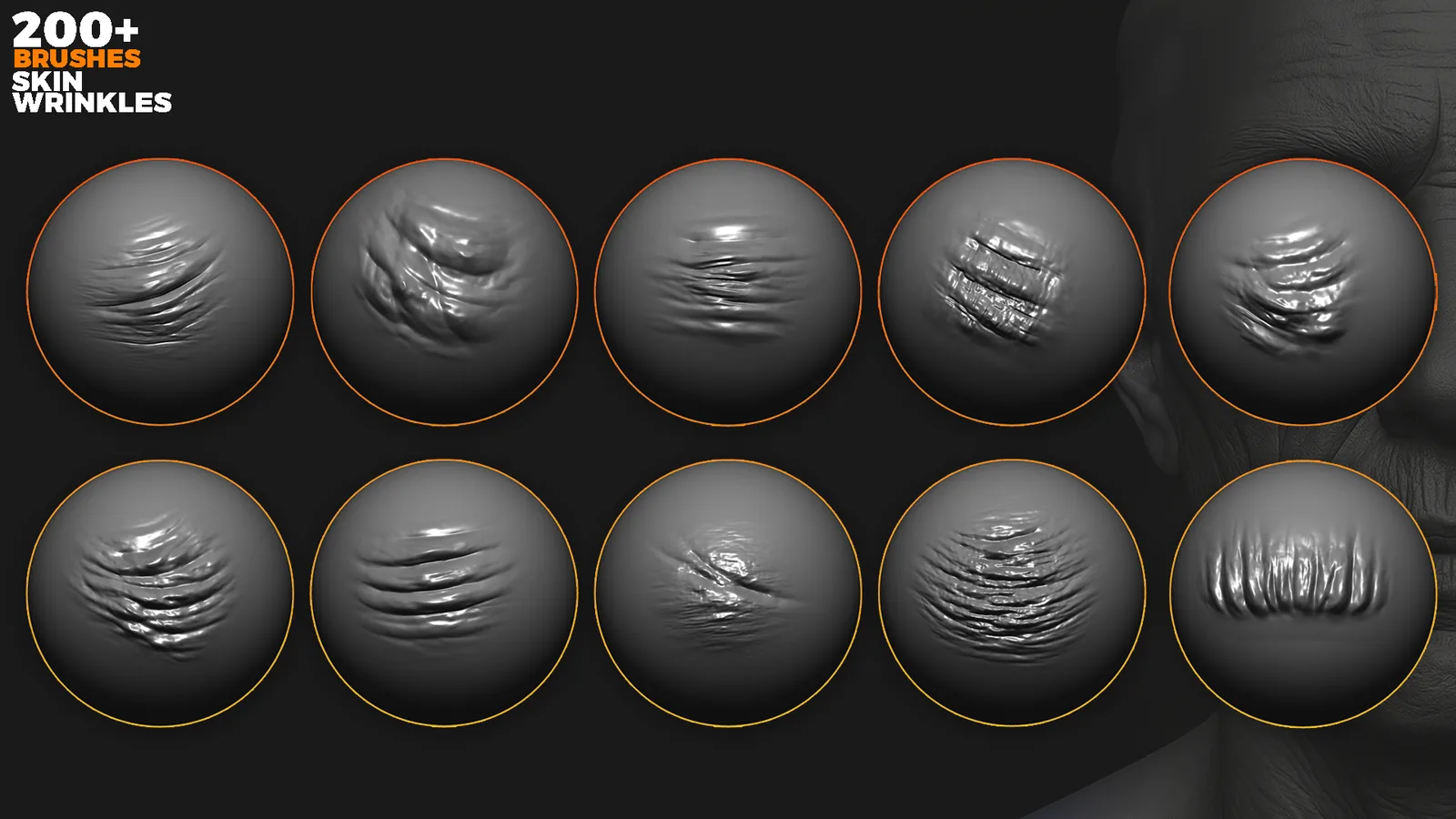
Key features
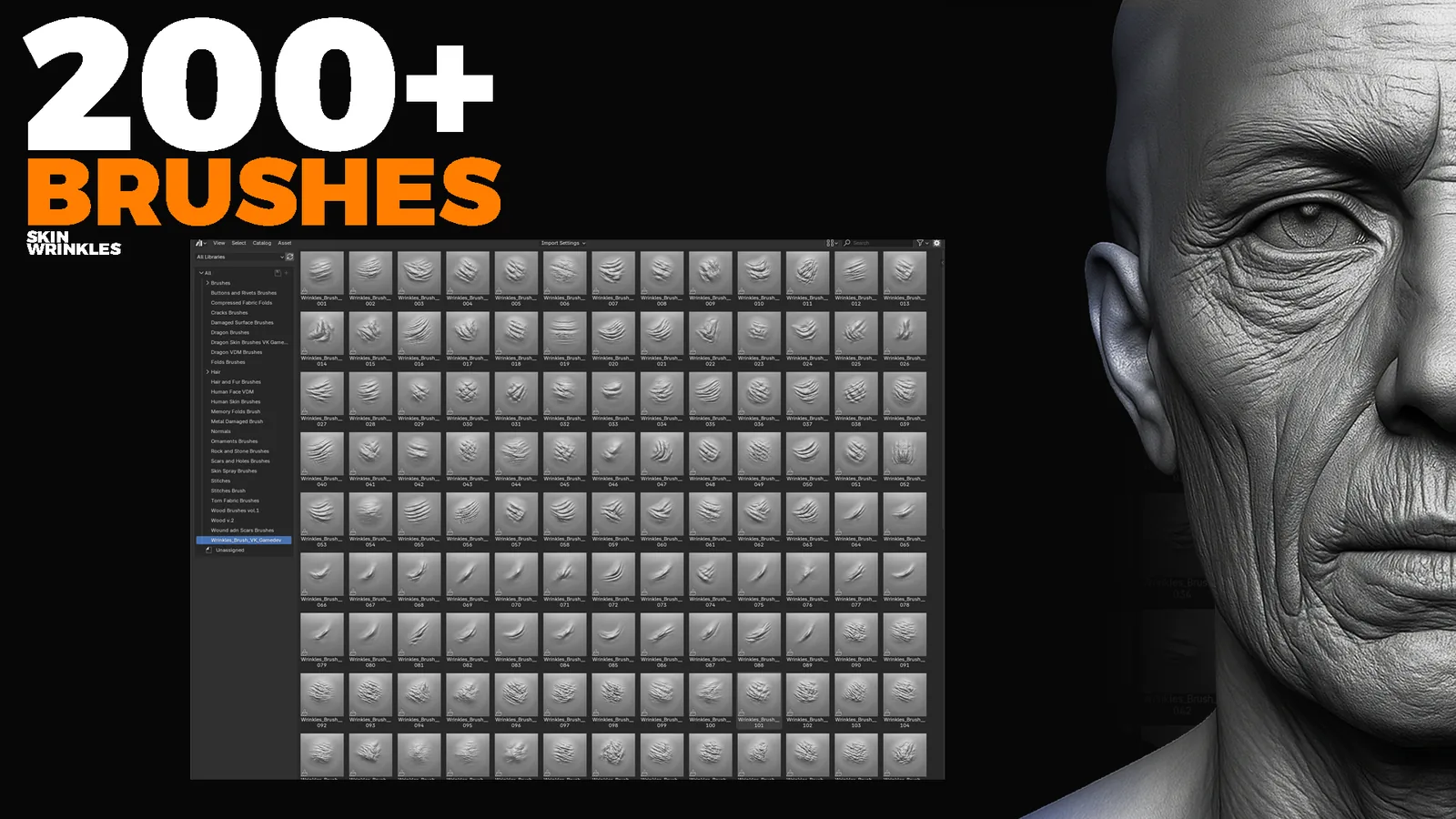
Installation instructions
Blender
- Place the provided .blend brush file in a permanent folder.
- Open Blender and go to Edit > Preferences > File Paths.
- Click Add and select the folder with the brush .blend file.
- Click Save Preferences.
- Blender loads this brush library automatically.
ZBrush
- Copy all .ZBP brushes.
- Paste them into the ZBrushes folder.
- Restart ZBrush.
- Brushes appear in Lightbox and the Brush menu.
C:\Program Files\Pixologic\ZBrush 2021\ZBrushes
File formats
Video preview
Workflow demo preview.
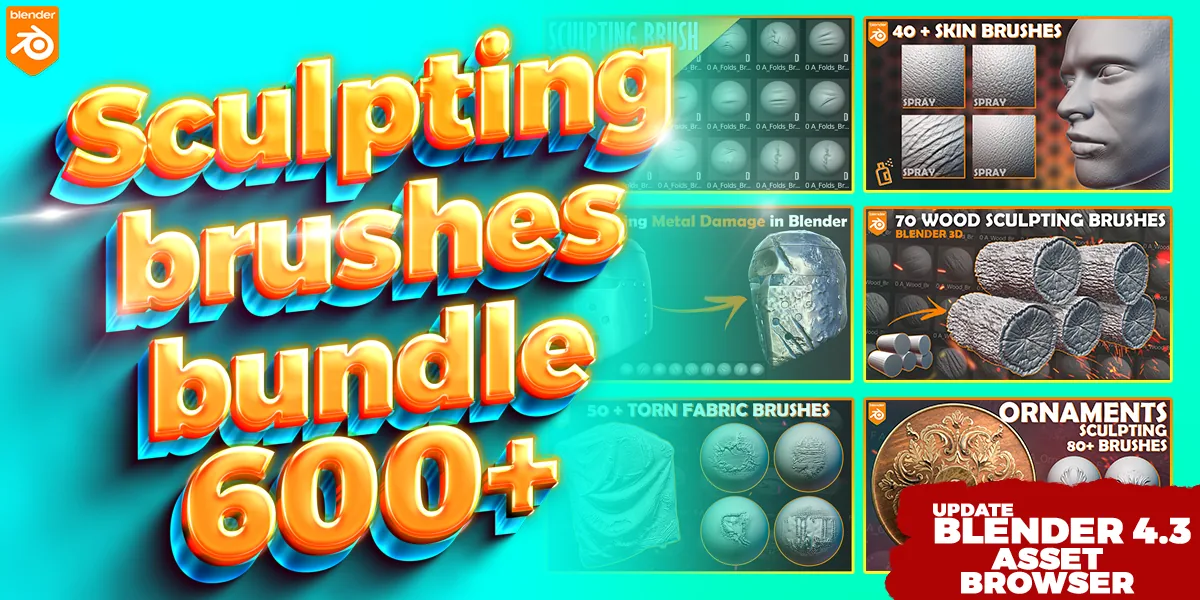
Mega sculpting pack
Useful guides
Blender sculpting hotkeys · Installing brushes in Blender · Blender vs ZBrush