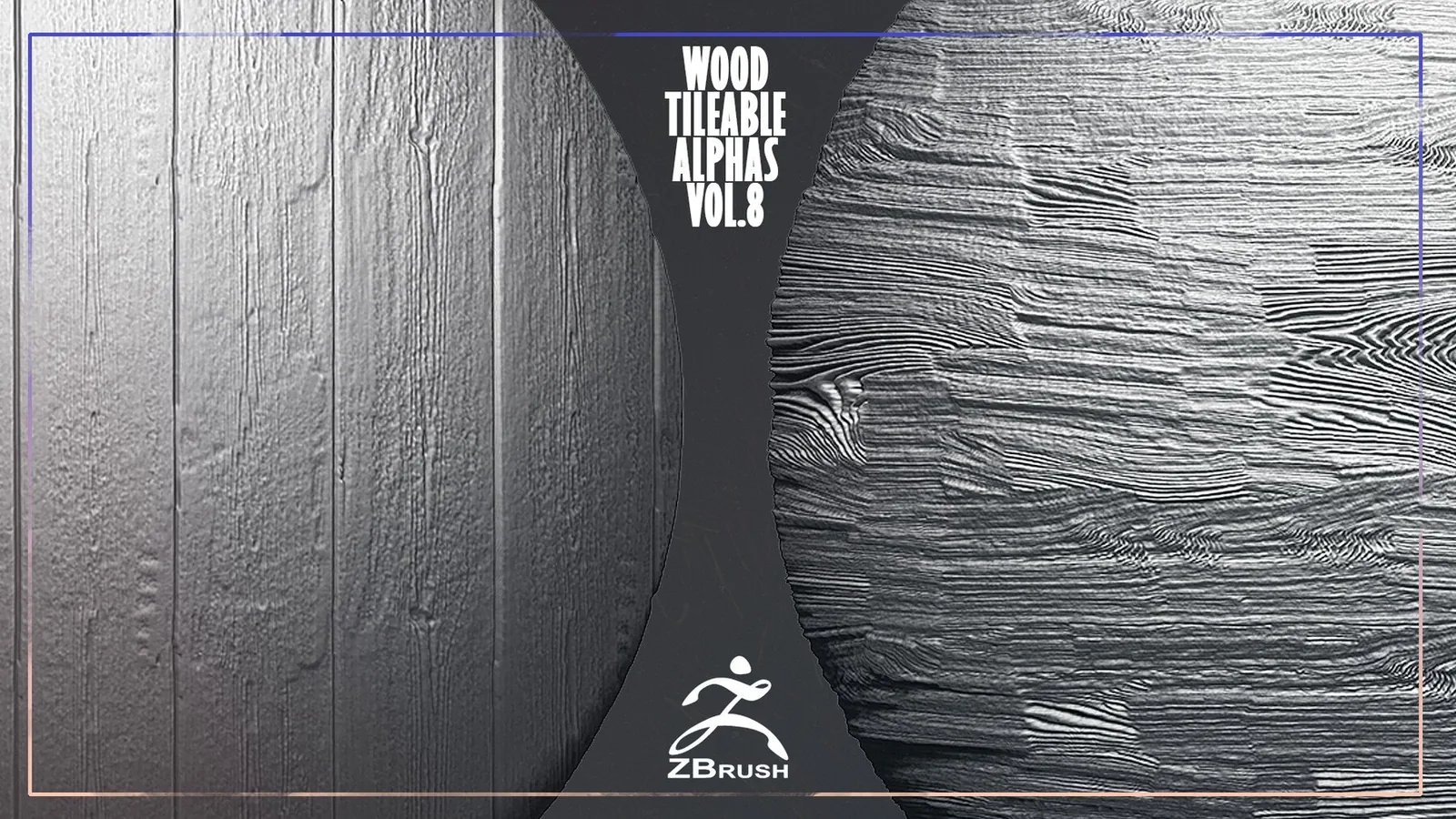
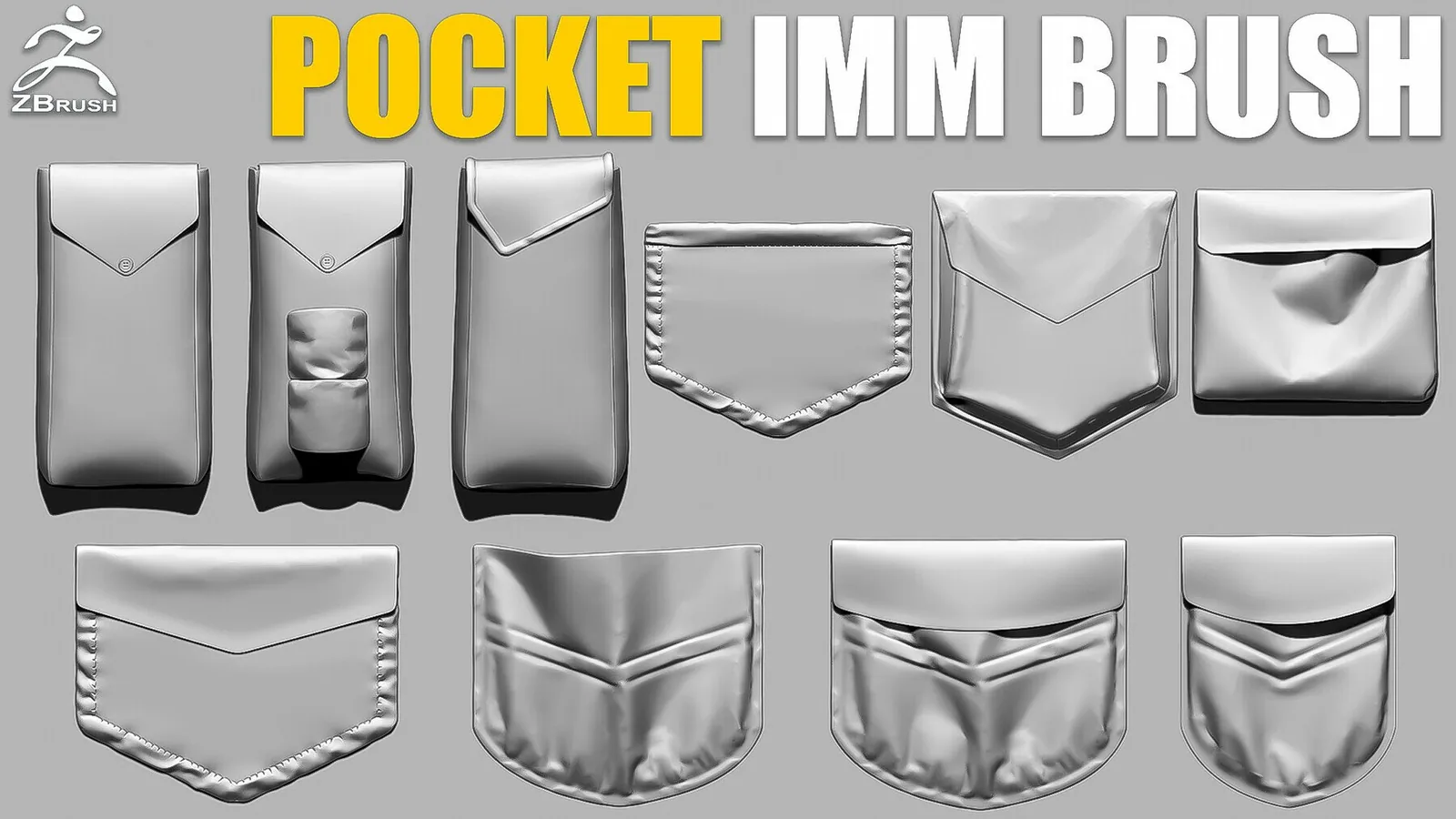
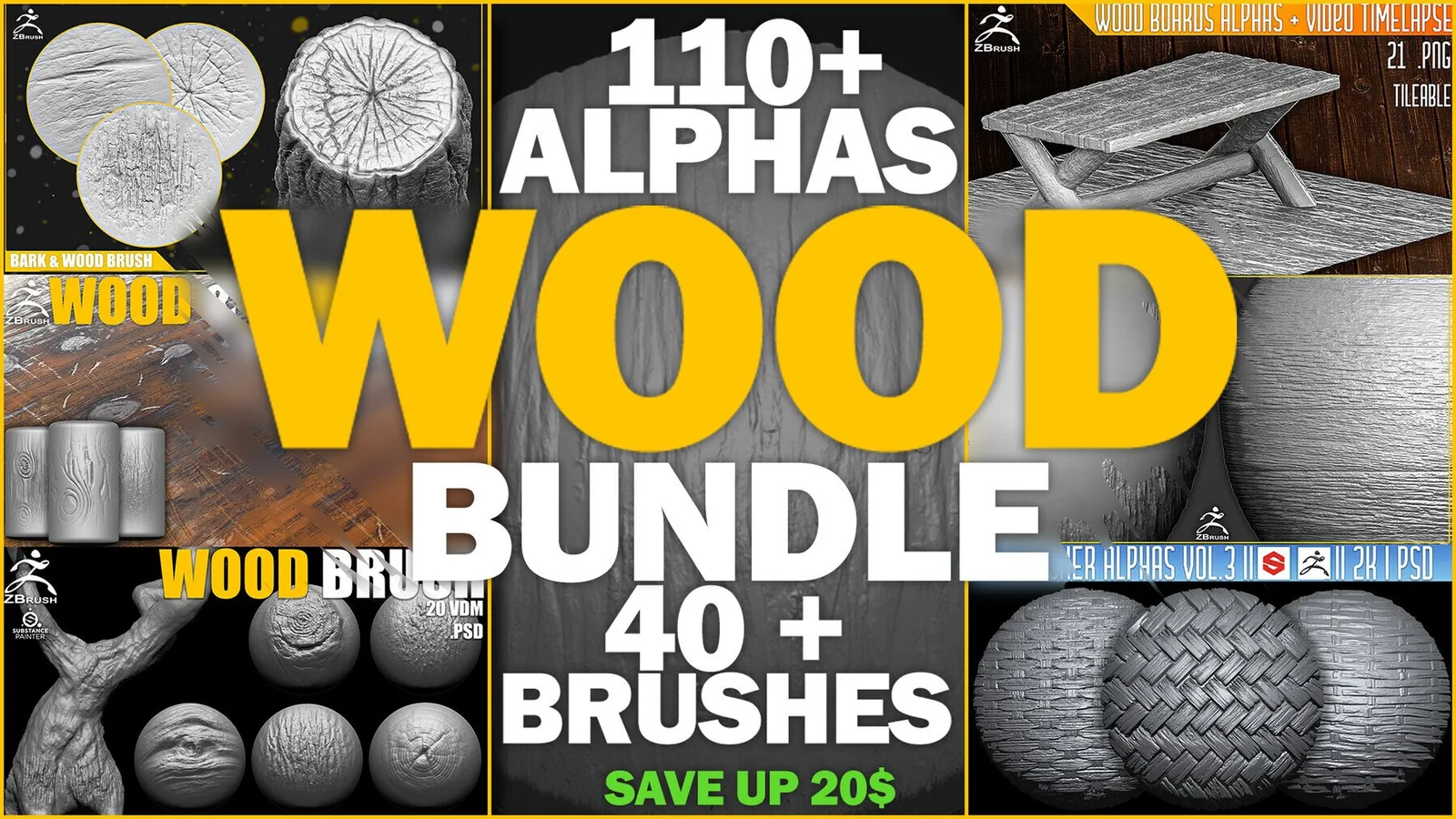
ZBrush Brushes

Category

ZBrush Brushes

ZBrush brushes define the feel of every stroke, from primary form shaping to tiny surface noise. This category highlights brush packs that are ready for ZBrush workflows, with ZBP presets, clean alpha depth, and predictable stroke behavior. The packs focus on characters, creatures, hard-surface surfaces, and stylized work where you need confident results fast. If you work in ZBrush daily, these sets are built to keep your sculpting focused on design, not on fixing strokes.

In ZBrush, brush setup matters as much as the alpha itself. A good pack gives you consistent spacing, lazy mouse settings, and depth so you can lay down detail that looks natural. Use layers to separate large forms from micro detail, and turn on morph targets if you want non-destructive passes. The brushes below are organized for quick access, and many have Blender equivalents when you need cross-app consistency.

ZBP presets Creature and character detail Clean stroke behavior ZBrush 2020+

Brush library for ZBrush sculpting Scale and flow focused Works alongside Blender packs

A clean workflow starts with a solid subdivision plan. Apply broad forms at lower levels, then move to tertiary detail as the mesh density increases. For scale patterns like reptile skin or armor, vary the brush size and rotation to avoid repeating tiles. For seams and stitches, keep strokes aligned to edge flow so the detail feels sewn, not stamped.

ZBrush also rewards consistent alpha depth. If you need deeper relief, stack multiple passes instead of maxing intensity in one stroke. This keeps edges crisp and avoids pinching. For stylized work, use higher contrast alphas with fewer micro details. For realism, mix several alphas with lower intensity to create layered surface noise.

Many artists export ZBrush sculpts back to Blender or a baking tool. Keep your detail clean and separated so baking is smooth. You can save brushes to your startup palette or load them through Lightbox when you want a temporary session setup. If you need a broad toolset, the large bundle pages are a fast starting point.

Brush modifiers like focal shift and lazy step can drastically change the feel of a stamp. Test new brushes on a simple sphere or plane before committing to a hero sculpt. Once you like the result, save the brush as a custom preset so the settings stay consistent across sessions.

If you work across multiple projects, keep a shared folder of alpha sources and ZBP presets. This makes it easy to transfer your favorite brushes between machines or teammates. Organized libraries reduce setup time and keep your look consistent from project to project.

For surface detail, it helps to keep a simple intensity ladder: a light pass for noise, a mid pass for creases, and a stronger pass for hero marks. This keeps your surface readable at multiple distances and avoids the muddy look that comes from a single heavy pass. Use layers when possible so you can dial back the effect after the sculpt is complete.

ZBrush surface noise can be useful, but it often lacks the design intent of a curated alpha pack. Use noise for subtle breakup, then apply brush stamps for the hero details that define the material. This combination keeps the surface rich without feeling procedurally generated.

If you rely on custom brushes daily, save a lightweight startup file with your preferred shelves visible. This keeps setup time short and makes it easier to maintain a consistent look across multiple assets. Small workflow habits like this help you keep momentum during long sculpting sessions.

Use the best sets list below to jump to the right packs, then review examples and FAQs for workflow tips.

Best sets

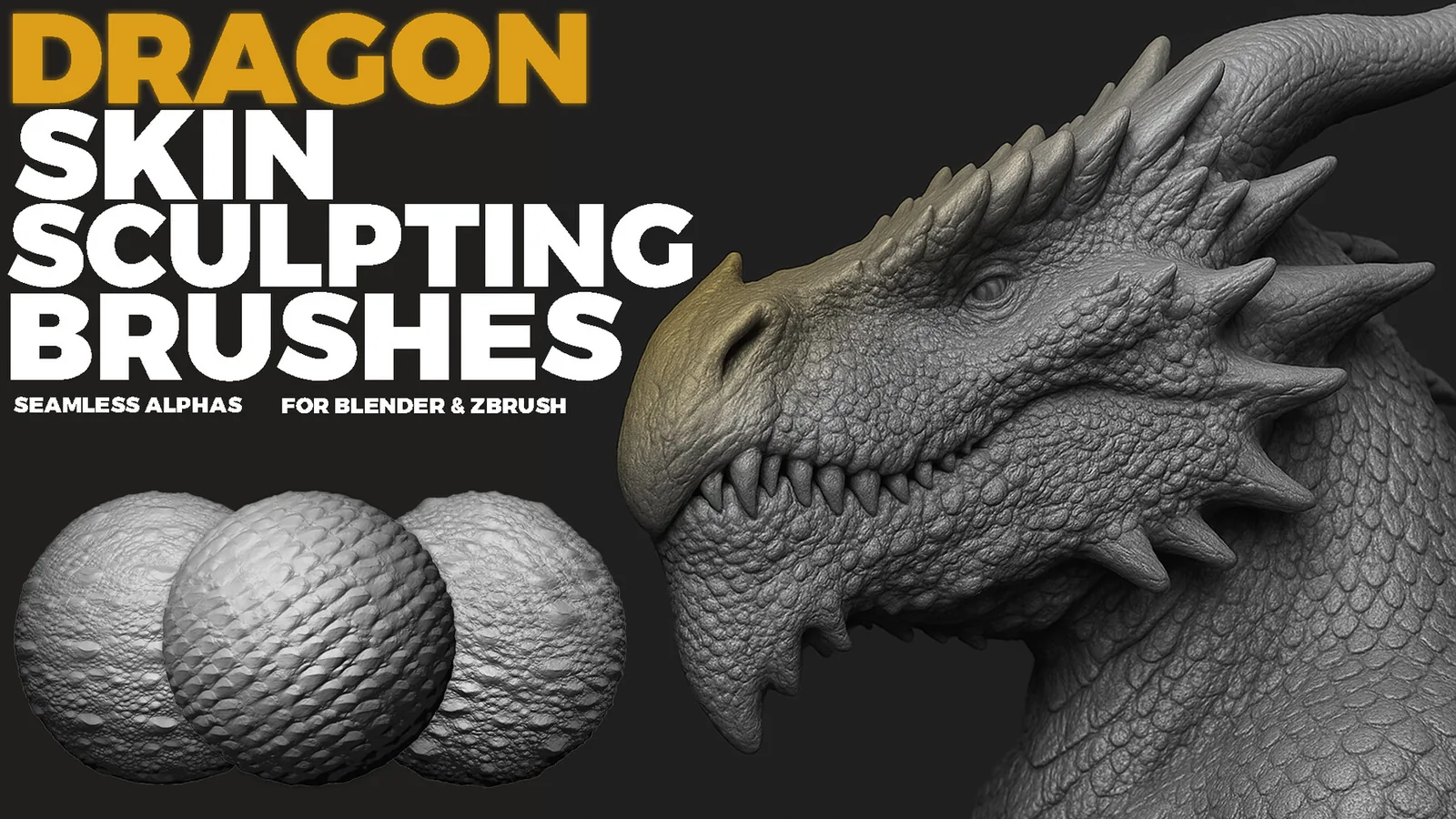
These packs are the strongest fits for this category. Each set is already organized for fast browsing and has previews so you can judge the stroke quality before committing.
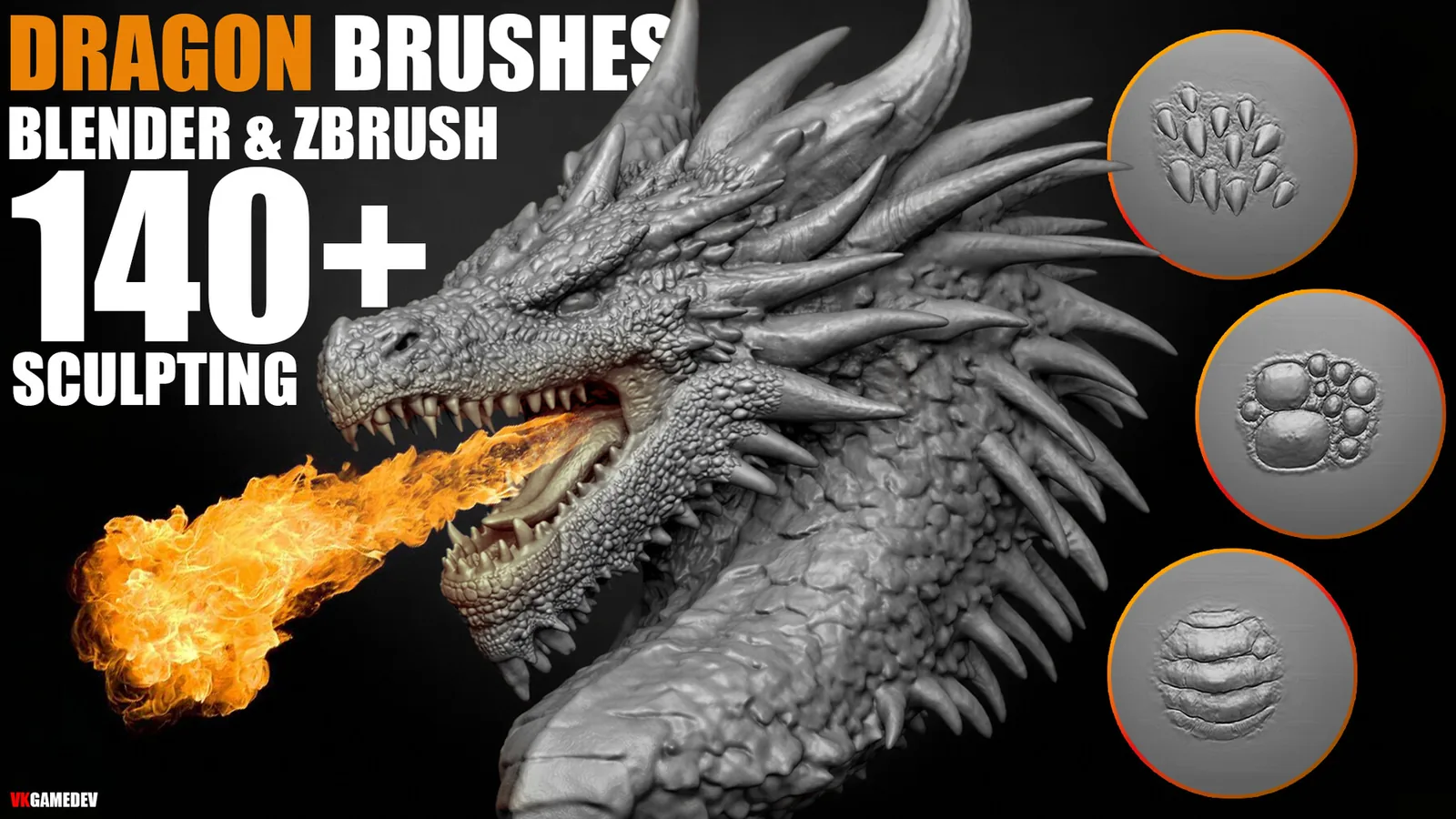
Examples

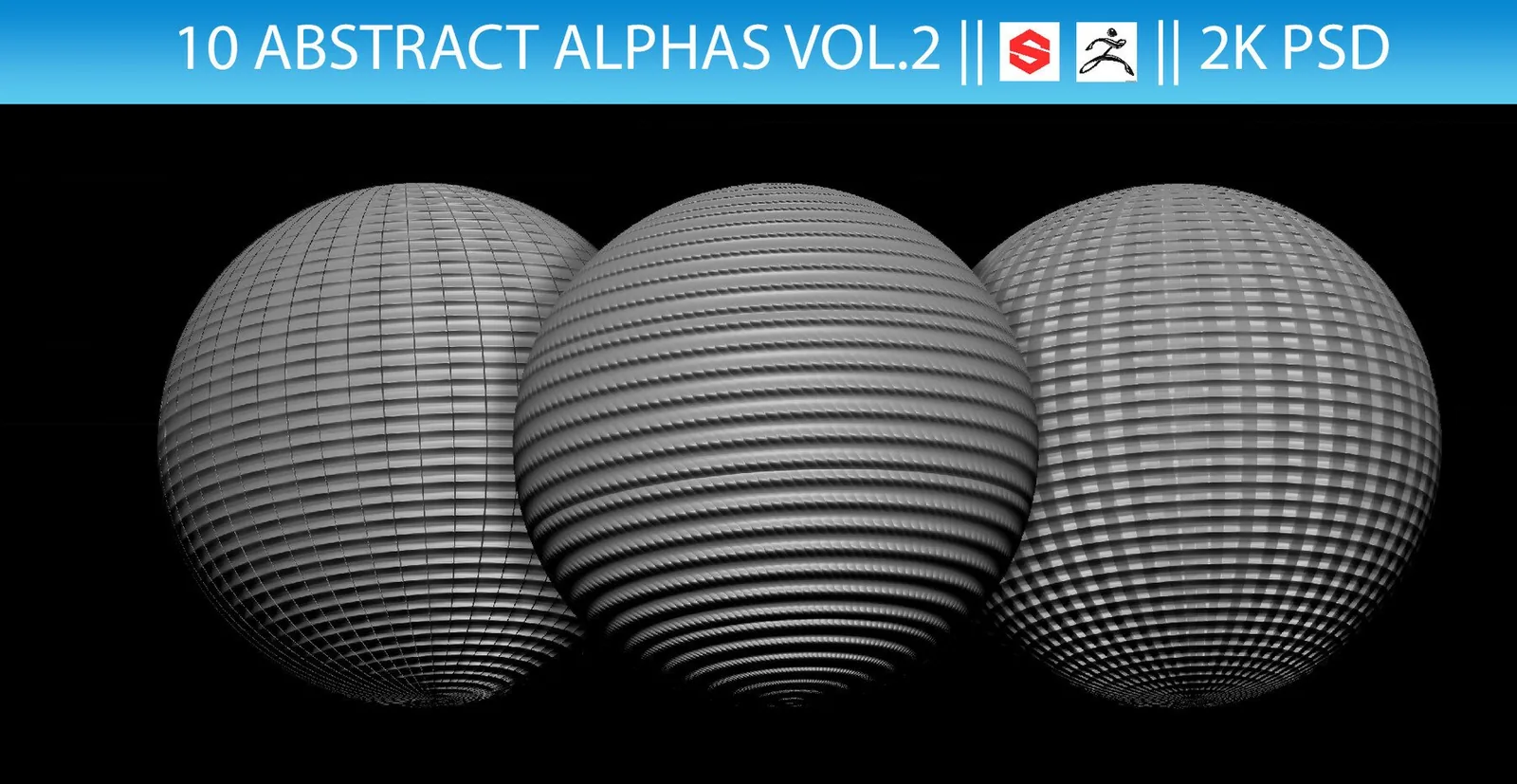
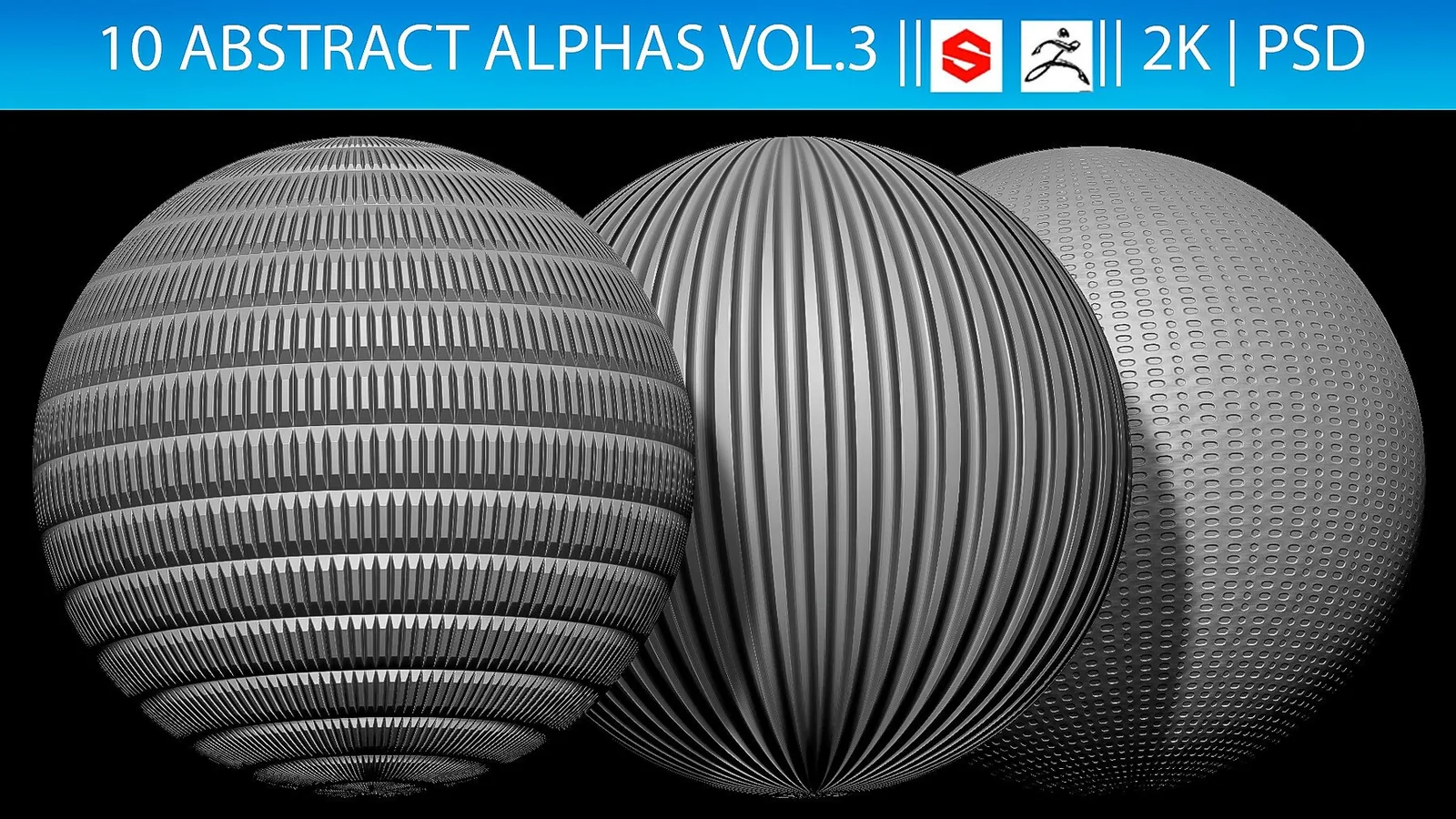
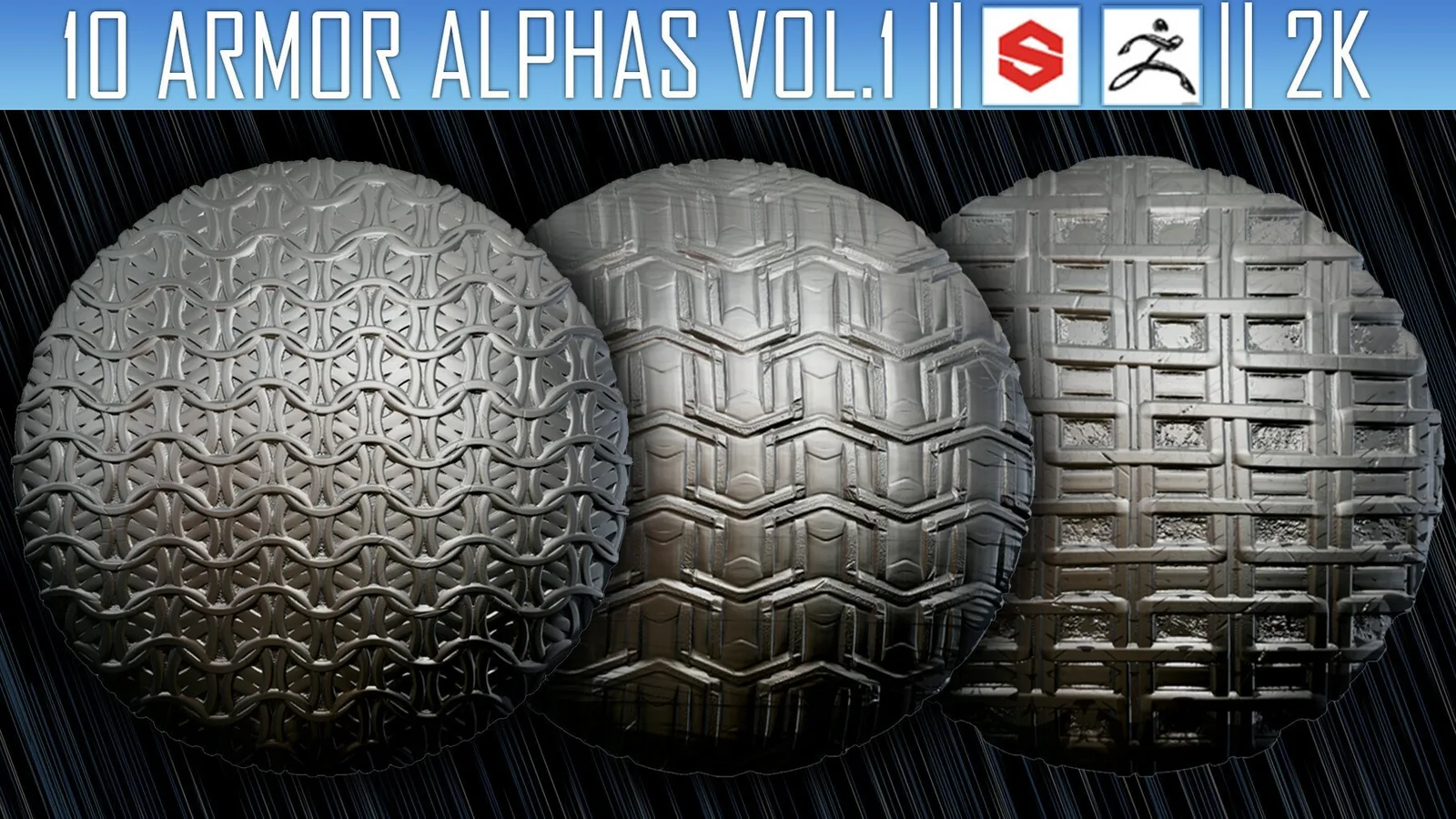
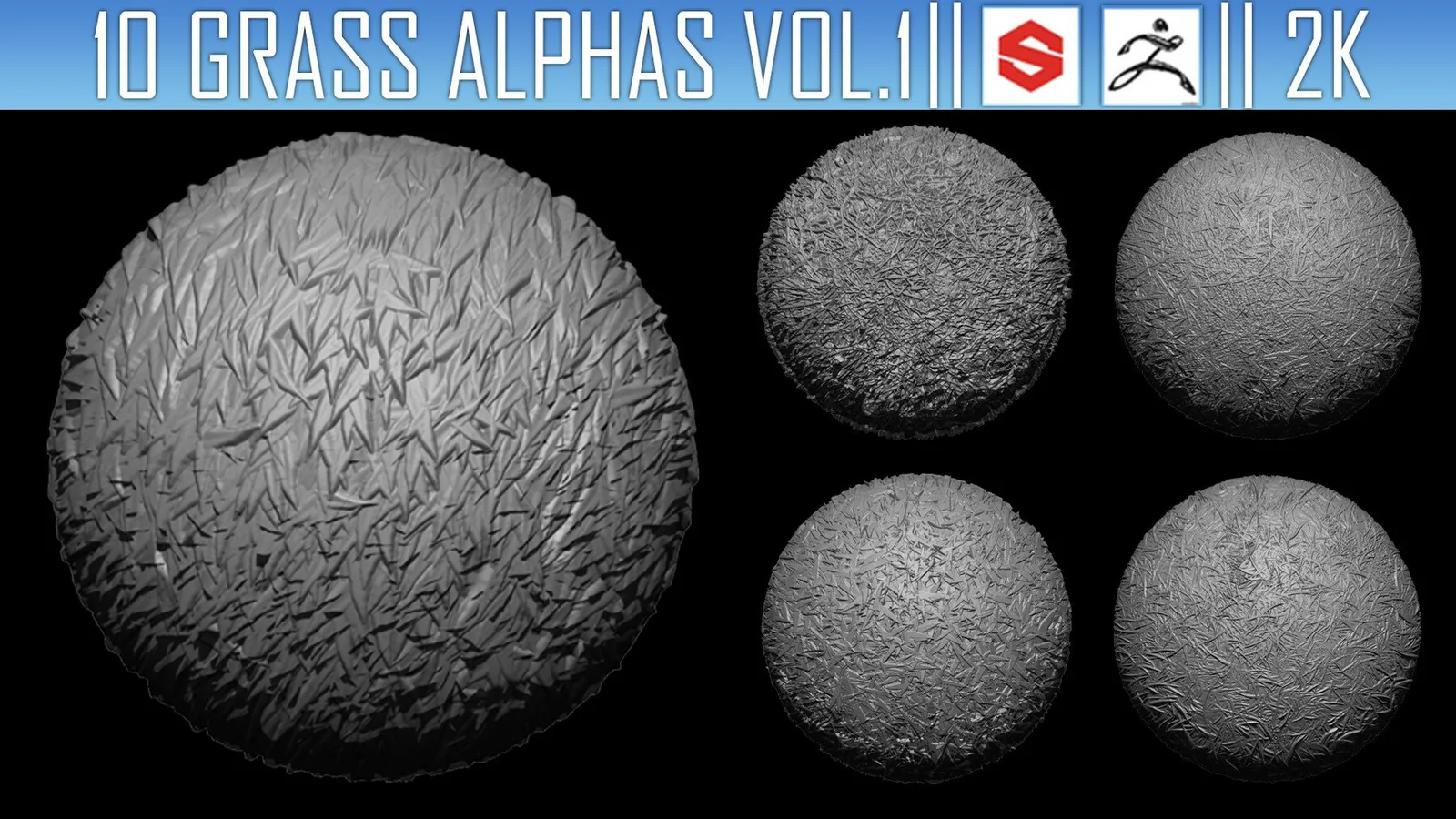
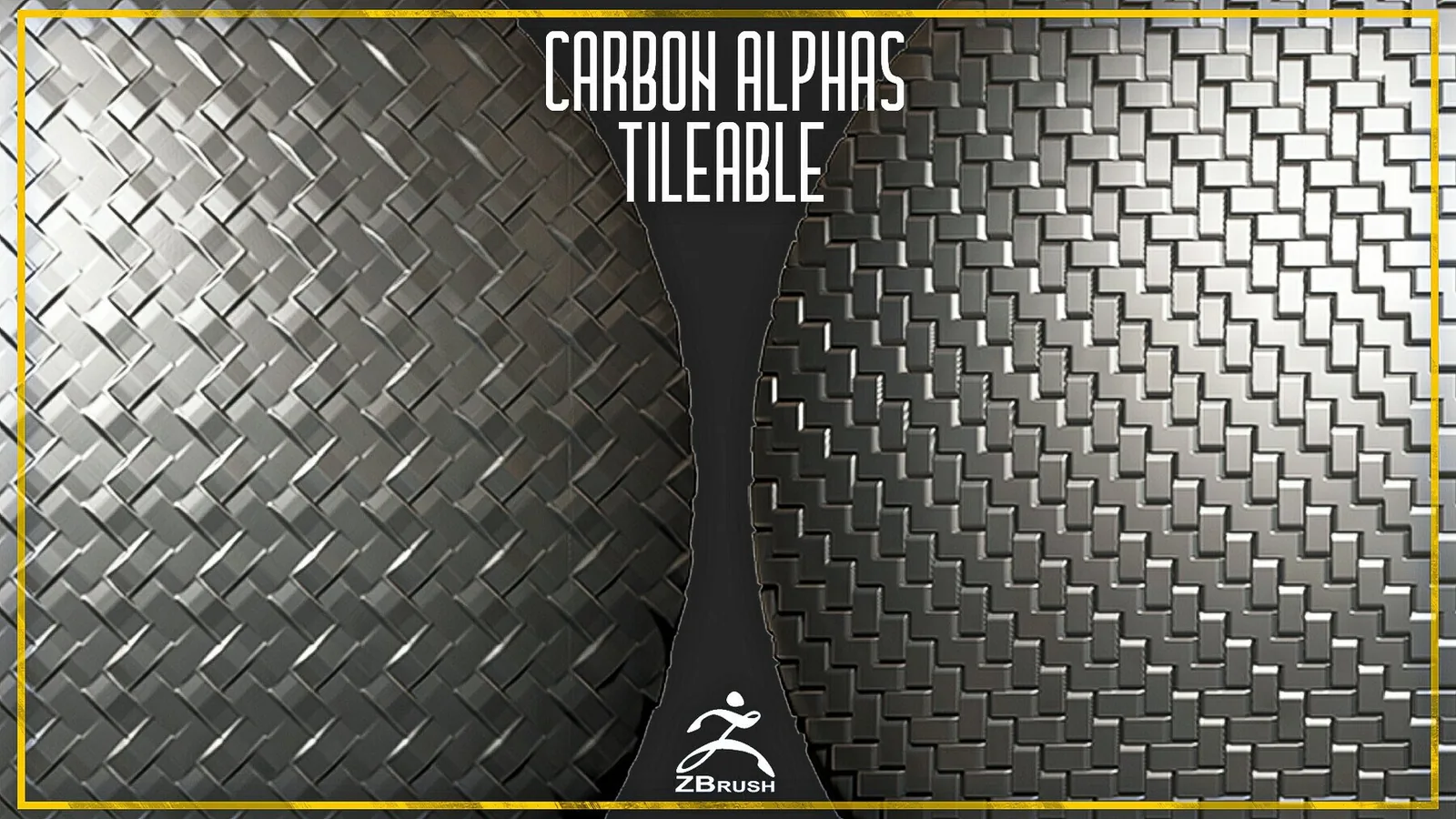
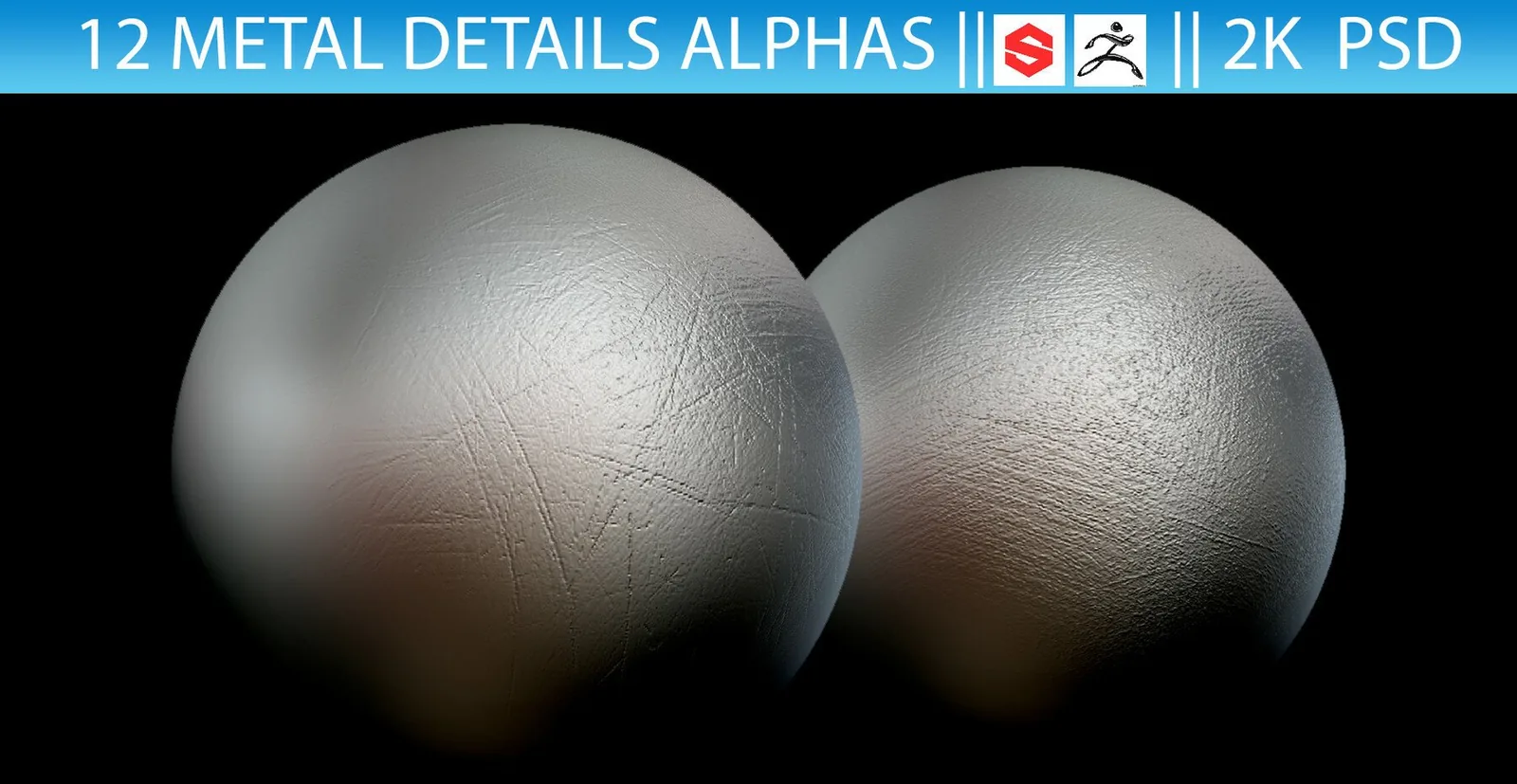
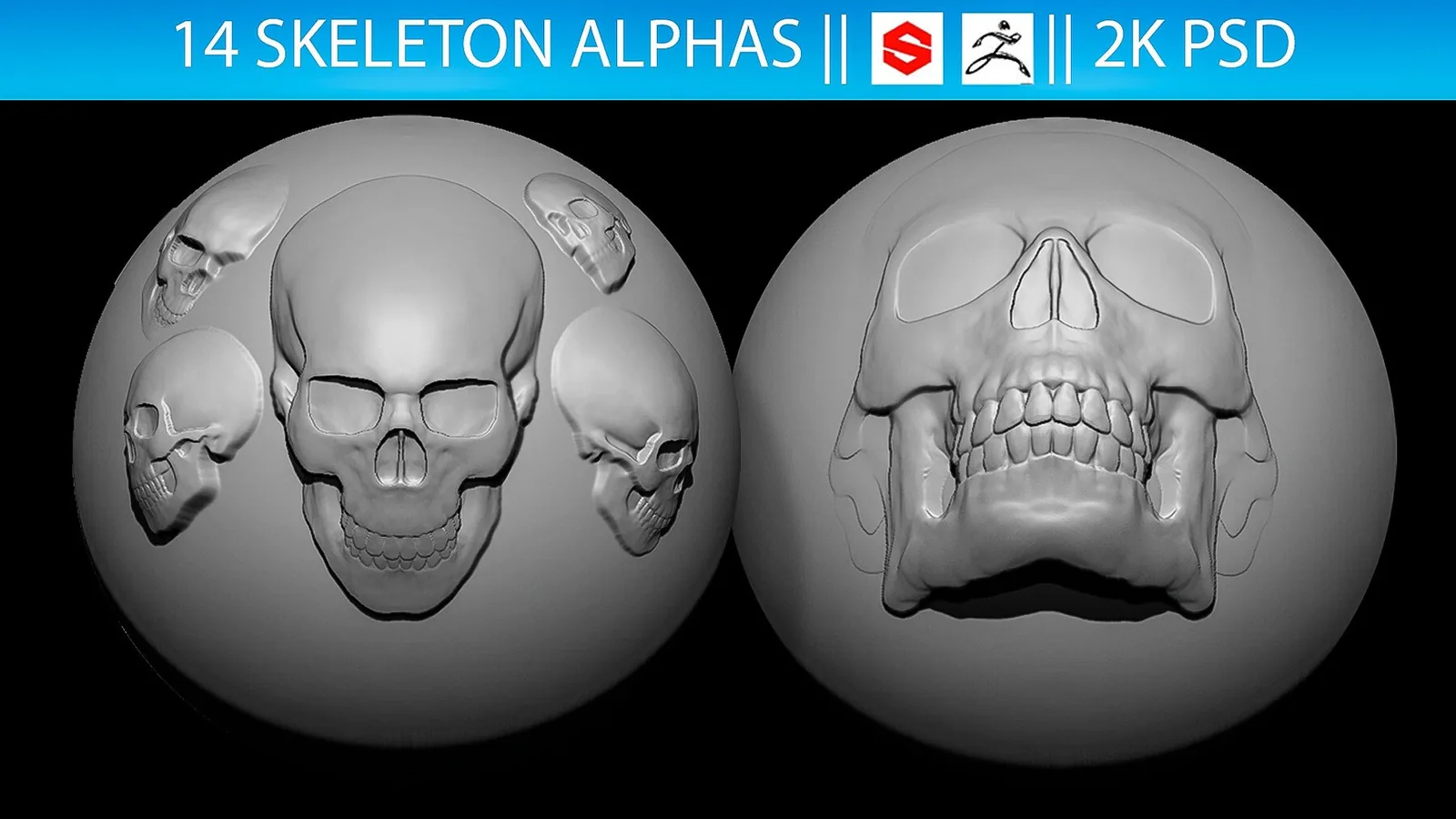
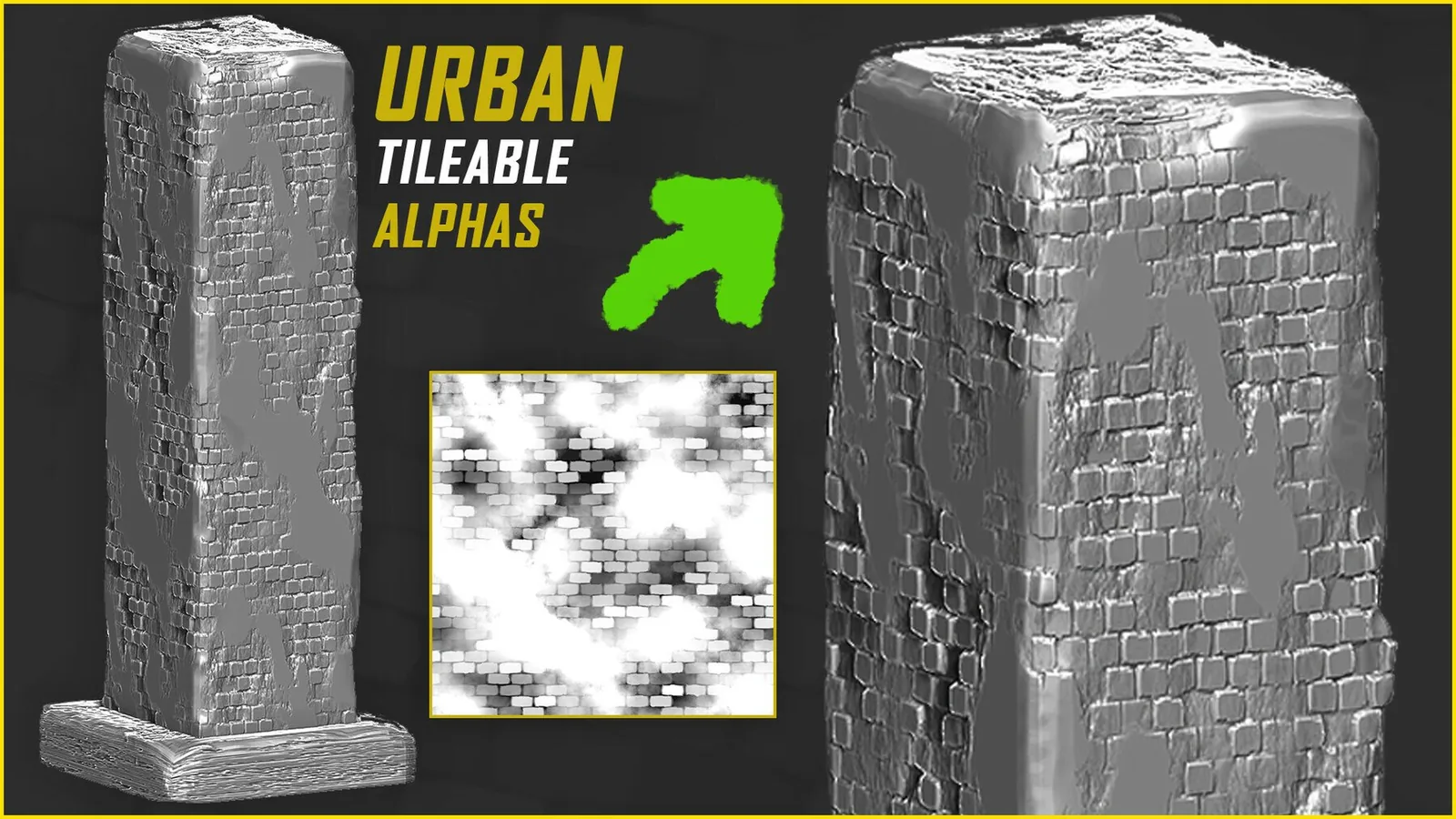
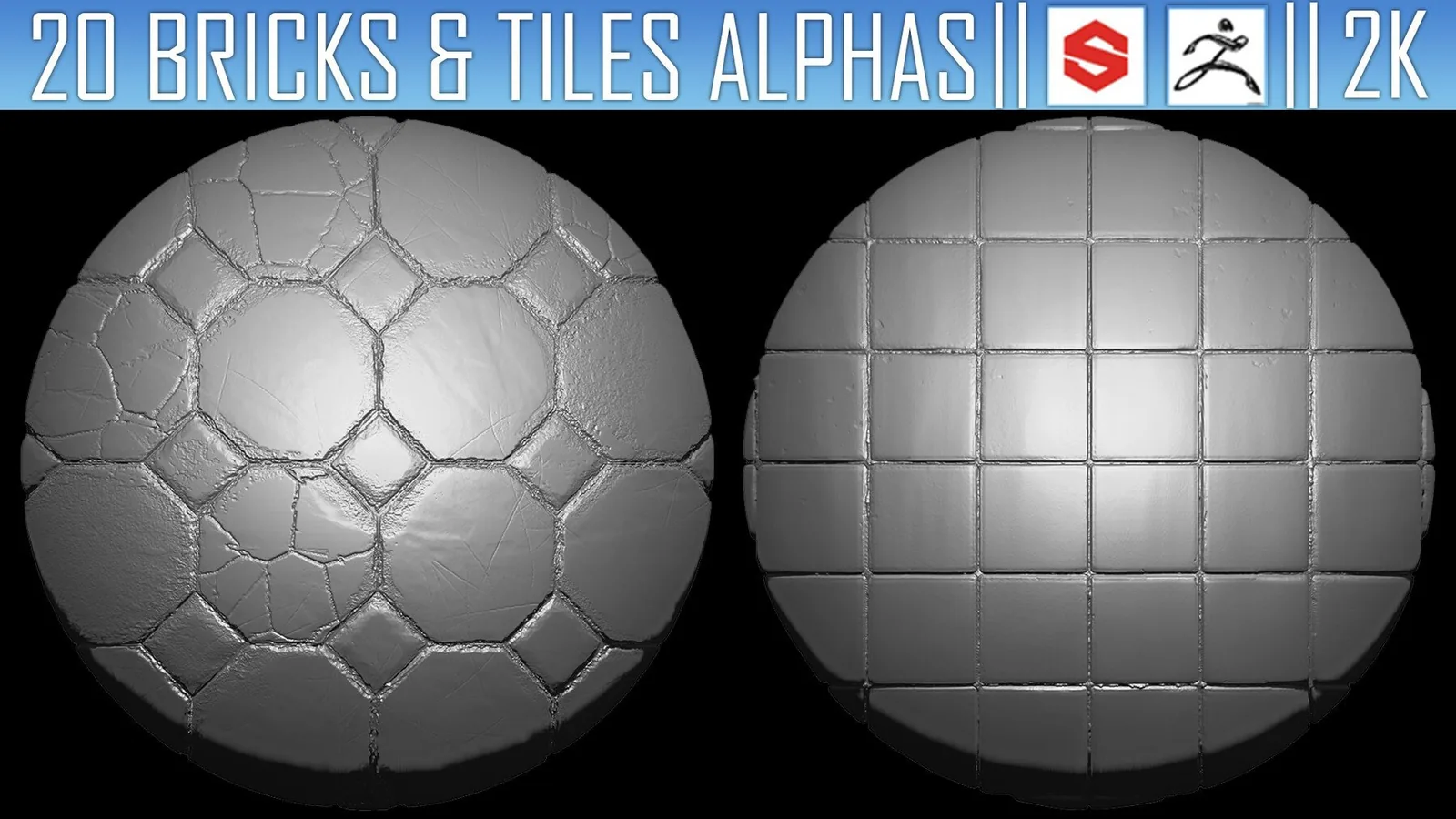
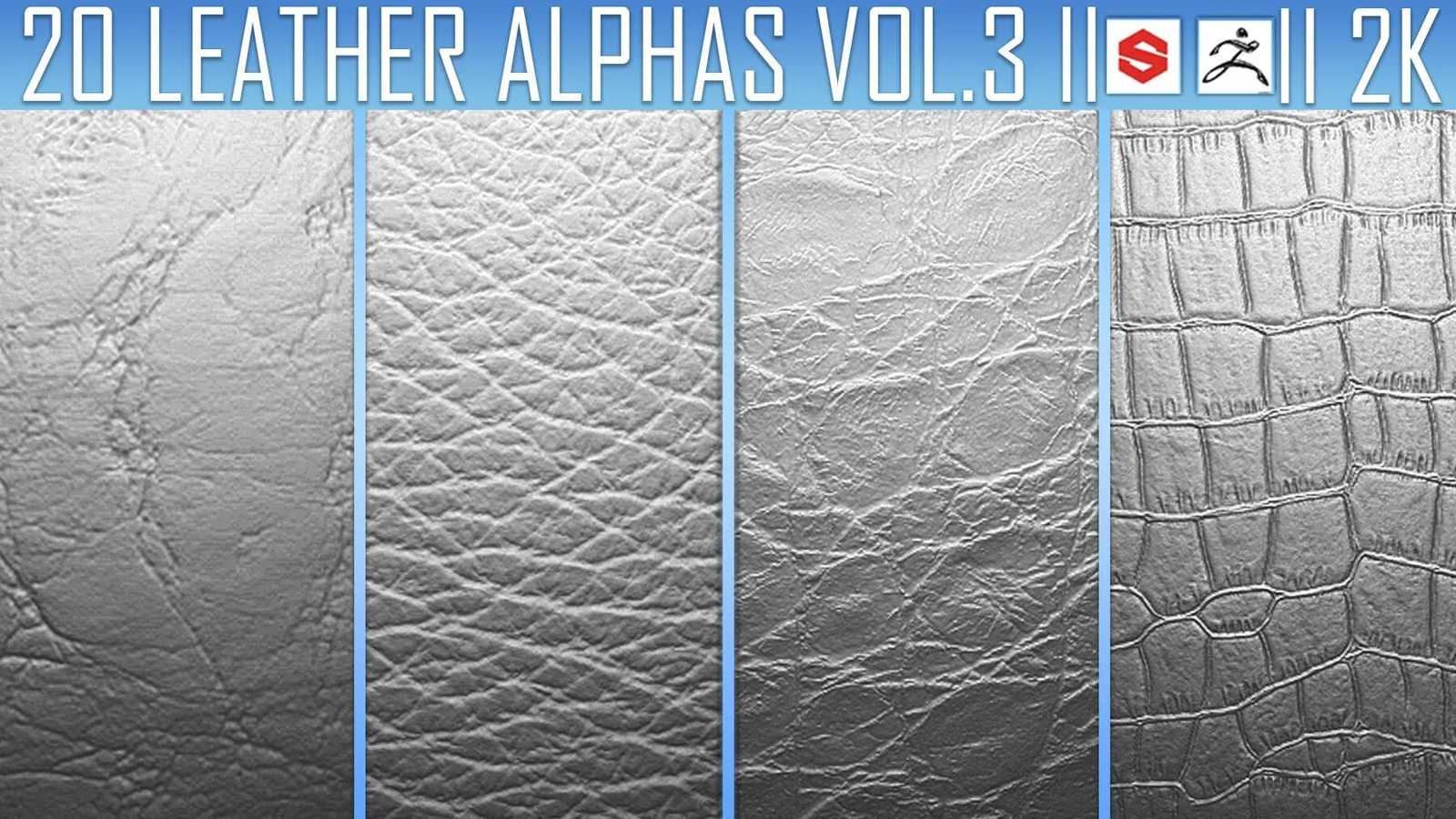
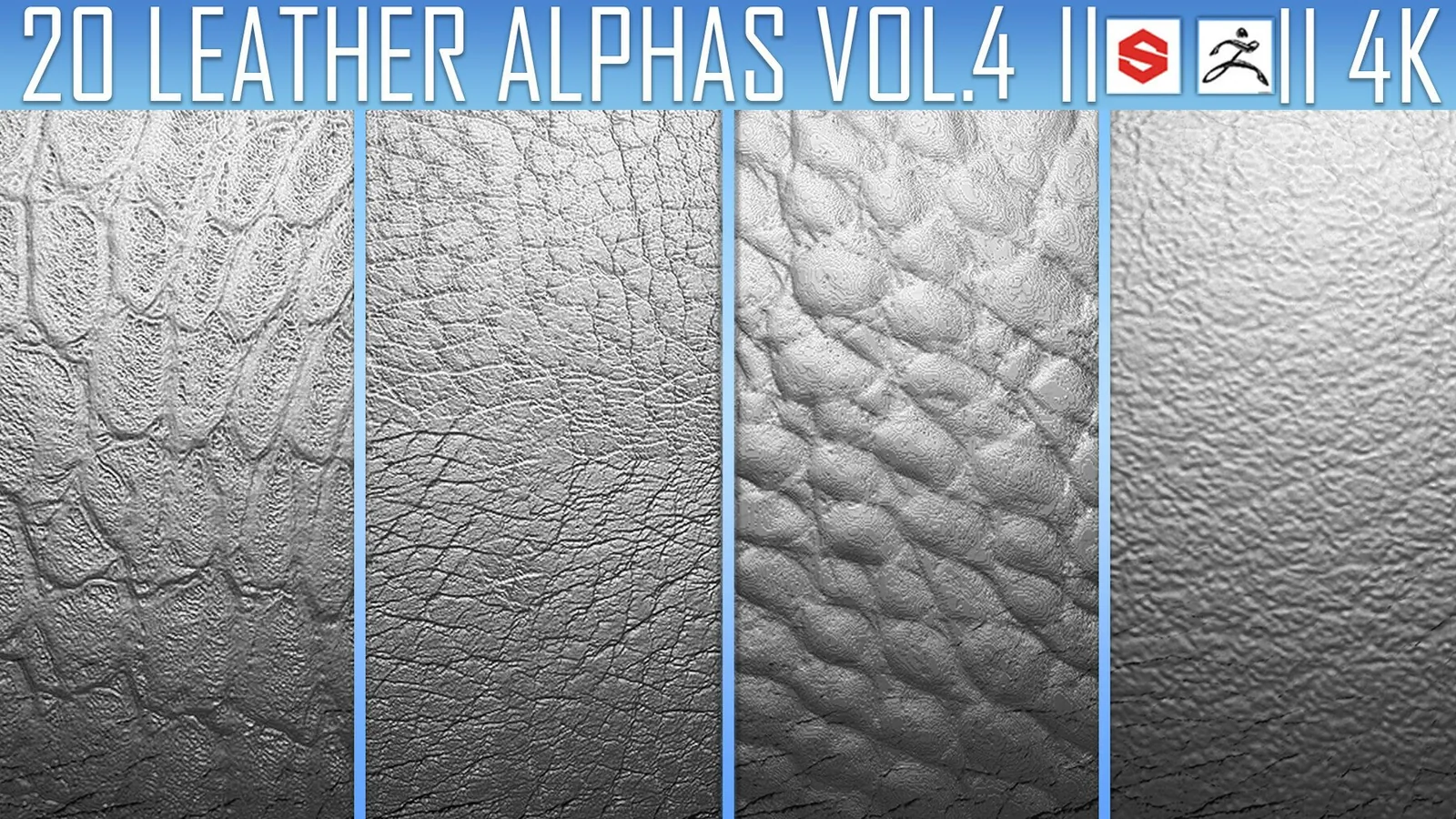
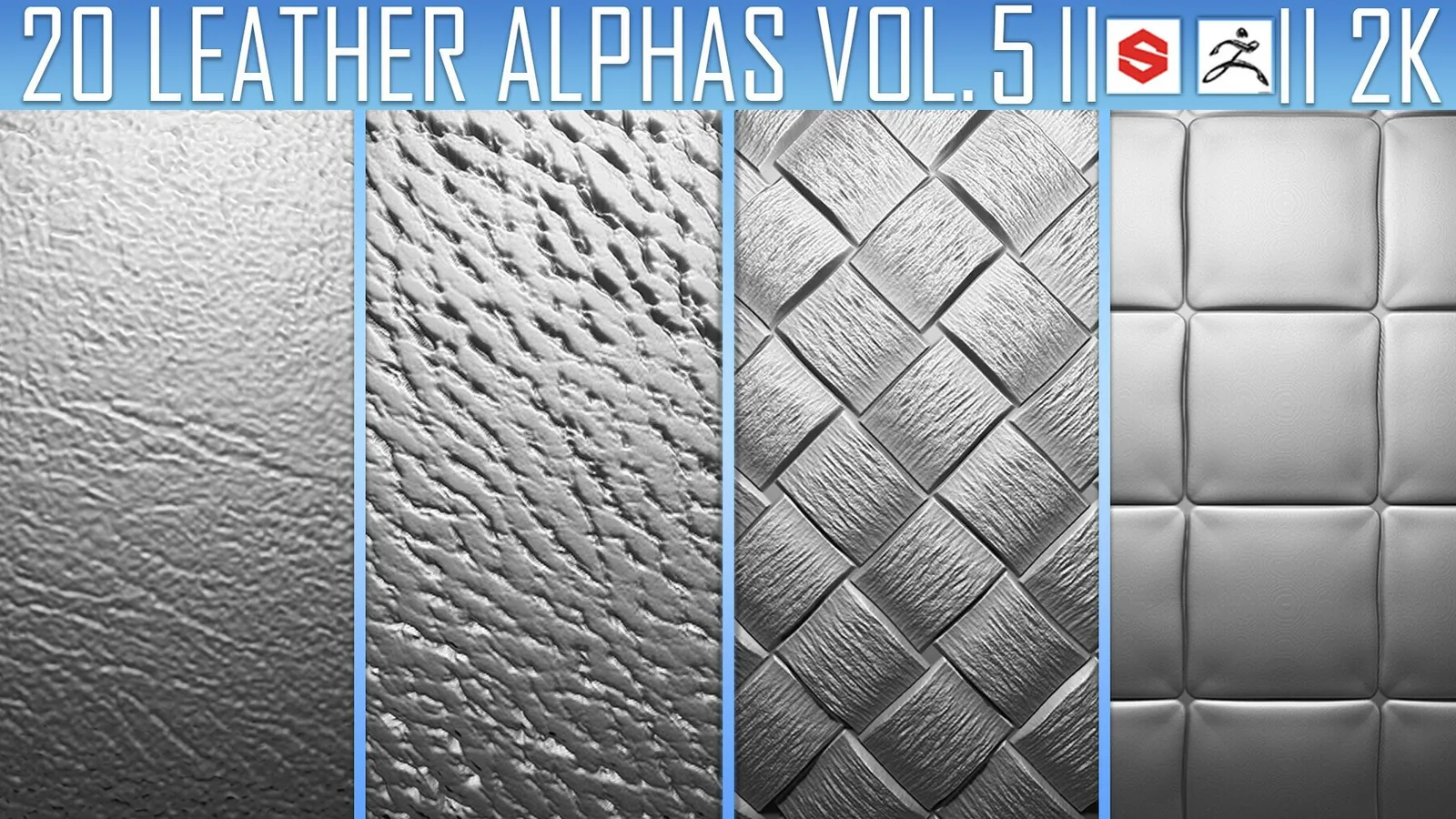
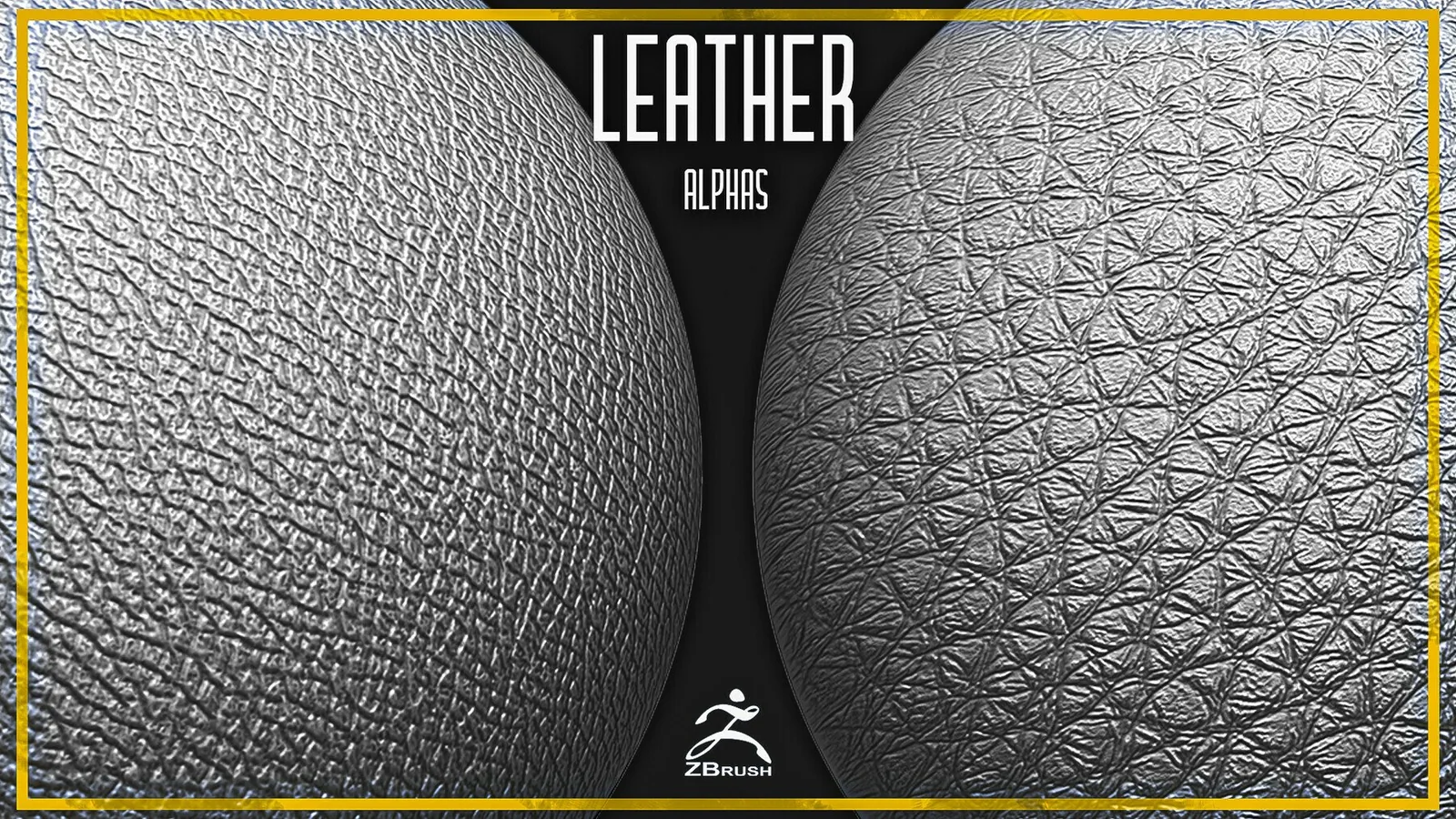
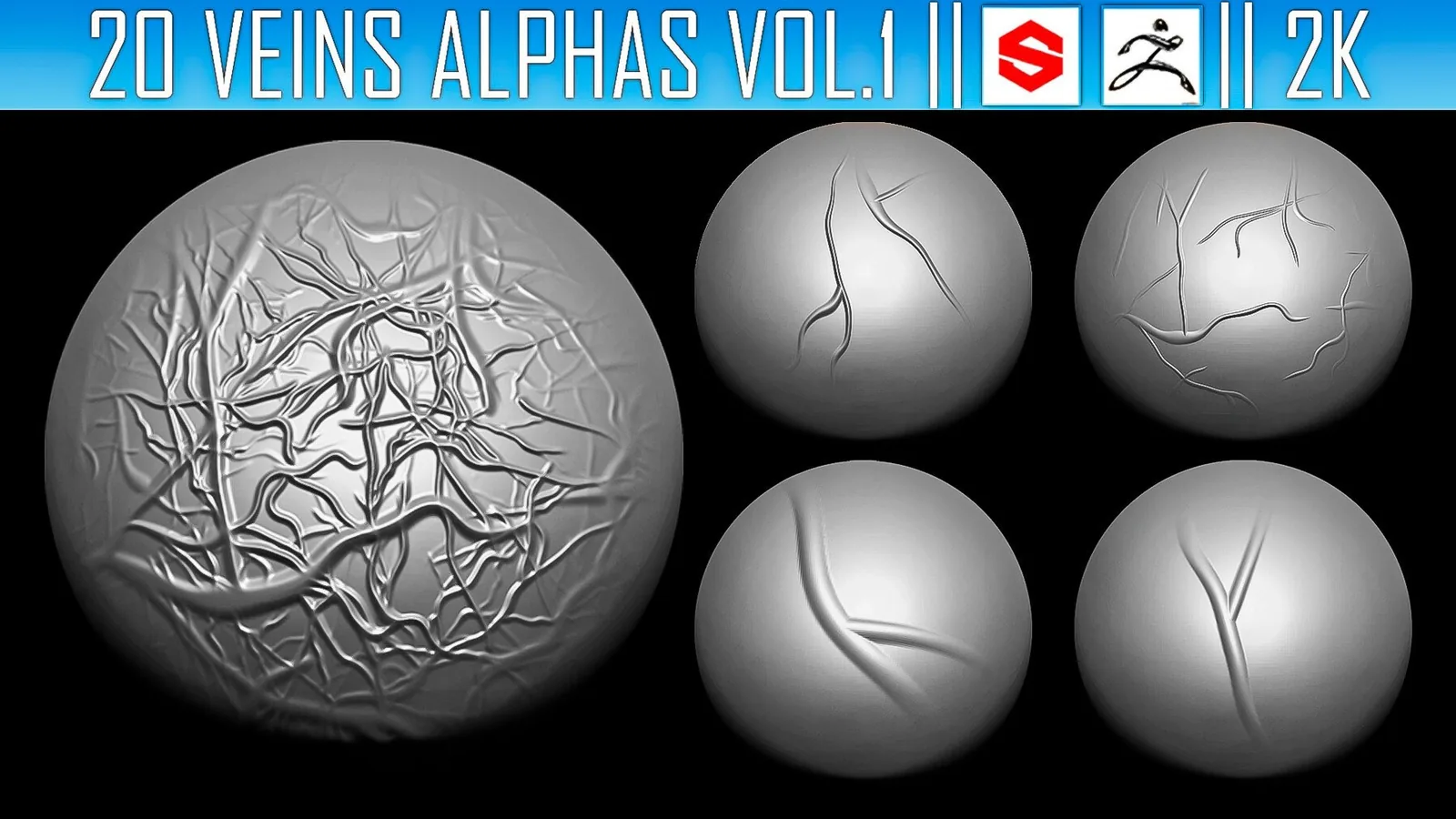
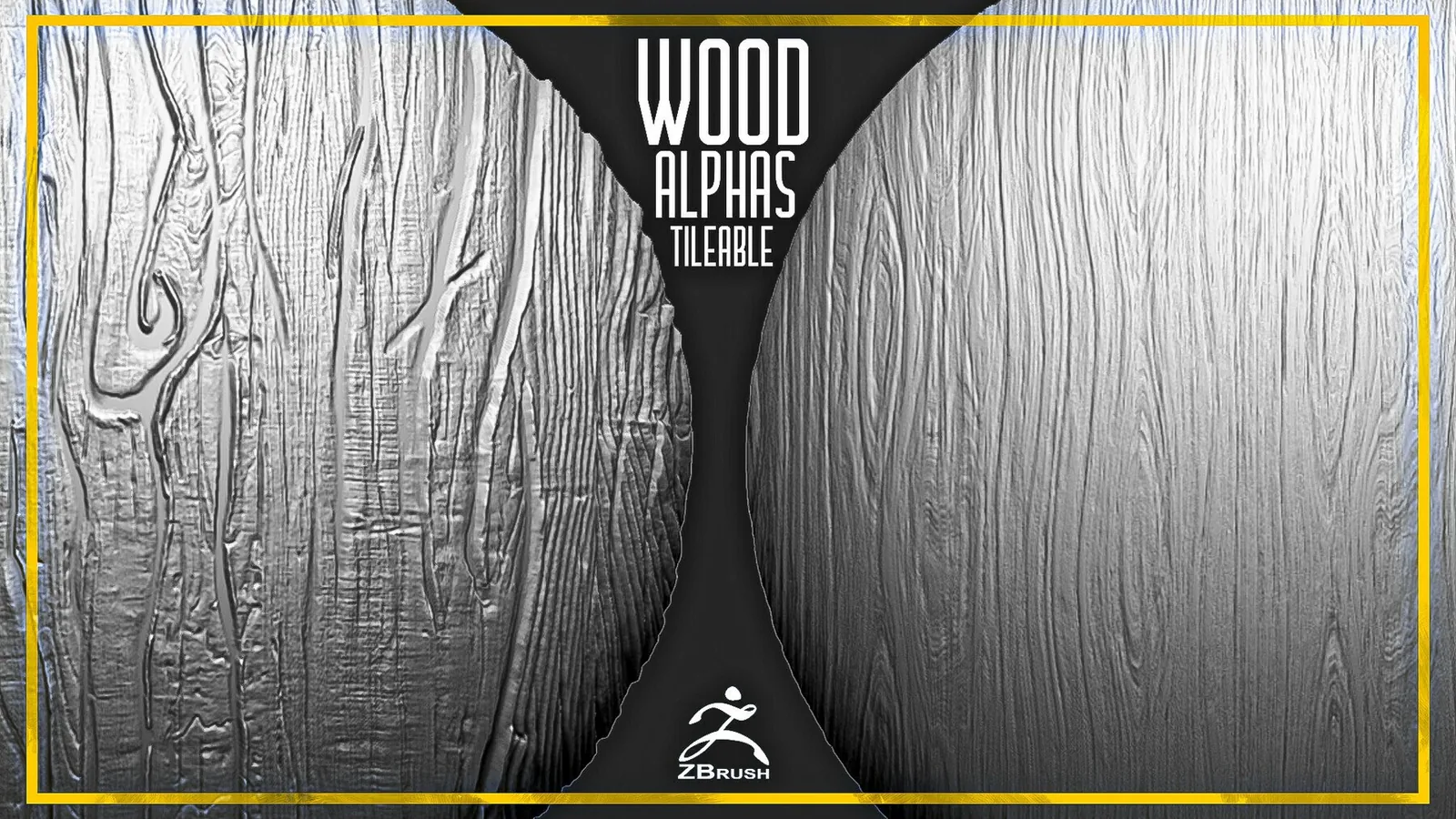
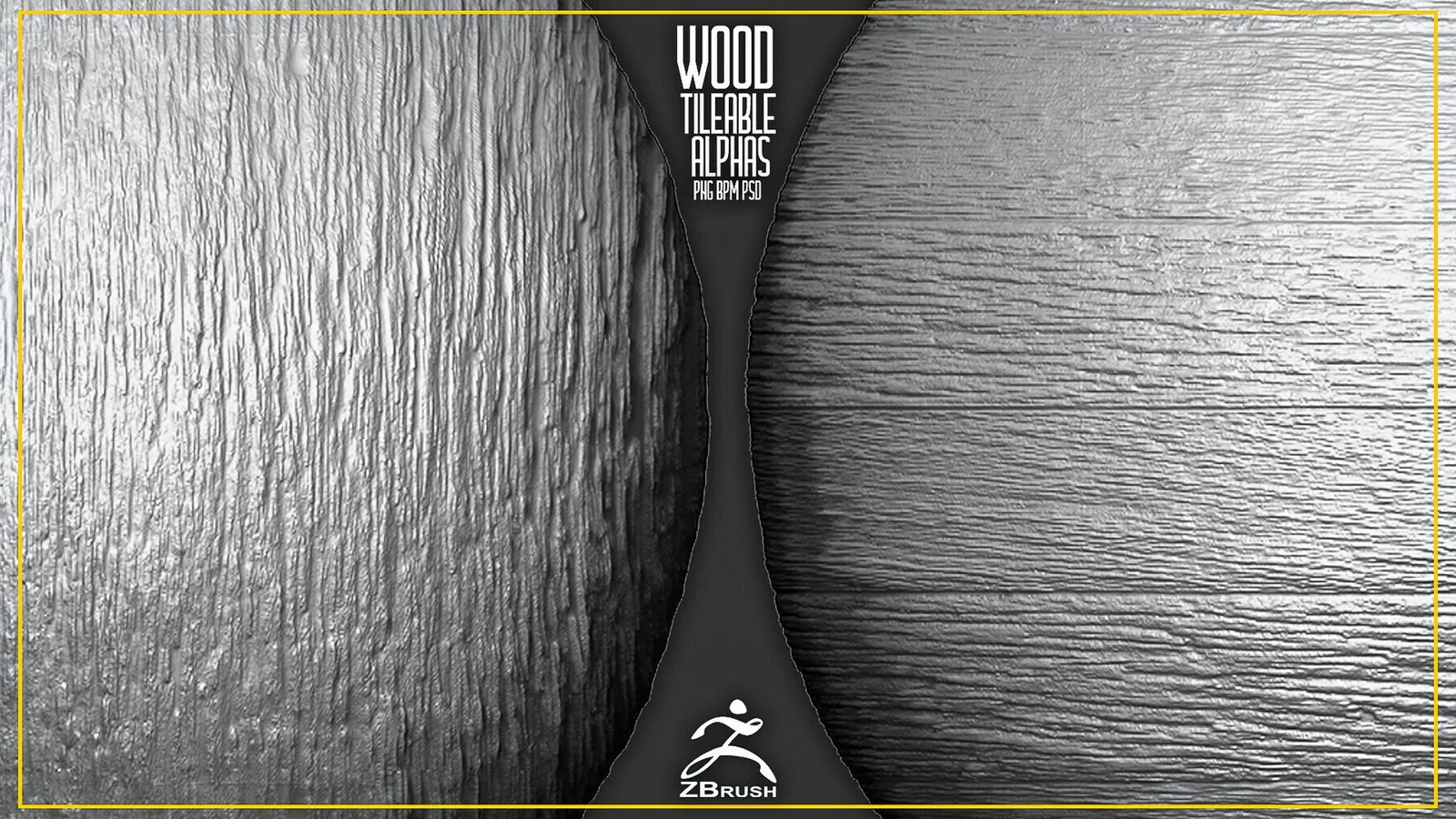
Real product previews showing how the brushes and alphas read on different materials and scales.
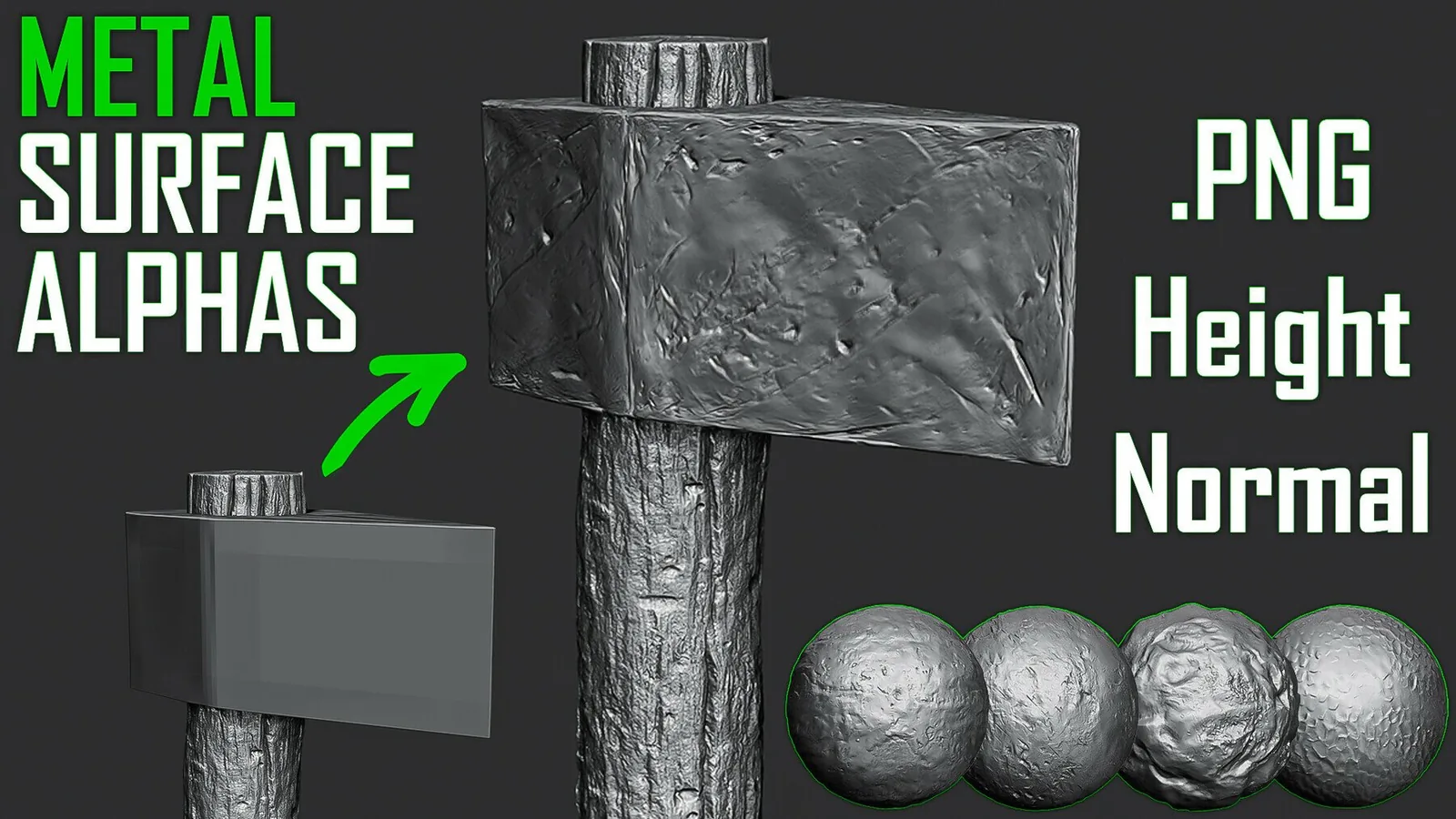
Dragon skin detail from ZBrush-ready brushes.
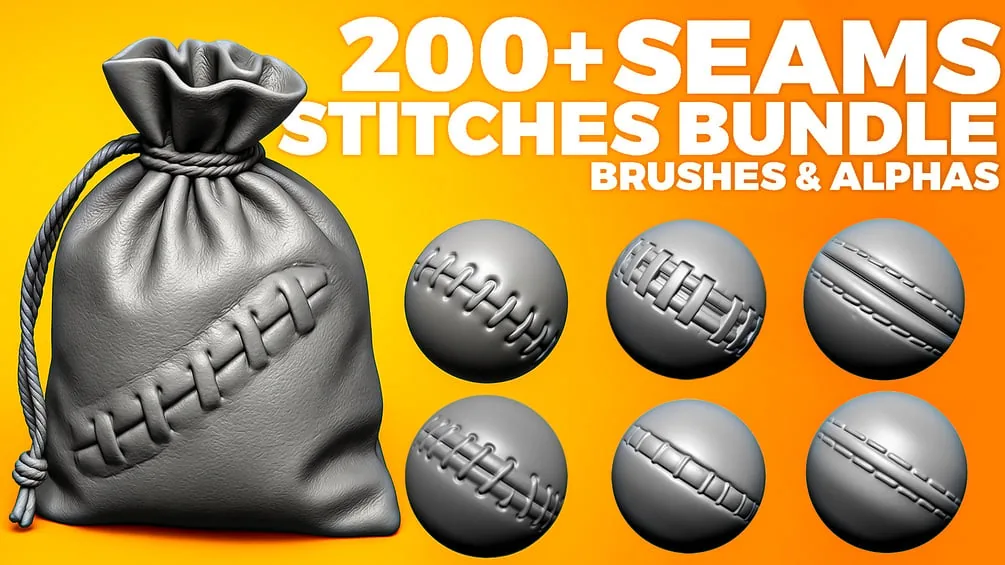
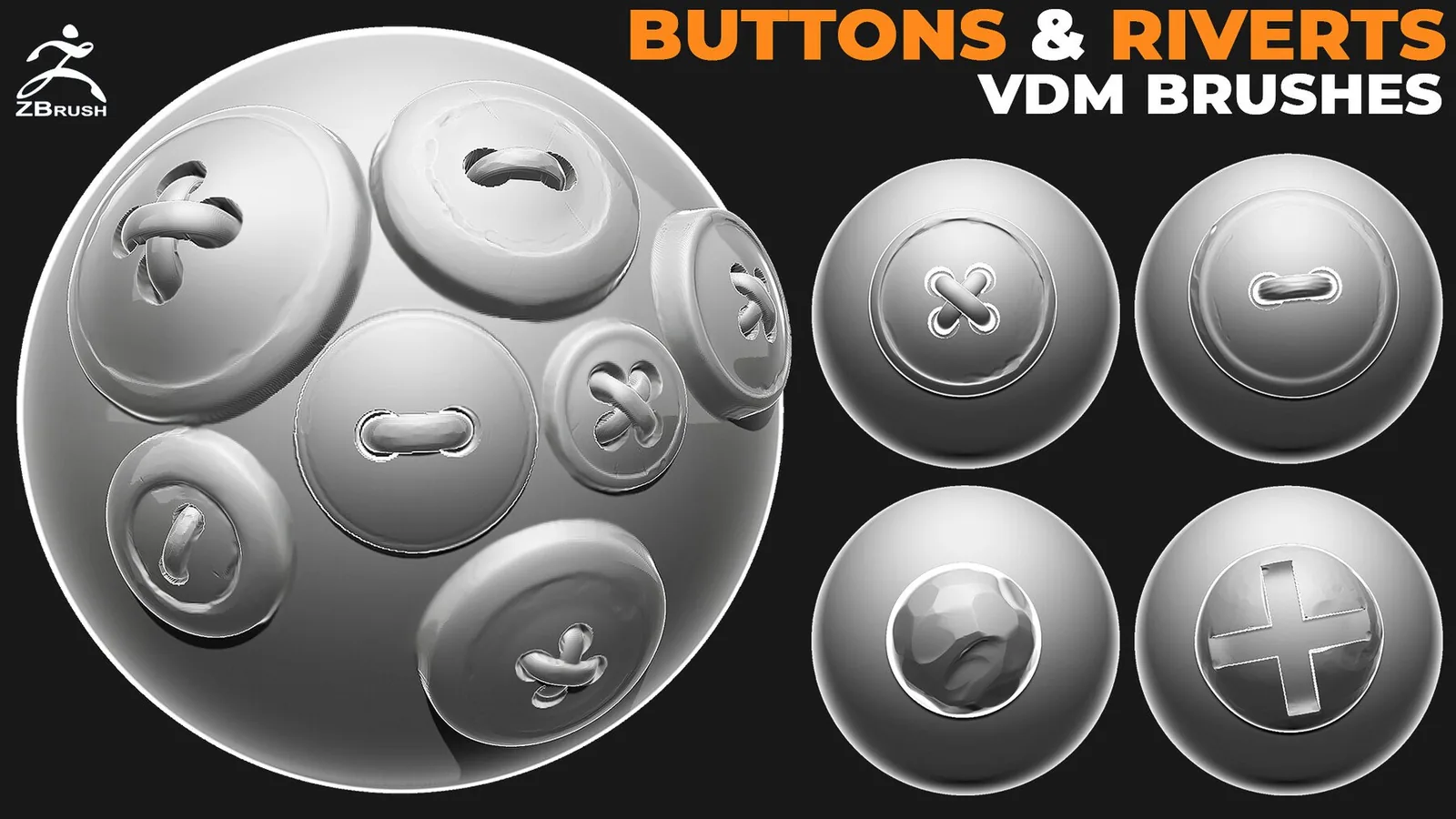
Seams and stitches sculpting detail.
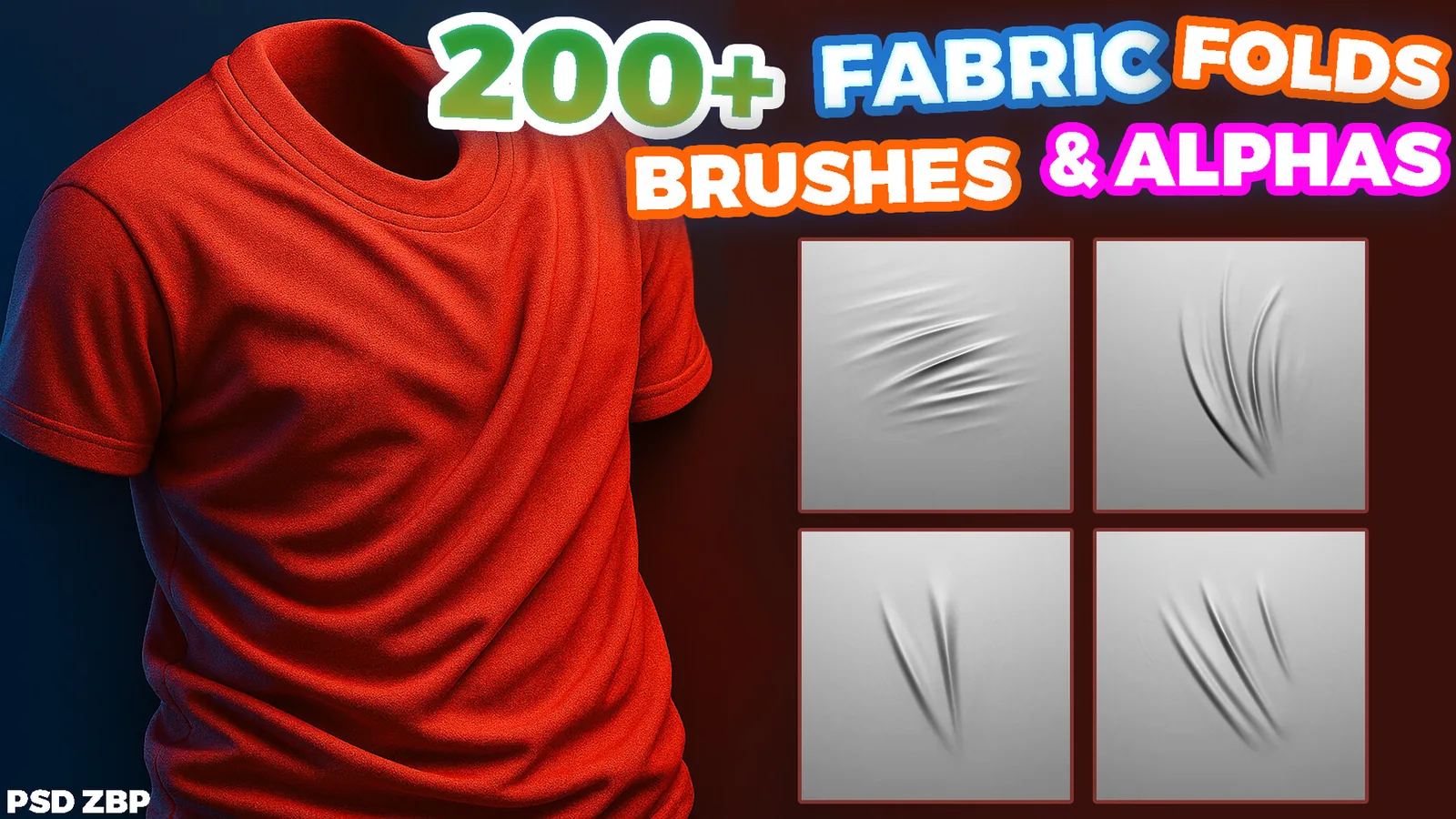
Fabric fold strokes for ZBrush.

FAQ

Q: Are these brushes saved as ZBP presets? Yes, ZBrush packs include ZBP presets or alpha libraries.
Q: Can I use the same alphas in Blender? Yes, most alphas work in both Blender and ZBrush.
Q: Do the brushes support stylized work? Yes, you can adjust depth and spacing for stylized looks.
Q: How do I load packs temporarily? Use Lightbox for a session load without permanent install.