Rocks and Stones Brushes

Category

Rocks and Stones Brushes

Rock and stone sculpting is about erosion, stratification, and believable surface breakup. This category collects brush packs and alpha libraries for cliffs, boulders, terrain chunks, and stone props in Blender and ZBrush. The best sets combine bold breakup stamps with subtle noise so you can build convincing rock forms without sculpting every crack by hand.

Real rocks are layered and weathered. They have large plane changes, mid scale chips, and micro pitting that reads up close. The brush sets here are organized to cover those scales so you can move from blockout to high detail in a single workflow. Use the tools for environment assets, modular cliffs, ruins, and prop stones.

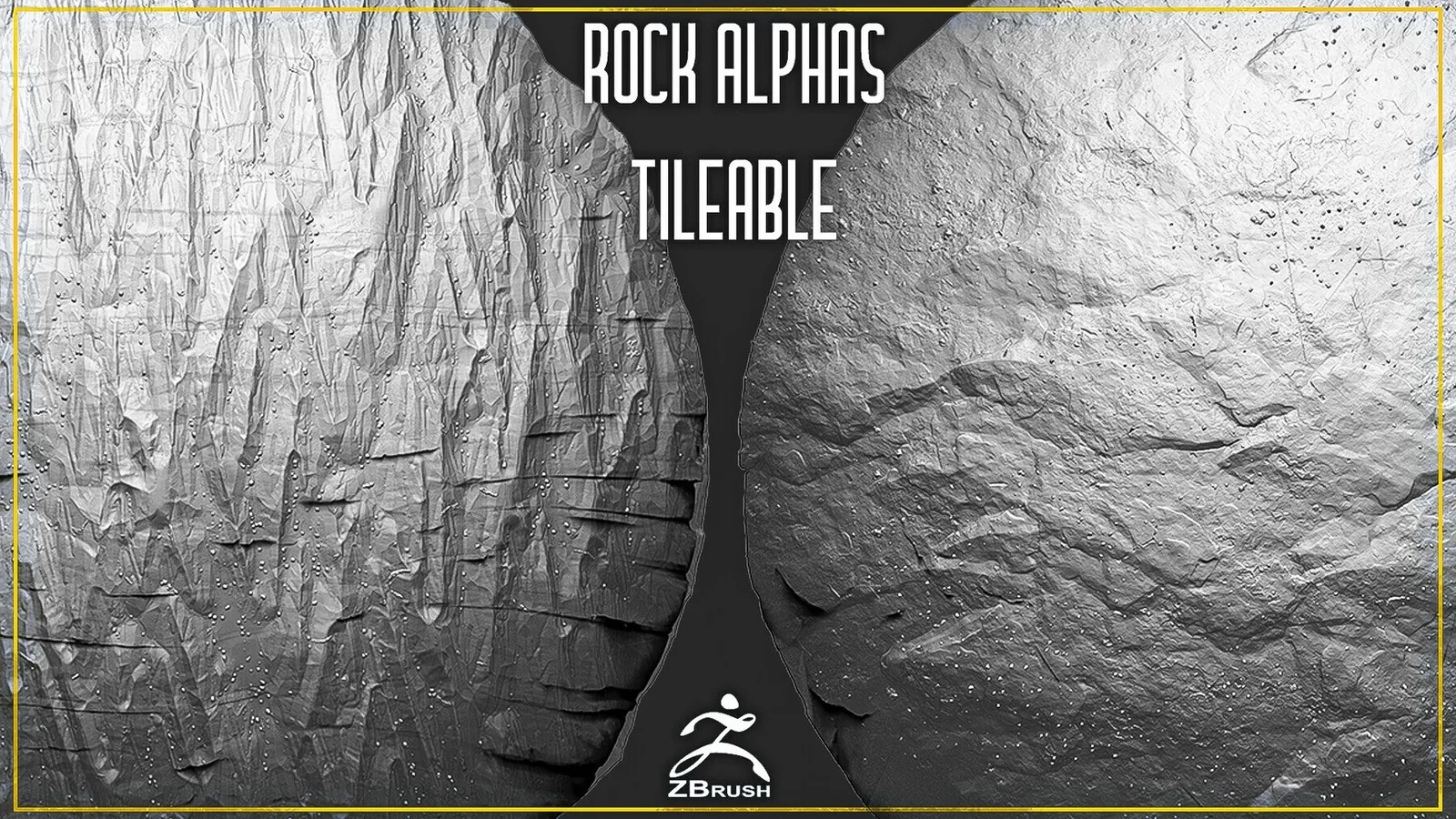
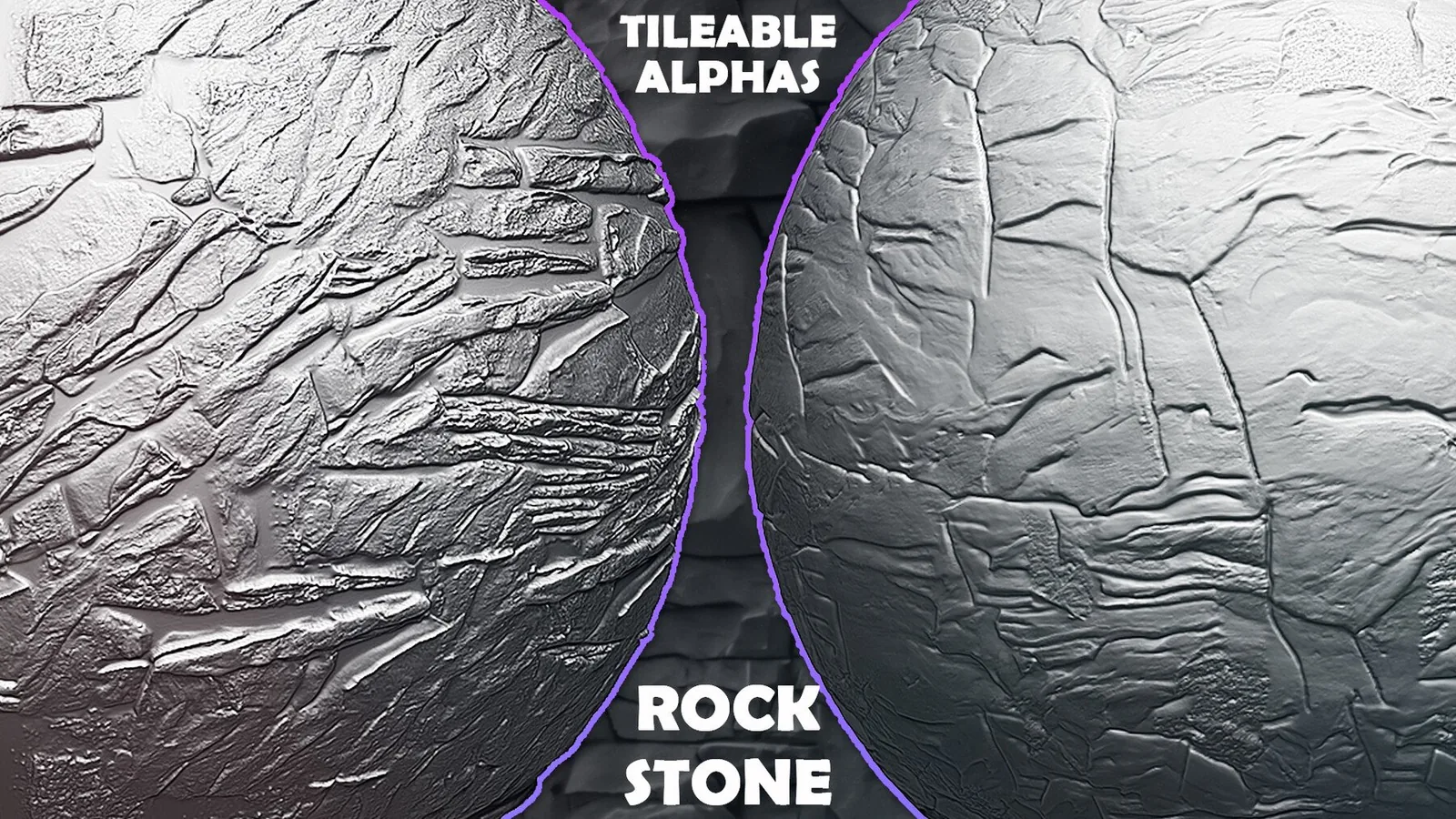
Cliff and boulder detail Erosion and chips Tileable rock alphas Blender and ZBrush

Large forms to micro pitting Seamless rock surface stamps Environment and prop ready

Begin rock sculpts by establishing the largest planes and silhouette. Rocks need strong primary forms to feel weighty. Use broad planar brushes or large rock stamps to define the main planes, then refine the silhouette with a few bold cuts. Once the shape is established, you can move to mid scale fractures and edge chips.

Stratification and sediment layers are key for many rock types. Use layered alphas or directional stamps to suggest horizontal breaks and embedded material. Keep the layers subtle and uneven so the surface looks natural. If the layers are too uniform, the rock starts to look artificial.

Erosion detail is best applied in passes. Start with wide erosion cuts, then add smaller chips and cracks. Rotate your alphas and vary the scale to avoid repeating patterns across large cliff faces. This approach keeps the surface believable even on large assets.

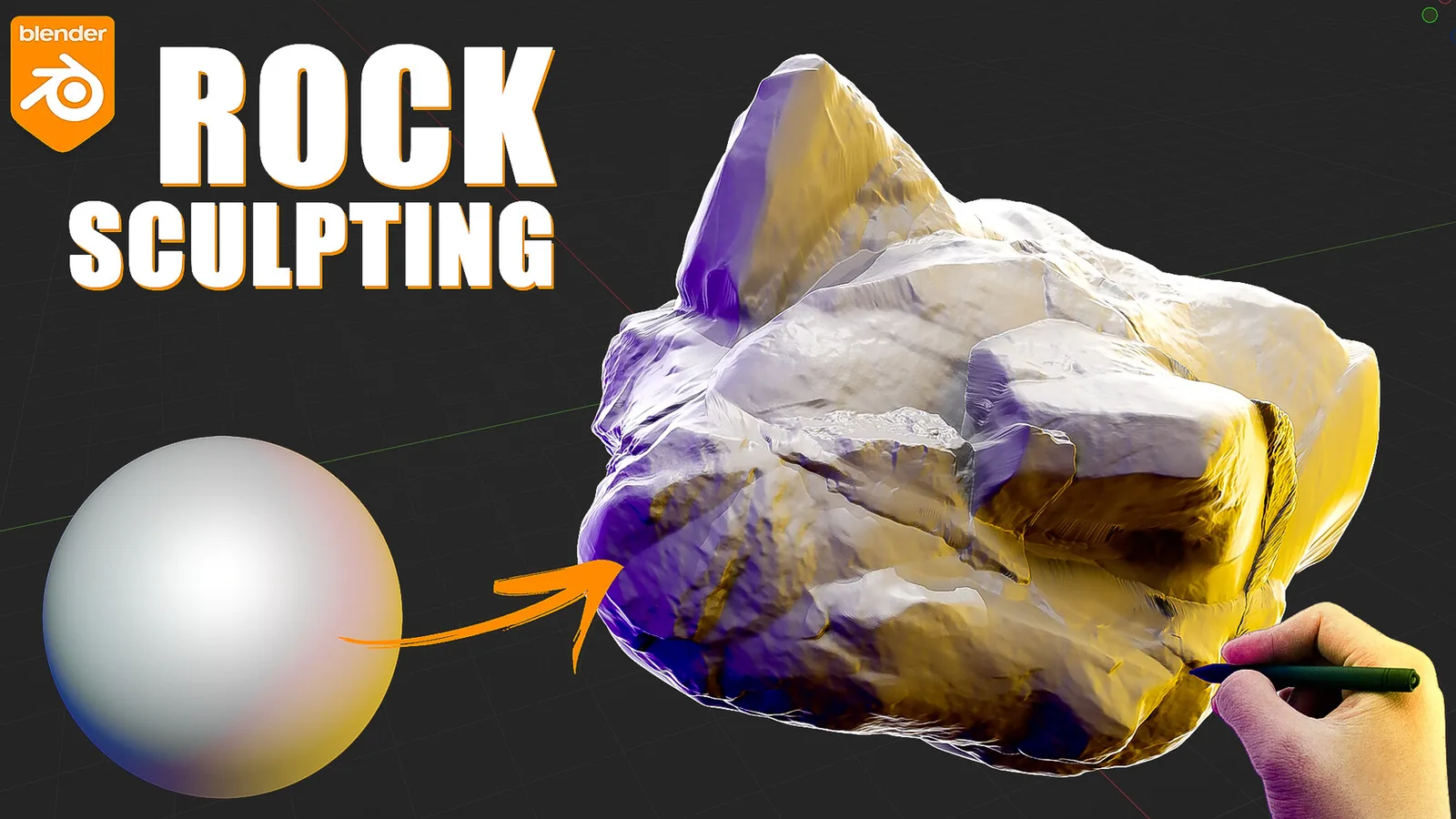
In Blender, use a dedicated rock brush catalog in the Asset Browser and test each stamp on a sphere. This helps you compare depth and choose the right scale for your asset. If you work with large terrains, keep a few tileable alphas for wide coverage and a few hero stamps for focal rocks.

In ZBrush, use layers to separate large fractures from small noise. You can then dial the intensity per layer depending on whether the rock should look soft or sharp. For cliffs, keep the primary layer strong and the noise layer subtle so the forms read at a distance.

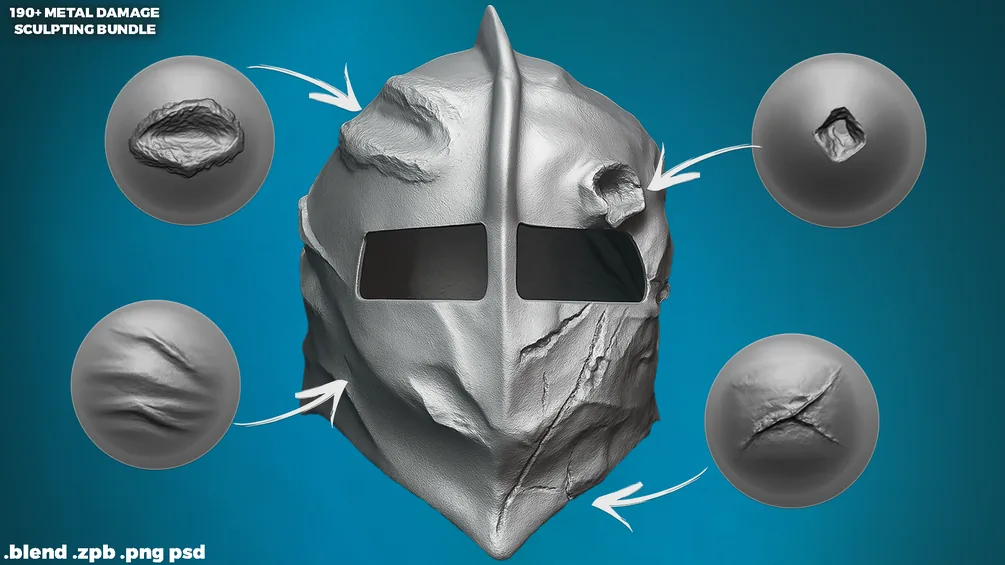
Rock surfaces also benefit from secondary damage. Edge chips and minor cracks add realism, especially on ruins or constructed stone. Use damage brushes to add breakage around corners and contact points, then smooth lightly to blend into the base material. This makes the surface feel weathered rather than carved.

Scale is critical for rock detail. A micro noise alpha that works on a hand sized prop will look wrong on a cliff. Keep a reference object in your scene and adjust brush radius based on the final asset size. This simple check keeps your rock detail believable across different environments.

When baking rock detail to textures, check that the depth reads at your target camera distance. For game assets, fine noise can vanish, so emphasize mid scale detail. For cinematic assets, you can push micro detail further and rely on displacement or height maps for closeups.

If you need variety, build a small library of rock primitives using different stamp sets. Combine them into modular clusters to create believable terrain without repeating a single rock shape. This is faster than sculpting every rock from scratch and keeps your environment cohesive.

The best sets below provide a balance of large rock stamps and fine surface alphas. Use them together for full range detail, and check the examples section to compare different stamp styles and erosion patterns.

Best sets

These packs are the strongest fits for rock and stone work. Each set is organized for fast browsing and includes previews so you can judge erosion depth before committing.
Examples

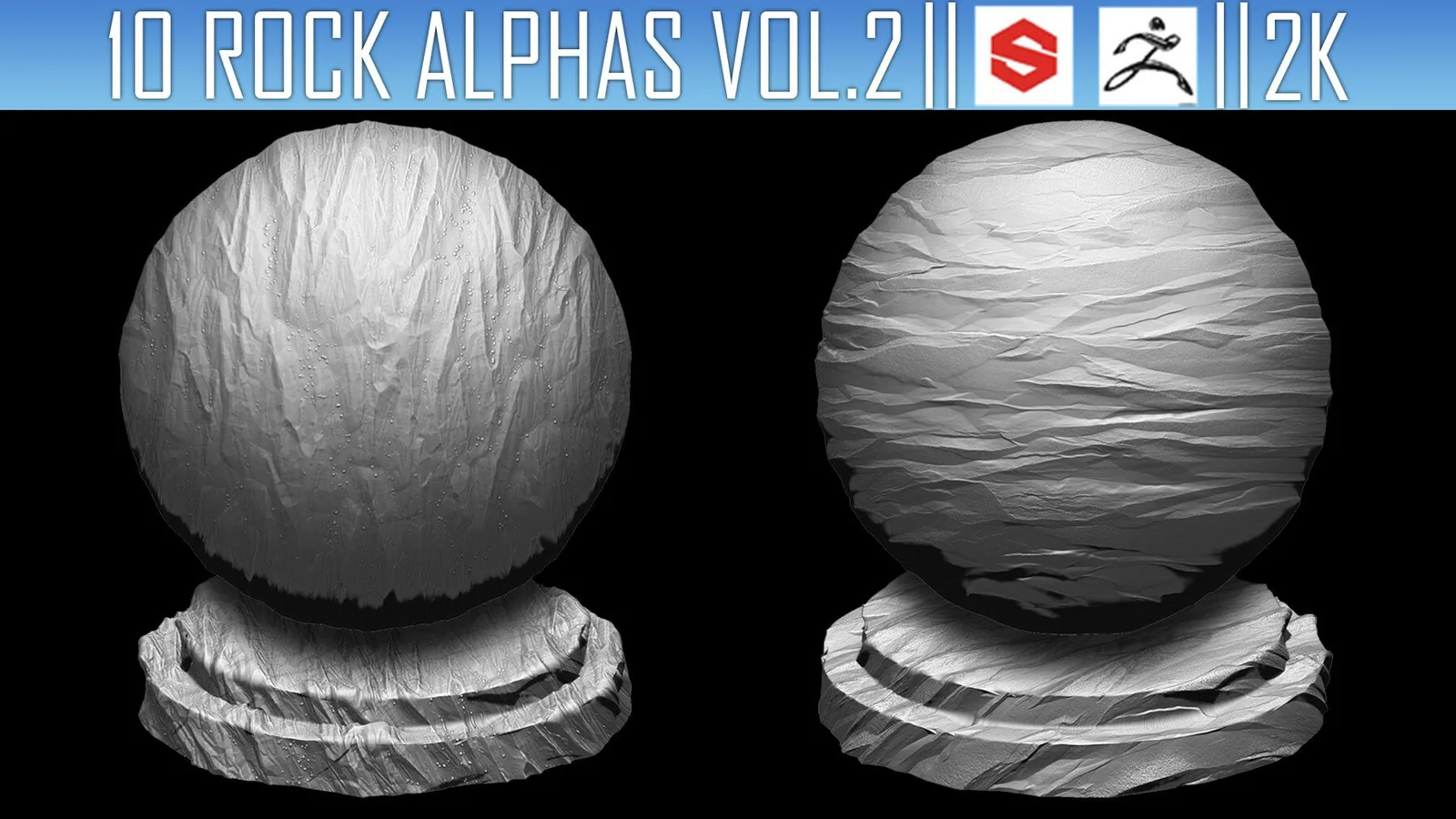
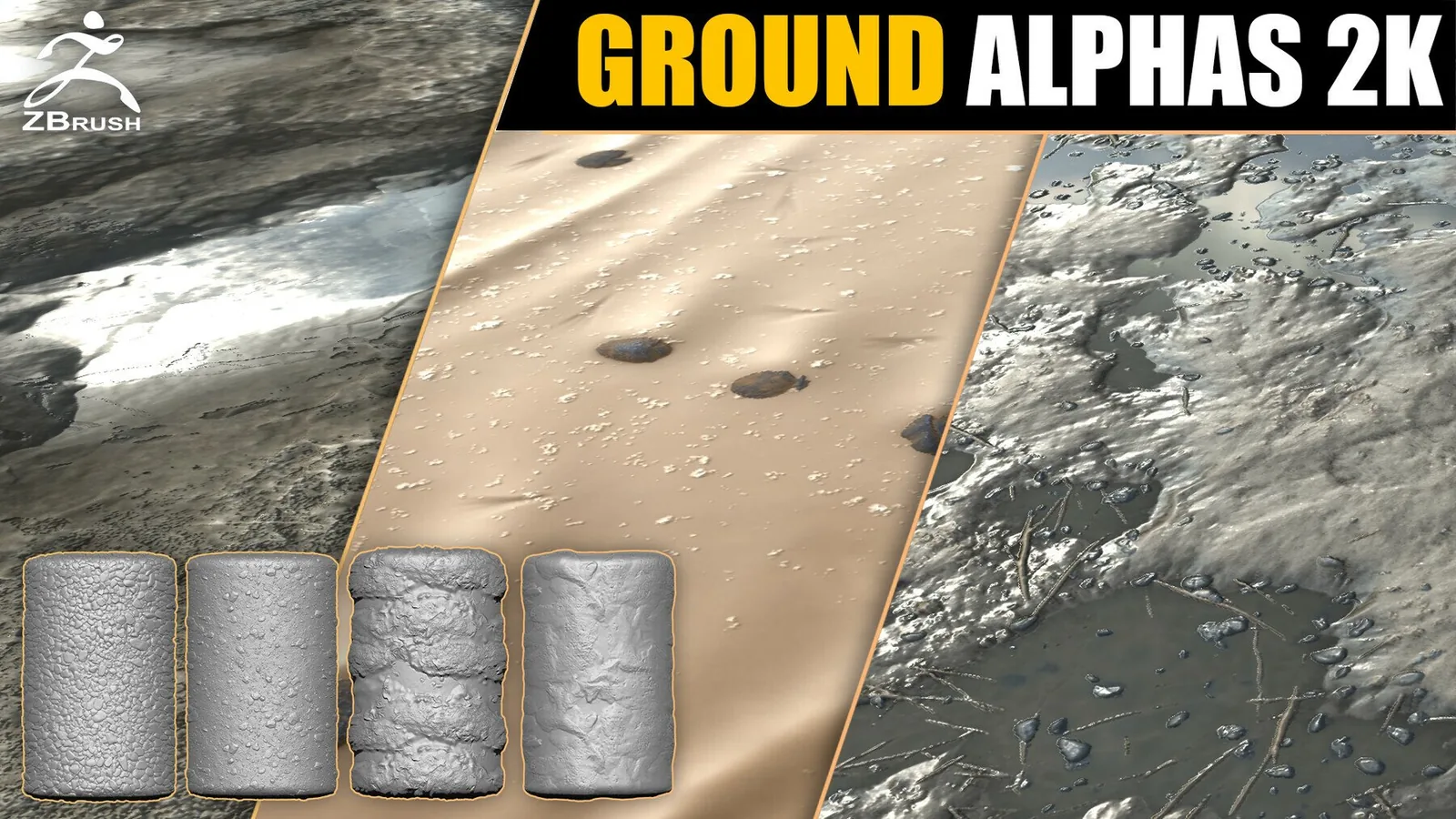
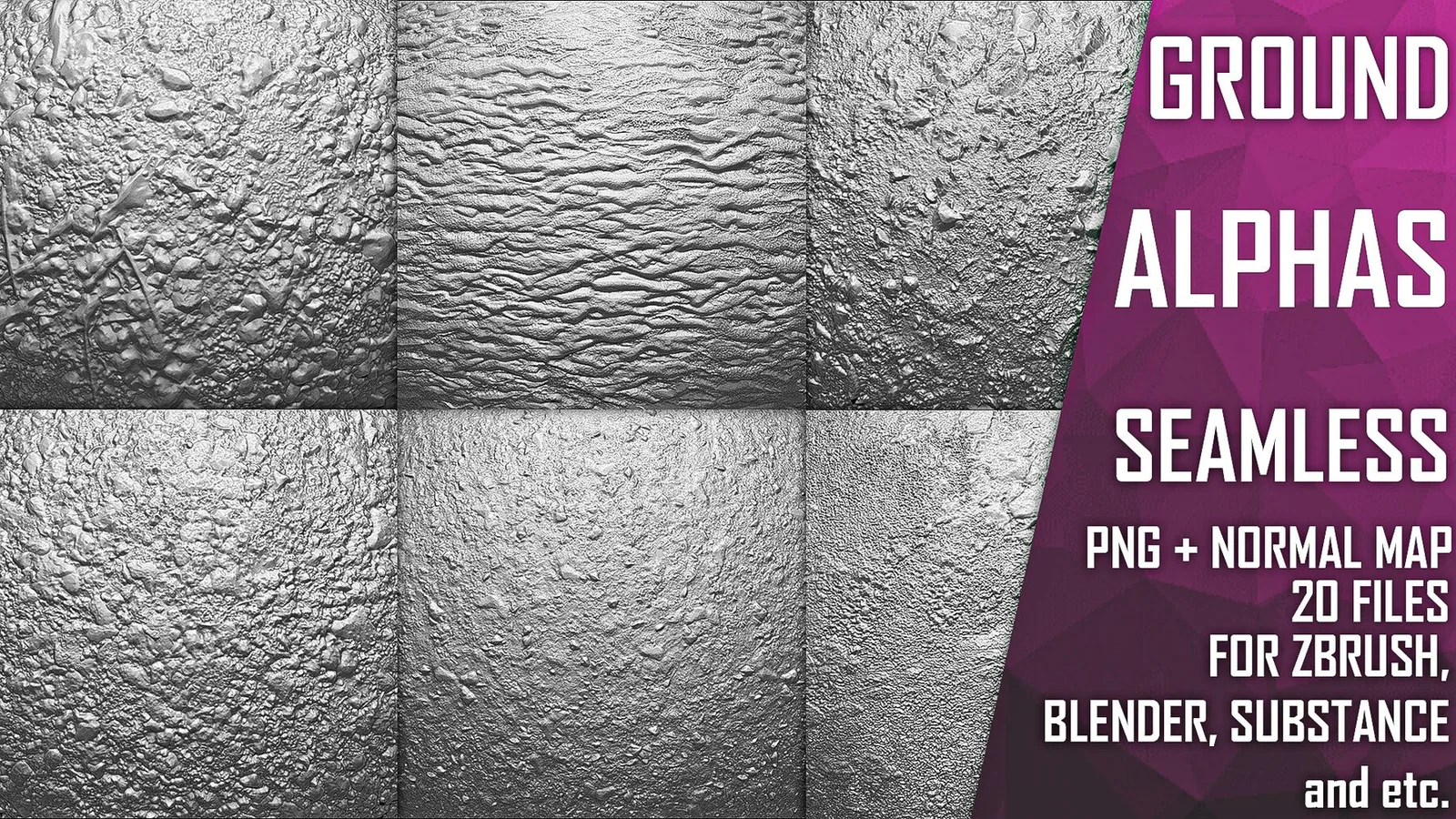
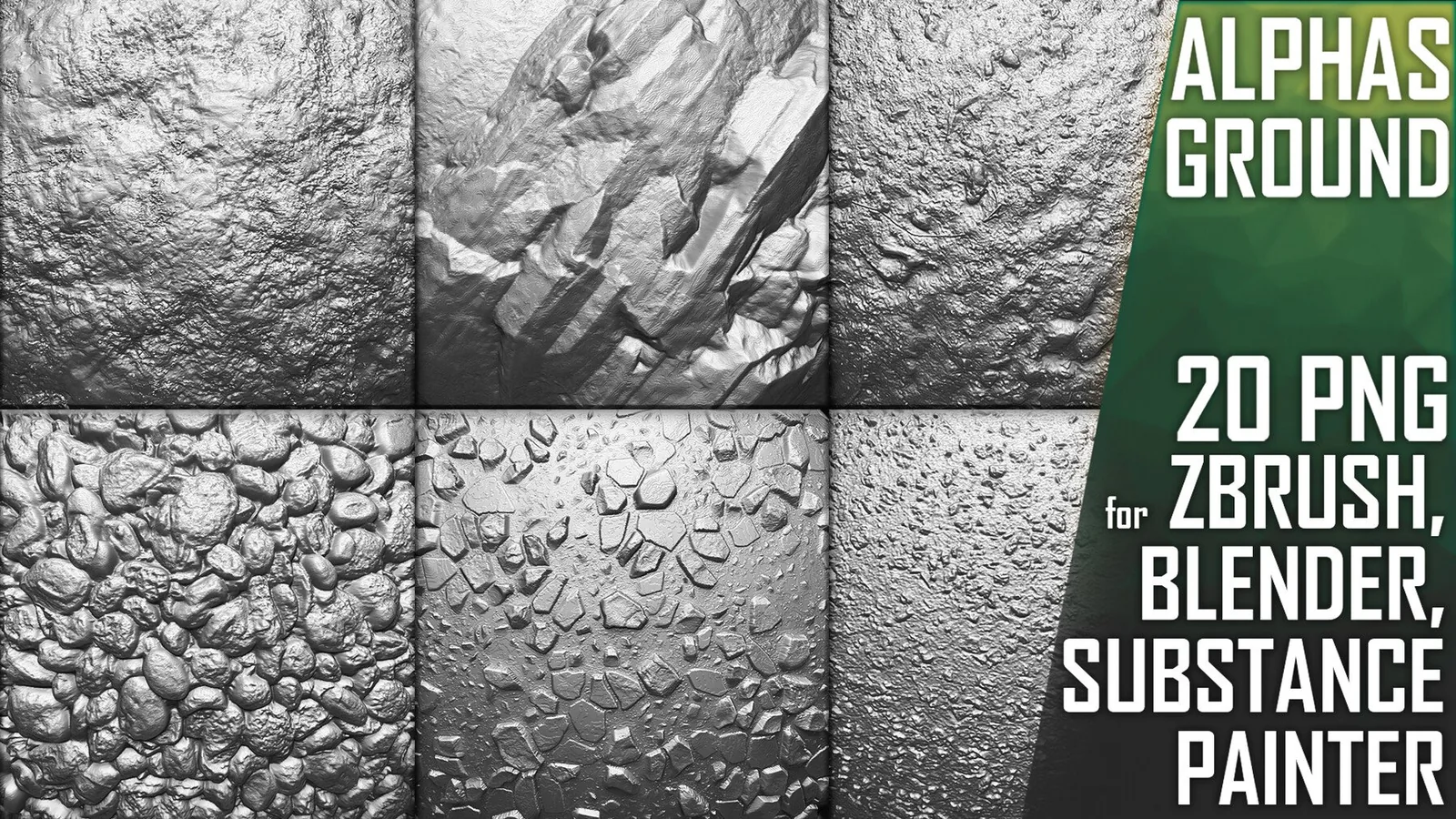
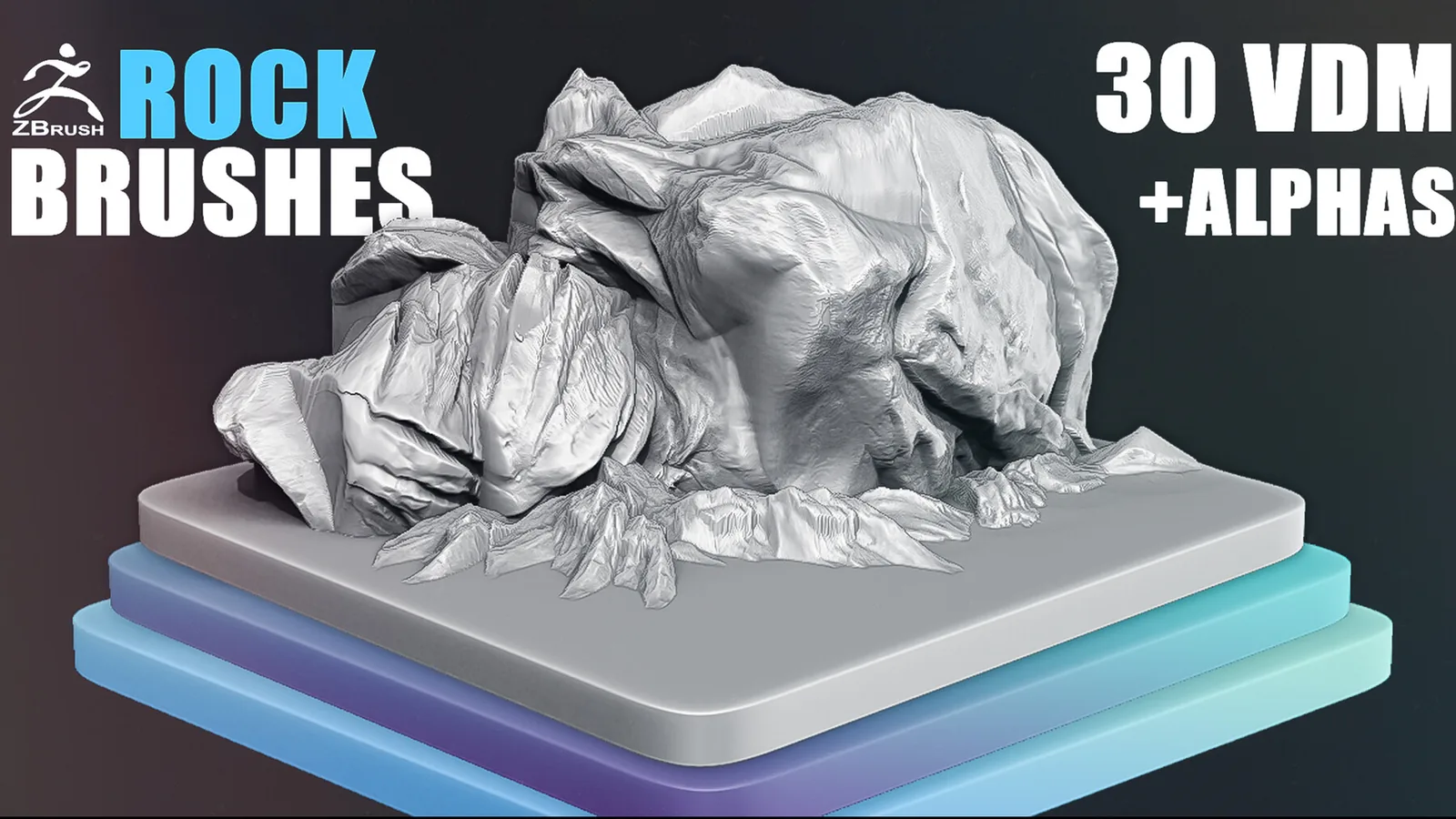
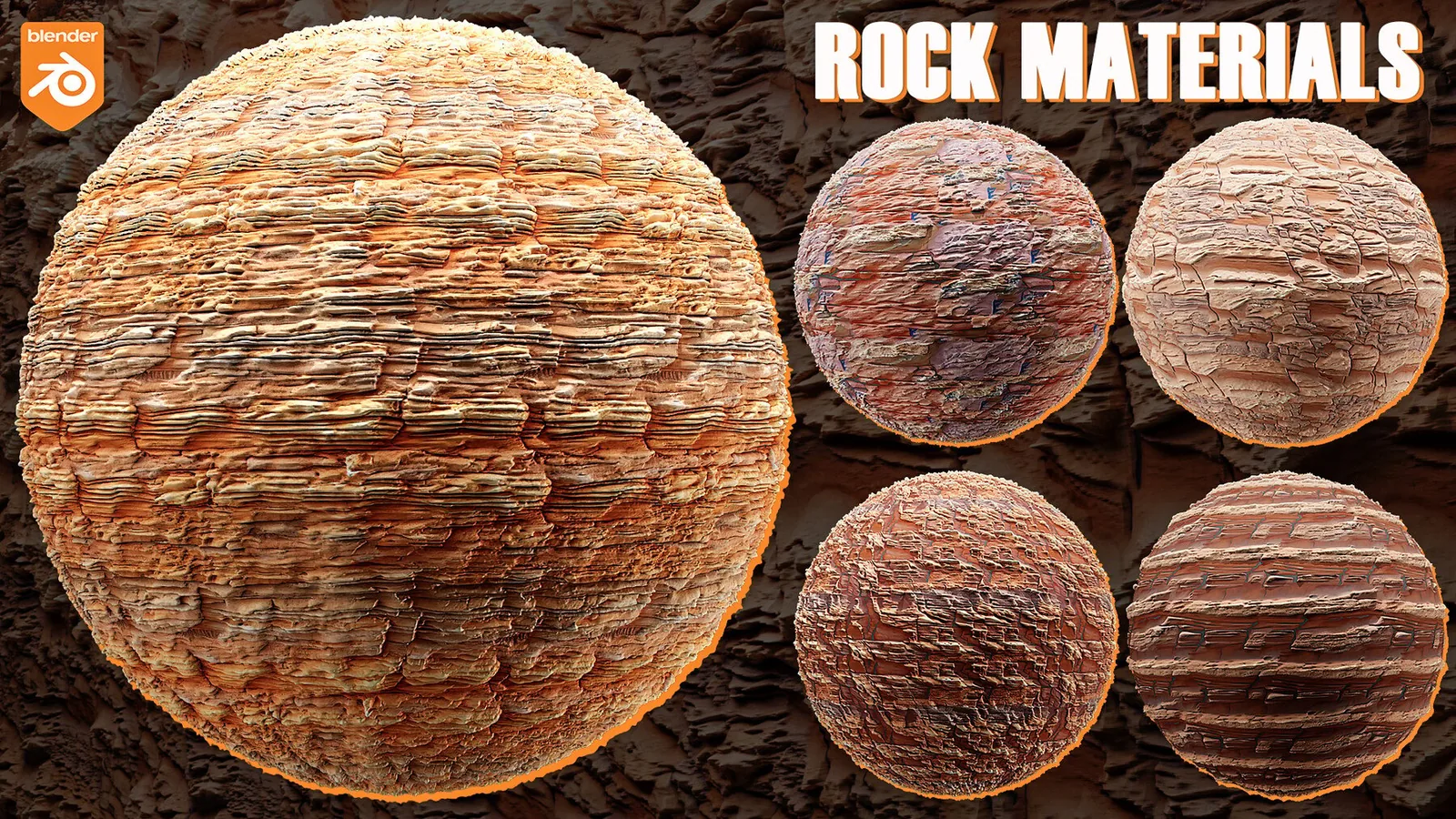
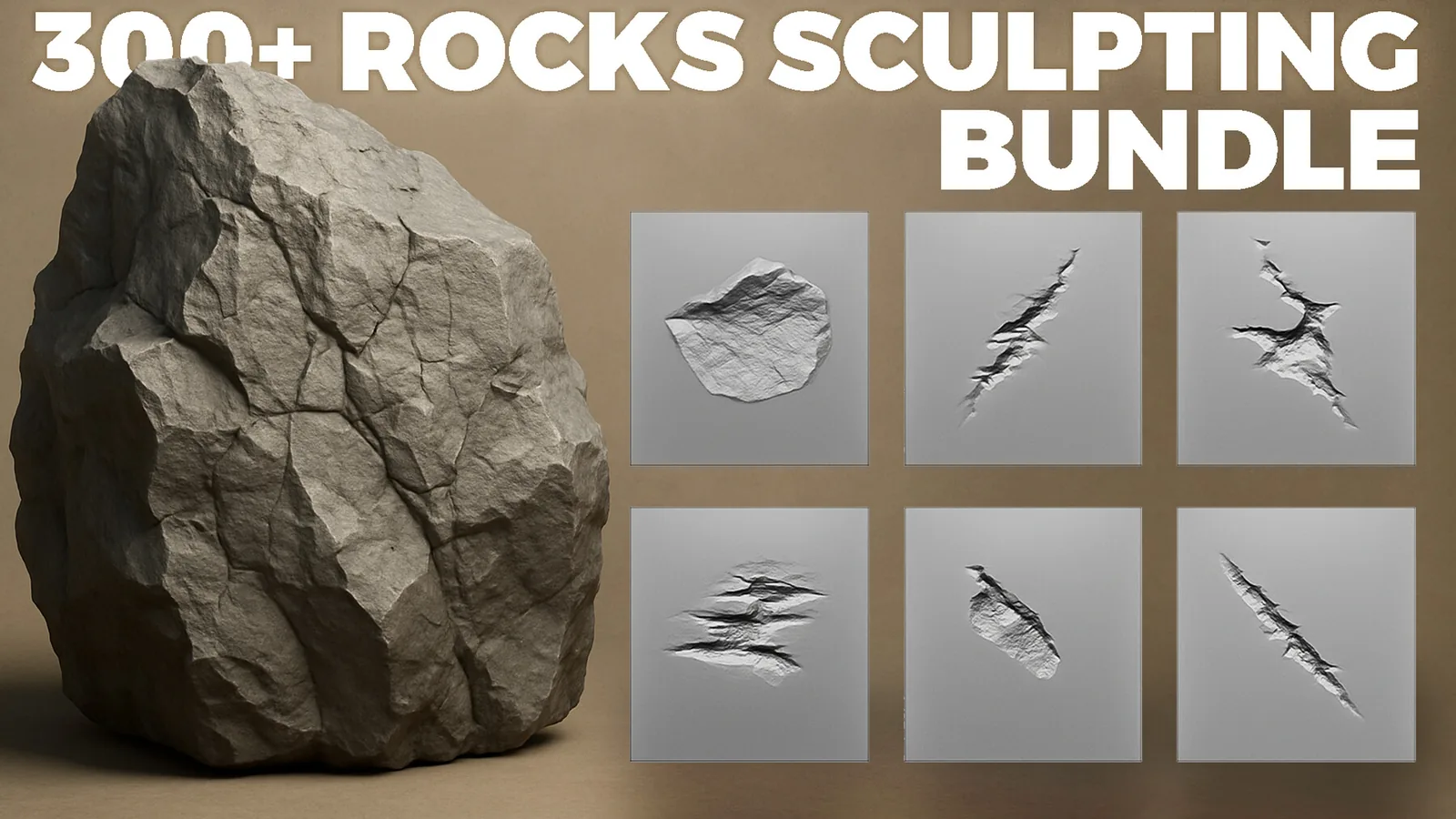
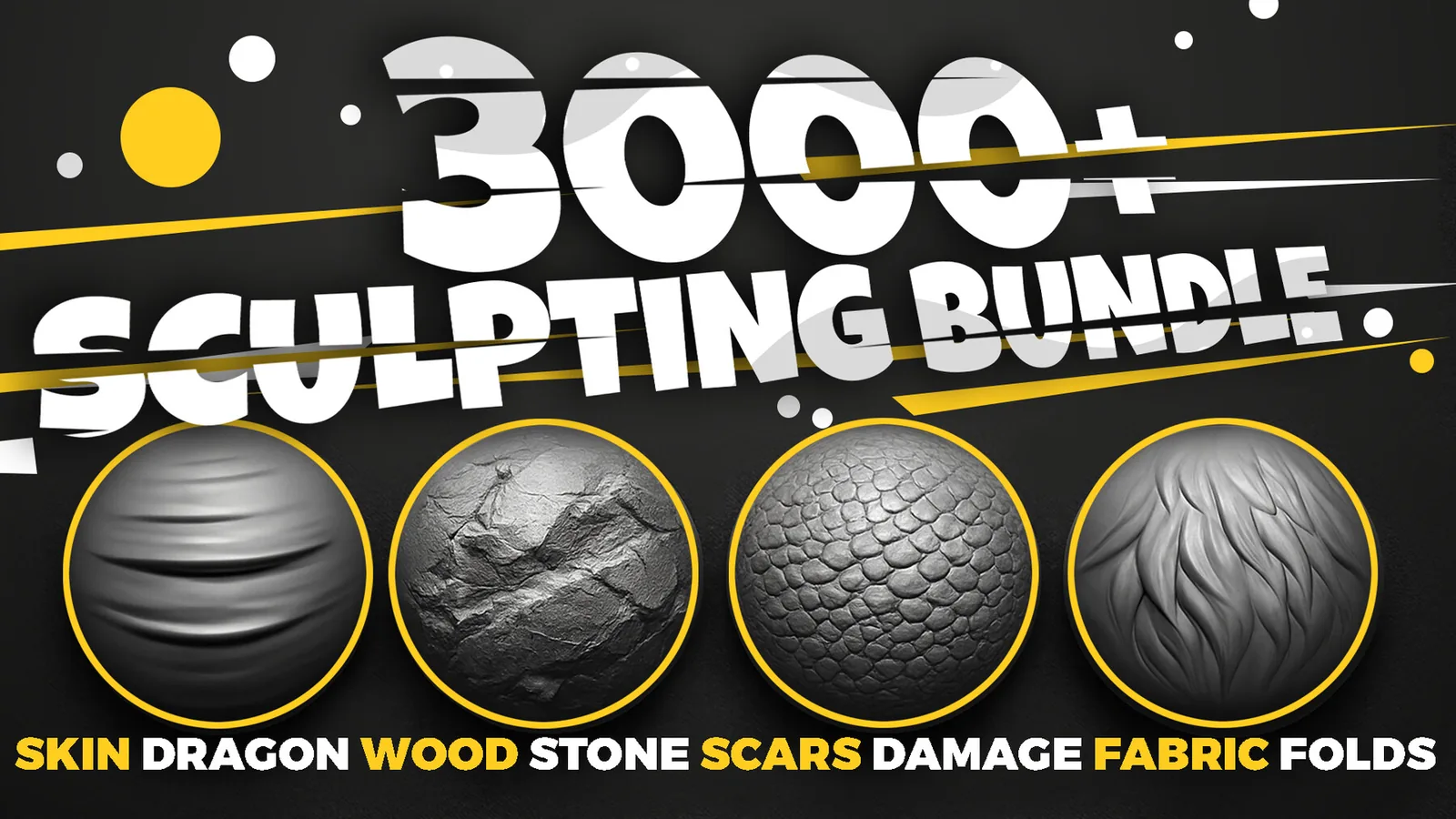
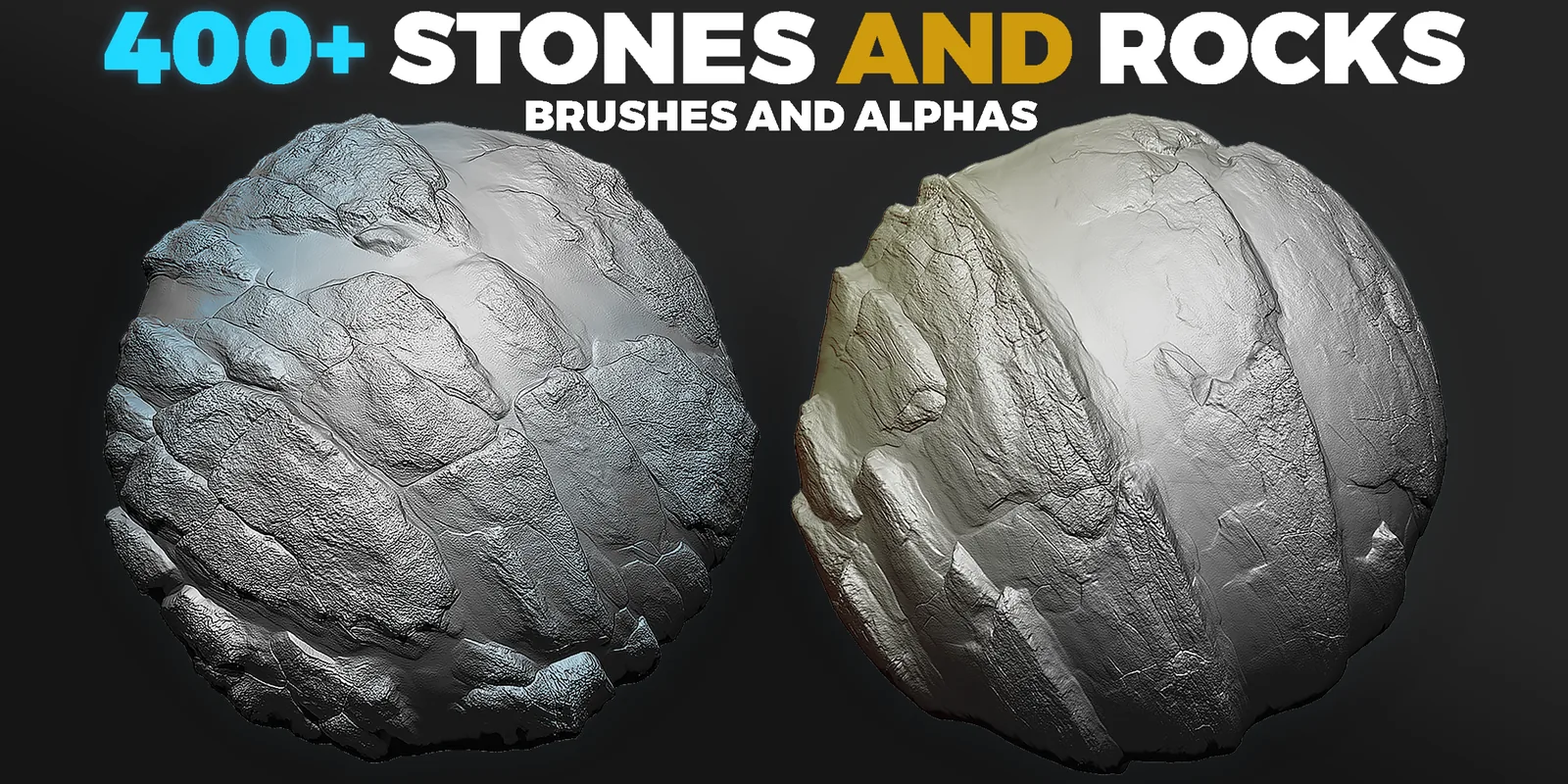
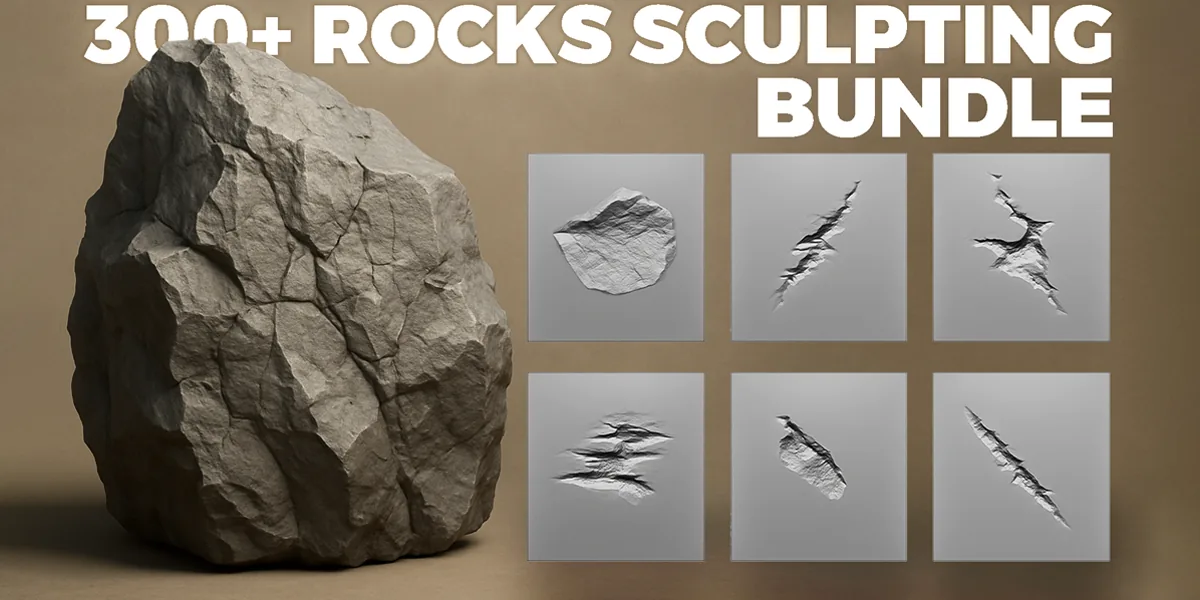
Real product previews showing how rock alphas and brushes read on cliffs, boulders, and terrain pieces.
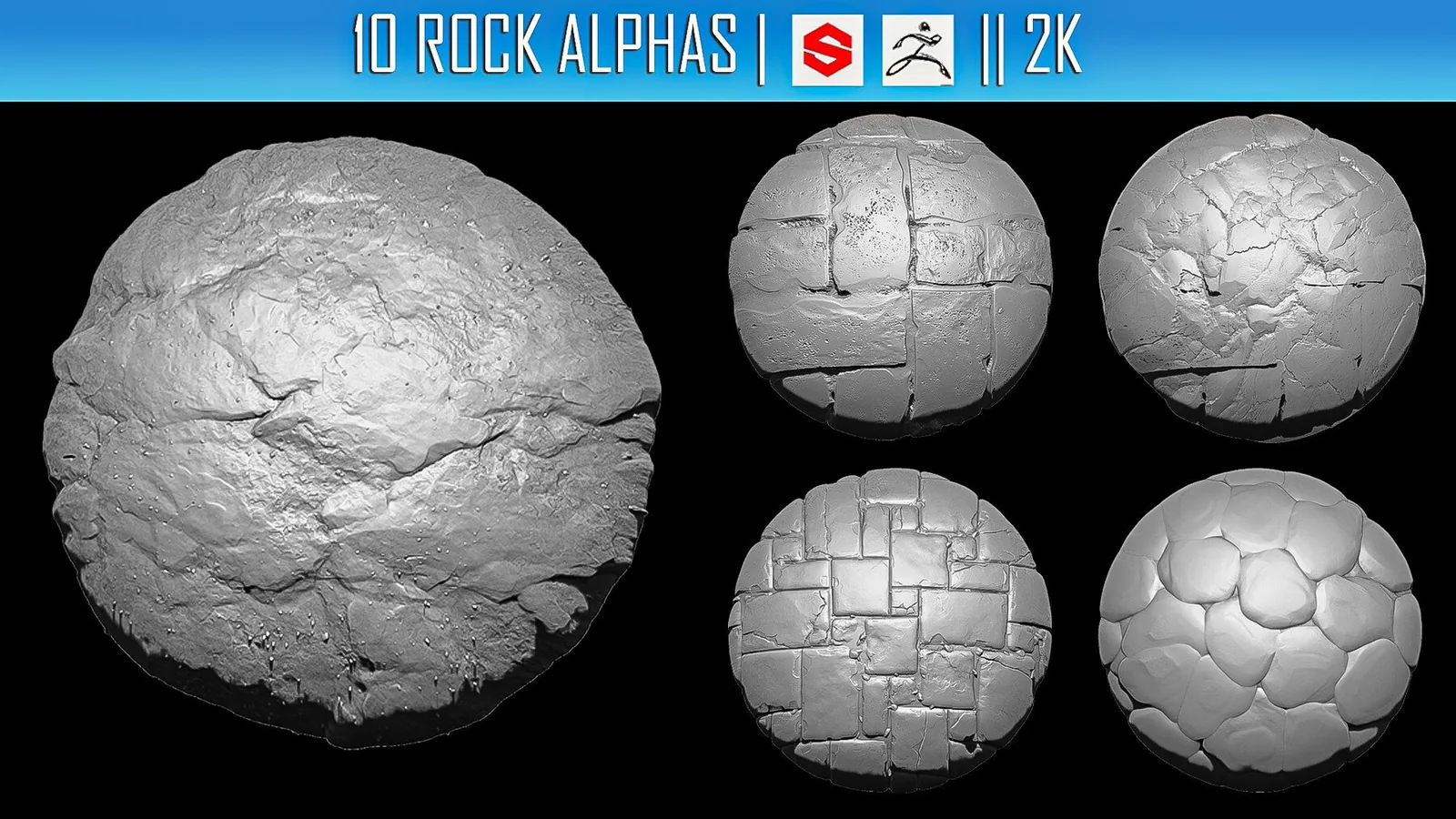
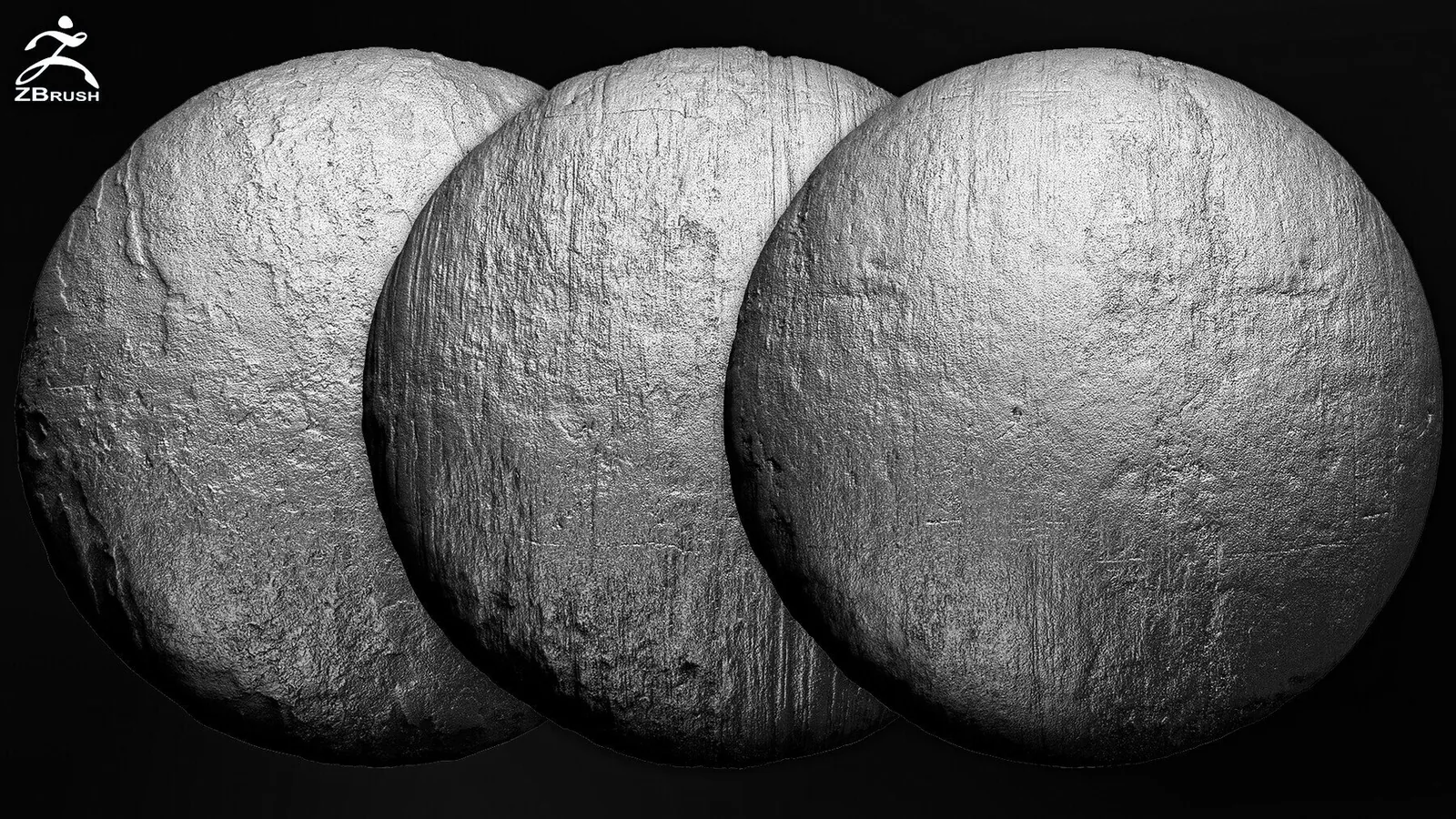
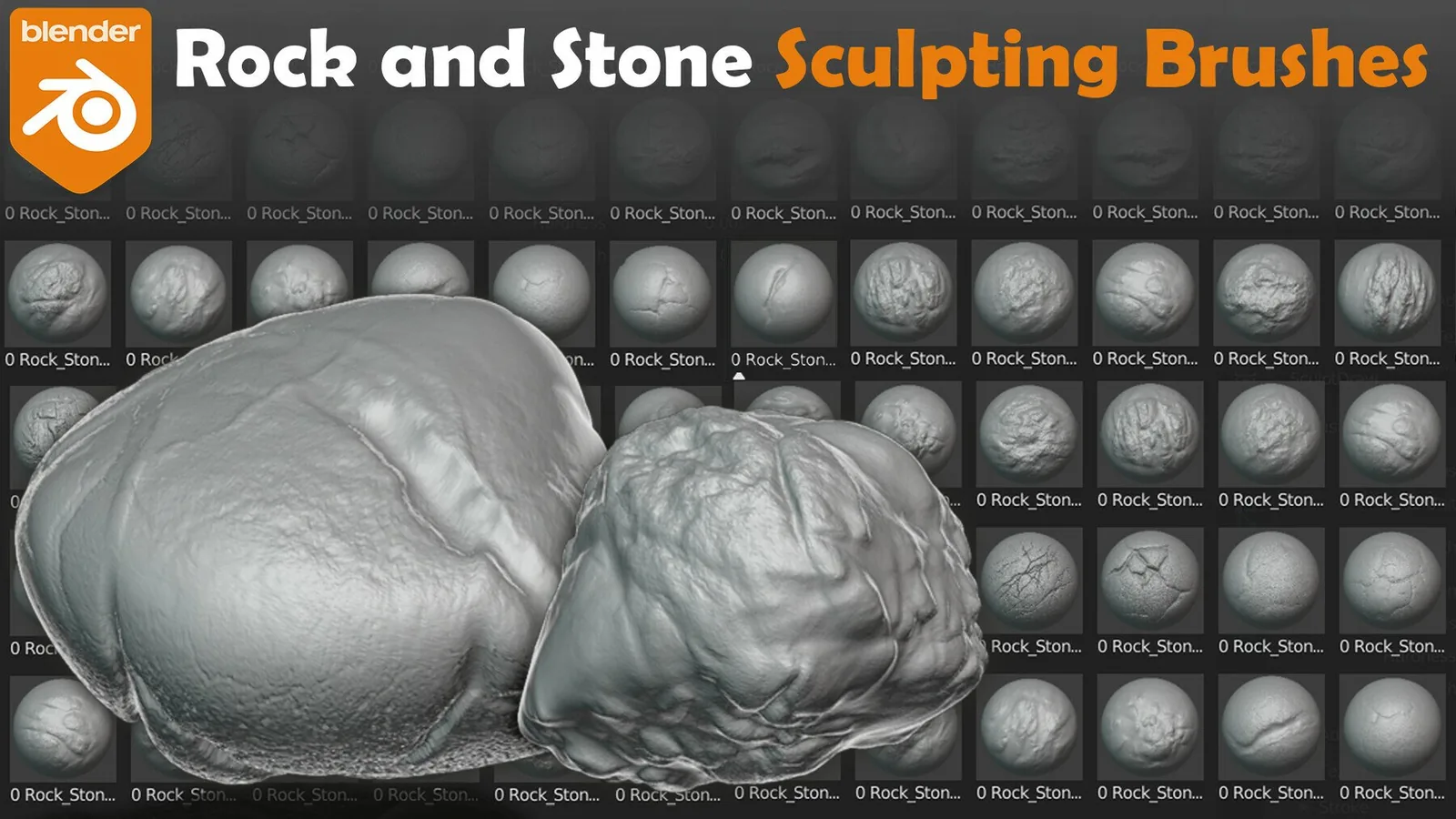
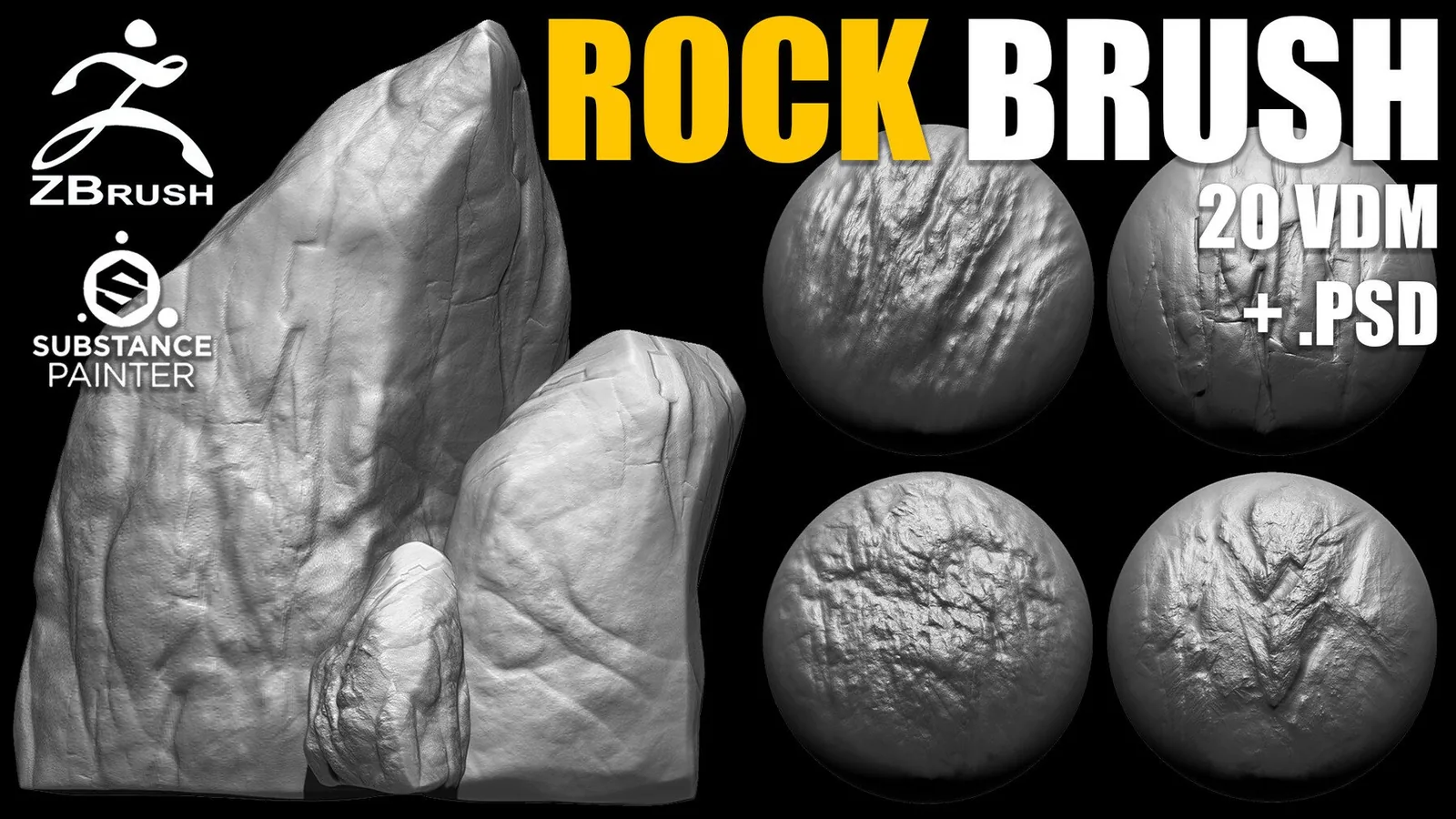
Stone and rock brush preview for environment props.
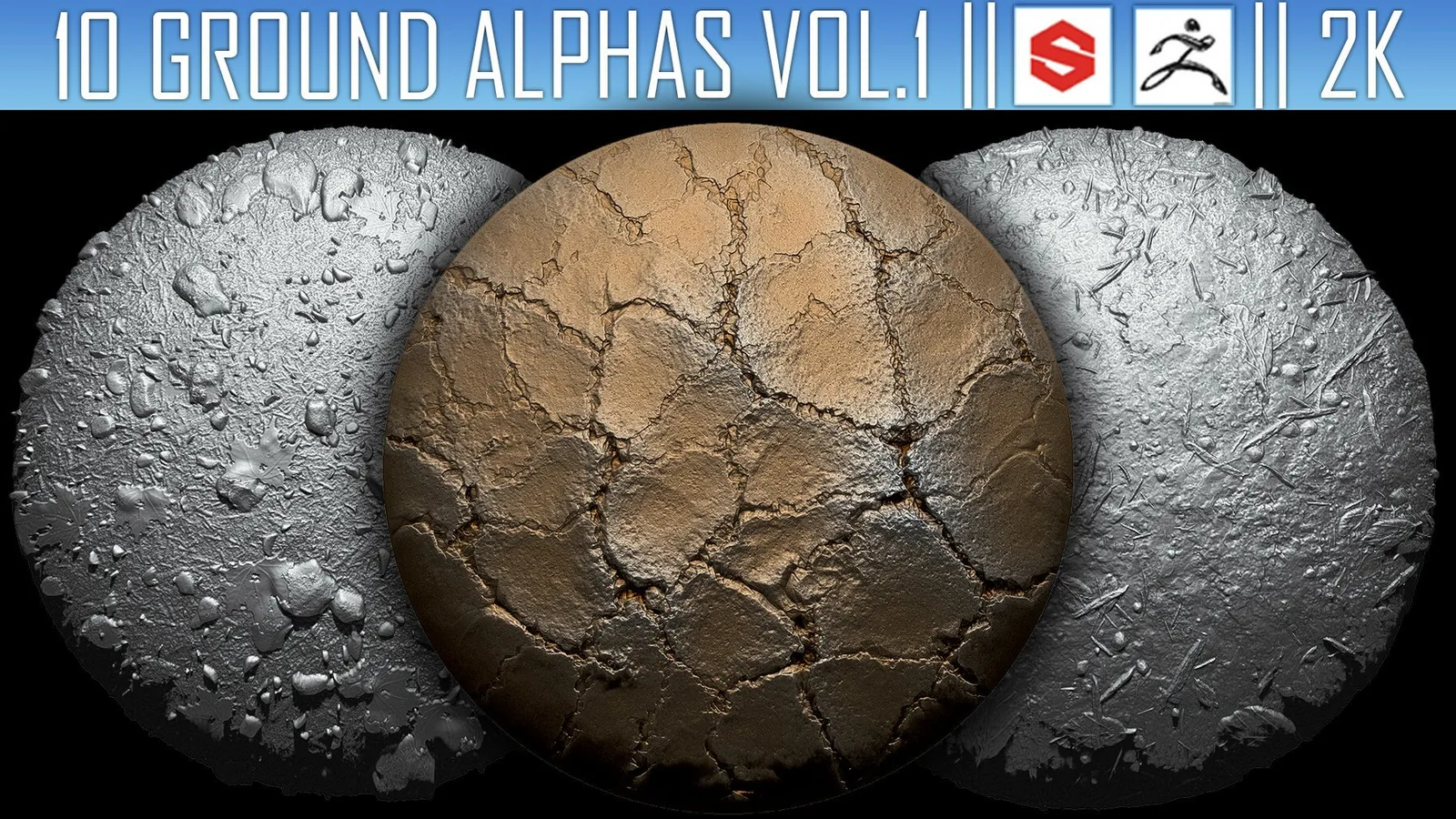
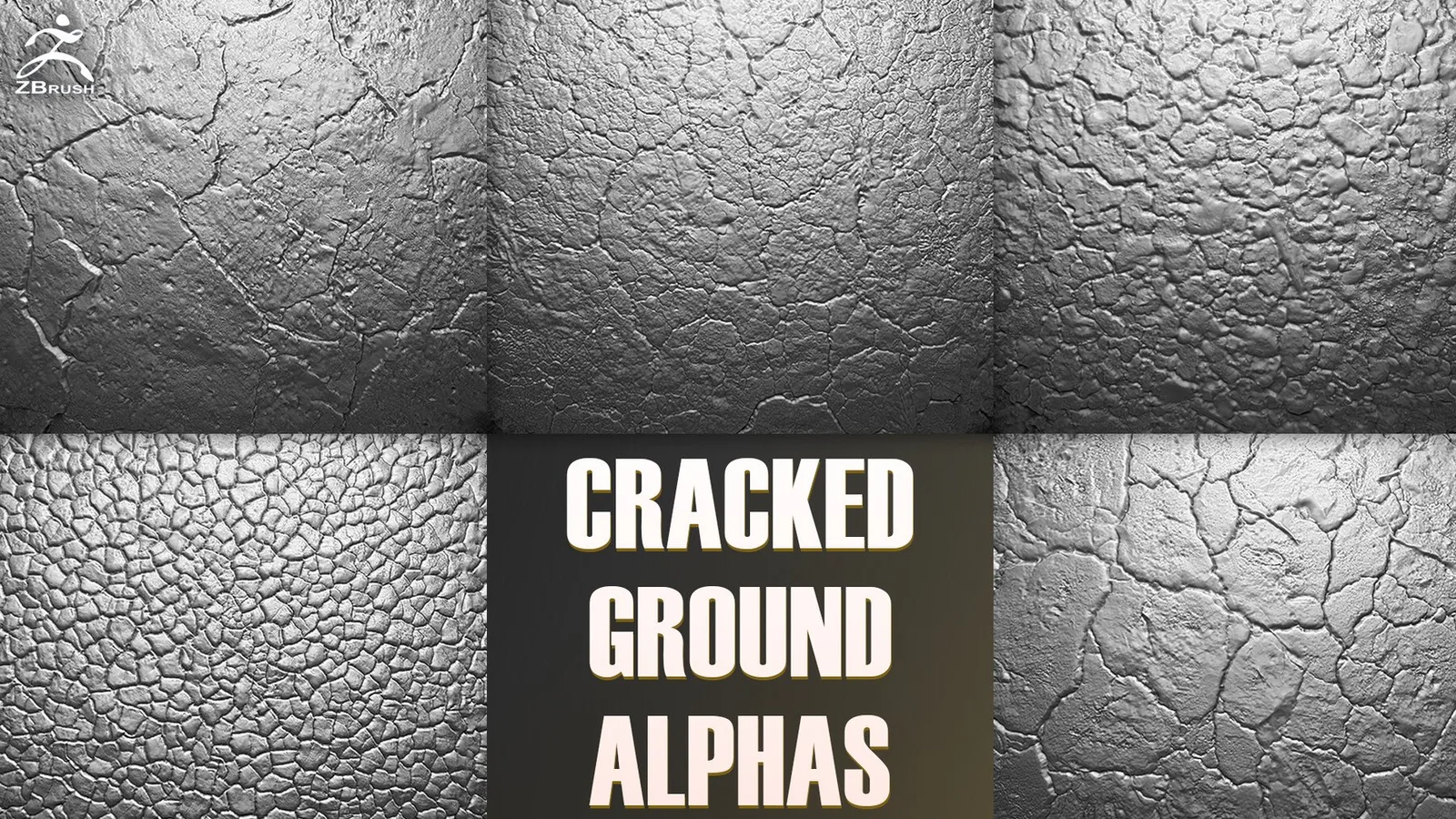
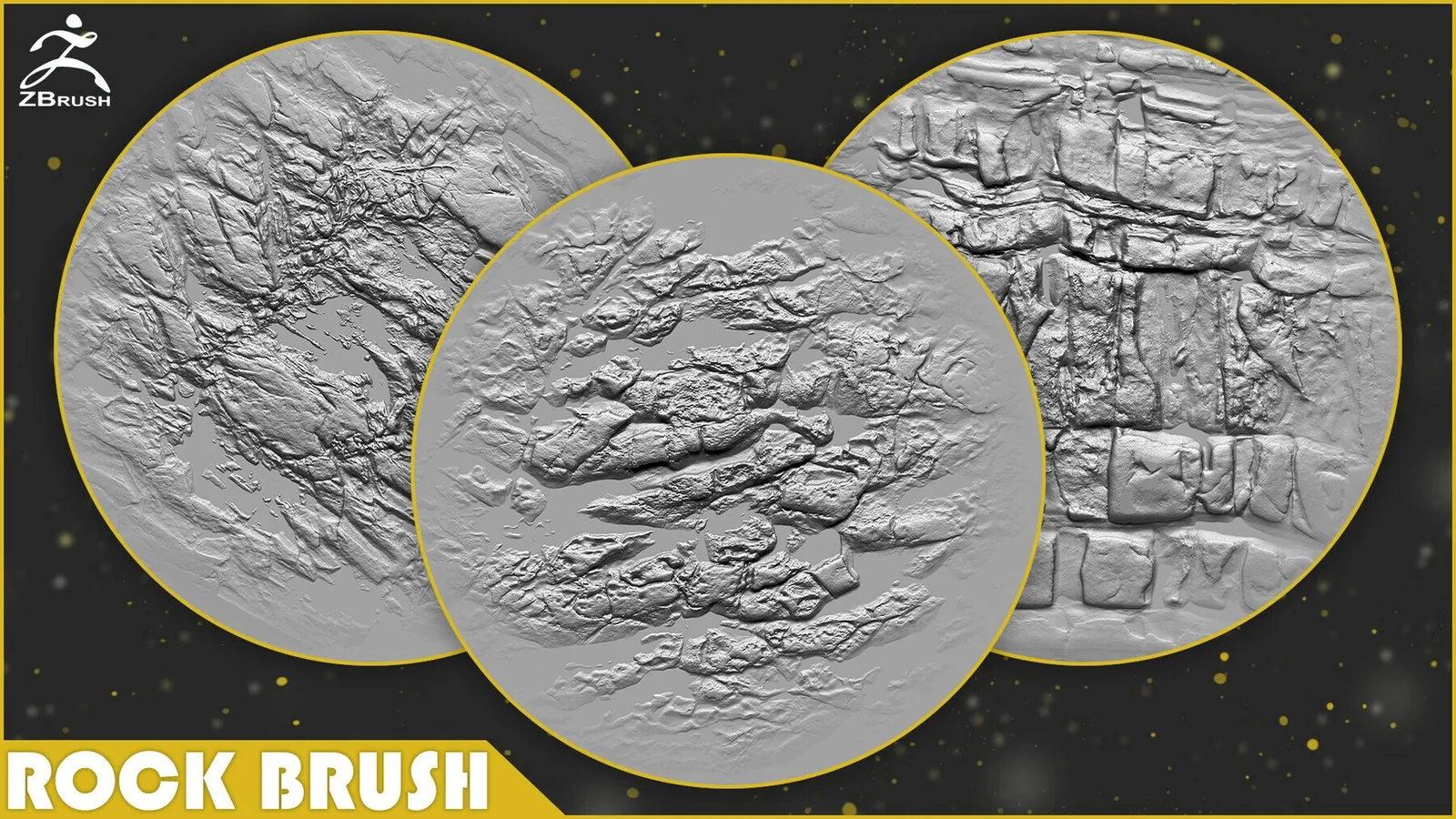
Rock alpha stamps for terrain surface breakup.
Rock alpha library preview with erosion detail.

FAQ

Q: Should I use tileable alphas for cliffs? Yes, tileable alphas are great for large rock faces.
Q: How do I avoid repeated rock patterns? Rotate and scale stamps, then mix multiple alphas.
Q: Do I need high subdivision for rock detail? Mid scale detail can work on lower meshes, but micro pitting needs more density.
Q: Are these sets usable in Blender and ZBrush? Many packs include compatible brushes and alphas for both tools.