Category
Fur and Hair Brushes
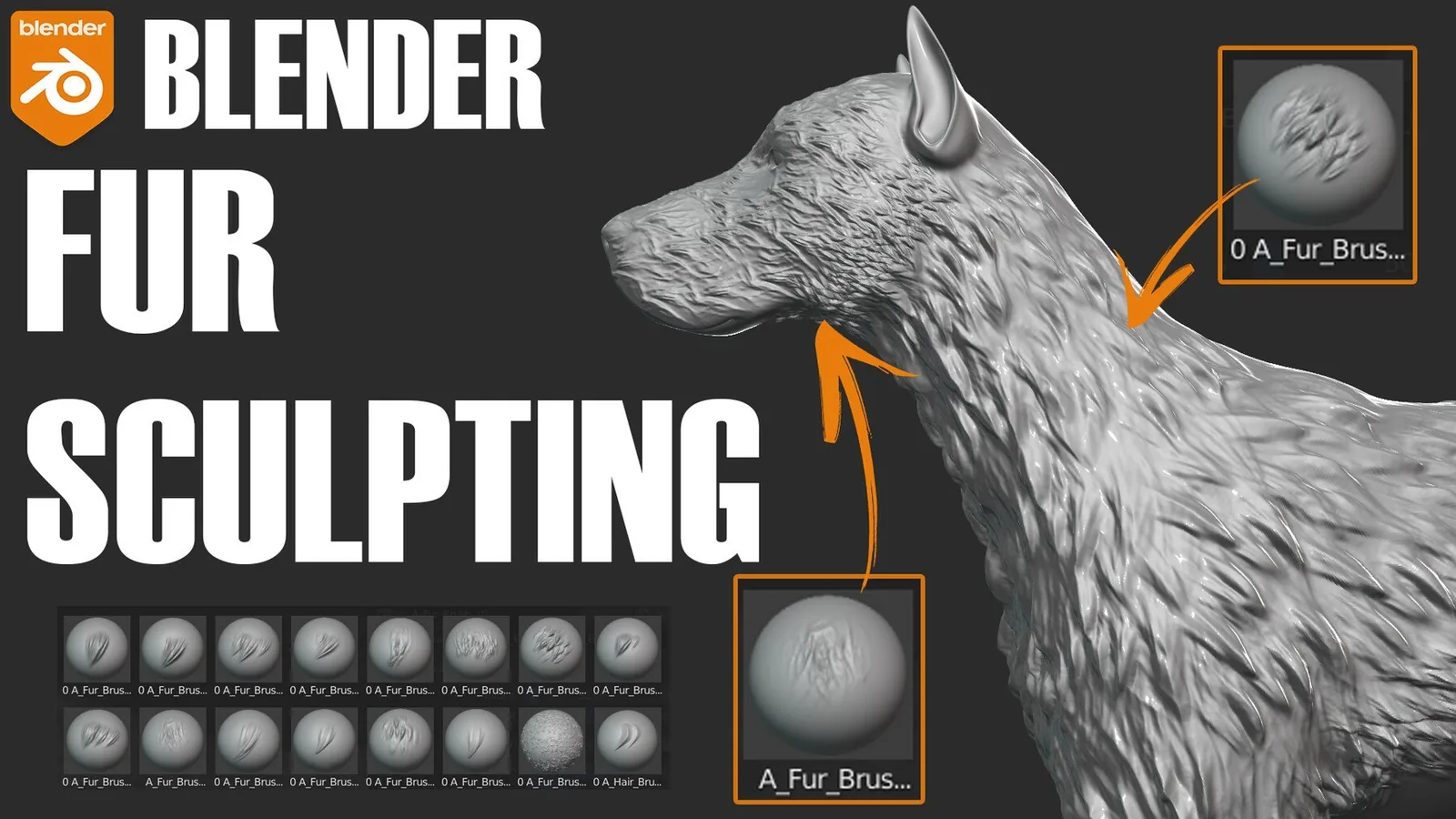
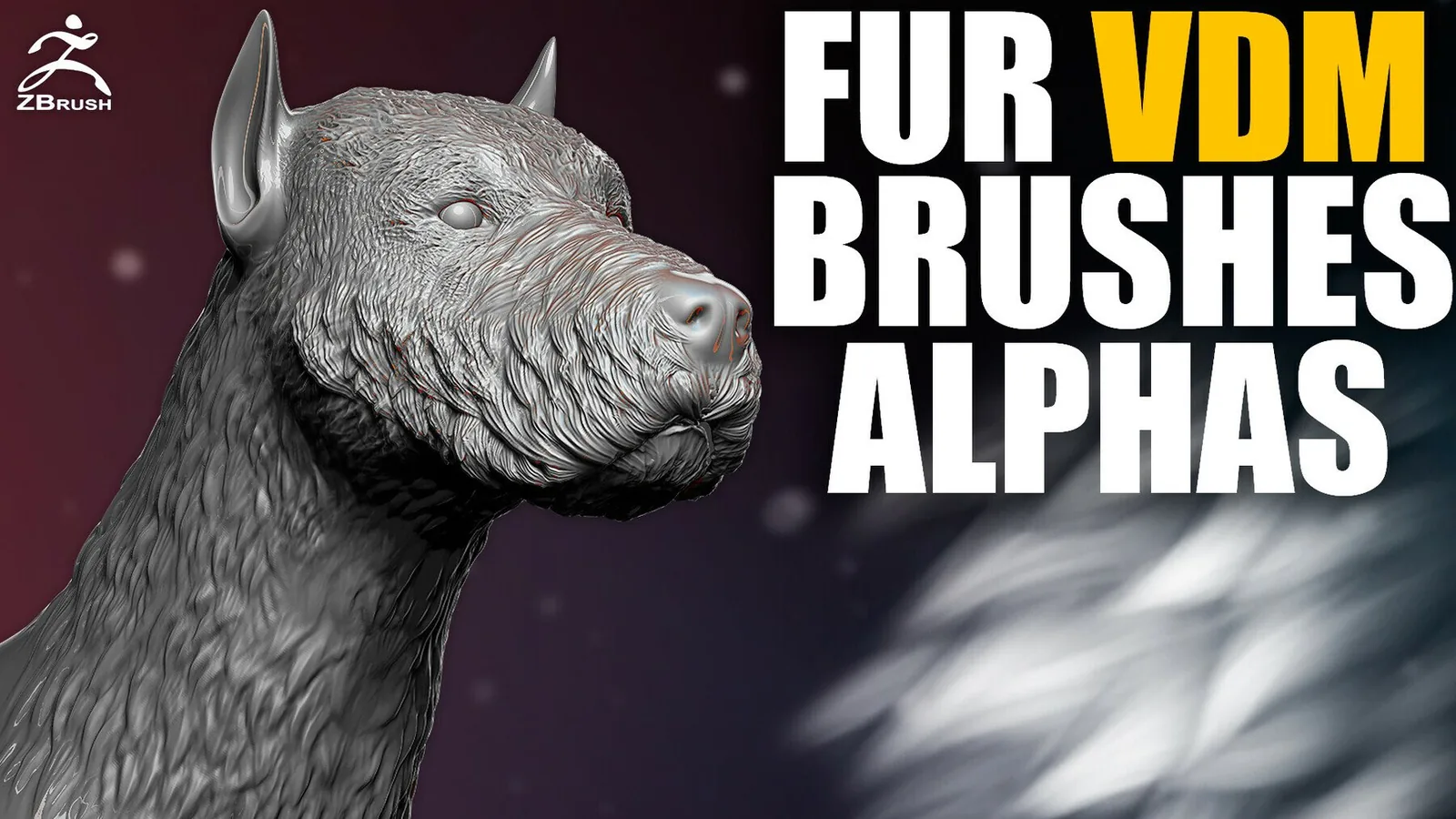
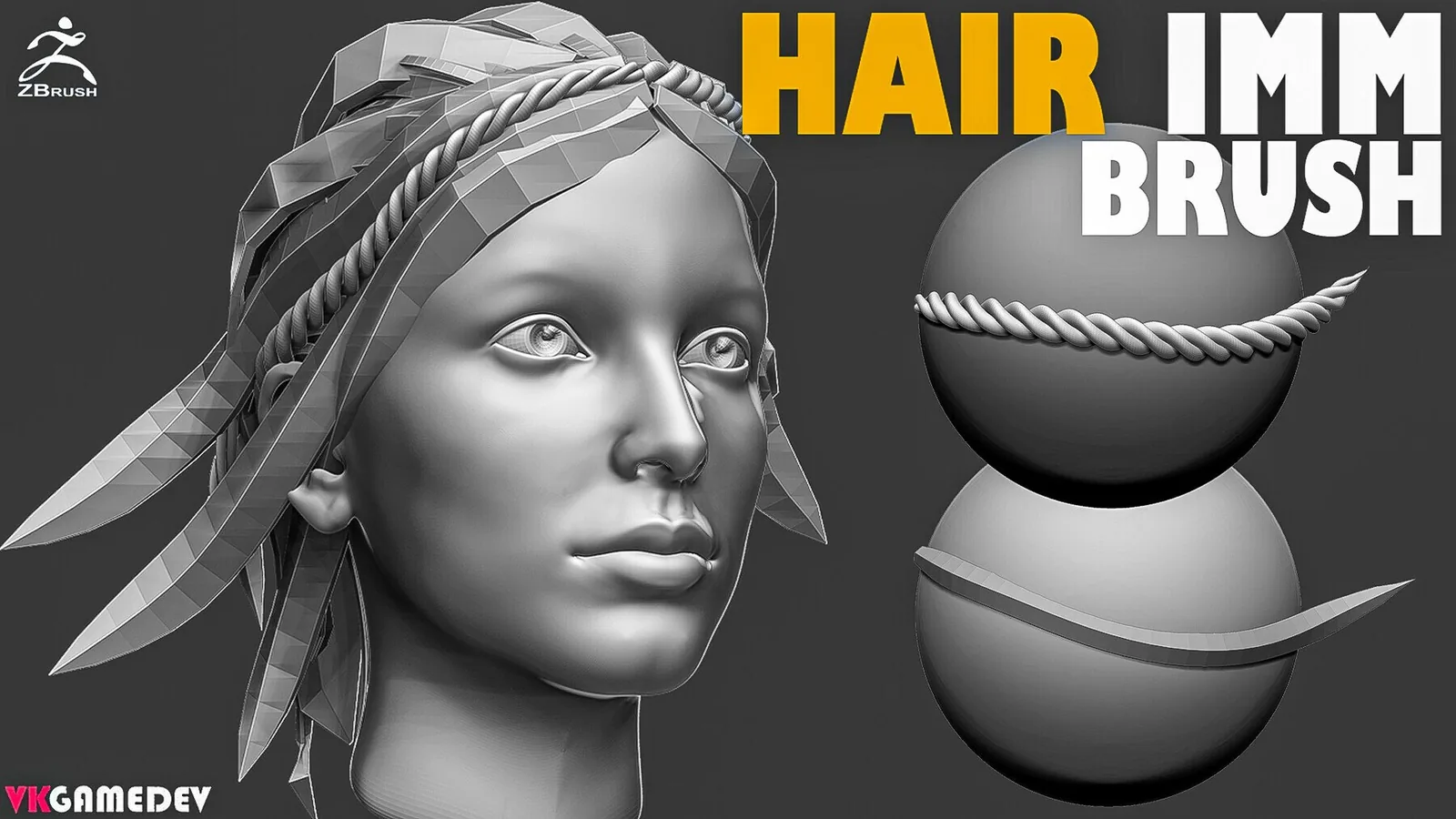
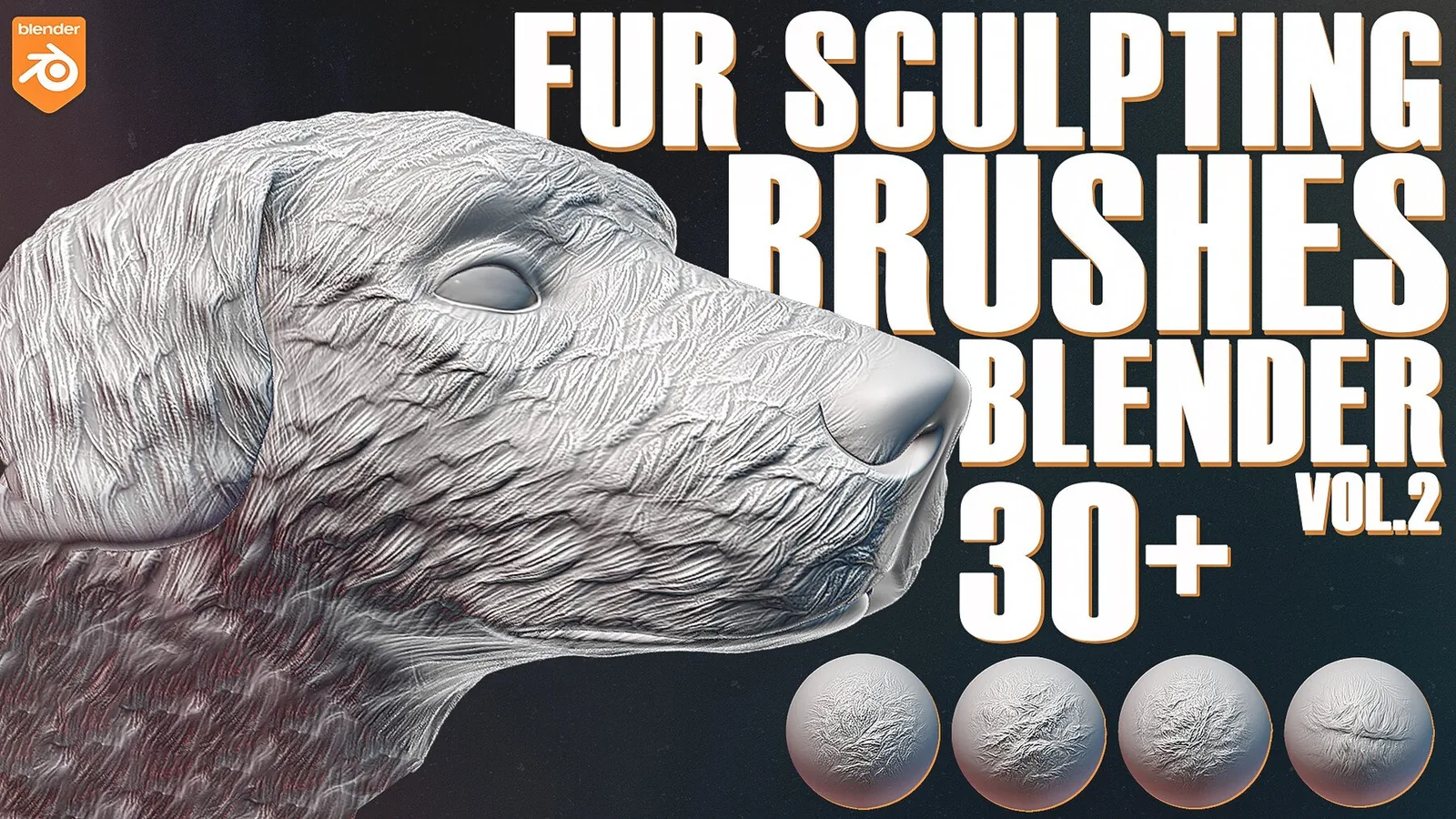
Fur and hair sculpting is about flow, density, and layered breakup. This category focuses on brush packs and alpha libraries that help you build believable coats, clumps, and strand direction in Blender and ZBrush. You can use these tools for creature fur, stylized hair, or short stubble. The best sets combine long flow brushes with short detail stamps so you can block in mass and then refine with micro detail.
A common mistake is treating fur like noise. Real fur has a direction, clumps, and variation in length. These brushes are designed to preserve that flow by combining directional strokes with controlled alpha depth. Start with broad stroke brushes to set the main hair direction, then layer smaller clump alphas where the fur overlaps or compresses.
Begin fur sculpting with the overall mass and silhouette. Use large flow brushes to suggest the coat direction around the body, then add clumps where the fur gathers or changes direction. This approach keeps the surface readable even at a distance. If you jump to micro detail too early, the coat looks fuzzy but lacks form.
Short fur and stubble need subtle depth. Use low intensity alphas and keep your mesh density high enough to capture fine strands. For short coats, rely on repeated directional strokes rather than heavy stamps. This maintains a smooth base while still showing directional variation.
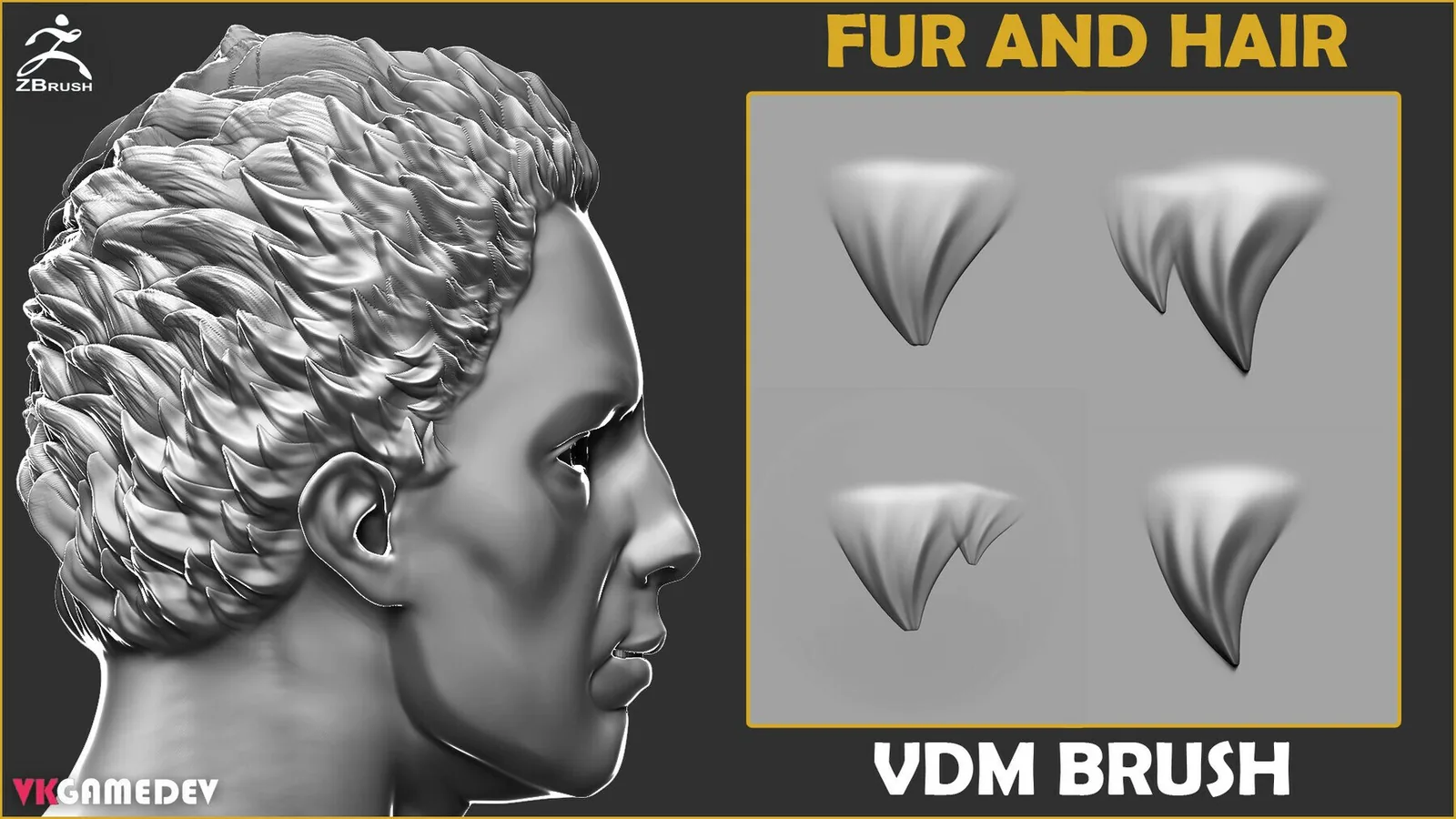
Long fur and mane detail can be built with a combination of flowing strokes and clump stamps. Place the main flow first, then layer clumps only in overlap areas. Rotate and scale your alphas to avoid obvious repetition. A small amount of variation makes the coat feel natural.
In Blender, use Dynamic Topology or Multires when you need fine strand definition. Make sure your brush radius matches the clump size you want. For quick iteration, keep a low subdivision version of your sculpt, then switch to higher levels for the final pass. This reduces lag and keeps the workflow responsive.
In ZBrush, use layers to control the density of fur detail. Keep a base layer for flow and a second layer for clumps so you can reduce intensity if the coat becomes too busy. Use Morph Targets for cleanup if you need to smooth or adjust areas without losing the overall pattern.
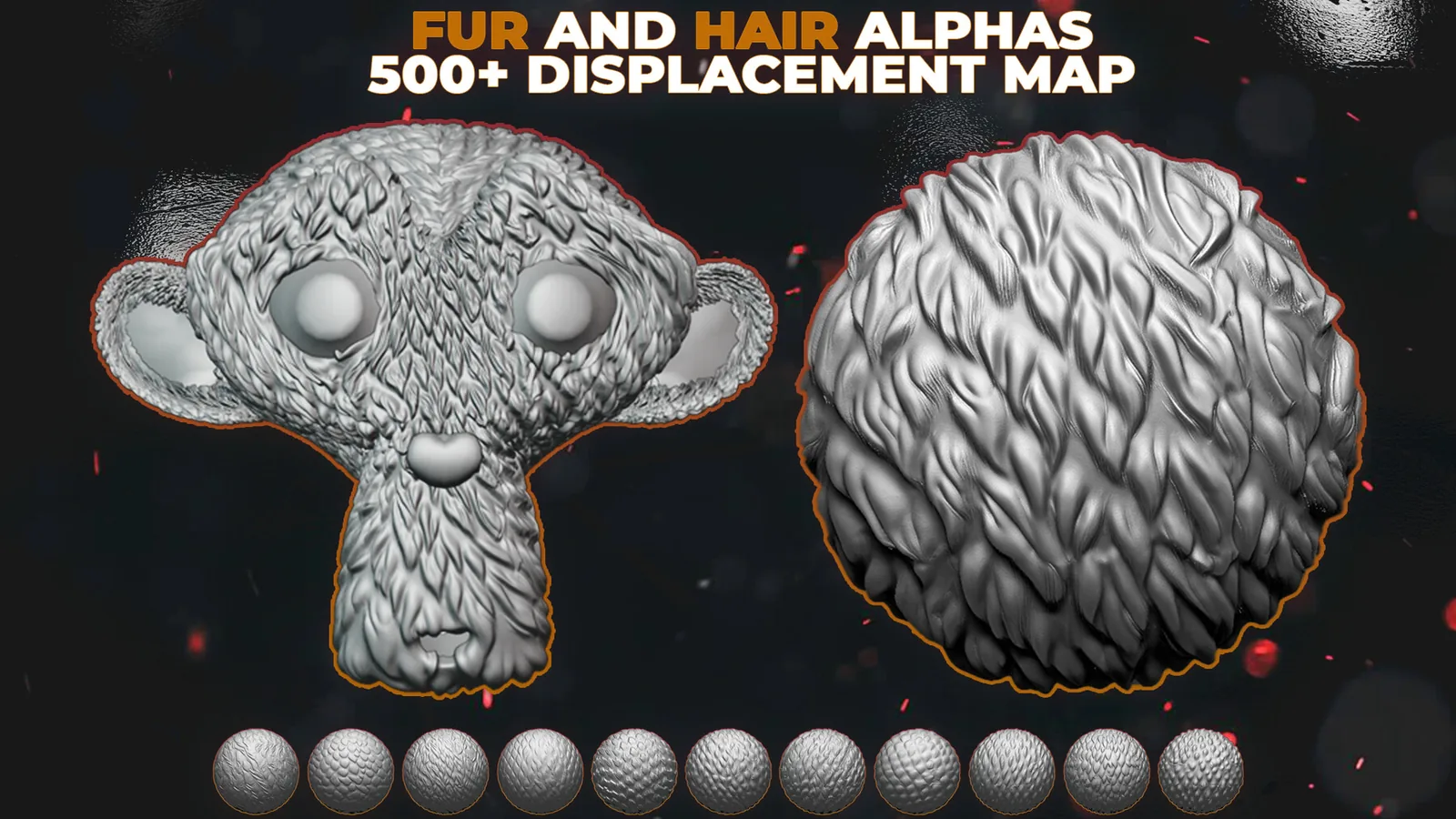
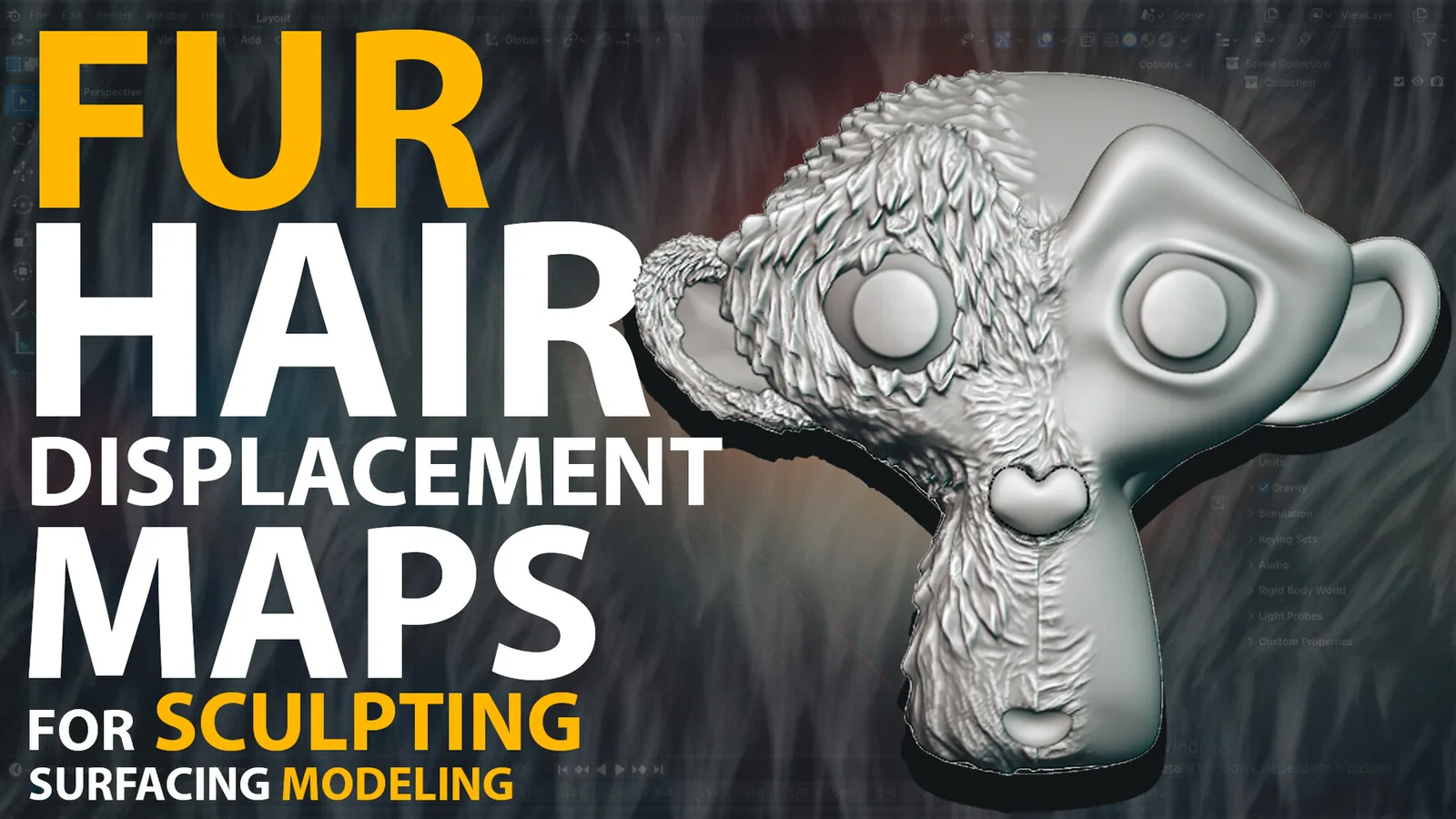
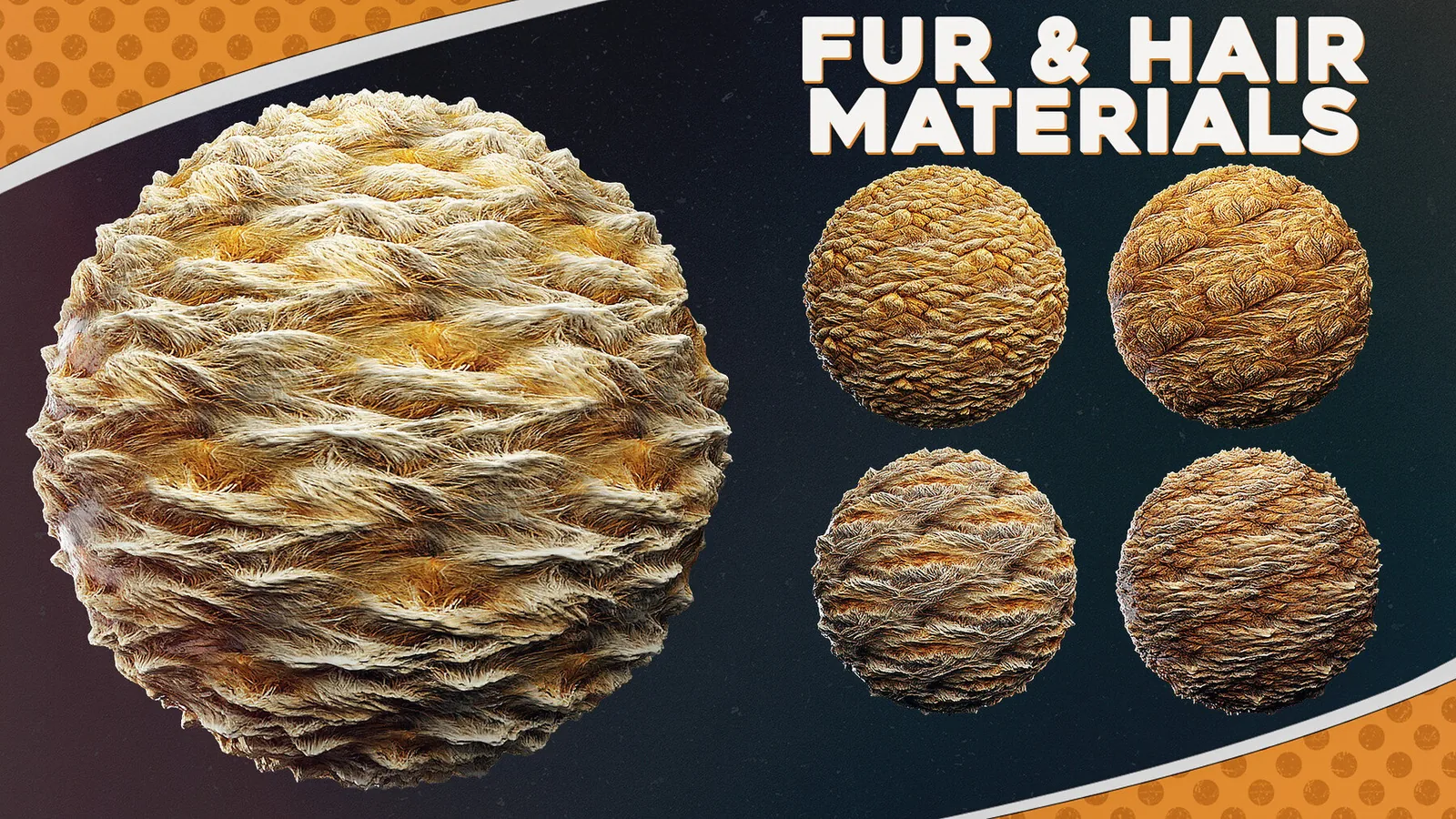
Fur alphas also work well as displacement maps for shaders. Bake your sculpt to textures and reuse the alphas in material setups for real time engines or renderers. This keeps sculpt detail and shader detail aligned, which is useful when you need consistent fur thickness across multiple assets.
Stylized fur often benefits from exaggerated clumps and clear directional strokes. Use stronger depth and a limited set of clump shapes so the surface reads clearly from a distance. For realistic creatures, mix multiple clump families and keep depth subtle, then add breakups with smaller stamps to avoid pattern repetition.
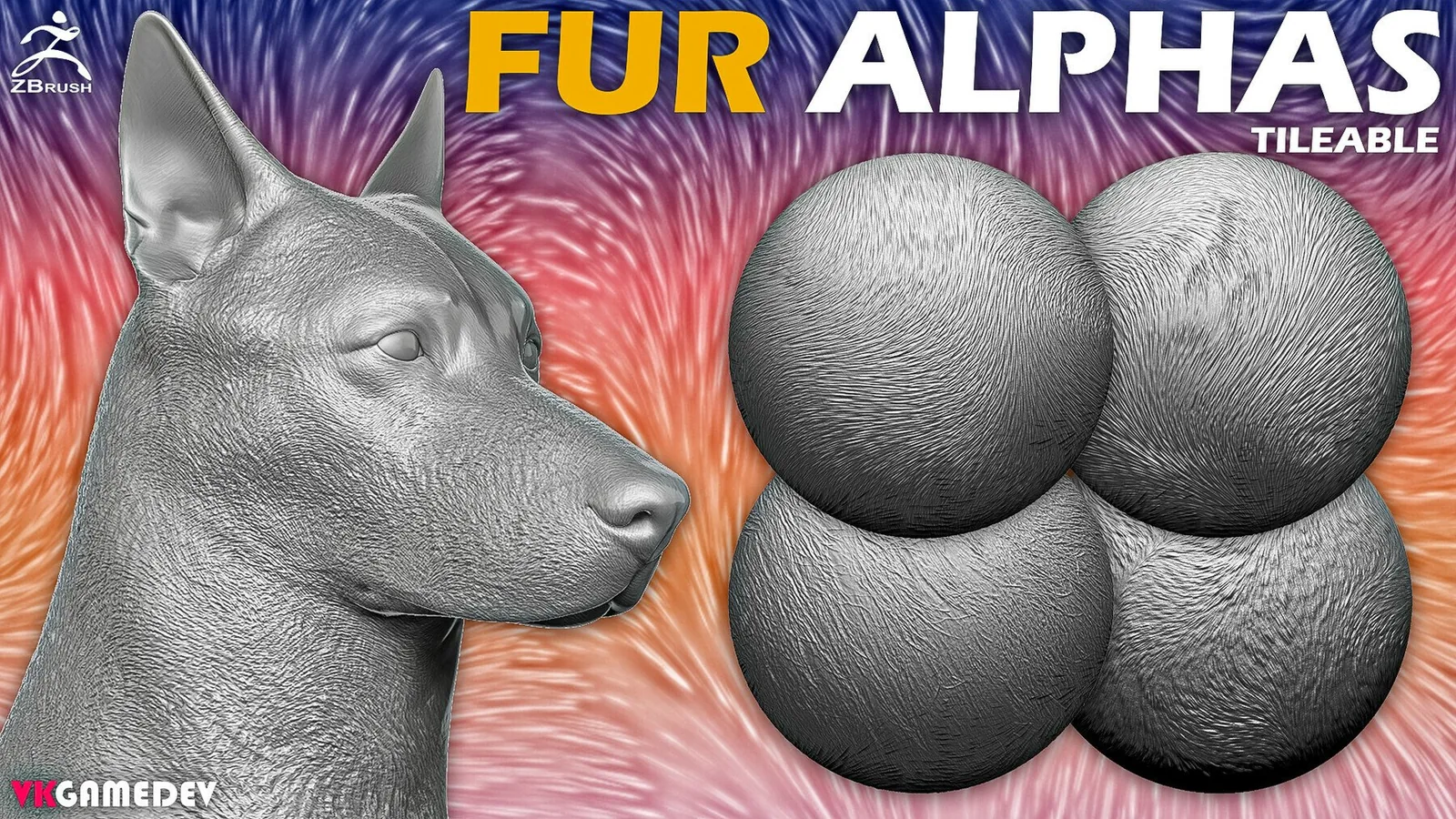
If you are sculpting a creature lineup, build a small fur reference board. Test each brush on the same base sphere and compare spacing and depth. This makes it easy to maintain consistent fur density across different characters and helps you choose the right brush for each species.
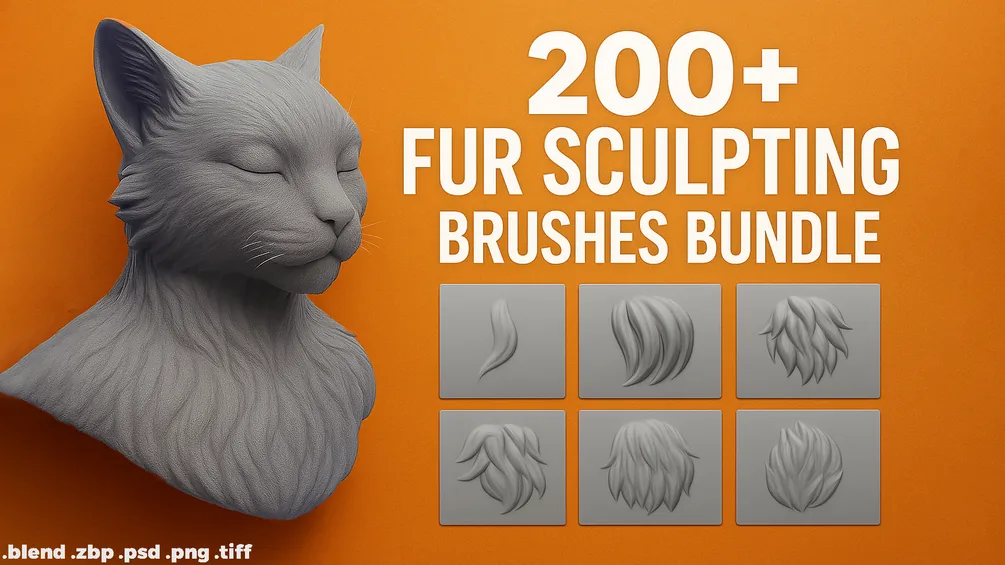
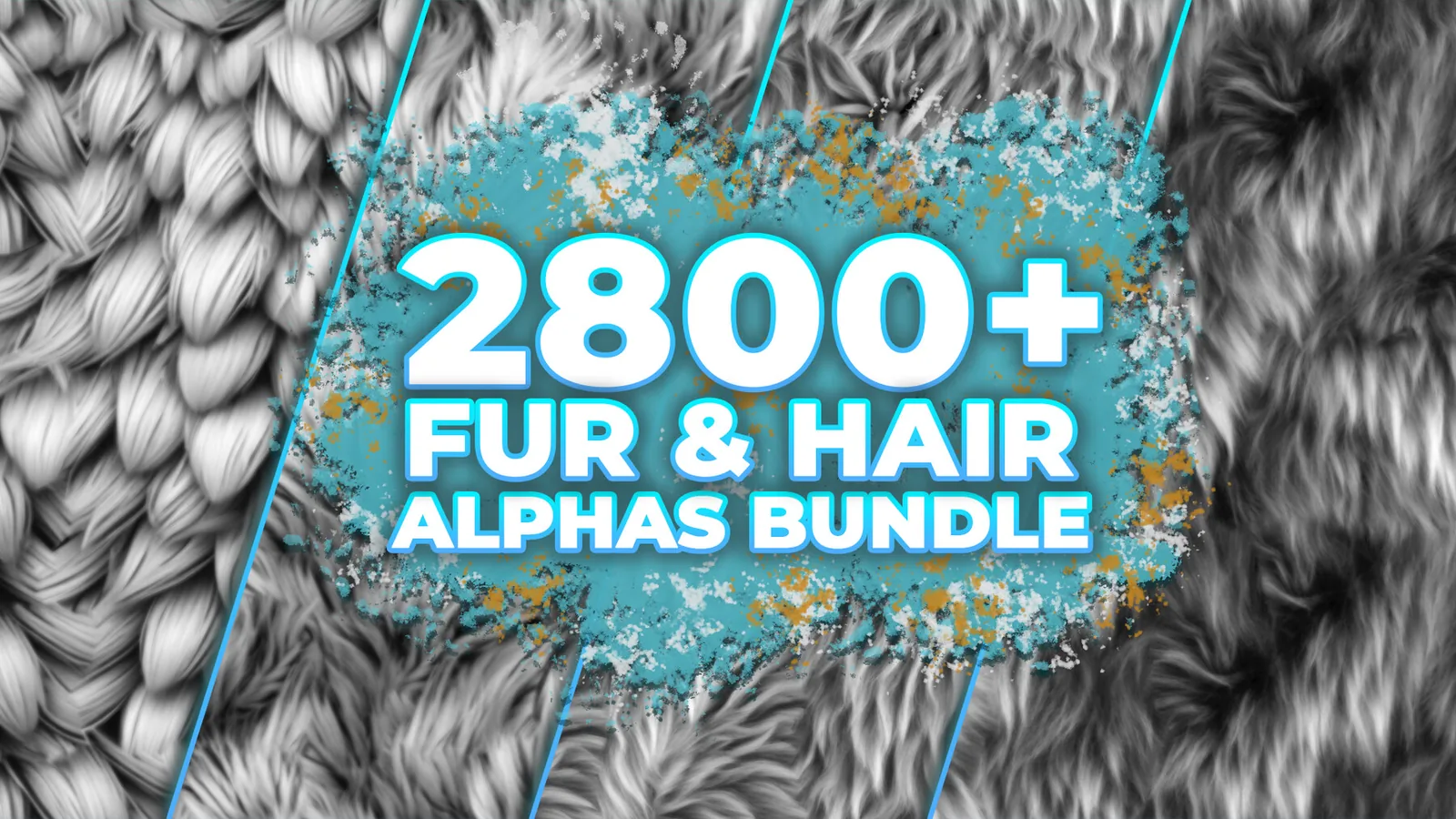
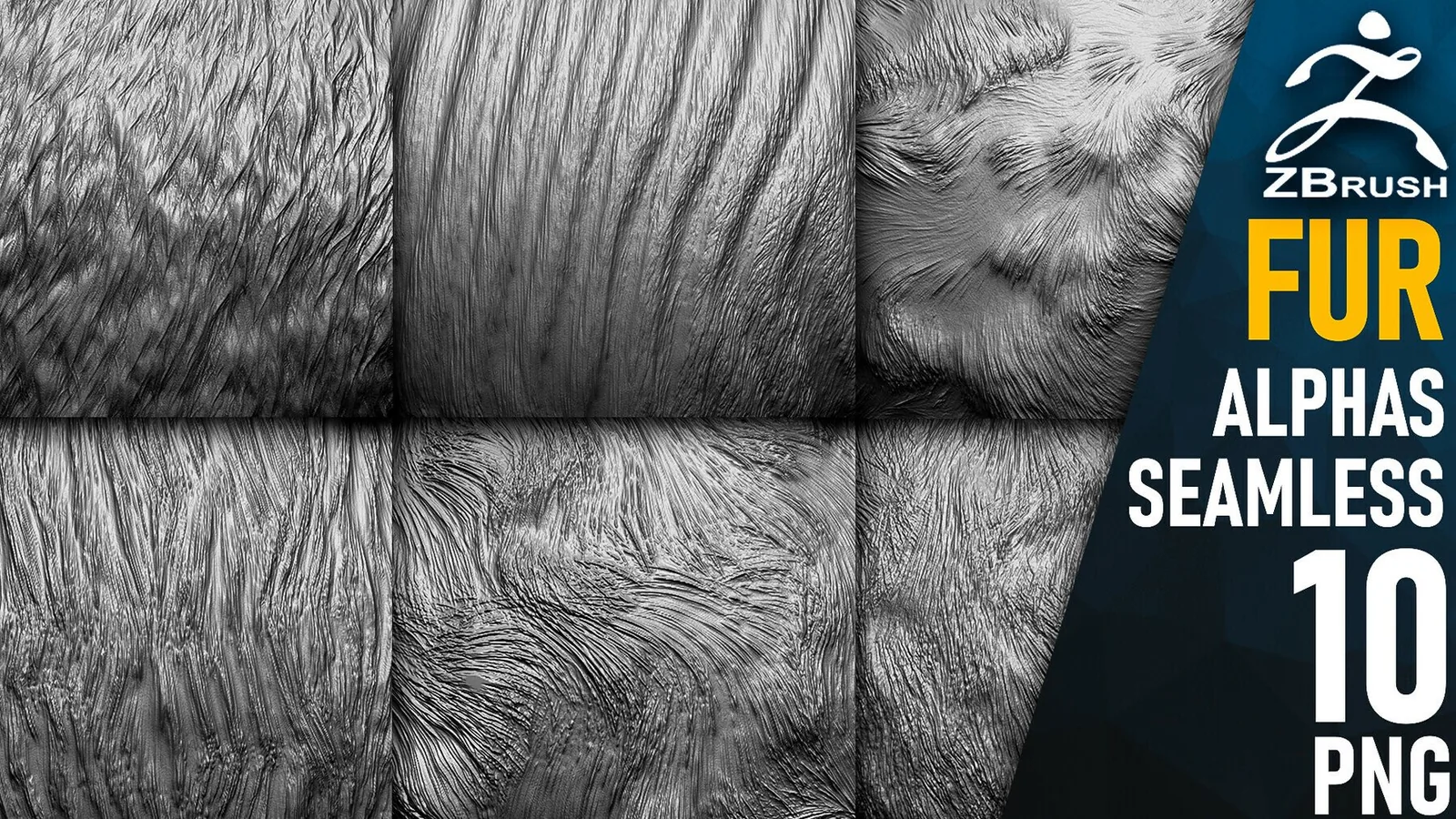
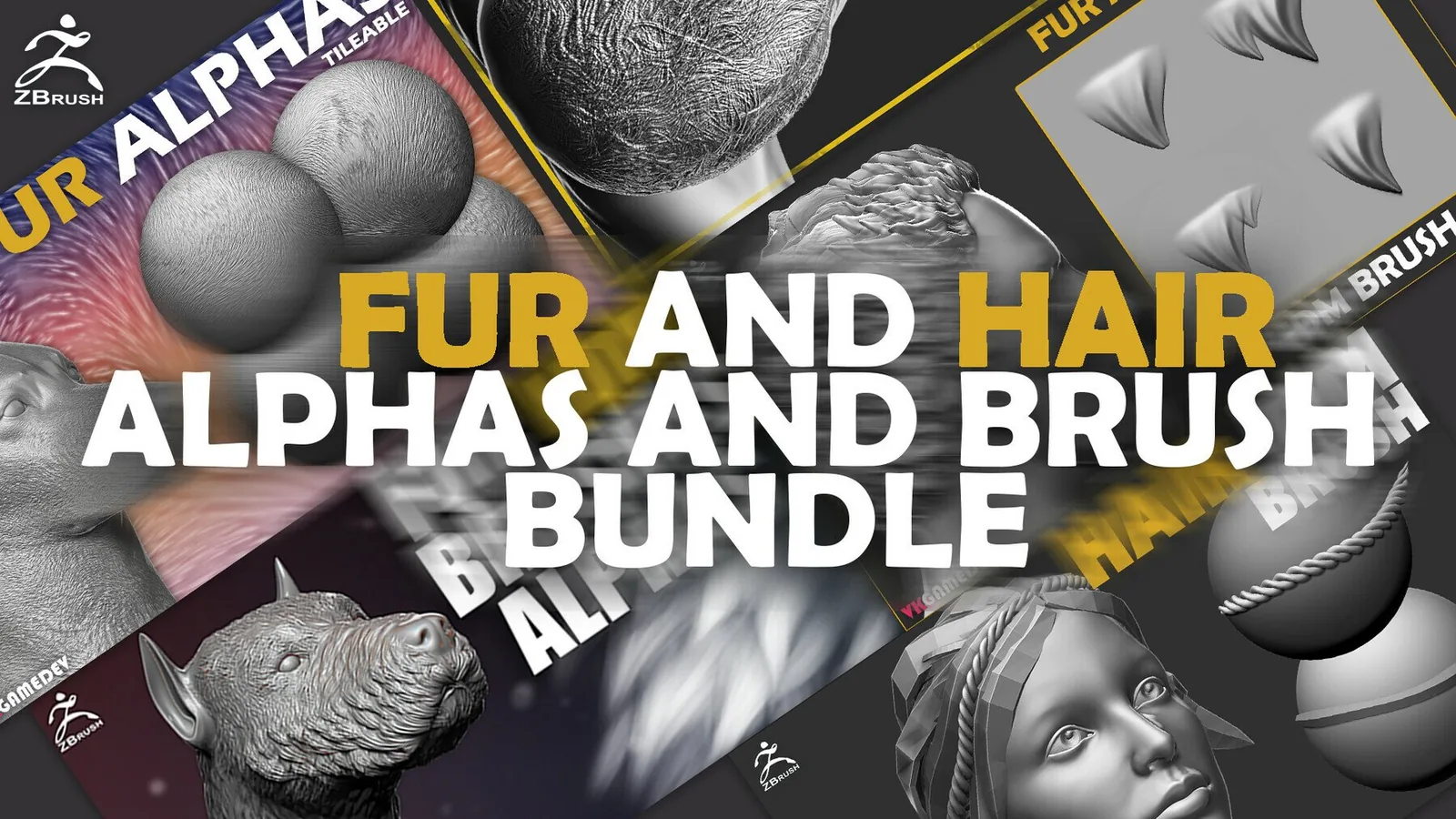
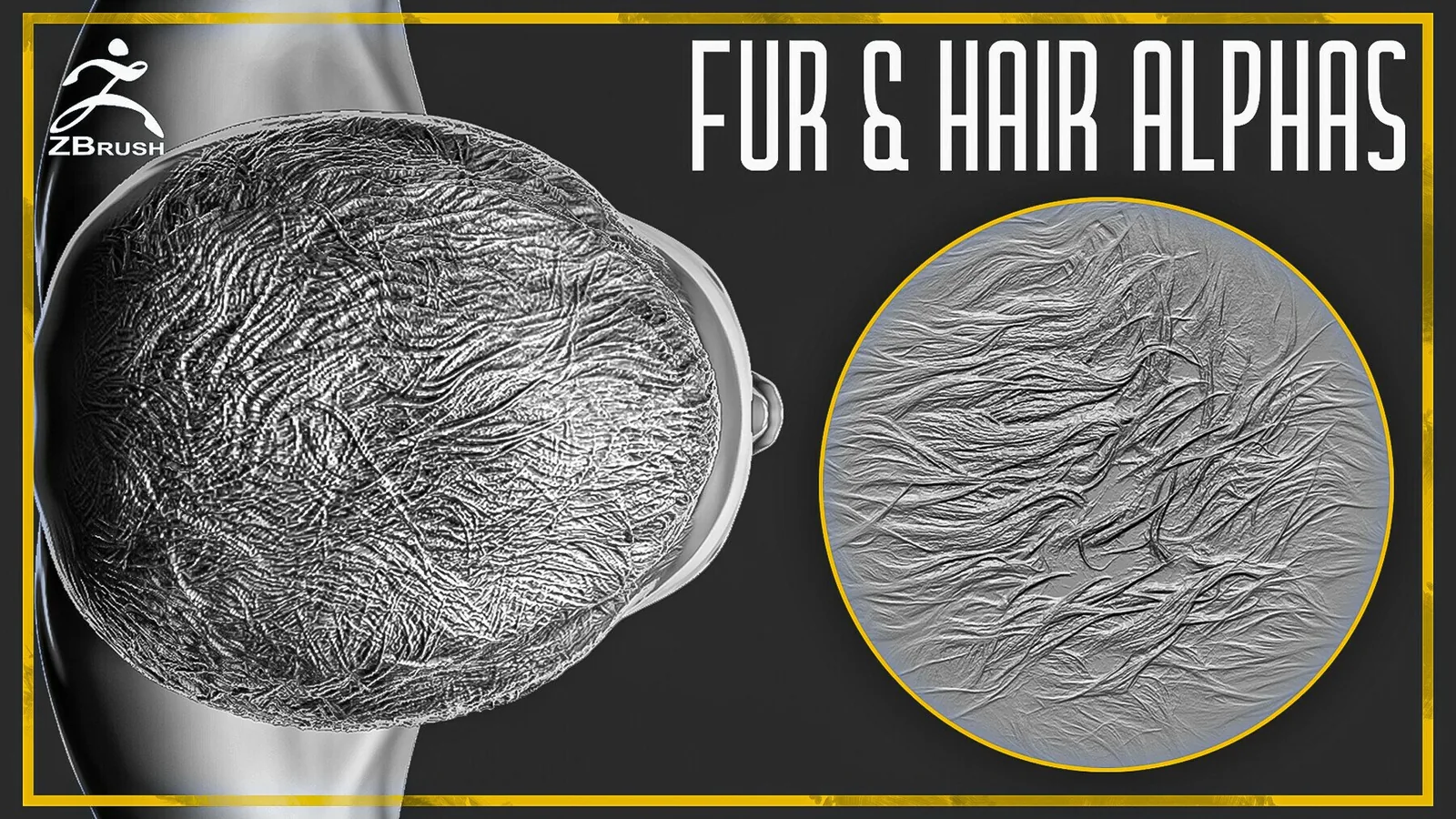
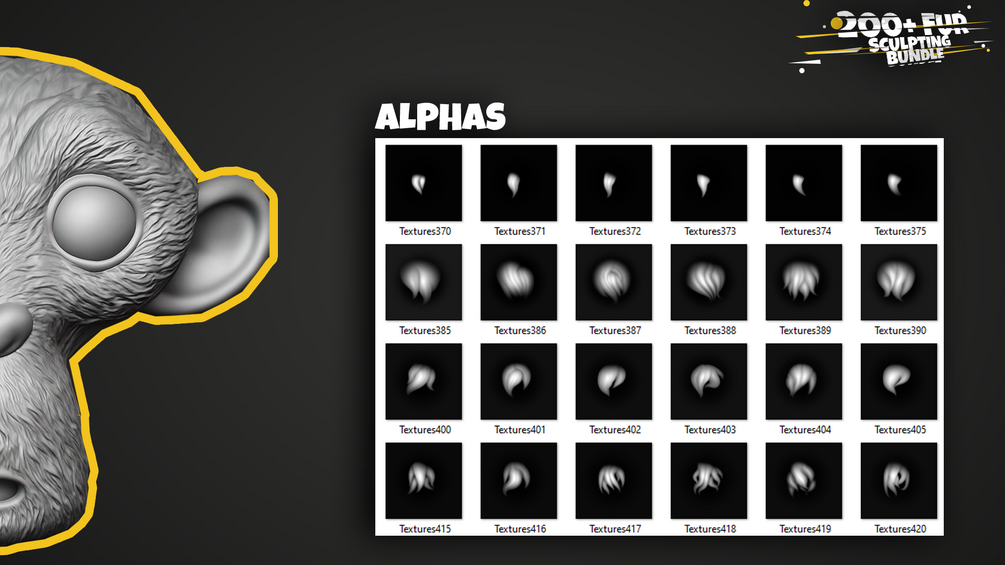
The best sets below include both brush packs and alpha libraries so you can sculpt, bake, and texture without switching tools. Use the examples section to see how the alphas read on different scales, from dense coats to subtle stubble.
Best sets
These packs are the strongest fits for fur and hair detail. Each set is organized for fast browsing and includes previews so you can judge flow and clump breakup before committing.
Examples
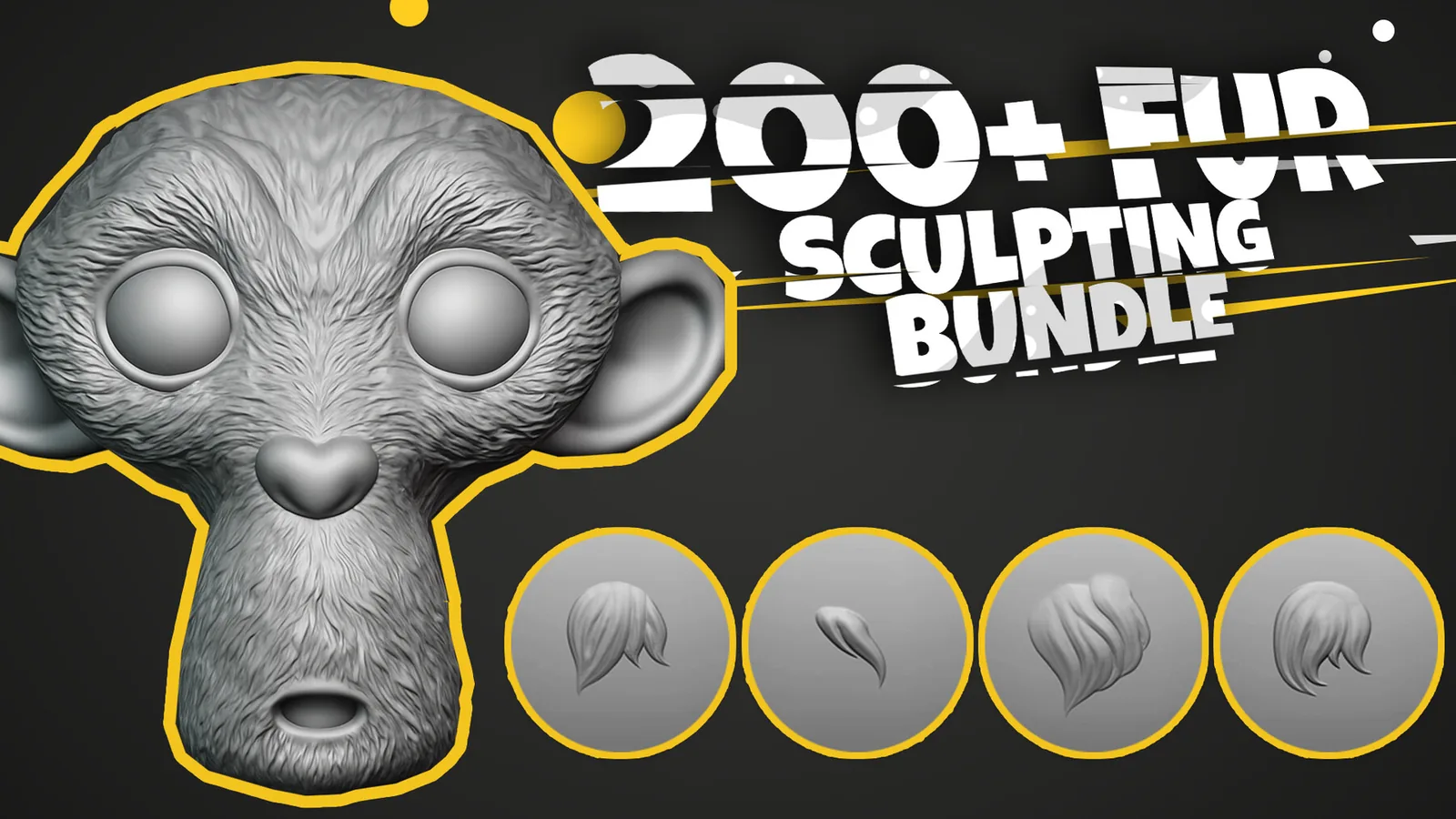
Real product previews showing how fur brushes and alphas read on different coat types.