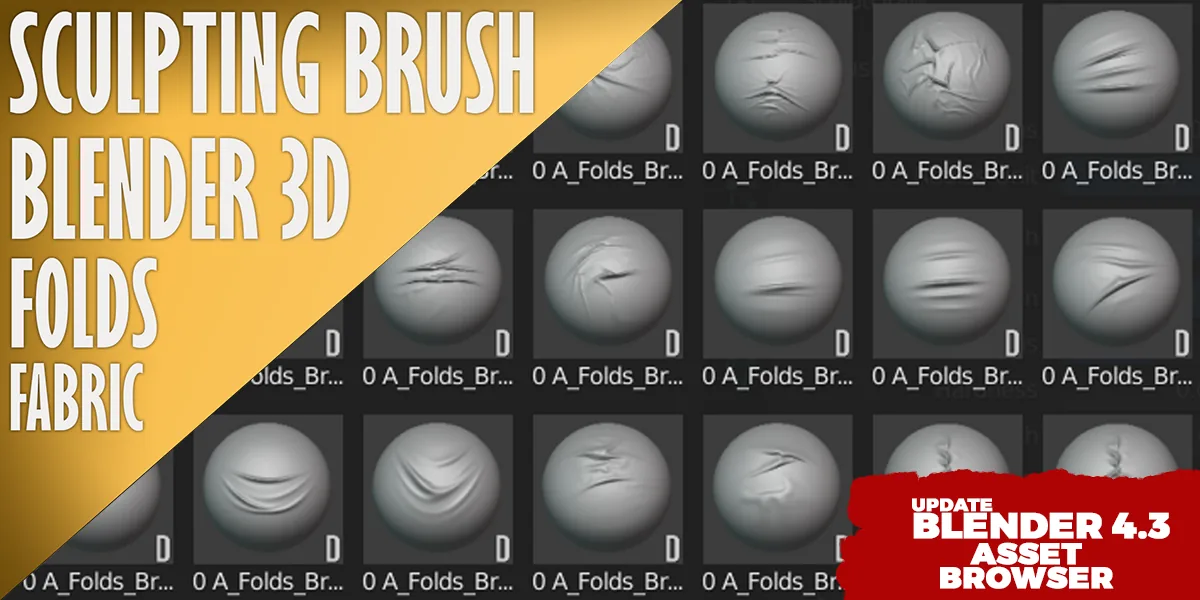
Fabric Sculpting Brushes

Category

Fabric Sculpting Brushes

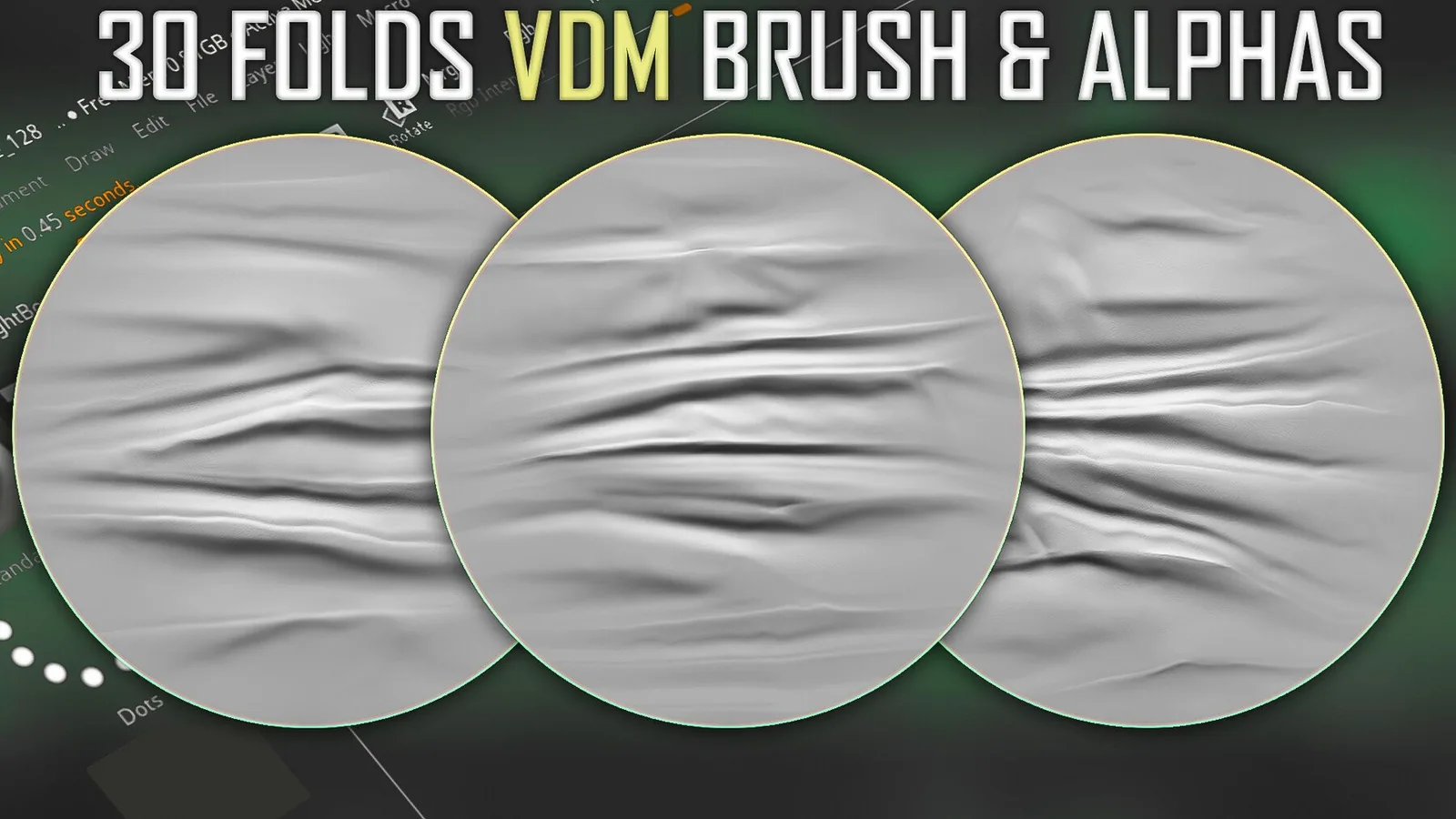
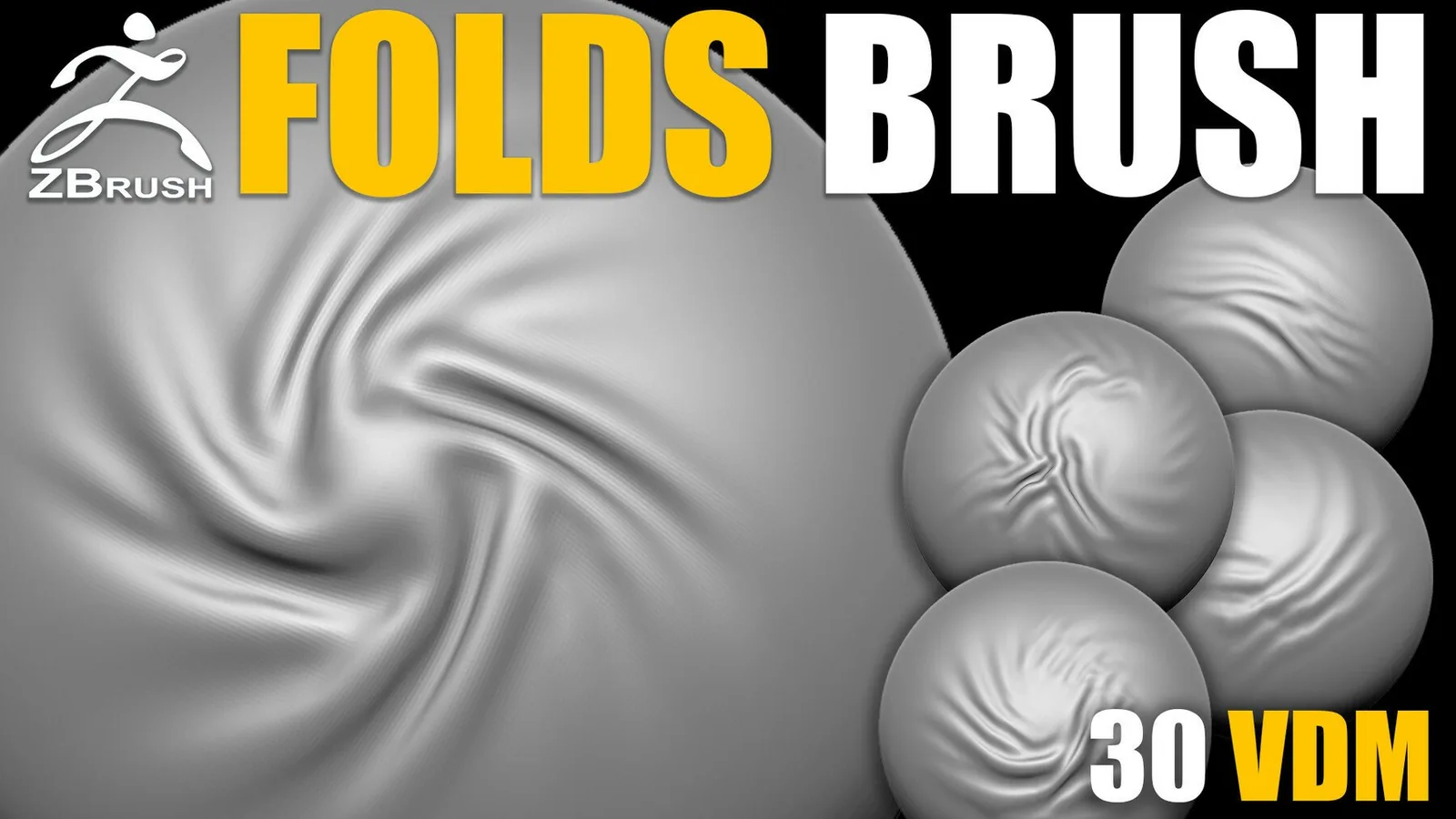
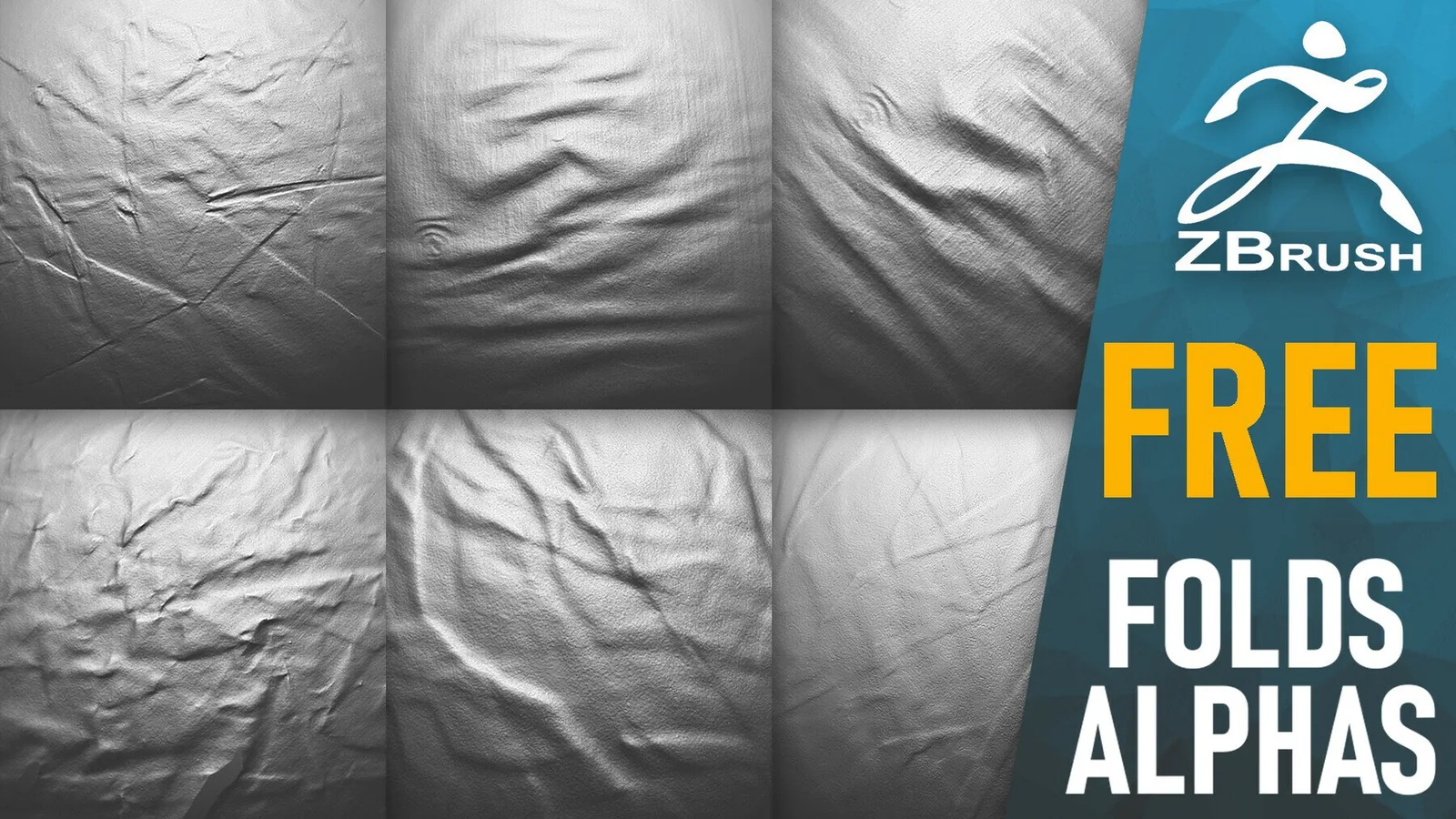
Fabric sculpting is all about rhythm, weight, and scale. Good cloth brushes help you build believable folds, drapery, and tension without fighting your sculpt. This category collects Blender and ZBrush brush packs focused on cloth form, including fold libraries, compression wrinkles, seams, stitches, and fabric surface alphas. The goal is not just more stamps, but more control over how fabric flows across a character or prop so the material feels soft, heavy, or crisp when it should.

Most artists need three layers to sell fabric: primary folds that describe gravity, secondary folds that show motion or tension, and micro detail that reads up close. The brush sets here are organized around that workflow. Use broad drapery brushes for the silhouette, then add compression folds in areas of stress, and finish with seams or weave alphas where the viewer gets close.

Cloth folds and drapery Seams and stitches Compression wrinkles Blender and ZBrush

Primary folds to micro detail Clean stamps and consistent depth Organized brush libraries

Start each cloth sculpt by defining the garment structure and weight. Heavy fabric creates long, slow folds, while thin fabric creates tighter, faster wrinkles. Use a few large brushes to establish the main fold direction before you reach for smaller stamps. If you begin with dense micro detail, the form tends to flatten and the surface looks noisy. Keep scale in mind and do a fast pass for the big shapes first.

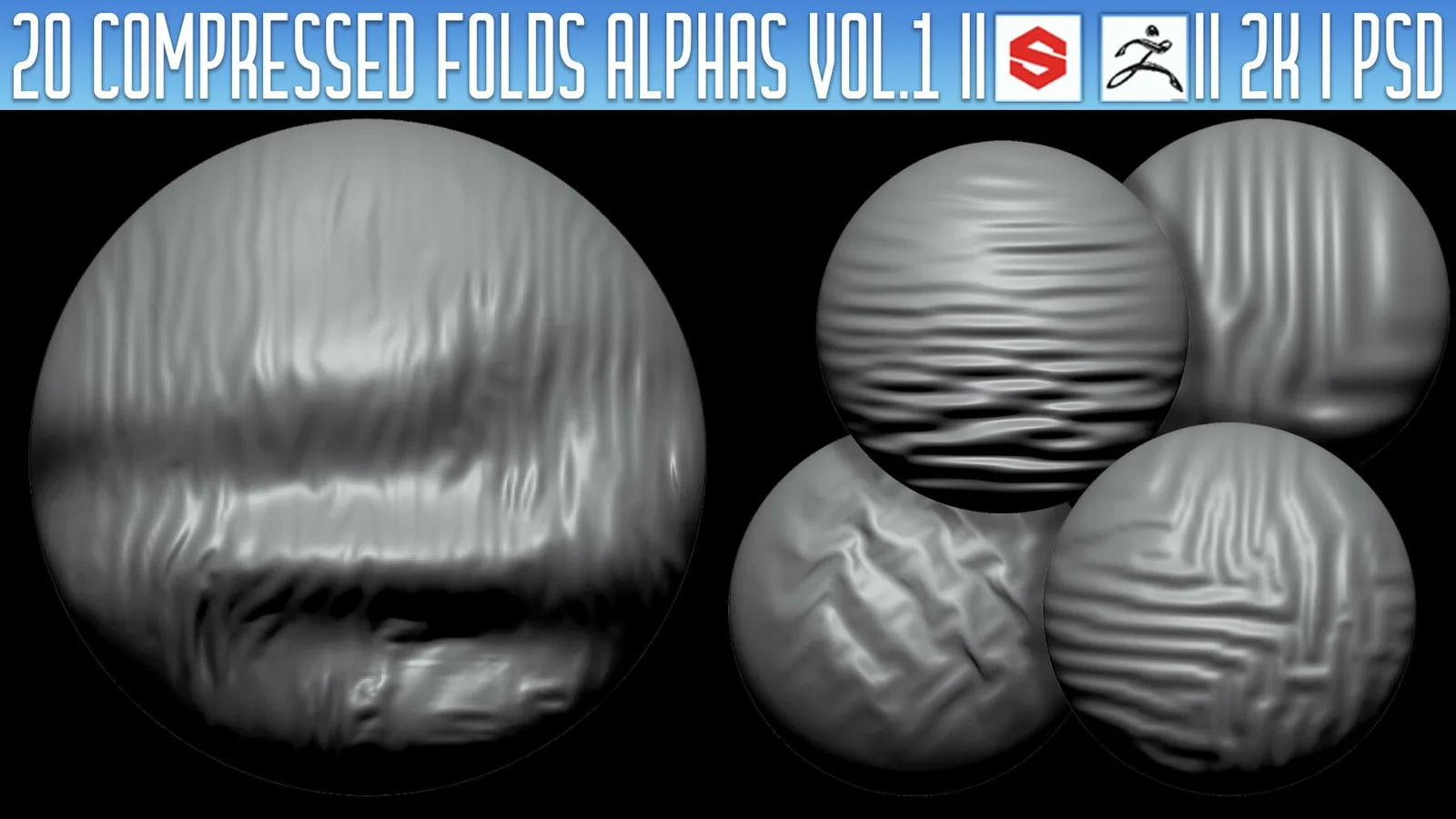
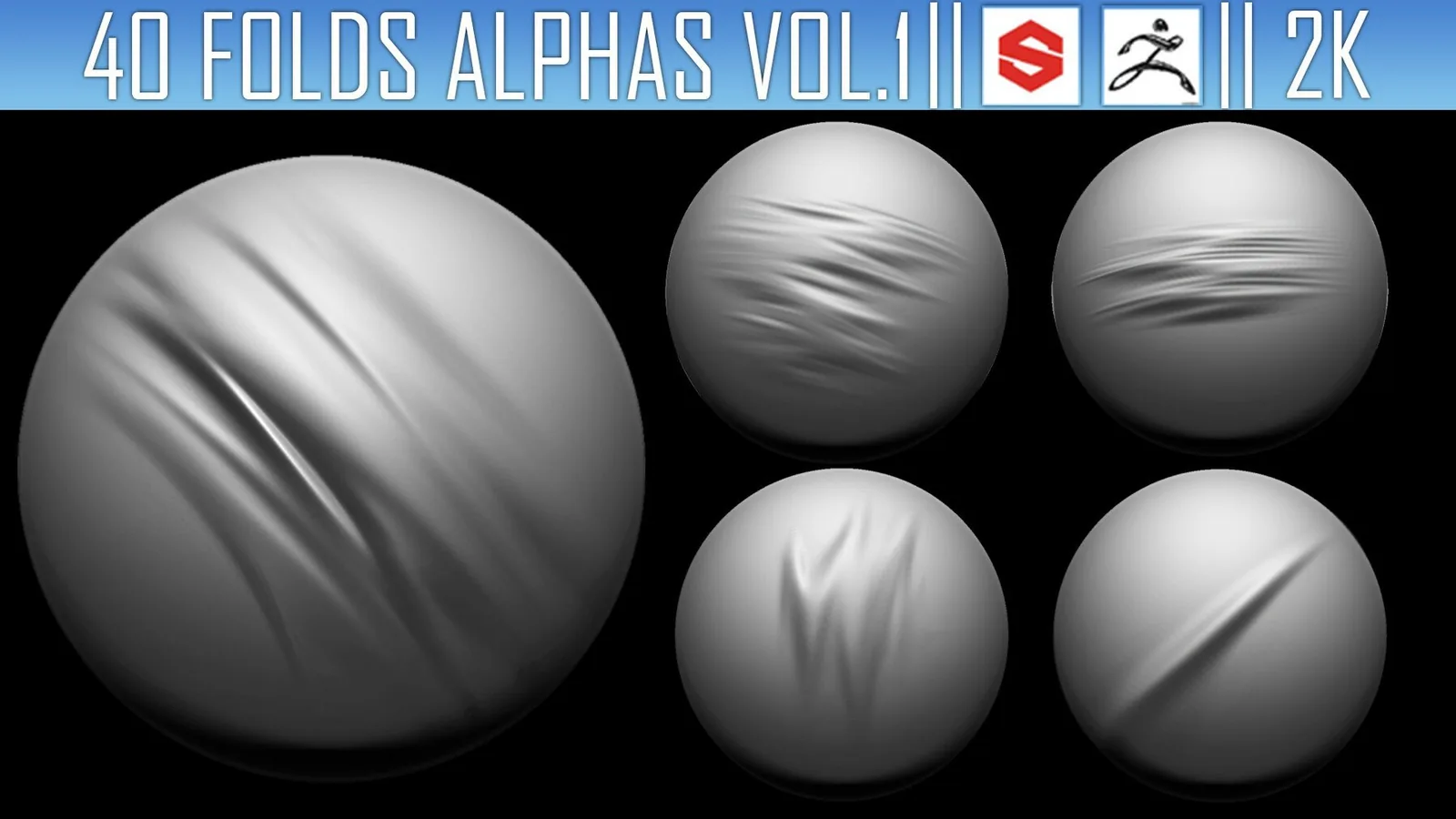
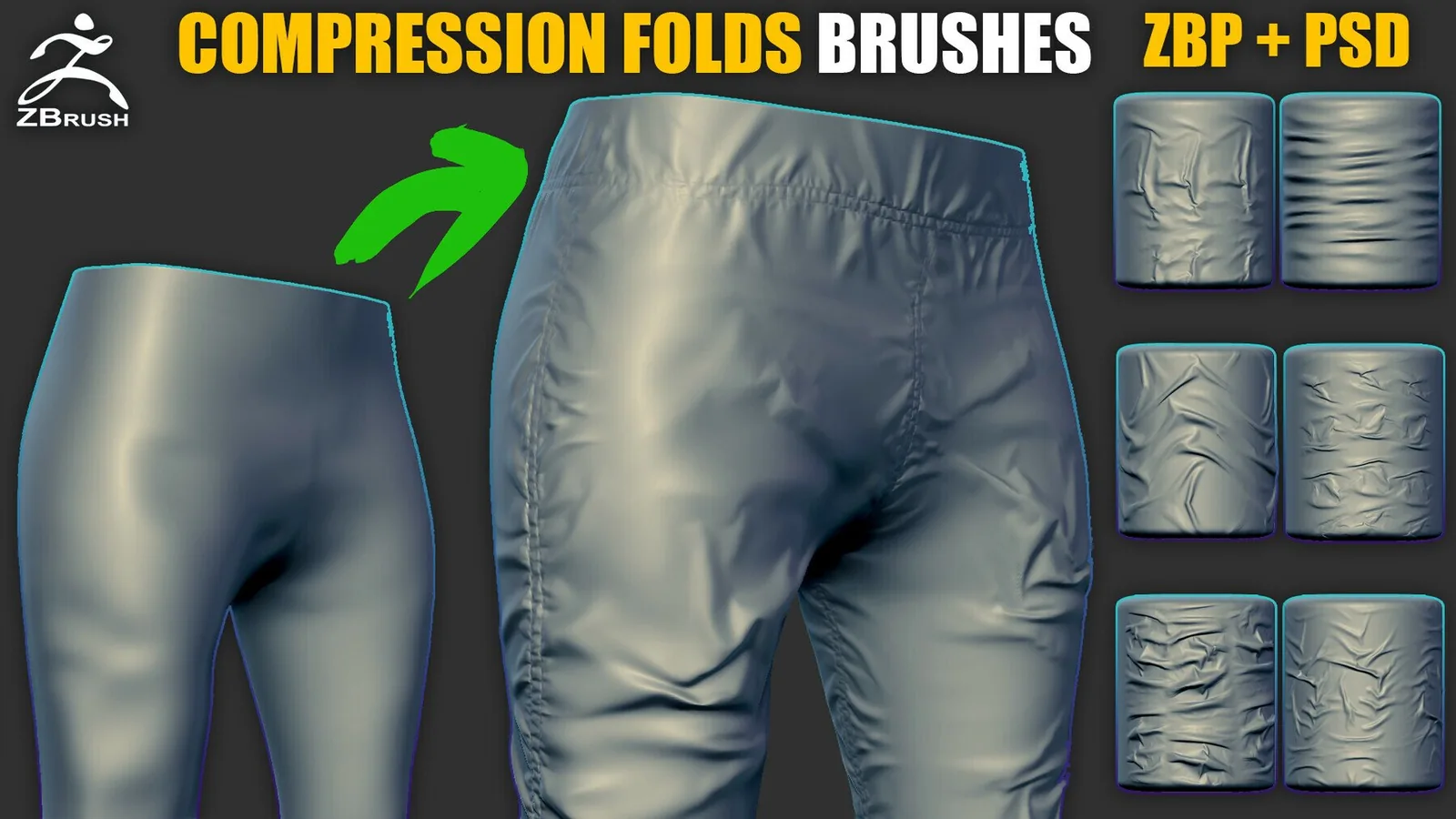
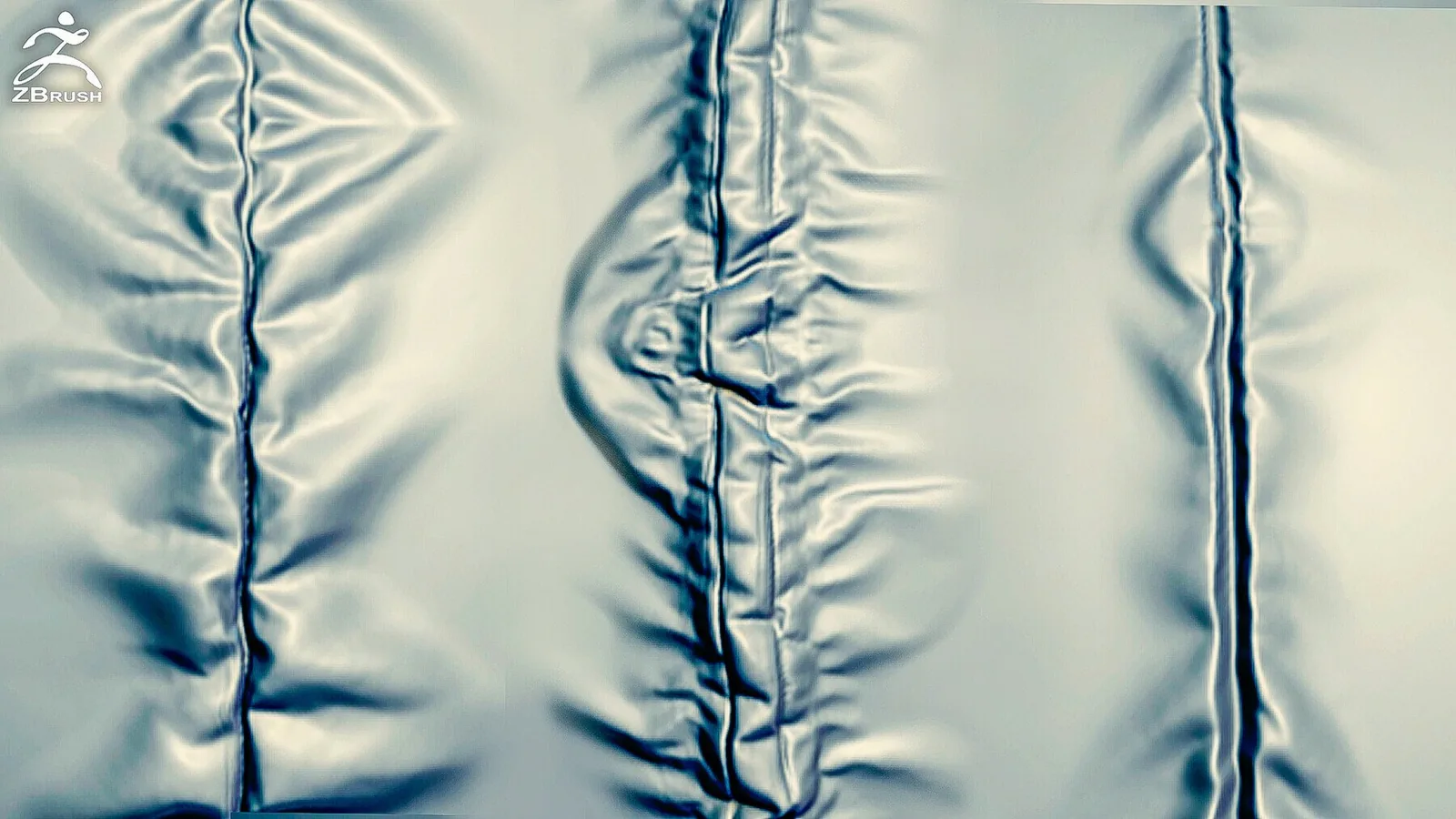
Compression folds are the secret weapon for believable cloth. These are the tight wrinkles that form around elbows, knees, belts, and seams where fabric bunches under tension. Use them sparingly and layer different alphas to avoid obvious repetition. Rotate and mirror the stamps, and keep intensity moderate so the folds read as compressed cloth instead of hard cuts.

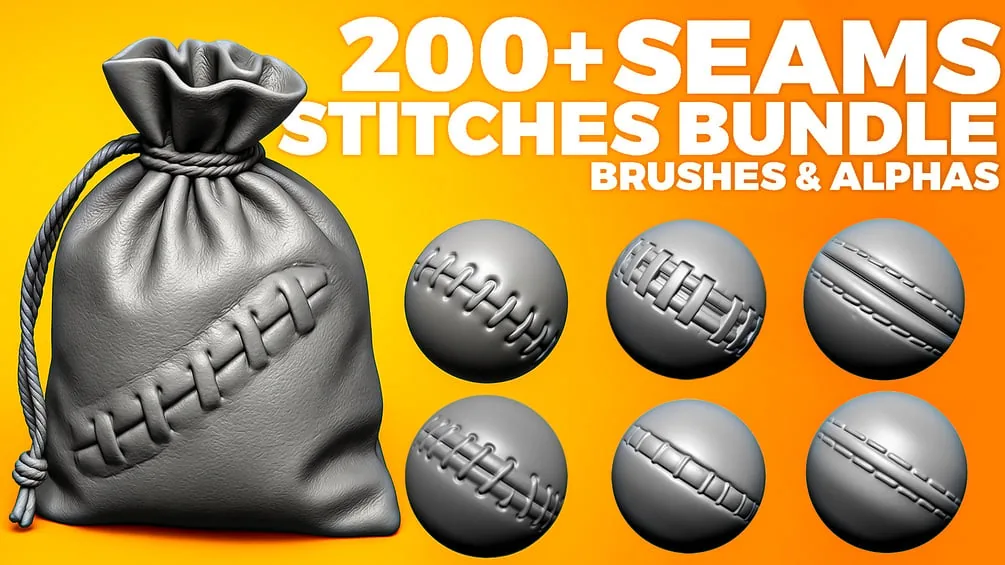
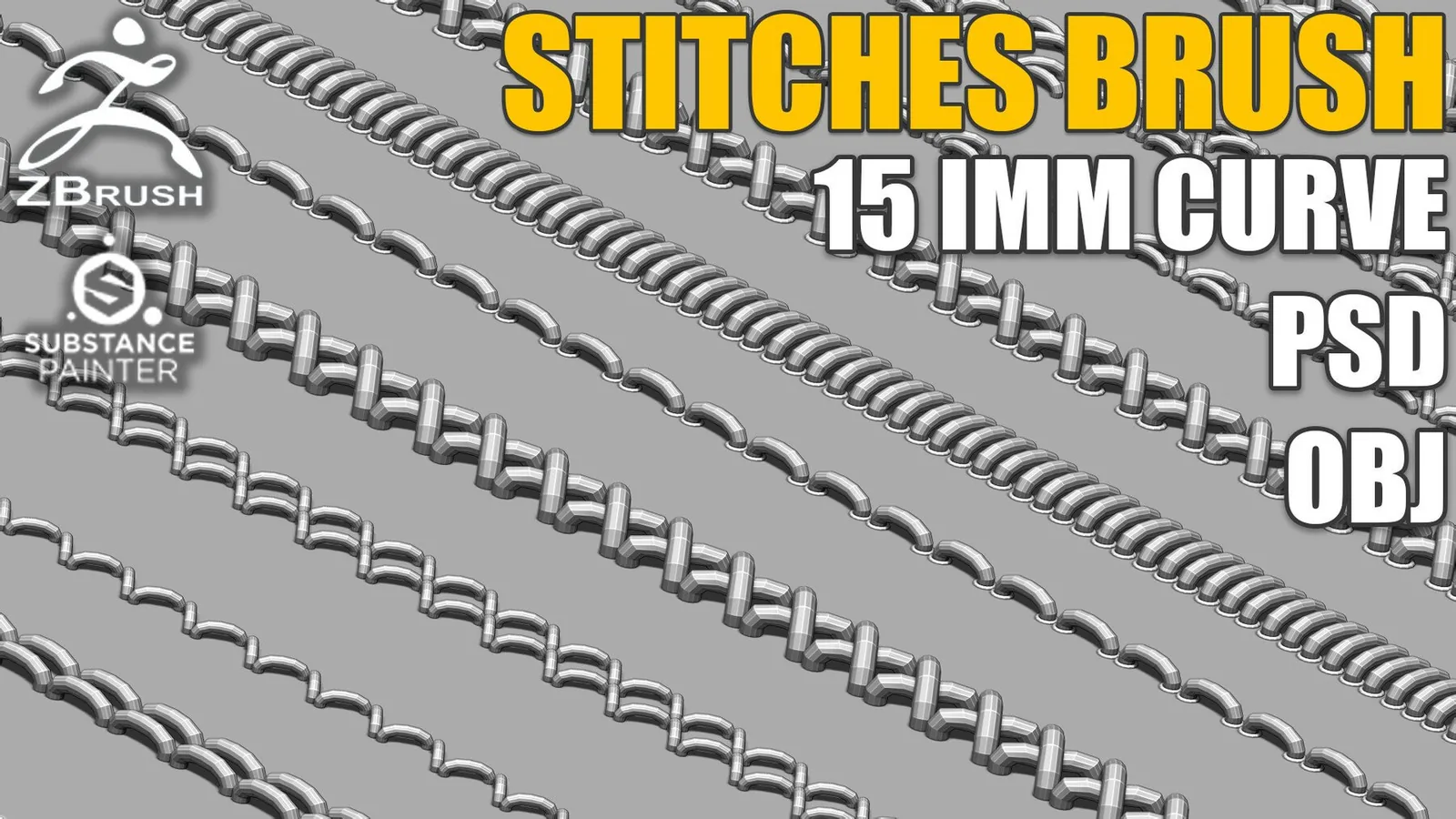
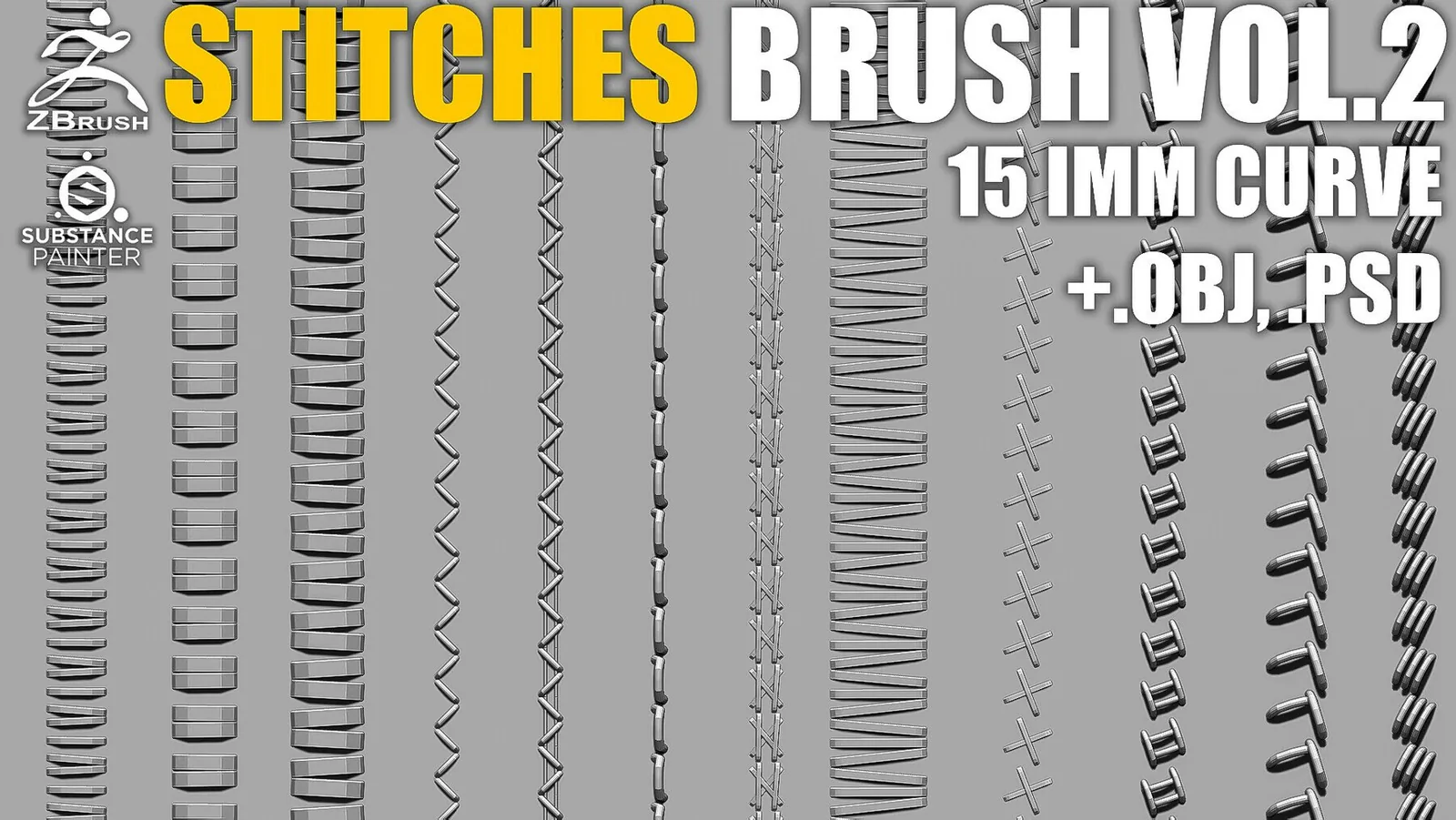
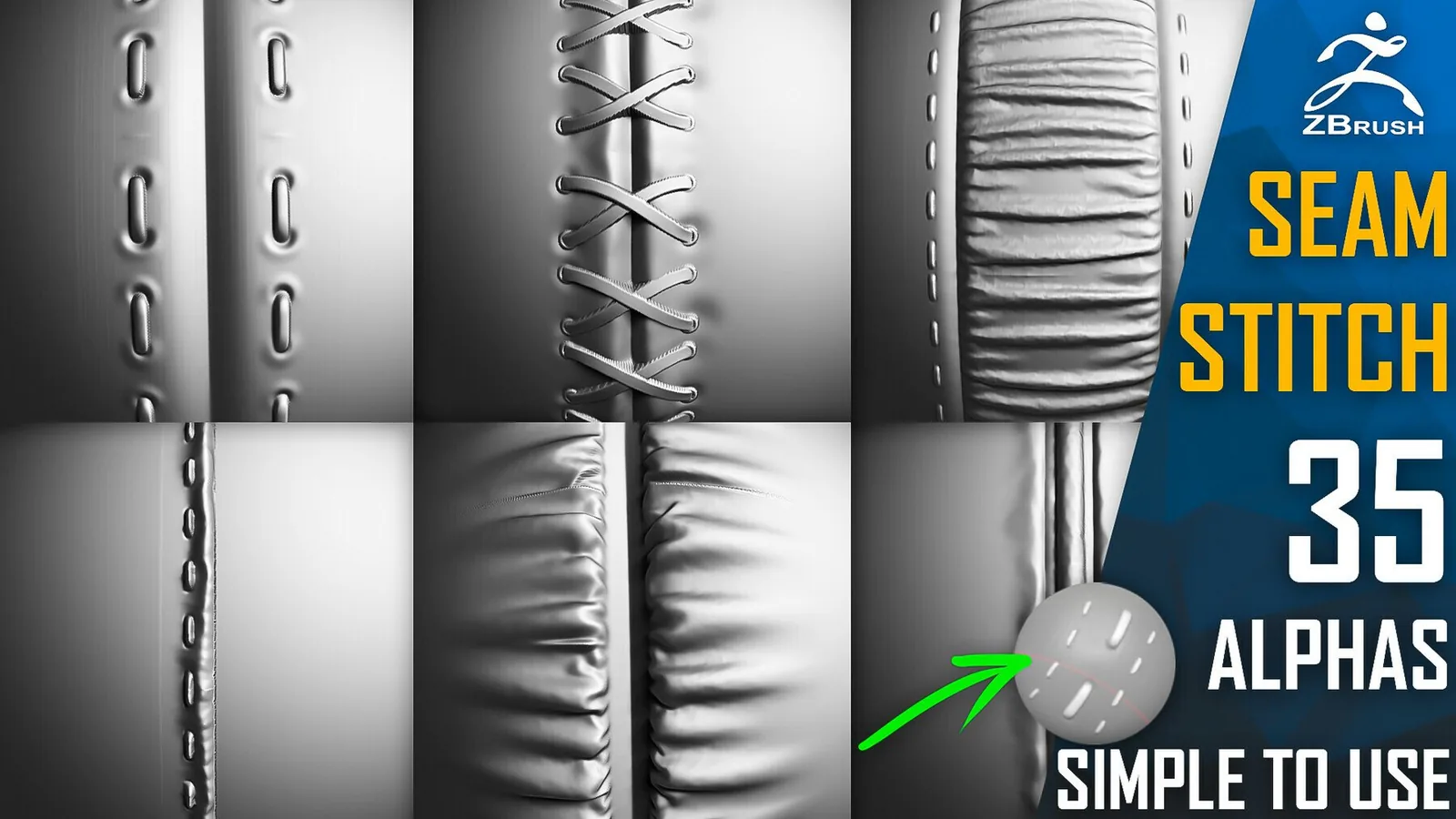
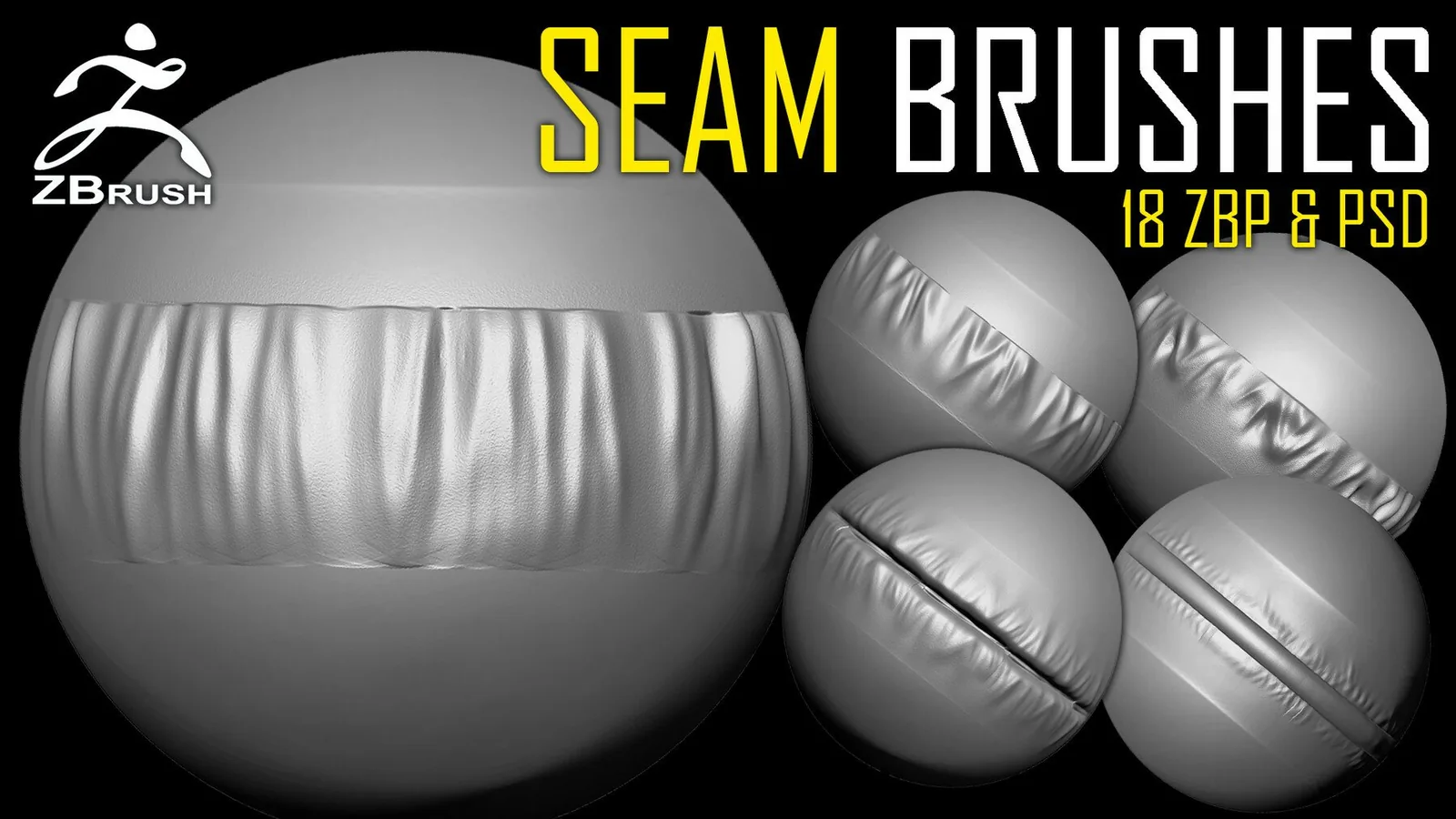
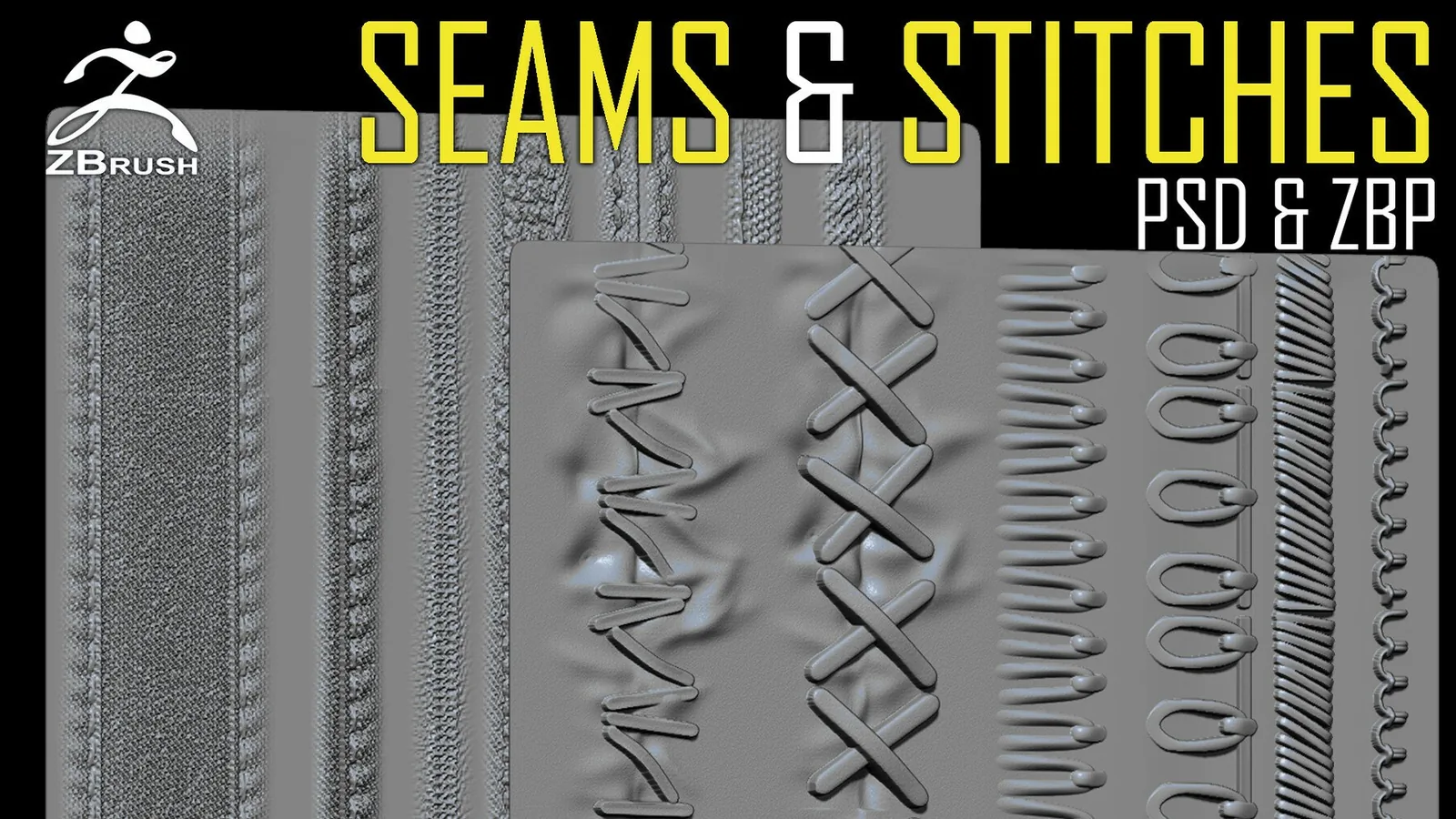
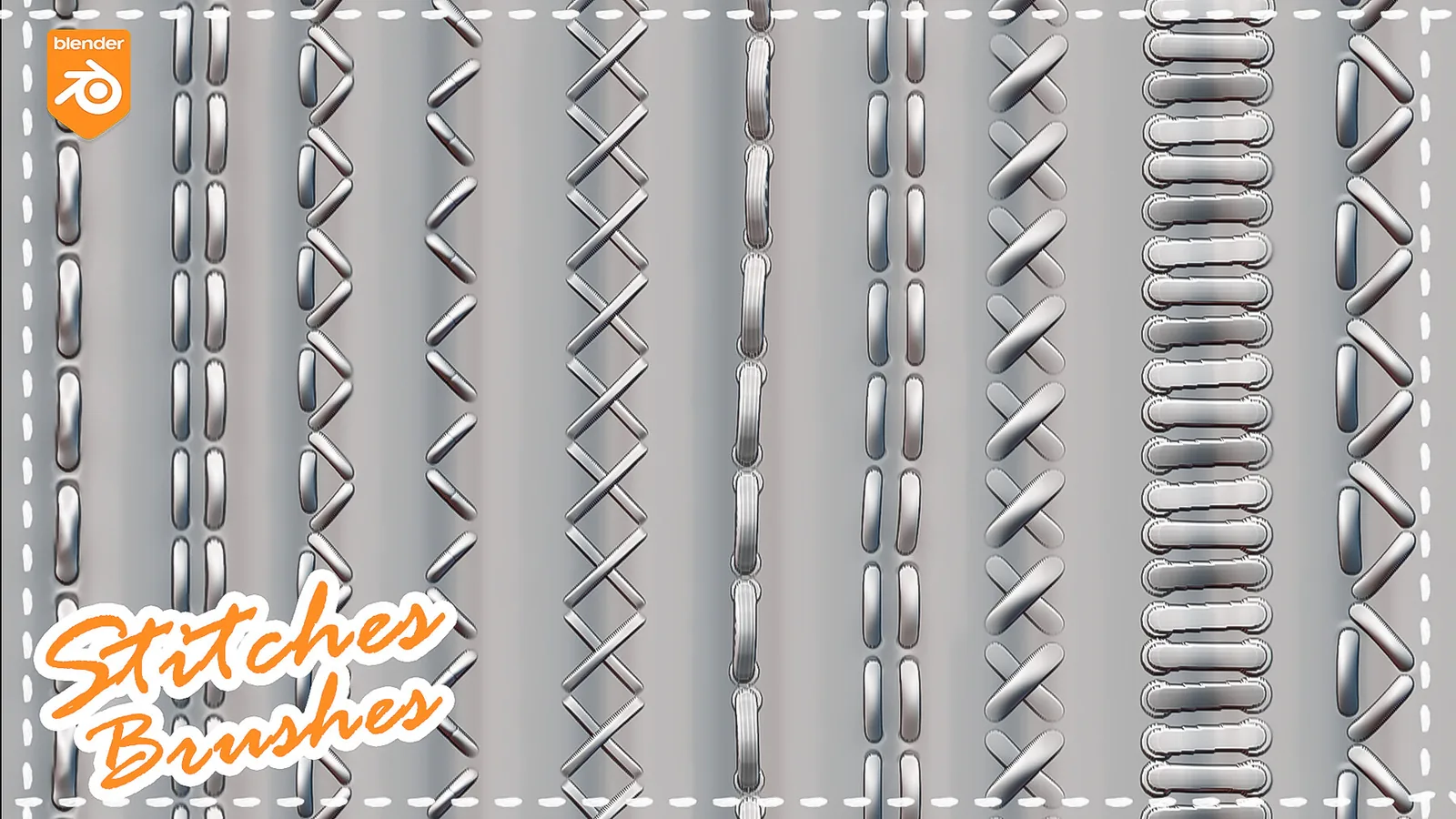
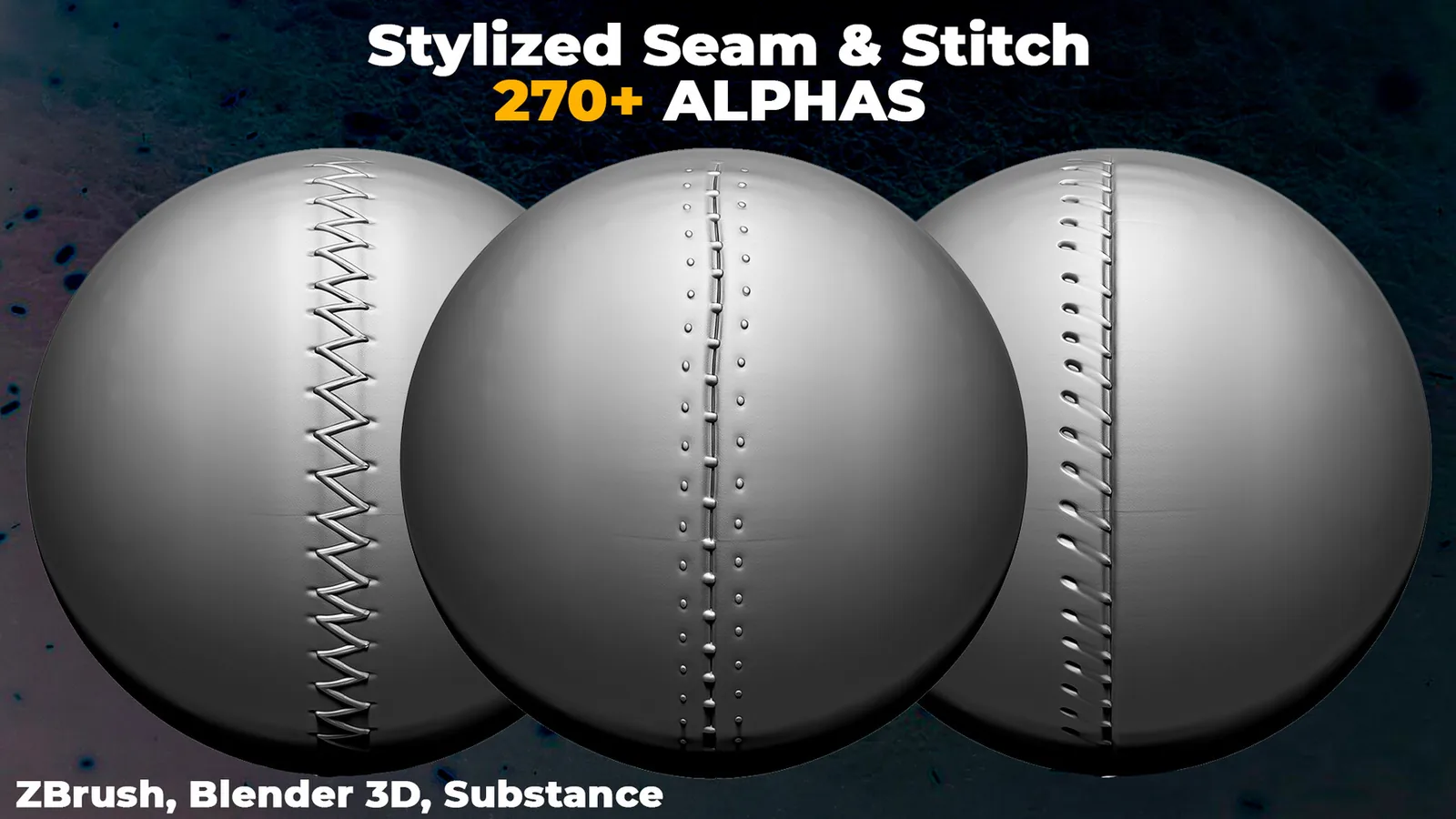
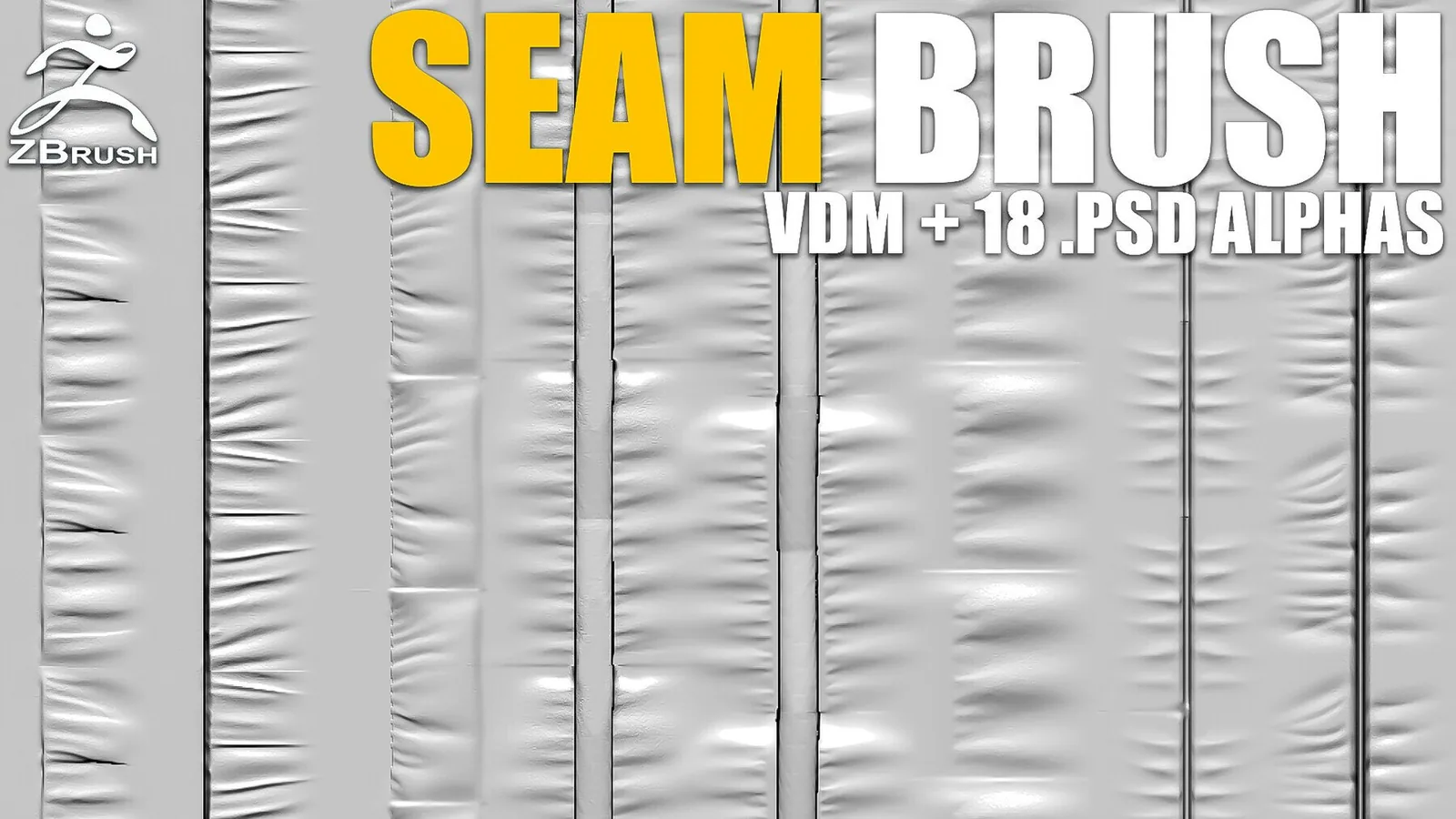
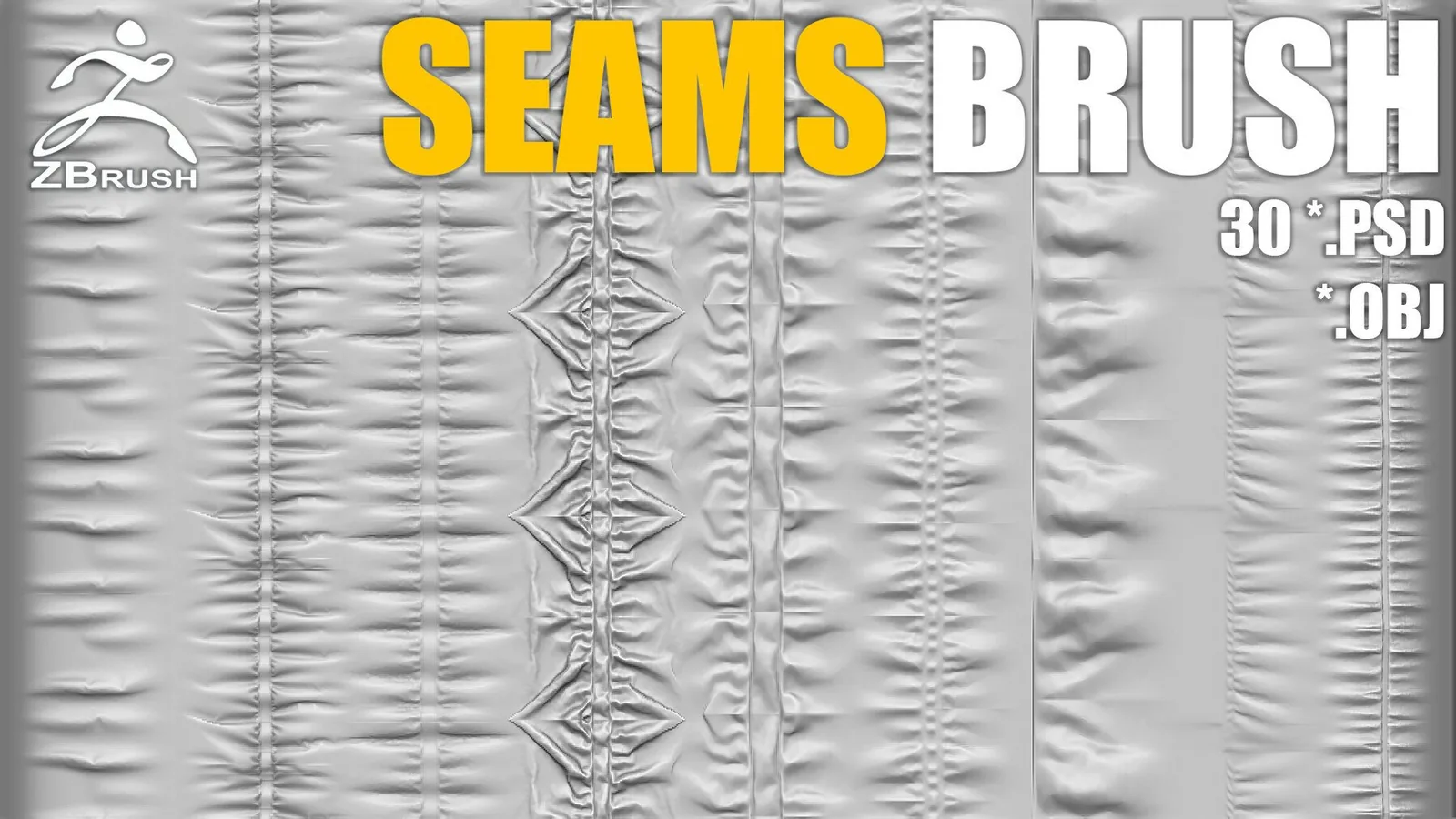
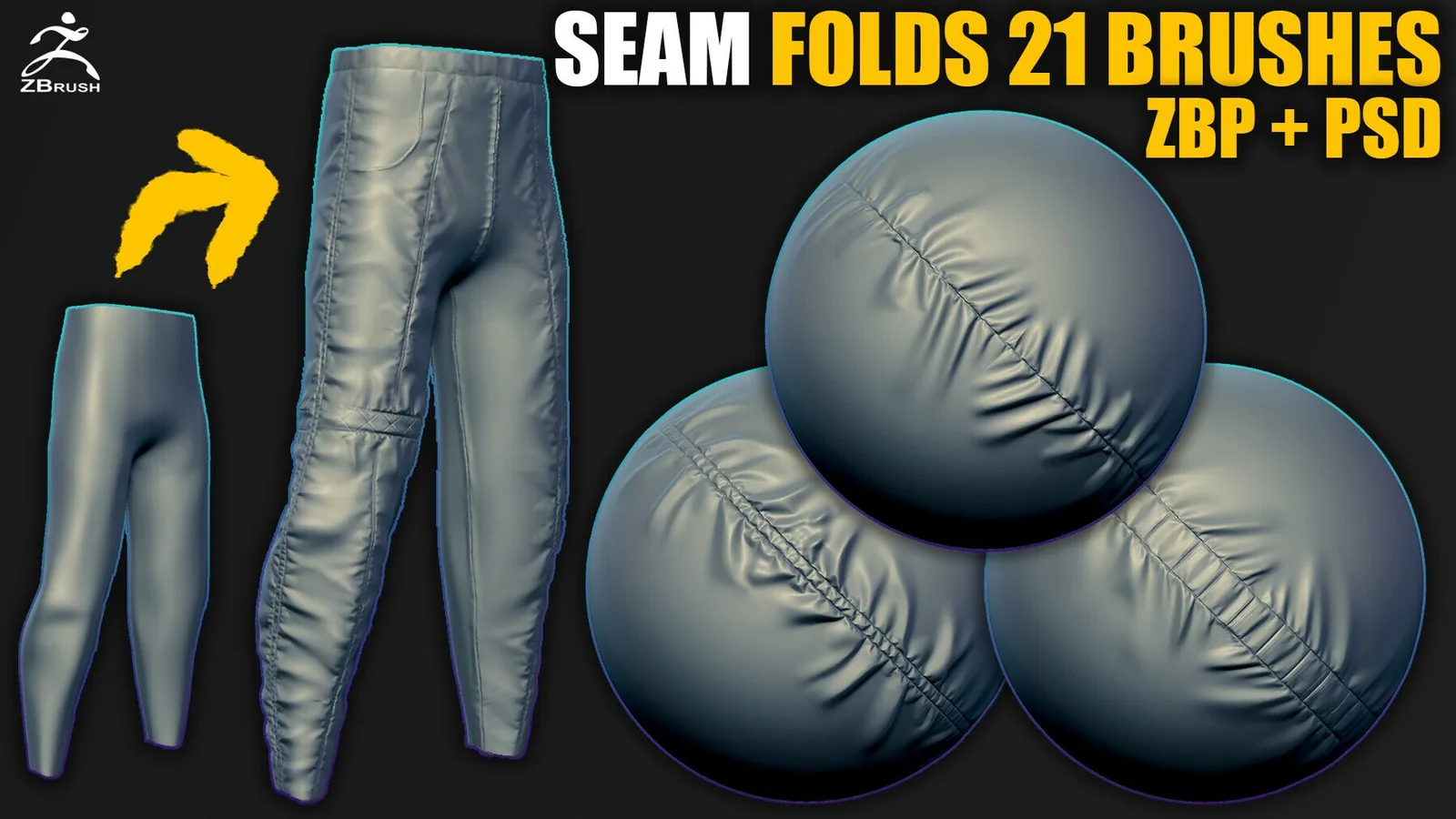
Seams and stitches should follow the garment logic. Place seams where the pattern pieces would connect in real clothing, then add seam bevels and stitch lines on top. A small seam brush at low intensity can suggest construction without overpowering the fabric. For hero assets, spend time on seam placement since viewers read that detail as a quality indicator.

In Blender, these packs are built for Asset Browser workflows. Keep each brush set in its own folder and register it in File Paths. This lets you search for fold styles quickly and mix packs without overwriting settings. If you need to match multiple garments in one character, use catalogs for denim, leather, silk, and heavy cloth to keep your selection consistent.

ZBrush users can take advantage of layers and morph targets. Lay down primary folds on a layer, then sculpt compression folds on a second layer so you can dial intensity later. Use morph targets to soften or sharpen fold edges without resculpting. When you combine these tools with organized brush sets, it becomes much easier to keep different fabric types separate.

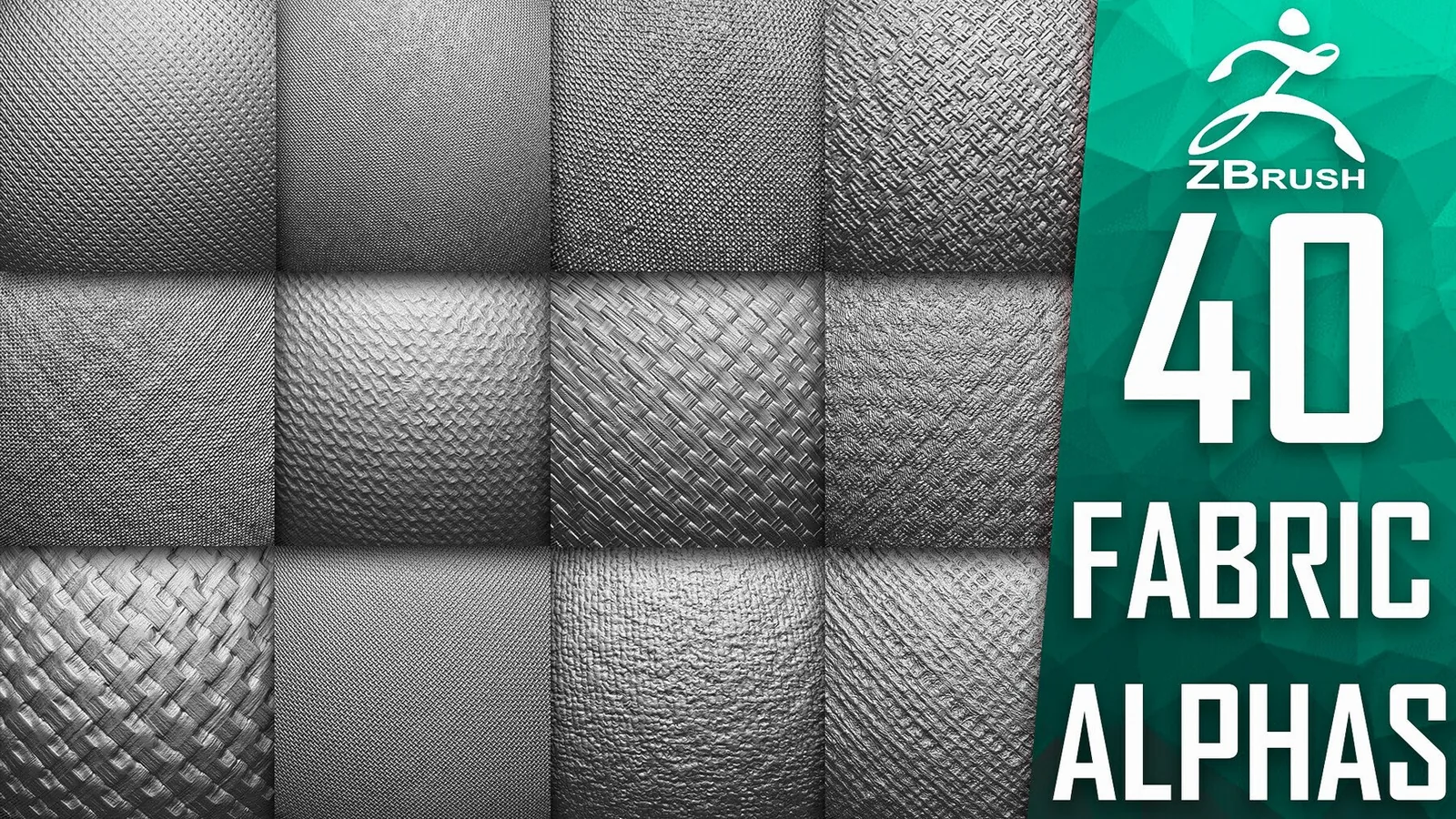
Texture scale is another common issue. Large folds should not be covered by micro weave detail at the same intensity. Use alphas for weave and surface breakup only after the folds are locked, and preview the surface under strong lighting to see if the material reads correctly. If the weave dominates, reduce its depth or spread it with a larger radius.

Stylized cloth benefits from stronger shapes and cleaner planes, while realistic cloth needs soft transitions and more subtle wrinkle variation. The packs in this category include both types, so you can choose based on the project. Stylized characters often use a smaller set of bold folds, while cinematic cloth may require layered sets with multiple fold families.

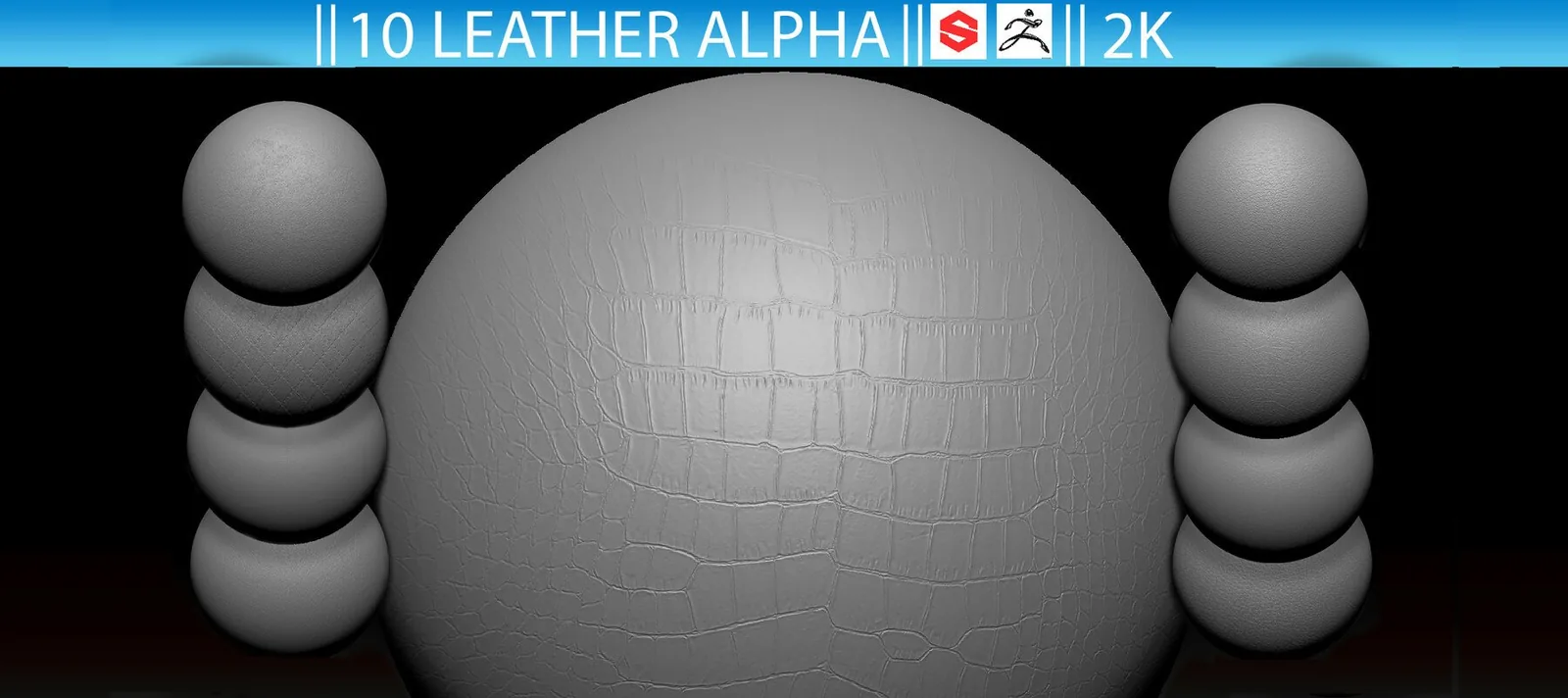
Fabric brushes are also useful for hard surfaces when you need leather, padded panels, or stitched seams. Many artists use fabric alphas to break up armor and props with soft wear. If you use that approach, keep the detail secondary so it does not fight the main hard surface forms.

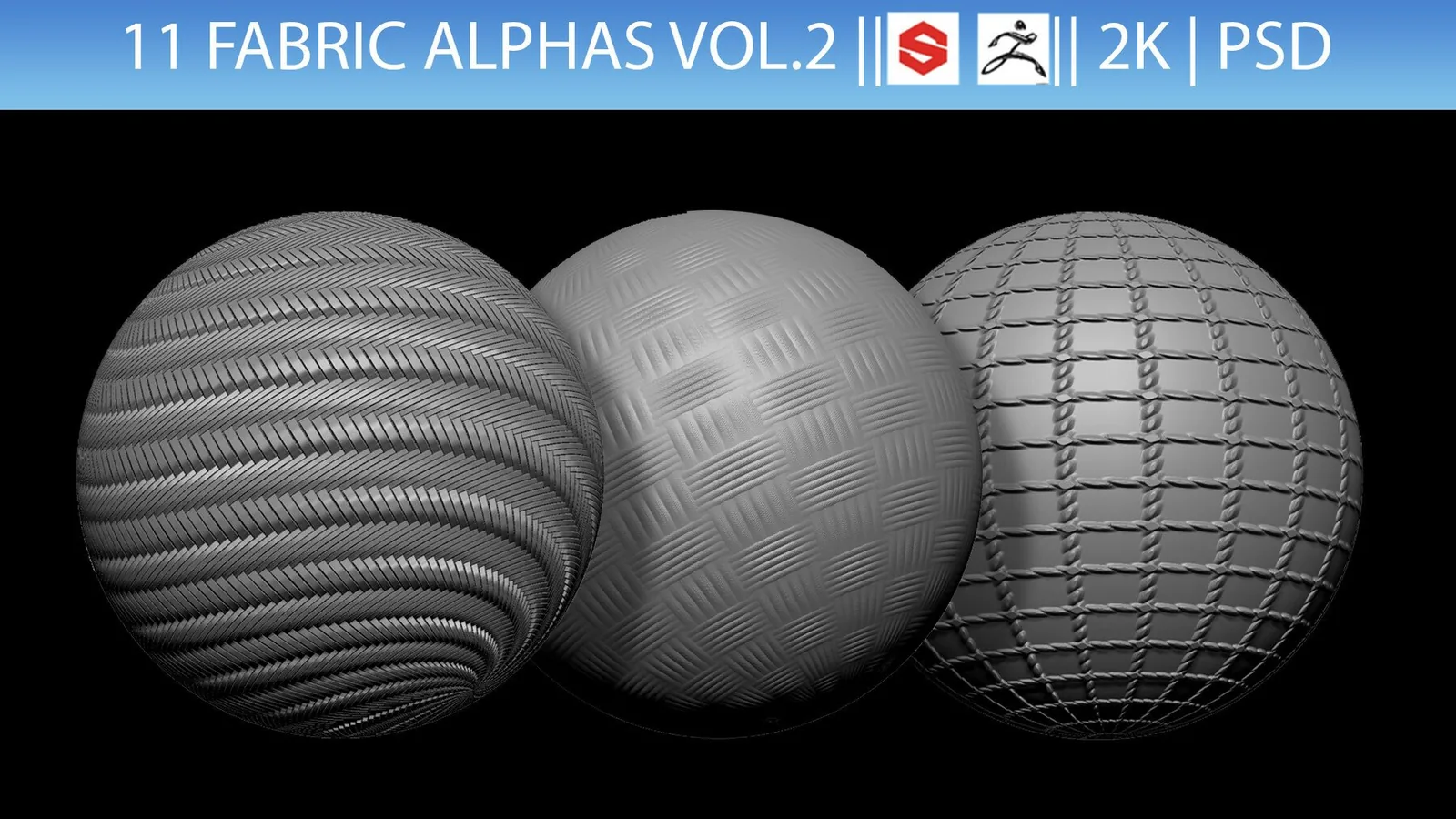
Build a small fabric test sphere and compare several brushes on the same mesh. This gives you a direct reference for scale and depth. Once you find the right fold family, stick with it across a character so the cloth remains consistent. Consistency is the difference between a clean wardrobe and a patchwork of unrelated fold styles.

These pages focus on libraries that are already organized, previewed, and easy to install. Use the best sets list below to jump directly to the strongest fabric packs, then browse the examples to see how each library reads in closeups and full character shots.

Best sets

These packs are the strongest fits for fabric sculpting. Each set is organized for fast browsing and includes previews so you can judge fold flow and stitch detail before committing.
Examples

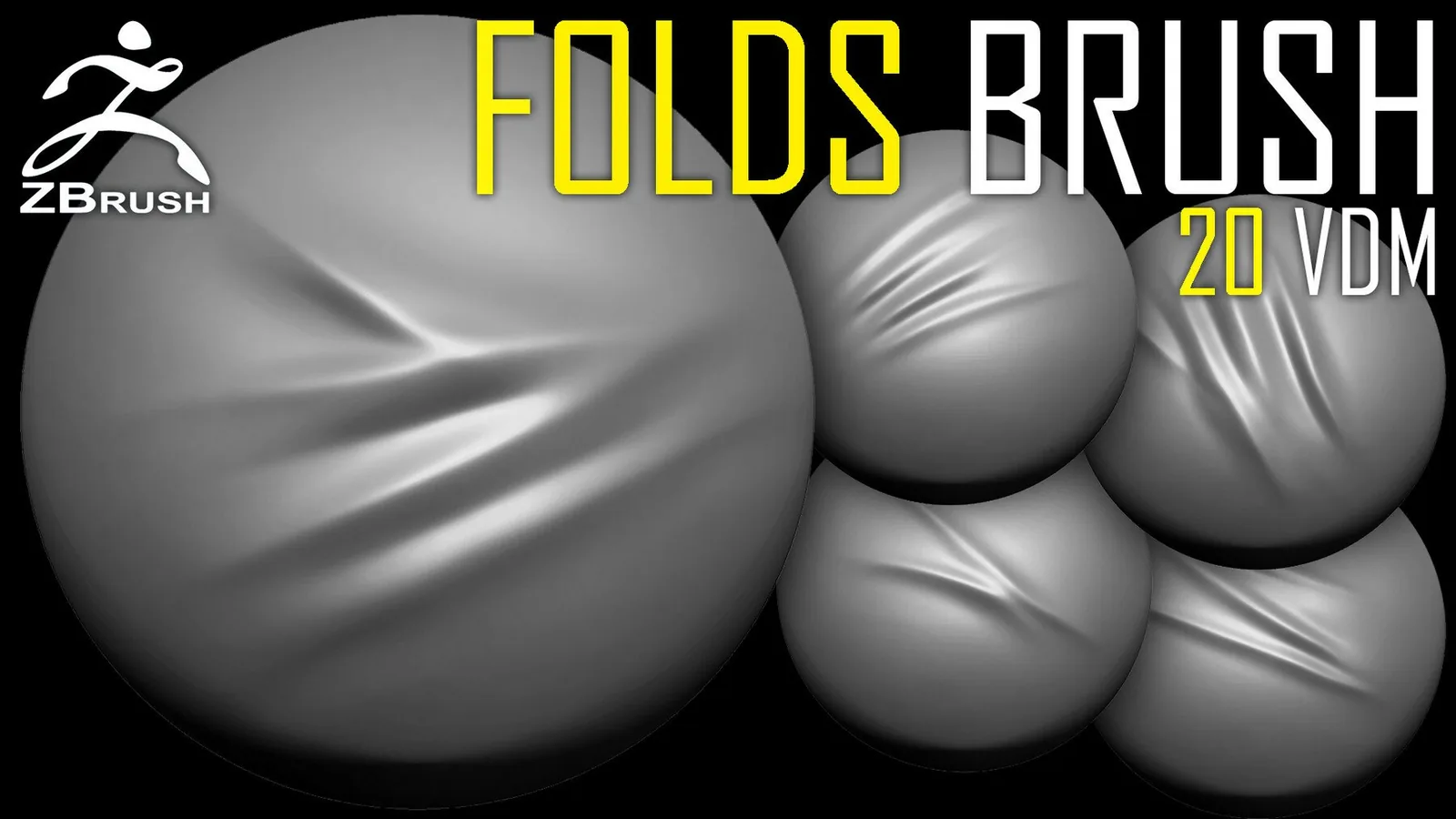
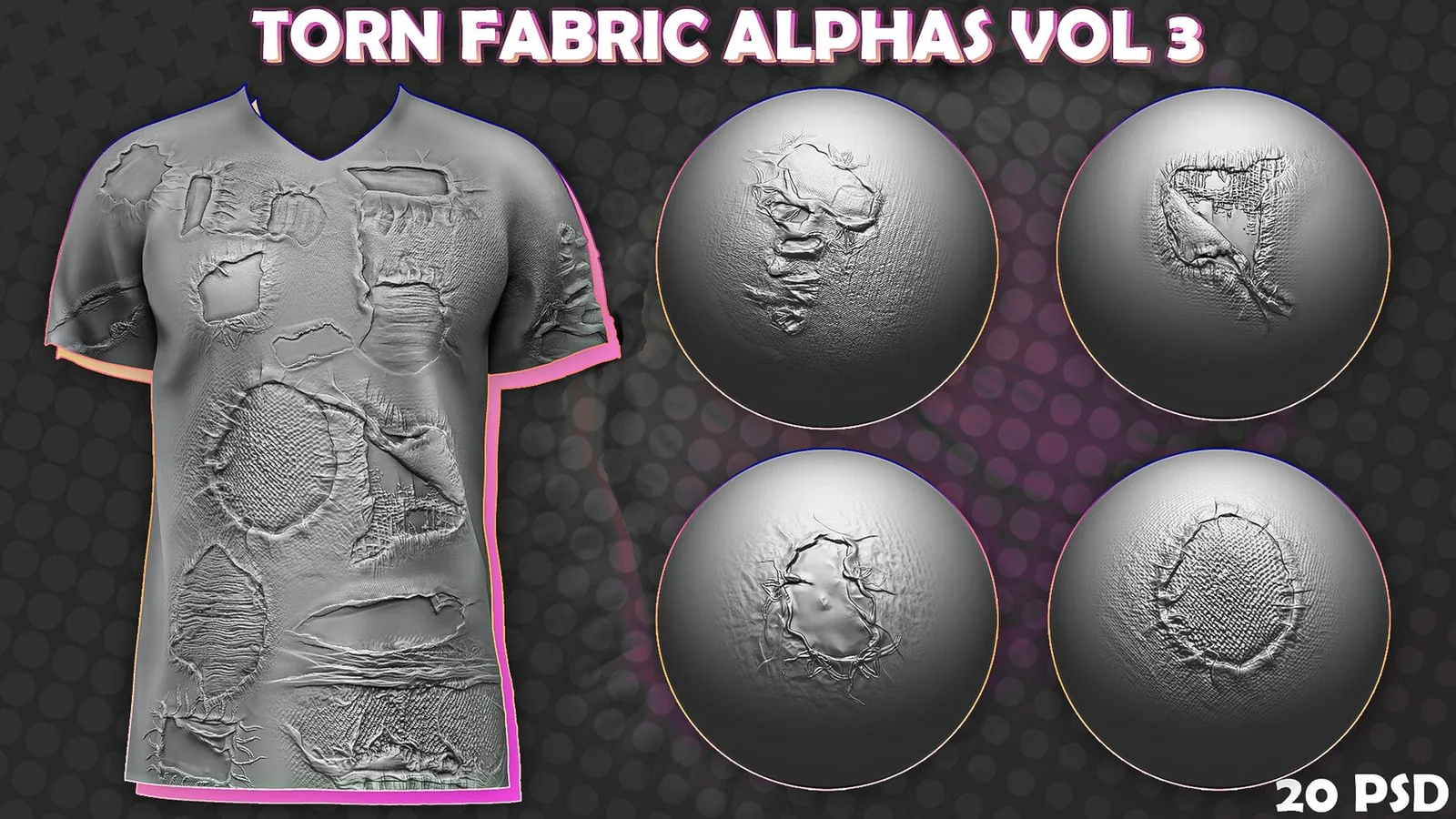
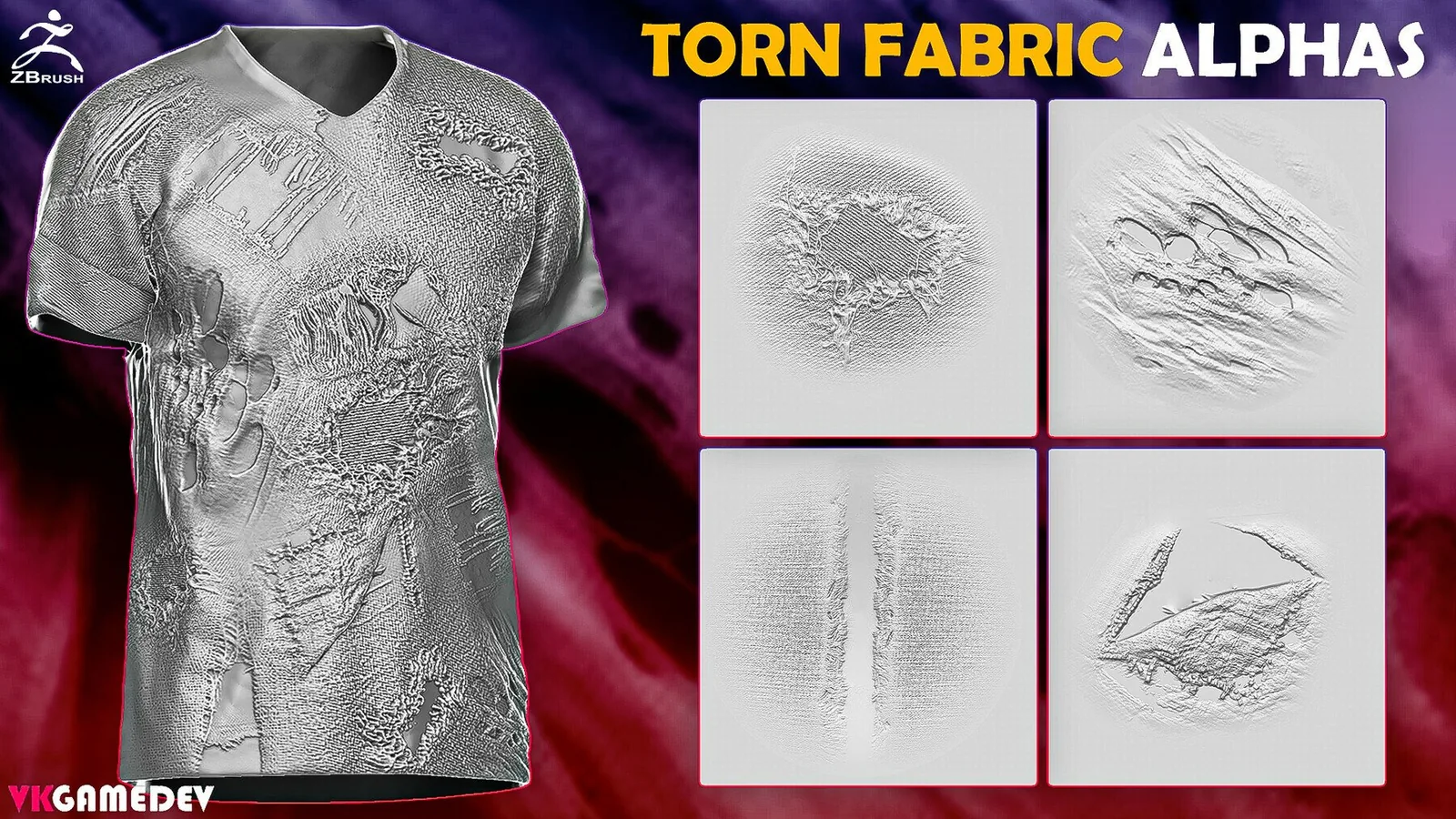
Real product previews showing how fold libraries and fabric alphas read on different materials and scales.
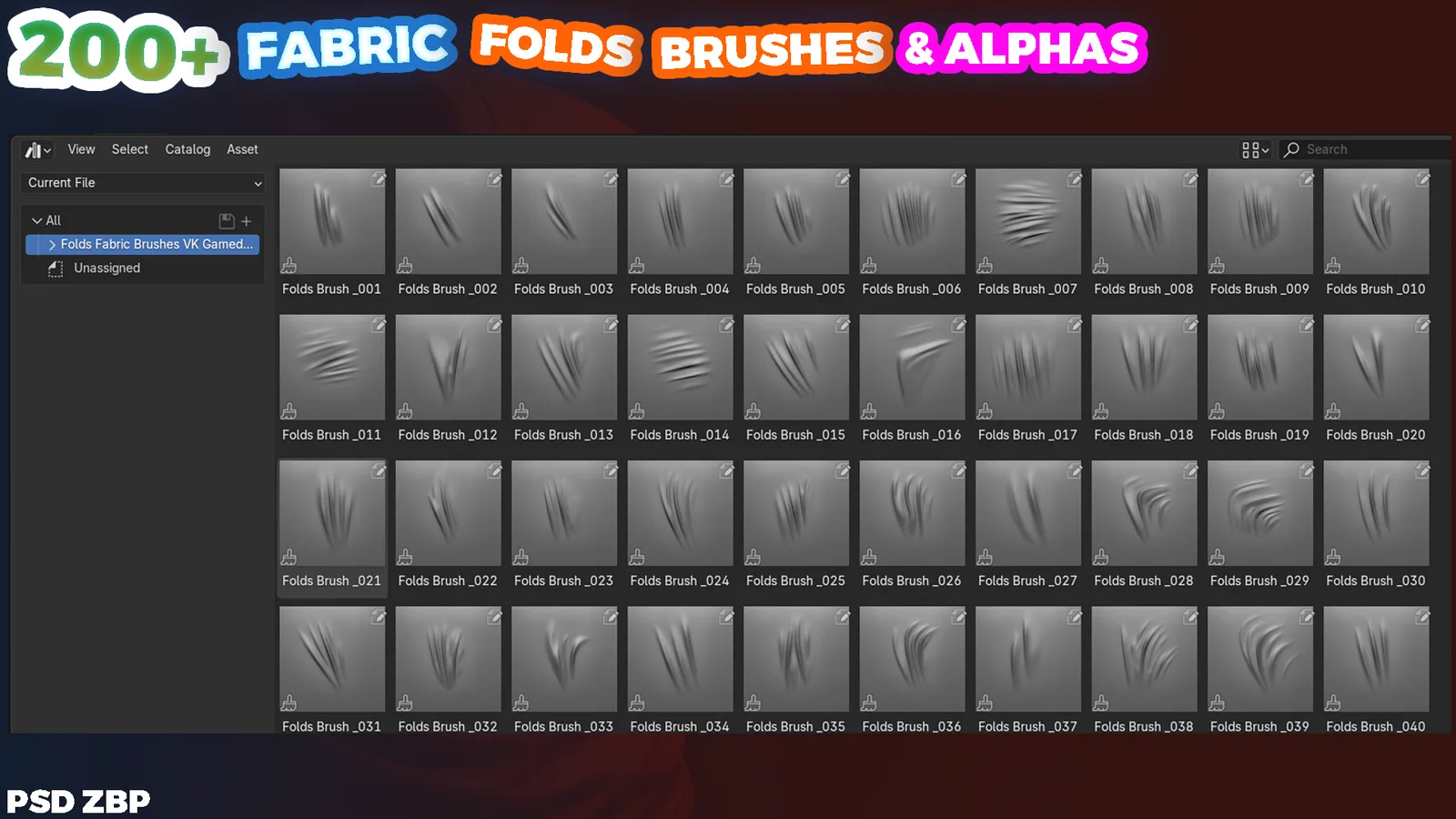
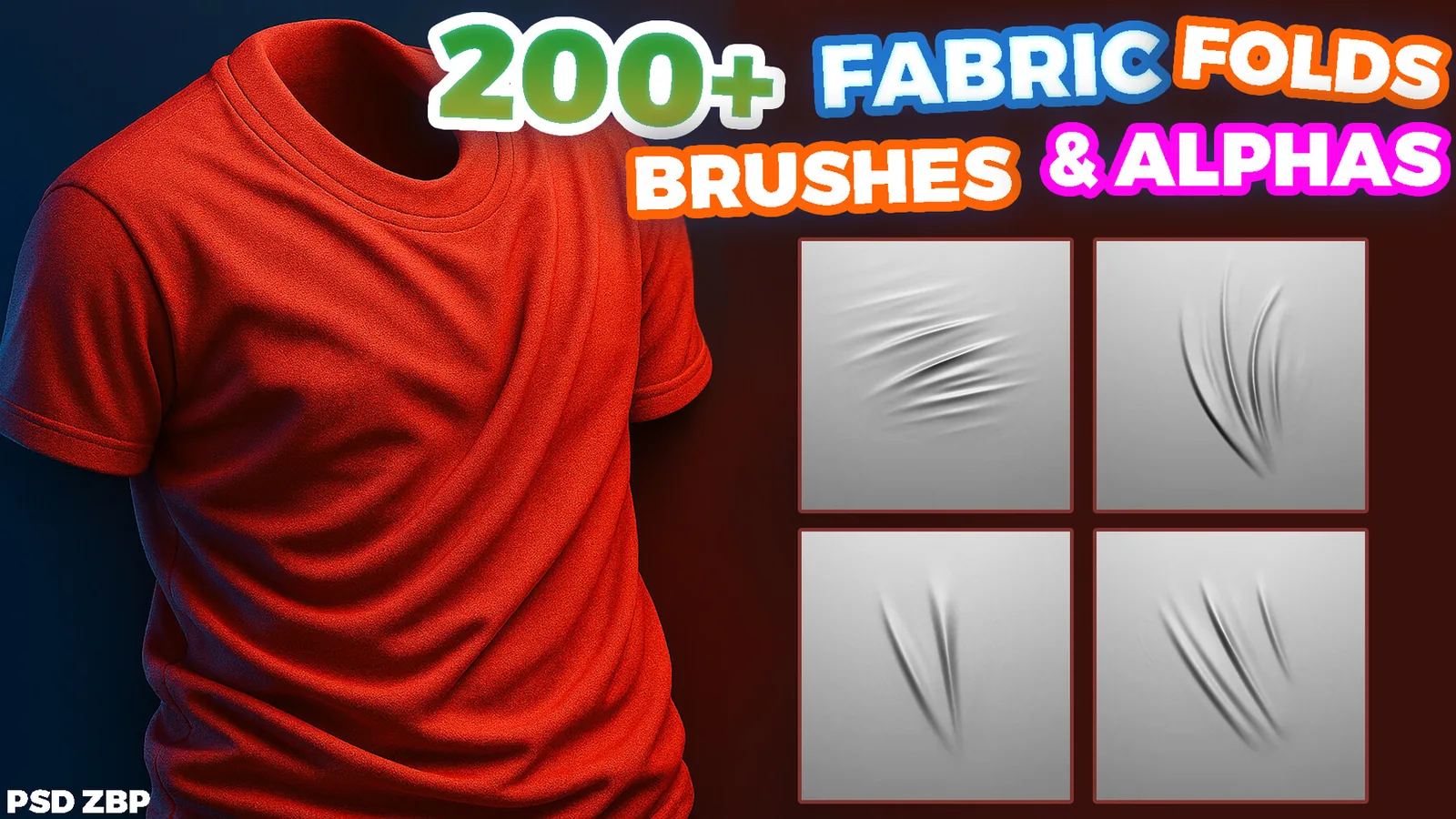
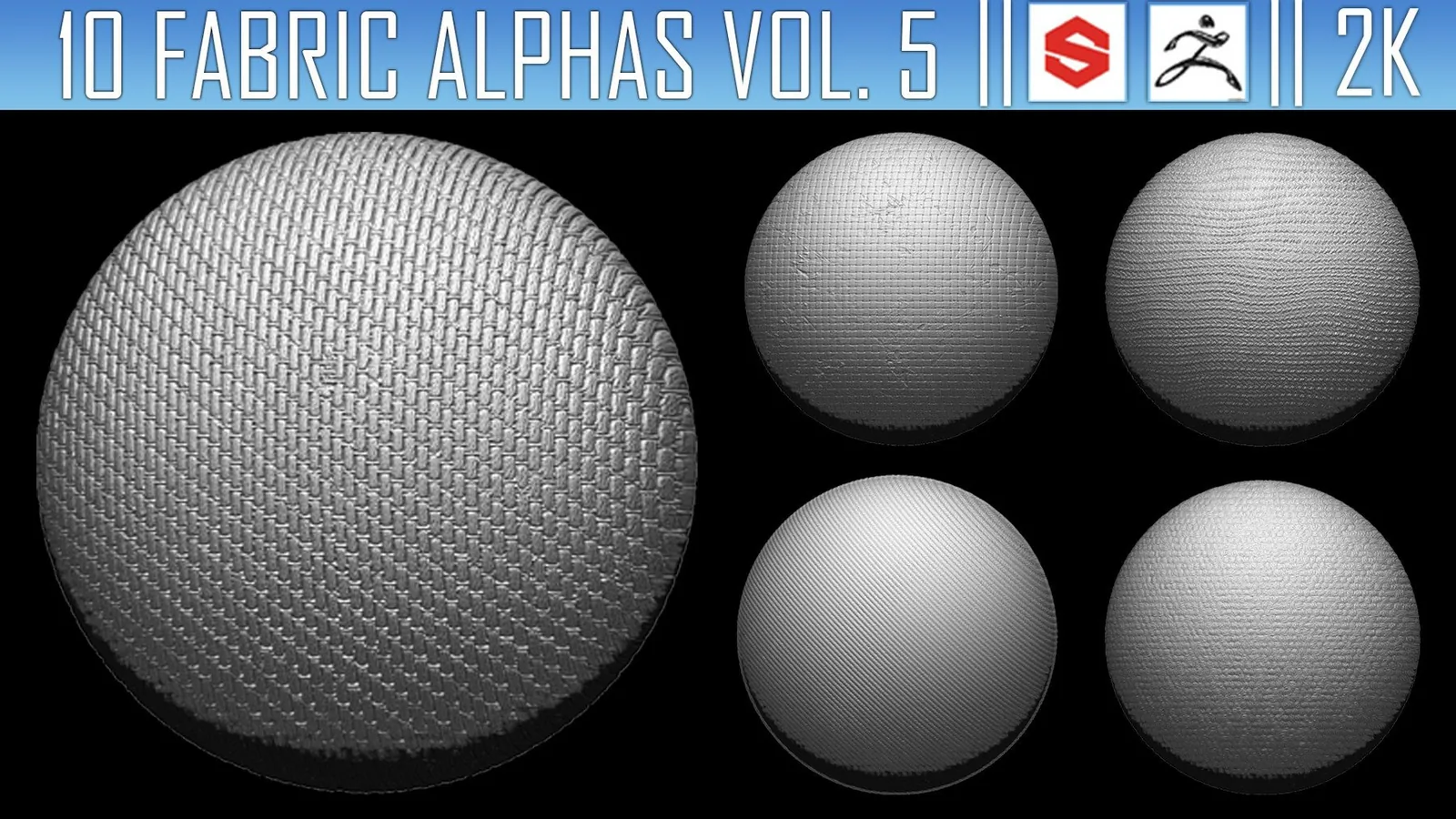
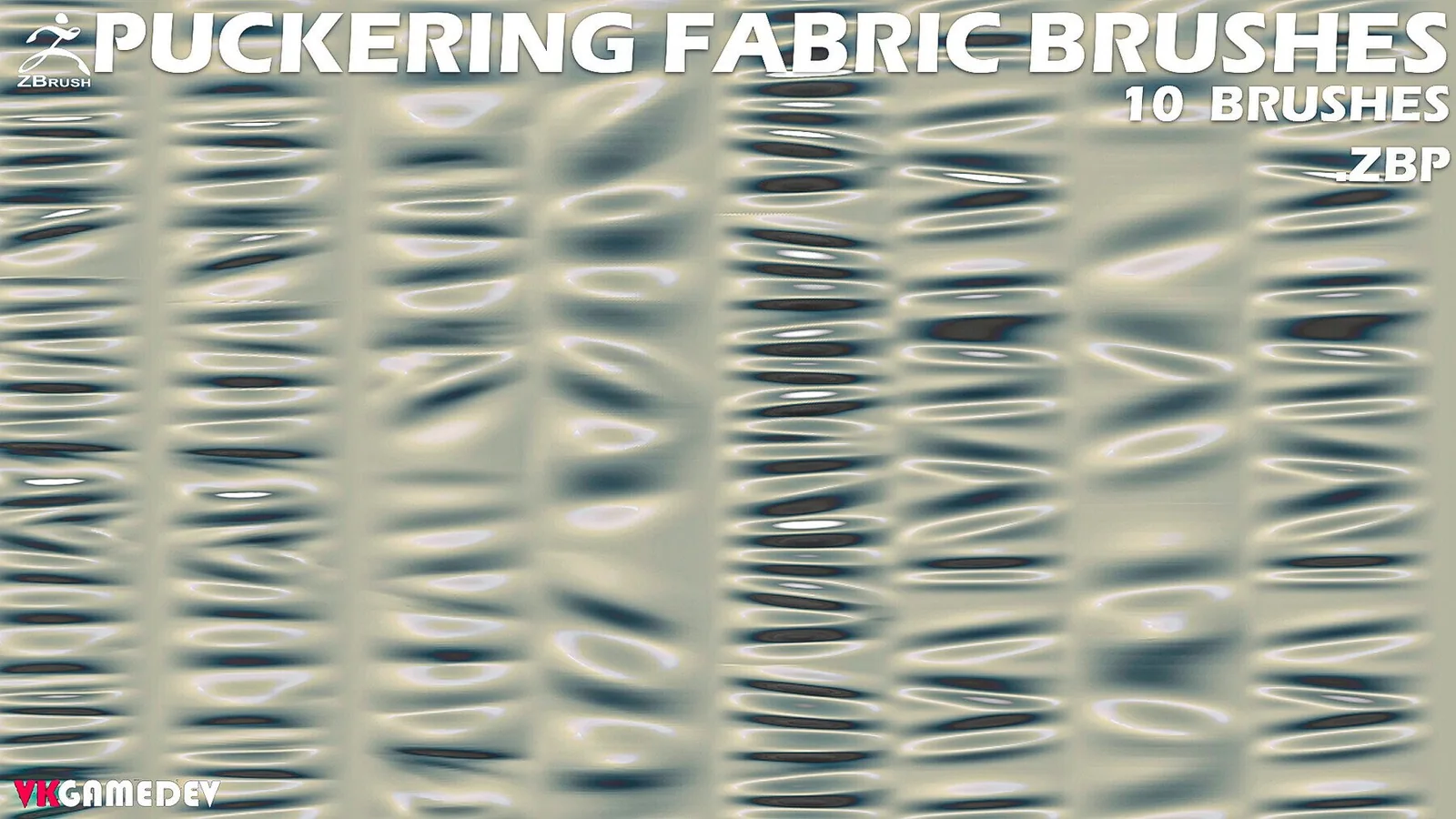
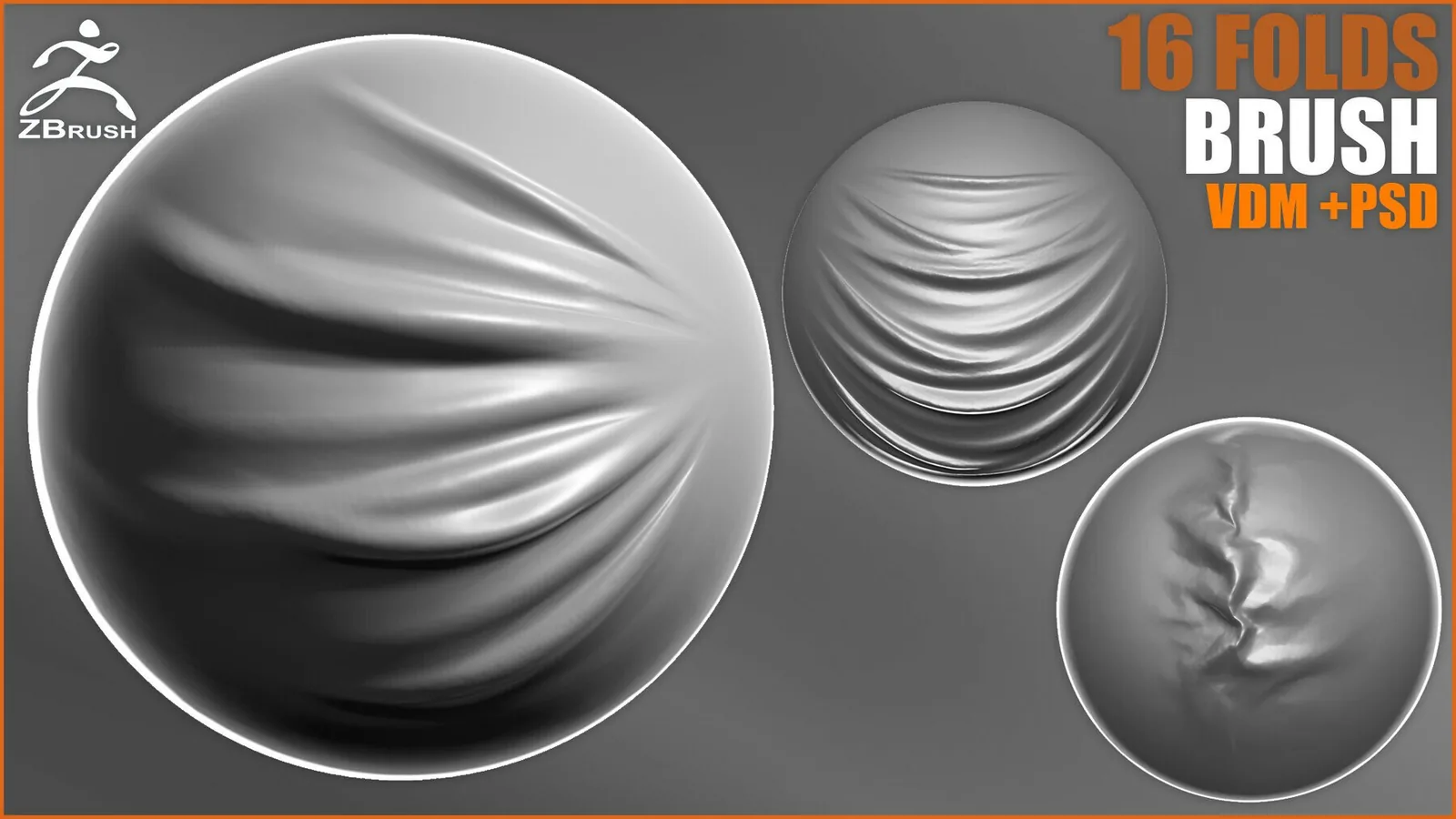
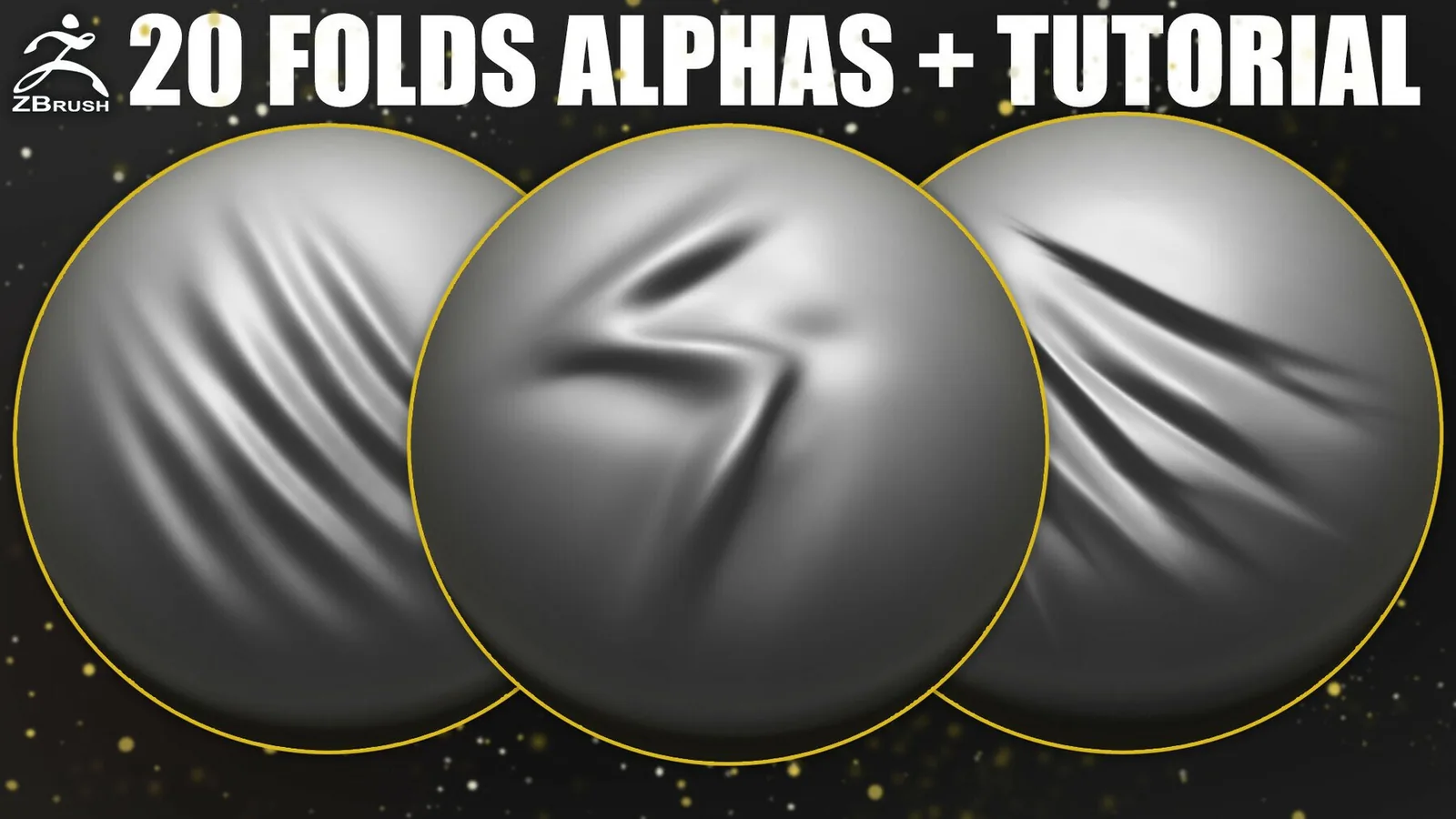
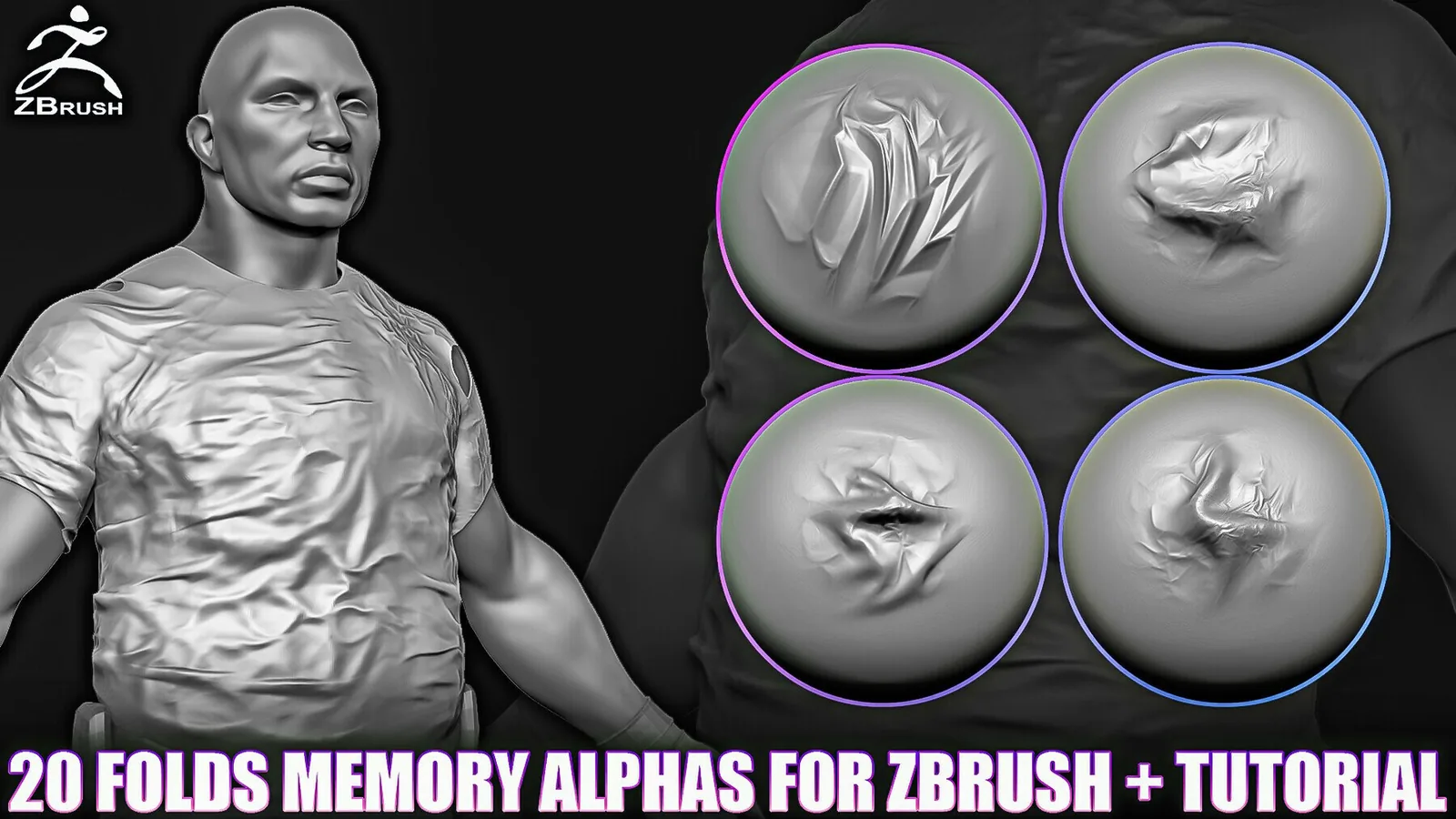
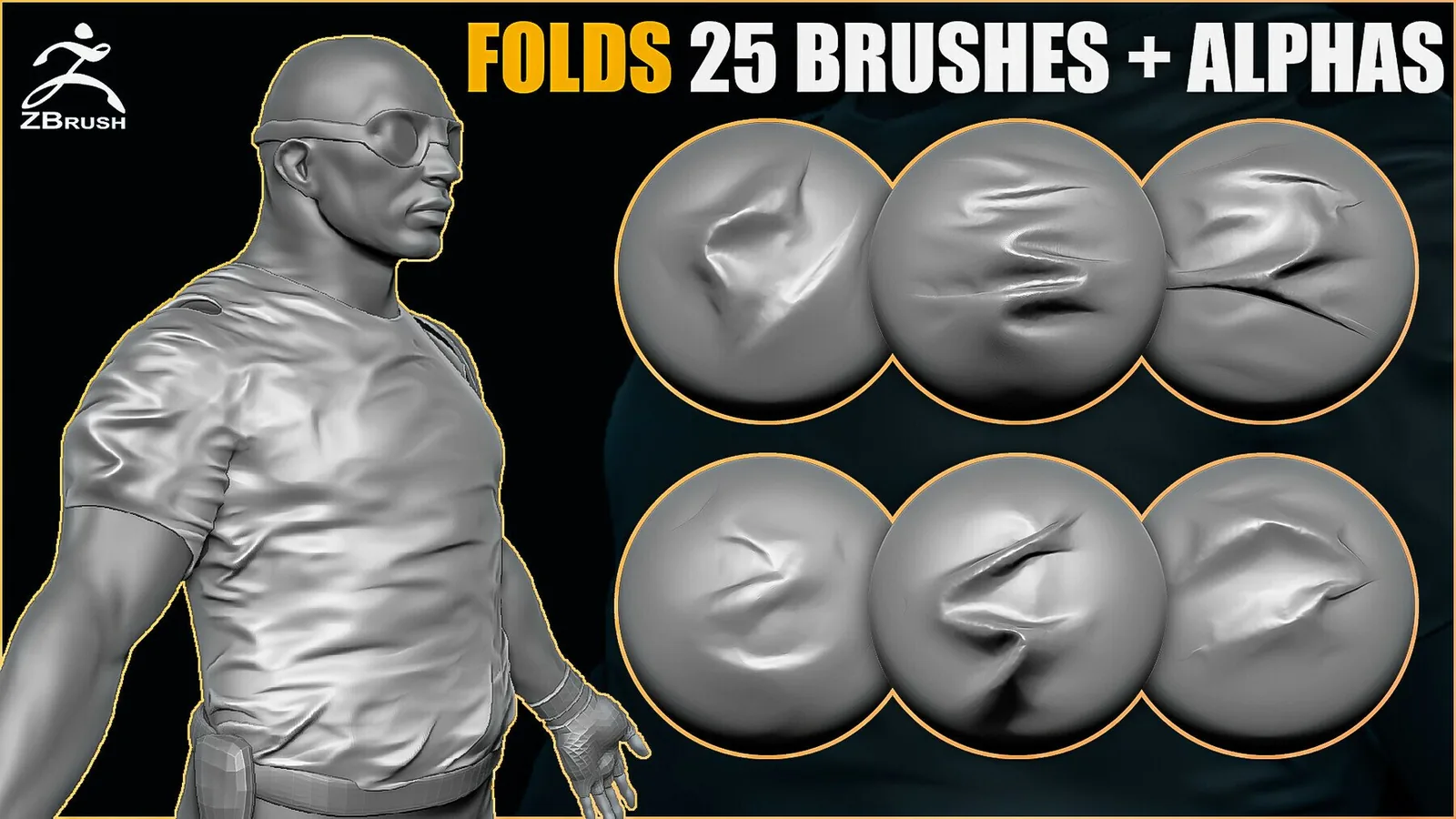
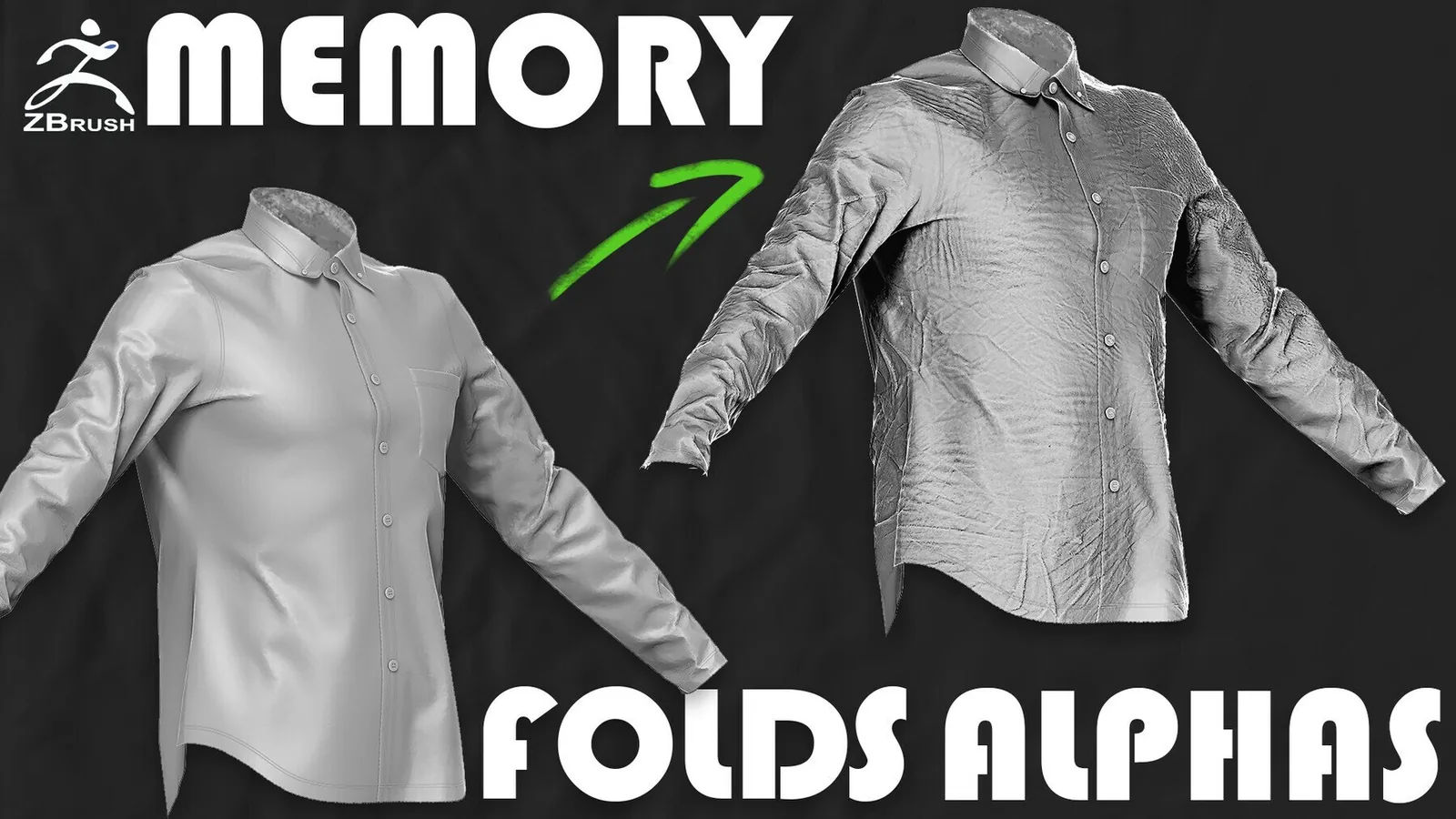
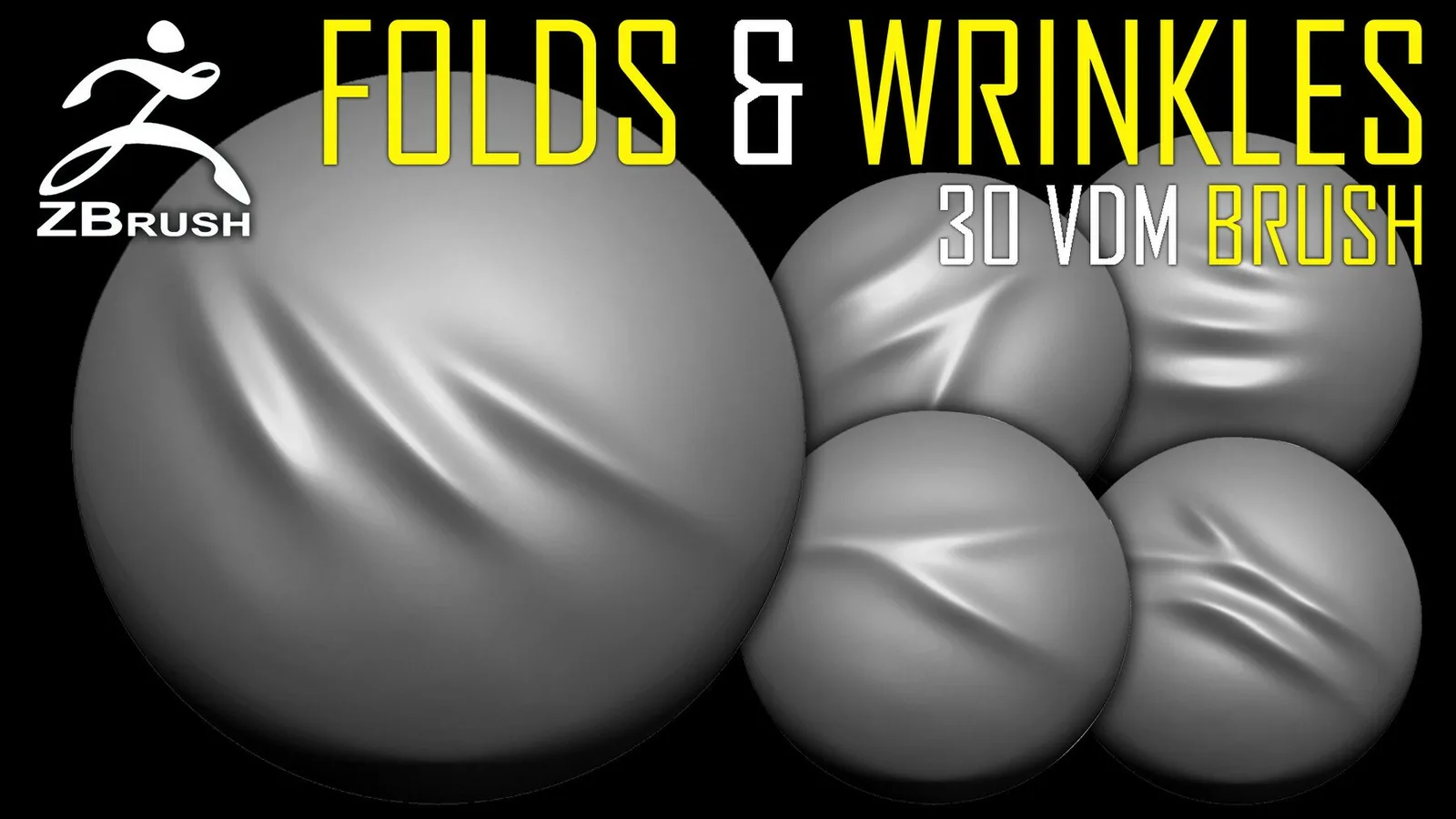
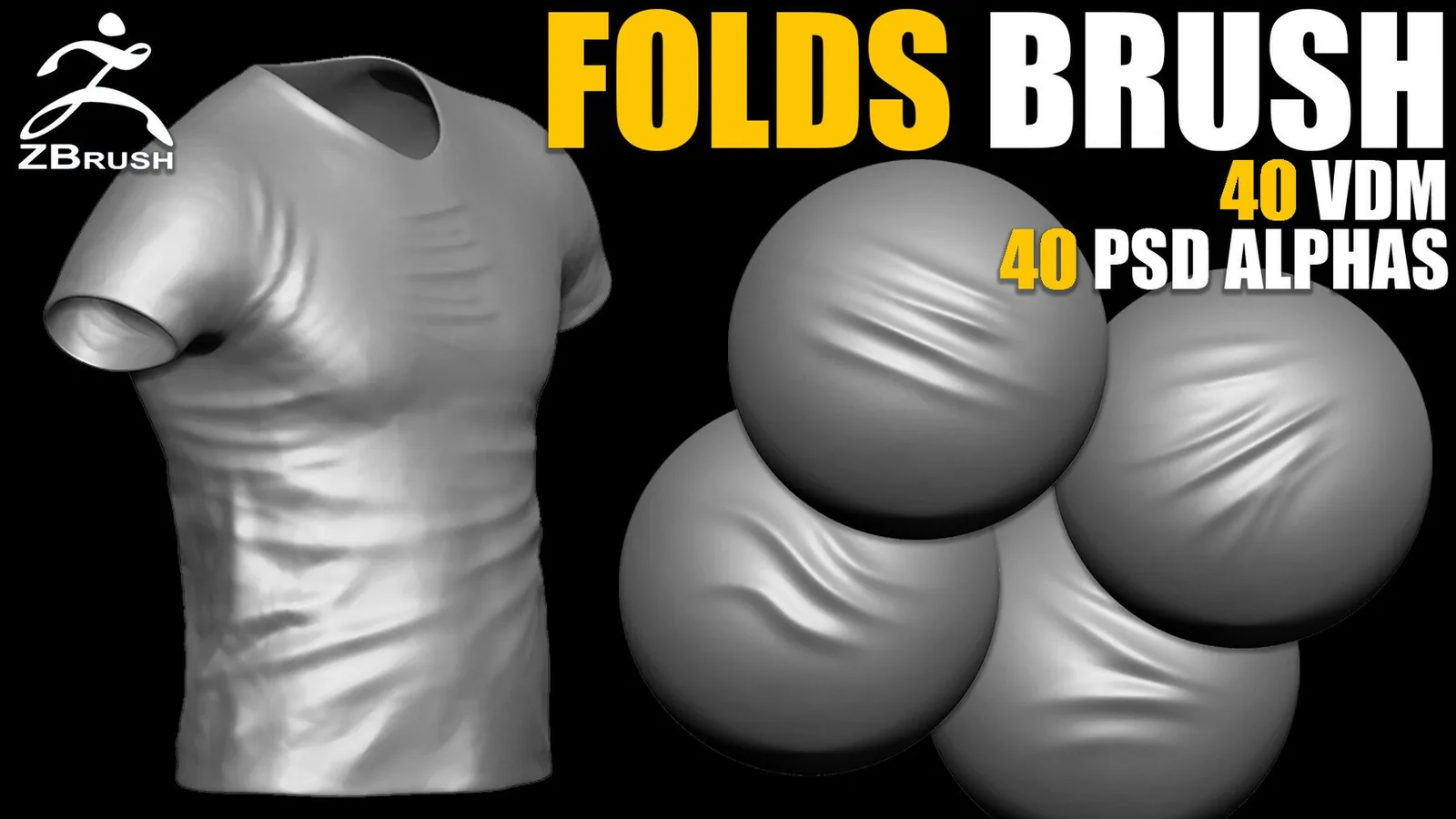
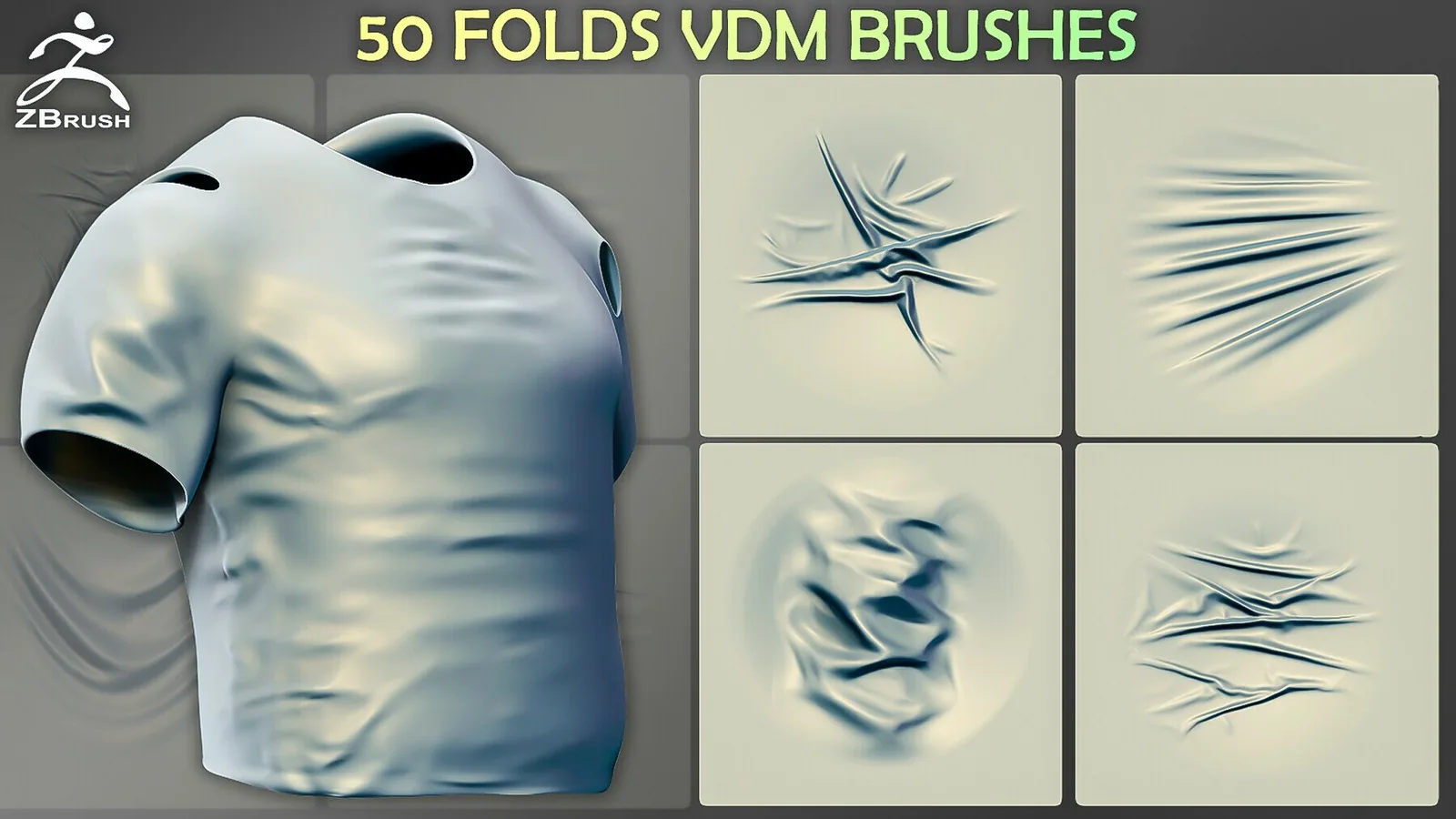
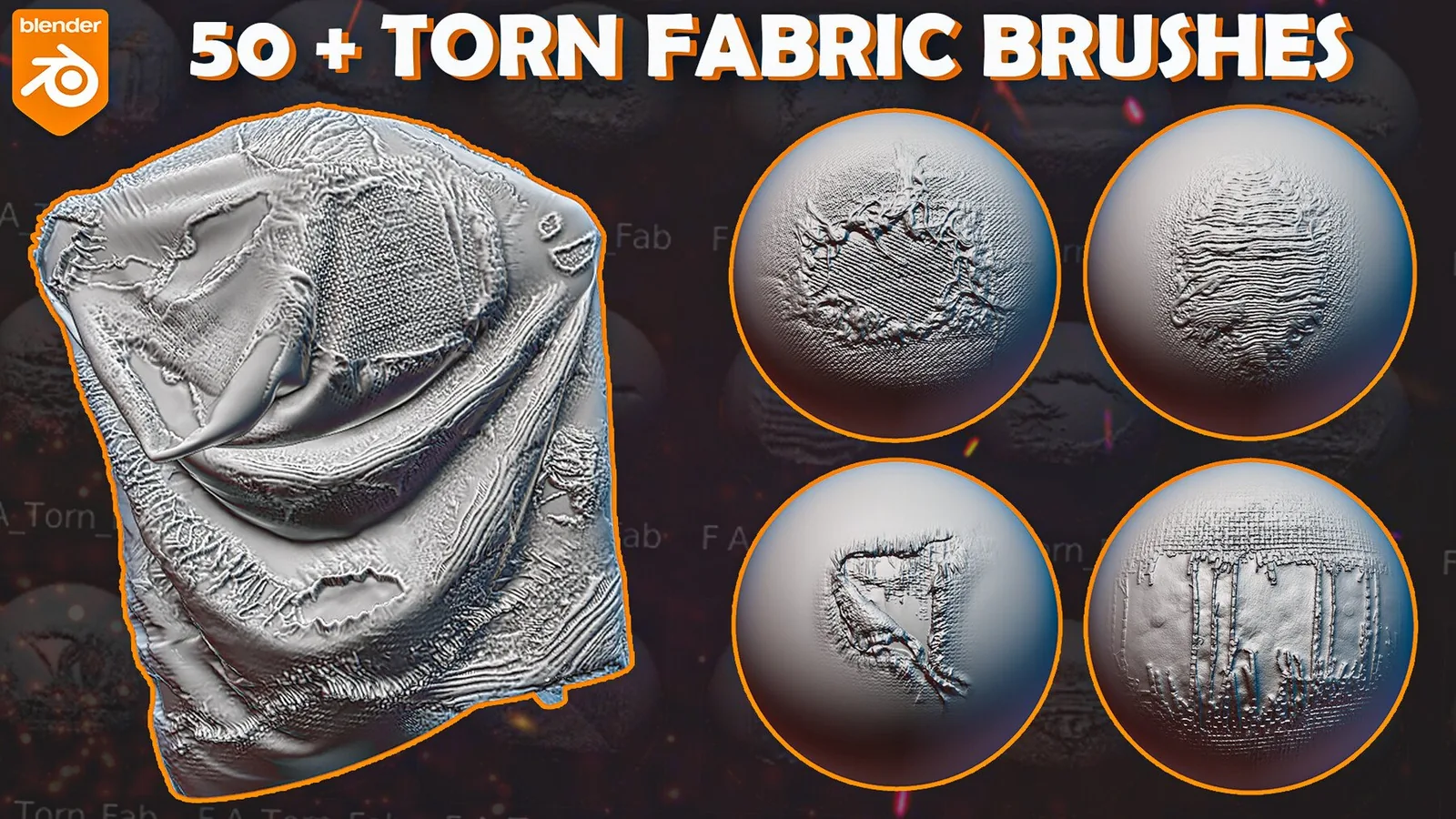
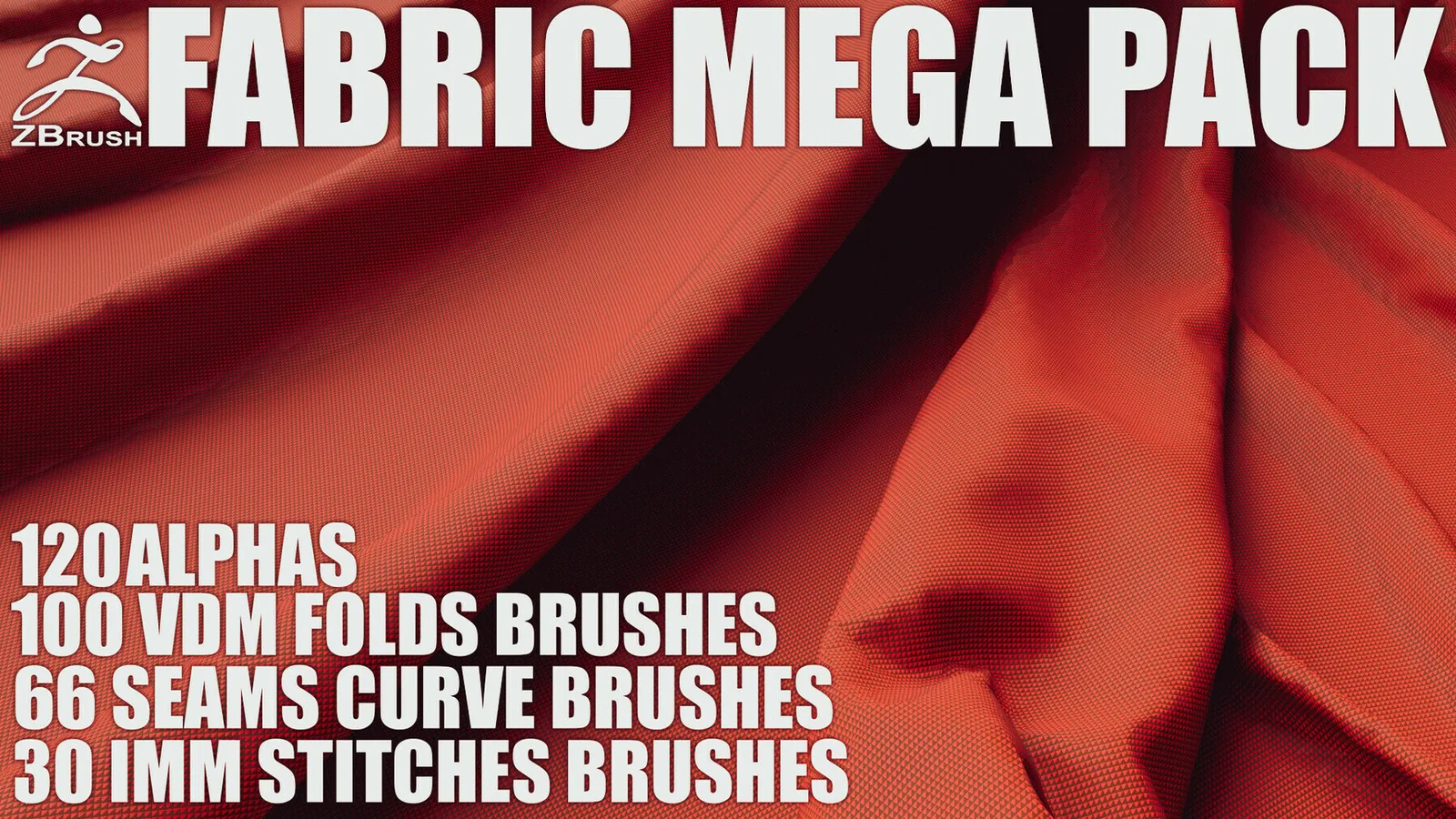
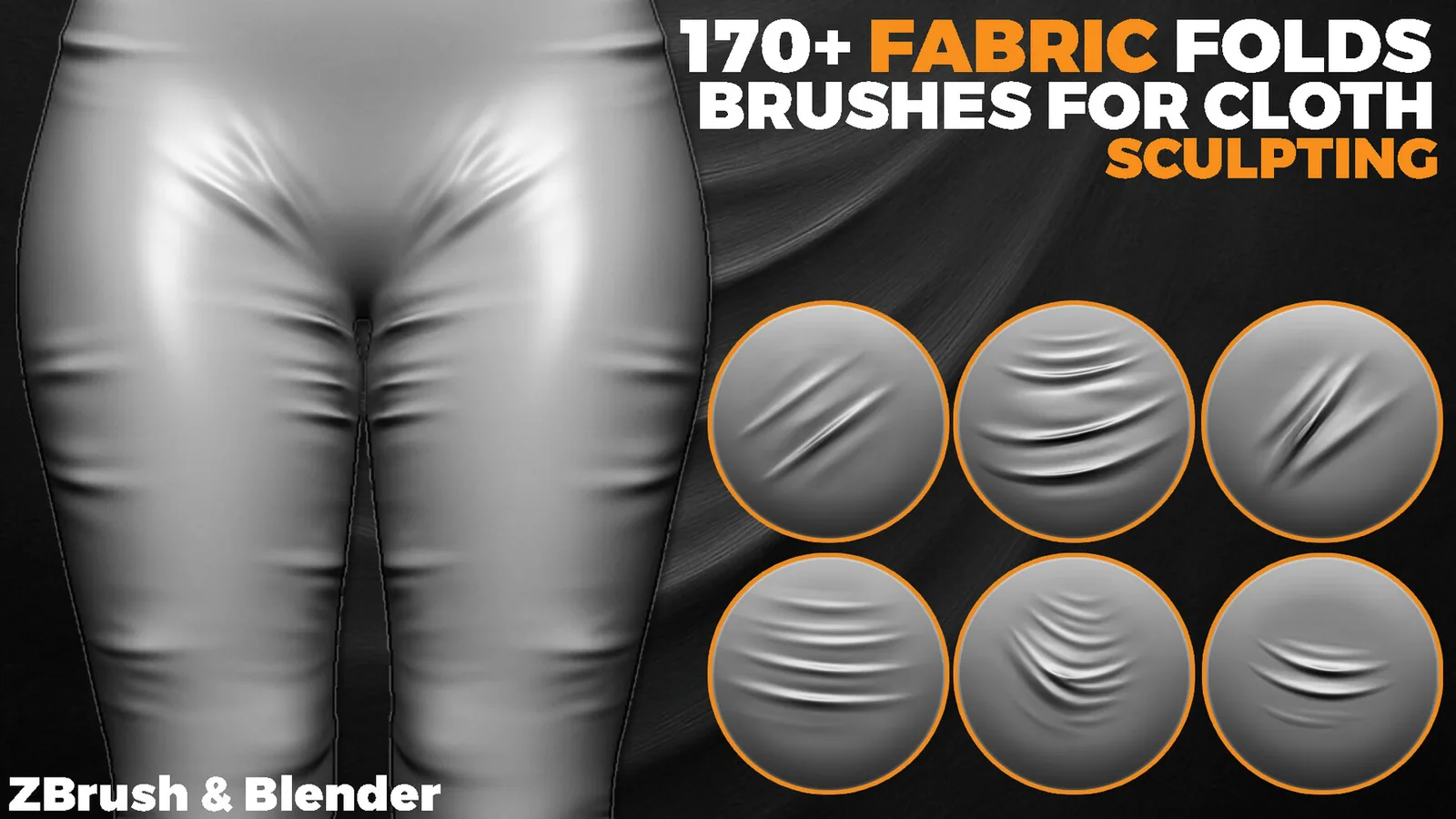
Fabric sculpting bundle preview with fold sets.
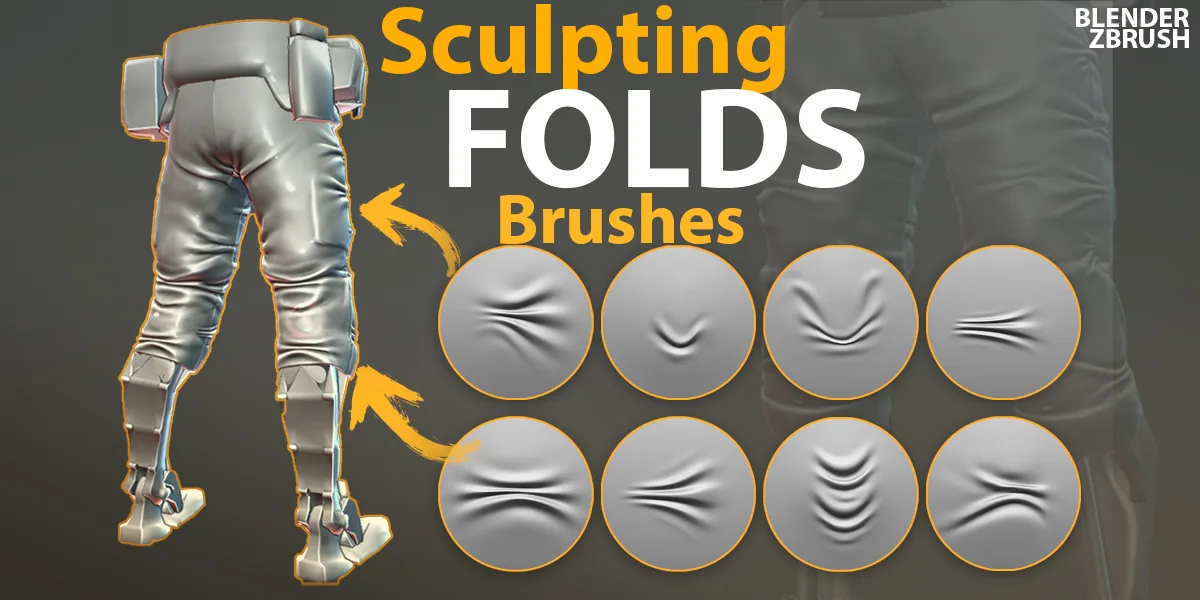
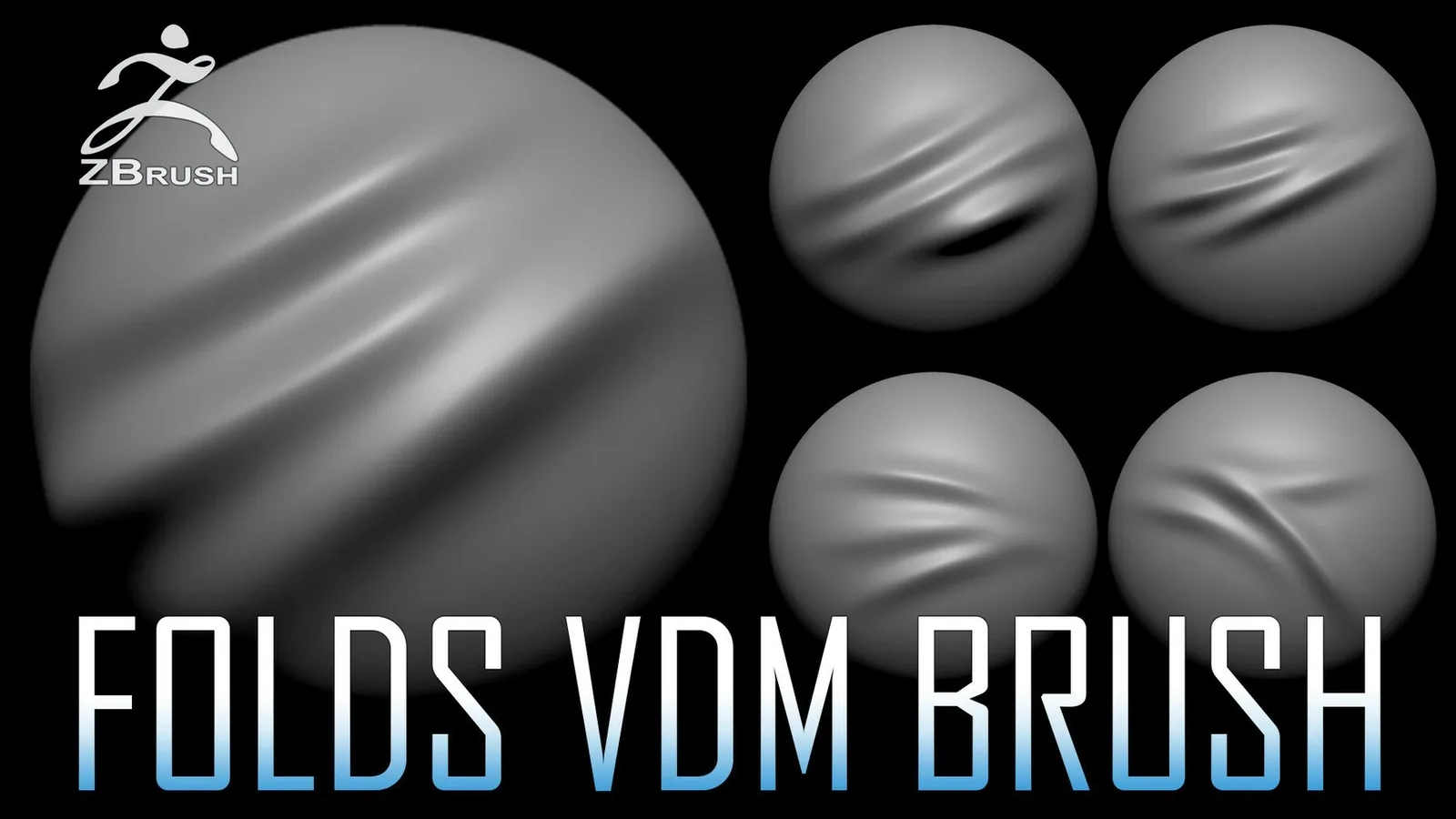
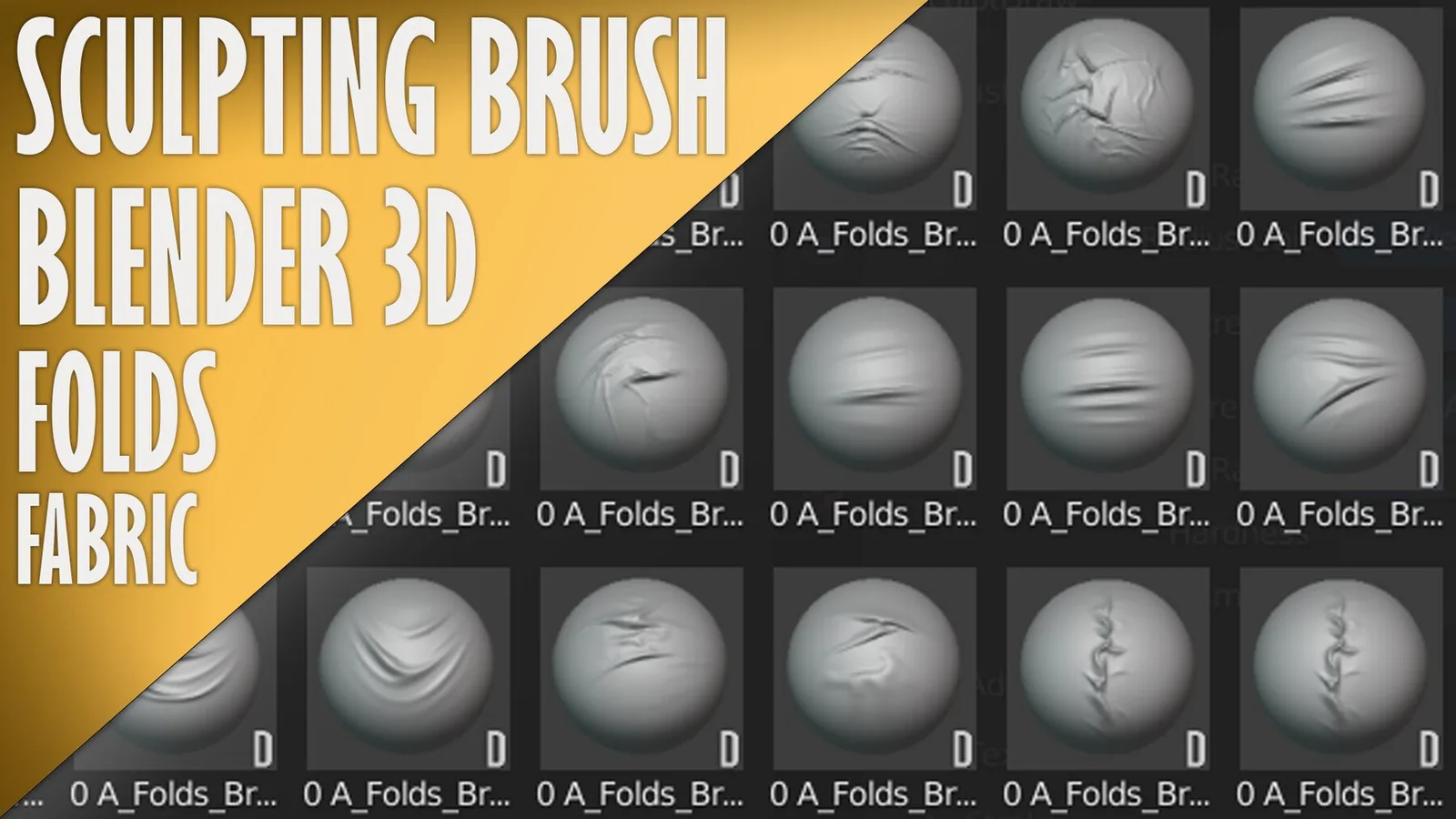
Blender fabric brush library with fold icons.
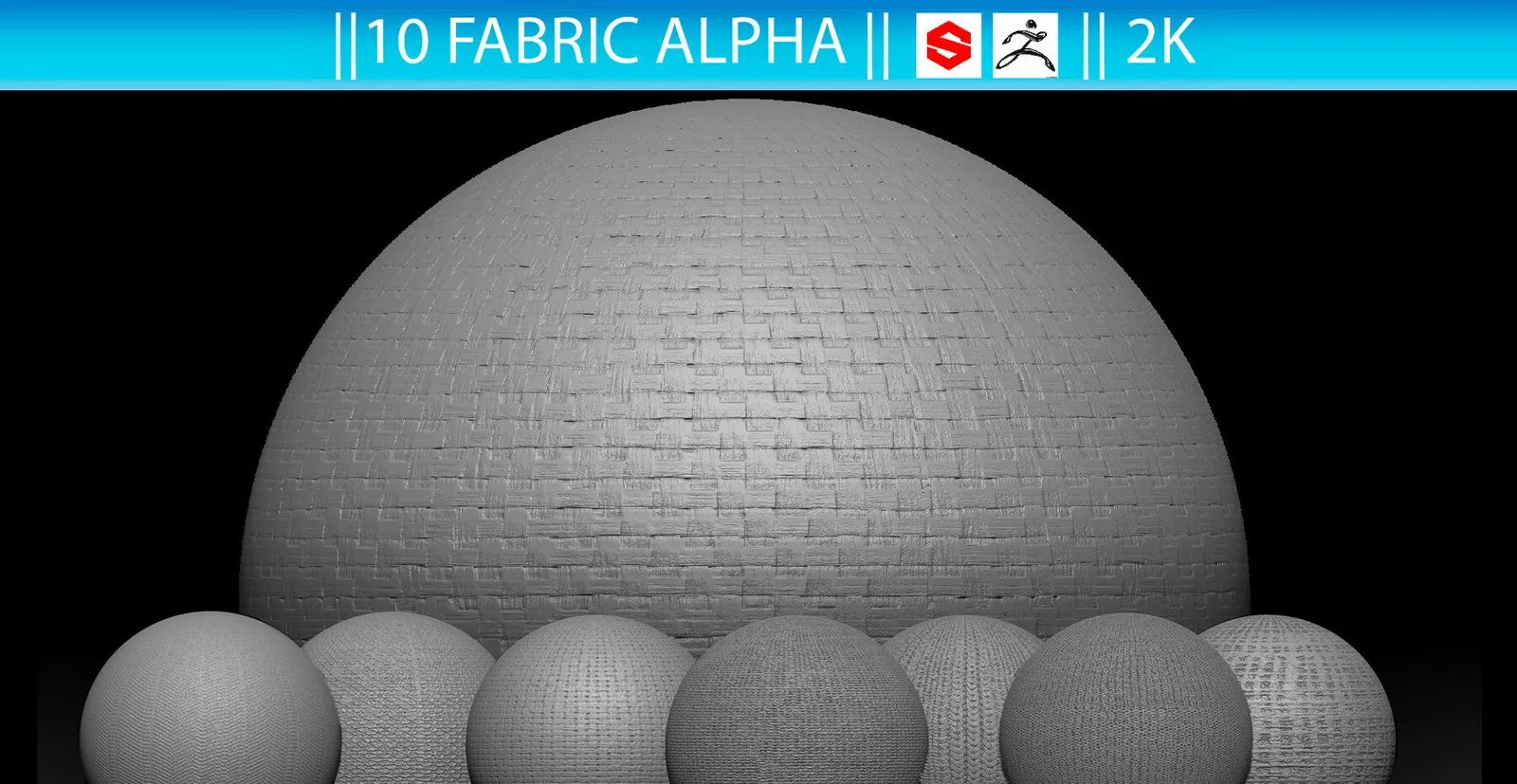
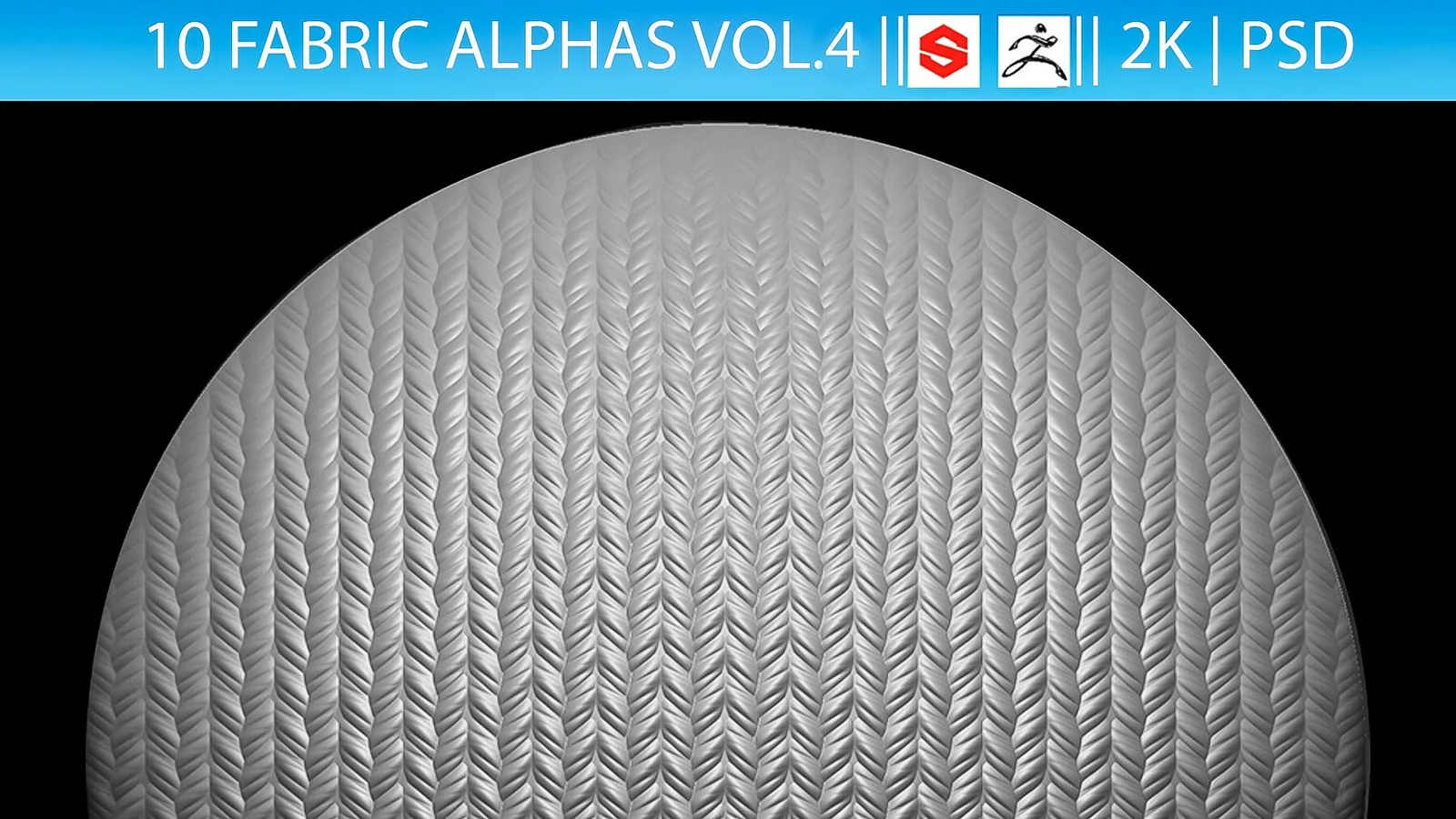
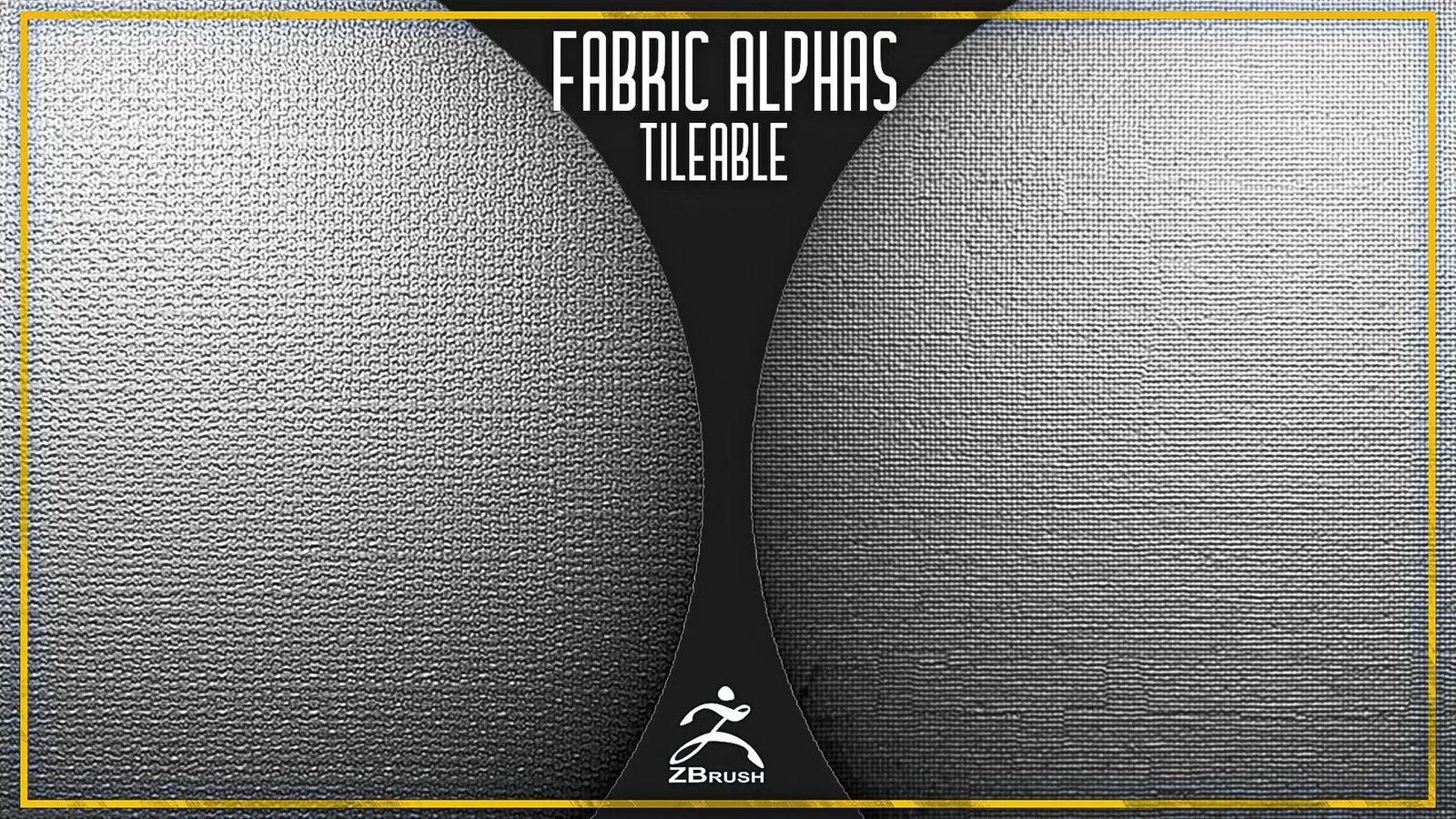
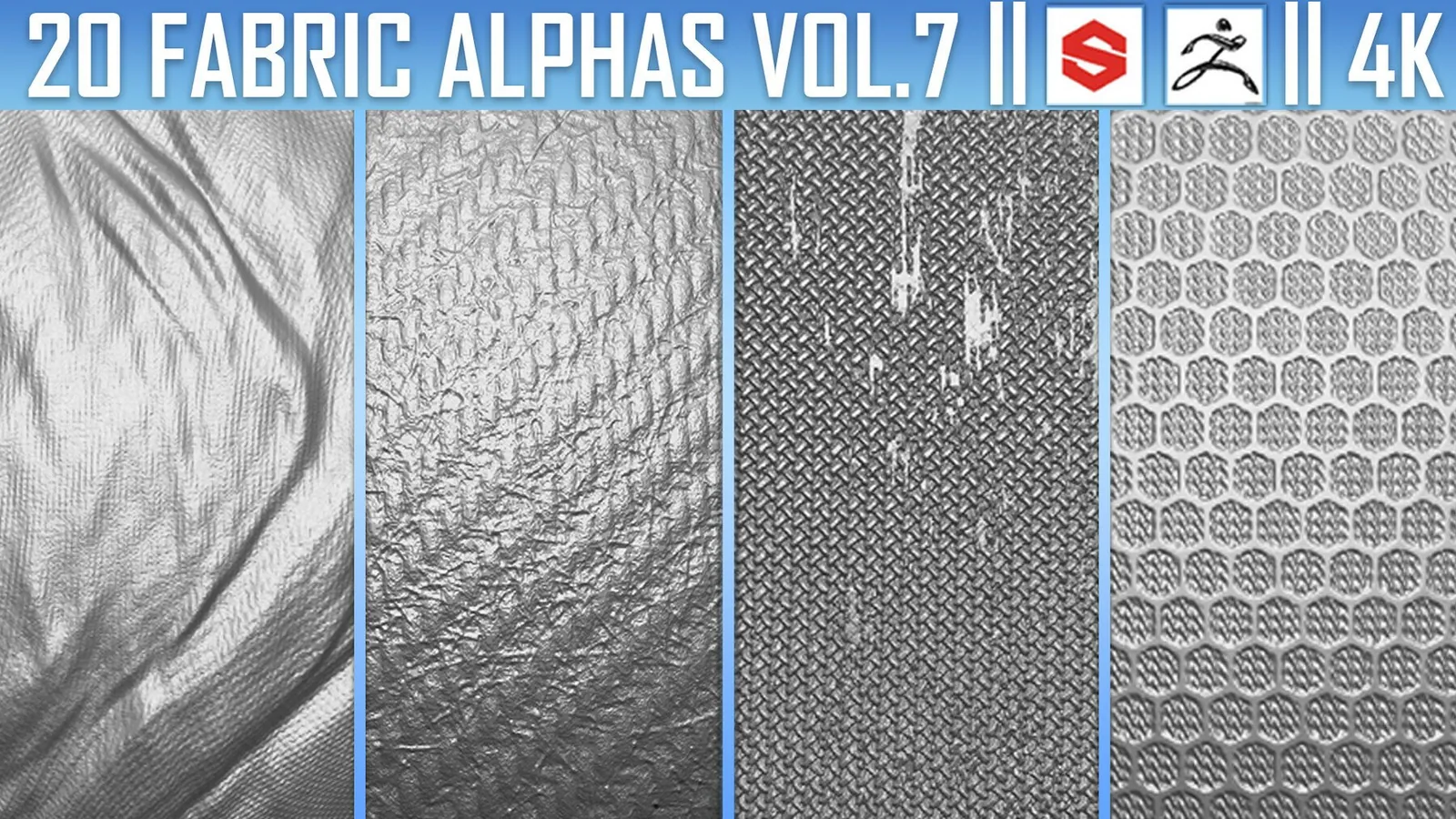
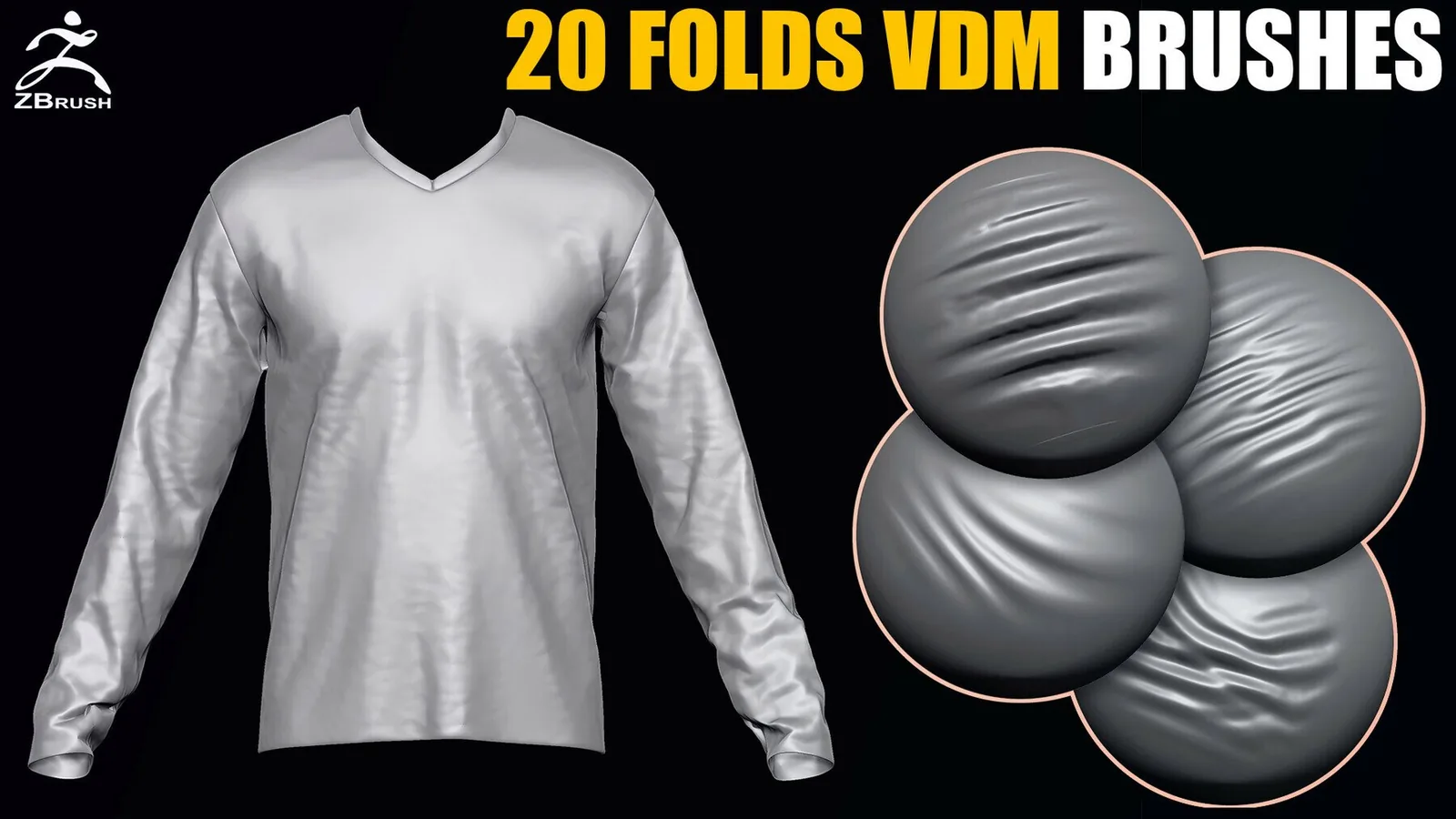
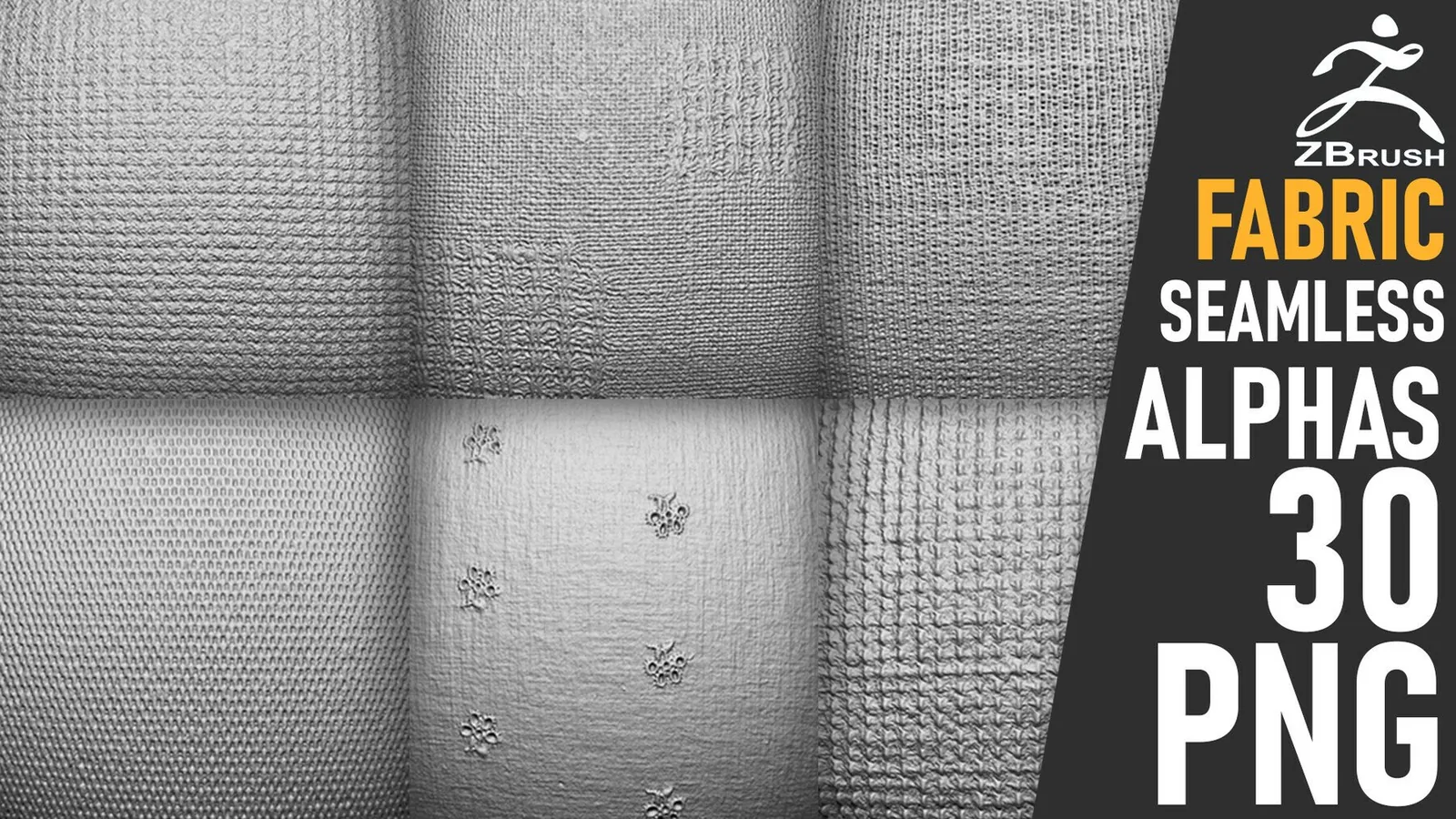
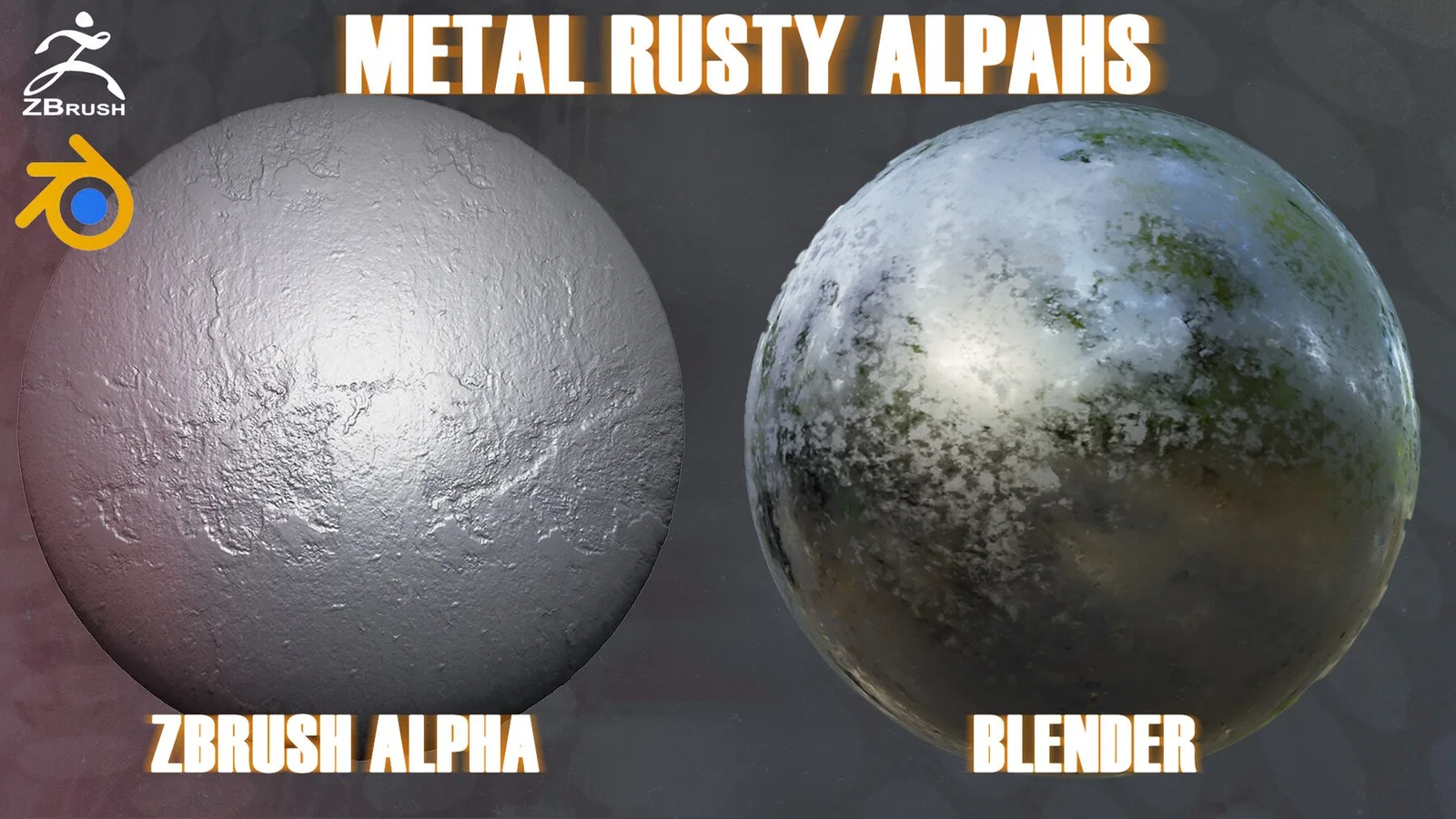
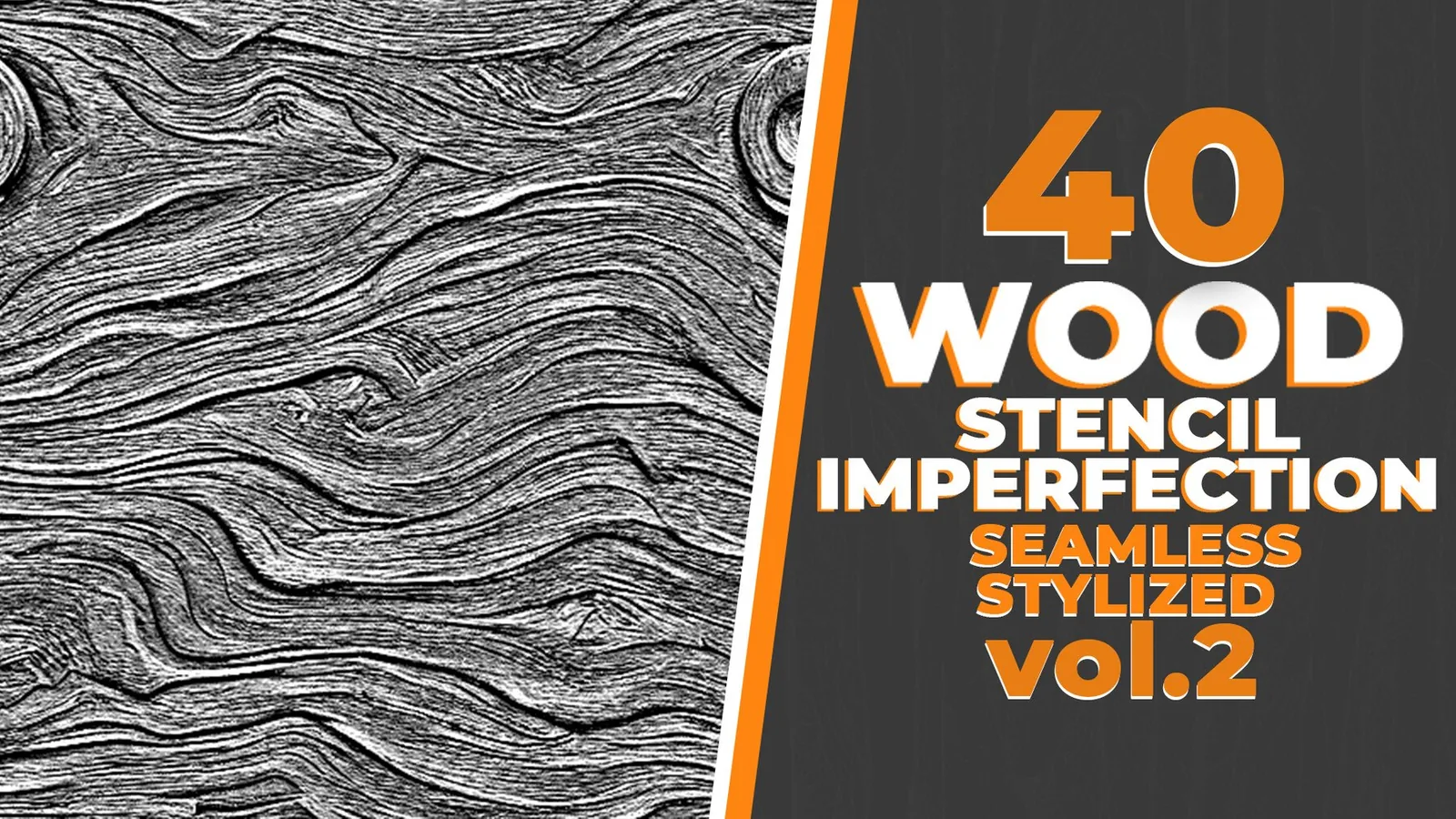
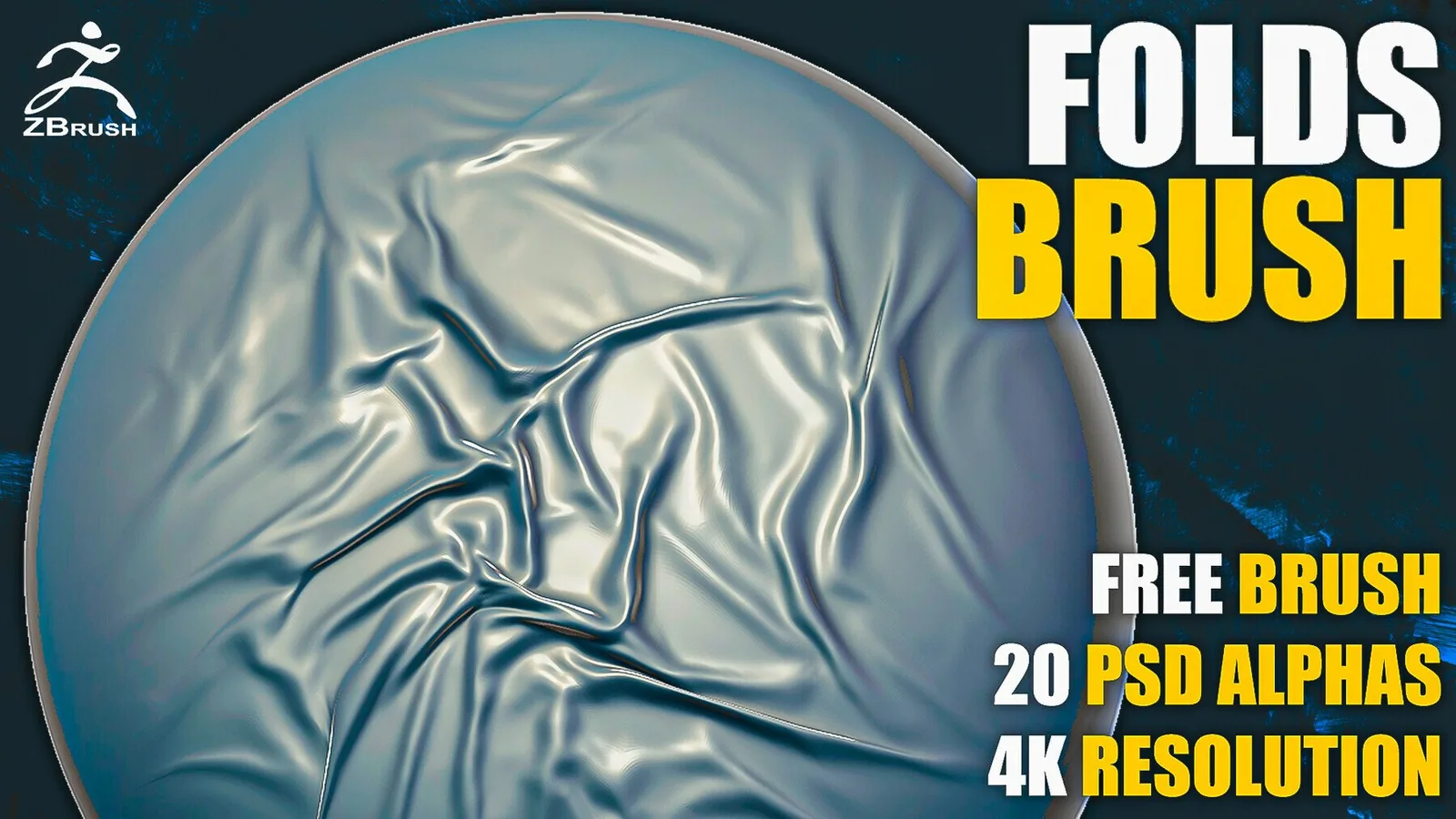
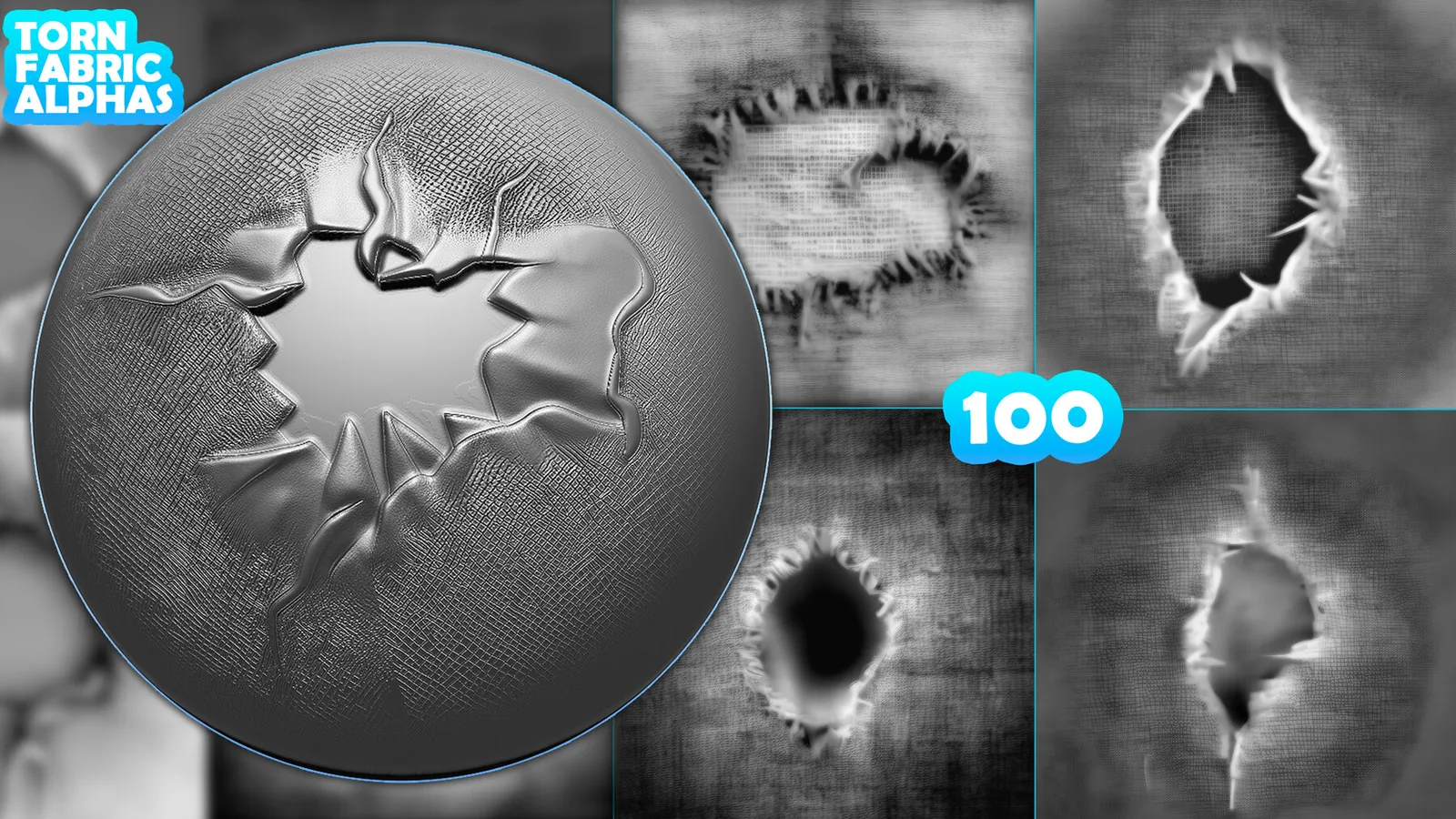
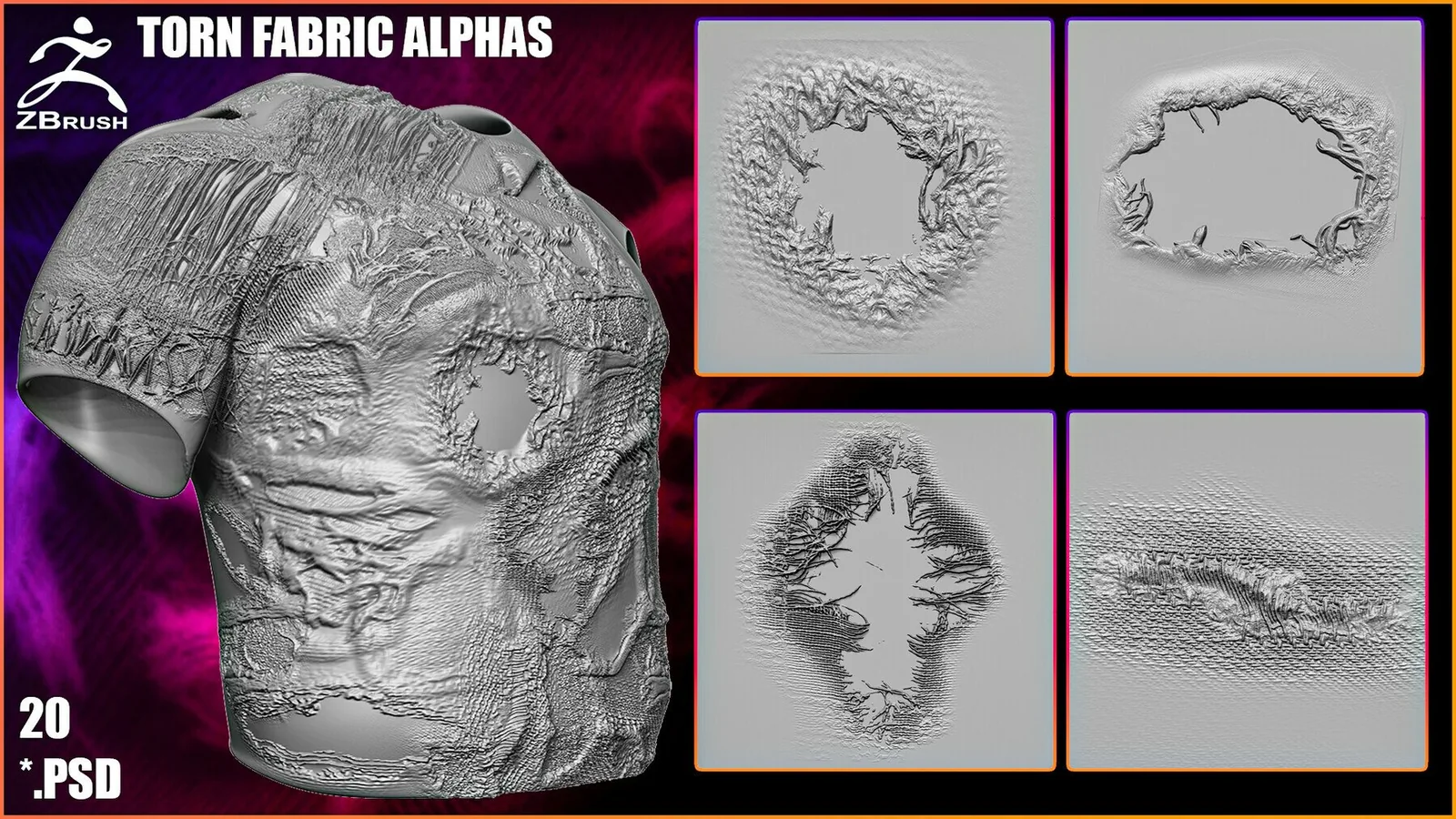
Fabric alpha detail for cloth surface breakup.

FAQ

Q: Do I need separate brushes for folds and seams? Yes, fold brushes build volume while seam brushes add construction detail.
Q: Should I apply micro fabric weave early? No, apply weave after the main folds are established.
Q: Are the packs ready for Blender Asset Browser? Yes, most packs are organized for Asset Browser use.
Q: Can I use the same brushes in ZBrush? Many packs include ZBrush presets and compatible alphas.