Article
Blender vs ZBrush - Which One Is Better?
ZBrush is the industry standard for high resolution sculpting, while Blender is the most popular free alternative. If you have searched for Blender vs ZBrush or the best sculpting software, you are likely deciding where to invest your time. This guide compares both tools in a clear and practical way.
The answer is not one size fits all. ZBrush dominates in extreme polygon counts and specialized sculpting features. Blender wins on cost, accessibility, and integration with the full 3D pipeline. Many artists eventually use both, but the right starting point depends on your goals.
ZBrush: strengths and limits
ZBrush is built specifically for sculpting. It can handle millions of polygons with ease and includes specialized features like ZRemesher, SubTools, and an advanced alpha brush system. These tools allow artists to work at extreme detail levels and still keep the workflow stable.
The biggest downside is cost and learning curve. ZBrush has a unique interface that takes time to master, and it does not include a full modeling, rendering, or animation pipeline. Many studios still rely on it because nothing else matches its raw sculpting power.
Blender: strengths and limits
Blender is a full 3D suite, not just a sculpting tool. It includes modeling, sculpting, shading, rendering, rigging, and animation in one package. For many artists, this all in one pipeline is the biggest advantage. It is also completely free, which makes it a strong ZBrush alternative for beginners and hobbyists.
Blender can compete with ZBrush for most mid level sculpting, especially when combined with good brushes and alphas. It is slightly less optimized for huge polygon counts, but for many projects the difference is not critical. Blender also integrates well with rendering and game asset workflows.
Which should you choose?
If you are a beginner, start with Blender. You get professional tools at no cost, and the learning resources are massive. If you are in a studio or need high end sculpting with millions of polygons, ZBrush is still the best sculpting software for that level of detail.
Many artists use both: Blender for base mesh, retopo, and rendering, then ZBrush for high detail sculpting. This hybrid workflow is common in production because it combines the strengths of both tools. The key is to choose the tool that matches your current needs and budget.
Workflow tips for each tool
In Blender, focus on good topology and use Remesh or Dyntopo to control density. Use symmetry early and rely on clean brush packs to keep strokes stable. In ZBrush, use SubTools to separate parts, ZRemesher to rebuild topology, and alphas to stamp detail quickly.
The decision is less about which tool is better and more about which tool fits your workflow today. If you need speed and access, Blender is the clear winner. If you need raw sculpting power and advanced sculpt tools, ZBrush is unmatched. Both can produce professional results when used well.
Common use cases and pipelines
For game art, many artists block out in Blender, sculpt mid level detail, and then move to baking and texturing without ever leaving the Blender ecosystem. This is efficient when budgets are tight or when a small team needs a single tool for modeling, sculpting, and rendering. Blender is also popular for freelancers because it keeps costs low while still delivering professional results.
For film and high end character work, ZBrush remains the tool of choice when you need extreme detail like pores, skin displacement, and micro surface noise. A common pipeline is Blender for base mesh and posing, ZBrush for detail sculpting, then back to Blender or another DCC for rendering. This hybrid approach is the reason many studios invest in both tools instead of choosing only one.
Featured VK GameDev products
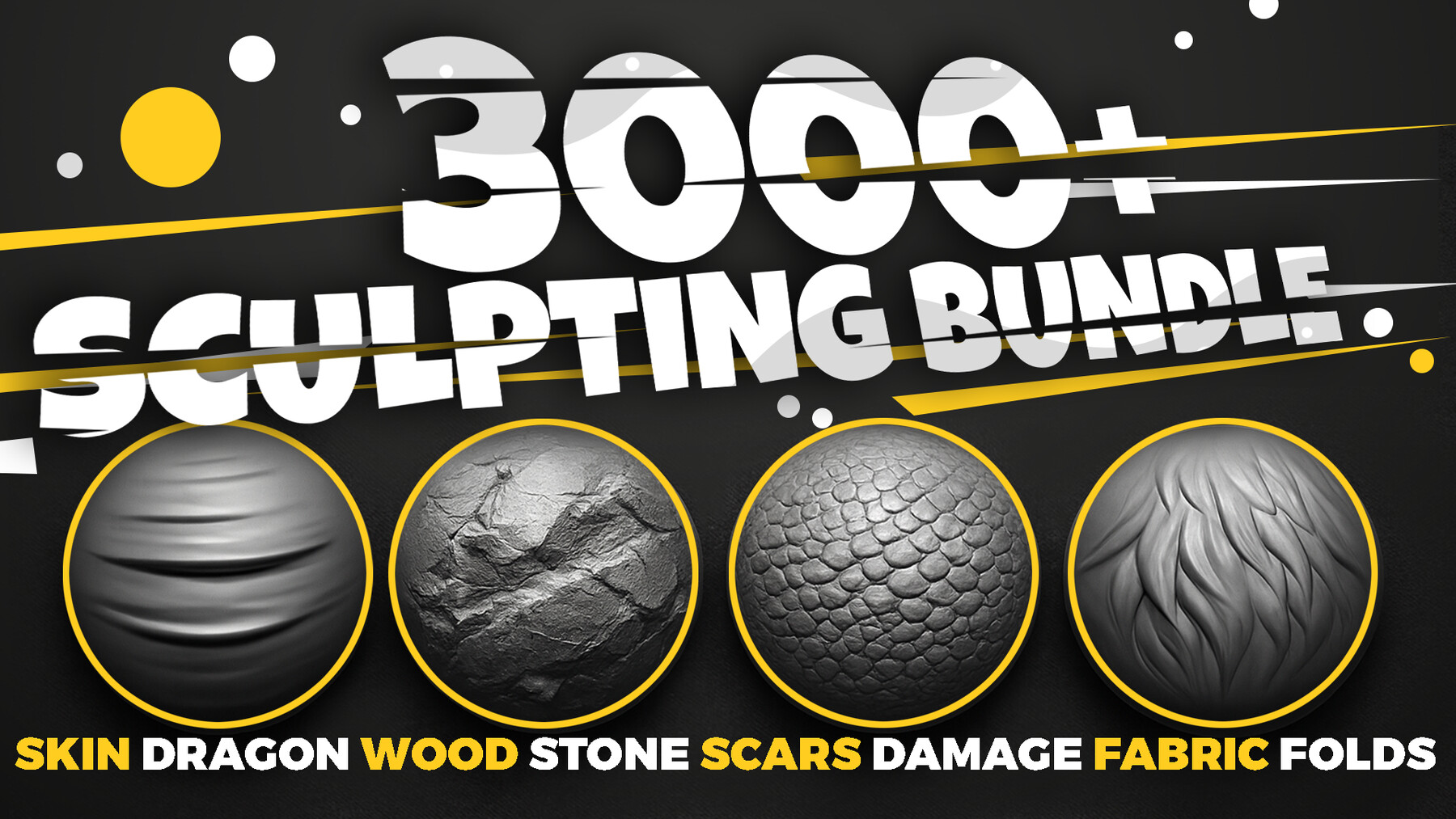
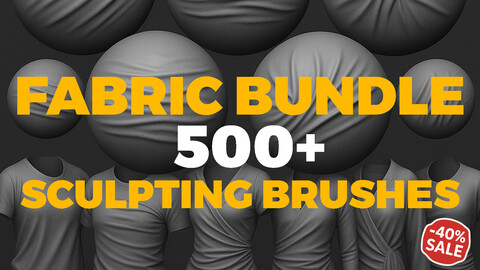
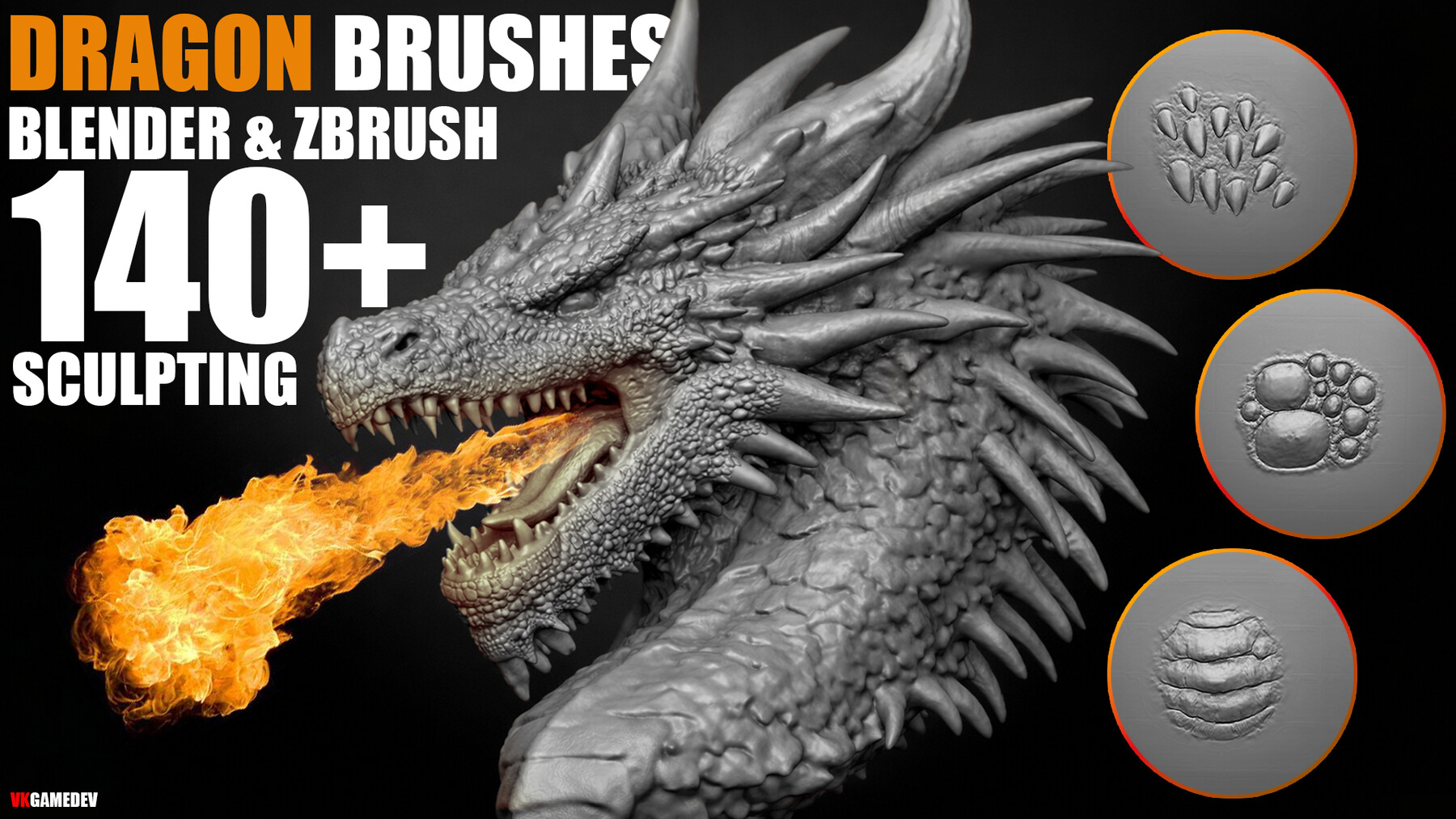
These brush packs work in Blender and ZBrush and are designed for fast, clean sculpting in production.