Guide
Blender Sculpting Hotkeys (Latest Blender): a Clean Cheat Sheet
This guide focuses on officially documented sculpting shortcuts for brush radius and strength, smoothing, inversion, visibility, and Face Sets. It also shows the best way to verify any additional hotkeys directly inside Blender, because keymaps can be customized.
Core sculpting hotkeys (official)
These are the must know shortcuts for sculpting and are documented in Blender manuals. Learn these first before you map custom keys.
Brush specific hotkeys can be changed via the Keymap. The safest approach is to learn these core actions and then verify any brush shortcut directly in your Keymap settings.
Visibility and hide shortcuts
These shortcuts control hiding and revealing parts of the mesh during Sculpt Mode.
How to verify hotkeys inside Blender
Blender hotkeys can be customized, so the official truth for your setup is the Keymap. These steps let you confirm any sculpt shortcut in seconds.
FAQ
Official sources
These references are from Blender manuals and keymap documentation. Use them to cross check and cite.
Latest drops
Newest Products
Fresh releases from the VK GameDev catalog, spanning sculpting brushes, alpha libraries, and Blender tools. Click Gumroad to buy or open the landing pages for deeper previews.
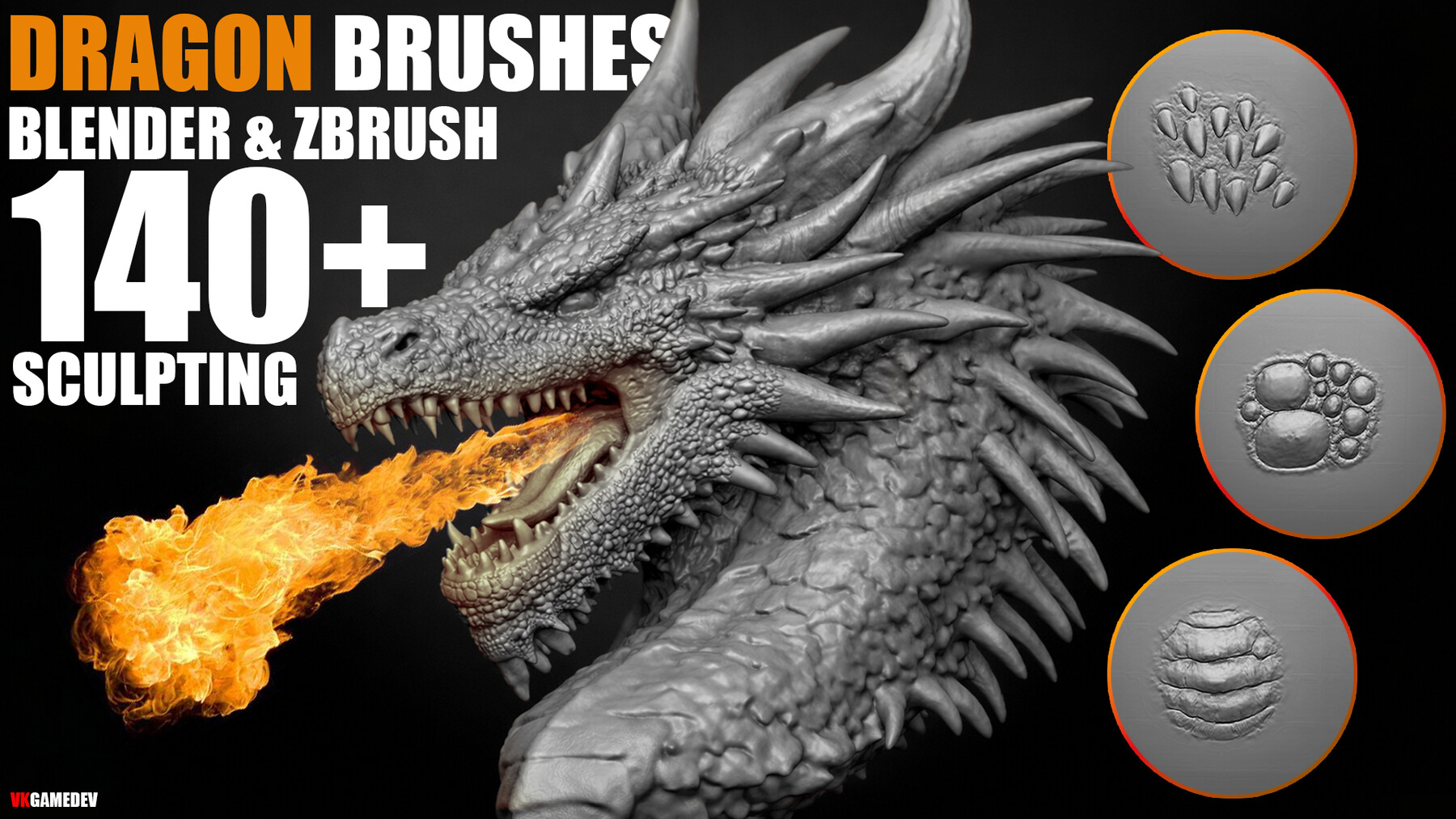
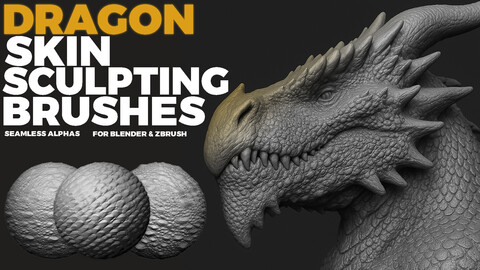
Dragon Skin Brushes (140 Brush Pack)
140 sculpting brushes per app for dragon skin and reptile detail, plus PSD alphas for advanced customization.

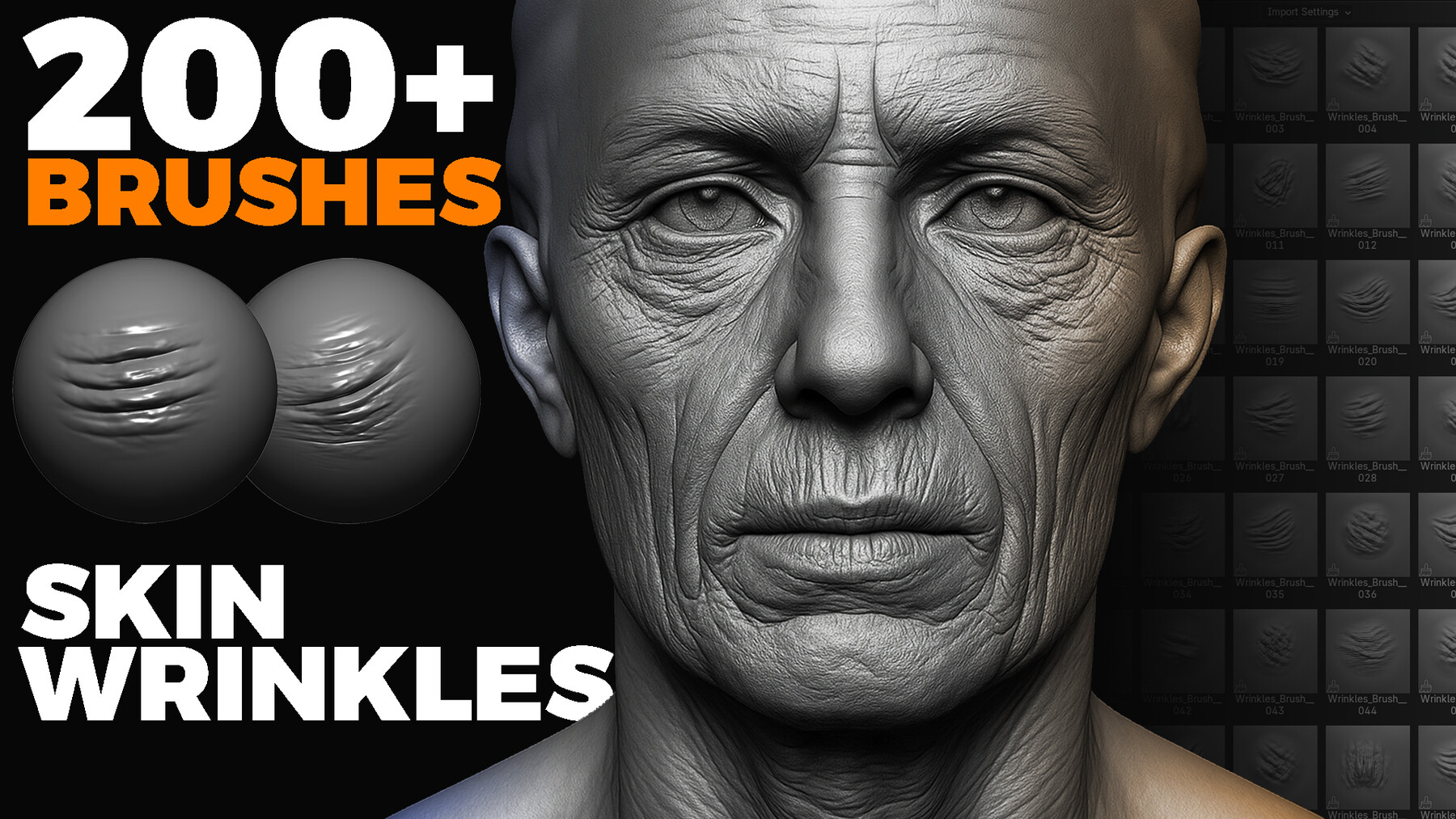
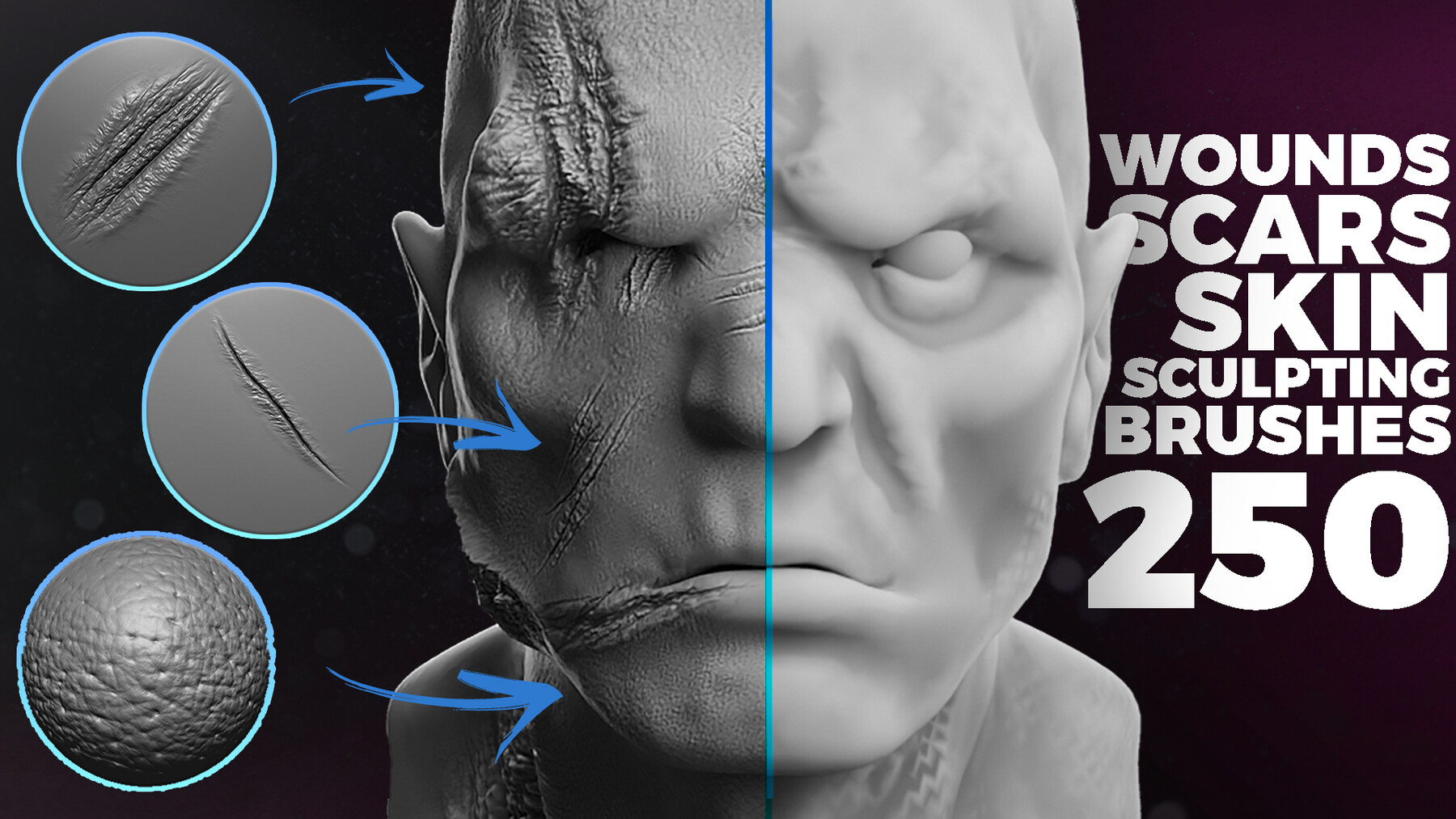
1000+ Animals SVG & PNG Bundle - Hand-Drawn Alphas Clipart for Digital Artists & Designers (Dragon, Wolf, Fish, Horse, Eagle, Bear and more)
Supercharge your creative projects with this exclusive collection of over 1000 animal silhouettes ! Each design is hand-crafted with bold outlines and a solid fill,...