Article
Complete Beginner Guide to Sculpting in Blender
Blender sculpting is a digital sculpting workflow that feels like shaping real clay. Instead of moving vertices by hand, you push, pull, smooth, and carve the mesh with brushes. This beginner friendly approach is perfect for organic models such as characters, creatures, animals, faces, muscles, cloth folds, and skin details.
If you are searching for a blender sculpting tutorial or a clear answer to how to sculpt in Blender, this guide is the right starting point. Blender is free, open source, and now strong enough to compete with premium tools. That makes blender sculpt for beginners the most accessible way to learn digital sculpting without investing in expensive software.
How to start sculpting in Blender
The fastest way to learn is to open Blender and move through a simple setup. Switch to the Sculpting workspace, add a sphere, and enter Sculpt Mode. You can start from the default cube, but a sphere gives smoother starting geometry and removes distracting hard edges when you are learning brush control.
At this stage, your goal is not detail. Focus on learning how the brush behaves on the surface, how the cursor falls off at the edges, and how stroke direction changes the shape. Build confidence with large strokes before you attempt smaller forms.
Mesh density: the critical setup step
Sculpting only works if the mesh has enough polygons to hold the detail. Without density, brushes look jagged and you cannot build clean forms. Blender gives you three primary options: Subdivide, Voxel Remesh, and Dynamic Topology. Each method changes the mesh density in a different way.
Subdivide is a simple increase in polygons across the entire mesh. Voxel Remesh redistributes topology evenly so the surface is clean and consistent. Dynamic Topology, often called Dyntopo, adds polygons only where you sculpt. For beginners, start with Voxel Remesh because it keeps the mesh uniform and easy to understand. Later, switch to Dyntopo when you need localized detail like wrinkles or pores.
Think of density as the canvas for your brush. If the resolution is too low, your strokes will look stretched. If it is too high, Blender will slow down and you will waste time sculpting details too early. A good workflow is to keep the mesh light at the start, then increase resolution only when the main forms are correct.
Essential sculpting brushes
Blender includes many brushes, but beginners only need a small core set. Master these first and you will be able to sculpt almost anything. Each brush has a specific role in the sculpting pipeline.
The professional rule is simple: big shapes, then medium shapes, then small details. If you jump into pores and wrinkles too early, the overall proportions will be wrong and you will waste time. Keep your brush size large for as long as possible, then reduce it only when the silhouette and main planes read correctly.
Professional sculpting workflow
Professionals follow a staged workflow that protects the overall design. This is the key difference between a beginner sculpt and a polished model. Each stage has a purpose, and the order matters.
Always work from large to small. This prevents the common beginner mistake of sculpting detail on a weak base. If you are unsure, zoom out often and check the silhouette. That single habit will improve the quality of your work more than any single brush.
Common beginner mistakes
Beginners tend to over detail early and under fix proportions. The best way to improve is to recognize the errors before they become habits. These issues show up in almost every blender sculpt for beginners.
Fix these by working in stages, using references, and checking the form from a distance. You will be surprised how much stronger your sculpt looks when the major planes are correct before the detail pass.
Practice and next steps
If you want to improve quickly, sculpt simple objects every day. Heads, hands, and basic anatomy studies train your eyes faster than complex characters. Spend 20 minutes on big forms, then 10 minutes on mid details. Save the file and move on to a new sculpt. The repetition builds the muscle memory that makes digital sculpting feel natural.
When you are ready to go deeper, explore the best blender sculpt brushes and learn how Dyntopo and Remesh can control mesh density. Each topic builds on this foundation. The more you sculpt, the more you will understand how to sculpt in Blender with speed and confidence.
Featured VK GameDev products
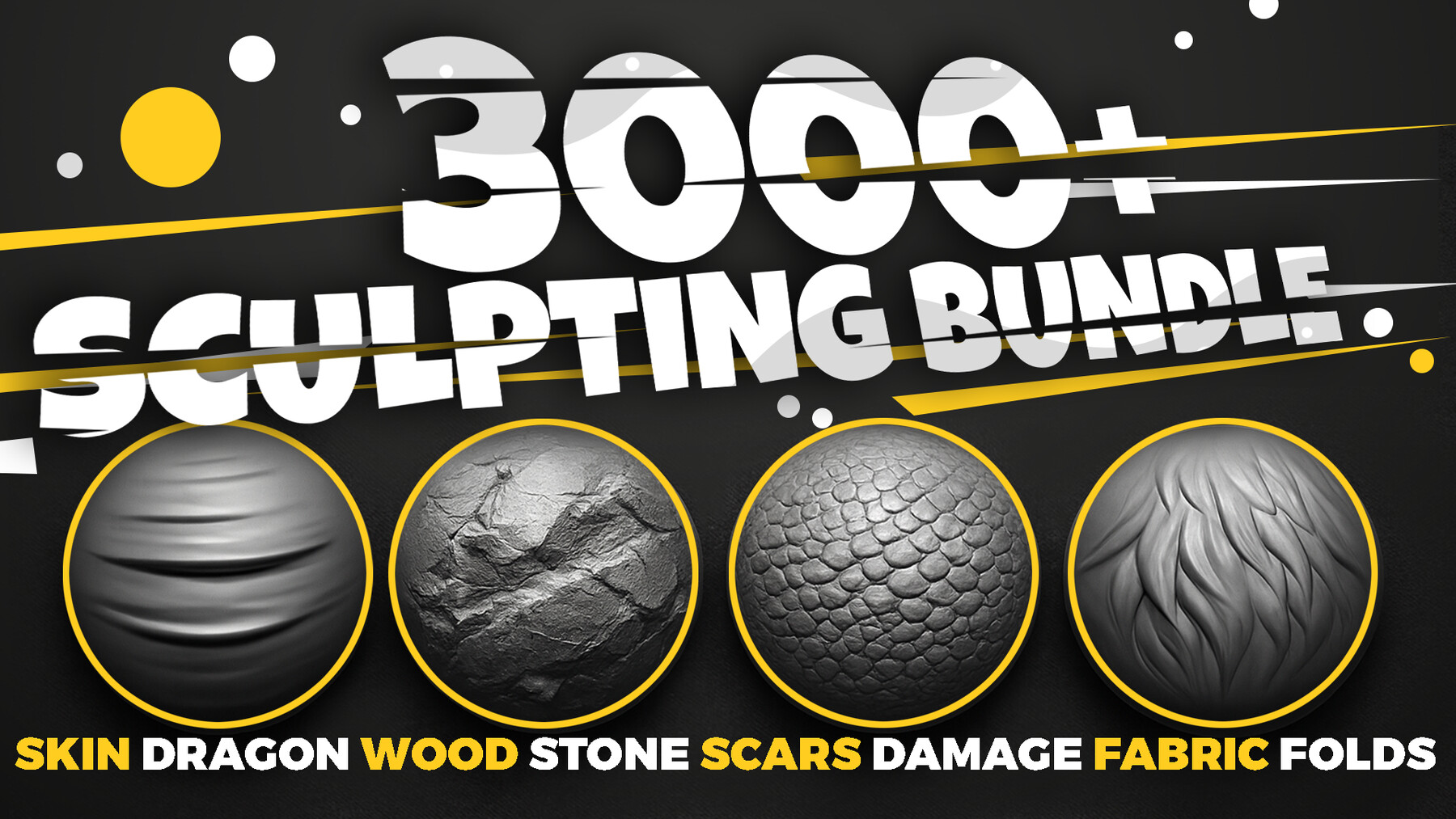
Level up your results with production ready brush packs and alphas that are optimized for Blender and ZBrush. These bundles are used by artists who want clean strokes and fast iteration.
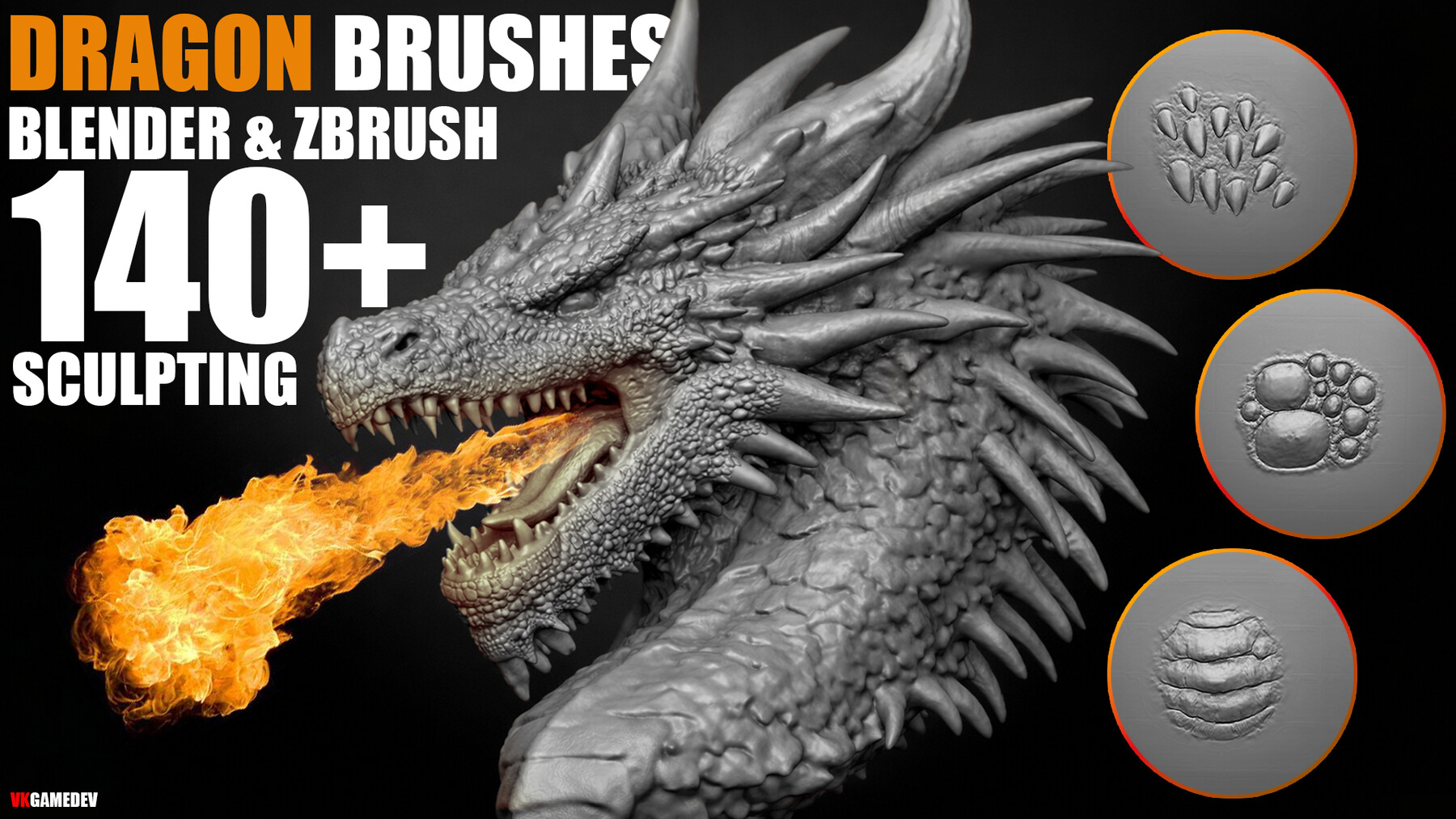
Dragon Skin Brushes
140 sculpting brushes per app for dragon skin and reptile detail.