Guide
Installing Brushes in Blender
Guide based on real screenshots (Blender 4.5 LTS). Use the File Paths -> Asset Libraries method for modern versions of Blender, or the classic append method for Blender 2.8 - 4.2.
This guide covers the exact menus, settings, and quick fixes if brushes do not appear after install.
Blender 4.3 - 5.x (Asset Libraries)
Step 1 - Open Preferences
Menu: Edit -> Preferences
Step 2 - File Paths
Open the File Paths tab, find Asset Libraries, and click the + button.
Step 3 - Select Folder
Choose the brush pack directory and click Add Asset Library.
Step 4 - Enable Library
Go to Sculpt Mode, open the brush shelf filter, and enable your brush catalog.
Blender 2.8 - 4.2 (Classic append method)
File -> Append
Select the .blend file -> Brush folder
Append brushes
(Optional) Save Startup File
Common issues
Latest drops
Newest Products
Fresh releases from the VK GameDev catalog, spanning sculpting brushes, alpha libraries, and Blender tools. Click Gumroad to buy or open the landing pages for deeper previews.
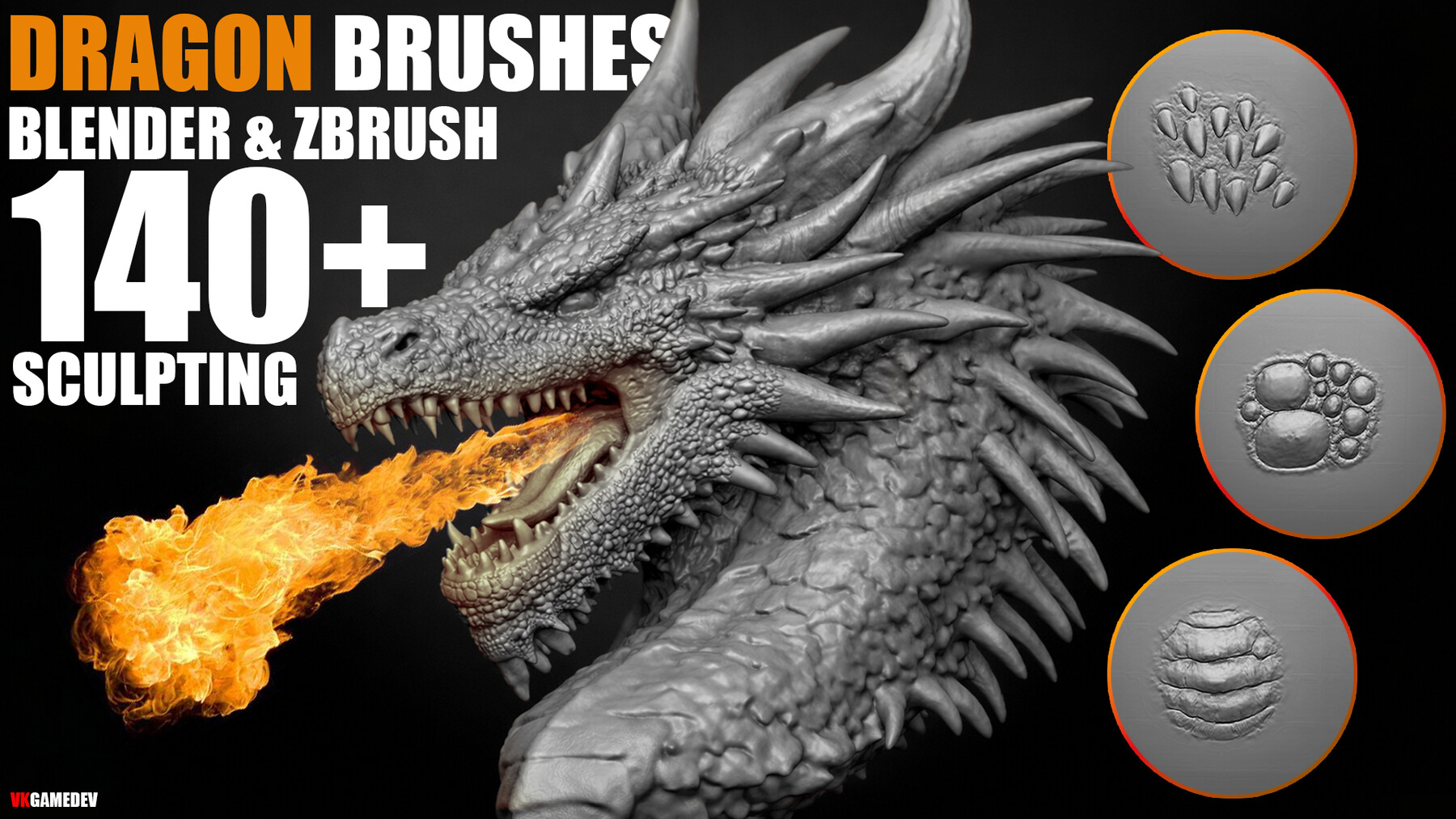
Dragon Skin Brushes (140 Brush Pack)
140 sculpting brushes per app for dragon skin and reptile detail, plus PSD alphas for advanced customization.
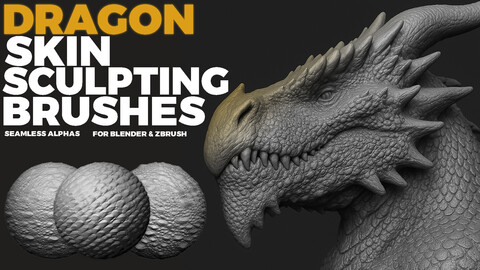

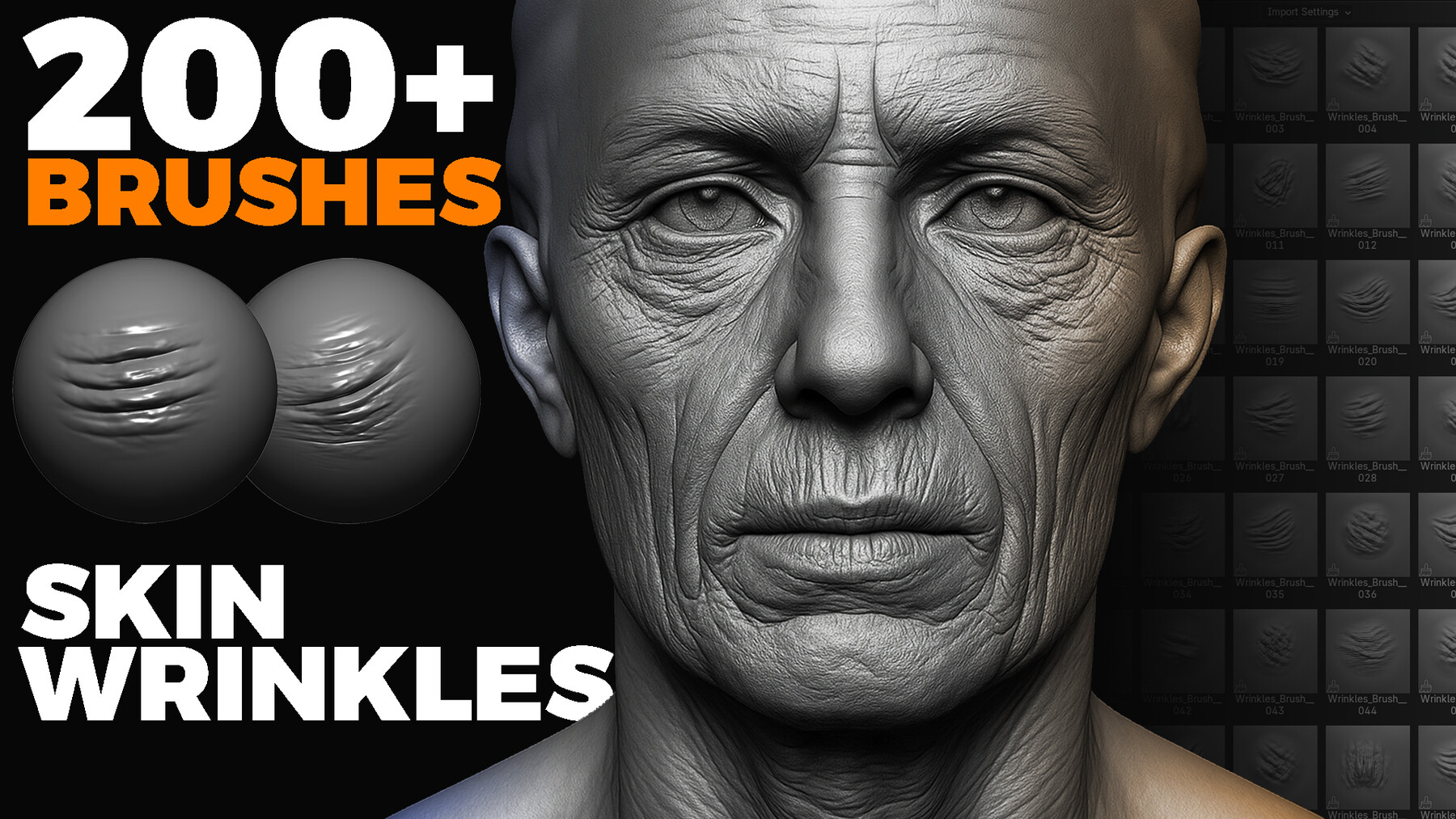
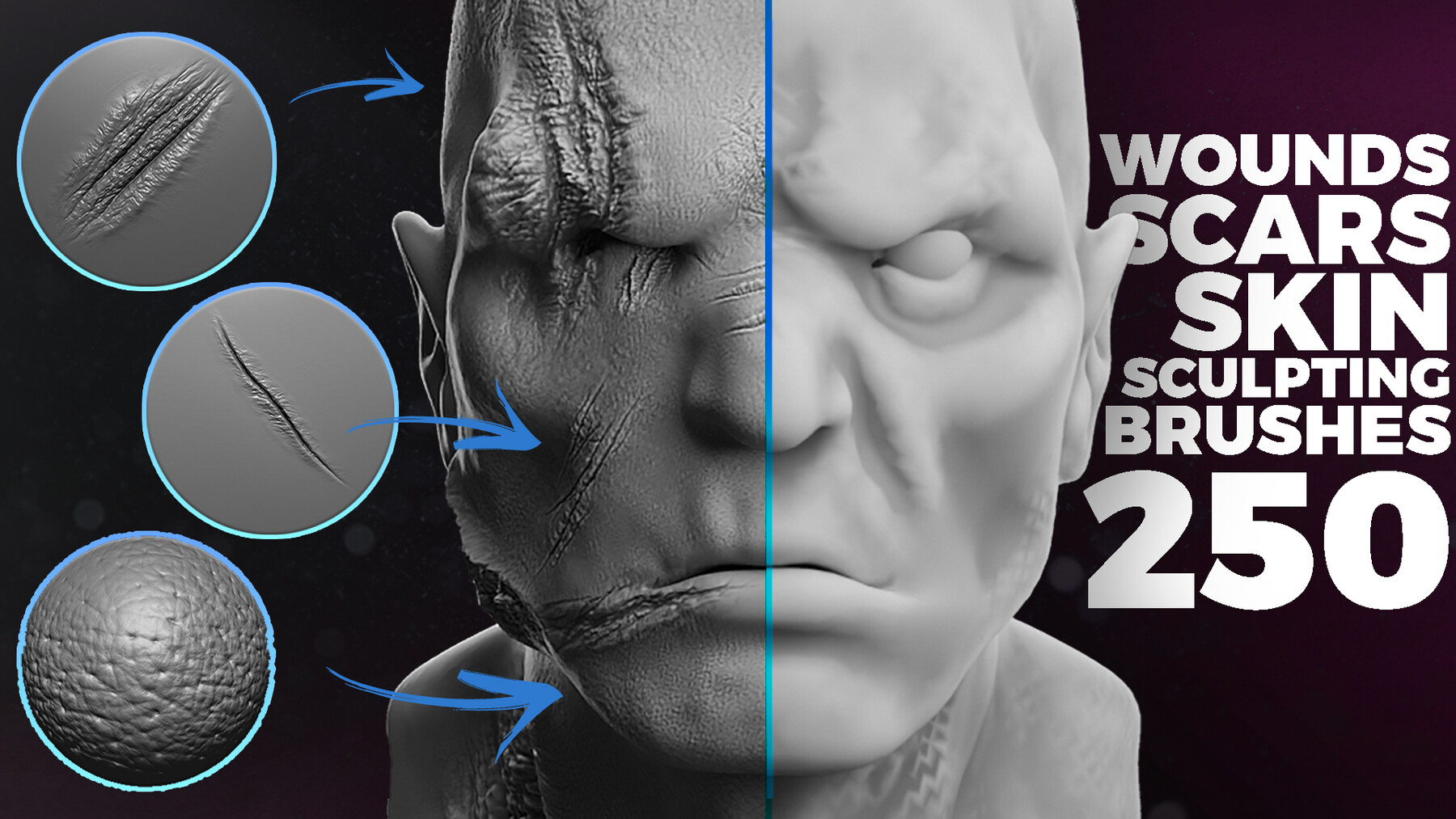
1000+ Animals SVG & PNG Bundle - Hand-Drawn Alphas Clipart for Digital Artists & Designers (Dragon, Wolf, Fish, Horse, Eagle, Bear and more)
Supercharge your creative projects with this exclusive collection of over 1000 animal silhouettes ! Each design is hand-crafted with bold outlines and a solid fill,...